How to Build an AI Agent with OpenAI Assistants (Now the Responses API)
Turn this article into takeaways for your work.


Each assistant summarizes the article only for you and suggests best practices for your work.
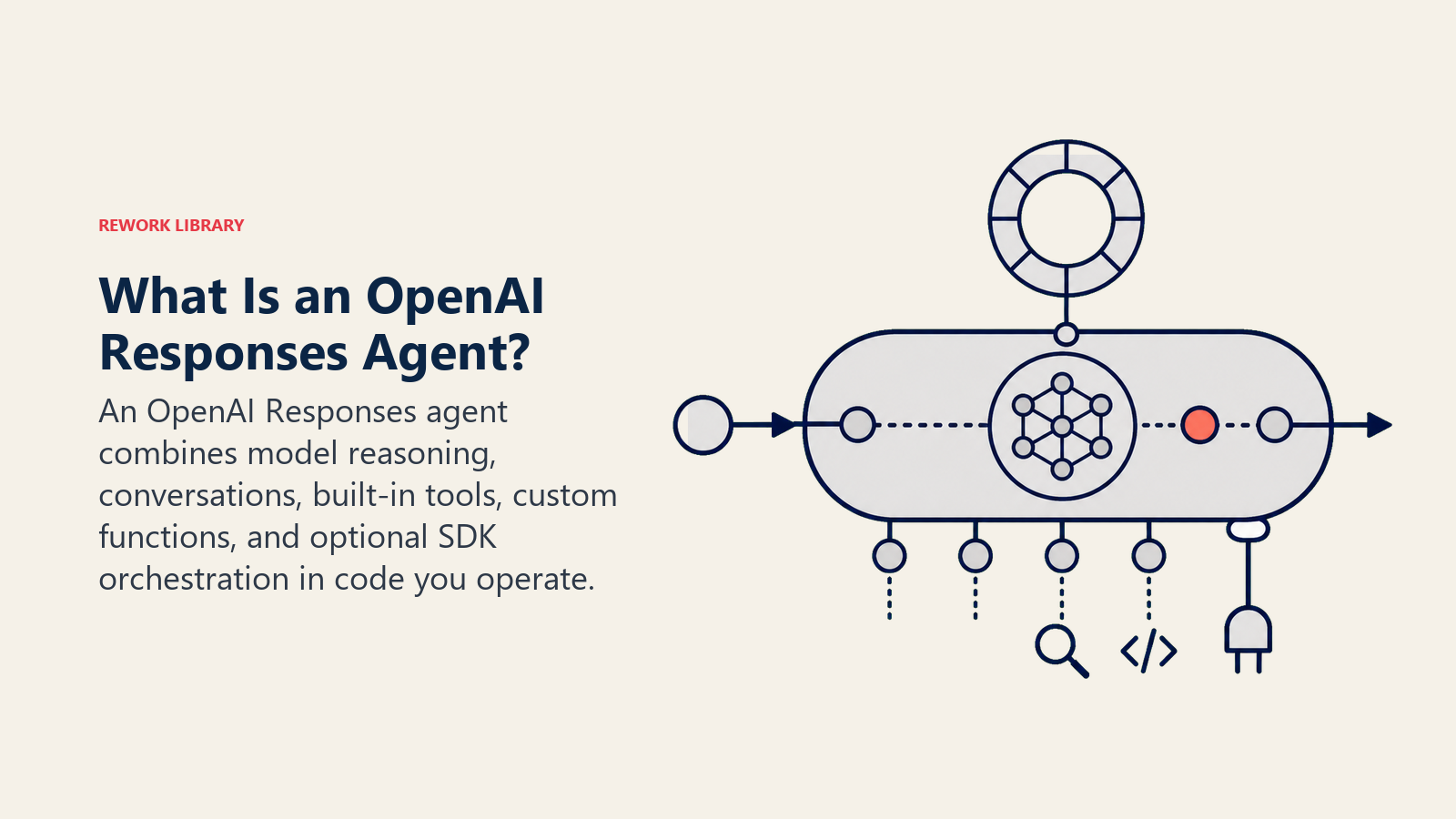
OpenAI's Assistants API let developers build agent-style applications with persistent conversation threads, file retrieval, code execution, and function calling, without managing all that state by hand. It mattered, and for existing integrations it still runs today. But OpenAI announced its deprecation on August 26, 2025, with a full sunset date of August 26, 2026, and has directed all new development toward its Responses API and Agents SDK instead. If you're starting a new project, build it there. This guide covers what the Assistants API did, what replaces it, and how to actually build an agent on OpenAI's current tools today.
What the Assistants API Was, and Why It's Going Away
Launched at OpenAI's 2023 developer conference, the Assistants API gave developers four core primitives: an Assistant (the configured agent, with instructions and tools), a Thread (a persistent conversation), a Run (one execution of the assistant against a thread), and Run Steps (the individual actions taken during a run). It bundled in retrieval over uploaded files, a code interpreter, and function calling, which for a while made it the fastest way to stand up a tool-using, stateful agent without building that plumbing yourself.
The problem, in OpenAI's own words, was complexity. When the company shipped the Responses API in March 2025, it said plainly that it planned to bring every Assistants feature into the simpler API and sunset the original, and it followed through: the deprecation notice went out to developers on August 26, 2025, with removal from the API exactly one year later. OpenAI's migration guide confirms no functionality is lost in the move, features are reorganized, not dropped.
What Replaces It: The Responses API and Agents SDK
The Responses API isn't a rename, it's a genuinely simpler model: send input items, get output items back directly, no polling a Run object until its status changes. Four Assistants concepts map onto four Responses concepts.
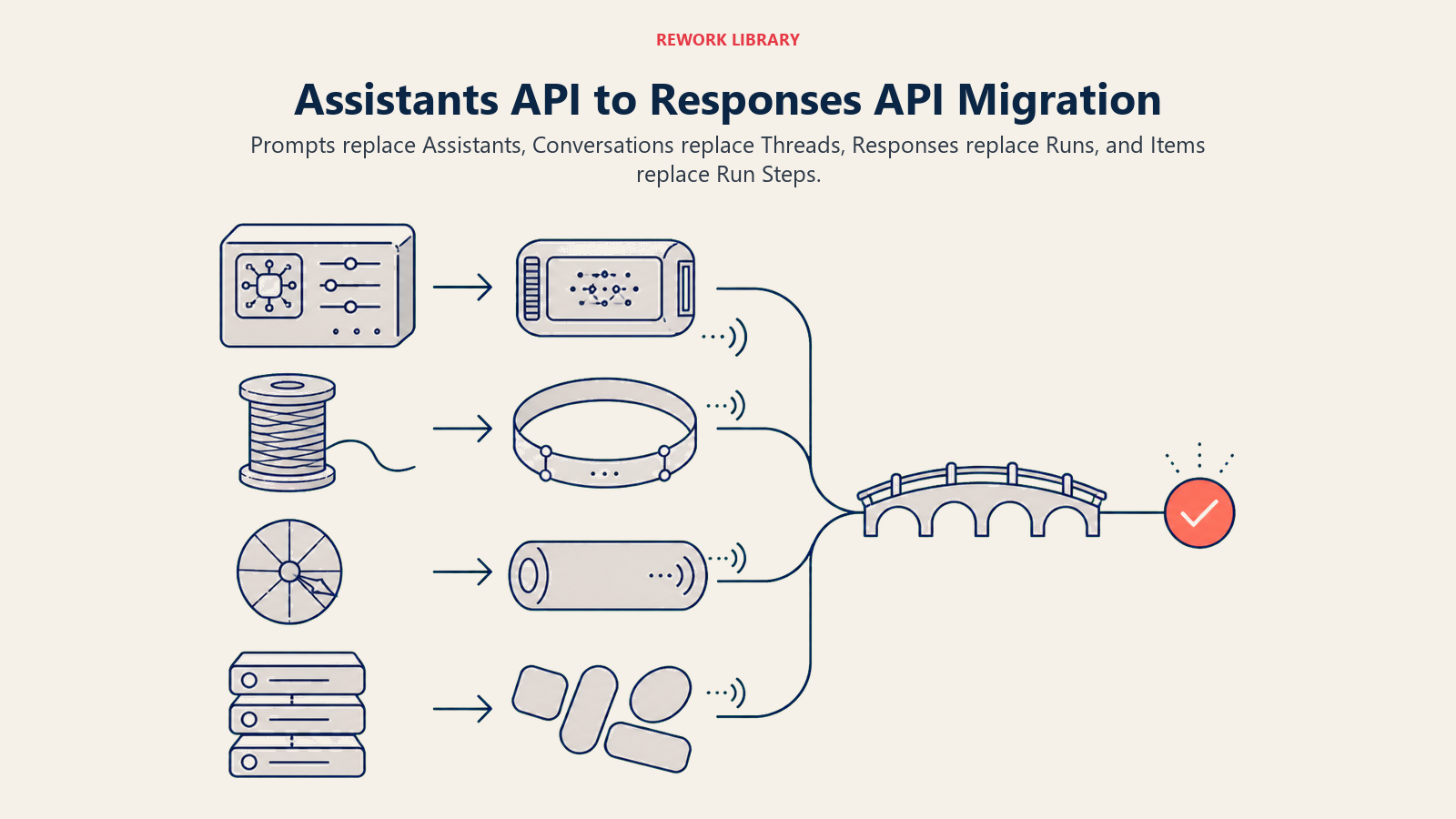
| Assistants API | Responses API equivalent | What changed |
|---|---|---|
| Assistants | Prompts | Configuration now lives in the dashboard with built-in versioning, instead of being managed entirely through API calls |
| Threads | Conversations | Expanded to store more than messages: tool calls, outputs, and other item types |
| Runs | Responses | You send input and get output directly; no polling loop required |
| Run steps | Items | Generalized objects covering the range of data a response can contain |
The Responses API also ships five built-in tools you don't have to build yourself: web search, file search, code interpreter, computer use, and remote MCP server connections. File search is the direct successor to the Assistants API's retrieval feature, the same document-grounding pattern covered in RAG for AI agents and, at the pattern level, the RAG assistant pattern.
For anything beyond a single agent, OpenAI also offers the Agents SDK, a production-ready successor to its earlier experimental "Swarm" framework. Where the Responses API gives you the building block, one call in, one response out, the Agents SDK gives you the orchestration around it: Agents (a model plus instructions and tools), Handoffs (letting one agent delegate a task to another), and Guardrails (validating what goes in and what comes out). OpenAI's own framing is direct: use the Responses API when you want to own the agent loop yourself, use the Agents SDK when you want the SDK to run that loop for you. 2026 additions to the SDK include native Realtime API integration for voice agents and first-class Model Context Protocol server support, so any tool that speaks MCP becomes a connectable capability without custom glue code.
The Build Walkthrough
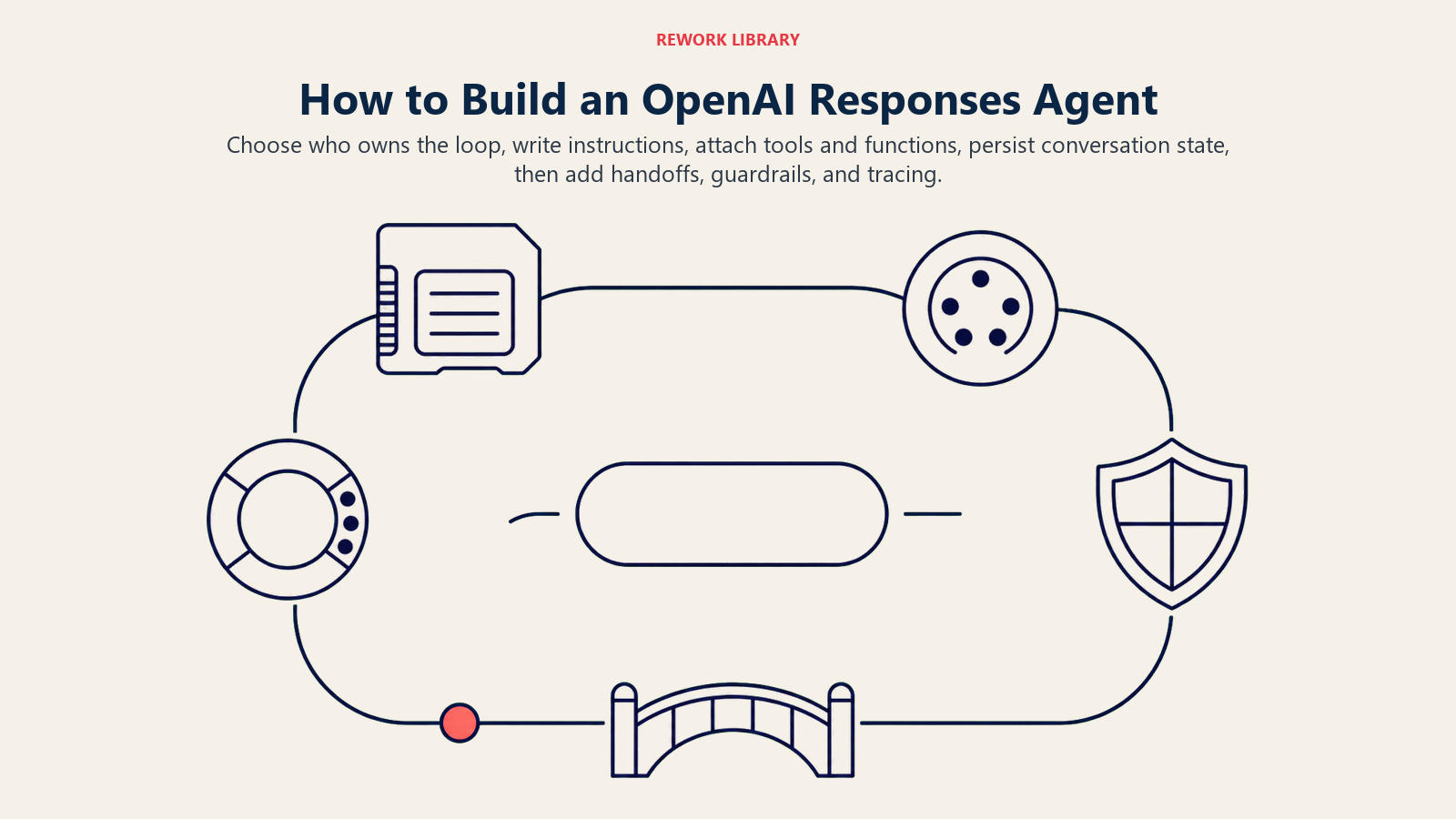
- Decide who owns the loop. For a single, fairly simple agent, call the Responses API directly and handle the input/output/function-call cycle in your own code. For multiple coordinating agents, or if you'd rather not write that loop yourself, start with the Agents SDK.
- Write the agent's instructions. This is the Role and Rules blocks from how to build an AI agent, stated as a system prompt: what the agent owns, what it must never do.
- Attach built-in tools as needed. File search if it needs to answer from your own documents, web search if it needs current information, code interpreter for calculations, computer use only if it genuinely needs to operate a UI.
- Wire custom function-calling tools for your own systems. Define a JSON schema for each function (name, parameters, description); the model requests a call with specific arguments, your application code actually executes it against your CRM, database, or API, and returns the result for the model to continue reasoning from. This is the same tool-calling mechanic covered in depth in how AI agents use tools.
- Use Conversations for anything that needs to persist across sessions, the direct successor to Assistants Threads.
- Add Handoffs if the job splits cleanly across specialized agents, the same orchestration pattern covered in multi-agent systems.
- Add Guardrails to validate inputs and outputs, and add tracing (the SDK's Sentry-native integration, or your own logging) so you can see exactly which tools ran and why before you trust the agent with real volume.
- Deploy it behind your own backend. There's no visual host here; you own the server, the auth, and the retry logic.
The implementation moves from loop ownership and instructions through tools, persistent state, handoffs, guardrails, and tracing.
A Worked Example: An AI Knowledge Base Agent
A knowledge base agent is a natural fit for the Responses API, since it leans directly on the file search built-in tool rather than custom retrieval code.
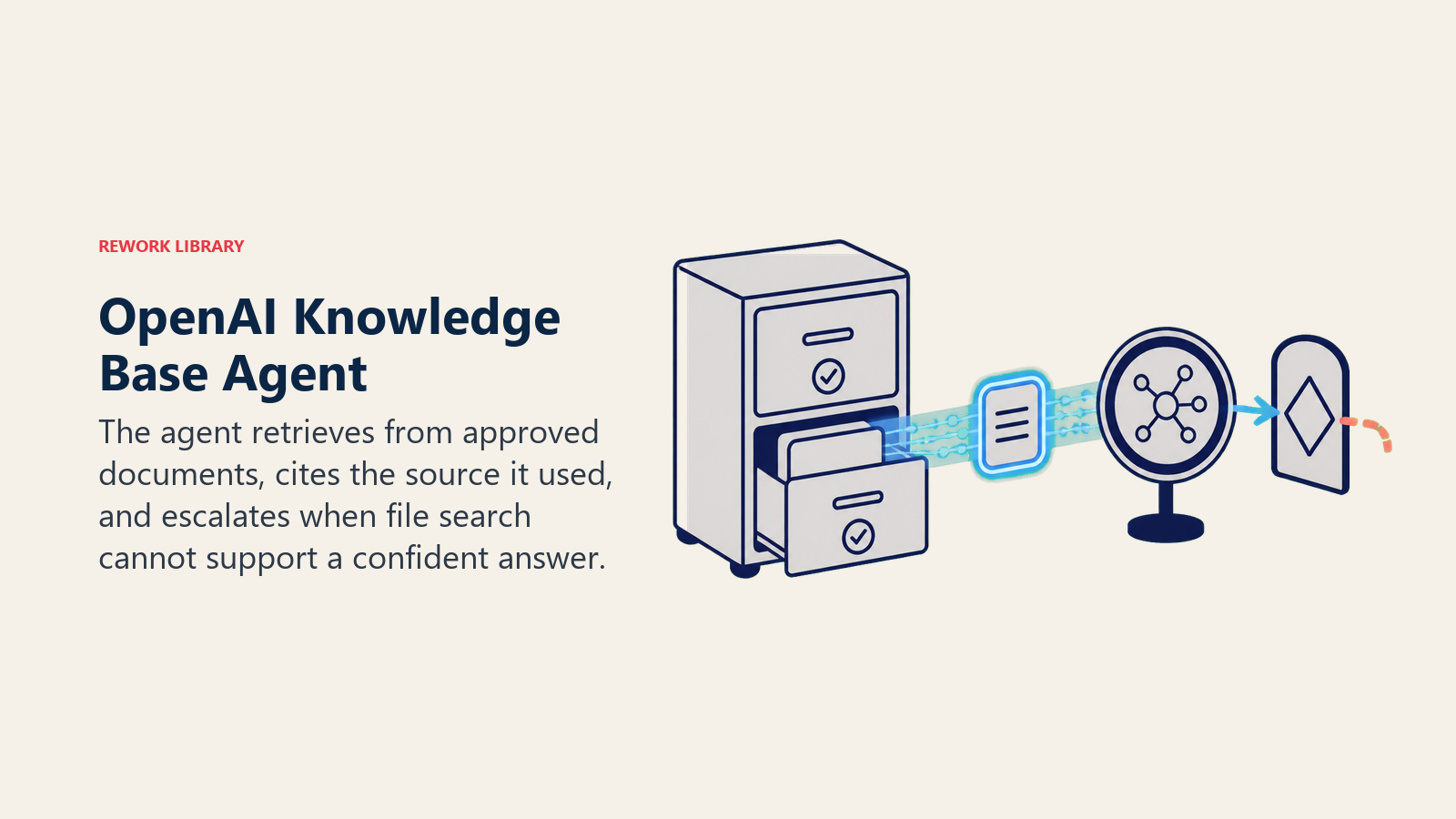
A user asks a question. The agent's instructions restrict it to answering only from an uploaded, indexed set of company documents, connected through the file search tool. It searches, finds the relevant passages, and answers with a citation back to the source document rather than a bare claim. If file search doesn't return a confident match, the instructions tell it to say so explicitly rather than guess, and a custom function-calling tool lets it escalate the question to a human queue when it can't answer.
That's the same rules-and-guardrails structure the AI Knowledge Base Agent blueprint specifies in full, restrict to approved sources, cite where the answer came from, escalate rather than guess. Building it on the Responses API mostly means wiring the file search tool and the escalation function, then letting the model's own reasoning decide when each applies.
Cost and Limits
OpenAI's API bills by tokens (input and output priced separately, varying by model), and the built-in tools each carry their own metering: web search and file search charge per call or per stored document volume, code interpreter and computer use charge for the compute time they run. Rates change often enough that it's worth checking OpenAI's own pricing page directly rather than treating any number here as current. What matters for planning is the shape of the cost, usage-based across several separate meters, not a single flat price, so read AI total cost of ownership before you estimate a heavy, always-on agent from a light pilot's bill.
The bigger limit for most teams isn't cost, it's that this path gives you no visual builder at all. Every piece n8n, Make, or Lindy handles for you (hosting, retries, a UI for non-engineers to adjust the agent) is your team's job here. That's the trade worth naming plainly: you get first-party access to OpenAI's models and tools with the least abstraction between you and the API, in exchange for owning the entire runtime yourself. And if you have an existing Assistants API integration, migration isn't optional. It has to happen before August 26, 2026, using the mapping above, or the integration stops working outright.
When to Pick This vs Alternatives
| If you want... | Pick |
|---|---|
| Full code control directly on OpenAI's models, minimal abstraction, your team already writes software | OpenAI's Responses API and Agents SDK |
| The fastest path to a working agent with no code at all | Lindy |
| The widest pre-built app catalog with a visual builder | Make |
| Self-hosting with a visual canvas plus a code escape hatch | n8n |
These aren't strictly exclusive choices. n8n, Make, and Lindy can all call OpenAI's models as the reasoning engine behind an agent built on their platform; you're choosing an orchestration layer, not necessarily choosing away from OpenAI's models themselves. Build directly on the Responses API and Agents SDK when your team already ships code and wants the fewest layers between your application and the model. Reach for a visual platform when you'd rather trade some low-level control for faster iteration and a builder non-engineers can also touch. The urgency behind that choice is real: Gartner predicts 40% of enterprise applications will feature task-specific AI agents by the end of 2026, up from under 5% in 2025, which is exactly the kind of adoption curve that makes building on a platform OpenAI is actively retiring the wrong bet right now.
Key Facts
- OpenAI announced the Assistants API's deprecation on August 26, 2025, with a full sunset date of August 26, 2026. New projects should build on the Responses API instead.
- The Responses API replaces four Assistants concepts: Assistants become Prompts, Threads become Conversations, Runs become Responses, and Run steps become Items.
- The Responses API ships five built-in tools: web search, file search, code interpreter, computer use, and remote MCP server connections.
- The Agents SDK, a production successor to OpenAI's experimental Swarm framework, adds Agents, Handoffs, and Guardrails for coordinating more than one agent.
- Gartner predicts 40% of enterprise applications will feature task-specific AI agents by the end of 2026, up from less than 5% in 2025.
Frequently Asked Questions about Building an AI Agent with OpenAI Assistants
Is the OpenAI Assistants API still usable in 2026?
Yes, until its sunset date of August 26, 2026, after which it's removed from the API entirely. Existing integrations keep running until then, but OpenAI has directed all new development toward the Responses API and Agents SDK since announcing the deprecation on August 26, 2025.
What replaces the Assistants API?
The Responses API, which unifies and simplifies the same capabilities (persistent state, retrieval, code execution, function calling) into a model where you send input items and get output items back directly, without polling a Run object. For coordinating multiple agents, OpenAI's Agents SDK sits on top of the Responses API and adds handoffs and guardrails.
Do I need to migrate my existing Assistants API integration?
Yes, before August 26, 2026. OpenAI's migration guide maps every Assistants concept to its Responses API equivalent (Assistants to Prompts, Threads to Conversations, Runs to Responses, Run steps to Items), and confirms no functionality is lost, only reorganized.
What's the difference between the Responses API and the Agents SDK?
The Responses API is the underlying primitive, you send a request and get a response, and you own the loop of calling it repeatedly, executing function calls, and feeding results back in. The Agents SDK builds on top of that and runs the loop for you, adding multi-agent handoffs and input/output guardrails, useful once a single agent's logic gets complex enough to want that structure.
Can I build an AI agent on OpenAI's models without writing code?
Not directly through OpenAI's own APIs, since there's no visual builder. Platforms like n8n, Make, and Lindy can call OpenAI's models as the reasoning engine behind an agent you build visually, which is the more accessible route if your team doesn't want to write and host the orchestration code itself.
Where to Go Next
If your team already writes software and wants the fewest layers between your code and OpenAI's models, the Responses API and Agents SDK are the right starting point, just build there instead of on the API that's being retired. If you'd rather build visually, see how to build an AI agent with n8n, how to build an AI agent with Make, or how to build an AI agent with Lindy depending on how much control versus speed you need. The dev tools roundup and the how to choose an AI chatbot platform guide are useful next stops if you're still comparing OpenAI's own tools against a hosted platform.
