How to Build an AI Agent: The 6 Building Blocks (2026)
Turn this article into takeaways for your work.


Each assistant summarizes the article only for you and suggests best practices for your work.
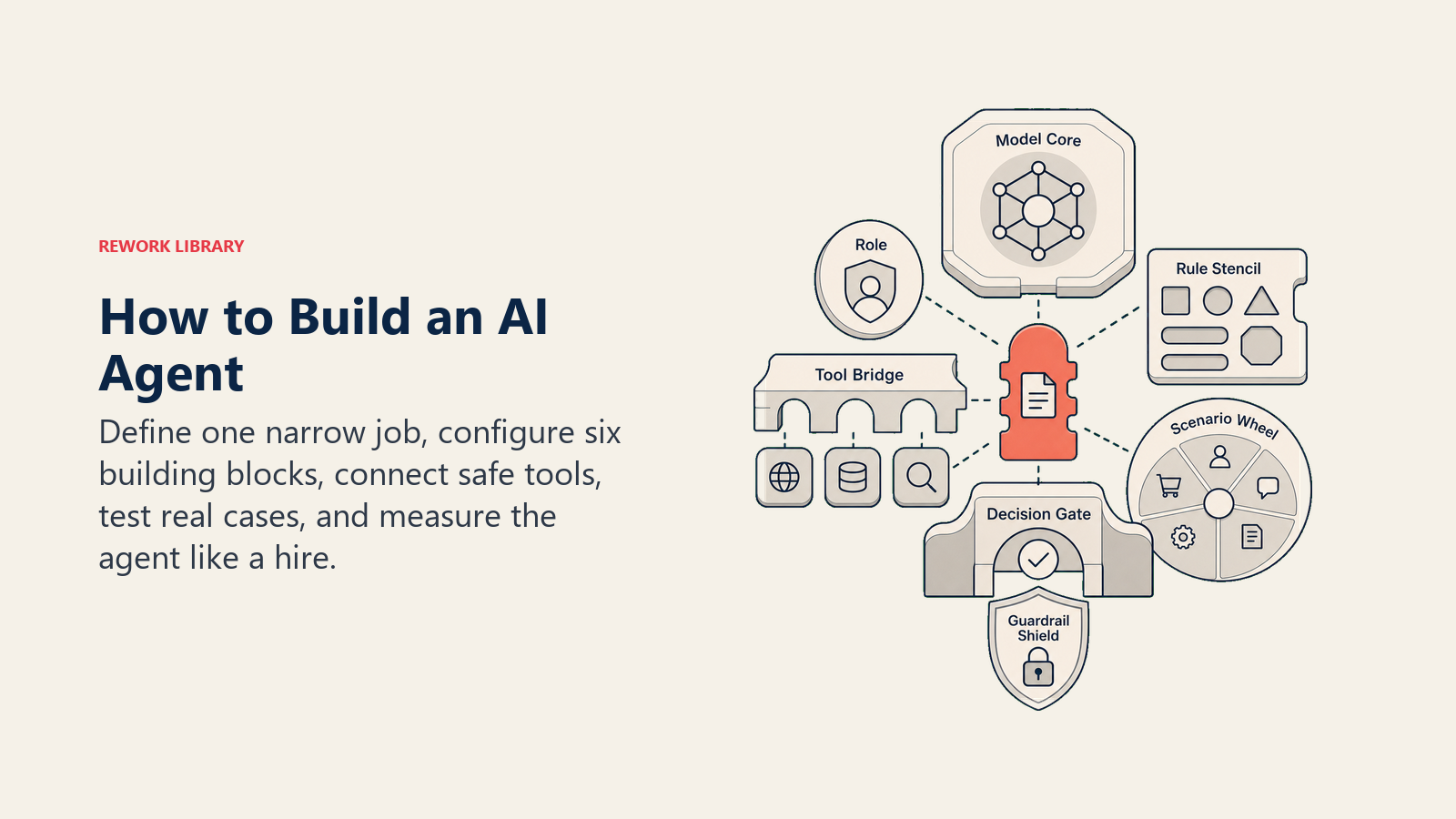
Most teams get stuck building an AI agent for the same reason: they start with the platform instead of the job. They open Lindy or n8n, wire up a few tools, and end up with a demo that impresses in a meeting and breaks on the first real edge case. A working agent is not a clever prompt. It's a narrow function, assembled from six parts, tested on real cases, and measured like a hire.
This guide covers those six building blocks in depth, the build steps that turn them into something running, and the vendor-neutral platforms you can build on. Then it points you to a set of ready blueprints so you don't start from a blank page.
What "Building an Agent" Actually Means
An AI agent is not a chatbot with a nicer name. A chatbot answers. An agent decides and acts. It reads context from your systems, follows rules you set, picks an action from a defined playbook, does the safe ones on its own, and hands the rest to a human with the full story attached.
So "building an agent" is really the work of writing down, precisely, one job: what it owns, what it can touch, what it may never do, and when it should stop and ask. The model is the easy part. The specification is the whole game. If you want the conceptual grounding first, the autonomous agent pattern covers when this act-and-decide loop is the right shape versus a simpler automation.
The 6 Building Blocks
Every agent, whatever the function, is assembled from the same six parts. Fill each one in and you have a spec. Skip one and you have a liability.
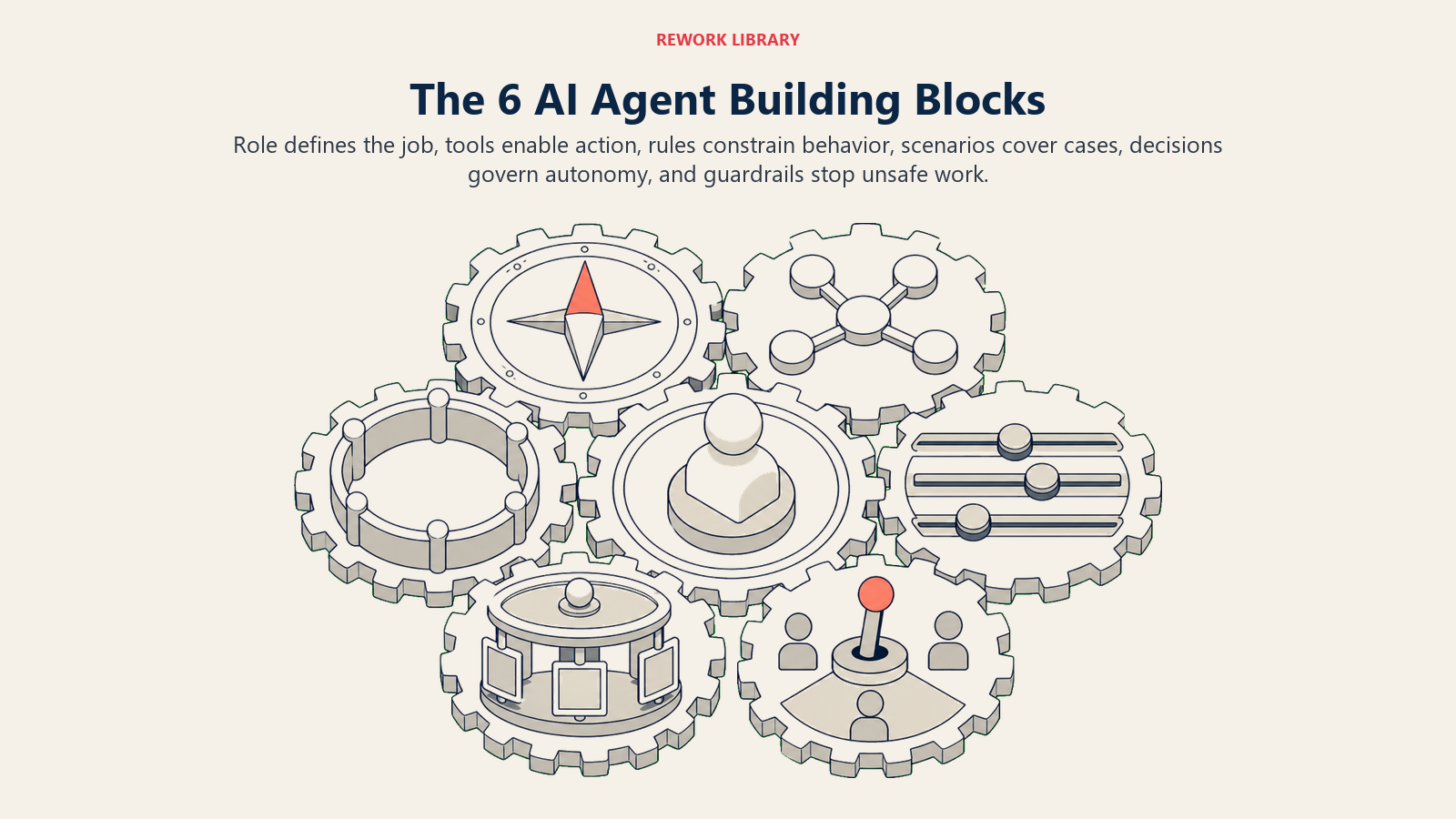
| # | Building block | The question it answers | What goes wrong if you skip it |
|---|---|---|---|
| 1 | Role | What one job does it own? | Scope creep. It tries to do everything and does nothing well. |
| 2 | Tools | What can it see and act in? | It can talk but not do. All advice, no action. |
| 3 | Rules | How must it always behave? | Off-brand replies, made-up facts, no consistency. |
| 4 | Scenario playbook | What does it do in each situation? | It improvises on cases you never approved. |
| 5 | Decision logic | When does it act, ask, or hand off? | It automates things a human should have seen. |
| 6 | Guardrails | What must it never do? | The failure that ends up on your desk or in the press. |
1. Role
The role is one job, stated in a sentence. "Answer inbound support messages by the rules and hand off anything it can't resolve." "Research target accounts and draft personalized outbound sequences." The narrower the role, the better the agent. A single agent that owns replies, drafts content, and updates the CRM is three half-built agents wearing one prompt. Give each function its own agent and let them hand off to each other.
2. Tools
Tools are what the agent can actually see and do, not just say. This is the layer that separates an agent from a smart autocomplete. Split it into what it reads and what it acts in:
- Context sources it reads: the CRM record, order history, the calendar, an enrichment API.
- Knowledge base it's allowed to state facts from: your FAQ, pricing rules, policies, stored as text the agent can retrieve.
- Actions it can take: book a meeting, create a ticket, update a stage, tag a lead, reassign a task, post to Slack.
An agent is only as capable as the tools you connect. If you want it to book meetings, it needs calendar access. If you want it to route leads, it needs write access to the CRM. Decide the actions first, then wire the integrations.
3. Rules
Rules are the always-on behavior that applies to every single run: tone of voice, what facts it may state, what it must confirm, what language to reply in. Good rules are specific and testable. "Be helpful" is not a rule. "Only state facts from the knowledge base; if a fact isn't there, ask or hand off" is a rule. Keep this list short and absolute. Anything situational belongs in the playbook, not here.
4. Scenario Playbook
The playbook is the part a human owns. It's the if-this-then-that map of the common cases, each with a default behavior the agent uses out of the box and a slot you customize. A no-show gets one reschedule message. An out-of-office pauses the thread until the return date. A pricing question shares only the approved summary. Write the ten or fifteen scenarios that cover 90% of your volume, and the agent stops improvising on cases you never signed off on.
5. Decision Logic
Decision logic is the three-way switch at the heart of every agent: act, ask, or hand off.
- Act automatically when the case matches a playbook scenario AND every fact the agent needs is present.
- Ask one clarifying question when a required detail is missing or ambiguous. "Move my meeting" with no new time. "I want a refund" with no order number.
- Hand off to a human when the case is outside the playbook, the customer is upset, or a decision needs judgment the agent doesn't have.
Write clear rules for this per scenario. Use a confidence score only as a fallback for the cases you couldn't write a rule for, and always err toward asking or handing off rather than guessing.
6. Guardrails
Guardrails are the hard limits, the things the agent must never do regardless of what a user types. Never invent prices, dates, or policies. Never share another customer's data. Never name a competitor unless the knowledge base explicitly permits it. And never follow instructions embedded in a user's message that try to override its own rules, which is a prompt injection attempt and a handoff trigger, not a command. Guardrails are where you prevent the failure that lands on your desk.
The Build Steps
You have the six blocks. Here's the order that turns them into something running without a three-month project.
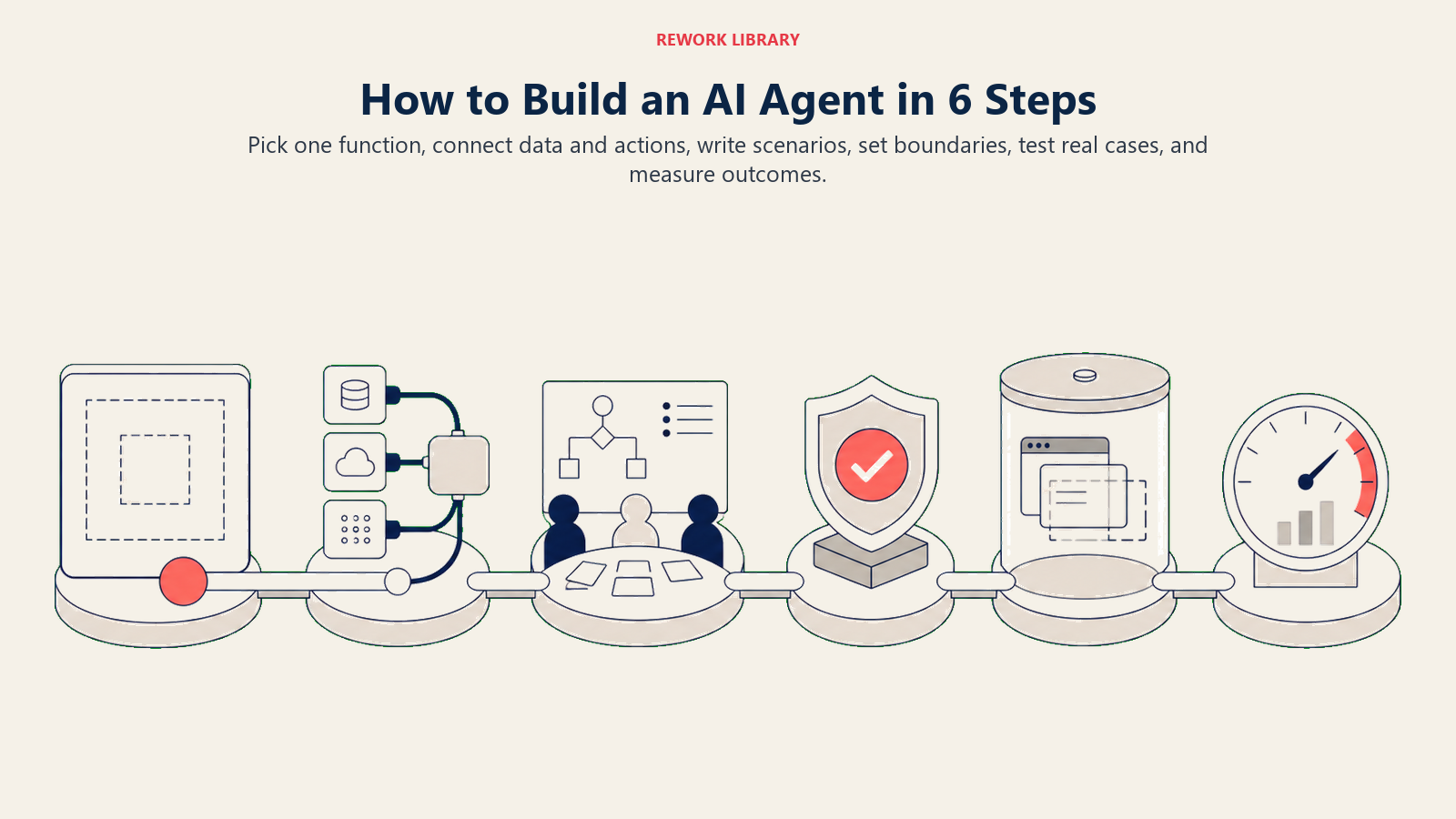
Step 1: Pick one narrow function
Resist the urge to build a do-everything assistant. Pick a single, high-volume, rule-heavy job where the cost of a mistake is recoverable. Inbound reply triage, CRM data cleanup, invoice matching, and lead qualification are all good first agents because the cases repeat and the rules are writable. If you can't describe the job in one sentence, it's too broad to build yet.
Step 2: Connect the systems and data
Wire up the tools from block 2: the context sources it reads and the actions it can take. Start read-only if you're nervous. Let the agent draft and surface actions for a human to approve before you give it write access. Clean data matters more than a clever model here. If your lead management or CRM records are a mess, the agent inherits the mess. Fix the input before you automate the output.
Step 3: Write the rules and scenarios
This is the real work, and it's writing, not coding. Draft the always-on rules (block 3) and the scenario playbook (block 4). Pull the scenarios from your own history: look at the last 100 tickets, replies, or records the agent will handle and group them. The clusters are your scenarios. The rare one-offs are your handoffs.
Step 4: Set the guardrails and decision logic
Now write down what it may never do (block 6) and the exact act/ask/hand-off triggers (block 5). Be explicit about the handoff: not "escalate," but which human, with what summary, through which action. The 5-second rule is a good bar. The person who picks up a handed-off case should be able to act within five seconds of reading the note, without re-reading the thread.
Step 5: Test on real cases before going live
Do not test with invented inputs. Replay real historical cases through the agent and check its decisions against what actually happened. Where did it act when it should have asked? Where did it hand off something it could have handled? Every miss is a rule you need to tighten. Run it in shadow mode (drafting, not sending) until its decisions match a human's on the cases you care about.
Step 6: Measure like you'd measure a hire
Ship it on a slice of volume and track outcomes, not vibes. Pick the two or three numbers that fit the function: containment rate and handoff accuracy for a reply agent, meetings booked and cost per meeting for an SDR agent, records corrected per day for a data-hygiene agent. Watch the handoff accuracy closely at first. It's the fastest signal that your decision logic needs tuning.
Where to Build It: The Platforms
You do not need to write an agent from scratch. Several vendor-neutral platforms handle the orchestration so you can focus on the six blocks. None of these is the "right" one. The right one depends on how much control and code your team wants.
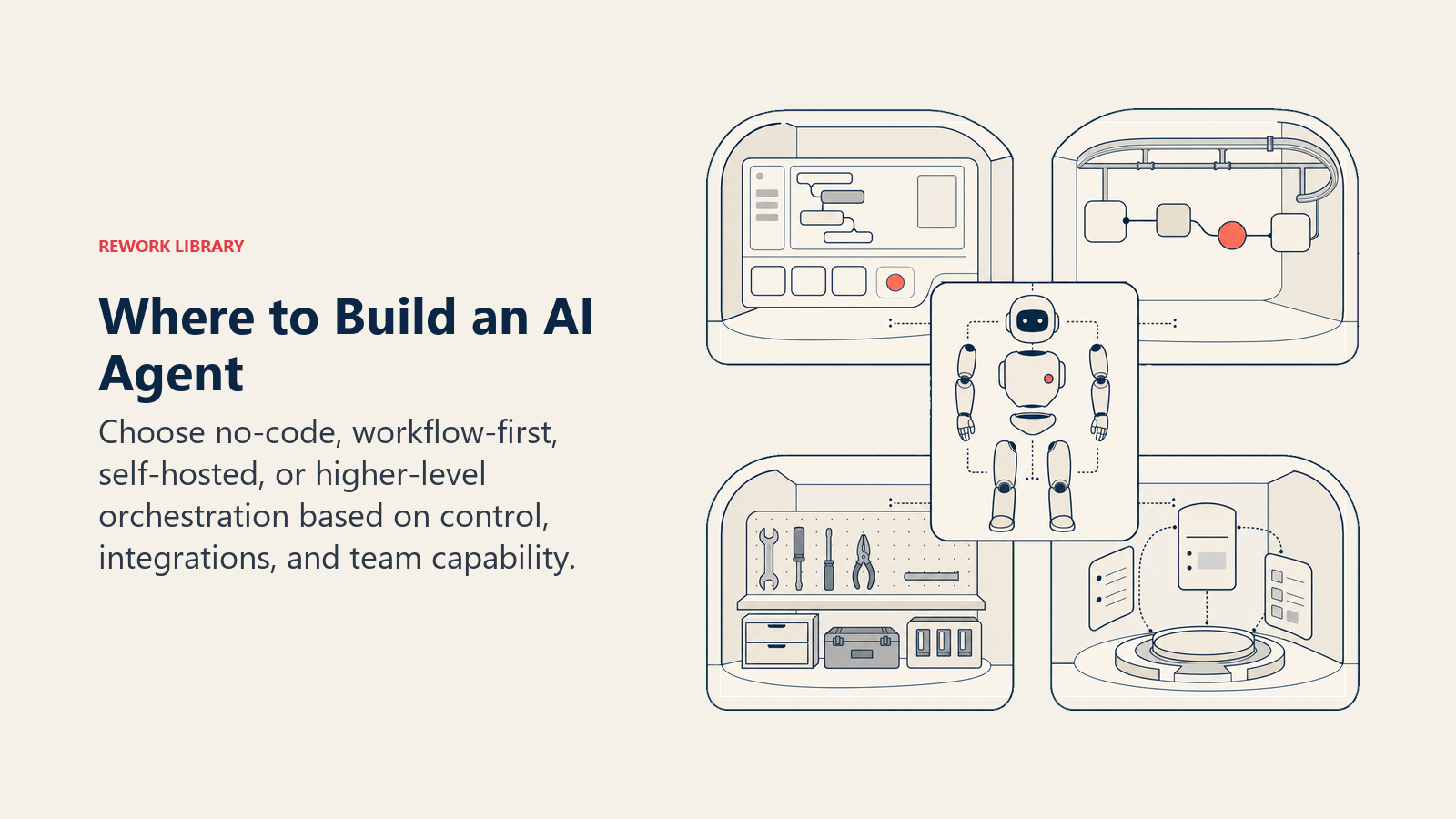
| Platform | Best for | Trade-off |
|---|---|---|
| Lindy | Business teams who want a no-code agent builder with prebuilt templates | Less low-level control over custom logic |
| n8n | Teams who want a visual workflow editor and self-hosting | You assemble more of the logic yourself |
| Make | Connecting many apps in a visual flow without code | Better for workflows than deep agent reasoning |
| Relevance AI | A higher-level agent layer where you describe the role | Newer ecosystem, fewer niche integrations |
A rough rule: if a business user is building it, start with Lindy or Make. If an ops or engineering team wants control and self-hosting, n8n. If you want to describe an agent role and let the platform orchestrate, Relevance AI. Whichever you pick, the six blocks are identical. The platform only changes how you enter them.
Two Numbers Worth Knowing Before You Build
Set your expectations with real benchmarks, not hype. Gartner (March 2025) predicts that by 2029, agentic AI will autonomously resolve 80% of common customer service issues without human intervention, cutting operational costs by 30%. That's the ceiling on a well-built agent in a repeatable domain, and it's a ceiling, not a starting point. Your first version will resolve far less and climb as you tune the playbook.
On the payoff side, McKinsey reports that AI sales tools can increase leads by more than 50% and cut prospecting costs by up to 60% in mature implementations. The word doing the work in both stats is "mature." The gap between a demo and a mature deployment is exactly the six blocks and the six steps above.
The Fastest Path: Start From a Blueprint
The blank page is the hardest part. You don't have to fill in all six blocks yourself for a common function, because we've already written them. Each blueprint in this library is a complete, section-by-section build spec for one function, with default rules, a scenario playbook, decision logic, guardrails, and a copy-paste starter you drop into your platform.
Pick the one closest to your first agent and customize from there:
- AI Reply Agent: answers inbound email and chat by the rules, hands off the rest. A strong first agent.
- AI SDR Agent: researches accounts, drafts personalized outbound sequences, books meetings.
- AI Lead Qualifier Agent: scores and qualifies inbound leads before an AE spends time on them.
- AI Support Triage Agent: classifies and routes support tickets to the right queue.
- AI CRM Hygiene Agent: cleans, dedupes, and enriches CRM records on a schedule.
- AI Invoice and AP Agent: matches invoices to POs and routes exceptions for approval.
- AI Collections and AR Agent: chases overdue invoices with a rules-based follow-up sequence.
Read a blueprint top to bottom to see all six blocks filled in for a real function, then copy its starter and swap in your own knowledge base, tools, and routing.
Frequently Asked Questions about How to Build an AI Agent
How long does it take to build an AI agent?
A first working version of a narrow agent takes days, not months, on a no-code platform like Lindy or n8n. The build isn't the bottleneck. Writing clear rules, testing on real cases, and tuning the handoff logic is where the time goes, and that's time well spent. Budget more for the spec than the setup.
Do I need to know how to code?
No, not for most functions. Platforms like Lindy, Make, and Relevance AI are no-code or low-code, so you configure the six blocks through a visual interface. n8n adds more control for teams that want it. Code becomes useful only when you need custom research, scoring, or personalization logic the platform can't express.
What's the difference between an AI agent and a chatbot?
A chatbot responds to messages. An agent decides and acts: it reads context from your systems, chooses an action from a playbook, does the safe ones on its own, and hands off the rest. The dividing line is the tools and the decision logic. If it can't take an action in your stack, it's a chatbot.
What's the best first agent to build?
A narrow, high-volume, rule-heavy job where mistakes are recoverable. Inbound reply triage, CRM hygiene, and lead qualification are common starting points because the cases repeat and the rules are easy to write. Start with a blueprint that matches, run it in shadow mode, then hand it real volume.
How do I stop an agent from making things up?
Two of the six blocks handle this. Rules restrict it to stating only facts from an approved knowledge base. Guardrails forbid inventing prices, dates, or policies and treat any missing fact as an "ask or hand off" signal rather than a guess. Test with real cases to confirm it stops instead of improvising. The point of all six blocks is that you can read this guide to understand how any agent is designed, or skip straight to the blueprint for your function and have a working first version today.

Co-Founder, Rework.com
On this page
- What "Building an Agent" Actually Means
- The 6 Building Blocks
- 1. Role
- 2. Tools
- 3. Rules
- 4. Scenario Playbook
- 5. Decision Logic
- 6. Guardrails
- The Build Steps
- Step 1: Pick one narrow function
- Step 2: Connect the systems and data
- Step 3: Write the rules and scenarios
- Step 4: Set the guardrails and decision logic
- Step 5: Test on real cases before going live
- Step 6: Measure like you'd measure a hire
- Where to Build It: The Platforms
- Two Numbers Worth Knowing Before You Build
- The Fastest Path: Start From a Blueprint