How to Build an AI Agent with Lindy
Turn this article into takeaways for your work.


Each assistant summarizes the article only for you and suggests best practices for your work.
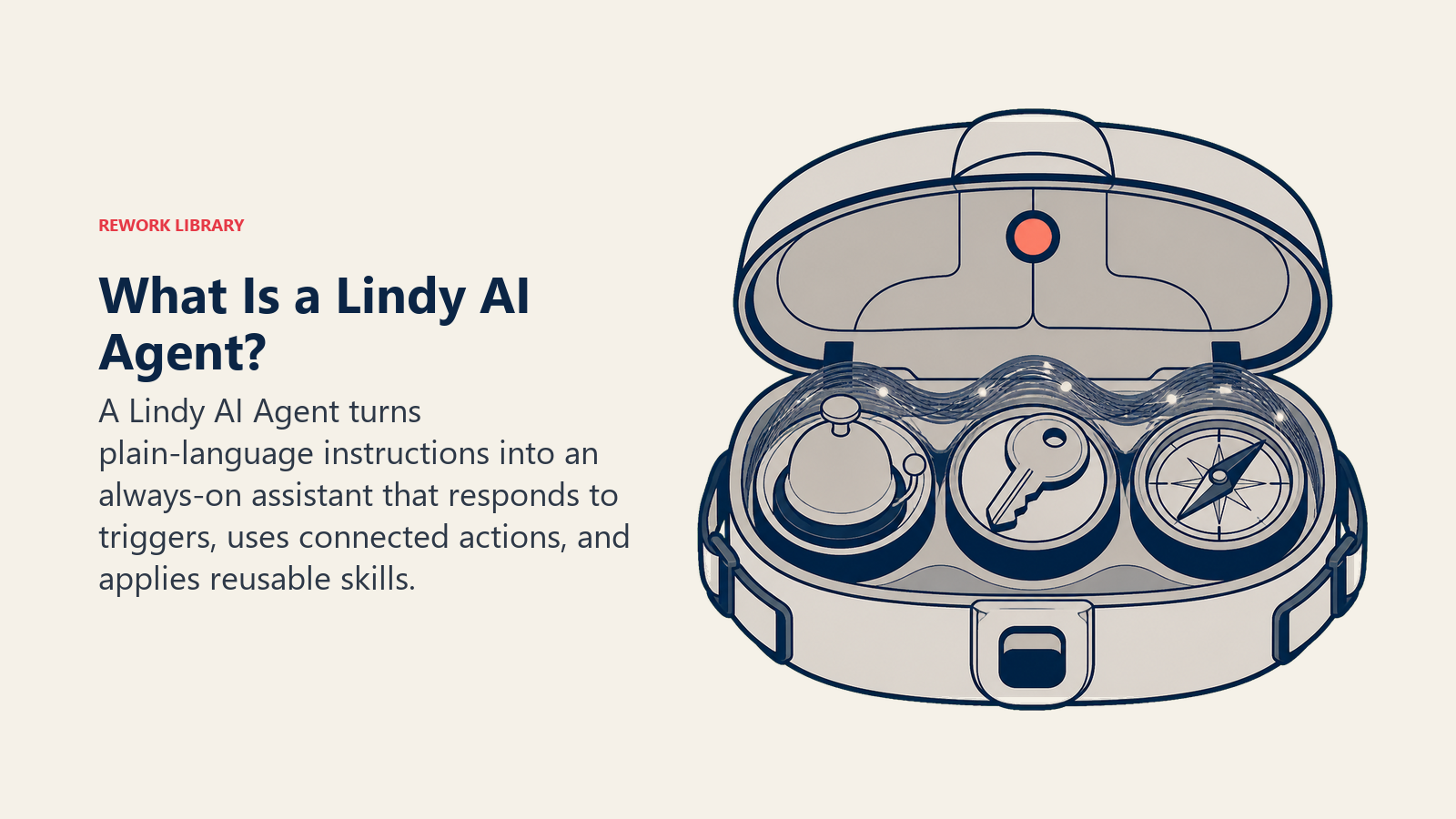
Lindy is a no-code AI agent builder aimed squarely at business users rather than developers, and it's the fastest of the mainstream platforms to get a first working agent running. You build a "Lindy" from three pieces: a trigger (the event that wakes it up, like a new email or a form submission), one or more actions (what it can do, like replying to an email or updating a CRM record), and skills (broader guidelines the agent draws on and decides for itself when to apply). There's no visual flowchart of nodes to wire, no code editor. You configure it, and increasingly you can just describe it in plain English and let Lindy assemble the flow.
This guide covers why teams reach for Lindy first, what triggers, actions, and skills actually mean, a full build walkthrough, a worked example, cost and limits, and when Lindy is the wrong tool for the job.
Why Teams Build Agents in Lindy
Lindy was built by Flo Crivello, a founder who previously built and scaled the virtual-office startup Teamflow before pivoting to agents, and the product reflects that founder-led focus on removing friction for non-technical users.
It's genuinely no-code, not low-code with a friendlier label. Where n8n and Make still ask you to think in nodes or modules, Lindy asks you to think in plain sentences: what should trigger this, what should it do, what should it never do. The platform's "Agent Builder" takes that a step further, letting you describe an agent in natural language and generating a working first version from the description.
It's built around communication-heavy, always-on work. Lindy's own positioning leans into being an "AI executive assistant," reachable over chat and even iMessage or SMS, handling inbox triage, meeting scheduling, and follow-ups the way a human assistant would, rather than a batch job that runs once a day.
Templates lower the starting cost. Instead of building a trigger-action-skill chain from a blank canvas, most teams start from a template close to their use case and customize from there, which is a big part of why non-technical teams reach for Lindy first.
Lindy is used by teams inside well-known companies (its own site lists logos including Shopify, Adobe, and Airbnb among the organizations using it), carries a 4.9-star rating on G2, and has raised more than $50 million in funding to build out the platform, evidence this isn't a fringe tool but a reasonably well-capitalized bet on no-code agents specifically.
What Triggers, Actions, and Skills Actually Mean
| Component | What it is | Example |
|---|---|---|
| Trigger | The event that starts the agent running | A new email arrives, a Stripe payment comes in, a CRM record is created, a scheduled time hits |
| Action | A specific task the agent can perform | Reply to an email, update a HubSpot record, create a Notion page, send a Slack message |
| Skill | A broader guideline the agent applies at its own judgment | "Always confirm pricing against the current sheet before quoting a number," applied whenever it's relevant, not on a fixed schedule |
Skills are what make a Lindy an agent rather than a fixed automation: the platform decides when a skill applies rather than you scripting every branch by hand, the same self-directed decision-making described in the autonomous agent pattern.
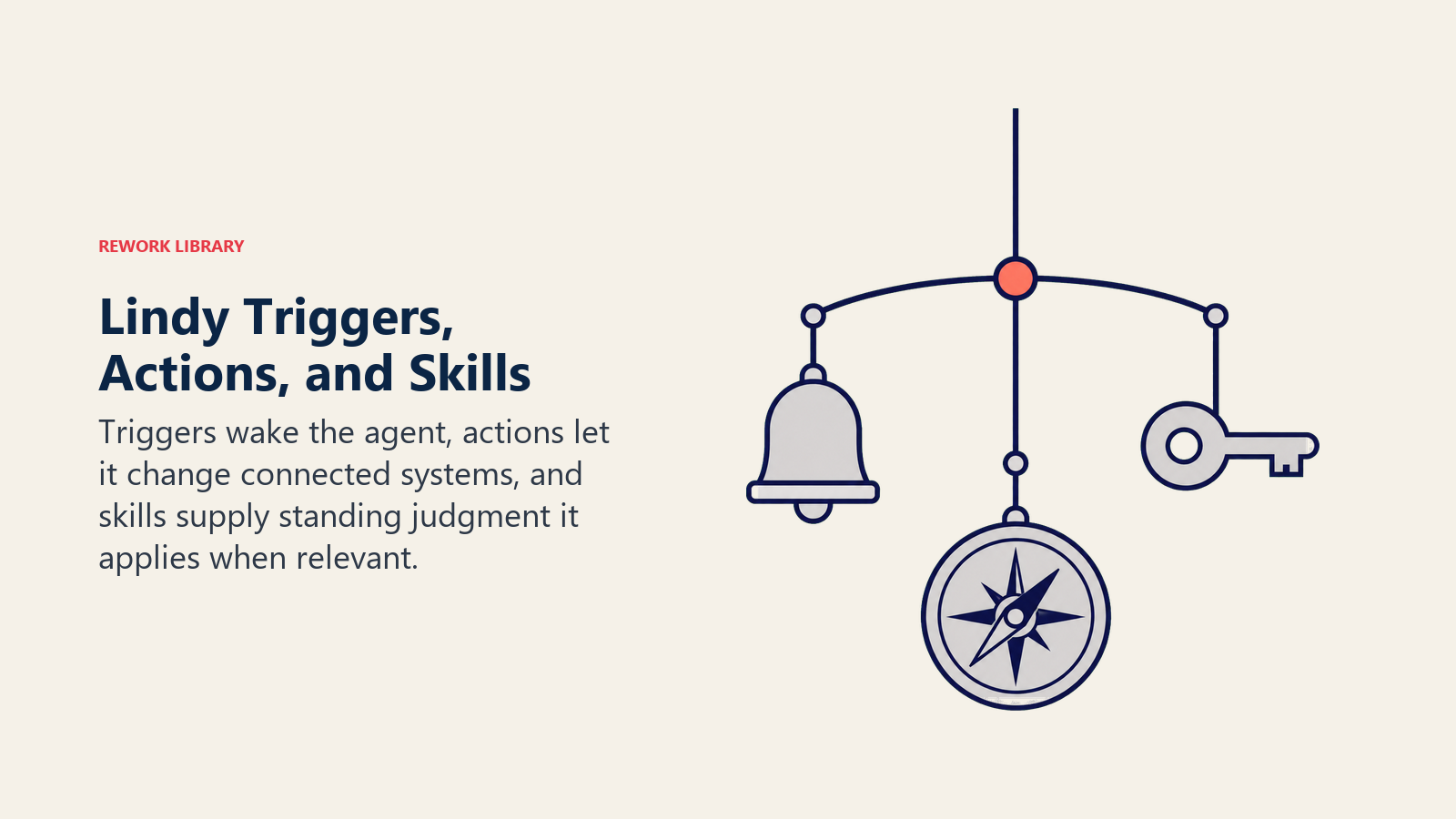
The distinction between an action and a skill is the same distinction covered generally in how to build an AI agent: actions are closer to the Tools building block, concrete things it can do, while skills are closer to Rules, standing guidance that shapes every decision rather than a single step in a sequence. Get this split wrong and you end up with an agent that either can't act (all skills, no actions) or acts rigidly without judgment (all actions, no skills).
Lindy's Agent Builder lets you skip assembling this by hand for a first draft: describe the job in plain English and it proposes a trigger-action combination to start from, which you then refine. That's a meaningfully different starting point than n8n or Make, where you assemble the pieces yourself from the first click.
The Build Walkthrough
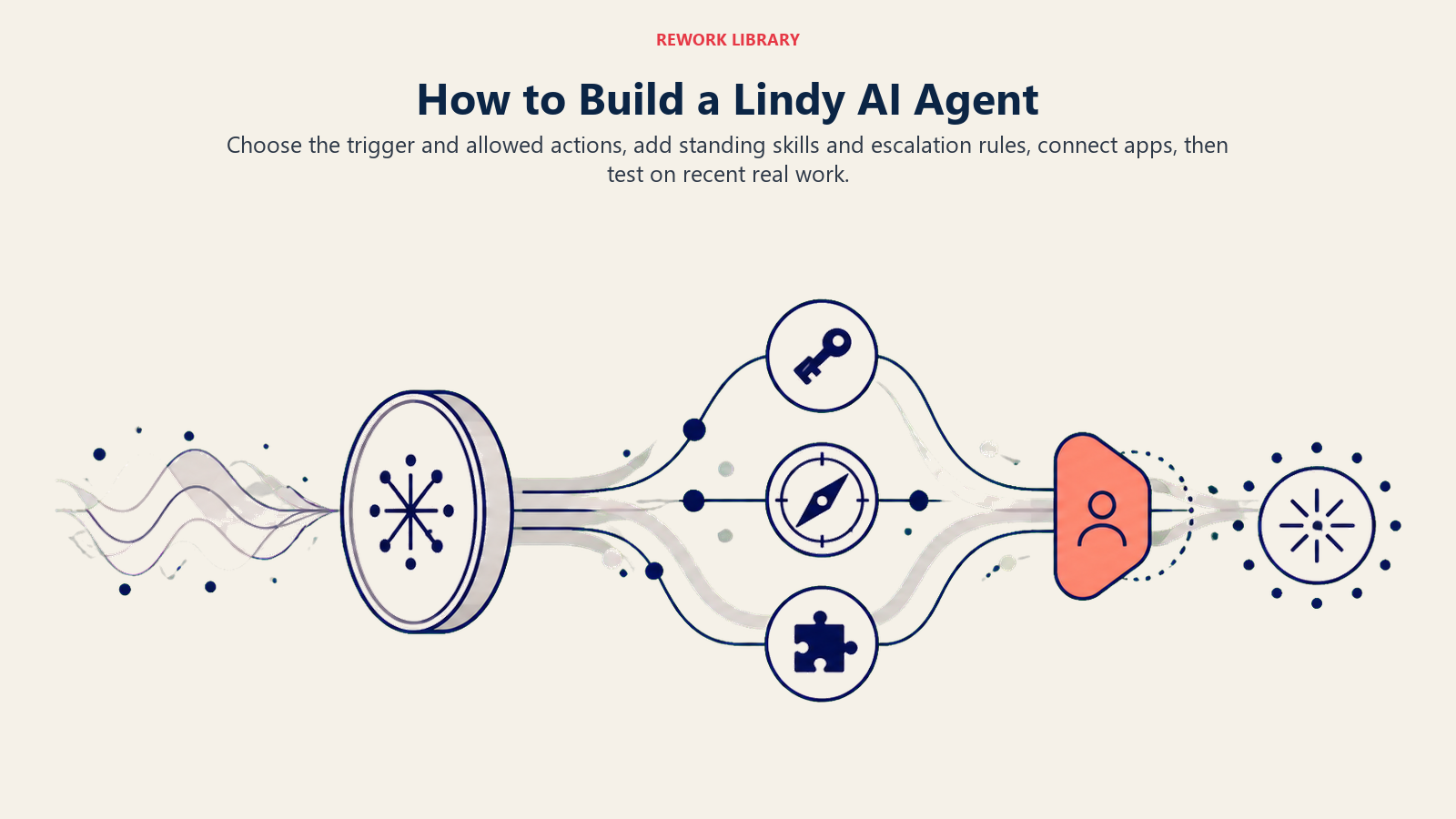
- Pick a trigger. Start from the event that should wake the agent up: an inbound email, a form submission, a scheduled time, a webhook from another tool.
- Choose the agent's core actions. Decide what it's allowed to actually do: draft a reply, update a record, book a meeting, send a message. Keep this list narrow at first; you can add more once the basics work reliably.
- Add skills for standing judgment calls. Anything that should apply broadly, tone of voice, what facts it's allowed to state, when to escalate, belongs here rather than baked into a single action.
- Connect the apps it needs. Link your email, calendar, CRM, or other systems through Lindy's 100-plus integrations so the actions you defined actually have somewhere to act.
- Set explicit escalation rules. Decide exactly when Lindy should stop and ask a human rather than proceed, the same act/ask/hand-off decision logic covered in how to build an AI agent.
- Test it on real, recent examples (actual emails, actual meeting requests) before turning it loose on live inbound traffic.
- Watch the first batch of real runs closely, tightening skills and escalation rules wherever it acts when it should have asked, or asks when it should already know the answer.
The build moves from a plain-language job description to scoped actions, reusable skills, escalation rules, and evidence from real work.
A Worked Example: An AI Meeting Scheduler Agent in Lindy
Lindy's strengths, inbox and calendar-native work, chat-based interaction, fast setup, line up closely with scheduling, so it's a natural first agent to build here.
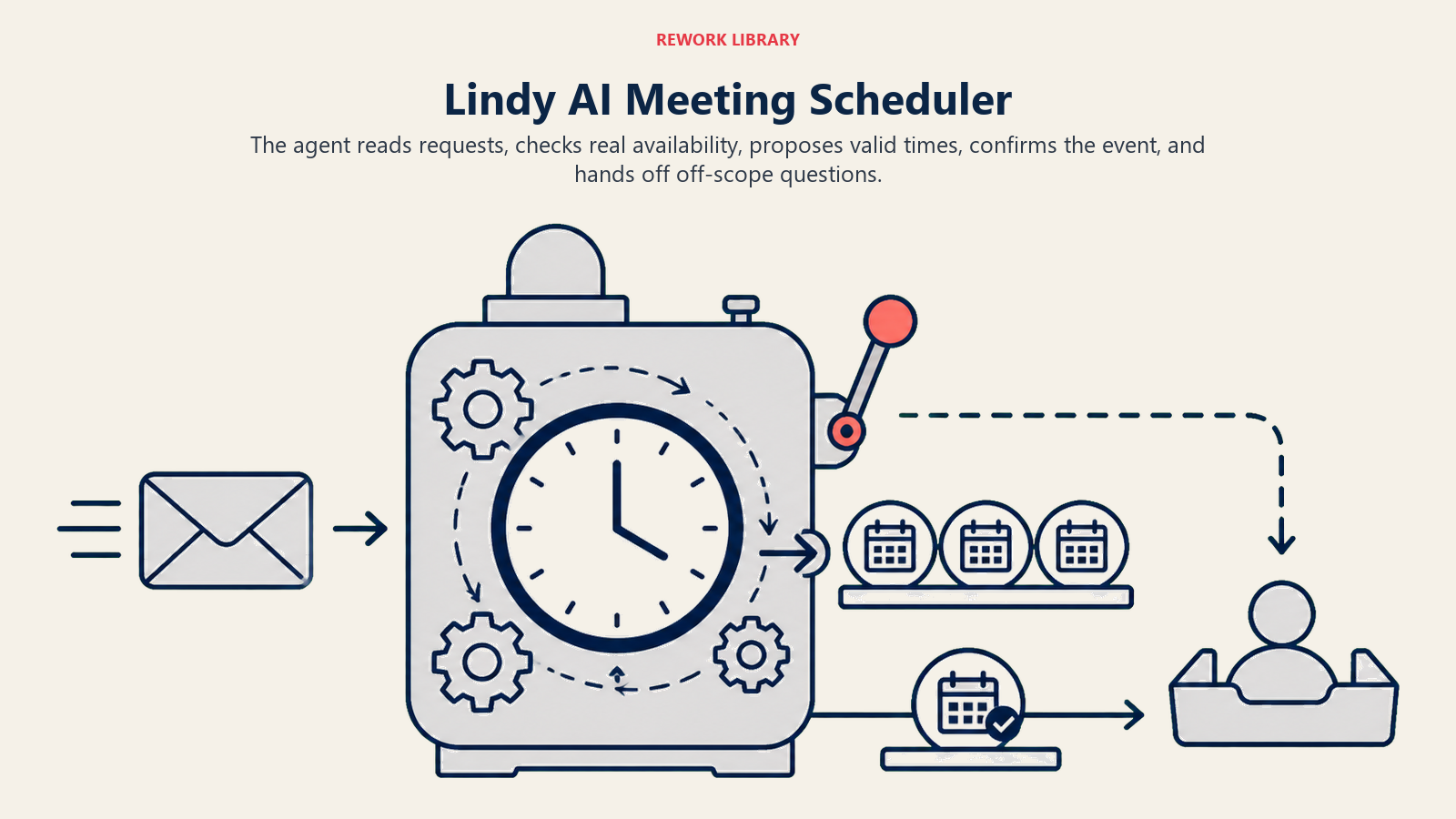
Trigger: a new email arrives requesting a meeting, or a lead fills out a "book a call" form.
Actions: check the relevant calendar for open slots, propose two or three specific times in a reply, create the calendar event once the other person confirms, and send a confirmation with any prep details attached.
Skills: "Always propose times within business hours in the recipient's likely time zone," "never double-book a slot already held," "if the requester asks for a specific person who isn't the default calendar, check with a human before proceeding."
Escalation rule: if the thread goes back and forth more than three times without landing on a time, or the requester asks a question outside scheduling (pricing, a technical question), hand off to a human with the full thread summarized, rather than guessing at an answer it isn't equipped to give.
This maps closely to the AI Meeting Scheduler Agent blueprint, which has the complete rules and guardrails for this function if you want the full spec rather than assembling it from scratch. And because scheduling agents live in someone's actual inbox, the same guardrails discipline from AI agent guardrails applies directly: never invent availability, never confirm a meeting the calendar doesn't actually show as open, and always keep a clean paper trail of what was proposed and confirmed.
Cost and Limits
Lindy prices in tiers starting around $49.99 a month for its Plus plan, scaling with usage (tasks or credits, depending on the plan) rather than a flat per-seat fee, which makes it comparatively simple to estimate for a small number of well-scoped agents and something to actively monitor once you're running many agents at real volume. Read AI total cost of ownership before assuming a low sticker price stays low as usage grows across a team, because task-based pricing scales with exactly the volume you're trying to automate.
The trade-off for Lindy's speed is depth of control. Where n8n gives you a Code node and Make gives you a full module library to wire by hand, Lindy's simplicity means less low-level customization for genuinely unusual logic, and a narrower niche-integration catalog than Make's 3,000-plus apps. For a well-defined, communication-centric job (inbox triage, scheduling, meeting follow-ups) that's rarely a real constraint. For something with unusual branching logic across many systems, it can be.
When to Pick Lindy vs Alternatives
| If you want... | Pick |
|---|---|
| The fastest path to a working agent with zero assembly, described in plain English | Lindy |
| The widest pre-built app catalog and a scenario engine you extend into agents | Make |
| Self-hosting and full control, with more of the logic assembled by hand | n8n |
| Full code control directly on OpenAI's own models, no visual layer at all | OpenAI's Responses API |
Lindy earns its place at the top of that list for a specific kind of team: business users, not engineers, who need a working agent this week for a communication-heavy job, and are willing to trade some low-level control for that speed. If your first agent is inbox triage, meeting scheduling, or a similar always-on assistant task, Lindy is usually the shortest path from idea to something running.
Key Facts
- Lindy builds agents from triggers (what wakes it up), actions (what it can do), and skills (standing guidelines it applies at its own judgment), configurable through natural language rather than a node-based canvas.
- Lindy's Agent Builder can propose a working first draft from a plain-English description of the job.
- The platform connects 100-plus integrations and is used by teams at companies including Shopify, Adobe, and Airbnb, per Lindy's own published customer list.
- Lindy has raised more than $50 million in funding and carries a 4.9-star rating on G2 as of 2026.
- Pricing starts around $49.99 a month and scales with usage, which means cost tracks the exact volume you're automating.
Frequently Asked Questions about Building an AI Agent with Lindy
Do I need to code to build an agent in Lindy?
No. Lindy is built for non-technical users: you configure a trigger, actions, and skills through a visual interface or by describing the job in plain English through its Agent Builder. There's no code editor and no node-based canvas to learn.
What's the difference between an action and a skill in Lindy?
An action is a specific task the agent performs, like replying to an email or updating a record. A skill is a broader standing guideline the agent applies at its own judgment whenever it's relevant, like a tone rule or an escalation condition, rather than a single step it always runs.
What kind of agent is Lindy best suited for?
Communication-heavy, always-on work: inbox triage, meeting scheduling, follow-ups, and similar assistant-style jobs where speed to a working first version matters more than deep custom logic. Lindy's own positioning leans into this with its "AI executive assistant" framing.
How much does Lindy cost?
Paid plans start around $49.99 a month and scale with usage (tasks or credits, depending on the tier), rather than a flat per-seat price. Cost grows with how much volume you actually automate, so it's worth estimating against real expected task counts before committing to a plan.
Is Lindy a good fit for complex, multi-system workflows?
It can connect to many systems through its 100-plus integrations, but its strength is speed and simplicity, not deep custom logic. For a job with unusual branching across many systems or a need for custom code, a platform like n8n or Make typically offers more low-level control.
Where to Go Next
Lindy is the fastest path to a first agent, but not the only path worth knowing. If your job spans many different SaaS tools, see how to build an AI agent with Make. If you want self-hosting and full control over the logic, see how to build an AI agent with n8n. The AI tools roundup and the best no-code automation tools guide are useful next stops for comparing Lindy against the rest of the category.
