Deal Desk: What It Is and How to Set One Up
Turn this article into takeaways for your work.


Each assistant summarizes the article only for you and suggests best practices for your work.
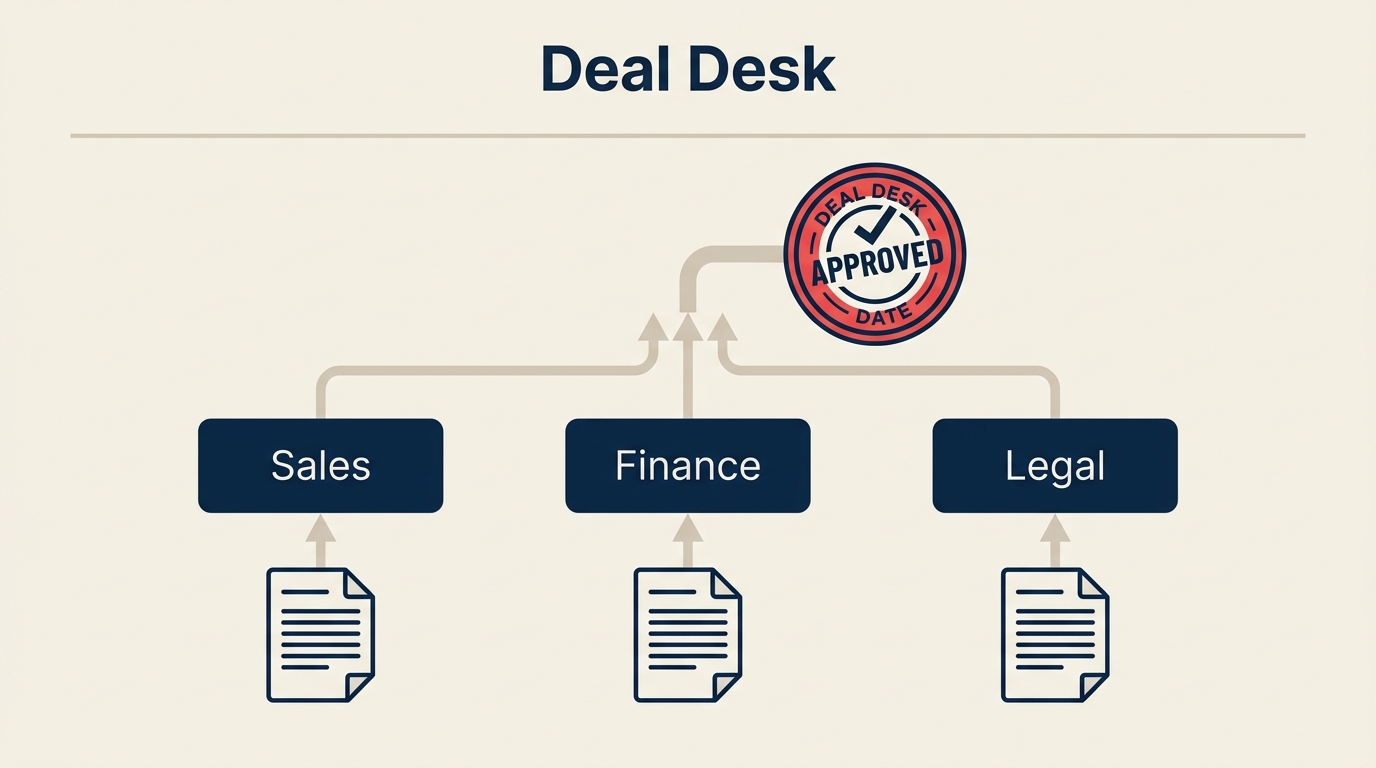
A deal desk is the function that steps in when a deal is too complex, too large, or too non-standard for a sales rep to close on their own. It brings the right people together, fast, so deals don't stall in approval queues or get discounted in ways that hurt margins.
Most B2B companies hit the same wall when they scale enterprise sales: reps spend more time chasing internal approvals than actually selling. A deal desk fixes that structural problem by creating a clear, repeatable process for handling deals that fall outside standard parameters.
Key Facts
- Companies with a formal deal desk report a 20-30% reduction in deal cycle time on complex enterprise deals, according to Gartner research on B2B sales operations (Gartner, 2023).
- Sales reps give unauthorized discounts on roughly half of all deals when no approval process exists, eroding average selling price over time (Bain & Company, 2022).
- Organizations with structured quote-to-cash processes, which include deal desk coordination, see win rates 15% higher on deals over $100K than those without (Forrester, 2023).
What is a deal desk?
A deal desk is a cross-functional team or function that helps sales structure, price, approve, and close complex deals. It serves as a coordination layer between sales and the internal stakeholders (finance, legal, product, RevOps) whose sign-off is required before a non-standard contract can go out the door.
The deal desk doesn't replace sales. It supports reps by handling the parts of a deal that require expertise or authority beyond their role. Think of it as a SWAT team for deals that need more than a standard quote: bundled pricing, multi-year contracts, custom SLAs, volume discounts, or regulatory terms.
At smaller companies, one RevOps or finance person might play the deal desk role informally. At scale, it becomes a dedicated function with defined SLAs, an approval matrix, and direct integration with the CRM and CPQ tools.
What a deal desk does
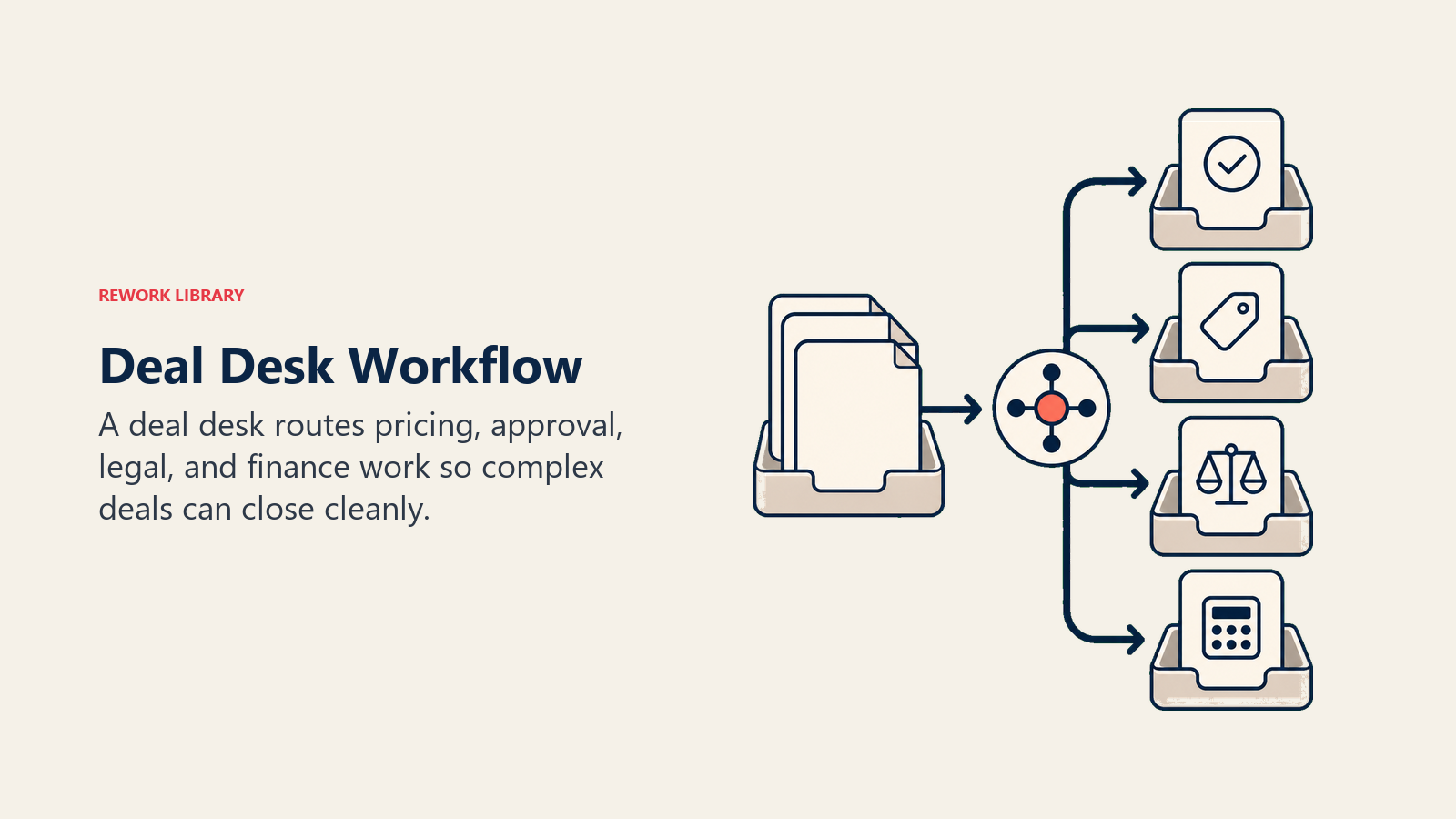
Use this visual as a quick reference for the section below.
| Function | Example |
|---|---|
| Pricing and discount approvals | A rep requests 25% off; the deal desk reviews margin impact and approves, modifies, or denies based on the approval matrix |
| Quote and proposal support | Building custom quote configurations for multi-product or multi-year deals that standard CPQ templates can't handle cleanly |
| Contract and terms review | Flagging or redlining non-standard terms before legal review, such as liability caps or payment schedules outside policy |
| Deal structuring | Repackaging a deal's scope, payment timing, or add-ons to match the customer's budget without sacrificing total contract value |
| Cross-functional coordination | Running the approval chain across finance, legal, product, and leadership so the rep doesn't have to chase six people separately |
| Risk assessment | Evaluating credit risk, renewal probability, or implementation fit before committing to aggressive terms |
Who is on a deal desk?
The exact composition depends on company size and deal complexity, but most deal desks draw from the same core stakeholder groups.
| Role | Responsibility on the deal desk |
|---|---|
| Sales (rep or manager) | Initiates the deal desk request, provides customer context, negotiates with the deal desk's guidance |
| RevOps | Owns the process, maintains the approval matrix, tracks metrics, and often serves as the deal desk coordinator |
| Finance | Reviews margin, payment terms, and revenue recognition implications; approves or flags discounts above threshold |
| Legal | Reviews non-standard contract language, indemnification, data protection clauses, and jurisdiction-specific requirements |
| Product | Weighs in on custom feature commitments, SLA modifications, or implementation scope that affects the product roadmap |
| Sales leadership | Final approver for exceptions above a set dollar or discount threshold |
In early-stage companies, one RevOps generalist often handles the coordination role while pulling in finance or legal as needed. A dedicated deal desk manager typically makes sense once the team is processing more than 20-30 complex deal requests per month.
When does a company need a deal desk?
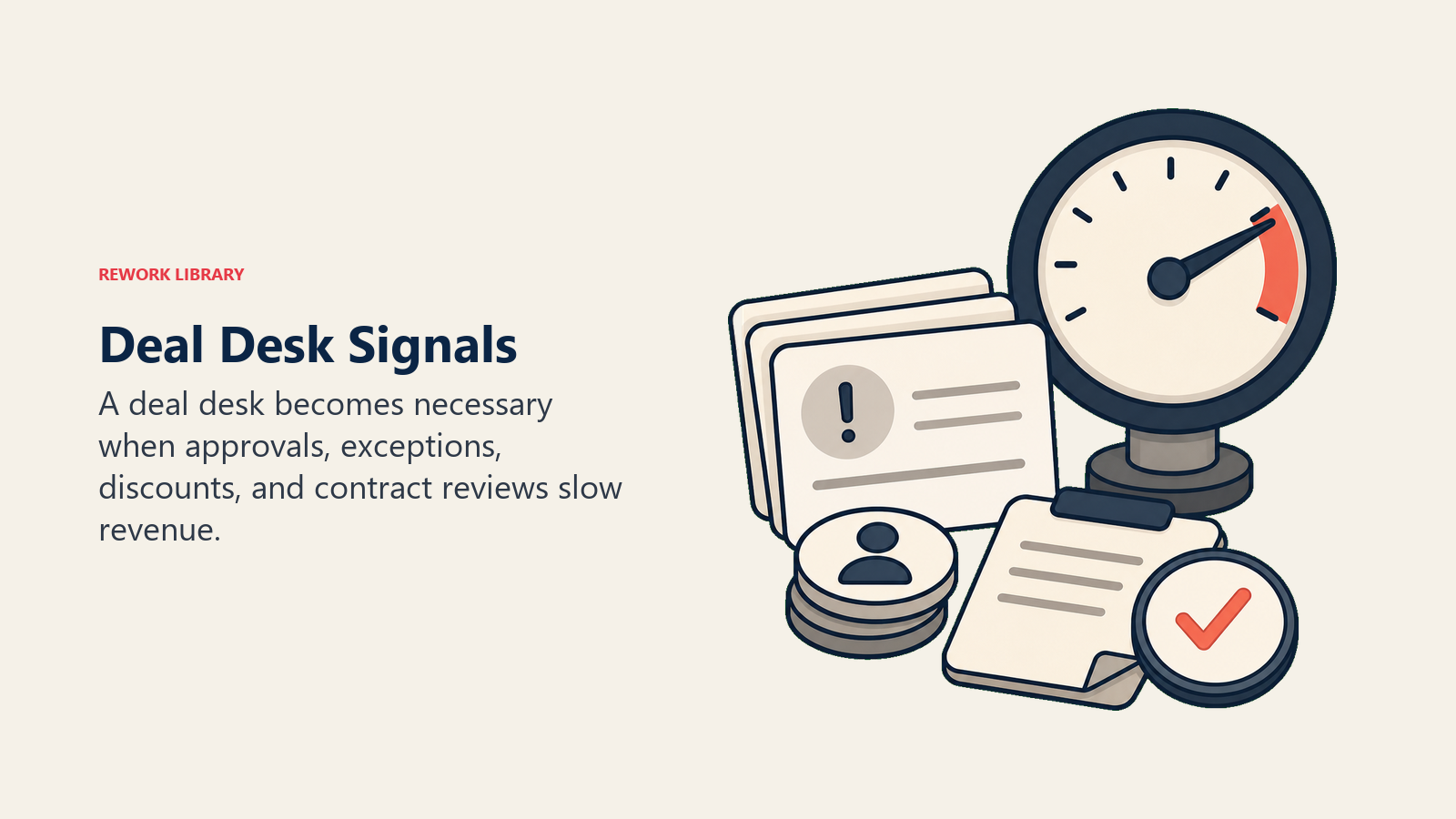
You don't need a formal deal desk on day one. But there are clear signals that ad hoc deal handling is becoming a liability.
Non-standard deals are becoming the norm. If more than 20% of your enterprise deals require custom pricing, custom terms, or exec involvement, you're already running an informal deal desk. Formalizing it just makes it faster and more consistent.
Approvals are slowing deals down. When reps say "I'm waiting on legal" or "finance hasn't responded" more than once a week, your approval path has no structure. Deals stall, customers lose confidence, and close dates slip.
Discounting is inconsistent. Without a guardrail, different reps give different discounts for the same deal profile. One rep holds firm at 10%; another gives 30% to close before quarter end. That inconsistency hurts average selling price and creates internal friction.
You're scaling enterprise motion. Moving upmarket to larger contracts almost always means more complex negotiations. A deal desk is part of the infrastructure that makes enterprise sales repeatable, not a one-off heroic effort each time.
Legal is overwhelmed. When the legal team becomes the bottleneck because every contract lands on their desk cold, you need a triage layer. The deal desk pre-qualifies what actually needs legal review and what can be approved by standard policy.
How to set up a deal desk
Step 1: Define scope and deal thresholds
Start by deciding which deals route through the deal desk. A common framework is to set thresholds by deal size, discount level, and contract complexity.
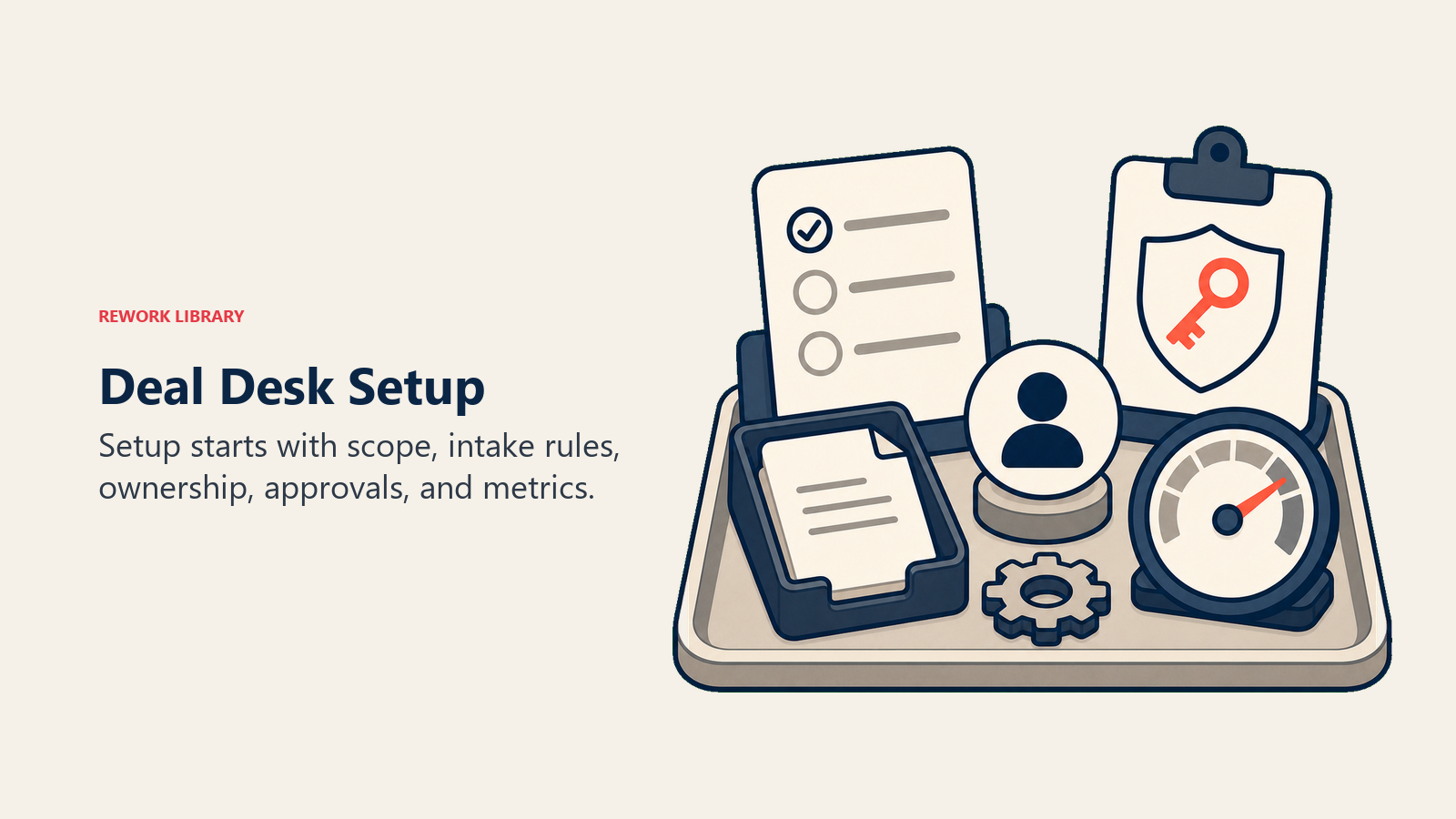
For example: any deal over $50K in ACV, any discount above 15%, any contract with custom payment terms, or any multi-year commitment with non-standard SLAs gets a deal desk review. Document these thresholds in writing and share them with the entire sales team.
Without clear thresholds, everything becomes a deal desk request and the function becomes a bottleneck rather than an accelerant.
Step 2: Assign owners and set SLAs
Designate a deal desk coordinator (usually RevOps) who owns the intake process and tracks status. Then assign a primary contact for each stakeholder group: one finance contact, one legal contact, one product contact.
Set turnaround SLAs for each deal class. A standard approval might have a 24-hour SLA. A complex multi-year deal with custom terms might get 48-72 hours. Make the SLAs visible and hold people to them. Reps won't trust the deal desk if they don't know when to expect a response.
Step 3: Build an approval workflow
Map out the decision tree. Which approvals can the deal desk coordinator handle alone? Which require finance sign-off? Which need legal? Which go to the VP of Sales or CFO?
Build this into a simple matrix. Rows are deal types or discount tiers; columns are required approvers. Keep it to one page. The goal is that any rep or deal desk member can look at a deal and immediately know who needs to approve what.
Integrate this workflow into your CRM or a dedicated deal desk tool so approvals are tracked, not buried in email threads.
Step 4: Create pricing and playbook guardrails
Document approved discount schedules, standard contract bundles, and common non-standard terms that are pre-approved (for example, net-60 payment terms for enterprise customers). This is your pricing playbook.
The playbook does two things: it speeds up approvals by pre-authorizing common scenarios, and it gives reps a reference they can use during negotiation so they don't over-promise on terms that will get rejected.
Pair this with a sales playbook that covers qualification standards and deal progression criteria so reps enter the deal desk process with well-structured deals, not half-baked requests.
Step 5: Integrate with CRM and CPQ
The deal desk only works if it has real data. Connect it to your CRM so deal desk members can see the full account history, pipeline stage, and deal registration details without asking the rep to resend everything.
If you use a CPQ tool, configure approval routing directly in the tool so quote approvals trigger the right workflow automatically. Manual email chains are the enemy of a fast deal desk.
Step 6: Measure cycle time and win rate
Track the metrics that tell you whether the deal desk is actually helping. A deal desk that adds three days to sales cycle length without improving win rate isn't doing its job.
Start with these baseline metrics: average time from deal desk request to approval, win rate on deals that went through the deal desk versus those that didn't, and average discount level before and after implementation. Compare against benchmarks using pipeline reviews to flag trends early.
Deal desk metrics to track
| Metric | What it tells you |
|---|---|
| Deal cycle time (deal desk requests) | How long deals that require review take from request to approved quote |
| Approval turnaround time | How fast each approver responds; highlights individual bottlenecks |
| Discount rate (deal desk vs. standard deals) | Whether the deal desk is holding pricing discipline or rubber-stamping requests |
| Win rate on deal desk deals | Whether the extra process is helping close complex deals or adding friction that loses them |
| Quote accuracy | Percentage of quotes that go out without needing revision after customer review |
| Deal desk volume | Number of requests per month; growing volume may signal unclear thresholds or rep over-reliance |
Monitor these alongside your broader pipeline hygiene metrics to see how deal desk health connects to overall pipeline quality.
Good deal inspection process habits also feed the deal desk: when managers review deals regularly, they surface the complex ones earlier, before they become urgent approvals.
Common mistakes
Setting thresholds too low. If every deal over $10K requires deal desk review, you've created a bottleneck, not a function. Thresholds need to reflect genuine complexity, not just deal size. Start conservative and raise them as the process matures.
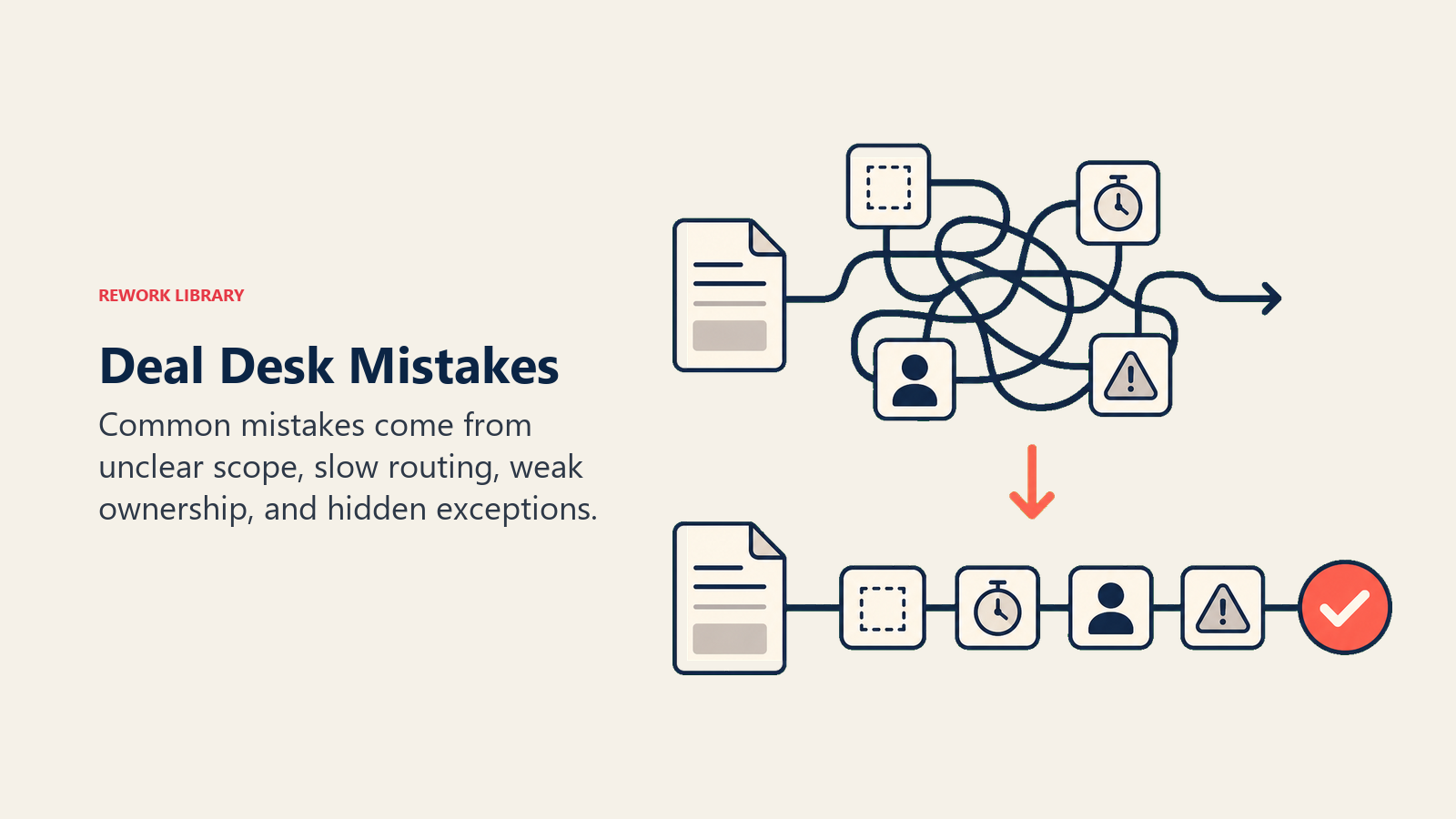
No SLAs. A deal desk without response time commitments becomes a black hole. Reps stop using it, or escalate to leadership to bypass it entirely. SLAs are non-negotiable from day one.
Siloed from CRM. Deal desk decisions made outside the CRM don't get logged, don't inform forecasting, and don't help future reps handling similar deals. Every approval, exception, and rejection should be recorded in the deal record. This also feeds more accurate deal progression management and forecasting.
Replacing judgment with bureaucracy. The best deal desks make fast, smart calls. The worst ones enforce policy for policy's sake. Train deal desk members to evaluate each deal on its merits, not just check boxes. A rigid deal desk that blocks a strategically important deal because it fails one criterion is a problem.
Not reviewing deal desk performance. The deal desk itself needs a regular review. Are SLAs being met? Are reps happy with the process? Are win rates improving? Treat it like any other operational function and review it quarterly.
Where deal desks go from here
Deal desks that start as reactive approval gates tend to evolve into proactive strategic functions. The best ones don't just approve deals; they pattern-match across hundreds of past deals to coach reps on how to structure proposals that win, hold pricing, and close faster.
That shift from reactive to proactive is where deal desks create the most leverage. When the function can tell a rep "deals structured this way close 30% faster at this customer size," it's not just approving; it's compounding the sales team's judgment over time.
Pair the deal desk with consistent deal size optimization and opportunity qualification practices, and you have the infrastructure for enterprise sales that scales without chaos.

Head of Enterprise Solutions
On this page
- What is a deal desk?
- What a deal desk does
- Who is on a deal desk?
- When does a company need a deal desk?
- How to set up a deal desk
- Step 1: Define scope and deal thresholds
- Step 2: Assign owners and set SLAs
- Step 3: Build an approval workflow
- Step 4: Create pricing and playbook guardrails
- Step 5: Integrate with CRM and CPQ
- Step 6: Measure cycle time and win rate
- Deal desk metrics to track
- Common mistakes
- Where deal desks go from here