Video Marketing for Dental Clinics: Office Tours, Patient Testimonials, and YouTube SEO
Turn this article into takeaways for your work.


Each assistant summarizes the article only for you and suggests best practices for your work.
Dental anxiety affects somewhere between 36% and 50% of the adult population, a range documented in peer-reviewed research published in the Journal of the American Dental Association that makes it among the most common specific anxieties in healthcare. And the core of that anxiety, in most cases, is fear of the unknown: not knowing what a procedure feels like, not knowing what the dentist is like, not knowing what the office looks like, not knowing whether they'll be judged for their dental history.
Video solves this problem in a way that no other content format does. A 90-second office tour eliminates the "walking in blind" anxiety before the first appointment. A dentist explaining what actually happens during a root canal removes the catastrophizing that keeps patients from scheduling. A patient sharing their experience in their own words, unscripted, carries credibility that a five-star text review can't replicate.
The practices that invest in video aren't producing Hollywood productions. They're producing honest, clear content that answers the questions their patients have before they pick up the phone. Video fits naturally within a broader content approach. Patient education content strategy covers the written content layer that complements video and helps both assets rank in search. Here's how to build a video presence that generates measurable new patient results.
Key Facts: Video Marketing in Dentistry
- YouTube is the second-largest search engine globally; "dentist near me" and procedure-related searches on YouTube generate over 100 million views monthly (YouTube Internal Data, 2024)
- Dental websites with embedded video retain visitors 2.6x longer than text-only pages, directly improving Google's time-on-page signal for local search rankings
Why Video Works Uniquely Well for Dentistry
Video's effectiveness for dental patient acquisition comes down to one thing: it reduces fear by replacing imagination with reality. A patient who has never had a root canal imagines something medieval. A 3-minute video showing the procedure, narrated calmly by the dentist, replaces that imagination with something that looks manageable.
This is different from most other healthcare contexts. A patient choosing a general practitioner for a checkup doesn't need video. The stakes feel lower and the environment is familiar. A patient who's been avoiding the dentist for four years because of anxiety, who finally decides to do something about a toothache, is dealing with a completely different psychological barrier. Video addresses that barrier directly and before the first human interaction.
The second function video serves is trust-building. A prospective patient who has watched 10 minutes of content from your practice (an office tour, the dentist explaining their philosophy, a patient talking about their experience) feels a relationship before they call. They're not calling a stranger. They're calling someone they've already decided they like and trust. This trust foundation works in parallel with online reputation management for dentists. Patients who find your videos often check your Google reviews immediately after, and a strong rating confirms what the video suggested.
Office Tour Videos
The office tour is the most universally useful video for any dental practice. It's the content that addresses the "walking in blind" anxiety most directly and can be produced once and used for years.
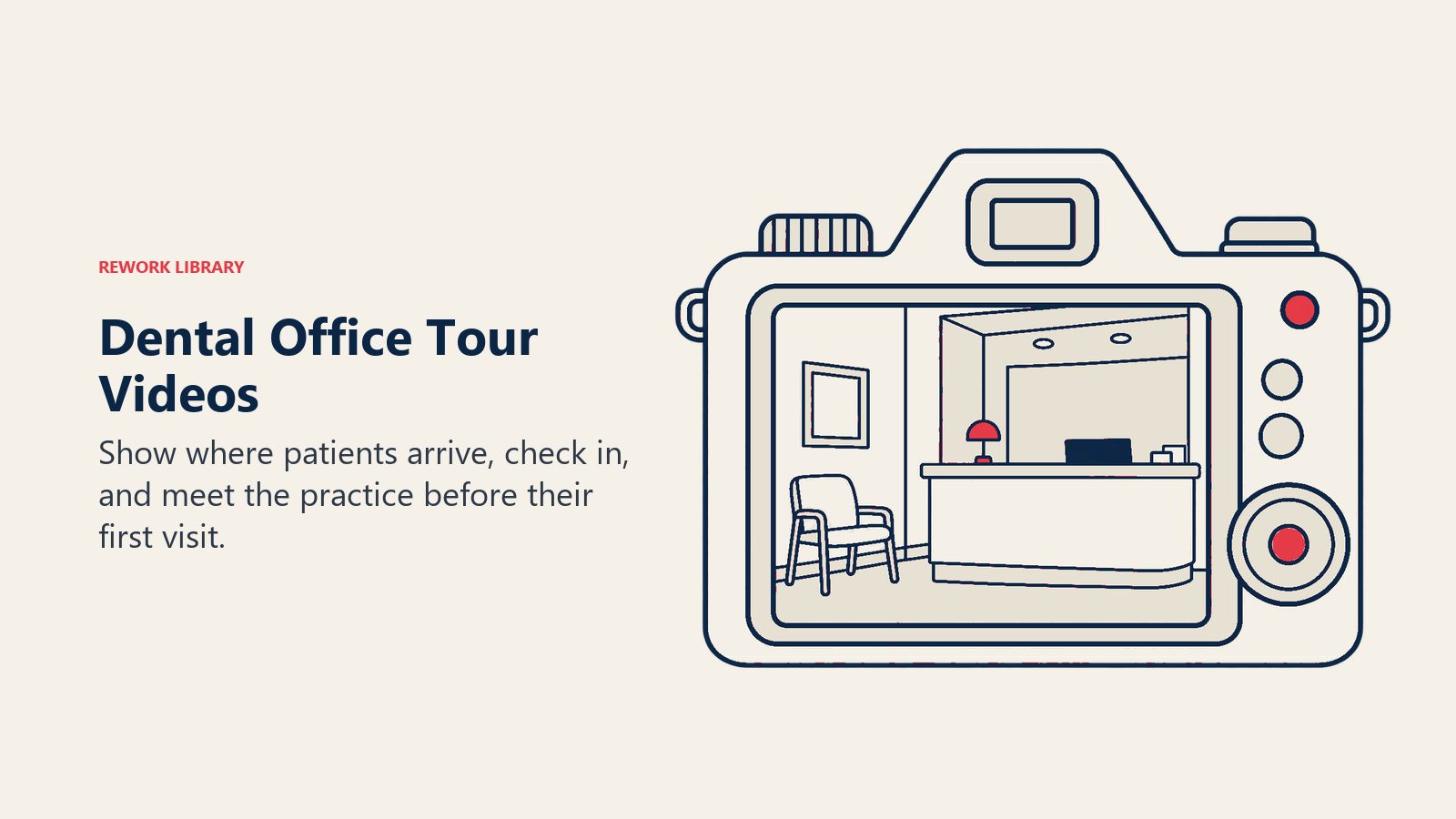
What to show in an office tour (60-90 seconds):
- The exterior and parking (reduce the "where do I go" anxiety)
- The reception and waiting area
- A brief introduction from the dentist or office manager
- One operatory (showing the chair, the equipment, without clinical drama)
- The team, briefly
The optimal length is 60-90 seconds. Shorter than that and you don't get enough environment context. Longer and you're testing attention beyond what a prospective patient will give you.
Scripting the tour narrative: The best office tours aren't narrated entirely by the dentist walking through the office. They're narrated with context: "This is where you'll check in when you arrive. Our front desk team will take care of your paperwork and insurance questions here." That contextualizing voice helps the viewer understand what they're seeing and what to expect when they arrive.
Production quality minimums: You don't need professional video production for an office tour. A modern iPhone or Android in 4K with good lighting, stable footage (use a gimbal for smooth walking shots), and clean audio (an inexpensive lavalier mic, $50-$100) produces content that looks professional on any screen. What you can't fix in editing: dark rooms, echo-heavy audio, shaky footage. Address those in production.
Procedure Explanation Videos
The most-searched dental content on YouTube isn't "best dentist near me." It's "what happens during a root canal," "does a dental implant hurt," "what is Invisalign," and "how long does teeth whitening last." These are questions patients have before they book, and practices with video answers to these questions capture patients at the consideration stage. Procedures with strong visual appeal (implants, veneers, clear aligners) are also the ones covered in high-value dental procedure mix, where revenue optimization and patient education reinforce each other.
Most-searched dental procedures on YouTube (by search volume):
- Root canal procedure / root canal pain
- Dental implants (process, cost, recovery)
- Teeth whitening / laser whitening
- Invisalign vs. braces
- Wisdom teeth removal / recovery
- Dental veneers process
A 3-5 minute video on any of these topics, produced by your practice, can rank on YouTube and appear in Google search results for months or years with zero additional investment after production.
Animation vs. in-office footage: For procedure explanations, a combination of dental animation (showing the tooth anatomy and what's happening clinically) and in-office footage (showing the patient experience) works best. Animations are available through licensed dental education resources or stock footage sites; you don't need to produce them yourself. The dentist narrates over the animation, then cuts to a walkthrough of what the patient experience looks like in your practice.
The critical balance is clinical accuracy without clinical intimidation. Showing a root canal instrument entering a canal in close-up detail is accurate but counterproductive. Showing the dentist working calmly while the patient reclines comfortably, with narration explaining that proper anesthesia makes it feel like a regular filling, is both accurate and anxiety-reducing.
Patient Testimonial Videos
A written five-star review says "Great dentist, highly recommend." A patient testimonial video shows a real person explaining, in their own words, why they came to you anxious and left relieved. The credibility differential is enormous.
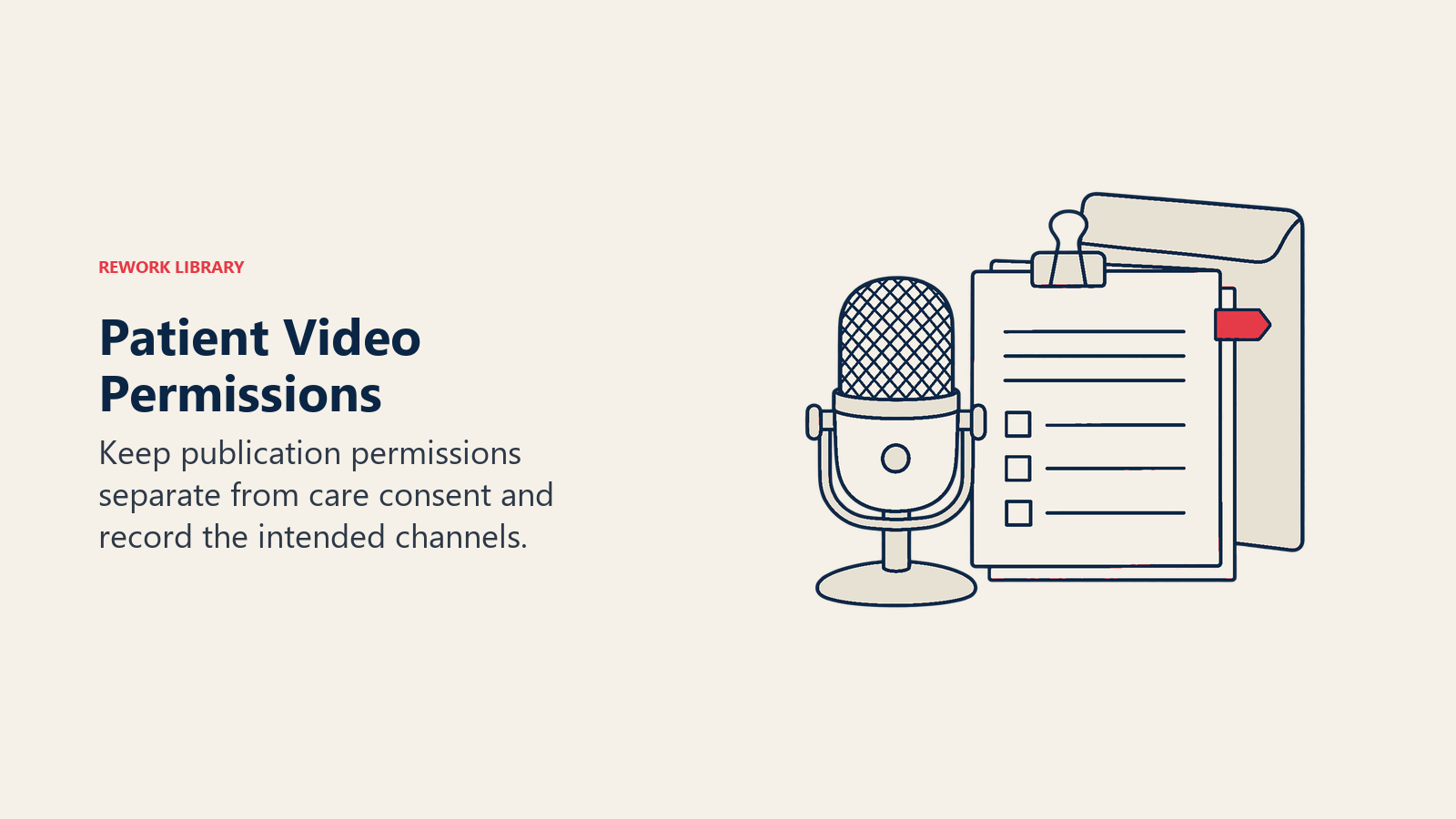
Consent and HIPAA considerations: Patient testimonial videos require written video release consent specifically for video use, separate from your standard treatment consent. The consent should cover the specific platforms (YouTube, website, social media) and the purpose. Retain signed releases in the patient record. Don't include any protected health information (PHI) in the video or its description unless the patient has explicitly consented. The HHS Office for Civil Rights has pursued enforcement actions against dental practices for improper social media disclosure of patient PHI. Video content carries identical compliance obligations. This includes treatment dates, clinical diagnoses, or procedure-specific details tied to the patient's identity. The same HIPAA principles governing video testimonials also apply to social media for dentists, where patient content requires an identical documentation trail.
Interviewing patients on camera: The testimonials that convert best are unscripted. Give the patient a starting prompt ("Tell me about what brought you to our practice and what your experience was like") and let them talk. The interview technique matters: shoot with the patient looking slightly off-camera at an interviewer (not directly at camera), at eye level, with a clean background. Keep questions open-ended and don't coach specific language. Coached testimonials sound coached.
B-roll selection: After the patient interview, capture b-roll of the patient sitting in the chair, the team working, the before/after photos of their case (if clinical photography is available and consented). B-roll makes testimonials feel complete rather than just a talking head.
Length: 60-90 seconds for social media use, up to 2-3 minutes for YouTube and website embedding. The YouTube version can be the full interview; cut a 60-second version for social distribution.
YouTube SEO for Dental Practices
YouTube is a search engine. People search it for answers to dental questions the same way they search Google, and the videos that appear at the top of those searches generate patient inquiries with zero ongoing cost after production.
Keyword research for dental video content: Use YouTube's search autocomplete to identify what patients are actually searching. Type "dental implants" into YouTube search and see what autocomplete suggests: "dental implants procedure," "dental implants cost," "dental implants before and after." These are the keywords your video titles and descriptions should target.
Tools like TubeBuddy and VidIQ provide keyword data specific to YouTube, including search volume and competition level for specific phrases. The CDC's oral health surveillance data identifies which conditions and procedures are most prevalent. Aligning your video topics to the issues most patients actually face increases the likelihood of capturing high-intent search traffic.
Title optimization: Include your primary keyword in the first 60 characters of the title. "Root Canal Procedure Explained by a Dentist: What to Expect" outperforms "What You Need to Know About Root Canals." The specific format ("Explained by a Dentist," "Step by Step," "Before and After") signals the video type and improves click-through rates. The same keyword targeting principles apply to local SEO for dental practices, where procedure-specific search terms drive qualified traffic from patients who are ready to book.
Description optimization: Write a minimum 200-word description for every video. Include the primary keyword in the first two sentences, a natural secondary keyword mid-description, and a clear CTA at the end ("Book a consultation at [practice URL]"). Include your NAP (Name, Address, Phone) information in every video description.
Thumbnail design: Custom thumbnails outperform auto-generated screenshots on every YouTube metric. A strong dental thumbnail typically includes: the dentist's face (or a patient's before/after), high-contrast text with the key benefit or topic, and your practice brand color. Tools like Canva produce professional thumbnails in minutes.
Playlist organization: Group related videos into playlists ("Root Canal," "Cosmetic Dentistry," "New Patient Information"). Playlists improve watch time, which is a significant YouTube ranking factor, by automatically queuing related content after a video ends.
Production Without a Big Budget
Professional video production for dental practices runs $2,000-$5,000 per video. That's appropriate for an annual brand video or a flagship procedure series. But most of your video content (weekly social content, educational short clips, team introductions) can be produced with equipment most dental practices already have access to. Keeping production in-house is especially practical for practices where a team member handles marketing. Front office excellence for dental practices explores how to structure team responsibilities so content creation doesn't fall entirely on clinical staff.
Smartphone camera standards: iPhone 13 Pro and newer, Samsung Galaxy S22 and newer. Both produce 4K video that's genuinely comparable to professional camera output for web use. Shoot in 4K at 30fps, use the rear camera (not the front-facing camera), and use a simple tripod or gimbal for stability.
Lighting basics: The single biggest improvement most office videos need is better lighting. The flat overhead lighting in dental operatories looks institutional on camera. A ring light ($80-$150) positioned at eye level eliminates unflattering shadows and dramatically improves video quality without any additional equipment. For two-person shots, a two-light setup (one ring light on each side) produces clean, professional results.
Audio quality non-negotiables: Poor audio will make a viewer click away from an otherwise good video. If you're recording in a room with echo, put soft furnishings in frame (a couch, rug, curtains) to absorb sound. Use a lavalier microphone (DJI Mic, Rode Wireless GO) clipped to your collar rather than relying on the phone's built-in microphone. Clean audio is more important than perfect video quality.
Free and low-cost editing tools: CapCut (free, mobile-based) handles most short-form editing needs. DaVinci Resolve (free desktop version) provides professional-grade editing for longer content. iMovie is sufficient for basic edits on Mac. For practices with a marketing coordinator, a subscription to Adobe Premiere Pro ($55/month) provides full professional editing capability.
When to hire a professional: For your flagship content (your practice brand video, your dentist introduction, your primary procedure explainer series), hire a professional videographer. For ongoing social content, monthly educational videos, and staff introduction content, in-house production is both sufficient and more sustainable.
Video Distribution Strategy
Producing video and leaving it on YouTube is not a distribution strategy. Every video you produce should work across multiple channels.
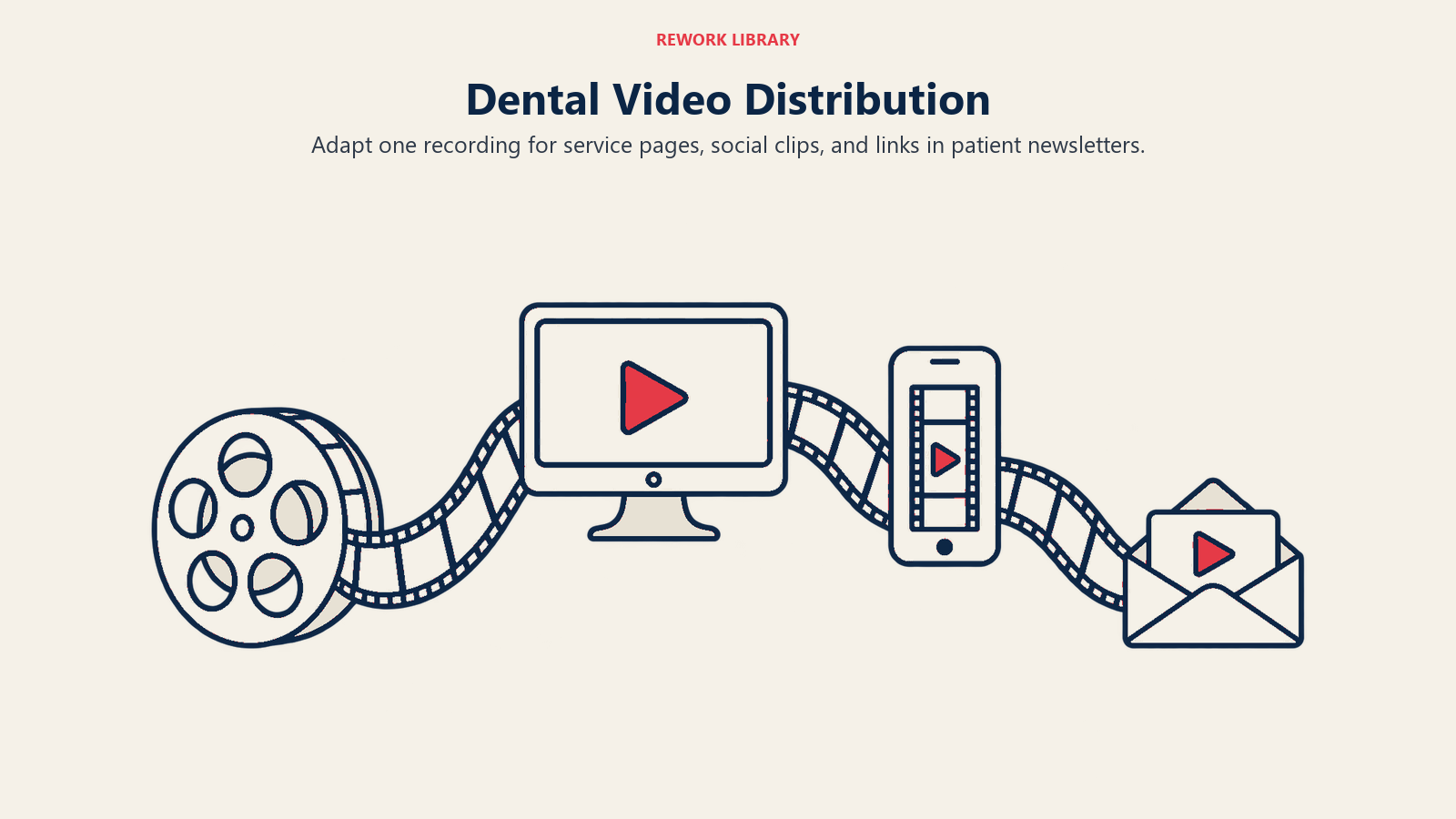
Website embedding: Embed your office tour on your homepage (immediately visible without scrolling), your procedure videos on their respective service pages, and your patient testimonials on your testimonials page. Embedded video increases time-on-page, which is a positive signal for Google's local search ranking algorithm. A well-structured dental website optimization strategy treats video embedding as a core component of page performance, not an afterthought.
Social repurposing: A 3-minute YouTube video becomes a 60-second Instagram Reel (cut the best 60 seconds), a Facebook post with the full link, a TikTok clip, and a GBP post. One production session generates content for four platforms.
Google Business Profile: GBP allows video uploads directly to your listing. Patients viewing your GBP in Google Maps or local search results will see your videos alongside your photos and reviews. Office tour and team introduction videos perform well here.
Email newsletters: If your practice sends email to existing patients, embed thumbnail images linking to your latest educational video. This drives views from your existing patient base and reinforces your position as a clinical authority.
Tracking video's contribution to new patients: Add UTM parameters to the links in your YouTube descriptions so you can track website visits originating from YouTube in Google Analytics 4. Ask new patients on your intake form how they heard about the practice. "YouTube" or "saw a video online" will start appearing with regularity once your video presence grows. For practices running paid video ads alongside organic content, Google Ads for dentists covers how to use YouTube pre-roll and Google display campaigns to extend reach beyond organic discovery.
Learn More