Google Ads for Dentists: Campaign Structure, Costs, and What Actually Converts
Turn this article into takeaways for your work.


Each assistant summarizes the article only for you and suggests best practices for your work.
A dentist in a suburban market outside Chicago ran Google Ads for eight months and got exactly 11 new patients from $14,000 in spend. That's $1,272 per new patient, nearly four times what a well-managed campaign should cost in that market. The problem wasn't Google Ads. It was that every ad clicked through to the practice homepage, there was no call tracking, and the campaigns were set to broad match on the word "dentist." He was paying for clicks from people looking for information about dental school applications.
Google Ads works for dental practices. But it doesn't work on autopilot, and it doesn't work when you treat the homepage as a landing page. The difference between a campaign generating new patients at $150 each and one burning $1,200 per patient comes down to structure, keyword selection, and the page you send people to after they click.
This guide is for practice owners who want to understand how to run paid search properly. Not at the level of a Google Ads specialist, but at the level of a business owner who can evaluate a campaign intelligently and hold an agency or internal manager accountable. For a broader view of your patient acquisition channels, see Dental Practice Growth Model to understand where paid search fits into the four-lever framework.
Key Facts: Dental Google Ads
- The average cost-per-click for dental keywords in the U.S. ranges from $4-$15 for general terms and $12-$45 for specialty procedures like implants (source: WordStream Industry Benchmarks, 2024)
- Dental practices with dedicated procedure-specific landing pages convert ad clicks at 6-12%, vs. 1-3% for practices sending traffic to their homepage (source: Unbounce Conversion Benchmark Report)
- McKinsey research shows that about one-third of consumers under 45 used digital health content to find a doctor in the past two years, highlighting the importance of a strong digital presence alongside paid campaigns
Campaign Structure for Dental Practices
The biggest structural mistake dental practices make is running everything in one campaign. One campaign means one budget, one set of targeting settings, and no ability to allocate spend toward your most valuable procedures.
The right structure: campaigns by service line.
Create separate campaigns for:
- General dentistry (cleanings, exams, fillings, crowns)
- Implants and oral surgery
- Cosmetic dentistry (veneers, whitening, smile makeovers)
- Orthodontics / Invisalign
- Emergency dental
Why separate campaigns? Because the average case value, the cost-per-click, the ideal patient demographic, and the acceptable cost-per-new-patient are all different across these service lines. An implant case worth $4,500 can justify a $400 cost-per-acquisition. A cleaning exam patient worth $180 in first-visit revenue cannot.
With separate campaigns, you can set a higher daily budget for your implant campaign, run more aggressive bids for implant keywords without blowing your general dentistry budget, and evaluate each campaign's ROI independently.
Search vs. Performance Max:
Google's Performance Max (PMax) campaigns automate delivery across all Google surfaces: search, display, YouTube, Gmail, Maps. They're powerful for broad awareness but give up significant control over where your ads appear and which keywords trigger them. For dental practices running their first paid search campaigns, start with standard search campaigns only. Add PMax only after you have 90+ days of conversion data and a clear understanding of which keywords generate patients. PMax trained on bad data produces bad results at scale. The BLS Occupational Outlook for Dentists projects 4,500 new dentist job openings annually through 2034, signaling that paid search competition for new patients will only intensify in most markets over the next decade.
Match types:
Use phrase match and exact match. Phrase match triggers your ad for searches that include your keyword phrase in order, even with words before or after. Exact match triggers only for searches that are very close to your exact keyword.
Avoid broad match. Broad match will trigger your implant ad for searches like "tooth fairy implant" or "dental school implants program" (real examples from accounts I've reviewed). The waste rate on broad match for dental keywords is extremely high.
Keyword Selection and Bidding
High-intent keywords that convert:
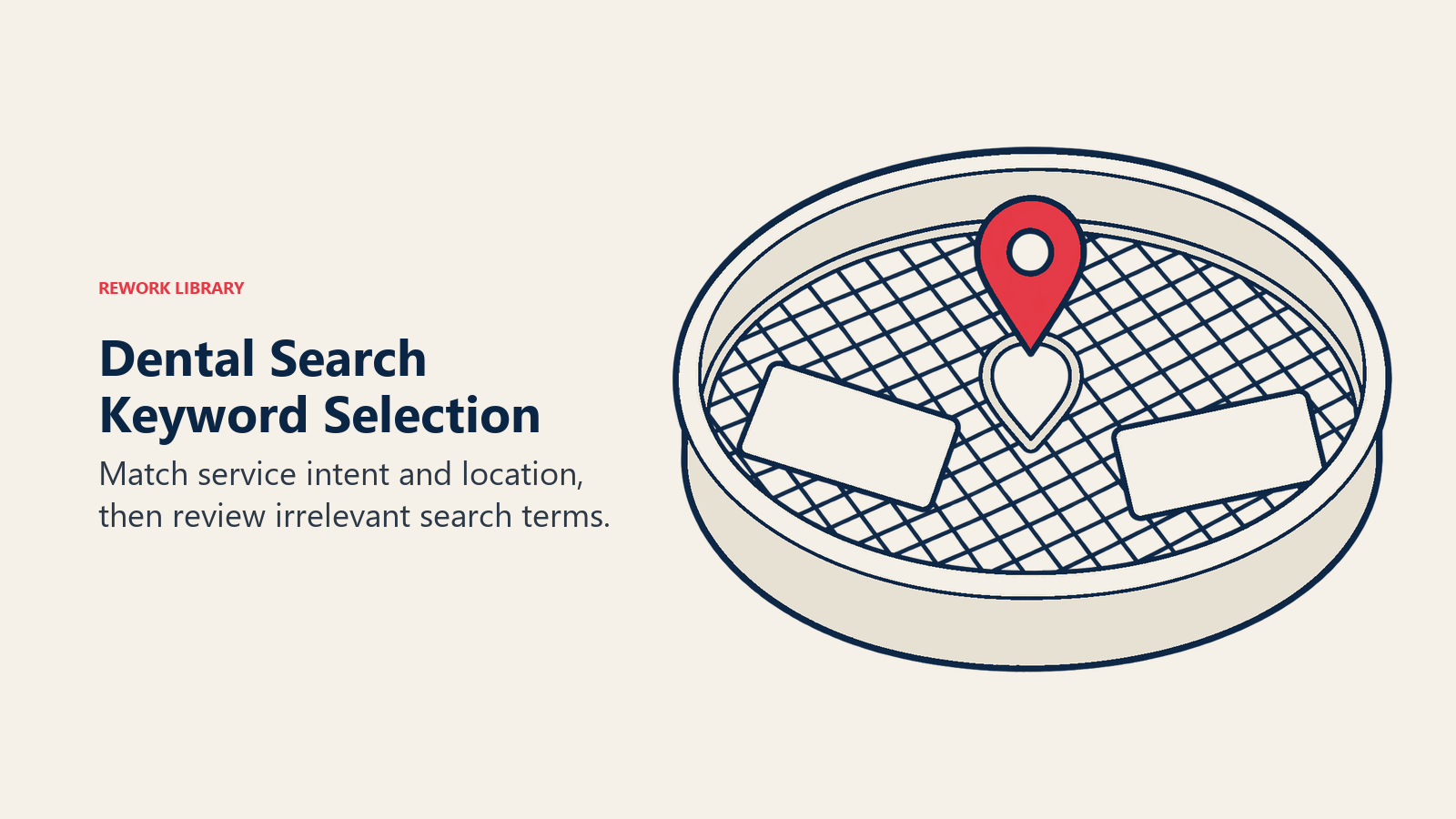
Your best-converting keywords have two properties: specific intent (they're searching for a service, not information) and local modifier (they're searching for a provider near them).
Top converting keyword patterns:
- "dentist near me" / "dentist [city]"
- "dental implants [city]" / "dental implants cost [city]"
- "emergency dentist [city]" / "dentist open Saturday [city]"
- "Invisalign dentist [city]" / "clear braces [city]"
- "same day crown [city]" / "dental crown near me"
CPC benchmarks by keyword type and market size:
| Keyword Type | Small Market | Mid-Size Market | Major Metro |
|---|---|---|---|
| General dentist | $4-$8 | $7-$12 | $10-$18 |
| Dental implants | $12-$22 | $18-$35 | $25-$50 |
| Emergency dentist | $8-$15 | $12-$22 | $18-$35 |
| Cosmetic / veneers | $8-$18 | $14-$28 | $20-$40 |
| Orthodontics / Invisalign | $6-$14 | $10-$20 | $15-$30 |
Bidding on competitor names:
Bidding on competitor practice names is legal, common in dental markets, and can be effective for capturing patients who are researching options. The ethics of it are debatable, but it's worth knowing your competitors may be doing it to you. Brand term campaigns to protect your own name (so you're the top result when someone searches your practice) are non-optional if you're running any paid search at all. Your dental market positioning determines which competitor names and procedure terms are worth targeting.
Negative keyword lists:
Your negative keyword list prevents wasted spend. Add these as negatives before your first campaign goes live:
- school, student, degree, program, training, career, jobs, salary
- free, charity, volunteer
- veterinary, animal, pet
- insurance only (if you don't want to capture patients who will only come in-network)
- dental dam (unless you're specifically targeting that product)
Review your search term report weekly in the first month. Every irrelevant term that triggered your ad should be added as a negative.
Landing Page Requirements
This is where most dental Google Ads campaigns fall apart. You've optimized your keywords and your bids, and then you send a click to a page that has twelve navigation options, four different CTAs, and information about everything from teeth cleaning to gum disease to cosmetic dentistry. The visitor clicks away.
Why the homepage fails as a landing page:
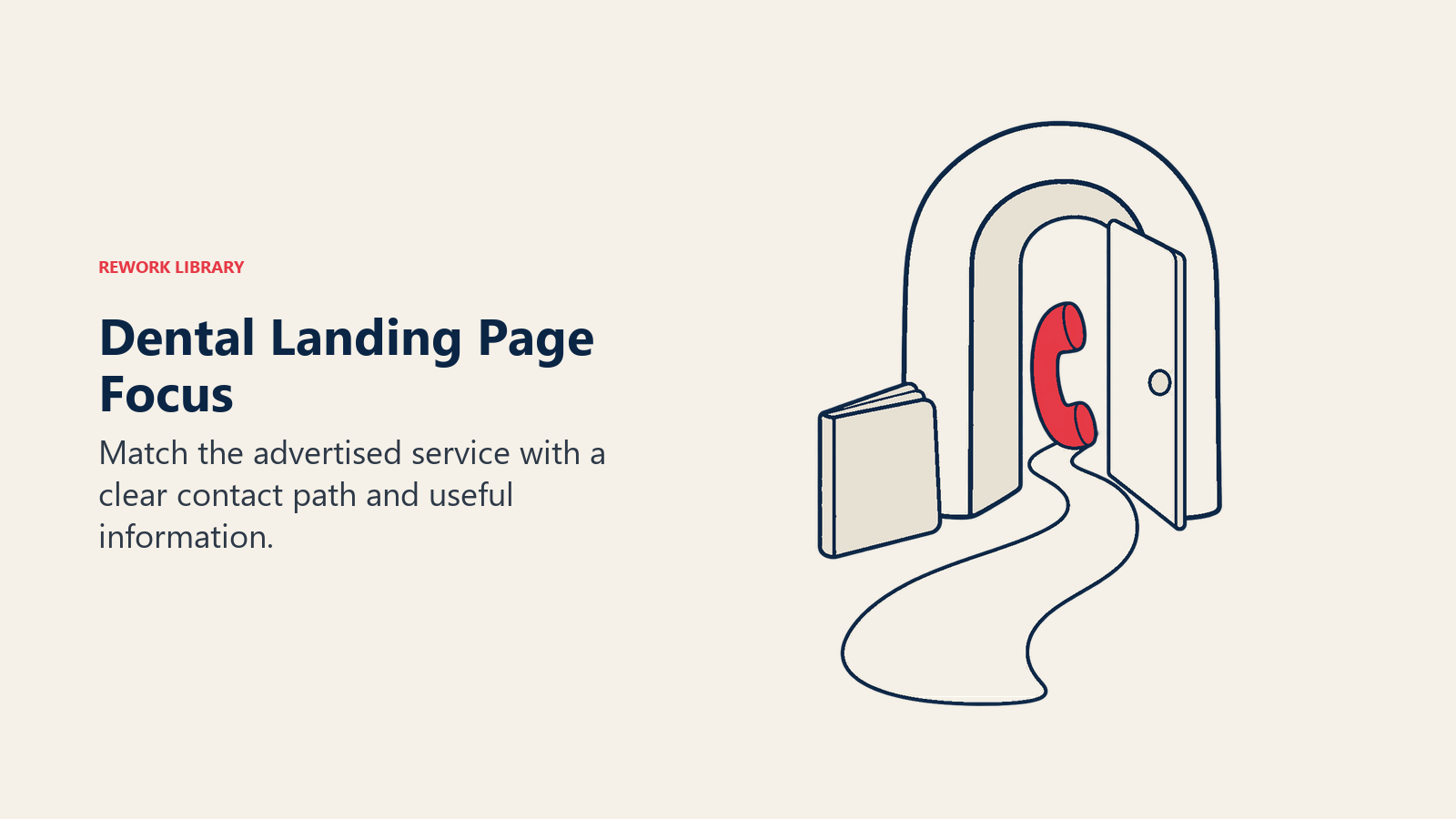
A homepage is designed to serve multiple audiences: new patients, existing patients, people just browsing, insurance verifiers, and job applicants. It's not designed to convert one specific type of visitor with one specific intent. Someone who clicked "dental implants Austin" needs to land on a page that is entirely about dental implants in Austin, with one clear call to action.
What a converting dental landing page requires:
Above the fold (visible without scrolling):
- A clear headline that matches the ad they clicked ("Dental Implants in Austin, Starting at $X")
- One primary call to action: "Call Now" with your phone number or "Book a Consultation" with a short form
- 2-3 trust signals: number of procedures completed, years in practice, or a star rating with review count
Below the fold:
- Brief explanation of your process (what happens at the consultation, what the procedure involves)
- 3-5 patient testimonials, ideally procedure-specific
- Before-and-after photos (for implants, cosmetic, and orthodontic campaigns)
- FAQ section addressing the questions your patients actually ask ("How much does it hurt?" "How long does it take?")
- Secondary CTA repeated at the bottom
Call tracking is non-negotiable:
You need a system that tells you which calls came from Google Ads, not just that calls came in. Services like CallRail assign unique phone numbers to your campaigns so every inbound call is attributed to its source. Without call tracking, you're guessing at your cost-per-new-patient, and guessing means you can't optimize. The front office team's ability to convert inbound calls to booked appointments is what ultimately determines whether your ad spend generates patients or just clicks.
Cost Per New Patient Benchmarks
Your maximum acceptable cost per new patient (CPnP) should be calculated before you set your budget, not after you see what happened.
The acceptable CPnP formula:
Maximum CPnP = (Average case value) × (Case acceptance rate) × (Acceptable acquisition cost ratio)
The CDC's dental utilization data shows roughly one-third of adults skip dental visits each year, a significant pool of potential patients that paid search can reach when campaigns are properly structured and targeted.
Example for a general practice campaign:
- Average first-year revenue per new patient: $650
- Case acceptance rate: 40%
- If you're willing to invest up to 30% of first-year revenue to acquire a patient: maximum CPnP = $650 × 0.30 = $195
Example for an implant campaign:
- Average implant case value: $4,200
- Case acceptance from consultation: 55%
- Effective value per consultation: $4,200 × 0.55 = $2,310
- At 30% investment ratio: maximum CPnP for a consultation = $693
Realistic CPnP benchmarks by procedure:
| Procedure Focus | Low-Competition Market | Competitive Metro |
|---|---|---|
| General new patient | $80-$150 | $150-$300 |
| Emergency dental | $60-$120 | $120-$220 |
| Dental implants | $150-$300 | $300-$600 |
| Cosmetic / veneers | $120-$250 | $250-$500 |
| Orthodontics | $100-$200 | $200-$400 |
If your actual CPnP is running above these ranges and your landing page and conversion tracking are properly set up, examine:
- Are you bidding too broadly? Check the search terms report.
- Is your landing page converting below 4%? A/B test the headline and CTA.
- Is your front desk closing the phone calls you're generating? Call audits matter as much as click audits.
When to Pause vs. Optimize
Not every underperforming campaign should be paused. But some should.
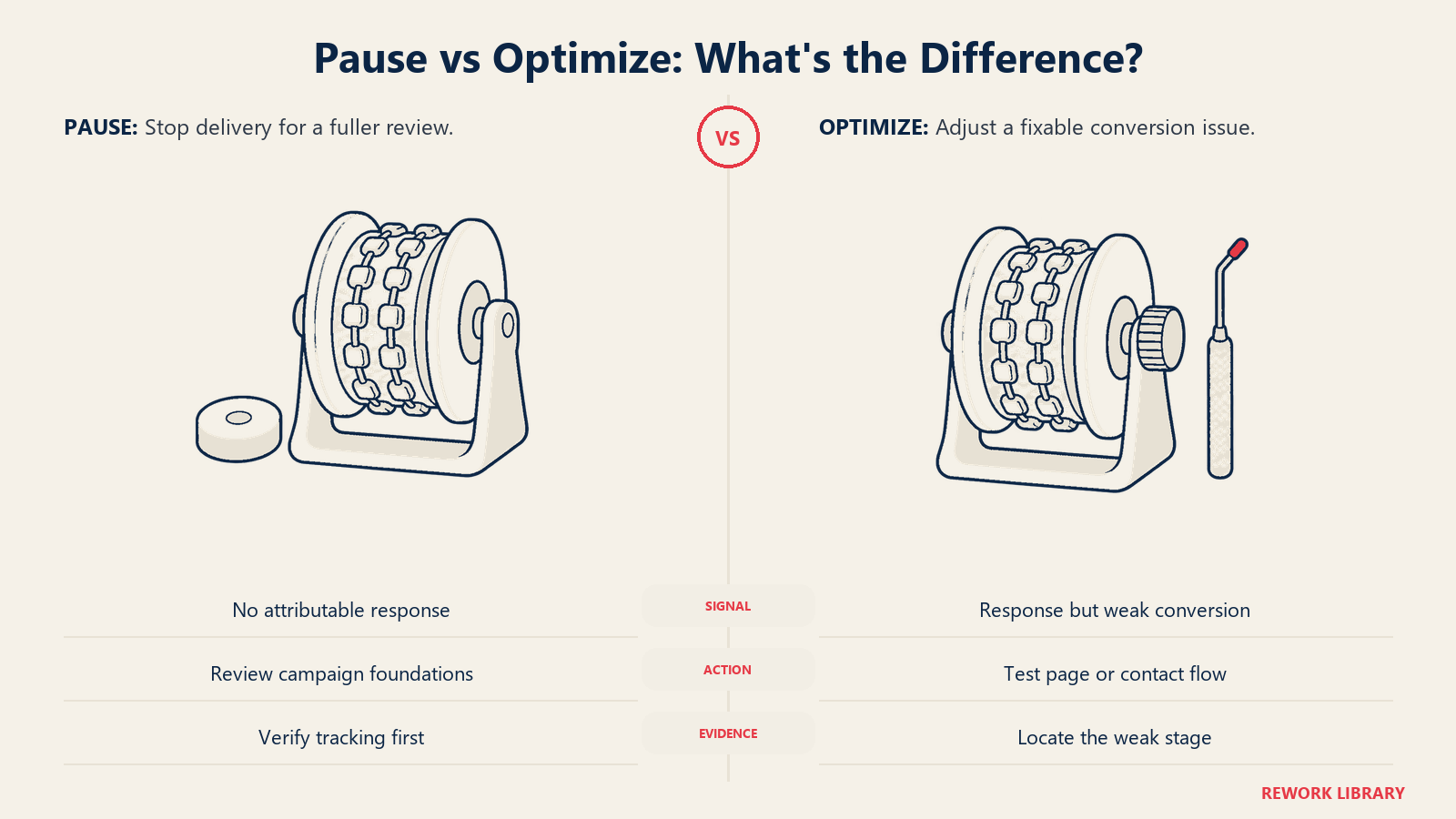
Optimize when: your cost-per-click is within benchmark range but your conversion rate is low. This points to a landing page or offer problem, not a keyword problem.
Optimize when: you're getting calls but low case acceptance. Your Google Ads problem is downstream: either the front desk needs training or your patient population from ads is misaligned with your positioning. Reviewing your treatment plan acceptance rate often reveals whether the issue is the patient source or the case presentation process.
Pause when: you've run for 60+ days, spent $3,000+, and generated zero trackable new patients with proper conversion tracking in place. Either the campaign structure is fundamentally wrong, or the market is more competitive than your budget can address.
Budget minimums by objective:
In most markets, a general dentistry campaign requires at least $1,500/month to generate meaningful data. An implant campaign in a competitive market may need $3,000-$5,000/month to compete for map pack-adjacent search positions. Spending $400/month on Google Ads in a major metro is almost always a waste. The budget is too thin to generate enough clicks to identify what's working.
See Local SEO for Dental Practices for the organic search channel that complements paid campaigns, and New Patient Specials & Promotions for the offer strategy that improves landing page conversion rates.
Conclusion
Google Ads works for dental practices that approach it like the business investment it is: defined inputs, measurable outputs, clear return thresholds, and consistent optimization based on data.
The practices that fail with Google Ads share two characteristics: they send traffic to their homepage, and they don't track which calls and forms came from paid search. Fix those two problems and you'll have a system you can actually evaluate and improve. The ADA Health Policy Institute's economic outlook reports track patient volume trends and practice revenue across the industry quarterly, useful context for calibrating your paid search budgets against the broader market environment. Tracking your key financial metrics for dental practices monthly ensures you can tie ad spend directly to production outcomes and make informed budget decisions.
Start with one campaign for your highest-value procedure. Build a dedicated landing page. Install call tracking. Run it for 90 days with a real budget. Then measure your cost-per-new-patient against the benchmarks above. That's how you learn whether Google Ads belongs in your patient acquisition mix, and at what scale.
Learn More