Dental Website Optimization: Conversion Design, Mobile Performance, and Online Scheduling
Turn this article into takeaways for your work.


Each assistant summarizes the article only for you and suggests best practices for your work.
A dental website that doesn't convert visitors into booked appointments is an expensive placeholder. Most practices spend $5,000-$15,000 on a custom website, do some Google Ads, and then watch the traffic numbers without looking at whether any of those visitors actually schedule. They don't.
The gap between a dental website that looks professional and one that consistently converts visitors into first appointments is not about design aesthetics. It's about function. Button placement. Page load speed. Whether your phone number is clickable on mobile. Whether a patient can book at 10pm on a Sunday when they finally decide to deal with that tooth pain. These specifics determine whether your marketing budget generates patients or generates visits to a website that does nothing. Website conversion is most powerful when paired with local SEO for dental practices, since the same visitors landing on your site need to have found it first.
This article covers the conversion design principles, technical performance standards, and scheduling integrations that turn a dental website from a brochure into a patient acquisition engine.
Key Facts: Dental Website Performance
- 72% of dental patients searching for a provider use a mobile device, yet the majority of dental websites still load in over 4 seconds on mobile, a threshold at which 53% of users abandon the page (Google PageSpeed Insights Industry Data, 2024)
- Practices with online scheduling integration book an average of 20% more new patient appointments monthly compared to phone-only booking practices (NexHealth Customer Data, 2023)
Why Most Dental Websites Fail
Most dental websites fail at one specific task: converting a stranger who has a dental problem into someone who books an appointment. And they fail for predictable reasons.
The phone number is small and in the header, not clickable on mobile. The "Book Now" button is below the fold, or it links to a contact form rather than real scheduling. The homepage opens with a paragraph about the practice's "commitment to excellence" rather than the specific information a patient needs: location, insurances accepted, availability. The site takes 7 seconds to load on a 4G connection.
A patient who reaches your website at 9:30pm with a toothache, can't easily find the phone number, can't book online, and waits 8 seconds for the page to load is not going to call you in the morning. They're going to book the next result that made it easy.
The standard to optimize for is this: a new patient should be able to find your phone number, understand what makes your practice worth calling, and initiate an appointment booking within 30 seconds of landing on your homepage.
Conversion-Focused Design Principles
Above-the-fold calls to action: Your homepage header should contain your practice name, your location, your phone number (large, clickable on mobile), and a primary "Book Appointment" button, all visible without scrolling. This isn't about cluttering the design. It's about prioritizing the action you want visitors to take above every other element on the page.
Phone number visibility: Use click-to-call formatting on every page, not just the homepage. Mobile users who have to copy-paste a phone number or navigate to a contact page frequently don't.
Trust signals: Photos of the actual dentist and team (not stock photos) are one of the highest-converting elements on a dental homepage. Patients are choosing a person, not a facility. Showing the face of the dentist who will treat them reduces the psychological barrier to booking. Google and Yelp review counts, credential mentions, and any awards or recognitions belong in the header area or immediately below it, not buried at the bottom. Online reputation management for dentists covers how to build and maintain the review volume that makes these trust signals credible rather than sparse.
Before/after galleries: For practices with cosmetic or restorative focus, clinical photography galleries directly increase conversion for aesthetic procedures. A patient considering veneers who sees 15 real cases from your practice is far more likely to book a consultation than one who reads a description of your cosmetic capabilities.
Service-specific landing pages: A patient searching "teeth whitening [city]" should land on a page about teeth whitening, not your homepage. Procedure-specific pages with clear CTAs, relevant photos, and basic FAQ content convert better than routing all traffic to a generic homepage.
Mobile Optimization
73% of dental patients use mobile devices to find providers. If your website isn't optimized for mobile, you're not in contention for the majority of new patient searches.
Core Web Vitals benchmarks (Google's measure of real-world page experience) include:
- Largest Contentful Paint (LCP): Under 2.5 seconds. This measures how long the main content takes to load.
- Cumulative Layout Shift (CLS): Under 0.1. This measures visual stability, meaning elements shouldn't jump around as the page loads.
- First Input Delay (FID)/Interaction to Next Paint (INP): Under 200ms. This measures responsiveness to user interaction.
Test your site at PageSpeed Insights and Google Search Console. If your mobile score is below 70, you have performance issues that are likely affecting your Google rankings as well as your conversion rate.
Common mobile performance killers in dental websites: unoptimized images (large JPEGs that haven't been compressed or converted to WebP), unminified JavaScript and CSS from older site templates, embedded map widgets that load slowly, and excessive third-party scripts (chat widgets, review platforms, analytics) that each add load time.
Click-to-call: Every phone number on your site should be formatted as a tel: link (<a href="tel:+1XXXXXXXXXX">) so mobile users can call with one tap. This is a simple implementation detail that many dental website templates still miss.
Online Scheduling Integration
Online scheduling is no longer a feature. It's a patient expectation for practices that want to compete for new patients under 50. The practices not offering it are sending a percentage of their inbound traffic to practices that do. Dental Economics research on patient self-scheduling shows that nearly 73% of patients book their appointments after hours when given the online option, revenue that phone-only practices lose entirely.
Platform options:
| Platform | Strengths | Best For |
|---|---|---|
| NexHealth | Real-time calendar sync, two-way texting, patient portal | Growth-focused practices wanting full integration |
| Zocdoc | High-volume marketplace, insurance matching | Practices in competitive urban markets |
| Weave | Phone system + scheduling + reviews in one platform | Practices wanting consolidated communication tools |
| PMS-native scheduling | Seamless practice management integration | Practices with specific PMS requirements |
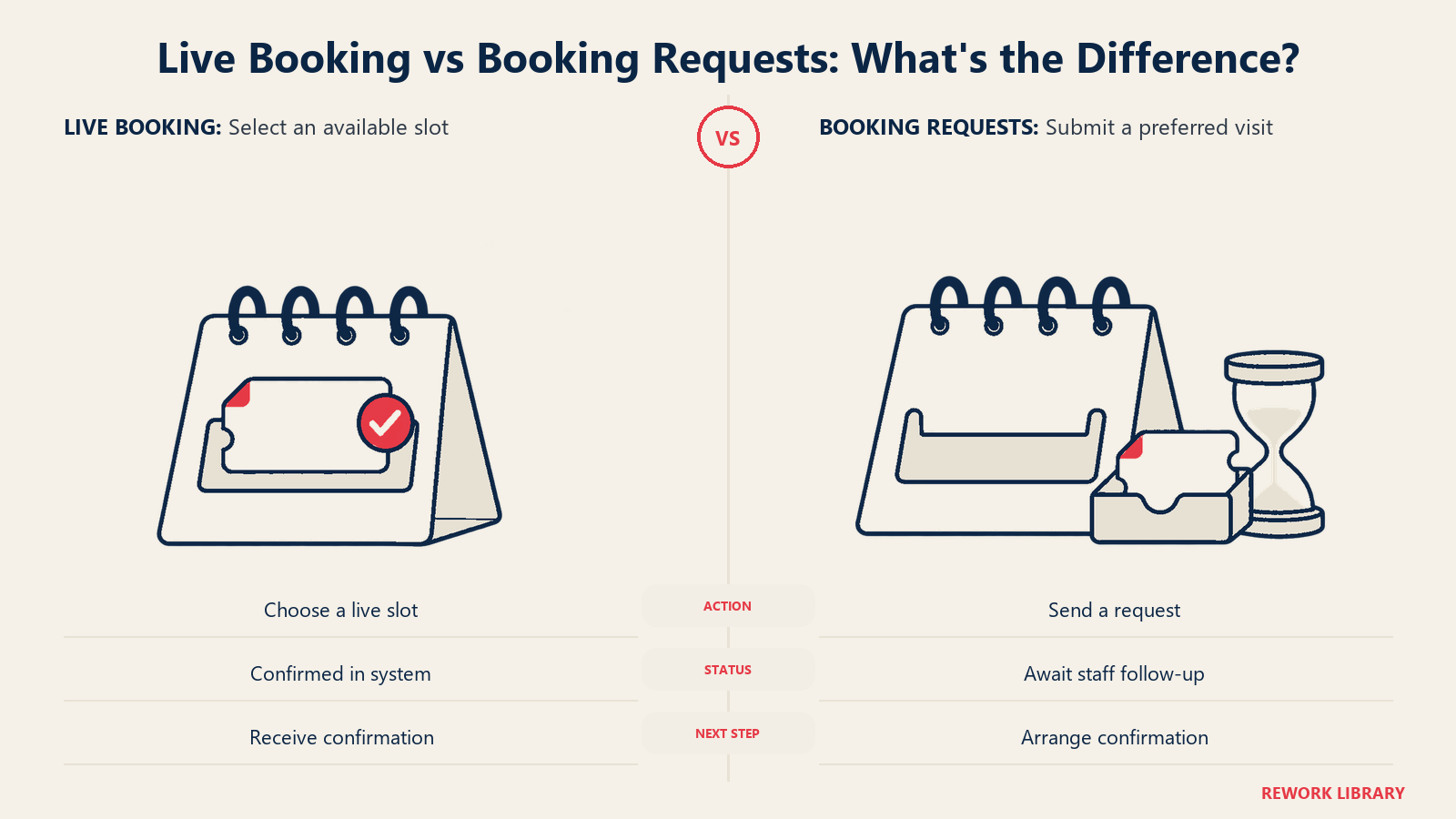
Real-time scheduling (where the patient selects an actual available appointment slot rather than submitting a request) converts significantly better than request-based booking. A patient who selects Tuesday at 2pm and receives an immediate confirmation is confirmed. A patient who submits a request form and waits for a callback may have already booked elsewhere by the time you call.
The volume impact is real. When practices add real-time online scheduling, they consistently see 15-25% of new patient appointments booked outside business hours. These are appointments that either didn't happen without the online option or were captured from competitors who required a phone call. The front office systems that handle these bookings need to be calibrated for this volume, see front office excellence in dental practices for how to align your scheduling coordinators with the increased demand that strong website conversion creates.
Embed your scheduling widget prominently: in the header, on the homepage, and on every service page. Don't make patients navigate to a "Contact" page to find it.
Patient Portal and Digital Forms
Paper intake forms at check-in create friction, delay appointment starts, and create transcription errors. Digital intake forms completed before the appointment give your clinical team a head start and demonstrate that your practice is up to date operationally.
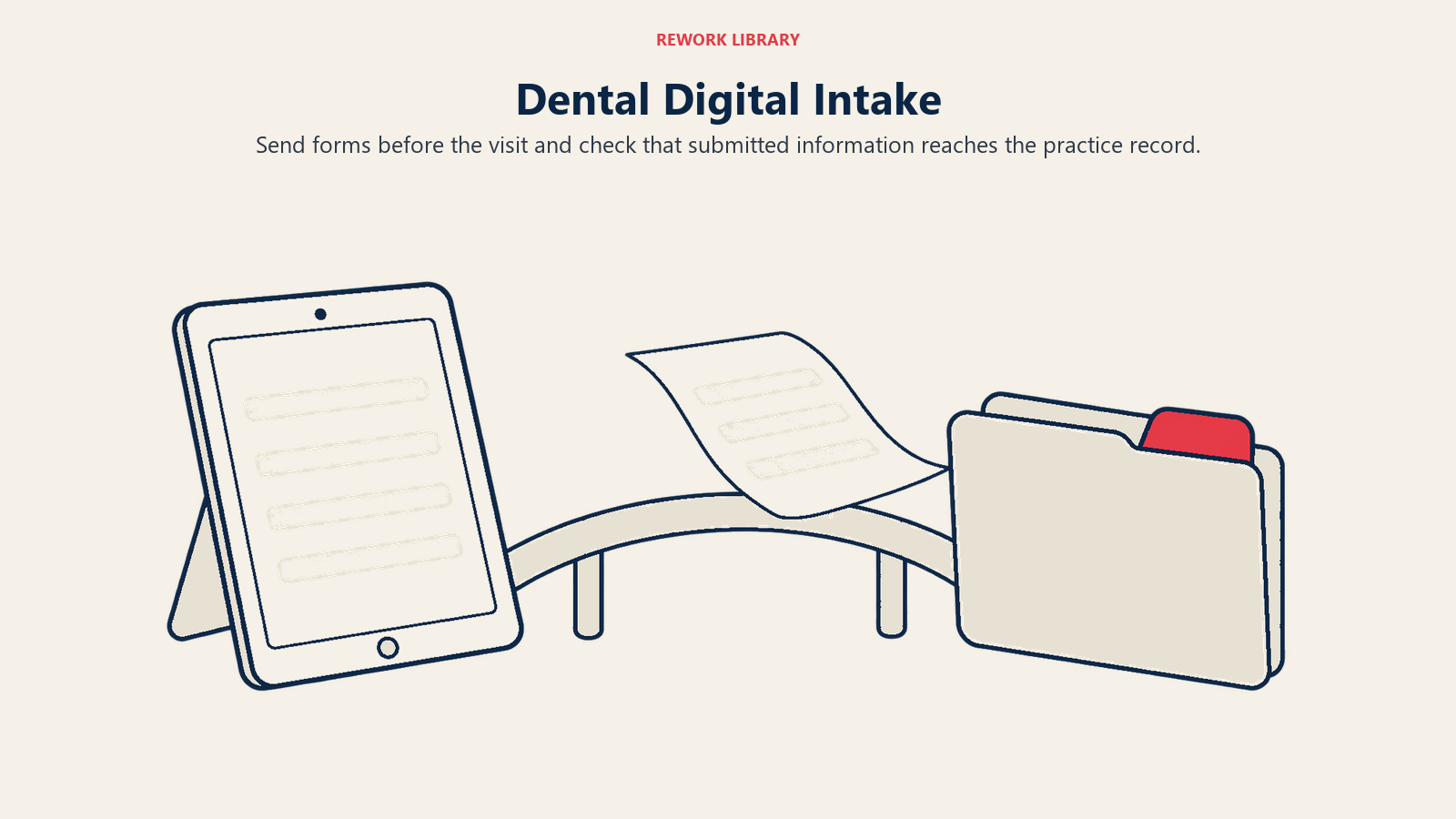
Most practice management systems offer digital intake forms or integrate with platforms like Yapi or Dental Symphony. Implementation requires ensuring your intake form captures everything the paper form does, links correctly to your patient portal, and sends to the patient far enough in advance (48 hours) that they complete it before the appointment.
Digital insurance uploads (patients photographing their insurance cards and uploading them during intake) reduce the verification calls your front office makes. Each call your team doesn't have to make is time they spend on higher-value tasks.
The patient portal itself (appointment history, treatment records, billing) matters more to existing patients than new ones. But a practice with a functional portal signals operational sophistication that can influence new patient decisions when they're evaluating practices that otherwise look similar. Patient portals also tie into broader patient communication strategies by creating a self-service channel for appointment confirmations, recall reminders, and treatment follow-up that reduces front office call volume.
SEO-Ready Site Structure
Your website structure affects how Google indexes and ranks your pages. A few principles specific to dental practices:
Procedure pages: Every major service you offer should have its own page: dental implants, Invisalign, teeth whitening, emergency dentistry, pediatric dentistry (if applicable). These pages capture patients searching for specific procedures and give you more surface area for local search rankings.
Location pages: Multi-site practices need individual location pages with unique content, not the same page with just the address swapped. Google penalizes thin duplicate content across location pages.
Schema markup: Dental practice schema (LocalBusiness type with the Dentist specialty) helps Google understand your practice's information and can produce rich results in local search. This is a technical implementation detail your web developer should handle, but it's worth verifying in Google Search Console that it's correctly implemented.
Google Business Profile integration: Your GBP (the map listing that appears in local searches) and your website should present consistent NAP information (Name, Address, Phone). Inconsistencies between the two confuse Google's local ranking algorithm and can suppress your visibility. Paid search can amplify what your SEO structure establishes, Google Ads for dentists explains how to layer paid traffic over an optimized site structure rather than relying on ads as a substitute for foundational SEO work.
Website Performance Metrics to Track Monthly
Set up monthly reporting on these metrics in Google Analytics 4:
- Session-to-contact rate: Percentage of website visitors who call, email, or initiate online booking. Benchmark: 3-8% for dental practices with strong local traffic.
- Online booking volume: Total appointments booked through your scheduling platform monthly, and the trend over time.
- Mobile vs. desktop traffic split: If you're getting 70%+ mobile traffic and your mobile performance is poor, you have a priority issue.
- Page speed scores (Core Web Vitals): Track monthly via Google Search Console. Any degradation signals a new plugin, image, or script issue.
- New patient source attribution: Where are your new patients coming from? Website, Google Ads, referral, social? Knowing the split helps you allocate your marketing budget.
A website audit checklist, reviewed quarterly with your marketing team or agency, should cover CTA placement, phone number visibility, mobile performance scores, form functionality, and scheduling widget accessibility. Don't wait for a redesign to fix issues that can be addressed in an afternoon. For practices with strong website conversion who want to extend their digital reach, social media for dentists covers how to build complementary visibility that reinforces the website's positioning rather than competing with it for attention.
Learn More