Diagrama SIPOC: Como Mapear um Processo em Alto Nível
Turn this article into takeaways for your work.


Each assistant summarizes the article only for you and suggests best practices for your work.
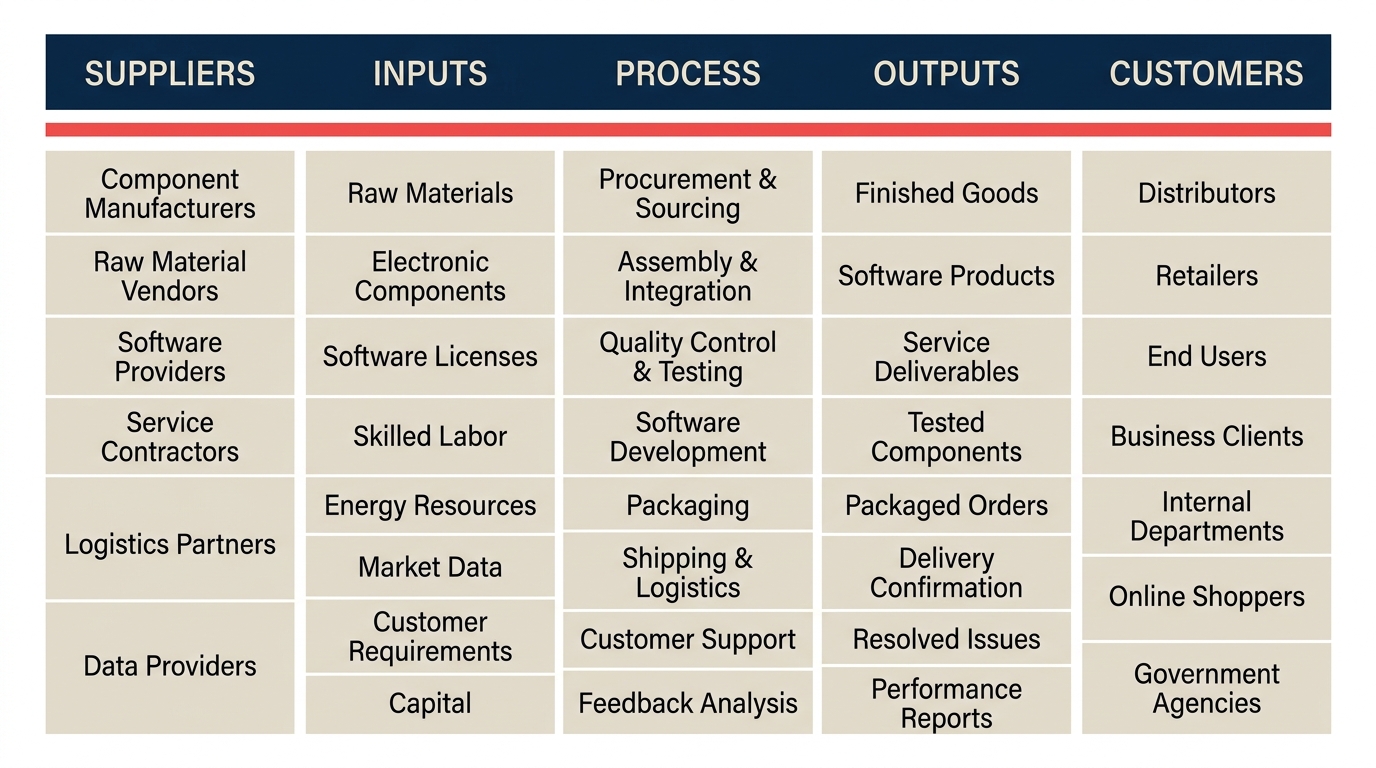
Um diagrama SIPOC é a forma mais rápida de alinhar uma sala cheia de partes interessadas sobre o que um processo realmente é antes que alguém comece a debater como corrigi-lo. SIPOC é o acrônimo em inglês para Suppliers (Fornecedores), Inputs (Entradas), Process (Processo), Outputs (Saídas) e Customers (Clientes). Essas cinco colunas capturam tudo o que uma equipe de projeto precisa acordar sobre escopo, direção e responsabilidade em uma única visão de uma página.
O que é um diagrama SIPOC?
Um diagrama SIPOC é um mapa de processo de alto nível que resume um processo de negócio em cinco colunas: Fornecedores, Entradas, Processo, Saídas e Clientes. Ele mostra quem fornece o quê, o que acontece com isso e quem recebe o resultado. A maioria dos mapas de processo mergulha imediatamente em sequências passo a passo e ramificações de decisão. O SIPOC fica intencionalmente acima desse nível de detalhe. Seu papel é definir os limites do processo e as relações-chave, não documentar cada tarefa.
O SIPOC foi desenvolvido como ferramenta central dentro da metodologia Six Sigma, especificamente na fase Define do DMAIC. Antes que uma equipe de projeto possa medir ou analisar um processo, ela precisa de uma visão compartilhada do que esse processo inclui e exclui. O SIPOC fornece essa visão em um formato simples o suficiente para apresentar a um CFO e detalhado o suficiente para ancorar um workshop de equipe.
A ferramenta também é amplamente utilizada fora de programas formais de Six Sigma. Sempre que uma equipe está iniciando um esforço de melhoria de processo, lançando um novo workflow ou integrando uma função que depende de transferências de outros departamentos, um SIPOC ajuda a cortar a confusão inicial sobre quem é responsável por quê.
Dados-Chave
- Projetos Six Sigma que completam uma fase Define clara, incluindo SIPOC e documentação de escopo, têm uma taxa de sucesso significativamente maior do que aqueles que pulam direto para a medição. Uma pesquisa da American Society for Quality (ASQ) constatou que o escopo mal definido é a principal causa de falha em projetos DMAIC, afetando mais de 60% dos projetos travados (ASQ Quality Progress, 2019).
- A GE, uma das maiores adotantes iniciais do DMAIC, relatou mais de US$ 10 bilhões em benefícios acumulados do Six Sigma entre 1996 e 2001, com SIPOC e termos de abertura de projeto citados como ferramentas fundamentais da fase Define em seus materiais de treinamento internos (Relatórios Anuais da GE, 1999-2001).
- A fase Define do DMAIC, onde o SIPOC está inserido, normalmente representa apenas 10 a 15% do tempo total do projeto, mas tem um efeito desproporcional na qualidade dos resultados. Projetos que pulam ou apressam o Define têm três vezes mais chance de ser reabertos após o encerramento (pesquisa IASSC com profissionais, 2021).
As cinco colunas do SIPOC
Cada coluna responde a uma pergunta específica. Obter as respostas corretas é mais importante do que preencher cada linha perfeitamente na primeira tentativa.
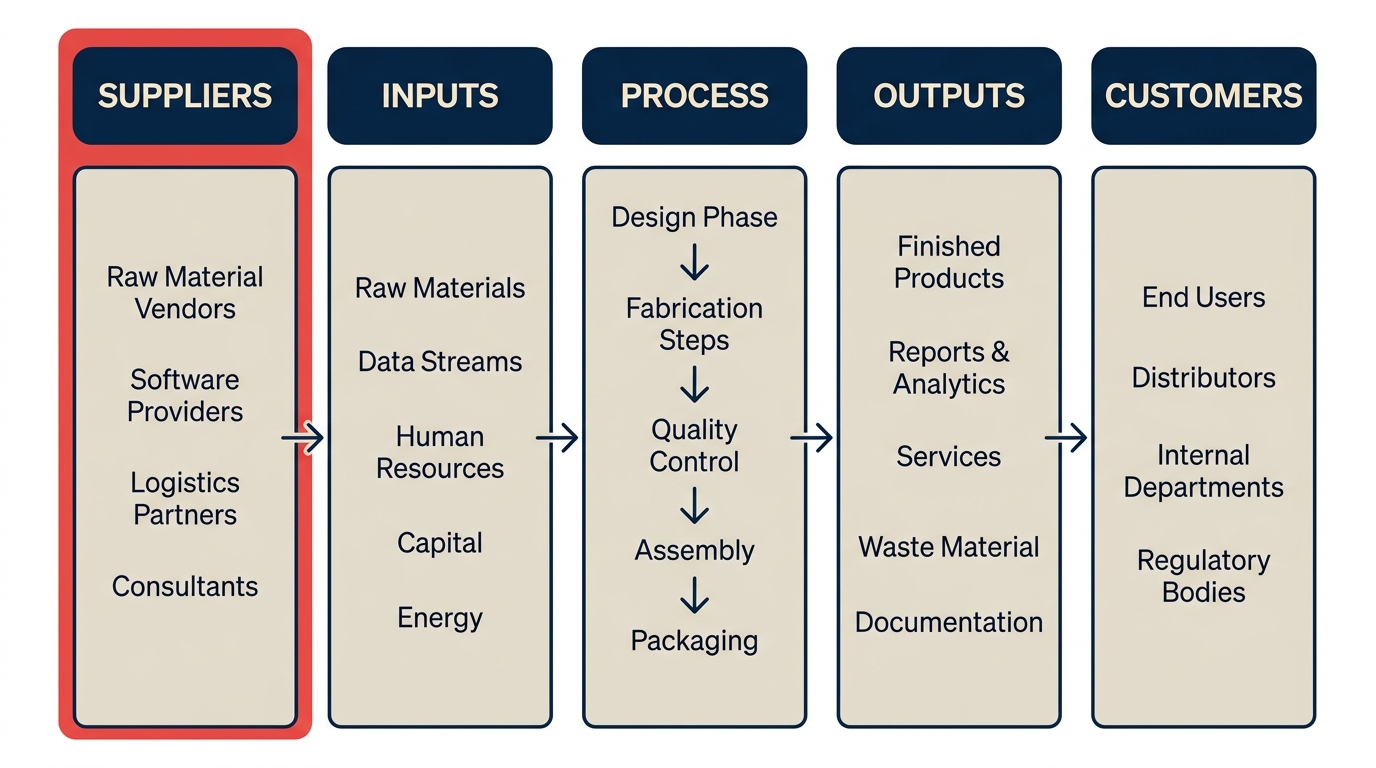
| Coluna | Pergunta que responde | Exemplo (integração de novos colaboradores) |
|---|---|---|
| Fornecedores | Quem fornece as entradas? | Sistema de RH, gestor responsável pela contratação, departamento de TI |
| Entradas | O que alimenta o processo? | Carta de oferta assinada, formulário de solicitação de equipamento, lista de acessos ao sistema |
| Processo | Quais são as 4 a 6 etapas de alto nível? | Enviar e-mail de boas-vindas, provisionar equipamento, agendar integração, designar mentor |
| Saídas | O que o processo produz? | Conta de colaborador ativa, checklist de integração concluído, credenciais de acesso |
| Clientes | Quem recebe as saídas? | Novo colaborador, seu gestor, equipe de folha de pagamento |
Alguns pontos importantes para cada coluna:
Fornecedores são as fontes das entradas, não as pessoas que executam o processo. Se seu processo usa dados de um CRM, o CRM (ou a equipe que o mantém) é um fornecedor. O dono do processo não é um fornecedor do seu próprio processo.
Entradas são as coisas transformadas ou consumidas pelo processo. Não são as pessoas ou as ferramentas. Um contrato assinado é uma entrada. A plataforma DocuSign não é.
Processo é a coluna mais difícil de preencher corretamente, porque as equipes querem escrever uma frase vaga ("tratar a solicitação") ou listar 30 subetapas. A meta é de 4 a 6 etapas de alto nível, cada uma com uma frase verbal. Se você não consegue chegar a menos de seis etapas, o escopo provavelmente está amplo demais.
Saídas são o que o processo entrega, não o que acontece depois. A integração concluída é uma saída. Um colaborador produtivo seis meses depois é um resultado futuro, não uma saída do processo de integração.
Clientes no SIPOC são aqueles que recebem as saídas. Isso inclui equipes internas. Se a saída do seu processo de faturamento vai para um cliente, ele é o cliente. Se também vai para a equipe de contas a receber, eles também são clientes.
SIPOC vs mapa de processo vs mapa do fluxo de valor
Essas três ferramentas são todas chamadas de "mapas de processo" em conversa informal, mas respondem a perguntas diferentes em diferentes níveis de detalhe.
| Ferramenta | Altitude | Pergunta principal | Melhor uso |
|---|---|---|---|
| SIPOC | Alto nível (uma página) | O que é este processo e quem está envolvido? | Definição de escopo, kickoffs de projeto, alinhamento de partes interessadas |
| Mapa de processo / fluxograma | Nível intermediário (passo a passo) | O que exatamente acontece e em que sequência? | Treinamento, documentação, identificação de gargalos |
| Mapa do fluxo de valor | Nível operacional (com dados de tempo) | Onde o desperdício e o atraso estão escondidos? | Melhoria Lean, redução de lead time |
O SIPOC não substitui um mapa de processo de negócio. É o passo anterior. Depois que um SIPOC estabelece o que é o processo e onde ele começa e termina, um fluxograma ou um mapa do fluxo de valor detalhado pode se aprofundar na mecânica. Tentar construir um mapa de processo detalhado sem um SIPOC é como desenhar a planta de um andar antes de ter concordado sobre qual edificação se está projetando.
Um mapa do fluxo de valor vai além dos dois: adiciona timestamps, tempos de espera e fluxos de informação para que uma equipe de lean methodology possa quantificar os desperdícios. O SIPOC nunca inclui dados de tempo. Seu valor é a clareza de escopo, não a análise de desperdícios.
Por que usar um diagrama SIPOC
Ele força o acordo de escopo antes que qualquer trabalho real comece. O motivo mais comum pelo qual projetos de melhoria de processo travam é que os membros da equipe tinham ideias diferentes sobre o que o processo incluía. Um SIPOC traz à tona esses desentendimentos em um workshop de uma hora, em vez de três meses depois do início do projeto.
Ele coloca os clientes em primeiro lugar. Embora o SIPOC seja lido da esquerda para a direita (de Fornecedores para Clientes), profissionais experientes o preenchem da direita para a esquerda: comece pelos Clientes, depois pelas Saídas e trabalhe de trás para frente. Essa sequência mantém a equipe focada no que realmente importa para quem recebe o trabalho.
É rápido. Um workshop SIPOC normalmente dura de 60 a 90 minutos com um grupo multifuncional de 5 a 8 pessoas. Não é necessário nenhum software. Um quadro branco e post-its são suficientes. A simplicidade é exatamente o ponto.
Cria uma referência compartilhada para o restante do projeto. Um SIPOC validado e publicado no espaço de trabalho do projeto se torna o documento âncora. Quando o escopo começa a se expandir indevidamente, a equipe pode apontar para a coluna Processo e dizer "isso não é uma das nossas seis etapas".
Funciona em qualquer setor. A ferramenta foi criada na manufatura, mas é igualmente útil na saúde, logística, serviços financeiros, software e serviços profissionais. Em qualquer lugar que exista um processo repetível com entradas e saídas identificáveis, o SIPOC se encaixa.
Erros comuns
Excesso de detalhes na coluna Processo. Seis etapas. Esse é o limite. Equipes que listam 15 etapas na coluna Processo desenharam um mapa de processo, não um SIPOC. Se você precisa desse nível de detalhe, construa um mapa de processo separado e faça o link.
Confundir entradas e fornecedores. Entradas são coisas (dados, documentos, materiais). Fornecedores são fontes (pessoas, sistemas, equipes). "Pedido do cliente" é uma entrada. "Cliente" é o fornecedor dessa entrada. Misturar esses dois torna o diagrama inteiro mais difícil de ler e de usar.
Listar o dono do processo como fornecedor. As pessoas que executam o processo não são fornecedoras dele. Os fornecedores estão fora dos limites do processo e entregam algo para dentro.
Incluir muitas saídas. Uma saída é o que o processo produz diretamente, não todo efeito posterior. Escolha as 2 a 4 coisas que o processo foi projetado para entregar e pare por aí.
Pular a validação com os clientes. A coluna Clientes deve ser revisada por alguém que realmente representa esses clientes. Clientes internos especialmente tendem a ser subespecificados. "Equipe de finanças" pode precisar ser "analista de contas a pagar" para ser útil.
Construir o SIPOC sozinho. Um SIPOC criado por uma única pessoa em uma planilha e enviado para comentários não é o mesmo que um SIPOC construído numa sala com as pessoas que fazem o trabalho. O workshop é onde os desentendimentos vêm à tona e são resolvidos.
Como criar um diagrama SIPOC
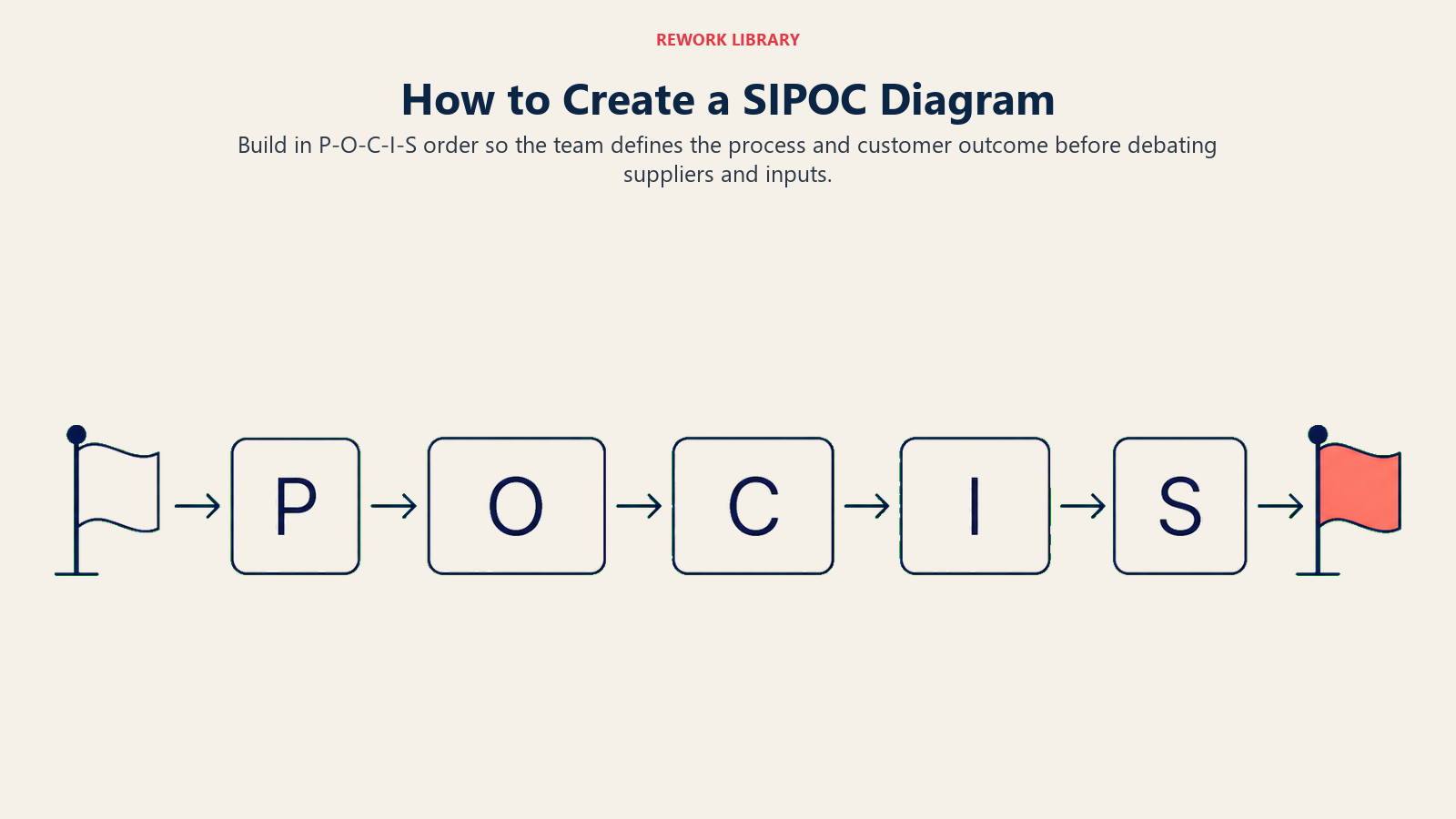
A abordagem recomendada é preencher as colunas na ordem P-S-C-E-F (Processo, Saídas, Clientes, Entradas, Fornecedores), começando pelo Processo e terminando pelos Fornecedores. Isso mantém a equipe focada no que o processo faz antes de entrar em de onde vêm as entradas.
Etapa 1: Nomeie o processo e defina seus limites
Escreva o nome do processo no topo. Em seguida, defina o gatilho de início e o estado final em linguagem simples. "Começa quando: o cliente envia um pedido de compra. Termina quando: a fatura é confirmada como recebida pelo cliente." Sem esses limites, cada coluna se enche de entradas ambíguas.
Etapa 2: Liste as 4 a 6 etapas de alto nível do processo
Na coluna Processo, escreva as atividades principais em sequência. Use frases verbais: "Revisar solicitação", "Aprovar compra", "Emitir credenciais". Mire em no mínimo 4 etapas e no máximo 6. Se você tiver 8 ou mais, procure etapas que possam ser agrupadas em um nível de abstração mais alto.
Etapa 3: Identifique as saídas
O que o processo produz? Liste os entregáveis diretos do processo, não resultados ou efeitos posteriores. Um contrato assinado, uma conta provisionada, um checklist concluído. Limite a 2 a 4 saídas.
Etapa 4: Identifique os clientes
Quem recebe essas saídas? Liste cada pessoa, equipe ou sistema que recebe as saídas. Inclua clientes internos. Se o gestor do novo colaborador recebe uma notificação quando a integração é concluída, o gestor é um cliente dessa saída.
Etapa 5: Identifique as entradas e os fornecedores
Trabalhe de trás para frente a partir das etapas do processo. O que cada etapa precisa para começar? Essas são suas entradas. E quem ou o que fornece cada entrada? Esses são seus fornecedores. É aqui que as equipes frequentemente descobrem entradas ausentes ou responsabilidades indefinidas, que é exatamente o ponto de fazer isso.
Após preencher todas as cinco colunas, valide o SIPOC com o dono do processo e pelo menos um representante do grupo de clientes. Uma rodada de revisão normalmente é suficiente para capturar os erros mais comuns.
Exemplo de SIPOC
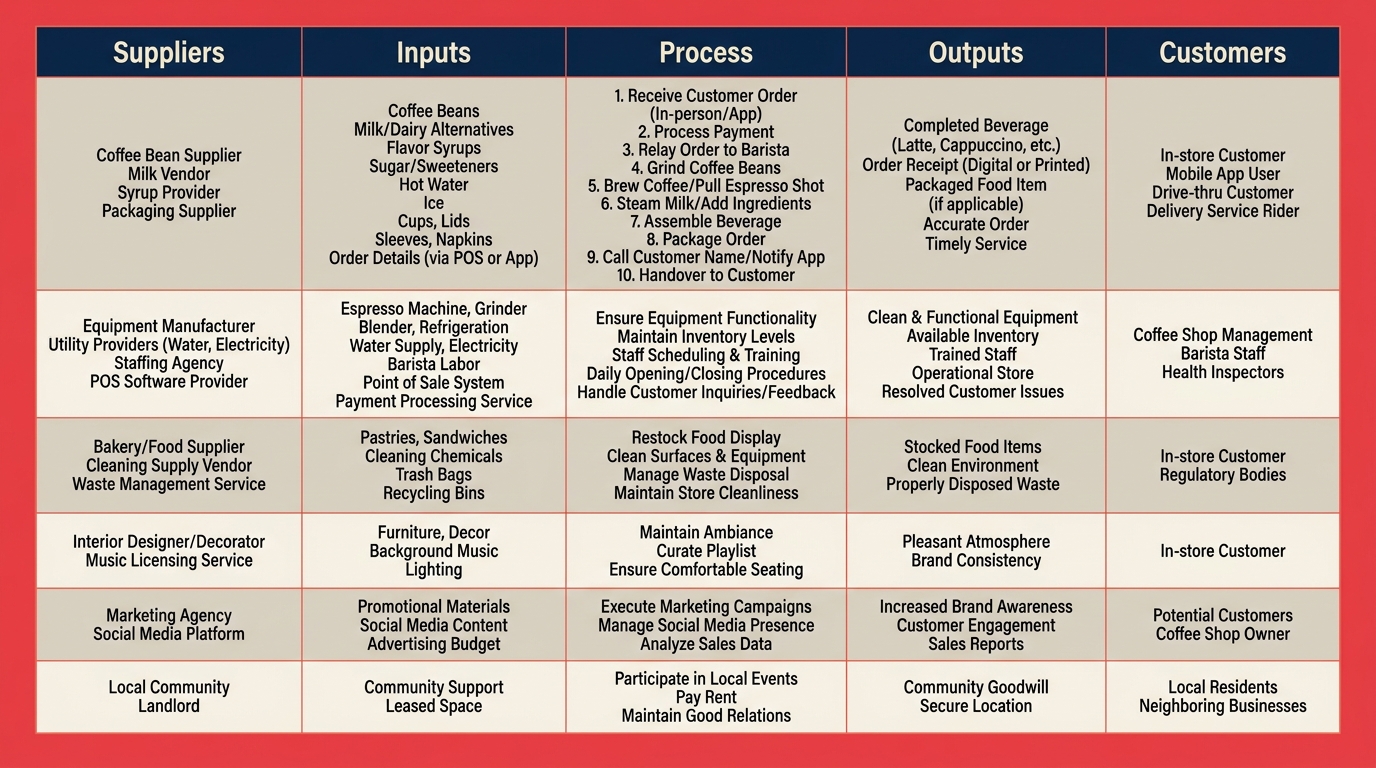
Aqui está um SIPOC completo para um processo de atendimento de pedidos em uma cafeteria. É simples o suficiente para ver a estrutura claramente e realista o suficiente para mostrar como cada coluna se relaciona com as outras.
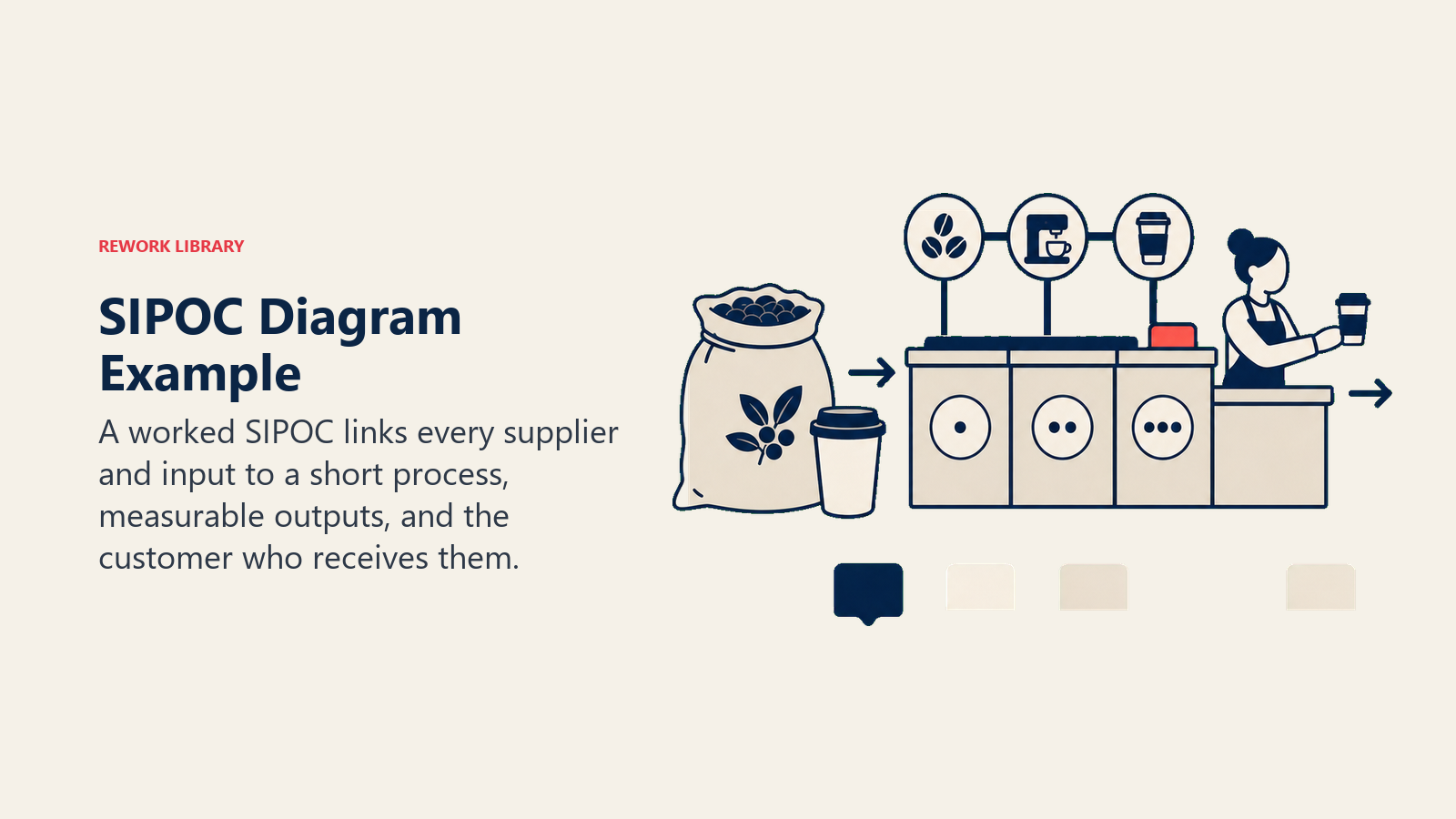
Nome do processo: Atendimento de pedidos de clientes Início: O cliente chega ao balcão Fim: O cliente recebe o pedido pronto
| Fornecedores | Entradas | Processo | Saídas | Clientes |
|---|---|---|---|---|
| Fornecedor de café | Grãos de café | 1. Anotar o pedido do cliente | Bebida pronta | Cliente que consome no local |
| Fornecedor de laticínios | Leite, creme | 2. Confirmar pagamento | Recibo impresso | Cliente para levar |
| Fornecedor de embalagens | Copos de papel, tampas | 3. Preparar a bebida | Notificação de pedido pronto | App de fidelidade (para registro de pontos) |
| Programa de treinamento de baristas | Barista treinado | 4. Chamar o pedido e entregar | ||
| Sistema PDV | Terminal de pagamento | 5. Registrar a transação |
Alguns pontos a observar:
A coluna Processo tem exatamente cinco etapas, cada uma com uma frase verbal. A coluna Saídas captura o que o processo produz, não a satisfação do cliente ou visitas repetidas. A coluna Clientes inclui o app de fidelidade porque o registro da transação o alimenta. E a coluna Fornecedores inclui o programa de treinamento porque mão de obra capacitada é uma entrada real que vem de algum lugar.
Para processos mais complexos, cada linha da tabela representa um par entrada-fornecedor ou saída-cliente. As linhas não precisam ser iguais entre as colunas.
Boas práticas
- Preencha na ordem P-S-C-E-F, não da esquerda para a direita. Comece pelo Processo, depois Saídas, depois Clientes, depois Entradas, depois Fornecedores. Isso mantém a equipe focada no que o processo faz antes de debater quem fornece o quê.
- Use post-its no workshop. Notas físicas permitem que as pessoas reorganizem os itens sem debate. Ferramentas digitais adicionam fricção em uma sessão ao vivo.
- Um processo por SIPOC. Se você precisa de dois SIPOCs para descrever um workflow, pode ser que você tenha dois processos que deveriam ser conduzidos separadamente.
- Escreva saídas como substantivos, etapas do processo como verbos. "Solicitação aprovada" é uma saída. "Aprovar a solicitação" é uma etapa do processo. Manter a forma gramatical consistente torna o diagrama mais rápido de ler.
- Mantenha o primeiro rascunho impreciso. O objetivo do workshop é trazer à tona os desentendimentos, não produzir um documento polido. Polir depois que a equipe estiver alinhada.
- Conecte o SIPOC ao seu termo de abertura do projeto. Em um projeto DMAIC, os limites de escopo do SIPOC devem corresponder ao escopo do processo no termo de abertura. Se não corresponderem, um dos dois está errado.
- Use-o para integração de novos membros. Um SIPOC é uma das formas mais rápidas de explicar um processo complexo a um novo integrante da equipe que ainda não precisa de todos os detalhes passo a passo.
Um SIPOC raramente é o último mapa de processo que você vai desenhar. Mas quase sempre é o primeiro certo. Alinhe as cinco colunas, confirme os limites de escopo e todo o restante do trabalho de melhoria terá uma base sólida sobre a qual se apoiar. Pule isso e você vai passar os próximos três meses descobrindo por tentativa e erro dolorosos o que um workshop de 90 minutos teria mostrado no primeiro dia.
Para equipes que estão começando com gestão de processos, o SIPOC combina naturalmente com o mapeamento de processos de negócio, a lean methodology e o DMAIC como parte de um conjunto conectado de ferramentas para tornar o trabalho visível e melhorável.
Leitura relacionada
- DMAIC: As 5 Fases da Melhoria do Six Sigma - onde o SIPOC se encaixa na fase Define
- Mapeamento de Processos de Negócio: Tipos, Símbolos e Etapas - o próximo nível de detalhe do processo após o SIPOC
- O que é um Fluxograma? - diagramas de sequência passo a passo que seguem um SIPOC
- Value Stream Mapping - quando você precisa de dados de desperdício e tempo, não apenas de escopo
- Lean Methodology - o framework mais amplo que o SIPOC apoia
- O que é Gestão de Processos? - contexto fundamental para todas as ferramentas de melhoria de processos
- BPMN - o padrão de notação formal para modelagem de processos
- Total Quality Management - como o SIPOC se encaixa nos sistemas de qualidade empresarial

Customer Success Operations Manager
On this page
- O que é um diagrama SIPOC?
- As cinco colunas do SIPOC
- SIPOC vs mapa de processo vs mapa do fluxo de valor
- Por que usar um diagrama SIPOC
- Erros comuns
- Como criar um diagrama SIPOC
- Etapa 1: Nomeie o processo e defina seus limites
- Etapa 2: Liste as 4 a 6 etapas de alto nível do processo
- Etapa 3: Identifique as saídas
- Etapa 4: Identifique os clientes
- Etapa 5: Identifique as entradas e os fornecedores
- Exemplo de SIPOC
- Boas práticas
- Leitura relacionada