RAID Log: Track Risks, Assumptions, Issues, and Dependencies
Turn this article into takeaways for your work.


Each assistant summarizes the article only for you and suggests best practices for your work.
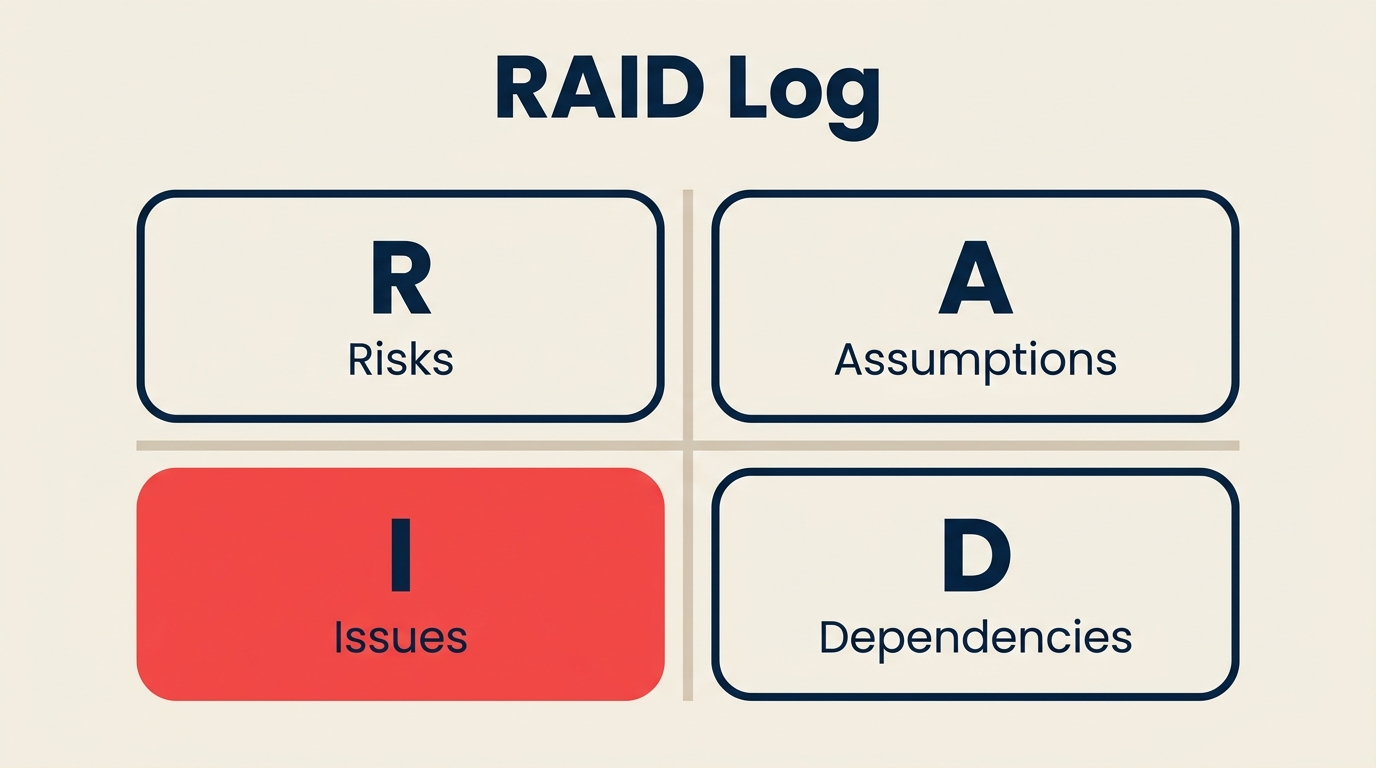
A RAID log is the single document that keeps four project-derailing categories in one place: risks, assumptions, issues, and dependencies. Most projects that blow through their budgets or deadlines can trace the damage to one of those four categories that nobody was actively watching.
What is a RAID log?
A RAID log is a structured tracking document used in project management to record and monitor the four categories most likely to create problems on a project: Risks, Assumptions, Issues, and Dependencies. Each category gets its own section (or its own color-coded rows), and the whole log lives in a shared location where every stakeholder can see it.
The log isn't a fancy tool. It's usually a spreadsheet or a page inside your project management platform. What makes it valuable is discipline: teams that review the RAID log regularly surface problems weeks before they turn into crises.
Key Facts
- The RAID log concept emerged from PRINCE2 and APM Body of Knowledge practices in the early 2000s and is now standard in 78% of UK government projects (APM, 2023).
- Projects that maintain an active RAID log have a 31% lower rate of major schedule slip compared to projects without one (PMI Pulse of the Profession, 2024).
- The "I" in RAID (Issues) typically captures 2-3x more entries over a project's lifetime than the "R" (Risks), because risks that materialize automatically become issues (PMI community data, 2023).
RAID: What each letter means
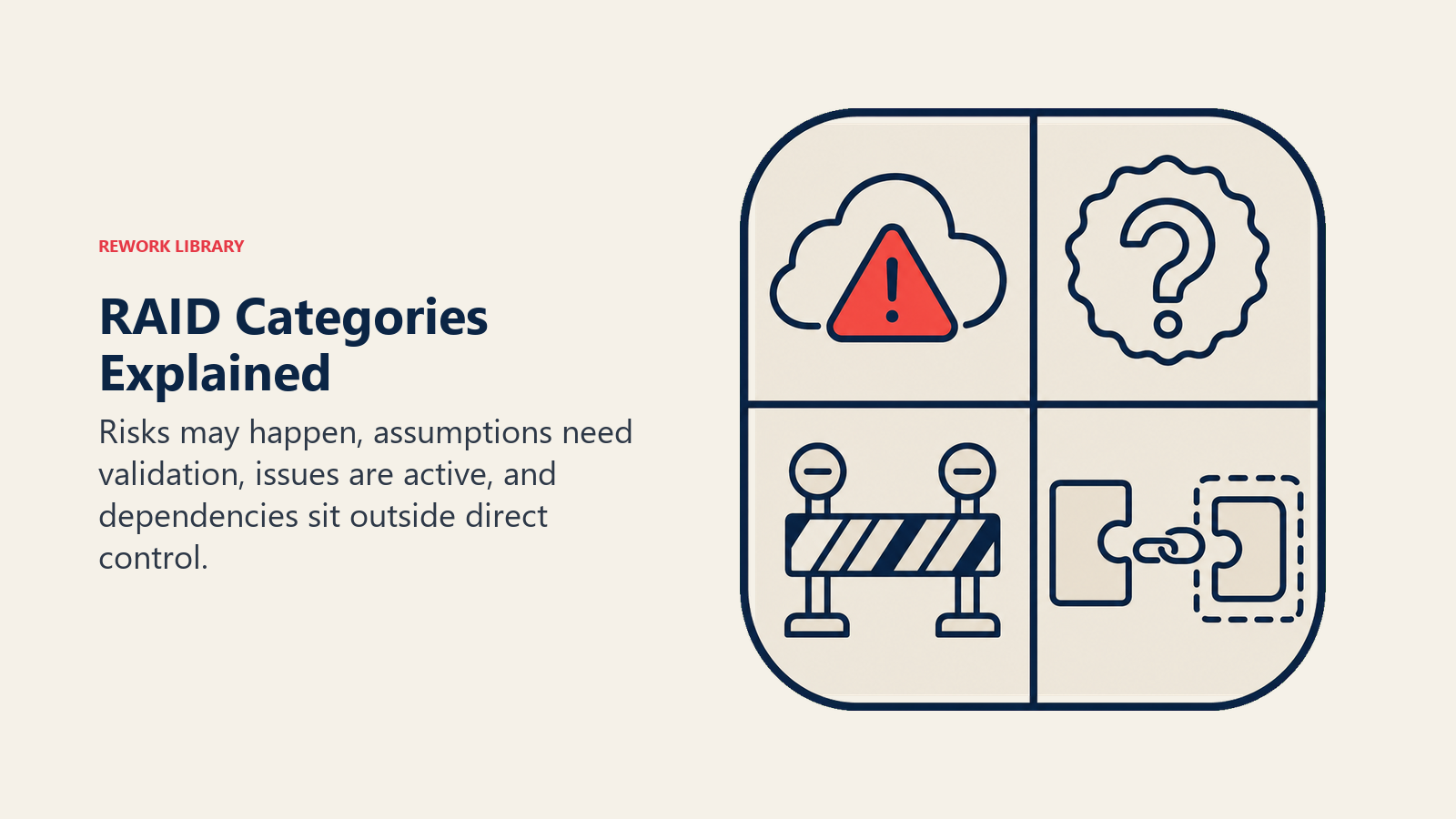
RAID is an acronym. Each letter covers a distinct category of project uncertainty, and the distinction matters because each type demands a different response.
Risks
A risk is a potential event that hasn't happened yet but could. Risks have two key attributes: probability (how likely is this to occur?) and impact (how bad would it be if it did?).
Example: A key vendor is known to have delivery delays in Q4. It hasn't happened on your project yet, but the probability is real, and if the vendor misses the delivery date, your go-live slips by three weeks.
You manage risks proactively: you assign a probability score, agree on a mitigation plan, and review regularly. Some teams also track a risk owner separately from the project manager, because the person best placed to monitor a risk is often the one closest to it.
Assumptions
An assumption is something you're treating as true even though you haven't formally confirmed it. Every project runs on assumptions, and that's fine, as long as you write them down. The trouble starts when an assumption turns out to be wrong and nobody realizes it until work is half finished.
Example: Your project plan assumes that the legal team will review contracts within five business days. That assumption is built into your timeline. If legal actually takes three weeks, your schedule breaks.
Documenting assumptions forces the team to validate them early. Once confirmed, an assumption is marked "validated" and retired from active monitoring.
Issues
An issue is a problem that has already occurred. It's a risk that materialized, or a blocker that appeared without warning. Issues need immediate attention rather than monitoring.
Example: The staging environment has been down for two days, blocking QA testing. That's not a risk anymore. It's an active issue slowing the project right now.
Issues track differently from risks: they need a response plan today, not a mitigation plan for someday. They also need an escalation path if the owner can't resolve them within a defined window.
Dependencies
A dependency is a relationship between your project and something external: another team's output, a vendor deliverable, a regulatory approval, or another project's milestone.
Example: Your front-end build can't start until the design team delivers approved wireframes. Your go-live date depends on the cloud infrastructure team completing a security audit first.
Dependencies are dangerous because they're outside your direct control. Tracking them in the RAID log means you can spot blockages early and either escalate or adjust your project plan before the delay becomes a crisis.
Why use a RAID log
The short answer is that projects have too many moving parts to track informally. A RAID log gives you a forcing function to surface uncertainty rather than bury it.
Single source of truth. Instead of risks sitting in someone's head and assumptions scattered across emails, the RAID log gives the whole team one shared document. Anyone who joins the project midway can read it and understand the landscape immediately.
Audit trail for decisions. When a risk materializes and the sponsor asks "why didn't we know about this?", the RAID log shows exactly when the risk was logged, who owned it, and what the agreed mitigation plan was. That's not just politically useful. It's how teams learn to manage risk better on the next project.
Structured status meetings. The RAID log turns weekly status meetings from vague updates into a structured walk-through. You review open risks, confirm assumptions still hold, close resolved issues, and check on dependencies. A 30-minute meeting with a RAID log accomplishes more than an hour without one.
Alignment with governance frameworks. If your organization uses PRINCE2, the APM Body of Knowledge, or PMI's project life cycle standards, the RAID log is already built into the governance requirements. Keeping one isn't optional. It's the baseline.
RAID log columns (what to track)
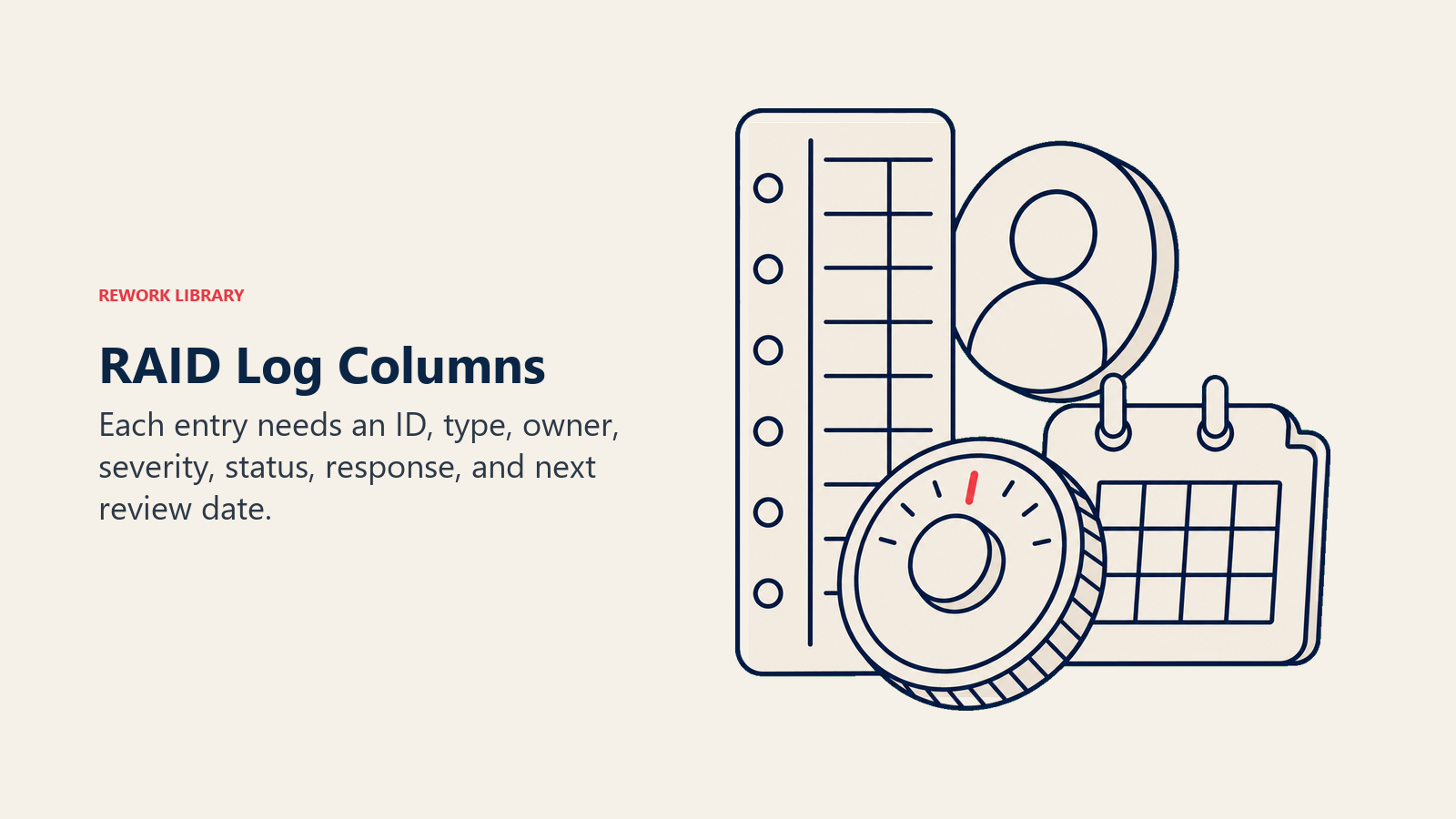
Every RAID log should capture at least these columns. You can add more, but don't remove any of these without a good reason.
| Column | Purpose | Example |
|---|---|---|
| ID | Unique identifier for each entry (makes referencing easier in meetings) | R-001, A-003, I-007, D-002 |
| Type | Which RAID category: Risk, Assumption, Issue, or Dependency | Risk |
| Description | Clear, plain-language statement of the entry | Vendor may not deliver hardware on schedule due to supply chain disruption |
| Date Raised | When the entry was first logged | 2026-05-14 |
| Owner | The person responsible for monitoring or resolving this entry | Alex Kim |
| Severity | For risks and issues: Low / Medium / High / Critical based on impact and probability | High |
| Status | Current state: Open, In Progress, Resolved, Closed, Validated (for assumptions) | Open |
| Mitigation / Response | What action is being taken to reduce risk, resolve an issue, or validate an assumption | Identify backup supplier; schedule weekly check-in with vendor PM |
| Next Review | When this entry will be revisited in the RAID log review meeting | 2026-06-07 |
The Severity column is the most argued-over part of any RAID log. Keep it simple. A 3-point scale (Low, Medium, High) works for most projects. A 5-point scale is fine for large programs. Resist the urge to build a full probability-impact matrix into every row. That belongs in a dedicated risk register for high-stakes projects.
RAID log vs risk register vs issue log
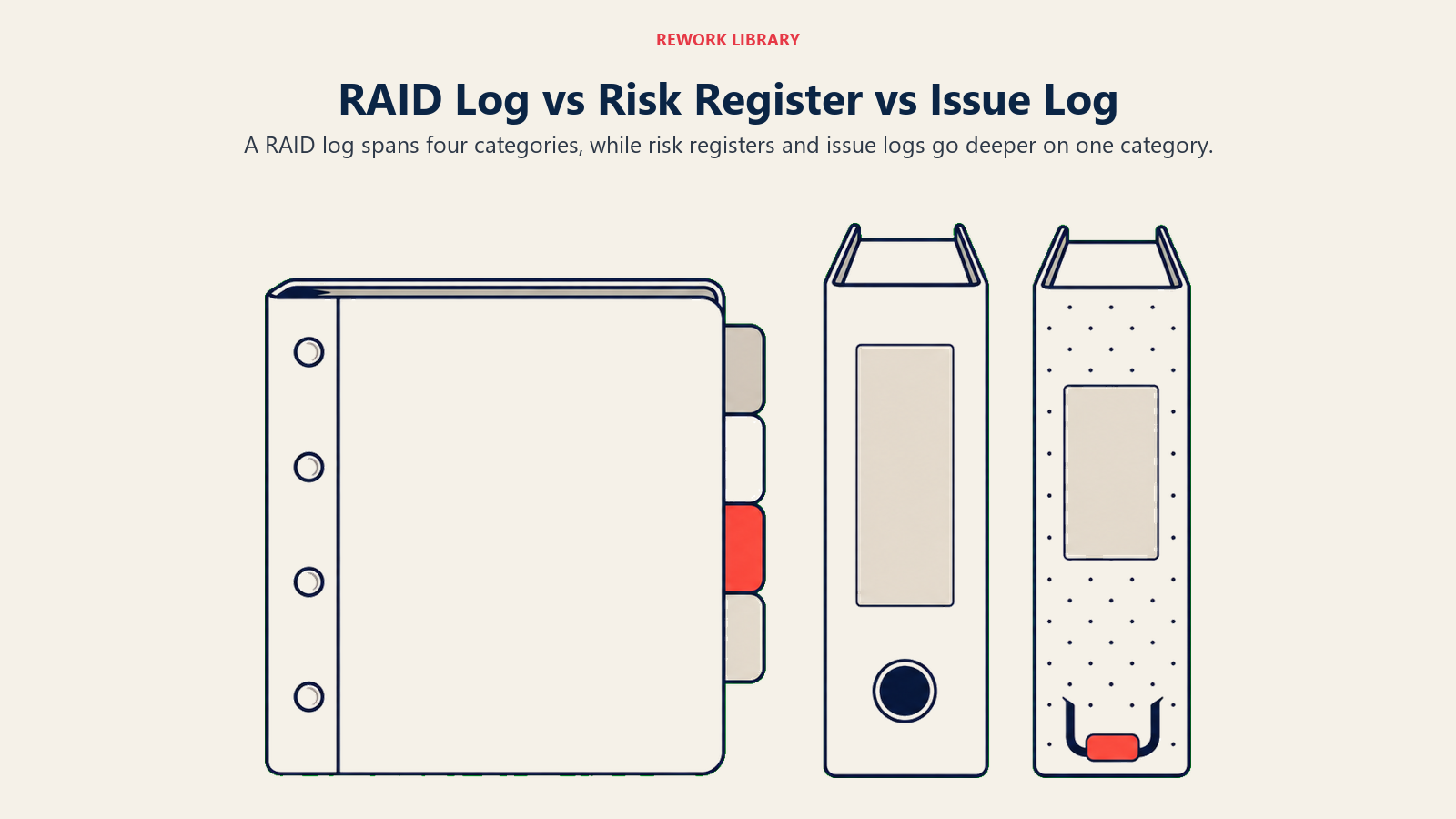
These three tools overlap, and teams often use them interchangeably. But they serve different scopes.
| RAID Log | Risk Register | Issue Log | |
|---|---|---|---|
| Scope | All four categories: Risks, Assumptions, Issues, Dependencies | Risks only | Issues only |
| Typical user | Project managers, program managers | Risk managers, PMOs, compliance teams | Project managers, support teams |
| Depth | Moderate: captures key fields for each category | Deep: includes probability scores, impact ratings, heat maps | Deep: includes escalation path, resolution steps, SLA |
| Best for | Most projects, especially medium complexity | Large programs, enterprise governance, regulated industries | Operations, IT support, customer-facing delivery |
| Update cadence | Weekly in status meetings | Monthly or event-driven | Daily or as issues arise |
For most project teams, the RAID log is enough. It covers everything in one place. The risk register and issue log make sense when one category (say, risks in a pharma regulatory project) needs more depth than a single log can handle.
How to create a RAID log: step by step
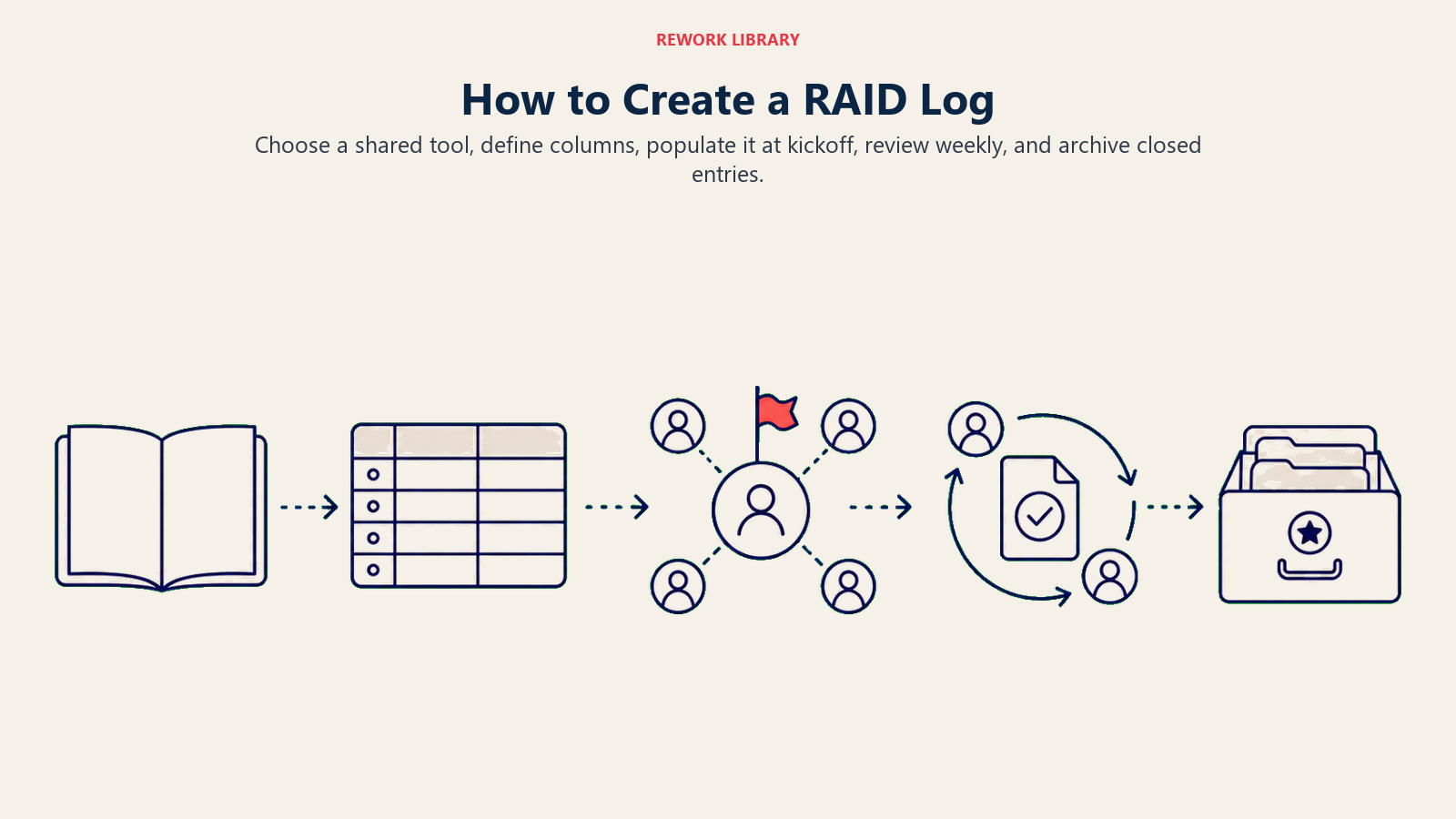
Choose a shared tool, define columns, populate it at kickoff, review weekly, and archive closed entries.
Step 1: Choose your tool
Start simple. A shared Google Sheet or Excel workbook with one tab per RAID category (or color-coded rows in a single sheet) works for most teams. If you're running on a project management platform, check whether it has a native RAID log template. Tools like Rework, Jira, or Monday often have a structured log view that integrates with your task data.
Whatever tool you pick, it must be shared and accessible to all project stakeholders. A RAID log that lives in one person's desktop folder defeats the whole purpose.
Step 2: Set up your columns
Use the column set from the previous section as your baseline. Add a "Priority" or "Escalation Flag" column if your organization requires it. Keep the column count manageable. Logs with 20 columns rarely get filled in consistently.
Step 3: Populate the log at project kickoff
The best time to start a RAID log is during the kickoff workshop. Run a structured brainstorm with the core team: What could go wrong? What are we assuming? What are we waiting on from other teams? This initial population takes 30-60 minutes and immediately surfaces blind spots.
At kickoff, focus especially on assumptions. Most projects carry 10-20 unspoken assumptions that nobody has written down. Getting them on paper is itself a risk-reduction act.
Step 4: Review the log in every status meeting
The log is only useful if it's alive. Block 10-15 minutes in your weekly status meeting to walk through open entries: update statuses, confirm next review dates, escalate anything that's become urgent, and close anything that's resolved. During project life cycle phases that involve heavy external dependencies, you may need to review the log more than once a week.
Step 5: Archive resolved entries
Don't delete closed entries. Move them to an "Archived" tab or change their status to "Closed." Resolved issues and validated assumptions are part of your project's institutional knowledge. The next project manager who handles a similar project will thank you for leaving a clear record of what happened and how it was handled.
RAID log template
Copy this table structure into your preferred tool. Add one row per entry.
| ID | Type | Description | Date Raised | Owner | Severity | Status | Mitigation / Response | Next Review |
|---|---|---|---|---|---|---|---|---|
| R-001 | Risk | Key vendor may miss Q3 delivery due to supply chain issues | 2026-05-10 | Alex Kim | High | Open | Identify backup supplier; weekly call with vendor PM | 2026-06-07 |
| A-001 | Assumption | Legal will review contracts within 5 business days | 2026-05-10 | Priya Sharma | Medium | Unvalidated | Confirm SLA with Legal Director by 2026-05-20 | 2026-05-20 |
| I-001 | Issue | Staging environment down; QA testing blocked for 48 hrs | 2026-05-28 | Sam Torres | Critical | Open | IT ticket raised; escalated to infrastructure lead | 2026-05-29 |
| D-001 | Dependency | Front-end build awaiting design wireframes from UX team | 2026-05-10 | Jamie Lee | Medium | In Progress | Design confirmed delivery by 2026-05-22 | 2026-05-22 |
RAID log examples
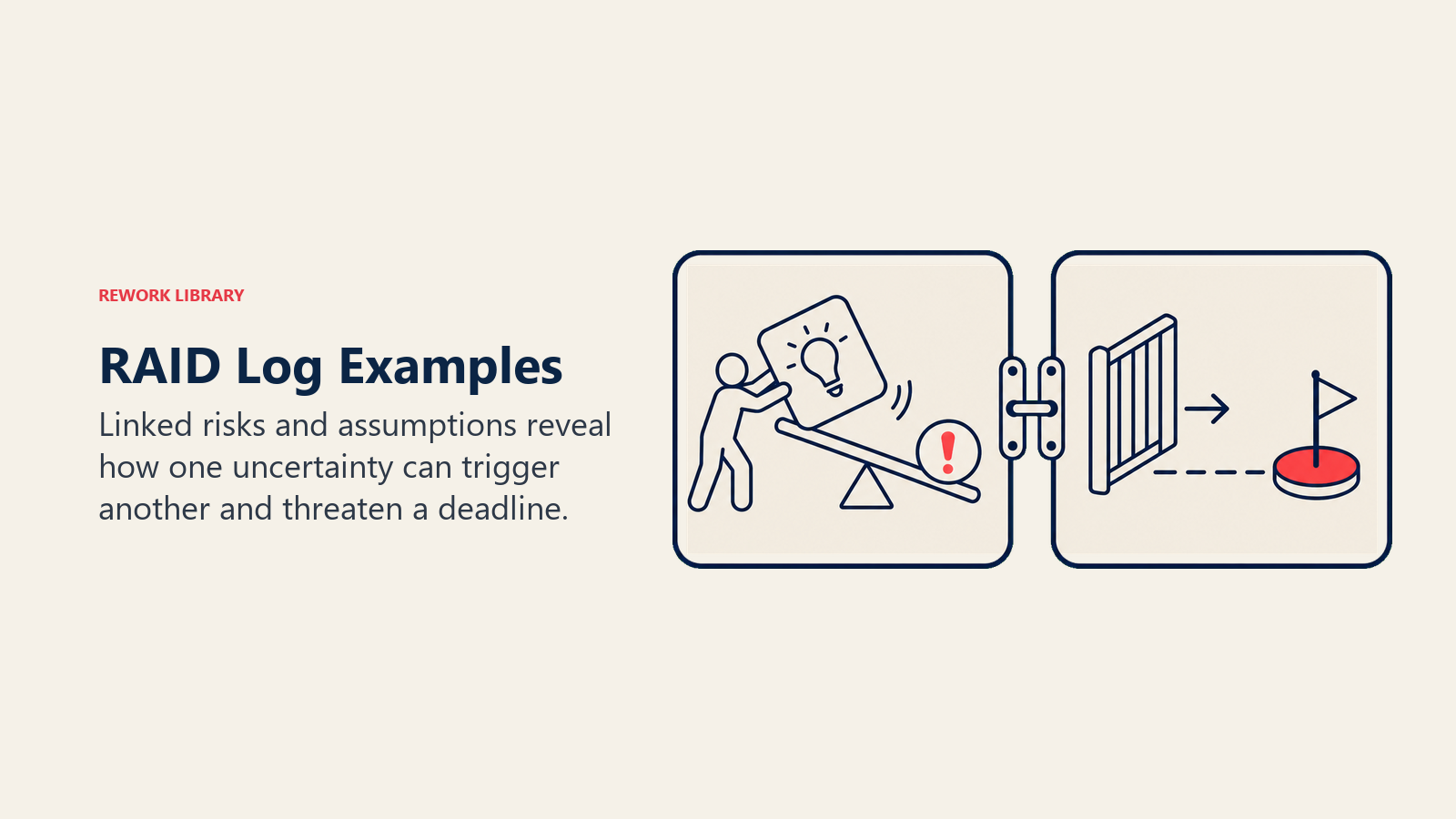
Here's what a realistic RAID log looks like for a mid-size software launch. Notice how each entry type demands a different response even though they sit in the same document.
| ID | Type | Description | Owner | Severity | Status | Response |
|---|---|---|---|---|---|---|
| R-002 | Risk | EUR/USD exchange rate shift could increase third-party licensing cost by 12% | Priya Sharma | Medium | Open | Lock in annual contract pricing before Q3 renewal |
| A-002 | Assumption | Currency exchange rate remains stable within 5% variance for project duration | Priya Sharma | Medium | Confirmed | Validated with Finance on 2026-05-15 |
| I-002 | Issue | Login bug blocking all QA test cases on Chrome v124 | Sam Torres | High | Open | Dev ticket D-4421 raised; patch targeted for 2026-06-03 |
| D-002 | Dependency | Final feature set awaits design approval from product lead | Jamie Lee | High | In Progress | Design review scheduled 2026-06-02; blocker if delayed beyond 2026-06-05 |
The risk (R-002) and the assumption (A-002) here are closely linked: the risk is what happens if the assumption breaks. That's a common pattern. When you log an assumption, it's worth asking "what's the risk if this assumption is wrong?" and logging that risk in the same session.
For the dependency (D-002), note how the entry specifies both the expected delivery date and a "blocker threshold," the date beyond which the whole schedule is at risk. That precision is what makes a RAID log actually useful in meetings rather than just a box-checking exercise.
If your team uses a RACI matrix, you can cross-reference RAID log owners directly with RACI accountable roles. This removes ambiguity about who is responsible for each entry's resolution.
Common mistakes
| Mistake | Better approach |
|---|---|
| Only logging risks, ignoring assumptions | Populate all four categories at kickoff; assumptions are often where projects die |
| Treating the log as read-only after kickoff | Review and update every week; a stale log gives false confidence |
| Using vague descriptions ("communication issues") | Write specific, testable descriptions ("Client stakeholders haven't confirmed sign-off on scope document by 2026-06-01") |
| Logging everything as High severity | Calibrate severity honestly; if everything is high, nothing gets attention |
| No owner assigned to each entry | Every entry must have a named owner. Not a team. A person. |
| Deleting resolved entries | Archive them. Closed entries are institutional memory. |
| Conflating risks with issues | A risk hasn't happened yet. An issue has. Keep the distinction clear so responses stay appropriate. |
Best practices
- Start at kickoff, not midway. A RAID log built two months into a project is playing catch-up. The richest source of risks, assumptions, and dependencies is the kickoff workshop, when the team is actively thinking through the work ahead.
- Name owners specifically. "The team" is not an owner. Assign every entry to one person by name. That person is accountable for updating the entry and escalating if needed.
- Link RAID entries to your schedule. If a dependency isn't resolved by a certain date, which tasks slip? Connect the RAID log to your Gantt chart or critical path so the schedule impact is visible.
- Review weekly without fail. Skip two weeks, and the log becomes fiction. Entries sit at "Open" indefinitely, owners forget their responsibilities, and the log loses credibility.
- Escalate blockers early. If an issue is unresolved after two review cycles with no progress, escalate it to the project sponsor. The RAID log makes that escalation easy to justify because the history is right there.
- Keep descriptions factual and specific. "Vendor is late" is useless. "Vendor has confirmed parts will be 10-14 days late, pushing integration testing from 2026-06-10 to 2026-06-24" is actionable.
- Use the log to prep for steering committee meetings. Pull the highest-severity open items and present them as a short briefing. Stakeholders who see a well-maintained RAID log trust the project manager's handle on the work.
- Integrate with your work breakdown structure. Large programs benefit from RAID entries tagged to specific WBS elements, making it easier to see which workstreams carry the most risk.
A RAID log works because it forces a discipline most teams resist: writing down what they don't know yet and what they're counting on being true. That discomfort is exactly the point. Projects don't fail because teams are bad at doing work. They fail because they didn't surface the right uncertainties early enough to act on them. Start your RAID log at kickoff, keep it alive through every status meeting, and the four letters will save you from the four most common ways projects fall apart.

Senior Operations & Growth Strategist
On this page
- What is a RAID log?
- RAID: What each letter means
- Risks
- Assumptions
- Issues
- Dependencies
- Why use a RAID log
- RAID log columns (what to track)
- RAID log vs risk register vs issue log
- How to create a RAID log: step by step
- Step 1: Choose your tool
- Step 2: Set up your columns
- Step 3: Populate the log at project kickoff
- Step 4: Review the log in every status meeting
- Step 5: Archive resolved entries
- RAID log template
- RAID log examples
- Common mistakes
- Best practices