WIP Limits: How to Set Them in Kanban (With Examples)
Turn this article into takeaways for your work.


Each assistant summarizes the article only for you and suggests best practices for your work.
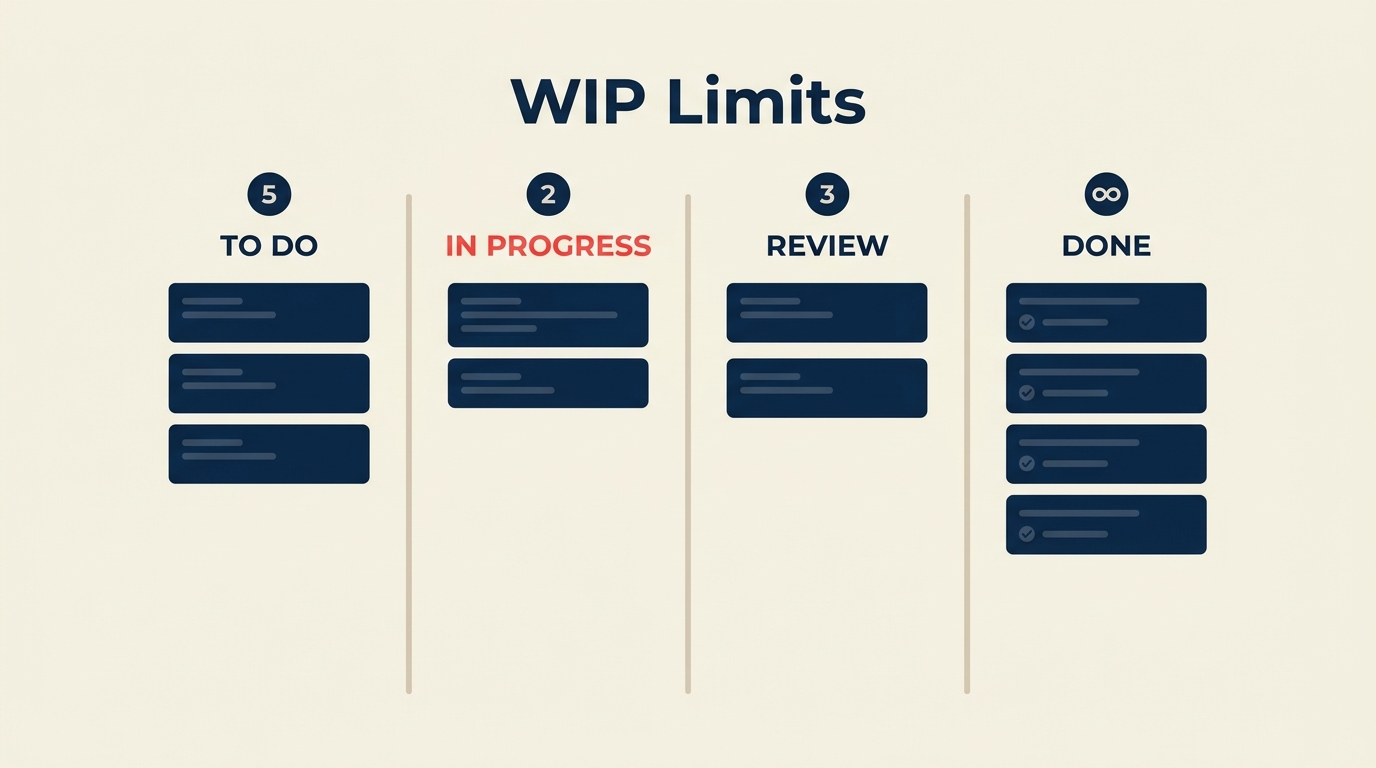
Work in progress (WIP) limits are one of the fastest ways to improve how quickly work moves through a team. Set a number above each column on your Kanban board, and the rule is simple: nobody starts new work if the column is already at its limit.
Key Facts
- Teams that enforce WIP limits report cycle times 2x faster than those without limits, according to a Kanban University practitioner survey (2023).
- Context switching costs workers an average of 23 minutes to fully refocus after an interruption, which compounds when multiple tasks are in flight simultaneously (University of California, Irvine, 2023).
- The average software team works on 3 to 5 active tasks per person at a time, yet peak throughput is typically achieved with 1 to 2 tasks per person (State of Agile Report, 17th edition, 2024).
What Are WIP Limits?
WIP limits (work in progress limits) are explicit caps on how many items can exist in any given stage of a workflow at the same time. In a Kanban system, each board column represents a stage, and the WIP limit sits above that column as a number. When a column hits its limit, nobody pulls new work into it until something moves forward.
The concept comes directly from lean manufacturing, where Toyota used a system called "kanban cards" to control production flow on the factory floor. The idea was that overproduction is waste, and the same principle applies to knowledge work: the more things you start without finishing, the slower everything gets.
WIP limits don't tell you what to work on next. They tell you when to stop starting things and start finishing existing ones.
Why Limit Work in Progress?
The case for WIP limits rests on a formula called Little's Law, which states:
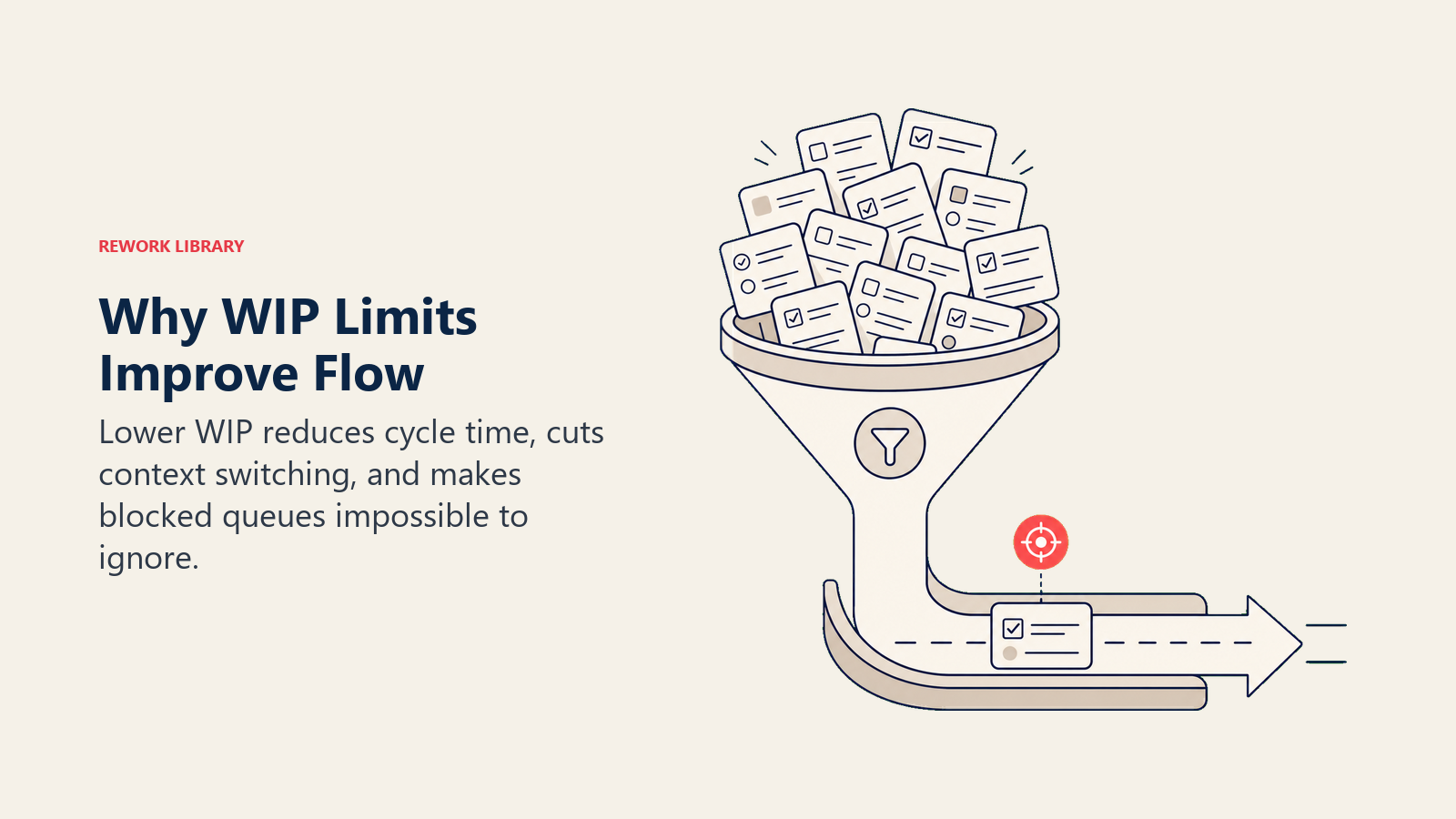
Cycle Time = WIP / Throughput
In plain terms: if your team has 20 items in progress and completes 5 per week, average cycle time is 4 weeks. Cut WIP to 10 items and cycle time drops to 2 weeks, without the team working any harder.
The math sounds almost too clean, but the underlying mechanism is real. Here's what happens without limits:
Context switching kills focus. Every time someone picks up a new task before finishing an old one, they pay a mental switching cost. That cost is not trivial. Research from UC Irvine puts it at over 20 minutes of lost focus per interruption. Multiply that by 3-5 concurrent tasks per person and you've quietly consumed most of a workday in transition overhead alone.
Long queues hide problems. When work piles up in a column, it becomes invisible. Nobody notices that a review task has been sitting untouched for three days, because the board is so crowded that the delay doesn't stand out. WIP limits expose these bottlenecks immediately. If the "In Review" column hits its cap, the team has to talk about why items aren't moving.
Flow metrics reflect this directly. If you're using a cumulative flow diagram, wide bands in the middle stages are a visual signature of high WIP. Narrow, parallel bands mean WIP is under control and work is flowing. Velocity in agile also tends to improve once WIP limits stabilize how much the team commits to per cycle.
How to Set WIP Limits
There's no universal formula that works for every team. But these steps give you a starting point you can tune over time.
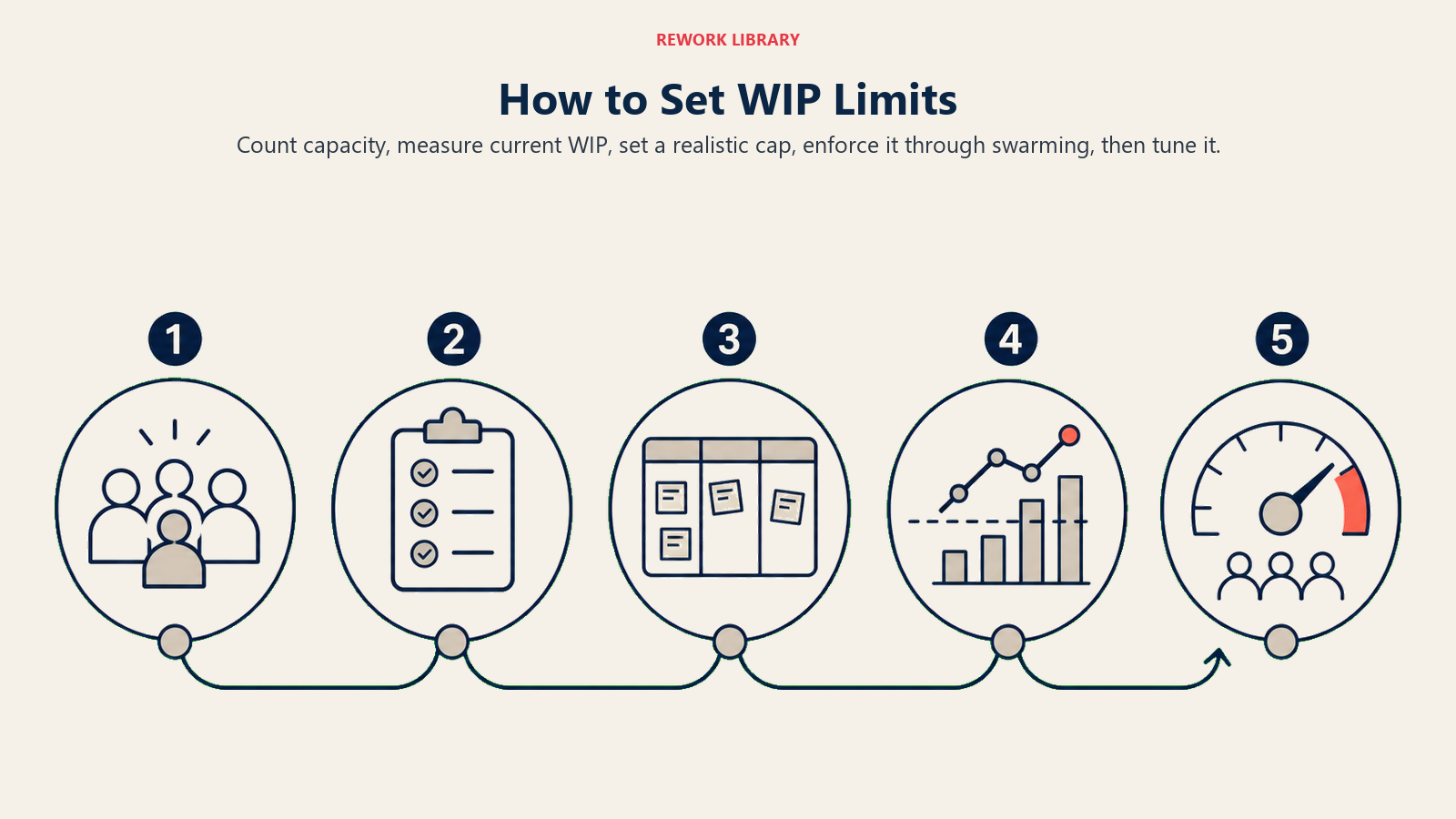
Step 1: Count your team's capacity
Start with the number of people who work in each stage. A development column with 4 developers can handle more concurrent items than a review column staffed by 1 or 2 people.
A common starting rule: 2 items per person per column. So a dev column with 4 people starts with a WIP limit of 8.
Step 2: Look at your current actual WIP
Before you set any limits, count how many items are actually in each column today. This is your baseline. If the "In Progress" column already has 14 items for a 3-person team, you have a clear picture of why work takes so long to complete.
Step 3: Set limits slightly below your current average
If your average WIP per column is 10, start your limit at 7 or 8, not 3. A limit that's too tight causes more disruption than it solves, especially early on. You want the team to feel the constraint and respond, not feel paralyzed.
Step 4: Enforce the limit as a conversation trigger, not a hard block
When a column hits its limit, the team's job is to swarm on the blocked work and clear it before pulling anything new. This is where WIP limits change team behavior. "Can we help get this item through review?" becomes a daily habit instead of an afterthought.
Step 5: Review and adjust every two weeks
After two sprints or two weeks, look at your burndown chart and cycle time data. If items are flowing faster, tighten the limits. If the team feels constantly blocked, loosen them a notch. WIP limits are a dial, not a rule carved in stone.
WIP Limits by Board Column
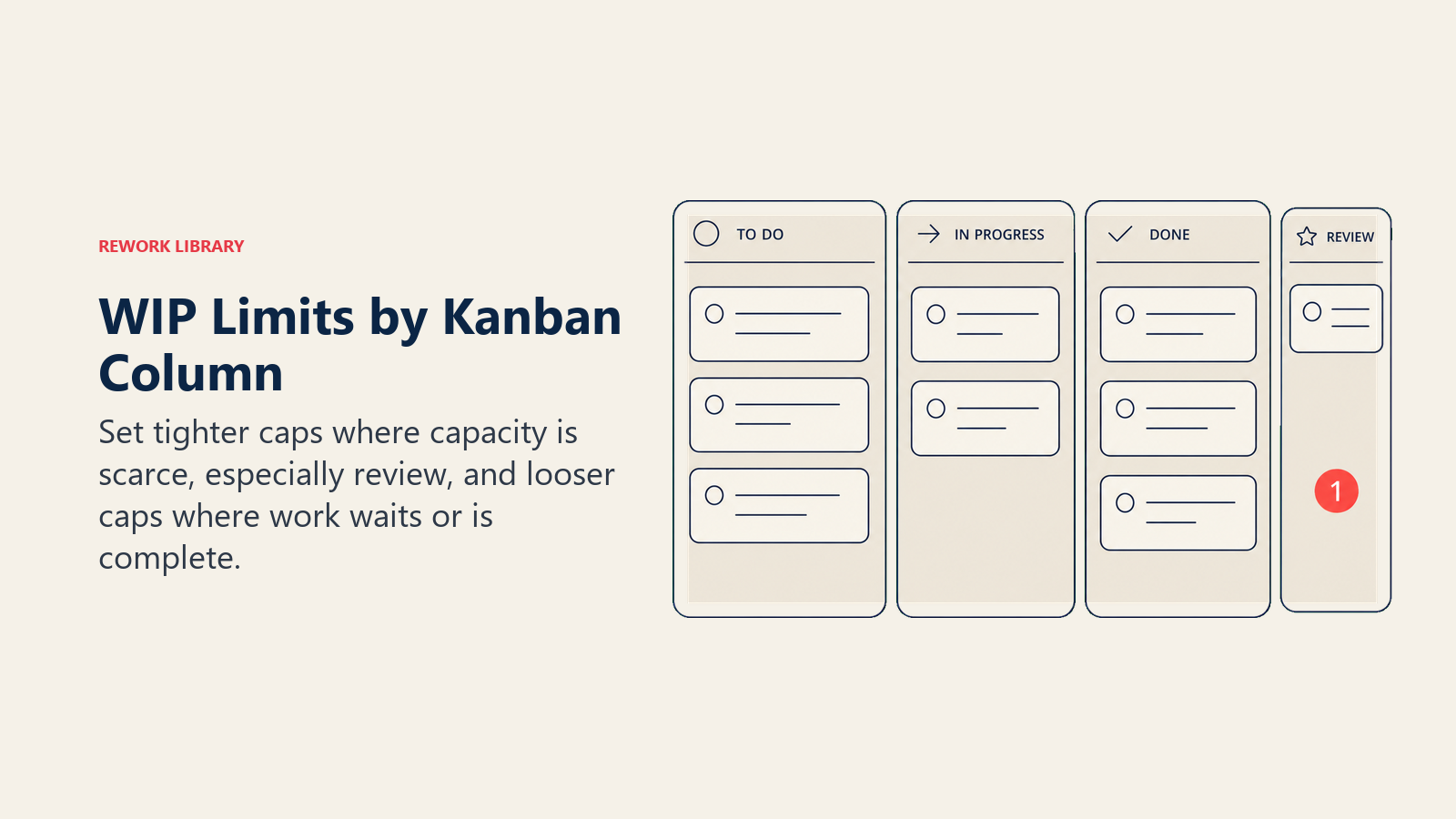
Here's a reference table for a typical software team using a four-column Kanban board. These are starting points, not prescriptions.
| Column | Team Size | Suggested WIP Limit | Notes |
|---|---|---|---|
| To Do | Any | Unbounded or 2x sprint capacity | Keep this as a backlog, not a daily queue |
| In Progress | 3-4 people | 4-6 | Core constraint; tighten first |
| In Progress | 5-7 people | 6-10 | Scale with headcount; aim for 1.5x team size |
| In Review | 1-2 reviewers | 2-3 | Small limit forces review to happen quickly |
| In Review | 3+ reviewers | 4-6 | Adjust if reviews have long approval chains |
| Done | Any | Unbounded | Completed items don't need a cap |
For a team of 4 developers, a reasonable starting configuration is: To Do (uncapped), In Progress (6), In Review (3), Done (uncapped). That keeps the development column from bottlenecking and forces review to stay lean.
If your team uses Scrum with two-week sprints, you can apply WIP limits to the sprint board in the same way. The logic is identical, even if the framing differs. The Scrum vs Kanban distinction doesn't change the underlying math of Little's Law.
Common Mistakes When Setting WIP Limits
Setting limits and ignoring them. A WIP limit that people route around doesn't exist. If the team regularly overrides the cap with "exceptions," the limit isn't enforced. Build the habit before you build the process.
Applying one number to every column. A review column with 2 reviewers and a development column with 5 developers have completely different throughput. One size fits no one here.
Making the limit too low too fast. If you drop from 15 items per column to 3 overnight, you'll create panic and resistance. Gradual tightening gives the team time to adapt workflows and surface the problems that high WIP was hiding.
Forgetting about blockers. WIP limits count blocked items too. If 3 of your 6 "In Progress" tasks are blocked on external dependencies, you've only got 3 slots of real capacity. Tracking blockers separately helps keep the picture accurate.
Not adjusting for story points. Some teams set limits by item count, others by story points. If your tasks vary wildly in size (a 1-point task alongside a 13-point epic), count by points to get a more honest picture of load.
Benefits of WIP Limits
When teams actually enforce their limits, a few things consistently happen:
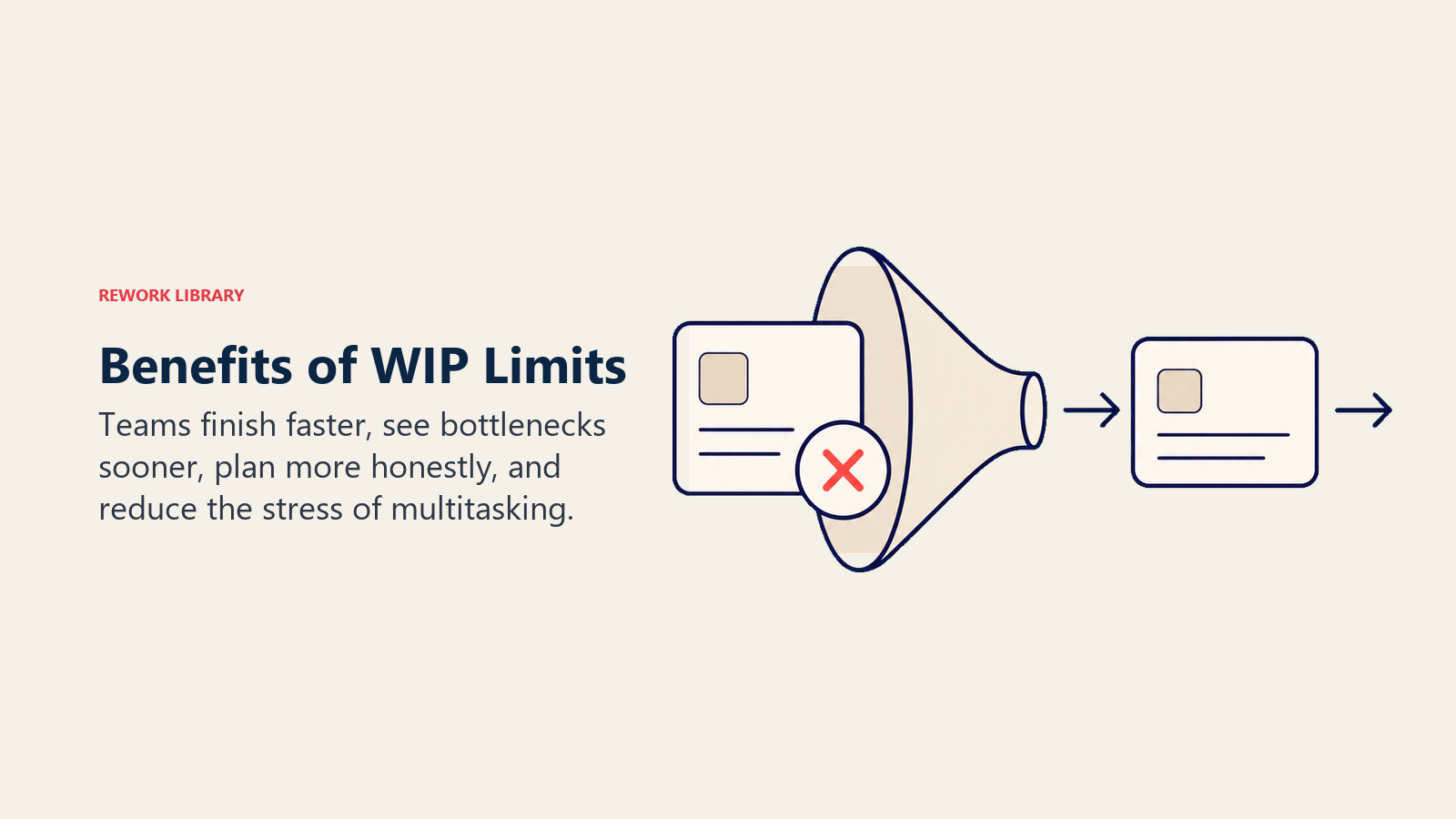
Work finishes faster. Cycle time drops because items don't sit waiting. When the team can only have 5 things in progress, every one of those 5 items gets daily attention.
Bottlenecks become visible immediately. A column that's always at its limit is telling you something. The team can't ignore it because it's blocking everything else.
Team conversations improve. WIP limits create natural moments to ask "why is this stuck?" rather than letting delays become invisible. Daily standups become more focused on the same question: what's blocking progress right now?
Planning becomes more honest. When the team sees a full column, they stop committing to new work they can't handle. Over-commitment drops, and forecasting improves. This connects directly to how velocity in agile stabilizes once WIP is under control.
Stress drops. Counterintuitively, being told "you can only work on 5 things" is less stressful than being told "finish all 15 of these." People know what to focus on.
WIP limits are a small change with an outsized effect on team flow. Once you see a bottleneck surface for the first time because a column hit its cap, the mechanism clicks. From there, it's just a matter of tuning the numbers. Track your cycle times with a cumulative flow diagram and watch what happens to the bands when WIP comes down.

Senior Operations & Growth Strategist
On this page
- What Are WIP Limits?
- Why Limit Work in Progress?
- How to Set WIP Limits
- Step 1: Count your team's capacity
- Step 2: Look at your current actual WIP
- Step 3: Set limits slightly below your current average
- Step 4: Enforce the limit as a conversation trigger, not a hard block
- Step 5: Review and adjust every two weeks
- WIP Limits by Board Column
- Common Mistakes When Setting WIP Limits
- Benefits of WIP Limits