AI Across Support Channels: Chat, Email, Voice and Messaging
Turn this article into takeaways for your work.


Each assistant summarizes the article only for you and suggests best practices for your work.
AI across support channels means applying the same underlying capabilities (understanding a request, finding the right answer, drafting a reply, taking an action) to channels that have very different speed, tone, evidence and legal rules, so the same AI behaves differently in chat, email, voice and messaging apps. A model that does well in web chat can fail on a phone call, and a design that's safe in email can break a WhatsApp policy. Channel is a design decision, not a deployment detail.
This guide is for support leaders, CX directors and support managers deciding where AI goes first and what guardrails each channel needs. It's part of the AI for Customer Service collection, so start with the pillar, AI in customer service, if you want the whole picture. Here we stay on the channel question.
Key Facts
- In a study of 5,179 customer support agents using a generative AI assistant, productivity (issues resolved per hour) rose 14% on average, and 34% for novice and low-skilled workers (Brynjolfsson, Li and Raymond, NBER Working Paper 31161, published in the Quarterly Journal of Economics, 2025). The tool was a conversational assistant that supported human agents rather than replacing them.
- The CFPB's report on chatbots found over 98 million users, about 37% of the U.S. population, engaged with a bank's chatbot in 2022, and it warned about "doom loops" where customers can't reach a human (CFPB, Chatbots in Consumer Finance, June 2023).
- Zendesk's CX Trends 2026 vendor survey reports that 76% of customers would choose a company that lets them combine text, images and video in one thread without restarting (Zendesk CX Trends 2026).
- WhatsApp's customer service window lasts 24 hours from the customer's last message, and after it closes a business can send only pre-approved template messages (Meta for Developers, WhatsApp Cloud API).
Why the Channel Changes the AI
Four things differ by channel, and each one changes what the AI can safely do.
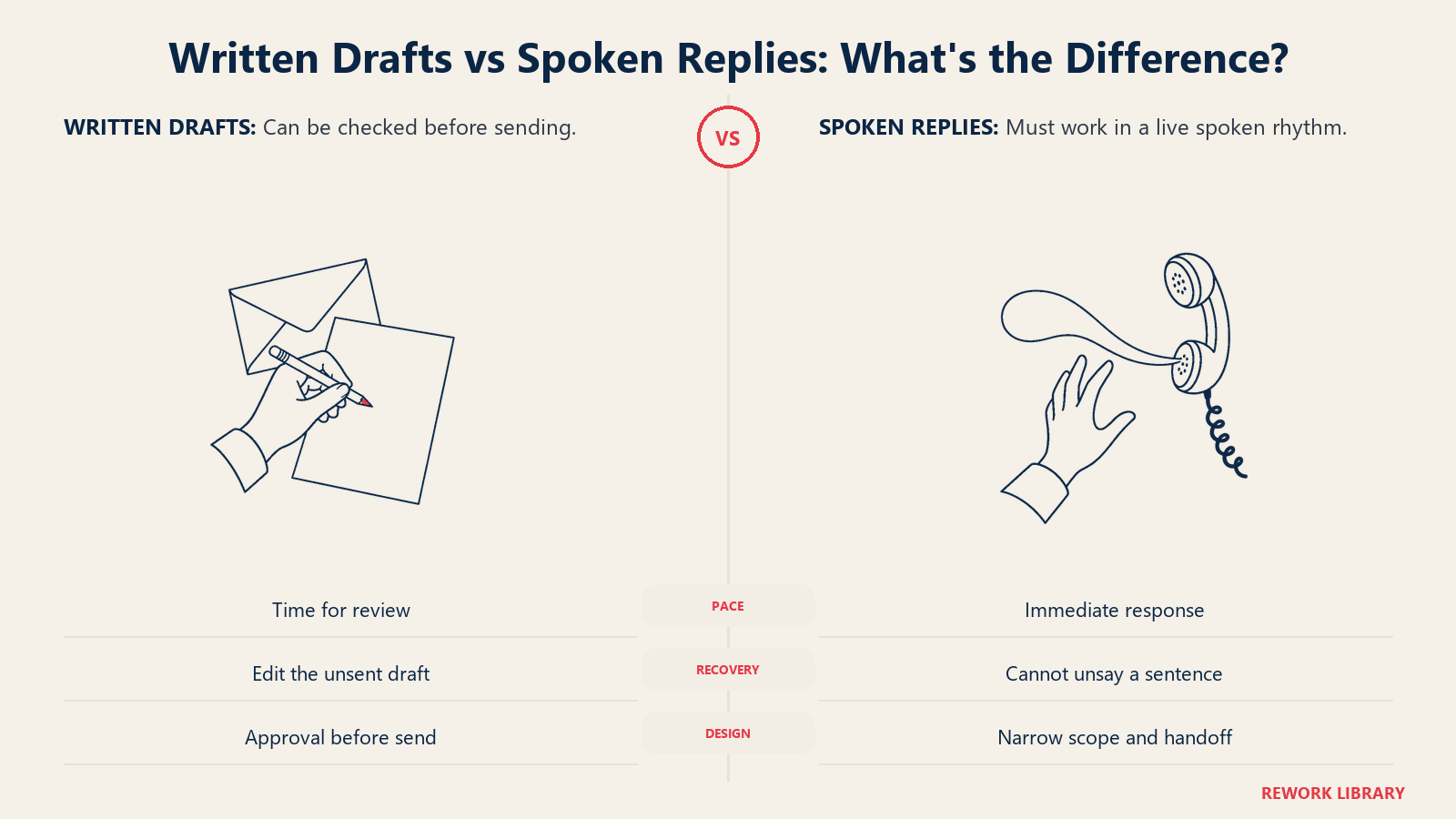
Speed of expectation. A chat customer expects an answer in seconds. An email customer expects hours. A phone caller expects an instant, spoken response with no awkward pauses. AI that takes six seconds to think is fine in email and painful on a call.
Input quality. Chat and messaging give short, clipped text with typos. Email gives long, context-heavy messages, often with attachments and quoted history. Voice gives audio that has to be turned into text first, which adds transcription errors on accents, background noise and account numbers.
Evidence and reversibility. An email reply is a written record that can be reviewed before sending. A spoken sentence can't be taken back. That's why drafting-with-review fits email and why autonomous voice needs tighter limits.
Rules. Each channel carries its own obligations: disclosure that someone is talking to a machine, consent for automated voice, and platform policies for messaging apps. We cover these below.
In ACE Framework terms, the capabilities are the same everywhere: Ingest (read the message or transcribe the call), Analyze (classify intent and sentiment), Generate (draft the answer) and Execute (refund, update, route). What changes by channel is which of those steps can run without a person looking.
Channel by Channel: How AI Behaves
Web chat and in-app chat
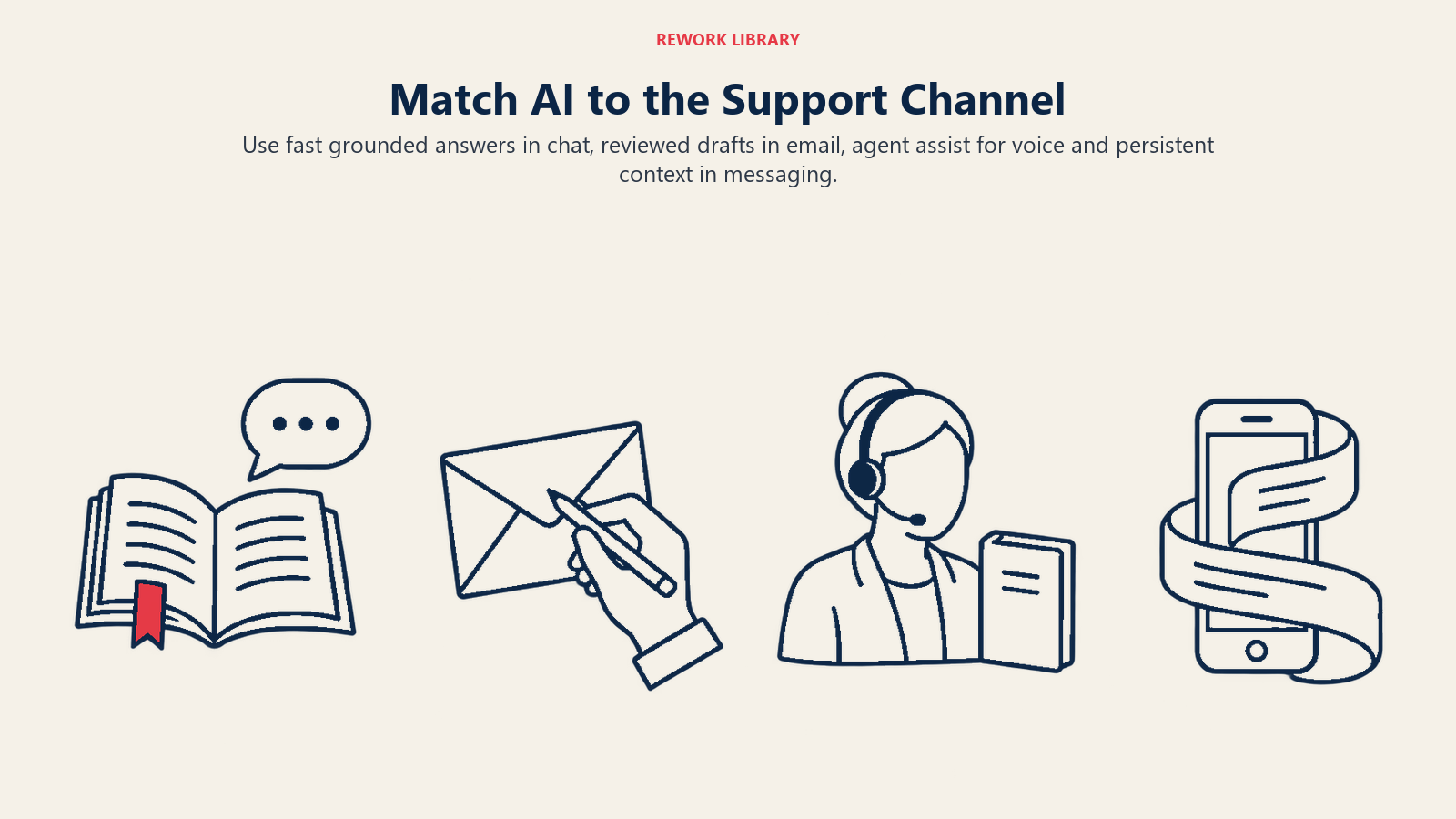
Chat is the most common first deployment. Customers type short questions, expect quick answers and tolerate a bot more than they do on a phone. The strongest pattern is a retrieval-augmented assistant that answers from your help center and order data, with a clear route to a person.
The risk is the doom loop. The CFPB's report describes repetitive chatbot interactions that trap customers when an issue falls outside what the bot can handle, with complaints about cycling through the same answers and no path to a human. Design the exit first: a visible "talk to a person" option, and automatic handoff after two failed attempts or a frustrated message.
Email is the best fit for AI that drafts and a person who approves. Messages are long, often include several questions, and don't need an instant reply. AI can read the thread, pull the customer's order history, classify the topic, set priority and draft a response for an agent to edit and send.
That's close to what the NBER study measured: an AI assistant suggesting responses to human agents, with the biggest gains for the least experienced people. Fully automatic email replies work for narrow, low-risk categories such as order status, but a wrong automatic email is a written promise you can't unsend.
Voice
Voice is the hardest channel and the most expensive to get wrong. The AI has to transcribe speech, understand it, decide, and speak back within a natural rhythm. Errors compound: a misheard account number leads to the wrong lookup, which leads to a confident wrong answer in a human-sounding voice. Our explainer on AI voice agents covers the technology.
Start with voice AI that works behind the agent (live transcription, suggested answers, call summaries) before putting an AI voice in front of customers. When you do automate the front line, limit it to simple, high-volume intents like balance checks or appointment changes, and make escalation to a person one spoken sentence away.
WhatsApp and other messaging apps
Messaging apps sit between chat and email: conversational, but asynchronous. Customers send a message, leave, and return hours later. That's good for AI that keeps context across a long thread, and it's where media matters, since customers send photos of damaged products or screenshots of errors.
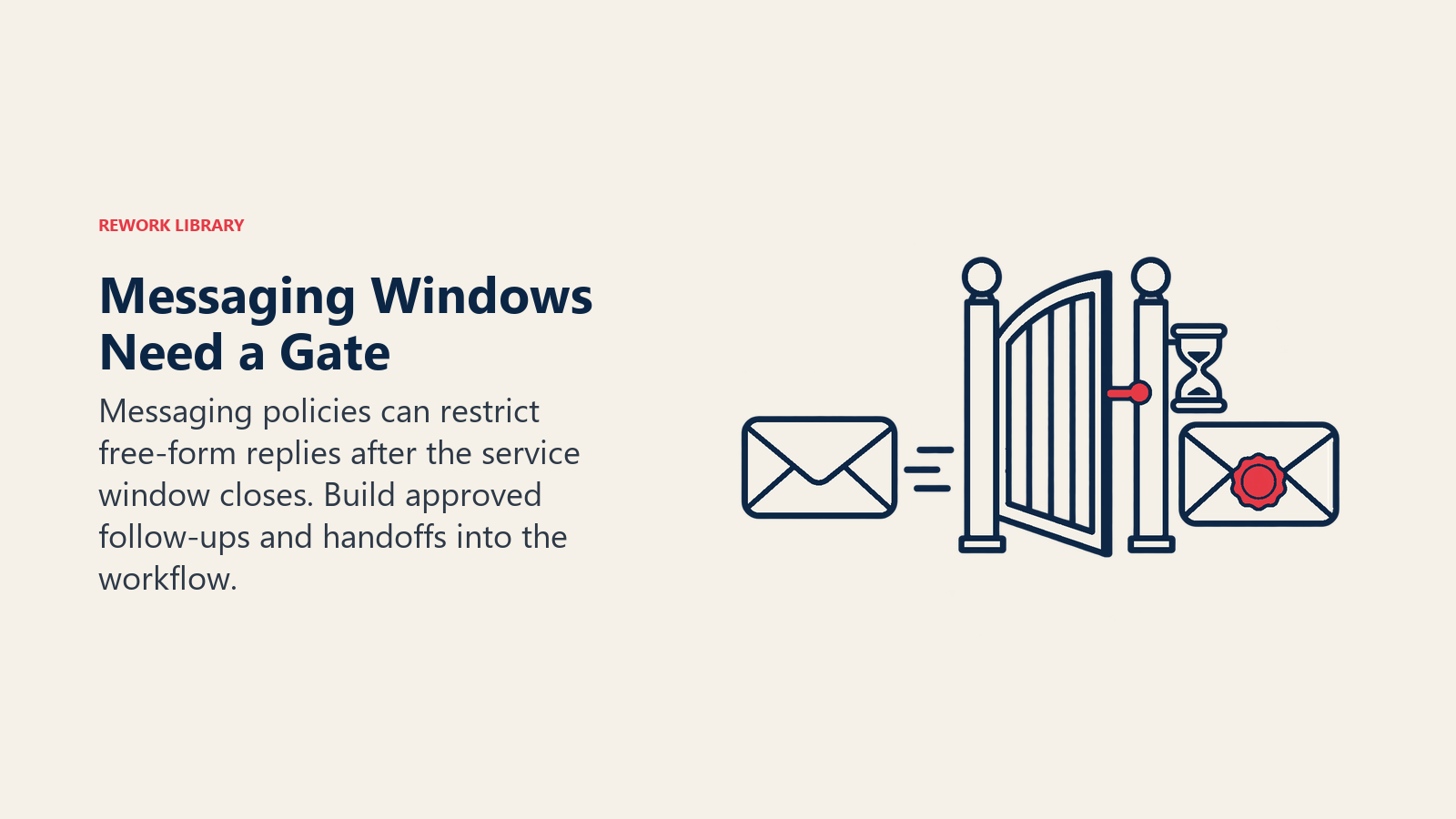
The platform adds rules chat doesn't have. On WhatsApp, the customer service window opens when the customer messages you and resets with each new customer message. While it's open you can send any service message. Once it closes, you can send only pre-approved template messages, and the customer must have opted in to hear from you. An AI that writes free-form follow-ups after the window closes will have them rejected. Plan your follow-up flows as templates.
The Channel Fit and Risk Table
| Channel | Best AI role | Typical first use case | Main risk | Human oversight |
|---|---|---|---|---|
| Web chat | Answer from knowledge base, collect details, hand off | Order status, how-to questions | Doom loops, confident wrong answers | Escalation trigger and transcript review |
| Classify, prioritize, draft replies | Draft replies for agent review | Wrong written promise, missed second question | Agent approves before sending | |
| Voice | Live transcription, suggestions, summaries first; narrow automation later | After-call notes, agent assist | Transcription errors, consent and disclosure rules | Live handoff, call sampling |
| WhatsApp and messaging | Hold context across a long thread, handle media | Status updates, returns with photos | Template rules, opt-in, stale context | Template approval, handoff after window or failure |
| Social media | Triage and route mentions | Spot urgent public complaints | Public mistakes visible to everyone | Human replies to anything public |
Rules That Differ by Channel
Three kinds of rules matter, and none of this is legal advice. Check with your counsel for your markets.
Disclosure. Article 50 of the EU AI Act requires providers to design AI systems that interact directly with people so that those people are told they're dealing with an AI, unless that's obvious to a reasonably well-informed person in the context (EU AI Act, Article 50). Don't count on "obvious" for a voice that sounds human. Tell people up front, on every channel.
Automated voice and consent. In February 2024 the U.S. FCC ruled that calls using AI-generated voices count as an "artificial or prerecorded voice" under the Telephone Consumer Protection Act, which generally requires the called party's prior express consent (Cooley summary of the FCC ruling). That matters most for outbound AI calls: reminders, collections and surveys.
Platform policies. Messaging platforms set their own limits, such as WhatsApp's opt-in requirement and 24-hour window described above. Read the platform terms before you design the flow, not after.
Real Examples by Function
Customer support (chat). A software company puts an assistant on its help center that answers from published articles and the customer's plan details. Anything about billing disputes, cancellations or security goes straight to a person. The team reviews a sample of transcripts weekly and turns every wrong answer into a knowledge base fix. See AI agents for customer support for the use-case list.
Support operations (email). An operations manager sets up AI to tag every incoming email by topic and urgency and draft replies for the top five topics. Agents edit and send. The manager tracks edit rate: if agents rewrite more than half a draft, that topic isn't ready.
Contact center (voice). A contact center first adds live call summaries so agents stop typing notes after calls. Six months later it adds an automated line for appointment changes, with a spoken option to reach an agent at any point.
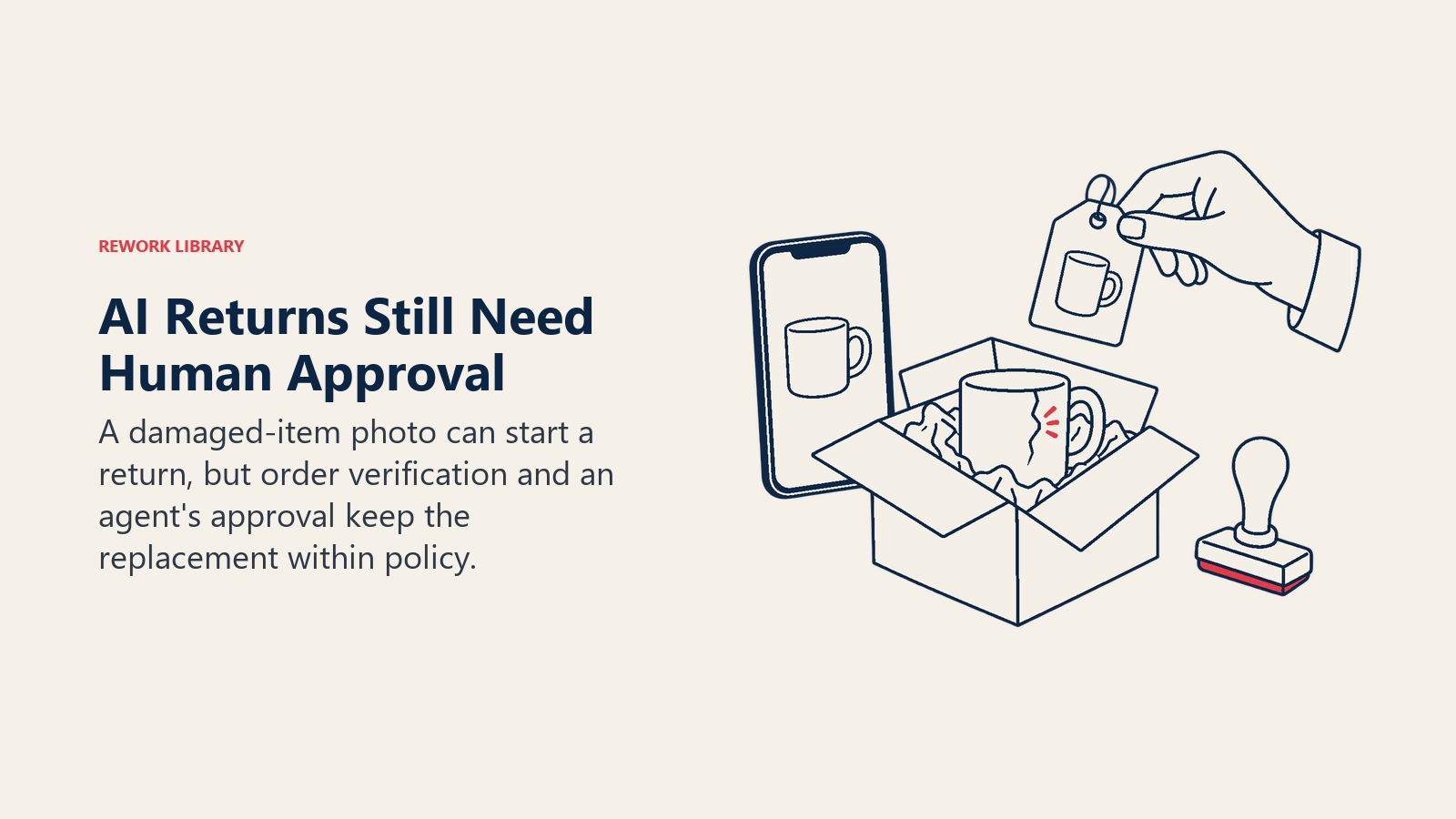
E-commerce service (WhatsApp). A retailer lets customers send a photo of a damaged item on WhatsApp. The AI classifies the damage, checks the order and proposes a replacement for an agent to approve. If the customer goes quiet past the window, a pre-approved template nudges them to reply.
Field and service operations (SMS and messaging). A repair business uses AI to confirm appointments by text and reschedule within set rules, handing anything unusual to a dispatcher.
How to Roll Out AI Channel by Channel
- Pull your channel mix. Count volume, average handle time and customer satisfaction by channel for the last quarter. Start where volume is high and the questions are repetitive.
- Pick one channel and one use case. Chat or email drafting are the usual starting points because mistakes are visible and recoverable. Resist launching on four channels at once.
- Choose assist or automate for that channel. Our guide on automating or assisting in customer service walks through the decision. For voice, default to assist.
- Set the guardrails. Define what the AI may answer, what it must hand off, and what it may never do. Guardrails and a clear human-in-the-loop path are your safety net. Write the AI disclosure line and the handoff trigger.
- Prepare the content. The AI is only as good as the articles and policies it reads. Fix outdated or conflicting help content before launch.
- Run a pilot with a small slice of traffic. Keep a person reviewing outputs. Measure resolution, escalation rate, customer satisfaction and the rate of wrong answers.
- Expand by channel, not all at once. Reuse the knowledge base and guardrails, but re-test per channel. A prompt tuned for chat will sound wrong in email and too long for voice.
- Review monthly. Read a sample of conversations on every channel and update knowledge, templates and escalation rules.
Common Pitfalls
- Copying the chat design to every channel. Voice needs shorter answers and confirmation of numbers. Email needs complete answers to every question in the message.
- No exit to a human. The CFPB flagged the missing off-ramp as a core consumer complaint. Test the handoff yourself every month.
- Ignoring hallucination. A made-up refund policy in an email is a written commitment. Ground answers in your content and block answers when nothing relevant is found.
- Forgetting consent and templates. Outbound voice and messaging campaigns need consent records and approved templates before launch.
- Measuring only deflection. A conversation the AI "contained" may be a customer who gave up. Pair containment with satisfaction and repeat-contact rate.
- Losing context between channels. A customer who starts in chat and calls later shouldn't repeat their story. Pass the summary along.
Where to Go Next
Pick one channel, write the handoff rule before the first prompt, and review real transcripts every week. For the broader strategy, go back to the pillar guide on AI in customer service.
Frequently Asked Questions about AI Across Support Channels
Which support channel should we automate with AI first?
Start with web chat or email drafting. Both are text-based, mistakes are easier to catch, and email drafts get a human review before sending. Voice is usually the last channel to automate because errors are spoken, immediate and harder to recover from.
Is AI better at chat than at email?
They're good at different jobs. Chat suits fast answers to short questions from a knowledge base. Email suits reading long threads and drafting thorough replies for an agent to approve. The research on AI assistants for support agents measured gains when AI suggested responses to humans, with the largest improvement for novices.
Do we have to tell customers they're talking to AI?
In the EU, Article 50 of the AI Act requires systems that interact directly with people to be designed so those people are informed they're dealing with AI, unless it's obvious from context. Disclosing up front is the safe practice on every channel, and it helps trust. Confirm local requirements with your legal team.
What is the WhatsApp 24-hour window and why does it matter for AI?
It's the period after a customer's last message during which you can send any type of service message. After it closes, only pre-approved template messages are allowed, and the customer must have opted in. An AI that drafts free-form follow-ups after the window will fail, so design follow-ups as templates.
Can we use AI voice agents for outbound calls?
Be careful. In February 2024 the FCC ruled that AI-generated voices are an artificial or prerecorded voice under the TCPA, which generally requires the called party's prior express consent. Get legal advice and keep consent records before any outbound AI calling.
How do we avoid customers getting stuck with a bot?
Build the exit before the answers. Offer a visible way to reach a person, hand off after failed attempts or negative sentiment, and test the path regularly. The CFPB's chatbot report highlights missing off-ramps to humans as a core complaint pattern.

Customer Success Operations Manager