AI Agent Assist: Real-Time Suggestions, Knowledge and Next Steps
Turn this article into takeaways for your work.


Each assistant summarizes the article only for you and suggests best practices for your work.
AI agent assist is software that reads a live customer conversation and, while a human agent is still handling it, suggests a reply, surfaces the right knowledge, and proposes the next step. The agent stays in charge: every suggestion can be sent, edited, or ignored. That last part is what separates it from a chatbot. A bot talks to the customer. Assist talks to your agent, and your agent talks to the customer.
For most support teams it's the safer first move into AI. The customer still gets a person, the person gets a faster route to the answer, and you find out quickly whether your knowledge is good enough to automate anything. If you're still deciding where assist fits, the overview of AI in customer service maps the wider options, and automate or assist covers how to choose per topic.
Key Facts
- In a study of 5,179 customer support agents, access to a generative AI assistant raised issues resolved per hour by about 14% on average, and by about 34% for novice and low-skilled workers, with minimal impact on experienced workers.
- In the same study, agents followed the AI's recommendations 35% of the time on average, so most suggestions were not used. Agents who followed them more closely gained more.
- Treated agents with two months of tenure performed as well as untreated agents with more than six months of tenure on the study's key measures.
- In Salesforce's 7th State of Service survey of 6,500 service professionals, reps using AI reported spending 20% less time on routine cases, about four hours a week freed up. That's a vendor survey of self-reported time, not a measured outcome.
- Intercom's Copilot can draw on past conversations and tickets from the last 4 months but doesn't use conversations from the email channel.
What Agent Assist Does During a Live Contact
Agent assist has three jobs, and most products bundle them. It helps to separate them, because each one fails for a different reason.
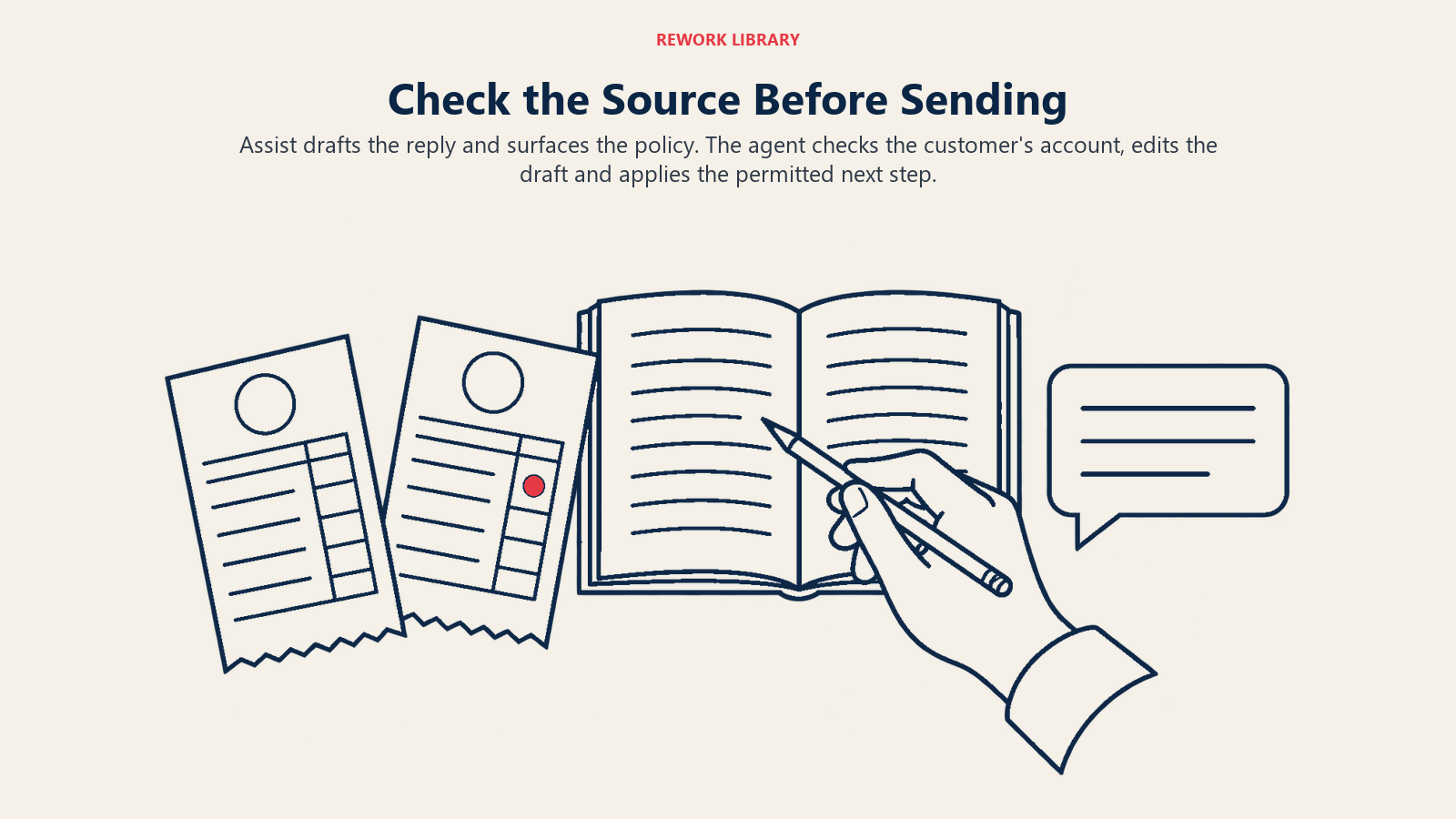
1. Suggested replies. The tool drafts what to say next. Zendesk's suggested first replies, for example, draft a first response in the Agent Workspace composer, built from existing macros and help center articles from the account (and sometimes from LLM-generated content). The agent can send it as is, edit it, or reject it and write their own. Salesforce describes its service replies the same way: generative AI drafts replies for reps to review, edit and post.
2. Knowledge surfacing. The tool finds the article, policy or past answer that fits the question, so the agent doesn't go hunting. Salesforce's article recommendations recommend relevant knowledge articles to reps on open cases, and its reply recommendations surface common, approved responses during chat and messaging. Intercom's Copilot lets an agent preview the source behind an answer in the sidebar, and answers built on internal sources are marked in yellow with a warning before they go into the composer. This is retrieval-augmented generation (the ACE rag-assistant pattern) pointed at an internal audience.
3. Next steps. The tool recommends an action: tag the contact, offer a refund within policy, open an engineering ticket, send a follow-up. This is the ACE workflow-copilot pattern. Of the three, it's the one that needs the most structured data, because "next step" depends on the customer's plan, order status or account history, not just on the words in the chat.
Two supporting features sit around these. Intent detection tells the assist layer what the customer is asking, so it fetches the right content. Ticket summarization gives an agent the history in a few lines, so they don't read forty messages before replying.
A Live Contact, Step by Step
Say a customer writes in: "I was charged twice for my annual plan." Here's what a well-configured assist layer does in the first minute.
- It classifies the topic as a billing dispute and pulls the customer's plan and recent invoices.
- It surfaces the refund-policy article and the duplicate-charge macro next to the conversation.
- It drafts an acknowledgement that names the plan and says what happens next.
- It proposes the next step: check for a pending authorization versus a real second charge, and refund within the agent's limit if it's real.
- The agent edits the draft, sends it, and applies the step. The contact is logged with the reason code.
None of those steps removed the human. They removed the searching, the retyping and the "which policy applies?" pause.
What the Evidence Says
The best-known study is a staggered rollout in one company's chat support operation, published as NBER Working Paper 31161 and later in the Quarterly Journal of Economics. Four findings are worth carrying into your planning.
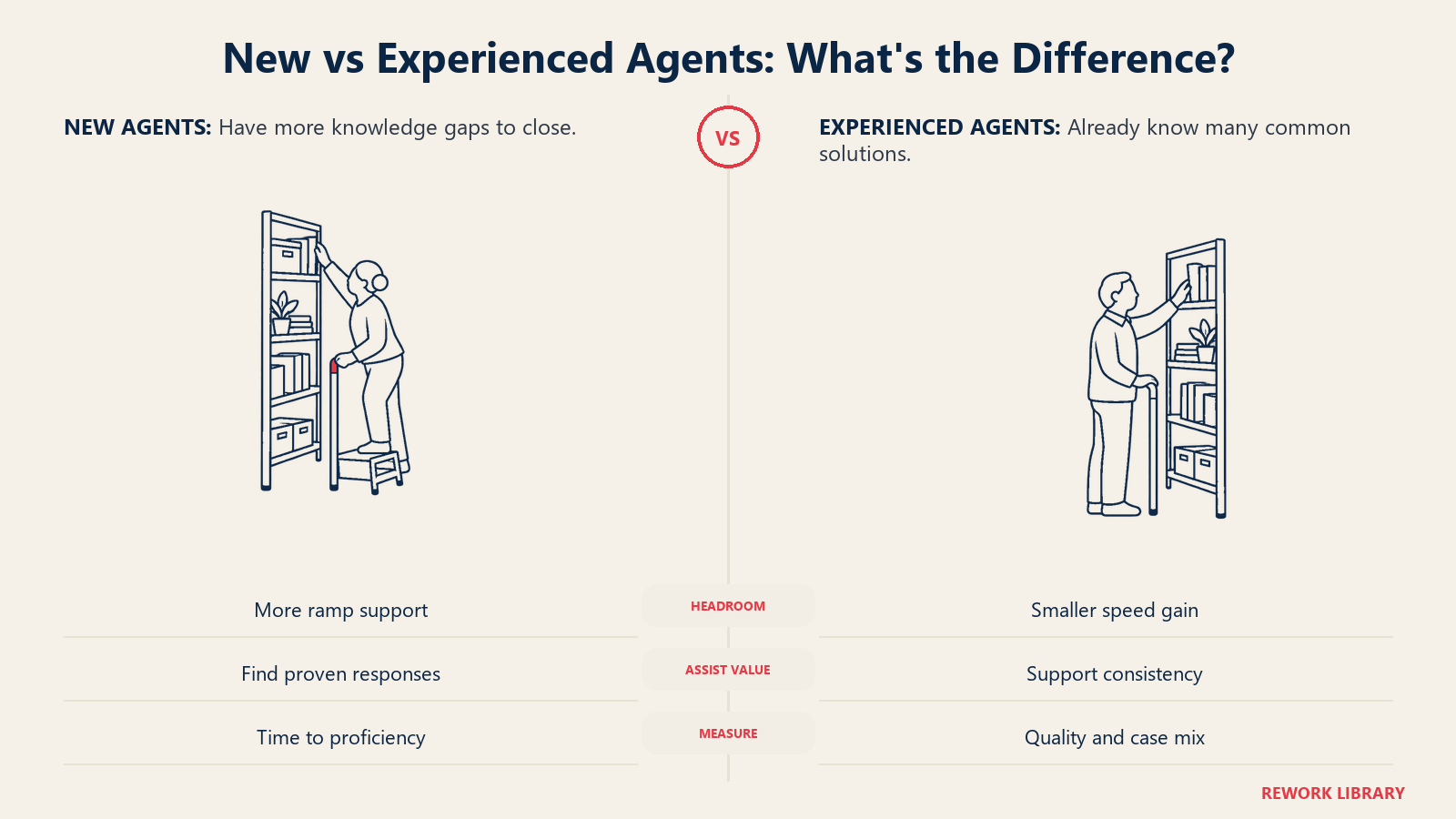
The average hides the split. The 14% average gain came with about 34% for novice and low-skilled agents and minimal change for experienced ones. If your team is mostly veterans, expect a smaller productivity effect and look instead for consistency gains. If you hire in waves or have high turnover, assist matters more.
It shortens the ramp. Agents with two months of tenure and AI access did as well as agents with more than six months of tenure without it, on the paper's main outcome measures (working paper PDF). For a manager, that's a training-cost argument as much as a speed one.
It's built to augment. The system produced real-time suggestions for responses and links to internal technical documentation, shown only to the agent, who had full discretion over using them. Agents followed the recommendations about 35% of the time on average, and adherence rose over time, especially among initially skeptical workers. Selective use was the norm, and that's healthy: a suggestion rate near 100% would mean nobody is thinking.
It touched people outcomes. The authors report improved customer sentiment, fewer customers asking for a supervisor, and lower attrition driven by retention of newer workers. Fewer exits among new hires is a cost line most support leaders recognize immediately.
One caution on scope. This was one company, one chat product, and a particular tool trained on conversations and outcomes from its own agents, with most agents located in the Philippines. Treat it as strong evidence that the mechanism works, not as a promise of 14% on your queue. The vendor-side numbers are softer: Salesforce's survey result of 20% less time on routine cases comes from reps' own reports, so use it as direction, not as a target.
Agent Assist by Function
The pattern is the same everywhere, but what counts as a "good suggestion" changes.
| Function | What the agent sees | Where it helps most | Watch out for |
|---|---|---|---|
| Customer support (Tier 1) | Draft reply, matching macro, article preview | Repetitive questions, new hires | Agents rubber-stamping drafts |
| Billing and finance ops | Account and invoice context, policy snippet, refund limit check | Disputes that need the right policy fast | Suggestions that ignore account state |
| IT help desk | Runbook step, similar resolved ticket, device or user context | Troubleshooting with many steps | Stale runbooks |
| Technical support | Link to internal docs, known-issue match, escalation template | Product knowledge gaps on new releases | Docs that lag the product |
| E-commerce | Order status, carrier info, return-window check | "Where's my order" and returns | Promises the policy doesn't support |
| Sales and success inbound | Plan details, upgrade path, relevant case study | Pre-sales questions routed to support | Over-selling in a service moment |
In every row, the suggestion is only as good as the content and data behind it. The IT row fails for the same reason as the technical row: documentation that nobody maintains.
How to Implement Agent Assist
A rollout doesn't need a big-bang launch. This order works for most teams.
- Pick one queue and one channel. Choose a high-volume, low-risk queue where answers exist in writing. Chat or messaging is the usual start. Check what your tool supports: Intercom's Copilot, for instance, doesn't use email-channel conversations as a source, so channel coverage is something to confirm up front. Channel coverage varies a lot by product.
- Fix the knowledge first. Suggestions draw on your macros and articles, so duplicates, contradictions and outdated policies turn into confident wrong drafts. Start with the 50 most-used macros and the top 30 articles. Preparing support data for AI covers the cleanup in detail.
- Decide what the tool may suggest. List topics where drafts are welcome (how-tos, order status) and topics where they're off (legal threats, safety, regulated disclosures). Write that list down before launch.
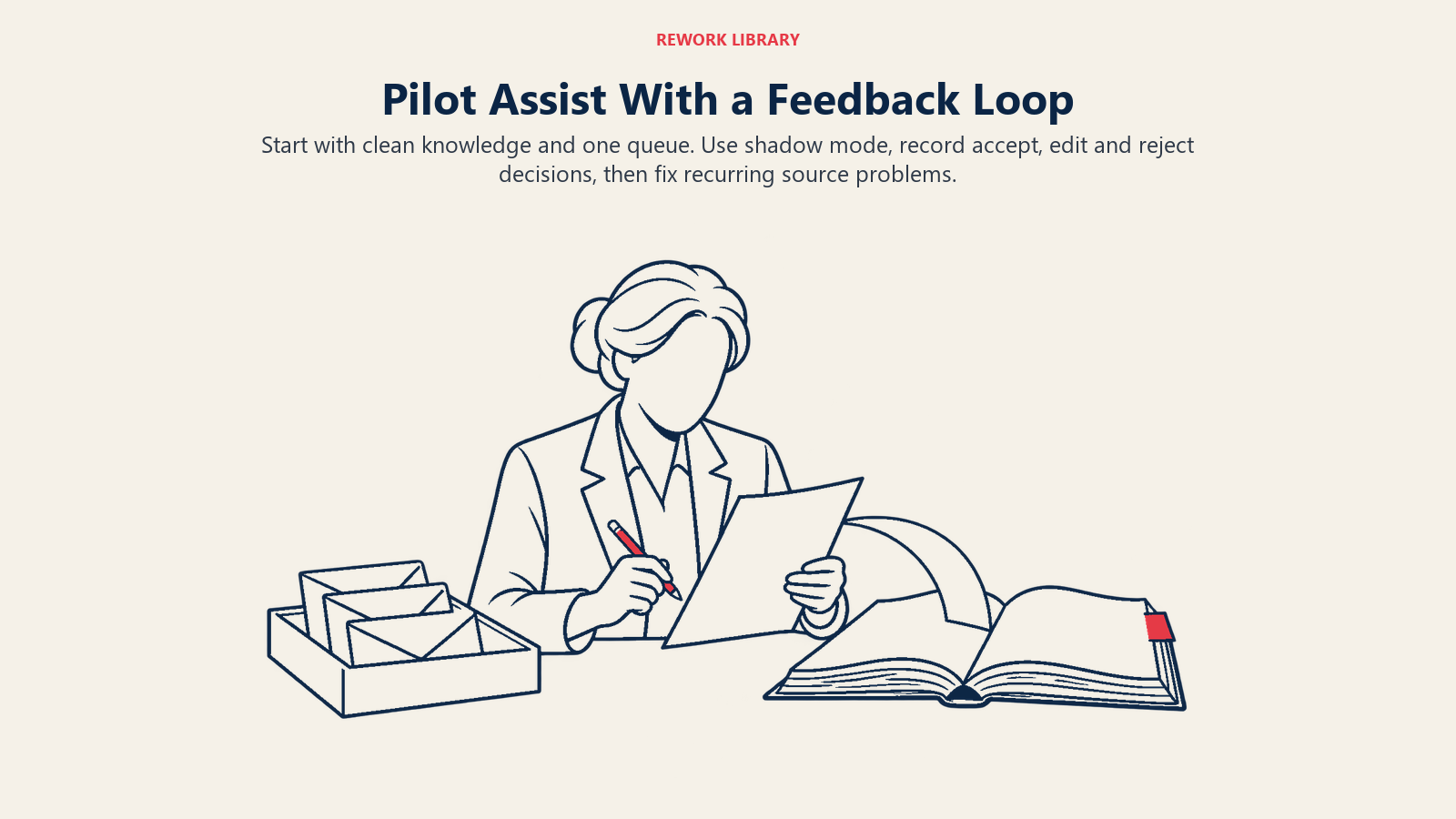
- Run it in shadow mode for two weeks. Show suggestions to a small pilot group, and record accept, edit and reject for each one, plus the reason when they reject. No customer-facing change yet.
- Train on judgment, not on buttons. Agents need to know the draft is a starting point. Teach a two-second check: does the draft match what the customer asked, and does the cited source say that?
- Measure with a control. Compare pilot agents against similar agents without assist, or against the pilot group's own baseline. Track handle time, first-contact resolution, reopen rate, CSAT and new-hire time to proficiency. Don't judge by suggestion acceptance alone.
- Close the feedback loop. Every rejected suggestion is data. If agents keep rewriting the same draft, the macro or article behind it is wrong. Fix it at the source.
- Expand by queue, not by switch. Add the next queue only when the first holds its quality numbers. Link assist to QA for support so reviewers can see which conversations used a draft and whether those held up.
Pitfalls to Avoid
Treating acceptance rate as success. A high acceptance rate can mean the tool is good or that agents have stopped checking. The NBER study found selective use was normal, around 35% on average. Pair acceptance with reopen rate and QA scores.
Ignoring the knowledge base. Zendesk's own article notes that agents can't influence the content of suggested replies, so the way to improve them is to improve the macros and articles they draw on. Assist exposes content debt quickly.
Automation bias. Under queue pressure, agents send what's on screen. Keep source previews one click away, as Intercom does with its sidebar source preview, and review a sample of sent drafts every week.
Measuring only speed. If handle time drops while repeat contacts climb, the tool is helping agents close faster, not better. Watch resolution on the customer's side, not only activity on yours.
Forgetting the capacity plan. If assist lifts throughput, your staffing math changes. Feed the new handle times into volume and capacity forecasting before you cut shifts or hiring plans.
Skipping coaching. Assist spreads good habits, but it won't fix a quality problem by itself. Use the accept and reject data in coaching conversations, which is where the learning effect in the research actually gets reinforced.
What a Good First 90 Days Looks Like
By week two you should have a clean content set and a pilot group. By week six you should know your accept, edit and reject patterns by topic, and have fixed the top ten content problems they exposed. By week twelve you should have a control-group comparison on handle time, reopen rate and CSAT, plus one number your finance partner will accept, such as hours per week returned to the queue or weeks saved per new hire. If the comparison is flat, the likely cause is content quality or a veteran-heavy team, not the idea itself. Fix the first and reconsider the scope for the second.
Frequently Asked Questions about AI Agent Assist
What is AI agent assist?
It's software that watches a live customer conversation and gives the human agent suggested replies, relevant knowledge and recommended next steps. The agent decides what to send, edit or ignore, so the customer still gets a person.
How is agent assist different from a chatbot?
A chatbot talks directly to the customer and tries to resolve the issue alone. Agent assist talks to your agent, who stays accountable for the answer. That makes it a lower-risk way to start with AI, and it usually needs the same knowledge base a bot would.
Does agent assist actually improve productivity?
There's solid evidence that it can. A study of 5,179 support agents found about 14% more issues resolved per hour on average, with about 34% for novices and little change for experienced agents. Your result depends on team experience, channel and content quality.
What do I need before I turn it on?
Clean, current macros and help articles, a defined list of topics where drafts are allowed, and a baseline for handle time, reopen rate and CSAT. Without the baseline you can't tell whether the tool helped.
Will agents just copy and paste whatever it suggests?
Some will under pressure, which is why you review sent drafts and track reopen rates. In the NBER study agents followed recommendations about 35% of the time on average, so selective use is common when agents trust their own judgment.
Which channels does agent assist work on?
It depends on the product. Chat and messaging are the most common, and some tools exclude channels. Intercom's Copilot, for example, doesn't use email conversations as a source. Confirm channel coverage in the vendor's documentation before you plan your rollout.
