AI Search for Help Centers: Getting Customers to the Right Answer
Turn this article into takeaways for your work.


Each assistant summarizes the article only for you and suggests best practices for your work.
AI search for a help center is a search box that matches what a customer means rather than the exact words they type, and in many products also writes a short answer from your articles at the top of the results. The customer asks "why was I charged twice?" and gets the billing article or a two-sentence answer, even if your article is titled "Duplicate payment troubleshooting."
This guide is for support managers, knowledge owners and CX directors. It covers how AI search differs from the old keyword box, what it demands from your content, how to roll it out, and how to tell whether it's working. It deliberately skips the engineering. If you want the build mechanics behind answers grounded in your articles, read ticket deflection with RAG in SaaS support. This page is about the help center itself and the people who run it.
Key Facts
- Help center search comes in two flavors: AI-ranked results (semantic or hybrid retrieval) and generated answers written from the top results.
- Zendesk's documentation says generative search evaluates the top matching articles, posts and external content, writes an answer above the results, and shows users answers only for articles they have permission to view (Zendesk Help Center).
- The same documentation says that if no article, post or external content matches a search, no answer can be generated, and it advises against one- or two-word queries (Zendesk Help Center).
- Elastic describes hybrid search as blending lexical and semantic methods into a single ranked list, because exact-term matching stays precise for rare and domain-specific terms while semantic search can add noise when context is ambiguous (Elastic).
- Zendesk defines the self-service score as total help center user sessions divided by total users in tickets, and gives 4:1 as an example: four customers try to help themselves for every one who files a request (Zendesk Help Center).
Keyword Search vs AI Search
A traditional help center search looks for the words you typed in article titles and bodies. It's fast and predictable, and it fails the moment a customer's vocabulary differs from yours. Customers write "can't log in," your article says "authentication failure." The search returns nothing, and the customer opens a ticket.
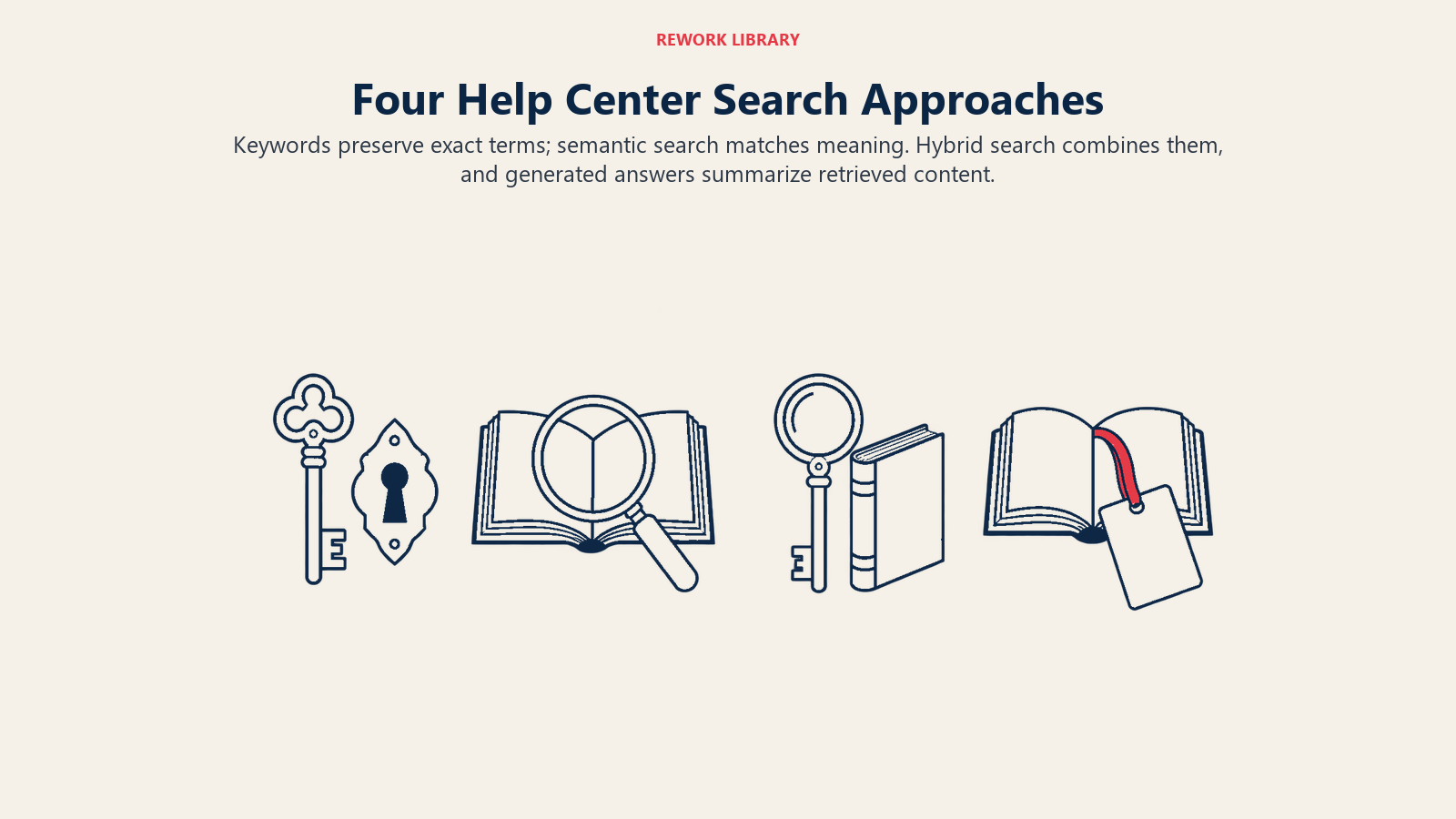
Semantic search fixes that mismatch. It converts both the query and your articles into numeric representations of meaning, so "I was billed twice" lands near "duplicate payment." You don't need to understand the math to manage it. You need to know it rewards articles that say clearly what they're about.
Generated answers go one step further. The system takes the top matching articles, has a language model compose a short response, and shows it above the list of links. The customer may never open an article. That's convenient, and it moves your content from "something people browse" to "source material a machine quotes," which changes how you should write it.
There's a catch worth knowing early: pure semantic search isn't always better. Elastic's explanation of hybrid search notes that keyword matching stays precise for rare terms and domain-specific language, while semantic search can introduce noise when context is ambiguous (Elastic). For a help center, that matters for error codes, plan names and feature names. Someone searching "E-4021" wants that exact code, not something conceptually nearby. Ask your vendor whether search blends both methods.
| Approach | How it finds answers | Strength | Weakness |
|---|---|---|---|
| Keyword search | Matches typed words to words in articles | Exact and predictable for codes and names | Misses synonyms and plain-language questions |
| Semantic search | Matches meaning of the query to meaning of articles | Handles natural phrasing and synonyms | Can return loosely related results |
| Hybrid search | Combines both into one ranked list | Precise for exact terms, flexible for phrasing | Needs tuning and testing |
| Generated answer | Writes a short reply from top-ranked articles | Saves a click, reads like a conversation | Only as good as the source articles |
What It Looks Like by Function
The same search box serves very different jobs depending on who is using it.
Customer support. A customer types "my invoice shows a different amount than my plan." Keyword search finds nothing. AI search surfaces the article on proration and mid-cycle upgrades. A support rep who would have answered that ticket never sees it.
Support operations. An ops lead reviews the list of searches that returned nothing, or that ended with no click, every week. The list reads like a map of customer language: the terms people use, the features they can't find, the articles that don't exist yet. That feeds the content backlog directly.
Knowledge management. A knowledge owner learns that the answer a generative feature gave on refunds was assembled from two articles that disagree. The fix isn't a prompt tweak. It's merging the two articles and retiring the old one.
Product and CX. A product manager sees a spike in searches for a setting that was moved in the last release. The release note didn't help; a retitled article did.
Agents. The same search can sit inside the agent workspace, so a new hire asks a question in plain words and gets the policy page. That's the agent-assist use case from the AI in customer service overview, applied to knowledge.
What AI Search Needs From Your Content
Search quality is mostly content quality. A model can only rank and quote what you've written, and generated answers repeat your mistakes confidently. Zendesk's own documentation says answer quality also depends on the quality of the knowledge base, and that no answer is produced when nothing matches (Zendesk Help Center). Plan for the following.
One topic per article, with a title that states it. "How to cancel your subscription" beats "Account management." Retrieval works on chunks of text, so a long article that covers eight things matches all of them poorly.
The answer first. Open each article with a one- or two-sentence answer, then the steps. A generated summary tends to draw from the opening, and a human skimming a results page does too.
The customer's vocabulary. Include the phrases people actually type, including the wrong ones. If customers say "freeze my account" and you say "suspend," put both in the article. Your zero-result searches tell you which words to add.
One source of truth. Duplicates and near-duplicates are the main cause of contradictory answers. When two articles describe the same policy differently, an AI reader will pick one, or blend them.
Clear ownership and review dates. Every article needs a named owner and a trigger to review it, such as a product release or a policy change. An outdated article doesn't just sit unread anymore; it gets quoted.
Permissions that match reality. Zendesk notes users can only see generated answers for articles they have permission to view (Zendesk Help Center). Confirm that your tool respects the same boundary, so a customer never gets an answer drawn from an internal-only article. The cleanup work behind all of this is covered in preparing support data for AI.
How to Roll It Out, Step by Step
- Audit the top 50 search queries and the top 50 contact reasons. Note which have a good article, which have a weak one and which have none. This is your baseline and your content backlog in one sheet.
- Capture the baseline numbers. Record your search-to-ticket behavior, zero-result rate, click rate on results and self-service ratio before changing anything. You can't claim improvement without a before.
- Fix the content that matters most. Rewrite the 20 or so articles behind your highest-volume contact reasons: answer first, one topic, customer wording. Merge duplicates.
- Switch on AI ranking before generated answers. Better ranking is lower risk. It only changes the order of links the customer can read for themselves. Generated answers add a layer of paraphrase you need to test.
- Test with a fixed question set. Write 50 to 100 real customer questions with the correct source article for each. Run them before launch and after every content or settings change. Read the answers, don't just check that one appeared.
- Decide what the answer may and may not cover. For topics like refunds, legal terms or security, many teams prefer to show the article only, or hand off to a person. The automate-or-assist framework helps you draw that line.
- Add an obvious way out. Under every generated answer, give a link to contact a person, and pass the search text along so the customer doesn't repeat themselves.
- Collect feedback on answers. A thumbs up or down on each answer is cheap and tells you which articles to fix first.
- Review weekly for the first two months. Read the worst-rated answers and the zero-result queries, fix the article, then rerun your test set.
If you later want an interactive assistant that handles follow-up questions and tasks, not just search, treat that as a separate project with its own escalation rules.
Measuring Self-Service Success
The honest question isn't "did the customer see an answer?" It's "did the customer get what they came for without needing us?"
Start with a classic ratio. Zendesk defines the self-service score as total help center user sessions divided by total users in tickets, and illustrates it with a 4:1 result, meaning four customers try to solve their own issue for every one who files a request (Zendesk Help Center). It's a blunt measure, because traffic can rise for reasons unrelated to quality, but it's a useful trend line when you watch it alongside the others.
Then add search-specific measures that your analytics may already collect:
- Zero-result rate: share of searches returning nothing. Falling means your content and matching are improving.
- Search-then-ticket rate: share of searchers who open a ticket in the same session or shortly after. This is the closest thing to a failure signal.
- Result click rate and reformulation rate: if customers click quickly, the ranking works. If they retype the query three times, it doesn't.
- Answer feedback score: thumbs up versus thumbs down on generated answers, reviewed by topic.
- Contact rate for covered topics: tickets per 1,000 customers on topics where search now answers. A drop here is your real outcome.
- Return contact: customers who leave the help center and then reach out by phone, chat or email about the same issue within a few days.
Be wary of one number in particular. Deflection, the count of customers who left without a ticket, treats a satisfied customer and a frustrated one identically. Pair it with a quality measure such as CSAT on help center visits, or the return-contact check above, and keep it separate from AI resolution rate. The wider case for measuring resolution, not avoidance, runs through the AI in customer service overview.
Common Pitfalls
Launching generated answers on messy content. The model will summarize your contradictions. Clean first, switch on second.
Judging success by traffic. More search sessions can mean better findability or worse product confusion. Look at what happens after the search.
Ignoring exact-match queries. Error codes, SKUs and feature names need precise matching. Test them explicitly.
Letting generated answers cover high-risk topics. A wrong answer about a refund window or a contract term costs more than a click. Show the source article, add a handoff, or exclude the topic. Remember that language models can state false things fluently, which is the failure covered under AI hallucination.
Hiding the way to a human. Customers who can't escape a poor answer remember it. Check what they say in what customers expect from AI service.
No owner after launch. Search quality decays as the product changes. Assign a named owner and a weekly slot.
Where to Start
Pull your zero-result searches and your top contact reasons this week. Rewrite the ten articles that sit where they overlap, switch on AI ranking if your platform offers it, and run a fixed set of real questions before and after. That single loop teaches you more about your help center than any vendor demo will.
Frequently Asked Questions about AI Help Center Search
What is AI search for a help center?
It's search that matches the meaning of a customer's question to your articles instead of only matching typed words. Many products also generate a short answer from the top results and show it above the links, with the source articles still available.
Is semantic search better than keyword search?
Usually for plain-language questions, but not for everything. Keyword matching is stronger for exact terms like error codes and plan names, which is why many products blend both methods into one ranked list. Test both kinds of query before you decide.
Do generated answers replace help center articles?
No, they depend on them. The answer is written from your articles, so thin, duplicated or outdated content produces thin, duplicated or outdated answers. If no article matches, vendor documentation such as Zendesk's says an answer can't be generated.
How do I know whether AI search is working?
Compare against a baseline you captured beforehand. Watch the zero-result rate, the share of searchers who then open a ticket, feedback on generated answers and contact rate for the topics search now covers. A rising self-service ratio is a supporting signal, not proof on its own.
What content changes help AI search the most?
Give each article one topic and a title that states it, put the answer in the first sentence or two, use the words customers actually type, and merge duplicate articles. Then assign an owner and a review trigger so articles don't go stale.
Should I let AI answer questions about refunds or contracts?
Be cautious. For high-risk topics, many teams show the source article only or route to a person, because a confident wrong answer is costly. Decide topic by topic, test with real questions and keep a visible path to a human.
