Preparing Support Data for AI: Tickets, Macros and Knowledge Content
Turn this article into takeaways for your work.


Each assistant summarizes the article only for you and suggests best practices for your work.
Preparing support data for AI means getting three assets into shape before a model touches a customer: a knowledge base that is accurate, unambiguous and current, a ticket history with consistent tags and clean resolutions, and a macro library that matches how your team really answers. An AI agent answers from whatever you give it. If the help center contradicts itself, the bot will too, and it will say so politely and at scale.
This guide is for support leaders, CX directors and support managers who are about to turn on an AI agent, or who already did and are seeing wrong answers. It sits under the overview in AI in customer service and goes deep on the one thing that decides most outcomes: the content and data underneath the tool.
Key Facts
- In the NBER study "Generative AI at Work," an AI assistant raised issues resolved per hour by about 14% on average across 5,179 customer support agents, and by 34% for novice and low-skilled workers (NBER w31161).
- The same authors found suggestive evidence that the AI "disseminates the best practices of more able workers," which only works if those practices exist in recorded, usable form (NBER w31161).
- Intercom's documentation says that, unlike human readers, AI "relies heavily on clear structure, unambiguous phrasing, and strong alignment with customer intent" (Intercom Help Center).
- Intercom recommends reviewing AI content suggestions and teammate flags weekly, and reviewing high-involvement, low-resolution articles monthly (Intercom Help Center).
- Zendesk's guidance for its AI agent says to avoid outdated or unreliable information, because AI agents use it (Zendesk Help Center).
What Support Data AI Actually Needs
Most AI support tools fall into two families, and each reads a different asset.
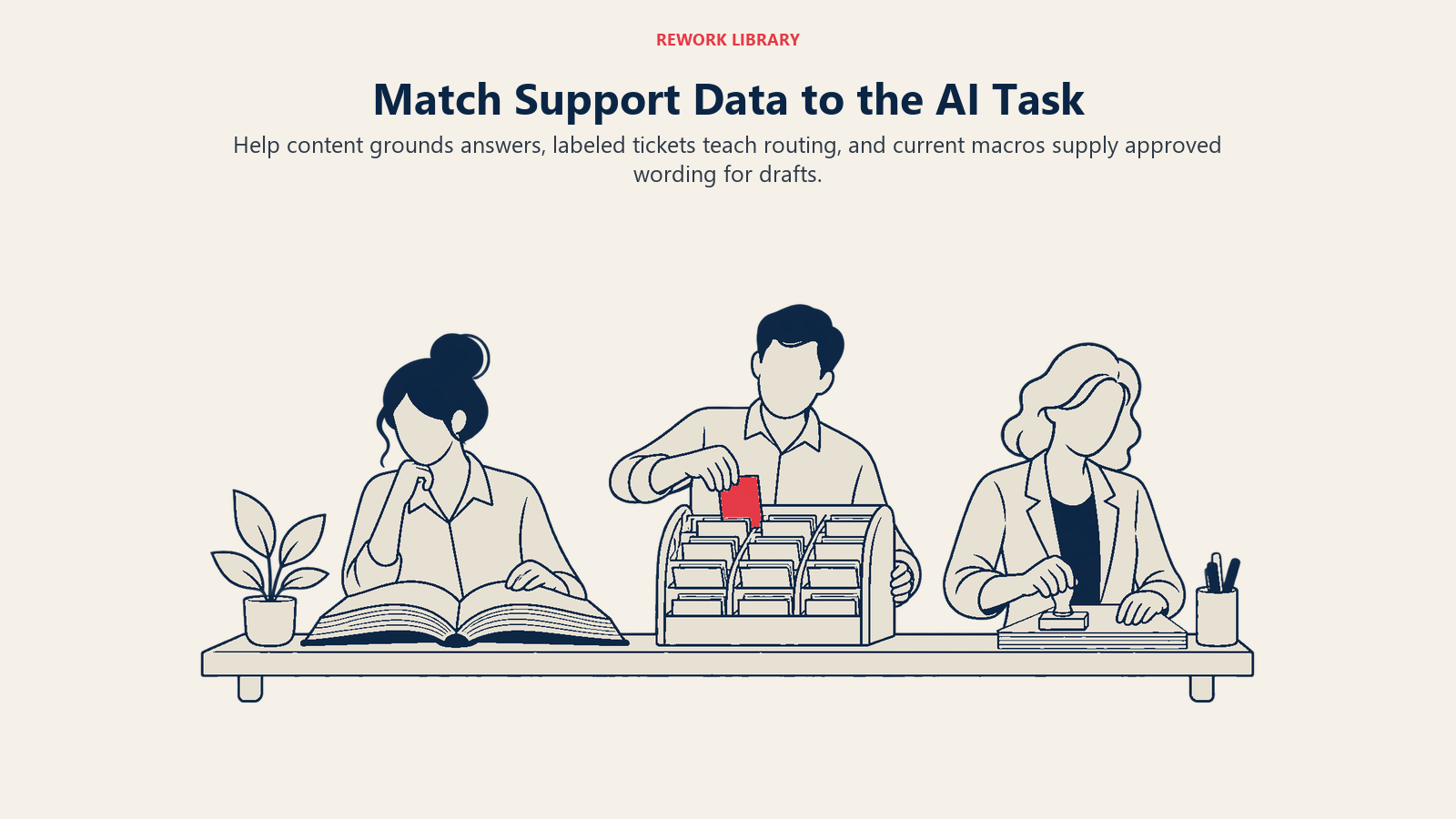
The first answers questions from your documentation. It retrieves relevant help articles and writes a reply from them, a pattern known as retrieval-augmented generation. In ACE Framework terms this is the rag-assistant pattern. Its quality is capped by your knowledge content. The model can't cite a policy you never wrote down, and it can't tell which of two conflicting articles is the real one. The AI knowledge base agent page covers how that agent behaves once the content is in place.
The second classifies and routes. It reads an incoming ticket, assigns a category, urgency or sentiment, and sends it to the right queue. That's the scoring-routing pattern, and it learns from your historical tickets. If your tags are inconsistent, it learns inconsistent habits. See the AI support triage agent for what a well-fed version does.
Macros sit between the two. They're your team's approved wording, and they feed both drafting tools and agent-assist suggestions.
| Asset | What the AI does with it | What "ready" looks like |
|---|---|---|
| Help articles and internal knowledge | Source for answers and citations | One topic per article, one article per topic, owner and review date, no contradictions |
| Ticket tags and categories | Training and evaluation data for routing | Short controlled list, definitions written down, one primary reason per ticket |
| Resolved ticket text | Examples of good answers and root causes | Resolution notes that say what fixed it, not "done" |
| Macros | Approved phrasing for drafts | Current, owned, tied to a policy, retired when the policy changes |
| Customer and order fields | Personalizing and checking eligibility | Structured, current, available through a controlled connection |
| Policies (refunds, SLAs, escalation) | Boundaries the AI must respect | Written as explicit rules with exceptions, not tribal knowledge |
For the wider data picture beyond support, data readiness for AI walks through the general checks.
The Common Gaps
Five problems turn up again and again in support operations before an AI launch.
Contradictions between articles. Two pages about refunds, written two years apart, give different windows. A human agent knows which is right. A retrieval system may surface either. Zendesk's own help center notes that AI agents use outdated or unreliable information, and an old article is exactly that.
Knowledge that lives in people's heads. The fix for the weird billing edge case exists only in the memory of your most senior agent. This is the gap the NBER study points at: the AI spreads the practices of top performers, but only the ones it can find in recorded form.
Tag sprawl. After three years you have 140 tags, six of which mean "billing problem," and agents pick whatever is first in the dropdown. A routing model trained on that history reproduces the confusion.
Empty resolution notes. Tickets closed with "Resolved" or "Done" teach nothing. The value is in the line that says "Customer's SSO certificate expired; renewed in admin settings and re-synced."
Macros that outlived their policy. The macro that promises a 30-day return window is still in the shortcut menu long after the policy changed to 14 days. Agent-assist tools suggest it faithfully.
What Good Knowledge Content Looks Like
The Consortium for Service Innovation's Knowledge-Centered Service (KCS) v6 practices guide is the most established method for this. It organizes the work into a Solve Loop, where agents capture, structure, reuse and improve knowledge as they resolve tickets, and an Evolve Loop, which covers content health, process integration, performance assessment and leadership (KCS v6 Practices Guide). Its four Solve Loop practices map neatly onto AI readiness:
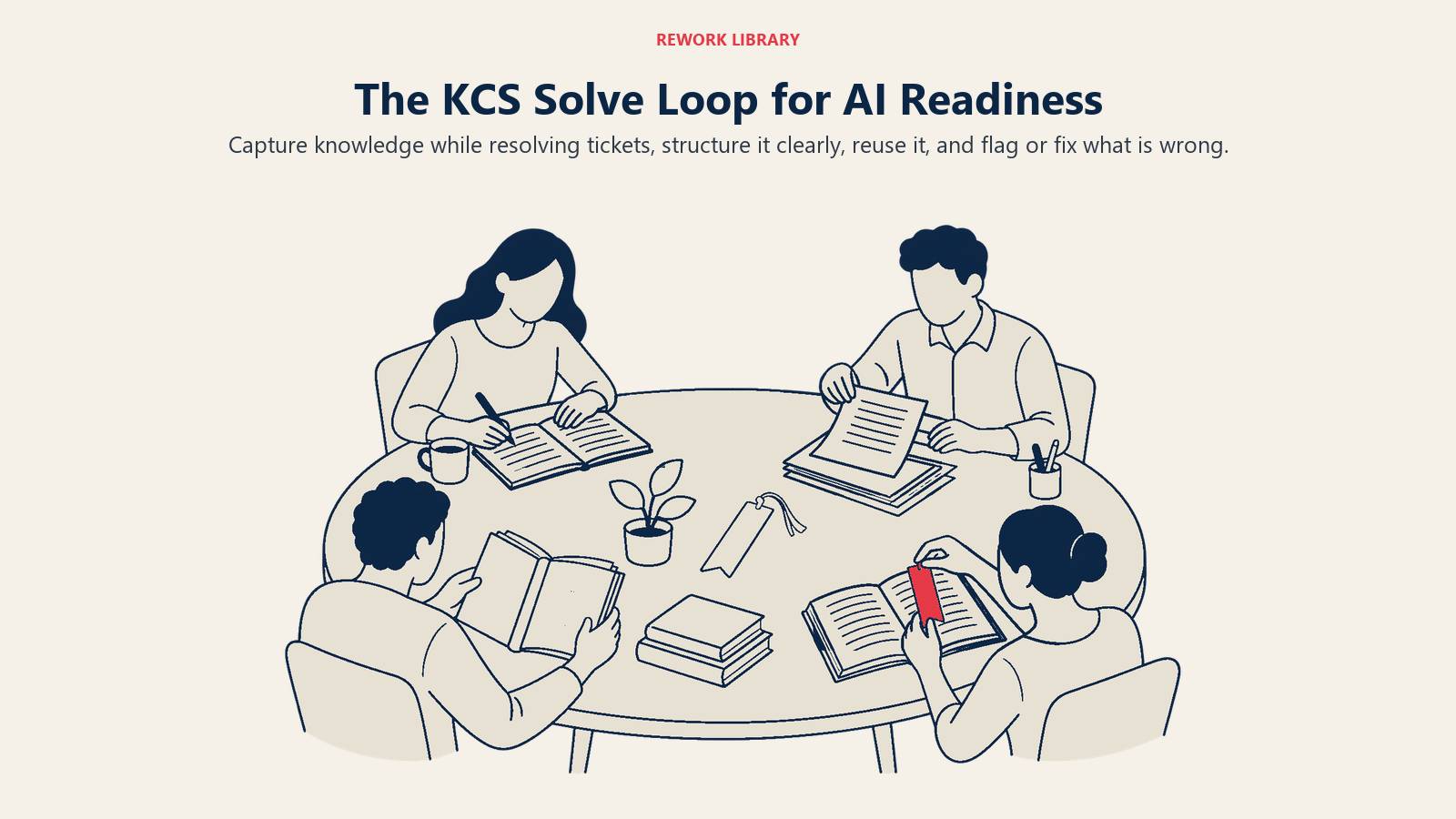
- Capture (including "Capture Knowledge in the Moment"): write the article while solving the ticket, not in a quarterly documentation sprint.
- Structure ("Use A Simple Template"): a consistent template, such as issue, environment, resolution, cause, makes content easy for both people and retrieval systems to parse.
- Reuse ("Search Early Search Often", "Linking"): linking tickets to the article used shows which content actually gets used.
- Improve ("Flag It or Fix It"): anyone who finds a wrong article either fixes it or flags it, so decay gets caught.
You don't need to adopt KCS wholesale to benefit. The principle is that knowledge is a by-product of solving tickets, and it has an owner.
Vendor guidance points the same way. Intercom says AI depends on clear structure and unambiguous phrasing, and that articles with an unclear purpose or scope may be retrieved for the wrong kind of query (Intercom Help Center). A practical rule: if a new hire would ask "wait, which one applies to me?" after reading it, the AI will guess.
Some writing habits that help:
- Put the answer in the first sentence, then the conditions and exceptions.
- Name the customer segment, plan or region the answer applies to.
- Use the words customers use in the title ("Change the email on my account"), not internal jargon.
- Keep one task per article, and link instead of copying shared steps.
- Mark the product version or policy date inside the article so reviewers can spot stale ones.
Cleaning Ticket History and Macros
Ticket history is where AI learns your classification logic, and where agent-assist tools find example answers.
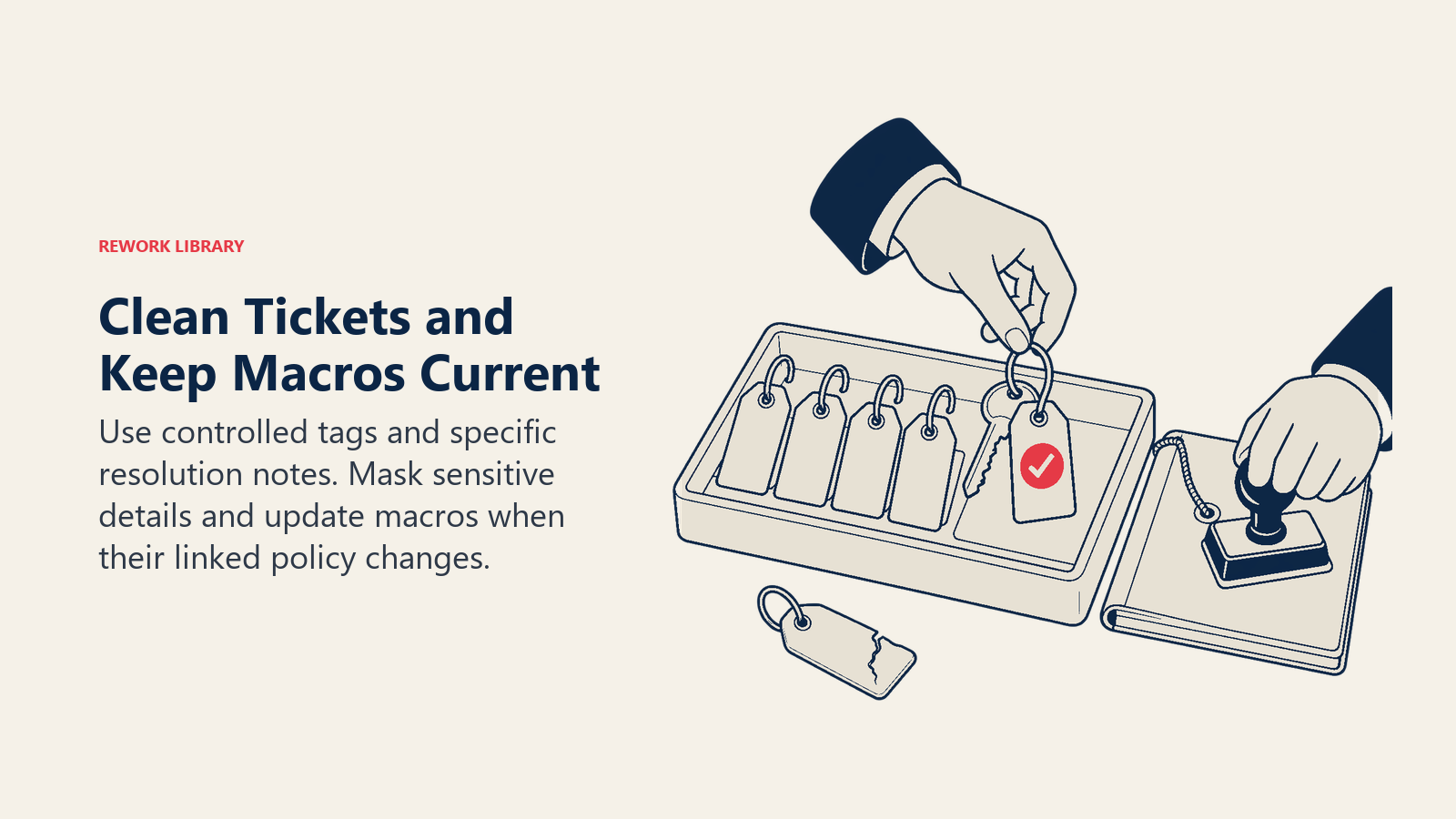
Tags. Reduce to a controlled list a new agent can memorize, usually 15 to 40 reasons depending on complexity. Write a one-line definition and an example for each. Merge synonyms, retire the long tail, and make the primary contact reason a required field. Then relabel a sample (a few hundred tickets is enough to test) and compare the result with what agents originally chose. Large disagreement means the categories are unclear, not that the agents are careless.
Resolution notes. Add a required "what fixed it" field or a closing template. Even a short, specific note turns every ticket into a potential knowledge article and a better training example.
Sensitive data. Tickets contain names, card fragments, health details and passwords people pasted by mistake. Decide what gets masked or excluded before any ticket text is used for training or retrieval. Involve your privacy or security lead early.
Macros. Export the full list with usage counts. Retire anything unused for a year, assign an owner to each remaining macro, and link each one to the policy it expresses. When a policy changes, the owner updates the macro and the matching article in the same change.
Step-by-Step: Getting Support Data Ready
- Pick the first use case. A deflection bot for password and billing questions needs strong articles. A triage model needs strong tags. Start with the one asset your first project depends on, and use the data readiness by pattern guide to see what each pattern needs.
- Audit the top 50 topics. Pull your top contact reasons by volume. For each, check that exactly one current article answers it. Mark the missing, duplicate and conflicting ones.
- Fix contradictions first. Merge duplicates, delete or redirect the loser, and settle the policy question with whoever owns it. This is the fastest accuracy gain you'll get.
- Fill the gaps from real tickets. For the top uncovered topics, read 20 resolved tickets and write the article from the best resolution. This is KCS "capture" done in a batch.
- Standardize the template. Adopt one article structure and one title style. Rewrite the top 50 first, not the whole library.
- Clean tags and notes. Publish the controlled tag list with definitions, remap history to it, and require resolution notes going forward.
- Review macros. Retire, update or assign owners, and tie each to a policy.
- Set owners and review dates. Every article and macro gets a named owner and a review interval. Sort by last-updated date, start with the highest-traffic articles, and put the review on a regular calendar.
- Build a test set. Write 50 to 100 real customer questions with the correct answer for each, including questions the bot should decline. Run it before launch and after every content change.
- Open a feedback loop. Give agents a one-click way to flag a wrong or missing answer, and review the flags weekly. Intercom recommends weekly review of AI content suggestions and teammate flags, and a monthly look at articles that are heavily used by the AI but rarely resolve the question (Intercom Help Center).
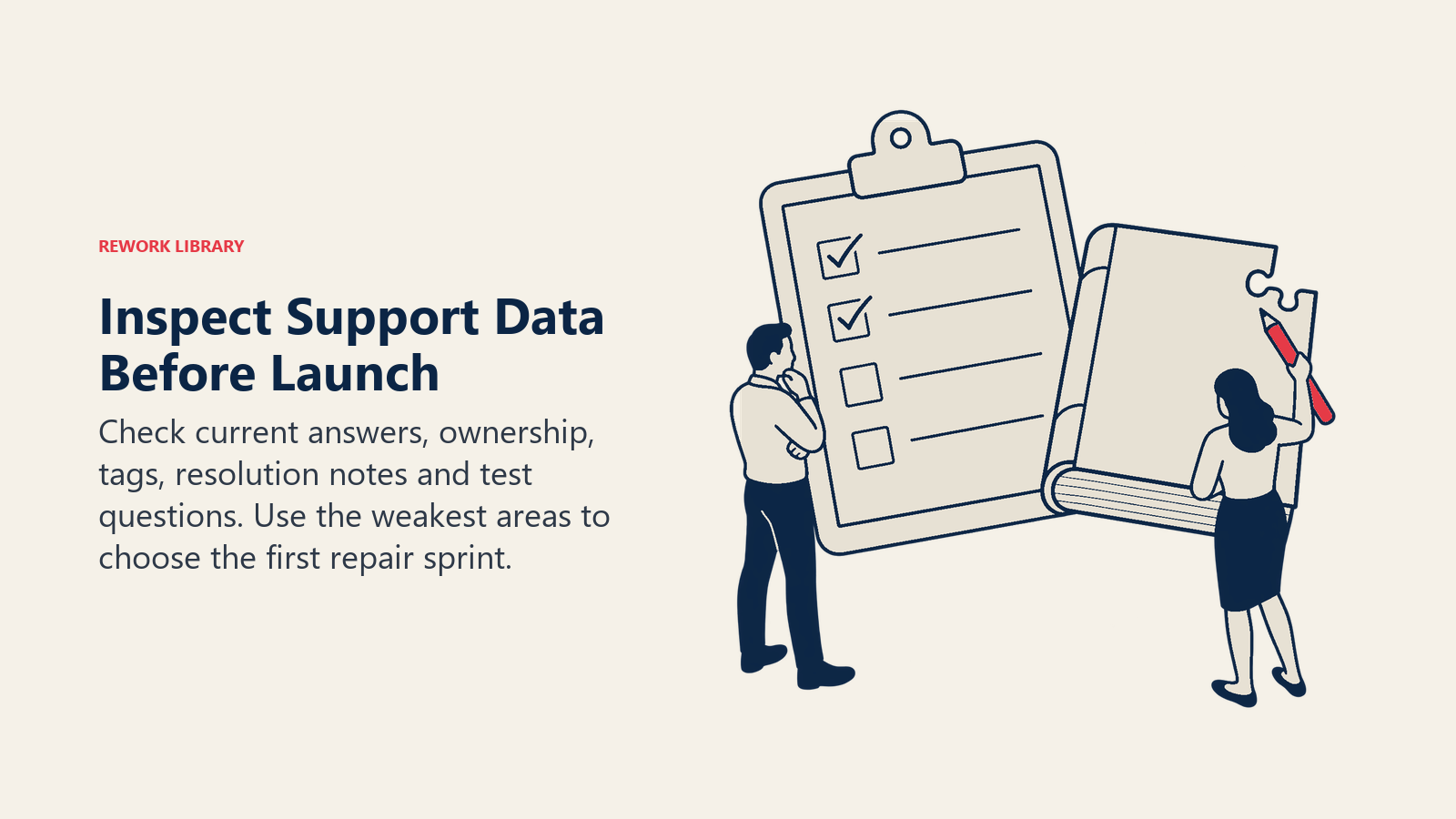
Support Data Readiness Checklist
Score each row 0 (not true), 1 (partly true) or 2 (true). Anything below 10 of 16 on the first block means fix content before launching a customer-facing bot.
| Check | Score 0 to 2 |
|---|---|
| Top 50 contact reasons each have one current, correct article | |
| No two articles give conflicting answers | |
| Every article has an owner and a review date | |
| Policies (refunds, SLAs, escalation) are written down as rules with exceptions | |
| Ticket tags come from a controlled list with definitions | |
| Primary contact reason is required on every ticket | |
| Resolution notes say what fixed the issue | |
| Macros are current, owned and linked to policy | |
| Sensitive data handling for AI use is decided | |
| A test set of real questions exists, with expected answers | |
| Agents can flag wrong or missing answers in one click | |
| Someone owns weekly review of flags and gaps |
Use the score as a conversation starter with the team, not a pass or fail grade. The lowest-scoring rows are your first sprint.
Examples by Function
These are illustrative scenarios, not measured case studies.
Customer support. Picture a software support team with two password-reset articles, one for the old login and one for single sign-on. Merging them into one article, with a short "which login do you use?" section at the top, gives the bot a single source. Your own test set is what tells you how much accuracy improves.
Billing and finance support. Refund policy often has exceptions that only the billing lead knows: annual plans, regional rules, partial usage. Writing those as an explicit rules table in one article lets both the AI and new agents apply them consistently.
Technical support. Say engineers fix issues in code but support never records the workaround. Adding a required "cause and fix" note to the closing template creates a steady stream of draft articles, which a support specialist can review weekly.
Onboarding and success. If customer success managers answer the same setup questions from personal templates, moving the best versions into shared, owned macros gives the team consistent wording and gives the AI something approved to draw from.
Operations and quality. A QA lead can sample AI answers against the test set each week and log each failure as a content fix, a tagging fix or a policy question. When failures shift from content gaps to rare edge cases, the content work is paying off.
Pitfalls to Avoid
- Importing everything. Feeding the AI every article, forum thread and old release note makes it quote the stale ones. Curate the source set and exclude archived content.
- Treating a model upgrade as a content fix. A better model won't resolve two contradictory policies. It will contradict itself more eloquently. See AI hallucination for why fluent wrong answers are the main risk.
- Rewriting the entire library first. Start with the topics that drive volume. Ten great articles beat 500 cleaned ones that nobody asked about.
- No owners. Content without an owner decays. The first policy change after launch will break something.
- Skipping the private knowledge. Internal runbooks and escalation rules matter as much as public articles, and they're often the least organized. Decide deliberately which AI features can read them. Zendesk notes that generative responses are mostly based on publicly accessible articles, so restricted content may not be used.
- Ignoring the people. Agents who write the knowledge need time and recognition for it. See AI and support team roles for how the content work changes who does what.
- Launching without a test set. If you can't measure answer quality before launch, you'll find out from customers.
Where to Go Next
Pick the top 20 contact reasons, check that each has one current article, and fix the conflicts. That single audit usually delivers more than any tool configuration. Then build the test set, set the owners, and run the weekly flag review. Then use the overview to place this work in the wider rollout.

Customer Success Operations Manager