Cost per Resolution: Budgeting for AI in Customer Service
Turn this article into takeaways for your work.


Each assistant summarizes the article only for you and suggests best practices for your work.
Cost per resolution is the total cost of running your AI support program in a period, divided by the number of customer problems it actually solved in that period. That's different from the price on a vendor's page. A vendor price tells you what one slice of the bill looks like. Cost per resolution tells you what a solved problem costs once you add the platform fee, the people who keep the knowledge current, the QA work, the integrations and the cost of the conversations that still reach a human.
It's also the only AI figure you can put next to the number finance already trusts: what a human-handled contact costs. This guide explains the five common pricing models, gives you a formula, walks through a hypothetical budget with round illustrative numbers, and lists the costs that tend to surprise teams after launch. It sits in the AI for Customer Service collection, so if you're new to the topic, start with the overview of AI in customer service.
Key Facts
- Cost per resolution = total AI program cost divided by resolved conversations. The numerator includes more than the vendor invoice.
- Intercom's documentation describes outcome-based billing for Fin: you're charged for outcomes such as resolutions, and only for one outcome per conversation even if Fin takes several actions (Intercom).
- Zendesk's documentation describes paying per automated resolution, meaning you pay only for requests that were resolved without human help (Zendesk).
- Pricing models shift risk. Per-resolution billing moves performance risk toward the vendor, while per-seat and usage billing leave it with you.
- The comparison that matters is AI cost per resolution against human cost per contact, with escalated conversations counted in both.
What Cost per Resolution Actually Measures
Start with the definition of "resolution", because the denominator decides everything. If your vendor counts a conversation as resolved when the customer goes quiet, your cost per resolution looks better than it really is. The detailed argument for how to define and measure it is in AI resolution rate, and you should settle that definition before you build a budget on it.
Two ideas help here.
Cost per resolution is not cost per conversation. Some conversations never resolve. Customers ask things the AI can't answer, or the AI hands off, or the customer leaves. Those conversations still consume platform capacity and often agent time. If you divide spend by all conversations, the number flatters you. Divide by resolved ones, and the cost of the failures lands where it belongs.
Human cost per contact is the benchmark, but only if you compute it the same way. Take the fully loaded monthly cost of your support team (salaries, benefits, management, tools, training, workspace), and divide by the contacts it handled that month. Use the same period, the same channels and the same definition of a contact for both sides. A comparison between "AI cost per resolution" and "agent salary per ticket" isn't a comparison.
The Formula
Keep the arithmetic simple enough to put in a spreadsheet and defend in a meeting.
AI cost per resolution = (platform fees + usage or outcome fees + hidden program costs + escalation overhead) ÷ resolved conversations
Each term has a definition.
| Term | What it includes | Where the number comes from |
|---|---|---|
| Platform fees | Subscription, seats for admins and agents using AI features, add-ons | The contract |
| Usage or outcome fees | Per-resolution, per-conversation or token charges | Contract rate times last period's volume |
| Hidden program costs | Knowledge preparation, QA sampling, integration upkeep, vendor management | Staff time at a loaded hourly rate, plus any contractors |
| Escalation overhead | Extra agent minutes spent on AI-started conversations that reach a human | Time-and-motion sample of handed-off tickets |
| Resolved conversations | Conversations meeting your own resolution definition | Your reporting, validated by human sampling |
And the comparison number:
Human cost per contact = fully loaded support cost ÷ contacts handled
The decision metric is the gap between the two, multiplied by volume. If the AI figure is lower and stays lower under a pessimistic resolution rate, the business case holds. If it only works at your vendor's best-case rate, it doesn't.
The Five Pricing Models
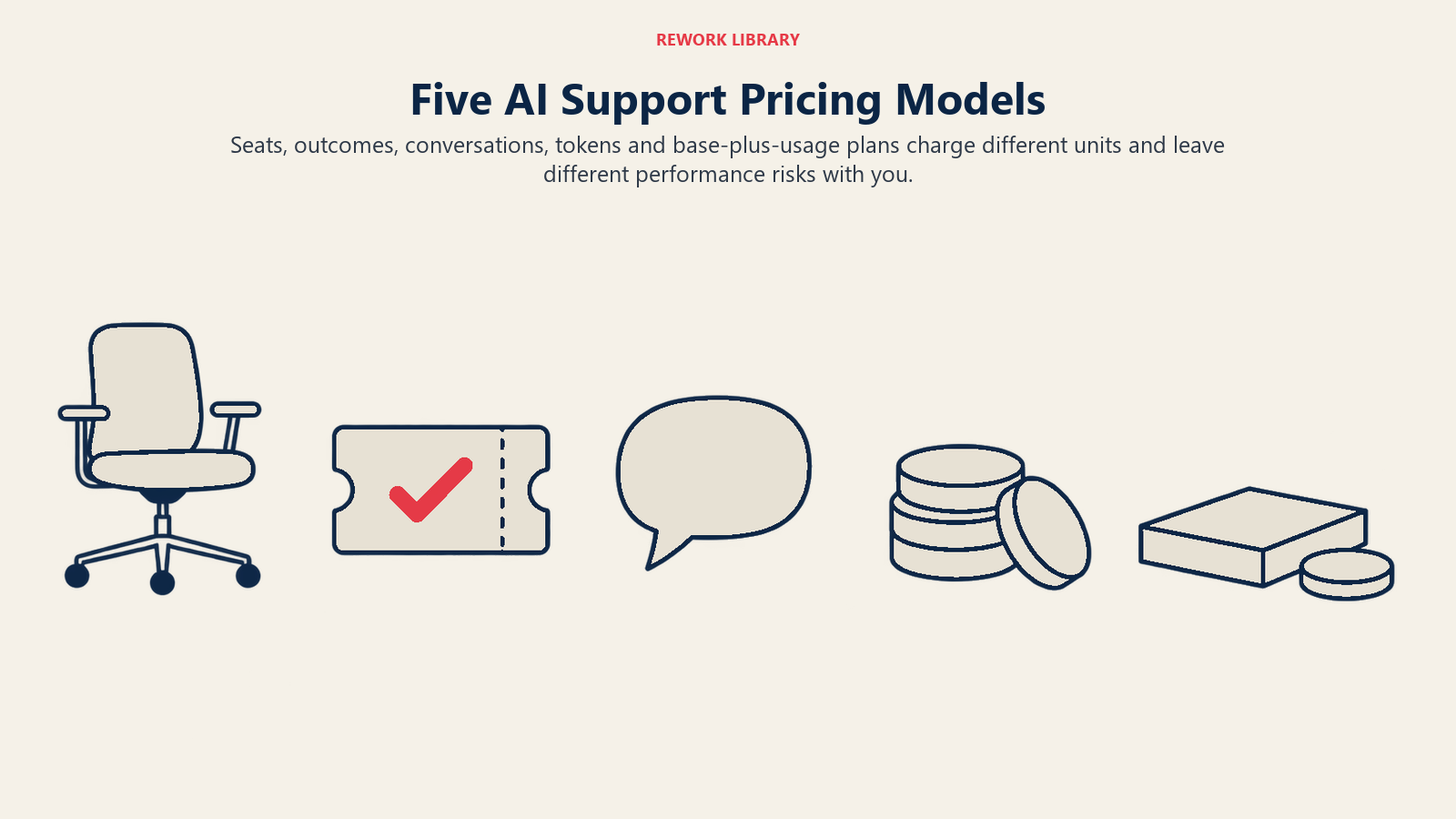
AI support vendors bill in a handful of ways, and many combine two. The model matters as much as the rate, because it decides who carries the risk when the AI performs worse than you hoped.
Per agent seat
You pay for each human agent (or admin) licensed to use the AI features. The AI itself, such as a copilot that drafts replies or summarizes tickets, is bundled into the seat. This is the usual model for tools that assist people, like agent assist and ticket summarization.
It's predictable. It also doesn't scale with the number of problems solved: you pay the same whether the tool saves each agent a little time or a lot.
Per automated resolution
You pay when the AI resolves a customer's issue, and not when it doesn't. Zendesk's documentation describes this for its AI agents: you pay for customer requests that were successfully resolved, charged when the issue is resolved without human help (Zendesk). Intercom's documentation for Fin describes outcome-based billing along similar lines, though its billable outcomes include more than resolutions, and it caps charges at one outcome per conversation (Intercom). That is a metered unit defined by the vendor, so read the definition of "outcome" or "resolution" in the contract, not the marketing summary.
This model lines the vendor's revenue up with your goal. But the vendor also decides what counts as a resolution, and your bill rises as the AI succeeds. A rising bill alongside a rising resolution rate is the model working as designed.
Per conversation or session
You pay for each conversation the AI takes part in, whether or not it solves anything. It's the closest model to paying for capacity.
Budgeting is easy because volume is easy to forecast. The risk sits with you: if the AI resolves 20% of conversations or 60%, the bill is the same.
Usage or token-based
You pay for the underlying model's consumption, usually measured in tokens (pieces of text read and written), sometimes with extra charges for retrieval, voice minutes or actions taken in other systems. This is common when you build your own assistant on a model provider's API rather than buying a packaged support agent.
It can be the cheapest model at small scale and the hardest to forecast. Long conversations, large knowledge-base excerpts pasted into each prompt, and retries all raise consumption without raising resolutions.
Platform fee plus usage
A base subscription covers access, and a variable component covers volume. Many helpdesk suites price this way. It splits the risk: you carry a floor cost, and you carry some volume exposure above it.
How they compare
| Model | How it's billed | What you pay for | Who holds the performance risk | Best fit |
|---|---|---|---|---|
| Per agent seat | Monthly or annual, per licensed person | Access for humans | You | Teams adding copilots for agents, stable headcount |
| Per automated resolution | Each time the vendor counts a resolution | Solved problems | Mostly the vendor, but they define "solved" | Customer-facing AI agents with clear, high-volume topics |
| Per conversation or session | Each AI-handled conversation | Capacity used | You | Predictable volume, mature knowledge base |
| Usage or token-based | Metered consumption | Compute and retrieval | You | Custom builds, teams with engineering capacity |
| Platform fee plus usage | Base subscription plus variable charges | Access plus volume | Shared | Most mid-size teams with growing volume |
No row is the winner. Pick based on how confident you are in the AI's resolution rate. When you're unsure, a model that charges only on resolutions limits your downside while you learn, though it may cost more per resolution once the AI does well.
A Hypothetical Worked Budget
These numbers are illustrative and round on purpose. They aren't market prices, vendor rates or benchmarks. Replace every figure with your own before you use the structure.
Imagine a support team that handles 20,000 contacts a month at a fully loaded cost of 100,000 per month in your currency.
- Human cost per contact: 100,000 ÷ 20,000 = 5.00
Now suppose you let an AI agent take 10,000 of those contacts, the ones on topics you've judged safe to automate (the logic for choosing them is in automate or assist). Assume a per-resolution billing model with these illustrative inputs:
| Line | Assumption | Monthly cost |
|---|---|---|
| AI resolves 40% of in-scope contacts | 4,000 resolutions | n/a |
| Outcome fee | 1.00 per resolution | 4,000 |
| Platform fee | Flat monthly subscription | 2,000 |
| Knowledge upkeep | Half of one full-time role | 2,000 |
| QA sampling | A few hours a week of reviewer time | 1,000 |
| Integration upkeep | Amortized build and maintenance | 1,500 |
| Escalation overhead | 6,000 handed-off contacts at 0.50 extra each | 3,000 |
| Total | 13,500 |
- AI cost per resolution: 13,500 ÷ 4,000 = 3.38
- Human cost for the same 4,000 contacts: 4,000 × 5.00 = 20,000
- Net monthly saving: 20,000 − 13,500 = 6,500
The AI wins here, but not by a landslide, and the margin is the lesson. Now stress the example with a pessimistic resolution rate of 25%:
| Line | Monthly cost |
|---|---|
| 2,500 resolutions × 1.00 outcome fee | 2,500 |
| Platform fee | 2,000 |
| Knowledge upkeep, QA and integration (unchanged) | 4,500 |
| Escalation overhead: 7,500 handed-off contacts × 0.50 | 3,750 |
| Total | 12,750 |
- AI cost per resolution: 12,750 ÷ 2,500 = 5.10
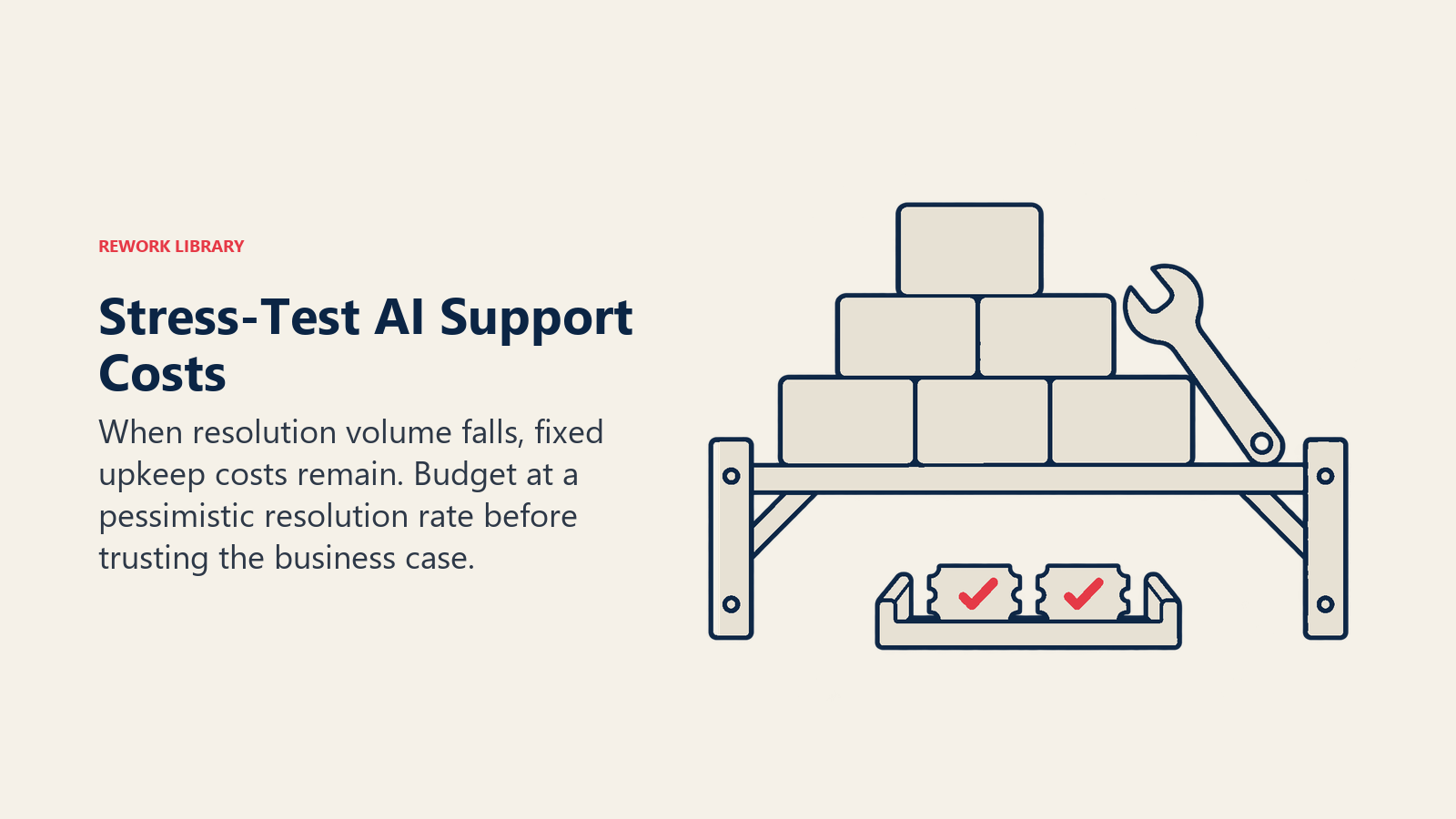
That's slightly above the human benchmark of 5.00. The fixed costs don't shrink when the resolution rate falls, so the cost per resolution climbs fast. This is why you budget at the pessimistic rate, not the vendor's headline rate, and why you want to know your break-even resolution rate before you sign. In this example it sits close to 25%.
The example leaves out customer experience. A cheaper resolution that drives repeat contacts isn't cheaper. Track CSAT and the other service metrics alongside cost so the savings aren't bought with customer goodwill.
Hidden Costs That Don't Appear on the Invoice
Most budgets undercount these.
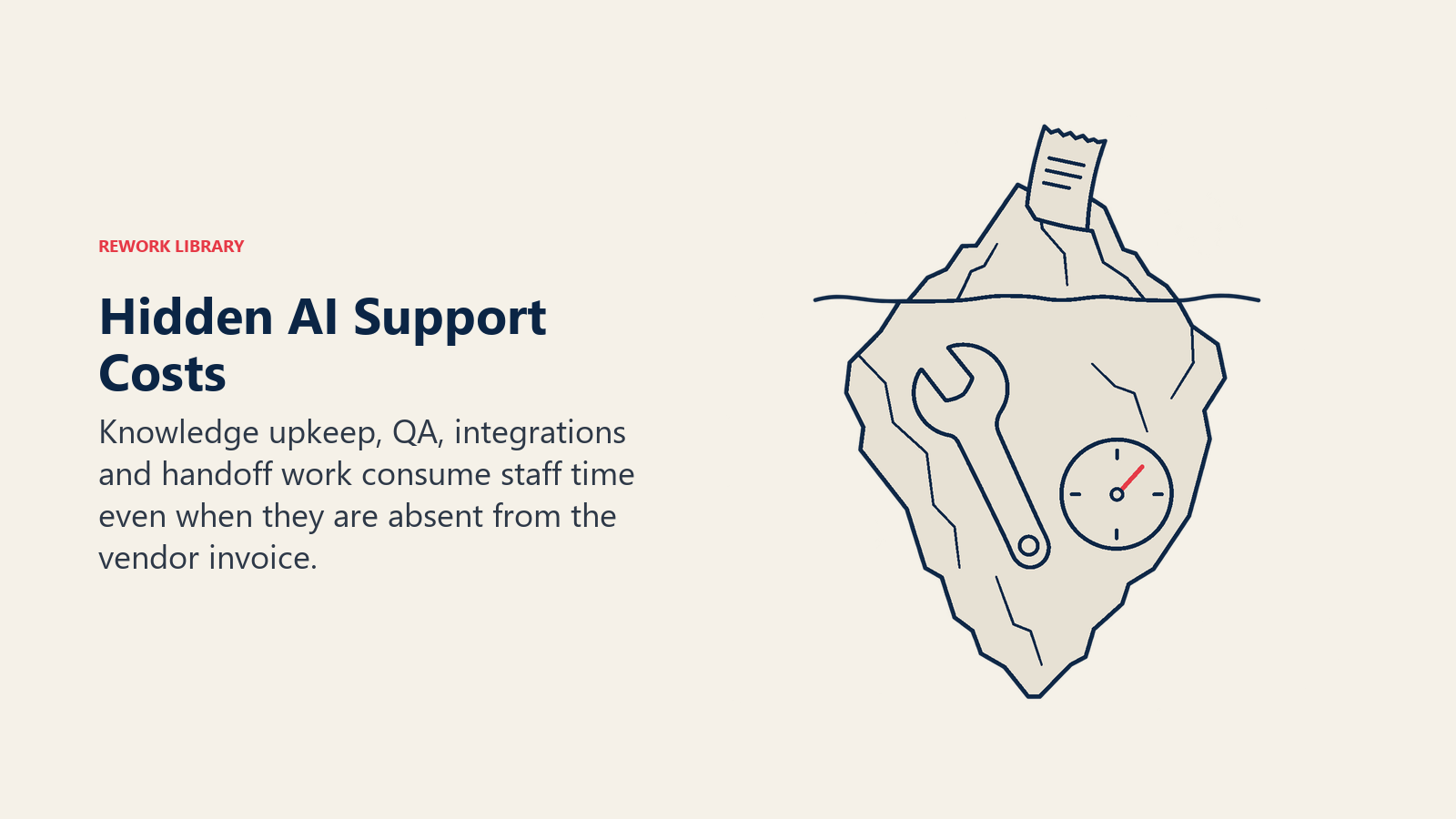
Knowledge preparation. AI can only answer from what it can find. Outdated, duplicated or contradictory articles produce confident wrong answers. Cleaning source content is a one-off project and then an ongoing job, and it's the biggest hidden line in most programs. See preparing support data for AI.
Quality assurance. Someone has to read a sample of AI conversations every week, grade them, and send fixes back to the content owners. That's a recurring cost in reviewer hours. Automated scoring can reduce the manual load, but it doesn't remove it.
Integration and actions. An AI that can only answer questions resolves less than one that can look up an order, issue a refund or change a plan. Those actions need integrations with your billing, order and identity systems, plus permissions, testing and maintenance when those systems change.
Escalation handling. When the AI hands off, the agent often has to reread the thread, re-verify the customer and sometimes start over. If handoffs don't carry context, the human cost of an escalated contact is higher than a plain one. Treat that as a cost of the AI program.
Change and training. Agents need time to learn new workflows, and managers need time to redesign queues and roles.
How to Build the Budget, Step by Step
- Compute your human baseline. Fully loaded team cost divided by contacts handled, for a recent full month. Split it by channel and by contact reason if you can, because a password reset and a billing dispute don't cost the same.
- Choose the in-scope contacts. Pick topics where the answer is factual, the data is available and the risk of a wrong answer is low. Leave refunds, legal and safety topics out. Use a volume forecast so you size the budget for the volume you'll actually see.
- Set three resolution scenarios. Pessimistic, expected and optimistic. Base the expected case on a pilot, not a sales deck. Budget decisions should survive the pessimistic case.
- Model each pricing model you're considering. Run the same scenarios through each vendor's model. Per-resolution billing will look worse at high resolution rates and better at low ones. Seat and conversation models do the opposite.
- Add every hidden line. Use real hours and a loaded hourly rate. If you don't know a number, put in a high estimate and refine it after the pilot.
- Add escalation overhead. Sample a few dozen handed-off tickets and measure the extra minutes. Multiply by the loaded cost per minute and the expected number of handoffs.
- Compute cost per resolution and the break-even rate. Find the resolution rate at which the AI cost per resolution equals the human cost per contact. If your pilot rate is far above it, you have headroom. If it's close, the plan is fragile.
- Pilot with a cap. Start with a narrow scope and a spending cap in the contract where the vendor allows one. Compare actuals with the model monthly.
- Review quarterly. Vendors change definitions and rates, volume shifts, and your knowledge base improves. Rerun the model each quarter and write the new assumptions down. The implementation guide covers how to sequence the rollout.
Pitfalls to Avoid
Comparing a vendor rate to a salary. The vendor rate is one line of the AI cost. Compare totals to totals.
Budgeting at the vendor's best resolution rate. Fixed costs make cost per resolution very sensitive to the rate, as the example showed. Budget at the pessimistic case.
Letting the vendor define "resolution" unchallenged. Read how the contract counts it, and whether silence counts. A looser definition means a larger bill for the same customer outcomes.
Ignoring who benefits from volume. Under per-resolution billing, a successful AI raises your invoice. That's fine if the saving per resolution holds, but the finance team needs to expect it.
Measuring savings as headcount cut. The money often shows up as avoided hiring, shorter queues or better coverage, not a smaller team. Decide up front how you'll count it.
Skipping the quality gate. A cheap resolution that's wrong costs a second contact, and sometimes a customer. Keep the manual sample running.
Frequently Asked Questions about AI Customer Service Costs
What is cost per resolution in AI customer service?
It's the total cost of your AI support program for a period divided by the number of customer problems the AI resolved in that period. The total should include platform fees, usage or outcome fees, knowledge upkeep, QA, integrations and the extra agent time spent on escalated conversations.
How do I compare AI cost per resolution with human cost per contact?
Compute both the same way: fully loaded cost divided by units handled, over the same period, channels and contact types. Then run the AI figure under a pessimistic resolution rate. If it stays below the human number there, the case is sound.
Which AI support pricing model is best?
There isn't a single best one. Per-resolution billing limits your downside when you're unsure how well the AI will perform. Seat, conversation and usage models can cost less once the AI performs well, but you carry more of the performance risk. Model your volume under each before choosing.
Is per-resolution pricing always cheaper?
No. It's often safer, but at high resolution rates the total can exceed what a flat or capacity-based plan would cost. Also check how the vendor defines a resolution, since that definition sets the billable volume.
What hidden costs should I include in an AI customer service budget?
Knowledge preparation, ongoing QA sampling, integrations that let the AI take actions, extra agent time on escalated conversations, staff training and vendor management. In many programs these add up to a larger share of the bill than the vendor fee.
What is a break-even resolution rate?
It's the resolution rate at which the AI's cost per resolution equals your human cost per contact. Below it, the AI costs more than staffing the same contacts. Calculate it before signing a contract, and compare it with your pilot results.

Customer Success Operations Manager
On this page
- Key Facts
- What Cost per Resolution Actually Measures
- The Formula
- The Five Pricing Models
- Per agent seat
- Per automated resolution
- Per conversation or session
- Usage or token-based
- Platform fee plus usage
- How they compare
- A Hypothetical Worked Budget
- Hidden Costs That Don't Appear on the Invoice
- How to Build the Budget, Step by Step
- Pitfalls to Avoid