Closing the Loop: Routing Support Insights to Product With AI
Turn this article into takeaways for your work.


Each assistant summarizes the article only for you and suggests best practices for your work.
An AI support-to-product feedback loop is a workflow where a language model reads every support conversation, pulls out the feature requests and bug reports inside it, merges duplicates, ties each one to the accounts that raised it, links it to a backlog item, and later helps tell those customers what shipped. The model does the reading, grouping and bookkeeping. People still decide what gets built.
Support is the richest feedback channel most companies have, and the least used. Customers describe real problems in their own words, with the account, plan and urgency attached. Then the ticket closes and the insight stays buried. A product manager who asks "how many customers want this?" gets an anecdote, because nobody could count.
AI changes the counting. This guide covers what to extract, how to dedupe and weight it, how to link it to the backlog, and how to close the loop with customers. For the human side of the same process, the support tickets to product backlog and voice-of-customer pipeline articles cover roles and cadence. This one covers what the model adds.
Key Facts
- Linear's documentation says a customer request is created automatically when an issue is created or linked from its Intercom, Zendesk, Front or Asks integrations, and that the request quotes the original message and links back to the source conversation (Linear Docs).
- Linear lets teams filter issues and projects by customer name, request count, status, tier, revenue and size, so a team can sort by "most requested by Enterprise customers" (Linear Docs).
- Linear also lets a request be marked as important for a specific customer, so five customers asking for the same thing can be told apart from the one for whom it's a blocker (Linear Docs).
- Productboard's documentation describes three link types between feedback and a feature: manual, "AI to verify" and "AI verified". New AI links stay unverified until a person confirms them (Productboard Support).
- In the same documentation, Productboard says AI-created links can be reverted when auto-linking is turned off, and that a single piece of feedback may be linked to several items (Productboard Support).
Why the Loop Usually Breaks
The feedback loop between support and product breaks in four predictable places, and AI helps at each one.
Capture. Agents tag tickets inconsistently, or not at all. A request buried in the fourth message of a billing thread never gets labeled. A model reads the whole conversation and finds it anyway.
Duplicates. Fifty customers ask for the same export option in fifty different phrasings: "CSV download," "get my data out," "export to Excel," "bulk report." A keyword search finds a handful. A model that groups by meaning finds most of them.
Weight. A request count treats every customer the same. One request from a strategic account in renewal is not the same as ten from free-tier users, but the product team never sees the difference unless the ticket is joined to account data.
Closure. Even when a feature ships, the people who asked rarely hear about it. The support agent who logged the request has moved on, and nobody owns the follow-up. The customer concludes that feedback goes nowhere, which is how the feature request graveyard forms.
Step 1: Extract Requests and Bugs From Conversations
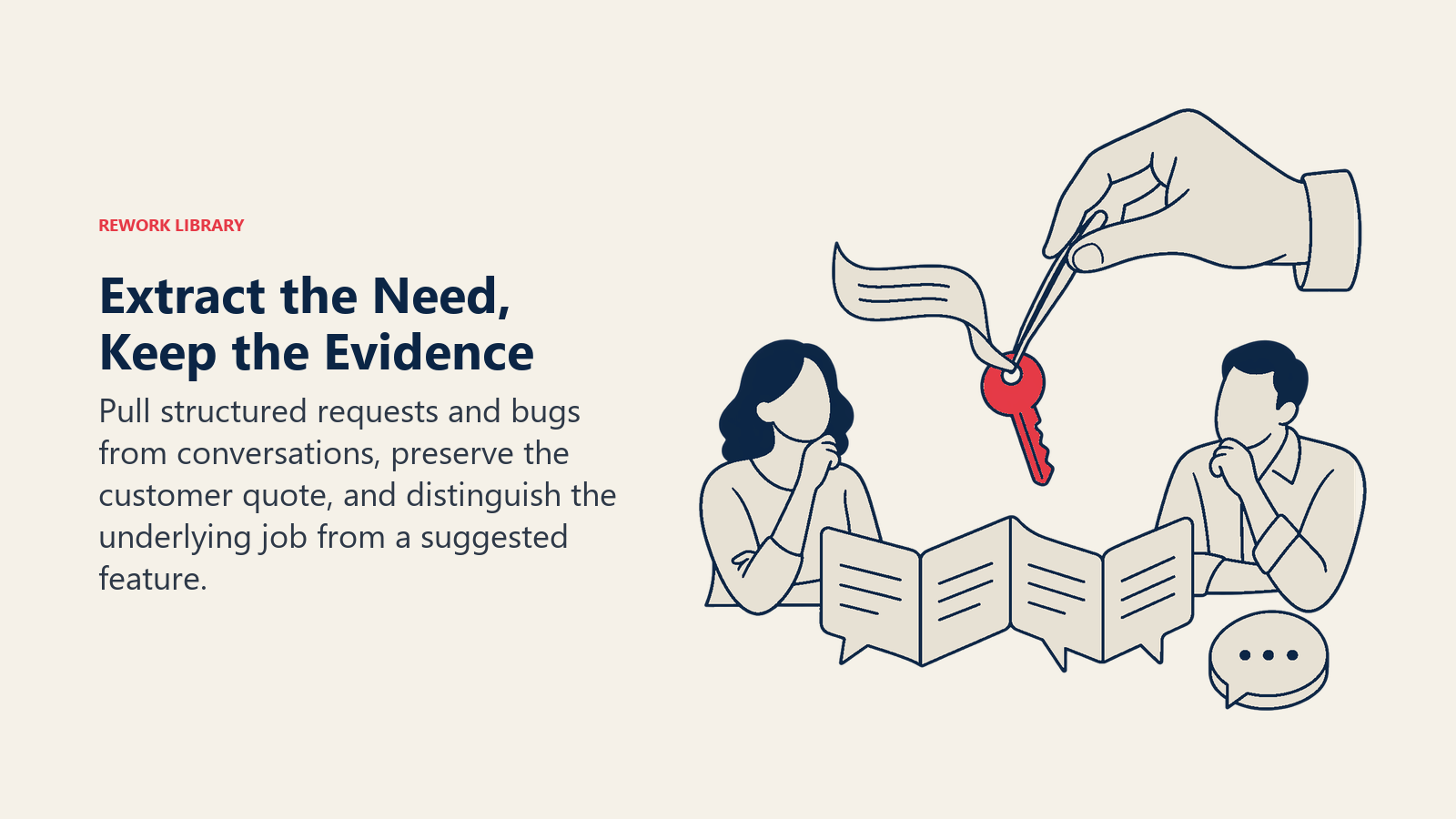
The first job is turning free text into structured records. For each conversation, the model produces a small set of fields:
| Field | Example | Why it matters |
|---|---|---|
| Type | Feature request, bug, usability complaint, question | Routes it to the right owner |
| Summary | "Wants to schedule recurring exports" | The one-line unit you'll count |
| Customer's words | A short quote from the transcript | Keeps the original language for product |
| Underlying job | "Send the weekly report to finance without opening the app" | Separates the need from the proposed fix |
| Severity signal | Blocked, workaround exists, nice-to-have | Feeds prioritization |
| Account and plan | Joined from your CRM, not guessed | Enables weighting later |
Two design choices make this work. First, extract the underlying job, not just the feature the customer named. Customers describe solutions ("add a button") when the real need is an outcome, and the jobs-to-be-done lens is the cleaner unit for product decisions. Second, let the model return "no request found." Forcing a result from every ticket produces noise, and noise wrecks trust with product.
If your tickets are long threads, summarize first and extract second. AI ticket summarization handles the first half. And because requests often hide behind a different stated reason for contact, customer intent detection helps separate "how do I do X" (a documentation gap) from "I wish I could do X" (a product gap).
Step 2: Deduplicate With Semantic Grouping
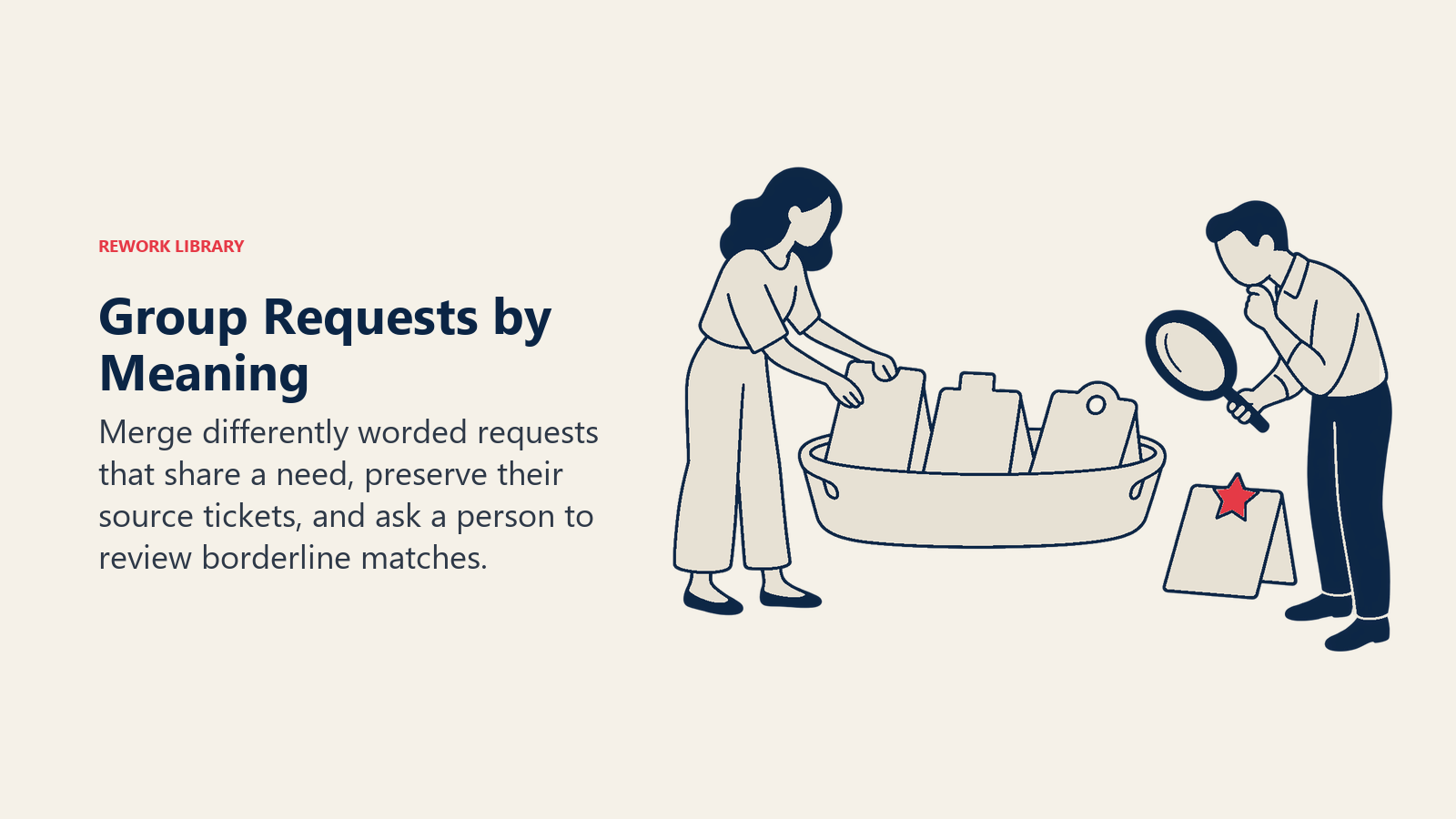
Dedup is where AI earns its keep. The standard approach is to convert each extracted summary into a numeric representation called an embedding, then group summaries that sit close together in that space. This is a form of clustering: similar meanings land in the same group even when the words differ. The same technique drives AI root cause analysis for support, which groups complaints instead of requests.
A practical routine looks like this:
- Compare each new request to existing groups. If it's close enough to one, attach it. If not, start a new group.
- Let the model name the group. A short label like "Scheduled recurring exports" is easier to discuss than "cluster 47."
- Have a person review the borderline cases. "Export to PDF" and "export to CSV" might be one request or two, depending on your product. A threshold can't make that call, and a wrong merge hides a distinct need.
- Keep the evidence attached. Every group should list its member tickets, so a PM can click through and read the original words.
Merge errors cut both ways. Too aggressive, and unlike requests collapse into a vague mega-theme that nobody can act on. Too timid, and one real need appears as a dozen weak ones that each look too small to fund. Review a sample of the groups every few weeks and adjust.
Step 3: Weight by Revenue and Severity
A raw count answers "how many tickets?" Product usually needs "how much does this matter?" That means joining each request to account data and combining it with a severity signal.
Linear's documentation shows the idea in a working product: customers carry revenue, tier and size attributes, requests can be filtered by them, and a request can be flagged as important to a specific customer, which separates a critical need from a nice-to-have (Linear Docs). You can build the same logic in any stack. A simple scheme:
| Signal | How to capture it | How to use it |
|---|---|---|
| Distinct accounts asking | Count accounts, not tickets, per group | Stops one loud customer from inflating a request |
| Account value | Annual recurring revenue or tier from the CRM | Weights the group; see ARR-weighted feedback |
| Severity | Model-tagged: blocked, workaround, nice-to-have | Promotes bugs and blockers above wishes |
| Renewal or churn context | Account is in a renewal window or flagged at risk | Raises urgency without changing the underlying need |
| Recency | Share of tickets from the last 30 to 60 days | Shows whether a problem is growing or fading |
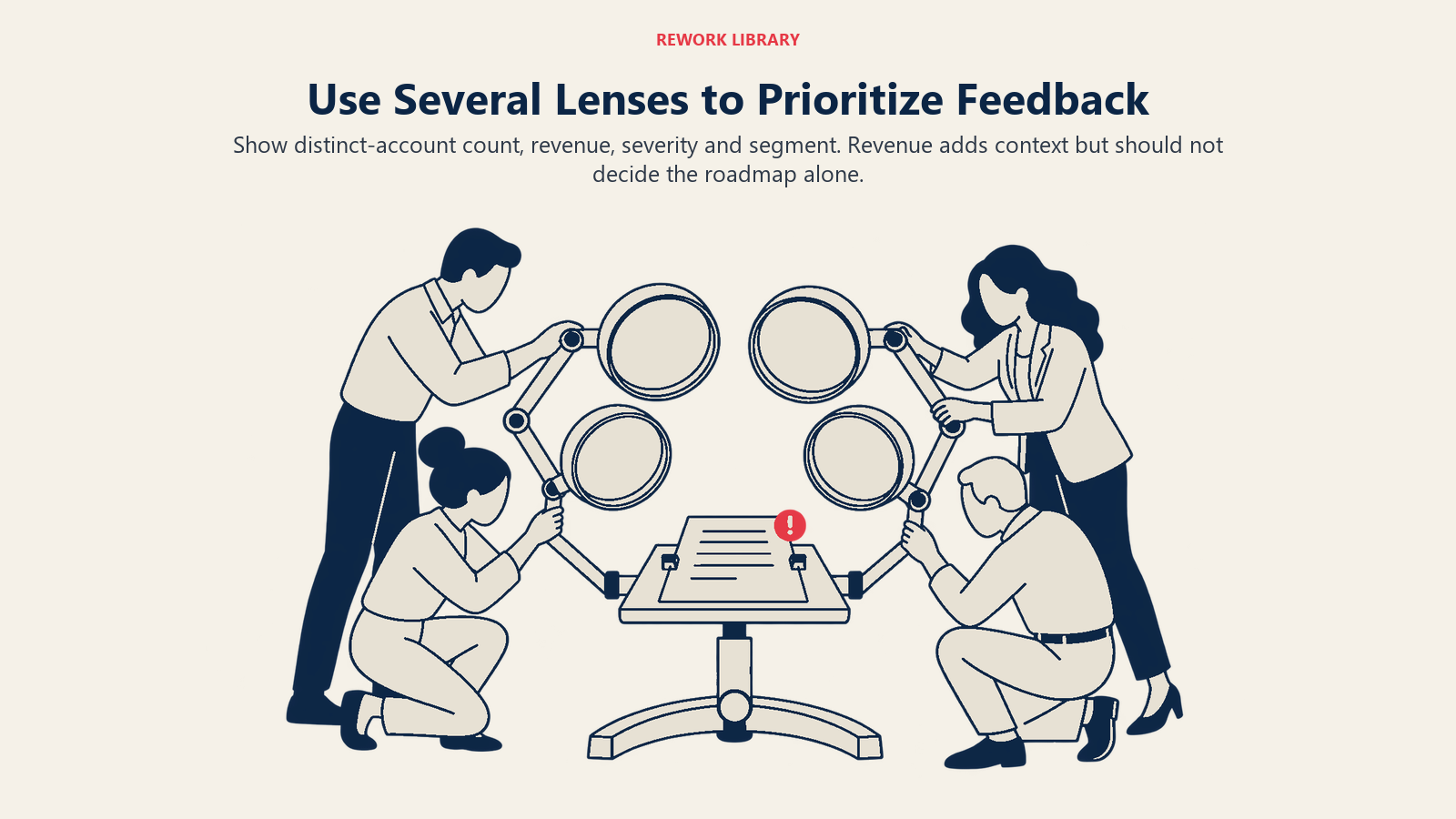
Be careful with revenue weighting. It's a lens, not a verdict. If you rank only by account value, you'll build for your biggest customers and ignore the segment you want to grow. Show product several views: by count, by revenue, by severity, and by segment, and let the discussion happen on top of them. The prioritizing customer feedback article covers how to run that conversation.
Step 4: Link to Backlog Items
A cluster that lives in a spreadsheet gets forgotten. It has to attach to something product already tracks. There are two moves here.
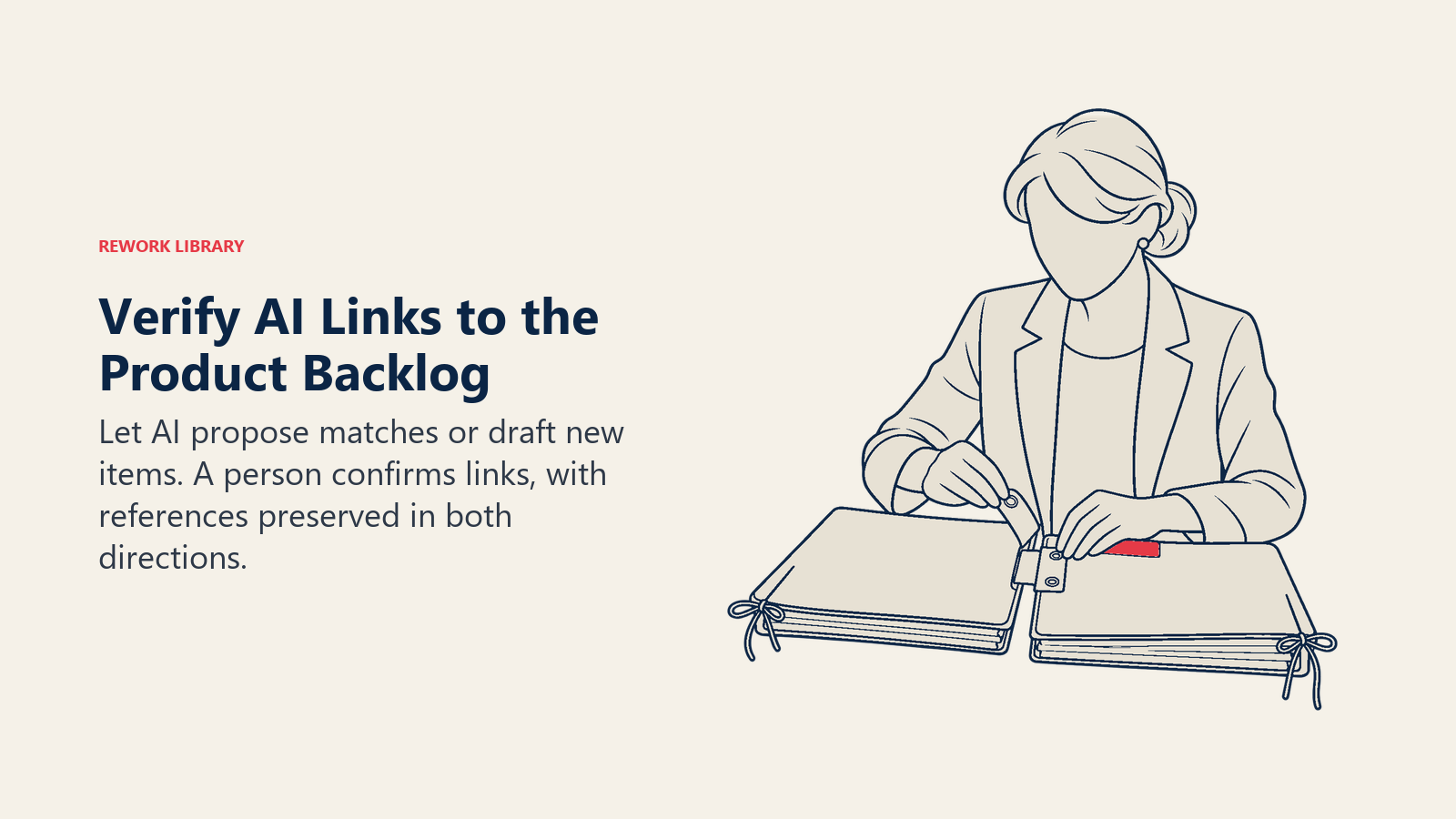
Match to an existing item. The model compares the cluster to open backlog items and proposes a match. If the cluster is "scheduled recurring exports" and the backlog has "Automated report delivery," it suggests the link and shows why. If nothing matches, it drafts a new backlog item from the cluster: a title, the underlying job, the number of distinct accounts, and representative quotes.
Keep a human in the link. Productboard's documentation is a useful model for how to do this safely. Its AI-created links start as "AI to verify," a maker confirms them, and only then do they count as "AI verified." Admins can pick which feedback sources and which parts of the product hierarchy are in scope, set a default importance (or leave it as unknown to assign by hand), and revert the AI links if they turn auto-linking off (Productboard Support). The pattern generalizes: unverified machine links are visible and filterable, and humans promote them.
The same documentation notes that one piece of feedback can link to more than one item, which matches how customers talk. One ticket might contain both a bug and a feature request, and each should be counted where it belongs.
Where the work happens in a ticketing tool, the link should be a two-way reference. In Linear, an issue created from a Zendesk or Intercom conversation automatically carries a request that points back to the source, so product can read the conversation and support can see where it went (Linear Docs). That back-reference is also what makes the next step possible. The CS platform to backlog integration article covers the plumbing in more depth.
Step 5: Tell Customers When It Ships
Closing the loop is the step most teams skip, and the one customers notice most. Once a backlog item ships, every ticket linked to it is a person who asked for it.
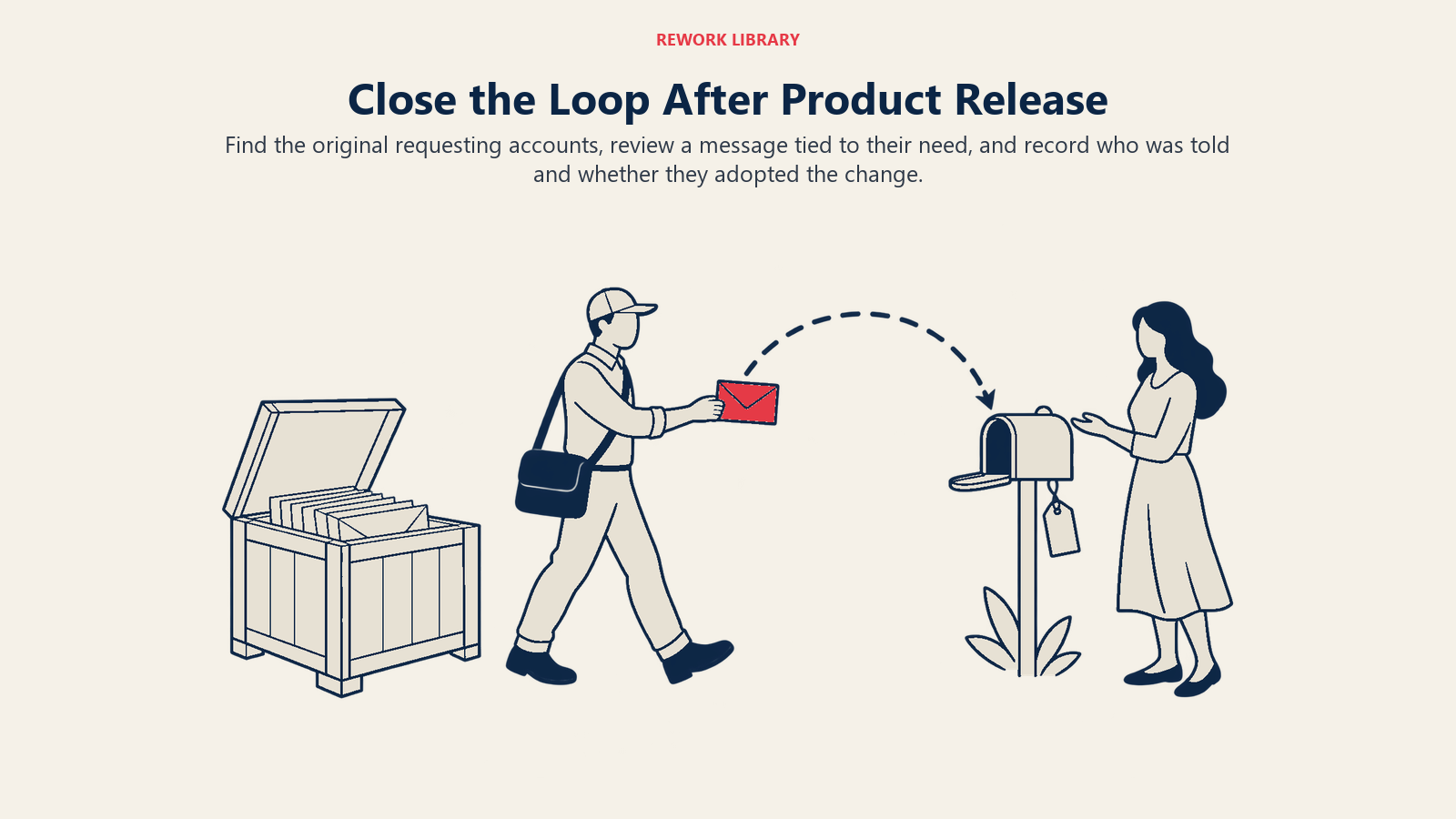
AI helps by making the follow-up cheap and accurate:
- Find the audience. Because every cluster lists its tickets and accounts, you can pull "everyone who asked for scheduled exports" in seconds.
- Draft the message. The model writes a short note in the customer's context: "You mentioned wanting to send the weekly report to finance automatically. That's live now: here's how to set it up." It uses the quoted need, not a generic announcement.
- Route by relationship. A strategic account gets a note from their account manager with a draft ready to edit. A long-tail customer gets an automated email or an in-app message.
- Handle the "no" too. If product decides not to build something, say so. A model can draft a respectful note that explains the decision and offers a workaround. Silence is worse than a clear no.
- Record the outcome. Log who was told, and whether they adopted the feature. That data tells you whether shipped features solve the problem they were built for.
Review everything before it goes out the first few times. A message that says "you asked for X" to someone who actually asked for something adjacent is worse than no message. The closing the feedback loop with customers article lays out the human process this automates, including who owns each message.
Real Examples by Function
B2B SaaS support. A project-management tool sees tickets about "can't see who changed a due date," "need an audit trail," and "who moved my task?" The model groups them under "Task change history." Account weighting shows that most of the requesting accounts are in the mid-market segment the company is targeting. It becomes a backlog item with three representative quotes attached. For the context on how support differs in B2B, see AI in B2B customer support.
Customer success. A CSM preparing a renewal pulls the clustered requests for their account: two open bugs and one feature request. They walk into the call knowing which items are already linked to scheduled work, instead of promising a date they can't verify.
Product management. Before quarterly planning, a PM filters clusters by segment and severity, reads the representative quotes for the top five, and checks them against usage data. The model did the reading. The PM does the judging.
Engineering. A bug cluster arrives with reproduction details pulled from the conversations, the affected versions, and a count of distinct accounts, so triage starts from evidence instead of from a vague "customers are complaining."
Marketing and documentation. Clusters labeled "how do I" rather than "I wish I could" point to missing or hard-to-find help content. That's a documentation fix, not a product change, and routing it correctly keeps the backlog clean.
Pitfalls to Avoid
Treating the model's grouping as ground truth. Clusters are hypotheses. Sample them, read the member tickets, and fix wrong merges.
Counting tickets instead of accounts. One customer who writes in twelve times is one voice. Count distinct accounts.
Letting revenue decide everything. Weighting is useful, but a single-lens ranking quietly shapes your product around your current customer base.
Skipping the verification step. Machine-created links need a visible "unverified" state and a human who promotes them, or the backlog fills with confident mismatches.
Sending customers a message with no human review. Early on, an error in a ship notification costs more trust than the automation saves.
Dirty inputs. Duplicate tickets, missing account IDs and inconsistent product names cause most of the grouping failures. Preparing support data for AI covers the cleanup that makes this work.
No owner. A loop with no named owner decays. Pick one person or team to own the cluster review, the backlog links and the ship notifications, and put it on a regular cadence.
A Simple Implementation Plan
- Pick one product area. Start where support volume and product attention overlap.
- Define the extraction schema from the table above, and agree on the type labels with product.
- Run extraction on a few hundred past tickets. Read the output with a PM and fix the prompt.
- Add grouping, with human review of borderline merges.
- Join account data and build the count, revenue and severity views.
- Link clusters to the backlog with an "unverified" state until a person confirms.
- Pilot ship notifications on one released feature, with a human approving each message.
- Review monthly: wrong merges, stale clusters, unlinked requests, and how many customers were told.
Frequently Asked Questions about Routing Support Insights to Product
What is an AI support-to-product feedback loop?
It's a workflow where a model reads support conversations, extracts feature requests and bug reports, groups duplicates, ties them to accounts, links them to backlog items, and helps notify customers when something ships. People still decide priorities and approve what's built.
How does AI deduplicate feature requests?
It converts each request summary into a numeric representation and groups the ones with similar meaning, even when the wording differs. A person should review borderline merges, since the model can't know whether "export to PDF" and "export to CSV" are one need or two in your product.
Should requests be ranked by revenue?
Use revenue as one lens, not the only one. Show product counts of distinct accounts, revenue, severity and segment side by side. Ranking by revenue alone tends to optimize for your current biggest customers and can hide needs in the segments you want to grow.
How do I link support requests to the product backlog?
Have the model propose a match against open backlog items, or draft a new item when none fits, and keep the link marked unverified until a product manager confirms it. Keep a two-way reference between the ticket and the backlog item so product can read the original conversation.
How do I tell customers a feature they asked for has shipped?
Use the ticket links to find everyone who asked, draft a short message that quotes their original need, and route it by relationship: a personal note for key accounts, an automated email or in-app message for the rest. Review messages before they go out, and also tell customers when a request won't be built.
What data do I need before starting?
At minimum, ticket text with consistent account IDs, plus plan or revenue data from your CRM. Clean product names and de-duplicated tickets help a lot. You don't need a perfect dataset, but missing account IDs will break the weighting step.

Customer Success Operations Manager
On this page
- Key Facts
- Why the Loop Usually Breaks
- Step 1: Extract Requests and Bugs From Conversations
- Step 2: Deduplicate With Semantic Grouping
- Step 3: Weight by Revenue and Severity
- Step 4: Link to Backlog Items
- Step 5: Tell Customers When It Ships
- Real Examples by Function
- Pitfalls to Avoid
- A Simple Implementation Plan