How to Implement AI in Customer Service: A Phased Plan
Turn this article into takeaways for your work.


Each assistant summarizes the article only for you and suggests best practices for your work.
Implementing AI in customer service means moving from a baseline you can measure, to a narrow set of contact types the AI handles or assists, to a pilot with a defined exit test, and only then to wider rollout. The order matters more than the tool. Teams that fail usually skip the first phase (no baseline, so no way to tell whether anything improved) or the third (the AI answers from a knowledge base nobody cleaned up).
This guide is the hub for the implementation, metrics and governance section of the AI for Customer Service collection. It lays out five phases, each with a goal, activities, an exit criterion and a typical owner, and points to the deeper articles for each topic rather than repeating them.
Key Facts
- A rollout is five phases: baseline, scope, knowledge prep, pilot, expand. Each phase has an exit criterion that must be met before the next begins.
- In a study of 5,179 customer support agents, access to a generative AI assistant raised issues resolved per hour by 14% on average, and by 34% for novice and low-skilled workers, with minimal impact for experienced workers (NBER).
- That result is about AI assisting agents, not replacing them. The effect differed sharply by experience level, so measure your own team by segment.
- The CFPB's report on bank chatbots warns of "doom loops" of repetitive responses with no route to a human, and says chatbots are not suitable as the primary customer service vehicle (CFPB).
- Most failed rollouts trace back to a skipped phase: no baseline, uncleaned knowledge, or a pilot with no exit test.
Why a Phased Plan Beats a Big Launch
It's tempting to buy a tool, connect it to the help center, and switch it on for every customer. The trouble is that you learn about problems from your customers instead of from a test group. A bot that quotes an old refund policy to ten thousand people is a much bigger incident than one that quotes it to two hundred.
Phases also give you a reason to stop. If the pilot doesn't meet its exit criterion, you fix the cause or you narrow the scope. Without phases, "we've already launched" becomes the argument for carrying on.
The Five Phases at a Glance
| Phase | Goal | Key activities | Exit criteria | Typical owner |
|---|---|---|---|---|
| 1. Baseline | Know today's performance | Pull 3 to 6 months of volume, handle time, first response time, reopens, CSAT by contact reason | Signed-off baseline report that finance and support agree on | Support operations lead |
| 2. Scope | Choose where AI helps first | Categorize contact types, rank by volume and risk, decide automate vs assist for each | Short list of 3 to 5 contact types with a written decision per type | Head of support |
| 3. Knowledge prep | Make the source content trustworthy | Audit articles, fix conflicts, name owners, set review dates, clean ticket history | Every in-scope topic has one current, owned source of truth | Knowledge manager |
| 4. Pilot | Prove it works on a small slice | Run on limited traffic or a team, sample conversations weekly, track escalations | Pre-agreed targets met for a full period, no unresolved high-severity issues | Support manager plus vendor contact |
| 5. Expand | Grow safely | Add contact types, channels or languages one at a time, keep sampling | Each addition passes its own mini-pilot; reporting is routine | Support operations lead |
Treat the table as a template. A twenty-person team might compress phases 1 and 2 into two weeks. A regulated enterprise might spend a quarter on phase 3 alone. What shouldn't change is the sequence and the fact that every phase ends with a test.
Phase 1: Baseline Your Current Support
You can't prove an improvement you didn't measure. Before any vendor demo, pull the numbers that describe how support works today: ticket volume by contact reason, first response time, time to resolution, handle time, reopen rate, escalation rate and CSAT. Break them down by channel, since email, chat and phone behave very differently.
Two habits make this phase useful. First, agree on definitions in writing. "Resolved" can mean the agent clicked solve, or the customer didn't return within seven days. Pick one. Second, record the cost side too, so the later business case compares like with like. The cost of AI customer service article covers which cost lines to include.
A hypothetical example: a software company finds that 31% of its chat volume is "how do I reset my password or update billing details", while refund disputes are 4% of volume but take most of the senior agents' time. That single table already suggests two different AI roles, which is the point of the next phase.
For which numbers to track after launch and how to define them, the AI customer service metrics article is the reference. Resist the urge to track twenty measures. Five that you review every week beat twenty that nobody reads.
Exit criterion: a one-page baseline that the support lead and finance both accept as the "before" picture.
Phase 2: Pick the Contact Types
Now decide where AI goes first. Rank contact reasons on two axes: how often they happen, and how costly a wrong answer is. High volume, low risk topics (order status, password resets, how-to questions with clear documentation) are natural first candidates. Low volume, high risk topics (refund disputes, account closures, anything legal or safety related) usually stay with people.
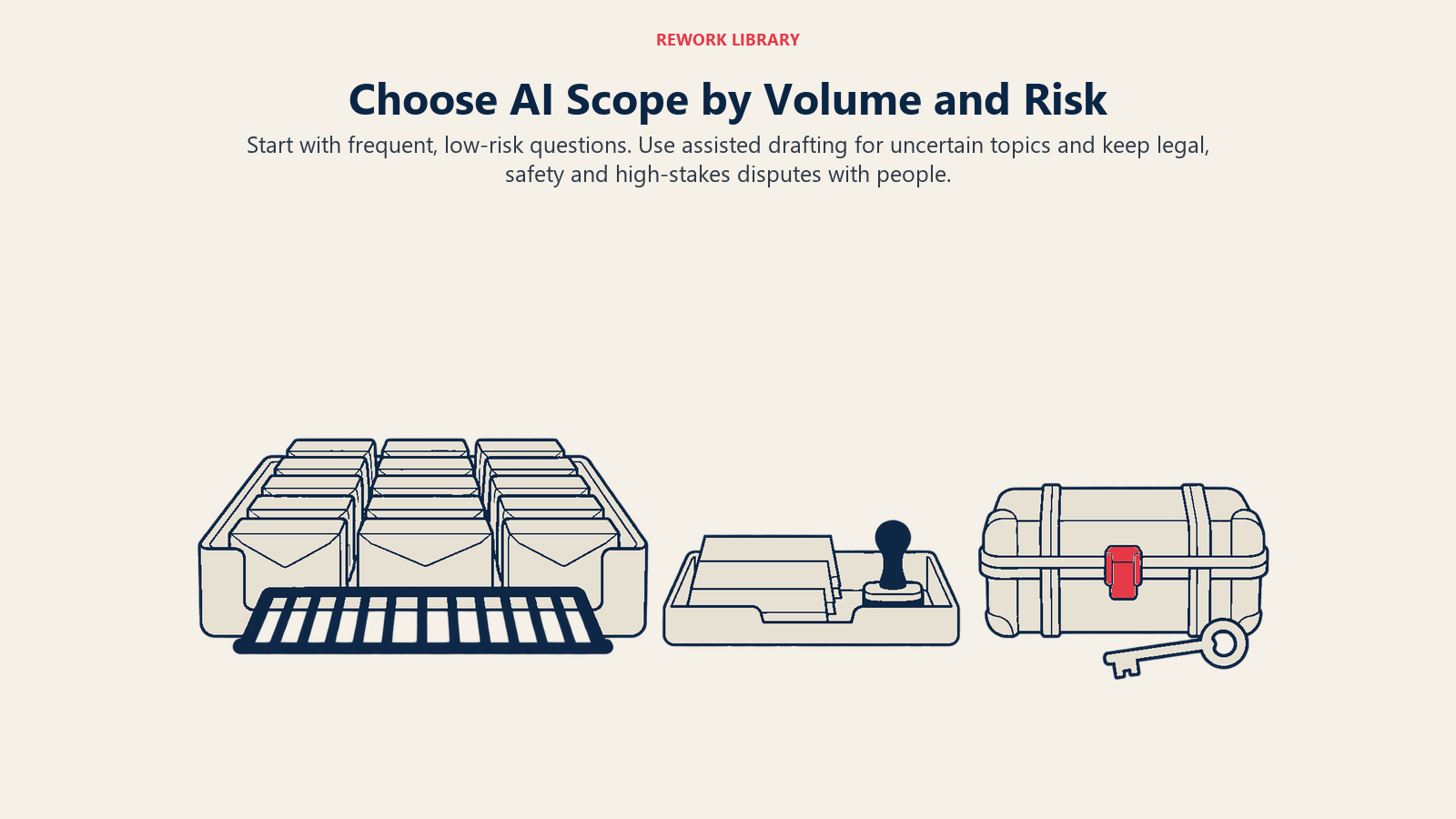
For each shortlisted contact type, make one explicit decision: should the AI handle it end to end, or should it help an agent who handles it? That choice shapes everything downstream, from how much trust the customer sees to how you measure success. The automate or assist article gives a way to make that call per topic.
You'll also need a reliable way to tell which contact type a new message belongs to. If the AI misreads the intent, every later step suffers, so look at how customer intent detection works and how accurate it needs to be before you route real traffic.
Use ACE vocabulary to keep the team's language consistent. Reading the incoming message is the ingest step, classifying the reason and urgency is analyze, drafting the reply is generate, and issuing a refund or updating an address is execute. Most first deployments cover ingest, analyze and generate, and leave execute with humans until trust is earned.
| Example contact type | Volume | Risk of a wrong answer | Suggested starting role |
|---|---|---|---|
| Order status | High | Low | AI handles, with a handoff option |
| Password and login help | High | Low | AI handles |
| Plan and feature questions | Medium | Medium | AI drafts, agent approves at first |
| Refund disputes | Low | High | AI assists the agent only |
| Complaints about safety or legal matters | Low | Very high | Human only, AI flags and routes |
Exit criterion: three to five named contact types, each with a written automate-or-assist decision and an owner.
Phase 3: Prepare Your Knowledge and Data
This is where most of the real work hides. An AI assistant answers from what you give it: help center articles, macros, policy documents and past tickets. If two articles disagree about the refund window, the AI will pick one, and not always the right one.
Cover four things for every in-scope topic:
- One source of truth. Merge duplicates, retire outdated pages, and settle conflicts between the public help center and internal policy.
- An owner and a review date. Every article needs a named person and a date to re-check it. Knowledge rots quietly.
- Plain, complete answers. Write articles so they stand alone. A page that says "see the pricing sheet" gives the AI nothing to work with.
- Clean ticket history. If you plan to learn from past conversations, remove or mask personal data and filter out low-quality replies first.
The preparing support data for AI article goes through the audit step by step, including what to fix first.
Privacy belongs in this phase, not at the end. Decide what customer data the AI can see, where it's processed, how long it's kept, and who can review conversations. The customer data privacy in AI support article covers the questions to put to your vendor and your legal team before any real tickets flow through.
Exit criterion: every in-scope topic has a current article with an owner and review date, and a privacy decision is documented.
Phase 4: Run a Pilot With a Real Test
A pilot is not a soft launch. It's an experiment with a question, a limited audience and a pass mark agreed in advance.
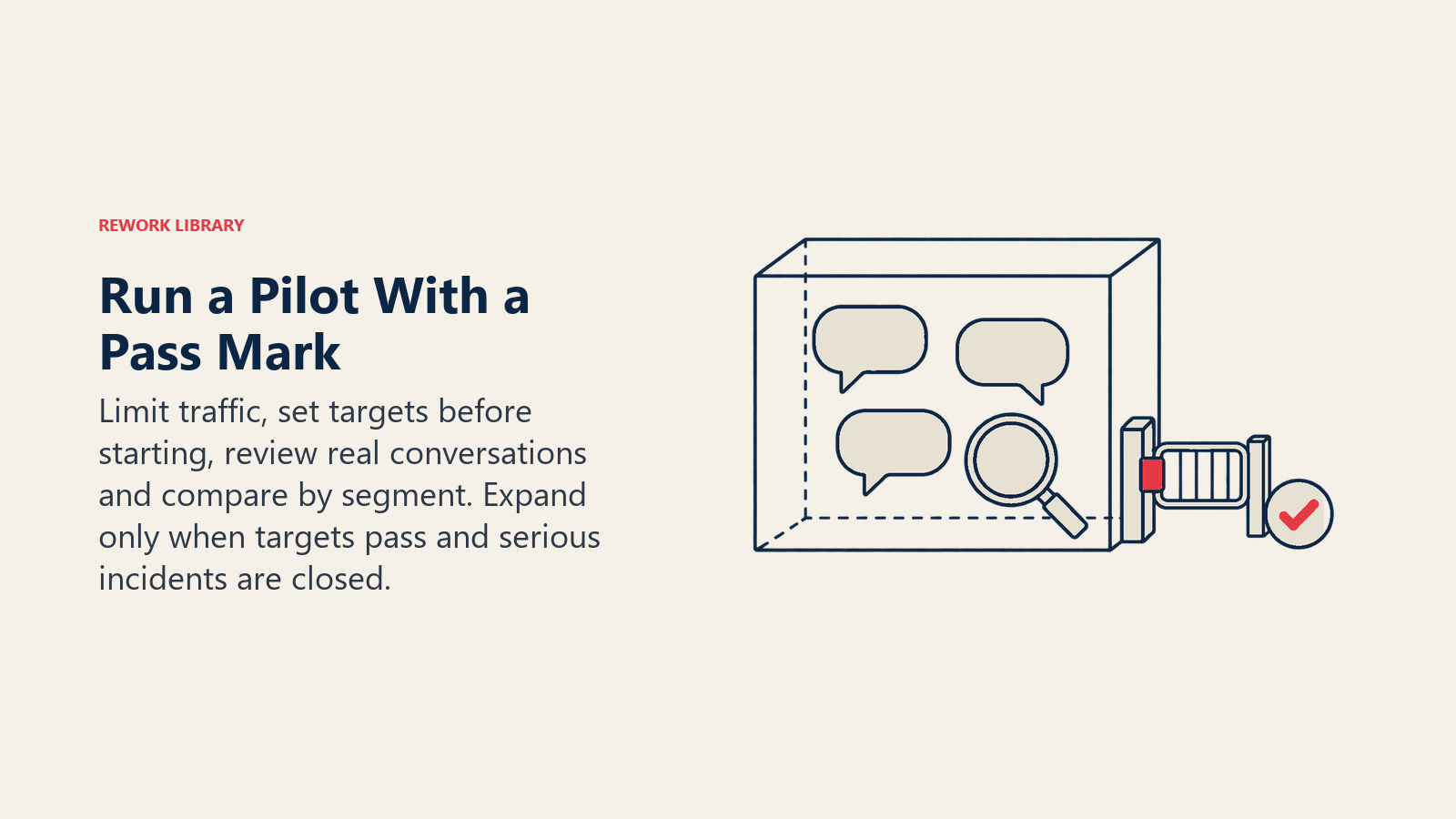
Limit the exposure. Start with one channel, one or two contact types, and a slice of traffic, or a single team of agents for an assist tool. Keep a clear route to a human at every step. The CFPB report is blunt about what happens when customers can't reach a person: they get stuck in loops of repetitive responses, and it states that chatbots aren't suitable as the primary customer service vehicle (CFPB).
Set targets before you start. Examples: "AI-handled password resets are resolved without a repeat contact at least as often as human-handled ones", or "agents using drafts close tickets faster than the baseline without a drop in CSAT". Write them down. Targets set after seeing results are just descriptions.
Sample conversations every week. Read a random set of real conversations. Count the wrong answers, the awkward tone, the cases where the AI should have escalated and didn't. This is more informative than any dashboard in the first month.
Compare against the baseline, by segment. The best-known research on generative AI in support shows why. In the NBER study of 5,179 agents, average productivity rose 14%, but novices improved by 34% while experienced agents saw minimal impact (NBER). If you only look at the team average, you'll miss who actually benefits. Your pilot might show the same split, or a different one.
Tell customers what they're talking to. Decide your wording and placement for disclosing that a conversation involves AI. The AI disclosure in customer service article covers what to say and when it may be required.
Keep a risk log. Record every incident: a wrong policy quoted, a tone complaint, a privacy slip. The AI customer service risks article lists the failure modes worth watching for, which helps you spot patterns early.
Exit criterion: the pre-agreed targets are met over a full reporting period, high-severity incidents are closed, and the people running the pilot (agents included) say they'd keep it.
Phase 5: Expand One Step at a Time
Expansion is not "turn it on everywhere". It's a sequence of small, repeatable pilots. Add one thing at a time: a new contact type, a new channel, a new language, or more autonomy for the AI. Each addition gets a short test against its own exit criterion.
A sensible order for many teams:
- Widen traffic share on the contact types that passed the pilot.
- Add adjacent contact types with similar risk.
- Add a channel (for example, chat first, then email).
- Add languages, with native reviewers checking samples.
- Only then consider letting the AI take actions, such as updating records or issuing small credits, behind approval limits.
Keep the weekly sample going, but you can lighten it as results stay stable. Review the baseline quarterly, because volume mix shifts as the AI absorbs simple questions. What remains for humans will be harder on average, so handle time per human ticket may rise even while overall performance improves. Say so in advance, or it'll look like a failure.
Real Examples by Function
The same plan flexes across functions. These are hypothetical, but typical.
Customer support, Tier 1. Phase 2 picks order status and password resets. The AI handles them end to end with a "talk to a person" button. Agents get drafted replies for plan questions. The pilot compares repeat contacts against the baseline.
IT help desk. Employees ask about VPN access, software installs and account lockouts. Phase 3 matters most here because instructions change with every software update, so every article gets a short review cycle.
Customer success and onboarding. The AI answers setup questions and flags accounts where a customer asked the same question three times. That flag, not the answer, is what the success manager actually uses.
People, Roles and Change Management
Technology is the easy part of a rollout. The harder part is making sure agents don't feel replaced, and that someone owns the knowledge, the sampling and the escalation rules. New work appears: knowledge editors, conversation reviewers, and a person who owns AI quality.
A few practices help:
- Involve a few experienced agents in phase 2 and phase 4. They know which questions look easy and aren't.
- Train managers to read the sample reviews, not just the dashboard.
Common Pitfalls
No baseline. Without a "before" picture, every result is a story. Phase 1 is boring and cheap, and it's the step people skip.
Automating the hardest topics first. Teams chase the biggest cost line, which is often the riskiest contact type. Start where mistakes are cheap.
Piloting on a clean sample. If you hand-pick easy conversations, the pilot passes and production fails. Use a random sample of real traffic.
Hiding the human route. Making it hard to reach a person may lift containment while quietly lowering trust. Keep the exit visible.
Treating launch as the end. Policies change, products change, and the knowledge base drifts. Without owners and review dates, accuracy decays within months.
Reporting one blended number. A single "AI success rate" mixes easy and hard topics and hides who benefits. Report by contact type and by agent segment.
Skipping governance. Disclosure, privacy and risk decisions made after launch are expensive to reverse. Make them part of phases 3 and 4, with owners.

Customer Success Operations Manager
On this page
- Key Facts
- Why a Phased Plan Beats a Big Launch
- The Five Phases at a Glance
- Phase 1: Baseline Your Current Support
- Phase 2: Pick the Contact Types
- Phase 3: Prepare Your Knowledge and Data
- Phase 4: Run a Pilot With a Real Test
- Phase 5: Expand One Step at a Time
- Real Examples by Function
- People, Roles and Change Management
- Common Pitfalls