Customer Intent Detection: How AI Understands Why Customers Contact You
Turn this article into takeaways for your work.


Each assistant summarizes the article only for you and suggests best practices for your work.
Customer intent detection is the automatic classification of a customer's message into the reason they're contacting you, such as "where is my order", "cancel my subscription" or "I was charged twice". The output is a label, usually with a confidence score, attached to a chat, email, ticket or call transcript before a human reads it.
That label is small, but a lot hangs off it. It decides which queue a ticket lands in, whether a bot should answer or hand over, and what your monthly report says customers are actually asking about. A weak intent layer sends billing questions to technical support and hides your top contact driver inside a bucket called "General". A good one gives you routing that works on day one and a map of demand you can plan around.
This guide covers how detection works, how to build the intent list (the taxonomy) that everything depends on, and how to put the labels to use. If you want the wider picture first, the overview of AI in customer service is a good companion.
Key Facts
- Dialogflow CX scores each candidate intent from 0.0 (completely uncertain) to 1.0 (completely certain), returns the top intent only if it clears the classification threshold, and otherwise fires a no-match event (Google Cloud).
- Google recommends at least 10-20 training phrases per intent in Dialogflow CX, depending on how complex the intent is (Google Cloud).
- Amazon Lex V2 returns the most likely intent plus up to 4 alternatives, and falls back to
AMAZON.FallbackIntentwhen every score is below your threshold (AWS). - Lex's own example of ambiguity: scores of 0.75 and 0.72 mean two intents are too close to call, while 0.95 against 0.65 means the first is probably right (AWS).
- The CLINC150 benchmark covers 150 intents across 10 domains, and its authors found that classifiers do well on in-scope intents but struggle to identify out-of-scope queries (Larson et al., arXiv).
- Zendesk shows High, Medium or Low confidence on the topic and language predictions for a ticket, and says agent corrections don't train the model (Zendesk).
What an Intent Actually Is
An intent is the goal behind a message, not its words. "My package never showed up", "Where's my stuff?" and "Tracking says delivered but I have nothing" are three different strings and one intent: order status or delivery problem.
Two things get confused with it:
- Topic or category. "Billing" is a topic. "Request a refund for a duplicate charge" is an intent. Topics are good for reporting at a glance; intents are specific enough to act on.
- Sentiment. Whether the customer is angry is separate from why they wrote. You'll want both, but they're different fields. A furious customer asking about delivery is still a delivery intent.
Many platforms detect several signals at once. Zendesk's intelligent triage, for example, classifies tickets by topic, sentiment, language and entities, and its documentation notes that using those fields in workflows requires the Copilot add-on (Zendesk). Zendesk's help center now says "topic" where older setups say "intent".
How Intent Detection Works
There are two broad approaches, and most real systems use a mix.
Trained classifiers
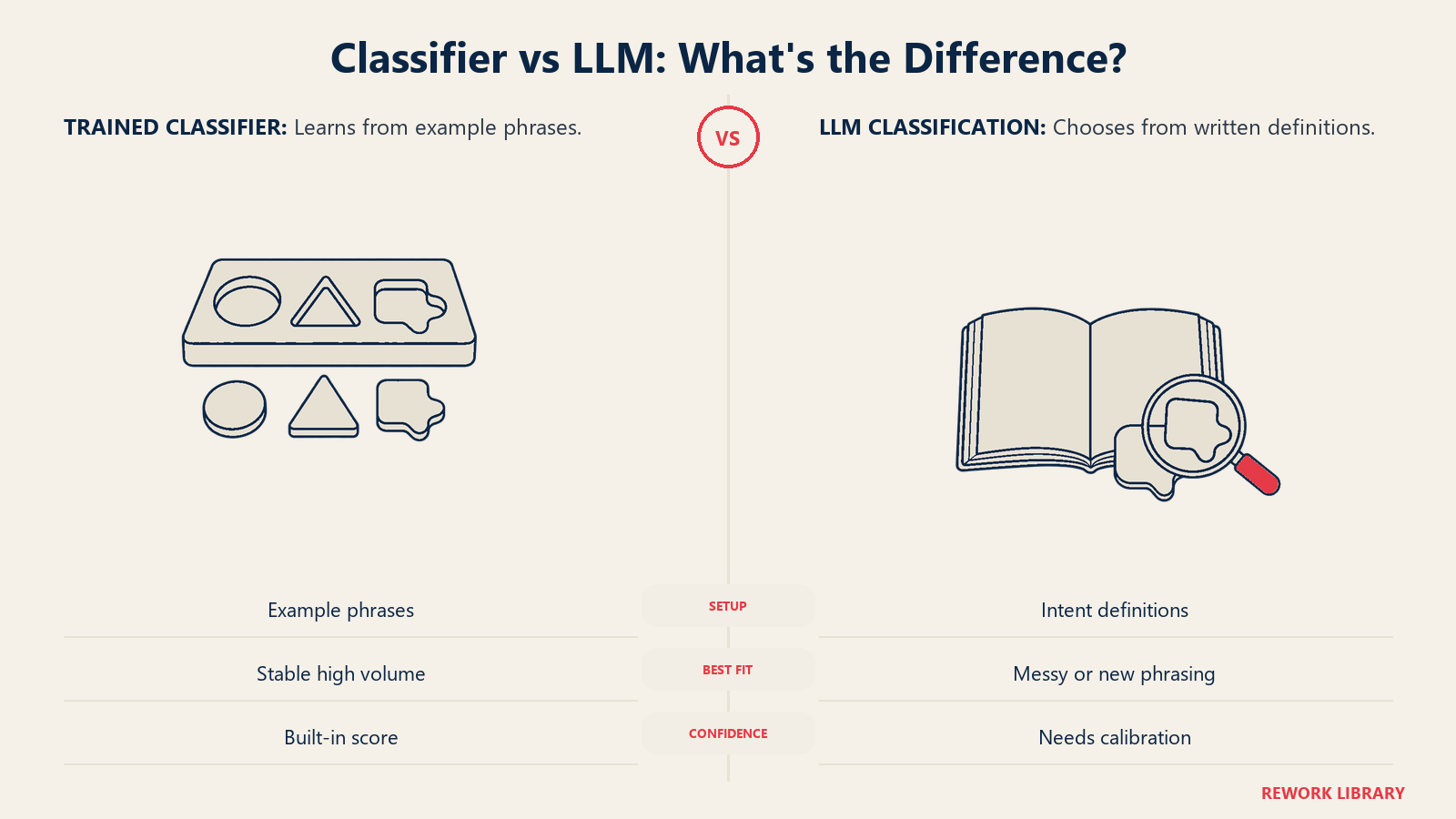
You define the intents, give each one example phrases, and the platform trains a model to match new messages against them. Dialogflow CX and Amazon Lex both work this way. The model scores every intent and picks the highest.
Strengths: it's fast, cheap per message, predictable, and returns a score you can threshold. Weaknesses: it only knows the intents you taught it. A message about something new gets forced into the nearest label, or it fails to match at all. Google's guidance is to start with at least 10-20 training phrases per intent, and it warns that stuffing the default negative intent with huge numbers of phrases (it cites 10,000 as an example) would harm normal matching (Google Cloud).
LLM-based classification
Here you give a large language model the list of intents with short definitions and ask it to choose one (or "none"). There's no training set to build, so a new intent can go live as soon as you've written its definition. The classic NLU platforms are moving the same way, adding LLM layers on top of their trained intent models.
Strengths: handles messy, multi-sentence messages, mixed languages and brand-new phrasing. Weaknesses: it costs more per message, is slower, can drift when prompts or models change, and may invent a label unless you constrain it to your list. Calibrate its stated confidence against a hand-labeled sample instead of trusting it.
| Trained classifier | LLM-based | |
|---|---|---|
| Setup effort | Example phrases per intent | Written definitions per intent |
| Handles new phrasing | Only if similar to training phrases | Usually well |
| New intent turnaround | Collect examples, retrain | Edit the definition |
| Confidence score | Built in | Needs calibration |
| Consistency over time | High until retrained | Can shift with model or prompt changes |
| Best for | High-volume, stable intents | Long-tail, messy or multilingual input |
A common setup: a classifier handles the top 15 to 20 intents that make up most of the volume, and an LLM picks up what the classifier rejects. If your contacts arrive in several languages, read the notes on multilingual support before choosing, since training data per language adds up quickly.
Confidence Thresholds and Fallback
Every approach needs a rule for "I'm not sure". There are three parts to it.
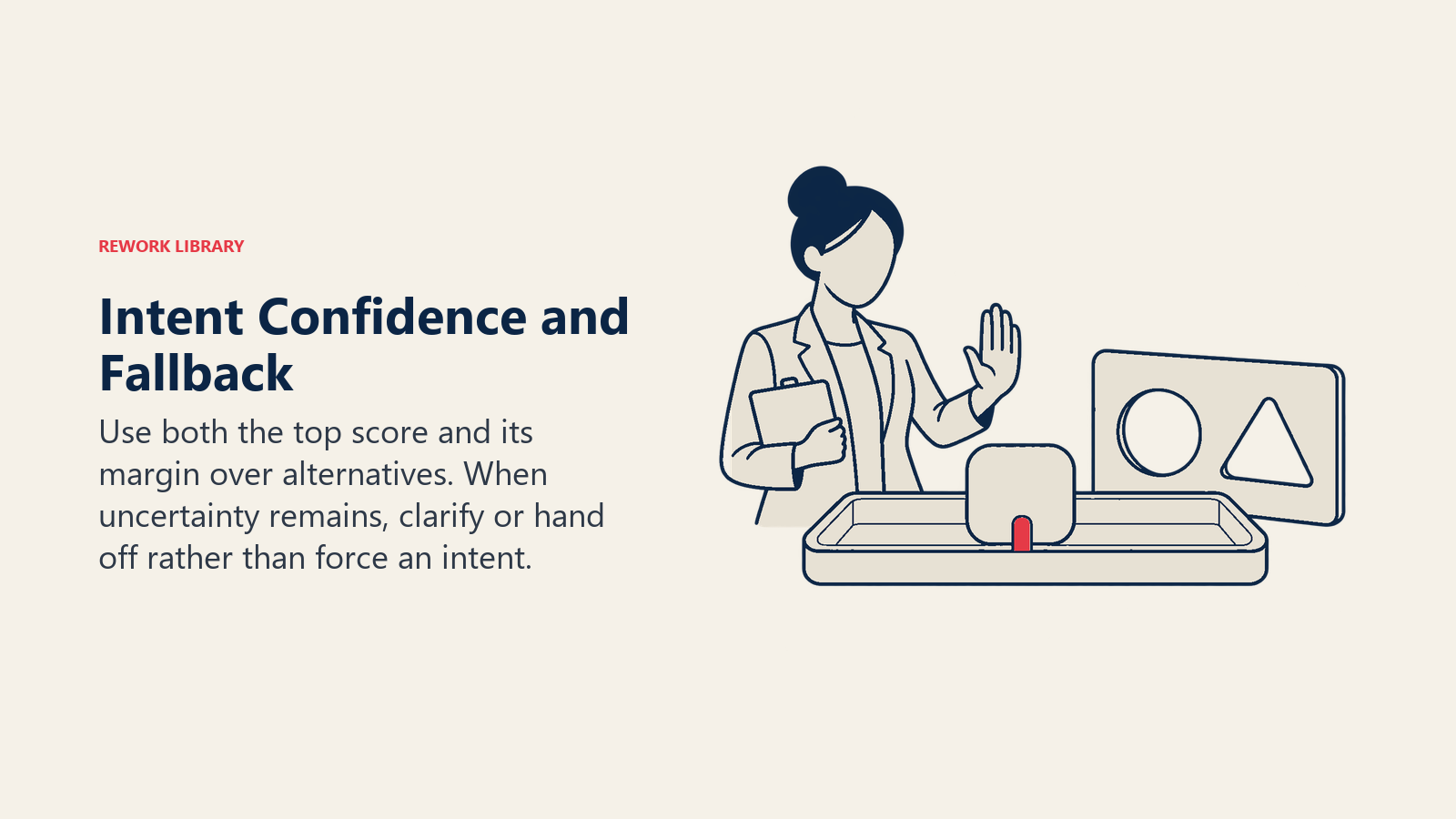
A threshold. Both Dialogflow and Lex let you set a minimum score. In Dialogflow CX the top intent is returned only if it meets the classification threshold set in agent settings; otherwise a no-match event fires (Google Cloud). In Lex V2 the threshold is a number between 0.00 and 1.00, set per language, and every score below it produces the fallback intent (AWS). Lex also warns that its scores are comparative values, not absolute ones, and may change as the service improves. So don't copy someone else's 0.7; test your own.
A margin. The gap between the top two scores matters as much as the top score. Lex's documentation gives the example of 0.75 versus 0.72 as real ambiguity. A good pattern: if the top score is below your threshold, or the top two are within a small margin, don't guess. Ask a clarifying question ("Is this about a refund or a cancellation?") or route to a person.
A fallback path. Decide in advance what happens on a miss. Options, from least to most customer effort:
- Send the message to a general queue with the top two guesses attached, so an agent starts with a hint.
- Ask one clarifying question with two or three buttons.
- Hand off to a human with the conversation so far.
The research backs up why this matters. The CLINC150 dataset was built to include out-of-scope queries precisely because classifiers that look good on known intents struggle when someone asks something outside the list (Larson et al., arXiv). Your real traffic is mostly that case waiting to happen.
Set thresholds per use. A routing decision (which queue) can tolerate a lower threshold, because a wrong guess costs one reassignment. An automated action, like cancelling an account or issuing a refund, needs a much higher one, or a confirmation step. For the harder question of which tasks to hand to AI at all, see automate or assist.
Building an Intent Taxonomy
The taxonomy is the list of intents, and it matters more than the model. A great model on a muddy list gives you precise labels nobody can use.
Start from data, not from the org chart
Pull a few hundred recent tickets or chats and read them. Group by what the customer wanted, not by which team currently handles it. If the data is thin or inconsistent, fix that first: preparing support data for AI covers the cleanup.
Choose the right granularity
Too coarse and the label can't drive action ("Billing" covers invoices, refunds, failed payments and tax questions, which need different people). Too fine and the model can't tell the labels apart, agents can't remember them, and reports fragment into 200 rows of 3 tickets each.
A workable test: does this intent change what we do next? If two candidate intents get the same answer, route to the same team and report as one number, merge them. If they'd get different handling, keep them apart.
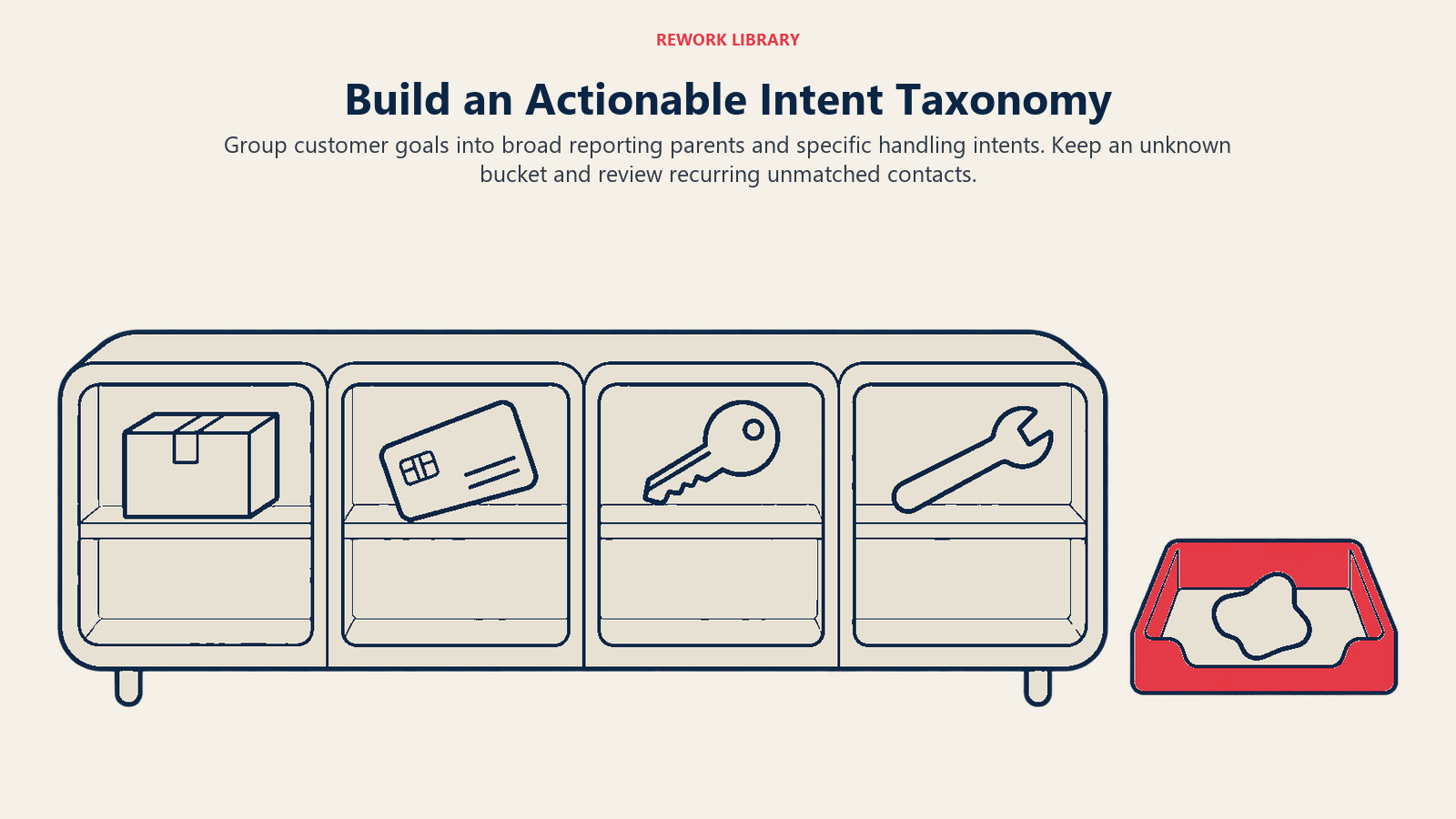
A two-level structure usually works: a handful of parent categories for executive reporting and roughly 20 to 60 child intents for routing and automation. That range is a rule of thumb, not a standard; let your volume decide. You can't act on a long tail of intents that appear twice a month.
Name intents as customer goals
Use a consistent verb-first pattern: request_refund, change_billing_address, report_login_problem. Avoid names that describe your internal process ("tier2_escalation") or are vague ("other_issue"). Write a one-line definition and two or three example messages for each, including the boundary cases ("If the customer mentions a duplicate charge, use report_billing_error, not request_refund").
Always include an "other" bucket, and watch it
An "other" or "unknown" intent is not a failure; it's your sensor for change. New product features, a pricing change or an outage all show up there first. Two rules keep it useful:
- Cap it. If "other" exceeds roughly 10 percent of volume, your taxonomy is stale. That figure is a working target, not an industry benchmark.
- Sample it. Read 50 to 100 "other" contacts a month, and promote any pattern that shows up repeatedly into a real intent.
Dialogflow has a built-in version of this loop: its intent suggestions analyze no-match occurrences and recommend new intents or training phrases, though the feature is limited to certain regions and must be enabled in agent settings (Google Cloud).
Set a review cadence
Review the taxonomy monthly at first, then quarterly once it settles, and always after a product launch or pricing change. Retire quiet intents, split broad ones, and keep a change log so a drop in "refund requests" isn't just a renamed label.
| Parent category | Example child intents | Typical handling |
|---|---|---|
| Orders and delivery | track_order, report_missing_package, change_delivery_address |
Bot lookup, then logistics queue |
| Billing | request_refund, report_billing_error, update_payment_method |
Billing queue, refunds need approval |
| Account access | reset_password, report_login_problem, delete_account |
Bot for resets, security team for deletion |
| Product help | how_to_use_feature, report_bug, request_feature |
Help center, support, or product feedback |
| Cancellation and retention | cancel_subscription, downgrade_plan |
Retention specialist, never bot-only |
| Other | unknown, out_of_scope |
General queue, reviewed monthly |
Using Intents for Routing and Reporting
Routing
Intent becomes useful when it drives a rule. The common ones:
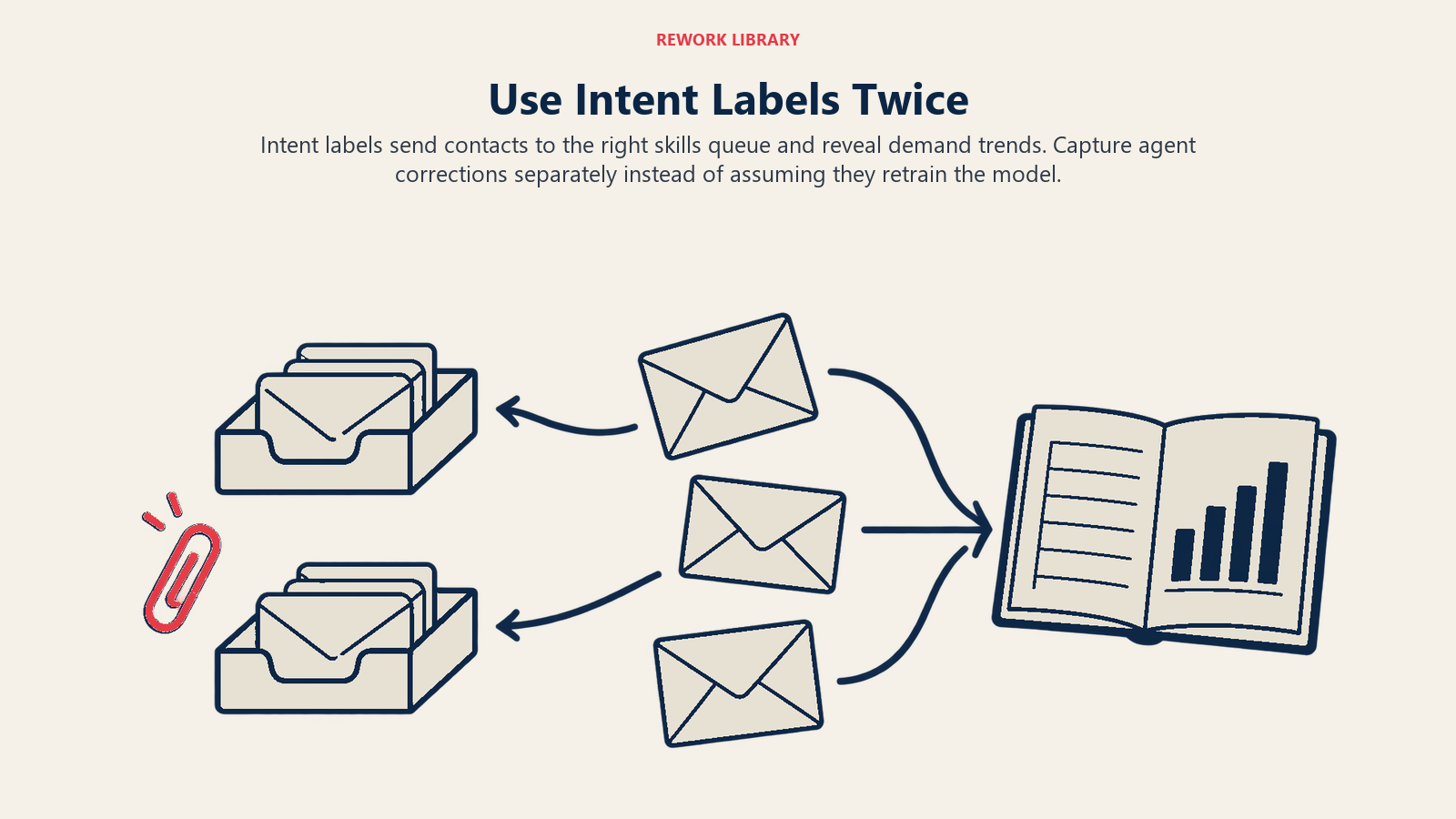
- Skills-based routing. Billing intents go to the billing team, technical intents to the technical team, with language as a second filter.
- Bot or human. Low-risk, well-defined intents like order tracking go to automation. Sensitive ones, such as cancellation, legal threats or security, always go to a person.
- Priority. Combine intent with sentiment and customer tier. A "cancel subscription" request from a high-value account with negative sentiment jumps the queue.
- Pre-filled help for agents. Show the detected intent and a suggested article or macro in the agent's view. This pairs naturally with AI agent assist.
Keep humans in the loop on corrections. Zendesk lets agents change the predicted topic in the ticket properties panel, but notes that doing so doesn't train the model (Zendesk). That means corrections need to be captured somewhere you can use, such as a field you export for relabeling, or the same mistakes will repeat.
Reporting
Once every contact has an intent, you can answer questions that used to need a manual audit:
- What are the top ten reasons customers contact us, and how are they trending?
- Which intents have the lowest resolution and the most repeat contacts? Pair intent with the measures in AI resolution rate to see where automation actually works.
- Which intents could a better help center answer? See AI help center search.
Intent counts are also the natural input for AI support volume forecasting: forecasting by contact reason is more useful than one total line, because "password reset" and "billing dispute" respond to different drivers and need different staffing.
Examples by Function
Customer support. A software company tags every inbound ticket. "How do I export a report" goes to a help-center reply; "Export is broken" goes to technical support with a bug flag. Same words, different intents, different queue.
Finance and billing. A subscription business separates report_billing_error from request_refund. The first goes to a queue that can investigate; the second needs approval rules.
IT help desk. An internal service desk detects request_access, report_outage and reset_password. Password resets go to self-service, outages page the on-call engineer, and access requests trigger an approval flow.
Sales inbox. A shared inbox sorts request_pricing, request_demo and support_question_from_customer. Moving that third one out of the sales queue protects response time for real leads.
Step-by-Step Implementation
- Collect and read a sample. 300 to 500 recent contacts across all channels. Note the real reasons, in the customer's words.
- Draft the taxonomy. Parents first, then children, using verb-first names. Add definitions, examples and an "other" bucket.
- Hand-label a test set. Have two people label 200 to 300 messages independently. Where they disagree, the definitions are unclear; fix them before touching a model.
- Pick the method. Trained classifier for stable, high-volume intents; LLM for long-tail or multilingual; a hybrid if you need both.
- Set thresholds and fallbacks. Start conservative for automated actions, looser for routing. Define the fallback path before launch.
- Run in shadow mode. Predict intents and display them to agents, but don't route on them yet. Compare predictions with what agents actually did.
- Switch on routing for the intents that perform. Per-intent accuracy varies; turn on the strong ones first.
- Close the loop. Capture agent corrections, sample "other" monthly, and retrain or re-prompt on a schedule.
Common Pitfalls
Building the taxonomy around teams. If intents mirror your org chart, a reorganization breaks your reporting. Base them on customer goals.
Chasing a single accuracy number. Overall accuracy hides that "track order" is 98 percent right and "cancel subscription" is 60 percent. Measure per intent, and weight by volume and by cost of a mistake.
No out-of-scope handling. As the CLINC150 authors found, classifiers struggle with queries outside their known intents (Larson et al., arXiv). Without an explicit fallback, off-list messages get forced into the wrong label.
Labeling only the first message. Customers often start vague and clarify later. Keep both the first and the final intent.
Using intent as the only signal. Combine it with sentiment, customer tier and channel. The same intent deserves different handling for a trial user and an enterprise account.

Customer Success Operations Manager
On this page
- Key Facts
- What an Intent Actually Is
- How Intent Detection Works
- Trained classifiers
- LLM-based classification
- Confidence Thresholds and Fallback
- Building an Intent Taxonomy
- Start from data, not from the org chart
- Choose the right granularity
- Name intents as customer goals
- Always include an "other" bucket, and watch it
- Set a review cadence
- Using Intents for Routing and Reporting
- Routing
- Reporting
- Examples by Function
- Step-by-Step Implementation
- Common Pitfalls