AI in B2B Customer Support: Complex Accounts, Entitlements and Technical Issues
Turn this article into takeaways for your work.


Each assistant summarizes the article only for you and suggests best practices for your work.
AI in B2B customer support is the use of language models and routing logic to handle support for business customers, where every ticket sits inside an account with several contacts, a contract that decides what the customer is entitled to, and often a technical problem that no help article fully explains. The difference from consumer support isn't the technology. It's that the AI has to know who is asking, what they've paid for and what the contract promises before it says anything useful.
That's why a bot that performs well on a retail help center can fail in a B2B setting. "How do I reset my password?" has one answer for everyone. "Why is our integration failing?" has an answer that depends on the plan, the version, the admin's permissions and a clause in a signed agreement. This article covers how AI support changes for B2B, what to build in what order, and where the AI has to stop. It sits inside the AI for Customer Service collection, so it assumes you've read the overview.
Key Facts
- In a field study of 5,179 customer support agents, access to a generative AI assistant raised issues resolved per hour by about 14% on average, and by about 34% for novice and low-skilled agents, with minimal impact on experienced ones (NBER Working Paper 31161).
- Salesforce's 2025 State of Service report (6,500 service professionals, surveyed April to June 2025) found teams estimating AI handles about 30% of cases today and expecting 50% by 2027 (Salesforce).
- In the same report, 51% of service leaders said security concerns had delayed or limited their AI initiatives, the top obstacle named (Salesforce).
- Qualtrics found nearly one in five consumers who used AI for customer service got no benefit, almost four times the rate for AI use in general, and half worry AI will stop them reaching a human (Qualtrics).
- Helpdesk SLA policies, such as Zendesk's, apply only to tickets that match set conditions and measure targets against the ticket's priority field, so a ticket with no priority can silently skip its SLA (Zendesk).
How B2B Support Differs From B2C
Four things change when your customers are companies.
The customer is an account, not a person. One company may have an admin who owns the contract, a dozen daily users, a procurement contact and an executive sponsor. They all write in, often about the same issue, and each deserves a different answer. The admin can approve a configuration change; a regular user can't.
What you owe depends on the contract. Two customers can send the identical question and be owed different things: a four-hour response for one, next business day for the other, a named engineer for a third. Support teams call this entitlement, meaning the services, channels and response times a customer has bought.
The problems are technical and specific. Consumer issues cluster around a few dozen themes. B2B issues involve integrations, permissions, data imports, API errors and configuration choices that differ by customer. The answer often lives in logs, not in a help article.
The stakes per ticket are higher. One account can represent a large share of revenue. A wrong answer, a missed SLA or a bot that stonewalls a frustrated admin can cost more than a month of deflected tickets saves.
None of this rules AI out. It changes what you ask AI to do first, and what you make sure it can see.
What the AI Needs to Know Before It Answers
In B2C, the AI mostly needs your help content. In B2B it also needs account context, and that's where most projects stall. Before a model drafts or sends anything, it should be able to look up:
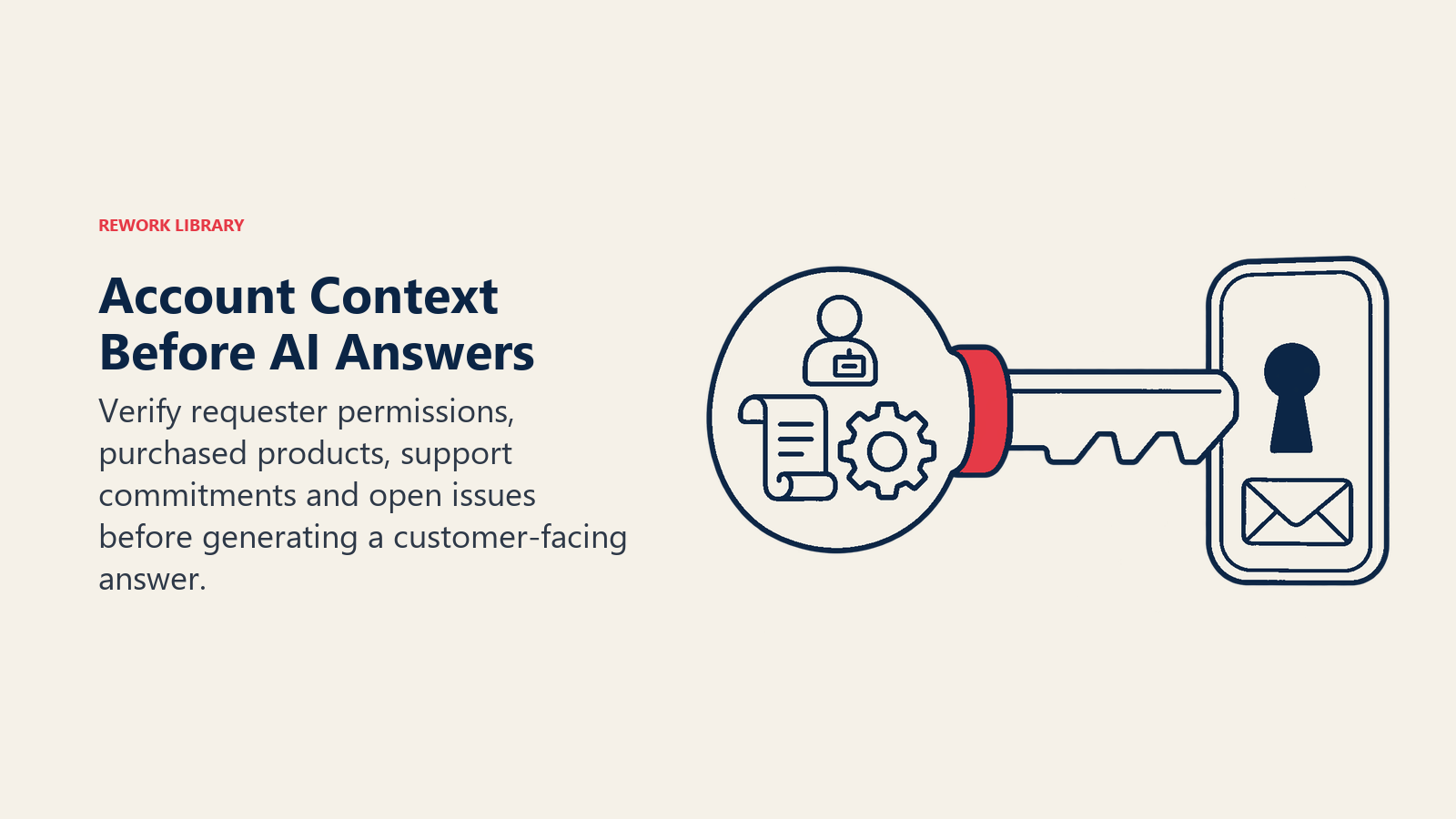
- Who is writing: their role, permissions and which account or accounts they belong to.
- What the account owns: plan, modules, add-ons, support tier, contract dates.
- What's owed: response and resolution targets, support hours, named contacts, channels included.
- What's happening: open tickets, recent incidents, product version, integration status.
This is the same data-readiness problem covered in preparing support data for AI, with higher stakes. If your CRM, billing system and helpdesk disagree about which plan a customer is on, the AI will pick one and sound certain about it.
In ACE Framework terms, this is the Ingest and Analyze work (reading the message and joining it to account records) that must happen before Generate or Execute. A retrieval-grounded assistant is only as good as the records it's allowed to retrieve, and in B2B those records include structured account data, not just articles.
Multi-Contact Accounts
A single account produces many conversations, and AI makes it easy to treat each one as a stranger. Three patterns to design for:
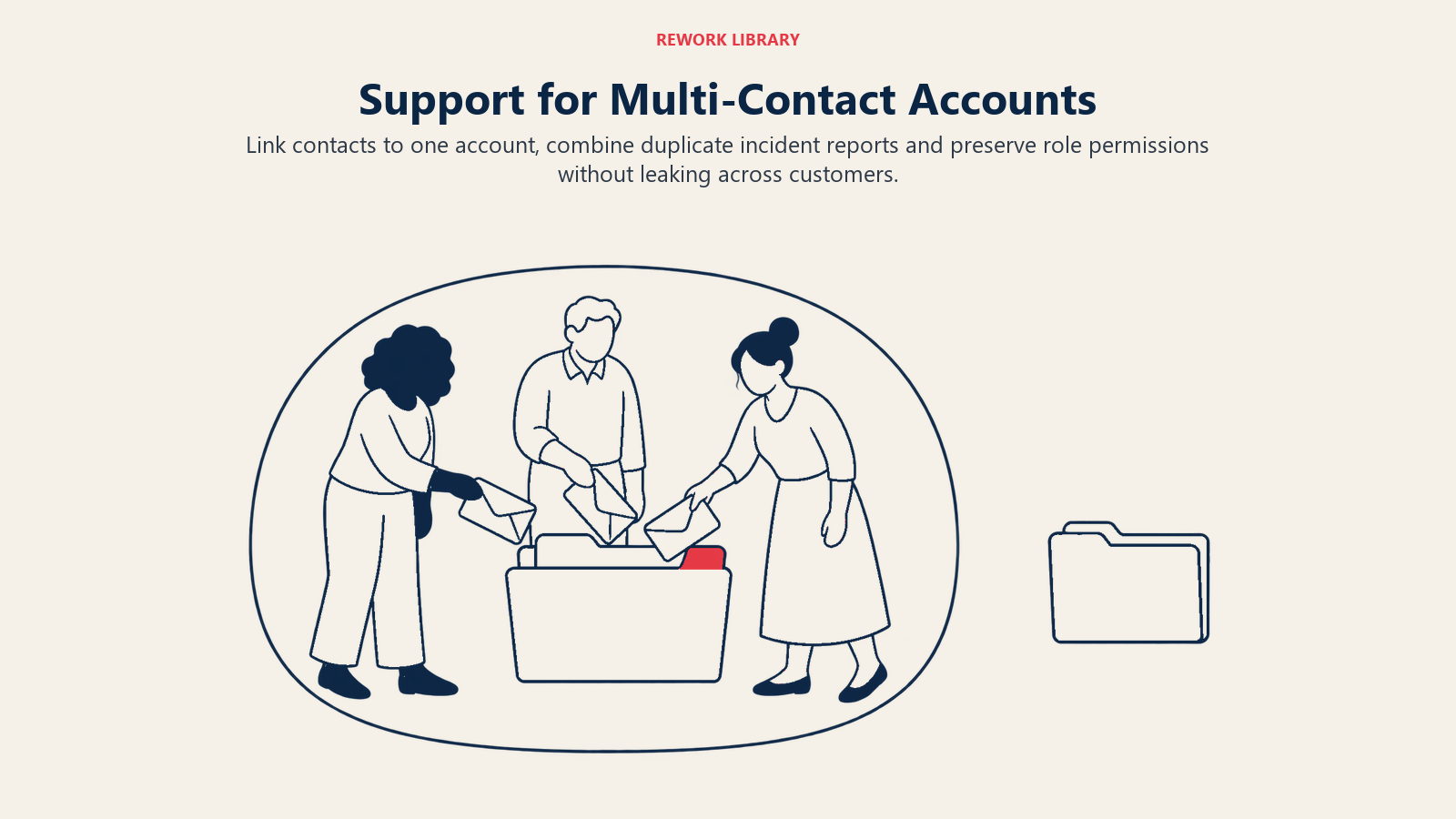
- Link every contact to the account. Helpdesks group end users into organizations, and that grouping drives what an agent can see. Zendesk, for example, lets agents be limited to tickets raised by users inside their own organizations (Zendesk). The same boundary should apply to the AI. A bot answering a user at Company A must never surface a ticket, a log or a configuration detail from Company B, and shouldn't show a regular user another colleague's tickets unless your policy allows it.
- Detect duplicate reports. Five people at one company reporting the same outage is one incident. AI can cluster these by account and symptom, merge them and answer all five from one status update, instead of five agents investigating in parallel.
- Respect roles. Ask the AI to check whether the requester is allowed to request the change. A user asking to delete an integration, add seats or export all data should trigger a check against the admin list, not a cheerful confirmation.
A short example: a finance user at a customer writes in asking why invoices stopped syncing to their accounting tool. The AI sees the account has two admins, an active integration, and an open ticket from the IT admin raised an hour ago on the same symptom. Instead of starting a new troubleshooting thread, it links the two, tells the finance user the issue is already being worked on, and posts the status to both contacts. Nobody repeated themselves, and no agent duplicated work.
Entitlements and SLAs
Entitlements are where AI most often causes quiet damage in B2B, because a friendly answer can promise something the contract doesn't cover. Handle them in three layers.
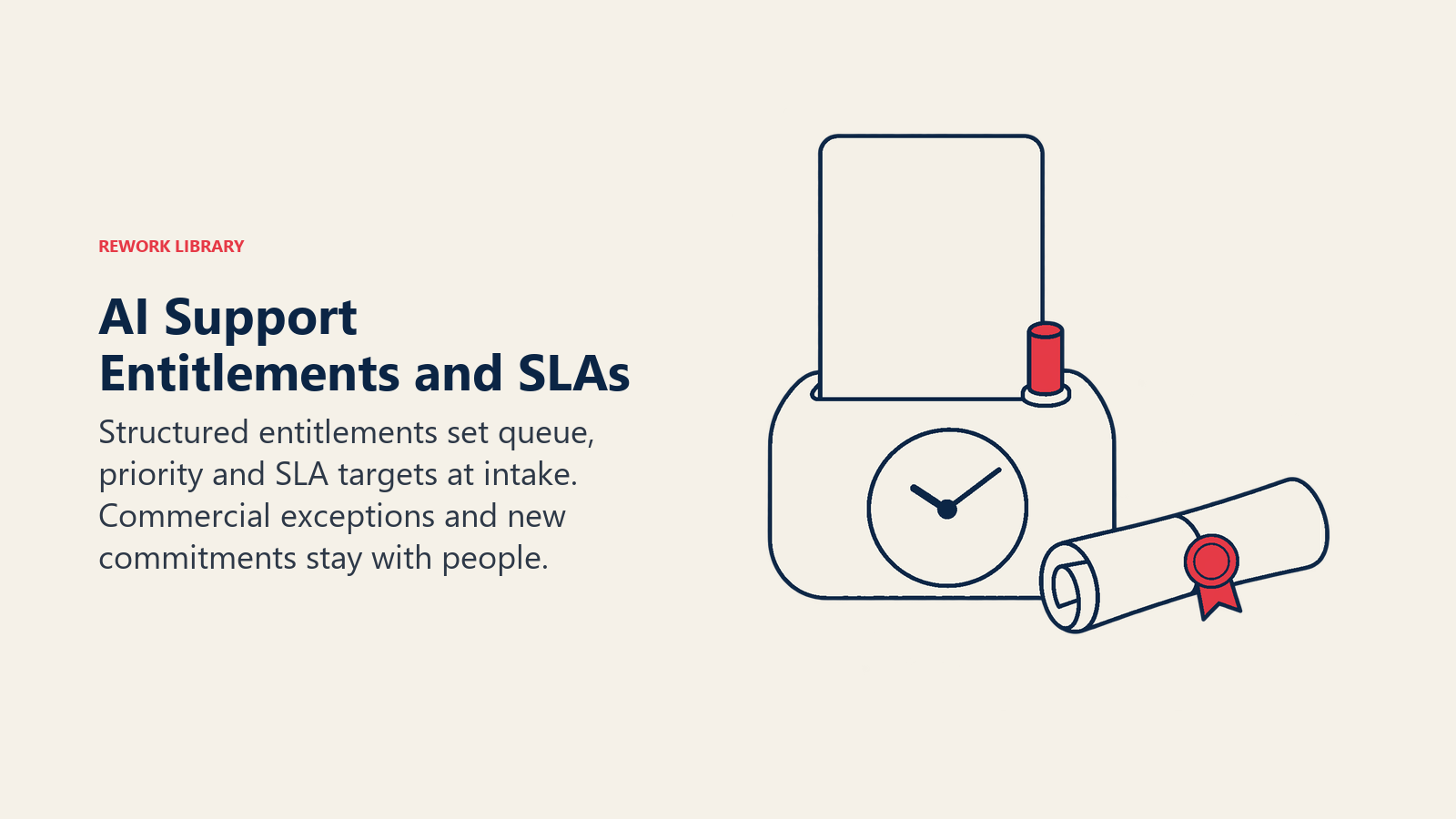
Make entitlements data, not prose. If support tiers live in a PDF and in people's heads, the AI can't use them. Store the tier, hours, channels and targets as fields the AI and the helpdesk can both read.
Let entitlements drive routing. Routing logic should read the entitlement and set priority, queue and SLA clock at the moment of intake. Multi-tier AI routing covers this pattern for SaaS help desks. Note the mechanics of your own tool: in Zendesk, SLA policies apply only to tickets meeting their conditions, targets are measured against the standard priority field, and a ticket left without a priority doesn't get the SLA at all (Zendesk). If the AI classifies tickets but never fills that field, you've built a system that quietly misses commitments.
Constrain what the AI may promise. The assistant can quote a response target that's in the account record. It shouldn't improvise "we'll have this fixed today", grant a service credit, or offer a feature outside the plan. Those are commercial decisions, and they belong to a person.
Here's how the layers look in practice across the common situations:
| Situation | What AI can do | What needs a person |
|---|---|---|
| Customer asks what support hours apply | Read the entitlement and answer | Nothing, unless the answer is disputed |
| Ticket arrives from a premium-tier account | Set priority, start the SLA clock, route to the named team | Review if the issue looks like an outage |
| Customer asks for a feature on a higher plan | Explain what the current plan includes | Any discount, trial or exception |
| SLA is about to breach | Alert the owner, summarize the case, flag the account manager | Decide on escalation and customer communication |
| Customer claims a past promise was made | Pull the case history and contract terms | Interpret and respond to the dispute |
| Request to change account ownership or admin | Verify the requester against the admin list | Approve the change after identity checks |
Technical Troubleshooting
This is the highest-value and highest-risk part of B2B support. AI helps most when it speeds up the reading and organizing, and least when you ask it to be the engineer.
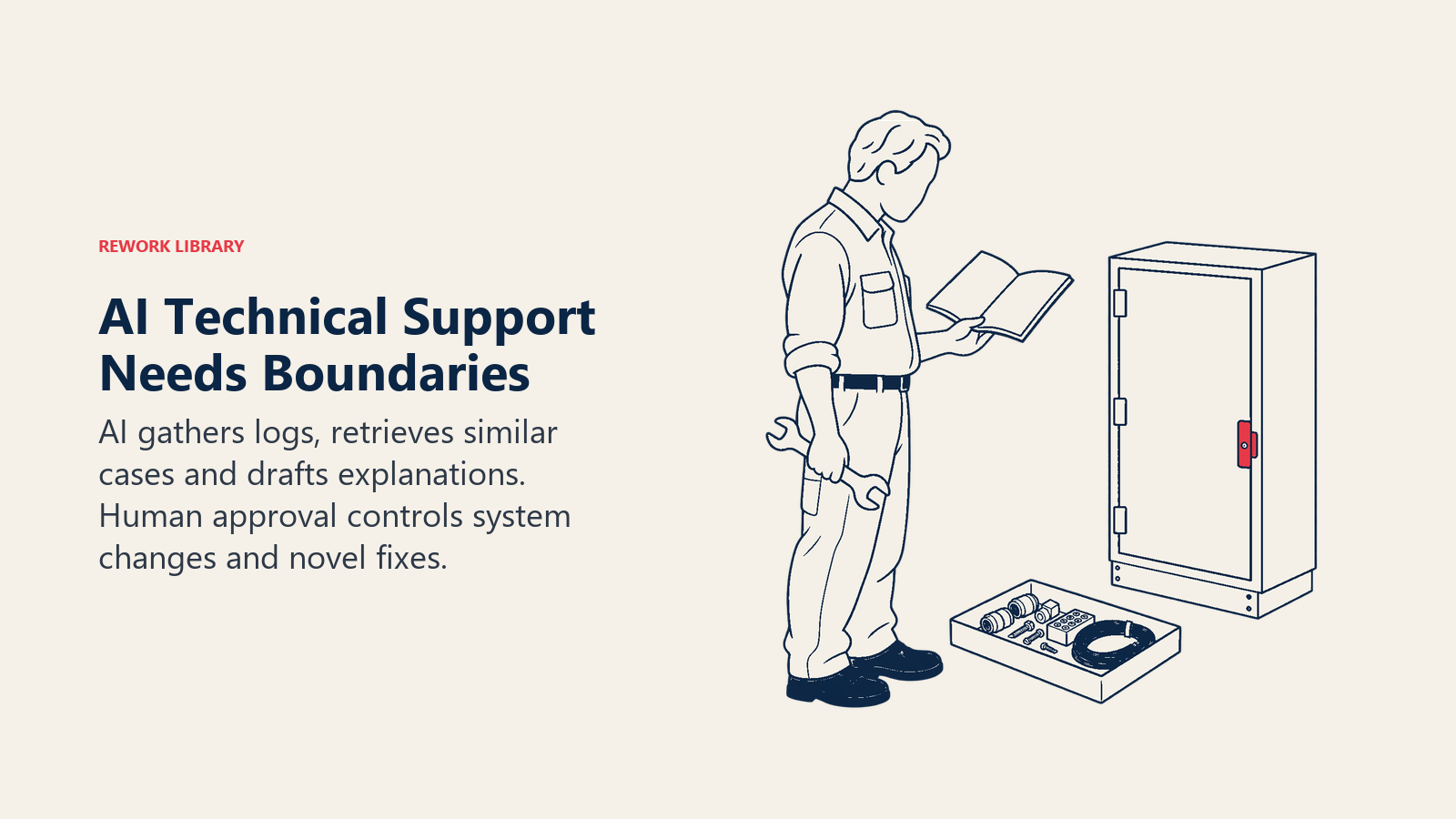
Where AI helps:
- Intake. Ask for the product version, error message, steps to reproduce and environment up front, in conversation, so the first human who opens the ticket can start diagnosing instead of asking questions. Triage that previously took three back-and-forths happens in one.
- Summaries. A ticket thread of 40 messages becomes a few lines: what's been tried, what was ruled out, what's still open.
- Similar-case retrieval. The assistant surfaces resolved tickets and internal runbooks with the same error signature.
- Draft replies. A support engineer gets a suggested response with the relevant documentation attached, and edits it before sending.
The evidence for this assist pattern is the strongest we have. In the NBER study of 5,179 agents, an AI assistant raised resolutions per hour by about 14% on average, with about 34% gains for novice and low-skilled workers and minimal impact on experienced ones (NBER). For a B2B team, that suggests the biggest payoff is in ramping up newer support engineers who lack the product depth of your veterans, not in speeding up your best people.
Where AI should be careful:
- Anything that changes a customer's system. Restarting a service, rotating a key, deleting data or editing configuration is Execute, and it should require a human or an explicit, scoped approval.
- Confident guesses on novel bugs. If the error signature matches nothing, the right output is "I don't know, here's what I've gathered", not a plausible-sounding fix. Set a confidence threshold below which the AI summarizes and escalates.
- Sensitive data. Logs and screenshots often contain credentials and personal data. Decide what can be sent to a model, and strip or mask the rest. Security was the leading obstacle for service leaders in the Salesforce survey, cited by 51% of them as having delayed or limited AI initiatives (Salesforce).
Help center search is a good first step for the self-service side: let users and admins find the right documentation by describing the problem in plain words, before any ticket is created.
When AI Must Hand Off
In B2B, the handoff isn't a fallback you hope never fires. It's part of the design. The Qualtrics survey of more than 20,000 consumers found half worry that AI will keep them from reaching a human (Qualtrics), and that's consumers; a business customer with a production outage will be less patient.
Set hard triggers that route to a person immediately:
- The account is in a high-value or at-risk tier, and the issue is flagged as urgent.
- The customer reports data loss, a security concern or an outage affecting many users.
- The request involves money, contracts, legal terms, access changes or deletion.
- The AI's confidence is low, or it has failed to resolve after two turns.
- The customer asks for a person, in any wording.
- The customer's tone signals escalation, such as repeated contact on the same issue.
Don't redesign the mechanics here. The handoff itself, with context travelling to the rep, is covered in chatbot to rep handoff, and what the bot does when it can't answer or the live team is offline is in AI agent fallback flows. For escalation as an automated role in its own right, see the AI escalation manager agent. The B2B-specific addition is that the handoff should carry the account context: tier, SLA clock, contacts already involved and related open tickets. The person who picks up shouldn't need to ask who the customer is.
How to Implement AI in B2B Support, Step by Step
- Map your account model. List the entities that matter: company, contact, role, contract, product, environment. Decide which system is the source of truth for each.
- Make entitlements machine-readable. Put tier, hours, channels and response targets into fields. Fix conflicts between CRM, billing and helpdesk.
- Start with agent assist. Draft replies, case summaries and similar-case lookups for your support engineers. A human reviews everything, so errors are caught before the customer sees them.
- Add account-aware intake. Have the AI identify the contact and account, collect version and error details, and set priority so SLA clocks start correctly.
- Open narrow self-service. Choose documented, low-risk topics such as how-to questions, status lookups and configuration guidance. Keep account changes and anything commercial out of scope. The automate or assist framework helps you decide where each topic belongs.
- Write the handoff triggers down. Use the list above, adapt it to your tiers, and test each trigger with real examples before launch.
- Pilot against a baseline. Measure first response time, SLA attainment, reopen rate, escalation rate, time to resolution and CSAT, split by tier and by AI-handled versus human-handled tickets.
- Review failures weekly. Read the transcripts where the AI was corrected or the customer escalated. Fix the data or content gap, not just the prompt.
Pitfalls to Avoid
Treating every customer the same. A flat bot ignores tier, role and contract. Your largest accounts will notice first.
Letting the AI invent commitments. Dates, credits, workarounds and feature promises must come from records or a person.
Leaking across accounts. Permission boundaries that apply to agents must apply to the AI too. Test with deliberate cross-account prompts before launch.
Measuring deflection instead of resolution. In B2B, a customer who gives up often escalates through their account manager, which is a worse outcome than a ticket. Track whether the issue was solved, and whether the contact returned.
Skipping the priority field. If the SLA depends on a field the AI never populates, you'll breach quietly.
Automating before the data is clean. Conflicting plan data across systems makes confident wrong answers. Fix the records first.
Where to Go Next
Pick one account tier, one product area and one assist use case. Give your support engineers account-aware summaries and draft replies, measure SLA attainment and reopen rates for a month, and only then open self-service for the topics that proved safe. The tools matter less than the account data underneath them.

Customer Success Operations Manager