AI for Multilingual Customer Support: Real-Time Translation and Localization
Turn this article into takeaways for your work.


Each assistant summarizes the article only for you and suggests best practices for your work.
AI for multilingual customer support is the use of machine translation and multilingual language models to read customer messages in one language and answer in another, so a team that speaks three languages can serve thirty. It covers three jobs: translating inbound messages for your agents, translating outbound replies for your customers, and localizing the help content customers read on their own. What it doesn't do is guarantee that the translation is right. That's the part managers have to design for.
This guide is for support leaders deciding how far to trust AI translation, which languages to open first, and where a human has to check the output. It sits inside the wider AI in customer service picture, and it leans on two pieces that matter here: how AI works across support channels and preparing support data for AI.
Key Facts
- In CSA Research's 2020 "Can't Read, Won't Buy" consumer survey (8,709 consumers in 29 countries, released July 2020), 76% said they'd choose a product with information in their own language over a similar one without it, and 40% said they'd never buy from websites in other languages (CSA Research).
- The 2024 Conference on Machine Translation general task compared systems on 11 language pairs, including 8 large language models and 4 online translation providers, using more than 57,000 judgments from 108 human annotators (WMT24 findings).
- That same study found near-perfect English to Spanish translations in the domains it tested, but described speech as a challenging domain, and its title says it plainly: machine translation is not solved yet (WMT24 findings).
- The post-editing standard ISO 18587 treats "full" post-editing as the route to quality comparable to human translation and the committee summary stresses that only qualified post-editors should be involved (ATC ISO Committee).
Why Language Support Is a Revenue and Retention Issue
Support is often the first place a company's language gaps show. Marketing might translate the homepage into four languages. But the customer who has to write to you in a language they don't read well is the one deciding whether to stay.
The CSA Research data is about buying, not support, so use it carefully. It shows that language preference shapes purchase decisions: in the 2020 edition, 76% of respondents preferred products with information in their own language, and 40% wouldn't buy from sites in other languages (CSA Research). It's a survey of stated preferences, and it covers shopping behavior, so don't quote it as proof that support in a native language lowers churn. What it does support is a narrower point: when customers have a choice, language is part of how they judge whether a company is for them. Support in their language is part of that experience.
The practical problem is staffing. Hiring native-speaking agents for every language, on every shift, only works for your biggest markets. AI translation fills the gap for the long tail: the languages where you get twenty tickets a week, not two thousand.
How AI Translation Works in a Support Workflow
Under the vendor labels, there are really four mechanisms, and it helps to name them because they fail differently.
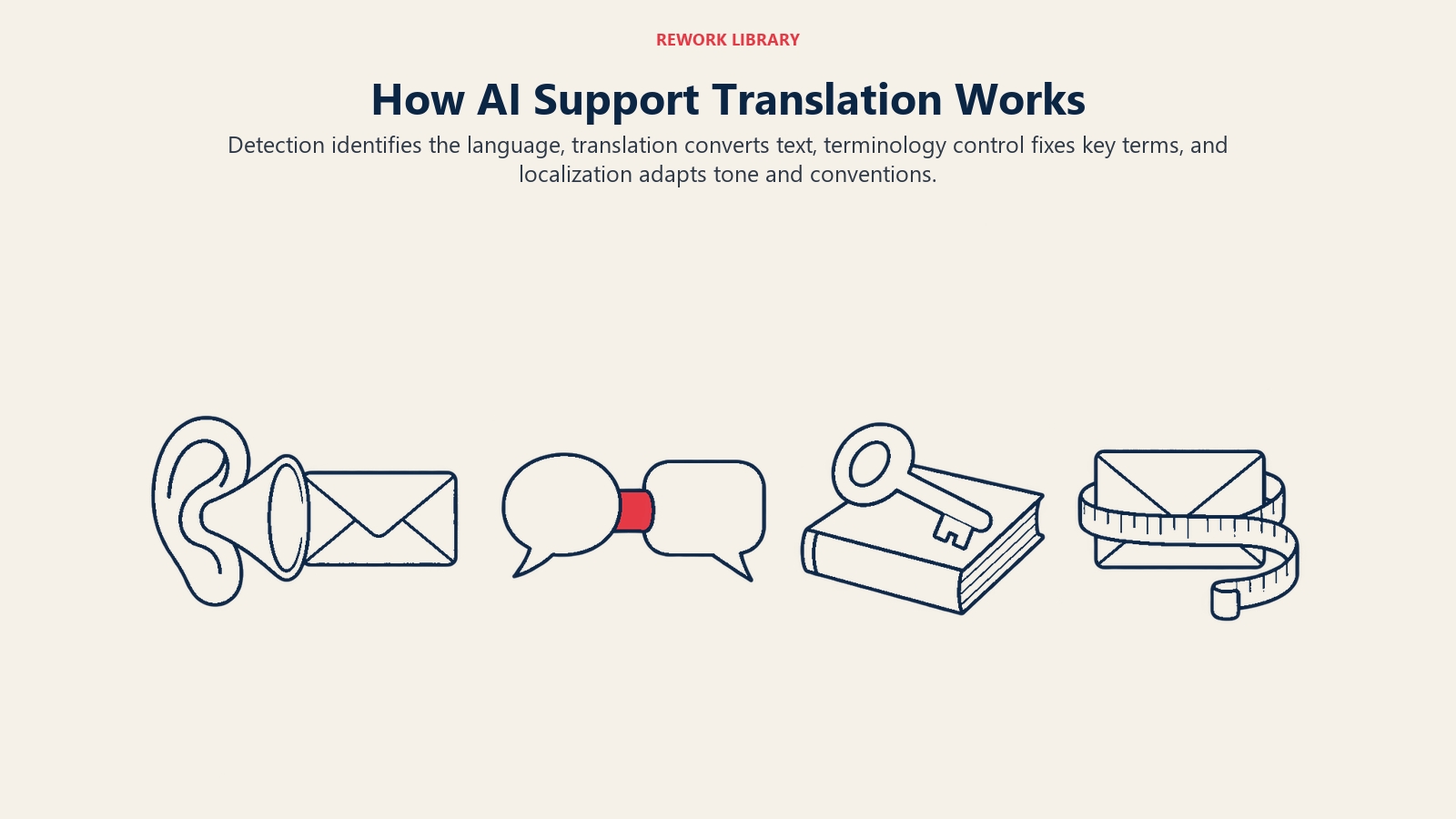
Language detection. The system identifies what language a message is written in. Translation services typically do this automatically when you don't specify a source language, as Google's Cloud Translation documentation describes for its basic API (Google Cloud). It sounds trivial. It isn't when a customer writes a short message, mixes two languages, or pastes a product code.
Machine translation. A model converts text from the source to the target language. Older neural machine translation systems and newer LLM-style translation models both exist. Google's documentation, for instance, describes a standard neural model as the default and a separate LLM-style translation model as an option you select (Google Cloud). Choosing between them is a vendor evaluation question, not something to settle in a blog post.
Terminology control. A glossary tells the system how to translate your product names, plan names and key terms every time. In Google's implementation, glossary entries override the normal translation, matching is case sensitive by default, terms are usually fewer than five words, and glossaries have no version control, so you keep the source file yourself (Google Cloud). Other platforms differ in the details, but the principle is the same: you decide what "Workspace" or "Sprint" becomes in German, not the model.
Localization. This goes past words. Dates, currencies, units, formal versus informal address, legal phrases and tone all vary by market. A reply that is grammatically perfect can still sound rude, too casual or legally wrong. Localization is why a translation tool alone doesn't give you a multilingual support function.
In ACE Framework terms, translation mostly sits at Ingest (reading the message), Analyze (detecting language and intent) and Generate (producing the reply). Putting a translated reply in front of a customer without a person checking it is an Execute step in practice, because you're sending words on your company's behalf.
Three Ways to Deploy It
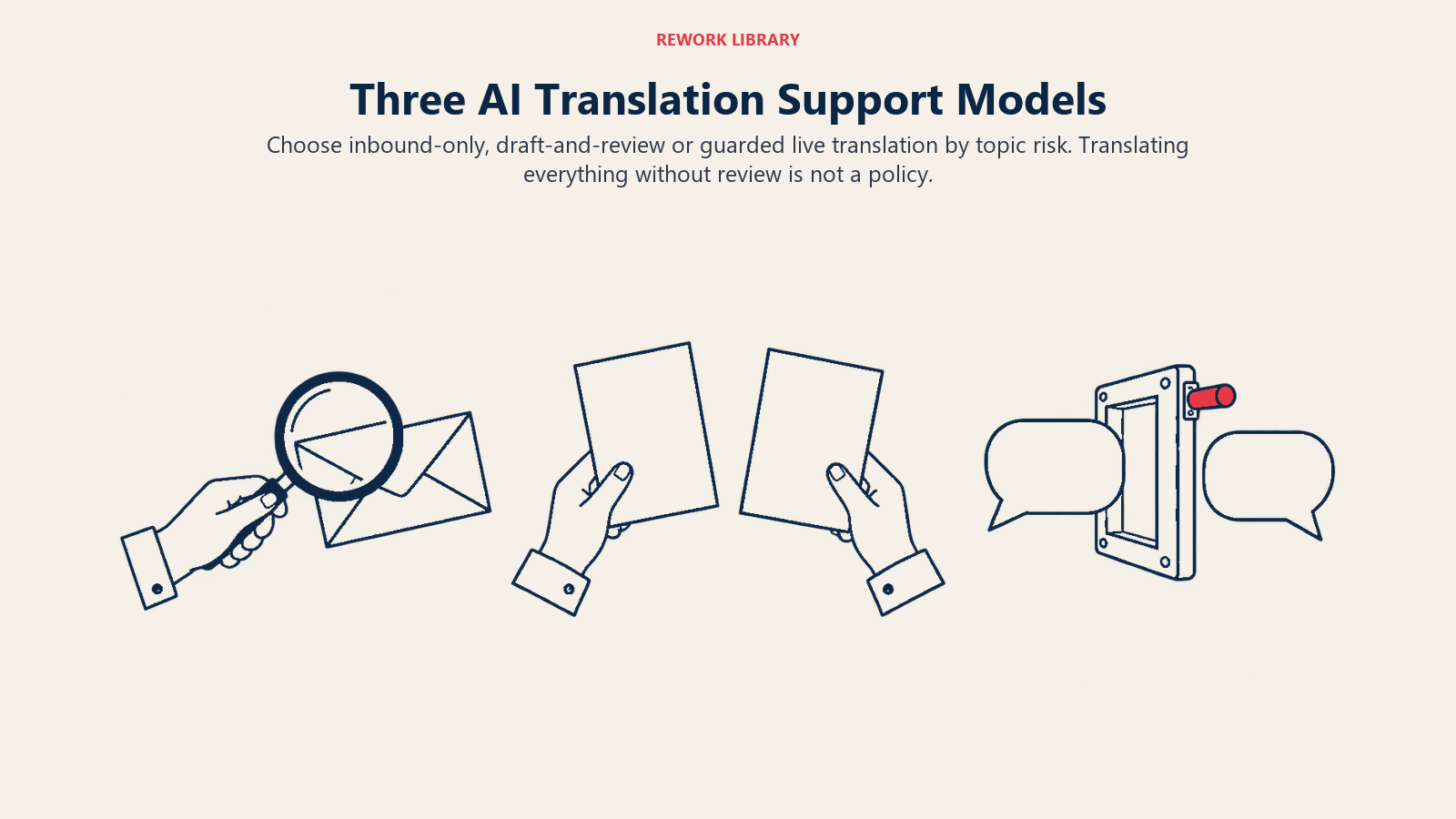
Most teams end up with one of these three patterns, and the right one depends on risk, not on how good the translation looks in a demo.
| Pattern | How it works | Best for | Main risk |
|---|---|---|---|
| Inbound translation only | Customer writes in their language; agent reads a translation and replies in the team's language | Teams with no native speakers but with a reply-in-English policy | Customer feels unheard, may not understand a reply in a second language |
| Draft and review | AI translates the agent's reply; an agent or bilingual reviewer checks it before sending | Most B2B and account-related support | Review becomes a rubber stamp |
| Auto-translate with guardrails | Translation happens live, both ways, with no review, limited to approved topics | High-volume, low-risk questions such as order status or opening hours | A mistranslation on a topic you thought was low-risk |
Notice what's missing: a fourth row for "translate everything automatically." That's not a pattern, that's the absence of a decision. The automate or assist question applies to translation as much as to any other part of support.
Examples by Function
The same technology looks different depending on who uses it.
Frontline agents. A support agent in Kuala Lumpur gets a ticket in Portuguese. The tool shows the original and a translation side by side, drafts a reply, and the agent edits it in English first, so she understands exactly what's being sent. The draft is translated back and shown to her. If the back-translation reads oddly, she simplifies the sentence rather than trusting it.
Self-service and help center. A company translates its 200 most-viewed help articles using machine translation, then has a native speaker spot-check the top 20. Search results and the chatbot answer in the customer's language, drawing on the translated articles. This is the highest-leverage place to start, because one translated article serves thousands of readers. If you're improving how customers find those articles, the piece on AI-powered help center search covers the search side.
Voice and live chat. Real-time translation for chat is now common, and speech translation is improving, but speech is harder. The WMT24 organizers described the speech domain as a challenging one for machine translation systems (WMT24 findings). If your voice volume in a language is meaningful, a bilingual agent still beats a live translation layer for anything beyond simple requests.
Legal, finance and compliance. A refund policy dispute, a data deletion request or a notice about a contract change goes to a qualified human in that language. A wrong word here can change an obligation. This is the cleanest place to draw your "no unreviewed AI" line.
What the Evidence Says About Quality
Quality isn't one number. It changes by language pair, text type and how formal the content is. The best public evidence comes from the annual Conference on Machine Translation, which compares systems using professional human judges.
In the 2024 edition, organizers collected translations from 8 large language models and 4 online providers, alongside the research systems, across 11 language pairs, and had 108 annotators contribute more than 57,000 judgments (WMT24 findings). Three takeaways matter for a support manager:
- Performance varies a lot by language pair. The paper reports near-perfect English to Spanish output for the domains tested, and the title of the paper still says machine translation isn't solved. Don't assume your rarest language performs like your most common one.
- Human evaluation is the final judge. The authors found that the top system by automatic metrics wasn't the winner across the board in human evaluation, and concluded that human evaluation should be the final judge of translation quality (WMT24 findings). For you, that means a vendor's quality score is a starting point. Test on your own tickets with a bilingual reviewer.
- The test material wasn't support tickets. The domains were news, social media, speech, literary and educational text. That's an observation about what the study covered, not a criticism of it. Support messages are short, emotional, full of product jargon and often badly spelled, so your results may differ in either direction.
Review Rules That Keep Translation Safe
Quality limits are manageable if you set rules by risk. Here's a workable starting point.
Tier by consequence. Sort the content you translate into three groups. Low risk (order status, opening hours, how-to steps) can go out with spot checks. Medium risk (billing explanations, account changes, troubleshooting that could cause data loss) needs a bilingual reviewer before sending. High risk (legal terms, refunds above a threshold, safety, regulated topics) needs a qualified human who writes or fully edits the reply.
Borrow the post-editing distinction. The translation industry has a standard for reviewing machine output, ISO 18587. It distinguishes light from full post-editing, and describes full post-editing as achieving quality comparable to human translation, with the level applied depending on what the customer needs (ATC ISO Committee). You don't need to certify anything to borrow the idea. A quick read is enough for internal use, such as an agent skimming a translated inbound ticket. Customer-facing text on consequential topics needs the full treatment, done by someone qualified in that language.
Always check numbers, names and negatives. The errors that cause real damage are rarely awkward grammar. They're a wrong amount, a swapped date, a dropped "not", or a product name translated when it should have stayed in English. Build a short checklist and put it in front of reviewers.
Keep the original visible. Every translated conversation should store the customer's original message and your original reply, so a dispute or QA review can see what was actually said. Treat mistranslation like any other AI hallucination: fluent, confident and occasionally wrong.
Give people a way out. Offer a visible option to switch to a human or to a different language. This links straight to a theme from what customers expect from AI service: people tolerate automation when they can escape it.
How to Implement Multilingual AI Support, Step by Step
- Pull the language mix from your data. Count tickets by language for the last six months, including the languages customers write in but you currently answer in English. That's your demand curve.
- Pick the first two or three languages by volume and risk. High volume with low-risk topics goes first. Don't open eight languages at once.
- Translate the help center before you translate conversations. One reviewed article serves thousands of customers. Start with the top articles by views and by ticket deflection.
- Build the glossary. List product names, plan names, feature labels, and phrases you never want translated. Get a native speaker to approve the target-language terms. Keep the source file under version control yourself.
- Write a style sheet per language. Formal or informal address, greeting style, how you refer to the customer, units and date formats. Two pages is enough.
- Choose the deployment pattern per topic. Use the table above. Map each contact reason to inbound-only, draft and review, or guarded auto-translate.
- Recruit your reviewers. Bilingual agents, regional partners or a translation vendor on call. Decide how quickly a review has to happen, because a slow review defeats the point of real-time support.
- Pilot with a baseline. Compare CSAT, first response time, reopen rate and escalation rate for the pilot language against the same measures before you started.
- Review failures weekly. Read the transcripts where the customer replied "I don't understand" or asked for a human. Fix the glossary, the style sheet or the topic rules, then expand.
The quality of the source material matters as much as the translation. Messy macros and outdated articles get translated into messy, outdated answers in a dozen languages. That's why preparing support data for AI comes before any rollout.
Pitfalls to Avoid
Treating translation as a launch checkbox. Saying you "support" a language because a widget translates into it isn't the same as serving those customers well. Measure outcomes per language.
Letting the agent reply in a language they can't read. If an agent sends a translated reply they couldn't understand, they can't spot an error or answer a follow-up. Use back-translation or a reviewer.
Translating things that should stay in English. Product names, error codes, API terms and button labels often need to match what the customer sees in your interface. A glossary solves most of this.
Ignoring dialects and registers. Spanish for Mexico, Spain and Argentina differ in vocabulary and tone, and so do Portuguese for Brazil and Portugal. Pick the variant your customers actually use.
Skipping the data and privacy check. Sending customer messages to a third-party translation service moves personal data. Confirm where it's processed, what's retained and whether your contracts and local rules allow it.
What to Measure
- Quality: share of translated replies edited by reviewers, error categories found in review (numbers, terminology, tone, omissions).
- Outcome: CSAT, first contact resolution and reopen rate, split by language and by translated versus native conversations.
- Speed: first response time and review turnaround for each language.
- Coverage: share of ticket volume answered in the customer's own language, and share of help articles available in each language.
- Control: escalation rate to bilingual humans and requests to switch language or speak to a person.
Where to Go Next
Start small. Take your single biggest non-English language, translate the top help articles, and run draft-and-review on tickets for one low-risk topic. Measure it against a baseline for a month. Then decide whether to add a language or relax the review on that topic. If you're weighing how much to leave to the machine, the automate or assist guide gives you the decision frame, and the pillar on AI in customer service shows where translation fits among the other jobs. For the human side of review, keep a human in the loop wherever a wrong word has a cost.

Customer Success Operations Manager
On this page
- Key Facts
- Why Language Support Is a Revenue and Retention Issue
- How AI Translation Works in a Support Workflow
- Three Ways to Deploy It
- Examples by Function
- What the Evidence Says About Quality
- Review Rules That Keep Translation Safe
- How to Implement Multilingual AI Support, Step by Step
- Pitfalls to Avoid
- What to Measure
- Where to Go Next