AI in Customer Service: How It Works, Use Cases and Limits
Turn this article into takeaways for your work.


Each assistant summarizes the article only for you and suggests best practices for your work.
AI in customer service is the use of machine learning and language models to answer customers directly, help human agents reply faster, review conversations for quality, and turn ticket data into insight, while people keep ownership of exceptions, judgment calls and anything that can't be undone. It isn't a single chatbot. It's four jobs that sit on top of the helpdesk, the knowledge base and the phone system you already run.
This guide is written for support leaders, CX directors and support managers. It defines the field, walks through the main use cases with examples, shows what the evidence says, and is blunt about the limits. The deeper pieces are linked as you go: how AI works across support channels, when to automate and when to assist, preparing support data for AI, how AI changes support team roles and what customers expect from AI service.
Key Facts
- In a field study of 5,179 customer support agents, access to a generative AI assistant raised issues resolved per hour by about 14% on average, and by about 34% for novice and low-skilled workers (NBER Working Paper 31161).
- Salesforce's 2025 State of Service report (6,500 service professionals, fielded April 25 to June 6, 2025) found teams estimating that AI handles 30% of cases today, and projecting 50% by 2027 (Salesforce).
- In the same report, reps using AI spend 20% less time on routine cases, about four hours a week, and 51% of service leaders say security concerns have delayed or limited their AI initiatives (Salesforce).
- Qualtrics XM Institute's survey of more than 20,000 consumers in 14 countries found nearly one in five who used AI for customer service saw no benefit, almost four times the rate for AI use in general, and 50% worry AI will keep them from reaching a human (Qualtrics).
- The CFPB found that each of the 10 largest US commercial banks had deployed chatbots, and warned of wrong answers and "doom loops" with no route to a person (CFPB).
What AI in Customer Service Actually Does
Under the vendor language, AI does the same handful of things to the same raw material: tickets, chats, emails, call recordings and help articles. It reads and transcribes (a voicemail becomes text), classifies (this is a billing complaint, it's angry, it's urgent), retrieves (the right help article or policy), drafts (a reply, a summary of a long thread) and, in the riskiest step, acts (issues a refund, changes a plan, closes a ticket).
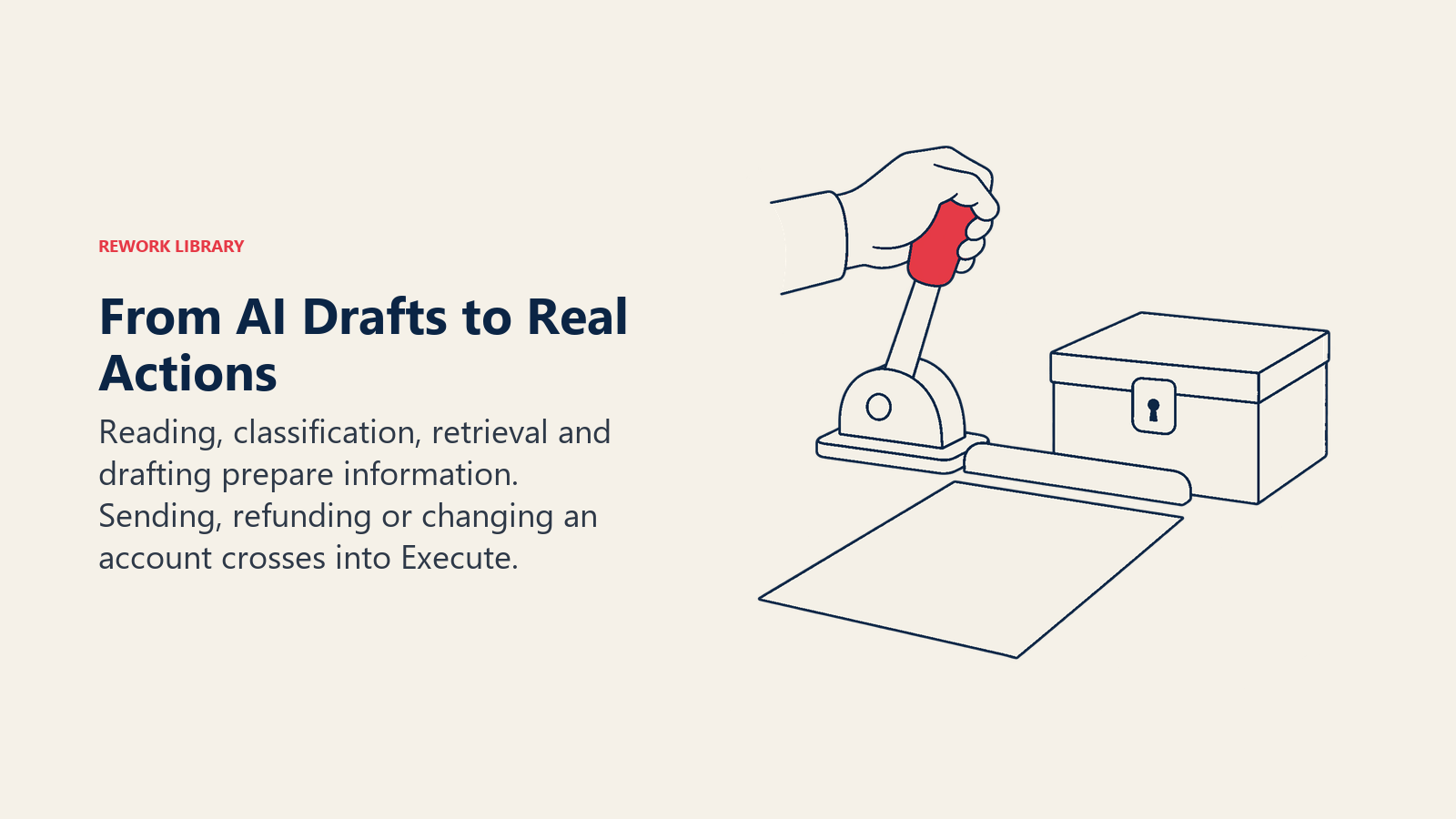
The first four of those steps mostly produce information or drafts. Acting changes something in the real world, and that's where most support incidents start: the wrong refund, the wrong account, the confident answer that was false. The line between drafting and acting is the most useful design decision you'll make, and the automate-or-assist question deserves its own treatment.
Three building blocks show up again and again:
- Retrieval-grounded answers. The assistant looks up your approved content first and answers from it. This is retrieval-augmented generation, and it's what keeps a bot from making up your return policy.
- Scoring and routing. Models predict intent, urgency, sentiment or churn risk, then route the ticket to the right queue or person.
- Workflow copilots. A drafting assistant sits next to the agent, suggests replies and summaries, and the agent decides what goes out.
It also helps to separate this from older automation. A decision-tree bot that offers five buttons is rules, not learning. It's predictable and still useful for narrow flows. The newer tools handle free-text questions, which is both their strength and the source of their new failure modes.
The Four Main Use Cases
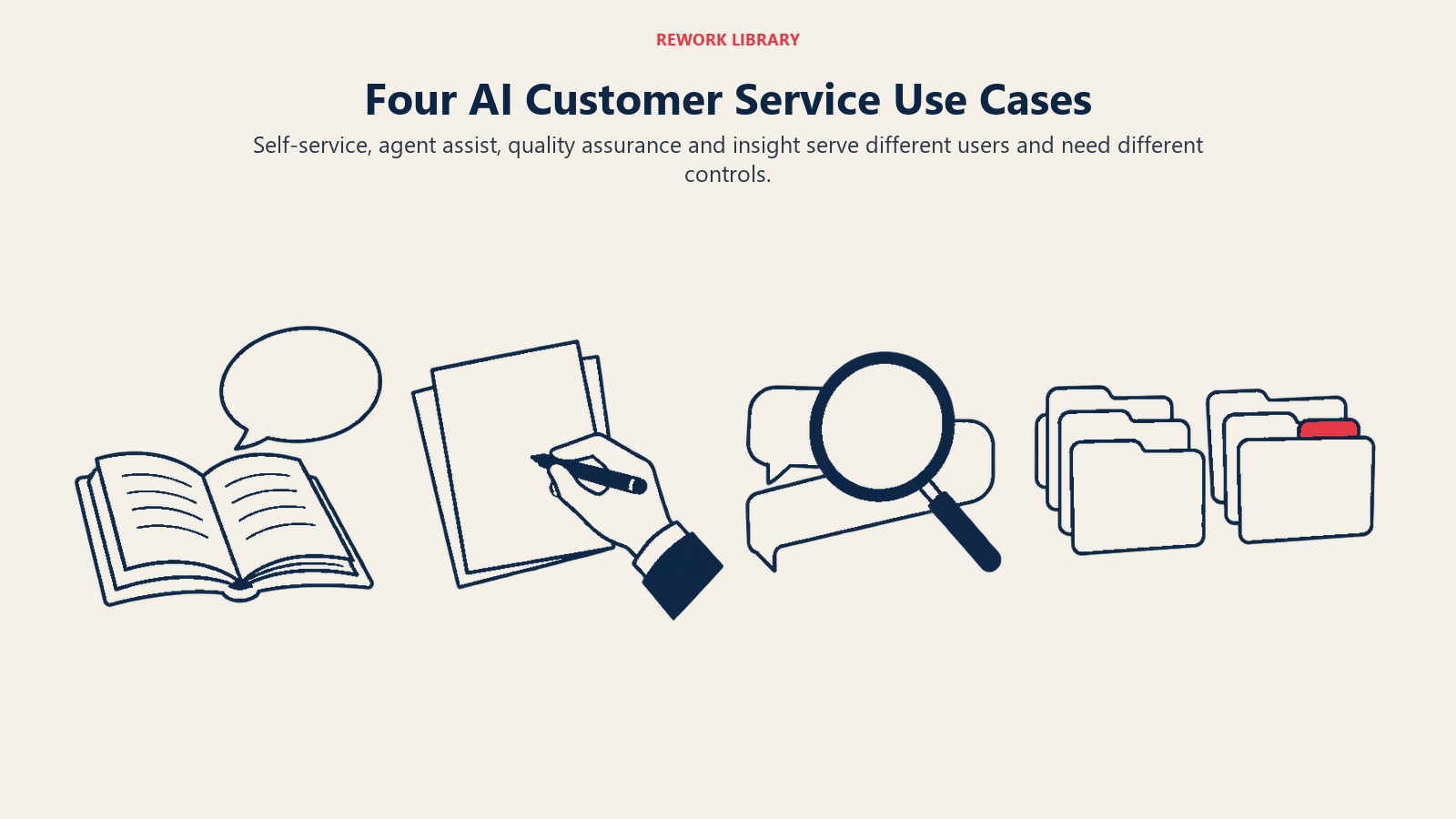
Most deployments fall into one of four jobs. The table shows what each does, who benefits first and what the main risk is.
| Use case | What AI does | Who benefits first | Main risk |
|---|---|---|---|
| Self-service | Answers customer questions directly in chat, in the help center or by voice | Customers with simple, repeat questions | Wrong or invented answers, no path to a person |
| Agent assist | Suggests replies, surfaces articles, summarizes the case, drafts wrap-up notes | New and mid-skill agents | Agents accepting drafts without reading them |
| Quality assurance | Scores 100% of conversations against a rubric instead of a small sample | QA leads and coaches | Scores that don't match what customers actually value |
| Insight | Clusters ticket themes, detects spikes, links contact reasons to churn | Product, ops and CX leaders | Acting on themes built from messy tags |
Self-service
This is the use case people picture first: a chat widget or voice line that resolves the question without a person. It works best on questions with a clear, documented answer that don't need account judgment, such as order status, password resets, plan features or opening hours. Done well, a customer gets an instant answer at 2 a.m. and your team never sees the ticket. Done badly, the customer loops. The CFPB's report on bank chatbots describes exactly this: customers stuck in repetitive responses, with one cited survey finding that 78% of consumers who used a chatbot still needed to reach a human afterward (CFPB). The fix is a visible, fast route to a person. For the full list of support agent types, read AI agents for customer support rather than rebuilding it here. For self-service in more depth, see AI search for help centers, AI for email support, multilingual support, proactive outreach and the B2B case.
Agent assist
Here the customer still talks to a human. The AI works behind the agent: it reads the ticket, pulls the relevant policy, drafts a reply and writes the case summary. A support rep handling a billing dispute gets a suggested answer with the refund policy attached, edits two sentences and sends it.
This is the best-evidenced use case. In the NBER field study of 5,179 agents, the assistant raised resolutions per hour by about 14% on average, but the gains were uneven: about 34% for novice and low-skilled workers and minimal for experienced ones (NBER Working Paper 31161). The authors also report improved customer sentiment and better employee retention, and suggest the tool spreads the habits of stronger agents to newer ones. The practical lesson for a manager: agent assist is a training and ramp-time tool as much as a speed tool. The guide to AI agent assist covers suggested replies, knowledge surfacing and rollout, and AI ticket summaries covers what a good case summary should capture.
Quality assurance
Manual QA usually means a reviewer scoring a handful of tickets per agent per month. AI can score every conversation against your rubric: did the agent verify identity, follow the refund policy, close the loop? That changes QA from sampling to coverage. The risk is a rubric that rewards the wrong things, so check the AI's scores against human reviewers on a sample before you coach anyone from them. Run the same sample check on any bot you monitor. See AI quality assurance for support for calibration, and AI coaching for support agents for turning scores into feedback.
Insight
Every ticket is a data point about your product. AI can group 5,000 free-text complaints into a dozen themes, flag a sudden jump in one contact reason, and show which issues precede cancellations. A support director who can walk into the product meeting with "login failures on the new release rose sharply this week, and here are 40 examples" gets action that a monthly report never would. This use case depends most on tidy ticket data, which is why data preparation comes before any tool.
Real Examples by Function
The same four jobs look different depending on who is using them.
Tier 1 frontline. A telecom support team puts an assistant on the help center that answers plan and billing-date questions from approved articles, hands off with a transcript when it isn't sure, and never touches the account itself. Agents get the conversation already summarized, so nobody asks the customer to repeat themselves.
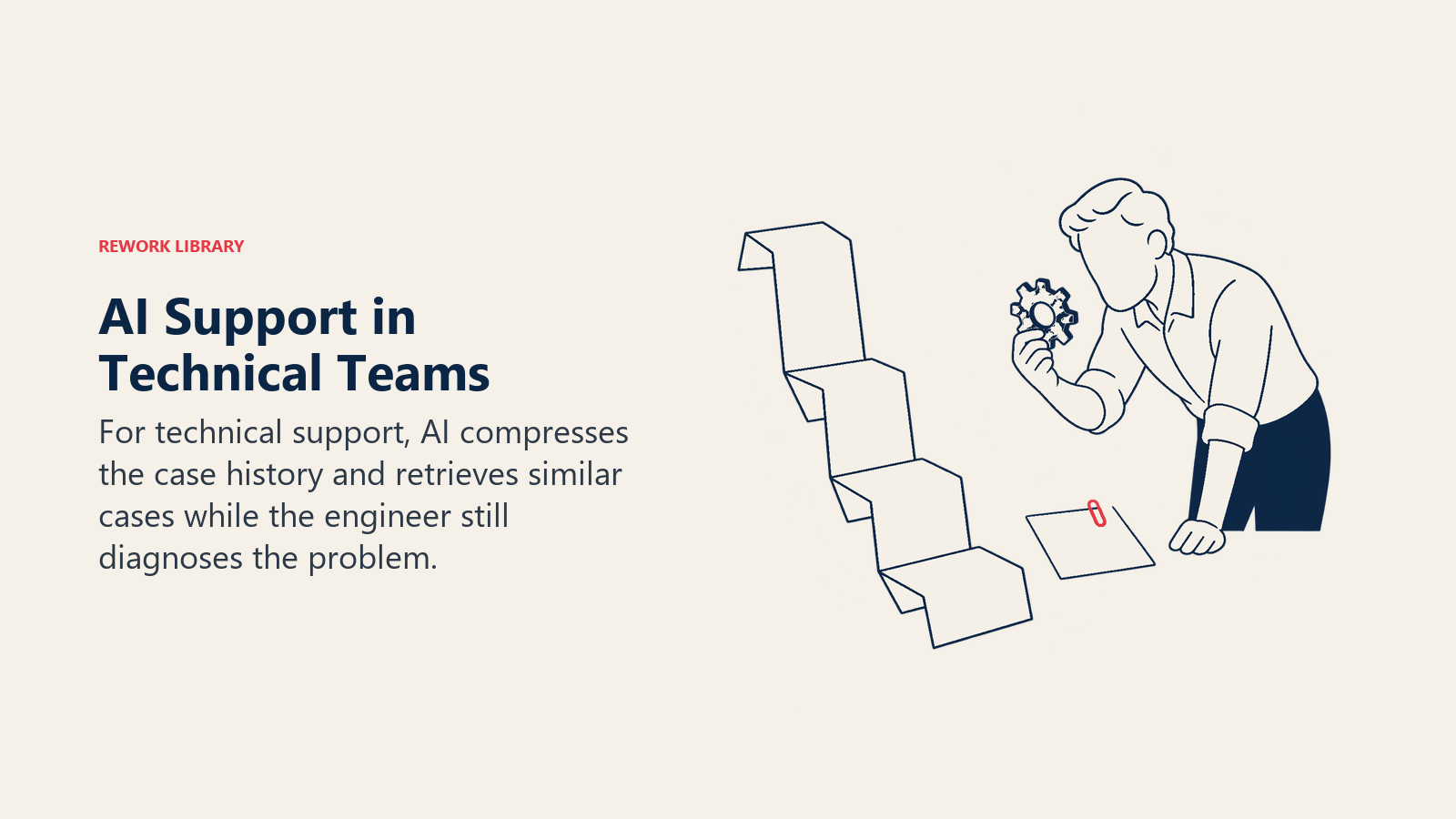
Tier 2 and technical support. An engineer opens a ticket with 40 messages in it. The assistant produces a three-line summary, lists the steps already tried and suggests two similar resolved cases. The engineer still diagnoses the problem. The time saved is reading, not thinking.
Support operations. An ops lead uses classification to route tickets by intent and urgency, so a "my account was charged twice" message reaches the billing queue ahead of a feature question. This is the scoring-and-routing pattern, and it quietly removes a lot of manual triage. Customer intent detection explains how to build the taxonomy behind it, and the same intent data feeds support volume forecasting.
QA and coaching. A QA manager reviews every call transcript for policy misses instead of ten per agent. Coaching time shifts from finding problems to fixing them.
CX and product. A CX director asks the ticket data why contacts rose last month, and gets themes with example tickets attached, not a chart of tag counts.
Adoption: What the Evidence Shows
Be careful with adoption numbers, because the ones in circulation are usually estimates and surveys of different populations. Here's what's reasonably solid.
Salesforce's 2025 State of Service report (its seventh edition) puts AI's current share of cases at about 30% in the eyes of service teams, rising to 50% by 2027 (Salesforce). That's a vendor survey of 6,500 service professionals, and the 2027 figure is a projection, not a measurement. Salesforce itself notes that the optimism of agentic AI users may partly reflect selection bias, since early adopters tend to be more future-focused. Read it as direction, not a benchmark.
On the customer side, the picture is less rosy. Qualtrics XM Institute's survey of more than 20,000 consumers across 14 countries, fielded in the third quarter of 2025, found nearly one in five consumers who had used AI for customer service saw no benefit, almost four times the rate for AI use in general (Qualtrics). Half of consumers also worry AI will keep them from reaching a person. Put the two together and you get the real story: companies are moving fast, and customers aren't yet convinced. The gap is where support leaders earn their keep.
How to Implement AI in Customer Service, Step by Step
- Start from your contact reasons, not the tool. Pull the top 20 reasons customers contact you and mark which are repetitive, documented and low-risk. Those are candidates. Anything involving money, safety or legal exposure waits.
- Pick one job. Agent assist is usually the safest first move because a human reviews every output. Self-service on a narrow topic is the next.
- Fix the content and data. The assistant is only as good as your help articles, macros and ticket tags. Outdated articles produce outdated answers, fast.
- Decide the handoff in writing. Define when the AI must stop and pass to a person: low confidence, an angry customer, a refund over a set amount, a regulated topic. Build it as real human-in-the-loop design, with the transcript travelling with the customer.
- Tell customers when they're talking to AI. In some places, that's becoming a legal requirement as well as good manners. Check the rules where you operate.
- Pilot with a baseline. Measure first contact resolution, handle time, reopen rate, CSAT and escalation rate before you switch anything on, then compare for at least a month.
- Review conversations weekly. Read real transcripts, especially the failed ones. Fix the content gap, not just the prompt.
- Reset roles and coaching. Agents become reviewers and exception handlers.
- Expand one job at a time. Add a channel or a topic only when the last one's numbers hold.
Pitfalls to Avoid
Automating to cut cost, not to solve the problem. Customers can tell when a bot exists to keep them away from your team. Measure resolution, not deflection.
Hiding the human. If the only way to a person is buried five menus deep, you've built the doom loop the CFPB warned about. Make the exit obvious.
Feeding it bad content. Duplicate articles, stale policies and conflicting macros all become confident wrong answers.
Skipping guardrails. Without guardrails on what the assistant may say and do, one odd prompt can produce a promise you can't keep.
Treating deflection as success. A customer who gives up isn't a resolved customer. Track whether they came back through another channel.
Ignoring security. In the Salesforce survey, 51% of service leaders said security concerns had delayed or limited their AI initiatives (Salesforce). Customer data in a prompt is customer data leaving your perimeter.
The Limits of AI in Customer Service
Accuracy. Language models can state wrong things fluently, and the CFPB notes that such tools often generate incorrect outputs that some users can't detect (CFPB). Grounding answers in approved content reduces the problem but doesn't remove it.
Judgment and empathy. A bereaved customer closing a late relative's account, or a small business owner whose payroll just failed, needs a person. AI can detect that a message is distressed. It can't be accountable for how the situation is handled.
Novel and messy problems. AI is strongest on common, documented issues. The weird edge case, the policy exception, the outage nobody has written up: those still go to people.
Uneven benefit. The NBER study found large gains for novices and minimal ones for experts (NBER Working Paper 31161). Don't promise a flat percentage across your whole team.
What to Measure
Track speed and quality together. A faster queue with a worse experience isn't progress.
- Resolution: first contact resolution, reopen rate, share of conversations resolved without a human and not returning within seven days (see how to define AI resolution rate).
- Efficiency: average handle time, time to first response, cost per resolved contact.
- Experience: CSAT on AI-handled versus human-handled contacts, shown separately.
- Control: escalation rate, share of AI answers corrected by agents, policy violations found in QA.
- People: agent ramp time, attrition, agent satisfaction with the tools.
Where to Go Next
If you only do one thing this quarter, pick the one repetitive contact reason that's well documented, put an assistant in front of your agents for it, and compare against a baseline. Then read the channel and automate-or-assist guides linked at the top before you let anything talk to customers alone.
Frequently Asked Questions about AI in Customer Service
What is AI in customer service in simple terms?
It's software that uses machine learning and language models to answer customers, help agents write replies, score conversations for quality and find patterns in tickets. People stay in charge of exceptions, sensitive cases and anything that changes an account or money.
How much can AI improve agent productivity?
In an NBER study of 5,179 support agents, a generative AI assistant raised issues resolved per hour by about 14% on average, and about 34% for novice and low-skilled agents, with minimal gains for experienced ones. Your results will depend on your tickets, tools and training.
What should a support team automate first?
Start with high-volume, documented, low-risk work such as order status, password resets and first-draft replies reviewed by an agent. Leave refunds, regulated topics and emotionally charged cases for people until you have tested handoffs and measured accuracy.
Do customers like AI customer service?
Mixed. A Qualtrics XM Institute survey of more than 20,000 consumers found nearly one in five who used AI for customer service saw no benefit, and 50% worry AI will keep them from reaching a human. A fast, obvious route to a person tends to matter more than the bot itself.
Will AI replace customer service agents?
It's more likely to change the mix of work. Routine questions shrink while exception handling, coaching, content ownership and AI review grow. Salesforce's 2025 survey found reps using AI spend 20% less time on routine cases. Plan the role shift deliberately.
How do I stop an AI assistant giving wrong answers?
Ground it in approved, current content, limit what it's allowed to say and do, set confidence thresholds that trigger a handoff, and read real transcripts every week. No setting removes errors entirely, so keep a human review path for anything consequential.

Customer Success Operations Manager
On this page
- Key Facts
- What AI in Customer Service Actually Does
- The Four Main Use Cases
- Self-service
- Agent assist
- Quality assurance
- Insight
- Real Examples by Function
- Adoption: What the Evidence Shows
- How to Implement AI in Customer Service, Step by Step
- Pitfalls to Avoid
- The Limits of AI in Customer Service
- What to Measure
- Where to Go Next