Best Approval Workflow Software in 2026: 16 Tools Compared
Turn this article into takeaways for your work.


Each assistant summarizes the article only for you and suggests best practices for your work.
The single biggest split in this category is not features, it's the pricing unit. ApprovalMax charges per organisation with unlimited users. Cflow, Quickbase, and Kintone charge per user. Rework charges per engine, with seats in blocks of 5. Kissflow, Process Street, and Nintex charge whatever a sales call lands on.*
If approvals are a finance problem, ApprovalMax is the strongest starting point because it charges per organisation, not per approver. If you already pay for Microsoft 365, Power Automate is the cheapest realistic first build. If you want approvals to sit next to your CRM, projects, and HR records rather than in a fourth login, Rework is the consolidation play. This guide covers 16 tools, ordered by how often each one genuinely belongs on an approval-software shortlist, not alphabetically.
Approval workflow software is a confusing category because three very different products all answer to the name. Purpose-built approval tools (ApprovalMax, Cflow) route requests and enforce policy. Finance and procurement platforms (Precoro) attach approvals to purchase orders and invoices. Workflow and no-code generalists (Kissflow, Pipefy, Quickbase, Zoho Creator, monday.com) let you build an approval process alongside everything else. Buying the wrong shape is the most expensive mistake in this category, so the comparison table below flags which shape each tool is before it flags a price. If your problem is broader than approvals, the Best Business Process Management Software hub covers the wider field.
Key Facts
- The average accounts payable organisation takes 9.2 days to process a single invoice, while Best-in-Class teams take 3.1 days and all others take 17.4 days. (Ardent Partners, AP Metrics that Matter in 2025)
- 41% of AP leaders named "invoice/payment approvals take too long" among their top operational challenges. (Ardent Partners, AP Metrics that Matter in 2025)
- The average organisation spends $9.40 to process a single invoice, against $2.78 for Best-in-Class teams and $12.88 for everyone else. (Ardent Partners, AP Metrics that Matter in 2025)
- Gartner predicts 90% of finance functions will deploy at least one AI-enabled technology solution by 2026, while fewer than 10% of those functions will see headcount reductions. (Gartner)
- The global workflow automation market is projected to grow from $27.91 billion in 2026 to $65.26 billion by 2034, an 11.20% compound annual growth rate. (Fortune Business Insights)
Quick Comparison Table
| Tool | Shape | Best For | Starting Price | Key Strength | Key Limitation |
|---|---|---|---|---|---|
| Microsoft Power Automate | Workflow generalist | Microsoft 365 shops building approvals in the tenant they already pay for | Premium $15/user/month paid yearly | Approvals ship as a native action in Teams, Outlook, and SharePoint | Bots and process mining bill as separate line items |
| Kissflow | Workflow generalist | Business teams comfortable buying through a consultation | Not published, fixed annual agreement | No-code process builder aimed squarely at non-technical owners | Zero published figure, and its own content pages disagree |
| ApprovalMax | Purpose-built approvals | Finance teams on Xero, QuickBooks Online, or NetSuite | Standard $49.50/month per organisation, billed yearly | Priced per organisation with unlimited users and unlimited approvals | Only useful if your ledger is one it supports |
| Cflow | Purpose-built approvals | Ops teams wanting an approval engine with a real per-user price | Joy $11/user/month billed annually, 10-user minimum | Publishes both the annual and the month-to-month rate | Joy caps at 20 workflows and needs 10 seats minimum |
| Pipefy | Workflow generalist | Teams that want to prototype an approval flow before any budget talk | Free (Starter, capped); Business quote-only | Free tier is genuinely usable at 10 users and 5 processes | Paid tiers bill per user with no published rate |
| Rework | Consolidated platform | Ops teams wanting approvals next to CRM, projects, and HR on one bill | Process Engine from $99/mo billed yearly (5 seats) | One published engine price you can compute without a call | Not a BPMN engine, no RPA, no templated document generation |
| Process Street | Workflow generalist | Recurring, checklist-driven SOPs with approval gates | Not published, contact sales on all three tiers | Checklist-first design most business users grasp immediately | No dollar figure anywhere, same opacity as Kissflow |
| monday.com | Work management | Teams wanting approvals inside the board they already run work on | Basic $9/seat/month billed annually, 3-seat minimum | Approvals live beside the actual work, not in a separate tool | Above 40 seats monday routes you to a quote |
| Tallyfy | Purpose-built process | Very small teams needing a real price with no seat floor | Full seat $300/year billed annually | Only vendor here with a 1-seat minimum and a printed price | Process tracking depth, not a policy or spend engine |
| Precoro | Procurement and AP | Companies whose approvals are purchase orders and invoices | Core from $499/month billed annually | Approvals attached to real budget and PO controls | Entry price is a platform fee, steep for a small team |
| BILL | Procurement and AP | Finance teams whose approvals are bills and payments | Essentials $49/user/month | Approval sits on the bill and the payment it releases | Custom policies and approver-only seats start at Corporate ($89) |
| Zoho Creator | No-code builder | Budget-conscious teams already inside the Zoho ecosystem | Standard $8/user/month billed annually | Cheapest published per-user rate on this list | You are building the approval app, not buying one |
| Kintone | No-code builder | Teams wanting a database and approval routing in one place | Professional $24/user/month regular, 5-user minimum | Approval routing is native, not a bolt-on automation | Promotional pricing hides a jump at renewal |
| Quickbase | No-code builder | Ops teams needing approvals over a real relational data model | Team $35/user/month priced annually | Publishes a per-user rate most enterprise rivals won't | An unquantified platform minimum stacks on top |
| Nintex | Enterprise workflow | Enterprises needing workflow plus document generation together | Not published, contact sales | Workflow, document generation, and eSign in one suite | Publishes no price, no tier name, and no range at all |
| Jotform | Form-driven approvals | Teams whose approvals start with an external form submission | Free (Starter); Bronze $39/month or $408/year | Form-to-approval in one product, no integration needed | No seat allowance published below Enterprise |
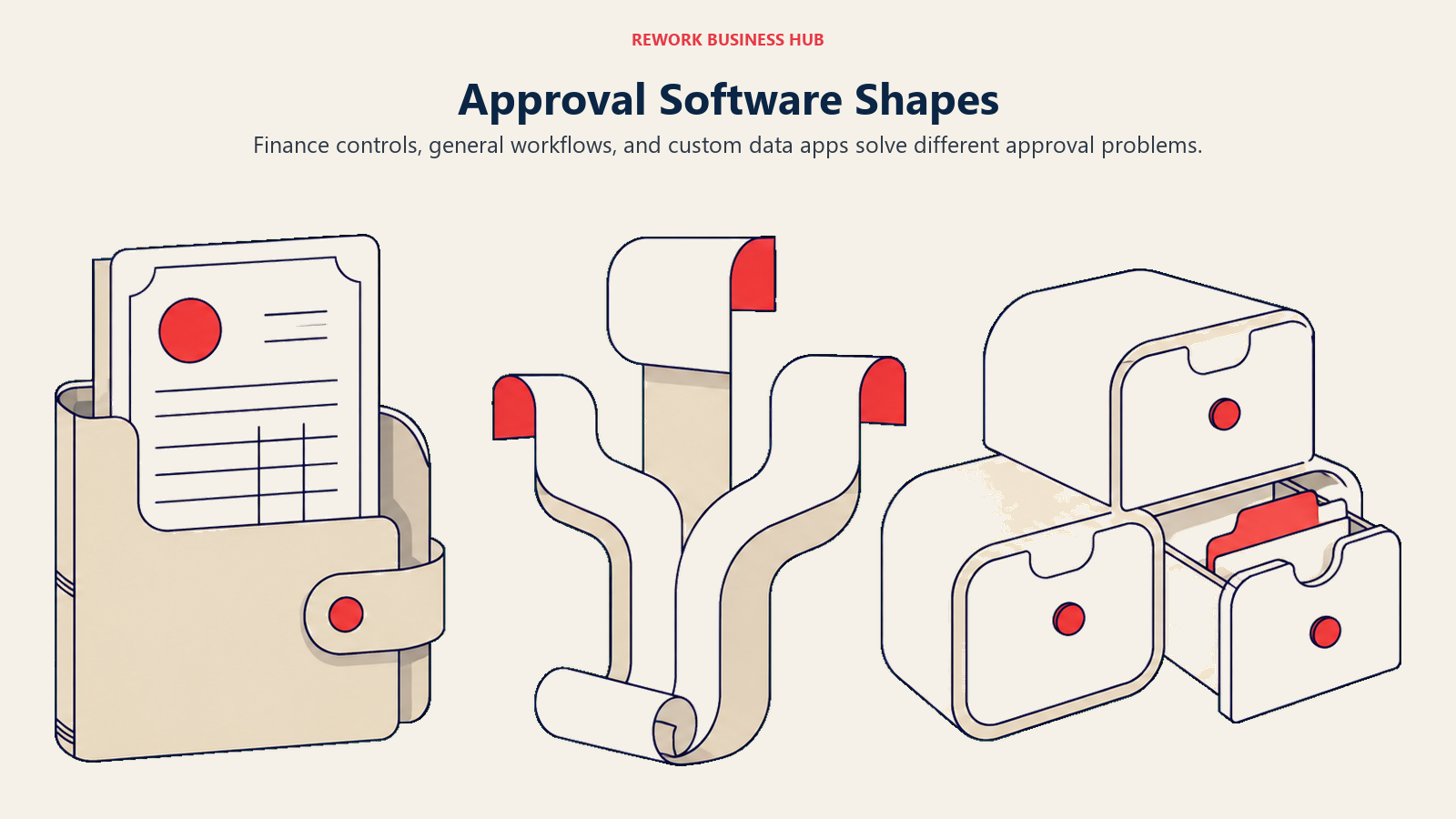
The Three Shapes of Approval Software, and Which One You Actually Need
Most roundups in this category treat all 16 of these tools as competitors. They aren't. They solve different halves of "we need approvals" and buying across the wrong boundary is how teams end up paying for a platform they use 5% of.
| Shape | What it does well | What it does badly | Tools here |
|---|---|---|---|
| Purpose-built approvals | Routes a request through a policy: thresholds, delegation, multi-step sign-off, audit trail | Almost everything else; you'll still need a system of record | ApprovalMax, Cflow, Tallyfy |
| Procurement and AP | Ties approval to spend controls: budgets, POs, three-way match, supplier records | Non-financial approvals like leave, content, or access requests | Precoro, ApprovalMax, BILL |
| Workflow generalists | Model any process, approvals included, with forms, stages, and automations | Finance-grade controls; you build the policy logic yourself | Power Automate, Kissflow, Pipefy, Process Street, Nintex |
| No-code builders | Approvals over your own data model, with reporting on top | Time to value; someone has to build and maintain the app | Zoho Creator, Kintone, Quickbase |
| Work management | Approval steps embedded in the project or board where work already happens | Standalone approval policy enforcement across departments | monday.com, Rework |
| Form-driven | Capture from an external requester, then route the submission for sign-off | Internal approvals with complex thresholds or ERP integration | Jotform |
The fastest way to place yourself is to answer one question: does your approval bottleneck sit in finance or everywhere? If it's finance, a per-organisation approval tool bolted to your ledger will beat a generalist on both price and audit quality, and the reason is exceptions rather than routing. Ardent Partners puts the overall invoice exception rate at 14%, with Best-in-Class teams at 9.0% and everyone else at 22.0%, and an exception is precisely the thing a generic workflow tool hands back to a human with no context attached. If approvals are stuck across HR, IT access, marketing, and procurement all at once, a generalist or a consolidated platform is the honest answer, because buying four purpose-built tools costs more than one platform every time.
The no-code builder route deserves one caution before you commit to it. Forrester's Developer Survey, 2025 found that 89% of development executives said their firm is either currently implementing or actively planning a citizen developer strategy, so building your own approval app is a mainstream choice rather than a fringe one. But a citizen-built approval app is still an app somebody has to own after its builder changes teams, and approval logic that encodes a spending policy has a nasty habit of outliving the person who wrote it.
1. Microsoft Power Automate: Approvals Inside the Tenant You Already Pay For
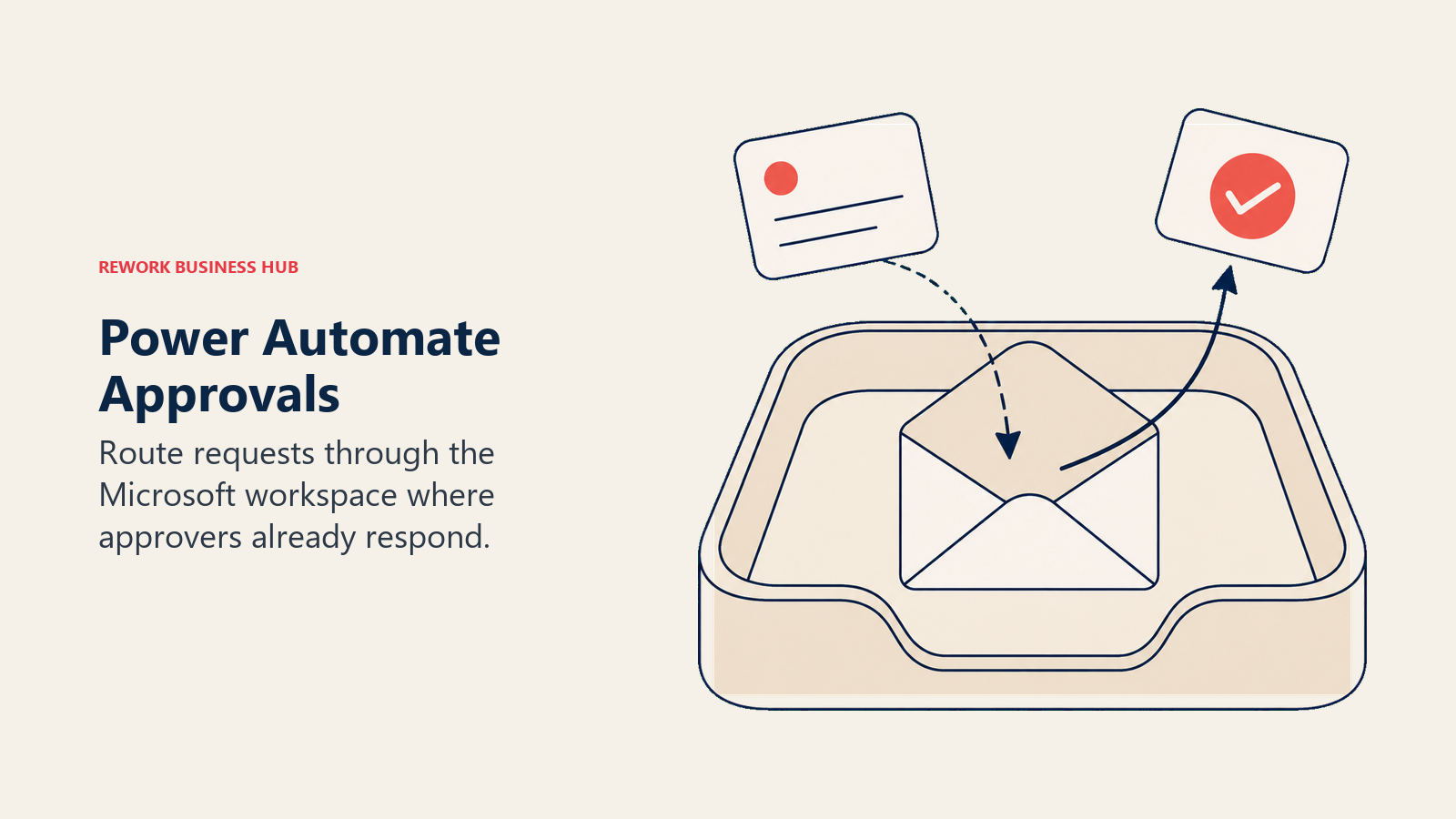
Power Automate is the automation layer of Microsoft Power Platform, and approvals are its single most-used template. The approval action is native: a request fires from a SharePoint list, a form, or a Teams message, the approver responds inside Outlook or Teams without opening another tool, and the outcome writes back to the source. For a company already paying for Microsoft 365, that removes the two things that kill approval adoption, a new login and a new inbox.
The catch is what the base licence actually covers. A limited set of cloud-flow capability comes with Microsoft 365, and Premium at $15 per user per month paid yearly is what buys premium connectors and attended desktop flows (RPA). Unattended bots run $150 per bot per month paid yearly under the Process plan, and $215 per bot per month paid yearly for Hosted Process, which adds a Microsoft-hosted VM on Azure. Process Mining is a $5,000 per tenant per month add-on, paid yearly, available only alongside Premium. Microsoft states all four figures as paid yearly and doesn't show month-to-month rates. If your Power Automate evaluation is really a Nintex replacement evaluation, Power Automate vs Nintex runs that matchup head to head.
| Pros | Cons |
|---|---|
| Approvals arrive in Teams and Outlook, where approvers already are | Bots and process mining are separate line items, not included |
| A real published per-user rate, no sales call for the base licence | Full value assumes you're already committed to Microsoft |
| 30-day free trial covering cloud flows and standard connectors | Governance and licensing get complicated fast at scale |
Pricing: Free 30-day trial (cloud flows, standard connectors only). Premium $15/user/month paid yearly. Process $150/bot/month paid yearly. Hosted Process $215/bot/month paid yearly. Process Mining add-on $5,000/tenant/month paid yearly, requires Premium. Month-to-month rates not published. (Microsoft) Best for: Microsoft 365 organisations that want approval routing inside Teams, SharePoint, and Outlook without adding a vendor. Not ideal for: Finance teams needing ledger-native invoice approval; Power Automate can call your accounting system, but it won't give you three-way match or a finance audit trail out of the box.
2. Kissflow: The No-Code Approval Builder That Won't Show You a Price
Kissflow built its reputation on letting a business user assemble an approval workflow without IT, and that's still the pitch: forms, stages, conditional routing, and a process owner who isn't a developer. It's genuinely good at the everyday approvals that don't belong in finance software, leave requests, purchase requests, content sign-off, vendor onboarding. Where it struggles is telling you what any of that costs.
Kissflow's pricing page publishes no dollar figures, no tier names, and no minimum user count. What it publishes is language: "Pricing built around the value you generate", "No surprise costs", "Fixed annual agreements", and a consultation booking. Worse for a buyer trying to budget, Kissflow's own 2026 content pages cite conflicting starting points, $1,500 per month for up to 50 users on one page and $2,500 per month on another and in that first page's own FAQ. Treat every circulating figure as unconfirmed and get the number in writing before you plan around it. If Kissflow is your incumbent and price opacity is the reason you're looking, Best Kissflow Alternatives covers the switch, and Kissflow vs Pipefy runs the closest head-to-head in this category.
| Pros | Cons |
|---|---|
| Approval logic a non-technical process owner can build and maintain | No published price, no tier names, no minimum user count |
| Fixed annual agreements avoid per-seat creep as headcount grows | The vendor's own content pages quote conflicting starting figures |
| Covers process, case, and project work in one no-code platform | Every evaluation starts with a sales consultation, not a trial price |
Pricing: Not published on Kissflow's pricing page; sold as a fixed annual agreement quoted per organisation. Kissflow's own 2026 content pages quote conflicting starting points, $1,500/month for up to 50 users on one page and $2,500/month on another (and in that first page's own FAQ), so treat every circulating figure as unconfirmed. (Kissflow) Best for: Mid-size teams that want a business-user-owned approval builder and are comfortable reaching a number through a consultation. Not ideal for: Anyone who needs to budget before a sales call, or a finance team wanting invoice approvals wired to the ledger.
3. ApprovalMax: Approvals Priced Per Organisation, Not Per Approver
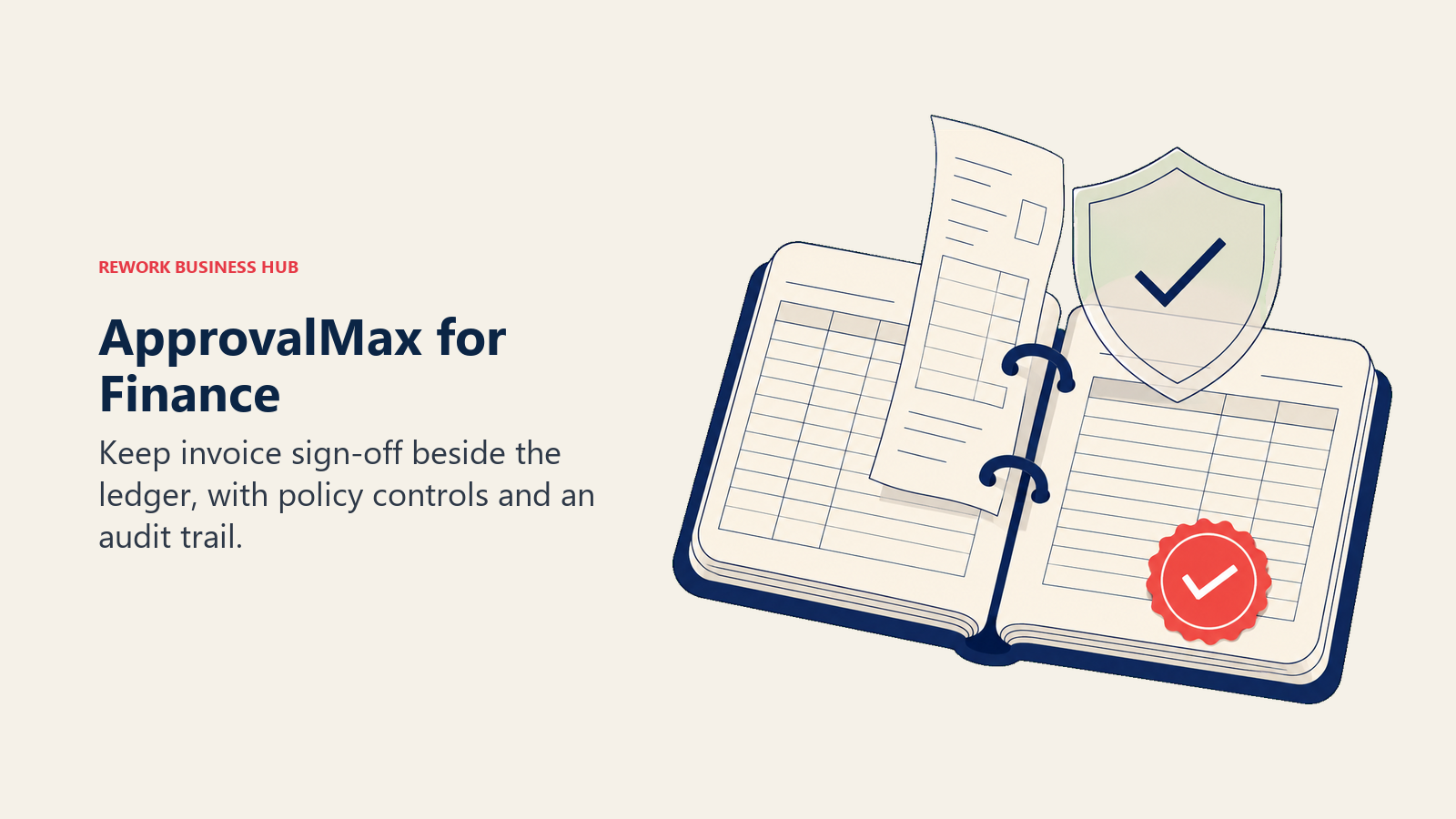
ApprovalMax is the most literal answer to "approval workflow software" on this list, and its pricing model is the reason it wins so many finance evaluations. It bolts onto Xero, QuickBooks Online, or NetSuite and adds the approval layer those ledgers lack: multi-step sign-off on bills, purchase orders, and sales invoices, threshold-based routing, delegation during absence, and an audit trail an auditor will actually accept.
The unit is per organisation, not per user. Standard runs $49.50 per month per organisation billed yearly, Advanced $79.17, and Premium $110.92, and all three include unlimited users, unlimited requests, and unlimited approvals. Xero and QuickBooks Online plans carry the same published figures; NetSuite is priced separately. ApprovalMax does not publish a monthly-billed rate on the page, so the annual figure is the only confirmed number. The platform supports up to 50-plus organisations, which is why accounting firms and multi-entity groups gravitate to it. Add-ons and extras: ApprovalMax Capture is $13.20 per month, an optional training package is USD$2,100 for two 60-minute sessions, volume discounts are available, and not-for-profits get 20% off. Free trial, no credit card. If you're already on it and outgrowing the ledger boundary, Best ApprovalMax Alternatives covers where finance teams go next.
| Pros | Cons |
|---|---|
| Per-organisation pricing with unlimited users; adding approvers costs nothing | Only useful if your ledger is Xero, QuickBooks Online, or NetSuite |
| Purpose-built finance audit trail, not a generic workflow log | Won't handle non-financial approvals like access or content sign-off |
| Supports 50-plus organisations, which suits firms and multi-entity groups | Monthly-billed rate is not published, so annual is the only known price |
Pricing: Standard $49.50/month per organisation, Advanced $79.17/month per organisation, Premium $110.92/month per organisation, all billed yearly, all with unlimited users, requests, and approvals. Xero and QuickBooks Online carry the same figures; NetSuite is priced separately. Monthly-billed rate not published. ApprovalMax Capture add-on $13.20/month. Optional training USD$2,100 (two 60-minute sessions). Free trial, no credit card. Volume discounts available; not-for-profits 20% off. (ApprovalMax) Best for: Finance and accounting teams on a supported ledger who want unlimited approvers without watching a per-seat bill climb. Not ideal for: Companies whose approvals are mostly non-financial, or anyone on an ERP ApprovalMax doesn't support.
4. Cflow: A Purpose-Built Approval Engine That Prints Both Its Prices
Cflow sits in the gap between ApprovalMax's finance focus and Kissflow's platform ambitions: a no-code approval and workflow engine with visual routing, conditional logic, SLA tracking, and a form builder, sold to ops teams that want approvals for everything rather than approvals for invoices. It's not the most powerful tool here, but it does the one thing most of this category refuses to do, which is publish a complete price list.
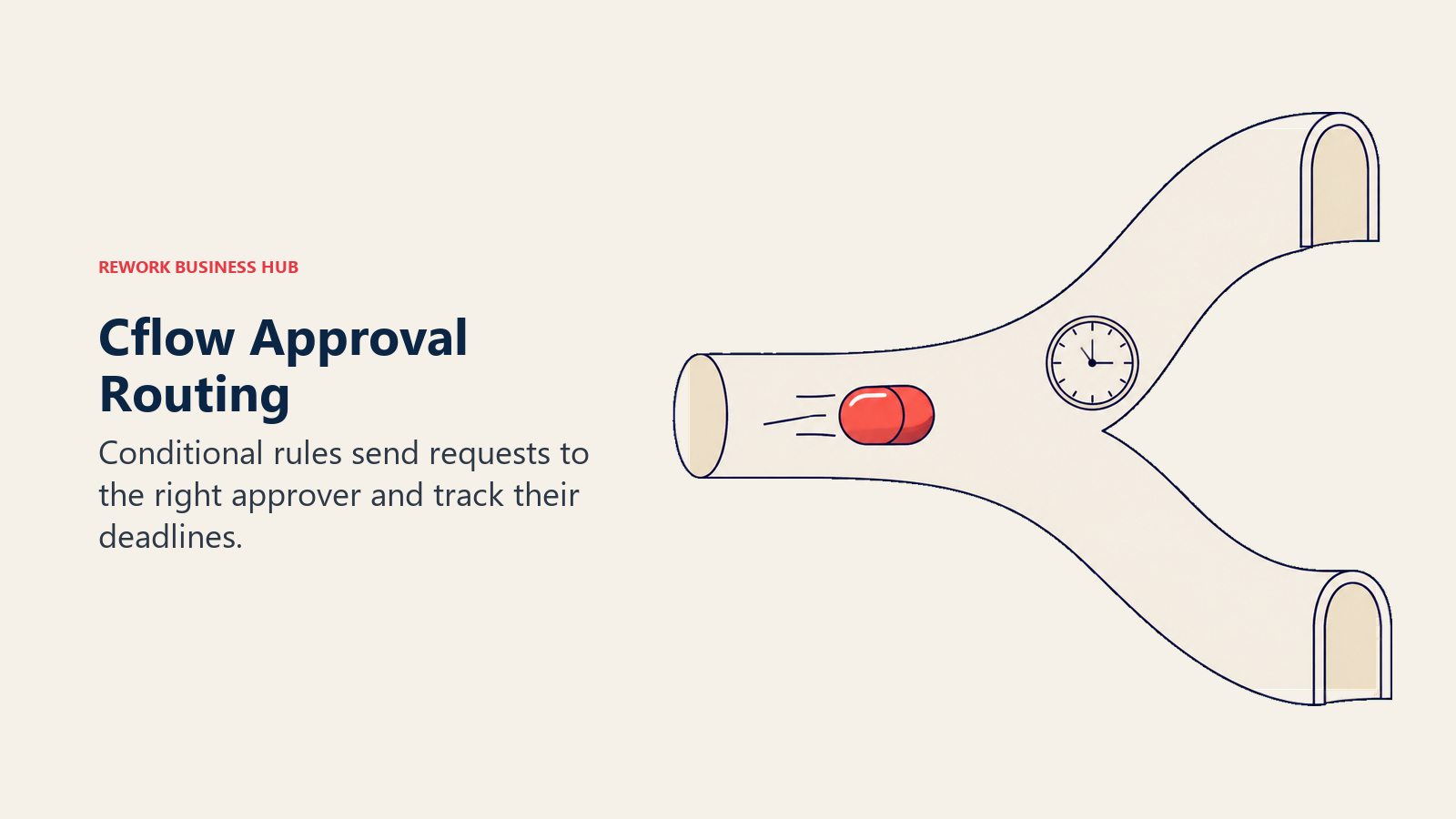
Joy is $11 per user per month billed annually or $22 per user per month billed monthly, with a 10-user minimum, a 20-workflow cap, and 10,000 AI credits per month. Bliss is $16 per user per month billed annually or $32 monthly, with a 20-user minimum, a 50-workflow cap, and 20,000 AI credits. Zen is custom, aimed at 100-plus users, with unlimited workflows and 30,000 AI credits. Extra AI credits run $20 per 10,000. There's a 14-day free trial with no credit card. Note the direction: annual billing is half the month-to-month rate, which is a steeper annual discount than almost anything else on this list, so a monthly Cflow subscription is an expensive way to hedge.
| Pros | Cons |
|---|---|
| Publishes both annual and month-to-month rates, a rarity in this category | 10-user minimum on the entry plan blocks very small teams |
| Approval-first design: routing, SLAs, and escalation are the core product | Joy caps at 20 workflows, so process sprawl forces an upgrade |
| Generous AI credit allowance included on both published tiers | Smaller ecosystem and integration library than the generalists |
Pricing: Joy $11/user/month billed annually or $22/user/month billed monthly, 10-user minimum, up to 20 workflows, 10,000 AI credits/month. Bliss $16/user/month billed annually or $32/user/month billed monthly, 20-user minimum, up to 50 workflows, 20,000 AI credits/month. Zen custom, 100-plus users, unlimited workflows, 30,000 AI credits/month. Extra AI credits $20 per 10,000. 14-day free trial, no credit card. (Cflow) Best for: A 10 to 50 person ops team that wants a dedicated approval engine with a price it can budget from today. Not ideal for: Teams under 10 people (the minimum blocks you) or finance teams needing native ledger integration and three-way match.
5. Pipefy: Prototype the Approval Flow Before Anyone Approves a Budget
Pipefy's value in an approval evaluation is sequencing. Most of this category makes you commit before you learn whether your approval process is even well defined, and in practice a lot of teams discover the real problem is an undocumented policy, not missing software. Pipefy's Starter plan lets you model the thing first: kanban-style process stages, a request form for the submitter, conditional routing, and an SLA clock, all free with no credit card.
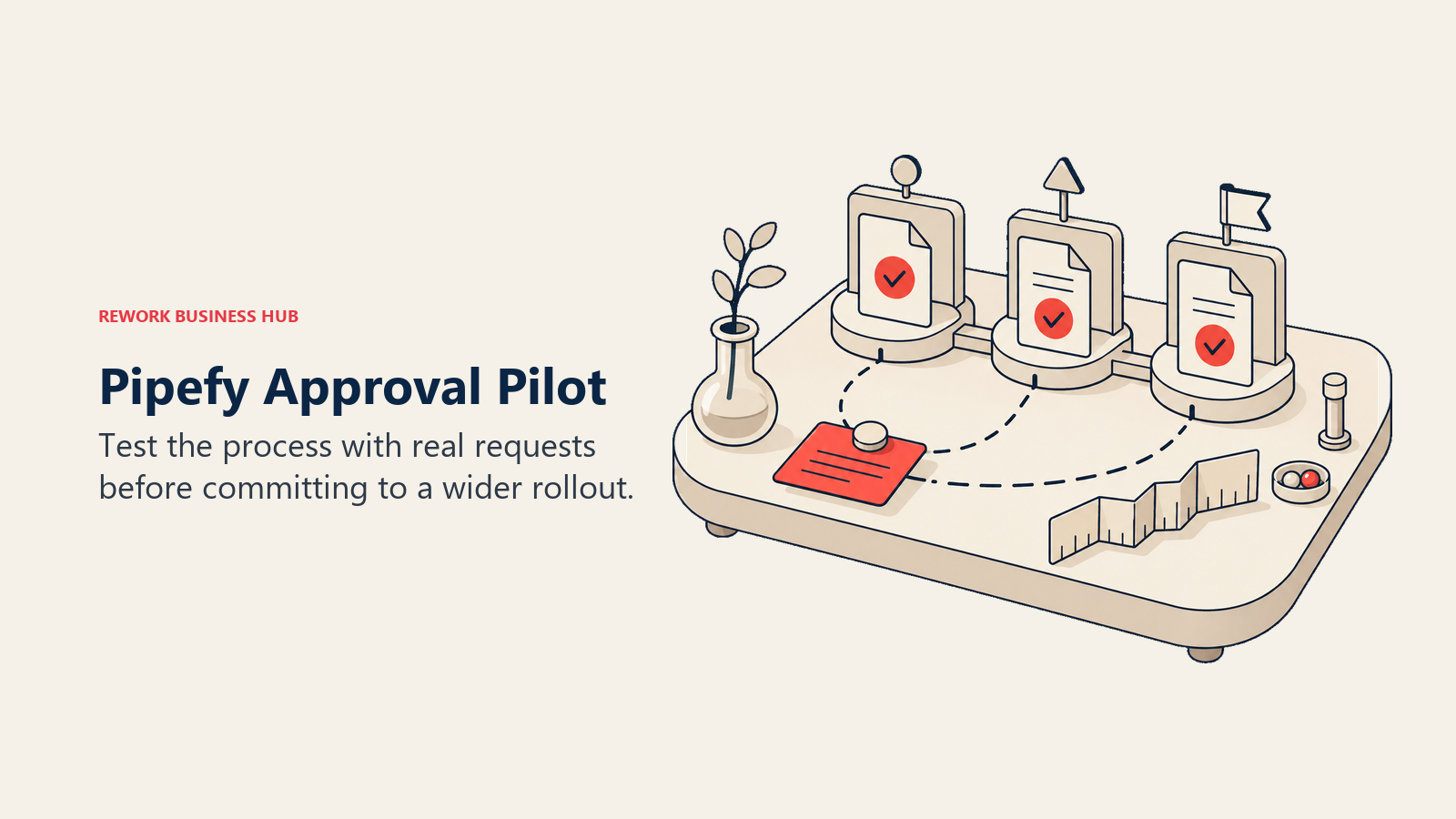
Starter covers up to 5 processes, up to 10 users, up to 50 cards per month, 15 automation jobs per month, and 205 API calls per month. That card cap is the ceiling that matters, since 50 approvals a month is a pilot, not a department. Business lifts the limits to unlimited processes, users, and cards, with 300 automation jobs and 500 API calls per month; Enterprise goes to 2,000 automation jobs and 10,000 API calls. Both paid tiers bill per user and neither publishes a rate. There's an SMB offer advertised as up to 90% discount for companies with 11 to 200 employees, sold as a fixed price with the amount unpublished. Best Pipefy Alternatives covers where teams go when the free tier runs out.
| Pros | Cons |
|---|---|
| Free Starter is a real pilot environment: 10 users, 5 processes, no card | 50 cards per month means the free tier expires as a department tool |
| Visual, kanban-style process design most ops people read instantly | Business and Enterprise publish no per-user rate at all |
| SMB programme discounts heavily for 11 to 200 employee companies | The SMB discount amount isn't published either, so budget blind |
Pricing: Starter free, no credit card: up to 5 processes, up to 10 users, up to 50 cards/month, 15 automation jobs/month, 205 API calls/month. Business quote-only: unlimited processes, users, and cards, 300 automation jobs/month, 500 API calls/month. Enterprise quote-only: 2,000 automation jobs/month, 10,000 API calls/month. Business and Enterprise bill per user with no published rate. SMB offer advertised as up to 90% discount for 11 to 200 employee companies, fixed price, amount not published. (Pipefy) Best for: Teams that want to design and test an approval process for free before asking for budget. Not ideal for: Anyone who needs a predictable paid price up front, or a finance approval flow that needs ledger integration on day one.
6. Rework: Approvals Next to the CRM, the Projects, and the HR Records
Rework's argument in this category is consolidation, not approval-engine depth. Request (the approval system), Workflow, BPM, Task, Project, Docs, and E-Sign are live modules on one platform, sitting next to a Sales CRM, Lead Management, the People app (HRIS, timesheets, payroll), and a unified inbox spanning WhatsApp, Messenger, Instagram DM, TikTok, Zalo, and web chat. The practical difference shows up on the approvals nobody plans for: a leave request that needs the HR record, a discount approval that needs the deal, a contract that needs a signature after sign-off. In a stack of purpose-built tools each of those crosses a system boundary. In Rework they don't.
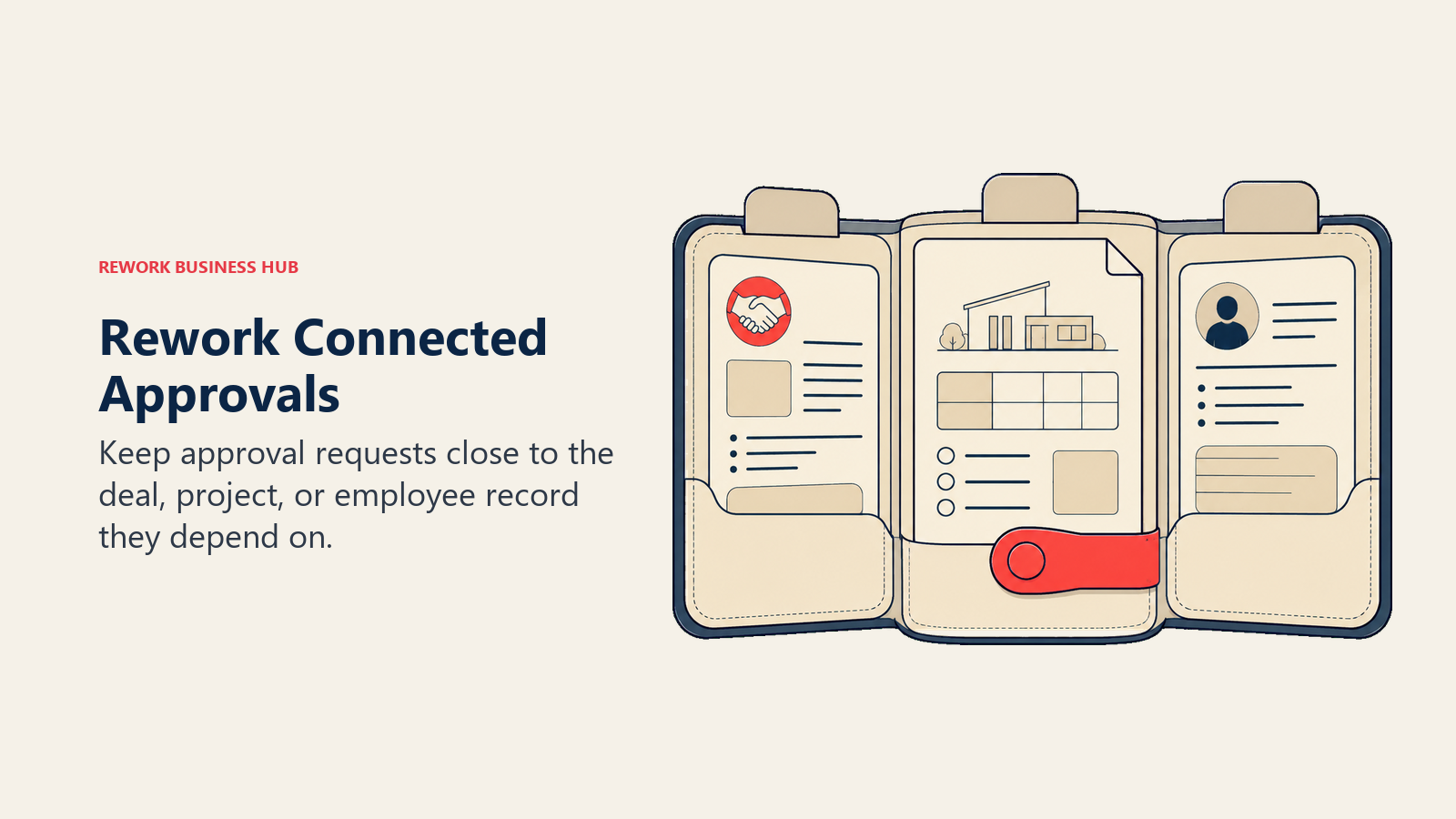
Unlike most of this list, Rework publishes a real price. Its Process Engine (Workflow, BPM, Request, and Task Service) runs $99 a month billed yearly ($1,188 a year), or $120 month to month, with 5 work seats included. Extra seats come in blocks of 5 at $13 a month per block on yearly billing. That means 25 seats lands at $1,812 a year and 50 seats at $2,592 a year on the Standard edition, while 100 seats moves to the Advanced edition at $5,424 a year, all on yearly billing. Those are numbers you can compute yourself before talking to anyone, which is the entire point next to five vendors here whose pricing page is a contact form.
Where Rework doesn't compete: it is not a BPMN 2.0 process-orchestration engine and won't match Camunda or Appian on executable process modelling or regulated case management. It has no RPA. It has no templated document-generation engine, so the contract-assembly half of a Nintex deployment isn't covered. And it isn't sold to solo buyers; every engine starts with 5 seats, so one person pays for five.
| What you get | What you don't |
|---|---|
| A published engine price you can compute without a sales call | A BPMN 2.0 process-orchestration engine |
| Request (approvals), Workflow, BPM, Task, Project, Docs, and E-Sign together | RPA of any kind |
| CRM, Lead Management, and the People app in the same login | Templated document generation for contracts or proposals |
| Approvals that can reach HR, deal, and project data without an integration | A fit for solo buyers; every engine starts with 5 seats |
Pricing: Process Engine $99/month billed yearly ($1,188/year) or $120 month to month, 5 work seats included. Extra seats come in blocks of 5 at $13/month per block on yearly billing. Worked totals on yearly billing: 25 seats = $1,812/year, 50 seats = $2,592/year (Standard edition), 100 seats = $5,424/year (Advanced edition). 14-day free trial. (Rework) Best for: A 10 to 200 person mid-market ops team that wants approvals, workflow, projects, CRM, and People management under one login and one vendor bill instead of four subscriptions. Not ideal for: Teams needing BPMN process-orchestration depth, RPA, or templated document generation, and not a fit for a solo buyer.
7. Process Street: Approval Gates Inside Recurring Checklists
Process Street approaches approvals from the SOP side rather than the request side. You document a recurring process as a checklist, employee onboarding, month-end close, client intake, then drop approval steps into it where a human needs to sign off before the next task unlocks. For teams whose real failure mode is "step 6 got skipped again", that framing lands better than a standalone approval queue, because the approval is inseparable from the work it gates.
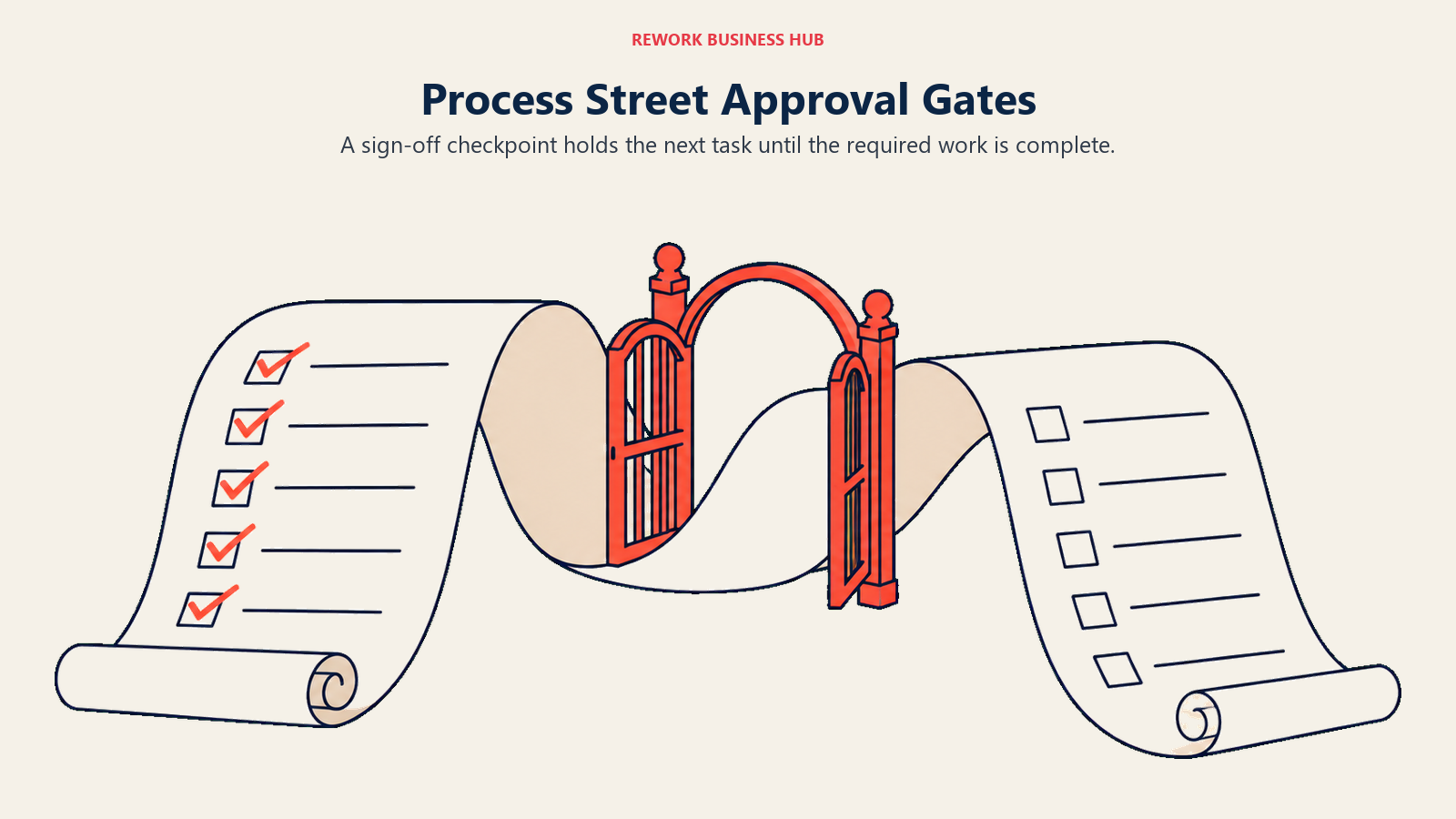
Pricing is where it joins the opaque half of this list. Three tiers, each showing "Contact sales": Startup (5 users, 10 guests, up to 5,000 Data Set records), Pro (custom users and guests, up to 10,000 records), and Enterprise (custom). No dollar figure appears anywhere on the page. The 5-user Startup ceiling is the one hard number published, and it tells you the entry tier is scoped to a small team rather than a department rollout. Best Process Street Alternatives covers the field for teams that want the same checklist model with a visible price.
| Pros | Cons |
|---|---|
| Approvals sit inside the SOP, so the gate can't be skipped by accident | No dollar figure published on any of the three tiers |
| Checklist model is the easiest thing here for a non-technical owner to run | Startup caps at 5 users, so it's a team tool, not a department one |
| Data Sets give structured records behind the checklists | Weaker fit for one-off, high-value approvals like large purchase orders |
Pricing: Startup, Pro, and Enterprise tiers, each showing "Contact sales" with no dollar figures published. Startup: 5 users, 10 guests, up to 5,000 Data Set records. Pro: custom users and guests, up to 10,000 Data Set records. Enterprise: custom. (Process Street) Best for: Teams whose approvals are checkpoints inside recurring, documented processes rather than standalone requests. Not ideal for: Finance-grade purchase and invoice approval, or any buyer who needs a price before a call.
8. monday.com: Approval Steps Where the Work Already Lives
monday.com isn't approval software, and treating it as such is how teams end up disappointed. What it is: a work management platform where an approval can be a status column, an automation, and a notification on the same board the work runs on. For creative sign-off, campaign approval, or a project gate, that proximity beats a dedicated tool, because nobody has to leave the board to approve anything and the approval history sits with the item forever.
Free covers up to 2 seats. Basic is $9 per seat per month, Standard $12, and Pro $19, all billed annually, with a 3-seat minimum on paid plans and Enterprise custom. Standard is the realistic floor for approvals, since that's where the automation recipes that actually route a request live. Above 40 users monday directs you to request a quote rather than self-serving. The monthly-billed rates are higher than the annual ones, but the pricing page's billing toggle doesn't render them cleanly, so treat the annual figures as the confirmed numbers.
| Pros | Cons |
|---|---|
| Approvals live beside the work, so context and history stay together | Not an approval engine: no thresholds, delegation, or finance audit trail |
| Real published per-seat rates at three tiers, with a 3-seat minimum | Automation recipes are the approval mechanism, and they're tier-gated |
| Free plan for 2 seats plus a low Basic entry point | Above 40 seats you're back in a sales conversation |
Pricing: Free up to 2 seats. Basic $9/seat/month, Standard $12/seat/month, Pro $19/seat/month, all billed annually. Enterprise custom. 3-seat minimum on paid plans. Above 40 users monday directs buyers to request a quote. (monday.com) Best for: Teams that already run projects or campaigns on monday and want the approval gate on the same board. Not ideal for: Policy-driven approvals with spending thresholds, delegation rules, or regulatory audit requirements.
9. Tallyfy: The Only Vendor Here With a 1-Seat Minimum and a Printed Price
Tallyfy solves a narrow problem well: repeatable processes with tracked handoffs, where each step has an owner and the next step doesn't start until the previous one closes. Approvals are one of those step types. What makes it worth a shortlist slot is the commercial shape rather than the feature list, because it's the only tool on this page with no seat floor at all and a fully published price in both billing terms.
A full seat is $300 per year billed annually, a $25 per month equivalent, or $30 per month month-to-month. A light seat is $100 per year billed annually or $10 per month month-to-month. Unlimited guests are free on every paid plan, which matters more than it sounds for approvals: an external approver, a client, or a contractor doesn't need a paid seat. SSO and SCIM are included on every paid plan, not held back for enterprise, and there's a 14-day trial. The Data Feed analytics add-on is $20 per seat per year, annual billing only. The trade is depth: this is process documentation and tracking, not a policy engine with spend thresholds.
| Pros | Cons |
|---|---|
| 1-seat minimum, so a two-person team can buy exactly what it needs | Process tracking depth, not a policy or spend-threshold engine |
| Unlimited free guests, so external approvers cost nothing | Per-seat cost is high relative to the no-code builders at scale |
| SSO and SCIM on every paid plan, not locked behind Enterprise | Light seats are limited, so most real approvers need a full seat |
Pricing: Full seat $300/year billed annually (a $25/month equivalent), or $30/month month-to-month. Light seat $100/year billed annually, or $10/month month-to-month. Unlimited guests free on every paid plan. Minimum 1 seat. 14-day trial. SSO and SCIM included on every paid plan. Data Feed analytics add-on $20/seat/year, annual billing only. (Tallyfy) Best for: Small teams and consultancies that need tracked approvals and handoffs without a seat minimum or an enterprise contract. Not ideal for: Large approver populations, where $300 per seat per year outruns the per-user builders quickly.
10. Precoro: When the Approval Is Really a Purchase Order
Precoro belongs on this list for a specific buyer: the one whose approval problem is spend. Purchase requisitions, purchase orders, invoices, budgets, and supplier records all sit in one system, and the approval workflow runs over them with budget checks attached. That's a different job from routing a leave request. When a manager approves in Precoro, the system already knows whether the department has budget left, which is the control a generic workflow tool cannot give you without building it yourself.
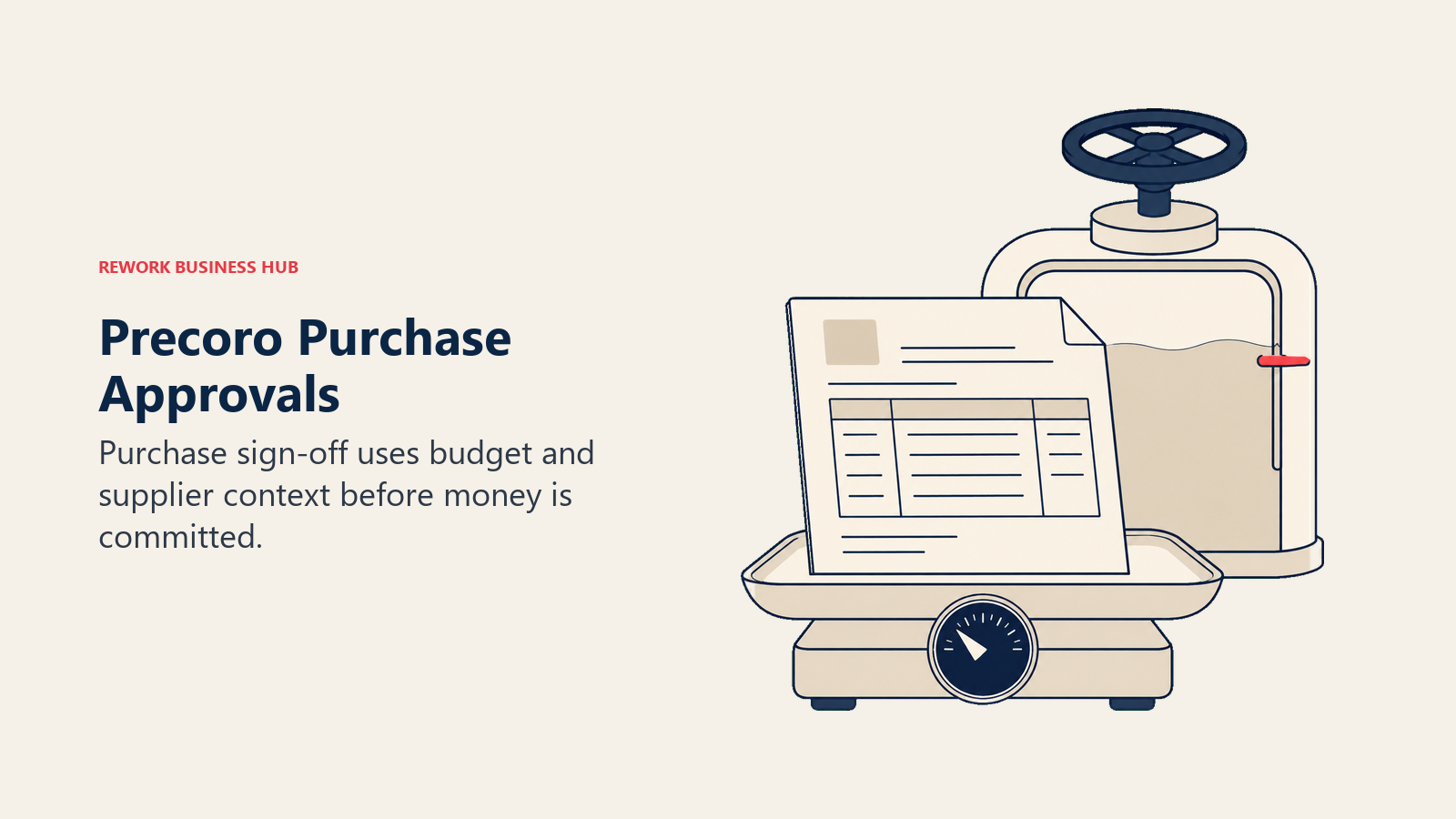
Core (Procure to Pay) starts at $499 per month billed annually, and Automation (Procure to Pay) starts at $999 per month billed annually. Enterprise is custom, billed annually, and includes unlimited users. The AP module is available standalone, also starting at $499 per month billed annually. Precoro publishes no minimum user count and no implementation fee. Note the pricing unit: this is a platform fee, not a per-seat rate, so it's expensive for a ten-person company and reasonable for a hundred-person one with real procurement volume.
| Pros | Cons |
|---|---|
| Approvals carry budget and PO context, not just a yes or no | $499/month entry is steep unless you have real procurement volume |
| Enterprise tier includes unlimited users, so approvers aren't metered | Only covers spend approvals; other departments need another tool |
| AP module sells standalone if invoices are the only bottleneck | Published prices are "starts at", so your quote may land higher |
Pricing: Core (Procure to Pay) starts at $499/month billed annually. Automation (Procure to Pay) starts at $999/month billed annually. Enterprise custom, billed annually, includes unlimited users. AP module standalone starts at $499/month billed annually. No minimum user count and no implementation fee published. (Precoro) Best for: Companies where approval delays are procurement delays, with enough PO and invoice volume to justify a platform fee. Not ideal for: Small teams, or any organisation whose approvals are mostly non-financial.
11. BILL: Approvals Attached to the Bills They Release
BILL is on this list for finance teams whose stalled approval is a bill waiting to be paid. Its AP product routes each incoming bill to the right approver or approval group under policies built on required approvers and dollar amounts, in a fixed sequence or in any order, and approvers sign off from the mobile app. The same approval layer covers card transactions and reimbursements in BILL Spend & Expense, so sign-off happens in the system that releases the money rather than in a separate workflow tool.
BILL publishes its AP and AR pricing: Essentials is $49 per user per month, Team $65, Corporate $89, and Enterprise is custom, while Spend & Expense is $0. Purchase requests and purchase orders are a paid add-on until Corporate. Approval workflows and standard approval policies come on every tier, but custom approval policies start at Corporate, and so do discounted approver-only seats; on Essentials and Team, BILL bills every user, approvers included, as a standard user. That is the number to model before a rollout, because the people who only click approve are often the largest group. Teams already on BILL and weighing a move should see best BILL.com alternatives.
| Pros | Cons |
|---|---|
| Approval sits on the bill and the payment it releases | Only covers financial approvals; leave, access, or content sign-off need another tool |
| Published per-user pricing on every tier except Enterprise | Custom approval policies and approver-only seat discounts start at the $89 Corporate tier |
| Card and reimbursement approvals included in the free Spend & Expense product | Essentials syncs with accounting software only by CSV; automatic sync starts at Team |
Pricing: AP & AR Essentials $49/user/month, Team $65/user/month, Corporate $89/user/month, Enterprise custom; free trial in most cases. Spend & Expense $0/user/month. Purchase requests, purchase orders, and 2-way matching are a paid add-on on Essentials and Team. (BILL) Best for: Finance teams whose approval bottleneck is bills and payments, and who want sign-off inside the AP system that pays the vendor. Not ideal for: Teams looking for a general-purpose approval builder for HR, IT, or content processes, or with many approve-only users on a tier below Corporate.
12. Zoho Creator: Build the Approval App, Don't Buy One
Zoho Creator is a low-code application builder with workflow rules, and approvals are one of the most common things people build in it. You define the data model, the form, the routing rules, and the notifications, then deploy it to web and mobile. The reason it earns a place here is cost: at $8 per user per month billed annually, Standard is the cheapest published per-user rate on this page, and for a Zoho shop the approval app can read directly from Zoho CRM, Books, or People without an integration layer.
The honest trade is build time. You are not buying an approval product, you are buying the ability to make one, and someone on your team owns it afterwards. Standard is $8 per user per month, Professional $20, and Enterprise $25, all billed annually, with Flex custom and a Free Edition covering one app. There's a 15-day free trial with no credit card, and local taxes are extra. Zoho states that annual billing saves more than 30% versus monthly but doesn't print the monthly figures, so the annual rates are the only confirmed numbers.
| Pros | Cons |
|---|---|
| Cheapest published per-user rate on this list at $8/user/month annually | You're building the approval app, so time to value is weeks, not hours |
| Native access to Zoho CRM, Books, and People data with no middleware | Someone has to own and maintain the app after the builder moves on |
| Free Edition covers one app, enough to prototype a single approval flow | Monthly rates aren't published, so annual commitment is the known path |
Pricing: Free Edition (one app). Standard $8/user/month, Professional $20/user/month, Enterprise $25/user/month, all billed annually. Flex custom. 15-day free trial, no credit card. Local taxes extra. Zoho states annual billing saves more than 30% versus monthly, but the monthly figures are not published. (Zoho Creator) Best for: Zoho customers and budget-conscious teams with someone willing to own a low-code app. Not ideal for: Teams that need an approval process running this week, or finance teams wanting audit-ready controls out of the box.
13. Kintone: Database and Approval Routing in the Same Product
Kintone comes out of a Japanese enterprise-software tradition where formal, sequential approval routing (the ringi model) is a first-class concept rather than an automation you assemble. That shows in the product: you build a database app, then attach a process management flow to it with defined statuses, assignees, and actions, and the routing is native rather than a bolt-on rule. For approvals that need to reference structured records, a vendor list, an asset register, a project ledger, that combination is genuinely differentiated.
Professional is $24 USD per user per month at the regular rate, and Custom is $28. First-time subscribers get a promotional $16 and $20 respectively, and it's worth planning for the regular rate, because the promotion is what you pay first and the regular rate is what you renew at. Both plans carry a 5-user minimum, and monthly or annual contracts are available. Credit card is currently the only accepted payment method, which is a real procurement friction for larger companies that pay by invoice.
| Pros | Cons |
|---|---|
| Approval routing is a native process concept, not an automation recipe | Promotional pricing masks a 50% jump at renewal on Professional |
| Database and workflow in one product, so approvals reference real records | 5-user minimum on both plans |
| Both monthly and annual contract terms are available | Credit card is currently the only accepted payment method |
Pricing: Professional $24 USD/user/month regular, $16 promotional for first-time subscribers. Custom $28 USD/user/month regular, $20 promotional for first-time subscribers. Both carry a 5-user minimum. Monthly or annual contracts available. Credit card is currently the only accepted payment method. (Kintone) Best for: Teams that want structured data and formal approval routing in one product without building both from scratch. Not ideal for: Companies that must pay by invoice or PO, or teams under 5 people.
14. Quickbase: Approvals Over a Real Relational Data Model
Quickbase is the enterprise end of the no-code builder group. Where Zoho Creator suits a departmental app and Kintone suits structured team workflows, Quickbase is built for operations teams running genuinely complex, relational processes: construction change orders, manufacturing quality holds, multi-entity capital requests. Approvals are one layer on top of that data model, with role-based permissions and reporting that hold up to an audit. If the approval you're automating touches ten related tables, this is the shortlist entry that won't fall over.
Team is $35 per user per month and Business is $55 per user per month, both priced annually, with Enterprise custom and a 30-day free trial. The asterisk matters: a platform minimum fee applies on top of per-user pricing, and Quickbase never quantifies it, so the published per-user rate is a floor, not a total. All users on an account must be on the same plan, which removes the usual trick of putting occasional approvers on a cheaper tier. Best Quickbase Alternatives covers the field if that minimum lands badly.
| Pros | Cons |
|---|---|
| Publishes a real per-user rate most enterprise rivals won't | Undisclosed platform minimum sits on top of every published figure |
| Relational data model handles genuinely complex approval dependencies | All users must be on the same plan, so light approvers cost full price |
| 30-day free trial with full Business features before committing | Overkill and overpriced for a simple leave or expense approval |
Pricing: Team $35/user/month, Business $55/user/month, both priced annually. Enterprise custom. 30-day free trial. A platform minimum fee applies on top of per-user pricing and is not quantified. All users on an account must be on the same plan. (Quickbase) Best for: Operations teams whose approvals depend on complex, related data rather than a simple request form. Not ideal for: Small teams, or any approval simple enough that a purpose-built tool would finish the job in a day.
15. Nintex: Workflow Plus Document Generation, With No Price Attached
Nintex is the enterprise incumbent in this space and the reason a lot of these evaluations start. It pairs workflow automation with document generation and eSign in one suite, which is a combination almost nobody else here offers, plus RPA through its Kryon line. If your approval process ends by producing a contract or a formal document from a template, Nintex is doing a job most of this list simply doesn't do.
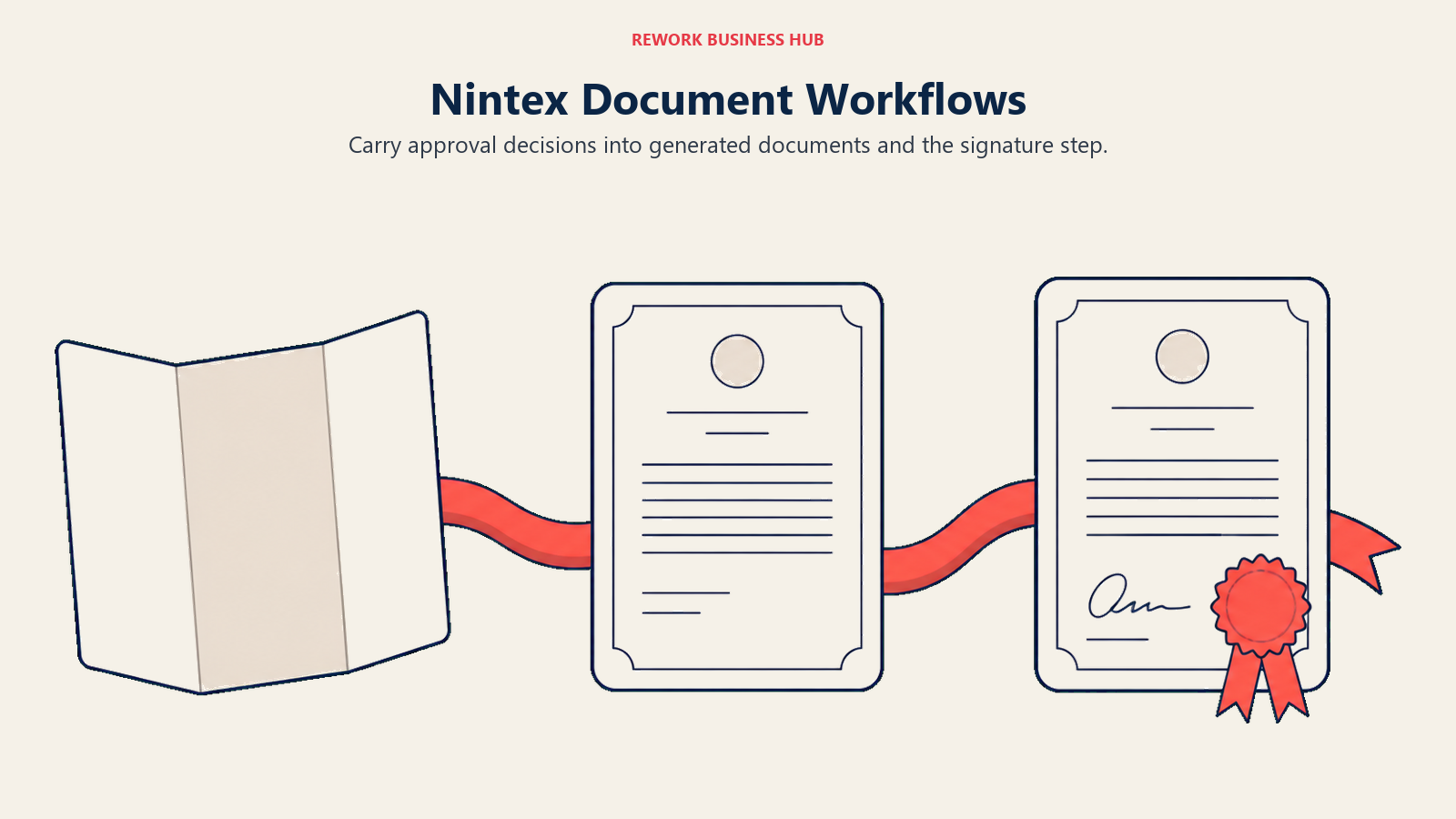
The problem is commercial transparency. Nintex publishes zero dollar figures, zero tier names, and zero ranges. The entire pricing page is a contact-sales form reading "Use this form for sales questions or general inquiries", with trials offered through the nav. Third-party tracker Cloudwards reports a Standard plan around $910 per month and an Advanced/Enterprise plan around $1,400 per month, both flat and unlimited-user, plus Nintex RPA around $90 per user per month. Those are reported figures only and Nintex has confirmed none of them. Best Nintex Alternatives covers the full switch analysis, and Power Automate vs Nintex handles the specific Microsoft comparison most Nintex customers run first.
| Pros | Cons |
|---|---|
| Workflow, document generation, and eSign in one suite, rare on this list | Publishes no price, no tier name, and no range anywhere on the site |
| Reported plans are flat and unlimited-user, so approver count doesn't bite | Every reported figure comes from third parties, not from Nintex |
| Enterprise governance, plus RPA through the Kryon product line | Reported entry pricing is an order of magnitude above the mid-market tools |
Pricing: Not published. Nintex's pricing page carries no dollar figures, tier names, or ranges; it is a contact-sales form, with trials offered via the nav. Third-party tracker Cloudwards reports a Standard plan around $910/month and an Advanced/Enterprise plan around $1,400/month, both flat and unlimited-user, plus Nintex RPA around $90/user/month (reported). (Nintex) Best for: Enterprises whose approval process must produce templated documents and signatures, with budget for an enterprise contract. Not ideal for: Mid-market teams that need a number before a sales call, or anyone whose approvals never generate a document.
16. Jotform: When the Approval Starts With an External Form
Jotform earns its place for a specific pattern: the approval that begins outside your company. A vendor submits an application, a customer files a warranty claim, a contractor requests site access. Jotform captures that submission with a public form and then routes it through an approval flow with conditional branching, all in one product, so there's no integration between the form tool and the workflow tool because there aren't two tools.
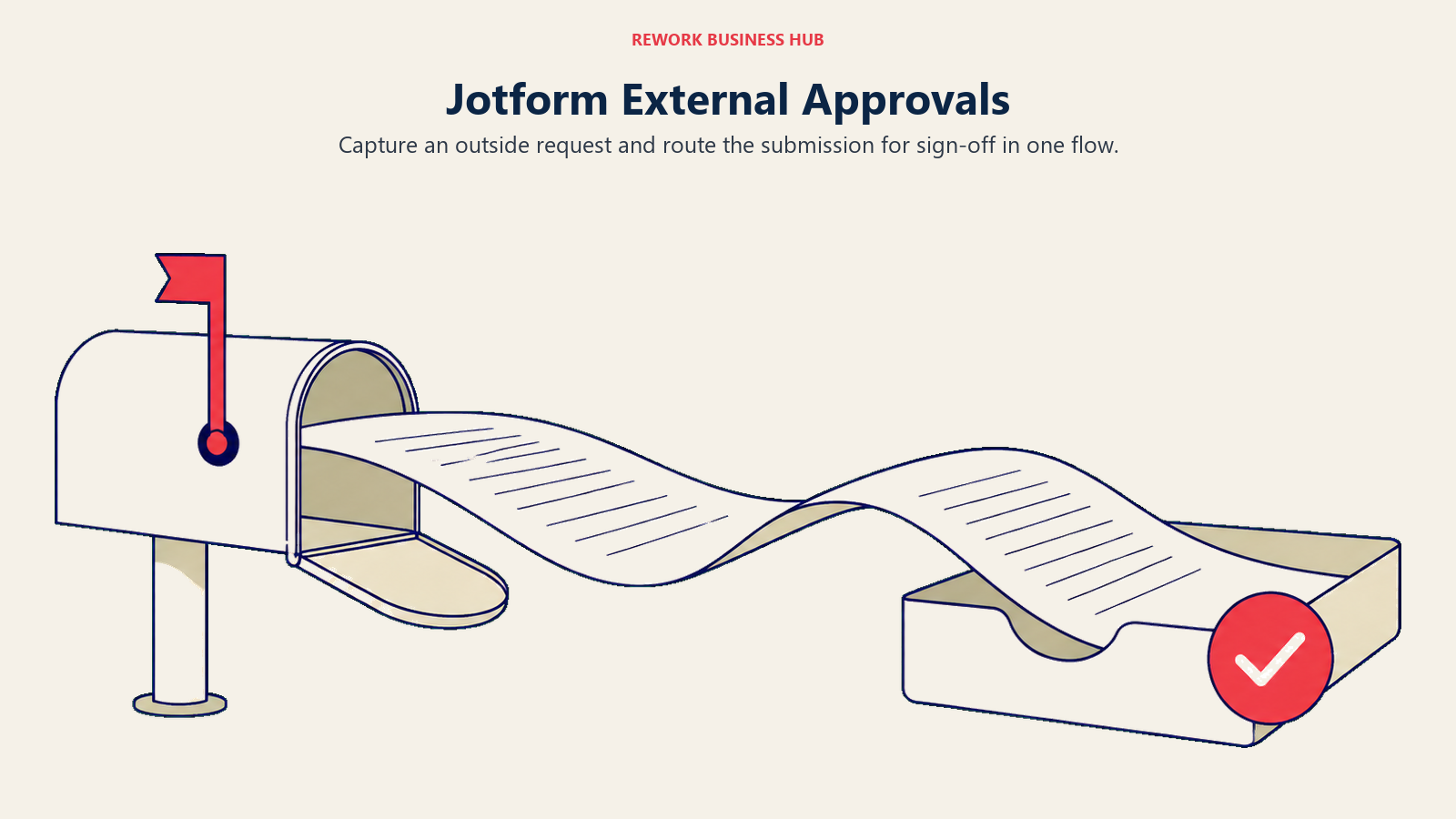
Starter is free and covers 5 forms, 100 submissions per month, 500 total submissions storage, and 100 MB of upload space. Bronze is $39 per month or $408 per year, a $34 per month effective annual rate. Silver is $49 per month or $468 per year ($39 effective). Gold is $129 per month or $1,188 per year ($99 effective). Enterprise is custom and is the multi-user tier. One thing to be precise about: Jotform publishes no seat or user count for Starter through Gold, and those tiers are described as single-user self-serve plans. If several people need to build or administer approvals, Enterprise is the only tier that addresses it, and Jotform doesn't print a seat allowance for the tiers below it.
| Pros | Cons |
|---|---|
| Form capture and approval routing in one product, no integration needed | No seat allowance published for Starter through Gold |
| Both monthly and annual rates printed, with a clear annual discount | Submission limits, not user limits, are what gate the paid tiers |
| Free tier is enough to test an external-intake approval end to end | Not a fit for internal approvals with thresholds or ERP integration |
Pricing: Starter free: 5 forms, 100 submissions/month, 500 total submissions storage, 100 MB upload space. Bronze $39/month or $408/year (a $34/month effective annual rate). Silver $49/month or $468/year ($39/month effective). Gold $129/month or $1,188/year ($99/month effective). Enterprise custom and multi-user. Jotform publishes no seat or user count for Starter through Gold; those are single-user self-serve plans. (Jotform) Best for: Teams whose approval requests arrive from outside the organisation through a public form. Not ideal for: Multi-approver internal processes, where the lack of a published seat allowance below Enterprise makes budgeting impossible.
Cost at 10, 25, and 100 Users
Built only from published rates. Where a vendor prints no dollar figure, the cell says so, which is itself the finding: six of these 16 tools won't let you budget without a sales call.
| Tool | 10 users | 25 users | 100 users |
|---|---|---|---|
| ApprovalMax (Standard, billed yearly, per organisation) | $594/year | $594/year | $594/year |
| Rework (Process Engine, billed yearly; Advanced edition at 100) | $1,344/year | $1,812/year | $5,424/year |
| Zoho Creator (Standard, billed annually) | $960/year | $2,400/year | $9,600/year |
| Cflow (Joy, billed annually, 10-user minimum) | $1,320/year | $3,300/year | $13,200/year |
| monday.com (Standard, billed annually) | $1,440/year | $3,600/year | $14,400/year (quote above 40 seats) |
| Microsoft Power Automate (Premium, paid yearly) | $1,800/year | $4,500/year | $18,000/year |
| Kintone (Professional regular rate, 5-user minimum) | $2,880/year | $7,200/year | $28,800/year |
| Tallyfy (Full seat, billed annually, no seat minimum) | $3,000/year | $7,500/year | $30,000/year |
| Quickbase (Team, priced annually, excludes platform minimum) | $4,200/year + minimum | $10,500/year + minimum | $42,000/year + minimum |
| Precoro (Core, billed annually, platform fee) | From $5,988/year | From $5,988/year | From $5,988/year |
| Pipefy (Starter free to 10 users; paid tiers unpublished) | $0/year | Not published | Not published |
| Jotform (Gold; no seat allowance published below Enterprise) | $1,188/year, seats unpublished | Enterprise, custom | Enterprise, custom |
| Kissflow | Not published | Not published | Not published |
| Process Street | Not published | Not published | Not published |
| Nintex | Not published | Not published | Not published |
Two rows deserve a second look. ApprovalMax's line is flat at $594 a year because the unit is the organisation, so an approval process with 8 approvers and one with 80 cost the same; no other vendor here holds that line. And Quickbase's row carries the loudest asterisk, because the per-user total is real and published, but the undisclosed platform minimum stacked on top means every cell understates the true bill. Kintone's row uses the regular $24 rate rather than the $16 first-time-subscriber promotion, since the regular rate is what renewal looks like.
Stage Fit: Where Each Tool Wins as You Scale
| Stage | What's happening | Best-fit tools |
|---|---|---|
| Documenting the process, no budget yet | You're still discovering that the real problem is an undefined policy | Pipefy Starter (free), Jotform Starter (free), Zoho Creator Free Edition |
| First approval flow, one department | One bottleneck, usually purchase requests or leave, one owner | Cflow, Tallyfy, monday.com Standard |
| Finance approvals become the bottleneck | Invoice and PO sign-off slows the close and irritates suppliers | ApprovalMax, Precoro |
| Approvals spread across departments | HR, IT access, marketing, and procurement all want the same thing | Rework Work Ops, Kissflow, Microsoft Power Automate |
| Approvals need real data behind them | Sign-off depends on records, budgets, and relationships, not a form | Quickbase, Kintone, Zoho Creator |
| Enterprise governance and documents | Audit trails, document generation, and signature in one contract | Nintex, Microsoft Power Automate with Premium |
Sizing and Persona Fit
| Company size | Buyer persona | Best-fit picks | Why |
|---|---|---|---|
| 1 to 10 | Founder or finance lead, no dedicated ops | ApprovalMax, Tallyfy, Pipefy Starter | Per-organisation, 1-seat, or free entry points with no user floor |
| 10 to 50 | Ops manager or finance manager | Cflow, Rework Work Ops, Zoho Creator, monday.com | Published rates that stay predictable as the team grows |
| 50 to 200 | Operations director and CFO co-buying | Rework Work Ops, Precoro, Kissflow, Kintone | Packaged or platform pricing that suits multi-department rollout |
| 200-plus, IT-led | CIO or enterprise architect | Nintex, Microsoft Power Automate, Quickbase | Governance, document generation, and relational depth at scale |
| Any size, finance-first | Financial controller or AP manager | ApprovalMax, Precoro | Approvals wired to the ledger and to budget controls, not to a form |
| Any size, external requesters | Customer ops or vendor management lead | Jotform, Pipefy | Public intake form and approval routing in the same product |
How to Choose: Decision Framework
| If your team needs... | Best pick |
|---|---|
| Unlimited approvers without a per-seat bill | ApprovalMax (priced per organisation) |
| Approvals inside Teams, Outlook, and SharePoint | Microsoft Power Automate |
| Approvals bundled with CRM, projects, and HR on one vendor bill | Rework Work Ops |
| A dedicated approval engine with a price you can budget today | Cflow |
| Free prototyping before you request budget | Pipefy Starter |
| Purchase orders and budget checks attached to the approval | Precoro |
| The cheapest published per-user rate | Zoho Creator Standard |
| No seat minimum at all, for a very small team | Tallyfy |
| Approvals as gates inside recurring documented SOPs | Process Street |
| Approvals over a complex relational data model | Quickbase |
| Approvals that end in a generated, signed document | Nintex |
| An approval that starts with an external form submission | Jotform |
| Native, formal routing over structured records | Kintone |
| Approval steps on the board where the work already runs | monday.com |
Two rules cut through the table above. First, if your approval problem is measured in invoices, buy finance-shaped software; the Ardent Partners benchmark that Best-in-Class teams close an invoice in 3.1 days against 17.4 days for everyone else is a gap generic workflow tools rarely close, because the delay is policy and integration, not routing. Second, if your approval problem is measured in departments, count the tools you'd need before you compare per-seat rates, because three purpose-built subscriptions almost always cost more than one platform. If your evaluation is really about process modelling and orchestration rather than approvals specifically, Best Appian Alternatives covers that end of the market.
Frequently Asked Questions about Approval Workflow Software
What is approval workflow software?
Approval workflow software routes a request (a purchase order, an invoice, a leave application, a contract) to the right people in the right order, enforces the policy attached to it such as spending thresholds or delegation during absence, and records an audit trail of who approved what and when. The category splits into purpose-built approval tools, procurement and AP platforms, workflow generalists, no-code builders, and work management tools with approval steps, and those five shapes are not interchangeable.
Which approval workflow tools publish a real price?
Microsoft Power Automate (Premium $15/user/month paid yearly), ApprovalMax (Standard $49.50/month per organisation billed yearly), Cflow (Joy $11/user/month billed annually), Rework (Process Engine $99/month billed yearly, 5 seats included), monday.com (Basic $9/seat/month billed annually), Tallyfy (Full seat $300/year), Precoro (Core from $499/month billed annually), Zoho Creator (Standard $8/user/month billed annually), Kintone (Professional $24/user/month regular), Quickbase (Team $35/user/month priced annually), and Jotform (Bronze $39/month or $408/year) all print figures on their own pricing pages. Kissflow, Process Street, Nintex, and Pipefy's paid tiers do not.
Why does ApprovalMax pricing look so much cheaper than everything else?
Because the unit is different. ApprovalMax charges per organisation, not per user, and every tier includes unlimited users, unlimited requests, and unlimited approvals. Standard at $49.50 per month billed yearly is $594 a year whether you have 8 approvers or 80, while a per-user tool at $35 a month reaches $42,000 a year at 100 seats. The trade is scope: ApprovalMax only handles finance approvals on Xero, QuickBooks Online, or NetSuite, so it won't cover HR, IT, or marketing sign-off.
How long should an approval actually take?
Ardent Partners' 2025 benchmark puts the average AP organisation at 9.2 days to process a single invoice, with Best-in-Class teams at 3.1 days and everyone else at 17.4 days. The same research found 41% of AP leaders naming "invoice/payment approvals take too long" among their top operational challenges. If your own cycle time sits near or above 9 days, the gap is usually policy and integration rather than the routing tool itself.
Is Rework a real approval workflow tool?
Yes for the approval and workflow layer, with an honest boundary. Request (the approval system), Workflow, BPM, Task, Project, Docs, and E-Sign are live modules, and they sit next to CRM, Lead Management, and the People app, so an approval can reach an HR record or a deal without an integration. It is not a BPMN 2.0 orchestration engine, it has no RPA, and it does not do templated document generation, so it doesn't replace Nintex's document half. It suits a 10 to 200 person ops team, not a solo buyer.
Should I buy a dedicated approval tool or use the workflow platform I already have?
Use what you have if the approval is simple routing with no policy attached and your existing platform (Power Automate, monday.com, Pipefy) already covers it. Buy dedicated if the approval carries money, because thresholds, budget checks, delegation, three-way matching, and an audit trail an auditor accepts are the things generalists make you build and maintain yourself. The break-even usually arrives when you find yourself writing conditional rules to reimplement your own spending policy.
Do any approval workflow tools have a genuinely free tier?
Yes. Pipefy's Starter plan is free with no credit card and covers up to 5 processes, 10 users, and 50 cards per month, which is enough to model and test a real approval flow. Jotform's Starter plan is free for 5 forms and 100 submissions per month. Zoho Creator's Free Edition covers one custom app, and Microsoft Power Automate offers a 30-day free trial. None of these are production-scale, but all four are enough to validate the process before you buy.
What should I ask a vendor that won't publish a price?
Ask for the pricing model before you ask for a number, because the structure (per user, per organisation, per app, per platform, usage-based) determines how the bill scales as you grow, and that matters more than the opening figure. Then ask three follow-ups: does a platform or minimum fee apply on top of the headline rate, do read-only or occasional approvers need a paid seat, and does the quoted rate hold at renewal or is it a first-year promotion. Quickbase's unquantified platform minimum and Kintone's first-time-subscriber promotion are both real examples of why those questions matter.
How many approval steps is too many?
More than three sequential human approvals on a routine request is usually a policy problem, not a software problem, and automating it just makes a slow process slow in a nicer interface. Before you configure anything, look at your threshold rules: most organisations find a large share of their approval volume sits below any amount where a second signature changes the outcome. Set auto-approval below a threshold, route by exception above it, and reserve multi-step chains for the requests that genuinely carry risk.
Do I need approvals inside my accounting system or alongside it?
Alongside it, in almost every case. Xero, QuickBooks Online, and NetSuite are ledgers, not approval engines, which is exactly the gap ApprovalMax fills, and Precoro fills the same gap on the procurement side by adding requisitions, POs, and budget checks before anything reaches the ledger. Building invoice approval inside a generic workflow tool is possible, but you'll be recreating three-way matching and an audit trail that the finance-specific tools ship with.
What to Do Next
Sort your approvals into two piles before you shortlist anything: the ones that move money and the ones that don't. If the money pile is the painful one, run a free trial of ApprovalMax if you're on Xero or QuickBooks Online, or get a Precoro quote if requisitions and budgets are the real bottleneck, and measure both against your current invoice cycle time so you have a number to justify the spend.
If the pain is spread across departments, do the arithmetic on tool count before you compare per-seat prices. Build the same approval process twice, once free in Pipefy Starter and once in whichever consolidated or generalist option fits your stack (Rework Work Ops, Power Automate if you're Microsoft-centric, Kissflow if you want a business-owned builder), and run both against real requests for two weeks. Then price the winner at your actual headcount using the cost table above, and ask every quote-only vendor on your list the platform-minimum question before the trial ends, not after.

Customer Success Operations Manager
On this page
- Key Facts
- Quick Comparison Table
- The Three Shapes of Approval Software, and Which One You Actually Need
- 1. Microsoft Power Automate: Approvals Inside the Tenant You Already Pay For
- 2. Kissflow: The No-Code Approval Builder That Won't Show You a Price
- 3. ApprovalMax: Approvals Priced Per Organisation, Not Per Approver
- 4. Cflow: A Purpose-Built Approval Engine That Prints Both Its Prices
- 5. Pipefy: Prototype the Approval Flow Before Anyone Approves a Budget
- 6. Rework: Approvals Next to the CRM, the Projects, and the HR Records
- 7. Process Street: Approval Gates Inside Recurring Checklists
- 8. monday.com: Approval Steps Where the Work Already Lives
- 9. Tallyfy: The Only Vendor Here With a 1-Seat Minimum and a Printed Price
- 10. Precoro: When the Approval Is Really a Purchase Order
- 11. BILL: Approvals Attached to the Bills They Release
- 12. Zoho Creator: Build the Approval App, Don't Buy One
- 13. Kintone: Database and Approval Routing in the Same Product
- 14. Quickbase: Approvals Over a Real Relational Data Model
- 15. Nintex: Workflow Plus Document Generation, With No Price Attached
- 16. Jotform: When the Approval Starts With an External Form
- Cost at 10, 25, and 100 Users
- Stage Fit: Where Each Tool Wins as You Scale
- Sizing and Persona Fit
- How to Choose: Decision Framework
- What to Do Next