Best Quickbase Alternatives in 2026: 14 No-Code Platforms Compared
Turn this article into takeaways for your work.


Each assistant summarizes the article only for you and suggests best practices for your work.
Quickbase's own page states "Cost shown does not include platform minimum" without ever naming that minimum, which is the single most useful thing to know before you start comparing alternatives on price.
Airtable and Smartsheet fit teams that already know per-seat SaaS pricing and just want a more flexible database behind it. Knack and Caspio fit teams that never want to count a seat again. Rework fits an ops team that wants its workflow tools packaged into one predictable engine price next to CRM and HR instead of billed one user at a time. This guide sorts all 14 alternatives below by pricing model first and feature set second, because pricing model, not feature parity, is the actual reason most Quickbase customers start shopping in the first place.
Almost nobody leaves Quickbase over what it can build. Quickbase is one of the only vendors in this whole category that publishes a real per-user number ($35 and $55 per user per month, billed annually) instead of hiding behind a sales call, and that transparency is exactly what makes the rest of the bill so frustrating. Layer a platform minimum fee that Quickbase's own pricing page admits exists but never quantifies on top of that per-user rate, add a usage entitlement called "Reads" with add-on packages sold mid-contract, and the question a buyer actually needs answered stops being "can Quickbase build this app" and becomes "what will Quickbase cost me in month eight." Every price below states whether it is billed monthly or annually.
Key Facts
- SaaS subscription costs from several large vendors rose 10% to 20% in 2025, outpacing IT budget growth projections of 2.8%, per Mike Tucciarone, VP and analyst at Gartner's software and cloud negotiation practice. (CIO.com)
- The global low-code development platform market is projected to grow from $48.91 billion in 2026 to $376.92 billion by 2034, a 29.10% compound annual growth rate. (Fortune Business Insights)
- 89% of development executives said their firm is either currently implementing or actively planning a citizen developer strategy, per Forrester's Developer Survey, 2025. (Forrester)
- Gartner projected that by 2023, the number of active citizen developers at large enterprises would be at least four times the number of professional developers. (VentureBeat)
- Six in 10 IT professionals report a backlog in deploying IT applications, with 19% of those carrying a backlog of 10 or more apps, per a 3,300-person OutSystems survey. (CIO Dive)
Quick Comparison Table
| Tool | Best For | Starting Price | Key Strength | Key Limitation |
|---|---|---|---|---|
| Airtable | Teams wanting a familiar spreadsheet UI with real relational depth | Free (5 collaborators, 1,000 records/base); Team $20/collaborator/month billed annually | Richest linked-record data model of any spreadsheet-style tool | Free plan caps at 1,000 records per base and 5 Editor/Creator seats |
| Smartsheet | Ops/PMO teams already tracking work in grids and Gantt charts | Pro $9/member/month billed yearly (caps at 10 members) | Best-in-class Gantt and grid views with database features layered in | Pro hard-caps at 10 members; scaling past that forces a jump to Business |
| Zoho Creator | Budget-conscious teams already inside the Zoho ecosystem | Standard $8/user/month billed annually | Cheapest published per-user rate here, and it plugs into 55+ Zoho apps | The $8 rate is annual billing only, no monthly figure published |
| Knack | Teams that never want to think about seat count again | Starter $49/month billed annually, unlimited users | Zero per-user math on any plan; budget stays flat as the team grows | Record ceilings (20,000 on Starter), not seats, are the real constraint |
| Caspio | Teams building external-facing, compliance-sensitive apps | Team $270/month billed annually, unlimited app users | Unlimited app users plus a dedicated HIPAA/Compliance edition | Entry price is meaningfully higher than Knack's for a smaller feature set |
| Rework | Ops teams wanting workflow tools bundled with CRM and HR | Process Engine from $99/mo billed yearly (5 seats) | One vendor bill instead of five separate tool logins | Not a general-purpose relational database or app builder |
| Kintone | Teams wanting app building plus built-in workflow rules | Professional $24/user/month (5-user minimum) | Process and workflow logic built into the database itself | 5-user minimum locks out solo builders and very small teams |
| Microsoft Power Apps | Microsoft 365 shops wanting apps inside Teams and SharePoint | Premium $20/user/month paid yearly | Deepest native tie-in to Microsoft 365, Teams, and Dataverse here | $20/user/month Premium, not the cheaper $15 Power Automate rate |
| Appian | Regulated enterprises needing governed, audited case management | Priced per user/month/app, no public figure | Named a Leader in Gartner's first BOAT Magic Quadrant | Priced per app, not per seat, so identical headcounts land differently |
| Pipefy | Ops teams wanting a real free tier before any budget talk | Free (Starter, capped); Business and Enterprise custom | Free Starter is genuinely usable: 10 users, 5 processes, no card | Business bills per user with no published rate at all |
| Kissflow | Business teams comfortable evaluating price via a sales call | Not published, contact sales | No-code process and app builder built for business users | Its own pages disagree on a starting price, so trust none of them |
| monday.com | Teams wanting a visual, template-driven layer for internal apps | Basic $9/seat/month billed annually (3-seat minimum) | Huge marketplace of prebuilt app templates on a familiar board UI | Board-centric data model, not a relational database like Quickbase |
| Creatio | Teams wanting app building bundled natively with CRM | No dollar figure on vendor's own comparison page | New Unlimited tier prices per organization, not per seat | No figure printed anywhere, not even a range, without a sales call |
| Notion | Teams already living in Notion for docs and wikis | Free $0; Plus $10/seat/month | Lightweight database sits inside the tool most teams already use daily | Shallow relational depth, no serious workflow or automation layer |
Pricing Models: Per-User, Flat-Fee, or Quote-Only
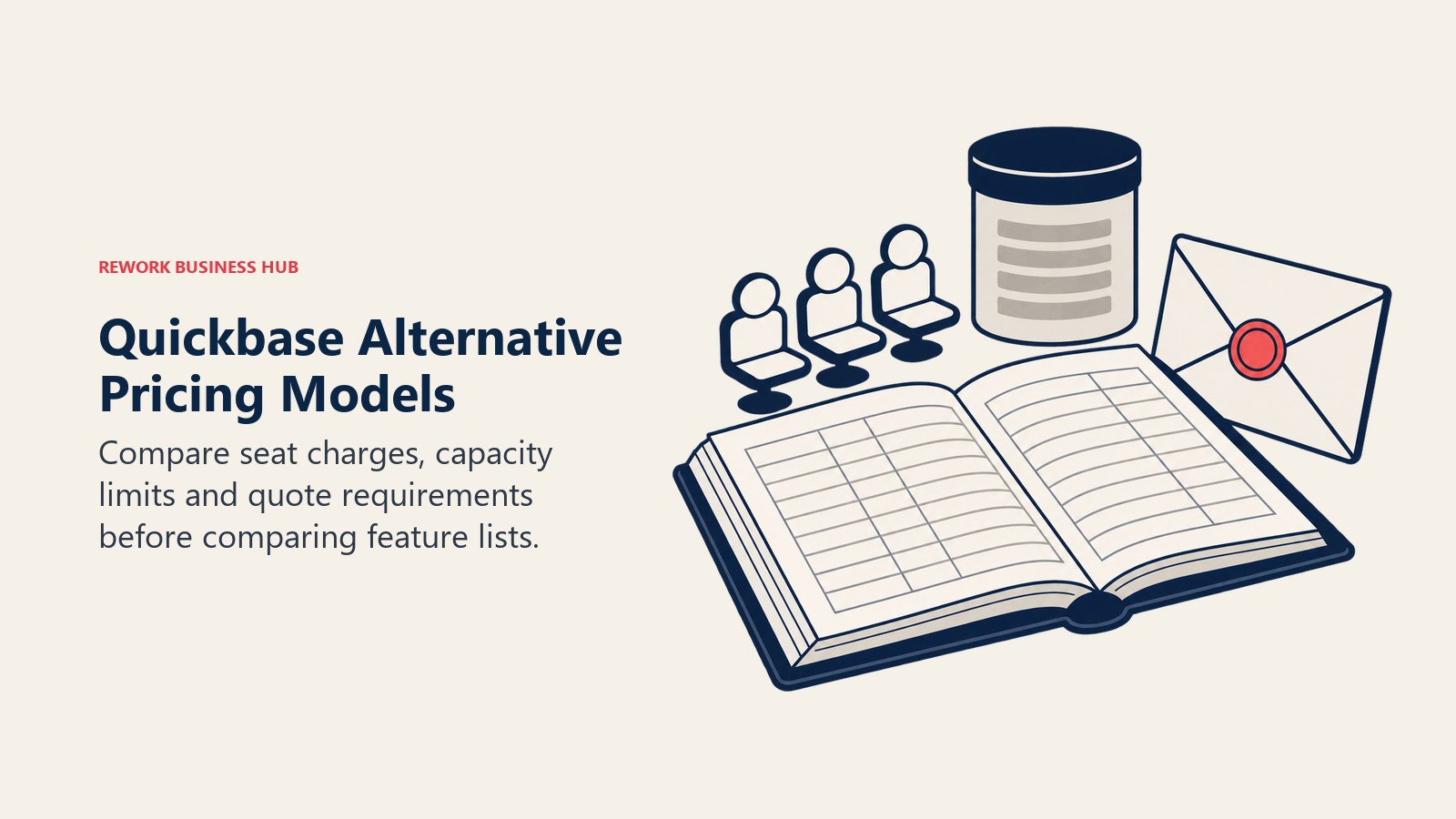
This is the split that actually matters when you're leaving Quickbase, and it's a genuinely different lens than the feature-by-feature comparisons every other roundup runs. SaaS costs are already climbing faster than budgets can absorb: subscription prices from several large vendors rose 10% to 20% in 2025 against IT budget growth of just 2.8%, per Gartner. A pricing model you can't forecast makes that worse before a single feature comparison even starts. Quickbase's platform minimum and Reads add-ons are one version of that problem. Here's how the 14 alternatives split.
| Pricing model | Vendors | What it means for budgeting |
|---|---|---|
| Per-user, published rate | Airtable, Smartsheet, Kintone, Microsoft Power Apps, monday.com, Notion | You can build an exact quote today, but the bill grows every time you add a person |
| Flat-fee or packaged, capped or unlimited users | Knack, Caspio, Rework | Knack and Caspio barely move as headcount grows and Rework adds seats in blocks of 5; the real ceiling is records, DataPages, or the edition's seat cap |
| Quote-only, no published figure | Zoho Creator, Appian, Pipefy (paid tiers), Kissflow, Creatio | You cannot build a real budget without a sales call, full stop |
Two of the flat-fee vendors deserve the loudest callout in this whole guide: Knack and Caspio both charge nothing per user, on every plan, which is the single most useful fact a Quickbase leaver can walk away with. Add a tenth user or a hundredth, and the bill on either platform does not move. What actually caps you on Knack and Caspio is records and DataPages, not headcount, which is a completely different budgeting conversation than the one Quickbase forces with its per-user-plus-undisclosed-minimum model.
1. Airtable: The Relational Spreadsheet, With a Free Plan Smaller Than You Think
Airtable is the tool most people picture when they hear "no-code database," and for good reason: it looks and feels like a spreadsheet, but every table can link to every other table, so a Quickbase-style relational app is genuinely buildable without touching a formula editor most business users would recognize as code. Views (grid, kanban, calendar, gallery, Gantt) sit on top of the same underlying data, which is what makes Airtable feel faster to prototype in than Quickbase for a first internal tool.
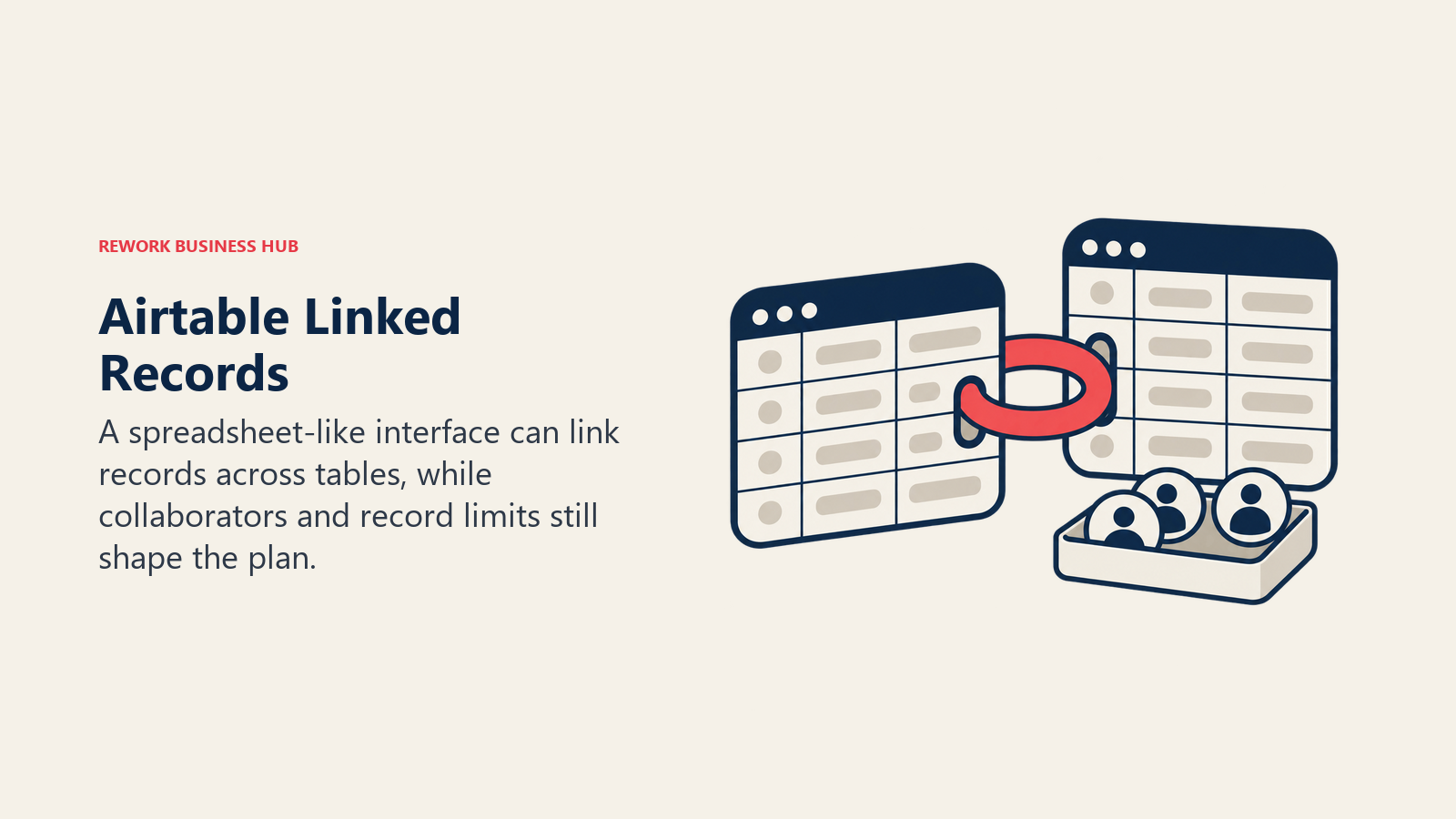
The free plan reality check matters here: it's capped at 5 collaborators with Editor or Creator permissions, 1,000 records per base, and 1GB of attachments per base, not the unlimited sandbox its reputation suggests. Team, the first paid tier, runs $20 per collaborator per month billed annually ($24 billed monthly), raising the ceiling to 50,000 records per base. Business steps up to $45 annually ($54 monthly) for 125,000 records per base, and Enterprise Scale is custom. If Airtable's structure fits but the fee-per-collaborator math doesn't, the dedicated Best Airtable Alternatives guide covers that shopping trip on its own.
| Pros | Cons |
|---|---|
| Real relational data model via linked records, not just flat rows | Free plan is 5 seats and 1,000 records per base, tighter than the reputation |
| Multiple views (kanban, calendar, gallery) on the same underlying data | Per-collaborator billing means cost scales with every new teammate added |
| Large template and integration library for a fast first build | Automation and API call limits tighten noticeably below the Business tier |
Pricing: Free (5 collaborators, 1,000 records/base). Team $20/collaborator/month billed annually, $24 monthly. Business $45 annually, $54 monthly. Enterprise Scale custom. (Airtable) Best for: Teams wanting a familiar spreadsheet UI with real relational structure underneath and strong visual views out of the box. Not ideal for: A team that read "free" and assumed unlimited seats or records; check the 5-collaborator, 1,000-record cap before you commit a workflow to it.
2. Smartsheet: Grid and Gantt Views First, Database Features Second
Smartsheet's roots are in project tracking, not app building, and that shows in how it feels to use: rows and columns that behave like a spreadsheet crossed with a Gantt chart, with automation, forms, and dashboards layered on top. For an ops team whose Quickbase apps were really just structured trackers with a few automated alerts, Smartsheet's grid-first model can be an easier mental switch than a true relational database tool.
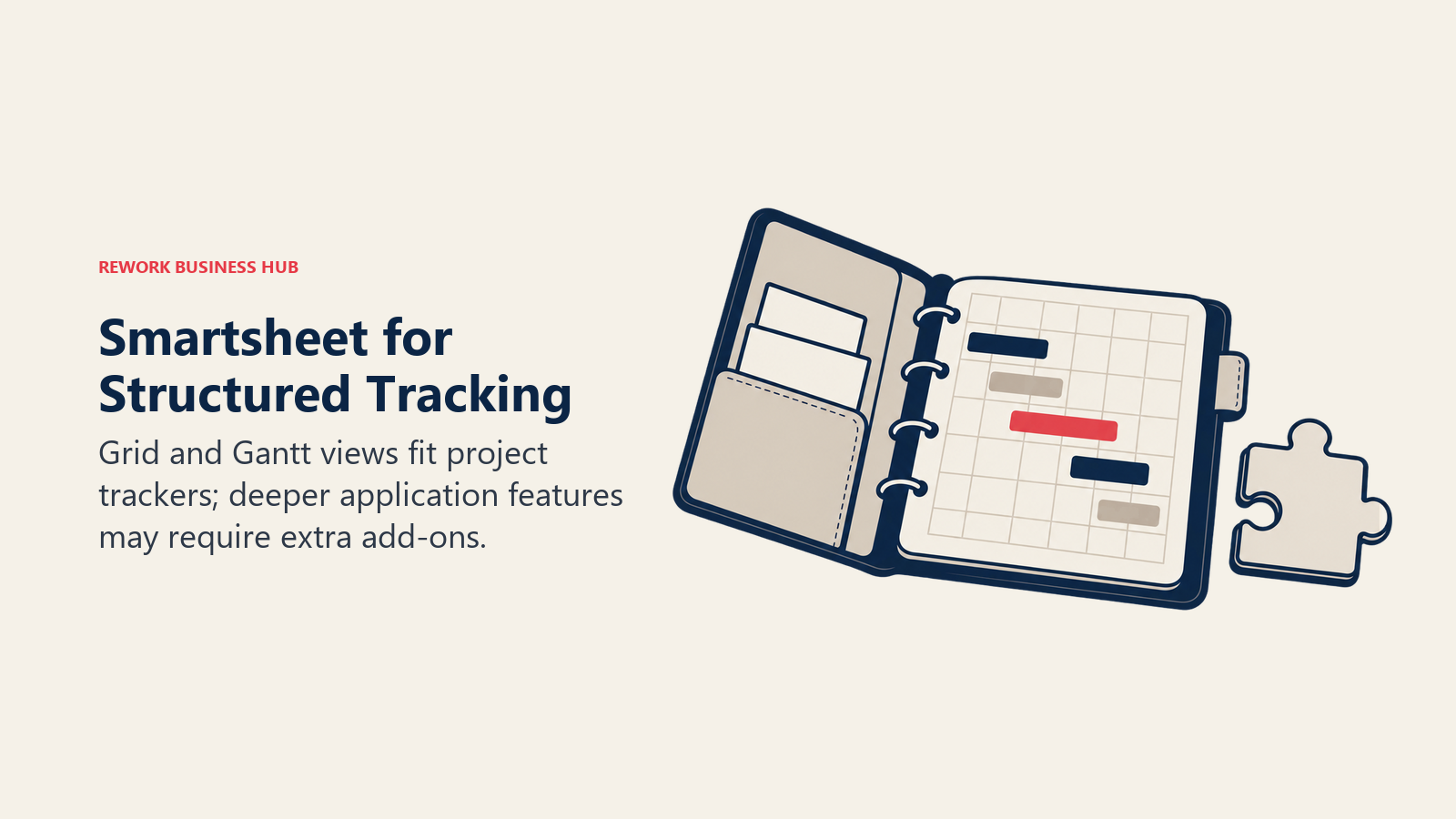
Pro is capped at 10 members ($9/member/month billed yearly, $12 billed monthly), with unlimited Contributors. Business ($19/member/month billed yearly, $24 monthly) requires 3+ members and adds unlimited Guests. Enterprise is custom, starting at 10+ members. Add-ons like Dynamic View (from $125/month) and Data Shuttle (from $100/month) extend it toward genuine app-building territory, at extra cost. For a head-to-head against Airtable specifically, the Best Smartsheet Alternatives guide digs deeper into that comparison.
| Pros | Cons |
|---|---|
| Gantt and grid views built for project and portfolio tracking | Pro tier hard-caps at 10 members before forcing an upgrade |
| Forms, automation, and dashboards included at every paid tier | Feels less like a relational database and more like a smart spreadsheet |
| Enterprise-grade admin controls and audit history on higher tiers | Real app-building features (Dynamic View, Data Shuttle) cost extra |
Pricing: Pro $9/member/month billed yearly, $12 billed monthly (1-10 members, unlimited Contributors). Business $19/member/month billed yearly, $24 monthly (3+ members, unlimited Guests). Enterprise custom, 10+ members. (Smartsheet) Best for: Ops and PMO teams already tracking work in grids and Gantt charts who want lightweight database and automation features layered on top. Not ideal for: A team wanting a true relational, multi-table app builder; Smartsheet is sheet-first by design.
3. Zoho Creator: The Budget No-Code Builder With the Cheapest Published Rate
Zoho Creator is the closest thing on this list to a genuine budget option: a no-code app builder with workflow automation built in, sold alongside 55-plus other Zoho apps that many small businesses already run their operations on. A Free Edition covers one app for an individual or small team, and every paid tier ships with a 15-day free trial and no credit card required, a lower-friction on-ramp than Quickbase's 30-day trial.
Zoho publishes the rates on its own pricing page: Standard $8 per user per month, Professional $20, and Enterprise $25, all billed annually, with a Flex tier quoted on request. Zoho's own FAQ confirms the model is per-user: "Zoho Creator offers per-user pricing, so you can add however many users you want by purchasing licenses." Here's the catch: every one of those is an annual-billing figure. Zoho says yearly billing saves more than 30% versus monthly, but it never prints the monthly rate, so a team that wants to pay month to month cannot compute its bill from the page.
| Pros | Cons |
|---|---|
| Genuinely free Edition for one app, plus 15-day trials with no card | Every published rate is annual billing only, with no monthly figure |
| Deep integration across 55+ other Zoho apps most SMBs already use | Local taxes stack on top, so the headline rate is not the final rate |
| Published per-user rates on Zoho's own pricing page | Case-management and governance depth well behind Appian or Creatio |
Pricing: Free Edition (one app). Standard $8/user/month, Professional $20/user/month, Enterprise $25/user/month, all billed annually. Flex custom. 15-day free trial, no credit card required. Local taxes extra. Zoho states annual billing saves more than 30% versus monthly, but the monthly figures are not published. (Zoho Creator) Best for: Budget-conscious small teams already inside the Zoho ecosystem wanting a cheap no-code app and workflow builder. Not ideal for: A team that needs a confirmed dollar figure before it will even start evaluating; that means checking a region-specific quote first.
4. Knack: The Flat Fee That Never Grows With Headcount
Knack is the first of the two vendors on this list that answer the entire "what will this cost me" anxiety Quickbase creates: every plan has unlimited users, full stop. Add a person, add a department, add a hundred people, and the bill on Knack does not change. What Knack actually gates is records: Starter includes 20,000, Pro 50,000, and Corporate scales from 125,000 up to 2.5 million.
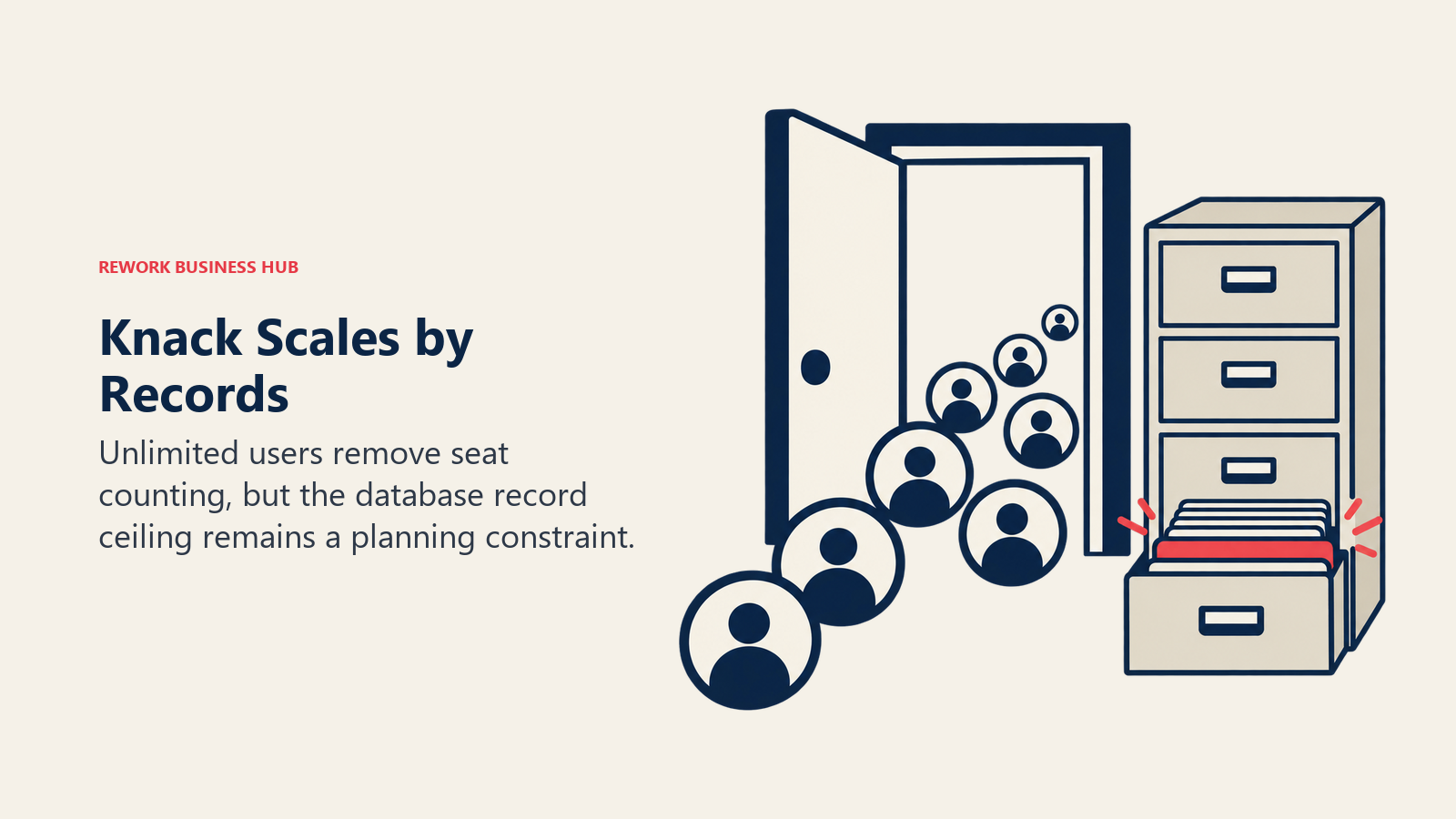
Starter runs $49/month billed annually ($59/month billed monthly). Pro is $110/month billed annually ($130 monthly). Corporate starts from $250/month for the larger record tiers, and Enterprise is a custom conversation. A 66%-off-first-3-months promo currently runs on the monthly plans ($19 and $49 respectively), worth checking if you're not ready to commit annually yet. For a Quickbase leaver whose real pain was per-user math rather than any specific feature gap, Knack is close to the cleanest possible answer.
| Pros | Cons |
|---|---|
| Unlimited users on every single plan, no exceptions | Record ceilings (20,000 on Starter) become the real growth constraint |
| Predictable flat monthly or annual bill, easy to forecast a year out | Corporate and Enterprise pricing still gate behind higher tiers or a call |
| A first-3-months promo softens the switch from a per-user incumbent | Fewer built-in workflow/process automation depth than Kintone or Quickbase |
Pricing: Starter $49/month billed annually, $59 monthly (20,000 records). Pro $110/month annually, $130 monthly (50,000 records). Corporate from $250/month (125,000-2.5M records). Enterprise custom. Unlimited users on every plan. (Knack) Best for: Teams that never want to run per-user math again and would rather budget against records than headcount. Not ideal for: A very high-volume shop that will blow past 2.5 million records and land in an unpriced Enterprise conversation anyway.
5. Caspio: Unlimited App Users, Built for Customer-Facing Portals
Caspio is the second flat-fee, unlimited-user platform on this list, and it leans more technical than Knack: it's aimed at citizen developers and IT teams building customer-facing web applications, client portals, intake forms, self-service dashboards, rather than purely internal trackers. "Unlimited app users" is the specific phrase worth underlining: the people using the finished app cost nothing extra, only the number of app authors (builders) is metered on the entry tier.
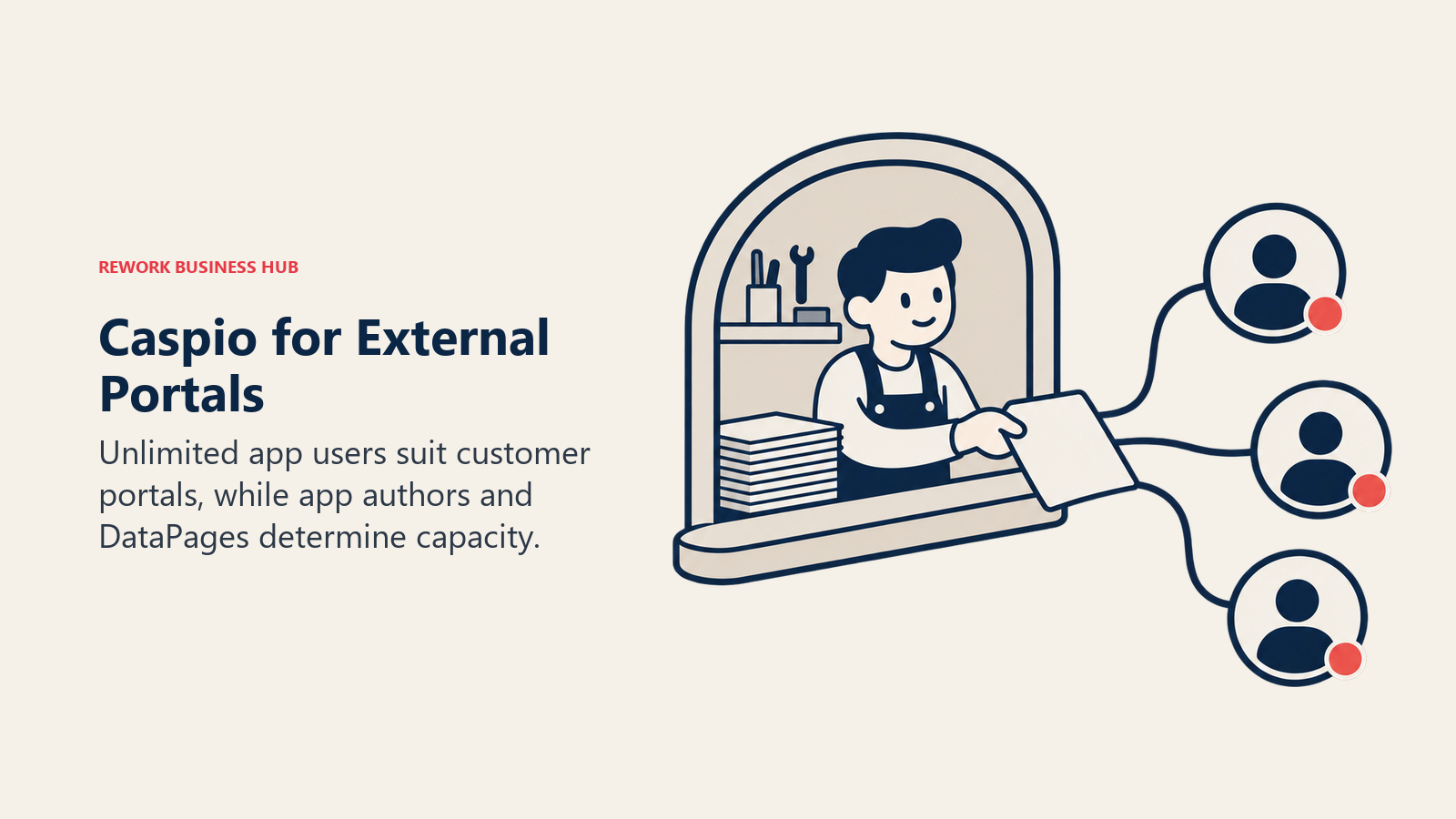
Team runs $270/month billed annually ($300 monthly), with 5 app authors, 100 DataPages, and 250,000 records. Business steps up to $540/month annually ($600 monthly), with unlimited app authors, 200 DataPages, and 1 million records. Enterprise is custom, and a dedicated HIPAA/Compliance edition runs $500/month with a 1-year minimum commitment, useful if your Quickbase apps ever touched regulated health data. For the fuller field, Best Caspio Alternatives covers this specific matchup in more depth.
| Pros | Cons |
|---|---|
| Unlimited app users on every plan, ideal for external-facing portals | Entry price ($270/month annually) is well above Knack's for a smaller feature set |
| Business tier removes the app-author cap entirely, not just the user cap | 5-app-author limit on Team can bottleneck a bigger internal build team |
| A dedicated HIPAA/Compliance edition exists for regulated data | Enterprise pricing still gates behind a custom quote |
Pricing: Team $270/month billed annually, $300 monthly (5 app authors, 100 DataPages, 250K records). Business $540/month annually, $600 monthly (unlimited app authors, 200 DataPages, 1M records). Enterprise custom. HIPAA/Compliance edition $500/month, 1-year minimum. (Caspio) Best for: Teams building external-facing, compliance-sensitive applications where "unlimited app users" matters more than a low entry price. Not ideal for: A small internal-only team on a tight budget; Knack starts meaningfully cheaper for the same "no per-user math" promise.
6. Rework: One Packaged Bill for Workflow, CRM, and HR, Not a Database Replacement
Rework's fit here is narrower and more honest than most entries on this list, which is exactly why it earns a spot: it is not a general-purpose relational database or app builder like Quickbase, Airtable, Knack, or Caspio, and it doesn't try to be. What it does solve is the pricing-model problem this entire guide is built around. Rework sells engines with seats in blocks of 5, never per-user licenses, covering Workflow, BPM, Request (approvals), Task, Project, Docs, and E-Sign as live modules on one platform, sitting next to Sales CRM, Lead Management, the People app (HRIS, time and attendance, timesheets), and a unified inbox spanning WhatsApp, Messenger, Instagram DM, and web chat.
The Process Engine is $99/month billed yearly ($1,188/year), or $120 month to month, with 5 work seats included, then $13/month per extra block of 5 seats on yearly billing. Worked out, that's $1,812/year at 25 seats on the Standard edition and $5,424/year at 100 seats on the Advanced edition, numbers you can compute yourself without a sales call, which is the whole point next to a platform-minimum fee Quickbase won't even name. The buyer this fits is a 10-to-200-person mid-market ops team tired of a workflow tool, a CRM, and an HR tool that only talk to each other through fragile integrations.
| Pros | Cons |
|---|---|
| Published engine pricing, computable in advance, no undisclosed minimums | Not a general-purpose no-code database or arbitrary custom-schema app builder |
| Workflow, CRM, and HR (People app) live on the same platform and bill | Every engine starts with 5 seats; not built for solo or single-user buyers |
| Predictable seat blocks ($13/month per 5 seats, billed yearly) once you exceed the included 5 | No process-orchestration engine depth to match Appian or Camunda |
Pricing: Process Engine $99/month billed yearly ($1,188/year) or $120 month to month, 5 work seats included, then $13/month per extra block of 5 seats on yearly billing. 14-day free trial. See rework.com/pricing. Best for: 10-to-200-person ops teams that want workflow and process tools bundled with CRM and HR under one predictable vendor bill instead of a stack of per-user logins. Not ideal for: A team specifically shopping for a Quickbase-style relational database or custom app builder; that job belongs to Airtable, Knack, Caspio, or Kintone, not Rework.
7. Kintone: Database and Workflow Rules in the Same Box
Kintone, built by Cybozu, pairs a no-code database with process and workflow logic baked directly into each app, so an approval chain or a status-change notification doesn't need a separate automation add-on the way it might on a pure spreadsheet-style tool. That combination, plus a strong support and partner footprint across APAC, makes Kintone a natural landing spot for teams whose Quickbase apps leaned heavily on internal approval workflows rather than pure data capture.
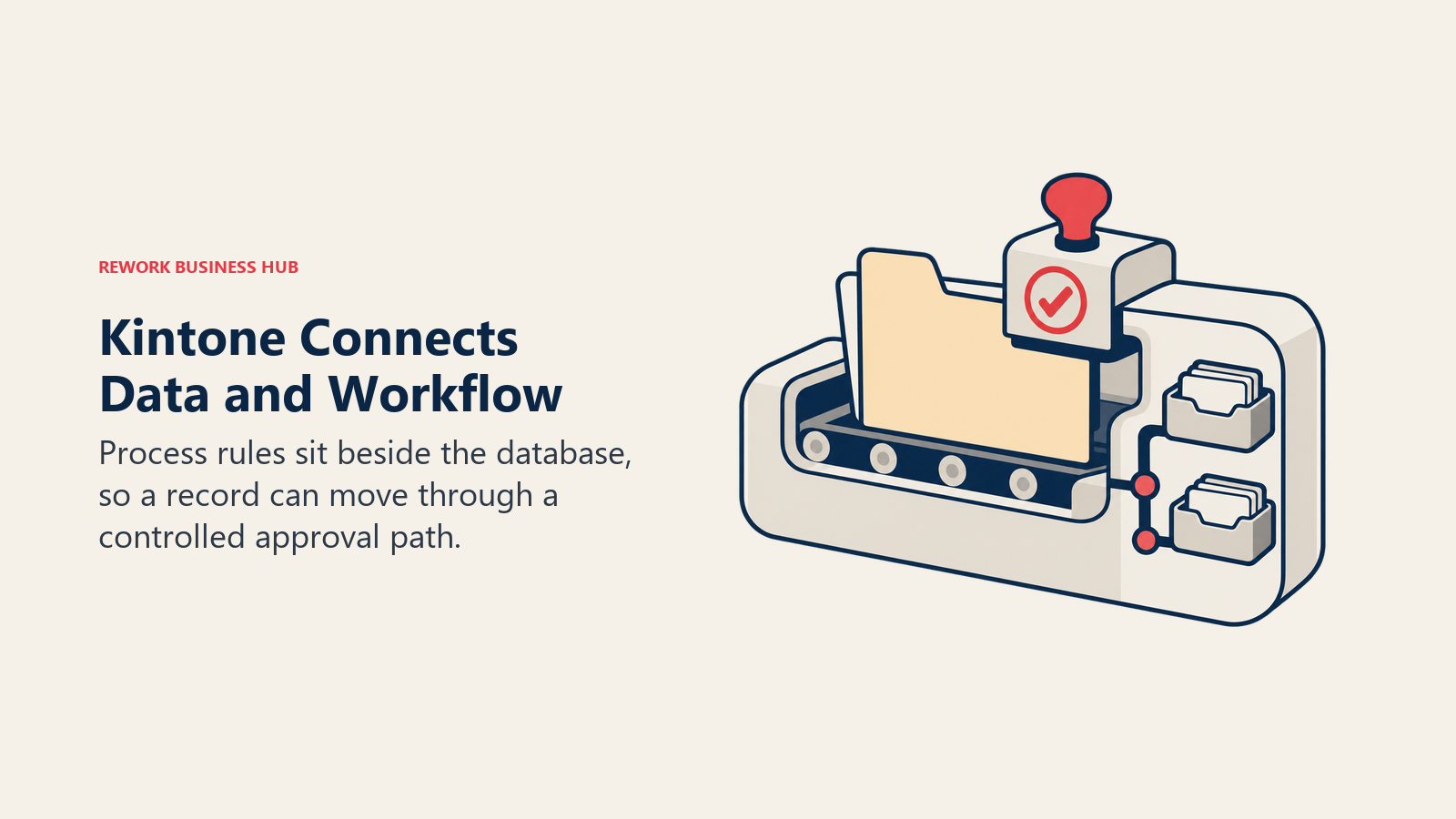
Professional runs $24 USD per user per month, and Custom runs $28 USD per user per month, both carrying a 5-user minimum, available on monthly or annual contracts. A first-time-buyer promotion currently discounts those to $16 and $20 respectively. The 5-user minimum is worth flagging up front: a very small team evaluating Kintone will pay for 5 seats even with 3 actual users, similar in spirit to the Quickbase platform-minimum problem this whole guide is about, just a transparent version of it.
| Pros | Cons |
|---|---|
| Workflow and approval logic built into the app, not a bolt-on | 5-user minimum means small teams pay for seats they don't use |
| Strong APAC support and partner ecosystem | Per-user pricing still scales with headcount, unlike Knack or Caspio |
| A first-time-buyer promo softens the initial per-user rate | Less relational depth for pure spreadsheet-style database building than Airtable |
Pricing: Professional $24 USD/user/month. Custom $28 USD/user/month. Both carry a 5-user minimum, monthly or annual contract. First-time-buyer promo runs $16 and $20 respectively. (Kintone) Best for: Teams wanting a no-code app builder with workflow and approval rules built directly into the data model, especially with an APAC presence. Not ideal for: A team under 5 users that wants to pay only for actual seats used; the minimum applies regardless.
8. Microsoft Power Apps: Built for Teams Already Inside Microsoft 365
Power Apps is the low-code app-building layer of the Microsoft Power Platform, and its clearest advantage over every other tool on this list is depth of integration: apps built in Power Apps can pull directly from Dataverse, embed inside Teams and SharePoint, and trigger Power Automate flows without leaving the Microsoft ecosystem. For an organization already paying for Microsoft 365, that native tie-in can outweigh a steeper sticker price.
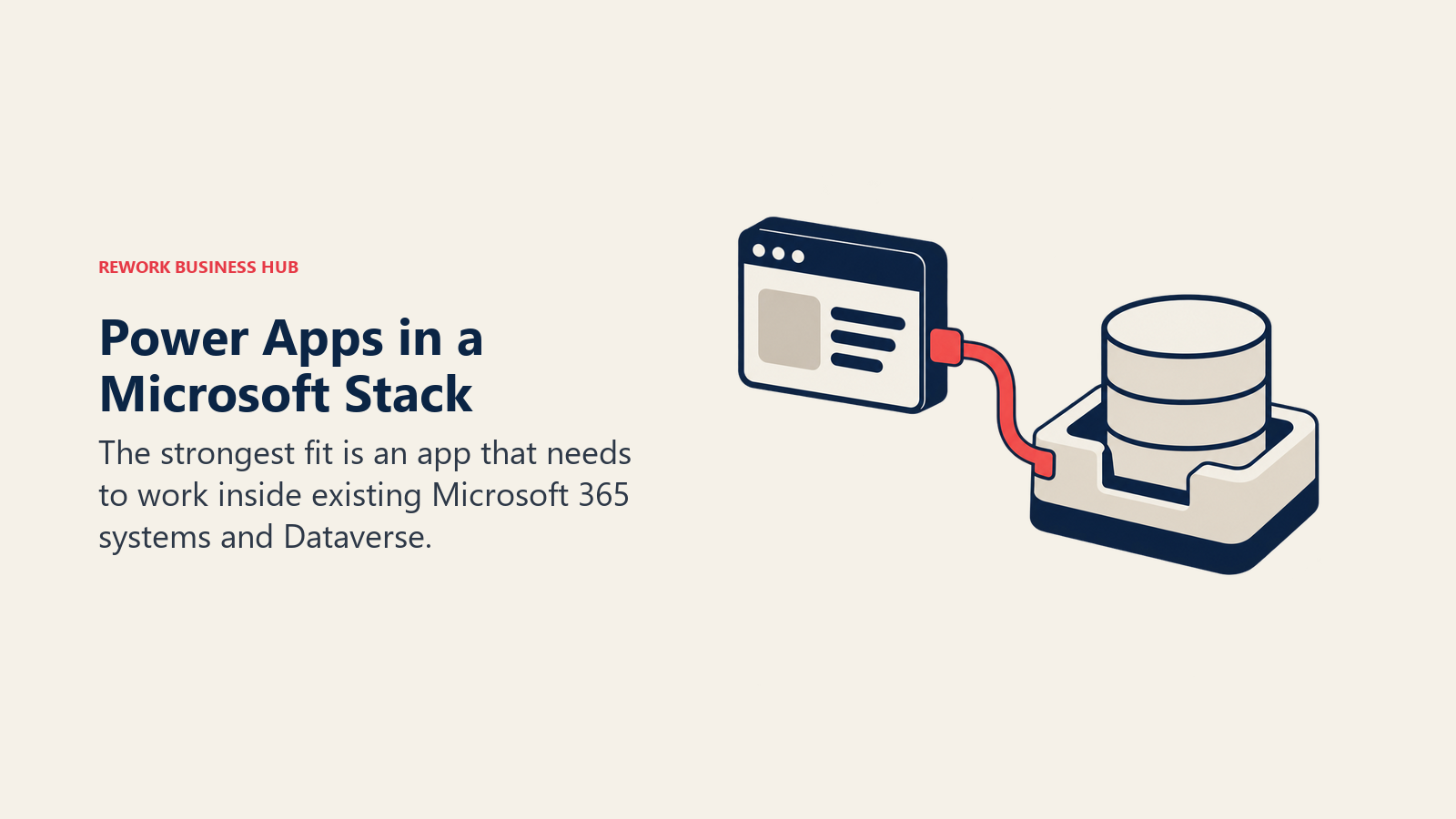
Premium runs $20 per user per month paid yearly, or $12 per user per month with a 2,000-seat minimum aimed at large enterprise deployments. A free Developer Plan covers building and testing only, not production use. Watch the number carefully: Power Apps Premium is $20/user/month, a different, higher rate than the $15/user/month Power Automate Premium price that gets quoted for a related but separate Microsoft product; conflating the two is one of the most common pricing mistakes in this category. A Forrester Total Economic Impact study commissioned by Microsoft modeled a composite 30,000-employee organization running Power Apps and Power Automate together (200 professional developers, 1,800 citizen developers) and found a 206% three-year ROI, $31.0 million in net present value, and a payback period under six months. For a wider field of options in this exact category, see Best Power Apps Alternatives.
| Pros | Cons |
|---|---|
| Deepest native integration with Teams, SharePoint, and Dataverse here | $20/user/month Premium rate, easy to confuse with the cheaper Power Automate price |
| Forrester-verified 206% three-year ROI on a real composite deployment | Dataverse capacity add-ons ($40/GB/month) can surprise teams with growing data |
| A free Developer Plan for evaluating the platform before any spend | Full value depends on already being invested in the Microsoft ecosystem |
Pricing: Free Developer Plan (build/test only). Premium $20/user/month paid yearly, or $12/user/month with a 2,000-seat minimum. Dataverse capacity add-on $40/GB/month. (Microsoft) Best for: Microsoft 365 shops wanting no-code apps that embed directly into Teams, SharePoint, and the broader Power Platform. Not ideal for: A team outside the Microsoft ecosystem with no Teams/SharePoint/Dataverse investment to build on top of.
9. Appian: Enterprise Governance, With No Price Until You Call
Appian belongs on this list for the buyer whose real complaint about Quickbase was never the database, it was governance: case management, audit trails, and process orchestration deep enough for insurance, banking, or government work. Gartner named Appian a Leader in its inaugural Magic Quadrant for BOAT (Business Orchestration and Automation Technologies), published in October 2025, replacing the older iBPMS category.
Appian sells Standard, Advanced, and Premium editions, each priced per user, per month, per app, not a flat per-seat rate, which means two teams with identical headcounts can land on very different bills depending on how many separate applications they build. None of the three editions carries a public dollar figure; every quote runs through sales. A free Community Edition exists for personal development and learning, explicitly not licensed for production traffic, a reasonable way to evaluate the modeling experience before that first sales call.
| Pros | Cons |
|---|---|
| Named a Leader in Gartner's first-ever BOAT Magic Quadrant | Zero public pricing anywhere; every number requires a sales conversation |
| Governance and audit depth built for regulated, high-volume case work | Per-app pricing (not per-seat) makes budgeting from headcount alone unreliable |
| A free Community Edition for evaluating the platform hands-on | Massive overkill for a team just wanting to replace a Quickbase database app |
Pricing: Standard, Advanced, and Premium editions, each priced per user per month per app, no dollar figure published. Community Edition free for personal development only, not production. (Appian) Best for: Regulated enterprises that need governed, audited case management and are prepared to run pricing through a sales evaluation. Not ideal for: A team that just wants a Quickbase-style app database with a visible starting price; Appian's per-app enterprise pricing is a different conversation entirely.
10. Pipefy: The Free Tier That's Actually Usable, Until It Isn't
Pipefy takes a kanban-first approach: each card represents a case or record moving through a process, aimed at operations teams (procurement, HR, finance shared services) wanting a visual, no-developer-required way to build a workflow-backed app. What separates Pipefy from most "free tier" marketing on this list is that Starter is genuinely usable, not a crippled trial: up to 5 processes, 10 users, 50 cards per month, 2GB storage, and 500 database records, with no credit card required and 1,000 single-use AI credits included.
Business moves to per-user billing with unlimited users and processes, 20GB storage, 10,000 database records, and 300 automation jobs, but Pipefy does not publish a dollar figure for it. Enterprise is similarly unpriced. Pipefy also runs a stated SMB program offering "up to 90% discount" for companies with 11 to 200 employees, again with no dollar figure printed, and reported Business-tier figures range from $18 to $33 per user per month, a spread too wide to budget against. For a closer look at this specific matchup, see Best Pipefy Alternatives.
| Pros | Cons |
|---|---|
| Starter is a real, usable free tier: 5 processes, 10 users, no card | Business tier bills per user with literally no published rate |
| 1,000 AI credits included on every plan, including free | Third-party price estimates for Business span an unreliable $18-33 range |
| A stated SMB discount program (up to 90% off) for small teams | 5-process, 10-user cap on Starter arrives faster than it sounds |
Pricing: Starter free (5 processes, 10 users, 50 cards/month, 500 database records). Business and Enterprise custom, contact sales. SMB program offers up to 90% off for 11-200 employee companies, no price printed. (Pipefy) Best for: Operations teams wanting a genuinely free tier to build their first process before any budget conversation starts. Not ideal for: A team already past 10 users or 5 active processes; that's a Business-tier conversation with no visible starting price attached.
11. Kissflow: The No-Code Builder Whose Own Pages Disagree on Price
Kissflow built its reputation on no-code process and app building for business users, no developer required, historically backed by a simple, publicly quoted price. That page is gone. As of August 2026, kissflow.com/pricing sells a consultation-led, fixed annual agreement quoted per organization: no tiers, no user counts, no dollar figures.
What makes Kissflow worth its own callout in this guide is that its remaining content pages don't even agree with each other. One Kissflow page states the platform "starts at $1,500 per month for up to 50 users," while the FAQ on that very same page says it "starts at $2,500 per month for 50 users," and a separate Kissflow page puts the Basic plan starting price at $2,500 per month too. No competitor roundup mentions this contradiction; most simply repeat the older $1,500 figure as current fact, which it isn't. Treat every circulating number as unconfirmed and get an actual quote in writing before budgeting against any of them. For the closest matchup on this exact question, see Best Kissflow Alternatives.
| Pros | Cons |
|---|---|
| No-code, business-user-friendly process and app builder | Not one visible price anywhere on its own pricing page |
| Long track record in the no-code workflow category | Its own site's pages disagree with each other on the starting figure |
| A guided demo path for structured evaluation | No self-serve way to compare cost before a sales conversation |
Pricing: Not published on Kissflow's pricing page; sold as a fixed annual agreement quoted per organization. Kissflow's own 2026 content pages quote conflicting starting points, $1,500/month for up to 50 users on one page and $2,500/month on another (and in that first page's own FAQ), so treat every circulating figure as unconfirmed. (Kissflow) Best for: Business teams that already know they want a no-code process and app builder and are comfortable evaluating price through a sales call. Not ideal for: A budget-conscious team wanting to self-serve any kind of price comparison; that isn't possible on Kissflow's current site.
12. monday.com: A Familiar Board, With a Growing App Marketplace
monday.com started as visual project management and has expanded into a broader "Work OS," with monday apps, automations, and integrations that increasingly resemble lightweight no-code app building layered onto its signature colorful boards. For a team whose Quickbase use case was really a handful of internal tracking tools rather than a deeply relational system, monday.com's large marketplace of prebuilt templates can shorten the build considerably.
Free covers up to 2 seats. The Work Management line runs Basic $9/seat/month, Standard $12, and Pro $19, all billed annually, with a 3-seat minimum on every paid plan. Enterprise is custom. The underlying data model is board-centric rather than a true relational database, worth flagging clearly: monday.com is a strong fit for lighter internal tracking apps, less so for the multi-table, deeply linked structures Quickbase, Airtable, Knack, or Caspio handle natively.
| Pros | Cons |
|---|---|
| Large marketplace of prebuilt app templates on a familiar visual board | Board-centric data model, not a relational database like Quickbase |
| Published, straightforward per-seat pricing with no hidden minimum | 3-seat minimum on every paid plan, even for a 1-2 person pilot |
| Broad third-party integration and automation ecosystem | Deep multi-table relational apps require real workarounds versus native support |
Pricing: Free up to 2 seats. Basic $9/seat/month, Standard $12, Pro $19, all billed annually. Enterprise custom. 3-seat minimum on paid plans. (monday.com) Best for: Teams wanting a highly visual, template-driven layer for lighter internal tracking apps rather than deep relational data structures. Not ideal for: A team whose Quickbase apps depended on genuine multi-table relational logic; that's a better fit for Airtable, Knack, or Caspio.
13. Creatio: App Building Bundled Natively With CRM
Creatio's app-building and process tools grew directly out of a CRM platform, and that lineage is still the clearest differentiator: workflow and no-code app building live natively alongside sales, marketing, and service CRM modules rather than bolted onto a generic canvas. As of May 1, 2026, Creatio introduced a new Unlimited pricing tier alongside its existing Growth and Enterprise tiers, aimed at organizations that would rather budget per organization than count seats at all.
Growth and Enterprise both carry a minimum of 5 users; Unlimited, as the name implies, has no seat cap. Creatio's own pricing comparison page prints no dollar figure for any tier, the numbers live behind a PDF download and a sales call, so any specific per-user price you encounter (including older figures circulating around $25 to $85 per user per month) is a third-party estimate, not a vendor price. AI credits (200 to 400 depending on tier) are included per user on the priced plans.
| Pros | Cons |
|---|---|
| App building and CRM live natively on the same platform | No dollar figure printed anywhere on Creatio's own comparison page |
| New Unlimited tier removes per-seat counting entirely | Growth and Enterprise both require a 5-user minimum |
| AI credits included per user on priced tiers | Third-party reported ranges vary wildly ($25-85/user/month) |
Pricing: Growth, Enterprise, and Unlimited tiers; minimum 5 users on Growth and Enterprise, unlimited users on the Unlimited tier. No dollar figures published on Creatio's own comparison page; Growth reportedly runs around $25-40/user/month (PricingSaaS). (Creatio) Best for: Teams wanting app building and workflow bundled natively with CRM, and willing to budget per organization rather than per seat. Not ideal for: A buyer wanting a visible per-seat price to compare before a sales conversation even starts.
14. Notion: The Lightweight Database Hiding Inside Your Docs Tool
Notion's database is the underdog entry on this list: it started as a docs and wiki tool, and its relational tables, linked databases, and (more recently) automations are genuinely useful for lightweight internal tracking, but they don't approach the depth of a purpose-built app platform like Quickbase, Airtable, or Kintone. Its real advantage is proximity: if a team already lives in Notion for documentation, adding a simple structured tracker next to it has essentially zero switching cost.
Free covers $0 with 10 external guests, 7-day page history, and 5MB file uploads. Plus runs $10 per seat per month, Business $20 per seat per month; Notion states that yearly billing saves up to 20% but doesn't print the exact annual per-seat figure, so quote the monthly rate and mention the discount separately. Enterprise is custom. For the direct Airtable matchup on exactly this "is Notion's database enough" question, see Notion vs Airtable.
| Pros | Cons |
|---|---|
| Sits inside the same tool most teams already use for docs and wikis | Relational depth is shallow compared to a dedicated database/app builder |
| Straightforward per-seat pricing with a real published monthly rate | No printed annual per-seat figure, only a vague "up to 20%" savings claim |
| Low switching cost for teams already running Notion for documentation | No serious workflow or approval automation layer to replace Quickbase's |
Pricing: Free ($0, 10 external guests, 7-day page history, 5MB uploads). Plus $10/seat/month. Business $20/seat/month. Notion states yearly billing saves up to 20% but doesn't publish the annual rate. Enterprise custom. (Notion) Best for: Teams already living in Notion for docs and wikis who want lightweight structured data alongside it, not a standalone app. Not ideal for: A team needing true relational multi-table apps or Quickbase-grade automation depth; Notion's database is a companion feature, not its core product.
Cost at 10, 25, and 100 Users
Built only from published rates. Flat-fee vendors (Knack, Caspio, Rework within its user cap) barely move as headcount grows; quote-only vendors simply have no number to put in the cell, which is itself the finding worth noting.
| Tool | 10 users | 25 users | 100 users |
|---|---|---|---|
| Airtable (Team, annual) | $2,400/year | $6,000/year | $24,000/year |
| Smartsheet (Pro caps at 10; Business above) | $1,080/year | $5,700/year | $22,800/year |
| Zoho Creator (Standard, annual) | $960/year | $2,400/year | $9,600/year |
| Knack (Starter, annual, unlimited users) | $588/year | $588/year | $588/year |
| Caspio (Team, annual, unlimited app users) | $3,240/year | $3,240/year | $3,240/year |
| Rework (Process Engine, billed yearly; Advanced edition at 100) | $1,344/year | $1,812/year | $5,424/year |
| Kintone (Professional, 5-user minimum) | $2,880/year | $7,200/year | $28,800/year |
| Power Apps (Premium, annual) | $2,400/year | $6,000/year | $24,000/year |
| Appian | Not published | Not published | Not published |
| Pipefy (Starter free up to 10; Business unpublished above) | $0/year | Not published | Not published |
| Kissflow | Not published | Not published | Not published |
| monday.com (Basic, annual) | $1,080/year | $2,700/year | $10,800/year |
| Creatio | Not published | Not published | Not published |
| Notion (Plus, monthly rate) | $1,200/year | $3,000/year | $12,000/year |
Knack and Caspio's flat rows are the whole point of this table: at 100 users, Airtable, Kintone, and Power Apps all land between $24,000 and $28,800 a year, while Knack sits at $588 and Caspio at $3,240, because neither one charges by the seat at all. Rework's Process Engine numbers grow, but slowly and predictably, in published blocks of 5 seats at $13 a month per block, not a mystery minimum layered on top afterward.
Stage Fit: Where Each Tool Wins as You Scale
| Stage | What's happening | Best-fit tools |
|---|---|---|
| First app, no budget yet | Testing whether no-code even works for this team | Airtable free, Pipefy Starter (free), Notion free |
| Multiple small apps, one team | One team owns a handful of internal tools | Airtable Team, Knack Starter, Caspio Team, Notion Plus |
| Scaling across departments | Several departments each need their own apps or workflows | Kintone, Zoho Creator, monday.com, Smartsheet Business |
| Consolidating tool sprawl | Ops wants workflow, CRM, and HR under one roof instead of five logins | Rework Work Ops |
| Regulated or enterprise governance | SSO, audit trails, and compliance certifications become non-negotiable | Caspio HIPAA edition, Power Apps (Dataverse), Appian, Creatio Enterprise |
Sizing and Persona Fit
| Company size | Buyer persona | Best-fit picks | Why |
|---|---|---|---|
| 1 to 10 | Founder or ops generalist, no dedicated IT | Airtable free, Knack Starter, Pipefy Starter | Free or flat-fee tiers with no per-seat bill to negotiate |
| 10 to 50 | Ops manager or business analyst | Zoho Creator, Kintone, monday.com | Budget-friendly per-user tools that don't require a dedicated developer |
| 50 to 200 | IT director and ops director co-buying | Rework Work Ops, Caspio, Smartsheet Business | Packaged pricing or unlimited-app-user flat fees fit mid-market growth |
| 200-plus, IT-led | CIO or enterprise architect | Power Apps, Appian, Creatio Enterprise | Governance, Dataverse and case-management depth, enterprise SSO |
| Any size, developer-led | Engineering lead building customer-facing portals | Caspio, Power Apps | Compliance editions and Dataverse depth built for technical builders |
How to Choose: Decision Framework
If your actual gap is process orchestration or BPM depth rather than database building, Best Business Process Management Software covers that broader category directly, and if the real need is even simpler workflow automation without app building at all, Best Workflow Automation Software is the better starting point.
| If your team needs... | Best pick |
|---|---|
| Zero per-user math, ever, on any plan | Knack or Caspio |
| The cheapest real published entry price with a visible number | Airtable free, or Zoho Creator once quoted |
| Workflow, CRM, and HR bundled into one predictable vendor bill | Rework Work Ops |
| Deep Microsoft 365, Teams, and SharePoint integration | Microsoft Power Apps |
| Built-in process and approval rules alongside the database | Kintone |
| Regulated, audited case management at enterprise scale | Appian |
| A genuinely usable free tier to prototype the first process | Pipefy Starter |
| A familiar spreadsheet UI most of the team already knows | Airtable or Smartsheet |
| App building bundled natively with CRM, budgeted per organization | Creatio Unlimited |
A related but distinct shopping trip: if what you actually lost patience with is diagramming and process documentation rather than a running database, that's a different tool category entirely, covered in Best Visio Alternatives and Best Creately Alternatives. And if the wider no-code database category is still in play beyond this specific Quickbase-shaped list, Best No-Code Database Software rounds out the field.
What to Do Next
Start by sorting the list above into the pricing model that fits how your team will actually grow, not by feature checklist. If headcount is the variable and data volume is stable, trial Knack and Caspio against your top two or three existing Quickbase apps for two weeks and track what the bill would have been on each. If data volume grows faster than headcount, Airtable, Kintone, or Power Apps deserve the same real-workload trial instead. For the quote-only vendors (Zoho Creator, Appian, Pipefy's paid tiers, Kissflow, Creatio), get the pricing model and a sample quote scoped to your real user count in writing before the first call ends, so you're comparing an actual number against the published prices sitting elsewhere on this list, not a guess against a fact.

Customer Success Operations Manager
On this page
- Key Facts
- Quick Comparison Table
- Pricing Models: Per-User, Flat-Fee, or Quote-Only
- 1. Airtable: The Relational Spreadsheet, With a Free Plan Smaller Than You Think
- 2. Smartsheet: Grid and Gantt Views First, Database Features Second
- 3. Zoho Creator: The Budget No-Code Builder With the Cheapest Published Rate
- 4. Knack: The Flat Fee That Never Grows With Headcount
- 5. Caspio: Unlimited App Users, Built for Customer-Facing Portals
- 6. Rework: One Packaged Bill for Workflow, CRM, and HR, Not a Database Replacement
- 7. Kintone: Database and Workflow Rules in the Same Box
- 8. Microsoft Power Apps: Built for Teams Already Inside Microsoft 365
- 9. Appian: Enterprise Governance, With No Price Until You Call
- 10. Pipefy: The Free Tier That's Actually Usable, Until It Isn't
- 11. Kissflow: The No-Code Builder Whose Own Pages Disagree on Price
- 12. monday.com: A Familiar Board, With a Growing App Marketplace
- 13. Creatio: App Building Bundled Natively With CRM
- 14. Notion: The Lightweight Database Hiding Inside Your Docs Tool
- Cost at 10, 25, and 100 Users
- Stage Fit: Where Each Tool Wins as You Scale
- Sizing and Persona Fit
- How to Choose: Decision Framework
- What to Do Next