Best Appian Alternatives in 2026: 14 BPM Platforms Compared
Turn this article into takeaways for your work.


Each assistant summarizes the article only for you and suggests best practices for your work.
What changed: Gartner published its inaugural Magic Quadrant for Business Orchestration and Automation Technologies (BOAT) in October 2025, naming both Appian and Pega as Leaders, and ProcessMaker completed its full rebrand to Decisions in June 2026, so processmaker.com now redirects to decisions.com.*
The best Appian alternatives in 2026 split by what's actually driving your search. Pega and Camunda if you still need Appian-grade process depth, regulated case management or developer-led BPMN orchestration. Microsoft Power Automate, Quickbase, Zoho Creator, and Kintone if you just want a vendor that will print a real per-user price instead of a sales quote. Rework if the actual gap was never process depth at all, but the CRM and HR tool your team runs alongside Appian on two other logins. If you're here because Appian's sales team quoted you a number that changes every time your team ships another app, you're reading the right list.
All 14 platforms below are evaluated on pricing transparency, process depth, and where they actually fit: regulated case management, developer-led orchestration, no-code business process, or something adjacent wearing a workflow hat.
Why This List Exists: Appian Won a Leader Badge and Still Won't Print a Number
Appian's pricing model is the real reason "Appian alternatives" is such a common search, more than any single feature gap. Every edition, Standard, Advanced, and Premium, is priced per user, per month, per app, not a flat per-seat rate the way most SaaS tools quote one. Build three apps for the same 50-person team and the bill is a different number for each one: identical headcount, three different quotes. None of the three editions carries a public dollar figure anywhere on appian.com; every one runs through sales.
That opacity would be more forgivable if Appian were a scrappy name nobody had heard of. It isn't. Gartner published its inaugural Magic Quadrant for Business Orchestration and Automation Technologies (BOAT) in October 2025, the category that replaced the older iBPMS label, and named Appian a Leader. Pega landed in the same Leader quadrant. The two platforms carrying the most credibility in this specific space are also the two that won't tell you what a deployment costs without a sales conversation first, and that combination, category leadership without a price tag, is what sends buyers looking for alternatives that will actually put a number in front of them.
Appian does offer a free Community Edition, but it's explicitly licensed for personal development and learning only, not production traffic, so it answers "can I try the modeling experience" and nothing else about what a real deployment costs.
Key Facts
- The global business process management software market is projected to grow from $25.88 billion in 2026 to $91.87 billion by 2034, a 17.2% compound annual growth rate. (Fortune Business Insights)
- Gartner named both Appian and Pega Leaders in its inaugural Magic Quadrant for Business Orchestration and Automation Technologies, published October 2025, the category that replaced the older iBPMS label. (Appian press release, Pega via Business Wire)
- 67% of B2B buyers say they prefer a rep-free buying experience, avoiding sales reps where possible, per a Gartner sales survey published March 2026. (Gartner)
- A composite enterprise deploying Microsoft Power Automate saw a 248% three-year ROI and a payback period under six months, with $39.85 million in net present value, per a Forrester Total Economic Impact study commissioned by Microsoft. (Forrester TEI of Microsoft Power Automate)
- 79% of organizations plan to increase automation spend, with budgets expected to rise by an average of 20% over the next two years, per Camunda's 2026 State of Agentic Orchestration and Automation report. (Camunda)
Quick Comparison Table
| Tool | Best For | Starting Price | Key Strength | Key Limitation |
|---|---|---|---|---|
| Pega Platform | Regulated enterprises needing case management plus AI decisioning | No dollar figure, custom quote | Named a Leader in Gartner's inaugural BOAT Magic Quadrant | Zero published pricing, even the free trial leads straight to a sales call |
| Camunda | Developer-led teams orchestrating BPMN into microservices | Free for local dev; SaaS from a 30-day trial | Genuinely free, unrestricted development tier | Production use requires an Enterprise quote either way |
| Microsoft Power Automate | Teams already on Microsoft 365 wanting cloud flows and RPA | Premium $15/user/month, paid yearly | Cheapest real published entry point on this whole list | Unattended bots and process mining cost far more, fast |
| ServiceNow App Engine | Enterprises building apps inside an existing ServiceNow estate | Not published, contact sales | AI-native app building (Build Agent) inside a Gartner-leading low-code platform | Value depends on already running ServiceNow more broadly |
| Nintex | Workflow automation paired with document generation and eSign | Not published, contact sales | Workflow, document generation (Drawloop), and eSign in one platform | Zero pricing transparency, not even a range |
| Rework | Mid-market ops teams replacing 3 disconnected tools with 1 | Process Engine from $99/mo billed yearly (5 seats) | A real, published engine price, not a per-app guessing game | Not a BPMN process-orchestration engine like Appian or Camunda |
| Creatio | Teams wanting BPM bundled with a native CRM | Growth $40/user/month, behind a $10,000/year minimum | A new Unlimited tier removes per-user counting entirely | The advertised $40 rate means nothing without the $10K floor |
| Bizagi | Fusion teams blending BPMN modeling with a low-code app builder | Consumption-based, no figure published; Modeler is free to download | A genuinely free, standalone BPMN modeling tool | Full platform pricing lives entirely behind a quote or brochure |
| Quickbase | No-code app building with process workflows built in | Team $35/user/month billed annually | Real, published per-user pricing straight from the vendor | An unpublished platform minimum fee sits on top |
| Kissflow | Business teams wanting a no-code workflow builder | Not published, fixed annual agreement only | Business-user-friendly builder, no BPMN experience required | Its own site won't confirm a single dollar figure anywhere |
| Pipefy | Ops teams wanting a real free tier to start on | Free (Starter, capped); Business and Enterprise custom | A genuinely usable free Starter tier still exists | Free tier caps at 5 processes and 10 users |
| Decisions | Enterprises that inherited a ProcessMaker deployment | Not published, custom quote per tier | Explicitly not priced per user, budgets don't punish headcount growth | No figure at any of its three tiers, still a sales-led buy |
| Zoho Creator | Budget-conscious teams wanting a no-code app builder | Standard $8/user/month billed annually | The cheapest real published per-user rate on this list | Monthly billing costs meaningfully more than the quoted annual rate |
| Kintone | No-code database apps with workflow rules built in | Professional $24/user/month ($16 promo, 5-user min) | Real, published per-user pricing with a first-time promo | 5-user minimum, no true 1-4 person plan |
Pricing Transparency at a Glance
Sort this list by what each vendor's own pricing page actually tells you, and a pattern shows up fast: four of the fourteen publish a real per-user rate, three offer a free tier or free tool to start on, Creatio prints a number that's meaningless without its $10,000 floor, Rework is the only one that publishes a fixed engine price with seats sold in blocks of 5, and the remaining five require a sales call before you see anything at all, the same wall Appian itself puts up.
| Tool | What's Actually Published | Category |
|---|---|---|
| Microsoft Power Automate | Premium $15/user/month, paid yearly | Real per-user rate |
| Quickbase | Team $35/user/month, Business $55/user/month, both billed annually | Real per-user rate |
| Zoho Creator | Standard $8/user/month billed annually (cheapest published rate here) | Real per-user rate |
| Kintone | Professional $24/user/month ($16 promo), Custom $28/user/month ($20 promo), 5-user minimum | Real per-user rate |
| Pipefy | Starter free (5 processes, 10 users); paid tiers unpriced | Free, capped tier |
| Camunda | Self-Managed Development free, local use only; production is a quote | Free, non-production tier |
| Bizagi | Bizagi Modeler free to download; full platform unpriced | Free tool, platform unpriced |
| Rework | Process Engine $99/mo billed yearly ($1,188/yr), 5 seats included, extra seats in blocks of 5 | Real engine price, not per-user |
| Creatio | Growth $40/user/month, behind a $10,000/year minimum purchase | Per-user rate, gated by a floor |
| Pega Platform | No tiers or dollar figures at all, custom quote | No published number |
| ServiceNow App Engine | No dollar figures or tiers, quote-based | No published number |
| Nintex | No tiers or figures published, contact sales | No published number |
| Kissflow | No dollar figures, fixed annual agreement via consultation | No published number |
| Decisions | Foundation, Growth, Enterprise, no dollar figures, custom quote | No published number |
If You Actually Need to Diagram a Process, Not Orchestrate One
Every platform below runs processes: it executes workflows, moves cases through stages, fires automations, makes decisions. If what you actually need is to document and get sign-off on a process rather than run it end to end, a dedicated diagramming tool is a cheaper, faster fit than any BPM suite on this list, Appian included. Best Visio Alternatives and Best Creately Alternatives cover that adjacent modeling category, and Best Business Process Management Software is the wider hub this article sits inside, covering the full BPM landscape beyond just Appian's replacements.
1. Pega Platform: A BOAT Leader That Still Runs Everything Through Sales
Pega Platform is built to orchestrate work across AI agents, people, and systems, spanning business process management, adaptive case management, and real-time AI-driven decisioning on one low-code foundation. Its pitch to a regulated enterprise: build fast without giving up "100% auditability," a phrase Pega leans on hard in industries like insurance, banking, and healthcare, where every automated decision needs a paper trail a regulator can follow.
Gartner named Pega a Leader in the inaugural Magic Quadrant for Business Orchestration and Automation Technologies, published October 2025, the same report and the same quadrant Appian landed in. Pega's own pricing page carries no tiers and no dollar figures at all, only a free Platform Trial and a path to a custom production quote, so a buyer evaluating Pega against Appian is comparing two Leaders on features and governance, never on price, until a sales call happens for both.
For the direct read on how these two Leaders actually differ, see Appian vs Pega.
| What you get | What you don't |
|---|---|
| AI-driven decisioning built into the same platform as case management | Any published dollar figure, even a starting range |
| Recognition as a Leader in Gartner's first BOAT Magic Quadrant | A self-serve trial that leads anywhere but a sales call |
| Deep audit and governance tooling built for regulated industries | The lightest possible entry price on this list |
| A free Platform Trial to test the low-code building experience | Flat per-seat pricing, production licensing is a custom quote |
Pricing: No tiers or dollar figures published. A free Platform Trial is offered; production licensing is a custom quote. (Pega) Best for: Large, regulated enterprises (insurance, banking, healthcare) needing governed case management and AI decisioning in one platform, prepared to run pricing through sales. Not ideal for: A team wanting to see even a rough number before booking a call, the same friction Appian has.
2. Camunda: Free for Developers, a Quote for Everyone Else
Camunda's audience differs from most of this list: it's an orchestration engine built for developers who model processes in BPMN and wire them directly into microservices and event streams, not business users dragging boxes on a canvas. Self-Managed Development is genuinely free, a team can run the full stack, the process engine, Operate, Tasklist, Identity, Optimize, and both the Desktop and Web Modeler, on their own machine with no license required. The catch is that this tier is explicitly not licensed for production traffic.
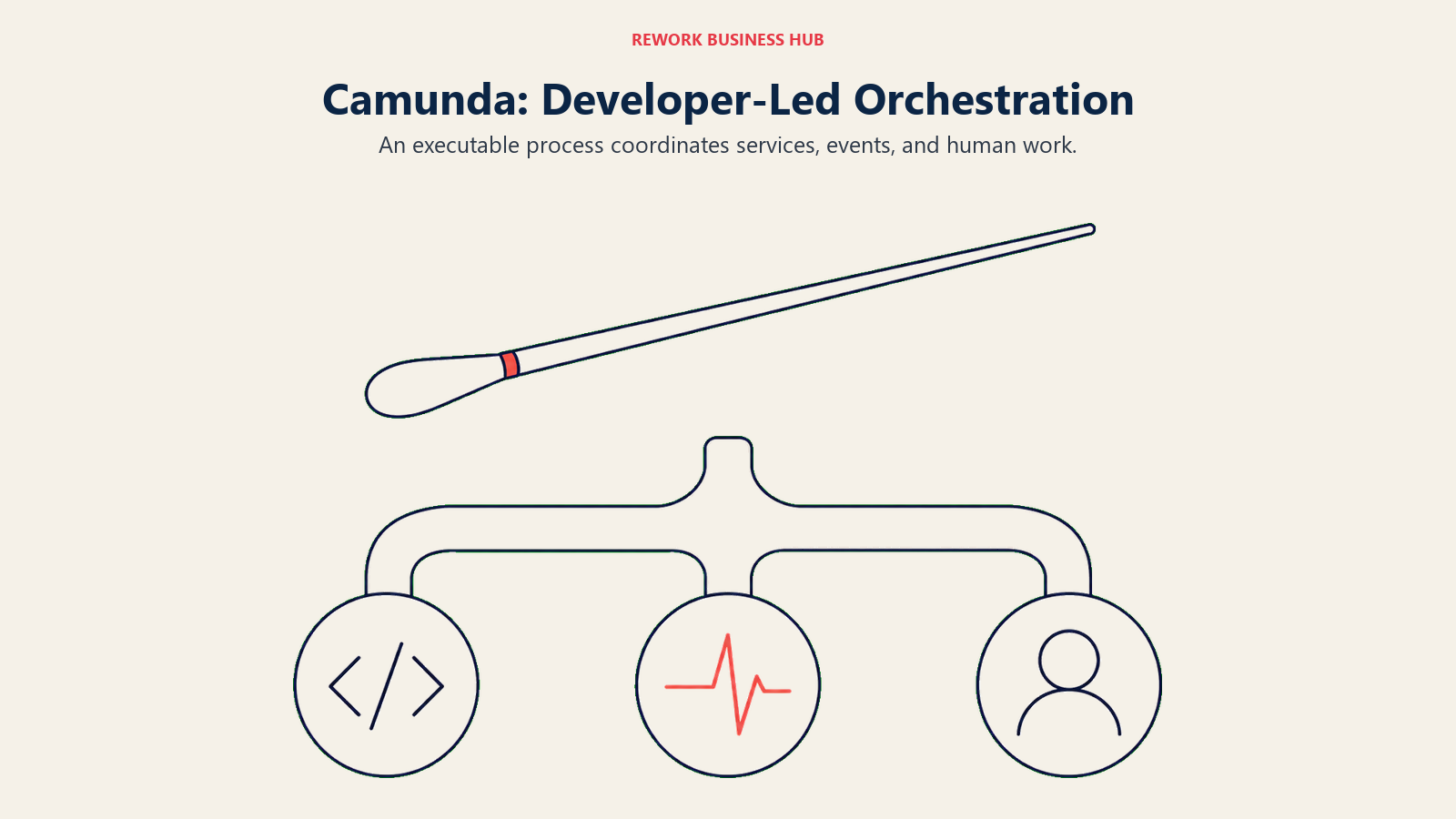
Moving to production means either a self-managed Enterprise license (custom quote, with 24x7 support and SLAs) or Camunda SaaS, which offers a 30-day free trial with full execution before dropping back to modeling only if you don't convert. Camunda's own 2026 State of Agentic Orchestration and Automation report found that 79% of organizations plan to increase automation spend, with budgets rising by an average of 20% over the next two years, one reason engines like this keep expanding scope from pure process orchestration into agentic work. For the underlying concept, see Business Process Management, explained.
| What you get | What you don't |
|---|---|
| A genuinely free, fully functional local development tier | Production usage rights on the free tier, at any point |
| BPMN-native modeling built for developers, not business users | A business-user-friendly, no-code building experience |
| A 30-day SaaS trial with full execution before it drops to modeling-only | A published per-process or per-user price for production |
| Deep integration into microservices and event-driven architectures | The simplest onboarding path for a non-technical team |
Pricing: Self-Managed Development free, local use only, no license. Self-Managed Production requires an Enterprise license (custom quote). Camunda SaaS: 30-day free trial with full execution, dropping to modeling-only afterward. (Camunda) Best for: Developer-led teams orchestrating BPMN processes across microservices who want an open engine instead of a closed no-code canvas, and would rather not run Appian's per-app pricing math. Not ideal for: A business team without engineering resources wanting to launch a process without writing code.
3. Microsoft Power Automate: The Cheapest Real Number in the Whole Category
Power Automate is the execution layer of the Microsoft Power Platform, and for an organization already paying for Microsoft 365, it's the cheapest genuinely published entry point in this entire roster, Appian included. The core Premium plan covers cloud flows, attended desktop automation (RPA), and a slice of process and task mining, for a real quoted number instead of a sales call. The bill grows fast once you move past a human-triggered flow: unattended automation needs the Process plan, priced per bot rather than per user, and Process Mining is a much larger add-on aimed at large enterprises rather than a single team automating a handful of workflows.
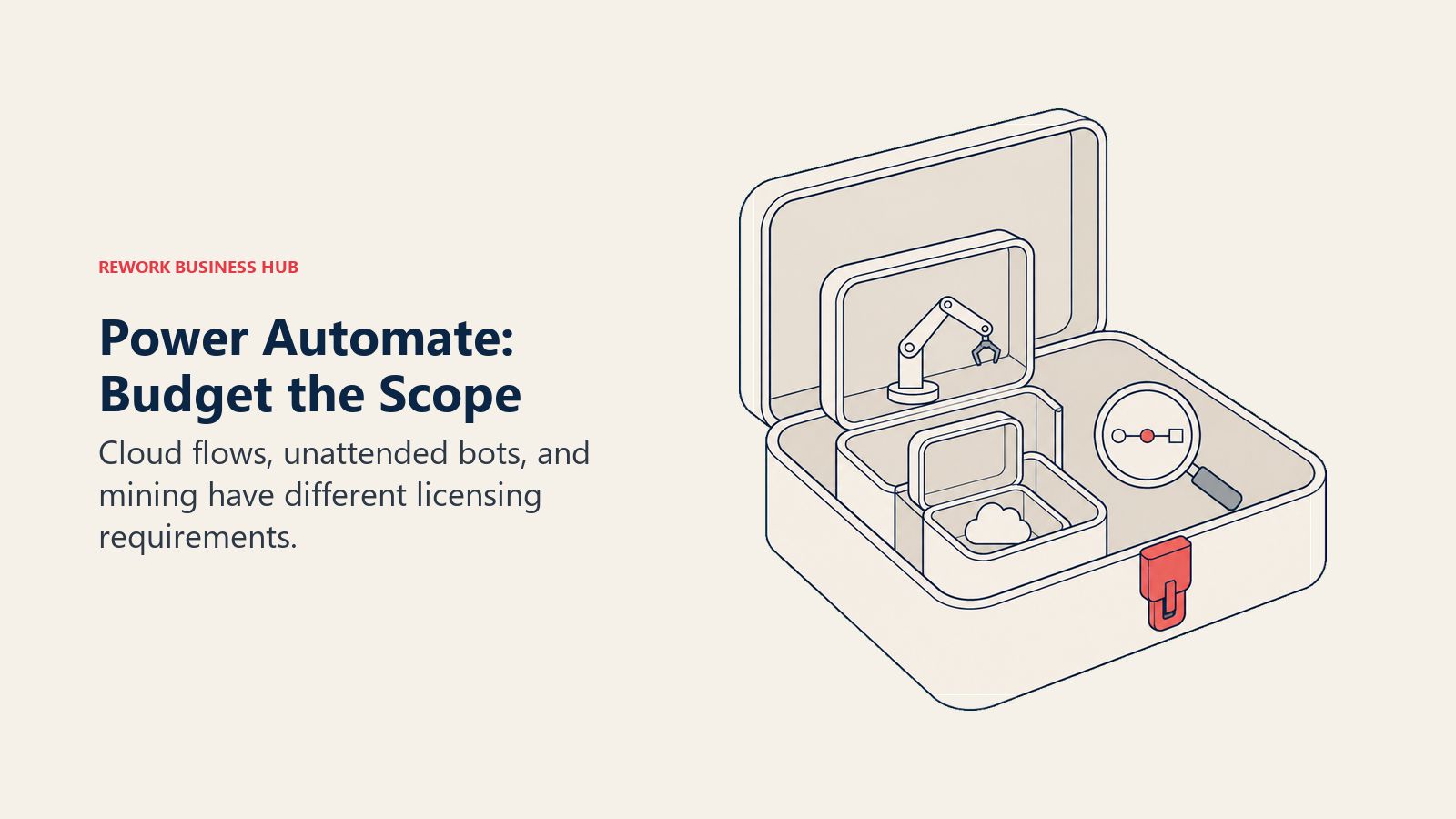
A Forrester Total Economic Impact study commissioned by Microsoft modeled a composite 30,000-employee organization and found a 248% three-year ROI on Power Automate deployment, with a payback period under six months and $39.85 million in net present value, driven mostly by RPA time savings and legacy tool retirement, the kind of cited number Appian's sales-only pricing page never gives a buyer to work with upfront.
| What you get | What you don't |
|---|---|
| A real, published per-user price for cloud flows and attended RPA | Unattended bots at the same low per-user rate, that's a separate per-bot plan |
| A 30-day free trial with standard connectors | Process Mining included, it's a $5,000/tenant/month add-on |
| Deep native integration across Microsoft 365 and Dataverse | The cheapest option if your team isn't already on Microsoft 365 |
| A Forrester-verified ROI study with real, cited numbers | A flat price once you add unattended bots and mining together |
Pricing: Free 30-day trial. Premium $15/user/month, paid yearly (cloud flows, attended RPA, limited process/task mining). Process $150/bot/month, paid yearly (unattended desktop flows). Hosted Process $215/bot/month, paid yearly. Process Mining add-on $5,000/tenant/month, paid yearly, requires Premium. (Microsoft) Best for: Teams already licensing Microsoft 365 that want cloud flows and attended RPA at the lowest real published price in this category. Not ideal for: A team needing heavy unattended automation or process mining from day one, that's where per-bot and per-tenant pricing takes over.
4. ServiceNow App Engine: AI-Native Building, Inside an Ecosystem You Already Need
ServiceNow App Engine is the low-code app-building layer of the ServiceNow platform: a drag-and-drop, template-driven environment where both professional developers and citizen developers build applications that run natively inside an organization's existing ServiceNow instance. Its newest edge is AI-native building: Build Agent brings natural-language app creation into the studio, and Now Assist for App Engine layers AI capabilities onto apps already running on the platform, a more AI-forward pitch than most low-code tools on this list, Appian included.
Gartner named ServiceNow a Leader in the Magic Quadrant for Enterprise Low-Code Application Platforms for five consecutive years through 2024, and App Engine sits inside that recognized platform rather than standing alone. Like Appian, App Engine's own pricing page publishes no dollar figures or named tiers; every quote runs through sales, and the practical reality is that App Engine's value depends heavily on already running, or planning to run, ServiceNow more broadly, not on adopting it as a standalone BPM tool.
| What you get | What you don't |
|---|---|
| AI-native app building (Build Agent, Now Assist) inside a Leader-recognized low-code platform | A published dollar figure or named tier |
| Native integration with an existing ServiceNow instance (ITSM, HR, CSM) | Standalone value if you're not already on ServiceNow |
| A multi-year track record as a Gartner low-code Leader | A self-serve trial with visible pricing at the end |
| Citizen-developer tooling that reduces shadow IT risk | A budget-friendly entry point for a small, non-ServiceNow team |
Pricing: No dollar figures or named tiers published; quote-based through sales. (ServiceNow) Best for: Enterprises already running, or committed to, the ServiceNow platform that want to build apps natively inside that ecosystem with AI-assisted tooling. Not ideal for: A team evaluating App Engine as a standalone BPM tool without an existing ServiceNow footprint, the value case assumes you're already there.
5. Nintex: No Tiers, No Numbers, Not Even a Range
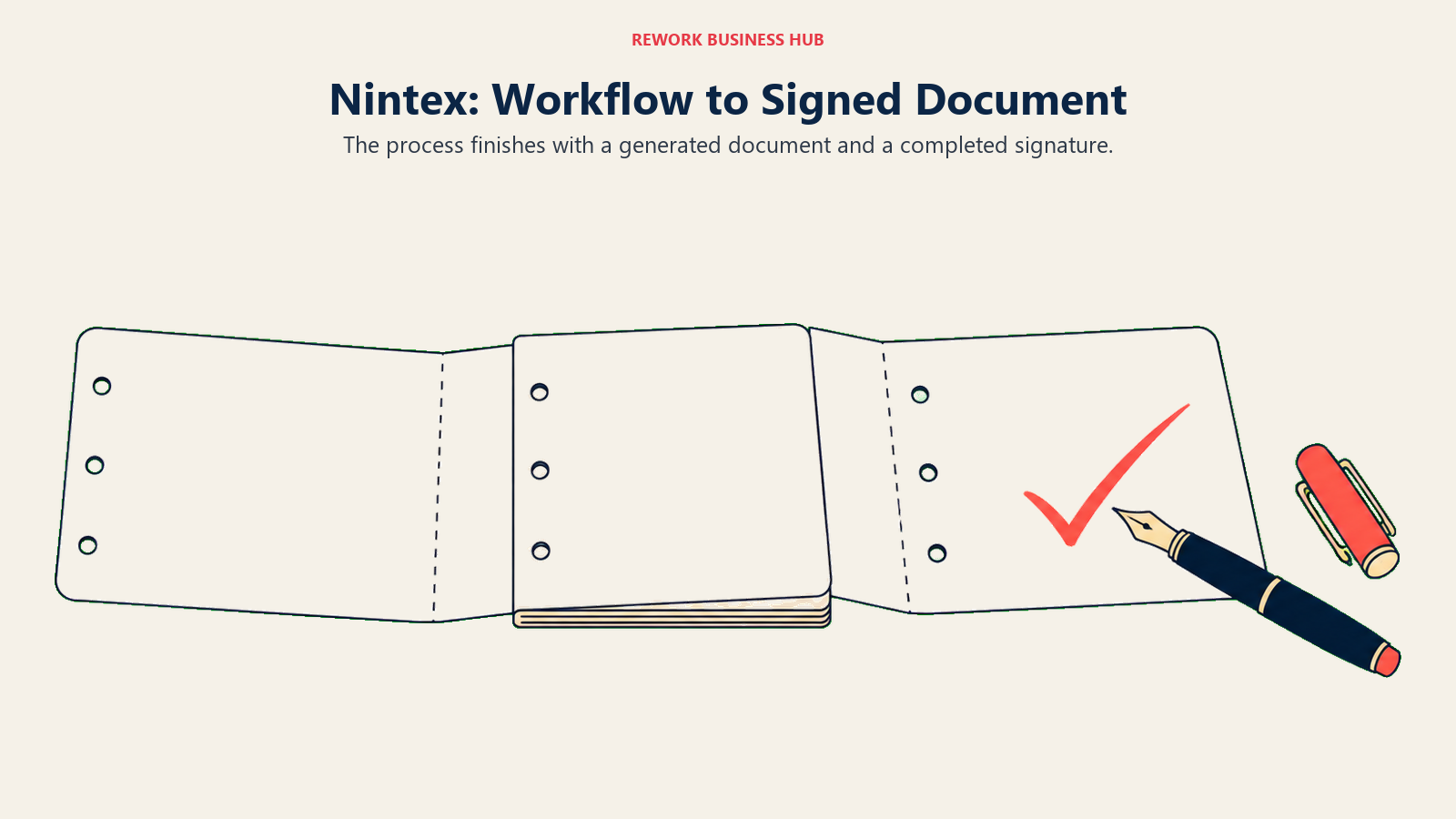
Nintex pairs workflow automation with document generation (its Drawloop lineage), process mapping, RPA, and eSign, aimed at teams whose process doesn't end at a status change but at a signed, generated document: a contract, an approval letter, an onboarding packet. That combination, workflow plus the paperwork it produces plus signature, in one platform, is Nintex's clearest point of difference from a pure orchestration engine like Appian or Camunda.
Its pricing page carries no tiers, no per-user rate, and no starting figure of any kind, every path leads to a contact-sales form. Nintex customers still running on SharePoint are also on a migration clock worth knowing about before evaluating: the SharePoint 2013 workflow engine reached end of support in 2026, and Microsoft deprecated Azure ACS for SharePoint Online on April 2, 2026, pushing on-premises customers toward Nintex Automation K2 and its SPFx integration; Nintex's Kryon RPA public APIs are also deprecated, with Nintex's own public APIs as the replacement.
For a closer, tool-by-tool look at where Nintex fits against the rest of the field, see Best Nintex Alternatives.
| What you get | What you don't |
|---|---|
| Workflow automation and document generation in one platform | Any published tier names, prices, or user counts |
| Process mapping, RPA, and eSign alongside process execution | A self-serve trial with visible pricing at the end |
| A workflow-plus-paperwork combination few competitors bundle | The fastest evaluation path on this list |
| Enterprise-grade governance for document-heavy approval chains | A budget-friendly entry point for a small team |
Pricing: No public pricing published; contact sales for a quote. Trials exist. (Nintex) Best for: Teams whose process output is a generated, signed document (contracts, approval letters, onboarding packets), not just a status change. Not ideal for: A team wanting any starting number, even a rough range, before investing time in a sales call, or one still running Nintex workflows on SharePoint without a migration plan.
6. Rework: One Platform Instead of a Process Engine, a CRM, and an HR Tool
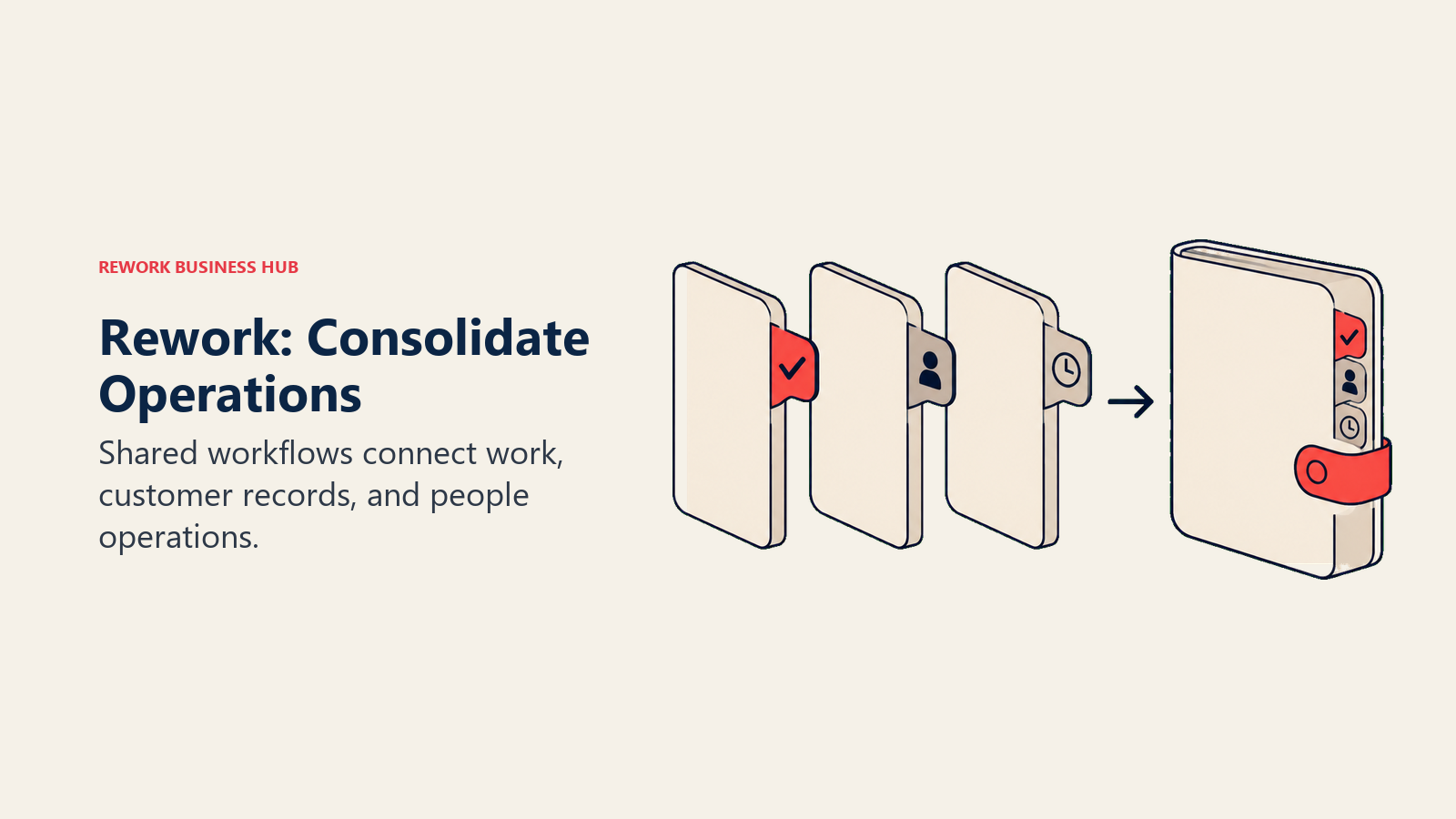
Rework's argument in this category is consolidation, not process-engine depth, and next to Appian that distinction matters more than usual. Workflow, BPM, Request (approvals), Task, Project, Docs, and E-Sign are live modules on one platform, alongside a Sales CRM, Lead Management, the People app (HRIS, timesheets, payroll), and a unified inbox spanning WhatsApp, Messenger, Instagram DM, TikTok, Zalo, and web chat. The buyer it fits is a 10 to 200 person mid-market ops team tired of a workflow tool, a CRM, and an HR tool that only talk to each other through brittle integrations, or don't talk at all, not an enterprise team evaluating Appian for a regulated, audited case-management build.
Unlike Appian, Rework actually publishes a real price: its Process Engine (Workflow, BPM, Request, and Task Service) runs $99 a month billed yearly ($1,188 a year), or $120 month to month, with 5 work seats included, and extra seats come in blocks of 5 at $13 a month per block on yearly billing. On yearly billing, a 25-seat team lands at $1,812 a year and 50 seats at $2,592 on the Standard edition, while 100 seats needs the Advanced edition at $5,424 a year. It's not a per-user-per-app rate the way Appian quotes one, and it isn't a per-user rate at all, it's an engine price with seats sold in blocks, but it's a real number you can see without a sales call.
Given this list is aimed at people leaving Appian, the honest caveat matters more than the pitch: Rework is not a BPMN 2.0 process-orchestration engine, and it doesn't compete with Appian, Pega, or Camunda on executable process modeling, case-management depth, or regulated audit trails. Anyone whose Appian evaluation was actually about those three things needs one of those three platforms, not Rework. It's also not for solo or single-user buyers, the Process Engine starts with 5 seats, so one person pays for five.
| What you get | What you don't |
|---|---|
| A published engine price, no sales call needed for a number | A BPMN 2.0 process-orchestration engine like Appian, Pega, or Camunda |
| Workflow, BPM, Request, Task, Project, Docs, and E-Sign on one platform | Deep regulated case-management and audit-trail depth |
| A unified inbox (WhatsApp, Messenger, Instagram DM, web chat) | A fit for solo or single-user buyers, every engine starts with 5 seats |
| CRM and the People app (HRIS, timesheets, payroll) in the same login | Per-user licensing, Rework sells engines with seats in blocks of 5 |
Pricing: Process Engine $99/month billed yearly ($1,188/year) or $120 month to month, 5 work seats included. Extra seats come in blocks of 5 at $13/month per block on yearly billing. Worked totals on yearly billing: 25 seats = $1,812/year, 50 seats = $2,592/year (Standard edition), 100 seats = $5,424/year (Advanced edition). 14-day free trial. (Rework) Best for: A 10 to 200 person mid-market ops team that wants workflow, approvals, project, task, CRM, and People management under one login instead of three or four separate tools stitched together. Not ideal for: Teams needing BPMN process-orchestration depth, regulated case-management audit trails comparable to Appian or Pega, or a general-purpose no-code database; also not a fit for a solo buyer, every engine starts with 5 seats.
7. Creatio: A Real Number That Needs a $10,000 Asterisk
Creatio's process engine grew out of a CRM platform, and that lineage still shows: BPM tooling is built natively alongside sales, marketing, and service CRM modules rather than bolted onto a generic canvas, a meaningfully different starting point than Appian's process-first architecture. Creatio sells Growth, Enterprise, and a newer Unlimited tier aimed at organizations that would rather budget per organization than count seats.
Growth is quoted at $40 per user per month and Enterprise at $75 per user per month, real numbers Creatio actually prints, unlike Appian. But that $40 figure needs an asterisk every time it's quoted: Creatio requires a $10,000 minimum annual purchase and a standard three-year contract, so the effective floor for even the smallest team is $10,000 a year, not 40 dollars times a small headcount. Add-on products (Sales, Marketing, Service) run $15 per user per month each, limited, internal, mobile-only, and external B2B portal users run $12 per user per month, and AI packages range from $5,000 a year for 500,000 credits up to $150,000 a year for 8 million credits.
| What you get | What you don't |
|---|---|
| BPM tooling built natively into a CRM platform | A published price below the $10,000 annual minimum |
| A real per-user figure printed on Creatio's own pricing page | A per-user rate that means anything without that floor |
| A new Unlimited tier with no per-user cap or counting | A short-term contract, standard terms run three years |
| AI credit packages priced separately from the per-user rate | Case-management depth comparable to Appian's audit tooling |
Pricing: Growth $40/user/month. Enterprise $75/user/month. Unlimited custom, no per-user limits. Add-on products (Sales, Marketing, Service) $15/user/month each; limited, internal, mobile-only, and external B2B portal users $12/user/month. AI packages from $5,000/year (500K credits) to $150,000/year (8M credits). A $10,000 minimum annual purchase and a standard 3-year contract apply. (Creatio) Best for: Teams that want BPM and CRM in one native platform, can commit to a three-year term, and would rather budget per organization than count seats one by one. Not ideal for: A small team hoping the $40-per-user headline applies below the $10,000 annual floor, or one that needs a shorter contract term.
8. Bizagi: A Free Modeler, a Platform That Isn't
Bizagi is a fusion-team automation platform: business analysts, citizen developers, and IT professionals collaborate on the same low-code build, with a BPMN process modeler, simulation, and mining tools sitting underneath the app-building layer. Its 7-step, wizard-driven app builder is aimed at making a citizen developer productive without a deep coding background, a lower technical bar than most of the enterprise names on this list.
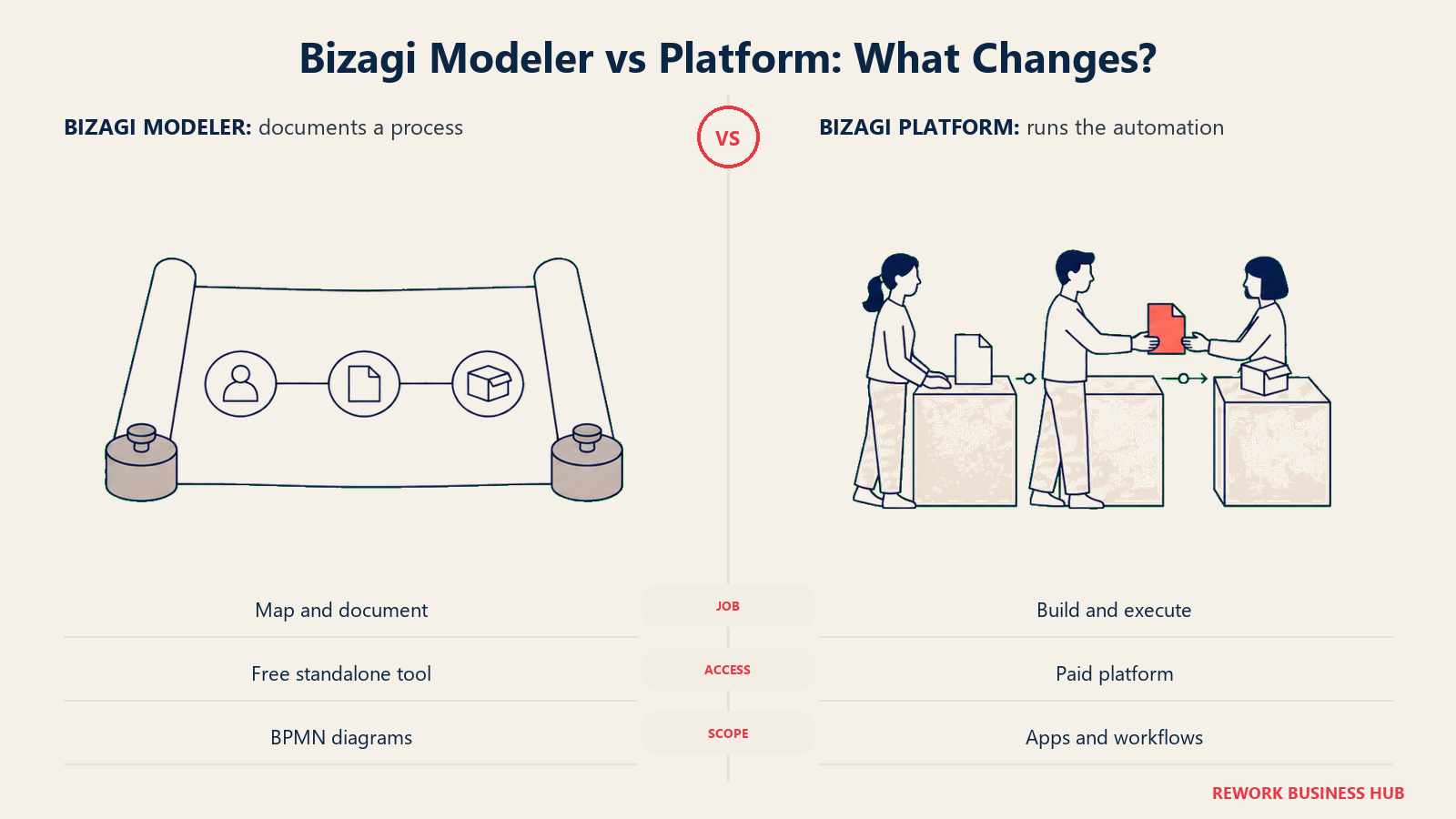
Bizagi's platform pricing is consumption-based, with no user or app limits inside a subscription, which sounds flexible until you go looking for a number: none is published, the vendor routes buyers to a quote or a downloadable pricing brochure instead. Separate from the platform, Bizagi Modeler, the standalone BPMN diagramming tool, is offered free to download and use, a real, no-cost way to model and document a process before any conversation about running it starts.
| What you get | What you don't |
|---|---|
| A genuinely free, standalone BPMN modeling tool (Bizagi Modeler) | Any dollar figure for the full automation platform |
| Consumption-based platform pricing with no fixed user or app caps | A self-serve way to see what "consumption-based" costs you |
| A low technical bar for citizen developers via a 7-step app wizard | Case-management audit depth comparable to Appian or Pega |
| Process simulation and mining tools built into the modeling layer | A published trial-to-production price path |
Pricing: Platform pricing is consumption-based, no dollar figures published; quote or pricing brochure only. Bizagi Modeler, the standalone BPMN diagramming tool, is free to download and use. (Bizagi, Bizagi Modeler) Best for: Fusion teams (business analysts plus citizen developers) that want to model, simulate, and then build a process without a deep engineering lift, and want to test the modeling piece for free first. Not ideal for: A buyer wanting a platform number before a sales conversation, the free tier here covers modeling only, not running production automations.
9. Quickbase: A Vendor That Actually Prints a Number
Quickbase is a no-code application platform with process workflows built in: teams use it to build tracking apps, approval chains, and operational databases without a developer, and unlike Appian, it prints a real per-user dollar figure directly on its own pricing page. Team starts at $35 per user per month billed annually, and Business steps up to $55 per user per month billed annually, both with SSO and audit logs, and Business adds FDA and HIPAA compliance features that make it a more serious contender for regulated buyers who might otherwise assume they're locked into an Appian-style per-app quote.
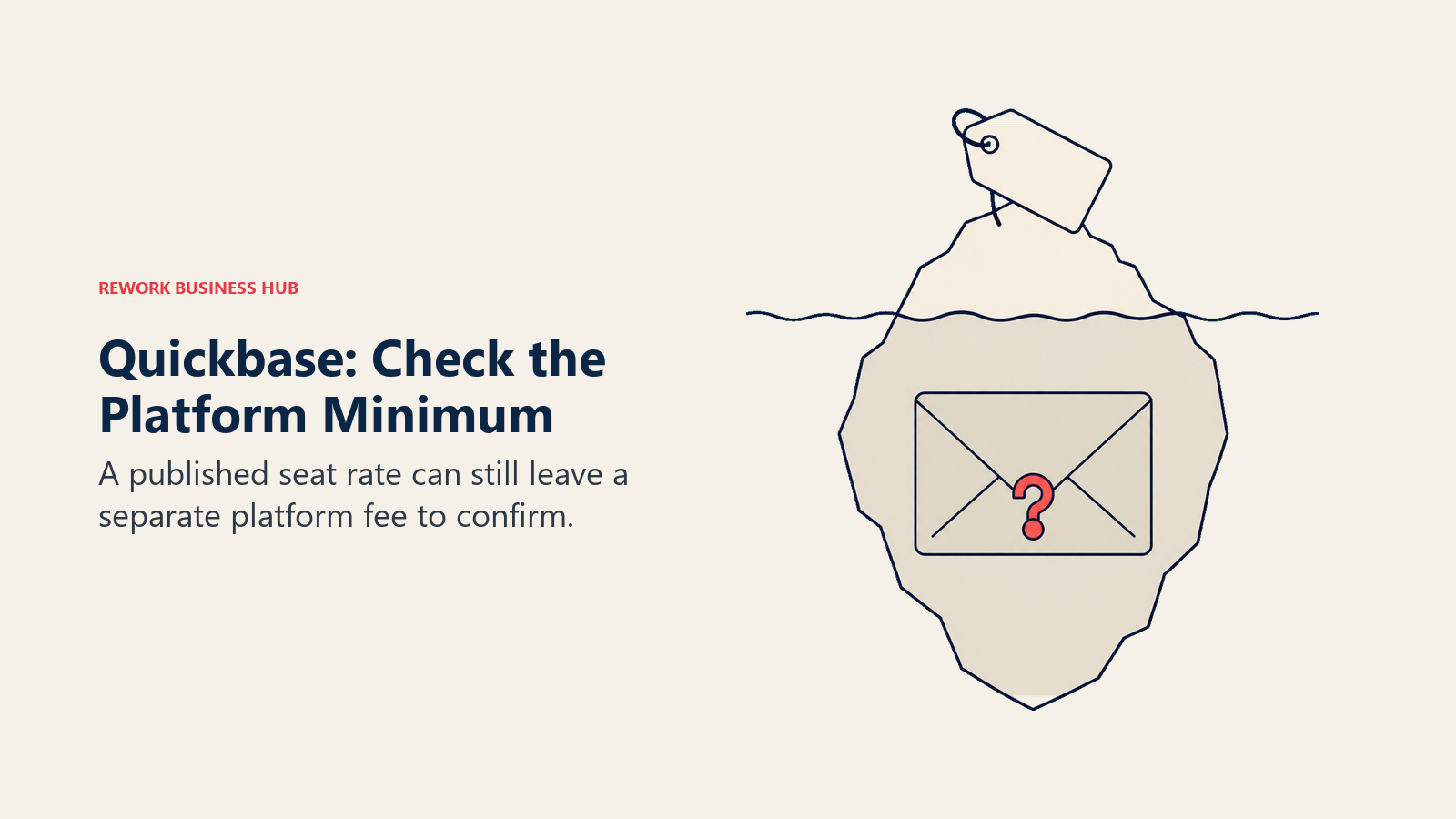
The catch, worth budgeting around, is that Quickbase also charges a platform minimum fee on top of the per-user rate, so the quoted per-seat price understates the real bill for a smaller team; the vendor states the minimum exists but doesn't publish what it is. All users on an account must be on the same plan, a constraint worth knowing before mixing Team and Business seats in your head.
For a closer look at Quickbase against the rest of the no-code app-building field, see Best Quickbase Alternatives.
| What you get | What you don't |
|---|---|
| A real, published per-user price straight from the vendor | A quote that excludes the platform minimum fee |
| SSO, audit logs, and compliance features on Business | The lowest published starting price on this list |
| A 30-day free trial with full Business plan features | Per-user-only billing, without exception |
| An alternative usage-based pricing model for uneven usage | A published Enterprise price, that tier stays custom |
Pricing: 30-day free trial (full Business features). Team $35/user/month billed annually. Business $55/user/month billed annually. Enterprise custom. A platform minimum fee applies on top of per-user pricing; all users on an account must be on the same plan. (Quickbase) Best for: Operations teams wanting a no-code app platform with process workflows built in, and an actual published price to plan against instead of Appian's per-app sales quote. Not ideal for: A very small team that gets hit disproportionately hard by the unpublished platform minimum relative to its per-seat cost.
10. Kissflow: A Business-User Builder With the Same Pricing Problem as Appian
Kissflow is a no-code workflow and app-building platform aimed squarely at business users rather than developers: forms, approval chains, and case tracking built visually, no BPMN diagram or engineering team required, a much lower technical bar than Appian's low-code, developer-adjacent approach. That makes it a common first stop for a team evaluating Appian and finding the learning curve steeper than the process actually warrants.
Where Kissflow and Appian converge, unhelpfully, is pricing., kissflow.com/pricing publishes no dollar figures at all: the page talks about pricing "built around the value you generate," promises "no surprise costs," and routes every visitor toward a fixed annual agreement set through a consultation. A team hoping Kissflow would be the business-friendly, transparently priced alternative to Appian's per-app model finds the same sales-only wall instead.
For the direct read on how Kissflow compares to the platform many of its own searchers end up considering next, see Kissflow vs Pipefy, and for a full field of Kissflow-specific alternatives, Best Kissflow Alternatives.
| What you get | What you don't |
|---|---|
| A business-user-friendly builder, no BPMN or engineering background needed | Any dollar figure on Kissflow's own live pricing page |
| Forms, approval chains, and case tracking without a developer | A self-serve path to a number, everything routes to consultation |
| A lower learning curve than Appian's low-code, developer-adjacent model | Certainty that "value you generate" pricing lands where you expect |
| A fixed annual agreement, once you finish the consultation | Transparency Appian evaluators were hoping to escape by looking here |
Pricing: No dollar figures published; pricing is framed as value-based, with a fixed annual agreement set through a consultation. (Kissflow) Best for: Business teams wanting a no-code workflow and app builder with a gentler learning curve than Appian, and willing to go through a consultation for the number. Not ideal for: A buyer specifically trying to escape Appian's sales-only pricing model, Kissflow's own page has the same gap right now.
11. Pipefy: The Only Free Tier With Real, Usable Caps
Pipefy is built around a kanban-style process canvas: each card represents a case moving through a process, aimed at operations teams (procurement, HR, finance shared services) that want a visual, easy-to-build workflow without a developer, or a sales call, to get started. Its Starter plan is free and genuinely usable, not a crippled trial: up to 5 processes, 10 users, 50 cards per month, 2GB of storage, and 500 database records, no credit card required, plus 1,000 AI credits a month included on every plan, free or paid.
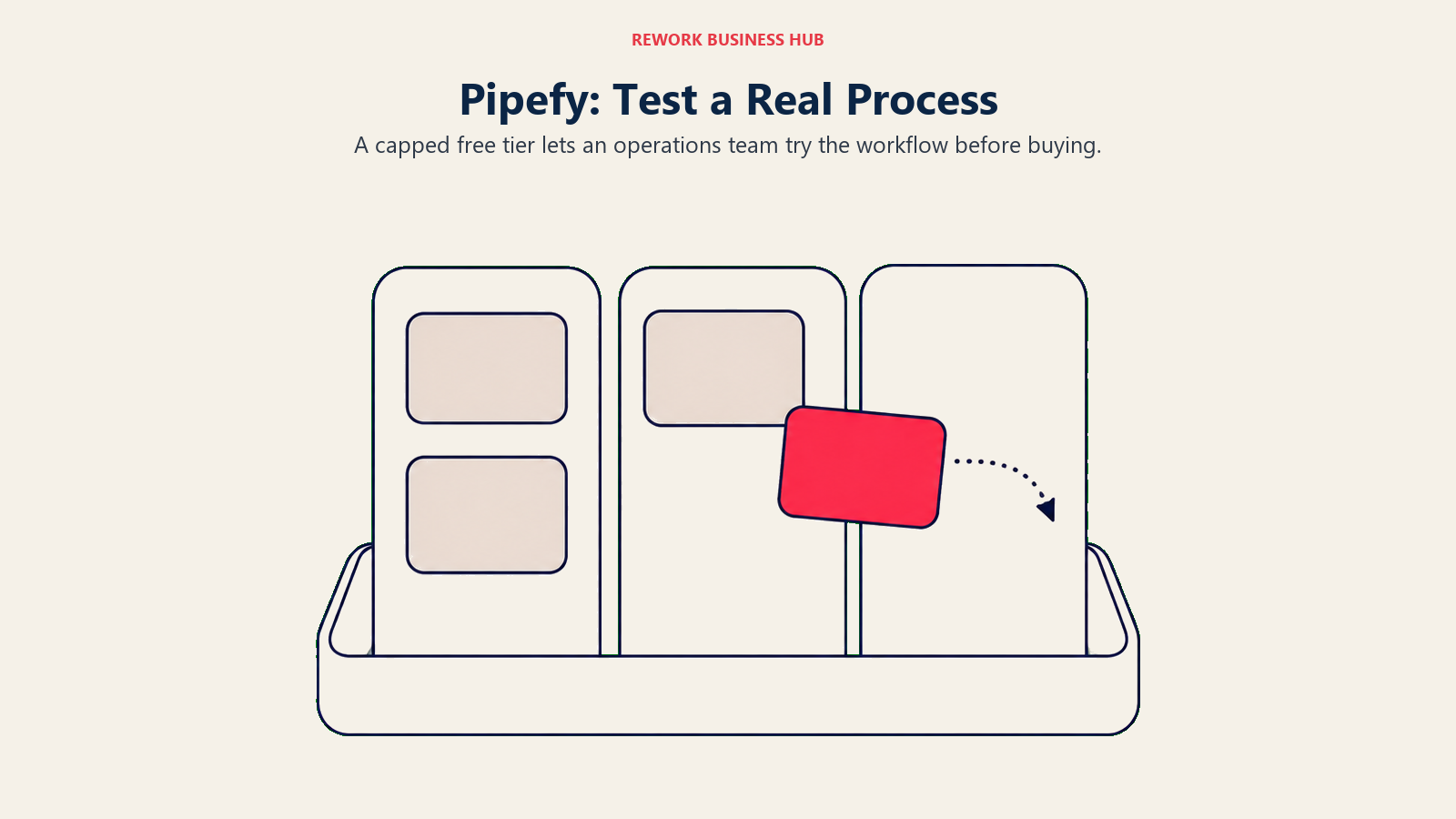
Business and Enterprise move to per-user billing with no dollar figure printed anywhere, adding unlimited processes and unlimited users, up to 10,000 database records, and 20GB of storage once you're there. Compared with Appian's per-app pricing, which scales unpredictably with how many applications you build, Pipefy's structure at least scales predictably, more processes and users, even if the actual per-user rate above the free tier stays unpublished.
For a closer look at how Pipefy stacks up against a wider field, see Best Pipefy Alternatives.
| What you get | What you don't |
|---|---|
| A genuinely free Starter tier, no credit card required | Room to grow past 5 processes or 10 users on that tier |
| 1,000 AI credits a month included on every plan, free or paid | A published per-user price on Business or Enterprise |
| Kanban-style process building with no developer required | Deep systems-integration depth compared to Appian or Camunda |
| Predictable scaling terms (processes, users) even without a price | Certainty on cost once you outgrow the free tier |
Pricing: Starter free (5 processes, 10 users, 50 cards/month, 2GB storage, 500 database records, no credit card). Business adds unlimited processes and users on per-user billing (10,000 database records, 20GB); Enterprise custom. 1,000 AI credits/month included on every plan. (Pipefy) Best for: Ops teams (procurement, HR, finance shared services) that want to build and test a real process before any budget conversation, the opposite of Appian's sales-first path. Not ideal for: A team past 10 users or 5 active processes, that's an unpriced Business conversation, similar friction to Appian's own quote wall.
12. Decisions: ProcessMaker's Successor, Still No Number
Decisions describes itself as intelligent process orchestration for complex enterprise operations, and the platform itself is the product of a merger: ProcessMaker merged with Decisions in November 2025, and by June 2026 the combined company completed a full rebrand under the Decisions name, with processmaker.com now redirecting to decisions.com. Anyone still searching for "ProcessMaker pricing" is actually looking for Decisions now.
The platform sells Foundation, Growth, and Enterprise tiers, none with a published dollar figure, each a custom quote. Decisions is explicit that it isn't built around restrictive per-user pricing, a direct contrast with Appian's per-user-per-app model, and it targets six named verticals: financial services, insurance, higher education, manufacturing, healthcare, and public sector. Agentic orchestration and a rules engine sit alongside the core workflow and process-automation tooling.
| What you get | What you don't |
|---|---|
| Pricing explicitly not built around restrictive per-user counting | Any dollar figure, at Foundation, Growth, or Enterprise |
| Agentic orchestration and a rules engine alongside core workflow tooling | The ProcessMaker name, it no longer exists as a standalone brand |
| Named vertical depth (financial services, insurance, healthcare, public sector) | A self-serve trial with visible pricing at the end |
| Recent G2 recognition (Leader, Winter 2026) | Certainty on cost without a custom quote conversation |
Pricing: Foundation, Growth, and Enterprise tiers, no dollar figures published, custom quote per tier; explicitly not priced per user. (Decisions) Best for: Enterprises in financial services, insurance, higher education, manufacturing, healthcare, or public sector wanting named vertical depth and pricing that doesn't punish headcount growth. Not ideal for: A buyer who specifically remembers ProcessMaker and expects to find it under that name, or one wanting a number before a custom quote call.
13. Zoho Creator: The Cheapest Real Per-User Number Here
Zoho Creator is a no-code application builder with workflow automation baked in, and among vendors that actually print a per-user dollar figure, it's the cheapest one on this entire list, well below Quickbase, Kintone, or anything Appian would ever quote for a comparable build. Standard runs $8 per user per month billed annually, Professional $20, and Enterprise $25, with a Flex tier available by custom quote for teams outside that structure. A Free Edition covers one custom app for an individual or small team, and every paid tier ships with a 15-day free trial, no credit card required.
Worth flagging before you budget off that $8 figure: it's the annual-billing rate. Zoho Creator's own pricing page advertises "Yearly, save more than 30%," meaning month-to-month costs meaningfully more, and the vendor doesn't publish a monthly number to compare it against directly.
| What you get | What you don't |
|---|---|
| The cheapest real, published per-user rate on this entire list | A monthly-billing figure to compare the annual rate against |
| A genuinely free Edition for one app | Case-management or process-governance depth comparable to Appian |
| A 15-day trial with no credit card on paid tiers | Certainty the $8 figure holds if you bill monthly instead of yearly |
| Four clear tiers (Standard, Professional, Enterprise, Flex) | Deep BPMN modeling, this is app-and-workflow, not orchestration |
Pricing: Free Edition (one app). Standard $8/user/month billed annually. Professional $20/user/month billed annually. Enterprise $25/user/month billed annually. Flex custom. 15-day free trial, no credit card required. Billed monthly costs more; the vendor advertises annual billing as saving over 30%. (Zoho Creator) Best for: Budget-conscious small teams wanting a no-code app and process builder at the lowest real published per-user rate in this category. Not ideal for: A team that wants to see a monthly price before committing to an annual term, or one needing Appian-level case-management depth.
14. Kintone: A Second Vendor That Actually Prints a Per-User Price
Kintone is a no-code database-and-app platform, closer in spirit to a spreadsheet-native app builder than to a pure BPM suite, with workflow rules layered directly on top of the records teams build: approval chains, status changes, and notifications attached to a custom tracker rather than a standalone process diagram. That makes it a natural fit for ops and procurement teams wanting a tracking app and a lightweight approval workflow in the same object, a far smaller lift than standing up an Appian case-management build.
Kintone prints a real per-user dollar figure on its own site: Professional runs $24 per user per month and Custom runs $28 per user per month, both with a 5-user minimum on monthly or annual contracts. A first-time-buyer promotion currently brings those down to $16 and $20 respectively, a real discount stated on the vendor's own pricing page, worth quoting alongside the list price rather than instead of it, since the promo won't necessarily still be running when you check.
| What you get | What you don't |
|---|---|
| A real, published per-user price on both tiers | Room for a 1 to 4 person team, the minimum is 5 users |
| A stated first-time-buyer promo discount | A free tier of any kind |
| No-code database apps with workflow rules built in | Deep case-management or systems-integration depth |
| Monthly or annual contract flexibility | Process modeling depth comparable to Camunda or Appian |
Pricing: Professional $24/user/month (currently $16/user/month under a first-time-buyer promotion), Custom $28/user/month (currently $20/user/month promotional), both with a 5-user minimum, monthly or annual contract. (Kintone) Best for: Ops and procurement teams wanting a no-code tracking app with workflow rules built directly into the records, and a real published price to plan against instead of an Appian-style quote. Not ideal for: A true 1 to 4 person team, the 5-user minimum means paying for seats you may not need yet.
Stage Fit Matrix
| Where you are | Best-fit picks | Why |
|---|---|---|
| Just evaluating, no budget approved yet | Pipefy, Camunda, Bizagi Modeler | Free, self-serve tiers or tools let you model or build a real process before anyone signs off on spend |
| Ready to buy, want a number before the call | Microsoft Power Automate, Quickbase, Zoho Creator, Kintone, Rework | The five platforms on this list that publish a real price without a sales conversation |
| Comfortable with a sales-led process, need Appian-level audit depth | Pega, ServiceNow App Engine, Decisions | The most enterprise-credentialed, governance-heavy names left, none with a published price |
| Migrating off Appian for simpler process needs, not less depth for its own sake | Kissflow, Pipefy, Rework | Business-user-friendly builders that don't require BPMN or a developer team |
| Rebuilding around developers instead of business users | Camunda | The only genuinely developer-first, BPMN-native option on this list |
| Inherited a ProcessMaker deployment | Decisions | ProcessMaker's direct successor, same product line, new name |
Sizing and Persona Fit
| Company size | Best-fit picks | Typical buyer |
|---|---|---|
| 1 to 10 | Zoho Creator (free Edition), Bizagi Modeler (free), Camunda (free dev tier) | Founder, ops lead, or a single process owner |
| 10 to 50 | Kintone, Pipefy, Kissflow | Ops manager or department head, usually no dedicated IT buyer yet |
| 50 to 200 | Rework, Quickbase, Creatio | Director of Operations or a small IT/ops team consolidating tools |
| 200-plus, regulated or high-volume | Pega, ServiceNow App Engine, Decisions | CIO, VP of Operations, or a platform engineering/compliance team |
| Developer-owned, any size | Camunda | Engineering lead or platform team, not a business-user buyer |
How to Choose: Decision Framework
Match the row that describes your actual problem, not the vendor with the loudest analyst badge. If your real gap is recurring checklists and SOPs rather than a full case-management build, Best Process Street Alternatives covers that narrower, adjacent category.
| If your team needs... | Best pick |
|---|---|
| Regulated, audited case management at Leader-quadrant depth | Pega |
| AI-driven real-time decisioning alongside case management | Pega |
| App building natively inside an existing ServiceNow estate | ServiceNow App Engine |
| A genuinely free way to develop and test process orchestration locally | Camunda |
| The cheapest real published entry point, and you're on Microsoft 365 | Microsoft Power Automate |
| Workflow automation bundled with document generation and eSign | Nintex |
| A published engine price plus CRM and HR in the same login | Rework |
| BPM bundled natively with CRM, and a three-year budget commitment | Creatio |
| A free BPMN modeler before any platform conversation | Bizagi |
| A real per-user price you can see without a sales call | Quickbase or Kintone |
| A business-user builder with a gentler curve than Appian | Kissflow |
| A real free tier to build your first process today | Pipefy |
| Named vertical depth (financial services, healthcare, public sector), no per-user pricing | Decisions |
| The lowest real published per-user rate in the category | Zoho Creator |
Frequently Asked Questions about Appian Alternatives
What are the best Appian alternatives in 2026?
It depends on why you're leaving. Pega matches Appian's regulated case-management depth and carries the same BOAT Leader badge, Camunda fits developer-led teams wanting an open BPMN engine, Quickbase and Kintone publish real per-user prices Appian won't, and Rework puts workflow, CRM, and HR on one platform with published engine pricing for teams that don't need Appian-level process depth. All 14 platforms in this guide are evaluated on pricing transparency, process depth, and fit.
Why doesn't Appian publish pricing?
Appian sells three editions, Standard, Advanced, and Premium, each priced per user, per month, per app, meaning the bill depends on how many separate applications a team builds, not just headcount. That variable makes a single published number less useful to Appian's sales approach, so every edition runs through a custom quote instead. A free Community Edition exists but is licensed for personal development only, not production.
Is Pega really an Appian alternative, or its main rival?
Both. Pega and Appian compete head-to-head for the same regulated-enterprise case-management buyer, and Gartner named both of them Leaders in its inaugural Magic Quadrant for Business Orchestration and Automation Technologies (BOAT), published October 2025. Neither platform publishes a dollar figure, so choosing between them comes down to governance model, decisioning depth, and a sales conversation on both sides, not price.
Which Appian alternatives have a genuinely free tier?
Pipefy's Starter plan is free with real caps (5 processes, 10 users, 50 cards a month). Camunda's Self-Managed Development tier is free but restricted to local, non-production use. Bizagi Modeler, the standalone BPMN diagramming tool, is free to download and use, separate from the paid automation platform. Zoho Creator has a Free Edition for one app. None of Pega, ServiceNow App Engine, Nintex, Kissflow, Creatio, or Decisions offer a free production tier.
Which Appian alternatives publish a real per-user price?
Microsoft Power Automate ($15/user/month, Premium), Quickbase ($35/user/month, Team), Zoho Creator ($8/user/month, Standard, annual billing), and Kintone ($16-24/user/month, Professional, promo and list) all print an actual dollar figure on their own pricing page, no sales call required to see it. Creatio also prints $40/user/month, but that figure is meaningless without its $10,000 annual minimum purchase.
How does Rework compare to Appian?
They're not really competing for the same build. Appian is a BPMN-adjacent, low-code process-orchestration and case-management platform priced per user per app, aimed at regulated enterprises. Rework is a consolidation play: workflow, BPM, approvals, task and project management, a CRM, and an HR app on one platform, with published engine pricing that starts at $99 a month billed yearly for the Process Engine (5 seats included). A team that genuinely needs Appian's case-management depth and audit trails should stay with Appian or look at Pega, not Rework.
What happened to ProcessMaker?
ProcessMaker merged with Decisions in November 2025, and in June 2026 the combined company completed a full rebrand under the Decisions name. processmaker.com now redirects to decisions.com. It's not listed separately in this Appian-alternatives guide because it no longer exists as an independently marketed product; Decisions itself prices Foundation, Growth, and Enterprise tiers by custom quote, explicitly not per user.
How much does an Appian alternative typically cost?
It splits a few ways on this list. Four vendors, Microsoft Power Automate, Quickbase, Zoho Creator, and Kintone, publish a real per-user or per-seat rate, mostly in the $8 to $35 per user per month range. Creatio prints $40/user/month behind a $10,000 annual minimum. Rework is the only fixed engine price ($99/month billed yearly for the Process Engine, 5 seats included). Pipefy, Camunda, and Bizagi Modeler offer a free tier or free tool to start on. The rest, including Pega, ServiceNow App Engine, Nintex, Kissflow, and Decisions, require a sales conversation before you see any number at all, the same wall Appian itself has.
Do I need a developer to use these Appian alternatives?
Most don't require one. Quickbase, Kintone, Zoho Creator, Kissflow, Pipefy, and Rework are built for business users with no coding background. Camunda is the clear exception, built for developers modeling processes in BPMN and wiring them into code. Pega, ServiceNow App Engine, Nintex, Creatio, Bizagi, and Decisions sit in between: usable by business users or citizen developers for simpler builds, but often needing technical help for deeper integrations or regulated case-management work.
Is Bizagi Modeler the same thing as the Bizagi automation platform?
No, and mixing them up is an easy mistake. Bizagi Modeler is a free, standalone BPMN diagramming tool anyone can download to map and document a process. The full Bizagi platform, the low-code app builder and automation engine, is a separate, consumption-based product with no published price, quoted or delivered via a pricing brochure. Downloading the free Modeler doesn't give you a number for running the platform in production.
What to Do Next
Start with the Quick Comparison table above and figure out which failure mode actually applies to you. If Appian's per-app pricing is the real problem, not its process depth, Pega carries the same BOAT Leader credential and the same opaque pricing, so that swap won't fix the number problem, only Quickbase, Kintone, Microsoft Power Automate, Zoho Creator, Creatio (with its $10,000 floor in mind), or Rework will actually put a figure in front of you before a call. If Appian's depth genuinely is the requirement, regulated case management, executable BPMN, audit trails at scale, stay in that lane with Pega or Camunda and budget for a sales-led evaluation on both. And if the real gap was never Appian's process engine at all but the CRM, HR tool, and project tracker your team runs alongside it on three separate logins, that's the gap Rework is built to close, with its Process Engine starting at a published $99 a month billed yearly rather than another quote request.

Customer Success Operations Manager
On this page
- Why This List Exists: Appian Won a Leader Badge and Still Won't Print a Number
- Key Facts
- Quick Comparison Table
- Pricing Transparency at a Glance
- If You Actually Need to Diagram a Process, Not Orchestrate One
- 1. Pega Platform: A BOAT Leader That Still Runs Everything Through Sales
- 2. Camunda: Free for Developers, a Quote for Everyone Else
- 3. Microsoft Power Automate: The Cheapest Real Number in the Whole Category
- 4. ServiceNow App Engine: AI-Native Building, Inside an Ecosystem You Already Need
- 5. Nintex: No Tiers, No Numbers, Not Even a Range
- 6. Rework: One Platform Instead of a Process Engine, a CRM, and an HR Tool
- 7. Creatio: A Real Number That Needs a $10,000 Asterisk
- 8. Bizagi: A Free Modeler, a Platform That Isn't
- 9. Quickbase: A Vendor That Actually Prints a Number
- 10. Kissflow: A Business-User Builder With the Same Pricing Problem as Appian
- 11. Pipefy: The Only Free Tier With Real, Usable Caps
- 12. Decisions: ProcessMaker's Successor, Still No Number
- 13. Zoho Creator: The Cheapest Real Per-User Number Here
- 14. Kintone: A Second Vendor That Actually Prints a Per-User Price
- Stage Fit Matrix
- Sizing and Persona Fit
- How to Choose: Decision Framework
- What to Do Next