Best Pipefy Alternatives in 2026: 14 Process Management Tools Compared
Turn this article into takeaways for your work.


Each assistant summarizes the article only for you and suggests best practices for your work.
Kissflow, Process Street, Nintex, and Pipefy's own Business and Enterprise tiers all still publish no price at all, so the "no visible number" problem you're likely trying to escape doesn't disappear once you leave Pipefy, it just moves to a different vendor unless you pick carefully.
Kissflow, monday.com, and ClickUp cover the two most common reasons someone leaves Pipefy: they need more processes and users than the free Starter plan allows, or they want workflow automation built into a broader work platform they already use for everything else. Quickbase, Rework, Airtable, and Kintone fit teams that hit Pipefy's database-record ceiling and need a real no-code app or ops platform behind the process, not just a bigger kanban board. This guide evaluates all 14 alternatives on pricing, the specific Pipefy cap each one solves best, and how honest each vendor actually is about its own price.
Pipefy is one of the few genuinely usable free tools left in this category: the Starter plan is free forever, no credit card required, and it isn't a crippled trial dressed up as a free tier. Most people reading a "Pipefy alternatives" article aren't fleeing a bad product, they're bumping into one of four specific caps: 5 processes, 10 users, 50 cards a month, or 500 database records. The second, less obvious reason people start shopping matters just as much: Pipefy's own Business and Enterprise tiers publish no price anywhere, so a team that outgrows Starter has no way to budget the next step without booking a sales call first. This guide is organized around both problems, which cap you actually hit, and which alternative gives you a real number when Pipefy won't. For the wider BPM category this guide sits inside, including tools built for regulated case management rather than kanban-style process cards, see Best Business Process Management Software.
One more thing worth ruling out before you evaluate any of the 14 below: if what you actually need is to draw and document a process rather than run it, that's a different job than everything in this guide. Best Visio Alternatives and Lucidchart vs Visio cover that modelling-only category, and it's often cheaper and faster to set up than any execution tool on this list if a documented diagram is genuinely all you need.
Key Facts
- The global business process management software market is projected to grow from $25.88 billion in 2026 to $91.87 billion by 2034, a 17.2% compound annual growth rate. (Fortune Business Insights)
- 79% of organizations plan to increase automation spend, with budgets expected to rise by an average of 20% over the next two years, per Camunda's 2026 State of Agentic Orchestration and Automation report. (Camunda)
- 73% of employers intend to accelerate the automation of business processes and tasks by 2030, per the World Economic Forum's Future of Jobs Report 2025. (World Economic Forum)
- About 45% of the activities people are paid to perform could be automated by adapting technology that already exists, per McKinsey's research on workplace automation. (McKinsey)
- Gartner forecasts the low-code development technologies market will reach $44.5 billion by 2026, with low-code tools accounting for 75% of new enterprise application development, up from 40% in 2021. (Gartner, via InfoWorld)
- Transparent pricing has been B2B software buyers' number-one wish-list item for vendors for four years running, since TrustRadius started asking the question in 2023, per its 2026 B2B Buying Disconnect Report. (TrustRadius, via PR Newswire)
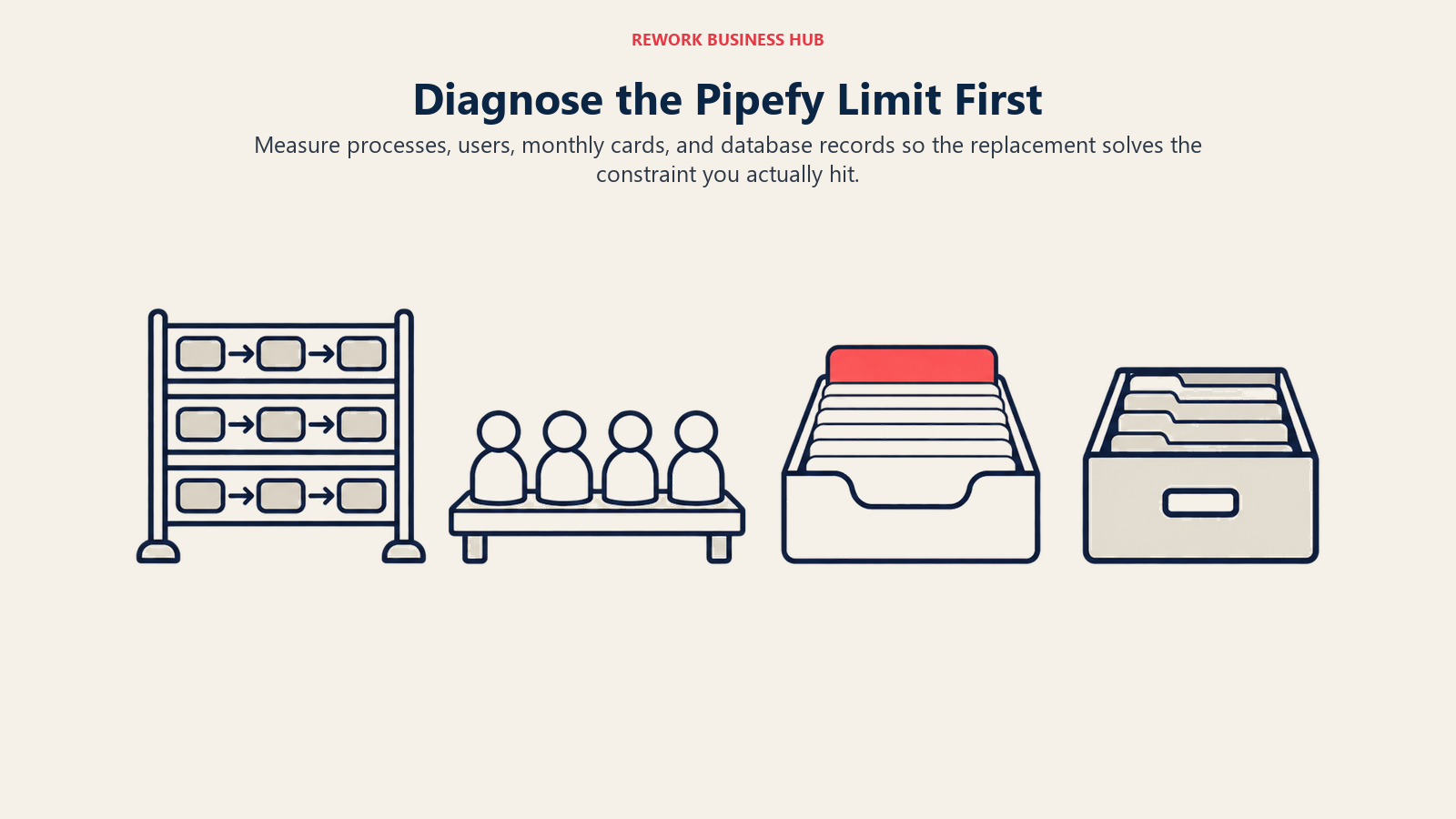
Which Pipefy Cap Did You Actually Hit?
Before you pick a replacement, work out which limit is actually the problem. Swapping tools to fix a cap you haven't hit yet just means learning a new interface for no reason.
| Pipefy Starter cap | What it actually limits | Alternatives built for this specific gap |
|---|---|---|
| 5 processes | You can only have 5 active pipes at once; a 6th process means archiving one or paying | Kissflow, Process Street, Quickbase, Zoho Creator, Kintone: all let a team run many processes side by side without a per-process ceiling |
| 10 users | The 11th teammate can't get a seat on the free plan at all | ClickUp (unlimited free members), Smartsheet and Wrike (unlimited free Contributors/Guests on paid plans), monday.com, Asana |
| 50 cards a month | High-volume intake (support tickets, onboarding requests, approvals) blows through this fast | Nintex and Tallyfy (flat, unlimited-user pricing instead of counting cards), Kissflow, Process Street |
| 500 database records | Pipefy's connected databases cap out quickly for anything tracking inventory, assets, or a growing customer list | Airtable, Quickbase, Kintone, Zoho Creator, Smartsheet: all built around much larger record ceilings from the first paid tier |
Two of these caps compound. A team that hits 10 users almost always hits 50 cards a month soon after, since more people submitting requests means more cards. If that's you, look first at the tools that solve both at once: Kissflow, Quickbase, and Kintone all remove the user ceiling and the volume ceiling in the same upgrade, instead of solving one and leaving you to hit the other within a quarter.
Quick Comparison Table
| Tool | Best For | Starting Price | Key Strength | Key Limitation |
|---|---|---|---|---|
| Kissflow | Business users wanting a no-code process builder | Not published, contact sales | No-code, business-user-friendly process builder | Its own pages quote two different, conflicting starting figures |
| monday.com | Teams past the 10-user cap wanting a familiar work OS | Basic $9/seat/month billed annually, 3-seat minimum | Widely adopted, easy-to-learn boards plus automations | Deep case-management or process depth is thinner than Pipefy's |
| ClickUp | Teams that specifically hit Pipefy's 10-user ceiling | Free Forever, unlimited free members | Genuinely unlimited free plan members | Automation and forms are lighter on the free tier |
| Asana | Task-first teams wanting lightweight approval Rules | Starter $10.99/user/month billed annually | Familiar task and project tracking | Free Personal plan now caps at 2 users on new accounts |
| Quickbase | Teams past the 500-record cap needing a no-code app platform | Team $35/user/month billed annually | Real, published per-user pricing plus usage-based Reads | A platform minimum fee applies on top of the per-user rate |
| Rework | Ops teams past the 10-user cap wanting workflow, CRM, and HR on one platform | Process Engine from $99/mo billed yearly (5 seats) | Workflow, CRM, and People (HR) consolidated on one platform | Not a BPMN process-orchestration engine or a no-code database builder |
| Process Street | Teams whose "processes" are really recurring checklists and SOPs | Not published, contact sales | Purpose-built for recurring, checklist-style process work | Not built for branching, multi-system case management |
| Smartsheet | Teams wanting unlimited free contributors on a spreadsheet-native tool | Pro $9/member/month billed yearly, 1-10 members | Unlimited Contributors and Guests on Business | Board view is a secondary lens on a grid-first tool |
| Wrike | Teams wanting configurable approval workflows without a full BPM engine | Team $10/user/month, 2-15 users | Custom request forms and approval workflows | Process logic lives inside project structures, not a standalone canvas |
| Airtable | Teams past the 500-record cap wanting a flexible database-first tool | Team $20/collaborator/month billed annually | Far higher record ceilings even on the entry paid tier | Its own free tier is also tight, 1,000 records per base, 5 paid-permission collaborators |
| Zoho Creator | Budget-conscious teams wanting a no-code app builder | Standard $8/user/month billed annually | Cheapest published per-user rate here, plus a free Edition for one app | The $8 rate is annual billing only, no monthly figure published |
| Kintone | Teams past the 500-record cap wanting a published per-user price | Professional $24/user/month, 5-user minimum | Real, transparent per-user pricing with a first-time discount | 5-user minimum means paying for 5 seats even at 3 people |
| Tallyfy | Teams whose real cost is occasional guests, not card volume | Full seat $300/year billed annually ($25/month) | Unlimited free guests on every paid plan | No free tier at all, unlike Pipefy's Starter |
| Nintex | Document-heavy processes hitting the 50-cards-a-month cap | Not published, contact sales | Workflow automation plus document generation in one platform | Zero pricing transparency, not even a starting range |
1. Kissflow: The Vanishing Pricing Page
Kissflow built its reputation on no-code workflow automation for business users: drag-and-drop process builders, approval chains, and form-driven apps that don't need a developer. That reputation used to come with a simple, published price. It doesn't anymore. As of August 2026, kissflow.com/pricing shows no tiers, no user counts, and no dollar figures at all, only a path to a consultation-led "fixed annual agreement" quoted per organization.
Here's the part that makes Kissflow worth a specific warning rather than a generic "contact sales" note: its own content pages don't agree with each other about what the number even is. One Kissflow blog post states the platform "starts at $1,500 per month for up to 50 users," while the FAQ on that exact same page says it "starts at $2,500 per month for 50 users," and a separate Kissflow page puts the Basic plan at "$2,500 per month" too. If you've seen the $1,500 figure quoted elsewhere on the web, including in other Pipefy-alternative roundups, treat it as stale: it's the older of the two numbers, and Kissflow's own site now contradicts it.
| What you get | What you don't |
|---|---|
| A no-code, business-user-friendly process builder | A visible price anywhere on Kissflow's own pricing page |
| A platform historically known for workflow depth | Agreement between Kissflow's own pages on what it costs |
| A guided demo path to evaluate fit | A self-serve way to compare price before a sales call |
| Approval chains and form-driven apps with no developer needed | Room to plan a budget without picking up the phone first |
Pricing: Not published on Kissflow's own pricing page; it sells fixed annual agreements quoted per organization. Kissflow's own 2026 content pages cite conflicting starting figures, $1,500 per month for up to 50 users on one page and $2,500 per month on another (contradicted by that first page's own FAQ), so get any number in writing before you plan around it. (Kissflow) Best for: Business users who already know they want a no-code process builder and are comfortable evaluating price through a sales call rather than a public page. Not ideal for: A budget-conscious team wanting to compare a number before booking a call, exactly the thing Pipefy's free tier let you skip.
For a deeper look at how Kissflow stacks up against the rest of the no-code field, see Best Kissflow Alternatives, and for a direct head-to-head against the tool you're replacing, Kissflow vs Pipefy.
2. monday.com: A Familiar Work OS Once You Outgrow 10 Users
monday.com is broader than Pipefy by design: boards, dashboards, and workflow automations sit inside a general work-management platform rather than a purpose-built process engine. That breadth is the appeal for a team that hit Pipefy's 10-user cap and wants one tool that also handles project tracking, not just process cards. monday.com's automations can route approvals and update statuses, but they're a feature layered onto boards, not a dedicated case-management canvas the way Pipefy's process view is.
Pricing is straightforward and published directly on the vendor's site: free for up to 2 seats, then Basic at $9 per seat per month, Standard at $12, and Pro at $19, all billed annually, with a 3-seat minimum on every paid plan. Enterprise is custom. That 3-seat minimum matters for a team of exactly 10 leaving Pipefy: you'll be paying for at least 3 seats even during a partial rollout.
| What you get | What you don't |
|---|---|
| A widely adopted, easy-to-learn interface | Deep, dedicated case-management workflow depth |
| Published, per-seat pricing with no sales call required | A per-process ceiling the way Pipefy's Starter has |
| Automations layered across boards, dashboards, and forms | A free tier that covers a team past 2 seats |
| A 3-seat minimum you can plan around in advance | Pipefy's card-based, single-purpose process view |
Pricing: Free up to 2 seats. Basic $9/seat/month, Standard $12, Pro $19, all billed annually, 3-seat minimum on paid plans. Enterprise custom. (monday.com) Best for: Teams that hit Pipefy's 10-user cap and want a familiar, widely used work OS with automations built in, not just a bigger process board. Not ideal for: Teams needing dedicated case-management depth, monday's automations are lighter than a purpose-built process engine like Pipefy's.
See Best monday.com Alternatives for how it compares against the rest of the work-OS field specifically.
3. ClickUp: Unlimited Free Members Solves the 10-User Cap Directly
If the specific wall you hit on Pipefy is the 10-user cap and nothing else, ClickUp is the most direct fix on this list. Its Free Forever plan includes unlimited free plan members, not 10, not 25, unlimited, alongside unlimited tasks. The tradeoff is that the free tier is thinner on the process-specific features Pipefy gives away for free: 60MB of storage and a single form on ClickUp's free plan, versus Pipefy Starter's 2GB of storage and 15 automation jobs.
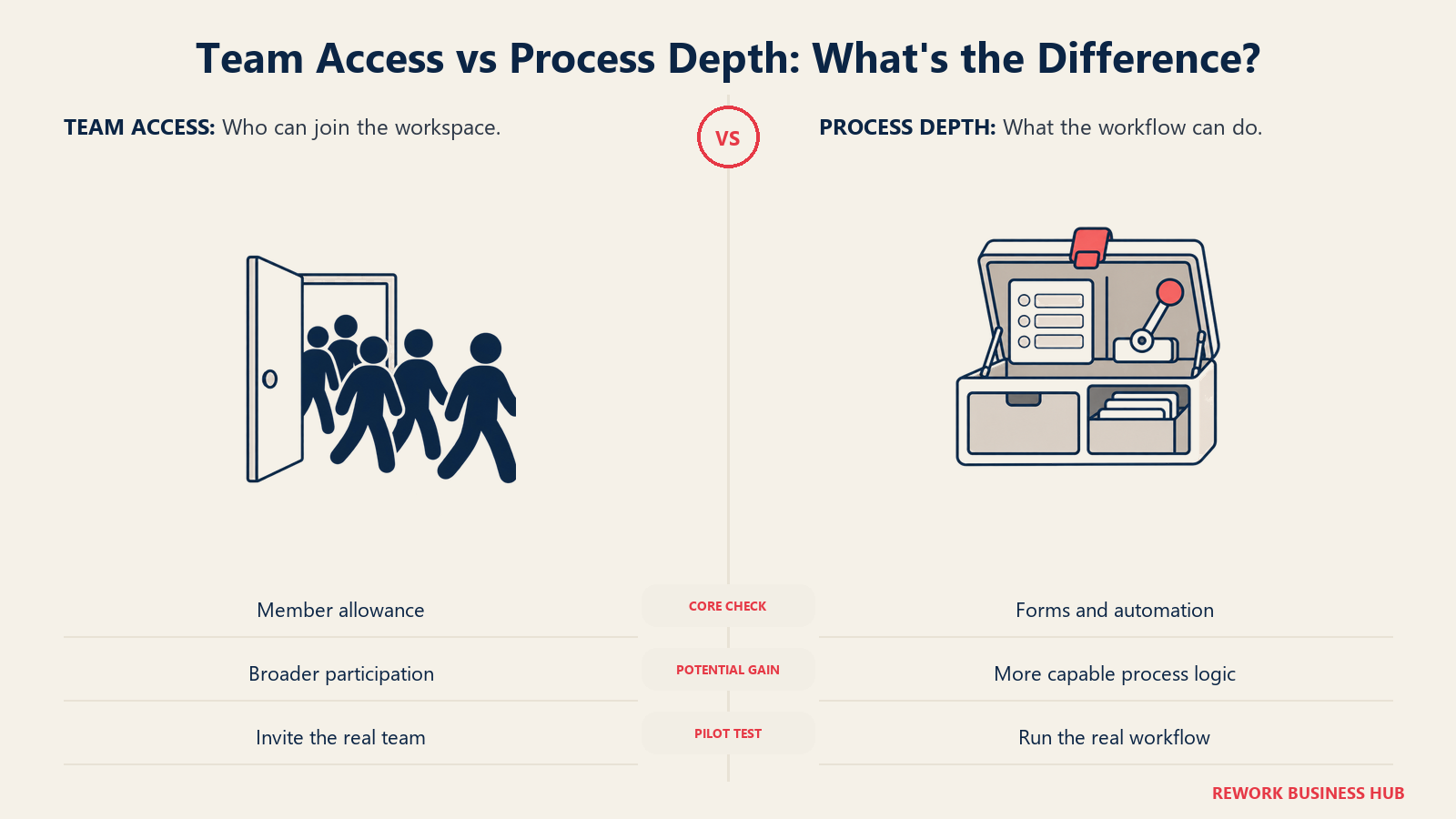
Paid tiers add the automation depth: Unlimited runs $7 per user per month billed annually ($10 billed monthly), Business steps up to $12 annually ($19 monthly), and Enterprise is custom. A Brain AI add-on runs $9 per user per month annually for teams wanting AI-assisted task and doc work layered on top.
| What you get | What you don't |
|---|---|
| Unlimited free plan members, the direct fix for Pipefy's 10-user cap | Pipefy's 2GB free storage or 15 free automation jobs |
| Unlimited tasks on the free plan | A dedicated process-card canvas the way Pipefy has |
| A published, per-user price ladder on paid tiers | Deep form-driven process building without upgrading |
| An optional AI add-on for task and doc work | Case-management depth comparable to a BPM-focused tool |
Pricing: Free Forever ($0, unlimited tasks, unlimited free plan members, 60MB storage, 1 form). Unlimited $7/user/month billed annually, $10 billed monthly. Business $12 annually, $19 monthly. Enterprise custom. Brain AI add-on $9/user/month annually. (ClickUp) Best for: Teams whose only real problem with Pipefy is the 10-user ceiling and who want to keep everyone on a free plan a while longer. Not ideal for: Teams wanting a dedicated case-management or process-card tool, ClickUp's process features live inside a general project/task platform.
Best ClickUp Alternatives covers the rest of this field if ClickUp's free plan turns out not to be enough on its own.
4. Asana: Watch the New 2-User Free Cap Before You Switch
Asana handles process work through Rules, lightweight if-this-then-that automations layered on tasks and projects, useful for simple approval chains but not a substitute for Pipefy's card-based process engine. Where Asana genuinely earns a look is familiarity: more operations people already know Asana than know Pipefy, which shortens onboarding for a team switching under time pressure.
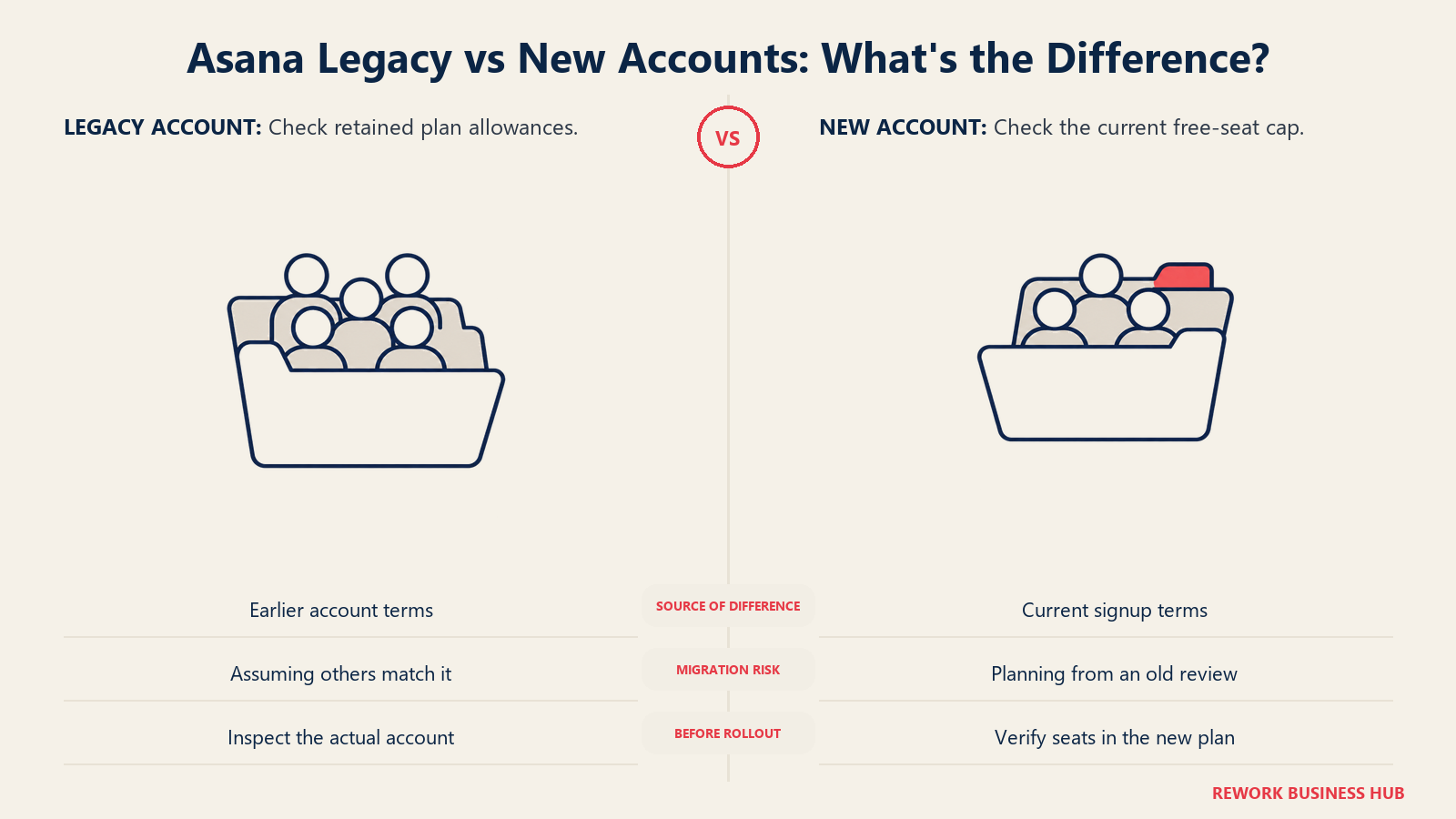
The trap is Asana's free tier. It's widely assumed to be generous because it once was, but for any Personal account created on or after 12 November 2025, the free plan caps out at 2 users, not 10. Only legacy accounts created before that date keep the old 10-seat limit. A team leaving Pipefy specifically because 10 users wasn't enough should not expect Asana's free plan to cover more people, it now covers fewer. Starter runs $10.99 per user per month billed annually ($13.49 billed monthly), Advanced is $24.99 annually ($30.49 monthly), and Enterprise is custom.
| What you get | What you don't |
|---|---|
| Familiar task and project tracking most teams already know | Pipefy's card-based process engine or database records |
| Rules-based automation for simple approval chains | A free tier that covers 10 users on a new account |
| A published, per-user price ladder | Case-management depth for complex, branching workflows |
| Advanced reporting and workflow builder on higher tiers | The volume headroom Pipefy's Starter gives on cards |
Pricing: Personal (free) capped at 2 users for accounts created on or after 12 November 2025; legacy accounts keep up to 10. Starter $10.99/user/month billed annually, $13.49 billed monthly. Advanced $24.99 annually, $30.49 monthly. Enterprise contact sales. (Asana) Best for: Teams wanting familiar task and project tracking with basic approval Rules, already comfortable paying per seat past a couple of users. Not ideal for: A team assuming Asana's free tier will cover a group the size Pipefy's free plan did, new accounts only get 2 free seats now.
5. Quickbase: A Real Per-User Price for Teams Past the 500-Record Cap
Quickbase is a no-code application platform with process workflows built in, and it directly answers the database-record cap rather than the user or process cap: teams build tracking apps, approval chains, and operational databases that scale well past Pipefy's 500-record ceiling. It's also one of the few vendors in this entire roundup that actually publishes a per-user dollar figure on its own site instead of routing everyone to a sales call.
Team starts at $35 per user per month billed annually, and Business steps up to $55 per user per month billed annually, both including SSO and audit logs, with FDA and HIPAA compliance features on Business. The real budgeting catch: Quickbase's own pricing page states plainly that the quoted per-seat price "does not include platform minimum," and it doesn't publish what that minimum actually is, so a small team should ask directly rather than assume the per-seat math is the whole bill. A usage-based pricing option built around "Reads" exists underneath the per-user plans for teams with uneven usage across the year.
| What you get | What you don't |
|---|---|
| A real, published per-user price straight from the vendor | A quote that includes the platform minimum fee |
| Database record ceilings far past Pipefy's 500-record cap | The lowest published starting price on this list |
| SSO, audit logs, and compliance features on Business | Per-user-only billing, a usage-based option also exists |
| A 30-day free trial with full Business plan features | A published Enterprise price, that tier stays custom |
Pricing: 30-day free trial (full Business features). Team $35/user/month billed annually. Business $55/user/month billed annually. Enterprise custom. A platform minimum fee applies on top of per-user pricing; no dollar figure published for it. (Quickbase) Best for: Teams that hit Pipefy's 500-database-record cap and need a real no-code app platform with visible, vendor-published per-user pricing. Not ideal for: A very small team that will feel the unpublished platform minimum fee disproportionately relative to its small per-seat cost.
Best Quickbase Alternatives goes deeper on how it stacks up against the rest of the no-code app-platform field.
6. Rework: One Platform Instead of Workflow, CRM, and HR on Three
Rework's argument in this category isn't process-engine depth, it's consolidation. Workflow, BPM, Request (approvals), Task, Project, Docs, and E-Sign are live modules on one platform, sitting next to Sales CRM and Lead Management, the People app (HRIS, timesheets, payroll), and a unified inbox spanning WhatsApp, Messenger, Instagram DM, TikTok, Zalo, and web chat. The buyer it fits is a 10 to 200 person mid-market operations team that's tired of a workflow tool, a CRM, and an HR tool that only talk to each other through brittle integrations, not a team purely shopping for a deeper process engine than Pipefy's.
The difference from Pipefy's free Starter plan is what you're paying for. Rework's Process Engine runs $99 a month billed yearly ($1,188 a year), or $120 month to month, with 5 work seats included, and extra seats come in blocks of 5 at $13 a month per block on yearly billing, working out to $1,812 a year at 25 seats and $2,592 at 50 seats on the Standard edition, and $5,424 at 100 seats on the Advanced edition. If your only Pipefy problem is more cards or more processes, that's not what this engine buys you. If the real gap is a second and third disconnected tool you're paying for alongside Pipefy, a CRM, an HR system, this is the option built to replace all three logins with one.
| What you get | What you don't |
|---|---|
| Workflow, BPM, and Request modules alongside CRM and the People app | A BPMN 2.0 process-orchestration engine or executable case modelling |
| A unified inbox across WhatsApp, live chat, and social DMs | A general-purpose no-code database builder like Airtable or Quickbase |
| Published engine pricing instead of a sales-quote black box | A fit for solo or single-user buyers, every engine starts with 5 seats |
| Worked, published cost math up to 100 seats | Regulated, audit-trail-heavy process depth for insurance or banking |
Pricing: Process Engine $99/month billed yearly ($1,188/year) or $120 month to month, 5 work seats included. Extra seats come in blocks of 5 at $13/month per block on yearly billing (25 seats $1,812/year, 50 seats $2,592/year on Standard; 100 seats $5,424/year on the Advanced edition). 14-day free trial. (Rework) Best for: A 10 to 200 person operations team past Pipefy's 10-user cap that also wants CRM and HR on the same platform instead of stitching three tools together. Not ideal for: A team that just needs a deeper process-orchestration engine, Rework doesn't compete with Camunda, Appian, or Pega on executable modelling or regulated audit trails, and it isn't a solo-buyer product.
7. Process Street: Recurring Checklists, Not a Full Case-Management Engine
Process Street is narrower than Pipefy by design, and that's exactly why it fits a specific slice of Pipefy refugees. If what you were actually running in Pipefy's kanban cards was a recurring checklist, employee onboarding, audit prep, a standard operating procedure someone runs through every week, Process Street is purpose-built for that, and it's often faster to set up than a general process board. It repositioned in 2025 from a checklist tool into what it now calls a "Compliance Operations Platform," leaning into AI-enforced workflows on its homepage, so a reader remembering it from a 2023 review is shopping for a slightly different product than the one being sold today.
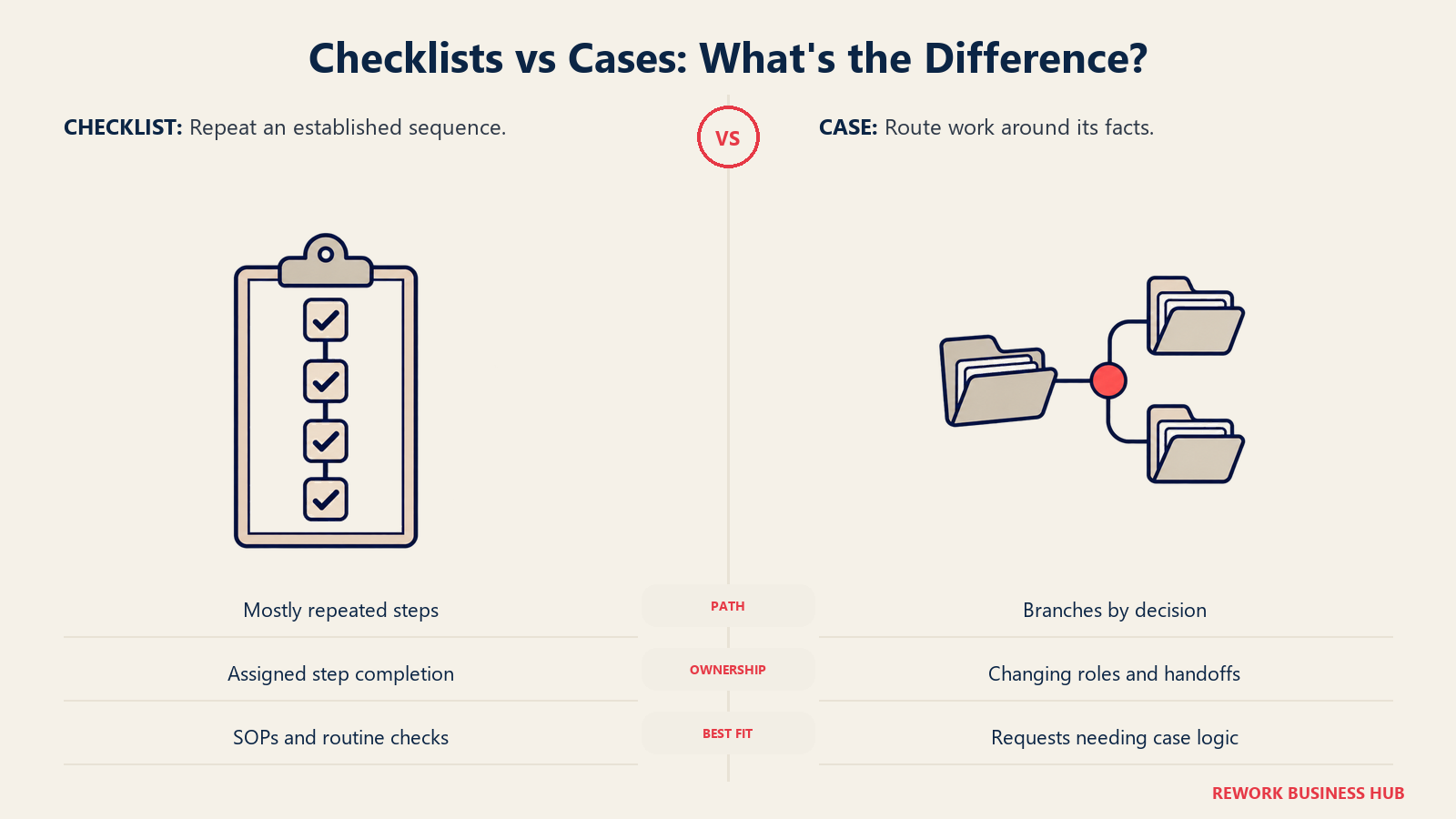
Pricing is entirely custom-quoted: the vendor's own help documentation states outright, "Our plans are custom quoted. For pricing inquiries, contact sales from our website or request a demo." Tiers are Startup (5 users, 10 guests, eligibility limited to companies under 15 employees and $2 million in revenue), Pro (custom user count, 14-day free trial, no credit card), and Enterprise (custom). One billing detail worth knowing before you switch: organizations created on or after 1 August 2025 are billed for Admins, Builders, and Users alike, while organizations created before that date bill only Admins and Builders, with Users free. A team comparing a fresh quote against an older Process Street account (an incumbent's, say) should expect a real price difference from this rule alone. Pro reportedly runs roughly $15 per user per month billed annually.
| What you get | What you don't |
|---|---|
| A purpose-built tool for recurring checklists and SOPs | Branching, multi-system case management like Pipefy's cards |
| A 14-day free trial on Pro, no credit card required | A dollar figure printed for any of its three tiers |
| A discounted Startup tier for genuinely small companies | Room on Startup past 5 users or 10 guests |
| AI-enforced workflow positioning as of its 2025 relaunch | Users billed for free on any account created since August 2025 |
Pricing: Startup, Pro, and Enterprise tiers, no dollar figures published; the vendor's own help docs confirm plans are custom quoted. Startup requires under 15 employees and under $2M revenue (5 users, 10 guests). Accounts created on or after 1 August 2025 bill Admins, Builders, and Users; earlier accounts bill only Admins and Builders. Pro reportedly runs around $15/user/month billed annually. (Process Street) Best for: Teams whose Pipefy processes were really recurring checklists or SOPs (onboarding, audits) bumping into the monthly card cap. Not ideal for: Case management or branching, multi-system workflows, Process Street is intentionally narrower than Pipefy's board-based process engine.
Best Process Street Alternatives covers the wider checklist-and-SOP field if this one isn't quite the right shape either.
8. Smartsheet: Unlimited Free Contributors Fix the User and Record Caps Together
Smartsheet approaches process work from a spreadsheet-native starting point rather than a kanban board: sheets, forms, automated workflow rules, and a board view sitting on top of the grid for teams that want it. That grid-first design is actually the reason it solves two Pipefy caps at once. Business and Pro plans both include unlimited free Contributors (people who fill out forms or update rows without a full license) and, on Business, unlimited Guests too, which sidesteps Pipefy's 10-user ceiling for anyone who only occasionally touches a process. And because Smartsheet's rows aren't capped anywhere near Pipefy's 500-record ceiling, teams tracking a growing asset list or customer roster get real headroom.
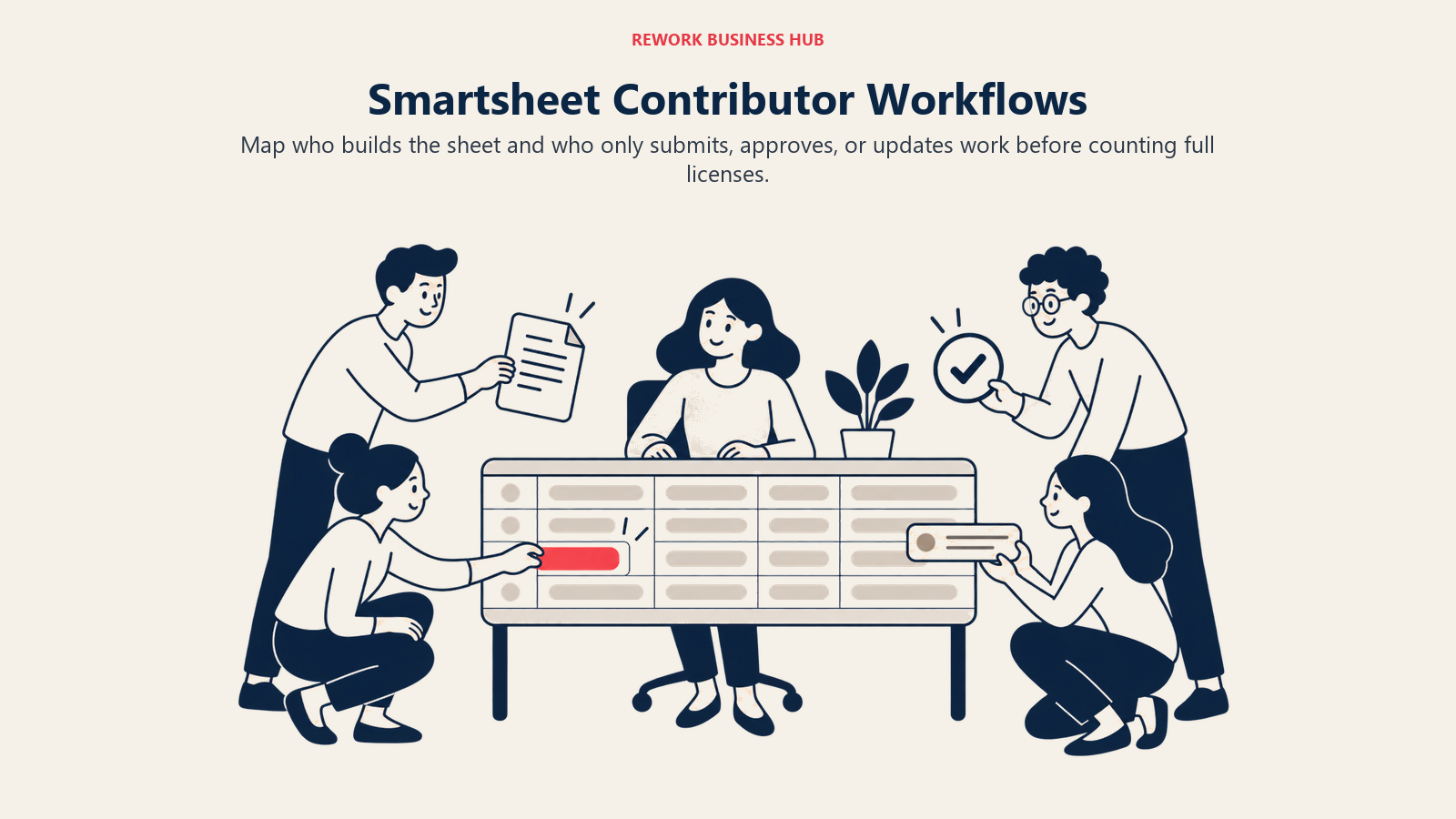
Pro runs $9 per member per month billed yearly ($12 billed monthly) for 1 to 10 members, unlimited Contributors included. Business is $19 per member per month billed yearly ($24 monthly) for 3 or more members, adding unlimited Guests on top. Enterprise is custom, starting at 10-plus members. Add-ons exist for teams wanting more: Dynamic View starts at $125 per month, and Data Shuttle starts at $100 per month for automated data imports.
| What you get | What you don't |
|---|---|
| Unlimited free Contributors (Pro) and Guests (Business) | Pipefy's native kanban card view as the default interface |
| Record ceilings far past Pipefy's 500-record cap | A dedicated process-orchestration engine |
| Published, member-based pricing with yearly and monthly options | The lowest starting price on this list |
| Optional Dynamic View and Data Shuttle add-ons | Free-tier access, Smartsheet has no free plan at all |
Pricing: Pro $9/member/month billed yearly, $12 billed monthly, 1-10 members, unlimited Contributors. Business $19/member/month billed yearly, $24 billed monthly, 3+ members, unlimited Guests and Contributors. Enterprise custom, 10+ members. Dynamic View from $125/month, Data Shuttle from $100/month. (Smartsheet) Best for: Teams hitting Pipefy's 10-user or 500-record caps that want a spreadsheet-familiar interface with unlimited free contributors underneath it. Not ideal for: Teams wanting Pipefy's card view by default, Smartsheet's board view sits on top of a grid rather than leading with one.
9. Wrike: Configurable Approval Workflows Inside a Project Platform
Wrike's process capability lives inside project and task management rather than as a standalone canvas: custom request forms route work into projects, and configurable approval workflows move it forward, which suits a team that wants process discipline without adopting a dedicated BPM tool. That's a real tradeoff against Pipefy: Wrike's workflows are a feature of a broader platform, not the platform's entire reason for existing, so a process that spans multiple unrelated systems has less native support here than in Pipefy's card engine.
Wrike's free plan is real but limited to basic task tracking, without the automation and forms layer. Team unlocks the process features that matter most for Pipefy switchers, running $10 per user per month for 2 to 15 users. Business steps up to $25 per user per month for 5 to 200 users, adding more automation depth and custom workflows. Pinnacle and Apex, Wrike's higher tiers, require a sales conversation.
| What you get | What you don't |
|---|---|
| Custom request forms and configurable approval workflows | A dedicated, standalone process-card engine like Pipefy's |
| A published, per-user price on Team and Business | Deep automation on the free tier |
| A tier structure that scales from 2 to 200 users | A visible price on Pinnacle or Apex |
| Project and task management bundled with the process layer | The lightest possible entry price on this list |
Pricing: Free $0 (basic task tracking). Team $10/user/month, 2-15 users. Business $25/user/month, 5-200 users. Pinnacle and Apex: contact sales. (Wrike) Best for: Teams outgrowing Pipefy's 10-user cap that want configurable approval workflows and request forms without adopting a full BPM engine. Not ideal for: Teams wanting a dedicated card-per-case process canvas, Wrike's workflows live inside project structures rather than standing alone.
10. Airtable: Higher Record Ceilings, But Check the Free Tier First
Airtable is the most natural comparison to Pipefy's database-record cap, since it's built around exactly that: flexible, spreadsheet-style bases that double as lightweight databases, with automations and forms layered on top for process work. Once you're on a paid tier, the record ceilings are genuinely far past Pipefy's 500-record cap, which is the whole reason teams switch.
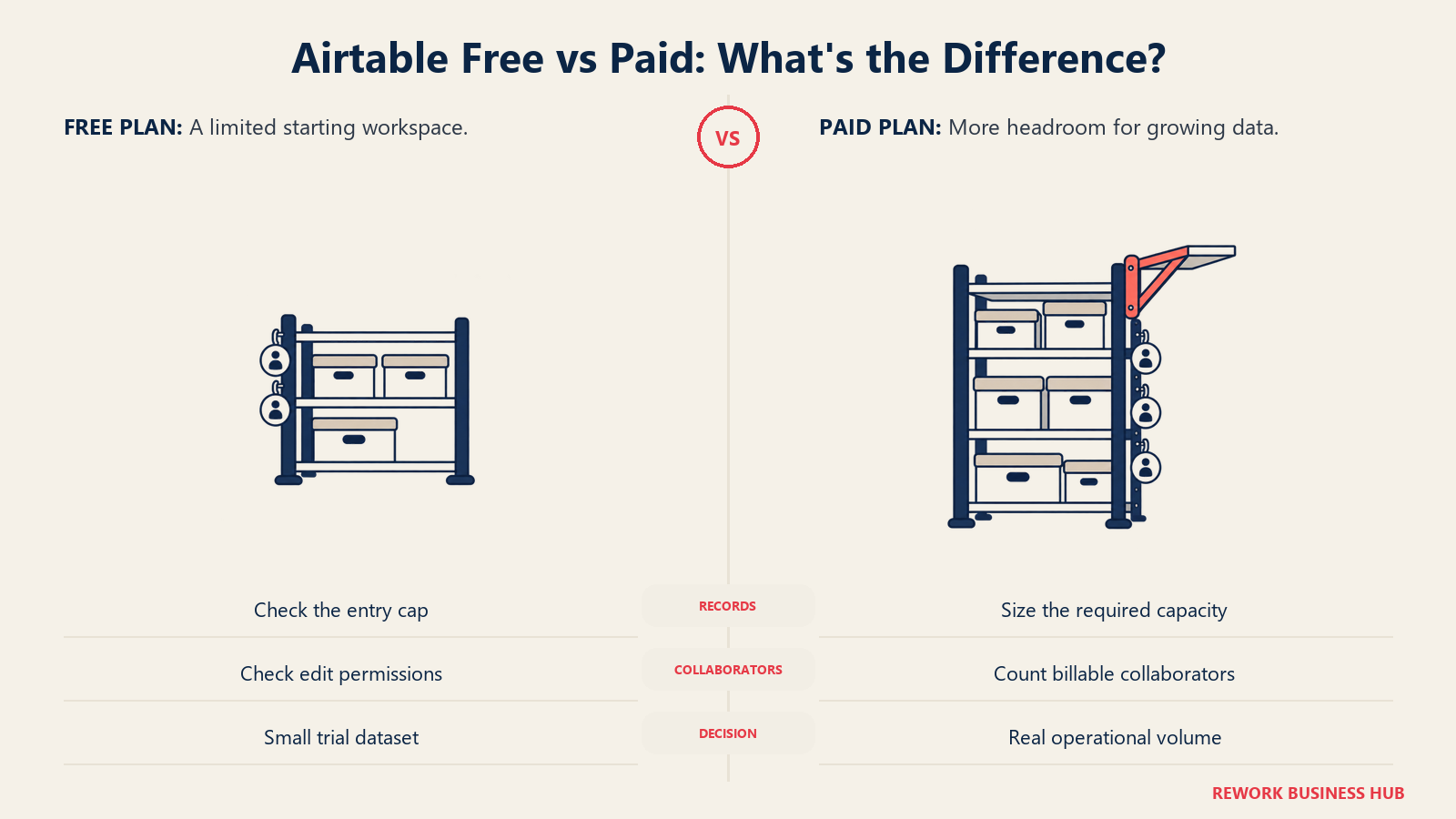
The trap worth naming clearly: a reader assuming Airtable's free tier is more generous than Pipefy's is wrong. Airtable's free plan is capped at 5 collaborators with Editor or Creator permissions and 1,000 records per base, with 1GB of attachments per base, tight limits, not a bigger version of what Pipefy gives away. The real upgrade shows up on paid tiers: Team runs $20 per collaborator per month billed annually ($24 monthly) with 50,000 records per base, and Business steps up to $45 annually ($54 monthly) with 125,000 records per base. Enterprise Scale is custom.
| What you get | What you don't |
|---|---|
| Record ceilings far past Pipefy's 500-record cap on paid tiers | A free tier more generous than Pipefy's, it's actually tighter |
| A flexible database-and-automation hybrid | A dedicated card-based process engine |
| Published, per-collaborator pricing on Team and Business | Case-management depth comparable to a BPM-focused tool |
| Large attachment allowances per base | Unlimited records at the entry-level paid tier |
Pricing: Free: 5 collaborators with Editor or Creator permissions, 1,000 records per base, 1GB attachments per base. Team $20/collaborator/month billed annually, $24 monthly, 50,000 records per base. Business $45 annually, $54 monthly, 125,000 records per base. Enterprise Scale custom. (Airtable) Best for: Teams past Pipefy's 500-record cap wanting a flexible database-first tool with far higher ceilings once they're on a paid plan. Not ideal for: A team assuming Airtable's free tier alone solves the record problem, at 1,000 records per base it's a similar squeeze to Pipefy's, not a bigger one.
11. Zoho Creator: The Budget No-Code Pick, With a Real Published Rate
Zoho Creator is the closest thing on this list to a genuine budget option: a no-code application builder with workflow automation baked in, aimed at small teams that want to automate a process without a per-seat price that scales into the hundreds. A Free Edition covers one custom app for an individual or small team, and every paid tier ships with a 15-day free trial, no credit card required.
Zoho publishes the rates on its own pricing page: Standard $8 per user per month, Professional $20, and Enterprise $25, all billed annually, with a Flex tier quoted on request. Zoho's own FAQ confirms the model is per-user: "Zoho Creator offers per-user pricing, so you can add however many users you want by purchasing licenses." The one gap is monthly billing, which Zoho says costs more than 30% extra but never actually prices on the page.
| What you get | What you don't |
|---|---|
| A genuinely free Edition for one app | A dollar figure printed directly on Zoho's live pricing page |
| A 15-day trial with no credit card on paid tiers | Certainty on exact pricing without checking your region's page |
| Per-user billing, stated in Zoho's own FAQ | Case-management depth comparable to Appian, Pega, or Pipefy's engine |
| A budget-friendly ladder relative to per-seat BPM suites | A published number you can quote without a caveat |
Pricing: Free Edition (one app). Standard $8/user/month, Professional $20/user/month, Enterprise $25/user/month, all billed annually. Flex custom. 15-day free trial, no credit card required. Local taxes extra. Zoho states annual billing saves more than 30% versus monthly, but the monthly figures are not published. (Zoho Creator) Best for: Budget-conscious teams wanting a no-code app and process builder once they outgrow Pipefy's process or record caps. Not ideal for: A team that needs certainty on an exact dollar figure without checking a region-specific page first.
12. Kintone: A Real Published Price, With a 5-User Minimum to Plan Around
Kintone is a no-code database-and-app platform that's become a popular pick for internal process apps, approval chains, inventory tracking, project logs, the exact kind of work that runs into Pipefy's 500-database-record ceiling first. Like Quickbase, it's one of the more transparent vendors on this list: Professional runs $24 per user per month, Custom (with more advanced workflow and API options) runs $28, and both come with a first-time-buyer promotion at $16 and $20 respectively.
The catch is a 5-user minimum on both tiers, whether on a monthly or annual contract. A 3-person team leaving Pipefy specifically because it was too small for the 10-user cap will still pay for 5 Kintone seats, worth factoring in before you assume the per-user price is the whole story.
| What you get | What you don't |
|---|---|
| A real, published per-user price on both tiers | A seat count below 5, even for a 3-person team |
| A first-time-buyer discount on Professional and Custom | Unlimited database records, Kintone still scales per app |
| Both monthly and annual contract options | The lowest total cost for a very small team |
| Advanced workflow and API access on the Custom tier | A free tier of any kind |
Pricing: Professional $24/user/month, Custom $28/user/month, both with a 5-user minimum, monthly or annual contract. First-time-buyer promotion runs at $16 and $20 respectively. (Kintone) Best for: Teams past Pipefy's 500-record cap wanting a no-code database-app platform with real, published per-user pricing. Not ideal for: A team under 5 users, the minimum means paying for 5 seats even at 3 people.
13. Tallyfy: Unlimited Free Guests Fix a Different Kind of Cost
Tallyfy is close in spirit to Pipefy, a dedicated process and checklist tool rather than a general work platform, but its pricing model solves a different problem than the caps above. Every paid Tallyfy plan includes unlimited free guests, people who approve, submit, or participate in a process without holding a paid seat. That directly answers a cost Pipefy switchers often don't think about until they hit it: the expense of licensing every occasional approver or requester, not just full-time process owners.
Full seats run $30 per month billed annually ($300 a year), and Light seats, for people who need less access, run $10 per month billed annually ($100 a year). There's a 1-seat minimum, a 14-day trial, and SSO and SCIM are included on every paid plan, not gated to an enterprise tier the way many competitors do it. A Data Feed analytics add-on runs an extra $20 per seat per year.
| What you get | What you don't |
|---|---|
| Unlimited free guests on every paid plan | Any free tier at all, unlike Pipefy's Starter |
| SSO and SCIM included on every plan, not gated to enterprise | The lowest sticker price on this list |
| A Light seat option for lower-access users | Case-management depth for complex, branching processes |
| A 14-day trial before committing | A per-process or per-card volume limit the way Pipefy has |
Pricing: Full seat $300/year billed annually (a $25/month equivalent), or $30/month month-to-month. Light seat $100/year billed annually, or $10/month month-to-month. Unlimited guests free on every paid plan. Minimum 1 seat. 14-day trial. SSO and SCIM included on every paid plan. Data Feed analytics add-on +$20/seat/year. (Tallyfy) Best for: Teams whose real Pipefy pain is the cost of licensing occasional guests and approvers, not card or process volume. Not ideal for: A very small team of 1 or 2 people, Tallyfy has no free tier at all, unlike Pipefy's genuinely free Starter.
14. Nintex: Flat, Unlimited-User Pricing for Document-Heavy Processes
Nintex pairs workflow automation with document generation, its Drawloop lineage, and process mapping, aimed at teams whose process doesn't end at a status change but at a signed, generated document: a contract, an approval letter, an onboarding packet. That's a genuinely different fit than Pipefy's card-based engine, and it's the clearest answer on this list for a team that hit the 50-cards-a-month cap specifically because of high-volume document processing.
Nintex's pricing page carries no tiers, no per-user rate, and no starting figure of any kind, the entire page routes to a contact form or a sales email. Workflow Standard reportedly runs around $910 a month and Advanced around $1,400 a month, both flat, unlimited-user plans rather than per-seat pricing, plus Nintex RPA around $90 per user per month. If those figures hold, the flat-rate structure is worth noting on its own: a team scaling past 50 users would pay the same flat fee a 10-person team does, a very different math than any per-seat tool on this list.
| What you get | What you don't |
|---|---|
| Workflow automation and document generation in one platform | Any published tier names, prices, or user counts |
| Reportedly flat, unlimited-user pricing rather than per-seat | A self-serve trial with visible pricing at the end |
| Process mapping alongside process execution | The fastest evaluation path on this list |
| A fit for document-heavy approval chains at volume | A budget-friendly entry point for a small team |
Pricing: No public pricing published; contact sales for a quote. Workflow Standard reportedly runs around $910/month and Advanced around $1,400/month as flat, unlimited-user plans, and Nintex RPA around $90/user/month. (Nintex) Best for: Teams hitting Pipefy's card-volume cap on document-heavy processes (contracts, approval letters) wanting a flat plan instead of counting cards. Not ideal for: A budget-conscious team wanting to see a number before a sales conversation, Nintex publishes nothing at all.
If your actual gap is connecting apps together rather than running a formal, documented process, Best Workflow Automation Software covers that broader, less formal category, and it's worth ruling out before you commit to a heavier tool like Nintex.
Stage Fit: Where Each Tool Makes Sense in a Company's Growth
| Company stage | Best-fit picks | Why |
|---|---|---|
| Pre-seed to early-stage, first process ever documented | Zoho Creator, Bizagi-style free modelling isn't on this list, so Airtable or Kintone's low tiers | Cheapest real entry point once a free tier's caps are outgrown |
| Growing SMB, 10-50 people, first ops hire | ClickUp, monday.com, Wrike | Unlimited or generous free members, plus published per-seat pricing as headcount grows |
| Scaling mid-market, 50-200 people, multiple functions | Rework, Quickbase, Smartsheet | Consolidation (Rework) or real record and seat headroom (Quickbase, Smartsheet) across departments |
| Regulated or document-heavy operations | Nintex, Tallyfy | Document generation and unlimited-guest models fit contract- and approval-heavy work |
| Business-user-led, no dedicated ops or IT team | Kissflow, Process Street | No-code builders aimed at business users rather than developers, once you accept the sales-call step |
Sizing and Persona: Who on the Team Should Own the Decision
| Persona | Best pick to evaluate first | Why |
|---|---|---|
| Operations Manager replacing a spreadsheet-and-Pipefy patchwork | Quickbase or Kintone | Real per-user pricing and record ceilings built for exactly this handoff |
| IT Director evaluating governance and access control | Tallyfy or Smartsheet | SSO/SCIM included on every paid plan (Tallyfy) or unlimited free Guests with admin controls (Smartsheet) |
| Small business owner or founder past the 5-process cap | Zoho Creator or ClickUp | The cheapest real entry points, with a genuine free tier to test on first |
| Compliance or audit-focused Process Owner | Process Street | Repositioned specifically around compliance operations and AI-enforced workflow steps |
| RevOps or cross-functional leader wanting fewer disconnected tools | Rework | Workflow sits next to CRM and the People app instead of three separate logins |
| Finance lead building the budget case | monday.com or Quickbase | Published, predictable per-seat math with no sales call required to see the number |
How to Choose: Decision Framework
| If you need... | Best pick |
|---|---|
| The direct fix for Pipefy's 10-user cap, and nothing else | ClickUp (unlimited free members) |
| More database records than Pipefy's 500-record cap allows | Airtable, Quickbase, or Kintone |
| A flat, unlimited-user plan instead of counting cards | Nintex |
| Recurring checklists and SOPs, not branching case management | Process Street |
| Workflow, CRM, and HR consolidated on one platform | Rework |
| A published per-user price with no sales call | Quickbase, monday.com, ClickUp, Wrike, or Kintone |
| Unlimited free guests for occasional approvers | Tallyfy |
| Unlimited free Contributors or Guests on a spreadsheet-native tool | Smartsheet |
| A no-code process builder aimed at business users, not developers | Kissflow |
| The cheapest real entry point for a very small team | Zoho Creator |
| Configurable approval workflows inside a broader project platform | Wrike |
| Familiar task tracking with basic approval Rules | Asana (check the new 2-user free cap first) |
Frequently Asked Questions about Pipefy Alternatives
What exactly happens when a team hits one of Pipefy's Starter caps?
Pipefy doesn't shut off access at 5 processes, 10 users, 50 cards a month, or 500 database records, it stops you from creating more of whatever you've capped out on until you either archive something or upgrade to Business. There's no automatic downgrade of existing work, but growth just stops until you act.
Which of these 14 alternatives have a genuinely free tier the way Pipefy does?
ClickUp's Free Forever plan includes unlimited free members. monday.com is free up to 2 seats. Asana's free plan covers up to 2 users on new accounts (up to 10 on legacy accounts). Airtable's free plan covers 5 collaborators with Editor or Creator permissions and 1,000 records per base. Zoho Creator has a Free Edition for one app. Wrike offers a free plan for basic task tracking. Kissflow, Process Street, Quickbase, Smartsheet, Wrike's paid tiers, Kintone, Tallyfy, Nintex, and Rework do not offer a genuinely free ongoing plan the way Pipefy's Starter does.
Is Rework a good fit for a small team that just wants more Pipefy-style processes?
Not really. Rework has no free plan, only a 14-day free trial, and its Process Engine starts at $99 a month billed yearly for 5 seats. Rework earns its price when the real problem is a second and third disconnected tool alongside Pipefy, a CRM, an HR system, not when the only issue is process or card volume.
Why do so many Pipefy alternatives also refuse to publish pricing?
Enterprise-style deployments vary a lot in user count, process complexity, and deployment scope, which makes a single published price hard for some vendors to stand behind. Kissflow, Process Street, and Nintex all require a sales conversation for a specific number. That's a real cost to factor in: a quote-only vendor typically adds days or weeks to a purchase decision compared to one with a public price ladder, and per TrustRadius's 2026 B2B Buying Disconnect Report, transparent pricing has been B2B buyers' top wish-list item for four straight years.
Is Airtable's free tier actually better than Pipefy's for database records?
No, and this catches people off guard. Airtable's free plan caps at 1,000 records per base and 5 collaborators with Editor or Creator permissions, roughly double Pipefy's 500-record cap but with a tighter collaborator limit. The real upgrade only shows up once you're on Airtable's paid Team tier, which jumps to 50,000 records per base.
Should I trust the $1,500-per-month figure I've seen quoted for Kissflow?
No. As of August 2026, kissflow.com/pricing publishes no figures at all, and Kissflow's own content pages now cite $2,500 per month in two places, including the FAQ on the very page that also states $1,500. Treat the lower figure as stale and get a current number in writing before budgeting around it.
What's the cheapest way to replace Pipefy for a genuinely tiny team?
For a straight process-and-database need, Zoho Creator's Free Edition covers one app at no cost, and its paid Standard tier runs $8 per user per month billed annually. For a team whose real problem is just the 10-user cap, ClickUp's unlimited free plan members solve it without spending anything yet.
I hit the 50-cards-a-month cap specifically. What should I look at first?
Start with Nintex or Tallyfy. Nintex's reported pricing is flat and unlimited-user rather than counted per card, and Tallyfy's unlimited free guests remove the cost of licensing every occasional approver. Kissflow and Process Street are also built for higher-volume, recurring intake, but both require a sales call for the actual number.
Does switching away from Pipefy mean losing its kanban-style process view?
Not entirely. monday.com, ClickUp, Wrike, and Smartsheet all offer a board or kanban view as one layer on top of a broader tool, so the visual metaphor carries over even if it isn't the platform's single defining feature the way it is in Pipefy. Kissflow and Process Street lean more toward form-driven or checklist-driven views instead.
How much of the process-automation market growth is actually relevant to a small-team buying decision?
Directly, not much, but it's a useful signal that vendors keep investing here rather than abandoning the category. Camunda's 2026 State of Agentic Orchestration and Automation report found 79% of organizations plan to increase automation spend, and the World Economic Forum's Future of Jobs Report 2025 found 73% of employers intend to accelerate process automation by 2030, both signs this category isn't slowing down, so pricing and features on this list are likely to keep shifting.
What to Do Next
Figure out which cap you actually hit before you evaluate anything: check your Pipefy account for process count, user count, monthly card volume, and database record usage, since the honest answer is usually just one of the four, not all of them at once. If it's the 10-user cap alone, trial ClickUp's unlimited free plan first, it costs nothing to test. If it's the 500-record cap, trial Quickbase's 30-day free Business trial or Airtable's Team tier against your real data, not a demo dataset. And if the real problem turns out to be three disconnected tools (a process tool, a CRM, an HR system) rather than Pipefy itself, that's the one case where a wider platform like Rework is worth a serious look instead of another single-purpose process tool. Whichever direction you go, get the actual number in writing before you commit: half the vendors on this list, Kissflow among them, still won't put one on their own website.

Customer Success Operations Manager
On this page
- Key Facts
- Which Pipefy Cap Did You Actually Hit?
- Quick Comparison Table
- 1. Kissflow: The Vanishing Pricing Page
- 2. monday.com: A Familiar Work OS Once You Outgrow 10 Users
- 3. ClickUp: Unlimited Free Members Solves the 10-User Cap Directly
- 4. Asana: Watch the New 2-User Free Cap Before You Switch
- 5. Quickbase: A Real Per-User Price for Teams Past the 500-Record Cap
- 6. Rework: One Platform Instead of Workflow, CRM, and HR on Three
- 7. Process Street: Recurring Checklists, Not a Full Case-Management Engine
- 8. Smartsheet: Unlimited Free Contributors Fix the User and Record Caps Together
- 9. Wrike: Configurable Approval Workflows Inside a Project Platform
- 10. Airtable: Higher Record Ceilings, But Check the Free Tier First
- 11. Zoho Creator: The Budget No-Code Pick, With a Real Published Rate
- 12. Kintone: A Real Published Price, With a 5-User Minimum to Plan Around
- 13. Tallyfy: Unlimited Free Guests Fix a Different Kind of Cost
- 14. Nintex: Flat, Unlimited-User Pricing for Document-Heavy Processes
- Stage Fit: Where Each Tool Makes Sense in a Company's Growth
- Sizing and Persona: Who on the Team Should Own the Decision
- How to Choose: Decision Framework
- What to Do Next