Power Automate vs Nintex: Which Workflow Platform Fits Your Team in 2026?
Turn this article into takeaways for your work.


Each assistant summarizes the article only for you and suggests best practices for your work.
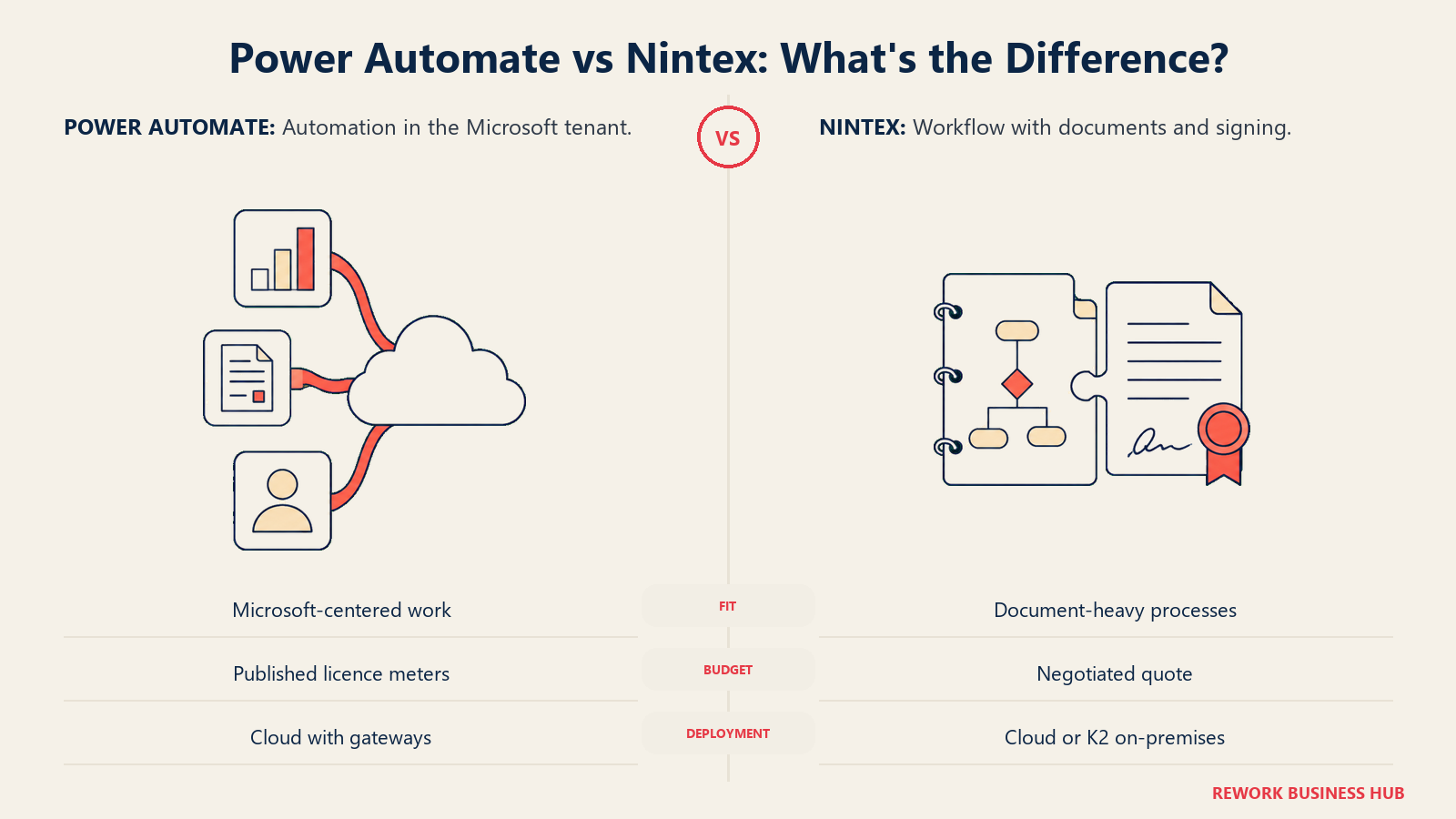
Microsoft publishes all four Power Automate prices on a public page. Nintex publishes none, not a tier name, not a range, not a starting figure. That gap shapes this evaluation more than any feature grid does.
Most head-to-heads on this pairing open with a checklist: connectors here, RPA there, a tick next to whichever integration made a press release. That isn't where the decision gets settled. It gets settled the moment you try to build a budget, because Microsoft and Nintex answer that question in opposite directions.
Microsoft prints everything. Premium is $15.00 per user per month, paid yearly. Process is $150.00 per bot per month, paid yearly. Hosted Process is $215.00 per bot per month, paid yearly. The Process Mining add-on is $5,000.00 per tenant per month, paid yearly, and attaches to Premium only. Count your people and your bots and you know your bill before speaking to anyone.
Nintex prints nothing: no tier names, no ranges, no figures of any kind. The whole pricing page is a contact form that reads, in Nintex's own words, "Use this form for sales questions or general inquiries."
That isn't a footnote about transparency, it's a difference in the shape of the bill. Power Automate meters you per person and per bot, so the number climbs with headcount and with every automation that runs unwatched. Nintex, per third-party reports it has never confirmed, sells flat unlimited-user plans, so the number sits still while headcount climbs. A 200-person company where 180 people only submit and approve lands somewhere completely different under each model. For the wider category both sit inside, see our roundup of business process management software.
TL;DR
| Microsoft Power Automate | Nintex | |
|---|---|---|
| What it is | The automation layer of Power Platform: cloud flows, desktop flows (RPA) and process mining inside your Microsoft 365 tenant | A suite bundling workflow, process mapping, document generation, eSign, RPA and an on-premises engine (Nintex Automation K2) |
| How you buy it | Self-serve or through your Microsoft agreement; every rate published | Sales conversation only; no self-serve path to a number |
| Published pricing | Premium $15.00 user/month, Process $150.00 bot/month, Hosted Process $215.00 bot/month, Process Mining add-on $5,000.00 tenant/month, all paid yearly | None published anywhere on nintex.com |
| Shape of the bill | Metered: per user, plus per bot, plus per tenant for mining | Reported as flat and unlimited-user, negotiated per contract |
| Try before you buy | 30-day free trial, plus a Free licence with standard connectors only | Trials offered through the site nav; pricing still requires sales |
| RPA | Attended included with each Premium licence; unattended needs a Process or Hosted Process licence per bot | Nintex RPA, the former Kryon line, licensed separately, reported around $90/user/month |
| Documents and signature | No native generation; the Word template action rides a premium connector, and signature means a third party | Nintex DocGen plus Nintex eSign in one suite, the deepest genuine differentiator here |
| Process mapping | Not a mapping product; its strength is mining, as a Premium add-on | Nintex Process Manager, the former Promapp, purpose-built for mapping |
| Best for | Microsoft 365 shops that want a computable bill and deep tenant-native integration | Teams needing workflow, document assembly and signature as one purchase, who can run a sales-led evaluation |
Key Facts
- A Forrester Total Economic Impact study commissioned by Microsoft modeled a composite 30,000-employee organization with $10 billion in annual revenue and found a 248% three-year ROI on Power Automate, a payback period under six months, and $39.85 million in net present value, against $55.93 million in benefits and $16.08 million in costs. (Forrester TEI of Microsoft Power Automate)
- 88% of organizations now report regular AI use in at least one business function, up from 78% a year earlier, but only 39% can point to a measurable effect on the bottom line, per McKinsey's State of AI survey. (McKinsey)
- Microsoft removed SharePoint 2013 workflows from existing Microsoft 365 tenants on April 2, 2026, states plainly that there is no option to extend past that date, and names Power Automate as the migration path. (Microsoft Support)
- Microsoft retired Azure Access Control Service for SharePoint Online on April 2, 2026, the authentication layer that many older SharePoint add-in integrations, including Nintex-for-SharePoint deployments, relied on. (Microsoft Learn)
- Nintex has deprecated the Kryon public APIs and no longer supports them, with removal planned by the end of 2026, directing customers to the Nintex public API instead. (Nintex Help Center)
Who Each Tool Is Really For
Power Automate isn't really sold as a standalone workflow product. It's the execution layer of the Power Platform, and its centre of gravity is the Microsoft 365 tenant you already pay for. Its natural buyer is an IT or ops leader whose company runs on Teams, SharePoint and Outlook and wants automation governed by the same identity as everything else. The product rewards that buyer enormously and punishes anyone outside it, because much of its value is the tenant-native tie-in rather than the flow designer.
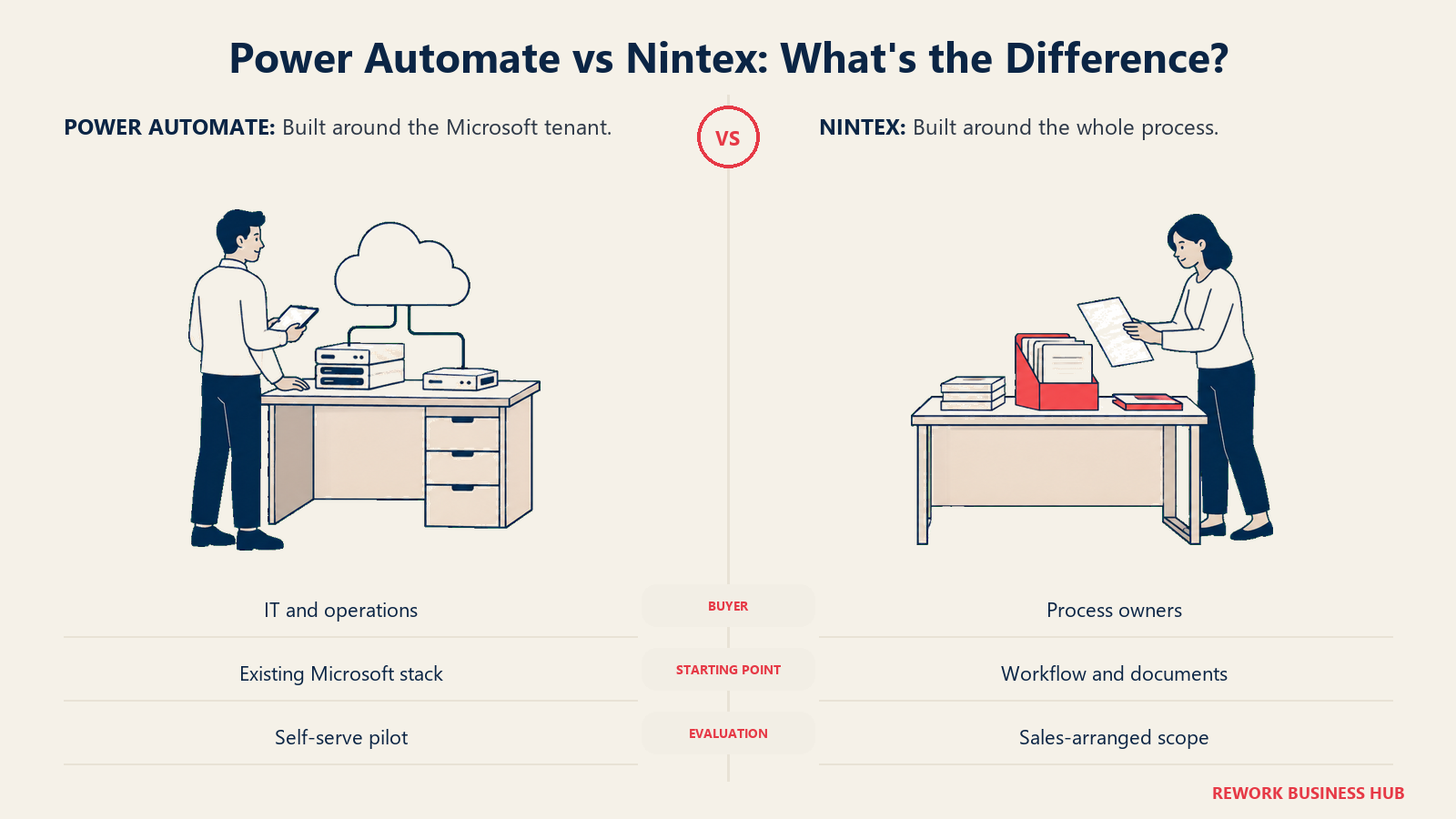
Nintex grew up somewhere else. It started as the workflow layer bolted onto SharePoint, then spent a decade acquiring its way into adjacent problems: Promapp for process mapping (now Process Manager), Drawloop for document generation (now DocGen), AssureSign for signatures (now Nintex eSign), Kryon for RPA (now Nintex RPA), and K2 for the on-premises engine (now Nintex Automation K2). The result is a suite rather than a product. Its buyer needs more than routing: a process mapped, a document assembled from it, and that document signed, without those three jobs living in three contracts.
| Dimension | Power Automate | Nintex |
|---|---|---|
| Primary use case | Automating work across Microsoft 365 and connected services, plus desktop RPA | Running a mapped process end to end, including the documents it produces |
| Who typically buys it | IT and ops leaders in a Microsoft 365 shop, often via an existing agreement | Process owners wanting workflow, documents and signature under one vendor |
| Evaluation path | Self-serve: sign up, build a flow, read the price off a public page | Sales-led: no published figure exists to evaluate against beforehand |
| On-premises story | Cloud-first; on-premises reach via data gateways, not an engine | Nintex Automation K2 is a genuine on-premises engine, unusual in 2026 |
| Ideal starting size | Any size already on Microsoft 365, since entry cost is one user licence | Mid-market to enterprise, comfortable committing before seeing a number |
| Team fit | Power Automate | Nintex |
|---|---|---|
| IT / Ops | Strong: same tenant, same identity, same admin centre | Strong: mature governance plus an on-premises option most rivals dropped |
| Finance / Procurement | Strong for routing; weak the moment a PO must be generated as a document | Strong: routing plus DocGen means the PO comes out the other end |
| Legal / Contracts | Weak: no native document assembly, no native signature | Strongest fit here, DocGen plus eSign is exactly this workflow |
| HR / People Ops | Good: onboarding flows across Teams, SharePoint and Outlook | Strong: offer letters need generation and signature, not just routing |
| Sales / RevOps | Moderate: connectors reach Salesforce, but nothing is generated | Strong on Salesforce, where DocGen and Nintex Apps ship on AppExchange |
| Compliance / Audit | Strong: tenant-wide data policies, environments, Purview reach | Strong: Process Manager documentation doubles as an audit artifact |
If your actual question is narrower than either platform, an approval chain rather than a full automation suite, that's a different shortlist; our approval workflow software roundup covers tools scoped to that job alone.
The Pricing Model Asymmetry
Power Automate charges on three meters that stack. Per person: $15.00 per user per month, paid yearly, for anyone who needs premium connectors or attended desktop automation. Per bot: $150.00 per bot per month, paid yearly, for every unattended automation running in parallel, or $215.00 per bot per month, paid yearly, if Microsoft hosts the machine. Per tenant: $5,000.00 per month, paid yearly, for the Process Mining add-on, Premium only. Nothing there is hidden, and nothing is cheap once the second and third meters start running.
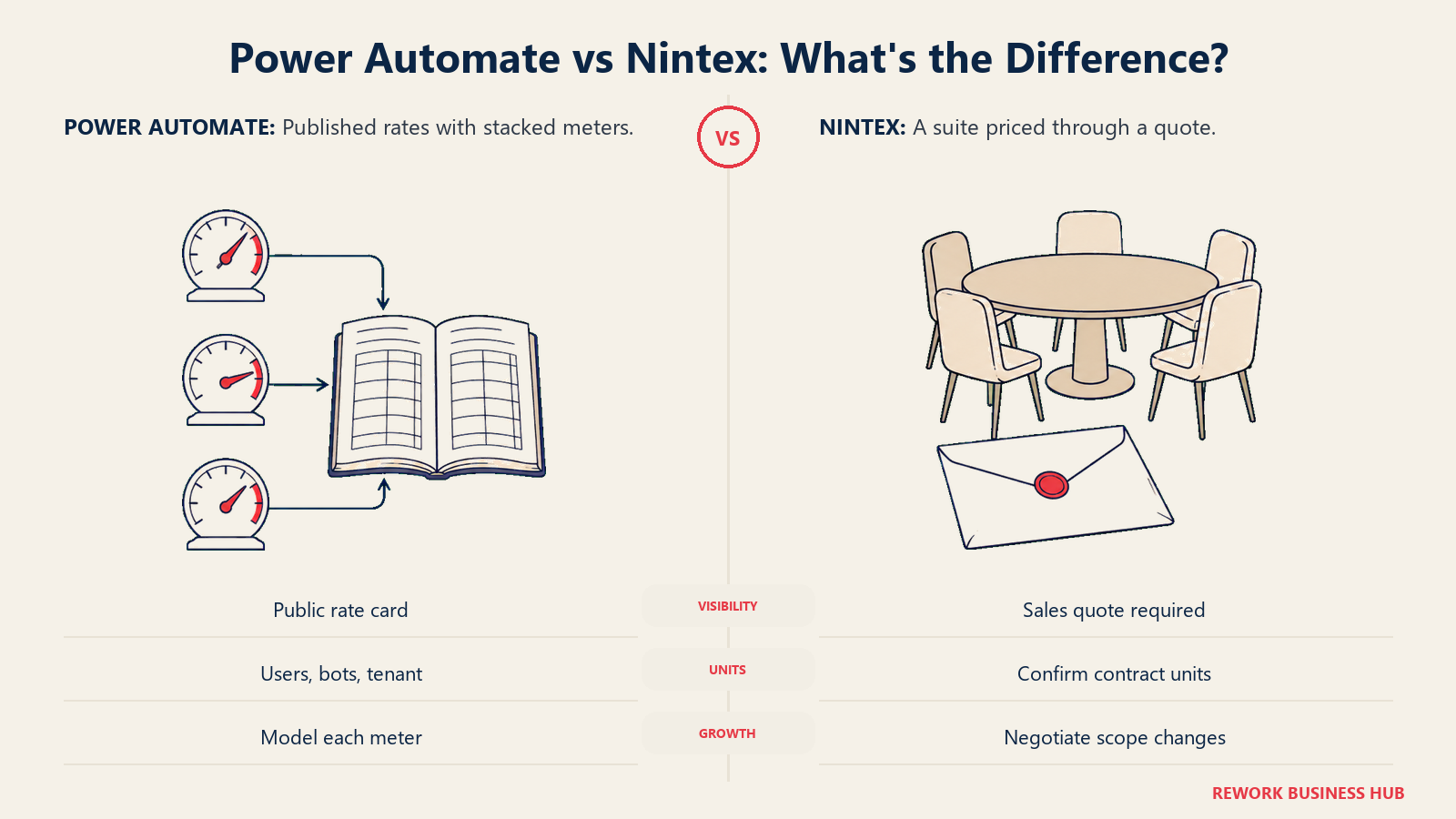
Nintex charges on a meter nobody outside the room can see. What third-party trackers report, and this is reported rather than confirmed, is a flat structure: Cloudwards reports a Standard plan around $910 per month and an Advanced plan around $1,400 per month, both flat and unlimited-user, with Nintex RPA reported separately around $90 per user per month. Nintex has never published or confirmed any of it. Treat those as a planning signal, not a quote. Nintex isn't alone in this either: Kissflow takes the same approach, as our Kissflow vs Pipefy comparison covers in detail.
| Pricing dimension | Power Automate | Nintex |
|---|---|---|
| Published on the vendor's own site | Yes, all four line items with terms | No, zero figures anywhere |
| Unit of billing | Per user, per bot, and per tenant, stacked | Reported as flat per plan, unlimited users |
| Billing term stated | "Paid yearly" on all four published lines | Not published |
| Cost as headcount grows | Rises with every user needing premium capability | Reported to stay flat, the model's whole selling point |
| Cost as automations grow | Rises per unattended bot, independent of headcount | Reported to rise only when you add the separate RPA line |
| What you can model before a call | Your entire bill | Nothing you can defend to a finance committee |
| Where the surprise lands | The second and third meters: bots and mining | The first quote, because there's no anchor to compare it against |
The practical read: Power Automate is cheaper to start and gets expensive in a shape you can predict. Nintex is impossible to price in advance and, if the reported flat structure holds, gets relatively cheaper the more people you put on it. Those are different bets about what your organization looks like in three years.
Microsoft 365 Fit and What Your Existing Licence Already Covers
A lot of Power Automate evaluations start from a wrong premise, that you're buying automation from zero. You aren't. Microsoft 365 already seeds a limited set of capability, and knowing where that free line sits changes the math on this entire comparison. The Power Automate Free licence, included for work or school accounts in a Microsoft Entra tenant, covers cloud flows you don't share and desktop flows run locally in attended mode, using standard connectors only. That's a real amount of automation for a team whose processes stay inside Microsoft 365, and it's why so many companies discover they've been running production workflows without a line item.
What Premium buys, per Microsoft's own licensing documentation, is premium and custom connectors, an attended bot for RPA, process mining, 5,000 AI Builder credits a month, 250 MB of Dataverse database storage and 2 GB of file storage per licence, and a daily action limit of 40,000 per user. That last number matters more than it looks: high-frequency flows can hit an action ceiling long before they hit a functional one.
| Capability | Included in a standard Microsoft 365 licence | Requires Power Automate Premium ($15.00 user/month, paid yearly) |
|---|---|---|
| Cloud flows with standard connectors | Yes | Yes |
| Sharing a cloud flow with colleagues | No, the Free licence excludes sharing | Yes |
| Premium and custom connectors (Salesforce, SQL, ServiceNow) | No | Yes |
| Attended desktop flows (RPA) on your own machine | Locally, in attended mode | Yes, plus one attended bot and shared desktop flows |
| Registering a machine for RPA | No | Yes, a prerequisite for unattended runs |
| Process mining and task mining | No | Yes, with 50 MB of mining data storage per licence |
| AI Builder credits | No | 5,000 per month |
| Daily action limit | Lower seeded limits | 40,000 per user |
Nintex has no equivalent seeded position. Nothing about a Microsoft 365 subscription reduces a Nintex bill. If you're paying for both, you're paying twice for partially overlapping capability, which is the strongest argument for consolidating onto Power Automate whenever document generation isn't part of the requirement.
Connectors, Data Layer and Governance
Power Automate's connector library is its most quoted advantage and its most misread one. The count is large, but the classification governs your bill. Connectors split into standard, premium, custom, virtual and, more recently, Model Context Protocol connectors. Standard connectors come with the Free licence. Premium and custom connectors are gated behind Premium, or behind a Process licence assigned to the flow, which lets that flow use them regardless of who triggers it. That mechanism is widely missed: one Process licence on a business-critical flow can cover premium connector use for a department of unlicensed submitters. Dataverse is the other half, and its storage entitlements are small enough to matter: 250 MB of database storage and 2 GB of file storage per Premium licence, dropping to 50 MB and 200 MB per Process licence.
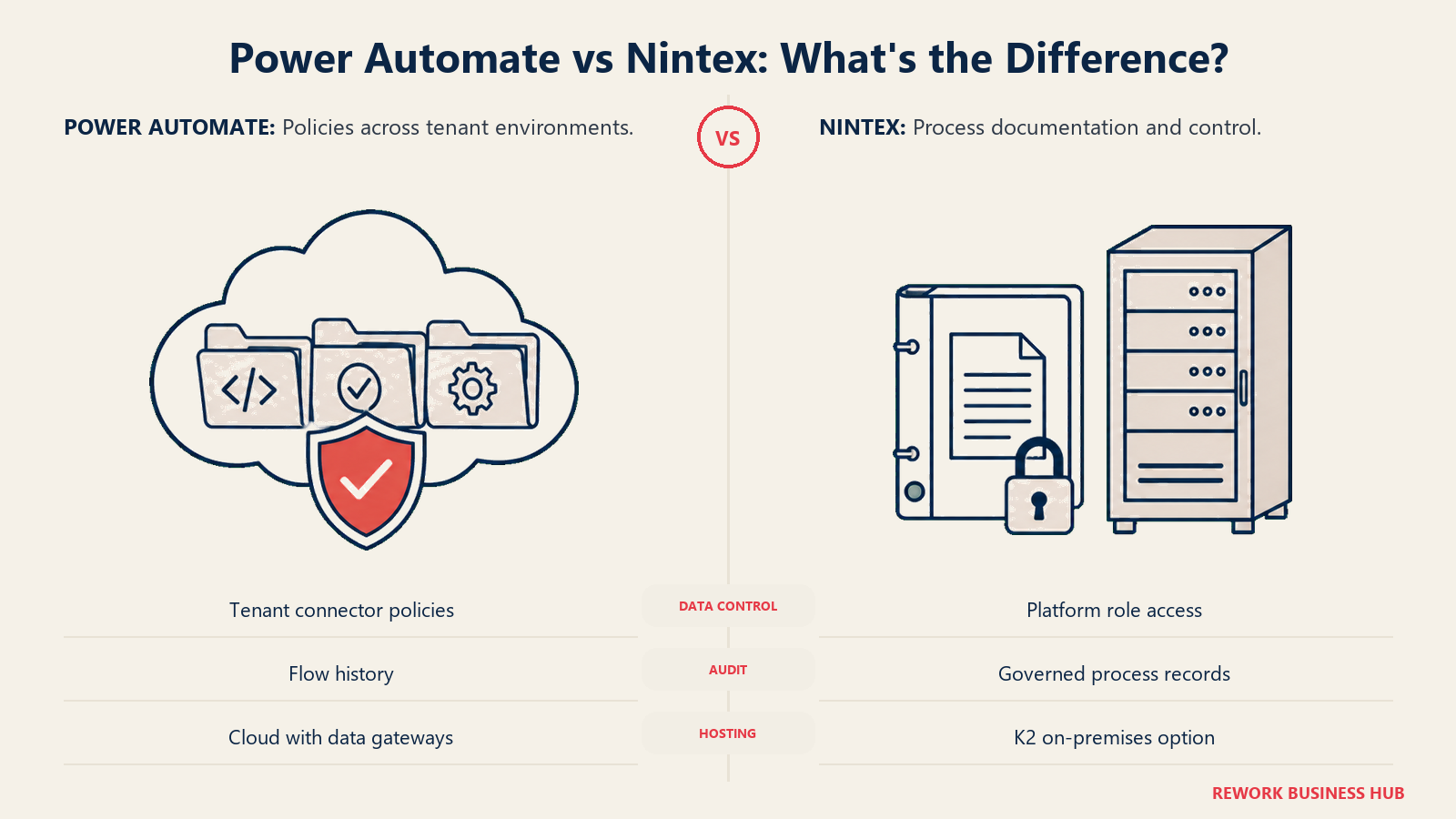
Governance is where the Microsoft stack pulls decisively ahead, and it's the part enterprise buyers lose sleep over. Every flow lives in an environment, environments can be grouped and governed separately, and solutions move between development, test and production rather than being edited live. Above that, tenant-level data policies sort connectors into groups and block combinations, cascading to every environment and quarantining anything that violates them while disabling blocked connections, typically inside an hour and up to 24 hours in the largest tenants.
Nintex's strength here is different and shouldn't be dismissed. Because Process Manager sits alongside the automation layer, the documented process and the running one live in the same vendor's world, which is a real audit asset. And Nintex Automation K2 remains one of the few enterprise workflow engines you can still run on your own infrastructure in 2026, which matters for data residency or air-gap requirements no cloud-only vendor satisfies at any price.
| Integration and governance factor | Power Automate | Nintex |
|---|---|---|
| Connector classes | Standard, premium, custom, virtual and MCP connectors, each governed differently | Native connectors across enterprise systems plus a REST API; no published class model |
| Premium connectors gated by | The Premium user licence, or a Process licence assigned to the flow | Not applicable, no published tiering |
| Native data layer | Microsoft Dataverse, with per-licence storage entitlements | Nintex's own platform storage, not publicly quantified |
| Storage per licence | 250 MB database and 2 GB file (Premium); 50 MB and 200 MB (Process) | Not published |
| Environment separation and ALM | Solution deployment across dev, test and production environments | Handled inside the platform's own lifecycle tooling |
| Data loss prevention | Tenant-wide data policies cascading to every environment | Role-based access control within the platform |
| Enforcement on a policy change | Violating flows quarantined, blocked connections disabled, usually inside an hour | Not published in equivalent detail |
| On-premises deployment | No, cloud with gateways to on-premises data | Yes, Nintex Automation K2 |
| Audit artifact for the process | Flow run history plus Microsoft Purview reach | Process Manager documentation, risks and training records |
If the platform question underneath this one is really about building small internal apps on a database rather than automating flows, that's an adjacent category; our Quickbase alternatives guide covers it. And for readers weighing this against the heavyweight orchestration platforms rather than against each other, our Appian vs Pega comparison covers the tier above both on process depth and regulated case management.
RPA: Attended, Unattended and the Kryon Question
Both platforms do robotic process automation, and one has a deprecation running underneath it that a buyer should know about before signing. Power Automate splits RPA into three run modes, and the split is where the money goes. Attended automation, a desktop flow running with a human present on a registered machine, comes with the Premium user licence: one attended bot per licence. Unattended automation, a bot signing into a machine on its own, requires a Process capacity licence at $150.00 per bot per month, paid yearly, allocated to a machine. Hosted automation, where Microsoft provides the virtual machine on Azure, requires Hosted Process at $215.00 per bot per month, paid yearly.
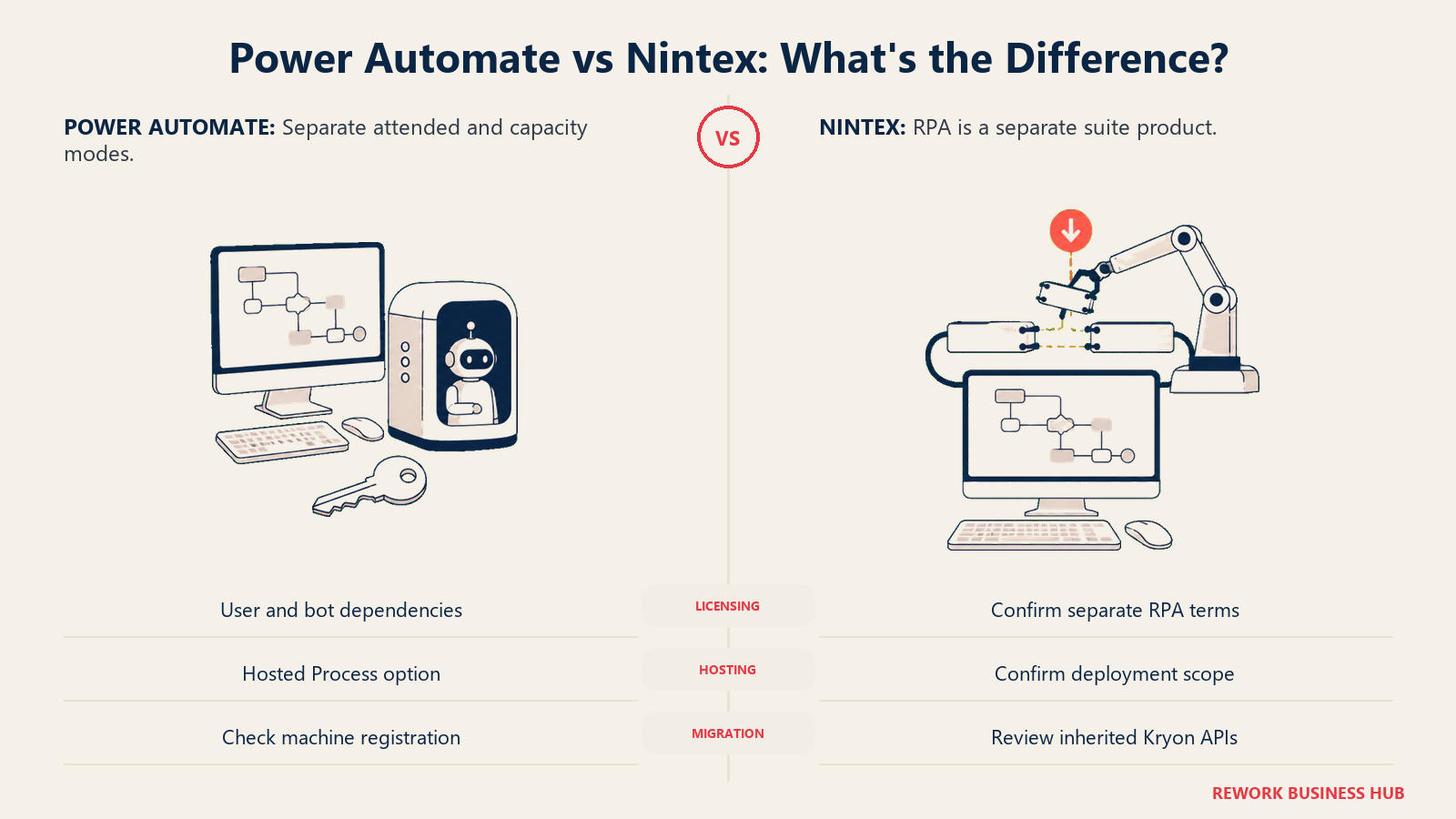
Two dependencies in Microsoft's licensing documentation belong on your quote sheet, because they turn a per-bot cost into a per-bot-plus-per-user cost. Allocating a Process licence to a machine still requires that the machine was registered by a Power Automate Premium user. And to trigger desktop flow runs from a cloud flow operating under a Process licence, the user whose connection runs the desktop flow needs a Premium licence. You cannot buy unattended RPA on capacity licences alone.
Nintex RPA is the former Kryon product, licensed separately from the workflow line. Trackers report it around $90 per user per month, again reported and never confirmed. The more consequential fact is technical: Nintex has deprecated the Kryon public APIs, states they are no longer supported, and plans to remove them by the end of 2026, pointing customers at the Nintex public API. If you have inherited Kryon automations or integrations built against those endpoints, that migration is real work with a real deadline.
| RPA factor | Power Automate | Nintex |
|---|---|---|
| Attended automation | Included with each Premium user licence, one attended bot | Part of Nintex RPA, licensed separately from workflow |
| Unattended automation | Process licence, $150.00 per bot/month, paid yearly | Included in Nintex RPA, reported around $90/user/month (reported, unconfirmed) |
| Vendor-hosted machines | Hosted Process, $215.00 per bot/month, paid yearly, Microsoft-hosted VM on Azure | Not a published equivalent |
| Prerequisite user licence for unattended | Yes, a Premium user must register the machine and hold the running connection | Not published |
| Parallel unattended runs | One per Process licence; buy one per concurrent run | Not published |
| Actions per licence | 250,000 per day per Process licence, stackable up to 10 on one flow | Not published |
| API deprecation to plan around | None current | Kryon public APIs deprecated and unsupported, removal planned by end of 2026 |
Document Generation and eSign: The Real Gap
If one section decides this comparison for a meaningful share of buyers, it's this one, and it's where Nintex wins outright rather than on a technicality.
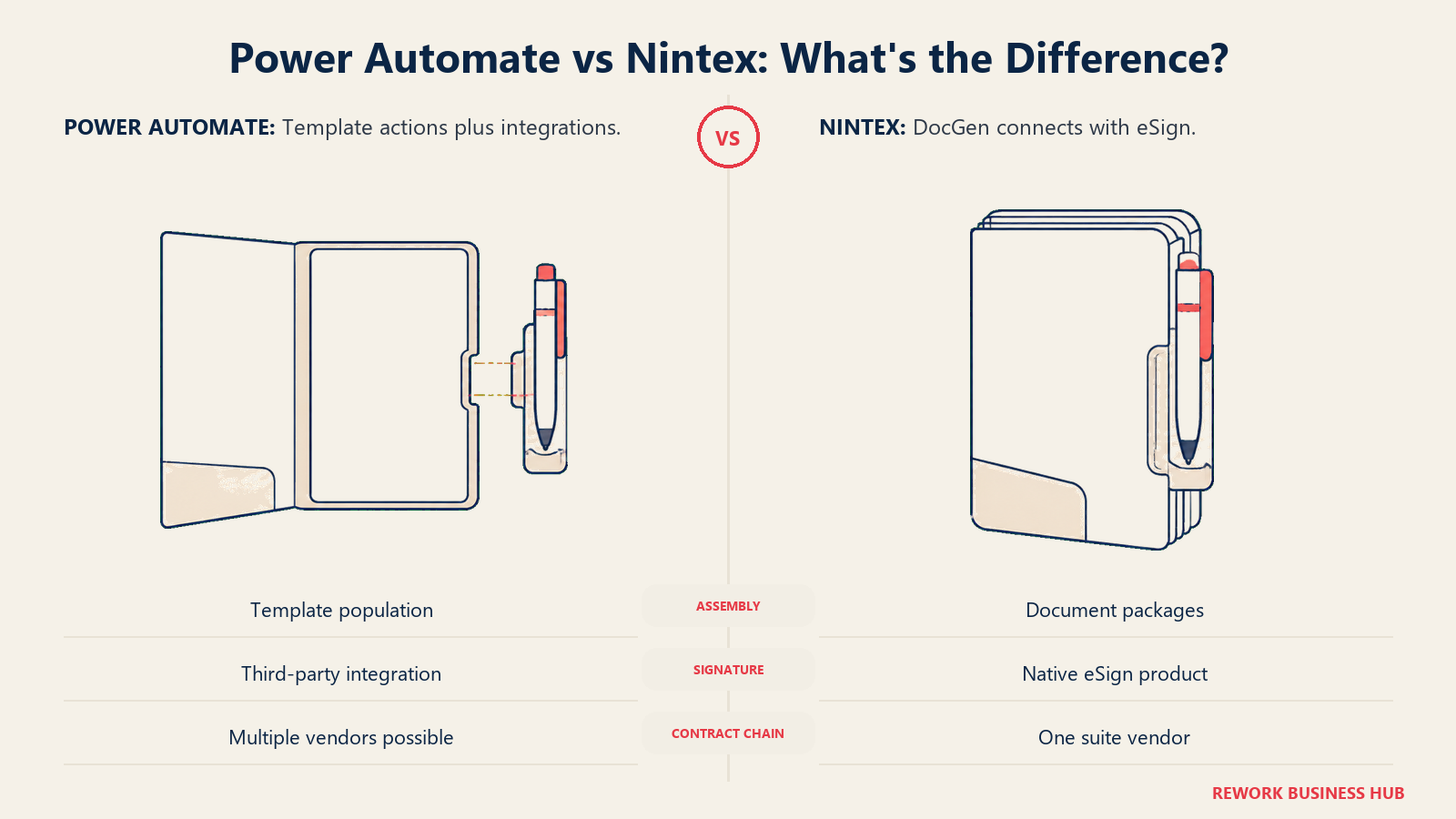
Nintex's document heritage runs through Drawloop, the Salesforce AppExchange engine it acquired and rebuilt as Nintex DocGen. This isn't a template action bolted onto a workflow step. It's a document assembly product: merge Salesforce or platform data into branded templates, produce contracts, proposals, quotes and invoices, and route the output for signature through Nintex eSign, which came out of the AssureSign acquisition and now integrates directly with DocGen. Workflow, document, signature: one vendor, one contract, one support line.
Power Automate has no native equivalent, and that's worth stating plainly rather than dressing up the workaround. You can populate a Word template from a flow using the "Populate a Microsoft Word template" action on the Word Online (Business) connector, but that connector is classified premium, so every maker touching it needs a Premium licence. And the action is a template fill, not an assembly engine: no document packaging, no conditional multi-document bundles, no signature routing. For signature you integrate a third party, which means another vendor, another renewal, and another integration to maintain.
| Document capability | Power Automate | Nintex |
|---|---|---|
| Native document generation product | No | Yes, Nintex DocGen |
| Template merge from a flow | Yes, via the Word Online (Business) action, which is a premium connector and so needs a Premium licence | Yes, as a core product capability |
| Multi-document packages and conditional assembly | Not a native capability | Core to DocGen's design |
| Salesforce-native document generation | No, only through connectors | Yes, Nintex DocGen for Salesforce ships as an AppExchange product |
| Native electronic signature | No, integrate a third party | Yes, Nintex eSign, integrated with DocGen in the same suite |
| Vendors in the contract-to-signature chain | Microsoft, plus a signature vendor, plus any assembly tooling | Nintex |
Be honest about whether you need this. A team routing leave requests, IT tickets and expense approvals doesn't need document assembly and shouldn't pay a suite premium for it. A team producing contracts, statements of work or offer letters needs it constantly, and stitching that together across Power Automate plus a signature vendor plus a template tool is where the cheap option stops being cheap. If document assembly is your driver but Nintex's pricing model isn't, our Nintex alternatives roundup covers platforms that pair workflow with documents and actually print a number.
Process Mapping and Process Mining
These two words get used interchangeably and they aren't the same job. Mapping documents how a process is supposed to run so humans can agree on it and audit it. Mining analyses event logs to discover how it actually runs. Each vendor is strong at one and thin at the other.
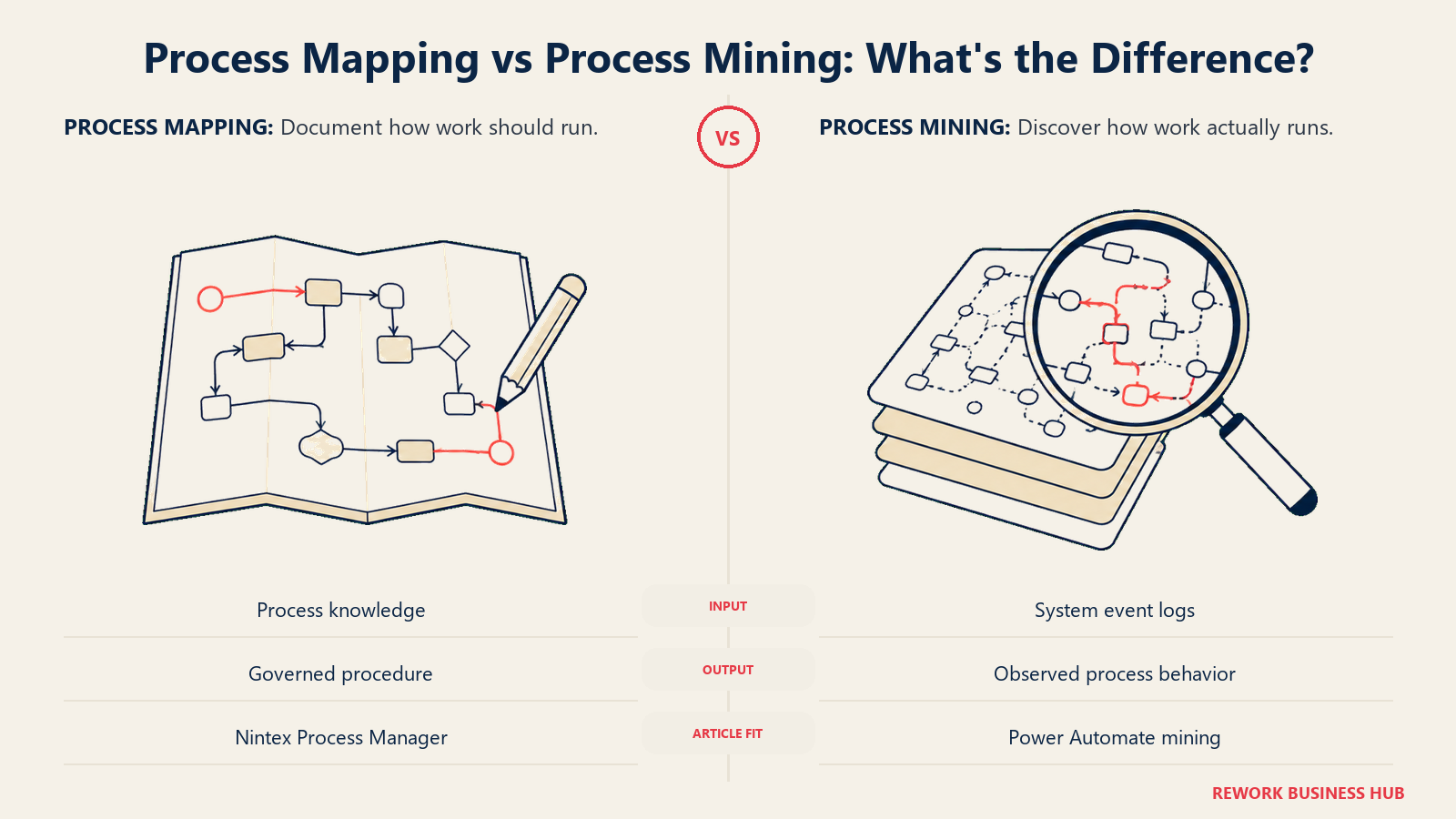
Nintex owns mapping through Nintex Process Manager, formerly Promapp. It's a dedicated documentation system: capture a process, store its risks, improvements and training records alongside it, and keep that as a governed artifact rather than a stale diagram on someone's desktop. Recent releases layer AI on top, drafting a process from a prompt, converting a BPMN model into a procedure with activities and tasks, and capturing a process by recording real user actions. For a compliance team that has to prove a process exists and is followed, that layer is a genuine asset.
Power Automate owns mining, and prices it accordingly. Process mining and task mining are included at Premium with 50 MB of mining data storage per licence. The serious version is the Process Mining add-on at $5,000.00 per tenant per month, paid yearly, Premium only. That's enterprise pricing aimed at organizations analysing systems at scale, not a team documenting a handful of approvals, and misreading it as a general capability cost is how budgets go wrong.
| Capability | Power Automate | Nintex |
|---|---|---|
| Dedicated process mapping product | No | Yes, Nintex Process Manager (formerly Promapp) |
| Process documentation with risks and training records | Not a native capability | Yes, a core Process Manager function |
| AI-assisted process drafting | Not in the mapping sense | Yes, AI Process Generator and BPMN model-to-map conversion |
| Recording an existing process from user actions | Task mining, at Premium | Yes, Process Capture |
| Process mining from event logs | Yes, included at Premium (50 MB storage per licence) | Not a comparable published capability |
| Enterprise-scale mining | Process Mining add-on, $5,000.00 per tenant/month, paid yearly | Not published |
If what you need is the diagram rather than the running system, neither of these is the right purchase; see our Visio alternatives guide for that narrower question.
SharePoint: A Deadline That Has Already Passed
For a specific and large group of buyers, this section is the whole comparison, because a date already forced the decision on them.
Microsoft removed SharePoint 2013 workflows from existing Microsoft 365 tenants on April 2, 2026, and states there was never an option to extend beyond it. On the same day it retired Azure Access Control Service for SharePoint Online, the authentication layer the SharePoint add-in model depended on. Both were announced years ahead, and both have now landed.
Nintex's exposure is real and Nintex has been open about it. Its own guidance describes the ACS deprecation breaking specific things in affected tenants: the K2 for SharePoint Registration Wizard failing during registration, active site collections failing when trying to ensure the SharePoint token, and the SPFx Migration Tool failing on migrating event receivers. Nintex's answer is to move to the K2 for SharePoint SPFx integration and migrate existing add-in solutions with its released migration tool, having rewritten the affected integration points onto SharePoint Framework. On-premises customers are routed toward Nintex Automation K2.
Power Automate's position is simply that it's the destination Microsoft names, with Approvals in Lists and Document Libraries as the lighter option for simpler needs. That doesn't make the migration free. It makes it the default path with the vendor's own documentation behind it.
| SharePoint factor | Power Automate | Nintex |
|---|---|---|
| Named by Microsoft as the SharePoint 2013 workflow migration path | Yes | No |
| Affected by the Azure ACS retirement of April 2, 2026 | No, it uses Microsoft Entra ID | Yes, for older SharePoint add-in based integrations |
| Vendor migration tooling | Microsoft 365 Assessment tool to find affected workflows | K2 for SharePoint SPFx Migration Tool |
| Modern SharePoint integration model | Native to the tenant | Rewritten onto SharePoint Framework (SPFx) |
| On-premises SharePoint path | Data gateways; not an on-premises workflow engine | Nintex Automation K2, a genuine on-premises engine |
Cost at 10, 25 and 100 Users
Here's where the asymmetry stops being interesting and becomes a procurement problem. One column below can be computed. The other cannot, and filling it with a reported figure dressed up as a quote would be worse than leaving it honest.
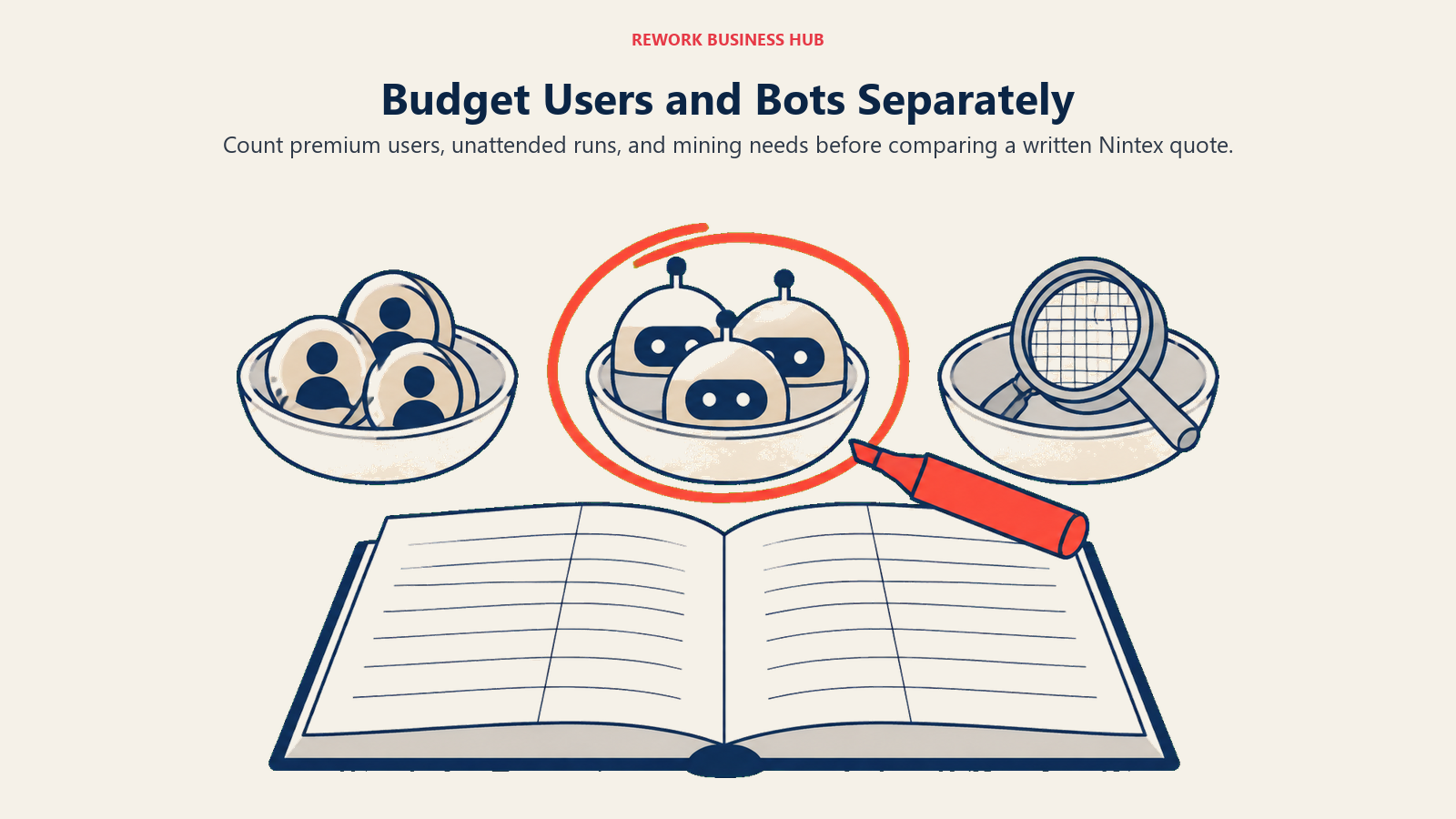
Power Automate has to be modeled as two separate meters, because conflating them is the most common budgeting error on this platform. The per-user meter covers people who need premium connectors or attended RPA. The per-bot meter covers unattended automations and is independent of headcount: ten users running four unattended bots pay more than fifty users running one. All figures below are Microsoft's published rates, paid yearly.
| Power Automate, per-user meter | Premium users | Monthly at $15.00 user/month | Annual, paid yearly |
|---|---|---|---|
| Small team | 10 | $150.00 | $1,800.00 |
| Department | 25 | $375.00 | $4,500.00 |
| Division | 100 | $1,500.00 | $18,000.00 |
Note what that table excludes, because this is where real quotes go wrong. Every unattended bot. The Process Mining add-on. And it assumes all those users genuinely need Premium, which is often untrue: people who only submit and approve inside Microsoft 365 may be covered by seeded capability, and a Process licence on a critical flow can cover premium connector usage for submitters holding no Premium licence at all.
| Add-on, priced independently of headcount | Published rate | Annual, paid yearly | Notes |
|---|---|---|---|
| One unattended bot (Process) | $150.00 bot/month | $1,800.00 | One concurrent run; buy one per parallel run |
| Four unattended bots (Process) | $600.00/month | $7,200.00 | Still needs a Premium user to register the machine |
| One Microsoft-hosted bot (Hosted Process) | $215.00 bot/month | $2,580.00 | Microsoft provides the VM on Azure |
| Process Mining add-on | $5,000.00 tenant/month | $60,000.00 | Premium only; enterprise analytics, not a per-team cost |
Why there is no Nintex column here. Nintex publishes no figures at all, nothing on its pricing page but a contact form. There is no honest way to compute a 10, 25 or 100-user Nintex cost from public information, and any article that prints one is either quoting a third party as though it were the vendor or inventing it. What trackers report, and this is reported only, is a Standard plan around $910 per month and an Advanced plan around $1,400 per month, both flat and unlimited-user, plus Nintex RPA around $90 per user per month.
| Seats | What you can establish about Power Automate | What you can establish about Nintex |
|---|---|---|
| 10 | $1,800/year for Premium users, plus $1,800/year per unattended bot | Nothing confirmed; a sales quote is the only path to a number |
| 25 | $4,500/year for Premium users, plus bots; every input published | Nothing confirmed; reported flat plans would not move with seat count |
| 100 | $18,000/year for Premium users, plus bots; mining separate at $60,000/year | Nothing confirmed; the reported flat structure is the argument, unverified |
Run the reported figures against the published ones as a thought experiment, not a quote. At 10 Premium users, Power Automate's $1,800 a year is a fraction of a reported $910-a-month Nintex Standard plan. At 100 Premium users plus four unattended bots, Power Automate's $25,200 a year sits above a reported $1,400-a-month Advanced plan at $16,800 a year. That crossover is the real decision variable, and it moves entirely on how many of your people need a licensed seat. Which is why Nintex's refusal to publish hurts the buyer more than it hurts Nintex: you can't locate your own crossover point without a quote.
There's a calendar cost too. A finance committee can approve a Power Automate line item from a public page in an afternoon. A Nintex evaluation starts with a discovery call and only later produces a defensible number, which is weeks before anyone knows whether the platform is even affordable.
Implementation and Time to Value
Power Automate's first hour is close to frictionless if you're already on Microsoft 365: open the portal, pick a template, connect to SharePoint or Outlook, and a flow runs. The difficulty is the second phase. RPA needs machines registered and licences allocated correctly, governance needs environments designed before people start building rather than after, and the licensing model has enough dependencies that companies routinely discover their real cost three months past the pilot.
Nintex runs the other way. Getting started requires a sales conversation before you can properly evaluate, which pushes the friction to the front. But what you're implementing is a suite, so the process, the documents it produces and the signatures on them arrive already connected. Teams migrating off legacy Nintex-for-SharePoint have a harder road in 2026 specifically, since the SPFx migration is real project work with its own tooling, and inherited Kryon integrations carry the API deprecation deadline on top.
| Factor | Power Automate | Nintex |
|---|---|---|
| Time to a first working flow | Minutes, if you're on Microsoft 365 already | After a sales-arranged trial or demo |
| Who has to be involved to start | One person with a Microsoft 365 account | Sales, and usually procurement, before hands-on evaluation |
| Hardest phase | Governance design and RPA licensing allocation, both after the pilot | Getting to a scoped quote, and any SPFx or Kryon migration work |
| Skills market | Very deep; Power Platform skills are widely available and certified | Narrower; Nintex and K2 specialists are a smaller pool |
| Migration work specific to 2026 | Inbound: absorbing SharePoint 2013 workflow migrations | Outbound: SPFx integration migration, Kryon API deprecation by end of 2026 |
When Power Automate Is the Right Call
- You already run Microsoft 365 and want automation governed by the same identity and admin centre as everything else. The tenant-native tie-in is the product's real value, and it's the one thing Nintex structurally cannot match.
- You need a defensible budget number before a call. Four published rates with stated terms is a materially different starting position than a contact form.
- You're migrating off SharePoint 2013 workflows. Microsoft names Power Automate as the destination and documents the path.
- Your automation volume sits in a few unattended processes rather than across many licensed users. The per-bot meter is generous in that shape: one Process licence carries 250,000 actions a day and stacks up to ten times on a single flow.
- You need process mining, not process mapping. Discovering how a process actually behaves from event logs is something Nintex publishes no equivalent for.
If Power Automate's Microsoft-shaped assumptions are the problem rather than its price, our Appian alternatives guide covers platforms built to run outside a single vendor's tenant.
When Nintex Is the Right Call
- Your process produces documents, not just approvals. DocGen plus eSign in one suite is the strongest genuine differentiator here, and Power Automate's premium-connector template action isn't a substitute. That goes double for Salesforce, where DocGen and Nintex Apps ship as native AppExchange products.
- You need process mapping as a governed artifact. Process Manager documents processes with their risks, improvements and training records, which is an audit asset, not a diagram.
- You need an on-premises workflow engine. Nintex Automation K2 is one of very few enterprise engines still available for your own infrastructure in 2026, and no amount of Power Automate licensing produces one.
- You're already deep in Nintex-for-SharePoint and moving to K2 or the SPFx integration beats re-platforming. The migration is real work either way; sometimes the shorter path is forward with the same vendor.
- Flat, unlimited-user pricing fits your shape. If most of your organization only submits and approves, a reported flat plan can beat a per-seat model badly. Get it in writing before you believe it.
If Nintex fits on capability but the opaque pricing is the dealbreaker, our Nintex alternatives roundup covers vendors in the same space that publish real, checkable figures.
Decision Framework
| If you are... | Pick |
|---|---|
| Already standardized on Microsoft 365 and want one governance model | Power Automate |
| Required to produce a defensible budget number before any vendor call | Power Automate |
| Migrating off retired SharePoint 2013 workflows | Power Automate |
| Automating a few high-volume unattended processes rather than licensing many users | Power Automate |
| Analysing how processes actually run from system event logs | Power Automate |
| Generating contracts, quotes or offer letters as part of the process, and signing them | Nintex |
| Required to run a workflow engine on your own infrastructure | Nintex |
| Documenting and governing processes as an audit artifact | Nintex |
| Running a large population where most people only submit and approve | Nintex, if the reported flat pricing holds in your quote |
The short version. Power Automate is the better buy if you're a Microsoft shop automating work between systems you already own, and you'd rather compute your bill than negotiate it. Nintex is the better buy if your process ends in a document that has to be generated and signed, or if you need a mapped, governed process and an on-premises engine that Microsoft doesn't sell. The pricing asymmetry sits underneath both answers: Microsoft's number is knowable and gets expensive in a shape you can see coming, while Nintex's number is unknowable until you've spent weeks of calendar time earning it.
What to Do Next
Count two things before you contact anyone. First, how many people genuinely need a licensed seat rather than just the ability to submit a request, because that number decides whether a per-seat or a flat model wins for you. Second, how many automations must run without a human present, since that's the per-bot meter and it's independent of the first number. With those two figures Power Automate's cost becomes a spreadsheet exercise. Take the same two numbers into the Nintex call and ask for a flat quote in writing against them, so you're comparing shapes rather than adjectives. Don't let "we'll follow up with pricing" end that meeting.
If the real problem sitting underneath this decision is that your workflow tool, your CRM and your HR system only talk to each other through integrations that break at the worst moment, that's a different question than Power Automate versus Nintex. Rework runs Workflow, BPM, Request approvals, Task, Project, Docs and E-Sign on the same platform as Sales CRM, Lead Management and the People app (HRIS, timesheets, payroll), so a process, the deal it's tied to, and the person handling it live in one system instead of three. Its Process Engine starts at $99/month billed yearly ($1,188/year) or $120 month to month, with 5 work seats included and extra seats in blocks of 5 at $13/month per block on yearly billing; see rework.com/pricing for current terms. It's worth saying plainly: Rework isn't a BPMN 2.0 process-orchestration engine, it has no RPA, it has no templated document-generation engine to match Nintex DocGen, it offers no SharePoint-native migration path, and it isn't built for solo buyers. If what you need is a SharePoint migration answer, that's Power Automate, not Rework. Two adjacent shortlists if this comparison isn't quite your question: approval workflow software for teams whose whole requirement is the approval chain, and ApprovalMax alternatives if the process you're automating is finance-side approvals specifically.
Frequently Asked Questions about Power Automate vs Nintex
Is Power Automate or Nintex cheaper?
Power Automate is the only one you can price at all from public information. Microsoft publishes Premium at $15.00 per user per month, Process at $150.00 per bot per month, Hosted Process at $215.00 per bot per month, and a Process Mining add-on at $5,000.00 per tenant per month, all paid yearly. Nintex publishes nothing, so any Nintex figure you see is a third-party report, not a quote. Which is cheaper depends entirely on how many people need a licensed seat.
Why doesn't Nintex publish any pricing?
Nintex sells through a sales-led process rather than published tiers, and its pricing page is a contact form with no figures, no tier names and no ranges. Third-party trackers report a Standard plan around $910 per month and an Advanced plan around $1,400 per month as flat unlimited-user plans, plus Nintex RPA around $90 per user per month, but Nintex has never confirmed any of those numbers.
Does Power Automate come free with Microsoft 365?
Partly. The Power Automate Free licence, included with work or school accounts in a Microsoft Entra tenant, covers cloud flows you don't share and desktop flows run locally in attended mode, using standard connectors only. Premium and custom connectors, sharing flows, registering a machine for RPA, and process mining all require Premium at $15.00 per user per month, paid yearly.
Can Power Automate generate documents like Nintex DocGen?
Not to the same depth. Power Automate can populate a Microsoft Word template through the Word Online (Business) connector, but that connector is classified premium, so anyone using it needs a Premium licence, and the action is a template fill rather than a document assembly engine. Nintex DocGen handles multi-document packages, conditional assembly and Salesforce-native generation, and hands off to Nintex eSign for signature in the same suite.
What happened to Nintex workflows on SharePoint?
Microsoft removed SharePoint 2013 workflows from existing Microsoft 365 tenants on April 2, 2026, and retired Azure Access Control Service for SharePoint Online the same day. Nintex's own guidance describes the resulting breakages and routes customers to the K2 for SharePoint SPFx integration, with a migration tool for existing add-in solutions, and on-premises customers toward Nintex Automation K2.
How much does unattended RPA actually cost in Power Automate?
A Process licence at $150.00 per bot per month, paid yearly, covers one concurrent unattended run, so you buy one per parallel run. Two dependencies raise the real cost: the machine must have been registered by a Power Automate Premium user, and the user whose connection triggers the desktop flow needs a Premium licence too. Hosted Process at $215.00 per bot per month, paid yearly, adds a Microsoft-hosted VM on Azure.
Is the Kryon RPA deprecation something I should worry about?
Only if you have inherited Kryon automations or integrations built against the Kryon public APIs. Nintex states those APIs are deprecated and no longer supported, with removal planned by the end of 2026, and directs customers to the Nintex public API instead. If that applies to you, treat the migration as scoped project work in your implementation estimate.
Which platform is better for process mapping?
Nintex, clearly. Process Manager, formerly Promapp, is a dedicated documentation product that stores risks, improvements and training records alongside each process, with AI-assisted drafting and capture from recorded user actions. Power Automate's strength is the opposite job, mining from event logs, included at Premium with a much larger enterprise add-on above it.
Does either platform run on-premises?
Nintex does, through Nintex Automation K2, which is one of the few enterprise workflow engines still available for your own infrastructure. Power Automate is cloud-only, reaching on-premises data through data gateways rather than running there. If data residency or an air-gapped environment is a hard requirement, that alone decides the comparison.

Customer Success Operations Manager
On this page
- TL;DR
- Key Facts
- Who Each Tool Is Really For
- The Pricing Model Asymmetry
- Microsoft 365 Fit and What Your Existing Licence Already Covers
- Connectors, Data Layer and Governance
- RPA: Attended, Unattended and the Kryon Question
- Document Generation and eSign: The Real Gap
- Process Mapping and Process Mining
- SharePoint: A Deadline That Has Already Passed
- Cost at 10, 25 and 100 Users
- Implementation and Time to Value
- When Power Automate Is the Right Call
- When Nintex Is the Right Call
- Decision Framework
- What to Do Next