Escolhendo o Padrão de AI Certo para Seu Problema

Turn this article into takeaways for your work.


Each assistant summarizes the article only for you and suggests best practices for your work.
O erro de AI mais caro não é escolher o fornecedor errado. É escolher o padrão errado.
Uma equipe que constrói um Workflow Copilot quando precisava de Scoring plus Routing desperdiçou seis meses e um orçamento. O copilot é implantado, a equipe o usa algumas vezes e então ele é silenciosamente ignorado. O problema subjacente, leads demais sendo roteados para o representante errado com muita lentidão, não foi resolvido. A equipe eventualmente volta à aquisição com uma nova lista de fornecedores, sem ter aprendido nada.
Uma equipe que constrói um RAG Assistant quando precisava de Generative Research obtém um sistema preciso de recuperação de respostas, ótimo para encontrar coisas que você já documentou, mas incapaz de sintetizar informações de múltiplas fontes externas. Ferramenta diferente. Fórmula de capacidade diferente. Soa similar em um demo.
A seleção de padrões acontece antes da seleção de fornecedores. Leva 20 minutos com uma abordagem estruturada. E é a decisão que determina o sucesso do projeto de AI, mais do que qualquer escolha feita depois. O Gartner reporta que organizações com iniciativas de AI bem-sucedidas investem até quatro vezes mais em fundações de dados e analytics, o que se alinha diretamente com a seleção de padrões: saber qual padrão você precisa diz exatamente quais fundações de dados priorizar.
Aqui está o framework.
Etapa 1: Identifique seu tipo de entrada
A primeira coisa que restringe a lista de padrões são os dados que entram no sistema. A camada de fundação do ACE Framework identifica sete tipos de dados: texto, estruturado, imagem, áudio, vídeo, código e séries temporais. Para seleção de padrões, cinco importam mais.
Entradas de texto são as mais comuns: e-mails, documentos, tickets de suporte, contratos, artigos de base de conhecimento, mensagens de chat, envios de formulário. Entradas de texto são compatíveis com quase todos os padrões, mas especialmente se estreitam para RAG Assistant (se você está respondendo perguntas a partir de texto), Generative Research (se está sintetizando entre fontes de texto), Document Review (se está revisando um documento de texto específico para conformidade ou risco) e Workflow Copilot (se um humano está trabalhando com texto e precisa de assistência para redigir).
Entradas de dados estruturados são registros com campos definidos: entradas do CRM, logs de transações, telemetria de uso, pontuações de pesquisa, atributos de conta. Dados estruturados se estreitam para Scoring plus Routing (você está pontuando registros e os roteando) e Anomaly Agent (você está monitorando um stream em busca de outliers estatísticos).
Entradas de imagem e scan se estreitam quase imediatamente para Vision Extract. Se sua entrada primária é uma foto, um PDF digitalizado ou uma imagem de documento, e seu objetivo é extrair valores de campo e colocá-los em um sistema, Vision Extract é quase certamente o padrão certo.
Entradas de áudio e vídeo se estreitam para Meeting Intelligence. Gravações de chamadas, gravações de reuniões, entrevistas com clientes, vídeos de treinamento como entradas primárias apontam para Ingest + transcrição como o primeiro passo, com o padrão Meeting Intelligence construído sobre ele.
Entradas de stream comportamental/de eventos (fluxos de cliques de usuários, eventos de uso do produto, comportamento de navegação, histórico de compras) apontam para Personalization Engine ou Anomaly Agent, dependendo de se você está personalizando a saída ou monitorando outliers.
Anote seu tipo de entrada. É o primeiro filtro.
Key Facts: Seleção de Padrão de AI e Sucesso do Projeto
- Organizações que selecionam formalmente um padrão de AI antes da avaliação de fornecedores reduzem as taxas de falha de projetos em 55% em comparação com equipes que começam com demos de fornecedores (Gartner AI Project Success Study, 2025)
- 62% dos projetos de AI malsucedidos citam "resolveu o problema errado" como a causa raiz principal, o que é, por definição, uma incompatibilidade de padrão (Deloitte AI Failure Analysis, 2025)
- Equipes que usam um framework estruturado de seleção de padrões concluem a aquisição de AI em 6 semanas em média, contra 22 semanas para equipes que usam comparação de recursos ad-hoc (Forrester, 2025)
A Matriz de Encaixe Padrão-Problema
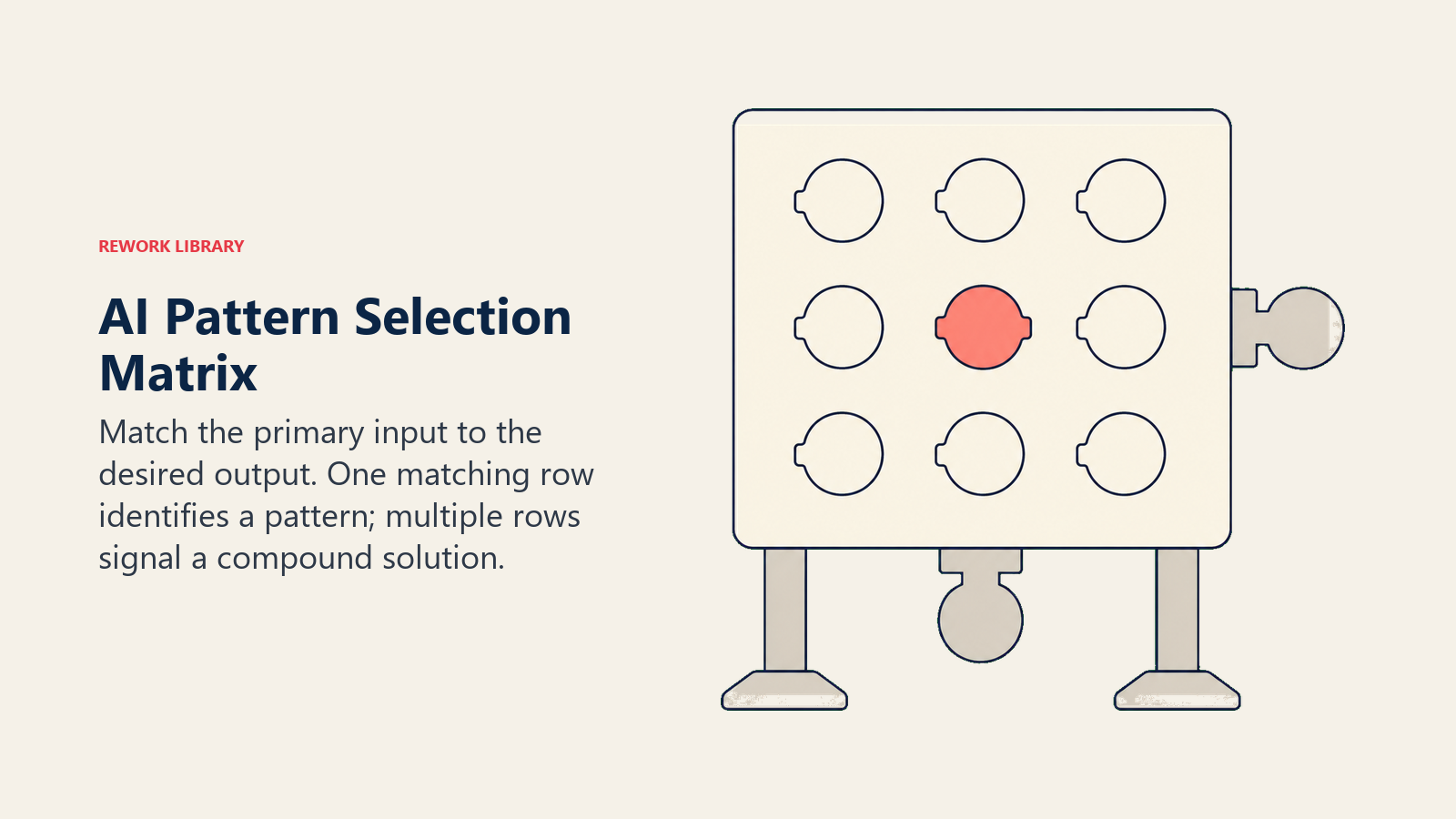
Todo padrão de AI corresponde a um tipo de entrada específico e a um tipo de saída específico. Desencaixar os dois, como aplicar um Workflow Copilot a um problema que realmente precisa de Scoring plus Routing, produz um sistema que funciona corretamente, mas resolve o problema errado. A Matriz de Encaixe Padrão-Problema força as equipes a nomear sua entrada e saída desejada explicitamente antes de avaliar qualquer fornecedor. O tipo de entrada restringe a 2 a 3 padrões candidatos. O tipo de saída restringe a 1. Prontidão de dados e tolerância ao risco confirmam a escolha ou a deslocam. Essa sequência de quatro etapas não pode ser invertida sem desperdiçar ciclos de aquisição.
Etapa 2: Identifique sua saída desejada
Agora especifique o que o sistema deve produzir. Este é o segundo filtro, e junto com o tipo de entrada, geralmente restringe o campo a um ou dois padrões.
Uma resposta a uma pergunta, fundamentada em uma base de conhecimento específica: RAG Assistant. O usuário pergunta, o sistema recupera conteúdo relevante e sintetiza uma resposta com citações. A saída é uma resposta direta a uma consulta específica.
Um relatório ou briefing pesquisado, sintetizado de múltiplas fontes: Generative Research. A saída não é uma resposta a uma única pergunta. É um documento sintetizado que digere muitas fontes em uma narrativa coerente. Diferente do RAG: RAG recupera de um corpus delimitado; Generative Research puxa de entradas mais amplas e de múltiplas fontes.
Um registro pontuado com uma decisão de roteamento: Scoring plus Routing. A saída não é texto. É uma pontuação (probabilidade numérica ou rótulo de nível) que aciona uma ação de roteamento: atribuir a este representante, escalar para esta fila, aprovar, revisar ou recusar.
Campos estruturados extraídos de uma fonte não estruturada: Vision Extract. A entrada é uma imagem ou scan. A saída é um registro de banco de dados: nome do fornecedor, valor, data, itens de linha. O objetivo é a transformação de não estruturado para estruturado.
Uma transcrição mais notas enriquecidas enviadas a um sistema downstream: Meeting Intelligence. A saída primária é conhecimento estruturado de uma fonte de áudio ou vídeo: transcrição, tópicos discutidos, itens de ação, atualizações de CRM.
Um alerta ou bloqueio baseado em uma anomalia estatística: Anomaly Agent. A saída é um sinalizador, um alerta ou uma ação disparada com base em algo que se desvia da linha de base estabelecida.
Sinalizadores, revisões ou um resumo de risco de um documento: Document Review. A saída é uma versão anotada do documento de entrada (ou um resumo de seus problemas) estruturada em torno de um template de conformidade ou padrão.
Um rascunho ou sugestão para um humano revisar e agir sobre: Workflow Copilot. O humano permanece no loop. A AI assiste. A saída é um artefato de rascunho que uma pessoa edita e aprova antes de ir a qualquer lugar.
Conteúdo personalizado ou recomendações de produto entregues por usuário: Personalization Engine. A saída é uma experiência diferente para cada usuário, entregue em escala.
Uma meta de múltiplas etapas completada que exigiu uso de ferramentas e decisões: Autonomous Agent. A saída é o resultado de um processo orientado a metas, não um único artefato. O sistema em si decidiu o caminho.
A matriz de seleção de padrões
Mapeie suas entradas contra suas saídas desejadas para restringir o campo.
| Entrada primária | Saída desejada | Padrão recomendado |
|---|---|---|
| Pergunta em texto | Resposta fundamentada em base de conhecimento interna | RAG Assistant |
| Corpus de texto de múltiplas fontes | Relatório ou briefing de pesquisa sintetizado | Generative Research |
| Registros estruturados de CRM ou transações | Pontuação + decisão de roteamento | Scoring plus Routing |
| Imagem, PDF digitalizado ou foto de documento | Campos de banco de dados estruturados | Vision Extract |
| Gravação de áudio ou vídeo | Transcrição, resumo, notas de CRM | Meeting Intelligence |
| Stream de dados ao vivo (transações, métricas, eventos) | Alerta ou bloqueio quando algo parece errado | Anomaly Agent |
| Documento específico (contrato, política, relatório) | Sinalizadores de risco, cláusulas ausentes, verificação de conformidade | Document Review |
| Contexto de tarefa atual do usuário (texto, e-mail, código) | Rascunho ou sugestão para revisão humana | Workflow Copilot |
| Histórico comportamental do usuário (cliques, compras, uso) | Conteúdo ou recomendações personalizadas | Personalization Engine |
| Meta de múltiplas etapas com acesso a ferramentas | Meta concluída em múltiplos sistemas | Autonomous Agent |
Se seu tipo de entrada e tipo de saída estiverem na mesma linha, você encontrou seu padrão. Se seu caso de uso abrange múltiplas linhas (por exemplo, você quer ingerir um documento E pontuá-lo E redigir uma resposta), você está olhando para uma combinação de padrões, que é como agentes no Nível 3 são construídos. Veja combinações comuns de padrões de AI por departamento para como as equipes normalmente os empilham.
Etapa 3: Verifique sua prontidão de dados
O padrão certo é inútil sem os dados para alimentá-lo. Cada padrão tem pré-requisitos específicos de dados, e as equipes regularmente escolhem o padrão certo, mas falham em verificar se seus dados podem suportá-lo.
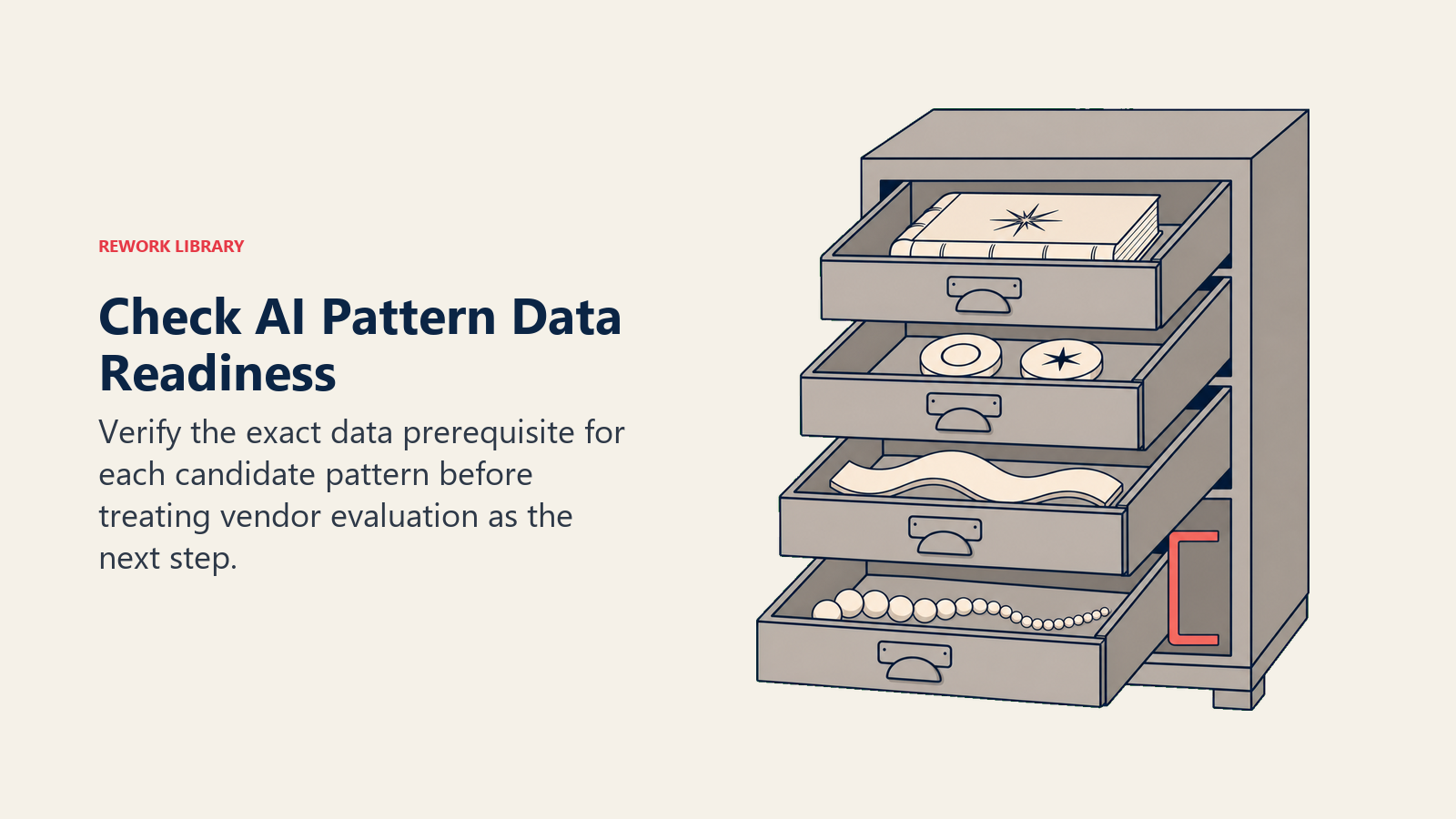
RAG Assistant precisa de uma base de conhecimento indexada e atualizada. Se seus documentos de política estão espalhados por uma pasta do SharePoint, um wiki e 12 threads de e-mail, você não tem uma base de conhecimento. Você tem um projeto de limpeza de dados que vem primeiro. A pesquisa da McKinsey consistentemente encontra disponibilidade e qualidade de dados entre os principais desafios de implementação de AI, independentemente da maturidade de AI da organização.
Scoring plus Routing precisa de dados históricos rotulados. Um modelo de lead scoring precisa de negócios históricos com resultados (ganho/perdido) vinculados aos atributos nos quais você está tentando pontuar. Se o histórico do seu CRM for incompleto, inconsistente ou curto (menos de 12 meses), o modelo de pontuação não terá sinal suficiente para ser significativo.
Anomaly Agent precisa de uma linha de base. Você não pode sinalizar anomalias se não estabeleceu o que "normal" parece. Para detecção de anomalias em transações, você precisa de histórico de transações suficiente para definir padrões normais. Para risco de churn, você precisa de dados históricos de churn suficientes para saber como parece o comportamento pré-churn. Sem linha de base, o sistema sinaliza tudo e nada.
Vision Extract precisa de consistência de documentos. Se suas notas fiscais vêm de dezenas de fornecedores diferentes em formatos diferentes, o modelo precisa lidar com essa variabilidade. Teste com uma amostra de documentos reais antes de se comprometer com um fornecedor.
Personalization Engine precisa de histórico comportamental por usuário. Usuários cold-start (novos usuários sem histórico) são o calcanhar de Aquiles de todo sistema de personalização. Você precisa de dados comportamentais suficientes por usuário para fazer previsões significativas. Verifique sua profundidade de sessão média e retenção de usuários antes de investir em AI de personalização.
Para cada um de seus principais padrões candidatos, pergunte: temos esses dados, nessa forma, nesse nível de qualidade? Se a resposta for não, esse é seu primeiro projeto, não a ferramenta de AI. Prontidão de dados: o pré-requisito que a maioria dos projetos de AI pula vale a leitura antes de continuar.
Etapa 4: Avalie sua tolerância ao risco
Nem todos os padrões carregam o mesmo risco. Alguns padrões leem e sugerem. Outros executam e mudam o estado. A distinção importa porque determina o que acontece quando o sistema está errado.
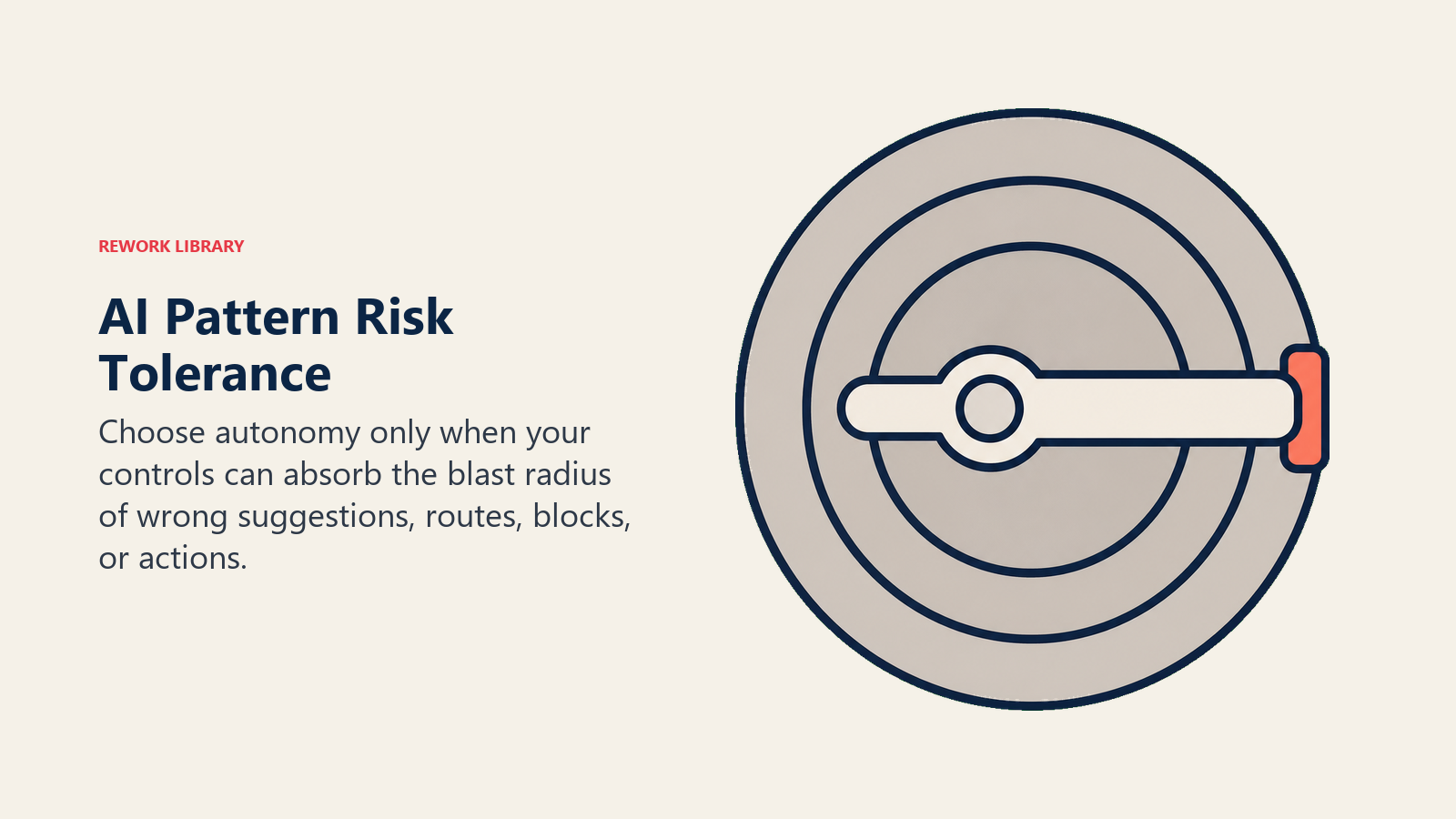
Padrões de baixo risco (somente leitura ou com aprovação humana): RAG Assistant e Generative Research produzem saída de texto que um humano lê e age sobre. Se a resposta estiver errada, o humano a captura antes que qualquer coisa mude no mundo. Workflow Copilot também é de risco relativamente baixo: ele rascunha, mas um humano aprova antes de qualquer coisa ser enviada ou confirmada.
Padrões de risco médio (Execute com ações definidas e reversíveis): Vision Extract envia registros a um sistema de registro; o valor de campo errado causa um erro de dados, não um resultado irreversível. Meeting Intelligence envia notas de CRM e pode enviar e-mails; os erros são embaraçosos, mas corrigíveis. Scoring plus Routing roteia itens recebidos; um ticket ou lead mal roteado é irritante, mas corrigível.
Padrões de risco mais alto (Execute com alertas e bloqueios): Anomaly Agent bloqueia transações ou escala incidentes. Se disparar incorretamente, bloqueia clientes legítimos ou cria alarmes falsos que corroem a confiança. Document Review sinaliza riscos; sinalizadores perdidos criam exposição jurídica. Esses padrões precisam de limites de confiança, regras de fallback e filas de revisão humana para casos extremos.
Padrão de maior risco (execução autônoma em loop): Autonomous Agent combina todas as cinco capacidades em um loop com pontos de verificação humanos mínimos. Todo passo Execute dentro desse loop toma uma ação no mundo. Os erros se acumulam entre as etapas. Para Autonomous Agents, comece com um portão de revisão humana em toda ação Execute e remova-o apenas quando você tiver dados de produção suficientes para confiar na taxa de falha. Veja o artigo de requisitos de governança em Saiba Mais para detalhes.
Se sua organização está nos estágios iniciais de adoção de AI, comece com os padrões de menor risco. O valor dos RAG Assistants e Workflow Copilots é real, e o raio de explosão de um erro está contido. Avance para padrões de maior risco à medida que sua equipe desenvolve confiança operacional e a qualidade dos seus dados melhora. A pesquisa de governança de AI agêntica da McKinsey ressalta isso: 80% das organizações encontraram comportamento arriscado de AI agents, e a maioria dos incidentes rastreia de volta à implantação prematura de padrões de alta autonomia antes que a organização tivesse a maturidade operacional para gerenciá-los.
Equipes que aplicam essa matriz antes de contatar fornecedores reduzem sua avaliação a uma ou duas ferramentas finalistas por padrão, em vez de oito a doze ferramentas em uma lista extensa. Uma RFP competitiva para um único padrão leva de 3 a 4 semanas. Uma avaliação orientada por comparação de recursos sem filtragem por padrão normalmente dura de 4 a 6 meses.
Incompatibilidades comuns de padrões e seus sintomas
Incompatibilidade: Workflow Copilot quando Scoring plus Routing era necessário.
Sintoma: "Construímos um chatbot para nossa equipe de vendas, mas ninguém o usa." O problema subjacente era que os representantes estavam perdendo tempo com leads de baixa qualidade. Um copilot que os ajuda a redigir e-mails mais rapidamente não resolve isso. Scoring plus Routing, que prioriza automaticamente a fila deles com base na probabilidade de conversão, teria resolvido. A incompatibilidade é de entrada/saída: o copilot recebe solicitações de texto e produz rascunhos de texto; o scoring recebe registros estruturados do CRM e produz uma fila priorizada.
Incompatibilidade: RAG Assistant quando Generative Research era necessário. Sintoma: "Nossa AI continua dizendo que não tem essa informação." Um RAG Assistant recupera de uma base de conhecimento delimitada e indexada. Se a pergunta exige sintetizar informações de múltiplas fontes externas (análise de concorrentes, tendências de mercado, mudanças regulatórias), o RAG não consegue fazer isso. Ele só pode encontrar coisas que você já documentou e indexou. Generative Research usa uma abordagem de ingestão mais ampla e é projetado para síntese entre diversas fontes.
Incompatibilidade: Anomaly Agent quando Scoring plus Routing era necessário. Sintoma: "Nossa detecção de fraude dispara em tudo." Um Anomaly Agent é para detectar outliers estatísticos em streams em tempo real. Mas se os padrões de fraude são bem conhecidos e baseados em regras (transações acima de um limite de contas novas em geografias de alto risco), você precisa de um padrão Scoring plus Routing com um classificador treinado, não de um detector de anomalias que está aprendendo linhas de base do zero.
Incompatibilidade: Autonomous Agent quando Workflow Copilot era necessário. Sintoma: "Nossa AI continua fazendo coisas que não pedimos a ela para fazer." Autonomous Agents são projetados para perseguir objetivos com supervisão mínima. Se sua equipe queria assistência de AI (sugestões, rascunhos) mas mantinha controle sobre cada ação, um Workflow Copilot era a escolha certa. A autonomia do padrão Autonomous Agent é um recurso para alguns casos de uso e um problema de governança para outros.
Incompatibilidade: Document Review quando RAG Assistant era necessário. Sintoma: "Configuramos AI de revisão de documentos, mas nossa equipe a usa como um mecanismo de busca." Document Review analisa um documento específico em busca de conformidade, risco ou elementos ausentes em relação a um padrão. Não é um sistema de perguntas e respostas. Se sua equipe quer fazer perguntas sobre um conjunto de documentos ("o que nosso contrato de fornecedor diz sobre responsabilidade?"), isso é RAG.
Escolhendo entre dois padrões plausíveis
Os dois padrões mais frequentemente confundidos são RAG Assistant e Generative Research. Ambos envolvem entrada de texto e saída de texto sintetizada. A distinção:
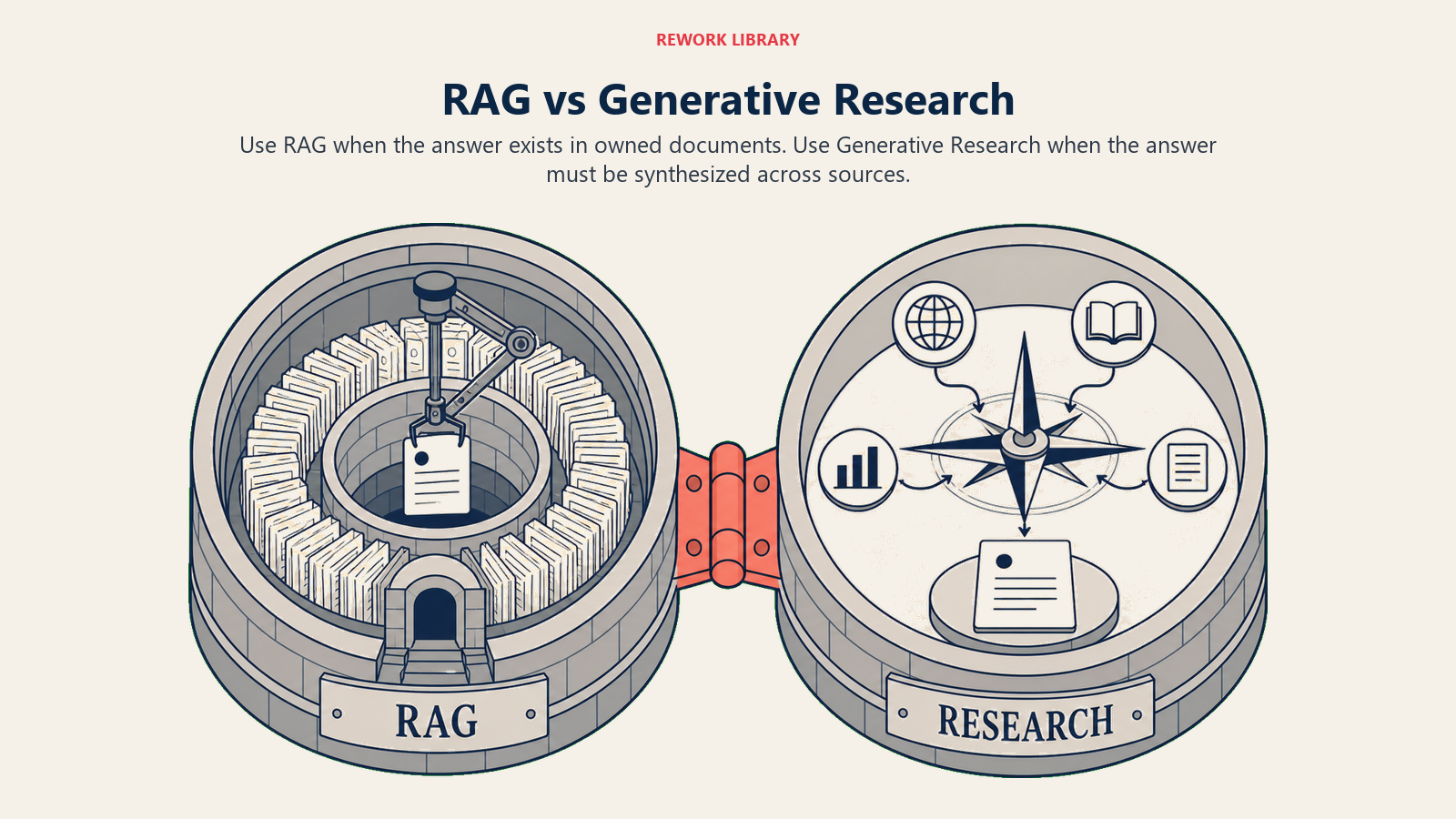
RAG Assistant: Base de conhecimento delimitada. A pergunta tem uma resposta específica que existe em algum lugar nos seus documentos internos. A recuperação é precisa: encontra as passagens mais relevantes, gera uma resposta citando-as. Melhor para Q&A de política interna, busca em documentação de produto, busca de resolução de tickets históricos. A precisão depende de quão bem sua base de conhecimento está indexada e mantida.
Generative Research: Síntese de múltiplas fontes. A "pergunta" é mais como um pedido de pesquisa: "sintetize uma análise competitiva de nossos principais concorrentes com base em desenvolvimentos recentes." Não há uma resposta única correta em um documento. O sistema precisa puxar de múltiplas fontes (notícias, registros públicos, conteúdo web, pesquisa interna) e sintetizar entre elas. Melhor para inteligência de mercado, pesquisa de contas, análise de tendências, due diligence.
Se você não tem certeza sobre qual se encaixa: pergunte se a resposta já existe em um documento específico que você possui. Se sim, RAG. Se a resposta precisa ser construída a partir de múltiplas fontes que você não controla, Generative Research.
Rework Analysis: A incompatibilidade de padrão mais cara que vemos é o Workflow Copilot implantado onde o Scoring plus Routing era necessário. Ambos parecem "AI para vendas," e os copilots demonstram muito bem. Mas um copilot que ajuda representantes a escrever e-mails melhores não conserta uma fila entupida com leads de baixa qualidade. A seleção de padrões exige que a equipe declare o problema em termos de entradas e saídas antes de avaliar qualquer fornecedor. Organizações que investem 20 minutos na Matriz de Encaixe Padrão-Problema antes de emitir uma lista restrita evitam o desperdício mais comum de 6 meses: construir a AI certa para o problema errado.
Perguntas Frequentes
Como você escolhe o padrão de AI certo para um problema de negócio?
Use o framework de quatro etapas de Encaixe Padrão-Problema: identifique seu tipo de entrada primária (texto, dados estruturados, imagem, áudio, stream comportamental), especifique seu tipo de saída desejada (resposta, pontuação, campos extraídos, rascunho, alerta, recomendação), avalie sua prontidão de dados para o padrão candidato e avalie sua tolerância ao risco para execução autônoma. O tipo de entrada e o tipo de saída juntos restringem o campo a um ou dois padrões na maioria dos casos.
O que acontece quando você escolhe o padrão de AI errado?
Uma incompatibilidade de padrão produz um sistema que funciona corretamente, mas resolve o problema errado. A Análise de Falhas de AI da Deloitte de 2025 descobriu que 62% dos projetos de AI malsucedidos citam "resolveu o problema errado" como a causa raiz principal. O custo típico é de 6 a 12 meses de esforço de engenharia, uma implantação malsucedida e um segundo ciclo de aquisição para selecionar o padrão certo retroativamente.
Qual é a incompatibilidade de padrão de AI mais comum?
A incompatibilidade mais comum é implantar um Workflow Copilot quando o Scoring plus Routing era necessário, especialmente em funções de vendas. Os Copilots ajudam os usuários a redigir melhores saídas, enquanto o Scoring plus Routing prioriza e atribui automaticamente registros recebidos. Ambos são descritos como "AI para vendas" no marketing dos fornecedores, mas resolvem problemas diferentes. Identificar essa incompatibilidade antes da aquisição requer especificar a saída desejada explicitamente.
Quais dados você precisa para cada padrão de AI?
Os requisitos de dados variam por padrão. RAG Assistant precisa de uma base de conhecimento atual e indexada. Scoring plus Routing precisa de registros históricos rotulados com dados de resultado (ganho/perdido, convertido/churnado). Anomaly Agent precisa de histórico de transações ou eventos suficiente para definir uma linha de base estatística. Vision Extract precisa de amostras de documentos que reflitam a variabilidade real nos formatos. Personalization Engine precisa de histórico comportamental por usuário. Dados ausentes não são razão para atrasar; eles identificam o projeto de pré-requisito que deve vir primeiro.
Como a Matriz de Encaixe Padrão-Problema funciona?
A matriz mapeia tipos de entrada primária contra tipos de saída desejada para recomendar um padrão específico. Por exemplo, entrada de pergunta em texto com saída de resposta fundamentada em base de conhecimento aponta para RAG Assistant. Entrada de registros estruturados de CRM com saída de decisão de pontuação mais roteamento aponta para Scoring plus Routing. Quando a entrada e a saída caem na mesma linha da matriz, o padrão está identificado. Quando abrangem múltiplas linhas, a equipe está construindo um agente (múltiplos padrões empilhados).
Iniciantes em AI devem começar com padrões de baixo ou alto risco?
Comece com padrões de baixo risco, especificamente RAG Assistant e Workflow Copilot. Ambos produzem saídas de texto que um humano revisa antes de qualquer ação ser tomada, o que contém o raio de explosão dos erros. A pesquisa de governança de AI agêntica da McKinsey descobriu que 80% das organizações encontraram comportamento arriscado de AI agents, com a maioria dos incidentes rastreando de volta à implantação prematura de padrões de alta autonomia antes que a organização tivesse maturidade operacional para gerenciá-los.
Saiba mais
- O Que É um Padrão de AI? O Bloco de Construção da AI para Negócios
- O Gradiente de Risco entre os Padrões de AI
- Seleção de Padrão por Tipo de Dado
- Verificação de Prontidão de Dados por Padrão de AI
- Prontidão de Dados: O Pré-requisito que a Maioria dos Projetos de AI Pula
- Requisitos de Governança por Padrão de AI
- Combinações Comuns de Padrões de AI por Departamento
- O Padrão Workflow Copilot
- O Padrão RAG Assistant
- O Padrão Generative Research
- O Padrão Scoring and Routing

Co-Founder, Rework.com
On this page
- Etapa 1: Identifique seu tipo de entrada
- A Matriz de Encaixe Padrão-Problema
- Etapa 2: Identifique sua saída desejada
- A matriz de seleção de padrões
- Etapa 3: Verifique sua prontidão de dados
- Etapa 4: Avalie sua tolerância ao risco
- Incompatibilidades comuns de padrões e seus sintomas
- Escolhendo entre dois padrões plausíveis
- Saiba mais