Workflow Copilot: AI as Peer-Level Assistant

Turn this article into takeaways for your work.


Each assistant summarizes the article only for you and suggests best practices for your work.
The most common reason AI initiatives fail isn't the model. It's user adoption.
Teams deploy an AI tool, and three months later usage is under 15%. The users never objected in the planning meeting. They just didn't change how they work. The AI sat beside their workflow instead of inside it, and clicking over to the tool felt like extra work rather than less of it.
Workflow Copilot is the pattern with the highest adoption rate because it doesn't ask users to change their jobs. It shows up inside the work they're already doing, suggests what to do next, and waits for them to say yes or no. McKinsey's 2025 research on AI in the workplace finds that the most advanced AI users produce higher-quality work, and the pattern they're using is almost universally some form of the copilot model.
It's not the most powerful pattern in the ACE Framework. But it's the one that actually gets used. And an AI system that gets used beats a theoretically superior one that doesn't.
The formula
Workflow Copilot is a peer-assistant loop: it reads active context, suggests one useful next move, and waits for human approval.
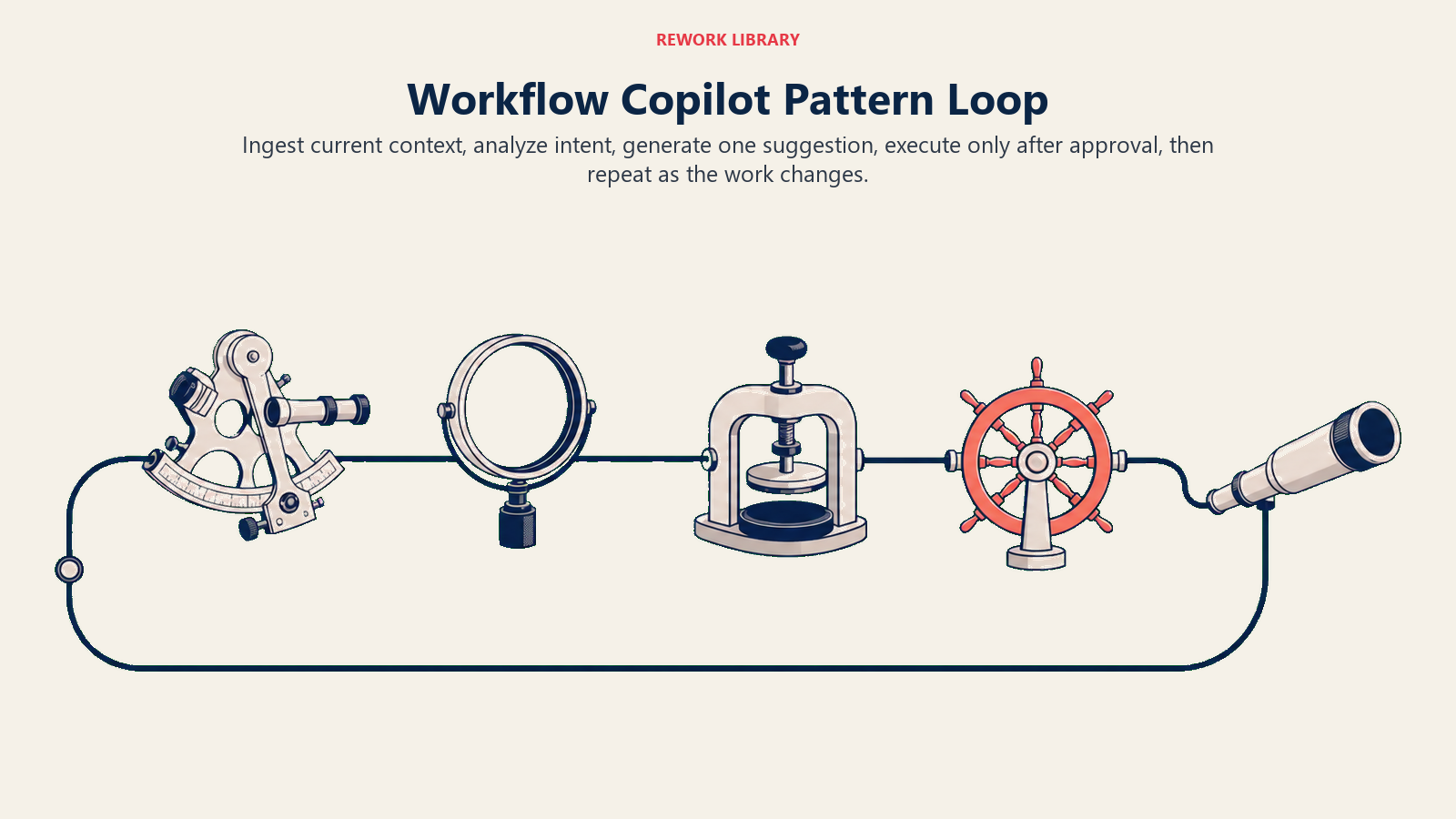
The Workflow Copilot pattern is a specific combination of four ACE capabilities in a repeating cycle:
Ingest (user's current context) → Analyze (intent and next-best-action) → Generate (suggestion or draft) → Execute (with explicit human approval) → repeat
Each element carries weight:
Ingest means the copilot is reading the user's active context, not a generic prompt. In a CRM copilot, that's the open deal record, the last email thread, the stage in the pipeline. In a coding copilot, that's the function signature the developer is currently writing, the imports above it, the comments describing intent. In a finance copilot, that's the report template, the dataset in view, and the query the analyst started building. The quality of the Ingest step determines everything downstream.
Analyze extracts the user's current intent and maps it to a next-best-action. This is where the system decides what kind of suggestion is useful right now. Not every possible suggestion. One useful one. "This deal is at the proposal stage, last email was 4 days ago, prospect is in financial services" becomes "suggest a follow-up email addressing the compliance question they raised."
Generate produces the actual suggestion. A draft email. A code completion. A SQL query. A sentence to add to a report. The output is a draft, not a live action. Nothing has changed in the world yet. The user still holds the decision. For the full Generate capability definition, see Generate: what AI can create for your business.
Execute (with human approval) is the gate. The user reads the suggestion, accepts it, modifies it, or ignores it. If they accept, the action fires. Send the email, insert the code, run the query. If they modify, the modified version executes. If they ignore it, nothing happens.
The "repeat" is what makes it a pattern rather than a single AI call. A copilot cycles through this loop continuously while the user is working. Each time the context shifts, a new suggestion surfaces. The user stays in motion; the AI stays in support.
Key Facts: Workflow Copilot Adoption and Impact
- Workflow Copilot deployments achieve 3-5x higher 90-day adoption rates than autonomous agent deployments targeting the same knowledge work tasks, because the approval gate allows users to build trust incrementally without surrendering control (Forrester AI Adoption Study, 2025)
- Sales reps using CRM-embedded copilot tools complete post-call tasks in 3-5 minutes versus 15-25 minutes manually, while maintaining higher output quality because the AI surfaces context the rep would otherwise leave unused (Gong Sales Intelligence, 2024)
- Organizations with mature copilot deployments target a suggestion acceptance rate of 55-75%, which indicates users are engaging thoughtfully rather than rubber-stamping (GitHub Copilot Enterprise Study, 2025)
The business problem it solves
There's a gap between "no AI" and "full autopilot" that most users actually live in. Full autopilot creates anxiety. Users worry about what they can't see, what they don't control, what happens when the AI is wrong. In high-stakes contexts like client-facing work, regulated industries, or anywhere with personal accountability, that anxiety is completely rational.
But no AI means the user handles everything manually. Every email drafted from scratch. Every next-step decided alone. Every report built line by line.
Workflow Copilot is the middle position that works. The user stays in the driver's seat. The AI is the co-pilot who says "you could turn here" but only actually turns if the driver says so.
This architecture solves the adoption problem because it doesn't require trust the user hasn't built yet. The user can verify every suggestion before it becomes action. Over time, as the suggestions prove reliable, the approval step gets faster. But the user never has to surrender control to get value. That's why adoption rates for copilot deployments are significantly higher than for autonomous agent deployments targeting the same knowledge work tasks.
Four real examples in depth
The examples below show copilots embedded in the user's existing work surface rather than operating as separate standalone assistants.
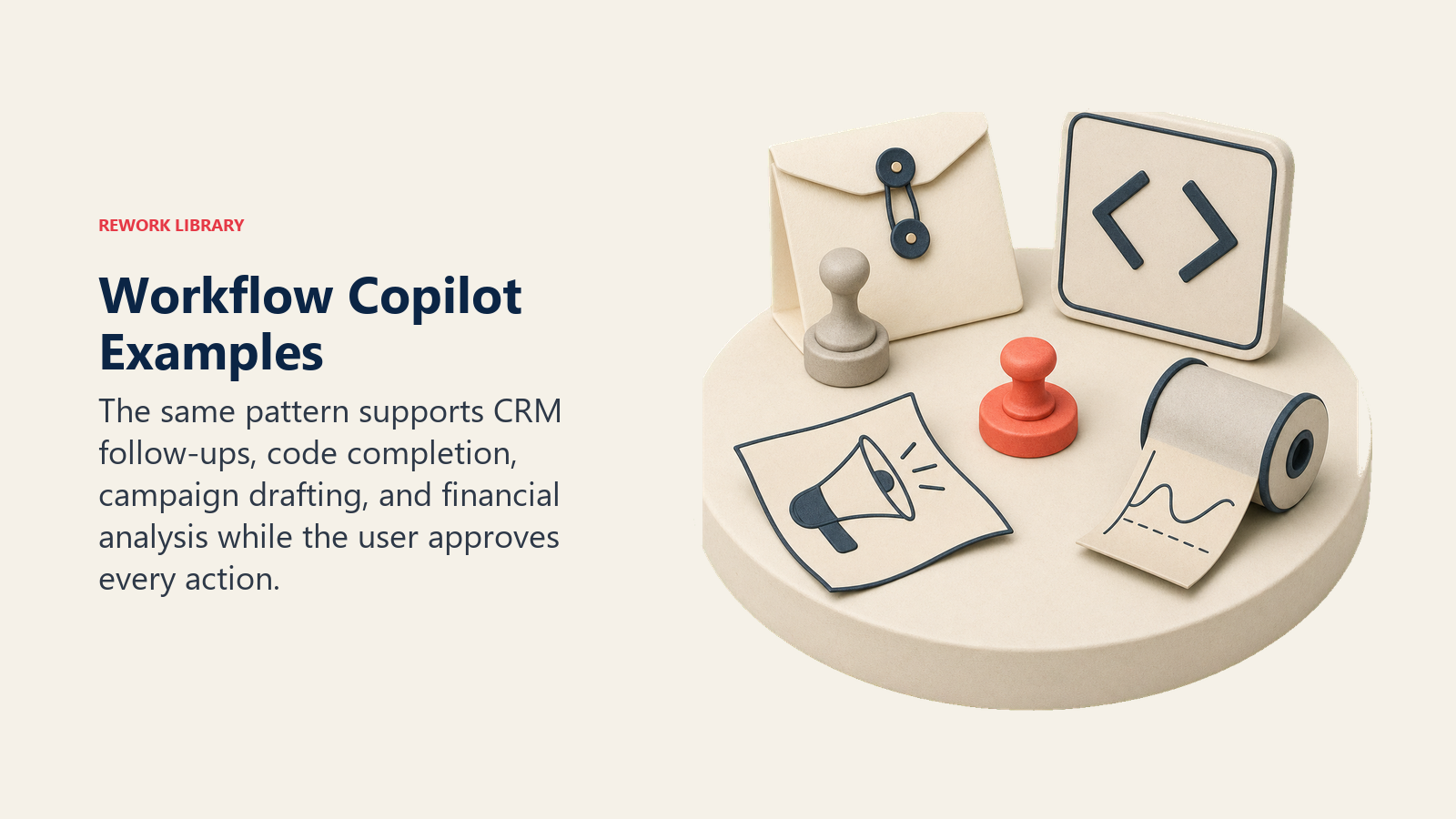
Sales rep copilot in CRM
Ingest: The copilot reads the open opportunity record, the current pipeline stage, the last email exchange, and any meeting notes associated with the deal.
Analyze: It identifies that the deal is stalled at the proposal stage, the last contact was 6 days ago, and the prospect's most recent email mentioned budget review timing.
Generate: It drafts a follow-up email: two paragraphs, references the budget review timeline the prospect mentioned, suggests a brief check-in call, includes a clear next-step ask.
Execute: The rep reads the draft in the CRM sidebar. They edit the second paragraph to add a specific case study, then click Send. The email leaves the rep's account, the CRM logs it as outbound activity, and the stage updates.
The rep wrote a 6-word email in a quarter of the time a blank-compose window would have taken. The quality is higher than their average, because the draft incorporated context the rep might have left on the table.
Coding copilot
Ingest: The copilot reads the function signature, the surrounding code context, the imports at the top of the file, and any comment the developer wrote describing what the function should do.
Analyze: It determines the developer is writing a validation function that checks whether an email address is correctly formatted and whether it exists in an allow-list stored in a configuration file.
Generate: It completes the function body: a regex check for format, a lookup against the config object, an error return for each failure case.
Execute: The developer reads the suggestion in the inline overlay. They accept the regex portion and modify the config lookup to use the specific field name in their config structure. Tab to accept, edit the one line, move on.
The developer didn't start from a blank function. The copilot handled the boilerplate pattern; the developer made the decision that required knowledge of their specific system.
Marketing copilot
Ingest: The copilot reads the campaign brief, the target segment, and the product differentiator the team flagged as primary for this audience.
Analyze: It identifies the headline approach the brief calls for (problem-led, not feature-led), the word-count constraint, and the tone examples linked from the brand guide.
Generate: It drafts three headline variants and a meta description. Each variant takes a different angle on the same brief.
Execute: The marketer picks variant two, adjusts the phrasing in the last clause, and copies it into the campaign builder. The brief required 20 minutes of blank-page drafting. The copilot compressed that to 3 minutes of selection and light editing.
Finance analyst copilot
Ingest: The copilot reads the report template, the data source schema, and the specific variance question the analyst typed: "Why is Q1 APAC revenue 12% below plan?"
Analyze: It identifies the fields needed (actual vs. plan by region and product line), the comparison period, and the kind of narrative the report format calls for.
Generate: It writes the SQL query to pull the comparison, and drafts a 3-sentence variance explanation: deal slippage in two enterprise accounts, FX impact on the SGD-denominated bookings, one large renewal that moved to Q2.
Execute: The analyst runs the query, validates the output against their own knowledge of the APAC book, confirms the two enterprise accounts match their memory, and pastes the narrative with one edit. The report is done in 25 minutes instead of 90.
The Peer-Level Assistant Principle
A Workflow Copilot works at the level of a peer who knows your work context, not an assistant who waits for explicit instructions or an automation that runs without you. The peer-level framing means: one useful suggestion at the right moment, grounded in what you're actually doing, held until you decide. Not a flood of options. Not an autonomous action that surprises you. A Workflow Copilot that interrupts constantly becomes noise. One that stays quiet until it has something genuinely useful to say earns the user's attention. The Peer-Level Assistant Principle governs suggestion cadence, context scope, and the design of the approval interaction: all three must minimize friction for the user, not for the system.
Why human-in-the-loop is the feature, not the limitation
There's a temptation to treat the human approval step as a technical compromise, a workaround for AI systems that aren't yet good enough to fully automate the work. That framing gets it backward.
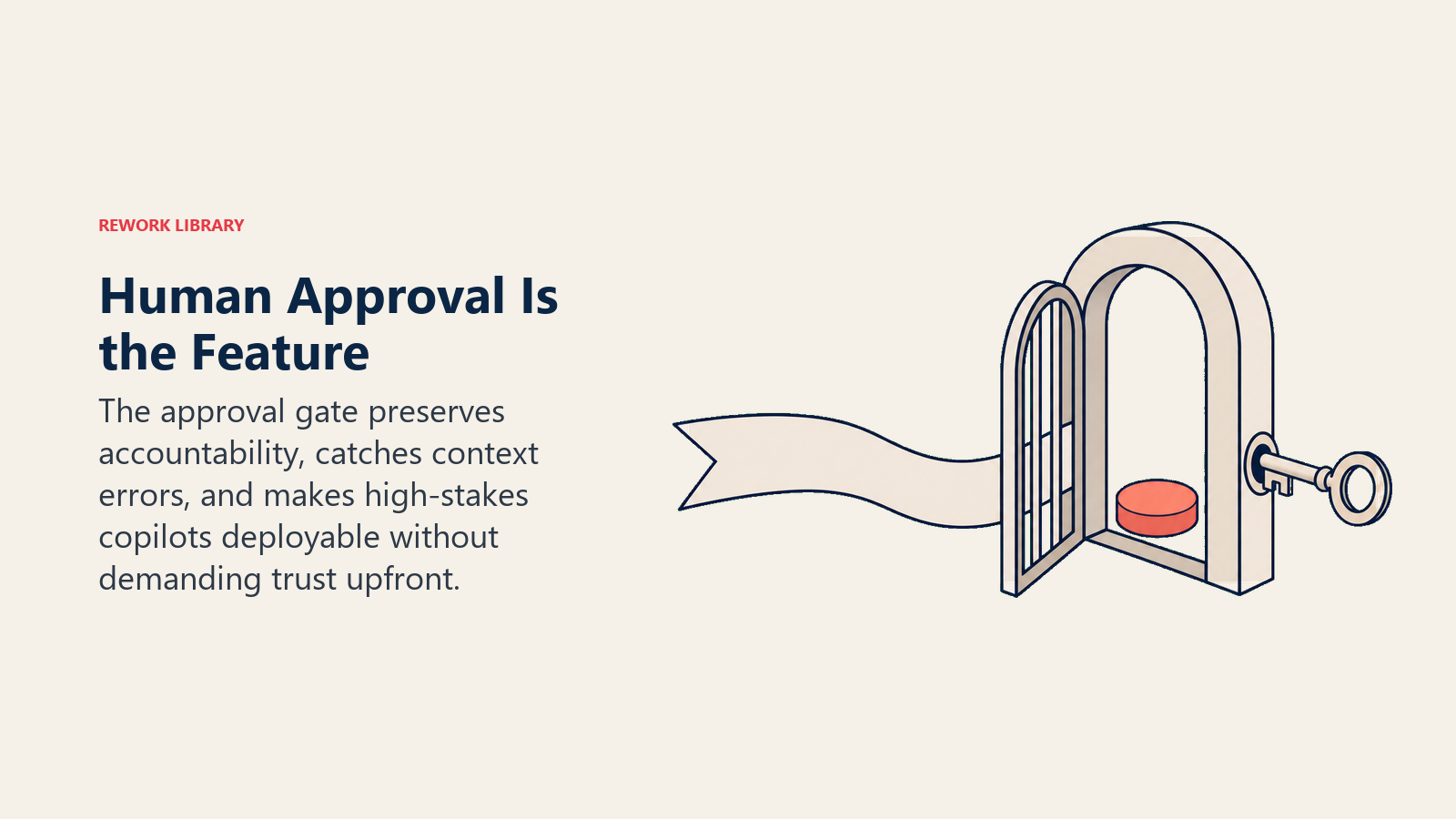
At Tier 2 risk (the level where knowledge work with client-visible outputs sits), the human approval step isn't a performance tax. It's what makes the pattern deployable in contexts that actually matter. MIT Sloan's research on agentic AI governance consistently finds that human oversight in AI systems isn't just a risk management tool. It's what sustains user trust over time, which is the prerequisite for sustained adoption.
Think about the sales rep case. The rep's name is on the email. Their relationship with the prospect is the asset. They need to own what gets sent. A copilot that removes that ownership doesn't help the rep. It replaces them with a system they can't trust because they can't verify it in the moment.
The approval step keeps the human accountable and informed. It means the rep is reading every suggestion before it fires. That means the rep catches the case where the copilot misread the context: the "budget review" comment was actually a joke about a prior vendor, not a signal about timing. The rep catches that in 3 seconds. Without the gate, it goes out.
The correct design goal isn't to eliminate the approval step. It's to minimize the friction of the approval step. One clear suggestion, surfaced in context, with a single Accept/Edit/Dismiss interaction. Not a modal dialog. Not a side panel that requires switching focus. The suggestion lives inside the workflow, glanceable, actionable without stopping the user's motion.
When the approval step is frictionless, the copilot is faster than working without it and safer than an autonomous agent. That's the design target.
Failure modes
Copilot failures usually come from interrupting too often, misreading context, or quietly expanding beyond the approval gate users expected.
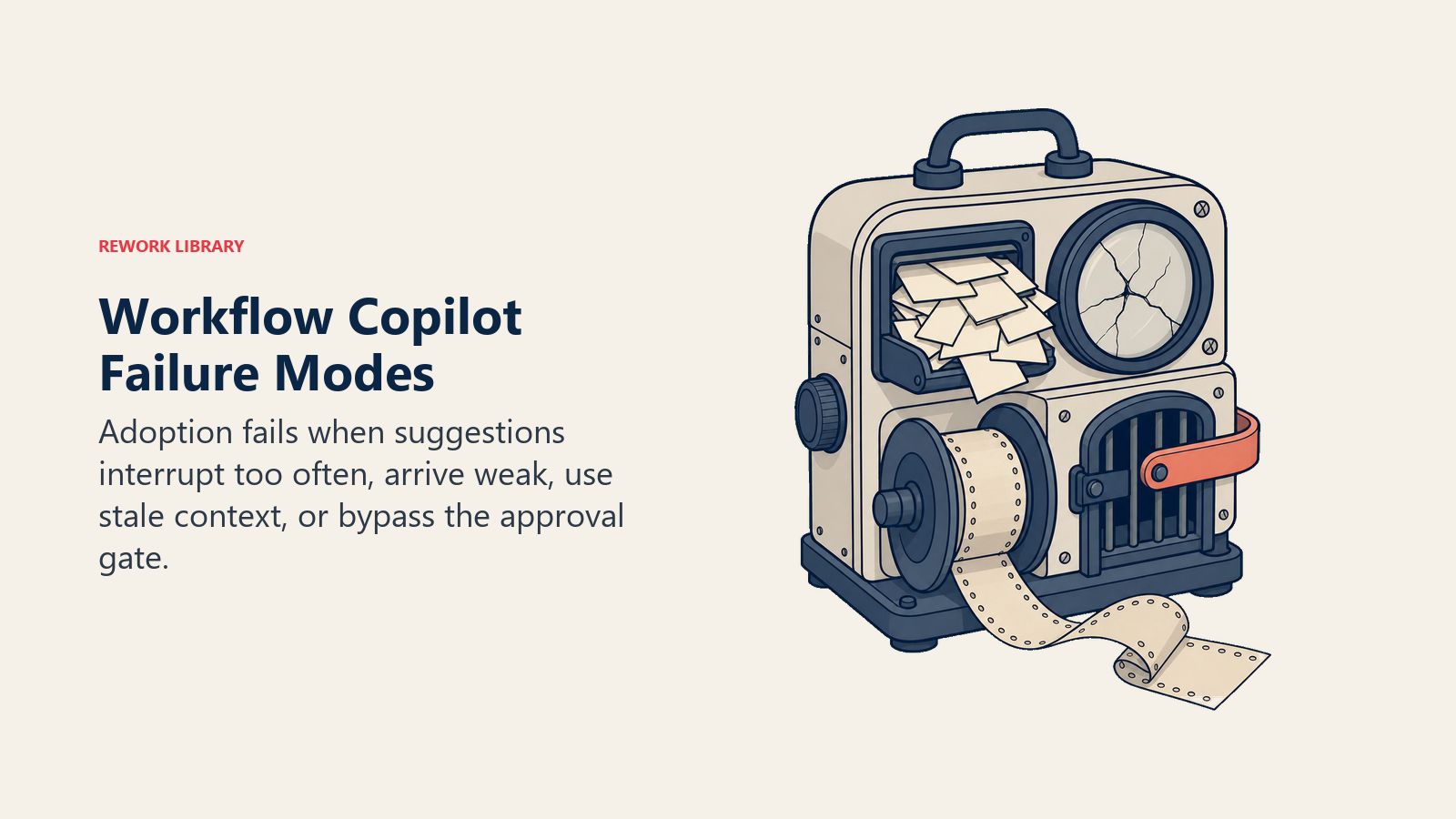
Copilot deployments fail in consistent ways. These aren't theoretical risks. They're the patterns that kill adoption in real deployments.
Too many suggestions kill flow. A copilot that interrupts every three clicks stops being helpful and starts being a distraction. Users route around it. The suggestion panel gets mentally filed alongside the notification badge: something to dismiss. Fix: one suggestion at a time, surfaced only when the context has meaningfully changed. A copilot that stays quiet and waits for the right moment to speak is more valuable than one that talks constantly.
Low-quality suggestions erode trust. One bad suggestion early in the pilot does outsized damage. Users are trying the system for the first time, forming their mental model of whether it's reliable. A suggestion that's clearly off, that misread the context or proposed something the user knows is wrong, plants a seed of doubt that doesn't go away. Fix: high-confidence suggestions only in the first weeks. Surface a suggestion only when the system's confidence score crosses a threshold. It's better to stay silent and miss a few opportunities than to surface a poor suggestion that the user will remember for months.
Context drift. The copilot loses track of the conversation thread and starts suggesting actions based on stale context. In a CRM copilot, this might mean the system is still reasoning about a deal that was closed two minutes ago, suggesting next steps for a prospect the rep just moved to "Closed Lost." Fix: explicit context refresh tied to the user's navigation events, not just a time interval.
Copilot creep. Teams get comfortable with the system and start bypassing the approval step because "it's always right." Someone configures the workflow so suggestions execute on a single tab rather than requiring explicit approval. Speed increases. Then the first serious error happens. The rep sends the wrong pricing, or the code merge happens without the final review, and suddenly the organization is having a conversation about whether to turn the whole system off. Fix: make the approval step structural, not optional, and treat any workaround as a governance incident worth addressing.
When to choose Workflow Copilot vs. alternatives
Vs. RAG Assistant: RAG is question-and-answer on demand. The user asks; the AI retrieves and answers. Workflow Copilot is proactive. The AI watches what you're doing and suggests what to do next, without the user having to ask. Use RAG when users need to look things up. Use Workflow Copilot when users need to produce things.
Vs. Autonomous Agent: The Autonomous Agent pattern runs a task loop without sustained user involvement. The user gives the goal; the agent figures out the steps, uses tools, handles failures, and delivers the result. Workflow Copilot keeps the user in the loop throughout. Use Autonomous Agent for bounded tasks where the user doesn't need to be involved in each step and the task has a clear completion state. Use Workflow Copilot when the user's judgment is needed at each step or when accountability stays with the user.
Vs. Scoring + Routing: Scoring handles inbound triage without a user in the loop at all. An incoming lead arrives; the AI scores it and routes it to the right rep. No human made that routing decision. Scoring + Routing is appropriate for high-volume, structured inputs where routing rules are well-defined and the cost of an occasional misroute is low. Workflow Copilot is for work that has no single correct answer, where the user's judgment and context are irreplaceable.
Understanding the risk gradient across AI patterns is useful here. Workflow Copilot lives in the middle of the risk curve. More involved than a RAG lookup. Less risky than an autonomous agent. The right fit when the task requires judgment but human ownership matters.
ROI signals
Measure these to know whether your copilot is working:
| Metric | What it tells you |
|---|---|
| Task completion time | Are reps writing emails faster? Analysts building reports in less time? |
| Error rate in user-produced work | Are copilot-assisted outputs more accurate than unaided ones? |
| Suggestion acceptance rate | What percentage of copilot suggestions does the user act on? Under 20% means relevance problem. Above 90% may mean the bar is too low. |
| User satisfaction score | Qualitative signal. Users who like the copilot will tell you what to fix. |
| Volume processed per user per day | Net throughput with AI vs. without. This is the productivity line item finance cares about. |
| Suggestion latency | Time from context shift to suggestion appearing. Over 2 seconds hurts adoption. |
Track suggestion acceptance rate with care. A very high rate (over 95%) can mean users are rubber-stamping without reading, which is a governance risk, not a success signal.
Organizations with mature copilot deployments target a suggestion acceptance rate of 55-75%, which indicates users are engaging thoughtfully rather than rubber-stamping, and the copilot's suggestions are relevant enough to be worth considering (GitHub Copilot Enterprise Study, 2025). Below 20% suggests a relevance problem. Above 90% suggests a review problem.
Design for trust
The suggestion quality in the first week of a copilot deployment determines long-term adoption. Users form an opinion fast. If the first five suggestions are on-target, users start looking for the next one. If the first three are off, users stop looking. The copilot panel becomes invisible.
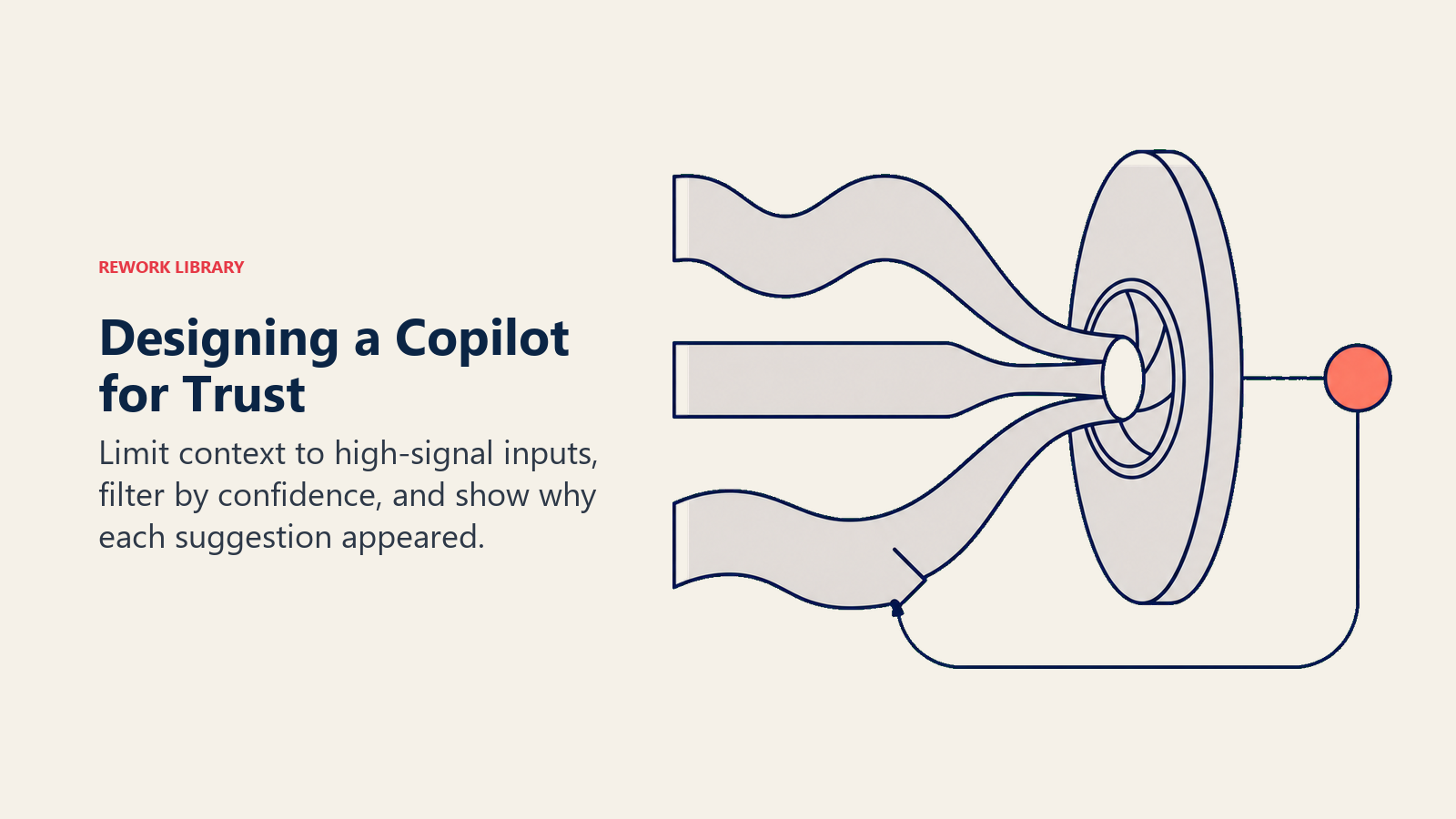
Three design decisions determine quality in week one. HBR's research on AI knowledge workers notes that the best AI deployments come from organizations that treat AI as a collaborator rather than a utility, which is exactly the design philosophy the copilot pattern embodies:
Context window scope. The copilot's context window should be deliberately limited to high-signal inputs. In a CRM copilot, that's the current deal, the recent email thread, and the rep's open tasks. It should not be the rep's entire CRM history or a global feed. A narrow, relevant context window produces better suggestions than a wide, noisy one.
Confidence filtering. Don't surface every suggestion the model generates. Set a confidence threshold and only show suggestions that exceed it. The user should receive one great suggestion rather than five mediocre ones. The former earns trust. The latter burns it.
Confidence display. Consider showing the user why the copilot made a specific suggestion. Not a probability score (users don't interpret those well) but a brief grounding note: "Suggested based on the prospect's last email about compliance timelines." Transparency reduces the black-box feeling that makes users distrust AI-generated outputs. Users who understand why the suggestion appeared are more likely to evaluate it seriously rather than reflexively accepting or rejecting.
A well-designed copilot that surfaces one great suggestion is worth more than a panel of ten mediocre ones. The economics of trust are asymmetric: it takes dozens of good suggestions to build credibility, and one bad one to damage it significantly.
What comes next
Workflow Copilot is the entry pattern for teams getting comfortable with AI in their core workflows. It's not the ceiling.
As your organization's trust in AI-generated outputs grows and as your tooling accumulates audit history, some workflows are candidates for increasing autonomy. The progression is deliberate: copilot first, with explicit human gates; then selective automation of well-understood approval paths; then true autonomous execution for bounded, low-risk task categories.
Stacking Workflow Copilot with other patterns is how AI Agents at Level 3 get built. Combine Scoring + Routing (inbound triage), Meeting Intelligence (call analysis), and Workflow Copilot (outreach drafts) and you have something close to an AI Sales Operator. The patterns add up. See Stacking Patterns to Build AI Agents for how the combination works in practice. For the sales-specific deployment of this pattern, CRM data hygiene with an AI copilot and next best action for each open deal show it in action.
Rework Analysis: The Workflow Copilot's adoption advantage comes from a simple design choice: the user never has to trust the AI before getting value from it. Every suggestion is reviewable. Every action is reversible before it fires. This means a skeptical user can try the copilot for two weeks with zero risk, verify that suggestions are relevant, and build confidence at their own pace. Autonomous Agent deployments don't offer this. They require trust up front, which is why adoption rates lag. The copilot model earns trust through a track record the user can see, suggestion by suggestion. The teams that maximize copilot ROI make three things easy: reading the suggestion (one clear output, in context), acting on it (one tap, not three clicks), and overriding it (frictionless dismiss without the suggestion coming back immediately). Those three design choices make the difference between a tool that changes how people work and a feature nobody uses.
Frequently Asked Questions
What is a Workflow Copilot AI pattern?
Workflow Copilot is an AI pattern that assists knowledge workers inside their active tasks by continuously cycling through: Ingest (current context), Analyze (intent and next-best-action), Generate (suggestion or draft), Execute (with explicit human approval). It differs from autonomous agents in that the human approves every action before it fires. It differs from RAG in that it's proactive (watches what the user is doing and suggests) rather than reactive (waits for a question).
What is the Peer-Level Assistant Principle?
The Peer-Level Assistant Principle states that a Workflow Copilot should operate at the level of a peer who knows your context, not an assistant waiting for instructions or an automation that runs without you. In practice this means: one useful suggestion at the right moment, grounded in what you're actually doing, held until you decide. Not a flood of options. Not an autonomous action. The principle governs suggestion cadence (quiet until there's something genuinely useful), context scope (narrow and relevant), and approval UX (frictionless, in-context, single interaction).
Why does Workflow Copilot have higher adoption than autonomous agents?
Workflow Copilot achieves 3-5x higher 90-day adoption rates than autonomous agent deployments targeting the same tasks (Forrester, 2025) because the approval gate allows users to build trust incrementally. Users can try the copilot for weeks at zero risk, verify suggestions are relevant, and decide their own pace of reliance. Autonomous agents require trust before users have the track record to justify it. The copilot earns trust through a visible history of suggestions the user can evaluate directly.
What suggestion acceptance rate indicates a healthy Workflow Copilot?
A healthy acceptance rate is 55-75%, indicating users engage thoughtfully rather than rubber-stamping (GitHub Copilot Enterprise Study, 2025). Below 20% signals a relevance problem: the copilot's context window is too wide, confidence filtering is too loose, or the use case doesn't match the pattern. Above 90% signals a review problem: users are accepting without reading, which is a governance risk. One bad accepted suggestion reaching a client or a system-of-record can damage trust more than months of good suggestions can build it.
What are the most common Workflow Copilot failure modes?
Four failure modes kill adoption consistently: too many suggestions (interrupts flow, gets ignored), low-quality early suggestions (users form lasting negative impressions in the first week), context drift (copilot reasons about a deal or task that's already closed), and copilot creep (teams bypass the approval step and inadvertently deploy an autonomous agent without autonomous agent governance). The most damaging is low-quality early suggestions, because trust is asymmetric: dozens of good suggestions build credibility, one bad one damages it significantly.
How does Workflow Copilot differ from an Autonomous Agent?
Workflow Copilot keeps the user in the loop throughout, requiring explicit approval before every action. Autonomous Agent runs a task loop pursuing a goal with minimal human checkpoints. Use Workflow Copilot when the user's judgment is needed at each step or when personal accountability stays with the human (client-facing work, regulated industries). Use Autonomous Agent for bounded tasks with a clear completion state where the user doesn't need to approve intermediate steps. The two patterns are on the same path: copilot builds the trust that eventually justifies selective autonomous execution.
Learn more
- Autonomous Agent: Multi-Step Goals With Tool Use
- The Risk Gradient Across AI Patterns
- Stacking Patterns to Build AI Agents
- CRM Data Hygiene With an AI Copilot
- Next Best Action for Each Open Deal
- Why 10 Patterns Cover 90 Percent of Business AI
- McKinsey Superagency in the Workplace (2025)
- MIT Sloan: Why Your Board Needs a Plan for AI Oversight
- HBR: Using AI to Make Knowledge Workers More Effective

Co-Founder, Rework.com
On this page
- The formula
- The business problem it solves
- Four real examples in depth
- Sales rep copilot in CRM
- Coding copilot
- Marketing copilot
- Finance analyst copilot
- The Peer-Level Assistant Principle
- Why human-in-the-loop is the feature, not the limitation
- Failure modes
- When to choose Workflow Copilot vs. alternatives
- ROI signals
- Design for trust
- What comes next
- Learn more