Sales Engagement Evaluation Criteria: The Buyer's Checklist
Turn this article into takeaways for your work.


Each assistant summarizes the article only for you and suggests best practices for your work.
Getting sales engagement evaluation criteria right before the first demo is what separates a platform your reps actually run cadences through from one that quietly lands your domain in spam by month three. The deck always shows a clean sequence builder and a tidy analytics dashboard. What it doesn't show is whether your emails reach the inbox, whether the CRM sync writes both directions, or what happens once you need a second seat.
Sales engagement pricing shifts often, so confirm current pricing with each vendor.
What sales engagement evaluation criteria are (and why a checklist beats a demo)
Sales engagement evaluation criteria are the deliverability, workflow, and pricing requirements you score each finalist against before you sign, not a feature list copied from a comparison page. They determine whether reps spend their day working a clean, multichannel cadence inside one tool, or babysitting a sender reputation problem nobody flagged during the trial.
A demo is built to make the sequence builder look effortless and the pricing page look simple. A scored checklist forces you to check what the sales call skips past: what happens to your domain reputation once you send at volume, whether the CRM sync is read-only or writes back, and what a seat actually costs once you're past the plan the rep quoted. Our full guide to choosing sales engagement software covers the end-to-end buying process; this piece is the scoring tool.
Key Facts: sales engagement evaluation
- Sales reps spend just 40% of their time actively selling, according to Salesforce's 2026 State of Sales report, a survey of 4,050 sales professionals across 22 countries (Salesforce, 2026 State of Sales).
- 51% of sales professionals say disconnected systems are slowing down their AI initiatives, per the same Salesforce survey, which is why CRM sync depth belongs near the top of this checklist (Salesforce, 2026 State of Sales).
- It takes an average of 8 touches to generate a first meeting with a buyer, according to RAIN Group's Center for Sales Research, a finding behind why cadence and multichannel branching are scored criteria, not a nice-to-have (RAIN Group).
- Since February 1, 2024, Google has required bulk senders to authenticate with SPF, DKIM, and DMARC, support one-click unsubscribe, and keep spam complaint rates below 0.3%, rules that sit underneath every sales engagement platform's deliverability claims (Google Workspace Admin Help).
The sales engagement evaluation criteria checklist
Score each row 1-5 during a structured trial using your own domain and a real slice of your prospect list, not the vendor's demo account.
| Criterion | What good looks like | Watch out for |
|---|---|---|
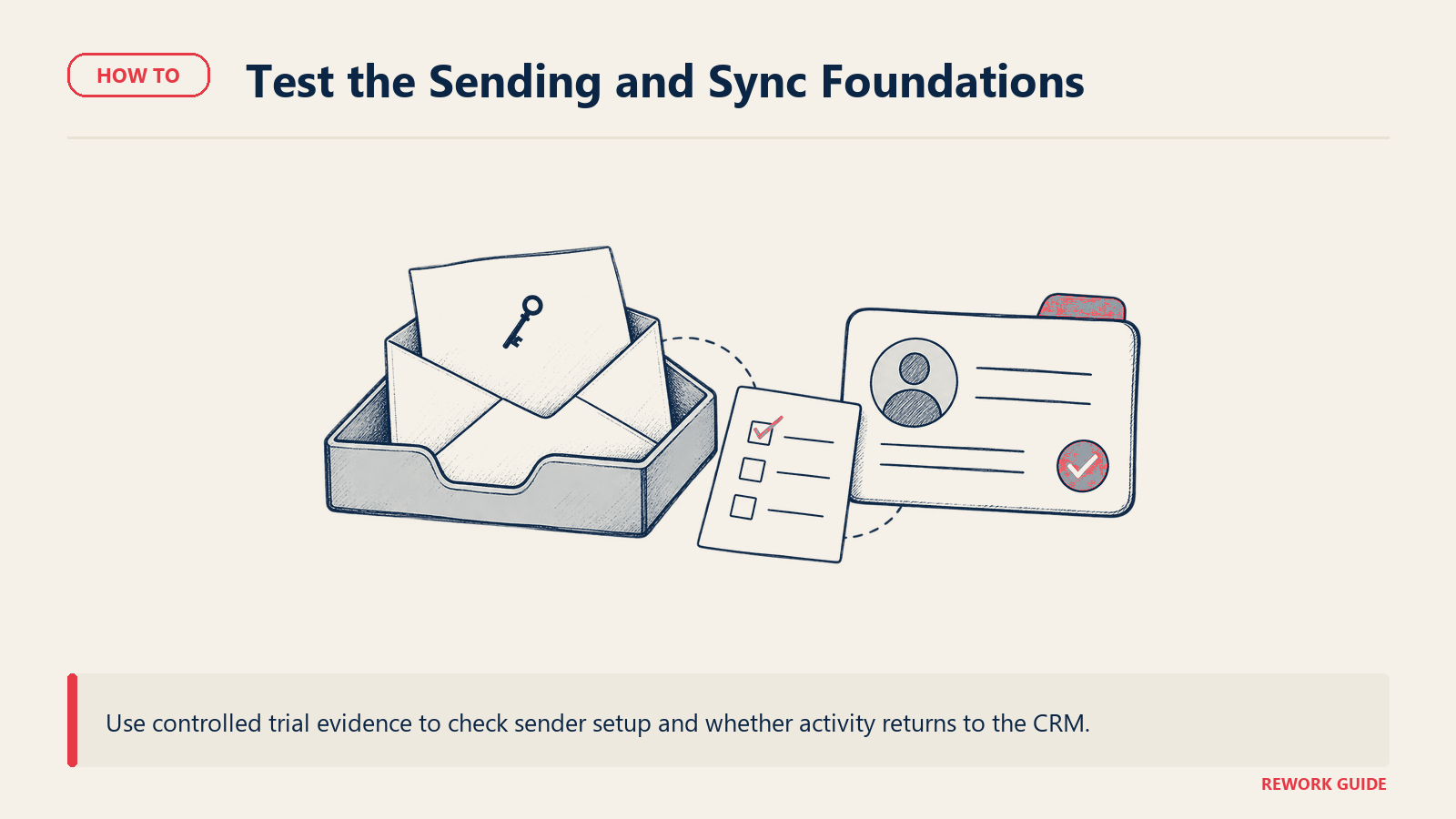
| Email deliverability and inbox infrastructure | Built-in SPF/DKIM/DMARC guidance, warmup tooling, sender reputation monitoring. | Deliverability treated as a support-ticket problem, discovered only after your domain is already flagged. |
| CRM bidirectionality | Field-level, near-real-time sync that writes activity and status back to the CRM. | A one-way feed: the CRM populates the sequence tool, but reps' activity never makes it back. |
| Multichannel reach | Native email, dialer, LinkedIn, and SMS in one cadence with shared consent tracking. | LinkedIn or SMS sold as a bolt-on with its own login and its own contact list. |
| Cadence and sequence logic | If/else branching, wait steps, and a step count generous enough for a real multi-touch sequence. | A hard step cap on entry tiers that forces splitting one cadence into two. |
| AI assist | Clear about what it automates: drafting, research, or send-timing, with a human approval step. | "AI-powered" marketing over a feature that's really a template merge field. |
| Data and enrichment | Bundled enrichment credits, or an honest bring-your-own-data integration path. | Enrichment sold as an unlimited feature until a fair-use policy throttles it mid-quarter. |
| Conversation intelligence and call recording | Native call recording, transcription, and coaching tied to the same rep record. | A separate product with its own login, defeating the point of one system of record. |
| Analytics and attribution | Cadence-level and rep-level reporting, exportable without a separate BI tool. | Reporting locked to the top tier, or limited to opens and clicks with no reply-to-meeting view. |
| Admin controls and compliance | GDPR consent handling, CAN-SPAM-compliant unsubscribe, call-recording consent settings by state or country. | Compliance framed as a services engagement instead of a platform setting. |
| Seat model and minimums | A published per-seat rate, or a disclosed minimum seat count before you sign. | A quote-only plan that turns out to carry a 10-to-15-seat minimum you find out about on the second call. |
| Implementation effort | A documented rollout timeline, with templates for a first cadence. | "Self-serve" that in practice means no migration path from your last tool. |
For CRM-specific scoring beyond sync depth, see our CRM evaluation criteria checklist and how to choose a CRM for B2B sales. For cold email specifically, our cold email software guide narrows the comparison to that lighter category.
Why deliverability belongs at the top
Most rows above behave the way you'd expect: a better platform scores higher, and the gap shows up in a trial. Deliverability doesn't work that way. It's invisible until it isn't, and by the time it's visible, your domain reputation is already damaged and takes weeks to rebuild.
Since February 2024, Google has required any sender pushing 5,000 or more messages a day to authenticate with SPF, DKIM, and DMARC, support one-click unsubscribe, and keep spam complaint rates below 0.3% as reported in Postmaster Tools (Google Workspace Admin Help). A sales engagement platform doesn't get you out of these requirements. It either helps you meet them, through warmup schedules, rotation across multiple sending domains, and reputation monitoring, or it leaves you to figure it out after your first cold sequence tanks your open rate. Score this criterion using your own sending domain during the trial, not the vendor's pre-warmed demo domain.
Seat models and minimum commitments: what to check before you sign
Sales engagement pricing looks simple on a pricing page and gets complicated the moment you compare two vendors. The unit matters as much as the number.
| Model | How it's billed | Example | What to watch |
|---|---|---|---|
| Per-seat, uniform tier | One rate times users, features consistent within the tier | Apollo.io Basic: $49 per seat/month billed annually | Whether AI credits or dialer minutes are capped per seat, not per team |
| Per-seat, steep tier jumps | Rate climbs sharply between tiers as features unlock | Klenty Growth: $70 per user/month billed annually; Plus: $99 per user/month billed annually | Cold calling, CRM plugin, and account-based selling often sit one tier above the entry price |
| Flat entry tier, per-seat above it | The entry tier is a flat monthly fee regardless of headcount; higher tiers price per seat | Klenty Starter: $50 per month flat, billed annually, capped at 15,000 monthly contacts | Reading the flat entry price as what a second or third user will cost once you outgrow it |
| Contact-volume-based, still per seat | Rate scales with active contacts as well as seat count | Reply.io Email Volume: from $49 per user/month billed annually, scaling from 1,000 active contacts/month | Marketing copy emphasizing "no limits on users" on a plan that is, in fact, billed per user |
| Quote-only with a seat minimum | No published rate; a custom quote, often gated behind a minimum team size | Outreach, Salesloft | Ask for the minimum seat count in writing before the demo ends, not after you've sat through three calls |
Two vendors in this category illustrate the trap well. Klenty publishes two different unit types on the same pricing page: Starter is a flat $50 a month regardless of headcount, while Growth moves to $70 per user a month. Both figures are correct: they're just pricing two different things, and comparing Starter's flat rate to Growth's per-seat rate as if they were the same unit will make your budget wrong the moment you add a second rep. Reply.io does something similar with its "Email Volume" plan: despite marketing copy about sending "without limits on users," the plan itself is billed at a starting rate of $49 per user a month, scaling with your active contact count. Read the unit next to the number, every time, before you multiply by your headcount.
How to weight the criteria by company profile
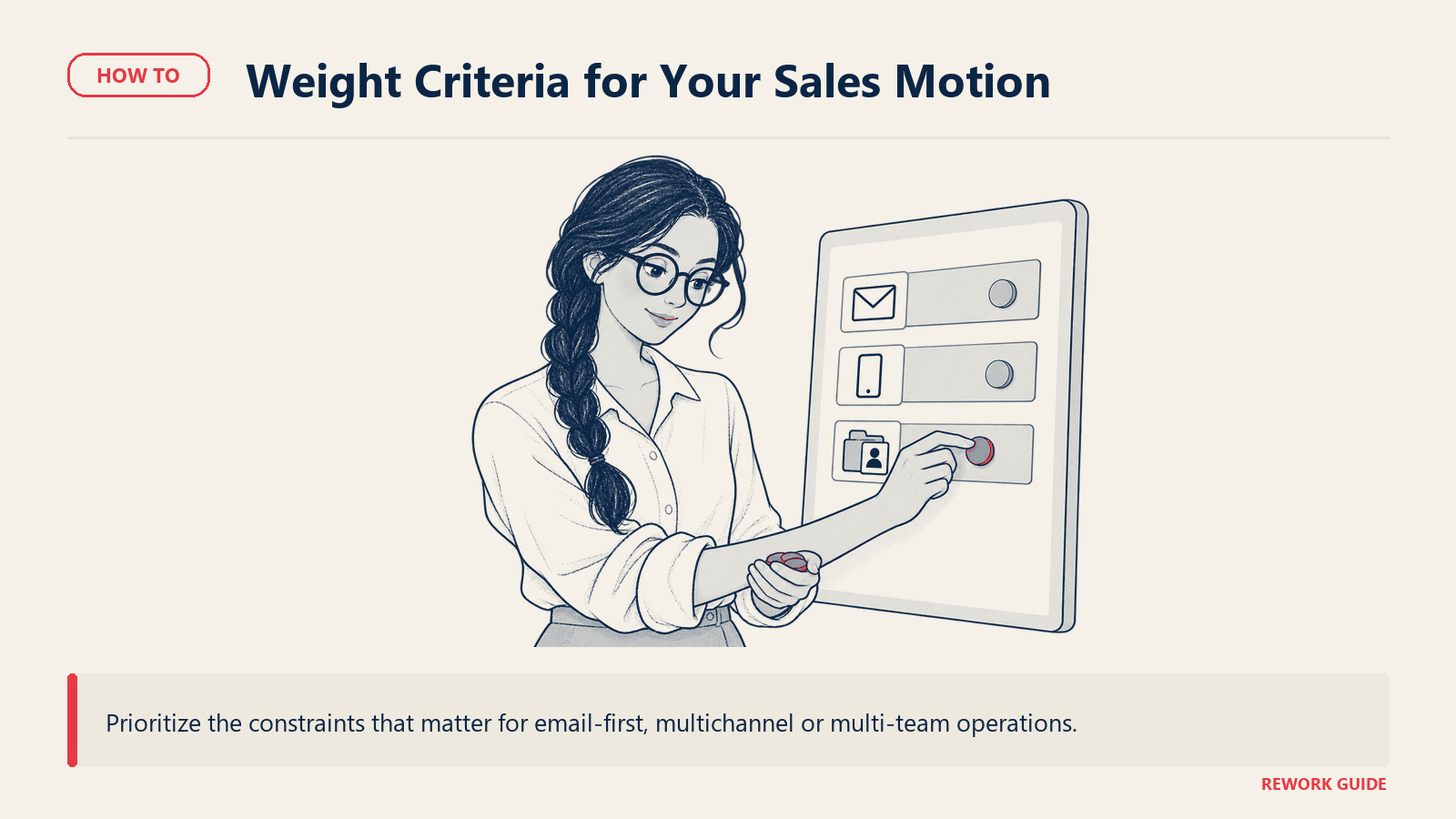
The right weighting for a five-person outbound team is close to useless for an enterprise RevOps org running multichannel across four regions. Use this as a starting point, then adjust to how your team actually prospects.
| Criteria group | Criteria included | Early-stage, email-first | Mid-market, multichannel | Enterprise, multi-team |
|---|---|---|---|---|
| Deliverability and sending infrastructure | Domain setup, warmup, spam rate monitoring | 30% | 20% | 15% |
| CRM sync and data | Bidirectional sync, enrichment, data hygiene | 15% | 20% | 25% |
| Multichannel and cadence logic | Dialer, LinkedIn, SMS, branching depth | 15% | 25% | 20% |
| AI assist and conversation intelligence | Drafting, call recording, coaching | 10% | 10% | 15% |
| Analytics and attribution | Cadence and rep-level reporting | 10% | 10% | 10% |
| Admin, compliance, seats | Consent management, seat model, minimums | 20% | 15% | 15% |
Early-stage teams sending mostly cold email should weight deliverability heaviest, since a damaged domain reputation is expensive and slow to reverse; teams sizing sales engagement software for SMB usually get more value from a clean sending setup than a longer feature list. Mid-market teams running email, calls, and LinkedIn together should push multichannel and cadence logic up, since that's where a single-channel tool starts to show its limits. Enterprise, multi-team orgs should weight CRM sync and data hygiene hardest, since disconnected systems are the top reason AI features underdeliver at that scale; our enterprise sales engagement guide goes deeper on multi-team rollouts and governance.
Key questions to ask on a demo
Ask these once the rep has moved past the pitch and has to answer specifics.
"What happens to our sending reputation if we ramp from 200 to 2,000 emails a day in month one?" Tests whether warmup and rotation are built in or left to you.
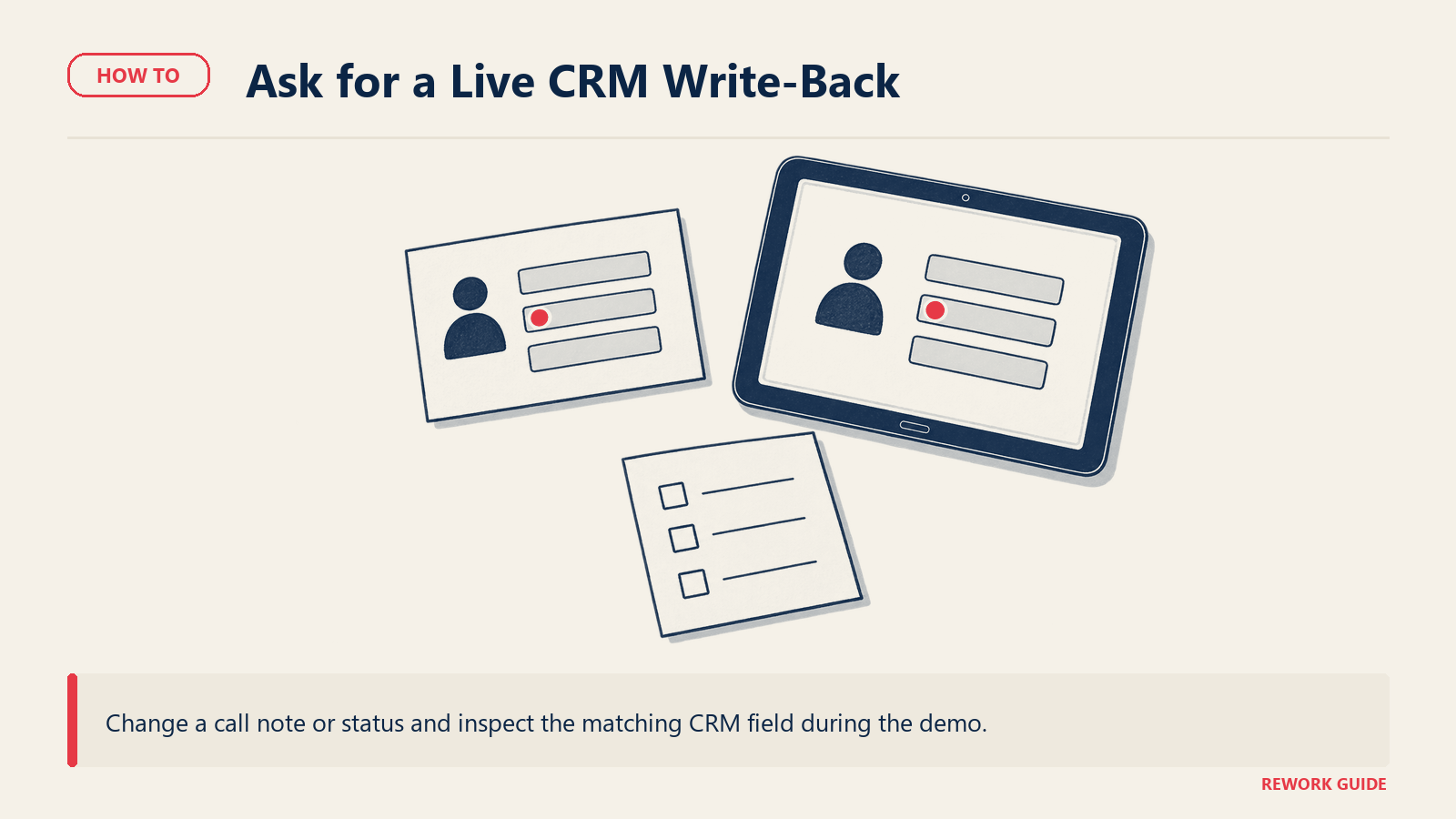
"Is the CRM sync bidirectional, and does a rep's call note or status change write back in minutes or overnight?" A one-way sync is the single most common gap between the demo and daily use.
"What's the minimum seat count on this plan, and does the per-seat rate change as we add users?" Get this in writing before you leave the call, especially for quote-only vendors. Our SaaS vendor evaluation scorecard covers the rest of the contract questions to run alongside this one.
"Which channels are native, and which route through a third-party add-on with its own login?" LinkedIn and SMS are the most common places this splits.
"Does call recording and transcription meet two-party consent requirements in the states or countries we operate in, and is that configurable per region?" A vague answer here is a compliance gap waiting to surface.
"What does the AI assist actually automate, versus what's a merge-field template with an AI label on it?" Ask for a live example using your own prospect data, not a canned demo script.
"What's a realistic go-live timeline for our team size, and what does the first 30 days of support look like?" Our guide to running a software demo has more on separating a scripted walkthrough from a real answer.
Common evaluation mistakes
| Mistake | What happens | Fix |
|---|---|---|
| Trialing on a pre-warmed demo domain | Deliverability looks fine in the trial and breaks on your real, cold-sending domain | Run at least part of the trial on your own domain with real warmup in progress |
| Assuming "CRM integration" means bidirectional sync | A one-way, once-a-day export looks identical to live sync until reps notice their notes vanish | Ask for field-level sync documentation and test a change in both directions before signing |
| Comparing a flat entry price to a per-seat price | A vendor's flat-rate entry tier looks cheaper than a competitor's per-seat rate until you add a second user | Normalize every quote to a cost per seat at your actual team size before comparing |
| Treating call recording consent as a checkbox | Recording without proper consent creates legal exposure that surfaces during an audit, not during the trial | Confirm per-state or per-country consent settings, not just a single global toggle |
Top options at a glance
A starting point for shortlisting, not a ranking. Figures reflect what each vendor publishes as of September 2026.
| Platform | Best for | Starting price |
|---|---|---|
| Apollo.io | Teams wanting sales intelligence data and engagement in one seat | Free tier available; Basic $49/seat/month billed annually |
| Klenty | Teams wanting a flat email-only entry tier before paying per seat | Starter $50/month flat billed annually; Growth $70/user/month billed annually |
| Reply.io | High-volume email senders who may add multichannel and AI later | Email Volume from $49/user/month billed annually; Multichannel from $89/user/month billed annually |
| Outreach | Enterprise revenue teams standardizing on one workflow engine | Quote-only; Vendr's buyer data puts the median annual contract at $45,600 (reported, Vendr) |
| Salesloft | Enterprise teams wanting conversation intelligence bundled in | Quote-only; Vendr lists roughly $75-200+/user/month by tier, typically with a 10-15 seat minimum (reported, Vendr) |
| HubSpot Sales Hub | Teams wanting engagement living in the same database as CRM and marketing | Starter $20/month or $7/month annual per seat; Professional $890/month or $800/month annual per seat |
For a head-to-head on the two most commonly shortlisted together, see Apollo vs Outreach: which to choose or our three-way comparison of Apollo, Outreach, and Salesloft. For the full roundup with more options scored against this checklist, see our best sales engagement platforms roundup, best Outreach alternatives, or best Salesloft alternatives if you're evaluating a switch away from an incumbent.
Hidden costs regardless of vendor: dialer minutes and AI credits billed separately once you exceed the included allowance, a data migration that takes longer than the sales cycle promised, and the admin hours to keep consent and compliance settings current as you expand into new states or countries. Our software total cost of ownership guide covers modeling that full first-year number before you sign.
Frequently asked questions
What's the most important sales engagement evaluation criterion?
For most buyers it's deliverability, since a damaged sender reputation is slow and expensive to repair, and it undermines every other feature in the platform. For teams already running multiple channels, CRM sync depth deserves equal weight, since a one-way sync is the gap most likely to surface only after you're a few months in.
Should we buy a dedicated sales engagement tool or use our CRM's built-in sequencing?
If your CRM's native sequencing covers email only and your team needs calls, LinkedIn, or SMS in the same cadence, a dedicated platform usually wins on depth. If your outreach is email-first and low-volume, native CRM sequencing can be enough, and our CRM evaluation criteria checklist is the better starting point.
How do we compare a flat-rate plan to a per-seat plan fairly?
Normalize every option to a cost per seat at your actual team size, not the vendor's example team size. A flat-rate entry tier can look cheaper on a pricing page and cost more than a per-seat competitor the moment you add a second or third rep.
Why won't some vendors publish pricing?
Enterprise-focused platforms often negotiate on team size, contract length, and feature bundle, and treat a public rate card as a competitive liability. Budget extra time for quote-only sales calls, and ask directly for the minimum seat count before assuming silence means a higher price than a published competitor's.
How long does a sales engagement rollout typically take?
For a small team migrating a handful of active sequences, two to four weeks is realistic, most of it spent rebuilding cadences and reconnecting the CRM sync. A larger, multichannel rollout with call recording and compliance configuration can stretch to two or three months. Our guide to running a software trial covers how to structure that evaluation window.
Score the criteria, not the sequence builder
A demo makes every sales engagement platform look like it will land in the inbox and sync cleanly with your CRM. Your checklist shows where each one actually breaks, and which pricing unit you're really buying into. Run your own domain and your own prospect list through the trial, and get the seat model and minimum commitment in writing before you compare a single dollar figure.
Related reading
- How to Choose Sales Engagement Software
- How to Choose Sales Engagement Software for SMB
- How to Choose Sales Engagement Software for Enterprise
- Apollo vs Outreach: Which to Choose
- How to Choose Cold Email Software
- How to Choose Conversation Intelligence Software
- How to Choose Sales Intelligence Software
- CRM Evaluation Criteria Checklist
- How to Choose a CRM for B2B Sales
- SaaS Vendor Evaluation Scorecard
- Software Total Cost of Ownership Guide
- How to Run a Software Demo
- How to Run a Software Trial

Head of Enterprise Solutions
On this page
- What sales engagement evaluation criteria are (and why a checklist beats a demo)
- The sales engagement evaluation criteria checklist
- Why deliverability belongs at the top
- Seat models and minimum commitments: what to check before you sign
- How to weight the criteria by company profile
- Key questions to ask on a demo
- Common evaluation mistakes
- Top options at a glance
- Frequently asked questions
- What's the most important sales engagement evaluation criterion?
- Should we buy a dedicated sales engagement tool or use our CRM's built-in sequencing?
- How do we compare a flat-rate plan to a per-seat plan fairly?
- Why won't some vendors publish pricing?
- How long does a sales engagement rollout typically take?
- Score the criteria, not the sequence builder
- Related reading