Help Desk vs Shared Inbox: How to Choose
Turn this article into takeaways for your work.


Each assistant summarizes the article only for you and suggests best practices for your work.
The help desk vs shared inbox debate is really a question of how complex your support operation actually is, not how complex you think it will be.
Most teams overbuy. A shared inbox handles more than people assume. But some teams underbuy and pay for it in missed SLAs and burnt-out agents. Here is how to read the signals correctly.
What a shared inbox is vs what a help desk is
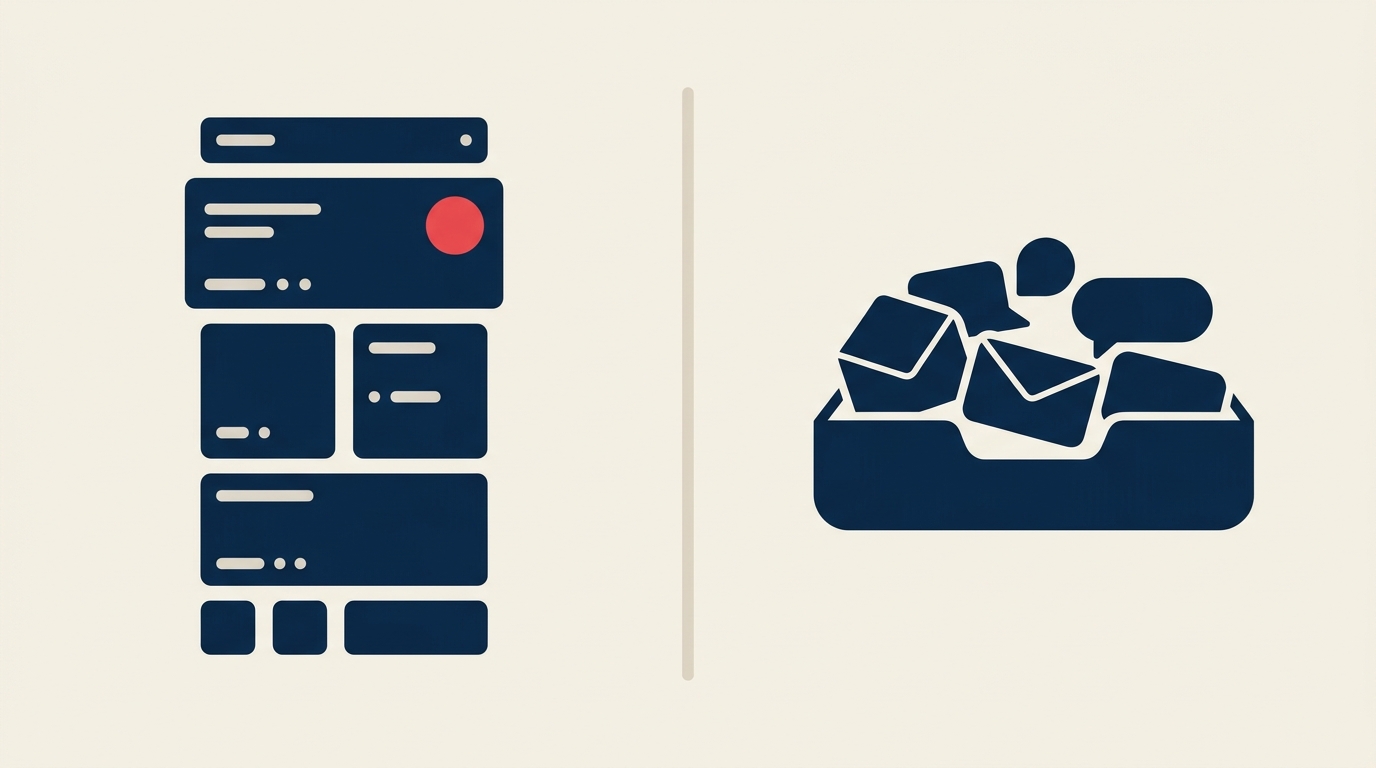
A shared inbox is a collaborative email account, typically something like support@yourcompany.com, where multiple teammates can read, reply, assign, and comment on incoming messages. The mental model is still email. You see threads, not tickets. The experience feels familiar because it is familiar.
A help desk converts incoming messages into tickets with unique IDs, status fields, priority levels, SLA timers, and routing rules. Messages from any channel (email, chat, phone, social) land in one queue. Agents work tickets, not threads. The mental model shifts from "email inbox" to "support operations center."
| Dimension | Shared Inbox | Help Desk |
|---|---|---|
| Primary concept | Email thread | Ticket with ID and status |
| Channel coverage | Email (sometimes chat) | Email, chat, phone, social, web form |
| Ticket/SLA tracking | None or basic | Native, with escalation rules |
| Automation depth | Basic assignment rules | Multi-step workflows, triggers, macros |
| Reporting | Open/reply counts | CSAT, SLA compliance, MTTR, agent load |
| Knowledge base | Rarely included | Usually included or add-on |
| Typical team size | 1-10 agents | 5+ agents, often 20+ |
| Starting price range | Free to $25/user/mo | $19-$89/agent/mo |
Key Facts
- The global help desk software market is valued at $14.3 billion in 2025 and projected to reach $35 billion by 2035, a sign of how broadly teams are formalizing support operations.
- The average support organization handles 10,675 tickets per month, but most SMBs operate well below that threshold, meaning a full help desk is often more than they need.
- Teams that stay on shared inboxes past the right switching point often see agents toggling between four or more applications daily, a fragmentation that adds hidden cost regardless of tool price.
What to look for
Before picking a tool, score your team on the eight evaluation dimensions that separate shared inboxes from help desks in practice.
| Criterion | Shared Inbox wins | Help Desk wins |
|---|---|---|
| Collaboration | Threaded comments, @mentions, collision alerts | Agent queues, round-robin routing, supervisor views |
| Ticketing and SLA | Not needed | SLA timers, breach alerts, escalation paths |
| Automation | Rule-based assignment by keyword or sender | Multi-condition workflows, time-based triggers, macros |
| Reporting | Reply time, volume by inbox | CSAT, first-contact resolution, SLA compliance, per-agent load |
| Channels | Email only (or email plus one other) | Email, chat, phone, social, web form in one queue |
| Knowledge base | External wiki is fine | Built-in KB with article suggestions speeds resolution |
| Scale | Under 500 tickets per month, 1-5 agents | Over 500 tickets per month, 5+ agents |
| Pricing budget | $0-$25/user/month | $19-$89/agent/month, enterprise tier higher |
If you score mostly left-column answers, a shared inbox is the right tool right now. If you score mostly right-column, a help desk is the correct choice and delaying costs more than the licensing fee.
For a broader buying process that applies to any support category, see the SaaS buying decision tree.
When a shared inbox is enough (and when it isn't)
A shared inbox is enough when:
- Your team handles fewer than 500 tickets per month. Below this volume, a shared inbox with basic assignment rules covers the work without the overhead of a full ticketing system.
- You have 1-5 support agents. Small teams do not need queue management or supervisor dashboards. They need visibility and collision prevention, and shared inboxes provide both.
- You support customers through one or two channels, typically email and maybe live chat. Adding a third channel is usually the tipping point where channel-switching overhead becomes genuinely painful.
- You have no formal SLA commitments. If you promised enterprise customers a two-hour response window, you need a tool that enforces it, not one you check manually.
- Your reporting needs are limited to "how many emails did we reply to this week."
A shared inbox is no longer enough when:
- Volume consistently exceeds 500 tickets per month. At that level, threads get buried and agents duplicate work despite best intentions.
- You have five or more agents. Coordination overhead compounds fast. Queue routing and workload balancing are not nice-to-haves at this scale.
- Customers contact you through three or more channels and expect context to carry across them. A shared inbox that only handles email will miss this.
- You made SLA commitments to customers. A 24-hour response SLA that you track in a spreadsheet is a liability waiting to trigger.
- Leadership is asking for resolution time data, CSAT scores, or per-agent performance reports. Shared inboxes do not produce these natively.
- Your agents spend significant time hunting for context from previous conversations. A help desk's full conversation history tied to a customer profile eliminates this.
The decision tree is simple: if any single condition in the second list applies consistently (not occasionally), upgrade. Waiting until all conditions apply at once means you are already behind.
If you are choosing specifically for a smaller operation, read how to choose a help desk for small businesses before finalizing. And if you are evaluating live chat as a channel addition, choosing live chat software covers that decision separately.
Top options at a glance
This table spans both categories so you can see the full spectrum in one view.
| Tool | Category | Best for | Starting price |
|---|---|---|---|
| Google Collaborative Inbox | Shared inbox | Teams already on Google Workspace needing zero-cost basics | Free (included in Workspace) |
| Hiver | Shared inbox | Gmail-native teams wanting assignment and analytics without leaving email | $15/user/mo |
| Help Scout | Shared inbox to light help desk | Customer-centric teams that want a clean UI and a built-in knowledge base | $25/user/mo |
| Front | Shared inbox with routing | Teams needing multi-channel threads and CRM-style context without full ticketing | $25/seat/mo |
| Freshdesk | Help desk | SMBs wanting per-agent pricing with room to grow into automation and multichannel | $19/agent/mo (Growth, billed annually); 14-day trial, no published free plan |
| Zendesk Suite | Help desk | Mid-market and enterprise teams needing deep workflow automation and reporting | $55/agent/mo |
| Zoho Desk | Help desk | Teams in the Zoho ecosystem or budget-conscious buyers needing multichannel ticketing | $14/agent/mo |
For the full head-to-head on Front and its closest rivals, see our Front alternatives roundup. For Zendesk comparisons, the Zendesk alternatives guide covers nine direct competitors with pricing and feature breakdowns.
How to choose: a decision framework
Match your team profile to the right tool category. Hybrid options exist for teams that sit on the boundary.
| Team profile | Recommended category | Reason |
|---|---|---|
| 1-4 agents, email-only, under 300 tickets/month, no SLAs | Shared inbox | Full help desk adds admin overhead with no payoff at this scale |
| 2-6 agents, email plus chat, 300-600 tickets/month, informal SLAs | Shared inbox with automation (Hiver, Help Scout, Front) | Mid-range tools add routing and basic reporting without full ticketing complexity |
| 5-15 agents, 2-3 channels, 500-2,000 tickets/month, formal SLAs with some enterprise customers | Light help desk (Freshdesk Growth, Zoho Desk Standard) | Ticket IDs, SLA timers, and automation become necessary; CSAT reporting matters |
| 15+ agents, 3+ channels, 2,000+ tickets/month, strict SLAs, custom escalation rules | Full help desk (Zendesk Suite, Freshdesk Pro/Enterprise) | Queue management, supervisor tools, and deep reporting are requirements, not extras |
| Remote-first team, async by default, strong documentation culture | Help Scout or Front | Both treat knowledge base and collaborative threads as first-class features |
| B2B SaaS with account-level support (one customer, many users) | Zendesk or Freshdesk with CRM integration | Account-level ticket views and contact associations matter for this model |
For a structured evaluation of full help desk options, how to choose help desk software walks through the full RFP-style process, and help desk evaluation criteria gives you the weighted checklist to score them against. If you are moving off a tool you already run, help desk migration covers the switch. If you are a startup evaluating cost-conscious options, support software for startups covers the trade-offs specific to early-stage teams.
Pricing: what to expect
Pricing in this category ranges more widely than buyers expect, because "shared inbox" and "help desk" each span a wide feature spectrum.
Shared inboxes: Free (Google Collaborative Inbox) to roughly $25/user/month (Help Scout Standard, Front Starter). Most teams land in the $10-$20 range. The free tier tools lack assignment tracking, SLA timers, and meaningful reporting.
Light help desks: $14-$25/agent/month (Zoho Desk Standard, Freshdesk Growth). These cover multichannel, basic SLA tracking, and automation rules. A solid starting point for growing SMBs.
Full help desks: $55-$89/agent/month for the tiers most teams actually need (Zendesk Suite Team/Professional, Freshdesk Pro/Enterprise). Note that Zendesk's $19/agent entry plan lacks omnichannel, so $55 is the realistic floor for most use cases.
Enterprise and AI tiers: $89+/agent/month, sometimes with per-AI-session pricing layered on top. Worth evaluating if AI deflection or autonomous resolution is part of your roadmap.
One real-world data point: a four-person SaaS team handling 180 monthly tickets cut their support tool cost from $460 to $100 per month by switching from an enterprise help desk to a shared inbox. That 78% reduction is real, but it only makes sense at their volume. At 2,000 tickets per month, the math flips entirely.
Frequently asked questions
Can a shared inbox handle SLAs? Not natively. Most shared inbox tools do not include SLA timers, breach alerts, or escalation triggers. You can approximate SLA tracking with response-time reports, but there is no enforcement mechanism. If you have committed SLAs in writing, you need a help desk.
Is Front a shared inbox or a help desk? Front is best described as a shared inbox with help desk features layered on, particularly for omnichannel routing, SLA tracking, and CRM integrations. It sits between the two categories and is a good fit for teams that outgrew basic shared inboxes but do not want the full operational overhead of Zendesk.
What happens to ticket history when you migrate from a shared inbox to a help desk? Most help desks include migration tools or third-party importers (Help Desk Migration is one widely used service). Email thread history typically imports, but internal comments, assignment history, and custom tags may not transfer cleanly. Plan a data audit before migrating.
At what ticket volume does a shared inbox break down? The practical ceiling is roughly 500 tickets per month for a team of up to five agents. Above that, the combination of volume and agent count means threads get buried, work gets duplicated, and manual triage consumes time that should go to resolution. The 500-ticket threshold is a guideline, not a hard rule; a disorganized team can hit friction at 300, and a disciplined team can push past 700.
Do I need a help desk if my team only uses Slack for internal requests? If internal employees submit requests through Slack, you may not need either a shared inbox or a traditional help desk. Purpose-built internal request tools (or Slack-native ticketing bots) can handle this workflow more cleanly. External customer support is a separate question.
Choosing the right tool for where you are now
The best tool is the one that matches your current operation, not the one that future-proofs a scale you might never reach. Start with a shared inbox if your volume is low and your team is small. Switch to a help desk when the signals appear: consistent volume above 500 tickets, formal SLA commitments, or a third support channel going live.
Revisit the decision every six months. The right answer at 150 tickets per month is rarely the right answer at 1,500.

Head of Enterprise Solutions