Trello vs Asana: Which Should You Choose?
Turn this article into takeaways for your work.


Each assistant summarizes the article only for you and suggests best practices for your work.
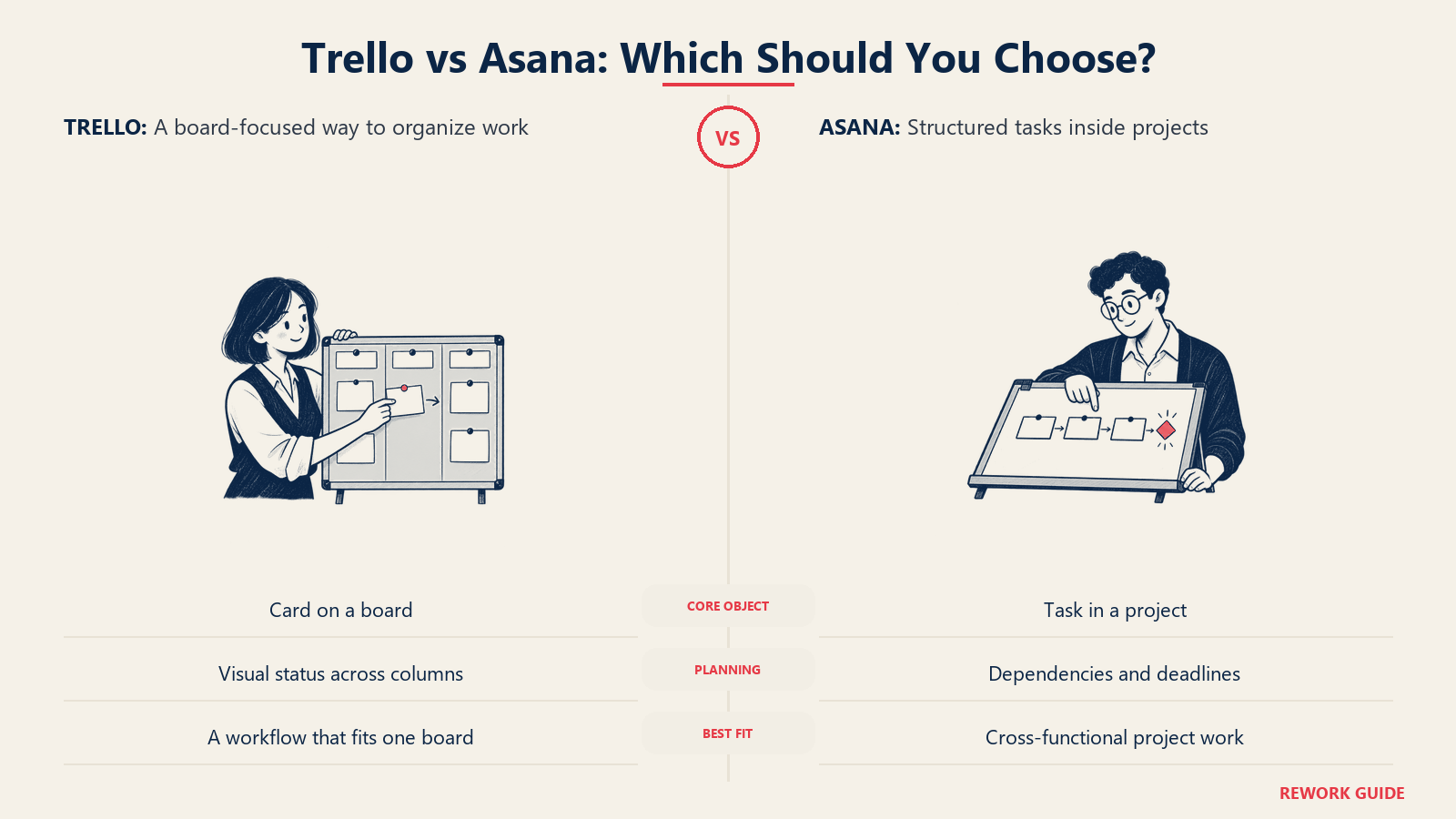
Pick Trello if you want a simple visual board your team can set up in minutes and mostly run for free. Pick Asana if you're managing structured, cross-functional projects with dependencies, owners, and deadlines that need to be tracked, not just visualized. Both tools organize work into cards or tasks that move across stages, so on the surface they look similar. The real gap shows up in how much structure each one asks for, and how far the free plan actually gets you. For a broader framework before narrowing to these two, see how to choose project management software.
Neither tool is objectively better. Trello stays close to its Kanban roots: a board, some lists, and cards you drag between them. Asana builds a fuller project model on top of tasks, with dependencies, portfolios, and goals layered in as you move up. The rest of this guide covers how each is structured, what each costs at real seat counts, why their free plans aren't close anymore, and which team profile fits which product.
What Trello is vs what Asana is
Trello organizes work as cards on boards made of lists, the classic Kanban model: a column for "To Do," one for "Doing," one for "Done," and cards you drag across as work progresses. A card can carry checklists, due dates, attachments, and Custom Fields, but the board stays the primary unit. It's a tool built to be understood at a glance, by anyone, without training.
Asana organizes work around tasks that live inside projects, which live inside portfolios. A task can carry subtasks, dependencies, custom fields, and multiple assignees over time, and views like Board, Timeline, and Calendar are just different windows into that same underlying task list. It's a project execution tool first: define the work, assign it, track it to done, and roll it up into a goal.
| Dimension | Trello | Asana |
|---|---|---|
| Core object | Card on a board | Task inside a project |
| Design philosophy | Lightweight visual Kanban board | Structured project execution |
| Default mental model | Sticky notes moving across columns | To-do list with dependencies |
| Best natural fit | Small teams and simple workflows that fit on one board | Cross-functional projects with fixed owners and deadlines |
| Learning curve | Very low, most people are productive in minutes | Moderate, the structure is guided but has to be learned |
| Product breadth | Kanban board plus an optional Power-Ups marketplace and a native Jira link | Project management plus goals, portfolios, and workload management |
| Parent company | Atlassian, which also builds Jira and Confluence | Standalone company, not tied to a broader platform suite |
Key Facts
- Asana's Core customers, those spending $5,000 or more annually, grew to 25,928 in its fiscal Q4 2026 results, up 8% year over year.
- Trello's free Workspace plan allows up to 10 collaborators, while Asana's free Personal plan allows up to 2 users to collaborate, a wide gap for two tools this close on paid pricing.
- Trello's paid automation runs are capped at 1,000 per month on Standard and go unlimited on Premium, while Asana's automations are unlimited from its cheapest paid tier.
Head to head on the things that decide it
Both tools handle basic task tracking well. Where they diverge is how much you get before paying, and what each vendor gates behind which tier, based on each vendor's own current pricing and feature pages.
| Area | Trello | Asana |
|---|---|---|
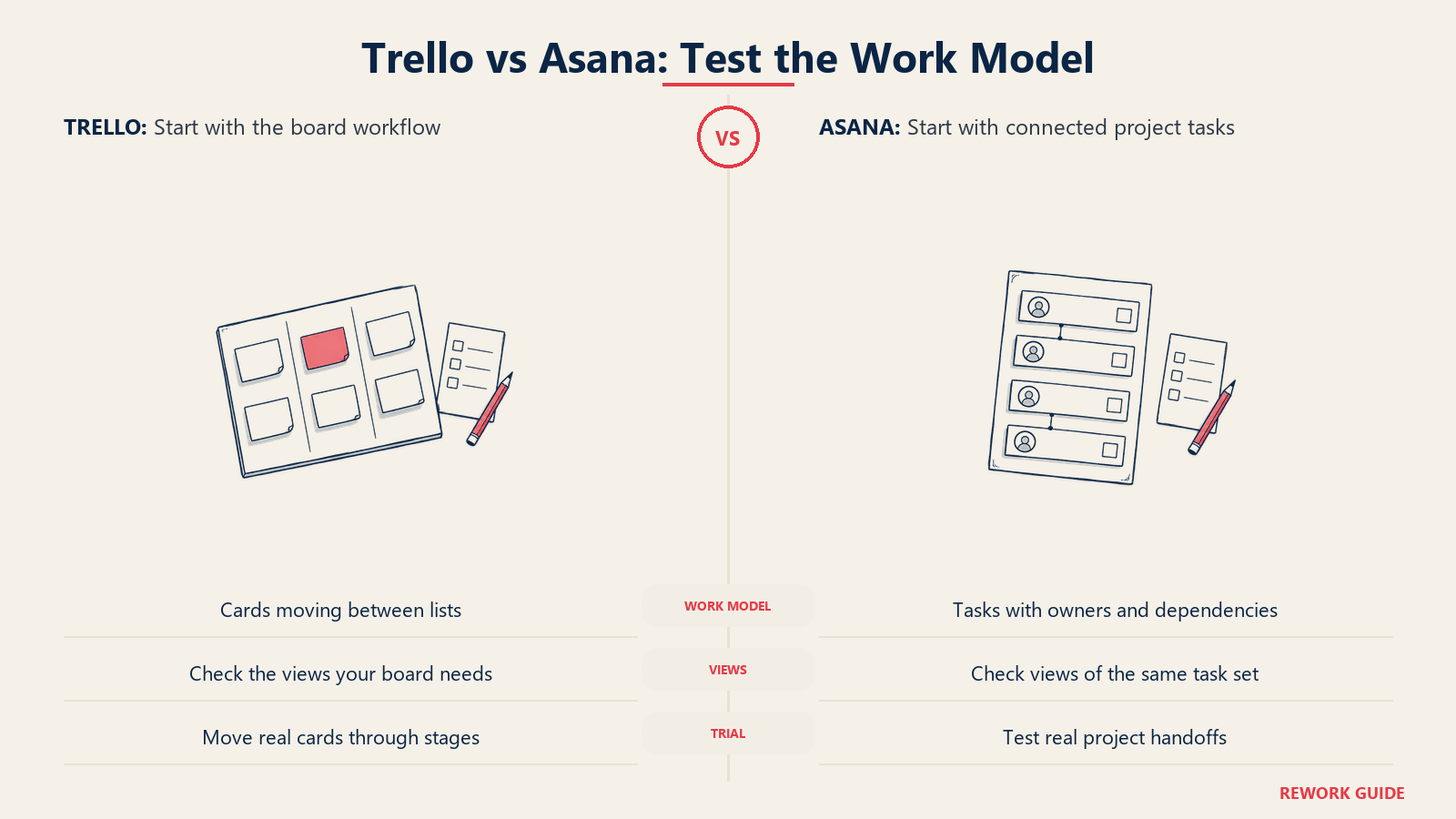
| Views | Board view on every tier; Calendar, Timeline, Table, Dashboard, and Map views gated to Premium | List, Board, and Calendar from Personal; Timeline and Gantt from Starter |
| Automation | Rule-based Butler automation, capped at 250 runs/month on Free, 1,000/month on Standard, unlimited on Premium | Unlimited automations from Starter up, no monthly action cap |
| Guests | Not included on Free; single-board guests from Standard, multi-board guests on Enterprise | Unlimited free guests from Starter |
| Custom fields | Native from Standard | Native from Starter |
| Integrations | Unlimited Power-Ups per board on every tier, including Free, drawn from Trello's own marketplace | 100+ free integrations from Personal, expanding on paid tiers |
| Native Jira link | Built in: attach Jira work items to cards, auto-populate lists from a Jira query, and change Jira status without leaving Trello | No native equivalent; connects to Jira through the open API or third-party apps |
| Goals, portfolios, workload | Not a native feature set | Unlimited portfolios, Goals, and Workload management, all on Advanced |
| AI | AI-assisted board features and quick capture from Standard, no stated usage cap | AI Studio agents, credit-metered: 50K on Starter, 75K on Advanced, 200K on Enterprise |
| Admin and security | Admin and security features from Premium, organization-wide permissions on Enterprise | Scaled security on Advanced, SAML SSO and SCIM provisioning on Enterprise |
| Mobile | Full-featured iOS/Android apps | Full-featured iOS/Android apps |
The pattern holds: Trello keeps its core board free and cheap, then charges for the views and admin controls that turn a board into something IT can govern. Asana front-loads that structure, unlimited automations and guests even on its cheapest paid tier, and saves the heaviest features (Goals, Workload, unlimited portfolios) for Advanced.
Pricing compared
Pricing comparisons go stale fast, so here is what each vendor's page states.
Trello pricing (trello.com/pricing):
| Plan | Billed annually | Billed monthly |
|---|---|---|
| Free | $0 | $0 |
| Standard | $5 per user/month | $6 per user/month |
| Premium | $10 per user/month | $12.50 per user/month |
| Enterprise | $17.50 per user/month ($210 per user/year) | Not offered |
Trello's Free plan carries these limits, in the vendor's own wording: "Up to 10 boards per Workspace," "Free for up to 10 collaborators per Workspace," "Unlimited cards," "250 Workspace command runs per month," and "Unlimited storage (10MB/file)." Trello labels Premium "Best for teams up to 100," a signal of where the vendor itself expects the plan to stop scaling comfortably.
Asana pricing (asana.com/pricing):
| Plan | Billed annually | Billed monthly |
|---|---|---|
| Personal | $0 | $0 |
| Starter | $10.99 per user/month | $13.49 per user/month |
| Advanced | $24.99 per user/month | $30.49 per user/month |
| Enterprise | Contact sales | Contact sales |
Asana's Personal plan is capped at "Up to 2 users can collaborate for free." That's a meaningful change from Asana's reputation: its free tier ran as high as 15 users for years, and plenty of buying guides (including older ones) still describe it that way from memory. It isn't anymore. Confirm this on Asana's own pricing page before you plan a rollout around it.
Here's what those annual rates cost at two common team sizes, with the math shown.
| Seats | Trello Standard (annual) | Asana Starter (annual) | Trello Premium (annual) | Asana Advanced (annual) |
|---|---|---|---|---|
| 10 seats | 10 x $5 x 12 = $600.00 | 10 x $10.99 x 12 = $1,318.80 | 10 x $10 x 12 = $1,200.00 | 10 x $24.99 x 12 = $2,998.80 |
| 50 seats | 50 x $5 x 12 = $3,000.00 | 50 x $10.99 x 12 = $6,594.00 | 50 x $10 x 12 = $6,000.00 | 50 x $24.99 x 12 = $14,994.00 |
Trello Standard runs roughly half the annual cost of Asana Starter, but the $5.99 gap per seat per month isn't just margin. Standard doesn't include Calendar, Timeline, Table, Dashboard, or Map views (those stay gated to Premium), and its guest access is limited to single boards. Asana Starter, at nearly double the price, already includes Timeline/Gantt views, unlimited automations, and unlimited free guests. Trello Premium, at $10, closes most of that views gap and still lands cheaper than Asana Starter at both seat counts, but it has no Goals, Portfolios, or Workload features at any price, because Trello doesn't build those at all. Compare what each tier actually unlocks, not just which number is smaller.
The free-tier gap: 10 collaborators vs 2 users
This is the detail most likely to get lost if you're comparing these tools from memory instead of from the current pricing page. Trello's free Workspace plan supports up to 10 collaborators. Asana's free Personal plan supports up to 2. That's not a small gap, it's the difference between "a 6-person team can run this for free indefinitely" and "a 6-person team cannot use this tool at all without paying."
Concretely: a 6-person marketing team, an 8-person agency pod, or a 10-person startup can run its entire task list on Trello's free plan, with unlimited cards, up to 10 boards per Workspace, and 250 automation runs a month, and never see a paywall unless it wants Premium's views or Standard's guest access. The same team on Asana hits the wall at user number three. Anyone past 2 collaborators moves to Starter at $10.99 per user per month billed annually, which is $1,318.80 a year for that same 10-person team before a single advanced feature gets used.
This asymmetry should shape the decision, not just the price comparison. If your team is small, cash-constrained, or still validating whether it needs formal project software at all, Trello's free tier is a genuinely usable product for a meaningfully larger group. Asana's free tier reads closer to a two-person trial than a real small-team plan. For a broader framework on when a free tier stops being enough, free vs paid software: when to upgrade walks through the signals worth watching for on either tool.
Trello's Atlassian roots vs Asana's standalone depth
Trello has been owned by Atlassian since early 2017, and that ownership shows up directly in the product. Trello ships a native Jira integration: you can attach a Jira work item to a card and change its status without leaving Trello, build a Trello list that auto-populates from a Jira query, and set up automations that create or comment on Jira work items. For a team that already runs engineering in Jira and wants a lighter, visual layer on top for cross-functional work, that link is a real reason to pick Trello: it's the natural upgrade path when a board outgrows itself, with no data migration involved.
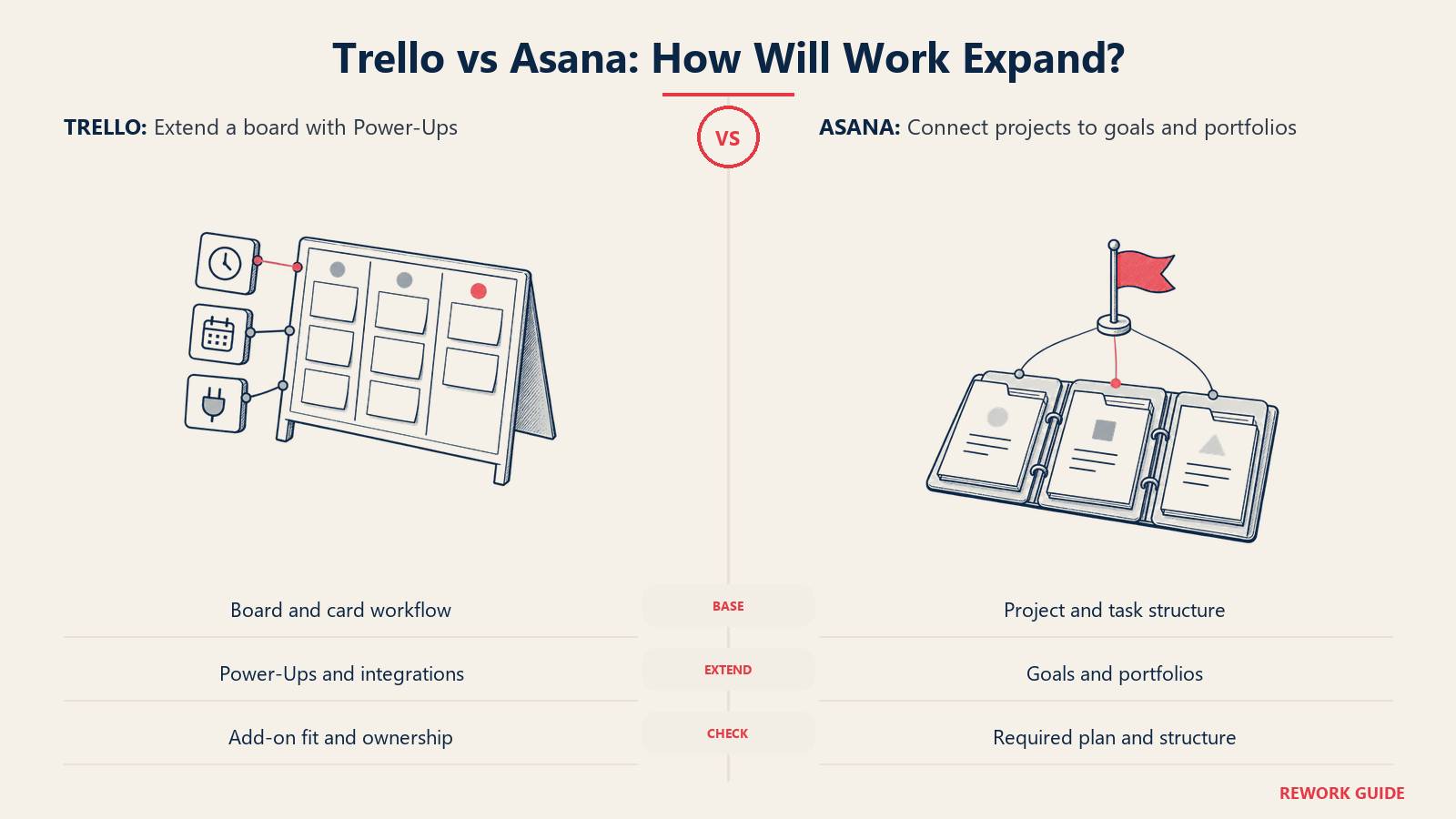
Asana has no comparable platform relationship and no native CRM or dev-tracking product to graduate into. What it has instead is depth Trello doesn't attempt: Goals as a native object that rolls project work up to company objectives automatically, unlimited Portfolios for leadership visibility, and Workload views for capacity planning, all live on Advanced. Trello has no equivalent to any of the three at any price, because its model stops at the board and doesn't try to become a portfolio tool.
The two products also differ in how they extend themselves. Trello leans on Power-Ups, a marketplace of add-ons (unlimited per board, on every tier including Free) that bolt on calendar syncing, time tracking, and third-party connections, though some of that (Calendar, Timeline, Dashboard, and Map views) is now native at Premium. Asana builds its views, automations, and forms directly into the product, and layers on 100+ free integrations rather than leaning on a marketplace for core functionality.
Where each one stops scaling tracks its design philosophy. Trello's own pricing page labels Premium "best for teams up to 100," and past that, Enterprise adds organization-wide permissions and Power-Up administration rather than new project-management depth. Asana keeps adding structure as you go: Workload and capacity planning move from Advanced to "universal" on Enterprise, alongside SAML SSO and SCIM provisioning, features aimed at IT governing dozens of teams at once, not just one board.
When Trello is the better choice
Trello tends to win for teams that want a tool to disappear into the background, not one to configure before it's useful.
- You want the whole team working for free, not just a couple of admins. Trello's 10-collaborator free limit supports a real small team, not a trial account.
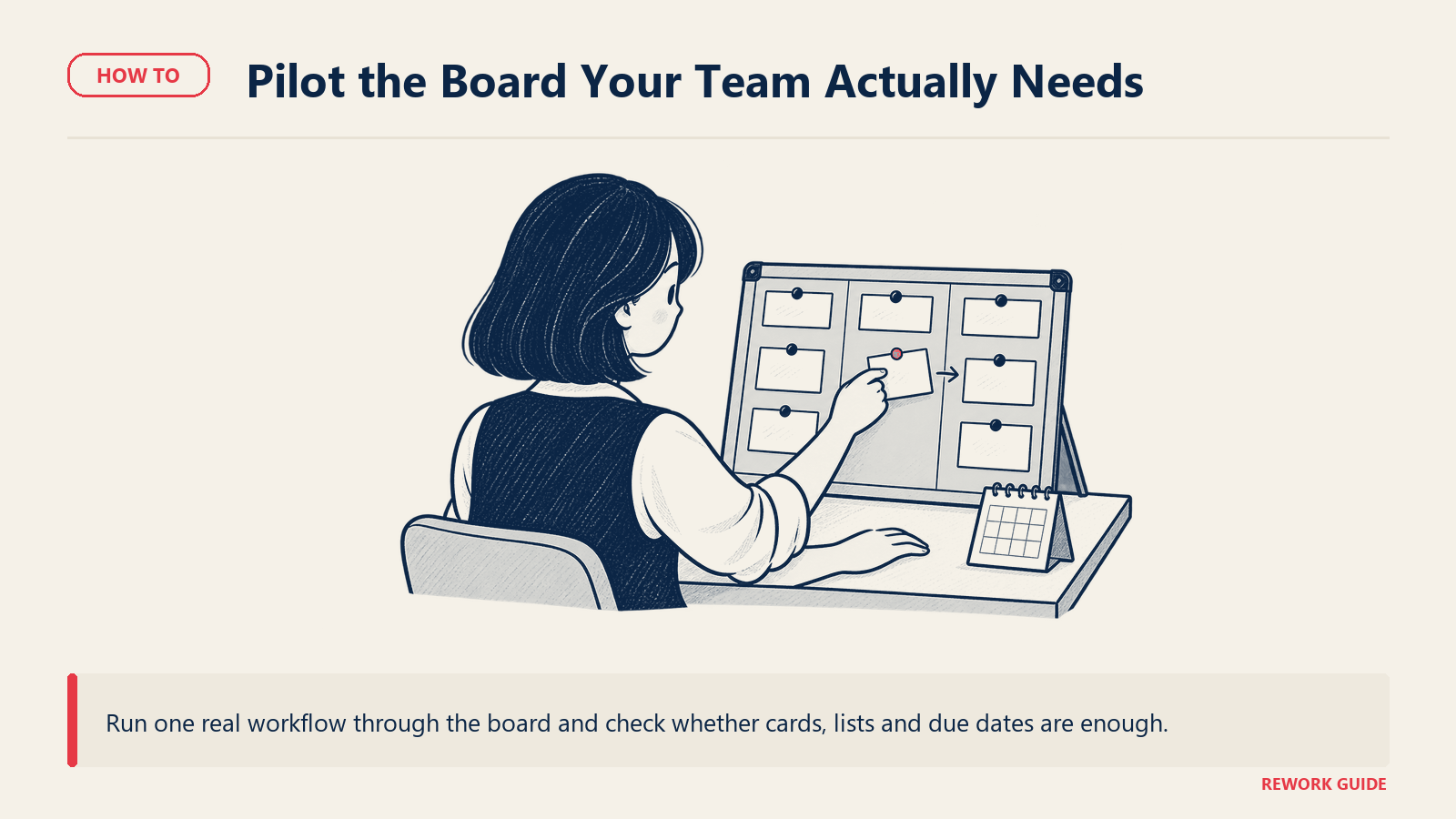
- Your workflow genuinely fits on one board. A single pipeline, a single content calendar, a single support queue: Trello's board-and-card model handles it without extra structure to maintain.
- You already run engineering in Jira. The native Jira link lets non-technical teams collaborate visually on work that still lives in Jira for developers, covered in how to choose PM software for software teams.
- You're a startup watching every dollar. Ten free seats and a $5 per user Standard tier make Trello the cheaper starting point for teams choosing PM software on a startup budget.
If your team already thinks in boards and columns, Trello needs almost no setup to start paying off.
When Asana is the better choice
Asana tends to win for teams that have outgrown "track it on a board" and need the software to enforce a process.
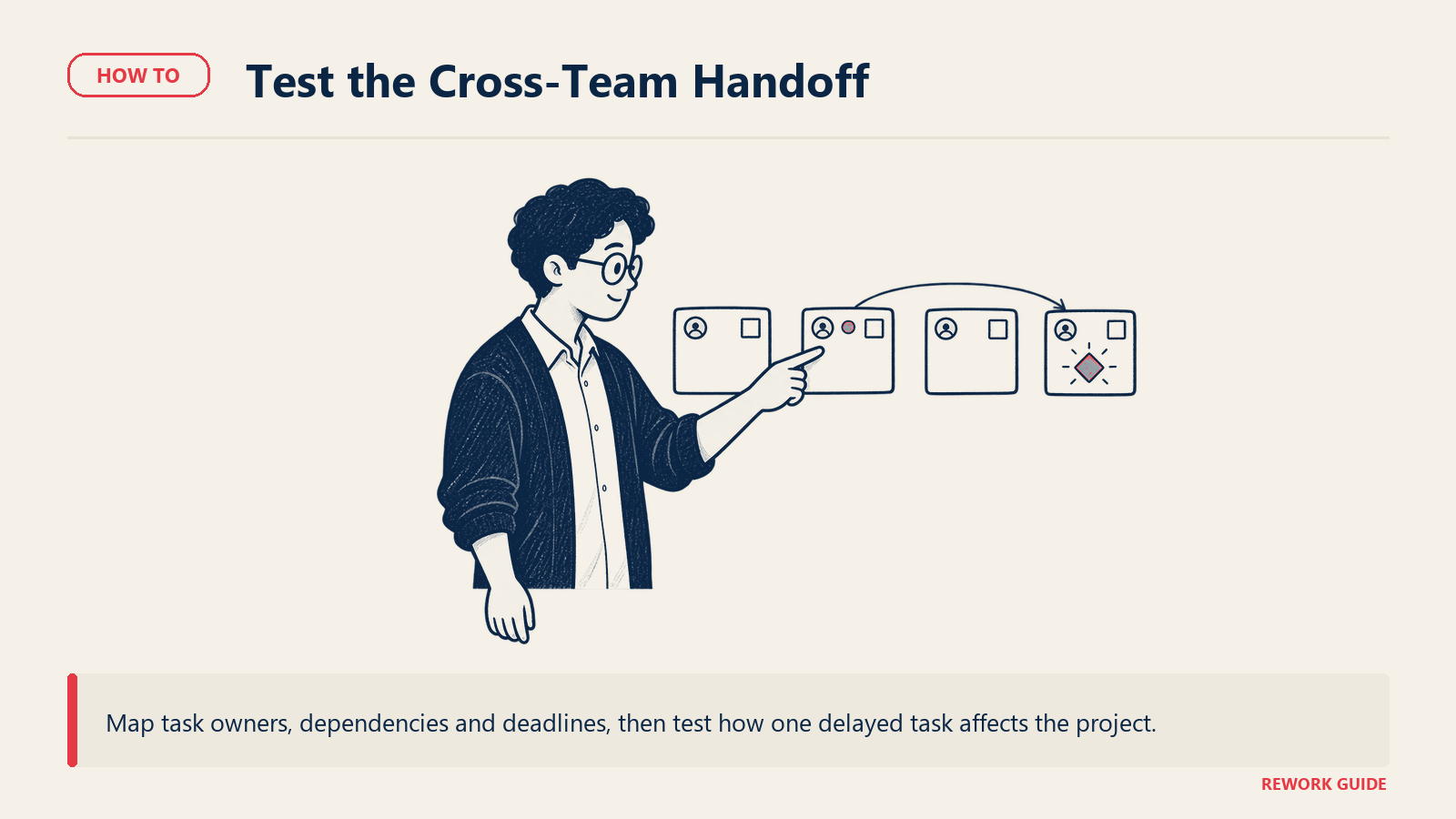
- You run cross-functional projects with dependencies and fixed deadlines. Asana's task model, not Trello's card model, is built to track what's blocking what.
- Leadership wants goals and portfolios to roll up automatically. Asana's native Goals object (Advanced) ties directly to project work; Trello has nothing comparable at any price.
- Unlimited guests matter from the cheapest paid tier. Agencies looping in clients benefit from unlimited free guests at Asana Starter, versus Trello's single-board guests starting at Standard, a fit explored in how to choose PM software for agencies.
- You need Timeline and Gantt views without upgrading twice. Asana includes them at Starter; Trello holds its equivalent views back until Premium.
- Remote and distributed teams need task-level accountability, not just visual status. Dependencies and assignee history matter more than board aesthetics, a priority covered in how to choose PM software for remote teams.
If your team's process has outgrown a single board and needs dependencies, goals, or client guests to just work, Asana needs less custom setup to get there.
How to choose: a decision framework
Match your situation to the table below. If you land in more than one row, weight the criteria that matters most; free-tier headcount usually breaks the tie for small teams.
| If your situation is... | Pick... | Reason |
|---|---|---|
| Small team (up to 10 people) that wants to stay free as long as possible | Trello | 10 free collaborators vs Asana's 2 |
| Structured cross-functional projects with dependencies and fixed deadlines | Asana | Task and dependency model enforces the process natively |
| Team already running engineering in Jira | Trello | Native Jira link, no equivalent on Asana |
| Leadership wants goals to roll up automatically from project work | Asana | Native Goals object (Advanced), nothing comparable on Trello |
| Agency or consultancy looping in many external clients | Asana | Unlimited free guests from the cheapest paid tier |
| Budget-constrained team that mainly needs a visual board, no advanced views | Trello | Standard at $5/seat undercuts Asana Starter at every seat count |
| Team wants Calendar, Timeline, and Dashboard views without a second upgrade | Asana | All included at Starter; Trello holds them for Premium |
| Team building heavy automation without tracking a monthly action cap | Asana | Automations unlimited from Starter, no action ceiling |
For a category-agnostic version of this logic, project management software evaluation criteria walks through the eight dimensions that matter across any PM tool comparison. Once you've picked one, how to run a software trial covers how to test it properly before committing a whole team.
Frequently asked questions
Is Trello or Asana easier to learn?
Trello is easier to learn for almost anyone. A board with a few lists is intuitive on first use, and most teams are productive within minutes. Asana asks you to think in tasks, projects, and dependencies from the start, which takes longer but reduces process drift once a team is trained on it.
Can I run Trello and Asana side by side during a trial?
Yes, and it's worth doing if your team is genuinely undecided. Both vendors offer free trials of their paid tiers, and Trello's free plan alone supports up to 10 people indefinitely. Run the same real project, not a demo template, through each tool for two weeks, then compare adoption, not just the feature list. See how to run a software trial for a structured approach.
Does either tool double as a dev-tracking or CRM system?
Not on its own. Trello connects to Jira natively for dev tracking, but it isn't a replacement for it, and neither tool includes a CRM. If you need project management and dev tracking together, Trello's Jira link is the closer fit; CRM needs a separate evaluation entirely.
Which tool is better for a small team just starting out?
For a team of 10 or fewer that mainly needs task tracking, Trello's free plan is the stronger start: it covers the whole team, not just 2 people, and doesn't force a purchase decision before you know the tool fits. Move to Asana once the team needs dependencies, goals, or guest collaboration Trello's board model doesn't cover.
How hard is it to migrate from one tool to the other later?
Both support CSV import and basic migration guidance, but neither offers a lossless, one-click migration from the other. Automations, custom fields, and board or project structure have to be rebuilt by hand, so treat the initial choice as a real commitment, not something to swap casually once a team has settled in.
Choosing between Kanban simplicity and structured project execution
The Trello vs Asana question comes down to how much structure your team needs, and how many people need to collaborate before you're willing to pay for it. Trello wins on simplicity and on how far its free plan stretches. Asana wins once a team needs dependencies, goals, and guest access to function.
If you're still narrowing the category before committing to either vendor, how to choose project management software is the right starting point. If you're torn between Trello's simplicity and a more configurable board tool, Notion vs ClickUp and Asana vs monday.com cover two other pairings worth ruling out first.
Related reading
- How to choose project management software
- Asana vs monday.com: which should you choose?
- Notion vs ClickUp: which should you choose?
- Project management software evaluation criteria
- How to choose kanban software
- How to choose PM software for small business
- How to choose PM software for startups
- How to choose PM software for remote teams
- How to choose PM software for agencies
- Free vs paid software: when to upgrade
- How to run a software trial

Head of Enterprise Solutions
On this page
- What Trello is vs what Asana is
- Head to head on the things that decide it
- Pricing compared
- The free-tier gap: 10 collaborators vs 2 users
- Trello's Atlassian roots vs Asana's standalone depth
- When Trello is the better choice
- When Asana is the better choice
- How to choose: a decision framework
- Frequently asked questions
- Is Trello or Asana easier to learn?
- Can I run Trello and Asana side by side during a trial?
- Does either tool double as a dev-tracking or CRM system?
- Which tool is better for a small team just starting out?
- How hard is it to migrate from one tool to the other later?
- Choosing between Kanban simplicity and structured project execution
- Related reading