How to Choose Scheduling Software for Sales Teams
Turn this article into takeaways for your work.


Each assistant summarizes the article only for you and suggests best practices for your work.
For a sales team, scheduling software is not a booking link. It's the first ten minutes of a lead's life: does the meeting get booked before the inbound form's thank-you page finishes loading, does it land on the right rep through round robin, territory, or account-ownership rules, and does the outcome write itself back to the CRM without a rep re-typing it by hand. If you're buying a link for one person to share, not routing infrastructure for a team, start with our broader how to choose scheduling software guide instead. It covers personal and service-business booking, which this one skips on purpose.
This guide is scoped to the actual sales job: instant booking on inbound form submit, routing rules that survive more than three reps, a clean SDR to AE handoff, no-show reduction, and a meeting record that lands in the CRM without an export. Some of what you need may already be sitting inside your CRM for free. Some of it costs five figures a year and comes with a 15-seat floor. Knowing which is which before your first demo call saves you a full sales cycle.
Key Facts: scheduling software for sales teams
- A 2011 Harvard Business Review analysis of 2,241 companies found only 37% attempted to contact a web-generated lead within an hour, and 23% never responded at all (Harvard Business Review, The Short Life of Online Sales Leads).
- The MIT and InsideSales.com Lead Response Management study found the odds of qualifying a lead drop 21-fold when response time stretches from 5 minutes to 30 minutes (Lead Response Management Study).
- Across 6,428 real B2B meetings tracked in a single week in December 2024, RevenueHero measured a 6.5% overall no-show rate, ranging from 0% in healthcare to 18.1% in education (RevenueHero No-Show Benchmark).
- Chili Piper's own published guidance puts typical B2B sales no-show rates at 20% to 35%, and cites research showing prospects are 12% more likely to show up to a 30-minute meeting slot than a 60-minute one (Chili Piper, How to Handle No-Shows).
Instant booking, a routing engine, and a booking link are three different products
The category gets confusing fast because most vendors sell some blend of three separable jobs, and most buyers only need one or two of them.
| Booking link | Routing engine | Instant booking | |
|---|---|---|---|
| What it does | One person shares a link, the invitee picks a slot | Assigns a lead that already exists to the right rep by rule | Books a specific rep's calendar the moment a form is submitted |
| Who it serves | Individual reps, warm prospects, existing accounts | RevOps, the assignment layer underneath any front-end tool | Inbound marketing, cold form fills, the first five minutes |
| Where it lives in this guide | Calendly, Cal.com, SavvyCal, OnceHub, ChiliCal | Your CRM's native assignment rules, or a routing specialist | RevenueHero, Default, Chili Piper's Routing & Scheduling |
| The gap most teams miss | Fine on its own, doesn't route or qualify anyone | Fine on its own, doesn't put a calendar slot in front of a lead | Needs routing logic underneath it or it just books round robin blind |
Most tools in this guide live in exactly one of these three lanes. Buying the wrong lane is the most common mistake in this category: a team frustrated with slow inbound response buys a nicer booking link, and the response time doesn't move, because a booking link was never the bottleneck. If reps are slow to respond, or leads route to whoever checks Slack first, that's a routing and instant-booking problem, not a calendar problem. For the layer above scheduling, where outreach cadences and email sequencing live, see our guide to choosing sales engagement software. Under 20 people, the lighter version of that same evaluation is in sales engagement for SMB teams.
What your CRM already covers before you add a vendor
Before pricing a specialist, check what's already sitting inside the CRM you pay for. HubSpot ships a meeting scheduler as part of Sales Hub, and it works on HubSpot's free CRM tier: connect a calendar, and prospects book directly from a link tied to the contact record, no cost at all. Salesforce ships a comparable capability, Salesforce Scheduler, but it's a paid add-on with no price published anywhere on Salesforce's own site, gated to Enterprise and Unlimited edition orgs, and sold through a sales conversation rather than a self-serve signup.
Neither native option gives you deep round-robin, territory, or SLA routing without a paid tier or extra configuration, which is exactly why the specialists in this guide exist. But if the real ask is "can a prospect book a meeting from our CRM record," price the native route first. It's genuinely free on HubSpot's side, and it's one fewer vendor to onboard, secure, and eventually migrate off. For the CRM decision underneath all of this, see choosing a CRM for B2B sales and the general CRM buying guide if you haven't settled that question yet.
What to look for
Split into two lists: what makes a tool actually solve the sales job, and what makes it survivable to own for three years.
| Criterion | Why it matters | What good looks like |
|---|---|---|
| Instant booking on form submit | A lead is warmest in its first few minutes; every minute after that, the odds of qualifying it drop | A calendar renders on the thank-you page itself, no email round-trip required |
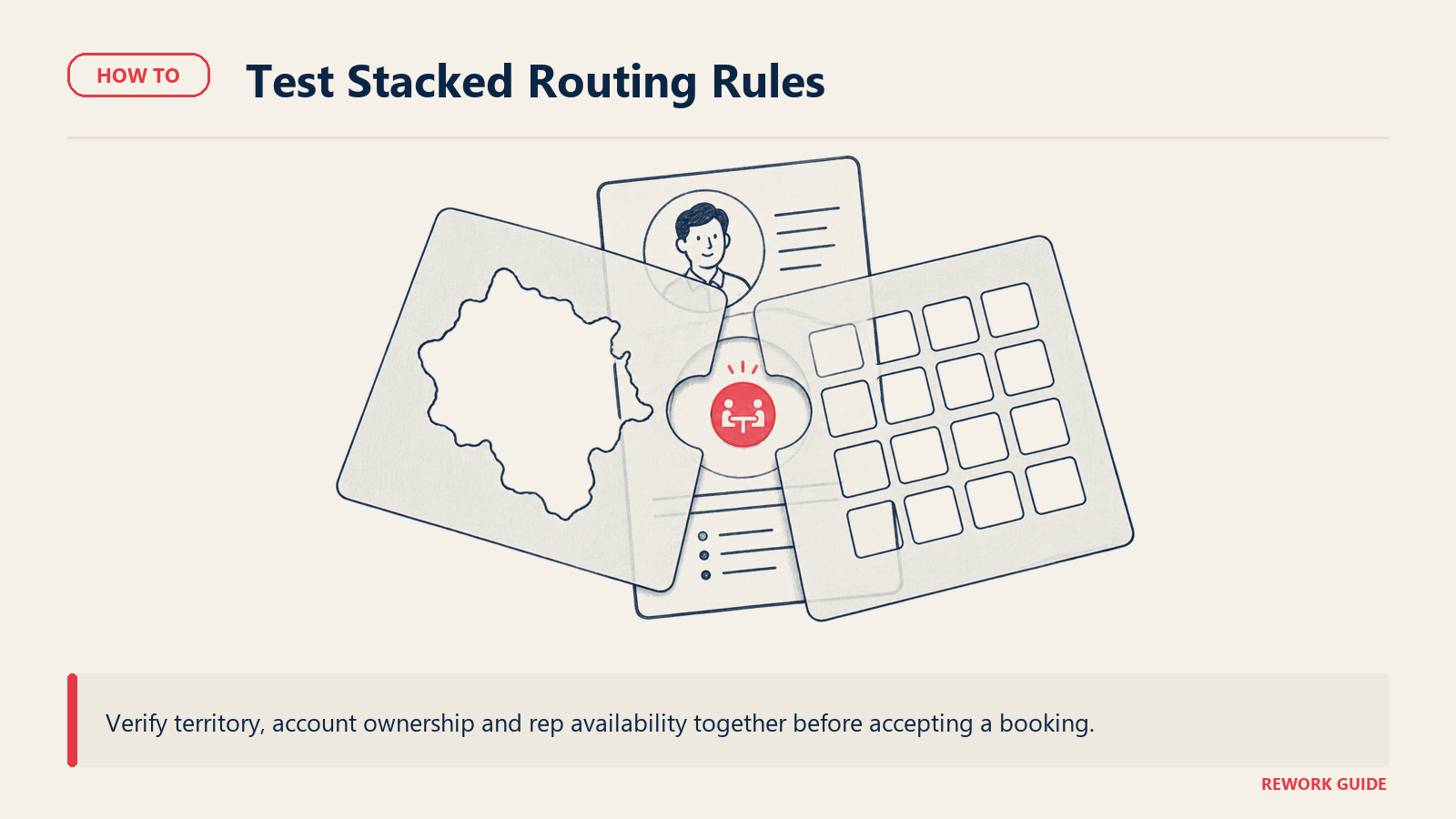
| Multi-rule routing | Real teams need round robin, territory, and account ownership running together, not one rule at a time | Rules stack: round robin within a territory, with an existing account-owner override |
| SDR to AE handoff | A meeting nobody owns after booking is a meeting that gets no-showed or double-worked | The handoff assigns an owner and logs context to the CRM automatically, not by Slack message |
| Write-back to the CRM | Manual data entry after every booking is where routing rules quietly stop mattering | The meeting, its outcome, and any reschedule sync to the lead or contact record with no export |
| No-show handling | A 20% to 35% no-show rate is a lot of rep time to leave unmanaged | Automated reminder sequences, self-serve reschedule links, and shorter default slot lengths |
| Criterion | Why it matters | What good looks like |
|---|---|---|
| Pricing shape | A platform fee stacked with per-seat pricing behaves very differently from flat per-seat pricing as you grow | Model the bill at your real headcount, not the demo's three-seat example |
| Seat floor | Several tools in this category carry a 15, 30, or 200-seat minimum | Confirm the floor before a discovery call, not after a proposal lands |
| CRM depth | A tool that only connects by webhook behaves differently from one that's CRM-native | Native Salesforce or HubSpot objects, field mapping included, not a one-way webhook |
| Admin effort to change a rule | Routing rules change every time territories, headcount, or product lines change | A no-code rule builder an ops person can edit without opening an engineering ticket |
| Trial or pilot path | Several vendors in this category are demo-only, with no self-serve trial at all | A real trial run against your own form traffic, not a sandbox seeded with fake leads |
For the fuller scoring sheet that applies across any SaaS purchase, not just this category, see our SaaS vendor evaluation scorecard.
Key questions to ask before you buy
Use the demo to trace booking, routing and the SDR-to-AE handoff into the CRM.
Does the meeting get booked before the thank-you page loads, or does a follow-up email have to fire first? That gap is the entire reason instant-booking tools exist. Ask for a live demo against a real form, not a slide describing the mechanic.
Can routing rules stack, round robin plus territory plus an account-owner override, or is it one rule at a time? A tool that only does round robin will fight you the moment you need an existing account to route back to its owner instead of the queue.
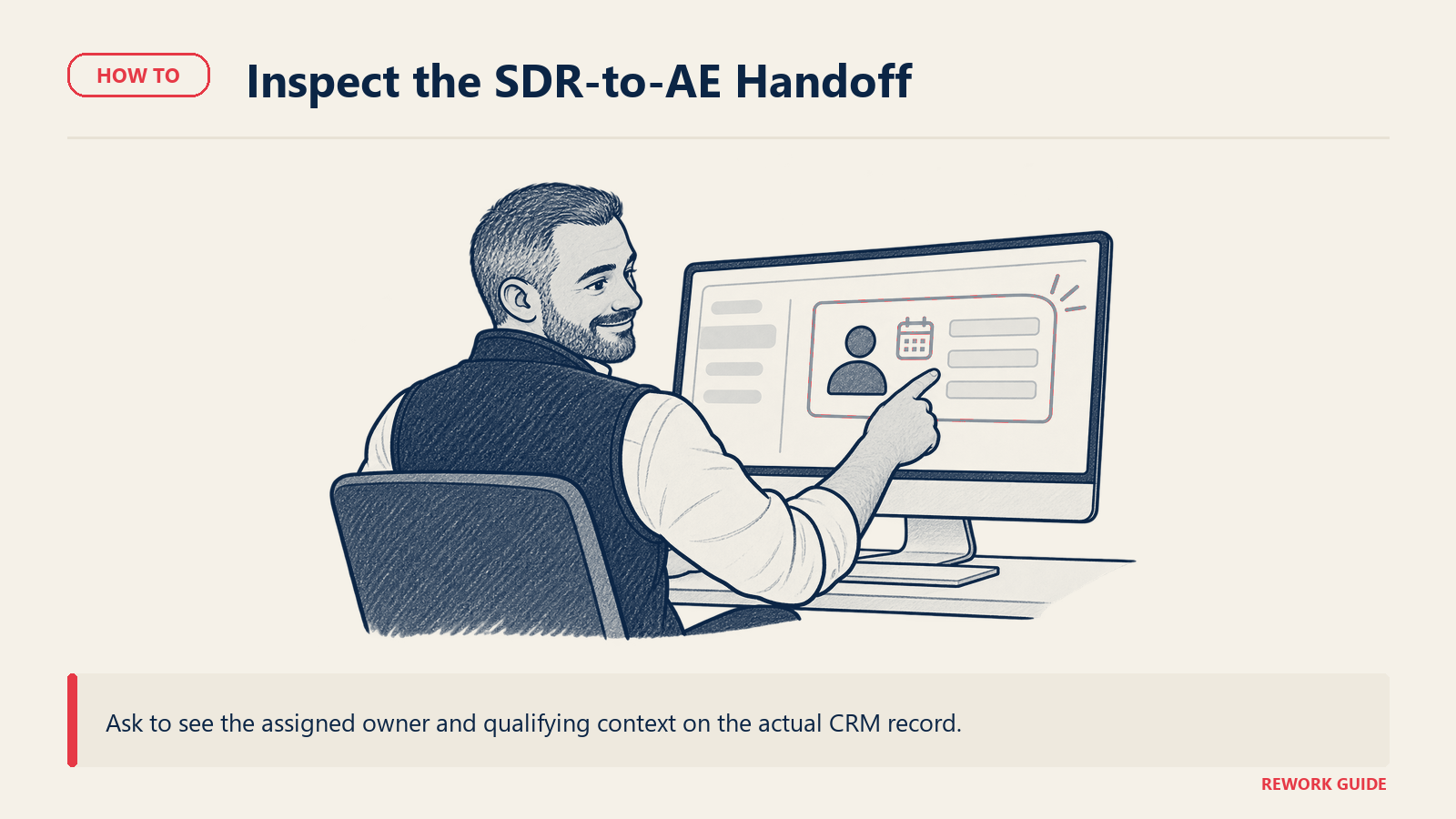
What actually happens on the SDR to AE handoff? Push past "we send a calendar invite." Ask whether the tool assigns a named owner, logs the qualifying context, and enforces a follow-up window, or whether that part is still a Slack message someone might miss.
Does the booking write back to the CRM automatically, and where does it land? Get a demo of the actual lead or contact record after a meeting books, not a screenshot of a dashboard. A CSV export someone reconciles by hand doesn't count.
Is the price a flat platform fee, a per-seat fee, or both stacked together? Several vendors in this category charge a monthly platform fee on top of per-seat pricing. Model that at your real headcount before signing, not at the size the sales rep demoed.
What is the real seat floor, not the number on the homepage? Chili Piper's entry plan includes 15 seats whether you need them or not. ChiliCal's standalone product requires 200. Confirm the floor matches your actual team size before a proposal arrives.
Is there a self-serve trial against real form traffic, or is this a demo-only sales conversation? Several tools here, Default and Qualified-style AI agents in particular, skip a self-serve trial entirely. That's a longer sales cycle to budget for, not a dealbreaker on its own.
If you're already on HubSpot or Salesforce, does the native scheduler cover this before you add a vendor? HubSpot's meeting scheduler is genuinely free. Salesforce Scheduler isn't free, but it may already be cheaper than a new specialist once you account for one fewer integration to maintain.
Shortlist
Not a ranking. Three groups, because the tool that wins depends on which job is actually broken: getting the meeting booked instantly, routing it correctly once it exists, or running calendar logistics your team already understands. Prices follow in the pricing section.
Inbound routing and instant booking. The core sales job: qualify and book the meeting the moment a form is submitted, before a human ever gets involved.
| Tool | Best for | Routing mechanic | Notes |
|---|---|---|---|
| RevenueHero | Inbound teams wanting the instant-booking mechanic on a real budget | Smart and fuzzy matching, SLA-style routing on the Enterprise tier | Platform fee stacks with per-seat pricing as headcount grows |
| Default | RevOps teams wanting routing, enrichment, and scheduling chained into one workflow | Enrichment-driven qualification runs before the booking step fires | No published pricing anywhere; expect a sales conversation first |
| Chili Piper | Teams that want the tool that defined this category, at its full 2026 price | Round robin, territory, and SLA rules, plus AI-driven booking on Experiences | $15,000/year floor, 15-seat minimum, no free trial or free plan |
| Kronologic | Teams wanting AI that re-proposes a meeting time instead of waiting on a reply | CRM-connected routing (Salesforce, HubSpot) sits on the $49/seat Team tier | Free and Pro tiers don't include CRM-connected routing at all |
RevenueHero is the closest like-for-like swap if what you actually want is Chili Piper's instant-booking mechanic without Chili Piper's price. Default earns its keep when the real complaint is that leads need enrichment before routing decides anything, not just a faster calendar. Kronologic is the outlier here: instead of showing a link, its AI proposes a specific time and re-proposes another one if the first doesn't land, a genuinely different mechanic from every other tool in this group.
CRM-native scheduling. Already inside the platform your reps live in every day, for a price that's either free or bundled into a CRM decision you've likely already made.
| Tool | Best for | What's native | What still needs a separate tool |
|---|---|---|---|
| HubSpot Meetings | Teams already on HubSpot wanting scheduling tied to the contact record, for free | The scheduler itself, on any HubSpot tier including the free CRM | Real round-robin and SLA routing, gated behind Sales Hub Professional |
| Salesforce Scheduler | Enterprise or Unlimited edition orgs wanting appointment booking inside Salesforce | Booking runs against Salesforce data, availability, and objects directly | A published price; this is a sales conversation, not a self-serve signup |
Neither of these is a routing specialist. What they're good for is closing the gap between "we already pay for this CRM" and "why are we also paying for a calendar tool that doesn't talk to it."
General-purpose booking links. Meeting logistics, not lead routing. The right fit once routing is solved elsewhere, or for teams small enough that routing isn't the problem yet.
| Tool | Best for | Free tier? | Notes |
|---|---|---|---|
| Calendly | The most recognized booking link on the market, minimal setup | Yes, 1 event type, 1 calendar | Teams tier adds round robin at $16/seat/month, still logistics, not lead routing |
| Cal.com | Technical teams wanting a deep scheduling API | Yes, 1 user, unlimited event types | Teams tier adds round robin and routing forms at $12/user/month, billed annually |
| SavvyCal | Teams that care about invitee-first UX and an overlay calendar view | No, trial only | Premium adds custom domains and paid bookings at $17/user/month |
| OnceHub | Teams wanting routing forms and booking bundled at one predictable price | Yes, 1 user, 1 booking link | The Route tier ($19/seat/month annual) is the one that adds routing forms |
| ChiliCal | Enterprises sold on Chili Piper's calendar UX, without buying the full platform | No | A 200-seat minimum keeps it out of reach below enterprise scale |
Calendly and Cal.com are the two most flexible generalists here, and both now offer a round-robin tier that covers a small team's routing needs without a routing-specialist price tag. OnceHub sits a step further toward routing, since its Route tier adds actual routing forms rather than just round robin. ChiliCal is a strange fit for most buyers on this list: it's Chili Piper's calendar UX sold on its own, but the 200-seat minimum means it's really an enterprise product wearing a standalone label.
How to choose: a decision framework
Match your situation to a starting point, then confirm the seat floor and trial path before you book a second call.
| Your situation | Start here | Why |
|---|---|---|
| Inbound-heavy team wanting Chili Piper's core mechanic without its $15,000 floor | RevenueHero | Purpose-built instant booking and routing at a fraction of the price |
| RevOps team whose real gap is enrichment before routing, not just booking speed | Default | Chains enrichment and routing into the booking step itself |
| Team wanting the category-defining tool at full scale, price isn't the constraint | Chili Piper Routing & Scheduling | Deepest routing plus AI scheduling in Experiences, at an enterprise price |
| Team wanting AI that re-books a missed meeting automatically | Kronologic | Autonomous re-proposal instead of a static link and a hope |
| Already on HubSpot, wants scheduling for free before buying anything new | HubSpot Meetings | Genuinely free, tied to the contact record, no new vendor to onboard |
| Already on Salesforce, needs appointment booking inside the org itself | Salesforce Scheduler | Native to the CRM data reps already work in, price on request |
| Small team, under 10 reps, just needs a booking link with round robin | Calendly Teams or Cal.com Teams | Cheapest path to round robin without a routing-engine price tag |
| Technical team wanting the lowest-cost, API-flexible option, not necessarily free self-hosting | Cal.com Teams | Deep API well under Chili Piper's price; the free self-host option (Cal.diy) is a limited community edition, not production-ready |
| Routing is already solved, you only need the calendar layer | Calendly, SavvyCal, or OnceHub, by feature fit | These compete on booking-page UX, not routing depth |
If the whole team is new to buying software as a group, not just this one purchase, how to get team buy-in on new software covers getting sales, marketing, and ops to agree before anyone signs a contract.
Pricing: what to expect
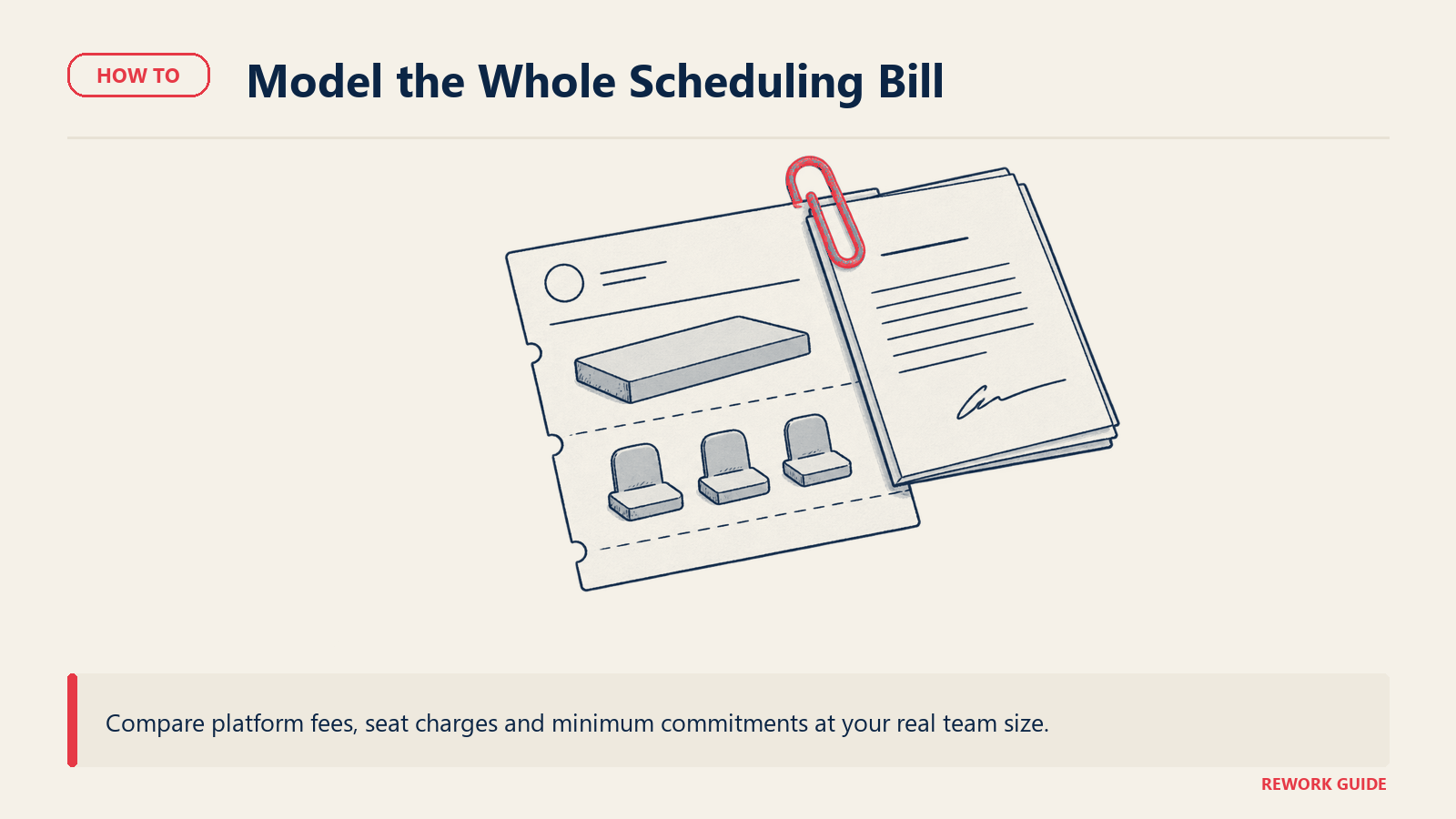
Pricing here takes three shapes: flat per-seat, a platform fee stacked on top of per-seat pricing, and bundled into a CRM tier you may already own. Read the billing basis on every number before comparing it to anything else on your shortlist.
| Vendor | Entry price | Billing basis | Notes |
|---|---|---|---|
| Calendly | Standard, $10/seat/month | Monthly or annual (17% annual saving advertised, rate not printed) | Free plan covers 1 event type, 1 calendar; Teams $16/seat/month adds round robin |
| Chili Piper | Routing & Scheduling, $1,250/month ($15,000/year) | Annual billing only | 15 seats included, extra seats $45/seat/month; no free trial, no free plan |
| ChiliCal | Standalone calendar, $12/user/month | Annual billing only | 200-seat minimum, out of reach below enterprise scale |
| RevenueHero | Inbound Essentials, $79/month platform fee + $25/user/month | Billed annually ($79 + $35/user/month if paid monthly) | 14-day trial; Enterprise is $79 + $35/user/month annual, smart/fuzzy matching |
| Default | Not published | Reported: platform fee roughly $225 to $1,500+/month plus $20 to $45/seat | Sales-assisted only, no self-serve signup or free plan |
| Kronologic | Pro, $15/seat/month | Monthly (annual plans advertise 2 months free, rate not printed) | Free plan covers 2 meeting types; Team (CRM routing) is $49/seat/month |
| HubSpot Meetings | Free, part of Sales Hub's free CRM tier | N/A | Real routing needs Sales Hub Professional, $90/seat/month annual plus a mandatory $1,500 onboarding fee |
| Salesforce Scheduler | No published price | Contact sales, annual commitment | Requires Enterprise or Unlimited edition Salesforce; third-party trackers report around $25/user/month, unconfirmed by Salesforce itself |
| OnceHub | Route, $19/seat/month | Monthly ($23/seat/month) or annual ($19/seat/month) | Free Basic plan covers 1 user; Route is the tier that adds routing forms |
| SavvyCal | Basic, $10/user/month | Monthly (annual billing saves 2 months, rate not printed) | Premium adds custom domains and paid bookings at $17/user/month |
| Cal.com | Teams, $12/user/month | Billed annually (25% saving vs. monthly) | Free plan covers 1 user; Organizations adds SSO at $28/user/month annual |
Three flags before you budget. First, RevenueHero and Chili Piper both stack a platform or base fee on top of per-seat pricing, so the per-seat number alone understates the real bill. Second, "no published price" and "no self-serve trial" aren't the same fact: Default and Salesforce Scheduler both decline to publish a number, but for different reasons, one is enterprise-sales-only by design, the other requires an edition upgrade most small teams haven't made yet. Third, seat floors matter more here than in most SaaS categories. A 5-person team pricing Chili Piper is really pricing 15 seats whether it uses them or not, and a team evaluating ChiliCal on its own needs 200 seats before the standalone price even applies.
Migration and lock-in
The switching cost in this category isn't the booking page. Every tool here can recreate a calendar link in an afternoon. What doesn't move cleanly is the routing logic: round-robin queues, territory assignments, and SLA rules built up over months of tuning, plus every calendar connection that needs re-authorizing from scratch on the new tool.
The CRM write-back mapping is the part teams underestimate most. If meetings, outcomes, and reschedules sync to specific fields today, confirm the new tool maps to the same fields before cutover, or reporting breaks the day you switch even though booking still works fine. Before signing anywhere, ask for a real trial against your own form traffic and CRM sandbox, not a demo org seeded with fake leads. Structuring a software trial covers running that evaluation properly, and the software integration requirements checklist is worth a pass before anything touches your CRM's field mapping.
Seat floors cut both ways on lock-in too. A 15-seat Chili Piper contract or a 200-seat ChiliCal minimum is expensive to walk away from mid-term, but it's just as expensive to right-size downward if headcount shrinks, since most of these are annual commitments with no mid-contract seat reduction.
Frequently asked questions
What happened to Chili Piper's old cheap per-seat plan?
It's gone, and most older roundups of this category still quote it. Chili Piper used to sell an Instant Booker plan around $15 a seat a month. That plan doesn't appear anywhere on Chili Piper's current pricing page. What's there now is Routing & Scheduling at $1,250/month billed annually ($15,000/year) for 15 seats, and Experiences, its AI-agent tier, at $3,500/month billed annually ($42,000/year) for 30 seats. There's no free plan and no free trial listed for either.
What's the difference between instant booking and lead routing?
Instant booking is the mechanic that puts a calendar in front of a lead the moment they submit a form, before a human responds. Routing is the rule engine underneath that decides which rep's calendar to show, by round robin, territory, account ownership, or some combination. A tool can do either one without the other. Calendly does pure booking with no routing logic. Distribution Engine-style tools do pure routing with no booking page at all. RevenueHero, Default, and Chili Piper are built to do both at once.
Do we need a dedicated routing tool if we're already on HubSpot or Salesforce?
Check what your current tier actually includes before buying anything new. HubSpot's meeting scheduler is free on any tier, but real round-robin and SLA routing sit behind Sales Hub Professional, which adds a mandatory $1,500 onboarding fee on top of the per-seat price. Salesforce Scheduler requires Enterprise or Unlimited edition and has no published price at all. For a small team with simple round robin, the native path is often cheaper. For multi-rule routing across territories and account ownership, a specialist usually does more without a platform-edition upgrade.
What's the real cost floor for a 10-person sales team?
It depends entirely on which tool. RevenueHero's Inbound Essentials runs $79/month platform fee plus $25/user/month billed annually, so 10 seats lands around $329/month. HubSpot's free scheduler costs nothing but doesn't route. Chili Piper's Routing & Scheduling costs $15,000/year regardless of whether you use 10 seats or all 15 included, because the floor is set by the plan, not your headcount. Model the bill at your actual seat count before comparing vendors, since a per-seat tool and a platform-fee tool can land at very different totals for the same team size.
Does round-robin scheduling count as lead routing?
Only partially. Round robin is one routing rule, distributing leads evenly across available reps. Real lead routing usually needs more: territory assignment, account-ownership overrides so an existing customer routes back to their current rep instead of the queue, and SLA enforcement so a lead that sits unclaimed gets reassigned automatically. A tool that only offers round robin, which is most of the general-purpose booking links in this guide, is solving a narrower problem than a team with territories or existing accounts usually has.
How fast does the meeting actually need to get booked after a form submit?
As close to instant as the tool allows. The MIT and InsideSales.com research found the odds of qualifying a lead drop 21-fold as response time stretches from 5 minutes to 30 minutes, and that gap only grows from there. Instant-booking tools exist specifically to close that window to seconds rather than leaving it to whichever channel a rep happens to be watching. If your current setup routes a lead and then waits on a human to notice and respond, that delay is very likely costing you more qualified meetings than any feature gap between vendors on this list.
Can one tool handle both instant booking and CRM-native scheduling?
Not really, and that's worth knowing before you shop for one tool to do everything. The instant-booking specialists, RevenueHero, Default, and Chili Piper, integrate with your CRM but don't replace it. The CRM-native options, HubSpot Meetings and Salesforce Scheduler, live inside the CRM but don't do the aggressive form-to-booked-meeting mechanic the specialists are built around. Most teams end up running one of each: CRM-native for warm-account activity, an instant-booking specialist for cold inbound form traffic.
The meeting is not the point, the handoff is
Booking the meeting is the easy half of this purchase, and every vendor here can do it in a demo. What separates a tool that changes your speed-to-lead number from one that produces a nicer calendar is whether it routes the lead correctly the first time, hands it to a named rep with context intact, and writes the outcome back to the CRM without anyone reconciling a spreadsheet afterward. Figure out which of those three jobs is actually broken before you shortlist a single vendor, because a tool built for one job rarely does the other two well.
Related reading
- How to Choose Scheduling Software: the broader guide for personal booking links and service-business scheduling this one deliberately skips
- How to Choose Sales Engagement Software: the outreach and cadence layer that usually sits upstream of a booked meeting
- How to Choose Sales Engagement Software for SMB Teams: the lighter version of that evaluation for teams under 20 reps
- How to Choose a CRM for B2B Sales: settle the CRM decision first, since two vendors in this guide only make sense as CRM add-ons
- How to Choose a CRM: the general CRM buying framework if you haven't picked one yet
- How to Choose Sales Intelligence Software: the enrichment layer that feeds the routing rules this guide assumes already exist
- How to Choose Conversation Intelligence Software: what happens after the meeting gets booked and actually happens
- SaaS Vendor Evaluation Scorecard: the fuller scoring sheet for any SaaS purchase, not just this category
- Software Integration Requirements Checklist: confirm CRM field mapping before you sign, not after cutover
- How to Run a Software Trial: structuring a real pilot against your own form traffic instead of a demo sandbox
- How to Get Team Buy-In on New Software: getting sales, marketing, and ops aligned before anyone signs a routing tool contract

Head of Enterprise Solutions
On this page
- Instant booking, a routing engine, and a booking link are three different products
- What your CRM already covers before you add a vendor
- What to look for
- Key questions to ask before you buy
- Shortlist
- How to choose: a decision framework
- Pricing: what to expect
- Migration and lock-in
- Frequently asked questions
- What happened to Chili Piper's old cheap per-seat plan?
- What's the difference between instant booking and lead routing?
- Do we need a dedicated routing tool if we're already on HubSpot or Salesforce?
- What's the real cost floor for a 10-person sales team?
- Does round-robin scheduling count as lead routing?
- How fast does the meeting actually need to get booked after a form submit?
- Can one tool handle both instant booking and CRM-native scheduling?
- The meeting is not the point, the handoff is
- Related reading