How to Choose Scheduling Software for Recruiters
Turn this article into takeaways for your work.


Each assistant summarizes the article only for you and suggests best practices for your work.
If your ATS already books a clean one-on-one in two clicks, you don't need another tool. You need one the moment a role requires a five-person panel across three time zones, a recruiter has to protect two interviewers from getting every single loop, or a candidate reschedules for the third time and nobody notices until the hiring manager is sitting alone in an empty room. Greenhouse, Ashby, and Workable cover the first case natively. GoodTime, Cronofy, ModernLoop, and Prelude exist because the second and third cases break spreadsheet-and-calendar-invite scheduling at any real hiring volume.
This guide is scoped to the scheduling layer specifically, not the applicant tracking system it plugs into. If you're still choosing the ATS itself, start with how to choose recruiting software and come back here once you know whether its native scheduling is good enough or you need a specialist bolted on.
Key Facts: interview scheduling for recruiting teams
- Talent teams report spending 38% of their time on interview scheduling, the single highest operational burden measured in the category (GoodTime, 2026 Hiring Insights Report).
- 42% of candidates say they've left a hiring process because scheduling an interview took too long, down from 49% the year before (Cronofy, Candidate Expectations Report 2024).
- Recruiting coordinators spend 46% of their working day on admin-related scheduling tasks, and 14% of scheduled interviews get rescheduled at least once (candidate.fyi, 2026 Recruiting Coordination Statistics).
- 35% of talent teams name a limited interviewer pool, not calendar access, as their top scheduling bottleneck (GoodTime, 2026 Hiring Insights Report).
Interview scheduling is a different job than meeting booking
A sales rep booking a demo needs one thing: a link that shows their own open slots. Interview scheduling has to solve a harder problem with more moving parts, and most of them are invisible until a hiring team hits volume.
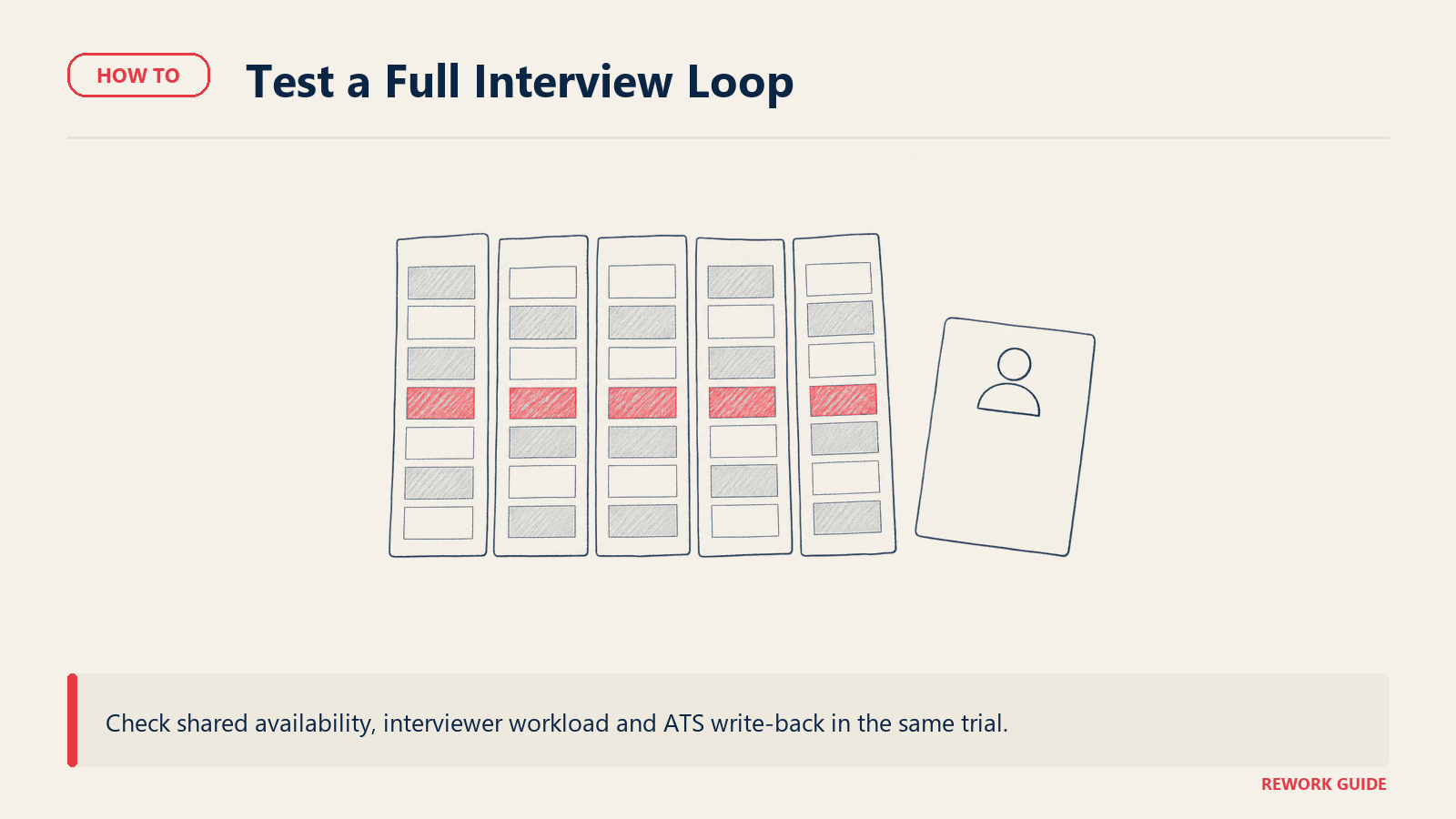
Panel coordination. A single loop can mean five interviewers, each with their own calendar, each already double-booked with their day job. Finding a slot where all five are free isn't a lookup, it's a constraint-satisfaction problem, and a tool built for 1:1 booking links will just fail silently or produce a slot nobody can actually make.
Interviewer load balancing. Some interviewers say yes to every request because they're new, eager, or bad at saying no. Left unmanaged, that person ends up doing four times the interviews of a peer with the same job title, and burns out or starts declining everything, which makes scheduling harder for the whole team. A dedicated scheduler tracks who's interviewed how often and routes new requests away from whoever is already overloaded.
Candidate self-scheduling. The candidate should be able to pick a slot themselves inside a window the recruiter defines, without a single email round-trip. That sounds like table stakes and mostly is, but self-scheduling a single interviewer is easy; self-scheduling into a slot where an entire panel is simultaneously free is the part most tools get wrong.
ATS sync. A scheduled interview that doesn't write the stage change, the calendar event, and the interviewer roster back to the ATS creates a second system of record that someone has to reconcile by hand. That reconciliation work is exactly what these tools are supposed to eliminate.
Rescheduling churn. Interviews get rescheduled constantly: a hiring manager gets pulled into a fire, an interviewer's flight is delayed, a candidate has a scheduling conflict. The question isn't whether this happens, it's whether the tool re-routes automatically or dumps the mess back on a recruiter's inbox.
None of this shows up in a demo of "click a link, pick a time." It shows up in week three of using the tool at real volume, which is exactly when switching gets expensive. For the timezone-distributed version of this problem specifically, our guide to choosing HR software for remote teams covers the wider scheduling and coordination stack beyond just interviews.
Does your ATS already cover this?
Before you shop, check what you already own. Greenhouse, Ashby, and Workable all ship native interview scheduling, and for a large share of teams, that native tool is genuinely enough. The honest test is volume and complexity, not brand preference.
Native scheduling tends to hold up when most loops are one or two interviewers, your interviewer pool is large enough that load balancing isn't a crisis, and panels rarely span more than two time zones. It tends to break down when panels regularly run four or more interviewers, a small set of senior people gets pulled into every loop, a coordinator is scheduling dozens of interviews a week, or you need time-to-schedule and interviewer-load reporting your ATS doesn't expose. If you're already leaning on AI screening or sourcing tools alongside your ATS, our guide to AI recruiting tools covers where scheduling automation fits into that stack.
What to look for
These decide whether the tool solves the actual coordination problem or just relocates it.
| Criterion | Why it matters | What good looks like |
|---|---|---|
| Panel and loop coordination | A five-person panel isn't a lookup, it's a constraint problem across every calendar involved | Finds mutual availability across a full loop automatically, not just a 1:1 slot |
| Interviewer load balancing | Popular interviewers get buried, decline everything, and become the bottleneck | Tracks interview counts per person and routes new requests away from the overloaded |
| Candidate self-scheduling | Every email round-trip is a chance for the candidate to lose momentum or take another offer | Candidate books a full panel slot themselves inside a recruiter-set window, no back-and-forth |
| ATS sync, bidirectional | A second system of record is exactly the admin work this software is supposed to remove | Stage changes, calendar events, and interviewer rosters write back automatically |
| Rescheduling and decline handling | Reschedules are constant, not exceptional, at any real hiring volume | Automatic re-routing to a qualified backup, not a ticket that lands in a recruiter's inbox |
| Criterion | Why it matters | What good looks like |
|---|---|---|
| Timezone handling across a distributed panel | A panel spread across three time zones multiplies the chance of a scheduling error | Every participant sees their own local time with no manual conversion |
| Interview kits and scorecards tied to the event | A scheduled interview without the right prep material wastes the interviewer's and candidate's time | Role-specific questions and scorecards attach automatically when the slot is booked |
| Reporting on time-to-schedule and interviewer load | You can't fix what you can't see, and coordinators rarely have time to build this by hand | Built-in dashboards on time-to-schedule, decline rate, and load per interviewer |
| Pricing model fit for your hiring shape | Per-candidate pricing punishes high-volume hiring; per-seat pricing punishes lean teams with a big interviewer pool | Pricing metered on the dimension that actually reflects your hiring pattern |
| Where it sits relative to your ATS | A specialist that fights your ATS instead of extending it becomes a second tool to maintain | Deep native integration with the ATS you already run, not a generic calendar sync |
For the fuller scoring sheet that applies across any SaaS purchase, see our SaaS vendor evaluation scorecard. If your evaluation depends on this tool talking cleanly to your ATS, calendar, and video conferencing stack, run it through our integration requirements checklist before you sign anything.
Key questions to ask before you buy
Use the demo to test panel coordination and what happens when an interviewer declines.
How does the tool balance interviewer load, not just book time? Ask for a live view of interview counts per interviewer over the last quarter. If the vendor can't show you that number today, the feature is marketing copy, not a working control.
Can a candidate self-schedule a full panel, or only a 1:1? Many tools handle single-interviewer self-scheduling well and quietly fall back to manual coordination the moment a second or third panelist is involved. Test it with a real multi-person loop before you buy, not a demo with one interviewer.
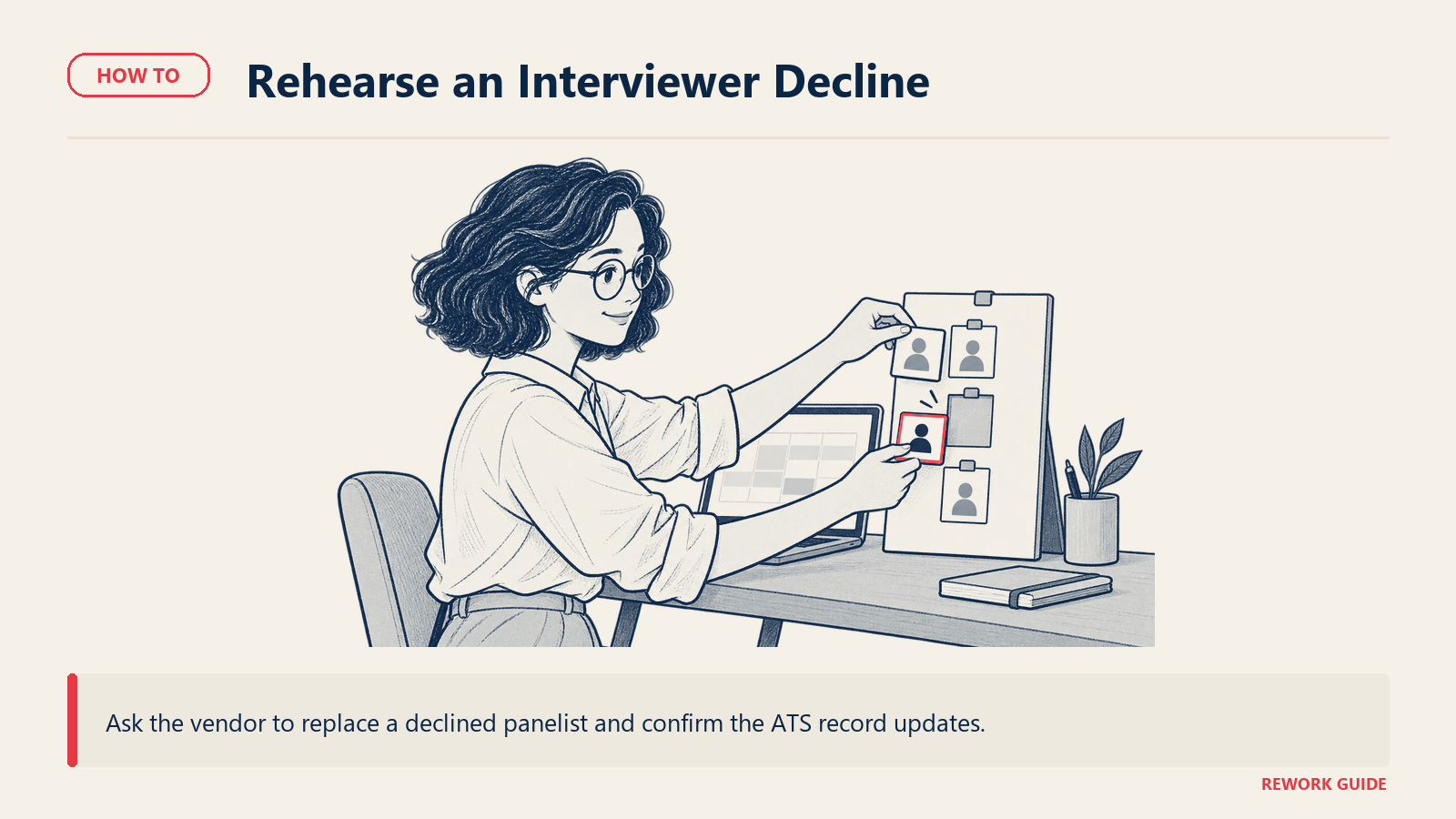
What happens when an interviewer declines or reschedules the day before? Push for a specific answer: does the system re-route to a qualified backup automatically, or does it generate a task for a human to solve manually? The difference is the entire value of the tool at scale.
Does the ATS integration write back automatically, or is this a one-way calendar sync? A scheduled interview that doesn't update the candidate's stage in your ATS creates exactly the reconciliation work this software claims to remove.
How does pricing scale with our actual hiring pattern? Candidate-volume pricing rewards a small interviewer pool and punishes hiring spikes. Per-seat or per-employee pricing does the opposite. Model your last two hiring quarters against each vendor's stated pricing basis before you commit.
What is the real state of "AI scheduling" here? Ask specifically what the AI does: finding mutual availability across a panel is a solved optimization problem; writing personalized candidate messages is a different feature; predicting no-shows is a third. Vendors bundle all three under one AI label.
What is the actual time-to-configure for a new interview kit or panel template? Ask the vendor to build one live, for a real role, in front of you. Anything over 15 minutes for a template that should be reusable is a red flag.
What happens to scheduling history if we switch tools later? Confirm whether interview history, interviewer load data, and scorecards export in a usable format, or whether that data effectively resets the day you migrate.
Shortlist
Not a ranking. The right group depends on whether your ATS already covers this job, whether you need a specialist bolted on, or whether you're small enough that a general booking tool still stretches to fit. Pricing follows in the pricing section.
ATS-native scheduling. Already included in the ATS, no separate purchase required.
| Tool | Best for | Panel coordination | Interviewer load balancing |
|---|---|---|---|
| Greenhouse | Mid-market and enterprise teams running structured, scorecard-heavy hiring | Native panel scheduling with interviewer availability pulled from connected calendars | Interviewer load visible in reporting; not the primary design focus |
| Ashby | Series A-C startups wanting scheduling and analytics in one system | Native panel scheduling with automated availability finding | Built-in interviewer load and training data surfaced in Ashby's own analytics |
| Workable | SMBs that want scheduling bundled with sourcing and the rest of the ATS | Self-scheduling links and calendar sync included on every paid tier | Basic; not the primary design focus |
| Rippling ATS | Teams that want recruiting inside a unified HR and payroll platform | Native scheduling tied to the same employee record used for payroll | Basic; strongest where recruiting-to-payroll continuity matters more than panel depth |
Greenhouse and Ashby are the two here built with structured, panel-heavy hiring in mind from the start, which is why both show up as strong fits once you're past roughly 250 employees or running consistently multi-interviewer loops. Workable and Rippling ATS are honest about scheduling being a supporting feature of a broader platform rather than the main event, which is exactly right for a team that hires at lower volume or with smaller panels.
Dedicated interview-scheduling specialists. Built for one job only: coordinating interviews. Plug into whatever ATS you already run.
| Tool | Best for | Panel coordination | Notes |
|---|---|---|---|
| GoodTime | High-volume tech and enterprise recruiting with complex panels | Purpose-built for multi-interviewer loop optimization | Publishes its own annual hiring benchmark research; pricing is based on candidates scheduled annually, not seats |
| ModernLoop | Fast-growing companies wanting deep interviewer-load automation | Automated availability finding across full panels | Positions itself around an AI coordinator ("Taylor") handling scheduling end to end |
| Cronofy | Platform teams and recruiting tools that want to build scheduling logic into their own product | API-first; supports panel, round-robin, and multi-stage logic for builders, plus a ready-made Scheduler for recruiters | Publishes independent candidate-experience research alongside its product |
| Prelude | Teams already inside the Calendly ecosystem wanting deeper interview coordination | Coordinate module built for panel and multi-stage scheduling | Acquired by Calendly in 2022; integrates natively with Greenhouse, Lever, iCIMS, and Workday |
| Yello | Campus recruiting and high-volume event-based hiring | Scheduling is one module inside a broader event and candidate relationship platform | Best fit when interview scheduling is tied to career fairs and structured recruiting events |
| Paradox | High-volume, hourly, and frontline hiring | Conversational scheduling via SMS and chat rather than a traditional calendar interface | Candidates self-schedule through a chat-based assistant instead of a booking page |
GoodTime and ModernLoop are the two purpose-built for the panel-and-load-balancing problem specifically, and both are worth a serious look once a recruiting team is spending real coordinator hours per week on scheduling alone. Cronofy and Prelude fit differently: Cronofy when you want to build or embed scheduling logic yourself, Prelude when you're already standardized on Calendly's ecosystem and want its deeper Coordinate module rather than a separate vendor relationship. Yello and Paradox solve for volume rather than panel depth, campus events for Yello and hourly, high-turnover hiring for Paradox.
General-purpose booking tools that stretch. Not built for interview coordination specifically, but usable at small scale or as a free starting point.
| Tool | Best for | Ceiling |
|---|---|---|
| Calendly | A solo recruiter or very small team doing mostly 1:1 first-round calls | Panel scheduling exists on paid tiers but isn't the tool's core design; gets clunky past two or three interviewers |
| Google Calendar appointment schedules | Teams already on Google Workspace who need something free for simple screens | No purpose-built panel coordination, load balancing, or ATS sync |
| Microsoft Bookings | Teams already paying for Microsoft 365 who need something free for simple screens | Same ceiling as Google's version; fine for a single interviewer, not built for loops |
All three are worth using exactly as far as "free tool we already pay for handles a single 30-minute screen," and no further. The moment you need panel coordination, interviewer load visibility, or ATS write-back, these three become the reason to buy something else, not the solution.
How to choose: a decision framework
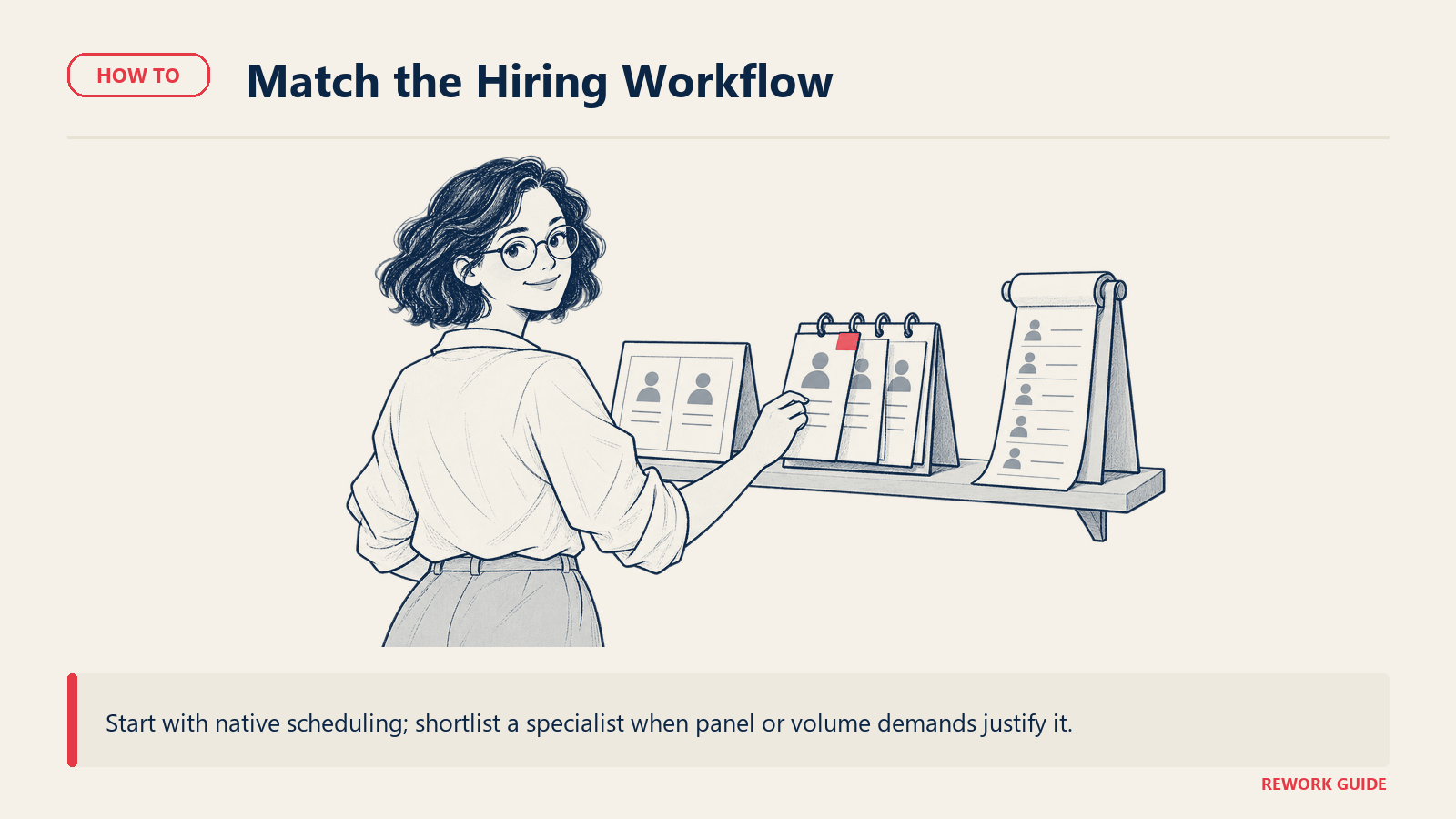
Match your situation to a starting point, then pilot with a real multi-person loop, not a single test interview, before you commit.
| Your situation | Start here | Why |
|---|---|---|
| Your ATS is Greenhouse, Ashby, or Workable and panels are usually 1-2 people | Use native scheduling first | The feature you'd pay extra for probably isn't solving a problem you actually have yet |
| High-volume tech or enterprise hiring with regular 4+ person panels | GoodTime or ModernLoop | Purpose-built for exactly this coordination problem |
| Small interviewer pool getting burned out by repeat loop assignments | GoodTime, ModernLoop, or Ashby's native load reporting | Interviewer load balancing is the specific feature that fixes this |
| Building or embedding scheduling into your own recruiting tooling | Cronofy | API-first, designed for platform builders, not just end users |
| Already standardized on Calendly across the company | Prelude | Same vendor relationship, deeper interview-specific module |
| Campus recruiting or high-volume event-based hiring | Yello | Scheduling tied to career fairs and structured recruiting events out of the box |
| High-volume, hourly, or frontline roles | Paradox | Conversational, chat-based self-scheduling built for volume over panel depth |
| Recruiting inside a unified HR and payroll platform | Rippling ATS | One employee record from candidate to payroll, scheduling included |
| Solo recruiter or a handful of mostly 1:1 first-round calls | Calendly, Google Calendar, or Microsoft Bookings | A dedicated tool is solving a coordination problem you don't have yet |
Also read how to choose scheduling software for sales teams if your organization is evaluating scheduling tools for more than one function at once. Recruiting and sales solve genuinely different scheduling problems, and buying one platform to cover both usually means compromising on both.
Pricing: what to expect
Pricing here splits into three shapes: flat or per-seat pricing typical of general booking tools, candidate-volume or quote-based pricing typical of dedicated specialists, and pricing bundled into a broader ATS or HR platform where the scheduling feature itself has no separate line item.
| Vendor | Entry price | Billing basis | Notes |
|---|---|---|---|
| Calendly | Free forever (1 event type); Standard $10/seat/month | Monthly per seat; page advertises a 17% annual saving without printing the annualized rate | Teams tier is $16/seat/month; Enterprise starts at $15,000/year with a 50-seat minimum |
| Ashby | Foundations, $400/month | Monthly, flat fee for up to 100 employees | Page mentions a 10% discount for annual commitment without printing the annual figure; Plus and Enterprise are custom-quoted |
| Workable | Standard, $299/month | Monthly; the annual total ($3,588/year) is exactly 12x the monthly rate, so there is no separate annual-term discount on this tier | A "save up to 20%" message on the page refers to bundling Recruiting with HR, not to billing frequency |
| GoodTime | No published price | Priced on candidates scheduled annually, not seats | Page states pricing is based on annual candidate volume; get a quote rather than trusting any third-party estimate |
| Cronofy | No published price | Described as pay-per-active-user, no dollar figures shown | The page states you "pay for active users, not empty seats" but defers actual rates to a sales conversation |
| ModernLoop | No published price | Quote-only | No pricing page content exists beyond a request-a-demo flow |
| Prelude | Confirm with Prelude | Unknown | Confirm current pricing with Prelude; independent review listings show no published dollar figures and describe a sales-quote process |
| Greenhouse | No published price | Quote-only, tiered as Core, Plus, or Pro | Page states cost depends on plan, hiring volume, and organizational complexity |
| Paradox | No published price | Quote-only | No dollar figures published anywhere on the pricing page |
| Yello | No published price | Quote-only | No dedicated pricing page exists; site is demo-request only |
| Rippling ATS | No published price | Per-employee-per-month (PEPM), quote-only | Page states pricing depends on company size, hiring needs, and features selected |
| Google Calendar appointment schedules | Business Starter, $7.00/user/month | Monthly, regular rate (a $3.50 introductory rate for the first 12 months applies to up to 20 users) | Only 1 booking page on Starter; full appointment-scheduling features (payments, unlimited pages, reminders) require Business Standard at $14.00/user/month or higher |
| Microsoft Bookings | Business Basic, $7.00/user/month | Annual commitment, paid yearly | Bookings ships in every current Business plan; Business Standard with Copilot is $23.50/user/month and Business Premium with Copilot is $32.00/user/month, both annual |
Three flags before you budget. First, candidate-volume pricing (GoodTime) and PEPM pricing (Rippling ATS) both move with hiring activity, so model your busiest recent quarter, not your average one. Second, "no published price" covers two situations: Greenhouse, Paradox, Yello, Rippling, Cronofy, and ModernLoop genuinely decline to publish a number; Prelude's page simply would not load through any method tried, a fetch failure rather than a confirmed absence. Third, Workable's "save 20%" language is about bundling Recruiting with HR, not about paying annually versus monthly, and the two are easy to conflate if you're skimming.
Migration and lock-in
The switching cost in this category isn't the booking link, it's the interview history and interviewer load data sitting inside the scheduling tool. A specialist that has tracked six months of interviewer decline rates, load distribution, and time-to-schedule metrics is holding data your ATS never captured in the first place. Losing it on migration means starting your load-balancing program over from zero.
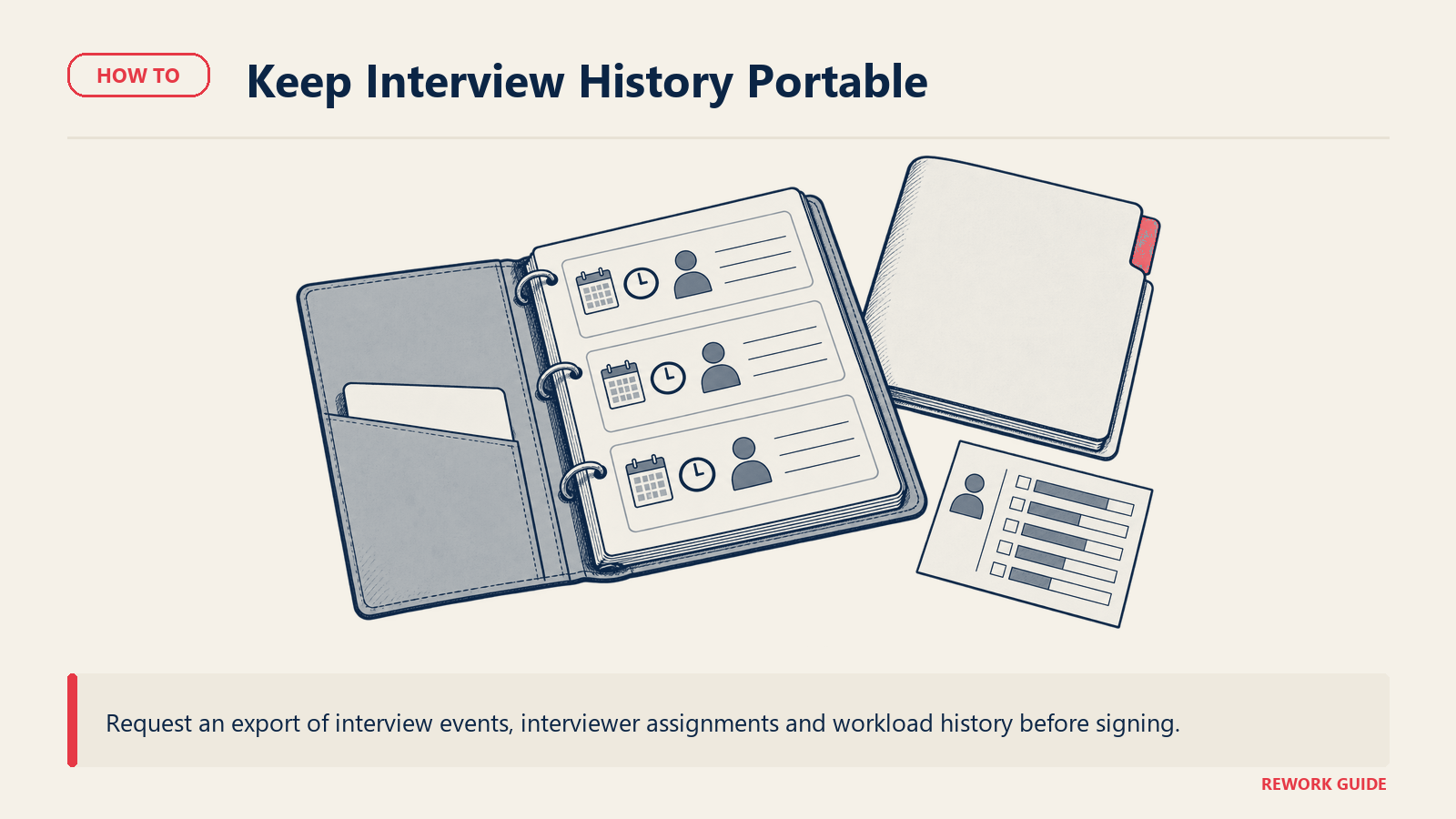
Before you sign anywhere, confirm three things in writing. First, whether interview-level history (who interviewed whom, when, and how many times) exports in a usable format, not just a summary report. Second, whether interviewer load data resets or carries over if you switch tools, since a fresh start erases the exact signal you bought the tool to generate. Third, how deep the ATS integration actually goes: a tool that only creates calendar events is trivial to replace, but one that writes stage changes and scorecards back into your ATS has effectively become part of your hiring workflow, and unwinding that takes real project time.
If you're mid-evaluation and want a structured way to pilot two finalists against a real hiring loop before committing, our guide on how to run a software trial covers structuring a trial that surfaces these problems before contract signature rather than after. And because a scheduling switch touches recruiters, hiring managers, and interviewers all at once, our guide to getting team buy-in on new software is worth reading before you roll a new tool out company-wide.
Frequently asked questions
What's the difference between interview scheduling software and a general booking tool like Calendly?
A general booking tool solves for one calendar showing its own open slots to one invitee. Interview scheduling software solves for finding mutual availability across an entire panel, balancing which interviewers get assigned new loops, and syncing the result back into an ATS automatically. Calendly can handle simple 1:1 screens fine; it's not built for the panel-coordination and load-balancing problem that shows up once hiring volume or panel size grows.
Do we need a dedicated scheduling tool if our ATS already has scheduling built in?
Not necessarily. Greenhouse, Ashby, and Workable all ship native scheduling that's genuinely sufficient for teams running mostly 1-2 person interviews at moderate volume. A dedicated specialist earns its cost once panels regularly run four or more interviewers, a small group of interviewers is getting overloaded, or you need reporting on time-to-schedule and interviewer load that your ATS doesn't expose.
What is interviewer load balancing, and why does it matter?
It's the practice of tracking how many interviews each person has done recently and routing new requests away from whoever is already overloaded. Without it, a small number of popular or senior interviewers absorb a disproportionate share of loops, which leads to burnout, slower responses, and eventually declined requests that stall the whole pipeline. GoodTime's own research names a limited interviewer pool, not calendar access, as the top scheduling bottleneck reported by talent teams.
Can candidates really self-schedule a multi-person panel interview?
With the specialists built for it, yes: the candidate sees a set of times where the full panel is simultaneously available and books directly, no email round-trip required. With most general-purpose booking tools and some ATS-native scheduling, this works cleanly for a single interviewer and degrades into manual coordination the moment a second or third panelist is added. Test this specifically with a real multi-person loop before buying, not a one-interviewer demo.
How does interview scheduling software integrate with our ATS?
The strongest integrations are bidirectional: scheduling an interview updates the candidate's stage in the ATS automatically, and stage or status changes in the ATS can trigger scheduling actions in return. Weaker integrations are one-way, usually just pushing a calendar invite without updating candidate status, which leaves a recruiter reconciling two systems by hand, exactly the work the tool is supposed to remove.
What should we expect to pay for interview scheduling software?
It depends heavily on which category you're buying from. ATS-native scheduling has no separate price; it's part of what you already pay for Greenhouse, Ashby, or Workable. Dedicated specialists mostly decline to publish pricing and quote based on candidate volume or company size; Ashby's flat-fee Foundations plan at $400/month for up to 100 employees is one of the few concrete self-serve numbers in the category. General booking tools stretched to cover interviews run roughly $10 to $16 per seat per month on paid tiers.
Does interview scheduling software actually reduce time-to-hire?
The scheduling delay itself is a documented drag on time-to-hire: Cronofy's Candidate Expectations Report found 42% of candidates have left a hiring process because scheduling took too long. Reducing the days between "we want to interview you" and "the interview happens" is one of the more direct levers a recruiting team has on candidate drop-off, separate from anything about the interview content itself.
What happens to our scheduling data if we switch tools later?
Plan for it before you need it. Confirm whether interview-level history and interviewer load data export in a usable format, whether load-balancing history resets on migration, and how deeply the tool's ATS integration is wired into your day-to-day workflow. A tool that only creates calendar invites is easy to replace; one that writes scorecards and stage changes back into your ATS takes real project time to unwind.
The tool should do the calendar Tetris, not your coordinator
Every vendor in this category will show you a demo where one interviewer's calendar syncs cleanly with one candidate's. That's not the job. The job is finding a slot where five people are simultaneously free, making sure the same three senior engineers aren't carrying every loop this quarter, letting the candidate book it themselves without an email thread, and writing the whole thing back into your ATS without anyone touching a spreadsheet. Start by being honest about whether your ATS already does that well enough. If it doesn't, buy the layer that solves the specific version of the problem you actually have, not the version in the sales deck.
Related reading
- How to Choose Recruiting Software (ATS): the platform decision this guide assumes you've already made or are making alongside it
- How to Choose Scheduling Software: the broader booking category this guide narrows from, useful if recruiting isn't your only use case
- Best AI Recruiting Tools: where AI screening and sourcing tools fit alongside interview scheduling automation
- How to Choose HR Software: for teams evaluating recruiting alongside the rest of the HR stack
- How to Choose HR Software for Remote Teams: the wider timezone-and-coordination problem interview panels are one piece of
- SaaS Vendor Evaluation Scorecard: the fuller scoring framework to run any vendor on this list through
- How to Build a Software Shortlist: for narrowing thirteen options down to two finalists worth a real trial
- How to Run a Software Trial: structuring a pilot around a real multi-person panel, not a single test interview
- Software Integration Requirements Checklist: confirming ATS write-back before you sign, not after
- How to Get Team Buy-In on New Software: rolling out a scheduling change that touches recruiters, hiring managers, and interviewers at once

Head of Enterprise Solutions
On this page
- Interview scheduling is a different job than meeting booking
- Does your ATS already cover this?
- What to look for
- Key questions to ask before you buy
- Shortlist
- How to choose: a decision framework
- Pricing: what to expect
- Migration and lock-in
- Frequently asked questions
- What's the difference between interview scheduling software and a general booking tool like Calendly?
- Do we need a dedicated scheduling tool if our ATS already has scheduling built in?
- What is interviewer load balancing, and why does it matter?
- Can candidates really self-schedule a multi-person panel interview?
- How does interview scheduling software integrate with our ATS?
- What should we expect to pay for interview scheduling software?
- Does interview scheduling software actually reduce time-to-hire?
- What happens to our scheduling data if we switch tools later?
- The tool should do the calendar Tetris, not your coordinator
- Related reading