How to Choose a DevOps Platform
Turn this article into takeaways for your work.


Each assistant summarizes the article only for you and suggests best practices for your work.
Knowing how to choose a DevOps platform is the difference between a toolchain that compounds velocity and one that creates invisible drag. This guide gives engineering leaders a repeatable evaluation framework: what to measure, what to ask vendors, and which platforms to shortlist based on your team's actual profile.
What a DevOps platform does
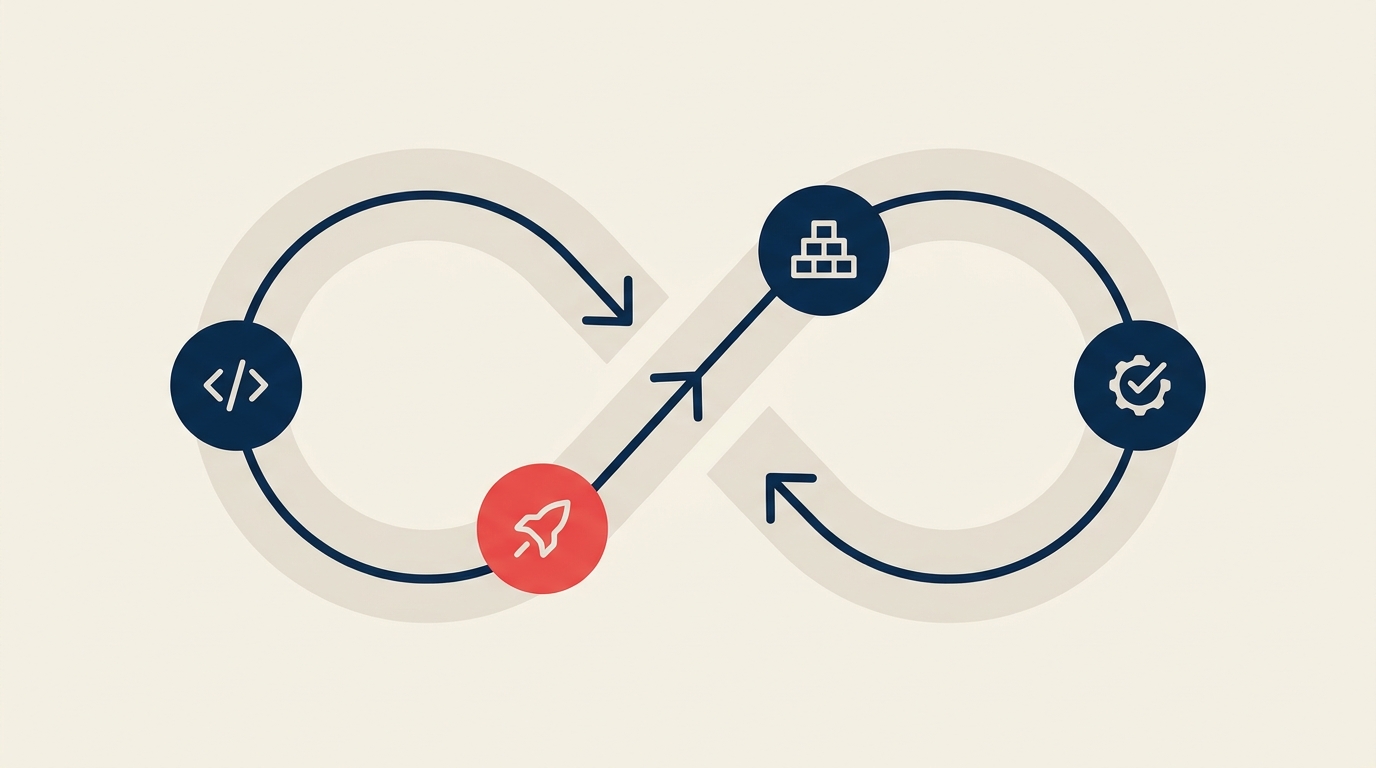
A DevOps platform ties together the full software delivery lifecycle under one authentication boundary: source control, code review, CI/CD pipelines, security scanning, artifact storage, and sometimes observability. The central tension every team faces is whether to buy that end-to-end suite from one vendor or assemble a best-of-breed toolchain.
All-in-one platforms (GitLab, Azure DevOps) compress the total number of integrations, secrets, and billing relationships you manage. Best-of-breed stacks (GitHub plus dedicated SAST, container registry, monitoring) let you pick the best tool per job but multiply operational surface area. Neither is wrong. The right answer depends on your team's size, security posture, and willingness to own plumbing.
Key Facts
- The 2024 DORA State of DevOps report found that internal developer platforms improve individual productivity but can reduce change stability if they create a black box around delivery processes.
- DORA's 2025 research drew on nearly 5,000 survey responses across industries; 90% of teams now use AI assistance in daily work, up 14% year-over-year.
- Teams with unstable organizational priorities showed substantially higher burnout and lower throughput, meaning platform consolidation alone does not fix delivery performance.
What to look for
Use this table as your scoring rubric. Rate each criterion 1-3 per vendor before your demo.
| Criterion | What good looks like | Watch out for |
|---|---|---|
| Source control and code review | Git-native with branch protection rules, merge request approvals, and protected environments | Proprietary version control or weak merge controls that require bolt-on tools |
| CI/CD pipelines | YAML-defined pipelines, reusable templates, parallel job execution, and environment-scoped secrets | Per-minute compute costs that spike on large monorepos; no pipeline-as-code |
| Security scanning: SAST, DAST, SCA | Built-in or tightly integrated static analysis, dynamic testing, and dependency vulnerability scans with inline MR/PR feedback | Security only available on top tiers, forcing a tier upgrade just to enable shift-left |
| Container registry and artifact management | Native registry with image signing, retention policies, and pull-through cache | External-only registry means another credential store and potential egress fees |
| IaC and environment management | First-class Terraform or OpenTofu support, drift detection, and ephemeral environments for PRs | IaC bolted on as an add-on module with separate billing |
| Observability and monitoring integration | Native dashboards or deep integrations with Datadog, Grafana, or Prometheus without custom glue | Observability only via third-party webhooks with no feedback loop into deployment pipelines |
| Self-hosted vs. SaaS | Clear self-managed option with feature parity; SaaS with data residency controls | Self-managed version lags SaaS by a major version cycle or loses features |
| RBAC, SSO, and compliance | Role-based access at project and environment level; SAML and OIDC SSO; SOC 2 and FedRAMP documentation | SSO locked behind top tier; audit logs not exportable |
| Pricing and compute model | Transparent per-seat plus compute tiers; self-hosted option to escape metered compute | Compute minutes that reset monthly with no rollover; hidden artifact storage fees |
| AI assistance | AI-assisted code review, test generation, and pipeline debugging that works within your security boundary | AI features that send code to a third-party model with no data processing agreement |
Key questions to ask before you buy
- What is the actual all-in compute cost for a 50-engineer team running 500 pipeline minutes per engineer per month? Get a written estimate, not a ballpark. Metered compute is the most common budget surprise.
- Which security scan types are included in the tier we need, and which require an upgrade? SAST, DAST, and dependency scanning are often split across tiers or sold as separate modules.
- Can we self-host, and does the self-hosted version have feature parity with SaaS? For regulated industries or air-gapped environments, this is non-negotiable.
- How does your platform handle multi-cloud or hybrid deployments? Ask for a reference customer running your specific infrastructure mix.
- What does your vendor roadmap look like for AI-assisted delivery? AI pipeline debugging and code review are table-stakes differentiators in 2026. Ask whether AI features send code off-premises.
- How long does a full onboarding take for a 20-person team migrating from a different platform? Migration timelines affect your total cost of ownership calculation.
- What SLA covers CI/CD uptime, and how do outages affect our delivery commitments? SaaS CI outages at peak merge times are real business risk.
Top options at a glance
| Platform | Best for | Starting price |
|---|---|---|
| GitLab | All-in-one: built-in SAST, DAST, SCA, registry, and IaC on a single platform | Free tier; Premium $29/user/month billed annually |
| GitHub (+ Actions) | Largest ecosystem, best AI (Copilot), open source projects, developer experience | Free; Team $4/user/month; Enterprise from $21/user/month |
| Azure DevOps | Microsoft-stack teams: tight Azure, Office 365, and Active Directory integration; lowest base cost | Free for 5 users; Basic $6/user/month |
| Atlassian (Bitbucket + Jira) | Teams already on Jira who want Git hosting without switching project management | Free for 5 users; Standard from $4.20/user/month |
| CircleCI | CI/CD-first teams who want fast parallelism and broad language support without an all-in-one suite | Free (up to 6,000 build credits/month); paid from $15/month |
| Harness | Enterprise CD, cost optimization, and AI-native pipeline intelligence at scale | Free tier; Essentials per-developer bundle; Enterprise on request |
For the full head-to-head feature breakdown, see our GitLab alternatives roundup.
If your team uses Jira for issue tracking and is evaluating adjacent tooling, our Jira alternatives guide covers the overlap between project management and DevOps platforms. And if you're thinking about pairing any platform with an AI coding assistant, see how to choose an AI coding assistant for evaluation criteria that complement this guide. If AI code review is on your requirements list, the best AI code review tools in 2026 splits reviewer-assist bots from security-gate platforms and prices both at 10 and 50 developers.
How to choose: a decision framework
Map your team's profile to the platform recommendation below, then use the "What to prioritize" column as your demo checklist.
| Team profile | Recommended platform | What to prioritize |
|---|---|---|
| All-in-one, security-first, compliance needs | GitLab Ultimate | Built-in SAST, DAST, SCA; audit logs; self-managed option; FedRAMP availability |
| Microsoft shop: Azure, Active Directory, Office 365 | Azure DevOps (+ GitHub if developer experience matters) | Azure Pipelines integration, ADO boards-to-Azure Repos link, cost vs. GitLab at scale |
| Startup or open source team, developer-first culture | GitHub + Actions | Copilot integration, Actions marketplace, free public repo minutes, community extensions |
| Jira-native org that needs Git hosting | Bitbucket + Jira Software | Native Jira smart commits, Pipelines for simple CI, Confluence linking |
| Enterprise CD with complex deployment targets | Harness | Pipeline governance, cost optimization modules, AI-assisted root cause analysis |
| CI/CD specialist team with existing source control | CircleCI | Build speed, parallelism, orbs for reuse, compute cost at high pipeline volume |
Two quick rules to cut the list faster: if your security team requires SOC 2 Type II audit logs exportable from the platform itself, eliminate any vendor that puts audit logs behind the top tier. If you're running a monorepo over 10 GB, benchmark actual CI startup and artifact cache times before signing, not after.
Pricing: what to expect
Most DevOps platforms price on a per-seat base with compute (CI minutes or credits) billed separately. Here is what each layer actually costs in practice for a 25-person engineering team in 2026:
Per-seat base. Azure DevOps starts at $6/user/month for the Basic plan. GitHub Team runs $4/user/month. GitLab Premium is $29/user/month. The gap looks large, but GitLab's per-seat includes security scanning that GitHub charges as an add-on or requires Enterprise.
Metered CI compute. This is where budgets slip. GitHub Actions updated its runner pricing in January 2026, reducing hosted runner costs by up to 39%, but added a $0.002 per-minute platform fee. A Linux 2-core minute now costs $0.010 total. A team running 500 pipeline minutes per engineer per month pays roughly $125/month in compute on top of seats. CircleCI and GitLab both use similar credit or minute models, and overages are easy to miss on a team that grows quickly.
Self-hosted infrastructure. Choosing a self-managed GitLab or Jenkins setup shifts compute cost to your own cloud infrastructure, but adds maintenance overhead: runner fleet management, version upgrades, storage scaling. Factor 0.5 to 1 full-time engineer equivalent for a team under 100 if you go fully self-hosted.
Hidden costs to check: artifact storage overages, large file storage (Git LFS), per-user seat true-ups at renewal, and AI feature modules that sit outside the base tier.
As a rule, get a written total cost of ownership estimate from the vendor covering seats, compute at your projected usage, and storage, before comparing list prices.
For broader guidance on structuring a software purchase evaluation, security and compliance review and vendor diligence checklist are useful complements to the technical criteria above.
Frequently asked questions
Do we need an all-in-one DevOps platform or can we keep using separate tools?
It depends on your team's size and operational tolerance. Teams under 30 engineers often manage fine with GitHub plus separate security scanning and monitoring tools. Teams over 50 engineers, or those with compliance requirements, usually benefit from consolidating onto a platform like GitLab or Azure DevOps to reduce the number of integration points that can break. The consolidation payoff is lower maintenance overhead and a single audit trail.
What is the difference between CI/CD-first tools like CircleCI and full DevOps platforms?
CI/CD-first tools are best at the build, test, and deploy loop. They integrate with whatever source control and monitoring you already use but don't replace them. Full DevOps platforms bundle source control, security scanning, and artifact management alongside CI/CD. Choose CI/CD-first if you already have strong tooling in adjacent areas and want to optimize pipeline performance. Choose a platform if you want to reduce the number of vendor relationships and integration surfaces.
How do we evaluate security scanning quality across vendors?
Run the same vulnerable code sample through each vendor's SAST scanner and compare true positive rates against known vulnerability databases (OWASP Top 10 is a good baseline). Also ask whether DAST requires a running environment and how it integrates into the merge request workflow. Scans that block a merge request before code is committed are more useful than scans that produce a post-deployment report.
Is self-hosted DevOps still worth it in 2026?
For most teams, no, unless you have data residency requirements, air-gapped environments, or very high compute volumes where the cloud cost arbitrage is significant. SaaS platforms have closed most of the feature gap and handle scaling, upgrades, and availability. The maintenance burden of a self-managed runner fleet typically costs more in engineering time than it saves in compute.
How long does it take to migrate from one platform to another?
Migrating source code and history is usually the easy part (a day or two for a Git migration). Re-implementing CI/CD pipeline logic, secrets management, branch protection rules, and environment configurations takes most of the time. A realistic migration for a 30-engineer team moving from GitHub to GitLab or vice versa is four to eight weeks, including testing and cutover. Budget for it explicitly before signing.
Choose a platform that can grow with your team
The DevOps platform market is not standing still. AI-assisted pipelines, built-in cost optimization, and tighter security feedback loops are becoming baseline expectations rather than differentiators. The vendor you choose today should have a credible roadmap in those directions, not just today's feature set.
Start with the criteria table in this guide, shortlist two vendors based on your team profile, run a two-week proof of concept with a real project, and get written pricing before you compare. That sequence takes most of the guesswork out of a decision that will shape your delivery velocity for the next two to three years. For related buying decisions, choosing workflow automation software and choosing issue tracking software cover adjacent tooling that often enters the same procurement cycle.
