How to Choose Video Messaging Software
Turn this article into takeaways for your work.


Each assistant summarizes the article only for you and suggests best practices for your work.
Video messaging software lets someone record a short screen or camera video and send it instead of booking a meeting or writing a long email, and the right pick depends entirely on who's recording. An engineer walking a teammate through a pull request needs a different tool than a sales rep sending a personalized clip to a cold prospect, and most buyers waste a trial cycle before they notice the two jobs barely overlap. If you're not sure video is even the right category, start with our guide to choosing team chat software, since a lot of what gets called "async video" is really a feature bolted onto the chat tool you already run.
This is not video conferencing, and it's not webinar software. Nobody joins live, nobody schedules around time zones to watch, and there's no waiting room. If you actually need people in a call at the same time, that's a different purchase; if you need to broadcast to a large registered audience, that's a different purchase too. What follows is specifically about one person recording once and any number of people watching later, on their own clock.
Key Facts: async video and meeting load
- Loom customers recorded 88 million videos in 2024, an amount the company estimates avoided the need for 202 million meetings, using a rule that 10 minutes of viewing offsets a 30-minute meeting (Atlassian/Loom, 2024 year in review).
- 8 in 10 knowledge workers say the meetings they currently attend could have been handled asynchronously instead, per a 2025 survey of 216 knowledge workers published in Whimsical's 2026 State of Async report (Whimsical, 2026).
- Vidyard customers created 943,305 videos in 2024, an 88% jump over 2023, based on an analysis of nearly a million videos across its customer base (Vidyard, Video in Business Benchmark Report).
- Sales professionals report buyers are 50% more responsive to outreach messages that include at least one video, compared to messages without one (Vidyard, 2023 Virtual Selling Report).
Two buyers, one category name
"Video messaging software" covers two jobs that share a record button and not much else.
Internal async communication replaces a status meeting, a design review, or an onboarding walkthrough with a recording a teammate watches when it suits them. The buyer here is an engineering manager, a product lead, or an ops team tired of a daily standup that exists mostly for people in different time zones to hear the same five minutes. The tool needs to be fast to record, easy to drop into Slack or a pull request, and cheap enough that giving every engineer a seat isn't a budget conversation.
Outbound video for sales and customer success is a personalized clip sent to one named prospect or customer, usually attached to a CRM record, with view tracking so the rep knows whether it landed. The buyer is a sales leader or a revenue operations lead, and the tool needs to write activity back into Salesforce or HubSpot, show who watched how much, and often generate a custom thumbnail that gets the email opened in the first place.
A tool built for one job usually shows it. An engineer doesn't need view-by-view analytics on who rewatched which second of a walkthrough. A sales rep doesn't need a screen recorder that saves straight into a shared team library with no CRM link at all. Buying the wrong one means paying for features nobody on your team touches, which is the fastest way for a "quick win" tool to get cancelled at renewal.
| Internal async video | Sales and CS outbound video | |
|---|---|---|
| Who records | Engineers, PMs, support, ops | Sales reps, AEs, CSMs |
| Who watches | Teammates, on their own schedule | One named prospect or customer |
| What it replaces | A status meeting or a long Slack thread | A plain text cold email or check-in |
| What matters most | Speed to record, easy sharing, low cost per seat | CRM write-back, view tracking, personalization at scale |
| Where it lives | Slack, a wiki page, a pull request | An email, a CRM activity feed |
Recording is the easy part
Every vendor demo leads with how fast the record button is. That part genuinely is easy now, and it's not where programmes succeed or fail. What decides whether a video was worth making is whether the recipient watches past the first minute, and length is the single biggest lever you control.
| Video length | Typical completion rate | What that means for you |
|---|---|---|
| Under 1 minute | 65% of viewers watch to the end | Best for a single decision, a quick FYI, or a link someone can skim |
| 5 to 10 minutes | Drops well below the sub-1-minute rate | Fine for a walkthrough the viewer chose to open, riskier as an unsolicited cold send |
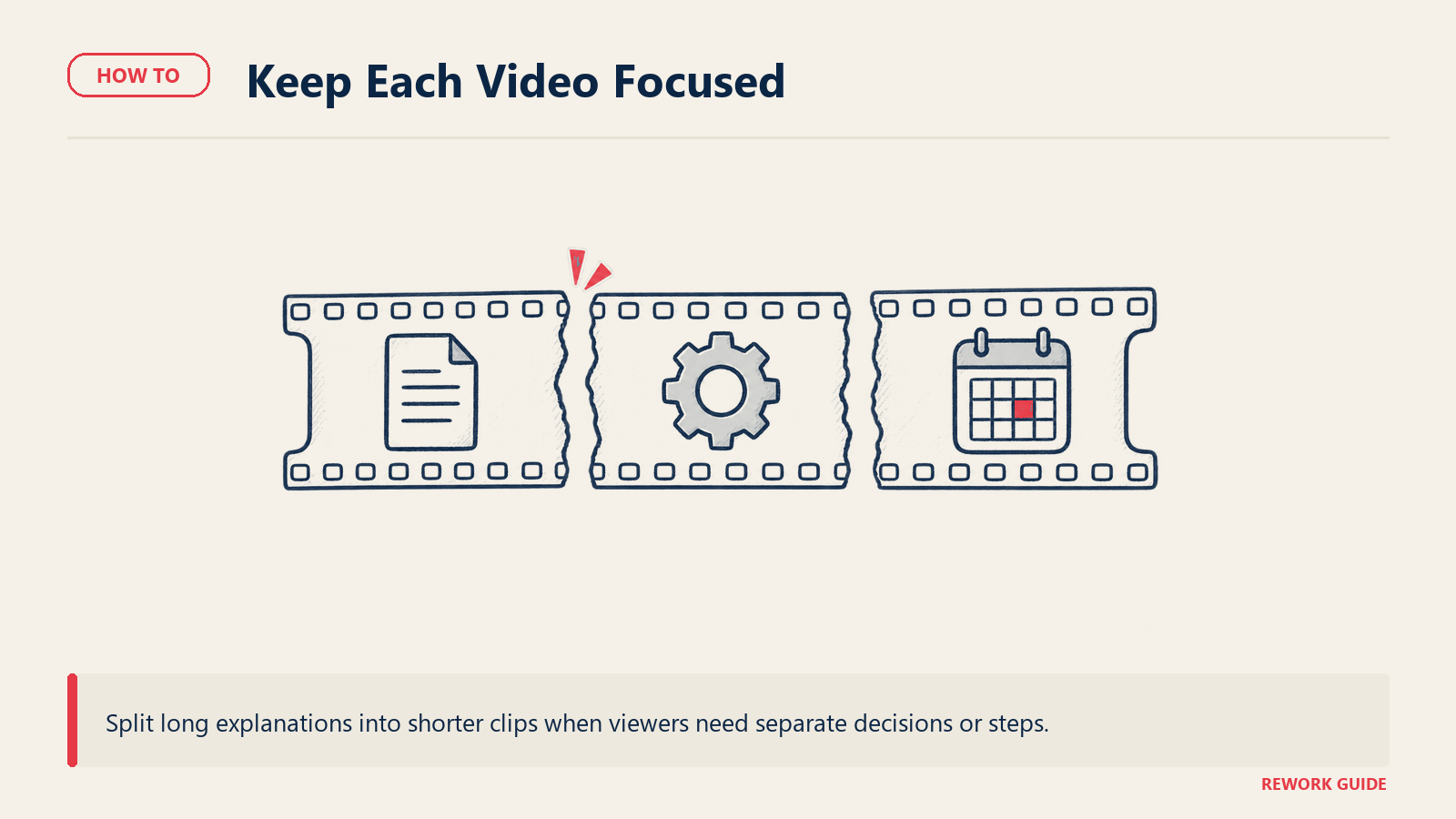
| Over 20 minutes | 20% of viewers watch to the end | Rarely worth recording as one file; split it into shorter pieces or write a summary instead |
That pattern, drawn from Vidyard's analysis of nearly a million videos, holds for both audiences in this guide (Vidyard, Video in Business Benchmark Report). An engineer recording a 25-minute architecture walkthrough and a rep sending an 8-minute cold-outreach video are both fighting the same drop-off curve, and neither problem gets solved by picking a fancier tool. It gets solved by recording something shorter, or by accepting that a long recording is documentation for people who already decided to watch, not an attention-getter for people who haven't.
What to look for
| Criterion | Why it matters | What good looks like |
|---|---|---|
| Recording speed and friction | A tool that takes 30 seconds to set up loses to just typing the message | One click to start, browser extension or desktop app, no export step before sharing |
| Where the link lives afterward | A video nobody can find later didn't save any time | Searchable library, or automatic posting into the chat tool or CRM record it belongs to |
| View tracking | Internal teams and sales reps both want to know if the video actually got watched | Per-viewer watch data, not just an aggregate view count |
| CRM and app write-back | Outbound video is wasted effort if the activity doesn't land where the deal lives | Native Salesforce or HubSpot integration, not a copy-pasted link |
| Editing depth | Internal walkthroughs rarely need editing; sales videos often do | Trim and filler-word removal at minimum; full transcript-based editing for anyone doing serious sales video |
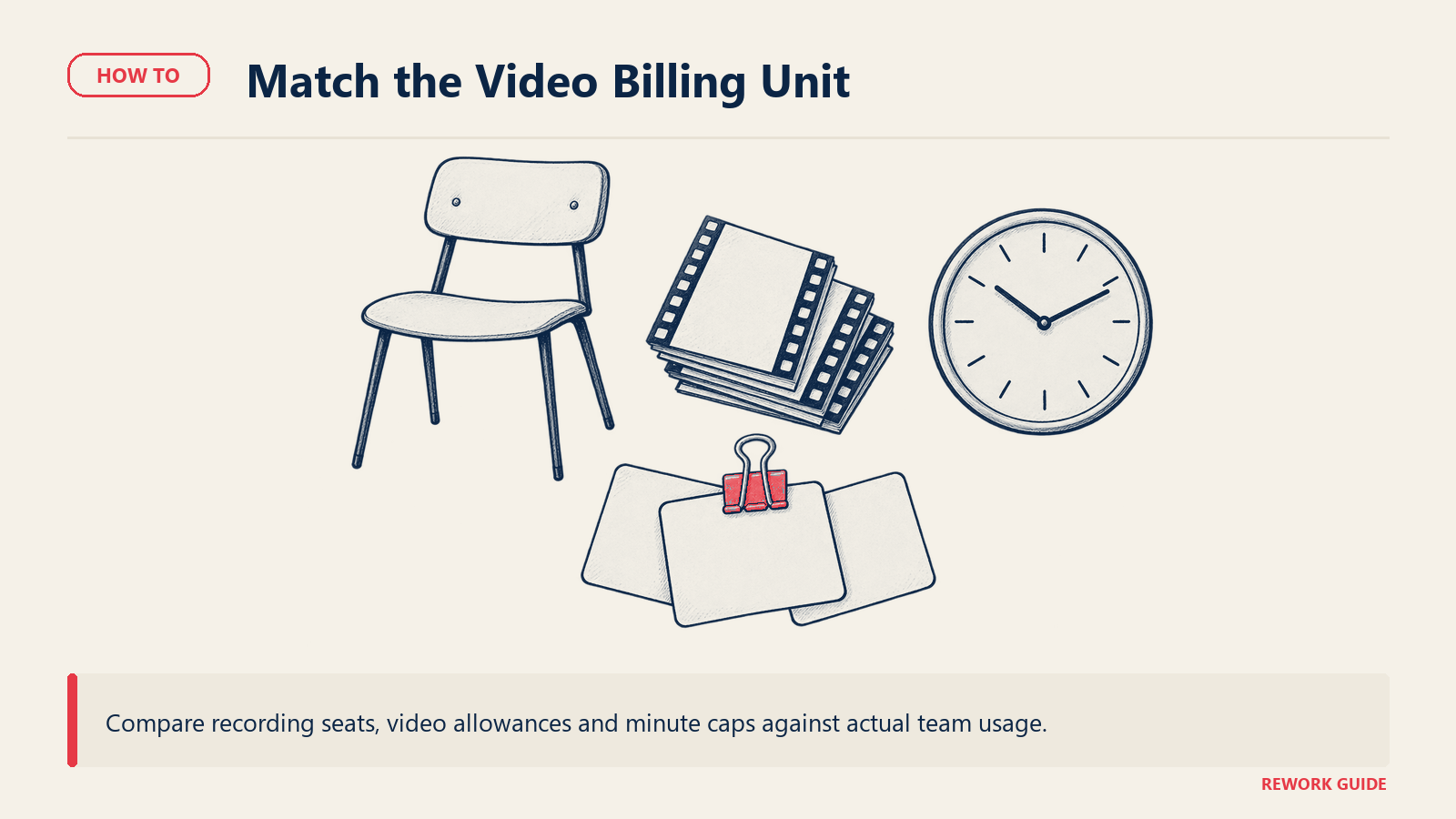
| Pricing unit | Seats, minutes, and video counts all cap growth differently | A unit that matches how your team actually uses it, not the vendor's default |
Key questions to ask before you buy
Test who records, who watches and what happens when a video is shared or an account changes.
Who on the team is actually going to record, and how often? A tool priced per seat punishes a team where three people record constantly and twenty people watch. A tool priced per video or per minute does the opposite.
Does this need to write into a CRM, or just live in a chat channel? This single answer eliminates half the shortlist. A pure internal tool with no Salesforce integration is the wrong purchase for a sales team, and a sales-outbound tool with per-video credits is overkill for an engineering team recording forty walkthroughs a week.
What happens to embedded video links when we leave? Every video lives at a vendor-hosted URL. Ask what export actually includes: the raw file, the transcript, the view data, or just a broken link once the subscription ends.
Do we already have this feature somewhere we pay for? Slack, Microsoft 365, Zoom, and Google Workspace all ship some form of clip recording now. Check the bundled row in the pricing table below before signing a new contract.
Is pricing metered by minutes, videos, or seats, and does that unit grow with success? A tool that meters recording minutes gets more expensive exactly as adoption increases, the same trap that shows up in a lot of usage-based software.
Can a non-technical viewer watch without installing anything or making an account? Internal tools mostly get this right. Some sales tools gate the video behind a signup wall, which defeats the purpose of a low-friction outreach message.
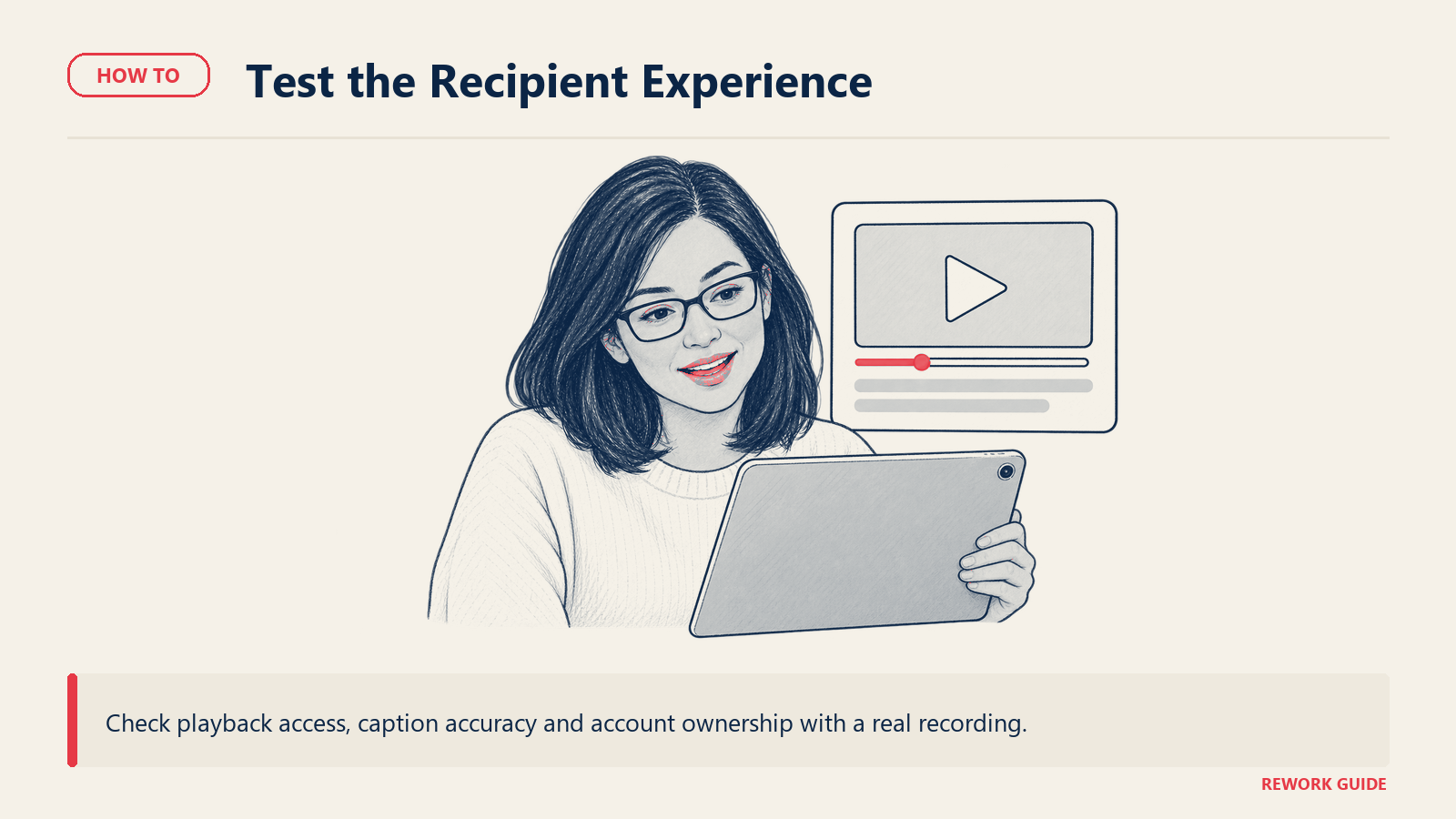
What's the accuracy and cost of built-in transcription and captions? If accessibility or searchability matters, ask for a sample transcript on a real recording, not a marketing claim.
Who owns the account if the recorder leaves the company? Video libraries tied to a personal login are a real problem when a rep or engineer with a hundred recorded walkthroughs exits.
Shortlist
Grouped by job, not ranked. Prices follow in the pricing section.
Internal async communication
| Tool | Best for | Recording | Notes |
|---|---|---|---|
| Loom | Teams standardizing on one async video tool, Slack and Jira-heavy orgs | Screen, camera, or both, browser extension and desktop app | Owned by Atlassian; deepest Slack, Jira, and Confluence integration in this group |
| Zight (formerly CloudApp) | Teams wanting screenshots, GIFs, and video from one lightweight tool | Screen, camera, GIF | Started as a screenshot tool; video is one of several capture formats, not the sole focus |
| Descript | Teams that also need to edit the recording, not just capture it | Screen and camera, plus a full timeline editor | Closer to a lightweight video editor with recording built in than a quick-message tool |
Loom is the default answer for most internal teams because it's built around exactly one job: record fast, share into the tool you're already in, and let the viewer skip around with an auto-generated transcript. Zight fits a team that wants one app for screenshots, GIFs, and quick clips rather than video specifically, which suits a support or QA function documenting bugs as often as it records a walkthrough. Descript is the odd one out here: most buyers reach for it because they need to trim, remove filler words, or restructure a recording before sharing it, not because they need the fastest possible record button.
Sales and customer success outbound video
| Tool | Best for | CRM write-back | Notes |
|---|---|---|---|
| Vidyard | Sales orgs wanting deep analytics and AI avatar video at scale | Salesforce and HubSpot integrations on paid tiers | Tier structure is public; per-seat dollar pricing is not resolving on the vendor's own page as of this write-up (see pricing note below) |
| Bonjoro | Small teams sending personal thank-you or onboarding videos, not heavy sequences | Basic CRM integrations from the Pro tier up | Priced per account with a seat cap per tier rather than per user, unusual in this category |
| Sendspark | Teams running AI-personalized video at volume, including dynamic backgrounds per recipient | API and webhook access from the Growth tier | "Dynamic Video Minutes" is its own metered unit, on top of the seat count |
| Hippo Video | Teams wanting both one-off sales video and automated personalized video campaigns | Salesforce integration from Teams tier up | Runs two separate product lines (video messaging and text-to-video) with separate pricing pages |
| Berrycast | Small teams and consultants wanting a simple recorder with AI note-taking added on | Limited; positioned more as a screen recorder than a sales platform | Smallest team and lightest feature set of the group |
Vidyard and Sendspark are the two built for volume: both assume a rep or a marketing team is sending dozens or hundreds of personalized videos a month and wants tracking and CRM write-back to match. Bonjoro is deliberately smaller in scope, priced and positioned for a founder or a small CS team sending a handful of genuinely personal videos rather than running a sequence. Hippo Video sits in between, since it sells both a hands-on recorder and a separate automated text-to-video product, so confirm which one you're actually pricing before you compare it to the others on this list. Berrycast is the lightest tool of the group, closer to a general-purpose screen recorder with a sales-adjacent feature set than a dedicated outbound platform.
Already inside a suite you pay for
| Tool | What it covers | Notes |
|---|---|---|
| Slack Clips | Short audio or video messages recorded and posted directly in a Slack channel or DM, up to five minutes | Included on every Slack plan, including free; no separate purchase needed if your team already lives in Slack |
| Microsoft Teams video clips | Up to a minute of video or audio recorded and sent in a Teams chat or channel | Included with any Teams license, no add-on cost |
| Zoom Clips | A dedicated async video product inside Zoom Workplace, separate from meeting recordings | Clips Basic (5 clips, 2 minutes each) is free with any Zoom account; Clips Plus (unlimited length, 4K) is a standalone add-on or bundled free into Zoom's paid Workplace tiers |
| Google Vids | Full video creation and screen recording, including a free Chrome extension for screen capture | Included at no extra cost on Google Workspace plans and personal Google accounts |
For most internal-only use cases where a handful of people need to send the occasional walkthrough, the bundled option in a suite you already pay for is the honest answer, not a new contract. The purpose-built tools earn their price when recording video becomes a daily habit for a large team, or when the recipient is outside your company and needs to be tracked.
How to choose: a decision framework
| Your situation | Start here | Why |
|---|---|---|
| Engineering or product team replacing status meetings and PR walkthroughs | Loom | Fastest recording, deepest integration with the dev tools this audience already uses |
| Already living in Slack, only sending the occasional clip | Slack Clips | Included free; a new tool duplicates a feature you already have |
| Already on Microsoft Teams or Zoom for meetings | Teams video clips or Zoom Clips | Both ship async recording at no extra cost on plans most companies already hold |
| Team also needs to edit or trim recordings before sharing | Descript | The only tool here built as an editor first, recorder second |
| Sales team sending personalized cold outreach at volume | Vidyard or Sendspark | Built for CRM write-back and tracking at scale; Sendspark adds AI personalization per recipient |
| Small team sending a handful of personal thank-you or onboarding videos | Bonjoro | Priced for a small team, not built for high-volume sequences |
| CS or onboarding team combining video with automated campaigns | Hippo Video | Runs both a manual recorder and an automated video-campaign product |
| Consultant or very small team wanting the simplest possible recorder | Berrycast | Lightest tool in this group, priced accordingly |
| Not sure video adds anything over your current process yet | Read our customer onboarding software guide first | Video is often one channel inside a bigger onboarding decision, not the whole answer |
Pricing: what to expect
Every figure below is the price printed on the vendor's own page in September 2026. State the billing basis before you compare two numbers: several of these vendors advertise an annual discount without printing the resulting annual rate, which makes it easy to misquote them.
| Vendor | Entry price | Billing basis | Notes |
|---|---|---|---|
| Loom | Business, $18/user/month | Billed monthly; the page advertises up to 17% off annually without printing the annual rate | Starter tier is free: up to 25 videos per person, 5 minutes per screen recording |
| Zight | Create, $9.95/user/month | Monthly, or $119.40/user billed once yearly | Free Share tier caps at 5-minute recordings and 1 GB storage |
| Descript | Hobbyist, $24/month | Billed monthly, or $16/month billed annually | Free plan caps at 60 minutes of media per month with a watermark |
| Vidyard | Starter tier exists; confirm the current rate with Vidyard | The pricing page displays the Starter price dynamically | Free tier: $0, 15 AI videos included; Teams and Enterprise are quote-only |
| Bonjoro | Starter, $15/month | Billed monthly; the page advertises "save up to 40%" annually without printing per-tier annual rates | Free plan: 1 seat, 50 videos/month, Bonjoro branding |
| Sendspark | Solo, $49/month | Billed monthly, or $468/year billed annually | 1 seat, 100 Dynamic Video Minutes/month included |
| Hippo Video | Pro, $30/user/month | Billed monthly, or $20/user/month billed annually | Free plan: 2 Video Flows, 50 automated personalized videos/month |
| Berrycast | Starter, $16/user/month | Billed monthly, or $192/user billed annually | No free plan; 14-day trial, extendable to 28 days |
| Slack | Free (Clips included) | N/A | Paid tiers start at $7.25/user/month annual if you need more than Clips |
| Microsoft Teams | Included with any Teams license | N/A | No separate charge for the clip-recording feature itself |
| Zoom Clips | Clips Basic free; Clips Plus $5.83/user/month | Clips Plus billed annually as a standalone add-on | Clips Plus ships free with Zoom's paid Workplace Pro and Business plans |
| Google Vids | Included with Google Workspace | N/A | Screen Recorder Chrome extension is free for any Google account, personal or Workspace |
On Vidyard specifically: the tier structure is public and the Starter plan clearly exists as a self-serve paid option below Teams, but its dollar figure is displayed dynamically on the pricing page. Confirm the current Starter rate directly on Vidyard's pricing page before budgeting against it.
Migration and lock-in
The switching cost in this category rarely shows up in the contract. It shows up months later, in a Slack channel or a wiki page with a video embed that returns a broken link because the subscription lapsed. Every recording lives at a vendor-hosted URL, and that URL usually stops resolving the day the account closes, taking every walkthrough, onboarding clip, and PR explanation with it.
Before you standardize a team on any of these tools, check three things. First, what does export actually include: the raw video file, or just a hosted link. A raw MP4 you can re-upload anywhere; a link you can't. Second, does the tool support downloading in bulk, or does someone have to click through and save every video one at a time once a hundred recordings pile up. Third, if a video is embedded in a wiki page, a pull request, or a CRM record, does the link stay valid if a single user's seat gets removed, or does the whole library go dark with them.
None of this is a reason to avoid the category. It's a reason to treat "we're standardizing on X" as a decision with a five-year tail, the same way you'd think about where you host your documentation, and to keep a rolling export habit rather than trusting a vendor relationship to outlast every reorg and renewal cycle it will face.
Frequently asked questions
Is video messaging software the same thing as video conferencing?
No. Video conferencing (Zoom Meetings, Google Meet) is for live, synchronous calls where everyone attends at the same time. Video messaging is asynchronous: one person records once, and anyone can watch later on their own schedule. Several vendors, notably Zoom and Google, now sell or bundle both, but they solve different problems and are evaluated on different criteria.
Do we need a dedicated tool, or does Slack or Teams already cover this?
Check what you already pay for first. Slack Clips ships free on every plan including the free tier, and Microsoft Teams includes a minute-long clip recorder at no extra cost. A dedicated tool earns its price once recording becomes a daily habit for a large team, once you need a searchable video library outside a chat history, or once you need CRM write-back for sales outreach, none of which the bundled tools do well.
What's the real difference between an internal async tool and a sales video tool?
CRM integration and view analytics. An internal tool like Loom is optimized for fast recording and easy sharing inside a chat or wiki. A sales tool like Vidyard or Sendspark is built to write activity into Salesforce or HubSpot, track which prospect watched which second of the video, and often personalize the video or thumbnail per recipient at scale. Using an internal tool for cold outbound means losing the tracking a sales team actually needs.
How is this category typically priced?
Three units show up: per seat per month (Loom, Zight, Descript, Berrycast), per account with a seat cap per tier (Bonjoro), and metered by a video or minute allotment layered on top of seats (Sendspark's Dynamic Video Minutes, Hippo Video's Video Flows). Read the unit next to the number, not just the number, since two tools at the same headline price can meter very differently as your team grows.
Are Berrycast and Weet still around?
Berrycast is: it's a small, actively maintained recorder with current pricing on its own site. Weet is not. Its former domain, weet.io, now shows a domain-marketplace listing rather than a product, which is the reliable sign a startup has shut down and let its domain lapse rather than being acquired into another product under a new name.
What should we ask a sales-video vendor about analytics before buying?
Ask for per-viewer watch data, not an aggregate view count. A view counter tells you a link was opened; per-viewer analytics tell you whether the prospect watched 8 seconds or the whole clip, which is what a rep actually needs to decide whether to follow up. Also confirm the analytics write into your CRM automatically rather than living only in the vendor's own dashboard.
Does an annual plan always save money in this category?
Generally yes, but several vendors advertise the saving as a percentage without printing the resulting annual rate. Loom and Bonjoro both do this: they'll tell you annual billing saves up to 17% or 40%, but the pricing page only shows the monthly figure. Ask the vendor directly for the annual per-seat rate before you sign, rather than doing the math yourself off an advertised discount.
Can one tool cover both the internal and sales use cases well?
Rarely, and trying to force one usually means overpaying for features the other team never touches. A few vendors gesture at both (Descript's editor works for either audience, and some Vidyard plans get used internally too), but the tools built specifically for CRM write-back and outbound tracking are a poor fit for an engineering team's daily habit, and vice versa. If both teams need video, expect to run two tools rather than one shared contract.
Record less, replay more
The whole pitch of this category is that a five-minute recording can replace a thirty-minute meeting, and the numbers back that up: Loom alone estimates its users avoided over 200 million meetings in a single year just by recording instead of scheduling. But that math only works if the video actually gets watched, and it only stays cheap if you're not paying for a sales-analytics platform to record a PR walkthrough, or a bare-bones recorder to run a CRM-tracked outbound sequence. Match the tool to the job before you match it to the price, check what you already have bundled in Slack, Teams, Zoom, or Workspace, and only then go shopping for a specialist.
Related reading
- How to Choose Team Chat Software: where a lot of internal video ends up living and getting shared
- How to Choose Team Chat for Remote Teams: the async-first case for chat, which async video usually pairs with
- Best AI Meeting Assistants: How to Choose: for meetings you still need to have live, not replace with a recording
- How to Choose Sales Engagement Software: where outbound video usually plugs into a broader sequence
- How to Choose Customer Onboarding Software: another common home for walkthrough and welcome videos
- How to Choose Knowledge Base Software: where a recorded walkthrough often needs to live permanently, not just in a chat thread
- How to Choose Internal Wiki Software: the other common home for embedded video documentation
- SaaS Vendor Evaluation Scorecard: the fuller scoring sheet for any software purchase, video included
- Free vs Paid Software: When to Upgrade: the general framework behind the "check what you already have" advice above
- How to Get Team Buy-In on New Software: useful once you've picked a tool and need the rest of the team to actually record with it

Head of Enterprise Solutions
On this page
- Two buyers, one category name
- Recording is the easy part
- What to look for
- Key questions to ask before you buy
- Shortlist
- How to choose: a decision framework
- Pricing: what to expect
- Migration and lock-in
- Frequently asked questions
- Is video messaging software the same thing as video conferencing?
- Do we need a dedicated tool, or does Slack or Teams already cover this?
- What's the real difference between an internal async tool and a sales video tool?
- How is this category typically priced?
- Are Berrycast and Weet still around?
- What should we ask a sales-video vendor about analytics before buying?
- Does an annual plan always save money in this category?
- Can one tool cover both the internal and sales use cases well?
- Record less, replay more
- Related reading