How to Choose a CRM for Real Estate
Turn this article into takeaways for your work.


Each assistant summarizes the article only for you and suggests best practices for your work.
Finding the best CRM for real estate comes down to one question most agents skip: does this tool match how you actually generate leads and work deals, or does it match how a software vendor thinks you should? Get that answer wrong and you're paying $100/month for a system your team ignores.
What a real estate CRM does
Key Facts: Only about 30% of real estate agents use a CRM consistently, even though agents who do report significantly faster response times and higher conversion rates (NAR Technology Survey, 2025). Social media and CRM together account for roughly 62% of quality leads for agents who track sources (NAR, 2025). NAR reported 1.45 million Realtor members as of mid-2025, the vast majority of whom do not have a formalized lead follow-up system (NAR Research and Statistics).
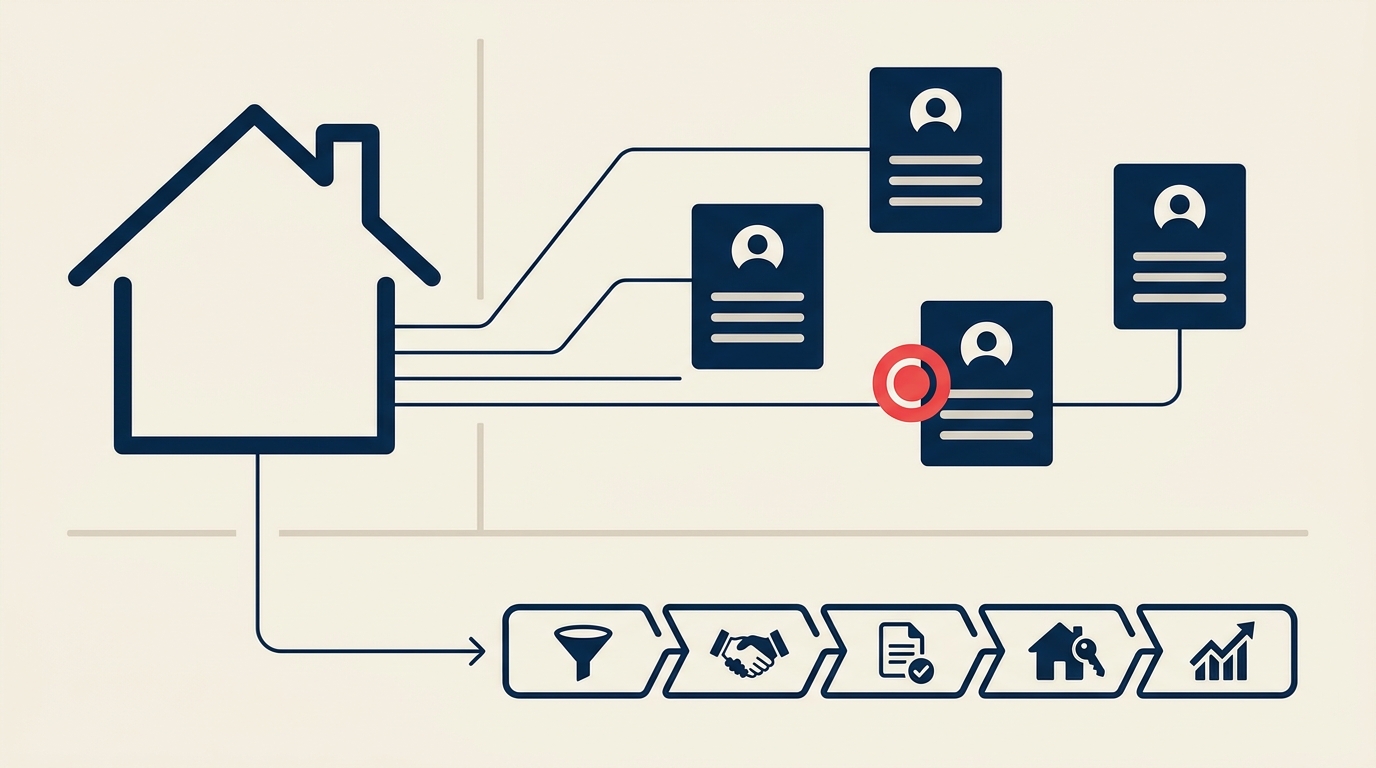
A real estate CRM centralizes your contacts, automates follow-up, and tracks where each prospect is in the buying or selling journey. That's the core job. But the better real estate-specific platforms go further: they capture leads directly from Zillow, Realtor.com, and IDX websites, route them instantly to the right agent, and trigger drip campaigns without manual setup. The gap between a generic CRM and a purpose-built real estate CRM is mostly felt in that lead-capture-to-first-contact window, where speed wins deals.
What to look for
These are the criteria that actually matter in a real estate context. General CRM reviews rarely surface the real-estate-specific gaps until you're already six months into a subscription.
| Criterion | Why it matters | What good looks like |
|---|---|---|
| Lead source integrations | Most agents buy leads from Zillow, Realtor.com, Facebook, or their IDX. If your CRM can't ingest them automatically, you're copy-pasting leads manually at 2am. | Direct integrations with 50+ lead sources; auto-routing on arrival; no Zapier workaround required |
| Speed-to-lead automation | Internet buyers expect a response in under 5 minutes. Studies consistently show contact rates drop by 90%+ after 5 minutes. | Auto-text or auto-call triggers the moment a lead comes in, even if no agent is at their desk |
| Drip nurture sequences | Most real estate leads need 6-18 months of nurture before they transact. Manual follow-up doesn't survive that timeline. | Pre-built real estate drip campaigns (buyer, seller, past client); easy sequence editor; SMS + email |
| Transaction and pipeline management | Agents need to track deals from first contact through close, not just contacts. | Pipeline view showing stage (nurture, active, under contract, closed); task reminders tied to milestones |
| Team vs. solo fit | A solo agent needs simplicity. A team or brokerage needs lead routing, accountability dashboards, and role-based permissions. | Solo tiers priced under $75/month; team tiers with round-robin routing and manager reporting |
| Mobile usability | Agents work from cars, open houses, and coffee shops. A clunky mobile experience means the CRM doesn't get used. | Native iOS and Android apps; quick-log calls; voice-to-note |
| MLS and IDX integration | Agents who can send automated property alerts from inside their CRM keep buyers engaged much longer. | MLS data sync; saved search alerts sent via CRM; property activity tracked per contact |
| Compliance and data handling | CCPA and state-level privacy rules apply to your contact lists. Some states have specific requirements around opt-out tracking. | Opt-out tracking, unsubscribe handling, audit logs for communications |
| Integrations ecosystem | You're probably already using DocuSign, Skyslope, Dotloop, Google Calendar, or a dialer. Your CRM needs to connect. | Native integrations or clean Zapier support for your existing stack |
| Onboarding and support | Real estate-specific CRMs often have agents on the support team. General CRMs route you to generic support queues. | Live chat or phone support during business hours; real estate-specific onboarding docs |
Key questions to ask before you buy
Before demoing any platform, work through these questions. They'll cut demo time in half and surface deal-breakers fast.
Where do your leads actually come from? List every source (Zillow, Realtor.com, open houses, referrals, website, paid ads). Check whether the CRM has native integrations for each, or whether you'd need Zapier for any of them.
Are you solo, a small team, or a brokerage? Solo agents don't need lead routing or manager dashboards. Teams do. Buying a solo tool when you're growing, or an enterprise tool when you're one person, is an expensive mistake in both directions.
How long is your average lead-to-close cycle? If it's under 60 days, a simple pipeline tracker works. If it's 6-18 months of nurture, you need robust drip sequences and a system that won't let contacts fall off the radar.
Do you need an IDX website bundled in, or do you have one already? Platforms like kvCORE and BoldTrail bundle CRM plus IDX website. If you already have a website you're happy with, paying for a bundled platform means paying for something you won't use.
What's your transaction management workflow? Some CRMs (Follow Up Boss, Wise Agent) stop at the deal stage and hand off to a separate transaction management tool. Others (Top Producer) handle the full transaction lifecycle. Know which you need.
What does your team actually use day-to-day? A CRM that lives in a browser tab most agents never open is worthless. Ask the vendor for retention or daily active user data. Ask your peers which platforms their teams actually log into.
What's the real total cost? Add up the base subscription, any per-user fees, add-ons (dialer, texting credits, IDX), and setup fees. Some platforms advertise low base prices but charge separately for calling, texting, or additional users.
Is there a lock-in risk? Check contract length, data export options, and what it costs to leave. Annual contracts are common; some enterprise plans require 12-24 month commitments.
Top options at a glance
This isn't an exhaustive review of every feature. It's a quick orientation so you know which tools are worth demoing for your situation. The Close's annual CRM roundup is a useful independent reference if you want deeper per-tool scoring.
| Tool | Best for | Starting price (approx.) |
|---|---|---|
| Follow Up Boss | Growing teams; heavy lead volume from portal sources | ~$69/user/month (Grow plan) |
| Wise Agent | Solo agents and small teams on a budget; strong support | ~$49/month flat |
| LionDesk | Budget-conscious agents who want a dialer and video texting | ~$39/month |
| kvCORE / BoldTrail | Brokerages wanting an all-in-one: CRM + IDX + lead gen | Custom/enterprise pricing |
| Top Producer | Agents who want MLS integration and farming tools built in | ~$129/user/month |
| HubSpot CRM | Teams with existing HubSpot use or marketing automation needs | Free tier available; paid from ~$15/user/month |
| Pipedrive | Agents who want a clean pipeline tool and will build their own real estate workflows | ~$14/user/month (Essential, billed annually) |
| Realvolve | Agents who want deep workflow automation and visual process builders | ~$49/month |
Pricing ranges are approximate and change frequently. Always verify on vendor pricing pages before buying.
For the full head-to-head comparison, see our CRM software listicle.
How to choose: a decision framework
Match your buyer profile to the right tool category. These aren't hard rules, but they're a good starting point.
| Buyer profile | Priority | Start here |
|---|---|---|
| Solo agent, under 50 leads/month | Low cost, simple follow-up, mobile app | LionDesk, Wise Agent, or HubSpot Free |
| Solo agent, high lead volume from portals | Speed-to-lead automation, portal integrations | Follow Up Boss Grow, LionDesk Pro |
| Small team (2-10 agents) | Lead routing, accountability dashboards, shared inbox | Follow Up Boss Pro, Wise Agent |
| Large team or brokerage | IDX website bundled, enterprise lead gen, manager reporting | kvCORE / BoldTrail, BoomTown |
| Investor or commercial agent | Pipeline flexibility, custom fields, non-residential workflows | Pipedrive, HubSpot Sales Hub |
| Agent scaling into a team | Tool you won't outgrow in 12 months; team features available now | Follow Up Boss, Top Producer |
| Agent with existing HubSpot or marketing stack | Native integration with current tools | HubSpot CRM (add real estate pack) |
If you're unsure whether you need a purpose-built real estate CRM or a general-purpose one, the answer is almost always the purpose-built option for the first 3-5 years of your business. You can configure Salesforce or HubSpot for real estate workflows, but it takes time and expertise that most solo agents and small teams don't have. Start focused. You can always migrate later.
For broader CRM selection context, how to choose a CRM covers the fundamentals that apply across industries, and how to choose a CRM for small business is worth reading if your brokerage operates more like a small business than a real estate shop.
Pricing: what to expect
Real estate CRM pricing in 2026 follows three rough tiers:
Entry level ($20-75/month): Solo-agent tools like LionDesk ($39/month), Wise Agent ($49/month), and HubSpot's starter paid tiers fall here. You get contact management, basic drip campaigns, and a mobile app. Dialers and texting may be extra.
Mid-market ($75-200/user/month): Follow Up Boss's Grow plan ($69/user/month), Top Producer ($129/user/month), and Pipedrive's Professional tier fit here. These offer deeper automation, better integrations, and team features. Budget for annual billing discounts of 10-20%.
Team and brokerage ($300-1,500+/month): Follow Up Boss Platform (~$1,000/month for up to 30 users), kvCORE enterprise (custom, often $1,500-2,500+/month for a full brokerage), and BoomTown at the high end. These include IDX websites, lead generation tools, and manager dashboards. Enterprise contracts are typically annual.
General-purpose CRMs (HubSpot, Salesforce, Pipedrive) price per user from ~$14-50/user/month on mid-tier plans, but you'll spend additional time and money configuring them for real estate use. Factor that into your true cost of ownership.
For a structured way to model full costs before signing, TCO modeling for SaaS walks through the framework.
Before signing any contract, run through vendor diligence checklist to catch data portability and exit clause issues that are common in real estate CRM contracts.
Frequently asked questions
Do I need a real estate-specific CRM, or can I use HubSpot or Salesforce?
You can use a general-purpose CRM, but it takes real configuration effort to replicate what purpose-built tools like Follow Up Boss or Wise Agent ship with out of the box: Zillow/Realtor.com lead capture, real estate drip templates, transaction pipelines, and MLS integration. For solo agents and small teams, the time cost of configuring a general-purpose CRM often exceeds any per-seat savings. For investors, commercial agents, or teams with a dedicated ops person, general-purpose CRMs can be the better long-term bet.
What's the difference between a CRM and a transaction management system?
A CRM manages your relationships and pipeline before the deal is under contract. A transaction management system (Dotloop, Skyslope, DocuSign Rooms) handles the paperwork and compliance process from contract to close. Some CRMs include light transaction management; most don't. You'll often need both, and the best approach is picking a CRM with a clean integration to your preferred transaction tool.
How important is Zillow integration?
Very, if Zillow is a meaningful lead source for you. Without a native integration, Zillow leads arrive by email and require manual entry. That delay kills contact rates. Follow Up Boss, kvCORE, LionDesk, and most purpose-built real estate CRMs have direct Zillow and Realtor.com ingestion. Confirm this in the demo, not just on the marketing page.
Can a CRM help with past client follow-up and referrals?
Yes, and this is one of the highest-ROI use cases. Most real estate CRMs include past-client campaigns (anniversary emails, market update alerts, check-in reminders) that run automatically once you set them up. Agents with a database of 200+ past clients can generate a meaningful portion of their GCI from referrals simply by staying top of mind with consistent automated touches.
Is it worth paying for a CRM with a built-in dialer?
If you're working internet leads, yes. Speed-to-lead calling is one of the clearest ROI drivers in real estate. Platforms like LionDesk and Follow Up Boss include calling features (sometimes at an add-on cost). A built-in dialer means one fewer integration to manage and call logs that live in your contact record automatically.
The bottom line
The right real estate CRM isn't the one with the most features. It's the one your team will actually open every morning. Start with your lead sources and your team size, use the criteria table above to score three or four candidates, and run a real 2-week trial with real leads before committing. Most real estate CRMs offer 14-day free trials, which is enough time to feel whether the workflow fits.
For a broader view of what separates good CRM choices from regrettable ones, how to choose a CRM for startups covers the same decision-making rigor in a different context, and how to choose sales engagement software is worth a read if your team does outbound prospecting alongside inbound lead follow-up.
