Best Acuity Scheduling Alternatives in 2026: 13 Booking Platforms Compared
Turn this article into takeaways for your work.


Each assistant summarizes the article only for you and suggests best practices for your work.
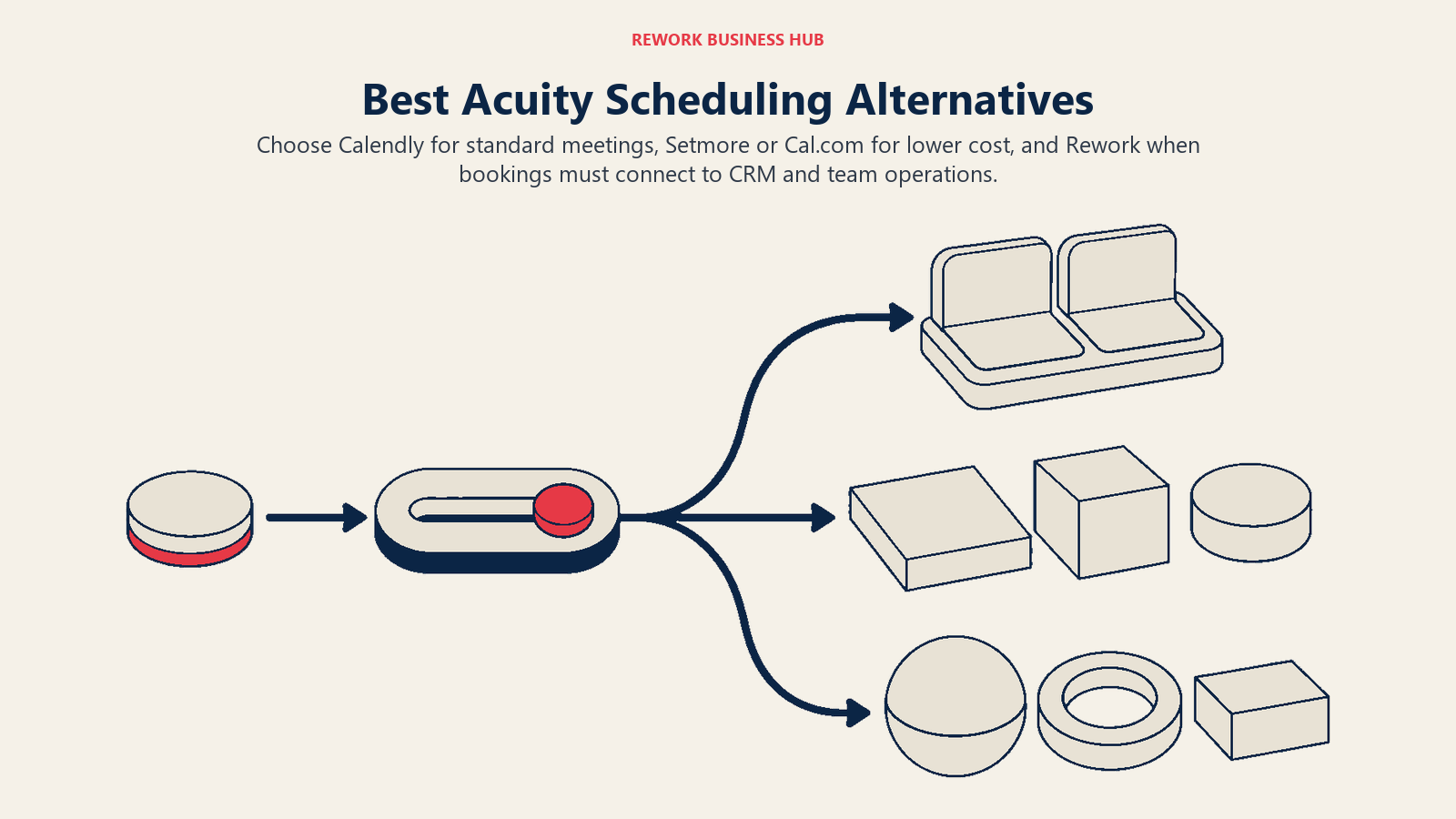
The best Acuity Scheduling alternative depends on what pushed you to look. If it is cost as you add staff, Setmore or Cal.com solve that fastest. If you want booking folded into a bigger operations platform instead of one more standalone app, Rework is the pick. And if you never left the meeting-scheduling default, Calendly is still that default. This guide covers 13 alternatives for clinics, coaches, salons, studios and consultancies currently on Acuity or evaluating it, with every price pulled from the vendor's own pricing page in August 2026.
Acuity earned its place among client-facing service businesses honestly: deep intake forms, packages and gift certificates, class scheduling, and payment collection built in from day one. The businesses that leave usually aren't leaving over features. They're leaving because Acuity has no free tier at all, because the real cost driver is how many calendars your plan includes, and because Acuity now operates inside Squarespace's product world rather than as its own company.
Key Facts
- The global appointment scheduling software market was valued at USD 546.1 million in 2025 and is projected to reach USD 1,905.90 million by 2034, a 14.70% CAGR (Fortune Business Insights).
- A 2025 study in Frontiers in Digital Health found online-booked appointments had a 1.8% no-show rate versus 5.9% for offline bookings at a private medical practice, but the result reversed at a university hospital, 14.3% online versus 11.2% offline (Frontiers in Digital Health). Self-scheduling alone doesn't cut no-shows; how it's implemented does.
- 94% of consumers say they'd be more likely to choose a new service provider that offers online booking, and nearly 70% would pick online booking over the phone if given the choice, per a 2021 GetApp survey of 217 US consumers (GetApp).
- Meetings starting after 8pm are up 16% year over year, and 30% of meetings now span multiple time zones, up 8 points since 2021, per Microsoft's 2025 Work Trend Index (Microsoft WorkLab).
- Contacting a lead within 5 minutes instead of 30 raises the odds of qualifying it by 21 times, per the Lead Response Management study; the related Harvard Business Review research found firms responding within an hour were nearly 7 times more likely to qualify a lead than those that waited (HBR).
Why People Leave Acuity Scheduling
Give Acuity Scheduling its due before you shop the alternatives. It has some of the deepest intake forms in the category, so a therapist or consultant can collect a full client history before the first session instead of chasing paperwork afterward. Packages and gift certificates are native, not bolted on, which matters to a salon or studio that sells bundles as a revenue strategy. Class scheduling handles recurring group sessions cleanly, multiple calendars let a practice run several practitioners off one account, and payment collection at booking time is built in rather than requiring a third-party plugin. For a client-facing service business that takes payments and sells packages, Acuity does a lot in one subscription.
So why do people leave anyway? Three reasons come up over and over.
There's no free plan at all. Acuity offers a 7-day free trial with no card required, and that's it. Compare that to Setmore's free tier for up to 4 users or Cal.com's free tier for a solo user, both of which stay free indefinitely. A therapist testing whether online booking is worth the switch has to make a decision inside a week.
Calendars are the real cost driver, and the jump is steep. Acuity's three tiers are Starter at $20 per month billed monthly ($16 billed annually) for 1 calendar, Standard at $34 monthly ($27 annually) for up to 6 calendars, and Premium at $61 monthly ($49 annually) for up to 36 calendars. A solo practitioner pays the Starter rate comfortably. A clinic with 3 providers has to jump straight to Standard, and a studio with a rotating roster of 8 instructors is paying Premium rates for calendar headroom it may not fully use.
| Plan | Monthly | Billed annually | Calendars included |
|---|---|---|---|
| Starter | $20/month | $16/month | 1 calendar |
| Standard | $34/month | $27/month | Up to 6 calendars |
| Premium | $61/month | $49/month | Up to 36 calendars |
Acuity now sits inside Squarespace's product world. Squarespace owns Acuity, and the roadmap, support experience and cross-sell pressure toward Squarespace websites all follow from that. If your business already runs on Squarespace for its site, that's a convenience. If it doesn't, some buyers would rather not have their booking tool's priorities set by a website builder's product strategy. Businesses weighing whether to consolidate on Squarespace entirely, or move away from it, may find our Squarespace alternatives guide useful context.
One distinction worth making up front: Acuity and the tools below handle client-facing appointment booking, someone external books time with your business, a different job from staff shift scheduling, where a manager assigns internal employees to shifts. Need the second thing instead? See our employee scheduling software roundup. Weighing Acuity against the category leader specifically? The Calendly vs Acuity Scheduling comparison goes deeper on that single matchup, and our appointment scheduling software roundup covers the category more broadly.
Quick Comparison Table
| Tool | Best For | Starting Price | Key Strength | Key Limitation |
|---|---|---|---|---|
| Calendly | Teams standardizing meeting scheduling | Free (1 event type), $10/seat/month Standard | Category-standard, huge integration library | Free plan capped at 1 event type and 1 calendar |
| Cal.com | Developer-controlled scheduling with a deep API | Free (1 user), $12/user/month Teams (billed annually) | Lower price than Calendly, deep API access | Free plan is one user only |
| SimplyBook.me | Service businesses needing a booking website | Free (50 bookings/month), EUR 13.9/month Basic | Full booking website with widgets, not just a link | Priced in euros, monthly booking caps on lower tiers |
| Setmore | Small teams needing free multi-user booking | Free (up to 4 users) | Free tier covers 4 users, unlimited on Pro | Pro's $5/user rate only applies billed annually ($12 monthly) |
| Square Appointments | Businesses already running Square for payments | Free; Plus $49/mo per location | Booking, payments and POS on one subscription | No dedicated Appointments tier anymore, folded into general plans |
| Rework (E-Booking) | Booking inside a wider operations platform | Quote on request | Booking sits next to CRM, People and Work Ops in one login | No published price, not built for solo operators |
| OnceHub | Qualifying and routing before the meeting is booked | Free (1 user), $12/seat/month Schedule (billed monthly) | Routing and qualification logic ahead of booking | Phone number allowances are metered per tier |
| Vagaro | Solo and small salon, spa, fitness businesses | $23.99/month (Just Me) | Built-in marketplace exposure for new clients | Per-calendar scaling cost isn't published |
| Mindbody | Larger wellness and fitness businesses | Starting at $99/month per location | Consumer-facing app drives new client discovery | Pricing above entry tier is quote-only |
| Zoho Bookings | Teams already inside the Zoho ecosystem | Free (1 user), $6/user/month (billed annually) | Native tie-in to Zoho CRM and Zoho One | Tier names aren't published, only the prices |
| Microsoft Bookings | Microsoft 365 shops wanting no extra contract | From $7/user/month (bundled in M365 Business Basic) | No new vendor if you already pay for Microsoft 365 | Not sold as a standalone product |
| YouCanBookMe | Simple, branded booking pages | Free (1 calendar, 1 page), ~$9/month Individual (reported) | Lightweight setup, clean branded pages | Paid pricing isn't published on the vendor's own page |
| Doodle | Group polls plus booking pages | Free, $11/seat/month Pro (billed annually) | Group availability polling alongside 1:1 booking | Monthly-billed rate isn't published |
1. Calendly - The Default Meeting-Scheduling Standard
Calendly is what most people picture when they hear "scheduling link," and for one-off meetings, discovery calls, and internal syncs it's still the fastest thing to set up. Where it diverges from Acuity is scope. Calendly is built for booking a meeting, not for running a client-facing service business. There's no package selling, no gift certificates, and payment collection exists but plays a smaller role than it does in Acuity's design.
The free plan is genuinely free forever, but capped at 1 event type and 1 calendar connection, which rules it out for anyone juggling more than one kind of appointment. Standard runs $10 per seat per month (17% cheaper billed annually) and adds unlimited event types plus group events. Teams at $16 per seat per month (20% off annually) adds round-robin distribution and lead routing. Enterprise starts at $15,000 per year with a 50-seat minimum, USD only. Notetaker and Callie, Calendly's AI features, are paid add-ons on Standard and Teams, not included.
Target audience. Consultants, coaches and sales teams whose core need is meeting scheduling, not service delivery with packages and payments attached.
Sizing fit. Works from solo to enterprise, but the value tightens fast for anyone who needs more than one event type on a budget.
Stage fit. Best for businesses where booking a call is the product interaction, not a prelude to a service appointment.
| Pros | Cons |
|---|---|
| Category-standard, deepest integration library in the space | Free plan capped at 1 event type and 1 calendar connection |
| Round-robin and lead routing on Teams | No package selling or gift certificates, unlike Acuity |
| Enterprise-grade security and admin controls | AI features (Notetaker, Callie) are separate paid add-ons |
Pricing: Free (1 event type, 1 calendar). Standard $10/seat/month. Teams $16/seat/month. Enterprise from $15,000/year, 50-seat minimum, USD only.
Best for: Teams whose scheduling need is meetings and calls, not client-facing service delivery. If Calendly itself is what you're evaluating against Acuity directly, the Calendly vs Acuity Scheduling comparison is the head-to-head.
2. Cal.com - Price, API Depth, and Developer Ergonomics
Cal.com exists because a chunk of the market wanted Calendly's job done for less money and with a real API to build against. Its hosted product moved the commercial codebase to a private repository in April 2026, so Cal.com itself is closed source now; the free, self-hostable option is Cal.diy, an MIT-licensed community edition with the commercial features stripped out, and its own repo says it's built for individuals and self-hosters, not recommended for production. What Cal.com still earns its slot on is price, API depth, and developer ergonomics for teams that want to embed scheduling directly into their own product rather than send clients to a third-party domain.
The free tier is unusually generous on features (unlimited event types, unlimited calendars, 100+ integrations) but limited to a single user, which is the detail that trips people up. "Free for teams" is a myth here. Teams pricing starts at $12 per user per month, and Organizations at $28 per user per month, both billed annually, with monthly-billed rates not published anywhere on the site. Enterprise is custom. If your practice has more than one practitioner, budget for the paid tier from day one.
Target audience. Developer-led teams and agencies embedding booking into their own product, plus budget-conscious buyers who want a deep API without Calendly's price tag.
Sizing fit. Strong at 1 user free, then scales per seat. Cal.diy can remove per-seat cost for a solo, non-production setup, but it isn't the commercial product and isn't built for a team relying on it.
Stage fit. Best once someone on the team is comfortable paying for the hosted tiers or is testing Cal.diy for personal, non-production use.
| Pros | Cons |
|---|---|
| Lower price than Calendly at the Teams tier, with a deep API | Free plan is one user only, not a team plan |
| Unlimited event types and 100+ integrations even on free | Monthly-billed pricing isn't published, annual only |
| API-first design fits custom booking flows | Hosted Cal.com is closed source; Cal.diy is the free self-hostable edition, and it isn't for production |
Pricing: Free (1 user, unlimited event types/calendars). Teams $12/user/month billed annually. Organizations $28/user/month billed annually. Enterprise custom.
Best for: Technical teams that want a deep API and a lower price than Calendly, not a booking link they rent with no room to customize.
3. SimplyBook.me - A Booking Website, Not Just a Link
SimplyBook.me solves a problem Acuity doesn't fully address: a lot of small service businesses don't want a booking link buried in an email signature, they want a booking website their clients can find, browse and book from directly, complete with service photos, staff bios and custom widgets. That's the product's whole angle, and it competes closely with Acuity on client-facing depth rather than just on price.
Pricing is published in euros, not dollars, so convert before you compare it against Acuity's dollar figures. Free covers 50 bookings per month with 1 custom feature, useful for testing but tight for an active practice. Basic runs EUR 13.9 monthly (EUR 11.9 annually) for 100 bookings and 3 custom features. Standard is EUR 29.9 monthly (EUR 24.9 annually) for 500 bookings and 8 custom features. Premium is EUR 59.9 monthly (EUR 49.9 annually) for 2,000 bookings and unlimited custom features. Enterprise is custom, and there's a 14-day trial of Premium features to test the ceiling before committing.
Target audience. Service businesses that want a standalone booking website with a client-facing storefront, not just an embedded widget.
Sizing fit. Free works for testing. Basic and Standard fit solo to small-team operations; Premium suits a busy multi-location practice.
Stage fit. Best for businesses actively marketing their booking page as a destination, not just linking it from an existing website.
| Pros | Cons |
|---|---|
| Full booking website, not just an embeddable widget | Priced in euros, requires currency conversion for USD budgets |
| Custom feature marketplace scales with the plan tier | Monthly booking caps on every paid tier below Premium |
| 14-day trial of Premium features before committing | Feature-gating by "custom features" adds a learning curve |
Pricing: Free (EUR 0, 50 bookings/month). Basic EUR 13.9/month (EUR 11.9 annually). Standard EUR 29.9/month (EUR 24.9 annually). Premium EUR 59.9/month (EUR 49.9 annually). Enterprise custom.
Best for: Practices that want a real booking website with a storefront feel, and don't mind budgeting in euros. If SimplyBook.me itself is on your shortlist to replace, our SimplyBook.me alternatives guide covers that comparison directly.
4. Setmore - Free Multi-User Booking
Setmore is the direct answer to Acuity's biggest weakness: it has an actual free plan, and that free plan supports up to 4 users, not just one. For a small clinic or studio with a couple of practitioners that wants to test online booking without a card on file, this closes the gap Acuity's 7-day trial leaves open.
Pro removes the user cap entirely and is priced at $12 per user per month billed monthly, or $5 per user per month billed annually, a wide enough gap that annual billing is worth locking in early if you're confident in the tool. One honest caveat: Setmore's own pricing page doesn't state an appointment cap on the free plan in either direction, and third-party sites disagree about whether one exists. Don't plan around a specific number either way, just confirm current limits with Setmore directly before you commit a busy calendar to it.
Target audience. Small teams of up to 4 staff that want free multi-user booking before paying for anything.
Sizing fit. Free comfortably fits up to 4 users. Pro scales to unlimited users at a genuinely low annual rate.
Stage fit. Ideal as a first booking tool for a young practice still validating demand.
| Pros | Cons |
|---|---|
| Free plan supports up to 4 users, not just one | $12/user monthly rate is steep; $5 requires annual billing |
| Pro removes the user cap entirely | Appointment limits on the free plan aren't clearly stated |
| Straightforward setup with minimal configuration | Fewer client-facing storefront features than Acuity or SimplyBook.me |
Pricing: Free (up to 4 users). Pro $12/user/month billed monthly, or $5/user/month billed annually, unlimited users.
Best for: Small teams that want to prove out online booking on a free plan before paying for anything. If Setmore is the tool you're replacing, see the Setmore alternatives guide.
5. Square Appointments - Booking Plus Payments and POS
Square Appointments makes the most sense for businesses that already process payments through Square, or want to. Booking, in-person card processing and point-of-sale are one subscription rather than a scheduling tool that bolts on a payment integration as an afterthought, which is the reverse of how most tools on this list are built.
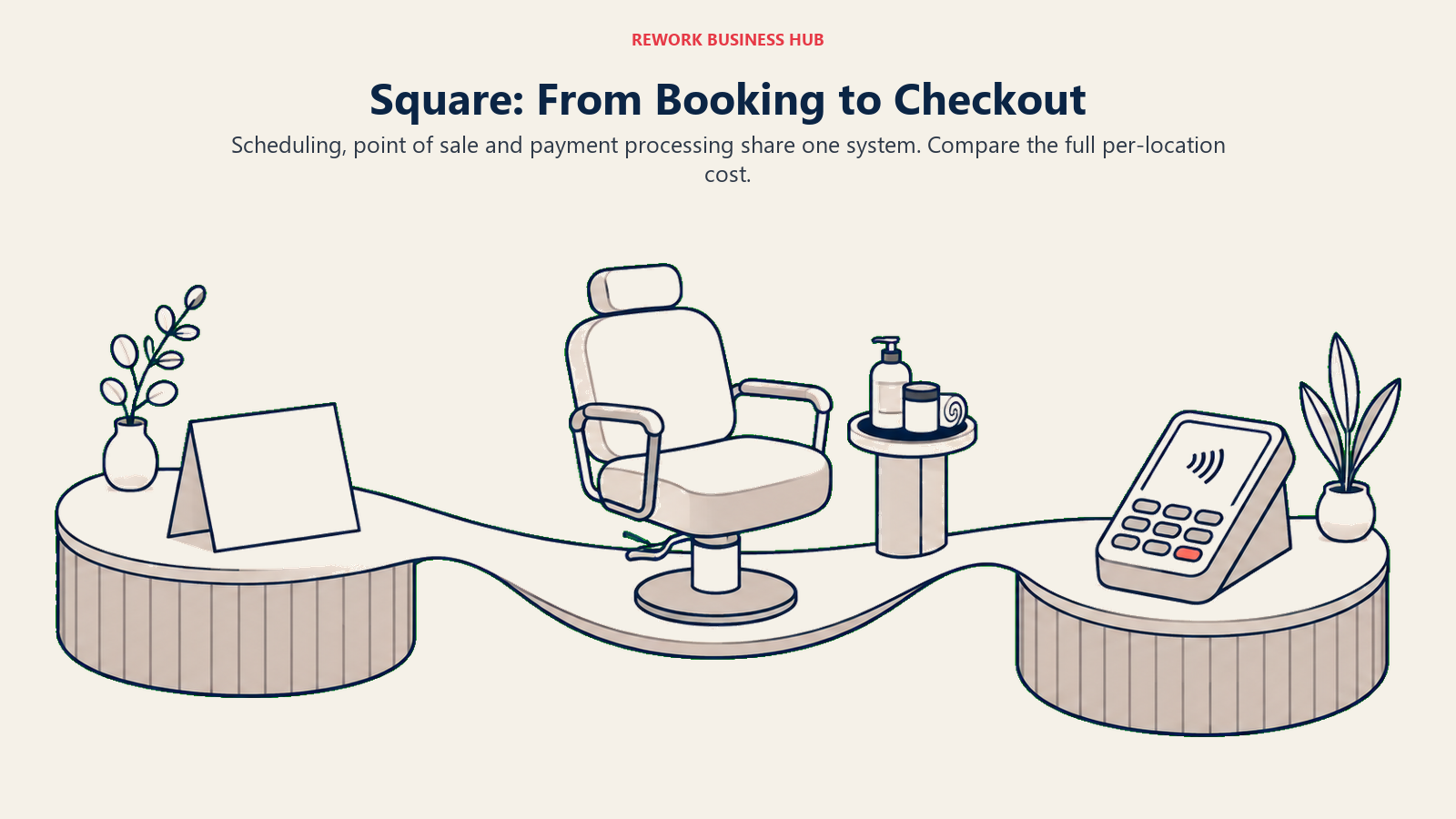
Here's the change worth knowing before you compare prices: Square folded Appointments-specific pricing into its unified, per-location subscription plans. There is no longer a standalone Appointments Plus or Premium tier. Today it's Square Free at $0 per month per location, Square Plus at $49 per month per location with in-person processing at 2.5% + 15 cents, and Square Premium at $149 per month per location with processing at 2.4% + 15 cents and 24/7 phone support. If you've seen a different Appointments-only figure quoted elsewhere, it's describing a retired product.
Target audience. Service businesses that want booking, payments and point-of-sale under one vendor and one bill.
Sizing fit. Free works for a single-location solo operator testing the waters. Plus and Premium fit multi-location businesses that need staff management and deeper reporting.
Stage fit. Best for businesses where in-person payment processing is as central to the day as the booking calendar.
| Pros | Cons |
|---|---|
| Booking, payments and POS unified in one subscription | No dedicated Appointments tier anymore, priced with the general plans |
| Free tier costs nothing per location to start | In-person processing rates are extra on top of the subscription |
| 24/7 phone support included on Premium | Booking-specific depth is thinner than dedicated scheduling tools |
Pricing: Square Free $0/month/location. Square Plus $49/month/location, processing 2.5% + 15 cents. Square Premium $149/month/location, processing 2.4% + 15 cents, 24/7 phone support.
Best for: Businesses that want booking and card processing under a single Square subscription instead of stitching two vendors together.
6. Rework (E-Booking) - Booking Inside a Wider Operations Platform
Everything else on this list is a scheduling tool with other things bolted on. Rework flips that: E-Booking is a module inside a wider operations platform that also runs CRM, sales pipeline, the People app (HRIS, time and attendance, timesheets), and cross-team Work Ops. The pitch isn't "the best booking calendar." It's that the appointment your client books, the lead record it's tied to, and the staff schedule behind it all live in one system instead of three logins that don't talk to each other.
That matters most for a business past the solo stage. A single therapist doesn't need booking wired into a CRM pipeline. A 15-person clinic or consultancy tired of copying appointment data into a separate sales tool, or reconciling staff hours in yet another app, is exactly who this consolidation argument is for.
Be clear-eyed about the tradeoff, too. Rework doesn't publish a price for its booking capability; pricing is quoted per organization, and you'll need a sales conversation to get a number, unlike Calendly or Cal.com where you can build a budget from a public page in five minutes. And Rework isn't built for solo operators or 1-person practices. If that's you, a free or low-cost dedicated booking tool from earlier in this list is the better starting point.
Target audience. Multi-person service businesses (roughly 10 to 200 people) that want booking connected to CRM, staff records and operations, not a standalone calendar app.
Sizing fit. Built for teams, not solo practitioners. A 1-person business will find dedicated booking tools cheaper and simpler.
Stage fit. Best once a business has outgrown "just a calendar" and started feeling the cost of appointment data living apart from client records and staff scheduling.
| Pros | Cons |
|---|---|
| Booking connects to CRM, People and Work Ops in one platform | No published price, requires a sales conversation |
| Removes duplicate data entry across booking, CRM and staff records | Not priced or designed for solo/1-user operators |
| One login instead of stitching separate tools together | Migration from a single-purpose booking tool is a bigger project |
Pricing: Quote on request, priced per organization. See rework.com/pricing.
Best for: Growing service teams that want booking tied to the CRM record and staff schedule behind it, not a business of one. Speed matters here too: contacting a lead within 5 minutes rather than 30 raises qualification odds by 21 times, which is easier to act on when the booking and the lead record share a system (see our lead response time guide).
7. OnceHub - Qualify and Route Before the Meeting Lands
OnceHub answers a question Acuity doesn't really ask: should everyone who wants to book time with you actually be able to? It's built around qualification and routing logic that runs before a booking confirms, so a lead can be scored, matched to the right rep, or filtered out entirely before they land on a calendar. That's a materially different job from Acuity's "anyone with the link can book."
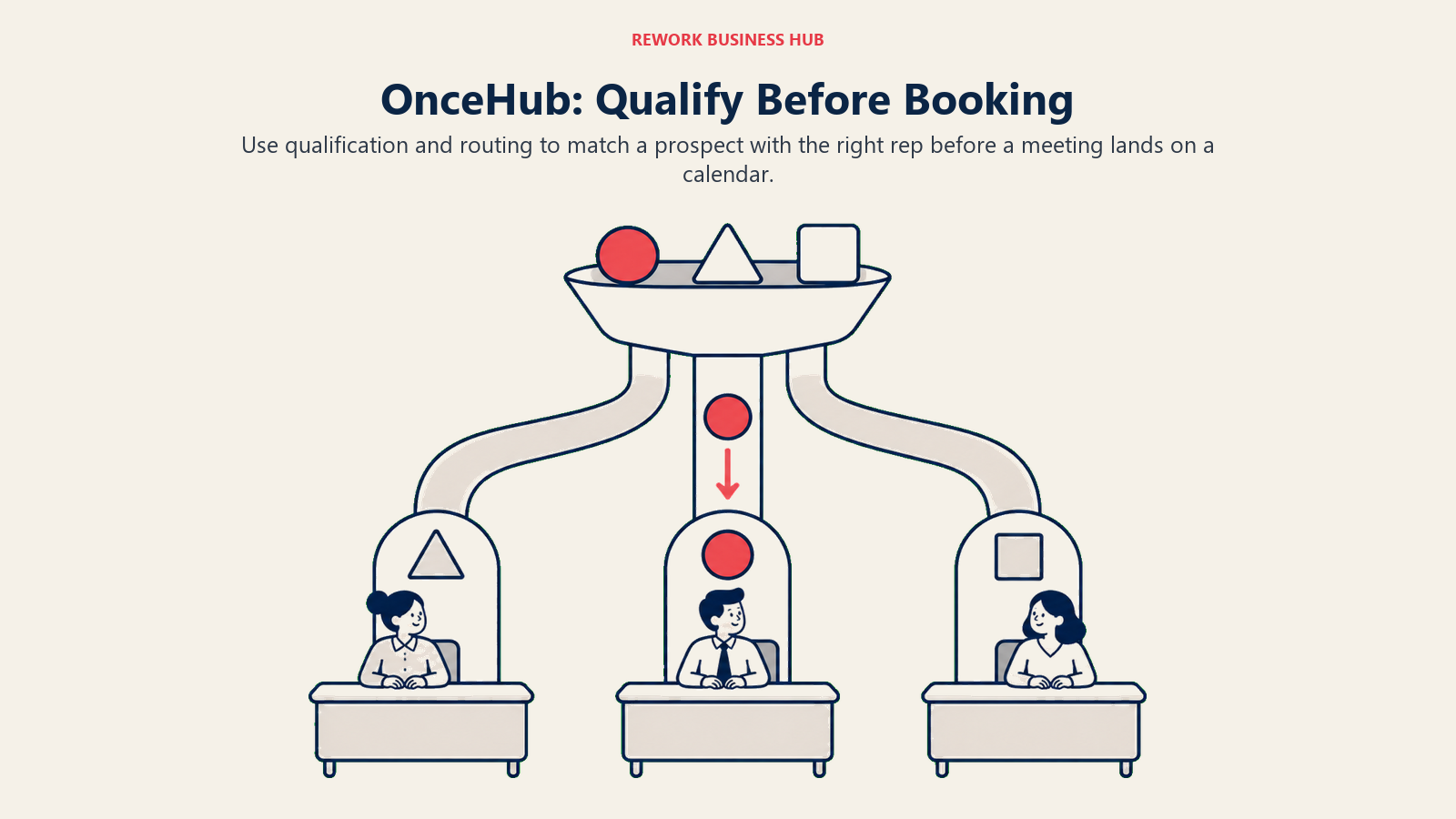
Basic is free for 1 user with 1 connected calendar and 1 booking link, a real starting point rather than a stripped demo. Schedule runs $12 per seat monthly ($10 annually) and includes 1 phone number. Route jumps to $23 monthly ($19 annually) with 2 phone numbers and adds the routing logic that's the whole point of choosing OnceHub. Engage tops the published tiers at $47 monthly ($39 annually) with 3 phone numbers. A Security and Compliance add-on runs $6 monthly ($5 annually) per seat, and extra phone numbers are $4 each per month. Enterprise is custom, aimed at 30-plus users, and a 14-day free trial of Engage is available on signup.
Target audience. Sales and business-development teams where a booking needs to be routed to the right person, not just accepted by whoever's calendar is open.
Sizing fit. Free for 1 user, then scales through paid tiers built for small sales teams up to Enterprise at 30+ users.
Stage fit. Best once inbound volume is high enough that not every booking should land on the same calendar.
| Pros | Cons |
|---|---|
| Real qualification and routing logic before a meeting books | Phone number allowances are metered and add up per tier |
| Free tier is a genuine starting point, not a crippled trial | Fewer client-facing service features (packages, gift certificates) than Acuity |
| 14-day trial of the top published tier to test routing depth | Security/Compliance is a per-seat add-on, not included |
Pricing: Basic free (1 user). Schedule $12/seat/month ($10 annually). Route $23/month ($19 annually). Engage $47/month ($39 annually). Security and Compliance add-on $6/month ($5 annually) per seat. Enterprise custom.
Best for: Teams where the booking itself needs qualification and routing, not just an open calendar slot. If OnceHub is the incumbent you're replacing, see the OnceHub alternatives guide.
8. Vagaro - Built for Salon, Spa and Fitness
Vagaro is a purpose-built tool for one specific set of businesses: salons, spas, and fitness studios. Where Acuity is general-purpose client scheduling that works fine for a salon, Vagaro is built for a salon from the ground up, with retail inventory tracking, membership and package sales tuned to that world, and staff commission tracking baked in rather than approximated.
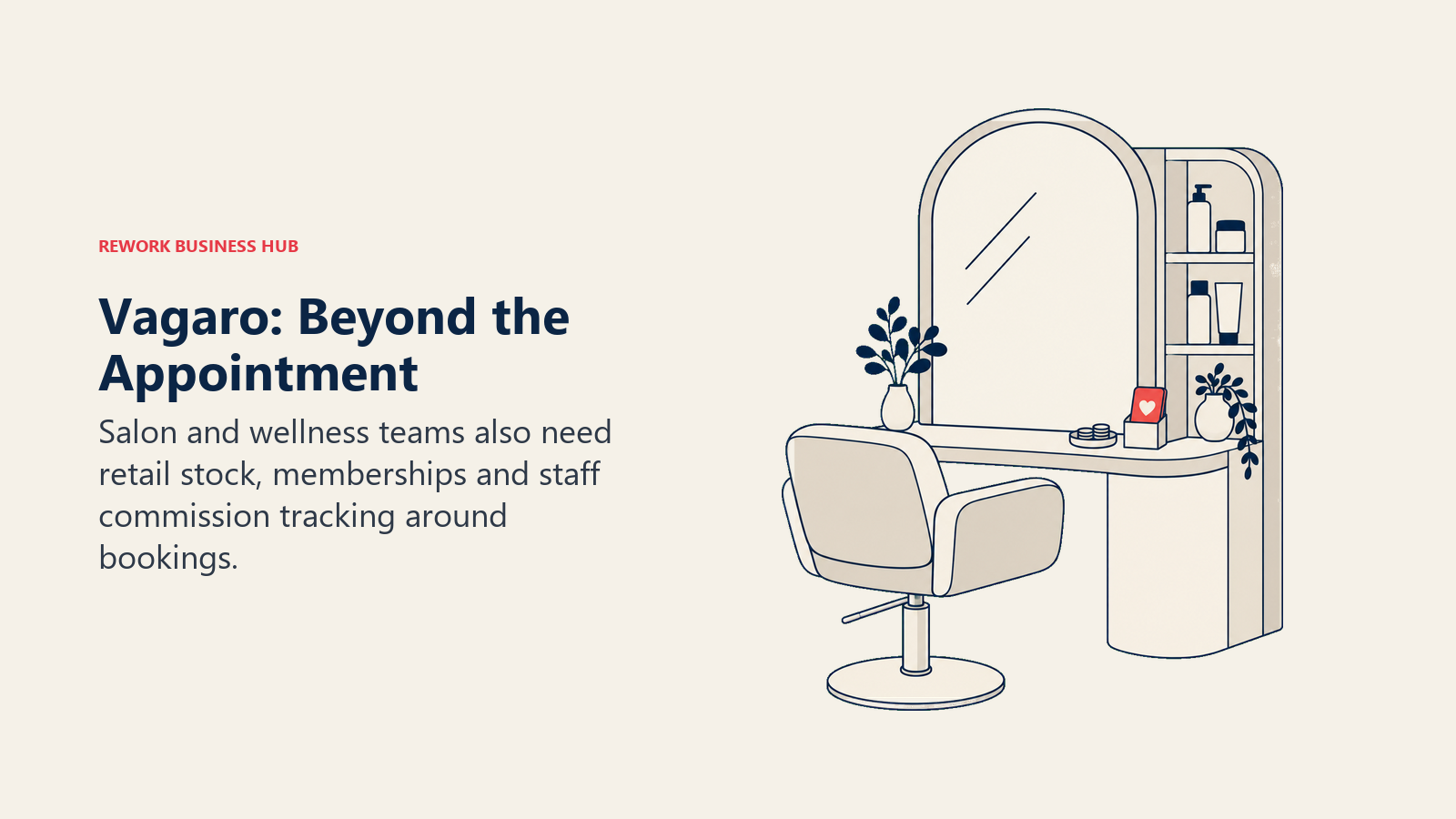
The headline price is $23.99 per month for the "Just Me" tier, one bookable calendar, aimed at a solo stylist or independent practitioner. Where it gets less transparent is scaling: Vagaro's own pricing page doesn't publish what each additional bookable calendar costs. Expect price to climb with headcount at a multi-chair salon, but don't plan a specific per-calendar figure until you've gotten a quote.
Target audience. Solo and small-team salon, spa and fitness businesses that want retail and membership features built for that industry, not adapted to it.
Sizing fit. Strong from solo through small multi-practitioner shops. Cost per additional calendar is opaque until you request pricing.
Stage fit. Best for beauty and wellness businesses that sell retail products or memberships alongside appointments.
| Pros | Cons |
|---|---|
| Built specifically for salon, spa and fitness workflows | Scaling cost per additional calendar isn't published |
| Retail inventory and membership sales native to the product | Vagaro marketplace listing pushes toward its own client-discovery ecosystem |
| Staff commission tracking built in, not a workaround | Less general-purpose than Acuity for non-beauty service businesses |
Pricing: $23.99/month for one bookable calendar (Just Me tier). Additional-calendar pricing not published; scales with headcount, contact Vagaro for a multi-provider quote.
Best for: Salon, spa and fitness businesses that want retail, membership and commission tracking purpose-built for the industry.
9. Mindbody - The Network Effect for Wellness and Fitness
Mindbody is the biggest name in wellness and fitness scheduling for a reason that has nothing to do with Acuity's feature set: its consumer-facing marketplace app is where a large number of people actually go looking for a new yoga class or spa appointment. Listing on Mindbody isn't just booking software, it's a discovery channel, which is a different value proposition than anything else on this list.
Pricing is deliberately hard to pin down. The only figure Mindbody publishes is "starting at $99 USD per month per location." Its three tiers, Starter, Accelerate and Ultimate, are all listed with "Let's talk" instead of a number. Treat any specific dollar figure you see for Accelerate or Ultimate as reported, not vendor-confirmed.
Target audience. Larger wellness, fitness and spa businesses that want the Mindbody marketplace's client-discovery reach, not just a booking calendar.
Sizing fit. Aimed at established, larger operations rather than a solo practitioner. The $99 floor per location adds up fast across multiple sites.
Stage fit. Best for businesses with the volume to benefit from marketplace exposure and the budget for a quote-only, multi-location tool.
| Pros | Cons |
|---|---|
| Consumer marketplace app drives new client discovery | Only the entry figure is published, everything above is quote-only |
| Deep fitness and wellness class-scheduling features | $99/month/location floor is high for a single small studio |
| Established brand clients already search for and trust | Heavier and more complex than most businesses on this list need |
Pricing: Starting at $99/month per location. Starter, Accelerate and Ultimate tiers above that are quote-only ("Let's talk").
Best for: Established wellness and fitness businesses that want marketplace discovery on top of booking, and are ready for a quote-based conversation.
10. Zoho Bookings - For Zoho Ecosystem Buyers
Zoho Bookings exists mostly as a piece of a bigger decision: are you already in, or planning to move into, the Zoho ecosystem? On its own it's a competent, affordably priced booking tool. Wired into Zoho CRM and Zoho One, it becomes the scheduling layer for a business already running its sales and operations through Zoho, which is the actual reason most buyers pick it over a standalone tool.
Free covers 1 user with 1 event type, 1 workspace and 1 calendar sync, tight but workable for testing. The paid tiers are a little unusual to quote: Zoho's pricing page shows the dollar figures without naming the tiers clearly, and the comparison page that does name them uses different labels. What's confirmed: an entry paid plan at $6/user/month billed annually ($8 monthly), and a higher paid plan at $9/user/month billed annually ($12 monthly).
Target audience. Businesses already using or planning to adopt Zoho CRM or Zoho One that want booking native to that ecosystem.
Sizing fit. Free fits a solo tester. Paid tiers are priced low enough per seat to scale comfortably with a small team.
Stage fit. Best when the booking decision is really a Zoho-ecosystem decision, not an isolated tool choice.
| Pros | Cons |
|---|---|
| Lowest published per-seat entry price in this list at $6/month | Tier names aren't clearly published, only the price points |
| Native integration with Zoho CRM and Zoho One | Standalone value is thinner without the rest of Zoho |
| Free tier available for solo testing | 1 event type and 1 calendar sync limit the free tier tightly |
Pricing: Free (1 user, 1 event type). Entry paid plan $6/user/month billed annually ($8 monthly). Higher paid plan $9/user/month billed annually ($12 monthly).
Best for: Teams already committed to Zoho who want booking to plug straight into CRM. If your CRM decision is still open, our Zoho alternatives guide and HubSpot alternatives guide are worth a look first.
11. Microsoft Bookings - No Extra Contract for Microsoft 365 Shops
Microsoft Bookings is the right answer to a very specific question: "we already pay for Microsoft 365, do we need another scheduling contract?" For a lot of businesses the answer is no. Bookings isn't sold as a standalone product at all, it's bundled into Microsoft 365 Business plans, so if your organization is already on one of those plans, scheduling is arguably a feature you're not using rather than a tool you need to buy.
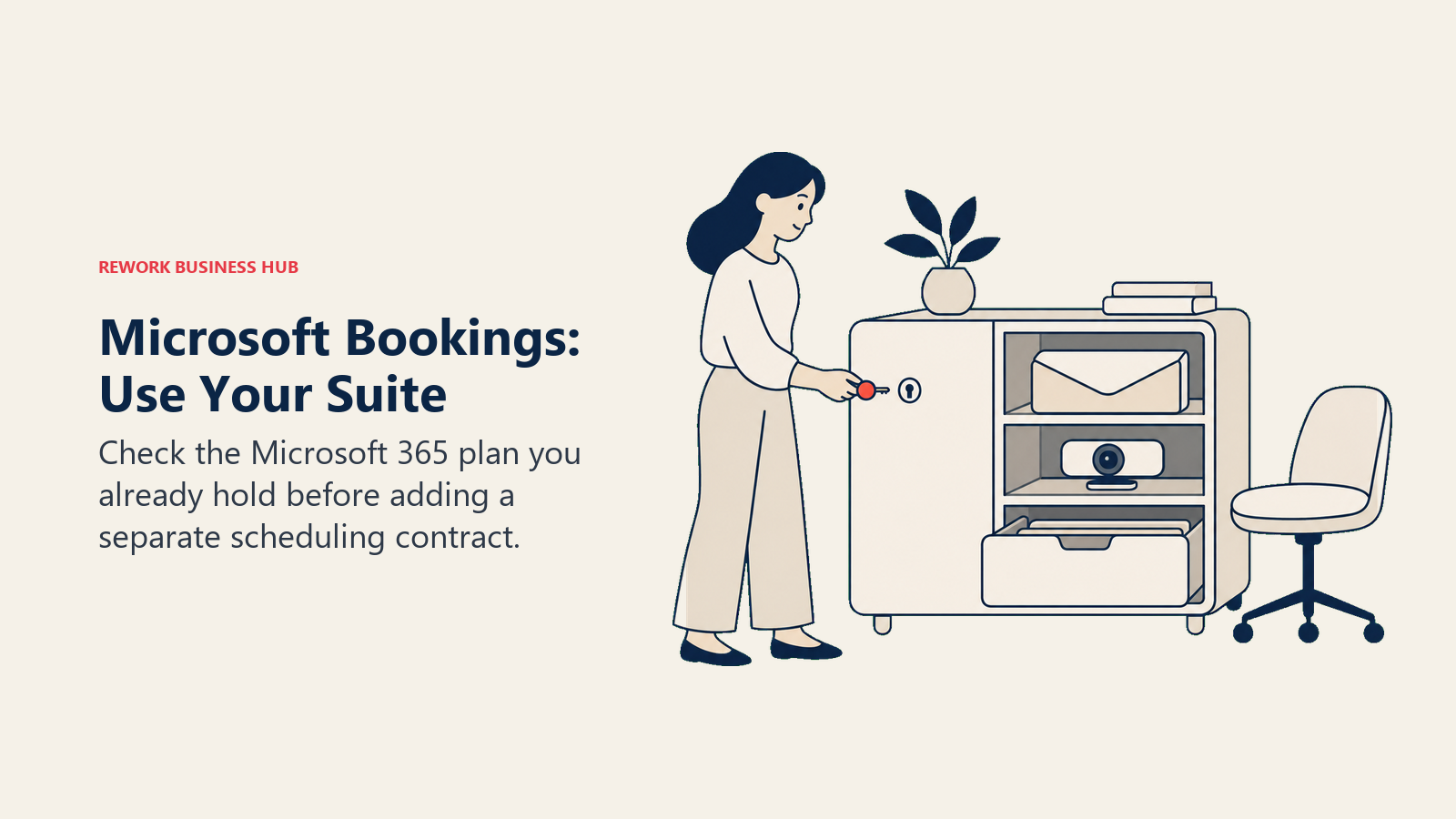
The relevant figures are the Microsoft 365 Business tiers it rides along with: Business Basic at $7.00 per user per month, Business Standard with Copilot at $23.50 per user per month, and Business Premium with Copilot at $32.00 per user per month, all on annual commitment. Frame this correctly when you compare it to Acuity: it isn't a $7 scheduling tool, it's no extra line item on a Microsoft 365 subscription you may already be paying for.
Target audience. Businesses already standardized on Microsoft 365 that want scheduling without a new vendor relationship or contract.
Sizing fit. Works at any size already inside the Microsoft 365 ecosystem; makes little sense to adopt for scheduling alone.
Stage fit. Best for organizations where IT has already made the Microsoft 365 decision and scheduling just needs to fit inside it.
| Pros | Cons |
|---|---|
| No extra line item if you already pay for Microsoft 365 | Not sold standalone, requires a Business plan subscription |
| Native fit with Outlook, Teams and Microsoft identity | Feature depth (packages, gift certificates) is basic next to Acuity |
| Familiar interface for teams already in the Microsoft stack | Annual commitment required at every published tier |
Pricing: Bundled into Microsoft 365 Business Basic $7.00/user/month, Business Standard with Copilot $23.50/user/month, Business Premium with Copilot $32.00/user/month. All annual commitment.
Best for: Microsoft 365 shops that want scheduling covered by a subscription they already hold, not a new contract to manage.
12. YouCanBookMe - Simple, Branded Booking Pages
YouCanBookMe's pitch is simplicity: a clean, branded booking page that connects to your calendar and gets out of the way. It doesn't chase Acuity's package selling or class scheduling, it just does one-to-one booking well and lets you make the page look like your business instead of a generic template.
Pricing here needs an honesty flag. The free plan, per the vendor's own page, covers 1 calendar connection and 1 booking page. Beyond that, paid figures are reported: Koalendar's pricing guide and G2 list Individual at roughly $9, Professional at roughly $13, and Teams at roughly $18 per member, per month, about 10% off annually. Treat those as reported, not confirmed, and verify directly with the vendor before budgeting.
Target audience. Solo professionals and small teams that want a simple, branded booking page without extra service-business machinery.
Sizing fit. Free fits a single calendar and page. Reported paid tiers scale from individual to small-team use.
Stage fit. Best for straightforward one-to-one booking where package selling and class scheduling aren't part of the job.
| Pros | Cons |
|---|---|
| Clean, brandable booking pages with minimal setup | Paid pricing isn't published on the vendor's own site |
| Free tier confirmed for 1 calendar and 1 page | Help center returns an error instead of pricing detail |
| Lightweight, no service-business feature bloat | No packages, gift certificates or class scheduling, unlike Acuity |
Pricing: Free (1 calendar, 1 booking page), confirmed on the vendor page. Paid tiers reported (not vendor-confirmed) around $9 Individual, $13 Professional, $18/member Teams per month, roughly 10% off annually, per Koalendar's pricing guide and G2.
Best for: Solo operators who want a simple branded booking page and are comfortable verifying paid pricing directly with the vendor before signing up.
13. Doodle - Group Polls Plus Booking Pages
Doodle solves a problem none of Acuity's tools touch directly: finding a time that works across several people's calendars before anything gets booked. Its group polls are the product most people know it for, and it's added 1:1 booking pages and basic sign-up sheets on top, so it now straddles "find a mutual time" and "let people book my open slots."
Free covers 1 group poll, 1 booking page, 1 one-to-one link and basic sign-up sheets, enough to test the core workflow. Pro is $11 per month per seat billed annually, and Team is $16 per month per seat billed annually with a 2-seat minimum. Like Cal.com, Doodle doesn't publish a monthly-billed rate anywhere, so budget on the annual number. Enterprise starts at $15,000 per year, aimed at organizations of 50 or more employees.
Target audience. Teams and consultants who regularly need to coordinate a time across multiple people's calendars, not just accept bookings into an open one.
Sizing fit. Free and Pro fit individuals and small teams. Team and Enterprise scale to larger group-coordination needs.
Stage fit. Best where scheduling friction comes from finding a mutual time, not from running a client-facing service business.
| Pros | Cons |
|---|---|
| Group polling for multi-person availability, not just 1:1 booking | Monthly-billed rate not published, annual only |
| Free tier covers the core poll and one-to-one workflow | No client-facing service features like packages or classes |
| Enterprise tier built for larger, multi-department coordination | Team tier has a 2-seat minimum |
Pricing: Free (1 group poll, 1 booking page, 1 one-to-one). Pro $11/seat/month billed annually. Team $16/seat/month billed annually, 2-seat minimum. Enterprise from $15,000/year, 50+ employees.
Best for: Teams whose real bottleneck is finding a mutual time across several calendars, with 1:1 booking as a secondary need.
Sizing and Persona Fit
Business type and headcount both change the right answer here, sometimes more than any feature comparison would suggest.
| Business type | Best fit | Why |
|---|---|---|
| Solo practitioner (1 person) | Setmore, Cal.com, YouCanBookMe | Free tiers cover a single calendar without a card on file |
| Small clinic or studio (2 to 6 staff) | Setmore Pro, SimplyBook.me, Acuity Standard | Multi-calendar plans stay affordable at this headcount |
| Salon, spa or fitness studio | Vagaro, Mindbody | Industry-specific retail, membership and discovery features |
| B2B sales or consulting team | Calendly, OnceHub, Rework | Routing, CRM connection and qualification matter more than packages |
| Microsoft 365 organization | Microsoft Bookings | No new vendor if the M365 subscription is already in place |
| Zoho ecosystem business | Zoho Bookings | Native tie-in to Zoho CRM and Zoho One |
| Growing multi-person operation (10 to 200) | Rework (E-Booking) | Booking connects to CRM, People and staff records in one platform |
| Team needing group coordination | Doodle | Polling across multiple calendars before anything books |
| Persona | What they optimize for | Strongest picks |
|---|---|---|
| Solo therapist or coach | Lowest cost, fastest setup | Setmore, Cal.com, YouCanBookMe |
| Clinic office manager | Multi-provider calendars without a big jump in cost | Setmore Pro, SimplyBook.me |
| Salon or studio owner | Retail, memberships and client discovery | Vagaro, Mindbody |
| Sales or BDR team lead | Lead routing and qualification before the meeting | OnceHub, Calendly Teams |
| Operations leader at a growing service business | Booking data connected to CRM and staff records | Rework |
| IT-led buying committee | Fits inside an existing Microsoft or Zoho contract | Microsoft Bookings, Zoho Bookings |
How to Choose: Decision Framework
One fork before the table: if the real problem is internal staff shift scheduling rather than client-facing appointment booking, none of the tools above are the right category. Start with the employee scheduling software roundup instead, or the time tracking software roundup if hours worked, not appointments booked, is the actual pain point.
| If you need... | Choose |
|---|---|
| A free plan that actually stays free with multiple users | Setmore |
| Developer-controlled scheduling with a deep API, at a lower price than Calendly | Cal.com |
| A full booking website, not just a link | SimplyBook.me |
| Lead qualification and routing before the meeting books | OnceHub |
| Booking wired into CRM, People and Work Ops | Rework |
| Payments and POS bundled with booking | Square Appointments |
| Salon, spa or fitness-specific features | Vagaro or Mindbody |
| No new vendor on top of Microsoft 365 or Zoho | Microsoft Bookings or Zoho Bookings |
| Group availability polling before a booking page | Doodle |
| The simplest possible branded booking page | YouCanBookMe |
Frequently Asked Questions about Acuity Scheduling Alternatives
Does Acuity Scheduling have a free plan?
No. Acuity offers a 7-day free trial with no card required, but there is no permanent free tier at all. That's a real gap next to alternatives like Setmore (free for up to 4 users) and Cal.com (free for 1 user, indefinitely). If a free option matters to you, rule Acuity out early rather than discovering it a week into the trial.
What's the cheapest real alternative to Acuity Scheduling?
Setmore's free plan for up to 4 users is the strongest free option here, and its Pro tier at $5 per user per month billed annually is the cheapest paid multi-user plan on this list. Cal.com is free for a single user indefinitely if you don't need more than one calendar.
Why does Acuity's price jump so much between plans?
Acuity prices by calendar count, not by feature set. Starter includes 1 calendar for $20 monthly ($16 annually), Standard includes up to 6 calendars for $34 monthly ($27 annually), and Premium includes up to 36 calendars for $61 monthly ($49 annually). A clinic adding a third practitioner has to jump a full tier even if it needs nothing else Standard offers.
Is Square Appointments still sold as its own product?
Not with its own pricing tiers. Square folded Appointments-specific pricing into its unified, per-location subscription plans: Square Free, Square Plus at $49 per month per location, and Square Premium at $149 per month per location. Any separate Appointments-only price you've seen elsewhere describes a retired structure.
Is Rework a good fit for a solo practitioner replacing Acuity?
No, and it's worth saying plainly. Rework's E-Booking capability is priced and built for teams, not a single practitioner running their own calendar, and its pricing is quoted per organization rather than published as a per-user rate. A solo therapist or coach is better served by a free tool like Setmore or Cal.com. Rework fits once a business has grown past that stage and wants booking connected to CRM and staff records.
How reliable is the pricing quoted for YouCanBookMe and Mindbody?
Their free or entry-level figures come from the vendors' own pages. Mindbody publishes only "starting at $99 per month per location" with everything above that marked "Let's talk," and YouCanBookMe's paid-tier figures here are third-party reported. Treat any specific number beyond those entry-level figures as reported, not vendor-confirmed, and verify directly before budgeting.
Do online booking tools actually reduce no-shows?
It depends on how they're implemented, not just whether one exists. A 2025 study in Frontiers in Digital Health found online bookings had a far lower no-show rate than offline ones at a private practice (1.8% versus 5.9%), but the opposite was true at a university hospital (14.3% versus 11.2%). Adding a booking tool without also improving reminder and confirmation flows won't automatically fix no-shows.
What to Do Next
Pick your two closest candidates from the decision framework above and price them against your actual calendar count, not the vendor's example headcount. That single step usually settles the choice, since calendar-based and per-seat pricing move the ranking hard between 1 and 10 users.
Then run both on a free or trial tier for two weeks with real bookings, not a test appointment or two. Watch what breaks: a client who can't find the right service, a staff member who double-books because a sync failed, a package that doesn't apply the right discount. Those are the things a features list never shows you, and they're the actual reason businesses switch scheduling tools twice instead of once.
Camellia writes about booking and scheduling software for client-facing service businesses.

Principal Product Marketing Strategist
On this page
- Key Facts
- Why People Leave Acuity Scheduling
- Quick Comparison Table
- 1. Calendly - The Default Meeting-Scheduling Standard
- 2. Cal.com - Price, API Depth, and Developer Ergonomics
- 3. SimplyBook.me - A Booking Website, Not Just a Link
- 4. Setmore - Free Multi-User Booking
- 5. Square Appointments - Booking Plus Payments and POS
- 6. Rework (E-Booking) - Booking Inside a Wider Operations Platform
- 7. OnceHub - Qualify and Route Before the Meeting Lands
- 8. Vagaro - Built for Salon, Spa and Fitness
- 9. Mindbody - The Network Effect for Wellness and Fitness
- 10. Zoho Bookings - For Zoho Ecosystem Buyers
- 11. Microsoft Bookings - No Extra Contract for Microsoft 365 Shops
- 12. YouCanBookMe - Simple, Branded Booking Pages
- 13. Doodle - Group Polls Plus Booking Pages
- Sizing and Persona Fit
- How to Choose: Decision Framework
- What to Do Next