Best OnceHub Alternatives in 2026: 13 Scheduling and Routing Tools Compared
Turn this article into takeaways for your work.


Each assistant summarizes the article only for you and suggests best practices for your work.
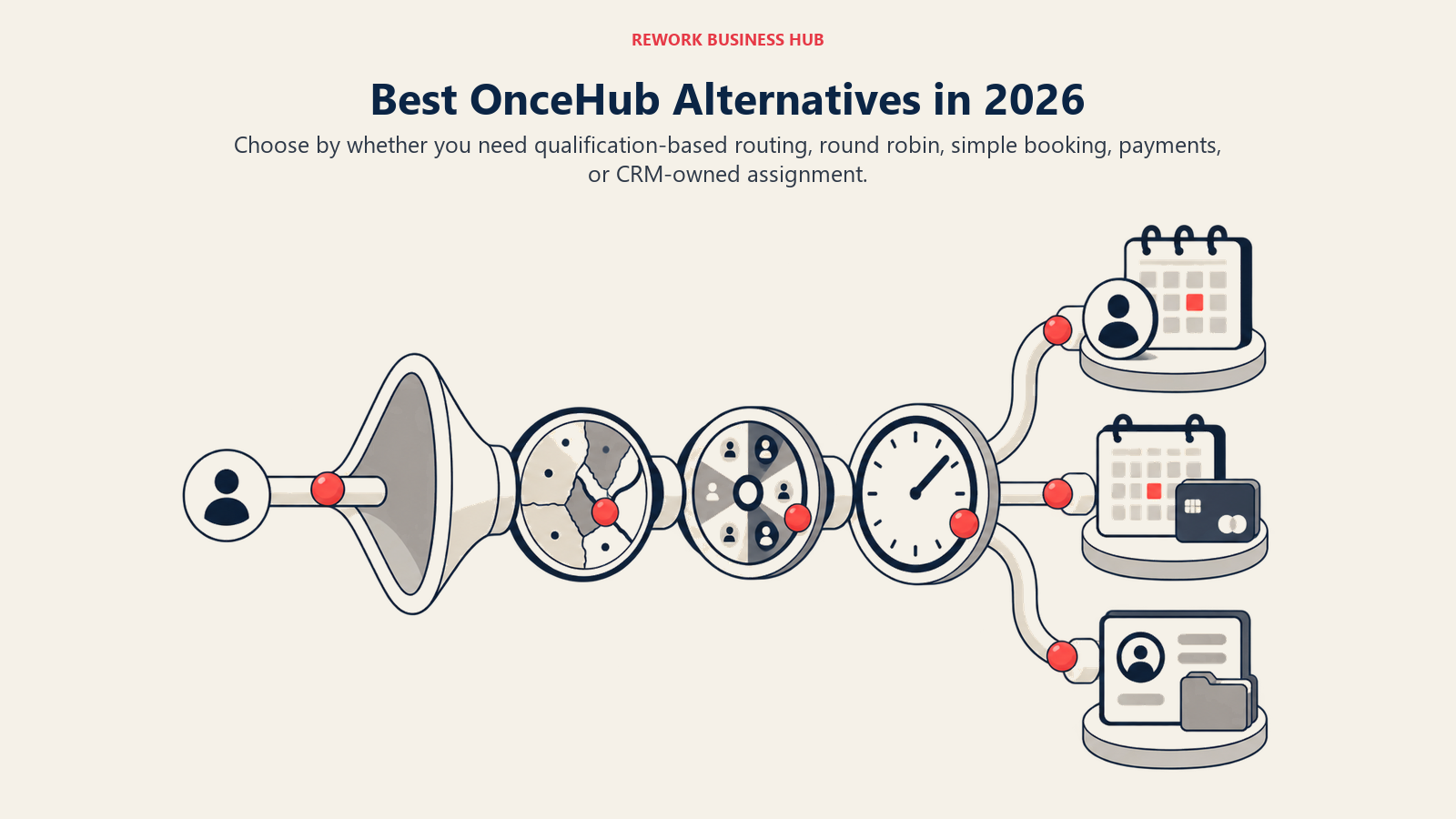
The best OnceHub alternative depends on which job you're actually hiring it for. If the job is qualifying a website visitor and routing them to the right rep before the meeting gets booked, only a handful of tools on this list can do it: Calendly on its Teams plan, Cal.com on Teams and Organizations, Zoho Bookings through its CRM link, and Rework through its CRM record rather than a form-based router. If the job is simpler, taking a booking with a link or a payment attached, most of the rest handle that well and cost less.
OnceHub earns its category reputation honestly. A visitor fills out a qualification form, the routing engine reads the answers, and the calendar that appears belongs to the right rep rather than whoever is next in a generic queue. That's a real product built for revenue and marketing teams, not a booking-link clone with a routing label stuck on it. This guide covers 13 alternatives for teams weighing that job against OnceHub's pricing and structure, evaluated on routing depth as much as booking mechanics. Every price below comes from the vendor's own pricing page and is stated as monthly or annual because the two figures are rarely the same. For the wider category view across all three scheduling jobs, start with the best appointment scheduling software for 2026 roundup, which also separates booking from staff shift scheduling, a different tool entirely.
Key Facts
- The global appointment scheduling software market was valued at $546.1 million in 2025 and is projected to reach $1,905.90 million by 2034, a 14.70% CAGR, according to Fortune Business Insights.
- Contacting a sales lead within 5 minutes instead of 30 raises the odds of qualifying it by 21 times, per the Lead Response Management study (Oldroyd, 2007), which is the exact problem routing-based booking tools exist to solve. A related Harvard Business Review analysis found the average first response takes 42 hours, and firms responding within an hour are nearly 7 times more likely to qualify a lead, which is why lead response time is the metric a routing tool should actually move.
- Nearly 70% of consumers say they'd choose to book online if given the choice, and 94% said they'd be more likely to pick a new service provider that offered online booking, per a GetApp survey of 217 US consumers (2021).
- Online booking doesn't automatically cut no-shows: a 2025 study in Frontiers in Digital Health found a private practice's no-show rate was 1.8% for online bookings versus 5.9% for offline ones, while a university hospital saw the opposite (14.3% online versus 11.2% offline). Implementation matters more than the tool.
- Meetings starting after 8pm are up 16% year over year, and 30% of meetings now span multiple time zones, up 8 percentage points since 2021, according to Microsoft's 2025 Work Trend Index. Routing rules matter more when the calendars they're routing across sit in different time zones.
Why People Look Past OnceHub
OnceHub's honest strength is real: the routing engine reads a form answer and hands the meeting to the right calendar, and Basic, the free tier, is genuinely free forever, not a 14-day trial dressed up as a plan. That's worth stating plainly before listing what pushes buyers to look elsewhere.
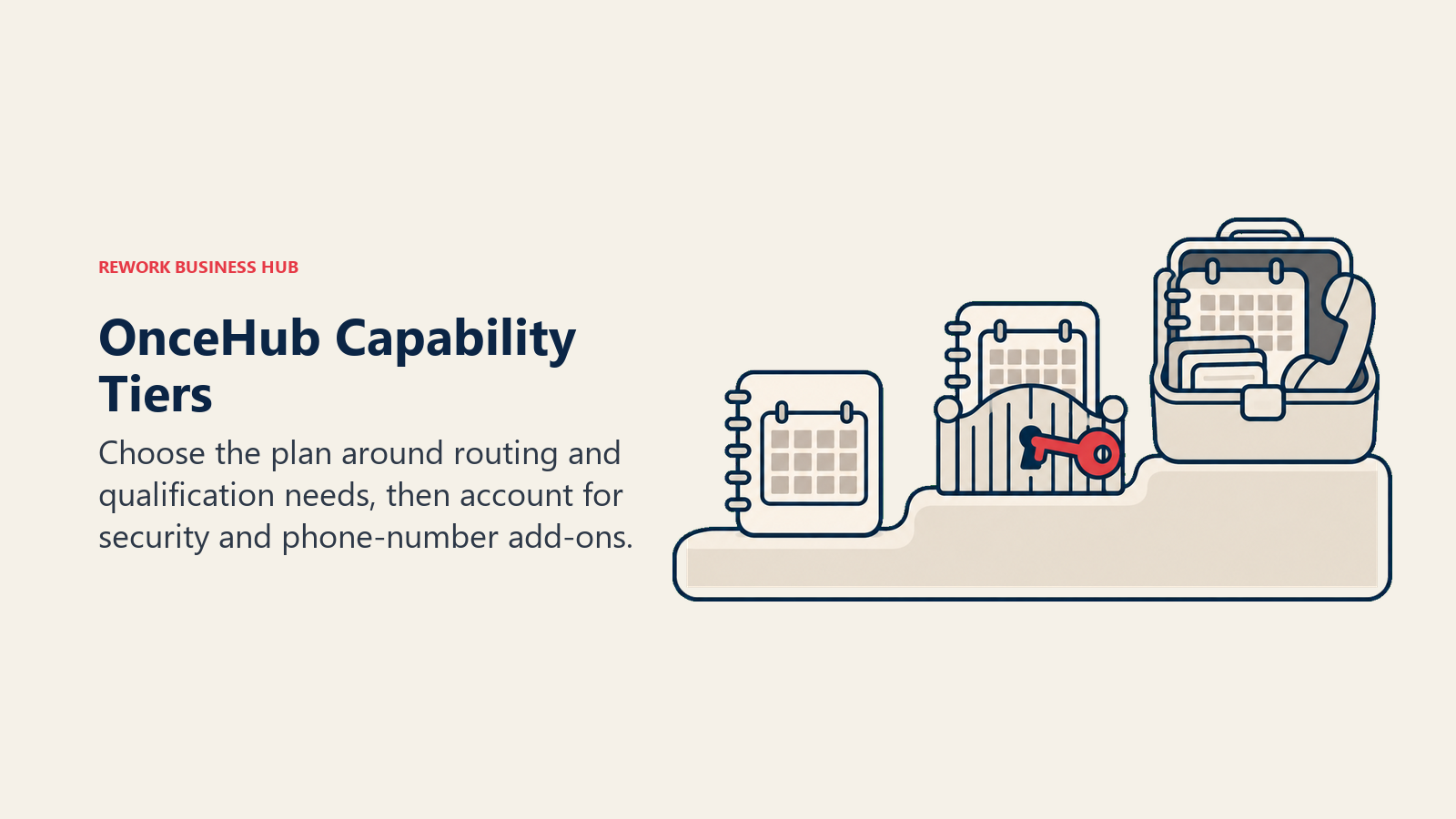
The pressure points are structural, not cosmetic. OnceHub splits its product into three tiers by capability rather than by team size, so the plan you need is decided by which feature you want, not by headcount. Basic is free but limited to 1 user, 1 connected calendar, and 1 booking link, which rules it out for any team past a single rep testing the product. Schedule adds seats and a phone number at $12 per seat monthly ($10 annually). The actual routing and qualification logic that OnceHub is known for sits one tier up, on Route, at $23 monthly ($19 annually) for 2 phone numbers, and the fuller version, Engage, runs $47 monthly ($39 annually) for 3 phone numbers. A Security and Compliance add-on costs another $6 monthly ($5 annually) per seat on any paid plan, and extra phone numbers are $4 per month each. For a 10-person revenue team that wants routing everywhere, the seat cost climbs past what a flat per-seat competitor charges for a comparable feature set.
| OnceHub plan | Monthly | Annual | What it includes |
|---|---|---|---|
| Basic | Free | Free | 1 user, 1 connected calendar, 1 booking link |
| Schedule | $12/seat | $10/seat | Adds seats, 1 phone number |
| Route | $23/seat | $19/seat | Adds routing and qualification logic, 2 phone numbers |
| Engage | $47/seat | $39/seat | Full chatbot-style capture and engagement, 3 phone numbers |
| Enterprise | Custom | Custom | Aimed at 30-plus users |
Phone numbers being metered per plan is a second friction point worth flagging before a demo, since a routing workflow that leans on call-based qualification adds cost per number rather than bundling it in. None of this makes OnceHub a bad product. It makes it a product worth pricing out against the field below before you commit a revenue team's workflow to it.
Can It Actually Route, or Does It Just Book?
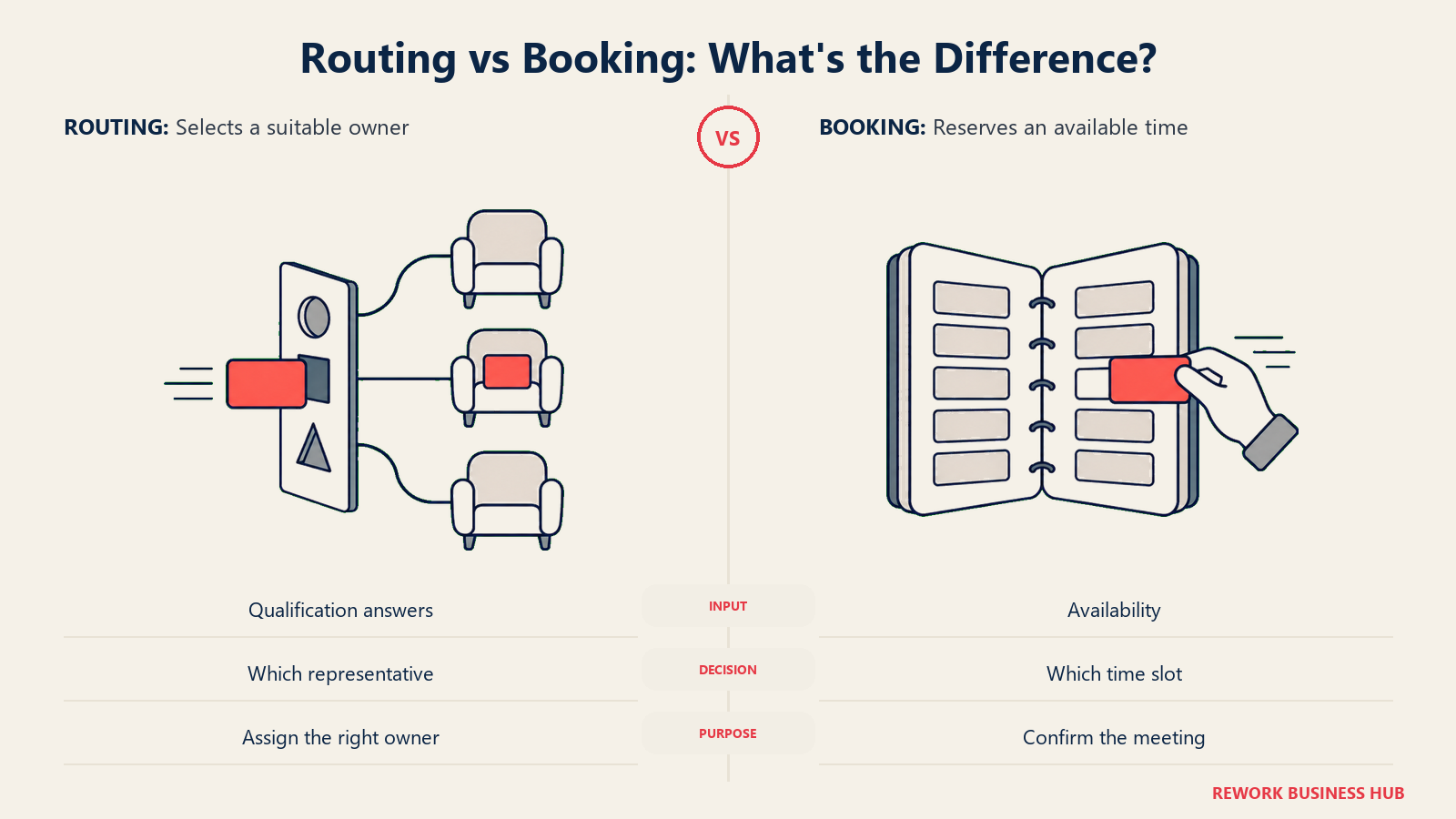
Most tools in this category can take a booking. Far fewer can decide, based on who's booking and what they answered, which calendar they should even see. Before you shortlist anything below, know which group it's in.
| Tool | Can it route by rule or answer? | How |
|---|---|---|
| Calendly | Yes, on the Teams plan | Round-robin and lead routing across a team's shared event types |
| Cal.com | Yes, on Teams and Organizations | Routing Forms assign a booker to a specific host or event type based on their answers |
| Zoho Bookings | Partial | Round-robins across a staff group; qualification-based routing itself lives in Zoho CRM, not in Bookings |
| Rework (E-Booking) | Different mechanism | Booking sits on the CRM record, so assignment follows Rework's own lead and pipeline rules instead of a booking-form router |
| Acuity Scheduling | No | The client picks a specific staff member or service; no conditional logic |
| SimplyBook.me | No | Staff and service selection, not qualification-based assignment |
| Setmore | No | Staff selection at the point of booking |
| Microsoft Bookings | No | "Any available staff" pooling, not rule-based routing |
| Doodle | No | Group polls and simple one-to-one booking pages |
| YouCanBookMe | No | One booking page per connected calendar |
| Square Appointments | No | Staff selection tied to a location |
| Skedda | No | Books spaces, not people |
| Vagaro | No | Staff and service selection for salon, spa and fitness bookings |
If your evaluation criteria includes routing, that narrows the real shortlist to four: Calendly's Teams plan, Cal.com's Routing Forms, Zoho Bookings paired with Zoho CRM, and Rework's CRM-native assignment. Everyone else on this list wins on price, simplicity, or a specific vertical fit, not on replacing OnceHub's core job.
Quick Comparison Table
| Tool | Best For | Starting Price | Key Strength | Key Limitation |
|---|---|---|---|---|
| Calendly | Teams that want routing without leaving the meeting-link workflow | Free (1 event type); Standard $10/seat/month | The default meeting-scheduling standard, huge integration ecosystem | Routing and lead assignment require the Teams plan at $16/seat/month |
| Cal.com | Developer-led teams that want routing logic they can build with an API | Free (1 user); Teams $12/user/month billed annually | Lower per-seat price than OnceHub, Routing Forms on Teams and up | Monthly-billed team pricing isn't published; annual commitment required |
| Acuity Scheduling | Client-facing service businesses that take payments | $20/month billed monthly, $16/month billed annually; no free plan | Deep payment and package handling for service businesses | No qualification-based routing, no free tier at all |
| SimplyBook.me | Service businesses that need a full booking website, not just a link | Free (50 bookings/month); Basic EUR 13.9/month | A real booking website plus a large custom-feature marketplace | Priced in euros; no lead routing |
| Setmore | Small teams that need free multi-user booking | Free (up to 4 users); Pro $12/user/month billed monthly | Free tier supports 4 users, not just 1 | No routing; monthly appointment cap on the free tier is unsettled |
| Rework (E-Booking) | Teams that want booking living on the CRM record instead of its own subscription | Quote on request | Booking, lead assignment, and pipeline share one record | No published price; not built for solo or 1-user buyers |
| Microsoft Bookings | Microsoft 365 shops that want no extra contract | Bundled from $7/user/month (Business Basic), annual commitment | Zero extra line item if you already pay for Microsoft 365 | Not sold standalone, no qualification-based routing |
| Zoho Bookings | Zoho ecosystem buyers | Free (1 user); paid from $6/user/month billed annually | Round-robins across a staff group and ties into Zoho CRM | Paid tier names are hidden behind the pricing page's script |
| Doodle | Group polls plus one-to-one booking pages | Free; Pro $11/seat/month billed annually | The best-known tool for finding a slot across many people's calendars | No routing at all; monthly-billed rate isn't published |
| YouCanBookMe | Simple branded booking pages | Free (1 calendar, 1 page); paid from $9/month (reported) | Clean branded booking page, fast to set up | Paid pricing isn't published on the vendor's own page |
| Square Appointments | Appointments plus payments and POS in one | Free; Plus $49/month per location | Booking, payments, and point of sale on one unified subscription | No standalone Appointments tier anymore, no routing |
| Skedda | Rooms, desks, and spaces rather than people | From $99/month (EMEA/APAC) or $249/month (US/Canada) | Purpose-built for space booking, not people scheduling | Not built for meeting or lead routing at all |
| Vagaro | Salon, spa, and fitness businesses | $23.99/month (Just Me tier) | Built-in POS, marketing, and client management for wellness businesses | Cost per additional calendar isn't published, no lead routing |
1. Calendly - The Default, With Routing Bolted On
Calendly is the tool most people mean when they say "just send me a link," and it earned that reputation the hard way, over a decade of being the fastest way to swap a back-and-forth email for one click. What it wasn't originally built for is qualification and routing, and it shows: the capability exists, but it's a Teams-plan feature rather than the product's core identity the way it is for OnceHub.
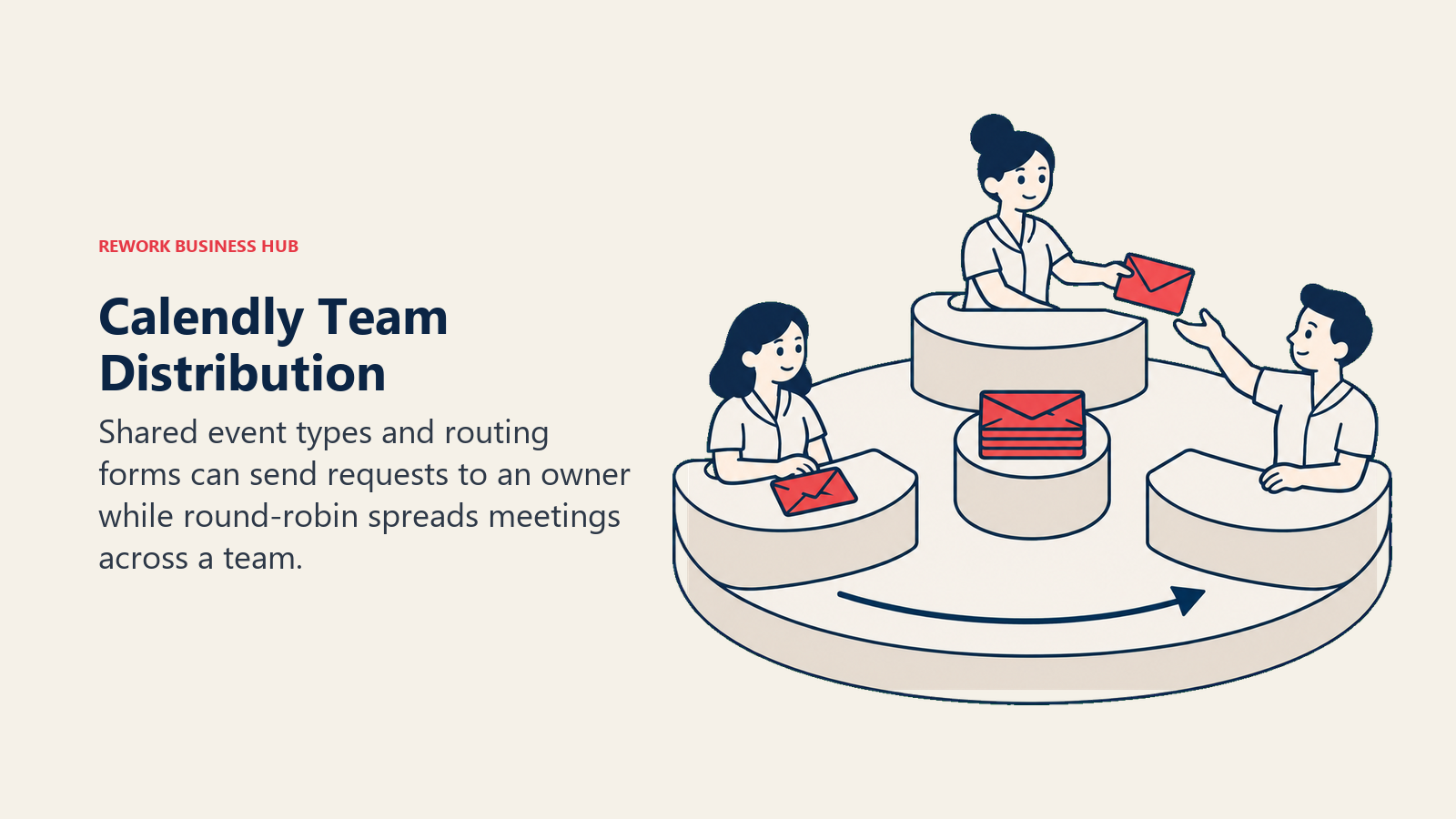
Methodology. A booker picks a time, the calendar confirms it, and the integration layer (Zoom, Google, Salesforce, Slack, and hundreds more) handles everything downstream. On the Teams plan, event types can be shared across a team and routed round-robin, and a routing form can direct a booker to the right event type or owner based on their answers. It's a capable system bolted onto a scheduling-first product, not a routing-first product with scheduling attached.
Target audience and fit. Sales and customer success teams of any size who want routing without leaving the tool most of their prospects already recognize. Solo users and small teams who just need a booking link are equally well served on the free or Standard plan. Enterprise buyers with 50-plus seats get SSO, admin controls, and managed event types, at $15,000 per year minimum.
| Pros | Cons |
|---|---|
| The most recognized scheduling brand, which reduces prospect friction | Free plan is 1 event type and 1 calendar connection only, not the generous tier its reputation suggests |
| Deepest integration ecosystem of any tool on this list | Round-robin and lead routing require the Teams plan, not Standard |
| Notetaker and Callie AI features available as paid add-ons | Enterprise starts at $15,000/year with a 50-seat minimum, USD only |
Pricing: Free is always free, limited to 1 event type and 1 calendar connection. Standard is $10 per seat per month. Teams, which adds round-robin, lead routing, and centrally managed event types, is $16 per seat per month. Enterprise starts at $15,000 per year with a 50-seat minimum, USD only. Annual billing saves 17% on Standard and 20% on Teams versus the monthly rate.
Best for: Teams that want OnceHub's routing outcome without adopting an unfamiliar brand, and are fine paying for it on the Teams tier rather than Standard. Compare it directly against the incumbent in the Acuity Scheduling alternatives guide if payments matter as much as routing, or read the Calendly vs Acuity Scheduling comparison for the head-to-head on the two most commonly confused tools in the category.
2. Cal.com - Routing You Can Build On, at a Lower Price
Cal.com exists because a chunk of the market wanted OnceHub-style routing without OnceHub's per-phone-number pricing, plus an API to build against. Its hosted product moved the commercial codebase to a private repository in April 2026, so Cal.com itself is closed source now; the free, self-hostable option is Cal.diy, an MIT-licensed community edition with the commercial features removed and not recommended for production. What still holds up is the price and the API: its Routing Forms feature on Teams and Organizations plans is the closest structural match to OnceHub's Route tier among the tools in this list that publish a per-seat price.
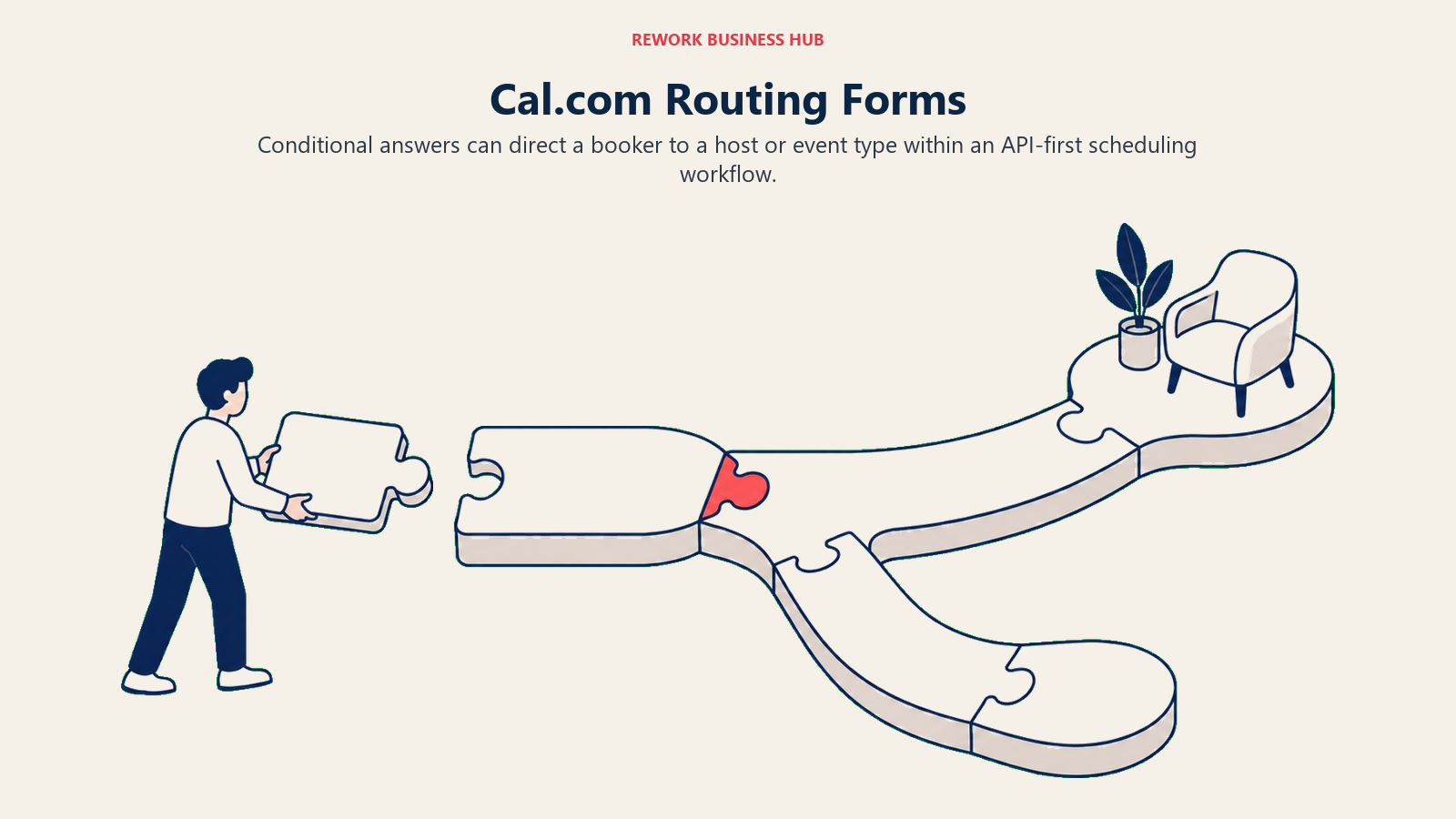
Methodology. The scheduling core is unopinionated and API-first: unlimited event types and calendars even on the free plan, over 100 integrations, and a booking page you can white-label or embed. Routing Forms let a team build conditional logic that assigns a booker to a specific host or event type based on their form answers, the same shape of job OnceHub's Route and Engage tiers charge for.
Target audience and fit. Engineering-led companies and developer tools that want a deep API and lower per-seat pricing than OnceHub, plus any team that wants routing logic they can configure through code rather than a vendor's form builder. Cal.diy is available for a solo, non-production self-hosted setup; the Teams and Organizations plans are the ones built for an actual routing workflow.
| Pros | Cons |
|---|---|
| Genuinely free forever for 1 user, with unlimited event types and calendars | Free plan tops out at 1 user; "free for teams" is a common but wrong assumption |
| Lower per-seat price than OnceHub's Route tier, with a documented API | Monthly-billed rates for Teams and Organizations aren't published, only annual |
| Routing Forms give conditional, answer-based assignment on Teams and up | Hosted Cal.com is closed source; Cal.diy, the free self-hosted edition, isn't built for production |
Pricing: Free forever for 1 user, unlimited event types and calendars, 100-plus integrations. Teams is $12 per user per month, billed annually. Organizations is $28 per user per month, billed annually. Enterprise is custom. Monthly-billed rates are not published for either paid tier, so budget on the annual number.
Best for: Teams that read "quote on request" as a reason to walk away and want routing logic they can configure through an API instead of OnceHub's form builder. If your team is also evaluating a broader sales engagement platform to sit around the booked meeting, Cal.com's open API makes that integration straightforward.
3. Acuity Scheduling - Client Booking With Payments Built In
Acuity, owned by Squarespace, isn't trying to compete with OnceHub on routing at all. It's built for a different buyer: a service business, coach, or consultant who needs clients to book a specific person for a specific service and pay at the time of booking. If OnceHub's routing logic is overkill for your team because every meeting goes to the same person anyway, Acuity is the honest alternative, not a routing tool wearing Acuity's name.
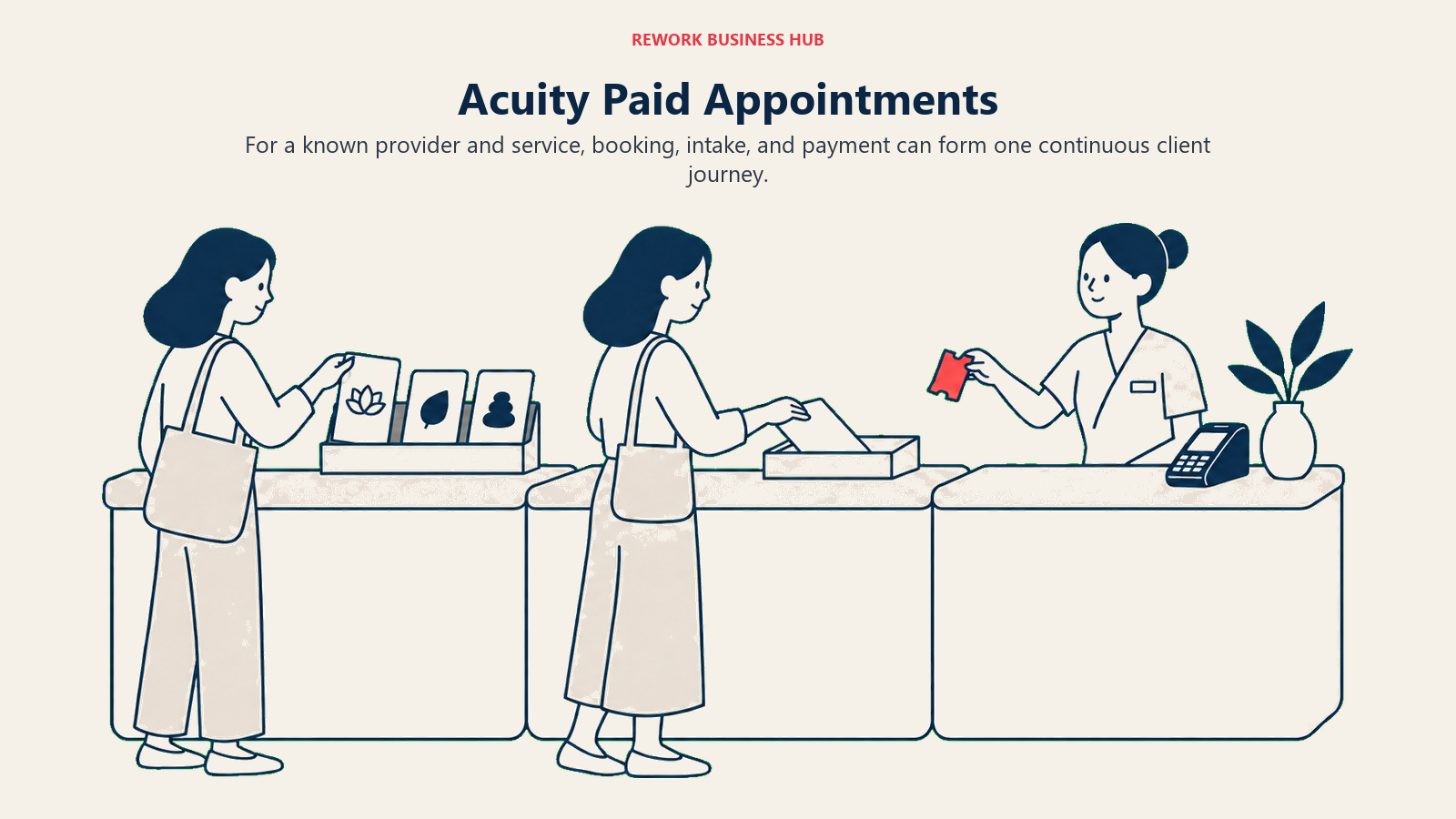
Methodology. Booking, intake forms, packages, memberships, and payment processing are handled as one flow, so a client picks a service, a specific provider, and a time, then pays before the appointment. Calendar sync, timezone detection, and automated reminders reduce no-shows the way the category's research suggests self-scheduling can, when implemented well.
Target audience and fit. Solo practitioners and small service teams, coaches, consultants, salons, and clinics where payment collection at booking matters as much as the calendar slot. Not built for a revenue team that needs a form answer to decide which rep gets the meeting.
| Pros | Cons |
|---|---|
| Payment and package handling built directly into the booking flow | No free plan of any kind, only a 7-day trial |
| Deep calendar management for teams up to 36 calendars on Premium | No qualification-based routing; the client picks the provider |
| Owned by Squarespace, so it integrates cleanly with a Squarespace site | Starter plan covers only 1 calendar |
Pricing: No free plan; a 7-day free trial requires no card. Starter is $20 per month billed monthly, $16 per month billed annually, for 1 calendar. Standard is $34 monthly, $27 annually, for up to 6 calendars. Premium is $61 monthly, $49 annually, for up to 36 calendars.
Best for: Client-facing service businesses where the job is collecting payment and managing a real staff calendar, not routing a lead. If your business already runs on Squarespace, see the Squarespace alternatives guide for the platform-level decision, or the dedicated Acuity Scheduling alternatives roundup if payments-first booking is the requirement but Acuity itself isn't the fit.
4. SimplyBook.me - A Booking Website, Not Just a Widget
SimplyBook.me answers a different question than "how do I route a lead." It answers "I need an actual booking website with a marketplace of add-on features, not a widget I embed into a page I already have." For businesses that never had a website with real booking functionality to begin with, that's a meaningfully different starting point than every other tool on this list.
Methodology. A SimplyBook.me account is a hosted booking site with a large catalog of optional "custom features," things like memberships, gift cards, coupons, waitlists, and intake forms, that get switched on individually per plan tier. The platform doesn't attempt routing or qualification logic; it's built to be a service business's booking front door.
Target audience and fit. Service businesses, from single practitioners to multi-location chains, that want a standalone booking website rather than a link to paste into an existing site. Priced in euros, which matters for European buyers budgeting in their own currency and is worth converting carefully for USD-first teams.
| Pros | Cons |
|---|---|
| Free tier covers 50 bookings a month with 1 custom feature, no card required | No routing or qualification logic of any kind |
| Large marketplace of add-on features (memberships, gift cards, waitlists) | Priced in euros, so USD budgets need a conversion step |
| Enterprise tier is custom with a 14-day trial of premium features | Standard bookings volume (500/month) may undershoot a busy multi-location business |
Pricing: Published in euros. Free is EUR 0 for 50 bookings per month with 1 custom feature. Basic is EUR 13.9 monthly, EUR 11.9 annually, for 100 bookings and 3 custom features. Standard is EUR 29.9 monthly, EUR 24.9 annually, for 500 bookings and 8 custom features. Premium is EUR 59.9 monthly, EUR 49.9 annually, for 2,000 bookings and unlimited custom features. Enterprise is a custom quote.
Best for: Service businesses that need the booking platform to also be the website, not routing a sales lead. The SimplyBook.me alternatives guide covers the rest of the booking-website field if the custom-feature marketplace isn't the differentiator you need.
5. Setmore - Free Booking for a Whole Small Team
Setmore's pitch against OnceHub is blunt: OnceHub's free Basic tier caps out at 1 user, and Setmore's free tier covers up to 4. For a small team that just needs everyone to have a working booking page without anyone paying anything, that difference alone can decide the shortlist before routing even comes up.
Methodology. Each team member gets their own booking page, synced to their calendar, with reminders and video-meeting integrations available on both free and paid tiers. There's no qualification logic; a client books a specific person directly, the same way they would with Acuity or Vagaro, just without the payment and package depth those two carry.
Target audience and fit. Small teams, up to roughly 4 people on the free tier and effectively unlimited on Pro, that need individual booking pages without per-seat cost pressure. Not built for a team that needs a form answer to decide who gets the meeting.
| Pros | Cons |
|---|---|
| Free tier covers up to 4 users, not just 1 | No qualification-based routing at all |
| Pro plan drops to $5 per user per month on annual billing, among the cheapest paid tiers here | Monthly appointment cap on the free tier is genuinely unsettled, so don't assume unlimited |
| Unlimited users on Pro, so cost scales predictably with headcount | Feature depth (payments, packages) is lighter than Acuity or SimplyBook.me |
Pricing: Free covers up to 4 users. Pro is $12 per user per month billed monthly, $5 per user per month billed annually, with unlimited users. The vendor's own page presents the free plan without a stated appointment cap; third-party sites claim a 200-per-month limit, but that isn't confirmed on Setmore's own pricing page, so treat it as unsettled rather than repeating either number as fact.
Best for: Small teams that want free multi-user booking now and will pay per seat only once they outgrow 4 people. The Setmore alternatives guide covers the rest of the free-tier-friendly field.
6. Rework (E-Booking) - Booking That Lives on the CRM Record
Rework takes a genuinely different approach to the problem OnceHub solves. Instead of a standalone booking tool with its own routing engine sitting beside your CRM, Rework's E-Booking module sits inside the same platform as the CRM, the pipeline, and the rest of a team's operating system. A booked meeting isn't an event that gets exported into a lead record after the fact; it's tied to the contact record from the start.
Methodology. Booking, lead assignment, and pipeline stage share one dataset, so when someone books a call, that action can trigger Rework's own lead assignment and pipeline rules rather than a separate form-based router deciding which calendar to show. That's a different mechanism than OnceHub's Route or Engage tiers, not a feature-for-feature clone of them, and it's worth being precise about the distinction before you shortlist it expecting an identical qualification-form experience.
Target audience and fit. Mid-size operations teams, roughly 10 to 200 people, that are already running (or evaluating) a unified CRM and want booking to stop being its own login and its own subscription. Not a fit for a solo operator or a 1-person team; Rework is built for teams coordinating across roles, not an individual scheduling their own calendar.
| Pros | Cons |
|---|---|
| Booking, lead record, and pipeline stage share one system instead of three logins | No published price; every evaluation starts with a quote |
| Assignment logic comes from the same CRM rules governing the rest of the pipeline, not a separate router | Not built for solo or 1-user buyers |
| Removes the reconciliation work between a standalone scheduler and a separate CRM | Feature-for-feature qualification-form logic isn't the same shape as OnceHub's Route/Engage tiers |
Pricing: Quote on request. Pricing for Rework E-Booking is quoted per organization; see rework.com/pricing.
Not ideal for: Solo consultants or single-person teams who only need a booking link, and teams that specifically want a standalone qualification-form router they can configure without touching CRM assignment rules.
Best for: Teams already frustrated by stitching a booking tool's routed lead into a separate CRM by hand, who'd rather have booking, assignment, and pipeline stage live in the same record from the first click.
7. Microsoft Bookings - No Extra Line Item
Microsoft Bookings isn't sold on its own, and that's the entire pitch. If a company already pays for Microsoft 365 Business, Bookings is included, which makes it the cheapest possible answer to "we need a booking page" for a Microsoft-first IT department that doesn't want to add another vendor to the procurement list.
Methodology. Bookings integrates with Outlook and Teams calendars, so a booking page pulls real-time availability from calendars already in Microsoft 365 and can generate a Teams meeting link automatically. Staff can be pooled as "any available," but there's no conditional routing logic based on a form answer, the job stays scheduling, not qualification.
Target audience and fit. Microsoft 365 shops, particularly regulated industries and enterprises with an existing Microsoft agreement, where adding a new SaaS contract for scheduling is a harder sell than using what's already licensed. Not a fit for a team that needs routing logic Microsoft 365 doesn't ship.
| Pros | Cons |
|---|---|
| Zero extra line item if you already pay for Microsoft 365 | Not sold standalone; you're buying a Microsoft 365 tier, not just Bookings |
| Native Teams meeting link generation and Outlook calendar sync | No qualification-based routing at all |
| Business Standard and Premium tiers now bundle Microsoft 365 Copilot | Copilot-inclusive tiers push the effective price well past a dedicated scheduler |
Pricing: Not sold standalone; bundled into Microsoft 365 Business plans, annual commitment. Business Basic is $7.00 per user per month. Business Standard with Copilot is $23.50 per user per month. Business Premium with Copilot is $32.00 per user per month. Frame the decision as "no extra line item if you already pay for Microsoft 365," not as a $7 scheduling tool, since that price buys the whole Business Basic suite.
Best for: IT and procurement teams that would rather use an included Microsoft 365 feature than add a new vendor, and don't need OnceHub's routing depth.
8. Zoho Bookings - Routing Through the Zoho Ecosystem
Zoho Bookings is the pick for a company that already runs Zoho CRM, Zoho Desk, or another piece of the Zoho suite and wants scheduling to plug into that ecosystem rather than sit apart from it. On its own, Bookings offers staff-group round-robin scheduling; the qualification-based routing that would make it a true OnceHub replacement lives one layer up, in Zoho CRM's own lead assignment rules.
Methodology. A booking page can pool a group of staff and round-robin appointments across them, with calendar sync, reminders, and workflow triggers that connect to the rest of the Zoho suite. Paired with Zoho CRM, an inbound booking can flow into existing lead routing rules there, rather than Bookings itself performing the qualification logic.
Target audience and fit. Companies already invested in Zoho, from a single CRM instance to the full One suite, where the value case is one vendor and one bill rather than best-of-breed routing. Weaker case for a team with no other Zoho footprint, since the ecosystem tie-in is the entire argument.
| Pros | Cons |
|---|---|
| Staff-group round-robin scheduling included, and connects into Zoho CRM's routing rules | Real qualification-based routing depends on Zoho CRM, not Bookings alone |
| Lowest published entry price of any paid tier in this comparison | Paid tier names aren't published; the pricing page hides the figures in JavaScript |
| Free tier available for solo use | Value case weakens fast outside the Zoho ecosystem |
Pricing: Free covers 1 user, 1 event type, 1 workspace, and 1 calendar sync. The entry paid plan is $6 per user per month billed annually, $8 per user billed monthly. The higher paid plan is $9 per user per month billed annually, $12 per user billed monthly. Zoho's main pricing page doesn't display these figures directly; they're published on a separate comparison page, and neither page names the paid tiers, so quote the prices rather than a tier label.
Best for: Teams already running Zoho CRM who want scheduling billed on the same account rather than a separate vendor relationship. If you haven't committed to Zoho's CRM yet, weigh that decision first against the Zoho alternatives roundup, since Bookings' value case depends entirely on it.
9. Doodle - Finding a Slot Across Many Calendars
Doodle solves a problem OnceHub doesn't touch: getting a group of people, not a service provider and a client, to agree on a time. The classic group poll is still the product's identity, with a one-to-one booking page layered on for the simpler case.
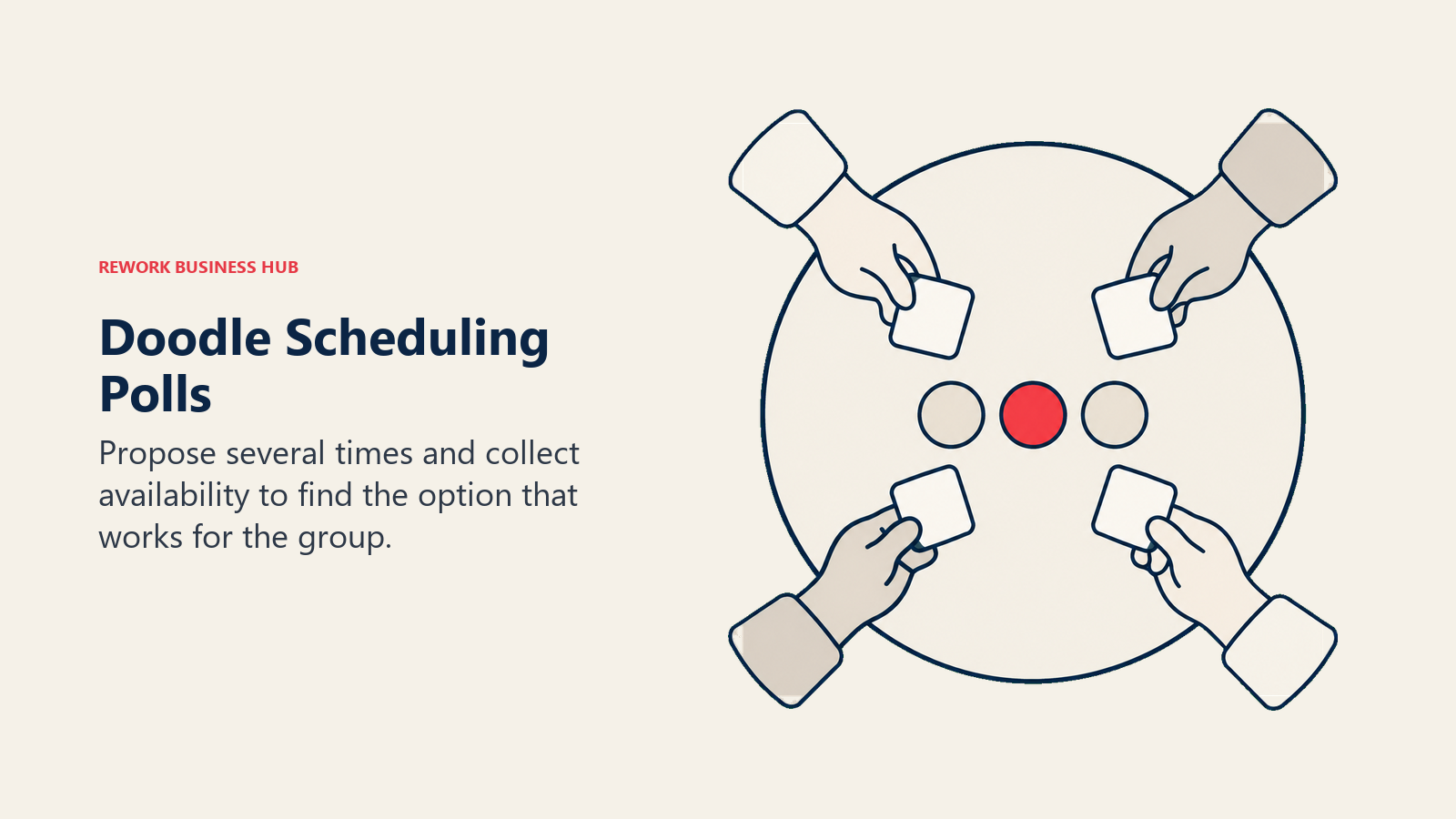
Methodology. A poll proposes several time options across a group, participants mark their availability, and Doodle surfaces the slot that works for the most people. The 1-to-1 booking page runs alongside it for standard meeting-link scheduling, but there's no qualification logic or routing engine anywhere in the product.
Target audience and fit. Anyone coordinating a meeting across a group where the constraint is "when can everyone make it," from internal cross-team syncs to external multi-stakeholder calls. Not a fit for a sales team that needs a form answer to route a lead to the right rep.
| Pros | Cons |
|---|---|
| Still the most recognized tool for group availability polling | No routing or qualification logic of any kind |
| Team plan supports 2-plus seats for shared booking pages | Monthly-billed rate isn't published, only annual |
| Enterprise available for large organizations at 50-plus employees | Free tier limited to 1 group poll, 1 booking page, and 1 one-to-one |
Pricing: Free covers 1 group poll, 1 booking page, 1 one-to-one, and basic sign-up sheets. Pro is $11 per month per seat billed annually. Team is $16 per month per seat billed annually, minimum 2 seats. Enterprise starts at $15,000 per year, aimed at 50-plus employees. Monthly-billed rates aren't published, so budget on the annual figure.
Best for: Coordinating multi-person meetings and events where availability, not routing, is the constraint. Teams running recurring group sessions might also want to compare it against the event management software field if the group-scheduling need is really event logistics in disguise.
10. YouCanBookMe - A Clean Branded Page, Nothing Else
YouCanBookMe's whole case is simplicity: a booking page that looks like your brand, connects to a calendar, and gets out of the way. It doesn't attempt routing, and it isn't trying to be a booking website the way SimplyBook.me is. It's the plainest tool in this comparison, which is exactly the appeal for some buyers.
Methodology. One booking page connects to one calendar, with branding controls, buffer times, and reminder automations layered on in the paid tiers. There's no qualification form deciding which calendar to show; a booker sees the one page and books the one calendar behind it.
Target audience and fit. Individuals and small teams that want a fast, clean, brandable booking page without learning a platform. Not a fit for anyone who needs multi-person routing, since the product's structure is one page to one calendar.
| Pros | Cons |
|---|---|
| Clean, brandable booking page that's fast to set up | Paid pricing isn't published on the vendor's own pricing page |
| Free tier is genuinely usable for a single calendar and page | No routing or team-assignment logic of any kind |
| Straightforward buffer-time and reminder automation | Vendor help center currently returns an error, so support research is harder than usual |
Pricing: Free covers 1 calendar connection and 1 booking page, confirmed on the vendor's own page. The paid tiers are (reported) at $9 per month (Individual), $13 per month (Professional), and $18 per member per month (Teams), with roughly 10% off on annual billing, per third-party sources including Koalendar's pricing guide and G2. YouCanBookMe's own pricing page renders these figures in JavaScript and currently shows $0 placeholders instead of confirmed numbers, so treat the reported figures as unverified until you see them in a quote.
Best for: Solo operators and small teams that want the plainest possible branded booking page and have no routing requirement at all.
11. Square Appointments - Booking Bundled With Payments and POS
Square Appointments used to be its own product line with its own pricing. That changed: booking now lives inside Square's unified subscription plans, priced per location alongside point of sale and payment processing. For a business that already runs Square for payments, that consolidation is the entire pitch.
Methodology. Appointments is one module inside Square's broader commerce platform, so a booked appointment, the payment taken for it, and the point-of-sale record all share the same account and reporting. There's no qualification-form routing; a client books a specific staff member or service directly.
Target audience and fit. In-person service businesses, salons, clinics, repair shops, that already process payments through Square and want appointments on the same bill and the same dashboard rather than a separate scheduling subscription.
| Pros | Cons |
|---|---|
| Booking, payments, and POS share one unified subscription and dashboard | No standalone Appointments-only tier anymore; you're buying the whole Square plan |
| Free tier available at $0 per month per location | No qualification-based routing at all |
| In-person processing rates are published alongside the subscription tiers | Square's own Appointments pricing page renders in JavaScript, so verify via the press-release pricing page instead |
Pricing: Booking sits inside Square's unified plans, priced per location. Square Free is $0 per month per location. Square Plus is $49 per month per location, with in-person processing at 2.5% plus 15 cents. Square Premium is $149 per month per location, with in-person processing at 2.4% plus 15 cents and 24/7 phone support. Any legacy per-location Appointments-only price you've seen elsewhere refers to a superseded product structure; the plans above are current.
Best for: In-person service businesses that already run Square for payments and want appointments consolidated onto the same bill, not a routing tool for inbound leads.
12. Skedda - Booking Spaces, Not People
Skedda is on this list because "scheduling software" searches surface it next to OnceHub constantly, and it's worth being direct about why it's a different category entirely. Skedda books rooms, desks, and courts. OnceHub books time with a person. If your actual need is a conference room reservation system or a hot-desk booking tool, Skedda is the right answer and OnceHub is not.
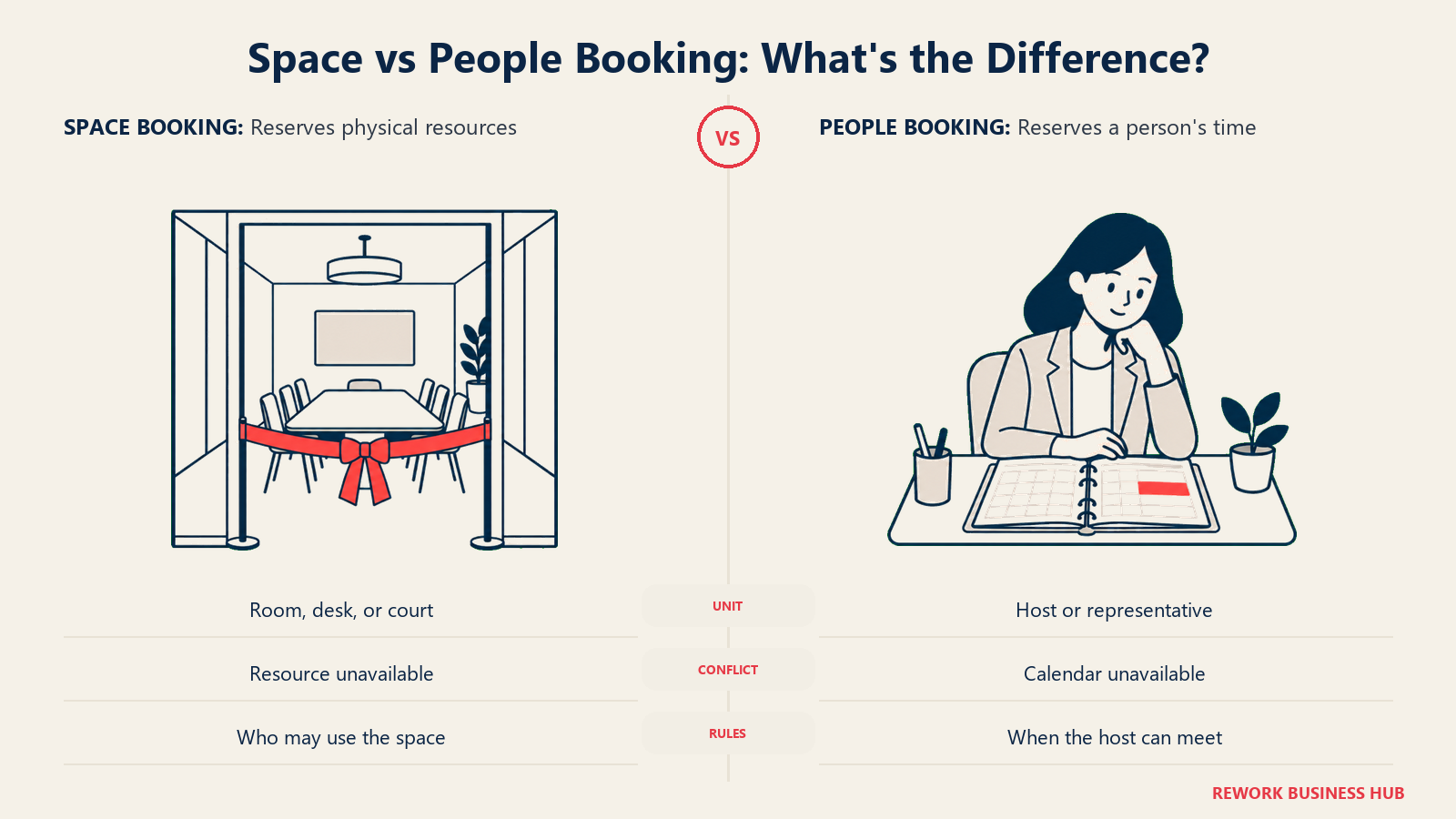
Methodology. Spaces, not people, are the bookable unit: a meeting room, a desk, a squash court, a picnic shelter. Rules can restrict who can book what, when, and for how long, and the system prevents double-booking a physical resource the same way a calendar tool prevents double-booking a person's time.
Target audience and fit. Facilities and operations teams managing shared physical spaces, offices with hot-desking, coworking spaces, sports and recreation facilities. Entirely the wrong tool for a revenue team's meeting-routing problem.
| Pros | Cons |
|---|---|
| Purpose-built for space booking, with rules for who can book what and when | Not a scheduling tool for meetings with people at all |
| Regional pricing (US/Canada and EMEA/APAC) reflects local market rates | No permanent free plan, only a 30-day trial |
| Plus and Premier tiers scale with the number of spaces, not seats | Starting prices are meaningfully higher than any people-scheduling tool on this list |
Pricing: No permanent free plan; a 30-day trial is available. US and Canada: Plus starts from $249 per month billed annually for 35 spaces, Premier from $349 per month for 45 spaces. EMEA and APAC: Starter from $99 per month for 15 spaces, Plus $149 per month, Premier $199 per month.
Best for: Facilities teams booking rooms, desks, or courts, not revenue teams routing meetings with people. If the actual need is workforce scheduling rather than space booking, that's a different tool again, covered in the employee scheduling software roundup.
13. Vagaro - Salon, Spa, and Fitness Booking
Vagaro closes this list the same way Skedda opened a different one: it's a category match for a specific vertical, not a general-purpose routing tool. Salons, spas, and fitness studios use it because it bundles booking with the point-of-sale, marketing, and client-history features those businesses specifically need, in a way a general scheduler doesn't.
Methodology. A client books a specific provider for a specific service, with payment, retail point of sale, membership management, and marketing (email and text campaigns) built into the same account. Multi-location and multi-calendar support scales the same product up from a solo stylist to a multi-location chain.
Target audience and fit. Salons, spas, med spas, and fitness studios that need booking bundled with retail POS and client marketing, not a revenue team routing inbound leads. The "Just Me" entry tier is built for a single practitioner.
| Pros | Cons |
|---|---|
| Booking, POS, and client marketing bundled for wellness businesses specifically | No qualification-based routing at all, wrong tool for that job |
| "Just Me" entry tier is affordable for a single practitioner | Cost per additional calendar isn't published |
| Built-in marketing tools (email and text campaigns) beyond just scheduling | Pricing model favors a single business type; general-purpose teams get less value per dollar |
Pricing: $23.99 per month for one bookable calendar on the "Just Me" entry tier. The scaling cost per additional calendar isn't published on the vendor's pricing page; Vagaro states pricing rises with the number of bookable calendars but doesn't state the increment, so don't estimate a multi-provider cost without a quote.
Best for: Salon, spa, and fitness businesses that want booking bundled with the retail and marketing tools their vertical specifically needs.
Stage Fit and Sizing
| Tool | Solo / 1-user | Small team 2-10 | Mid-size 10-200 | Enterprise 200+ |
|---|---|---|---|---|
| Calendly | Strong | Strong | Strong (Teams) | Strong (Enterprise) |
| Cal.com | Strong | Strong | Strong | Moderate |
| Acuity Scheduling | Strong | Strong | Moderate | Weak |
| SimplyBook.me | Strong | Strong | Moderate | Weak |
| Setmore | Strong | Strong | Moderate | Weak |
| Rework (E-Booking) | Weak (not built for solo) | Moderate | Strong | Strong |
| Microsoft Bookings | Moderate | Strong | Strong | Strong |
| Zoho Bookings | Strong | Strong | Moderate | Weak |
| Doodle | Strong | Strong | Moderate | Strong (Enterprise) |
| YouCanBookMe | Strong | Moderate | Weak | Weak |
| Square Appointments | Strong | Strong | Moderate | Weak |
| Skedda | Weak (not people-scheduling) | Moderate | Strong | Strong |
| Vagaro | Strong | Strong | Moderate | Weak |
Two entries deserve a note. Rework is deliberately weak for solo use, that isn't a gap, it's the product's stated positioning: it's built for teams coordinating across roles, not an individual managing their own calendar. And Skedda's fit column measures space-booking scale, not people-routing capability, since it's solving a different problem than the rest of this table.
How to Choose: Decision Framework
| If you need... | Choose |
|---|---|
| OnceHub's routing outcome, on a brand prospects already recognize | Calendly (Teams plan) |
| Routing logic you can configure through an API, at a lower per-seat price than OnceHub | Cal.com |
| Booking and lead assignment living on the same CRM record instead of a separate router | Rework (E-Booking) |
| Client-facing service booking with payments and packages built in | Acuity Scheduling |
| A full booking website with a marketplace of add-on features | SimplyBook.me |
| Free booking for up to 4 team members, no routing required | Setmore |
| No extra contract, because you already pay for Microsoft 365 | Microsoft Bookings |
| Scheduling that plugs into a CRM you already run | Zoho Bookings |
| Finding a slot across a group's calendars, not routing a lead | Doodle |
| The plainest, cheapest branded booking page with zero routing needs | YouCanBookMe |
| Booking bundled with payments and point of sale you already use | Square Appointments |
| Booking a room, desk, or court instead of a person | Skedda |
| Salon, spa, or fitness booking with POS and marketing built in | Vagaro |
What to Do Next
Start by answering one question honestly: does your booking flow need to route based on who's booking and what they answered, or does every meeting go to the same calendar anyway? If it's the first, your real shortlist is four tools, Calendly's Teams plan, Cal.com, Zoho Bookings, or Rework, and the decision comes down to whether you want that routing logic living in a standalone scheduler or on the CRM record itself. If it's the second, price and vertical fit matter more than routing depth, and several tools on this list beat OnceHub's Schedule tier on cost alone.
Run a two-week pilot with your top two picks before committing a revenue team's workflow to either one. Book 15 to 20 real meetings through each, check whether the routing logic actually assigned the right person every time, and confirm the monthly-versus-annual price you were quoted matches what's on this page. That's less time than most teams spend in a single vendor demo cycle, and it settles the question a feature comparison can't.
Camellia covers booking, scheduling and revenue operations tooling for B2B teams.

Principal Product Marketing Strategist
On this page
- Key Facts
- Why People Look Past OnceHub
- Can It Actually Route, or Does It Just Book?
- Quick Comparison Table
- 1. Calendly - The Default, With Routing Bolted On
- 2. Cal.com - Routing You Can Build On, at a Lower Price
- 3. Acuity Scheduling - Client Booking With Payments Built In
- 4. SimplyBook.me - A Booking Website, Not Just a Widget
- 5. Setmore - Free Booking for a Whole Small Team
- 6. Rework (E-Booking) - Booking That Lives on the CRM Record
- 7. Microsoft Bookings - No Extra Line Item
- 8. Zoho Bookings - Routing Through the Zoho Ecosystem
- 9. Doodle - Finding a Slot Across Many Calendars
- 10. YouCanBookMe - A Clean Branded Page, Nothing Else
- 11. Square Appointments - Booking Bundled With Payments and POS
- 12. Skedda - Booking Spaces, Not People
- 13. Vagaro - Salon, Spa, and Fitness Booking
- Stage Fit and Sizing
- How to Choose: Decision Framework
- What to Do Next