Best SimplyBook.me Alternatives in 2026: 13 Booking Platforms Compared
Turn this article into takeaways for your work.


Each assistant summarizes the article only for you and suggests best practices for your work.
If you picked SimplyBook.me because you wanted a real booking website instead of just a scheduling link, and you're now weighing something else, Calendly, Acuity Scheduling, and Cal.com are the three closest starting points for your search, followed by ten more platforms that range from a booking module wired into a broader operations platform to software built specifically for salons and gyms. SimplyBook.me earns its following honestly: a template-driven booking website (not just an embeddable widget), one of the deepest feature catalogues in the category, class scheduling, memberships, coupons, and a free tier that lets a solo operator start without a credit card.
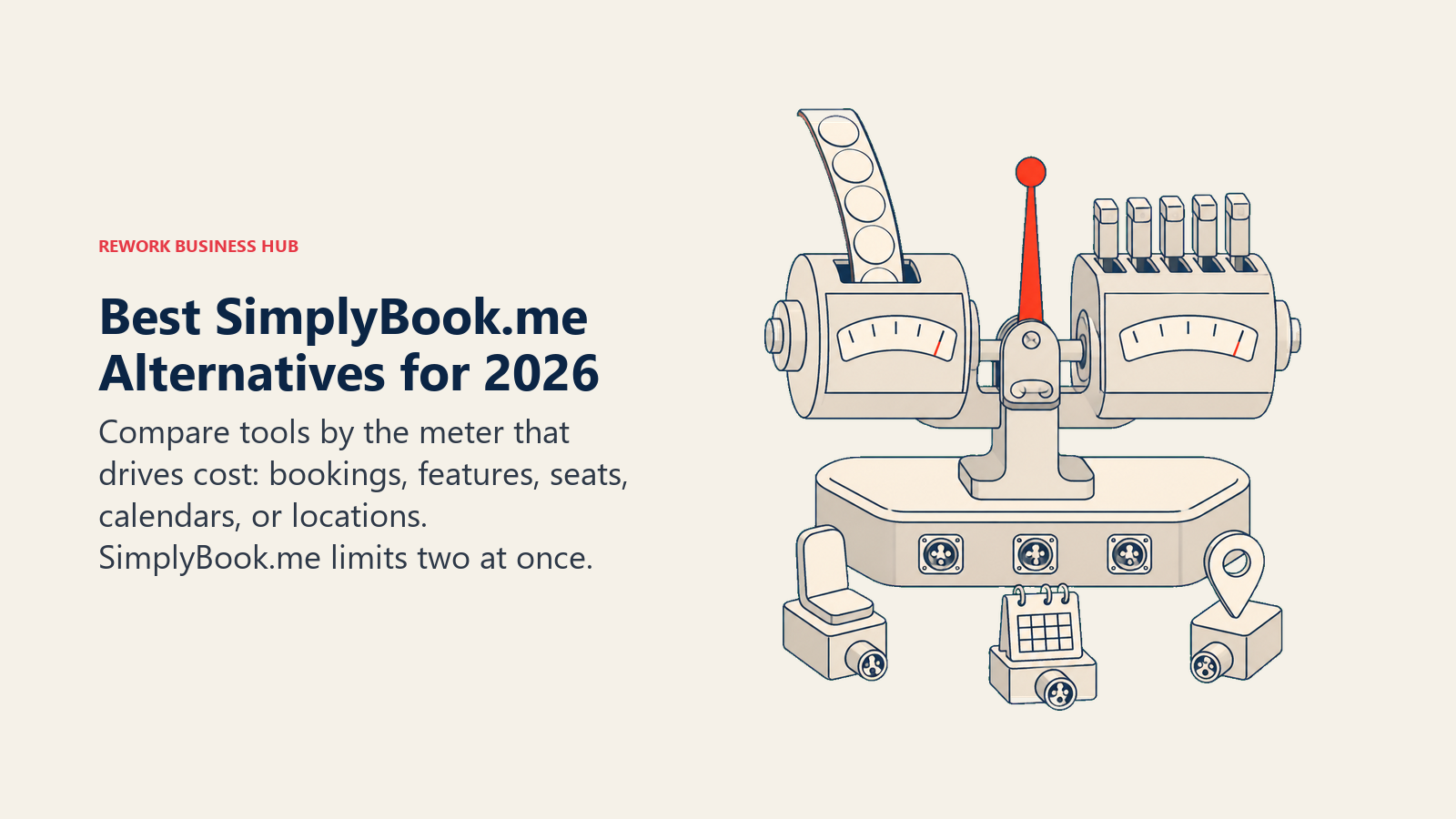
The catch is how it prices all of that. SimplyBook.me decides which plan you need using two meters running at once, how many bookings you take each month and how many of its "custom features" you're allowed to switch on, and hitting either ceiling pushes you to the next tier whether or not you need the rest of what that tier unlocks. It's also the one vendor in this comparison that prices in euros, not dollars, which trips up US buyers doing quick mental math off a competitor's blog post.
Key Facts
- The global appointment scheduling software market was valued at $546.1 million in 2025 and is projected to reach $1,905.90 million by 2034, a 14.70% CAGR, according to Fortune Business Insights.
- Online booking doesn't automatically cut no-shows: a 2025 study in Frontiers in Digital Health found a private practice's no-show rate was 1.8% for online bookings versus 5.9% for offline ones, while a university hospital saw the opposite, 14.3% online versus 11.2% offline. Implementation matters more than the tool.
- Nearly 70% of consumers say they'd choose to book online if given the choice, and 94% said they'd be more likely to pick a new service provider that offered online booking, per a GetApp survey of 217 US consumers from 2021.
- Meetings starting after 8pm are up 16% year over year, and 30% of meetings now span multiple time zones, up 8 percentage points since 2021, according to Microsoft's 2025 Work Trend Index.
- Contacting a sales lead within 5 minutes instead of 30 raises the odds of qualifying it by 21 times, per the Lead Response Management study; a related Harvard Business Review analysis found firms that respond within an hour are nearly 7 times more likely to qualify a lead than those that wait, which is why fast lead response time matters for booking flows tied to sales, not just service appointments.
Why People Move Off SimplyBook.me
SimplyBook.me's core pitch holds up under scrutiny. Where a tool like Calendly gives you a booking link to embed or share, SimplyBook.me builds you an actual booking website, with a real template gallery, your own domain option, and a widget that also works if you'd rather bolt it onto an existing site. On top of that sits one of the widest feature catalogues in the category: recurring class schedules for studios and gyms, membership and package sales, coupon and gift-card systems, multi-location support, and a free tier that costs nothing to try. For a service business that wants one product to be the whole front door, not just the calendar, that combination is genuinely hard to match.
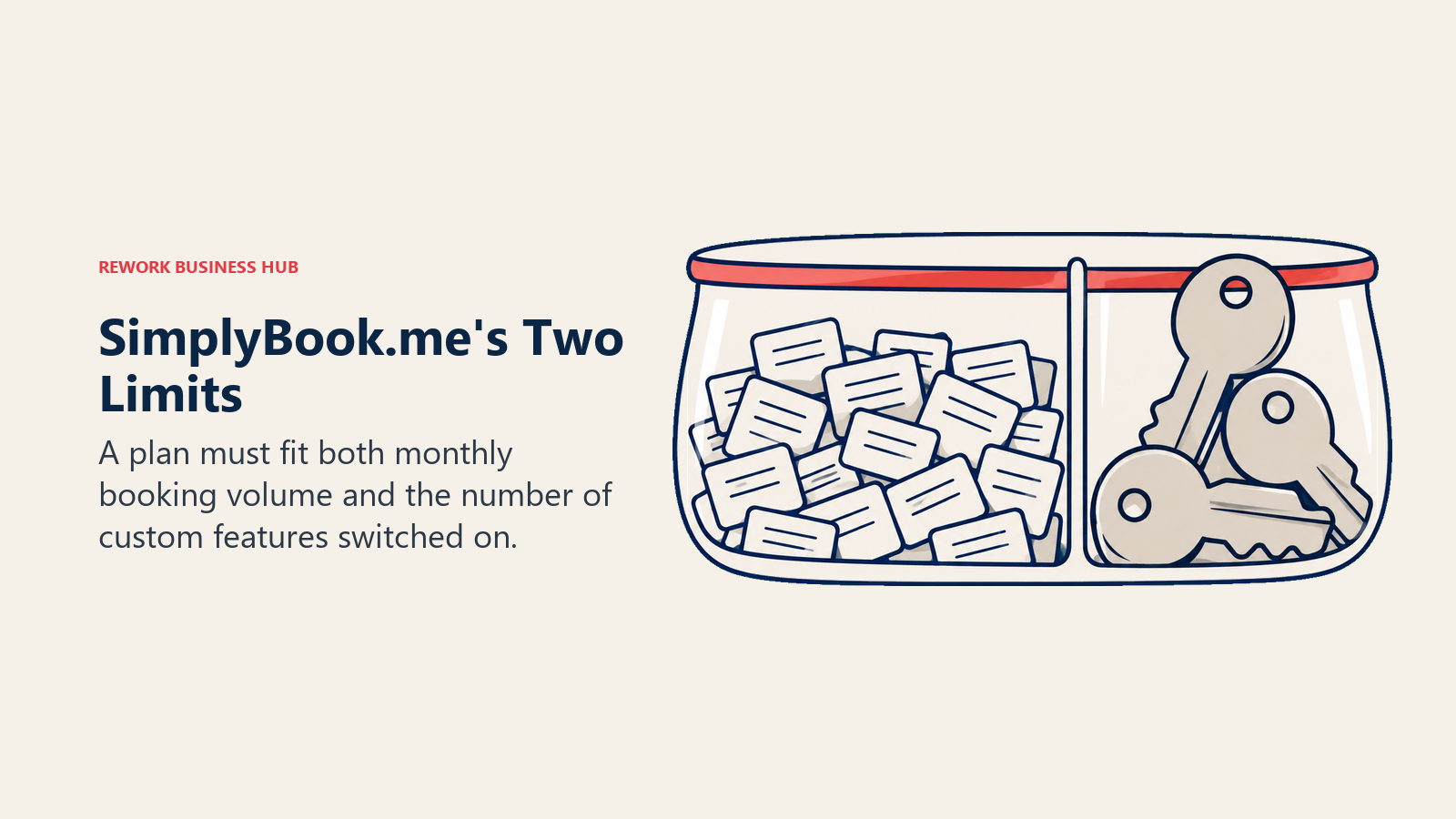
What sends buyers looking elsewhere is almost always the pricing model, not the product. SimplyBook.me decides which plan fits your business using two separate meters that both have to fit at once: a monthly booking cap and a count of how many "custom features," the individually switchable capabilities in its catalogue, your plan is allowed to run. The free plan allows 50 bookings a month and exactly 1 custom feature. Basic raises that to 100 bookings and 3 features. Standard goes to 500 bookings and 8 features. Premium covers 2,000 bookings with unlimited features. A business that stays well under its booking cap but wants a 4th or 9th feature still gets pushed to the next tier, and a business with plenty of feature headroom left still gets pushed up the moment it crosses a booking threshold. That's a harder number to forecast against than a straightforward per-seat or per-user rate, and it's the single most common reason SimplyBook.me buyers start shopping.
The second friction point is smaller but catches people off guard: SimplyBook.me publishes its prices in euros, not dollars. A US buyer who reads "EUR 29.9 a month" as roughly $30 without checking the exchange rate is comparing against the wrong number, and it's one more reason to verify pricing directly on the vendor's own page rather than trusting a converted figure from somewhere else.
One more thing worth sorting out before you shortlist anything: "booking software" and "scheduling software" get used interchangeably online for two different jobs. Everything in this article, SimplyBook.me included, is about client-facing appointment booking, someone else picking a slot on your calendar. If what you actually need is assigning your own staff to shifts and tracking their availability, that's a workforce management problem, and the best employee scheduling software and the best Deputy alternatives cover that field instead. For the wider client-booking category beyond just SimplyBook.me's direct alternatives, the best appointment scheduling software for 2026 roundup ranks all 15 tools side by side.
Quick Comparison Table
Pricing below is the entry point for each tool as published on the vendor's own page in August 2026. Monthly vs. annual billing is called out where it changes the number.
| Tool | Best For | Starting Price | Key Strength | Key Limitation |
|---|---|---|---|---|
| Calendly | The default meeting-scheduling standard | Free (1 event type, 1 calendar); $10/seat/mo (Standard) | Universal familiarity, fastest setup for anyone | Free plan capped at 1 event type and 1 calendar connection |
| Acuity Scheduling | Client-facing service businesses that take payments | $20/mo billed monthly, $16/mo billed annually (Starter) | Booking, payments, and package sales built for service pros | No free plan, only a 7-day trial |
| Cal.com | API-first, developer-controlled booking | Free (1 user); Teams $12/user/mo billed annually | Lower price than Calendly, deep API, 100+ integrations | Free plan is one user, not a team plan |
| Setmore | Small teams that need free multi-user booking | Free (up to 4 users); Pro $12/user/mo, $5/user/mo billed annually | Free tier covers multiple users, not just one person | Appointment volume on the free plan is unpublished either way |
| Square Appointments | Appointments plus payments and POS in one | Free; Plus $49/mo per location | Booking bundled with point-of-sale and card processing | No longer has a standalone appointments tier, priced per location |
| Rework (E-Booking) | Booking inside a wider operations platform | Quote on request | Booking tied to the same CRM and contact record as sales and ops | Not for solo operators, no published self-serve price |
| OnceHub | Qualification and routing before the meeting books | Free (1 user); Schedule $12/seat/mo, $10 annually | Routing and qualification logic ahead of the booking itself | Mid tiers gated by phone-number counts, not just seats |
| Vagaro | Salon, spa, and fitness businesses | $23.99/mo (Just Me, one calendar) | Built specifically for beauty and wellness booking, POS, and memberships | Scaling cost per added calendar isn't published |
| Mindbody | Larger wellness and fitness businesses | From $99/mo per location | Enterprise-grade fitness and wellness scheduling plus a client marketplace | Everything past the entry tier is quote-only |
| Zoho Bookings | Zoho ecosystem buyers | Free (1 user); paid from $6/user/mo billed annually | Cheapest paid entry point on this list, deep Zoho tie-in | Vendor doesn't publish its paid tier names, only figures |
| Microsoft Bookings | Microsoft 365 shops that want no extra contract | Bundled: M365 Business Basic $7/user/mo, annual | No extra line item if you already pay for Microsoft 365 | Not sold as a standalone product |
| YouCanBookMe | Simple, branded booking pages | Free (1 calendar, 1 page); paid from $9/mo (reported) | Fast setup, clean branded booking pages | Paid pricing isn't published on the vendor's own page |
| Doodle | Group polls plus booking pages | Free; Pro $11/seat/mo billed annually | Best group-availability polling of any tool here | No monthly billing option published |
How SimplyBook.me's Two-Meter Pricing Actually Works
SimplyBook.me's own plan ladder is worth laying out in full before you compare it against anything else, since the two-meter structure described above is easiest to see in the actual numbers.
| Plan | Monthly | Annual | Bookings per month | Custom features |
|---|---|---|---|---|
| Free | EUR 0 | EUR 0 | 50 | 1 |
| Basic | EUR 13.9 | EUR 11.9 | 100 | 3 |
| Standard | EUR 29.9 | EUR 24.9 | 500 | 8 |
| Premium | EUR 59.9 | EUR 49.9 | 2,000 | Unlimited |
| Enterprise | Custom | Custom | Custom | Unlimited |
Two things stand out. First, the free plan is not a broad, forever-free tier the way Cal.com's or Zoho Bookings' are; it's capped at 50 bookings a month and exactly 1 switched-on feature, so a business that wants coupons and memberships running at the same time will outgrow it fast even at low volume. Second, the jump from Basic to Standard is the one that catches growing businesses off guard: doubling your feature count from 3 to 8 comes bundled with a 5x jump in booking allowance, whether or not the extra booking headroom is what you actually needed. There's no way to buy more features without also buying more booking capacity, or the reverse.
Stage Fit Matrix
| Tool | Solo (1) | Small team (2 to 20) | Multi-location (20 to 200) | Enterprise (200+) |
|---|---|---|---|---|
| Calendly | Strong | Strong | Moderate | Moderate |
| Acuity Scheduling | Moderate | Strong | Strong | Weak |
| Cal.com | Strong | Moderate | Moderate | Strong |
| Setmore | Strong | Strong | Weak | Weak |
| Square Appointments | Strong | Strong | Strong | Moderate |
| Rework (E-Booking) | Weak | Moderate | Strong | Strong |
| OnceHub | Strong | Strong | Moderate | Moderate |
| Vagaro | Strong | Strong | Moderate | Weak |
| Mindbody | Weak | Moderate | Strong | Strong |
| Zoho Bookings | Strong | Strong | Moderate | Moderate |
| Microsoft Bookings | Moderate | Strong | Strong | Strong |
| YouCanBookMe | Strong | Moderate | Weak | Weak |
| Doodle | Strong | Moderate | Moderate | Moderate |
Sizing and Persona Table
| Tool | Team size sweet spot | Primary buyer | Secondary buyer |
|---|---|---|---|
| Calendly | 1 to 500 | Sales / CS team lead | Individual professional |
| Acuity Scheduling | 1 to 50 | Service business owner | Office manager |
| Cal.com | 1 to 200 | Developer / technical founder | Platform / product team |
| Setmore | 1 to 20 | Small business owner | Front-desk staff |
| Square Appointments | 1 to 100 | Retail / service business owner | Store manager |
| Rework (E-Booking) | 10 to 200 | Operations manager | RevOps / sales leader |
| OnceHub | 1 to 100 | Sales development lead | Marketing ops |
| Vagaro | 1 to 50 | Salon / spa owner | Studio manager |
| Mindbody | 20 to 500 | Fitness / wellness studio owner | Multi-location operations lead |
| Zoho Bookings | 1 to 100 | Zoho-ecosystem admin | Office manager |
| Microsoft Bookings | 5 to 500 | IT admin | Front-desk / reception team |
| YouCanBookMe | 1 to 20 | Solo consultant | Small agency |
| Doodle | 1 to 200 | Executive assistant | Meeting organizer |
1. Calendly
Calendly is the tool everyone you're trying to book already knows how to use, and that familiarity alone wins it a lot of deals. Where SimplyBook.me builds you a booking website, Calendly builds you a link: fast to set up, fast for the other person to use, and the closest thing this category has to a universal standard for one-off meetings, sales calls, and interviews.
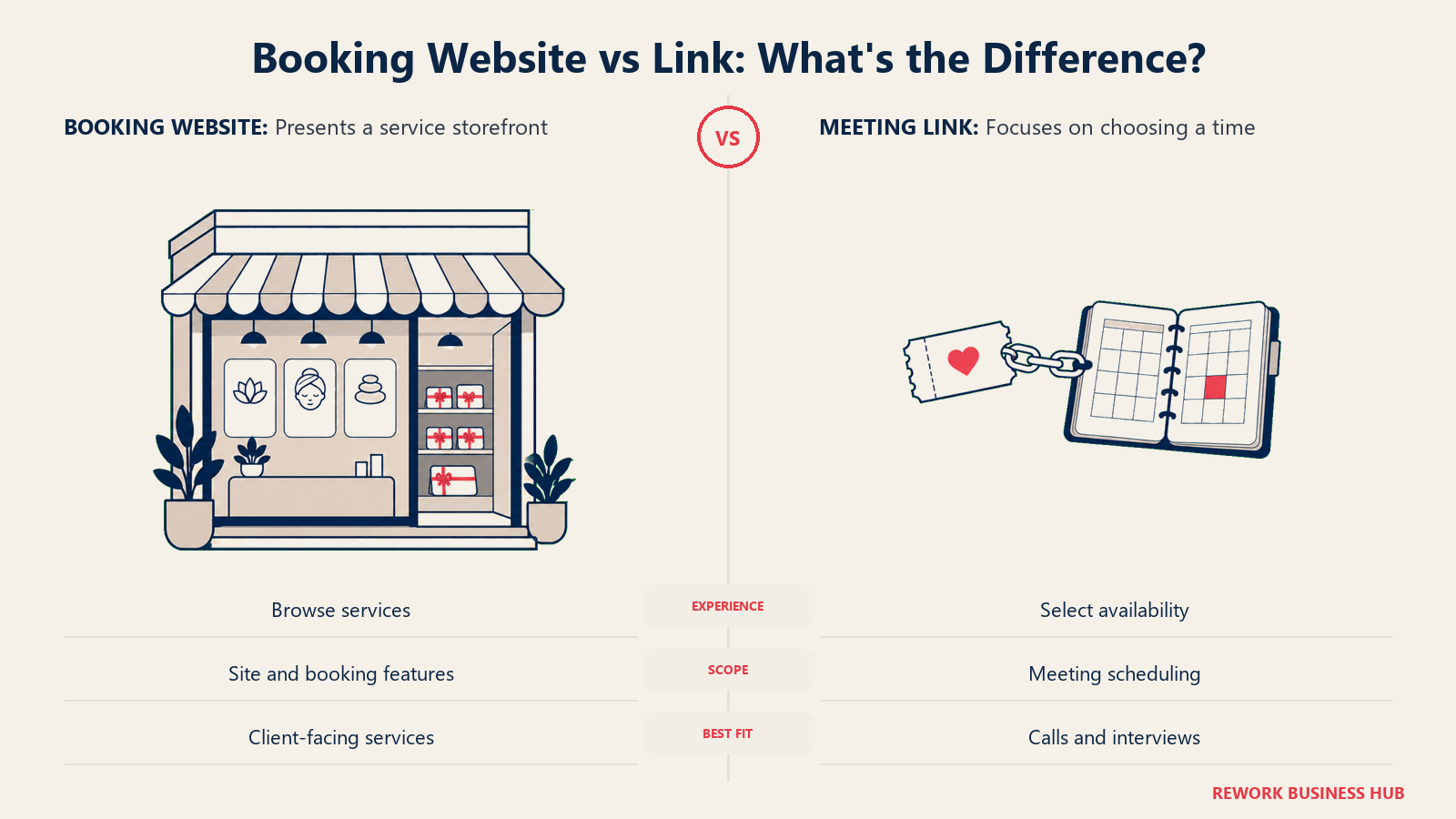
The trade is depth. Calendly doesn't attempt SimplyBook.me's website, memberships, or class-scheduling features, and the free plan is far more limited than its reputation suggests: 1 event type and 1 calendar connection, not the generous "unlimited meetings, forever free" plan a lot of older reviews still describe.
| Pros | Cons |
|---|---|
| Nearly universal recipient familiarity, near-zero setup friction | No booking website, memberships, or class scheduling like SimplyBook.me |
| Round-robin and lead routing on Teams, useful for sales handoffs | Free plan limited to 1 event type and 1 calendar connection |
| AI meeting assistant (Callie) and Notetaker available as add-ons | Notetaker and Callie are paid add-ons, not included at any tier |
Pricing: Free covers 1 event type and 1 calendar connection. Standard is $10 per seat per month, and Teams is $16 per seat per month, both with annual-billing discounts of 17% and 20% shown on the vendor's own pricing page. Enterprise starts at $15,000 per year with a 50-seat minimum, USD only.
Best for: Teams whose real job is one-off meeting booking, sales calls, interviews, and customer success touchpoints, not a client-facing booking website. If Acuity Scheduling is also on your list, the Calendly vs Acuity Scheduling comparison breaks down the two head to head.
2. Acuity Scheduling
Acuity Scheduling, owned by Squarespace, is the most direct swap for SimplyBook.me's core pitch: a client-facing booking calendar built for service businesses that take payments and sell packages, not just a link. Where SimplyBook.me leans on its own template gallery for a standalone booking site, Acuity leans on tight Squarespace integration if you already build your website there, plus standalone booking pages if you don't.
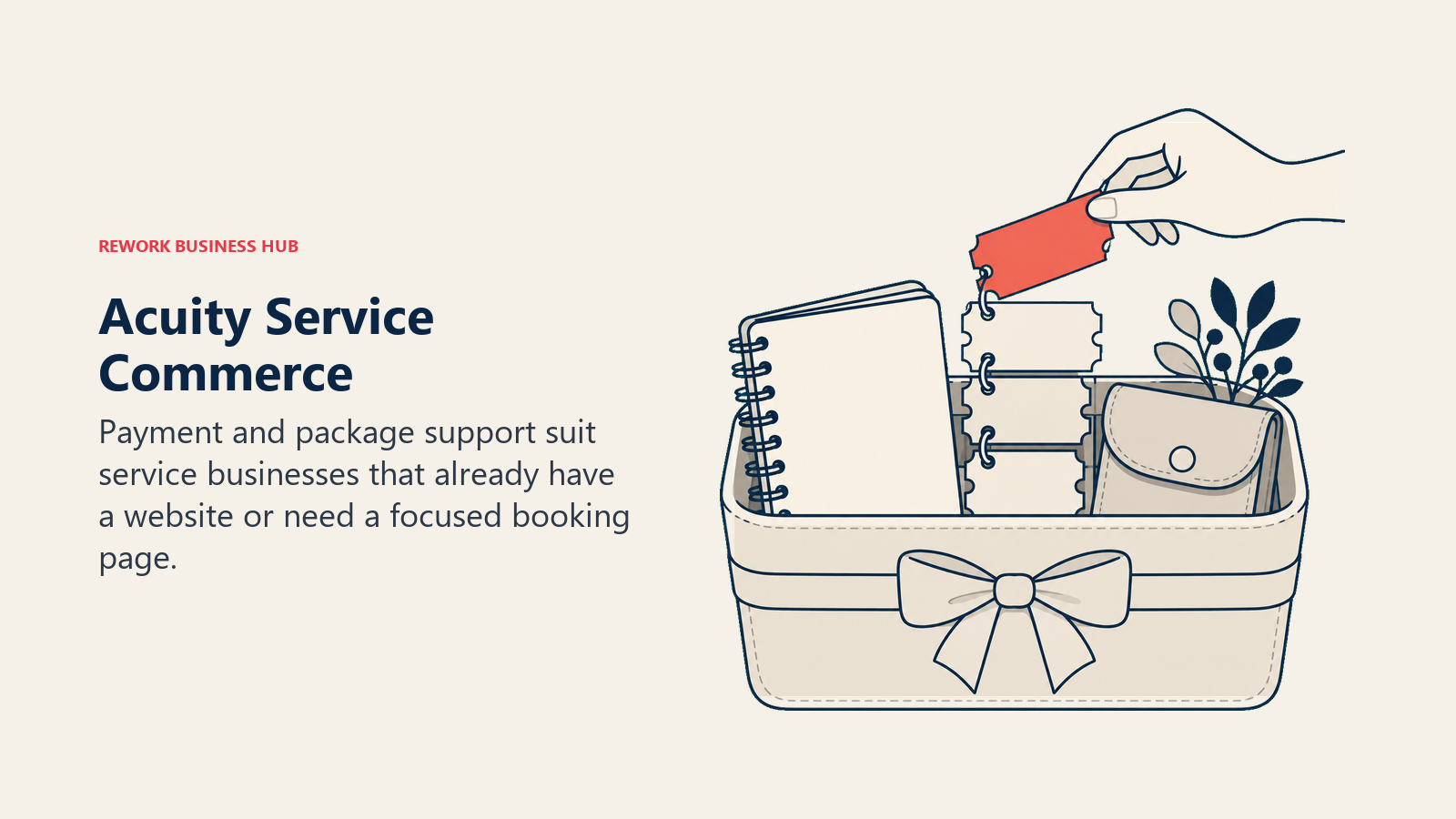
The gap buyers hit most is the free tier, or rather the lack of one. Acuity offers no free plan at all, only a 7-day trial with no card required, a common blind spot in third-party roundups that still list it as freemium.
| Pros | Cons |
|---|---|
| Payments, packages, gift certificates, and memberships built in | No free plan, only a 7-day trial |
| Deep Squarespace integration for businesses already on that platform | Calendar count, not bookings, gates the plan you need |
| Client self-scheduling with intake forms and deposits | Feature depth outside payments trails SimplyBook.me's catalogue |
Pricing: Starter is $20 per month billed monthly, or $16 per month billed annually, covering 1 calendar. Standard is $34 monthly or $27 annually, up to 6 calendars. Premium is $61 monthly or $49 annually, up to 36 calendars.
Best for: Service businesses that want SimplyBook.me's payments-and-packages depth without the euro pricing or the booking-volume ceiling, and don't mind skipping a free tier. Because Acuity is a Squarespace product, teams evaluating their whole web stack at once should also see the best Squarespace alternatives. And if Acuity itself turns out not to fit, its own Acuity Scheduling alternatives roundup covers the rest of that field.
3. Cal.com
Cal.com flips SimplyBook.me's entire premise: instead of a hosted, proprietary booking website, it's an API-first product built to be embedded or white-labeled into something else. Its hosted product moved the commercial codebase to a private repository in April 2026, so Cal.com itself is closed source now; the free, self-hostable option is Cal.diy, an MIT-licensed community edition with the commercial features stripped out and not recommended for production. For a developer-led team, the API and the price are the reason to switch, not owning the infrastructure.
| Pros | Cons |
|---|---|
| API-first design gives full control over how booking gets embedded | Free plan is genuinely one user, not a team plan |
| 100+ integrations out of the box, even on the free tier | No published monthly rate for Teams or Organizations |
| Lower price than Calendly at the Teams tier | Hosted Cal.com is closed source; Cal.diy, the free self-hosted edition, isn't built for production |
Pricing: Free forever covers 1 user with unlimited event types, unlimited calendars, and 100+ integrations. Teams is $12 per user per month billed annually, and Organizations is $28 per user per month billed annually. Enterprise is custom. Monthly-billed rates aren't published for any paid tier, so annual is the number to budget against.
Best for: Technical teams and platforms that want to white-label or embed scheduling into their own product through a deep API, not businesses looking for a hosted booking website out of the box.
4. Setmore
Setmore solves a different constraint than SimplyBook.me does. SimplyBook.me's free plan caps you by booking volume; Setmore's caps you by headcount instead, up to 4 users, free, with no stated limit on how many appointments those users can take.
| Pros | Cons |
|---|---|
| Free tier covers up to 4 users, not just a solo operator | Appointment volume on the free plan is genuinely unpublished |
| Pro drops to $5 per user per month on annual billing | Fewer vertical-specific features (classes, memberships) than SimplyBook.me |
| Unlimited users on Pro once you're past the free tier | Booking-website depth is lighter than Acuity or SimplyBook.me |
Pricing: Free covers up to 4 users. Pro is $12 per user per month billed monthly, or $5 per user per month billed annually, with unlimited users. The vendor's page presents the free plan as unlimited on bookings; some third-party sites claim a 200-per-month cap that Setmore itself doesn't confirm, so treat the appointment ceiling as unsettled either way.
Best for: Small teams of two to four people who need more than one calendar for free and don't need SimplyBook.me's class-scheduling or membership catalogue. The full field, including Setmore's closest rivals, is in the Setmore alternatives roundup.
5. Square Appointments
If your business already runs on Square for point-of-sale, Square Appointments removes a second vendor relationship entirely. Booking, payment processing, and in-person card handling all live in one subscription and one dashboard, which is a meaningfully different pitch than SimplyBook.me's booking-website-first approach.
The trap here is real: Square Appointments no longer sells its own standalone tiers. Booking now sits inside Square's unified subscription plans, priced per location, and any Appointments-only price you've seen quoted elsewhere for a legacy Plus or Premium tier belongs to a retired product.
| Pros | Cons |
|---|---|
| Booking, POS, and card processing in one subscription | No standalone Appointments product any more, priced per location |
| Free tier available at $0 per month per location | In-person processing fees (2.5% + 15 cents on Plus) stack on top of the subscription |
| Familiar to any business that already uses Square hardware | No booking-website template gallery like SimplyBook.me |
Pricing: Square Free is $0 per month per location. Square Plus is $49 per month per location, with in-person processing at 2.5% plus 15 cents. Square Premium is $149 per month per location, with in-person processing at 2.4% plus 15 cents and 24/7 phone support.
Best for: Retail-adjacent service businesses, barbershops, boutique fitness, walk-in clinics, that already process card payments through Square and want booking folded into the same bill.
6. Rework (E-Booking)
Rework's E-Booking module answers a question SimplyBook.me was never built to answer: what happens to the booking after it's made? SimplyBook.me is a booking product first, and everything else, CRM, follow-up, staff workload, hangs off it as a separate tool. Rework flips that: booking lives inside the same platform as the CRM contact record, the pipeline, and the rest of the team's operations, so a client who books an appointment shows up as the same record a sales rep or account manager already sees.
That's a genuinely different job than SimplyBook.me's, and it comes with a genuinely different buyer. Rework doesn't publish a self-serve pricing page for E-Booking the way every other tool in this list does; pricing is quoted per organization, and the honest answer for a solo operator or a two-person shop is that Rework isn't built for you.
| Pros | Cons |
|---|---|
| Booking tied to the same CRM and contact record as sales and support | No published self-serve price, quote required |
| Fits inside a wider operations platform instead of a standalone tool | Not the right fit for solo operators or single-purpose booking needs |
| Consolidates booking with the rest of a mid-size team's stack | No free tier or trial-by-signup the way Calendly or Cal.com offer |
Pricing: Quoted per organization. See rework.com/pricing for a quote; there's no published starting number to compare against a per-seat rate.
Best for: Operations teams of roughly 10 to 200 people who want booking to feed the same CRM their sales and account teams already work from, instead of running as a disconnected subscription. Not ideal for: solo operators, single-location shops, or anyone who just needs a standalone booking link or website, where a purpose-built tool like Calendly, Acuity, or SimplyBook.me itself will fit better and cost less to start.
7. OnceHub
OnceHub solves a problem that sits before the booking, not during it: qualifying and routing a prospect to the right person or resource before a slot ever gets picked. SimplyBook.me, like most tools on this list, assumes the booker already knows who or what they're booking. OnceHub assumes you'd rather ask a few questions first.
| Pros | Cons |
|---|---|
| Routing and qualification logic ahead of the booking itself | Mid tiers gated by connected phone-number counts, not just seats |
| Free tier includes 1 user, 1 calendar, and 1 booking link | Security and Compliance is a paid add-on, not included |
| Built-in phone number provisioning for inbound routing | Less vertical depth (classes, memberships) than SimplyBook.me |
Pricing: Basic is free, covering 1 user, 1 connected calendar, and 1 booking link. Schedule is $12 per seat monthly, or $10 annually, including 1 phone number. Route is $23 monthly or $19 annually with 2 phone numbers. Engage is $47 monthly or $39 annually with 3 phone numbers. A Security and Compliance add-on runs $6 monthly or $5 annually per seat on any paid plan, and extra phone numbers are $4 per month each. Enterprise is custom, aimed at 30-plus users.
Best for: Sales and marketing teams that need to qualify and route a prospect before a meeting books, not just accept whatever slot they pick. The OnceHub alternatives roundup covers the rest of that qualification-first field.
8. Vagaro
Vagaro is what SimplyBook.me's class-scheduling and membership features would look like if a vendor built an entire product around only that use case. It's purpose-built for salons, spas, and fitness studios, with point-of-sale, memberships, and marketing tools designed specifically for that vertical rather than adapted from a general-purpose booking product.
| Pros | Cons |
|---|---|
| Built specifically for beauty and wellness booking, not adapted from general use | Scaling cost per added calendar isn't published on the vendor's page |
| POS, memberships, and marketing tools designed for the vertical | Less flexible outside salon, spa, and fitness contexts |
| Client-facing marketplace listing for new customer discovery | Entry price already assumes one dedicated calendar per staff member |
Pricing: The entry tier, "Just Me," is $23.99 per month for one bookable calendar. The vendor's pricing page doesn't publish what each additional calendar costs, so budget for it to rise with staff count, and don't take a specific per-calendar figure from anywhere but Vagaro directly.
Best for: Salon, spa, and fitness businesses that want SimplyBook.me's class and membership depth built specifically for their vertical, rather than adapted from a general-purpose tool.
9. Mindbody
Mindbody is the enterprise end of the same vertical Vagaro serves: larger wellness and fitness businesses, often multi-location, that need scheduling tied to a class calendar, a client marketplace, and enterprise-grade reporting. Where SimplyBook.me tries to serve any service business with one flexible product, Mindbody narrows in on fitness and wellness and goes deep.
| Pros | Cons |
|---|---|
| Enterprise-grade fitness and wellness scheduling at multi-location scale | Everything past the entry tier is quote-only |
| Built-in client marketplace for new-member discovery | Heavier and more configuration-intensive than SimplyBook.me for a single location |
| Deep reporting built for multi-location operators | The only published number is a starting price, not a real ceiling |
Pricing: The only published figure is "starting at $99 per month per location." The Starter, Accelerate, and Ultimate tiers above that are all listed as "Let's talk" rather than published prices. Treat anything above $99 that you see quoted elsewhere as unverified unless it's labeled as reported.
Best for: Larger, often multi-location wellness and fitness businesses that have outgrown a general-purpose tool like SimplyBook.me or Vagaro and need marketplace discovery built in.
10. Zoho Bookings
Zoho Bookings is the natural pick if your business already runs on Zoho CRM, Zoho One, or the broader Zoho suite, since booking data ties directly into contacts and deals you're already tracking there. It's a narrower product than SimplyBook.me, without the standalone booking-website ambitions, but it's also the cheapest paid entry point in this entire comparison.
| Pros | Cons |
|---|---|
| Cheapest published paid entry point in this list | Vendor doesn't publish its paid tier names, only the prices |
| Deep tie-in with Zoho CRM and the wider Zoho One suite | No booking-website template gallery like SimplyBook.me |
| Free tier available for a single user | Multi-location and class-scheduling depth trails SimplyBook.me |
Pricing: Free covers 1 user, 1 event type, 1 workspace, and 1 calendar sync. The entry paid plan is $6 per user per month billed annually, or $8 billed monthly. The next plan up is $9 per user per month billed annually, or $12 billed monthly. Zoho's main pricing page renders its tier names in JavaScript that a comparison page doesn't match, so this article quotes the figures rather than naming tiers that may not match what you see on the page.
Best for: Teams already inside the Zoho ecosystem who want booking billed at the lowest published per-user rate on this list. If Zoho itself isn't the fit, the Zoho alternatives roundup covers the CRM side of that same ecosystem decision.
11. Microsoft Bookings
Microsoft Bookings isn't sold as its own product. It's bundled into Microsoft 365 Business plans, which makes the real pitch "no new vendor, no new line item" rather than "cheapest scheduling tool." For a company already paying for Microsoft 365, that's a legitimate reason to skip evaluating a standalone tool like SimplyBook.me at all.
| Pros | Cons |
|---|---|
| No extra contract if you already pay for Microsoft 365 | Not sold as a standalone product at any price |
| Native integration with Outlook calendars and Teams | Feature depth (classes, memberships, coupons) far behind SimplyBook.me |
| Familiar interface for any team already living in Microsoft 365 | Real cost is your whole M365 plan, not a small add-on fee |
Pricing: Bookings comes bundled into Microsoft 365 Business plans. Business Basic is $7.00 per user per month on an annual commitment. Business Standard with Copilot is $23.50 per user per month annual, and Business Premium with Copilot is $32.00 per user per month annual. Frame the real cost as your Microsoft 365 subscription, not as a standalone $7 scheduling tool.
Best for: Microsoft 365 shops that want booking without adding another vendor, not businesses evaluating scheduling tools on their own merits.
12. YouCanBookMe
YouCanBookMe is the closest thing on this list to Calendly's simplicity without Calendly's name recognition: a clean, branded booking page, fast to set up, without SimplyBook.me's website-builder ambitions or feature catalogue.
A pricing caveat worth stating plainly: The paid YouCanBookMe numbers below are reported, not vendor-confirmed, so confirm current pricing with YouCanBookMe.
| Pros | Cons |
|---|---|
| Fast setup, clean branded booking pages | Paid pricing isn't confirmed on the vendor's own page |
| Free tier covers 1 calendar connection and 1 booking page | No booking website, memberships, or class scheduling |
| Straightforward for a solo consultant's booking needs | Free tier ceiling (1 calendar, 1 page) is low for a growing team |
Pricing: Free covers 1 calendar connection and 1 booking page, confirmed on the vendor's page. Paid tiers are reported at $9 per month (Individual), $13 per month (Professional), and $18 per member per month (Teams), with roughly 10% off on annual billing, per Koalendar's pricing guide and G2, not confirmed on YouCanBookMe's own page.
Best for: Solo consultants and small teams that want a simple, branded booking page and don't need SimplyBook.me's website or feature depth.
13. Doodle
Doodle solves a problem none of the other twelve tools in this list are built for: finding a time that works across a group of people, not just booking a single slot on one person's calendar. The group-poll feature is the whole reason it exists, with 1:1 booking pages added on as a second capability.
| Pros | Cons |
|---|---|
| Best group-availability polling of any tool in this comparison | No monthly billing option published, annual only |
| 1:1 booking pages available alongside group polls | 1:1 booking is a secondary feature, not the core product |
| Enterprise tier available for large-scale scheduling needs | Team tier requires a 2-seat minimum |
Pricing: Free covers 1 group poll, 1 booking page, and 1 one-to-one link. Pro is $11 per month per seat billed annually. Team is $16 per month per seat billed annually, with a 2-seat minimum. Enterprise starts at $15,000 per year, aimed at organizations of 50-plus employees. Monthly-billed rates aren't published, so budget against the annual number.
Best for: Teams whose actual bottleneck is coordinating a time across multiple people's calendars, executive assistants and meeting organizers especially, not single-person client booking.
How Each Tool Meters What You Pay For
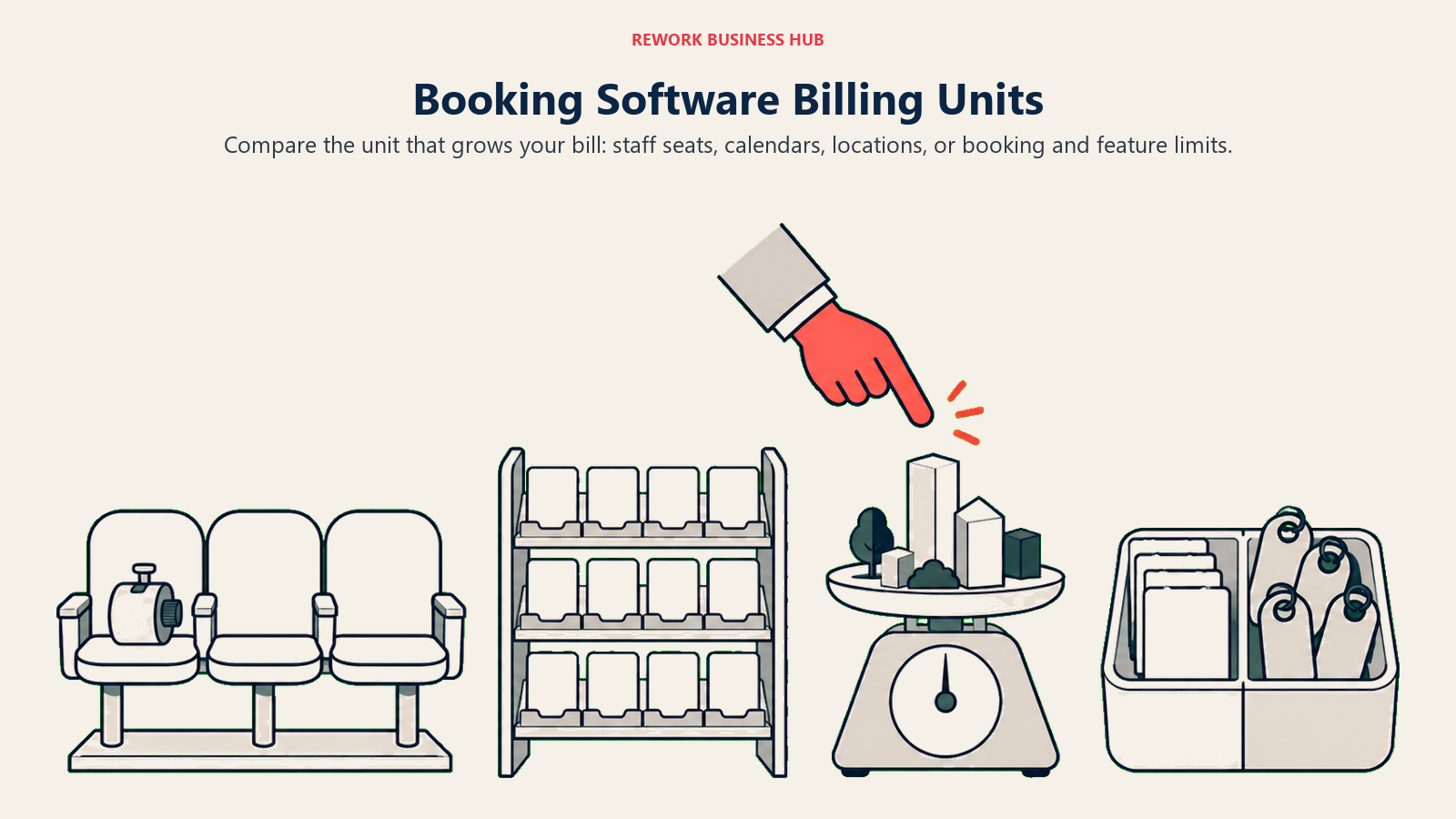
The through-line across every tool in this comparison, and the reason SimplyBook.me buyers end up here in the first place, is that no two of them charge for the same thing. Some meter seats, some meter calendars, some meter locations, and SimplyBook.me is the only one metering two things simultaneously. Knowing which lever moves your bill before you sign up saves a renegotiation later.
| Tool | What the plan is metered by | Where you get squeezed |
|---|---|---|
| SimplyBook.me (for reference) | Bookings per month AND custom features, both at once | Hit either ceiling and you're bumped up, even with room on the other meter |
| Calendly | Event types and calendar connections on Free; seats on paid | Outgrowing 1 event type forces an upgrade even at low meeting volume |
| Acuity Scheduling | Number of calendars (staff) | No booking-volume cap, but calendar count limits team size |
| Cal.com | Seats on Teams/Organizations | Free is 1 user; team size is the lever, not booking volume |
| Setmore | Users on Free; unlimited users on Pro | Team headcount is the free-tier lever, booking volume is unstated |
| Square Appointments | Locations, plus a per-transaction processing rate | Processing fees scale with revenue, not just the subscription |
| Rework (E-Booking) | Negotiated per organization, not a self-serve meter | No published ceiling to hit, since there's no self-serve ladder to climb |
| OnceHub | Seats plus connected phone-number count | Phone numbers gate the mid tiers as much as seats do |
| Vagaro | Bookable calendars | Cost rises with each added calendar at an unpublished rate |
| Mindbody | Location, with everything past entry quote-only | Growth past the entry tier moves you into a sales conversation |
| Zoho Bookings | Users | Free is 1 user; every paid tier is priced per user |
| Microsoft Bookings | Your whole Microsoft 365 seat license | You're metered by your M365 plan, not booking volume specifically |
| YouCanBookMe | Calendars and booking pages on Free; team members on paid | Free ceiling (1 calendar, 1 page) is reached fast by a growing team |
| Doodle | Seats, with a 2-seat minimum on Team | The Team tier's seat minimum applies even to a 2-person group |
Migration and Switching Costs
Moving off SimplyBook.me, or skipping it for a different tool from the start, carries costs beyond whichever monthly number you land on. Budget for these before you set a switch date.
Booking history and client data. Past appointments, client notes, membership and package balances, and coupon history all need to migrate or get archived somewhere accessible. Ask any tool on this list what import format it accepts and whether membership balances carry over as live data or as a static record you'll need to reconcile by hand.
Your booking website or widget. If clients currently land on a SimplyBook.me-hosted page or an embedded widget, that URL or embed code needs to redirect or get replaced everywhere it's linked, your website, email signatures, social bios, Google Business Profile, before the old page goes dark.
Payment and package continuity. Any tool that also processes payments, Acuity, Square Appointments, Vagaro, needs its own payment processor connected and tested before go-live, and any client with a prepaid package or membership balance needs that balance to survive the move intact.
Don't let one tool try to do two jobs. If part of what's motivating a switch is that SimplyBook.me can't also handle staff shift scheduling or track hours worked, don't force a booking tool to solve that. Pair your booking tool with dedicated software instead, like the best time tracking software for 2026, rather than looking for one vendor to do both jobs adequately.
Parallel-run window. Keep the old booking page live and bookable for two to four weeks after the new one launches, especially if you rely on Google or social discovery to send new clients your way. A stale booking link is a worse first impression than a slightly awkward migration month.
Implementation matters more than the tool itself. The earlier finding from Frontiers in Digital Health, that online booking cut no-shows in one setting and raised them in another, is a migration lesson as much as a shopping one: how you configure reminders, buffers, and cancellation policies matters as much as which vendor you pick.
How to Choose: Decision Framework
| If you need... | Choose |
|---|---|
| Fast, universal meeting booking without a booking website | Calendly |
| Payments and packages built for service businesses, with a Squarespace tie-in | Acuity Scheduling |
| A deep API and a lower price than Calendly, developer-controlled booking | Cal.com |
| A free tier that covers multiple users, not just one | Setmore |
| Booking bundled with POS and card processing you already use | Square Appointments |
| Booking tied to the same CRM and operations platform as the rest of your team | Rework (E-Booking) |
| Qualification and routing before a meeting ever gets booked | OnceHub |
| A vertical-built tool for salons, spas, and fitness studios | Vagaro |
| Enterprise-scale wellness and fitness scheduling with marketplace discovery | Mindbody |
| The lowest published per-user rate, inside the Zoho ecosystem | Zoho Bookings |
| Booking with zero new contracts, bundled into Microsoft 365 | Microsoft Bookings |
| A simple, branded booking page without a full feature catalogue | YouCanBookMe |
| Finding one time that works across a group, not just one person's calendar | Doodle |
What to Do Next
Start by counting your actual custom features, not your wish list. Log into SimplyBook.me, or list out what you'd want from a fresh evaluation, and count how many toggleable capabilities you genuinely use every week: memberships, coupons, multiple locations, client login. That number, next to your average monthly bookings, tells you whether you're paying for a tier's booking cap or its feature cap, and which alternative's metering model, per-seat, per-calendar, per-location, actually fits your business better than SimplyBook.me's combined meter does.
Then run the pricing math in your own currency. SimplyBook.me publishes in euros; almost everything else on this list publishes in dollars. Convert at today's rate before comparing, not a number you remember from a blog post, and check whether monthly or annual billing is the one being quoted, since the gap between the two is real on more than half the tools here.
Pilot two tools, not five, for a real two-week stretch with actual client bookings running through each one. Watch what breaks: a missed reminder, a double-booked slot, a client confused by the new page, before you commit to a switch date and start the migration checklist above.
Camellia covers booking, scheduling and client-operations tooling for B2B teams.

Principal Product Marketing Strategist
On this page
- Key Facts
- Why People Move Off SimplyBook.me
- Quick Comparison Table
- How SimplyBook.me's Two-Meter Pricing Actually Works
- Stage Fit Matrix
- Sizing and Persona Table
- 1. Calendly
- 2. Acuity Scheduling
- 3. Cal.com
- 4. Setmore
- 5. Square Appointments
- 6. Rework (E-Booking)
- 7. OnceHub
- 8. Vagaro
- 9. Mindbody
- 10. Zoho Bookings
- 11. Microsoft Bookings
- 12. YouCanBookMe
- 13. Doodle
- How Each Tool Meters What You Pay For
- Migration and Switching Costs
- How to Choose: Decision Framework
- What to Do Next