Best Employee Scheduling Software in 2026: 15 Tools for Restaurants, Retail, Healthcare, and Field Teams
Turn this article into takeaways for your work.


Each assistant summarizes the article only for you and suggests best practices for your work.
Homebase's free plan is capped at 10 employees now, not unlimited at one location, and When I Work's old 75-employee free plan is gone entirely.*
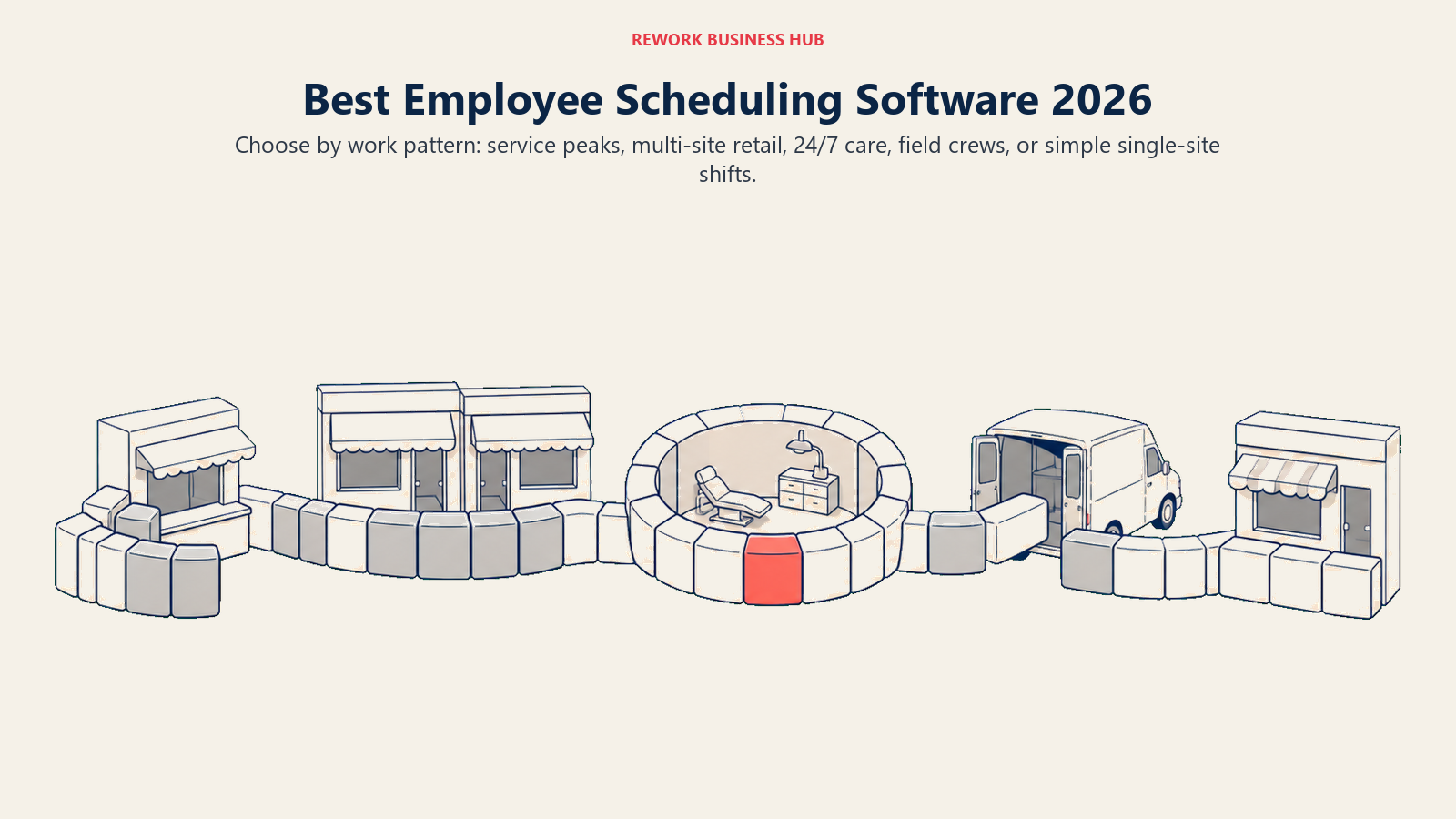
"Best employee scheduling software" hides at least five different searches under one label. A restaurant juggling tip pools and labor cost percentage isn't shopping for the same tool as a hospital covering three shifts around the clock, and neither wants what a six-person landscaping crew needs. Most roundups rank all fifteen tools on one axis and hope the reader sorts it out. This one sorts first: restaurants and hospitality, retail and multi-location, healthcare and 24/7 coverage, field and deskless crews, and small single-location businesses each get their own shortlist before the full comparison table.
Tools are evaluated on pricing transparency, scheduling depth, and fit by buyer segment. Where a vendor doesn't publish a number, that's stated plainly rather than filled in with a guess.
Scheduling is the narrow question here: who works Tuesday. If you also need time and attendance, labour cost against revenue, break and overtime compliance and demand forecasting under one contract, that is the wider category, covered in the best workforce management software for 2026. Two vendors in this roundup have their own dedicated alternatives guides if you have already settled on replacing one of them: 7shifts and Sling.
Key Facts
- About 16% of US wage and salary workers worked an alternative shift (evening, night, rotating, or employer-arranged irregular hours) instead of a regular daytime schedule, per the Bureau of Labor Statistics' most recent Job Flexibilities and Work Schedules survey. (BLS)
- 60% of service-sector workers receive less than two weeks' notice of their work schedule, a core driver of the fair-scheduling and predictive-scheduling laws now shaping how this software gets built. (The Shift Project, Harvard Kennedy School)
- Replacing an employee costs 50% to 200% of that employee's annual salary once recruiting, onboarding, and lost productivity are counted, the real financial stake behind keeping shifts covered and staff from quitting over chaotic hours. (SHRM)
- Deskless workers, the group most employee scheduling software is built for, make up an estimated 2.7 billion people worldwide, more than 80% of the global workforce. (Quinyx global workforce survey, vendor-commissioned data)
Pick Your Job First: Five Buyer Segments, One Category
Most "best scheduling software" lists put a 30,000-employee hospital system and a four-person coffee shop on the same numbered list, as if they're choosing between the same finalists. They aren't. Here's the honest split:
| Buyer segment | What you actually need | Tools that fit best |
|---|---|---|
| Restaurants and hospitality | Tip pooling, labor cost against sales, POS integration | 7shifts, Homebase, Planday |
| Retail and multi-location | Multi-site rosters, shift swapping, manager visibility across stores | Connecteam, When I Work, Deputy |
| Healthcare and 24/7 shift coverage | Complex rotation patterns, credential and certification tracking, compliance | Humanity Schedule (TCP), Shiftboard, UKG Pro Workforce Management |
| Field and deskless crews | GPS clock-in, job costing, mobile-first design | Connecteam, Jibble, Workyard, QuickBooks Time |
| Small, single-location business | Free or near-free, no configuration required | Sling, ZoomShift, Buddy Punch |
Worth naming plainly: the free tiers this category was known for have gotten smaller. When I Work's old free plan for up to 75 employees is gone, replaced by a 14-day trial only, and Homebase's free plan now caps out at 10 employees rather than unlimited headcount at one location. Shop the 2026 shortlist, not memory of what these tools used to offer.
Quick Comparison Table
| Tool | Best For | Starting Price | Key Strength | Key Limitation |
|---|---|---|---|---|
| Connecteam | Deskless, multi-location teams wanting scheduling plus HR | Free (up to 10 users, all hubs); Basic $35/mo ($29 annual, first 30 users, per hub) | Scheduling, time clock, and HR hub in one app | Per-hub pricing takes real work to budget accurately |
| Deputy | Compliance-heavy scheduling with labor-law rules built in | Lite $5/user/mo (no free plan; $30/mo minimum spend) | Strong award interpretation and labor-law compliance | No free tier, and the $30 monthly minimum hits small teams hardest |
| Homebase | Single-location restaurants and small businesses | Free (1 location, up to 10 employees); Essentials $30/mo ($24 annual) | Easiest onboarding of any tool on this list | Free plan capped at 10 employees, not unlimited |
| When I Work | Retail and multi-location teams needing shift swaps | Essentials $2.50/user/mo (no free plan) | Simple shift swapping and team messaging | No free tier anymore, only a 14-day trial |
| 7shifts | Restaurants tracking labor cost against sales in real time | Free Comp plan (15 employees, 1 location); Essentials $44.99/location/mo ($39.99 annual) | Labor cost %, tip pooling, restaurant-specific reporting | Priced per location AND capped by headcount at every tier |
| Sling | Very small teams wanting a genuinely free scheduler | Free (up to 30 users); Premium $2.00/user/mo ($1.70 annual) | The most generous free tier still standing in this category | Free tier has no time tracking, only scheduling and messaging |
| ZoomShift | Budget-conscious single-location teams | Free (up to 20 active team members, 1 location); Starter $2.50/user/mo ($2 annual) | Simple scheduling at the lowest paid entry price here | Free tier has no time clock or timesheets |
| Humanity Schedule (TCP) | Healthcare and 24/7 operations needing compliance depth | Essentials $2.75/employee/mo billed annually (up to 250 employees) | Demand-based, compliance-aware scheduling at real scale | No monthly-billed rate published; volume discounts aren't itemized |
| Planday | Hospitality and retail chains needing shift-based payroll | Starter $2.99/user/mo (min. 5 users); Plus $4.49/user/mo plus a $15/mo fee (min. 10 users) | Deep shift-based payroll reporting built for hospitality | Pricing page renders by region; Pro tier is quote-only |
| QuickBooks Time | Hourly crews already running payroll through QuickBooks | Premium $10/mo base + $8/user/mo | Native sync with QuickBooks Payroll | Weak standalone value outside the QuickBooks ecosystem |
| Jibble | Hourly crews wanting free GPS or face-ID clock-in | Free forever, unlimited users (attendance only) | Genuinely free attendance tracking at any headcount | Thin on real scheduling; paid tiers aren't publicly priced |
| Workyard | Construction and field crews needing job costing | From $6/user/mo billed annually | GPS time tracking tied directly to job costing | Only the entry price is public; higher-tier pricing is opaque |
| Buddy Punch | Hourly teams wanting accountability features | $19/mo base + $4.99/user (annual), $5.99/user (monthly) | Webcam photos, device locks, and Face ID at a low entry price | Scheduling and real-time GPS both require paid add-ons |
| Shiftboard | Multi-site enterprises with complex shift rules | Quote-only | Configurable rules engine for complex, high-volume shift patterns | No published pricing; implementation fees apply on top |
| UKG Pro Workforce Management | Large enterprises wanting WFM inside a full HCM suite | Quote-only (reported $26 to $41 per employee per month) | Deep compliance and labor analytics inside one HCM platform | Enterprise sales process, no self-serve tier at all |
One pattern in that table is worth naming rather than glossing over: the SMB end of this category (Sling, ZoomShift, When I Work, Deputy, Homebase, Connecteam) publishes real numbers, while the enterprise end (Shiftboard, UKG, and enterprise names not in the numbered list, like Legion and Quinyx) publishes almost nothing beyond "minimum subscription fees apply" and a contact-sales form. That's the trade a buyer makes once deal size justifies a sales-led process: you can compare SMB tools on price in an afternoon, but enterprise tools require a written quote from each finalist first.
1. Connecteam: Scheduling, a Time Clock, and HR in One Hub
Connecteam targets deskless, multi-location teams (retail, field service, hospitality) with a scheduler bundled alongside a time clock, task management, and a lightweight HR hub, so a manager isn't running four apps to cover one shift. Pricing runs per "hub" (Operations, Communications, HR and Skills) rather than a flat per-user rate, which takes some getting used to.
| What you get | What you don't |
|---|---|
| Scheduling, time clock, and HR hub bundled in one app | Simple, flat per-user pricing across the board |
| Free for life for teams up to 10 users, across all hubs | Deep restaurant-specific tip pooling or labor cost % |
| Built for deskless, multi-location workforces | The lowest cost for a small office-based team |
| Task management and internal comms included | GPS geofencing on the free tier |
Pricing: Free for life (up to 10 users, all hubs). Operations Hub Basic $35/month ($29 annual), covering the first 30 users per hub, then $1.00/mo per extra user on monthly billing, or $0.80/mo on annual. Advanced $59 monthly ($49 annual). Expert $119 monthly ($99 annual). Enterprise custom. (Connecteam) Best for: Deskless, multi-location teams wanting scheduling and a time clock without a fourth separate HR tool. See Best Connecteam Alternatives if the per-hub pricing model doesn't fit your budget process. Not ideal for: Small office-based teams that would rather pay a flat per-user rate.
2. Deputy: Compliance-First Scheduling for Regulated Shifts
Deputy built its reputation on the compliance layer: award interpretation, break rules, overtime alerts, and labor-law logic baked into the scheduler itself, not bolted on as an after-the-fact report. That depth is why compliance-sensitive operators (retail chains, healthcare, hospitality across jurisdictions) default to it despite the higher cost.
| What you get | What you don't |
|---|---|
| Built-in labor-law and award-interpretation logic | A free plan at any headcount |
| Auto-scheduling based on demand and availability | A monthly bill under $30, regardless of team size |
| Real-time overtime and break-rule alerts | The cheapest per-user rate in this category |
| A clean mobile app for shift swaps and confirmations | Bundled HR or payroll without an add-on |
Pricing: Lite $5/user/month, Core $6.50/user/month, Pro $9/user/month (USD, excluding tax). Minimum monthly spend of $30 per invoice on monthly plans, in force since September 2025. Add-ons: Payroll (enabled by Paycor) $8/user/month plus $49/month base fee; HR $2/user/month; Messaging+ $1.95/user/month; Analytics+ $1.50/user/month. Enterprise and the Flexible Weekly Plan are contact-sales only. No free plan; trial only. (Deputy) Best for: Retail, hospitality, and healthcare operators in regulated jurisdictions who need scheduling that enforces labor law automatically. See Best Deputy Alternatives for the field, or Deputy vs When I Work for the direct head-to-head against its closest-priced rival. Not ideal for: Very small teams that hit the $30 monthly minimum before needing the compliance depth.
3. Homebase: The Easiest First Scheduler for a Single Location
Homebase remains the tool most first-time restaurant and retail managers reach for: the free plan needs almost no setup, and the paid tiers stay legible. Its reputation for unlimited free employees at one location is no longer accurate, though; as of 2026, that free tier caps out at 10 employees.
| What you get | What you don't |
|---|---|
| The gentlest learning curve of any tool on this list | A free plan past 10 employees |
| POS integration built into the free tier | Multi-location rostering without a paid plan |
| Built-in payroll add-on (extra cost) | Deep labor-law compliance logic like Deputy's |
| Team messaging and shift-swap requests included free | GPS geofencing on the free plan |
Pricing: Free Basic (1 location, up to 10 employees; basic scheduling, basic time tracking, POS integration). Essentials $30/location/month ($24 annual). Plus $70 monthly ($56 annual). All-in-One $120 monthly ($96 annual); paid tiers cover unlimited employees per location. Payroll add-on $39/month plus $6 per employee paid. (Homebase) Best for: Single-location restaurants, cafes, and retail shops wanting the fastest path from signup to a published schedule. See Best Homebase Alternatives once you outgrow the 10-employee free cap. Not ideal for: Multi-location operators, or anyone budgeting around the old "unlimited free" reputation.
4. When I Work: Shift Swapping and Team Messaging for Retail
When I Work's core strength hasn't changed: fast shift swaps, availability requests, and team messaging staff actually open on their phones. What has changed is the free plan. The generous 75-employee tier that built its early reputation is gone; every account now runs on a 14-day trial before billing starts.
| What you get | What you don't |
|---|---|
| One of the cleanest shift-swap workflows in the category | A free plan at any team size |
| Team messaging built directly into scheduling | Labor-law compliance depth on par with Deputy |
| Simple three-tier pricing that's easy to budget | Restaurant-specific tip pooling or labor cost % |
| A mobile app staff generally like using | HR or payroll modules without a separate tool |
Pricing: Essentials $2.50/user/month, Pro $5/user/month, Premium $8/user/month. No free plan; a 14-day free trial, no credit card required. (When I Work) Best for: Retail and multi-location teams that live or die by fast shift coverage and want staff to self-serve swaps instead of texting a manager. See Best When I Work Alternatives for the field, or Deputy vs When I Work if compliance depth is also on your checklist. Not ideal for: Operators shopping on memory of a free tier that no longer exists, or needing deep labor-law enforcement.
5. 7shifts: Built Around Restaurant Labor Cost
7shifts isn't a general scheduler with a restaurant skin; it's built around the metric restaurant managers actually watch, labor cost as a percentage of sales, alongside tip pooling, manager logbooks, and team communication. That focus is why it shows up on more restaurant shortlists than any other name here.
| What you get | What you don't |
|---|---|
| Labor cost % tracked live against sales | Pricing per user rather than per location |
| Tip pooling and restaurant-specific reporting | A confirmed tier structure beyond the entry price |
| A free Comp plan for basic scheduling and time clocking | Deep multi-industry flexibility outside restaurants |
| Manager logbook and team communication tools | GPS-based field-crew scheduling |
Pricing: Free Comp plan (basic scheduling, time clocking, team communication, availability and time off). 7shifts bills per location, and every tier also caps headcount: up to 15 employees on the free Comp plan at a single location, 30 on Essentials at $44.99/location/month ($39.99 annual), 60 on Pro at $89.99 ($79.99 annual), and unlimited on Premium at $149.99 ($134.99 annual). Annual billing takes 10 percent off. Watch the collision on $39.99: it is both the Essentials annual rate and the standalone 7shifts Payroll add-on rate, which is $39.99 per location a month plus $6 per employee paid and comes included at Premium. (7shifts) Best for: Restaurants and food service operators who need labor cost, tip pooling, and scheduling in one tool. Not ideal for: Non-restaurant businesses, or anyone needing confirmed pricing above the entry tier.
6. Sling: The Most Generous Free Tier Left in the Category
Sling's pitch is simple: free scheduling, time-off requests, shift swaps, and messaging for up to 30 users, no credit card, no time limit. With When I Work's 75-user free plan gone and Homebase's shrunk to 10 employees, Sling's 30-user cap is now the most generous free tier standing.
| What you get | What you don't |
|---|---|
| A genuinely free plan up to 30 users | Time tracking on the free tier |
| Simple, predictable per-user pricing on paid tiers | Restaurant-specific labor cost or tip pooling |
| Shift swaps and time-off requests included free | Deep compliance or labor-law enforcement |
| A 15-day trial on paid plans to test time tracking | Multi-hub HR features like Connecteam's |
Pricing: Free (up to 30 users): scheduling, time-off requests, shift swaps, messaging; no time tracking. Premium $2.00/user/month ($1.70 annual). Business $4.00/user/month ($3.40 annual). 15-day free trial on paid plans. (Sling) Best for: Small and mid-size teams wanting to stay on a real free plan as long as possible before paying for time tracking. Not ideal for: Restaurants needing tip pooling, or teams past 30 users wanting to stay free.
7. ZoomShift: The Lowest-Cost Paid Ladder for a Single Location
ZoomShift keeps its scope narrow: scheduling, time tracking, and PTO for a single location, priced lower than almost anything else here once you leave the free tier. The free Essentials plan covers up to 20 active team members at one location, capped at scheduling two weeks out, with no time clock until you upgrade.
| What you get | What you don't |
|---|---|
| A free tier covering 20 active team members | Time tracking or timesheets on the free plan |
| The lowest paid entry price in this roundup | Multi-location scheduling on lower tiers |
| Auto-scheduling and a geofenced time clock on Premium | Restaurant-specific labor cost reporting |
| A 14-day free trial with no credit card required | Deep HR or payroll modules |
Pricing: Essentials free (up to 20 active team members, 1 location; basic scheduling, team communication, reminders, shift confirmation, scheduling up to two weeks ahead). Starter $2.50/user/month ($2 annual). Premium $5/user/month ($4 annual), adding auto-scheduling, a geofenced time clock, and overtime warnings. (ZoomShift) Best for: Single-location small businesses wanting the cheapest possible paid upgrade once they outgrow a free plan. Not ideal for: Multi-location operators, or teams needing free time tracking.
8. Humanity Schedule (TCP): Demand-Based Scheduling for Healthcare and 24/7 Operations
Humanity, now sold as Humanity Schedule under TCP Software, targets operations that never fully close: hospitals, senior care, and other 24/7 shift environments where auto-fill scheduling, compliance tooling, and skills-based assignment matter more than a simple drag-and-drop calendar.
| What you get | What you don't |
|---|---|
| Demand-based, auto-fill scheduling at real scale | A published monthly (non-annual) rate |
| Compliance tools and skills/certification matching | A free tier at any headcount |
| SSO/SAML on the Professional plan and up | Itemized volume-discount pricing |
| A 30-day trial with unlimited Professional access | A budget entry point for very small teams |
Pricing: Essentials $2.75 per employee/month billed annually, up to 250 employees. Professional starting at $3.75 per employee/month billed annually (volume discounts may apply). Enterprise custom quote, adding Shift Tasks and Labor Optimizer plus HCM integrations. 30-day free trial with unlimited access to Professional features, no contract or credit card required. Monthly (non-annual) billing exists but its per-employee rate isn't published. (TCP Software) Best for: Healthcare, senior care, and other 24/7 operations needing compliance-aware, demand-based scheduling past 250 employees. See Best HR Software for how it compares against dedicated HRIS platforms once HCM integrations matter. Not ideal for: Small single-location teams with no need for auto-fill or skills-based matching.
9. Planday: Shift-Based Payroll Reporting for Hospitality Chains
Planday's strength is turning scheduled shifts directly into payroll-ready reporting, aimed at hospitality and retail chains running variable hours across many staff. The catch: it's one of two tools here, alongside Shiftboard, that publishes no self-serve pricing at all, not even a "starting at" figure.
| What you get | What you don't |
|---|---|
| Shift-based payroll reporting built for hospitality | Any published per-user price on the vendor site |
| Advanced scheduling and leave management on Plus | A free tier at any level |
| Revenue integration and reporting on Plus and up | Fast self-serve signup without a sales conversation |
| A 30-day free trial, no credit card required | Transparent budgeting before talking to sales |
Pricing: Planday publishes per-user prices on its own pricing page, but the page renders by region, which is why an earlier check that came back with no figures was a rendering artifact rather than a missing price. US list: Starter $2.99 per user a month with a 5-user minimum; Plus $4.49 per user a month plus a $15.00 monthly subscription fee with a 10-user minimum; Pro is custom-quoted. Plus adds advanced scheduling, leave management, and revenue integration. A 30-day free trial is available on the self-serve tiers, no credit card required. Ask for a quote in your own currency rather than assuming the US figures apply. (Planday) Best for: Hospitality and retail chains willing to go through a sales conversation for shift-based payroll depth. Not ideal for: Budget-conscious buyers wanting a real number before booking a demo.
10. QuickBooks Time: Attendance Native to QuickBooks Payroll
QuickBooks Time (formerly TSheets) exists for one buyer: a business already running payroll through QuickBooks that wants hourly staff clocking in through the same ecosystem, timesheets flowing straight into payroll. Outside that ecosystem, it's a much less compelling standalone scheduler.
| What you get | What you don't |
|---|---|
| Native sync with QuickBooks Payroll | Standalone value outside the QuickBooks ecosystem |
| GPS clock-in/out for field and hourly staff | Deep restaurant labor cost or tip pooling tools |
| Scheduling and overtime alerts | The lowest per-user price in this category |
| Mobile time tracking with geofencing | Non-QuickBooks payroll integrations of similar depth |
Pricing: Premium $10/month base plus $8/user/month. Elite $20/month base plus $10/user/month (list price; promotions may apply). (QuickBooks) Best for: Hourly and field teams already running payroll through QuickBooks. See Best Payroll Software for how the broader payroll category compares. Not ideal for: Teams on a different payroll platform, or restaurant- or healthcare-specific scheduling needs.
11. Jibble: Free, Unlimited GPS and Face-ID Clock-In
Jibble's pitch is that GPS and facial-recognition attendance tracking should be free at any headcount, and it delivers better than anything else here: the free plan has no user cap at all. What it doesn't do is real scheduling depth; it's built for clocking in and out, not building a roster.
| What you get | What you don't |
|---|---|
| Genuinely free, unlimited-user clock-in/out | Real scheduling or shift-building tools |
| GPS and facial-recognition attendance verification | Published pricing for paid tiers |
| Mobile-first design for a distributed hourly workforce | Restaurant labor cost or tip pooling |
| Basic timesheets included at no cost | Deep HR or payroll modules |
Pricing: Free forever, unlimited users, for clock-in/out and basic timesheets. Paid Premium and Ultimate tiers exist but their prices aren't published on the vendor page. (Jibble) Best for: Hourly and shift-based teams wanting free, GPS-verified attendance, paired with a separate scheduling tool if one is needed. Not ideal for: Teams that need actual shift-building and rostering, not just clock-in verification.
12. Workyard: GPS Time Tracking Tied to Job Costing for Field Crews
Workyard targets construction and field service crews where the real question isn't just "who's working when" but "which job did that labor cost land on." GPS time tracking feeds directly into job costing, which matters more to a contractor bidding future jobs than a polished shift-swap screen.
| What you get | What you don't |
|---|---|
| GPS time tracking tied directly to job costing | A published price above the entry tier |
| Built for construction and field service crews | Restaurant or retail-specific scheduling logic |
| A 14-day free trial to test on a real job | A free tier at any headcount |
| Autopilot tier for automated job-site detection | Deep HR or payroll depth beyond time and labor cost |
Pricing: Plans start at $6 per user/month billed annually (monthly billing also available, rate not published). Starter, Pro, Autopilot, and Enterprise (custom) tiers exist, but only the $6 entry point is public. 14-day free trial. (Workyard) Best for: Construction and field service companies wanting labor cost tied to specific jobs, not just a clock-in record. See Best Field Service Management Software for the broader category Workyard sits inside. Not ideal for: Restaurants, retail, or office-based teams with no job-costing need.
13. Buddy Punch: Accountability Features for Hourly and Remote Teams
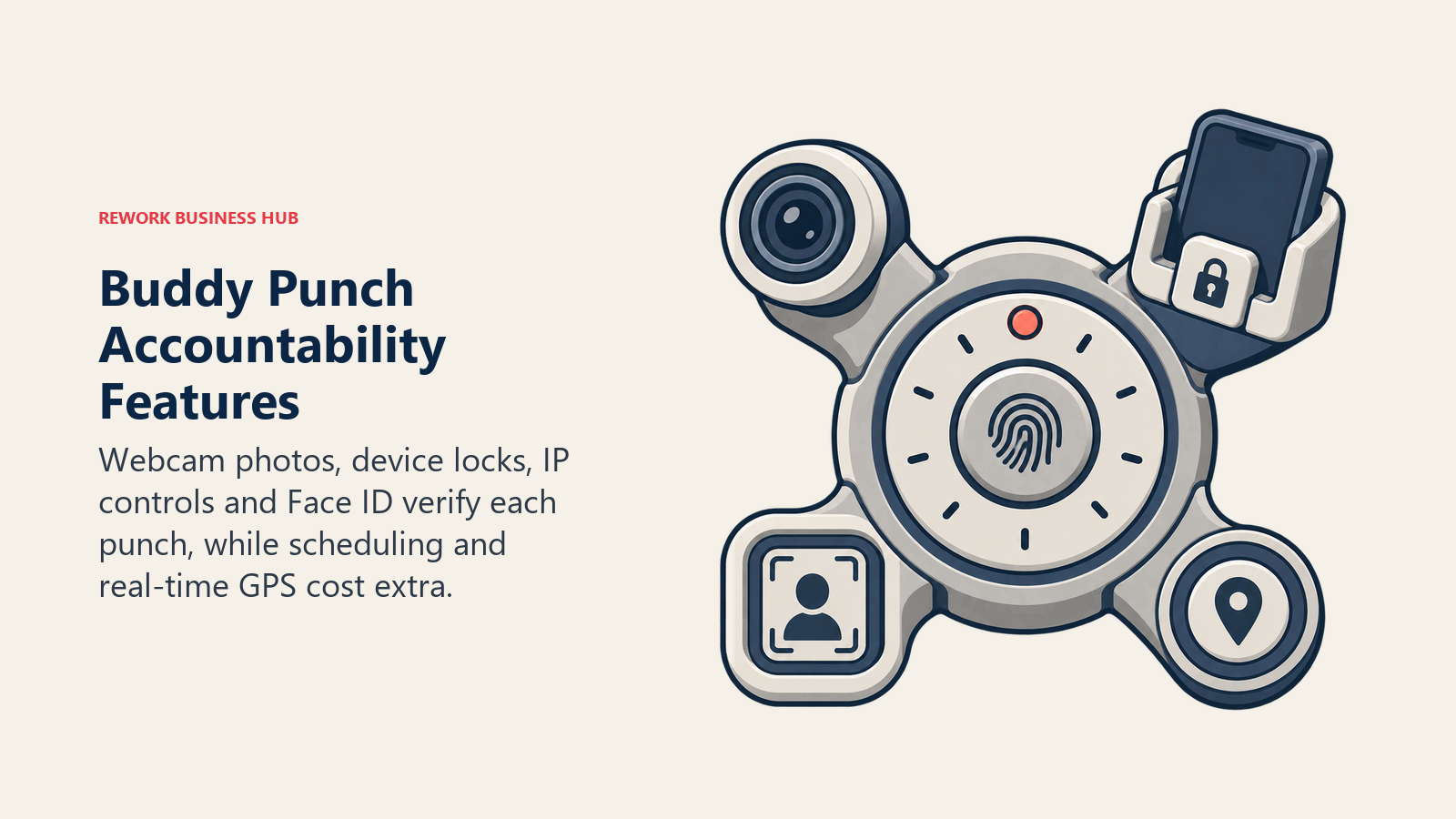
Buddy Punch leans into accountability: webcam photos on punches, device locks, IP address locking, and Face ID, for managers who need proof the person clocking in is who they say they are. Every plan bills a flat $19/month base fee plus a per-user rate, so the base fee matters as much as the per-user number on a small team. Scheduling exists but isn't the headline feature; it's an add-on on Starter and included on Pro.
| What you get | What you don't |
|---|---|
| Webcam photos, device locks, and Face ID at entry pricing | A free plan at any headcount |
| Scheduling included on Pro, add-on on Starter | Real-time GPS without paying extra |
| A 14-day free trial, no credit card required | Restaurant labor cost or tip pooling |
| A base fee plus per-user pricing that's easy to model | Deep HR or benefits administration |
Pricing: All plans bill a $19.00/month base fee plus a per-user rate. Starter: $4.99/user/month annual, $5.99/user/month monthly. Pro: $6.99/user/month annual, $7.99/user/month monthly, with scheduling included. Advanced (Enterprise): $12.99/user/month annual, $13.99/user/month monthly. Add-ons: Real-Time GPS $2/user/month, Data Retention $2/user/month, Buddy Punch Payroll $8/user/month plus a $49/month base on Starter ($6/user/month plus a $39/month base on Pro). 14-day free trial, no credit card required. These figures come from Buddy Punch's official help center documentation. (Buddy Punch Help Center) Best for: Hourly and remote teams that need punch-in accountability more than scheduling depth. Not ideal for: Teams whose main need is scheduling itself, not attendance verification.
14. UKG Shiftboard: A Rules Engine for Complex, Multi-Site Shift Patterns
Shiftboard's ScheduleFlex product is built for operations where shift rules are genuinely complicated: rotating patterns across multiple sites, qualification-based assignment, and union or regulatory rules a drag-and-drop calendar can't encode. It is the one tool here that publishes no pricing at all. Note the ownership change: UKG acquired Shiftboard in a deal completed on 30 May 2025, and it now sells as UKG Shiftboard inside the UKG Pro Workforce Management suite rather than as a standalone product.
| What you get | What you don't |
|---|---|
| A configurable rules engine for complex shift patterns | Any published pricing on the vendor site |
| Business (single-site) and Enterprise (multi-site) tiers | A fast, low-touch self-serve signup |
| Built for qualification-based and union-rule scheduling | A budget-friendly entry point |
| Support for high-volume, multi-site operations | Restaurant or retail-specific features |
Pricing: Quote-only, with no published figures at any tier. The current plans page is a contact form, and the older page that stated minimum subscription and implementation fees no longer resolves. Buying runs through UKG, so scope the minimum commitment early. (UKG Shiftboard) Best for: Large, multi-site operations with shift rules too complex for a standard drag-and-drop scheduler. Not ideal for: Small or mid-size teams wanting transparent pricing before a sales call.
15. UKG Pro Workforce Management: Enterprise WFM Inside a Full HCM Suite
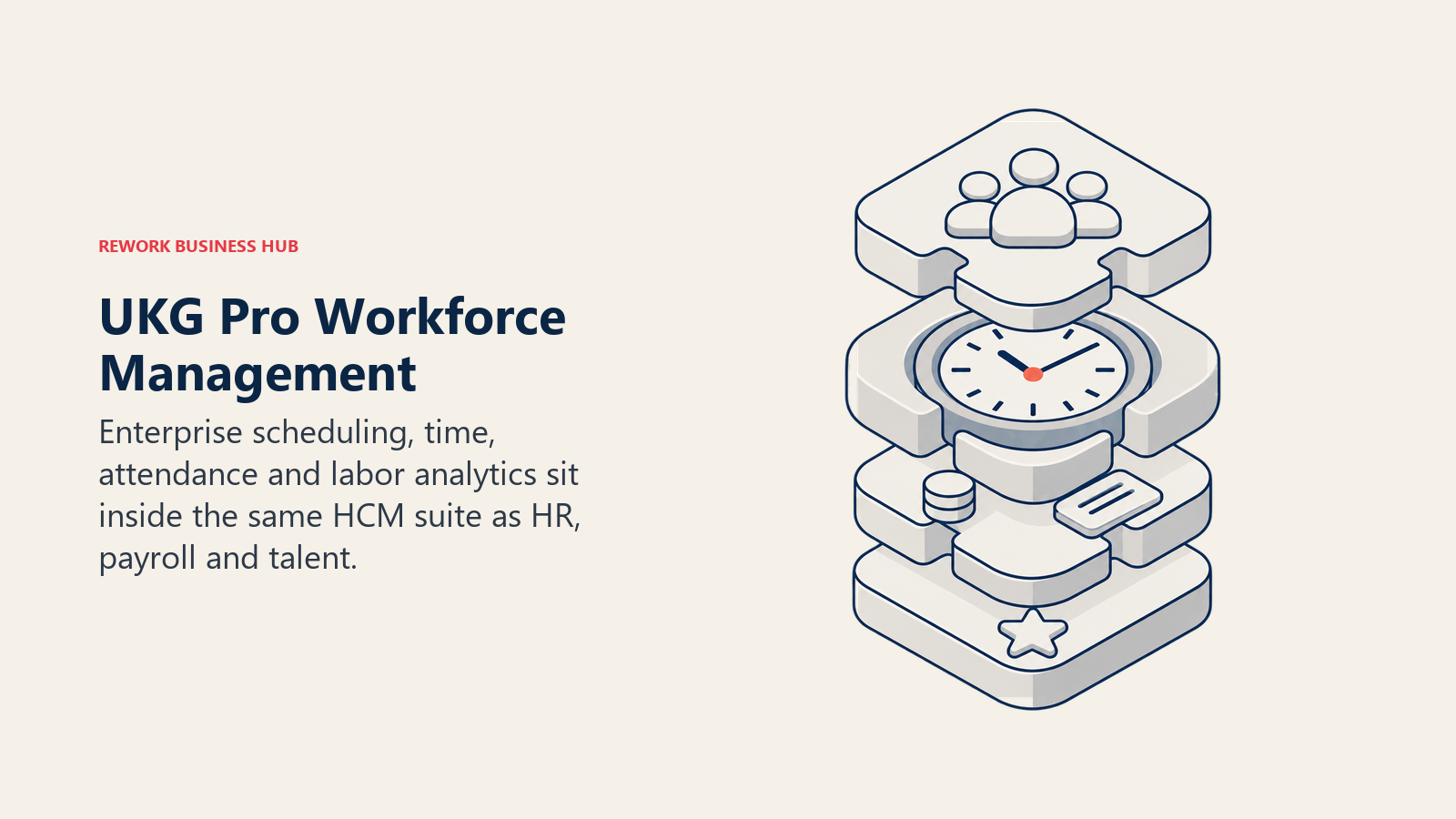
UKG Pro Workforce Management is the enterprise end of this list: scheduling, time and attendance, and labor analytics built into UKG's broader HCM suite alongside core HR and payroll. It fits a large, multi-entity organization wanting WFM on the same platform as the rest of HR, and it's the wrong fit for anyone hoping to self-serve a price online.
| What you get | What you don't |
|---|---|
| WFM inside a full HCM suite (HR, payroll, talent) | Any published pricing on the vendor site |
| Deep labor analytics and compliance tooling | A fast, self-serve signup |
| Built for large, multi-entity organizations | A budget-friendly entry point |
| A single platform instead of a stitched-together stack | Simplicity for a small or mid-size team |
Pricing: Quote-only; UKG does not publish pricing. Third-party analyses report enterprise deployments in the range of $26 to $41 per employee per month, plus implementation fees that can run 40% to 70% of first-year cost (reported), per Outsail's UKG cost analysis. UKG isn't an outlier here: other enterprise WFM names in this space, like Legion and Quinyx, also publish no self-serve pricing page at all. Get a written quote specifying employee count, locations, payroll frequency, and required integrations before comparing against anything else on this page.
Best for: Large enterprises wanting workforce management on the same platform as core HR, payroll, and talent management.
Not ideal for: Small or mid-size teams, or anyone wanting a price before a sales call.
Sizing and Segment Fit
| Company size | Best-fit picks | Why |
|---|---|---|
| 1 to 10 | Sling, ZoomShift, Homebase, Jibble | Free tiers cover the whole team |
| 10 to 50 | Homebase, 7shifts, When I Work, Buddy Punch | Restaurant and retail features start to matter more than raw price |
| 50 to 200 | Connecteam, Deputy, Planday, Humanity Schedule (TCP) | Multi-location or compliance needs outweigh a single-site tool |
| 200 to 1,000 | Humanity Schedule (TCP), Shiftboard, Workyard | Scale, job costing, or complex rules become the deciding factor |
| 1,000-plus | UKG Pro Workforce Management, Shiftboard | Enterprise HCM integration and rules-engine depth |
How to Choose: Decision Framework
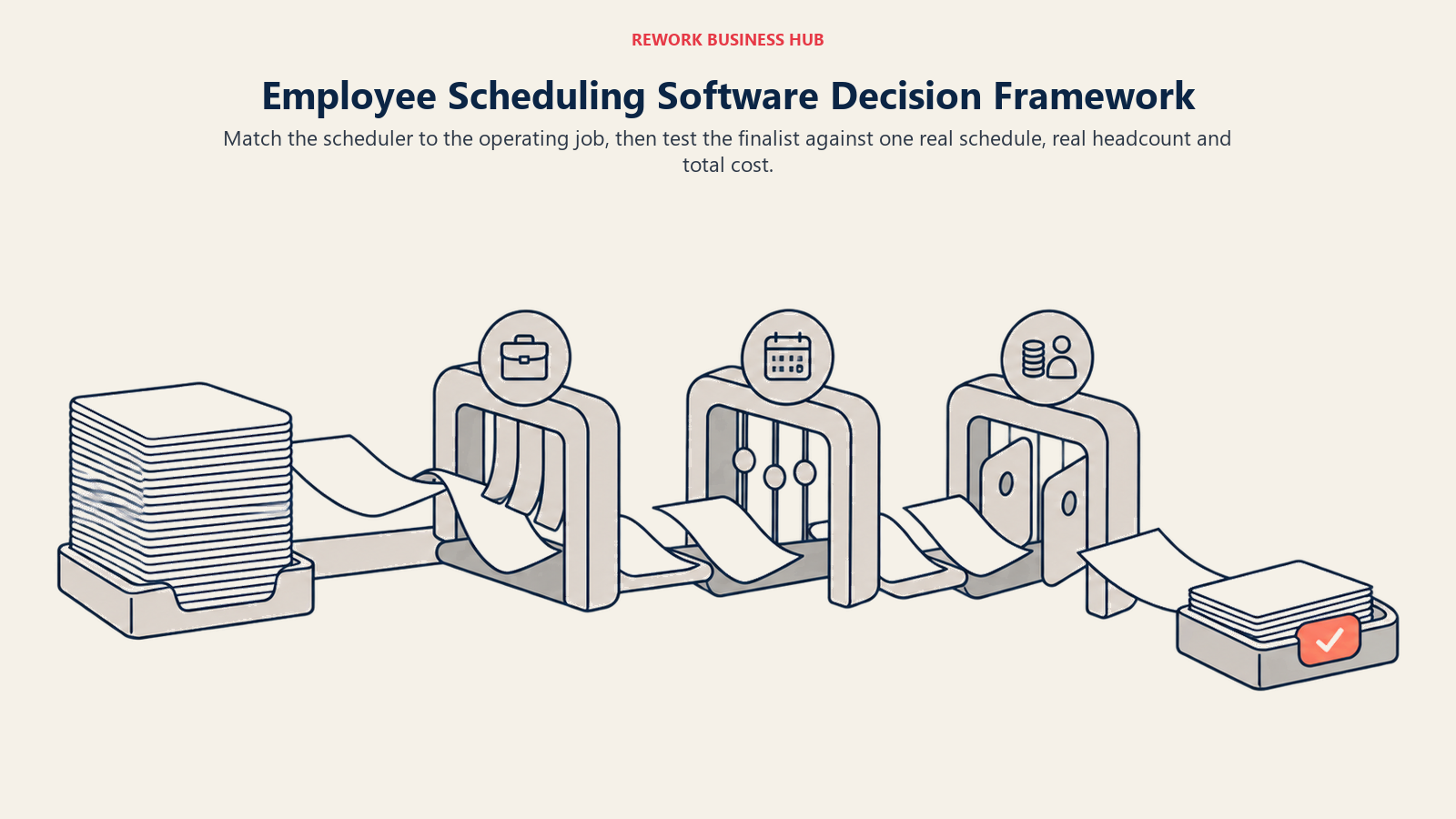
Run whichever pick survives this against one real scheduling period, not a sandbox demo, before signing an annual contract. See Best Project Management Software if scheduling and project work overlap on your team.
| If your team needs... | Best pick |
|---|---|
| The easiest possible first scheduler at one location | Homebase |
| Restaurant labor cost % and tip pooling | 7shifts |
| Labor-law compliance built into the scheduler | Deputy |
| Fast shift swaps and team messaging for retail | When I Work |
| A genuinely free plan up to 30 users | Sling |
| A free plan up to 20 users at one location | ZoomShift |
| Scheduling, a time clock, and HR in one deskless-team app | Connecteam |
| Demand-based scheduling for healthcare or 24/7 coverage | Humanity Schedule (TCP) |
| Shift-based payroll reporting for a hospitality chain | Planday |
| Hourly attendance synced natively to QuickBooks Payroll | QuickBooks Time |
| Free, unlimited GPS or face-ID clock-in | Jibble |
| GPS time tracking tied to job costing for field crews | Workyard |
| Punch-in accountability (webcam, device lock, Face ID) | Buddy Punch |
| A configurable rules engine for complex, multi-site shifts | Shiftboard |
| Enterprise WFM inside a full HCM suite | UKG Pro Workforce Management |
What to Do Next
Start with the buyer-segment table near the top of this guide, not the numbered list: decide whether the job is restaurant labor cost, multi-location retail coverage, 24/7 healthcare compliance, field-crew job costing, or a small single-location team on a tight budget. That alone cuts fifteen tools to three or four worth a real trial. Then run your top two picks against one actual scheduling period, not a sandbox account, and check the free-tier cap or monthly minimum against your real headcount before signing anything annual.

Principal Product Marketing Strategist
On this page
- Key Facts
- Pick Your Job First: Five Buyer Segments, One Category
- Quick Comparison Table
- 1. Connecteam: Scheduling, a Time Clock, and HR in One Hub
- 2. Deputy: Compliance-First Scheduling for Regulated Shifts
- 3. Homebase: The Easiest First Scheduler for a Single Location
- 4. When I Work: Shift Swapping and Team Messaging for Retail
- 5. 7shifts: Built Around Restaurant Labor Cost
- 6. Sling: The Most Generous Free Tier Left in the Category
- 7. ZoomShift: The Lowest-Cost Paid Ladder for a Single Location
- 8. Humanity Schedule (TCP): Demand-Based Scheduling for Healthcare and 24/7 Operations
- 9. Planday: Shift-Based Payroll Reporting for Hospitality Chains
- 10. QuickBooks Time: Attendance Native to QuickBooks Payroll
- 11. Jibble: Free, Unlimited GPS and Face-ID Clock-In
- 12. Workyard: GPS Time Tracking Tied to Job Costing for Field Crews
- 13. Buddy Punch: Accountability Features for Hourly and Remote Teams
- 14. UKG Shiftboard: A Rules Engine for Complex, Multi-Site Shift Patterns
- 15. UKG Pro Workforce Management: Enterprise WFM Inside a Full HCM Suite
- Sizing and Segment Fit
- How to Choose: Decision Framework
- What to Do Next