Calendly vs Acuity Scheduling: Meeting Links or Client Bookings in 2026?
Turn this article into takeaways for your work.


Each assistant summarizes the article only for you and suggests best practices for your work.
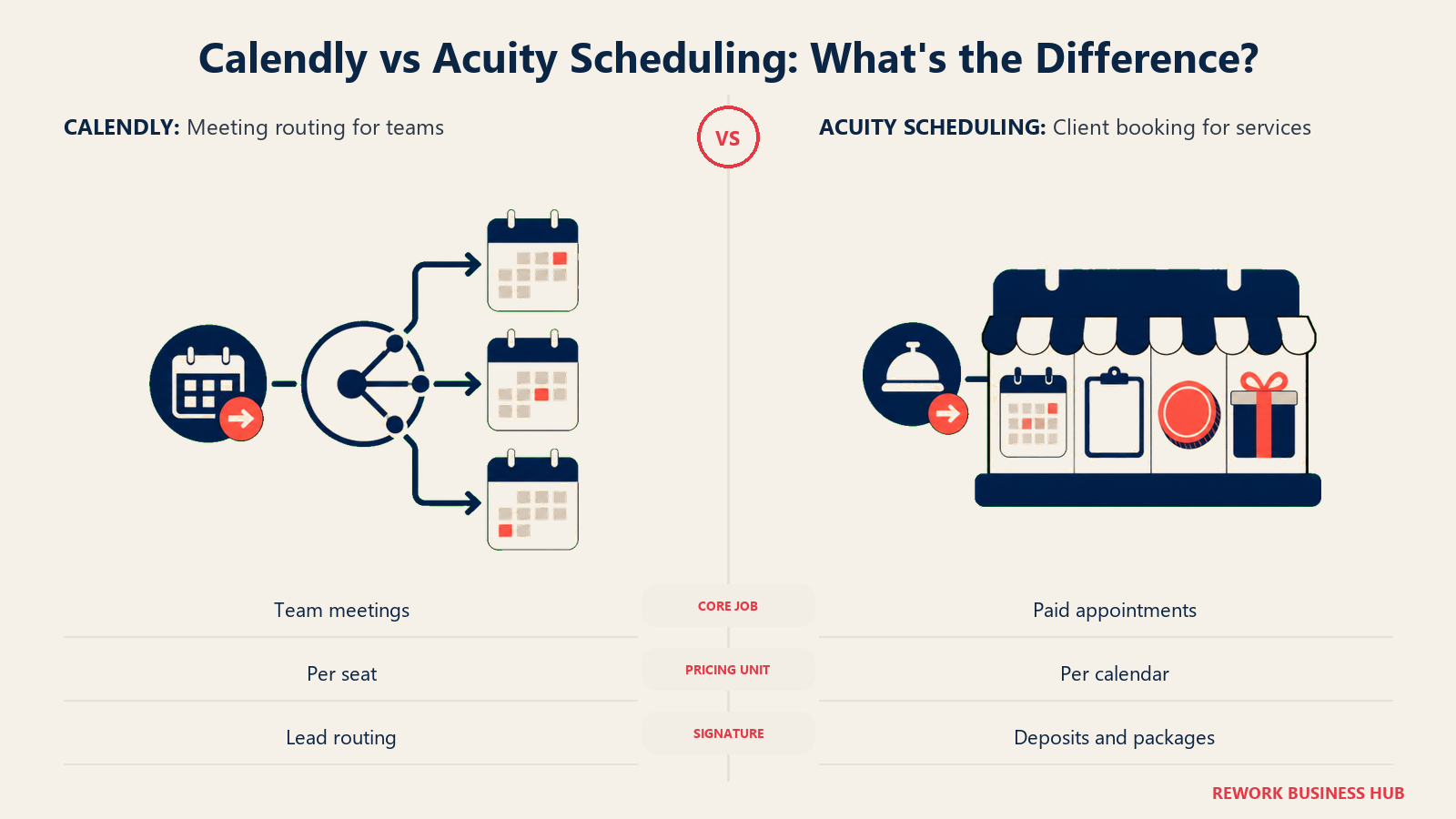
If you sell your time by the meeting, Calendly is probably already on your radar. If you sell an appointment, a class, or a package that someone pays for in advance, you've likely bumped into Acuity Scheduling instead. Both tools put a link in your bio and let someone else pick a slot on your calendar, so from a distance they look interchangeable. They aren't, and picking the wrong one costs you months of workaround duct tape before you notice.
Calendly was built for the world of 1:1 and team meetings: sales calls, interviews, consultations, internal syncs. It protects your calendar, lets a prospect self-book without the back-and-forth email, and at the team tier it can route a lead to whichever rep is next in the queue. Acuity Scheduling was built for a different job entirely: a service business that takes appointments and money at the same time. Think hair salons, tutors, coaches, clinics, and studios that need intake forms, deposits, package pricing, gift certificates, and a public booking page that looks like part of their storefront. This guide walks through both tools at real team sizes so you can see which question you're actually asking.
TL;DR
| Calendly | Acuity Scheduling | |
|---|---|---|
| Built for | Meeting scheduling: sales calls, interviews, consultations, syncs | Client bookings: appointments, classes, and packages that involve payment |
| Pricing unit | Per seat, per person | Per account, scaled by number of bookable calendars |
| Free plan | Yes, but only 1 event type and 1 calendar connection | None. 7-day free trial only, no card required |
| Entry paid price | $10 per seat per month (Standard, billed annually) | $20 per month billed monthly, $16 per month billed annually (Starter, 1 calendar) |
| Team routing | Round-robin and lead routing on the Teams plan ($16/seat/month) | Not a core feature; Acuity is built around individual staff calendars, not lead distribution |
| Payments and packages | Basic payment collection via Stripe/PayPal at checkout | Deposits, packages, gift certificates, memberships, and class series built in |
| Intake forms | Simple booking questions | Full client intake forms with conditional logic |
| Best for | Revenue teams and knowledge workers scheduling 1:1 or team meetings | Service businesses taking appointments and money from clients |
Key Facts
- Calendly's free plan is capped at 1 event type and 1 calendar connection, not the unlimited free tier many older roundups still describe, per Calendly's own pricing page.
- Acuity Scheduling has no free plan at all, only a 7-day free trial with no card required, per Acuity's pricing page.
- The global appointment scheduling software market was valued at USD 546.1 million in 2025 and is projected to reach USD 1,905.90 million by 2034, a 14.70% CAGR, per Fortune Business Insights.
- In a GetApp survey of 217 US consumers, nearly 70% said they would choose to book online if given the choice, and 94% said they would be more likely to pick a new service provider that offered online booking, per GetApp research (2021).
- A 2025 study in Frontiers in Digital Health found online booking cut no-shows in a private medical practice (1.8% online versus 5.9% offline) but the effect reversed at a university hospital (14.3% online versus 11.2% offline), per PMC, meaning self-scheduling alone doesn't guarantee fewer no-shows.
Who Each Tool Is Really For
Before you compare a single feature, figure out which job you actually have. A sales rep booking discovery calls and a massage therapist booking sixty-minute sessions with a deposit are not shopping for the same thing, even though both will type "scheduling software" into Google.
| Calendly | Acuity Scheduling | |
|---|---|---|
| Ideal buyer | Sales, recruiting, customer success, consulting, or any knowledge worker who protects a calendar and takes 1:1 or team meetings | Solo practitioners and small service businesses: salons, spas, tutors, coaches, therapists, studios, clinics |
| Team shape | Individuals and teams that need centrally managed event types and lead routing | Individual staff members each running their own bookable calendar under one business |
| What "a booking" means | A meeting slot on someone's calendar | An appointment tied to a service, a price, and often a payment |
| Revenue model fit | Time-based work: consulting hours, sales calls, interviews | Transaction-based work: paid sessions, classes, packages |
| Where it plugs into the stack | Sits next to a CRM or ATS, feeding meetings into a pipeline | Often is the point-of-sale and client record for the business |
| Typical company size | 1 person to enterprise sales and recruiting orgs | Solo practitioners up to multi-location service businesses with dozens of staff calendars |
If your team confuses appointment booking with staff shift scheduling, that's a different category. Rota and shift planning is covered in our best employee scheduling software guide, not here.
Pricing at 1, 5, and 25 Users: Two Different Maths
This is the section readers actually come here for, because Calendly and Acuity don't price on the same unit at all. Calendly charges per seat: every person who needs a paid plan is another line item. Acuity charges per account, scaled by how many bookable calendars your tier includes, so adding staff inside your tier's cap doesn't add cost.
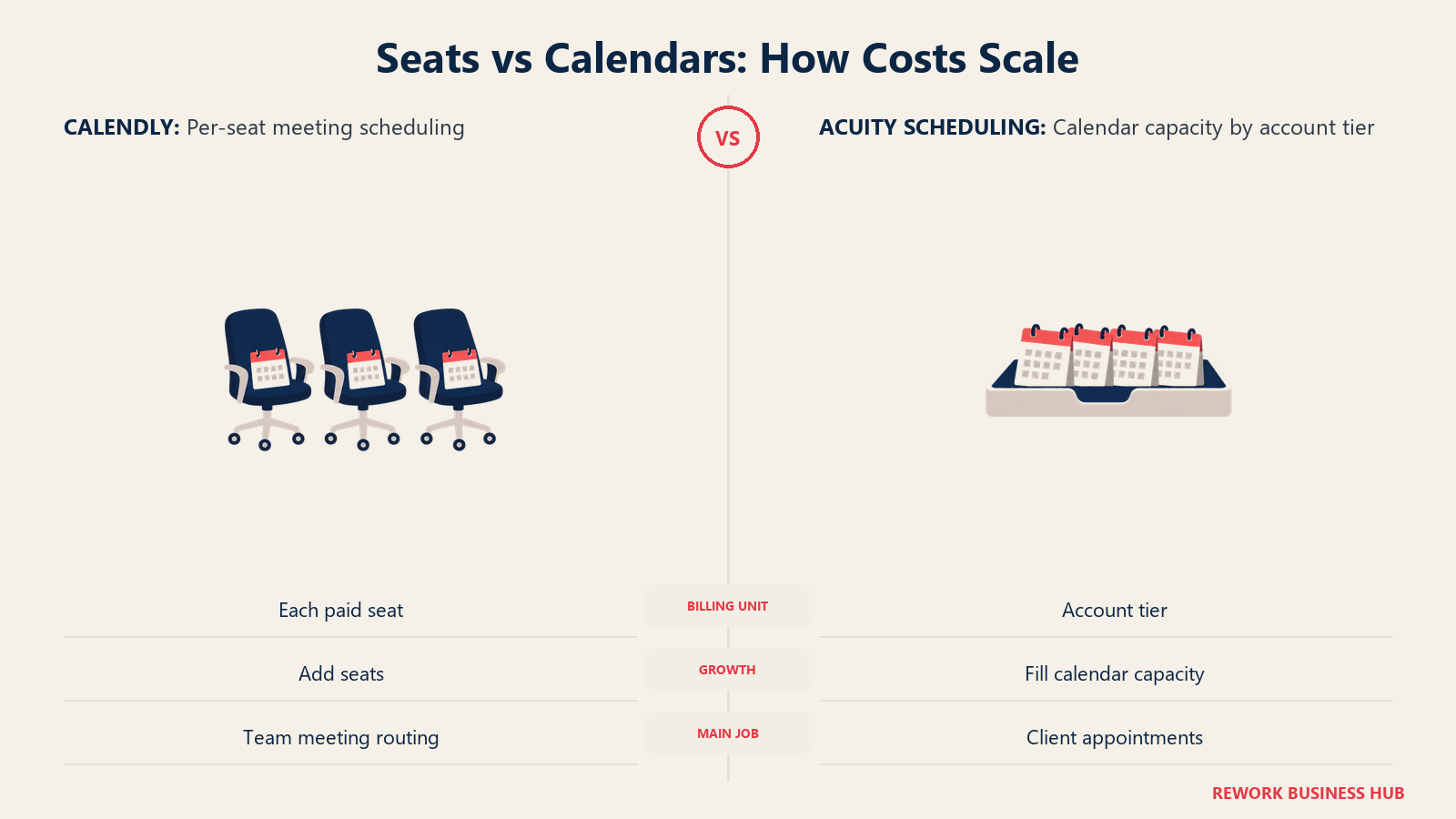
Calendly, per Calendly's pricing page: Free forever but limited to 1 event type and 1 calendar connection. Standard is $10 per seat per month billed annually (Calendly shows a 17% annual-billing discount badge next to that rate, though it doesn't publish the flat month-to-month figure on the same page). Teams is $16 per seat per month billed annually (a 20% annual-billing discount badge), and it's the tier that unlocks round-robin routing and centrally managed event types. Enterprise starts at $15,000 per year with a 50-seat minimum, USD only.
Acuity Scheduling, per Acuity's pricing page: No free plan, just a 7-day trial. Starter is $20 per month billed monthly or $16 per month billed annually, and covers 1 calendar. Standard is $34 per month billed monthly or $27 per month billed annually, and covers up to 6 calendars. Premium is $61 per month billed monthly or $49 per month billed annually, and covers up to 36 calendars.
| Team size | Calendly (per-seat model) | Acuity Scheduling (per-calendar-tier model) |
|---|---|---|
| 1 user | Free (1 event type, 1 calendar) or Standard at $10/month = $120/year billed annually | Starter, 1 calendar: $192/year billed annually ($16/month), $240/year billed monthly ($20/month) |
| 5 users | Standard: 5 x $10 = $50/month = $600/year billed annually. Teams (if you need routing): 5 x $16 = $80/month = $960/year | Standard, up to 6 calendars: flat $324/year billed annually ($27/month), $408/year billed monthly ($34/month), covers all 5 staff for one price |
| 25 users | Teams: 25 x $16 = $400/month = $4,800/year billed annually. Enterprise (50-seat minimum) starts at $15,000/year | Premium, up to 36 calendars: flat $588/year billed annually ($49/month), $732/year billed monthly ($61/month), covers all 25 staff for one price |
Read that last row twice. At 25 people, Calendly Teams runs about $4,800 a year because every seat is billed. Acuity Premium runs about $588 a year for the same headcount because the price is set by the calendar-tier cap, not the number of staff inside it. That gap isn't a sign Acuity is "cheaper software." It's a sign the two products charge for different things: Calendly is charging for individually managed, centrally administered seats with routing logic behind them, and Acuity is charging for a bucket of bookable calendars with no routing or admin layer built to coordinate them. A 25-person sales team actually needs Calendly's seat-level admin and lead routing. A 25-chair salon or clinic doesn't need routing between staff calendars, it needs cheap capacity, which is exactly what Acuity's flat tiers are built to sell.
Booking Pages and Client Intake
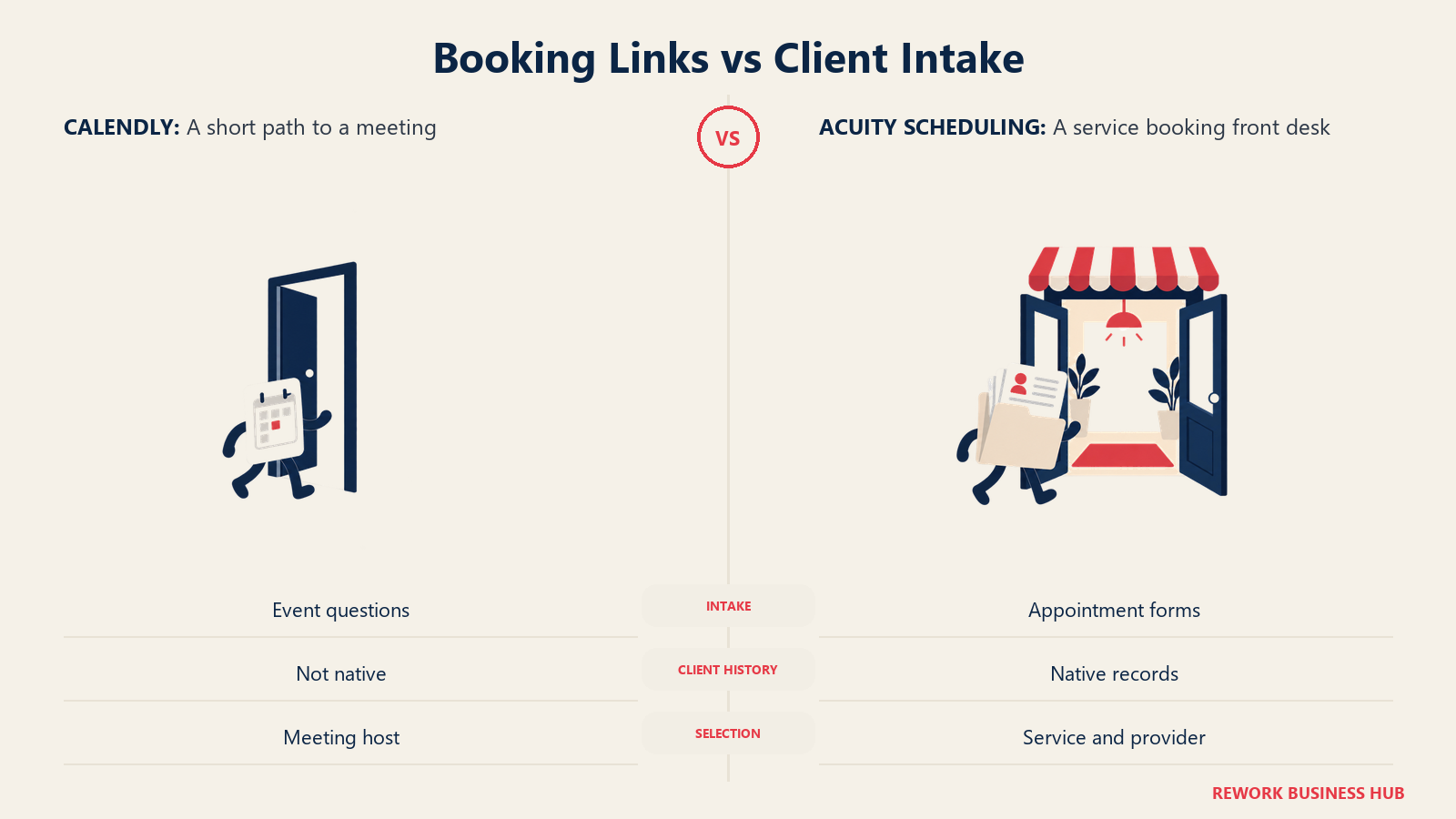
A Calendly booking page is built to get someone onto your calendar with the least friction possible: pick an event type, pick a slot, answer a couple of qualifying questions, done. Acuity's booking page is built to be the front door of a small business, so it asks for more, and it's supposed to.
| Booking page capability | Calendly | Acuity Scheduling |
|---|---|---|
| Multiple event or appointment types | Yes, per-user event types | Yes, tied to services and staff calendars |
| Custom intake questions | Yes, basic custom questions per event type | Yes, full intake forms with conditional logic per appointment type |
| Client history and notes | Not a native feature | Native client records with appointment and intake history |
| Branded booking page | Logo and color customization | Deeper storefront-style customization, since the page often functions as the business's public booking site |
| Multi-staff public page | Team page listing available hosts | Staff selection built into the same booking flow, since clients often pick a specific provider |
| Waitlists | Not offered | Native waitlist for fully booked slots |
If your business runs classes or workshops rather than 1:1 sessions, Acuity's class scheduling also covers group capacity limits and recurring series, something Calendly's meeting-first design doesn't attempt. That's another marker of the same divide: Calendly assumes one host, one guest, one slot; Acuity assumes a business with services, staff, and clients who need a record kept.
Payments, Packages, and No-Show Protection
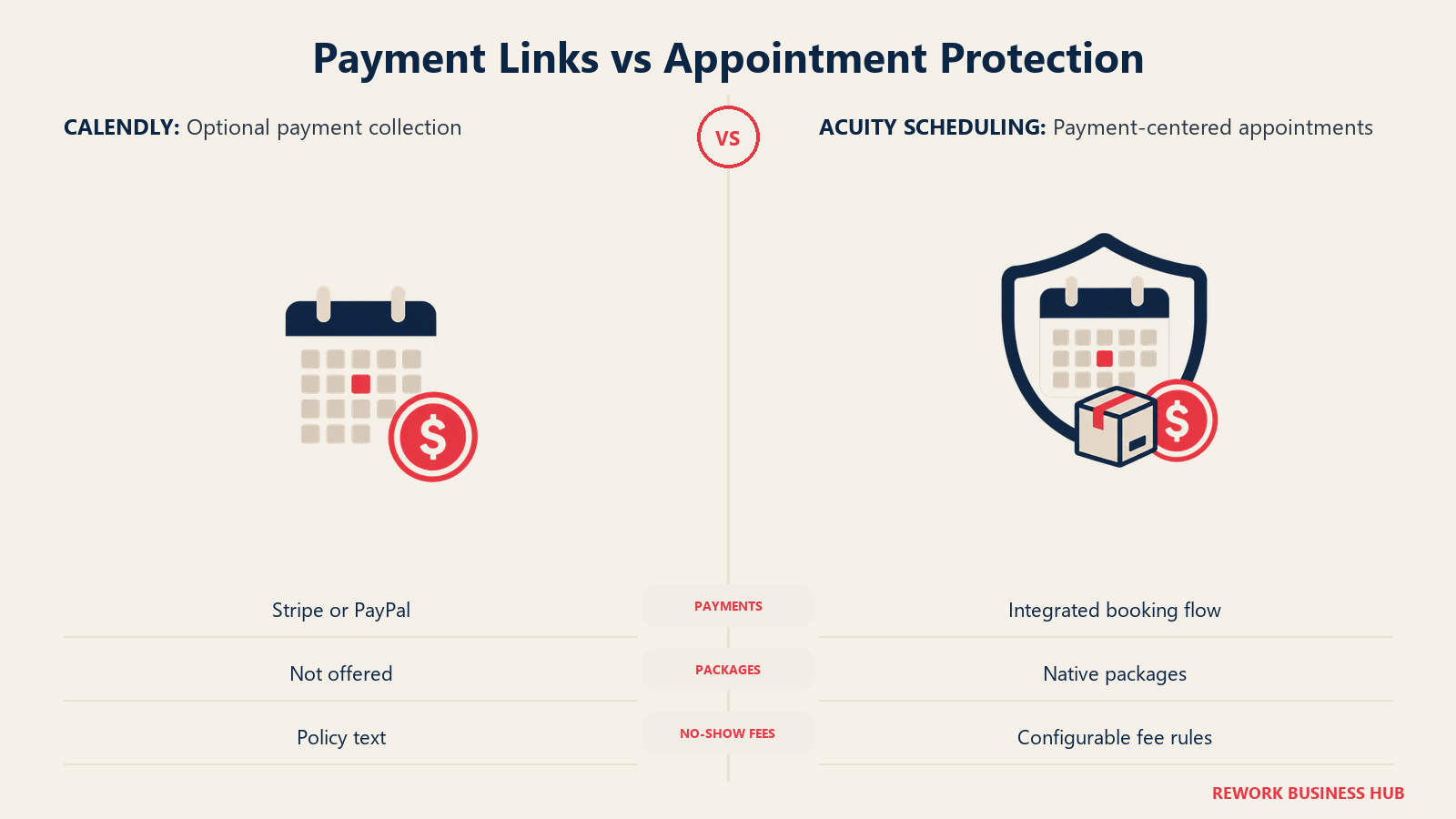
This is where the two products diverge hardest, because it maps straight back to what each one was built to sell. Calendly treats payment as an optional step at the end of a booking. Acuity treats payment as part of the product itself, because for most of its customers the booking is the sale.
| Money and no-show feature | Calendly | Acuity Scheduling |
|---|---|---|
| Collect payment at booking | Yes, via Stripe or PayPal integration | Yes, native to the booking flow |
| Deposits | Not a native concept | Native, configurable per appointment type |
| Packages and bundles | Not offered | Native package pricing |
| Gift certificates | Not offered | Native |
| Memberships / subscriptions | Not offered | Native |
| Class series pricing | Not offered | Native |
| Cancellation and no-show fee rules | Basic cancellation policy text | Configurable no-show and late-cancellation fees enforced at booking |
| Reminder automation | Email and SMS reminders | Email and SMS reminders, plus payment-linked reminders |
A no-show fee only works if the client already gave you a card, which is why this feature naturally lives inside a tool that already handles payment. Calendly can remind someone a meeting is coming up; it can't dock them for skipping it. If deposits, packages, or no-show fees are core to how you run the business, that alone settles the comparison before you look at anything else. The PMC no-show research cited above is worth remembering here too: online booking by itself didn't reliably cut no-shows across both sites studied, so the payment and deposit tooling is doing real work, not just collecting money earlier.
Team Scheduling, Routing, and Round-Robin
If you run a sales or recruiting team, this section decides the comparison on its own. Calendly's Teams plan, at $16 per seat per month billed annually, adds round-robin distribution and centrally managed event types so a prospect who books "Talk to Sales" lands on whichever rep is next in the queue, not whoever happens to have the most popular link. Acuity has no equivalent concept, because it was never built to distribute a lead across a team. It was built to let a client pick a specific staff member on purpose.
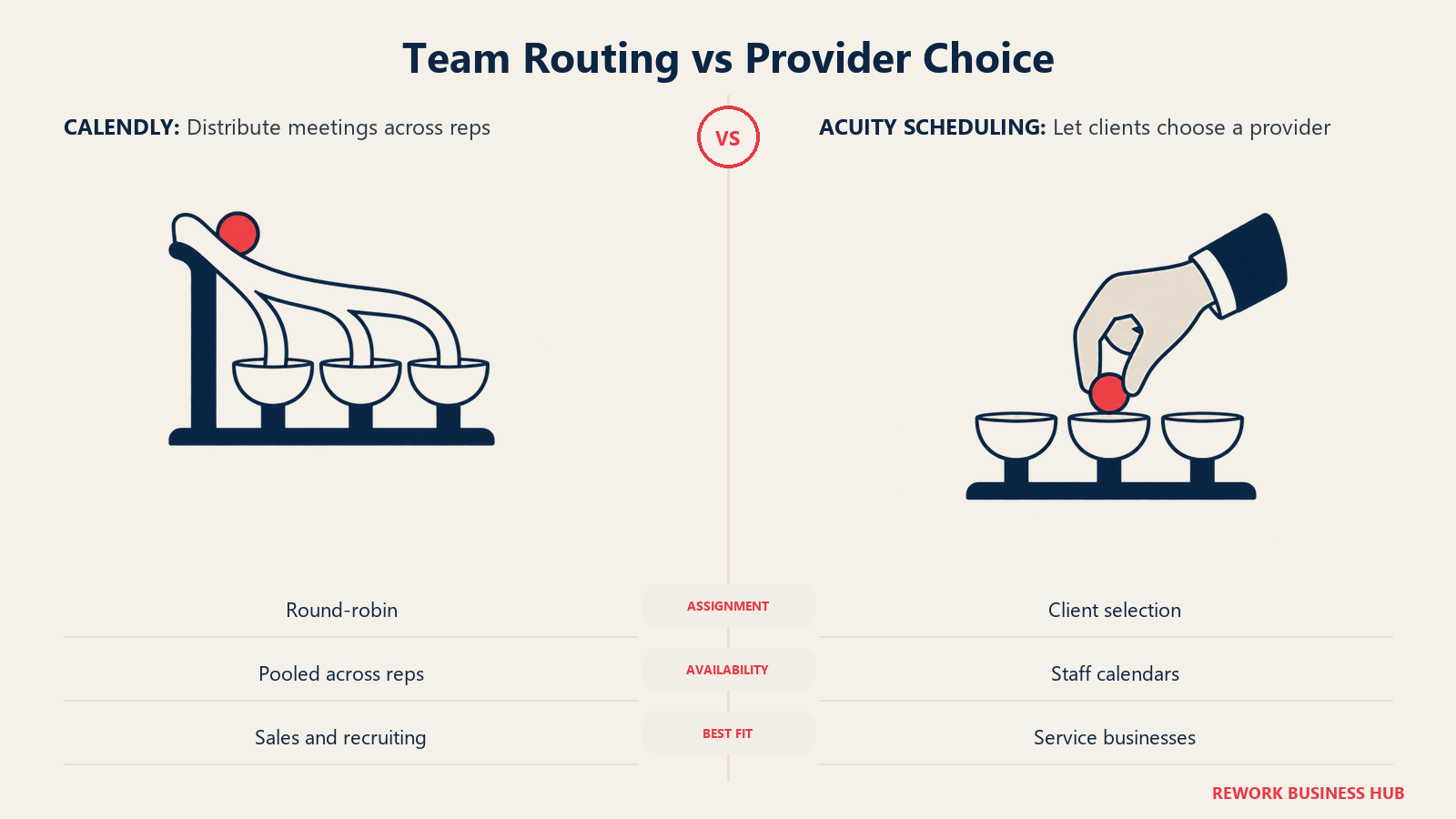
| Team scheduling capability | Calendly | Acuity Scheduling |
|---|---|---|
| Round-robin lead distribution | Yes, on Teams and Enterprise | Not offered |
| Centrally managed / locked event types | Yes, admins can standardize team booking pages | Not a comparable admin layer |
| Pooled availability across reps | Yes | Not offered |
| Client picks a specific provider | Possible but not the default model | Core to the product; clients choose staff by design |
| Admin visibility across seats | Team analytics on paid tiers | Business-level reporting, not seat-level routing analytics |
| Best fit | Sales, recruiting, CS teams routing inbound meetings | Multi-staff service businesses where the client wants a specific person, not "next available" |
If speed matters as much as routing logic, it's worth remembering why: contacting a lead within 5 minutes instead of 30 raises the odds of qualifying it by 21 times, according to the Lead Response Management study, and firms that respond within an hour are nearly 7 times more likely to qualify a lead than those that wait, per Harvard Business Review. A self-service booking link that routes to the next open rep is a direct answer to that problem. Our lead response time guide goes deeper on why speed to lead matters more than almost any other sales metric.
Integrations and Calendar Sync
Both tools sync against Google Calendar, Outlook, and iCloud so double-booking isn't a real risk on either side once setup is done. Where they part ways is which second system each one is built to talk to.
| Integration area | Calendly | Acuity Scheduling |
|---|---|---|
| Calendar sync | Google, Outlook, iCloud, Office 365 | Google, Outlook, iCloud |
| Video conferencing | Zoom, Google Meet, Microsoft Teams | Zoom, Google Meet |
| CRM and sales tools | Native and Zapier connections to Salesforce, HubSpot, and similar pipeline tools | Limited native CRM depth; mostly reached through Zapier |
| Payments | Stripe, PayPal | Stripe, PayPal, Square |
| Marketing and automation | Zapier, native workflow automation on paid tiers | Zapier, plus native automations for reminders and follow-ups |
| Website embed | Embeddable widget and inline booking | Embeddable widget, plus a hosted booking site many businesses use as their primary web presence |
If your business is already inside the Squarespace ecosystem, that's not a coincidence with Acuity. Squarespace owns Acuity Scheduling, which is worth knowing if you're also evaluating website platforms. Our best Squarespace alternatives guide is a useful companion read if the website decision and the booking decision are tangled together for you.
Implementation Effort and Time to Value
| Implementation factor | Calendly | Acuity Scheduling |
|---|---|---|
| First working link | Minutes, connect a calendar and share the link | Under an hour for a single calendar, longer once services, pricing, and intake forms are configured |
| Heaviest setup work | Event type design, buffer rules, team routing logic | Service list, pricing, packages, deposit rules, staff calendars, intake forms |
| Who owns setup | Individual user or a sales ops admin for team plans | Business owner or office manager, often solo |
| Client-facing risk if rushed | Wrong buffer times, no routing, awkward event names | Missing intake questions, wrong deposit rules, no-show fees not enforced |
| Ongoing maintenance | Light, mostly adding new event types | Heavier, since pricing, packages, and staff calendars change as the business does |
Calendly's time to value is faster because the unit of work is smaller: one person, one calendar, a handful of event types. Acuity's setup takes longer because it's standing up more of the actual business logic, pricing, deposits, and staff assignment, not just a calendar link.
When Calendly Is the Right Call
- You're scheduling meetings, not selling appointments. Sales calls, interviews, consultations, and internal syncs are exactly what Calendly was designed for.
- You need round-robin or territory-based lead routing. Acuity has no equivalent; Calendly Teams does this natively.
- Your team already lives in a CRM. Calendly's native and Zapier-based CRM connections plug meeting booking directly into a sales pipeline.
- You want the fastest possible setup for a single person. A free Calendly link with one event type takes minutes to stand up, even if you'll outgrow the free tier's limits quickly.
When Acuity Scheduling Is the Right Call
- You take payment at the time of booking. Deposits, packages, gift certificates, and no-show fees are native to Acuity and absent from Calendly.
- Clients pick a specific person, not "next available." A salon, clinic, or tutoring business where the provider matters is Acuity's exact design center.
- You run classes or recurring group sessions. Acuity's class scheduling with capacity limits has no Calendly equivalent.
- You want the booking page to double as a mini storefront. Acuity's hosted booking site is built to be client-facing in a way Calendly's event pages aren't.
If you're comparing Acuity against a wider field rather than against Calendly specifically, our best Acuity Scheduling alternatives roundup covers other client-booking tools worth a look.
If Neither One Fits
Neither meeting links nor client bookings might be the exact shape of your problem, and that's a normal outcome. A few other directions worth a look:
Cal.com is the API-first route: free for a single user with unlimited event types and calendars, $12 per user per month billed annually for Teams. Pick this if you need developer-level API control over the booking flow; its hosted product went closed source in April 2026, and the free self-hostable option, Cal.diy, is a separate, limited community edition not recommended for production.
SimplyBook.me sits closer to Acuity's model but adds a fuller booking website rather than just a link, useful if you don't have a separate business site at all. Its own field of alternatives is worth scanning if the two-meter pricing model puts you off.
Setmore offers a genuinely free plan for up to 4 users with no seat cost, a fit for small teams that need multi-user booking without a Calendly-style per-seat bill. If a team outgrows that free tier, the Setmore alternatives roundup covers where they tend to move next.
Rework takes a different approach entirely: booking is one module inside a wider operations platform that also runs your CRM, pipeline, and cross-team workflows. It's built for mid-size, cross-functional teams, roughly 10 to 200 people, not solo practitioners or small service shops. Rework's booking capability has no published price; it's quoted per organization. See rework.com/pricing for current details. If you only need a scheduling link, Rework is overkill. If scheduling is one piece of a bigger ops puzzle you're trying to consolidate, it's worth a look.
Decision Framework
| If this is true for you | Pick |
|---|---|
| You book 1:1 or team meetings, not paid appointments | Calendly |
| You take deposits, sell packages, or issue gift certificates | Acuity Scheduling |
| You need round-robin or territory-based lead routing | Calendly |
| Clients choose a specific staff member on purpose | Acuity Scheduling |
| You run classes or recurring group sessions with capacity limits | Acuity Scheduling |
| You want the cheapest option for a single, free-tier user | Calendly, with the 1-event-type limit in mind |
| You want the booking page to also be your business's website | Acuity Scheduling |
| Your team already lives inside a CRM and pipeline | Calendly |
| Neither fits and you want the full field | See the best appointment scheduling software guide |
What to Do Next
- Name the unit you're actually charging for. If it's your time, start with Calendly. If it's an appointment tied to a price, start with Acuity.
- Count real users, not seats you hope to fill. Run the 1/5/25 math above against your actual headcount before you commit to a tier.
- Check whether you need routing or payments first. These two capabilities almost never both matter to the same buyer, and one of them should decide this for you before you look at anything else.
- Try before you configure everything. Calendly's free tier and Acuity's 7-day trial are both real ways to test the booking flow with actual clients before paying.
- If the real problem is bigger than scheduling, look at how booking fits into your wider CRM, pipeline, or ops stack before picking a point solution you'll need to replace in a year.
Frequently Asked Questions about Calendly vs Acuity Scheduling
Does Calendly have a free plan?
Yes, but it's limited to 1 event type and 1 calendar connection. It's not the unlimited-meetings free tier many older articles still describe. Paid plans start at $10 per seat per month billed annually.
Does Acuity Scheduling have a free plan?
No. Acuity offers a 7-day free trial with no card required, but there's no permanent free tier. Paid plans start at $20 per month billed monthly, or $16 per month billed annually, for a single calendar.
Can Calendly handle payments and deposits like Acuity does?
Calendly can collect payment at booking through a Stripe or PayPal integration, but it has no native concept of deposits, packages, gift certificates, or no-show fees. Those are all built into Acuity's core product.
Does Acuity Scheduling support round-robin lead routing?
No. Acuity is built around individual staff calendars where the client picks a specific provider, not around distributing an inbound lead to the next available rep. Calendly's Teams plan, at $16 per seat per month billed annually, is the tool built for that job.
Is Acuity Scheduling the same company as Squarespace?
Acuity Scheduling is owned by Squarespace, though it's branded and sold as Acuity Scheduling on its own pricing page. It isn't a renamed Squarespace product.
Which one is cheaper for a team of 25 people?
On paper, Acuity Premium (up to 36 calendars) runs about $588 a year billed annually, versus roughly $4,800 a year for Calendly Teams at 25 seats. But that comparison only makes sense if you don't need Calendly's lead routing, since Acuity has no equivalent feature at any price.
Related Resources:
- Best Appointment Scheduling Software in 2026
- Best Acuity Scheduling Alternatives
- Best Employee Scheduling Software in 2026
- Best Time Tracking Software in 2026
- Best CRM Software in 2026
- Best Sales Engagement Platforms in 2026
- Best Squarespace Alternatives
- Best Event Management Software in 2026
- Lead Response Time

Principal Product Marketing Strategist
On this page
- TL;DR
- Key Facts
- Who Each Tool Is Really For
- Pricing at 1, 5, and 25 Users: Two Different Maths
- Booking Pages and Client Intake
- Payments, Packages, and No-Show Protection
- Team Scheduling, Routing, and Round-Robin
- Integrations and Calendar Sync
- Implementation Effort and Time to Value
- When Calendly Is the Right Call
- When Acuity Scheduling Is the Right Call
- If Neither One Fits
- Decision Framework
- What to Do Next