Google Drive vs OneDrive: Which Cloud Storage Actually Fits Your Team in 2026?
Turn this article into takeaways for your work.


Each assistant summarizes the article only for you and suggests best practices for your work.
If you're an IT admin, ops lead, or founder typing "Google Drive vs OneDrive" into a search bar, you're probably not actually choosing a standalone storage app. You're renewing, or picking for the first time, the productivity suite your whole company will live inside for the next few years, and the drive is just the piece you happen to be focused on right now. That framing matters more in 2026 than it used to, because one half of this comparison changed underneath everyone this year.
Microsoft retired standalone OneDrive for Business., a new customer can no longer buy OneDrive for Business Plan 1 or Plan 2, or standalone SharePoint Online Plan 1 or Plan 2, on their own; that ended on 31 May 2026, over three months ago. So the honest 2026 comparison isn't "OneDrive seat versus Google Drive seat." It's Microsoft 365 versus Google Workspace, with the drive being the specific line item you're evaluating. That reframing carries a real consequence worth knowing before you look at a single feature table: Microsoft bundles a flat 1 TB of OneDrive storage into every Microsoft 365 business tier, while Google's cheapest Workspace plan gives each person only 30 GB of pooled storage, and you need to step up to Business Standard at $14.00 per user per month to get 2 TB per user.
TL;DR
| Google Drive (Google Workspace) | OneDrive (Microsoft 365) | |
|---|---|---|
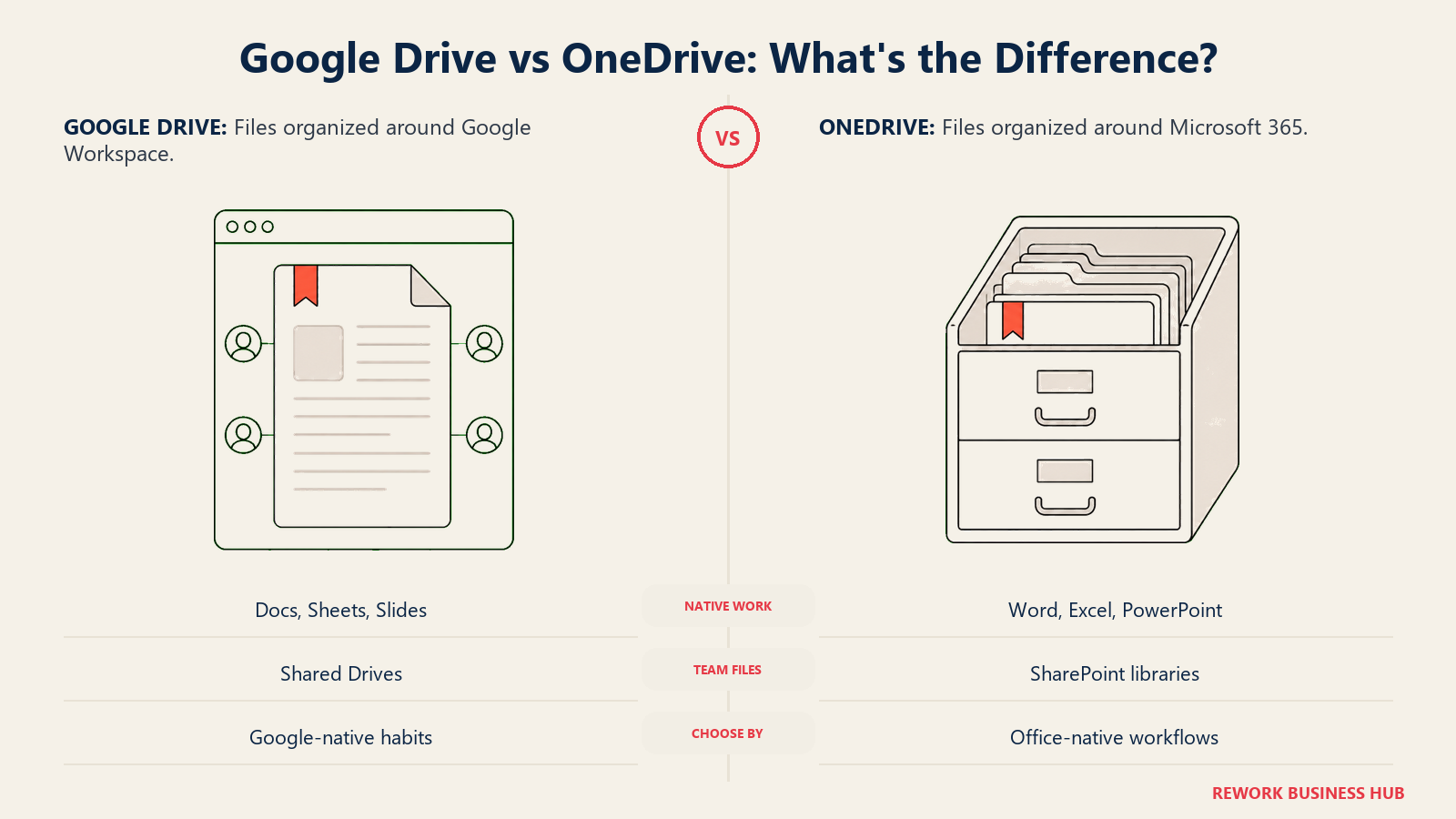
| What it actually is | The file layer inside Google Workspace, tied to Docs, Sheets, Slides, and Gemini | The file layer inside Microsoft 365, tied to Word, Excel, PowerPoint, and Copilot |
| How you buy it | Business use runs through a Google Workspace plan; there's no separate business-grade standalone Drive SKU | No longer sold standalone for business since 31 May 2026; bundled into a Microsoft 365 plan only |
| Storage per user | 30 GB pooled (Business Starter) up to 5 TB per user (Business Plus), pooled across the organization | A flat 1 TB per user on every Microsoft 365 Business tier, plus a separate pooled SharePoint site allocation |
| Entry price | $7.00/user/month, Business Starter, annual commitment | $7.00/user/month, Business Basic, annual subscription |
| Native office apps | Docs, Sheets, Slides, in Google's native web formats | Word, Excel, PowerPoint, in native .docx/.xlsx/.pptx formats |
| Built-in AI | Gemini, included from the entry tier with limited scope | Copilot, bundled into Business Standard and Business Premium pricing; absent from Basic and Apps for Business |
| eDiscovery / legal hold | Google Vault, included only from Business Plus up | Advanced eDiscovery via Microsoft Purview, gated to E5 or a separate add-on |
| Best for | Teams standardized on Gmail and Docs-native workflows with lighter per-seat storage needs | Teams standardized on Word/Excel/PowerPoint and Entra ID identity who want more storage included by default |
Who Each Platform Is Actually Built For
Almost nobody evaluates "Google Drive" in isolation. A company buys Google Workspace for Gmail, Meet, and Calendar, and Drive is the file layer that comes along for the ride. The same used to be true on the Microsoft side, except with one extra option: a small team that wanted file sync and nothing else could once buy OneDrive for Business on its own, cheaply, without licensing the rest of Office. That option is gone. A team evaluating OneDrive today is, by definition, evaluating a Microsoft 365 seat, whether or not they wanted Word and Excel and Teams along with it.
That shift changes who shows up in each buyer pool. Google Workspace still has a genuinely lightweight entry point for a small team that mostly needs email, docs, and file sharing. Microsoft 365's cheapest path into OneDrive now always comes with the broader suite attached, which raises the effective floor for a team that only wanted cloud storage.
| Google Drive (via Google Workspace) | OneDrive (via Microsoft 365) | |
|---|---|---|
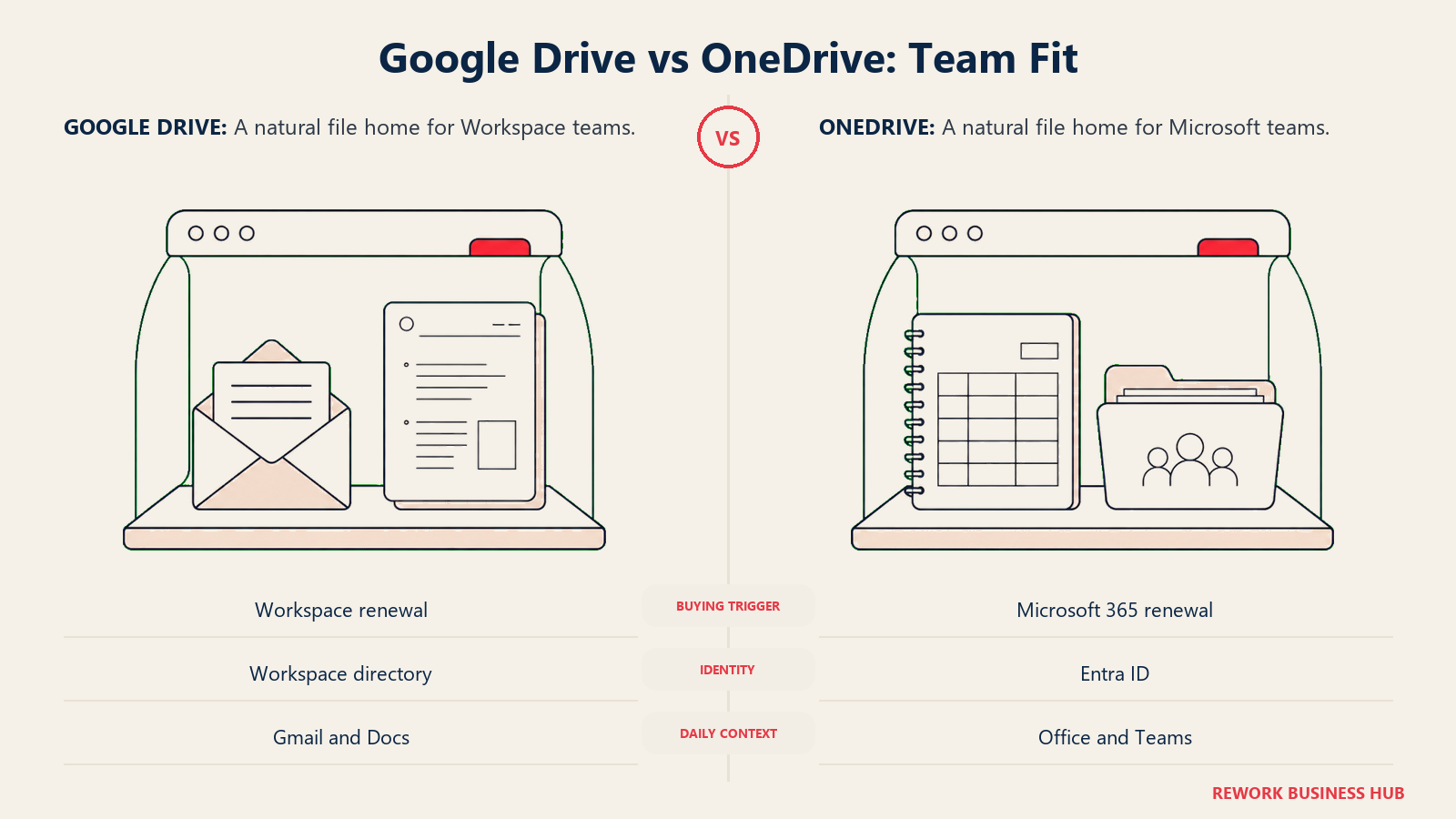
| Natural buying trigger | Choosing or renewing Google Workspace for email, Docs, and Meet | Choosing or renewing Microsoft 365 for email, Office apps, and Teams |
| Can you still buy "just the drive"? | Effectively yes: Business Starter is a low-cost entry that's mostly Gmail plus Drive | No, not since 31 May 2026; OneDrive only arrives inside a Microsoft 365 plan |
| Team maturity assumed | None required; a Workspace domain can be provisioned in minutes | None required; a Microsoft 365 tenant can be provisioned in minutes |
| Primary champion | IT admin or founder managing the Google Workspace domain | IT admin managing the Microsoft 365 tenant and Entra ID directory |
| Where storage habits form | Individual My Drive plus shared team Shared Drives | Individual OneDrive plus shared SharePoint document libraries |
Neither buying trigger is wrong, and in most companies the actual decision was made years ago and just gets renewed. What changed is the fallback option for a team that wanted a smaller commitment: on the Microsoft side, that door closed this year.
Key Facts
- Microsoft retired standalone OneDrive for Business Plan 1 and Plan 2, and standalone SharePoint Online Plan 1 and Plan 2: end of sale was 31 May 2026, renewals continue only through January 2027, and end of service is December 2029, according to Microsoft's Partner Center announcement.
- Google Workspace's Business Starter tier includes 30 GB of pooled storage per person, while every Microsoft 365 Business tier, starting at Business Basic for $7.00 per user per month, includes a flat 1 TB of OneDrive storage per user, according to Microsoft's Business plans comparison and Google Workspace's pricing page.
- SharePoint's organization-wide storage pool, separate from each user's own 1 TB OneDrive quota, is calculated at 1 TB per organization plus 10 GB for every SharePoint license purchased, with overage priced around $0.20 per GB per month, according to Microsoft's SharePoint Online service description.
- Google Vault, Google Workspace's eDiscovery and legal-hold tool, ships only on Business Plus and Enterprise plans; Business Starter and Business Standard customers don't get it at any price, according to Google Workspace's pricing page.
- Gemini is available from Google Workspace's entry tier, though scoped to Gmail and Vids only on Business Starter, while Microsoft 365 Copilot is bundled into the Business Standard and Business Premium price and is absent entirely from Business Basic and Apps for Business, according to both vendors' current plan pages.
The Underlying Storage Model: Flat Quota vs Pooled Allocation
This is the structural difference that explains most of the pricing confusion in this comparison.
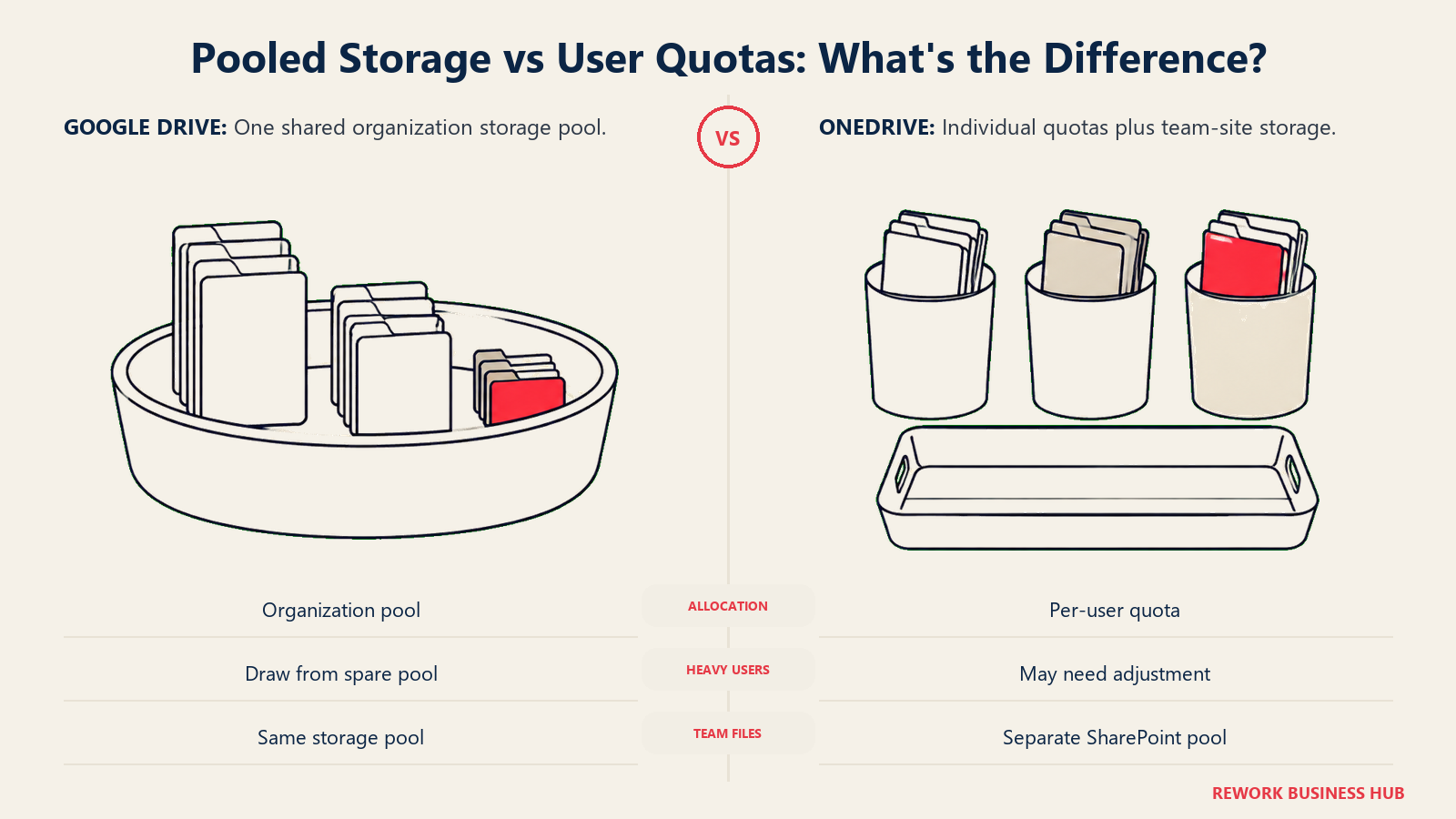
OneDrive gives each licensed user a flat, individual quota: 1 TB, on every Microsoft 365 Business tier, from the $7.00 Basic plan up through Business Premium. That quota belongs to the person, not the organization, though an admin can request an increase for specific users. Separately, a Microsoft 365 tenant also gets a SharePoint site storage pool for team document libraries, calculated as 1 TB per organization plus 10 GB per licensed user, which is a distinct allocation from anyone's personal OneDrive.
Google Drive works differently: storage is pooled across the whole Google Workspace organization rather than hard-capped per person. The plan's per-user figure (30 GB on Business Starter, 2 TB on Business Standard, 5 TB on Business Plus) is really the unit that gets multiplied by headcount to produce one organization-wide total, which any user's My Drive or any team's Shared Drive can draw from. In practice this means a heavy user on a Business Standard team can consume more than their individual 2 TB slice as long as the org's total pool has room, something a flat per-user OneDrive quota doesn't allow without an admin override.
| Google Drive | OneDrive | |
|---|---|---|
| Quota model | Pooled organization-wide total, built from each user's plan allocation | Flat, individual, 1 TB per user regardless of tier |
| Entry-tier allocation | 30 GB per person (Business Starter) | 1 TB per person (Business Basic) |
| Where team files live | Shared Drives, owned by the team rather than an individual | SharePoint document libraries, tied to a site |
| Can one user exceed their own slice? | Yes, in practice, since the pool is shared | No, not without an admin manually raising the individual quota |
| Separate org-wide pool for team sites | Not applicable; Shared Drives draw from the same pool as everyone's Drive | Yes, a distinct SharePoint pool separate from personal OneDrive |
Both models are defensible. Pooled storage is generous for a team with uneven usage; a flat per-user quota is predictable and easy to budget against. The trap is assuming either one is unlimited. Neither is.
File Sync and Offline Access
OneDrive's sync client on Windows and Mac is Files On-Demand: every file in your OneDrive and any SharePoint libraries you've added shows up in File Explorer or Finder without consuming local disk space until you actually open it, at which point it downloads. You can mark specific folders "always keep on this device" for guaranteed offline access, which matters for a laptop that goes offline on a flight or a job site.
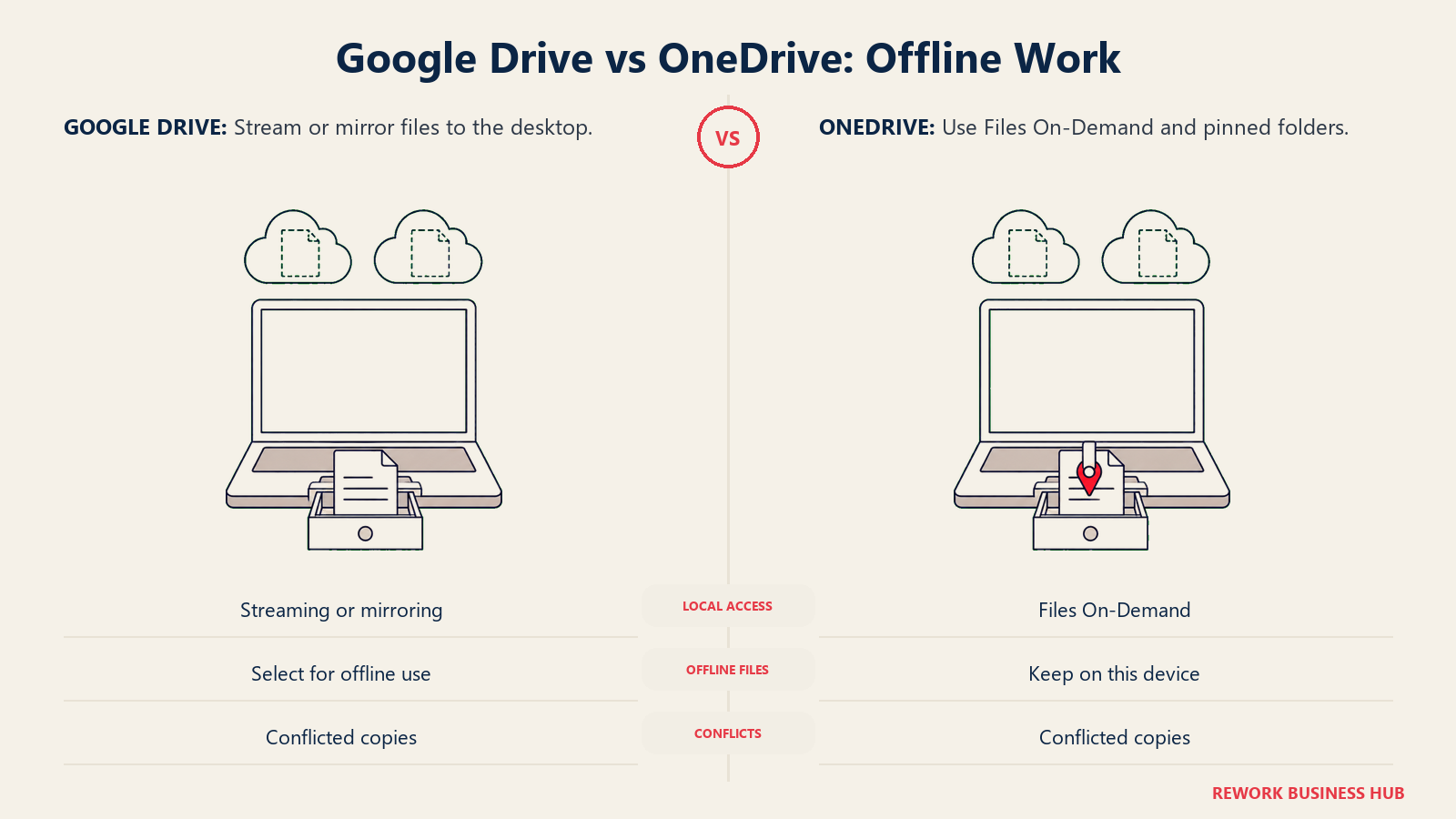
Google Drive for desktop works on the same streaming principle: files appear in a virtual drive letter or mounted volume and download on demand, with an option to make specific files or folders available offline. Native Google Docs, Sheets, and Slides also support offline editing inside the Chrome browser or the dedicated desktop and mobile apps, syncing changes once connectivity returns.
| Google Drive | OneDrive | |
|---|---|---|
| Desktop client | Google Drive for desktop, streaming or mirroring mode | OneDrive sync client, Files On-Demand |
| Offline access | Selectable per file or folder; native Docs/Sheets/Slides work offline in-browser | Selectable per file or folder via "always keep on this device" |
| Mobile app | Google Drive app, plus Docs/Sheets/Slides apps for offline editing | OneDrive app, plus Word/Excel/PowerPoint apps for offline editing |
| Conflict handling | Creates a conflicted copy when the same file changes offline in two places | Creates a conflicted copy the same way |
| Best fit | Teams that live in the browser and need offline editing inside Google's own apps | Teams on managed Windows devices who want native File Explorer integration |
Real-Time Co-Authoring and File Format Fidelity
Both platforms support real-time, multi-cursor co-authoring, and both have for years. The real difference is what happens to a file's format along the way.
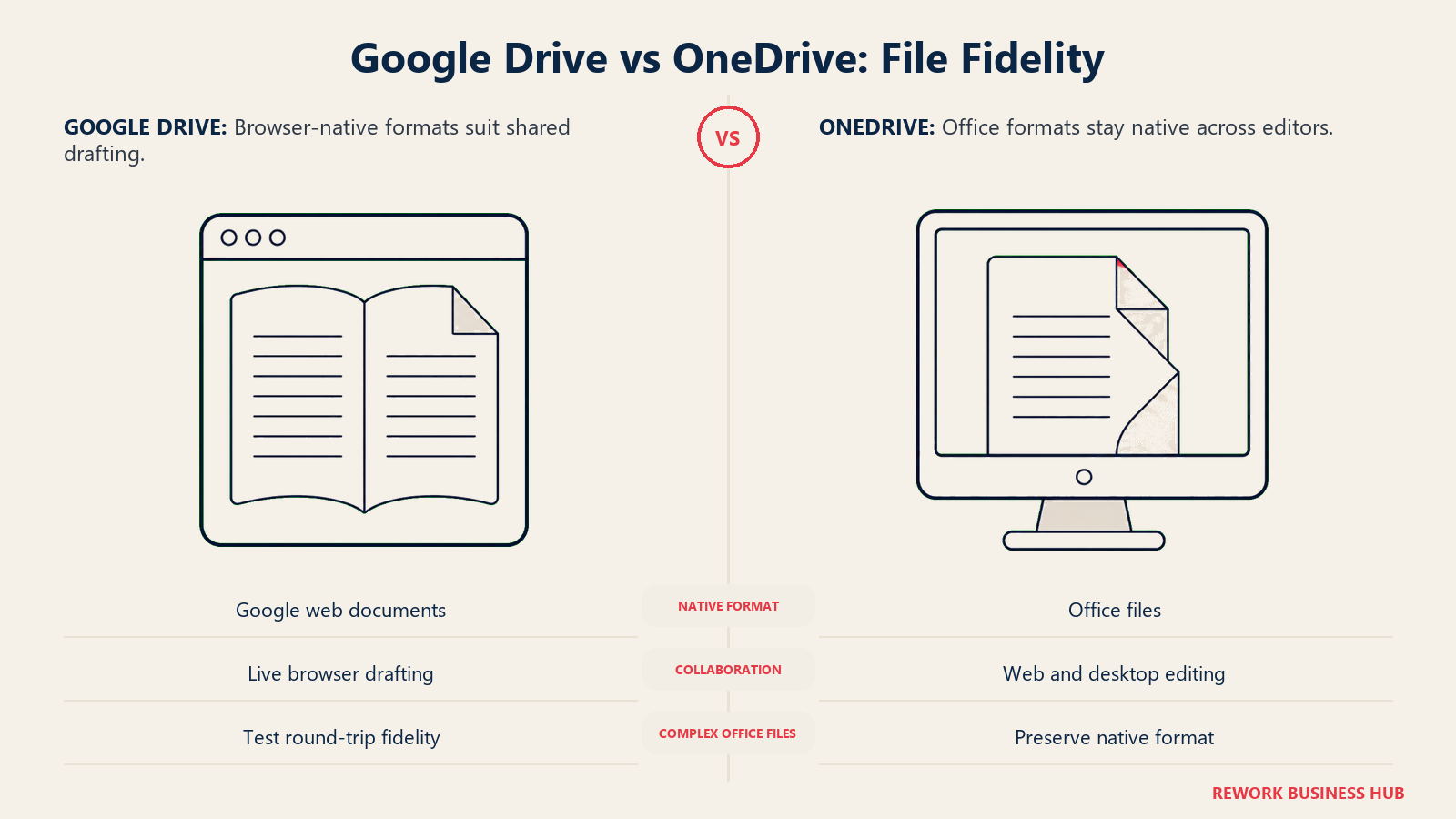
Google Docs, Sheets, and Slides are native, browser-first formats: a .gdoc or .gsheet isn't really a downloadable file at all, it's a pointer to a live document, which is why real-time collaboration has always felt seamless inside Google's own apps. Drive can also open and edit actual Microsoft Office files (.docx, .xlsx, .pptx) directly, without forcing a conversion, though round-tripping a complex Office file through Google's editor and back can still shift formatting on features Google's engine doesn't fully support, like advanced Excel pivot layouts or certain PowerPoint animations.
Word, Excel, and PowerPoint files stay in native .docx/.xlsx/.pptx format the entire time, whether they're being co-authored live in the browser, the desktop app, or both at once, because OneDrive and SharePoint are simply the storage and sync layer underneath the same file format Office has always used. That format stability is a real advantage for a team with complex spreadsheets or heavily designed slide decks that need to round-trip cleanly.
| Google Drive | OneDrive | |
|---|---|---|
| Native format | Google's own web formats (.gdoc, .gsheet, .gslides) | Native Office formats (.docx, .xlsx, .pptx) throughout |
| Real-time co-authoring | Yes, native to Docs/Sheets/Slides since inception | Yes, in Word/Excel/PowerPoint web and desktop apps |
| Editing Office files directly | Yes, without forced conversion, with some fidelity risk on complex layouts | Native; no conversion ever happens |
| Version history | Built in, unlimited named versions on native Google files | Built in, with configurable retention on OneDrive and SharePoint |
| Best fit | Teams that draft natively in Google's format and rarely need pixel-perfect Office fidelity | Teams with complex spreadsheets, financial models, or branded decks that must stay in native Office format |
Search and Findability
Google Drive's search is built on the same engine that powers Google Search, ranking by relevance, recency, and how often you interact with a file, and it searches inside file content, including scanned PDFs and images, using OCR. Cross-app search from the Gmail search bar or the Google app can surface a Drive file alongside an email that references it.
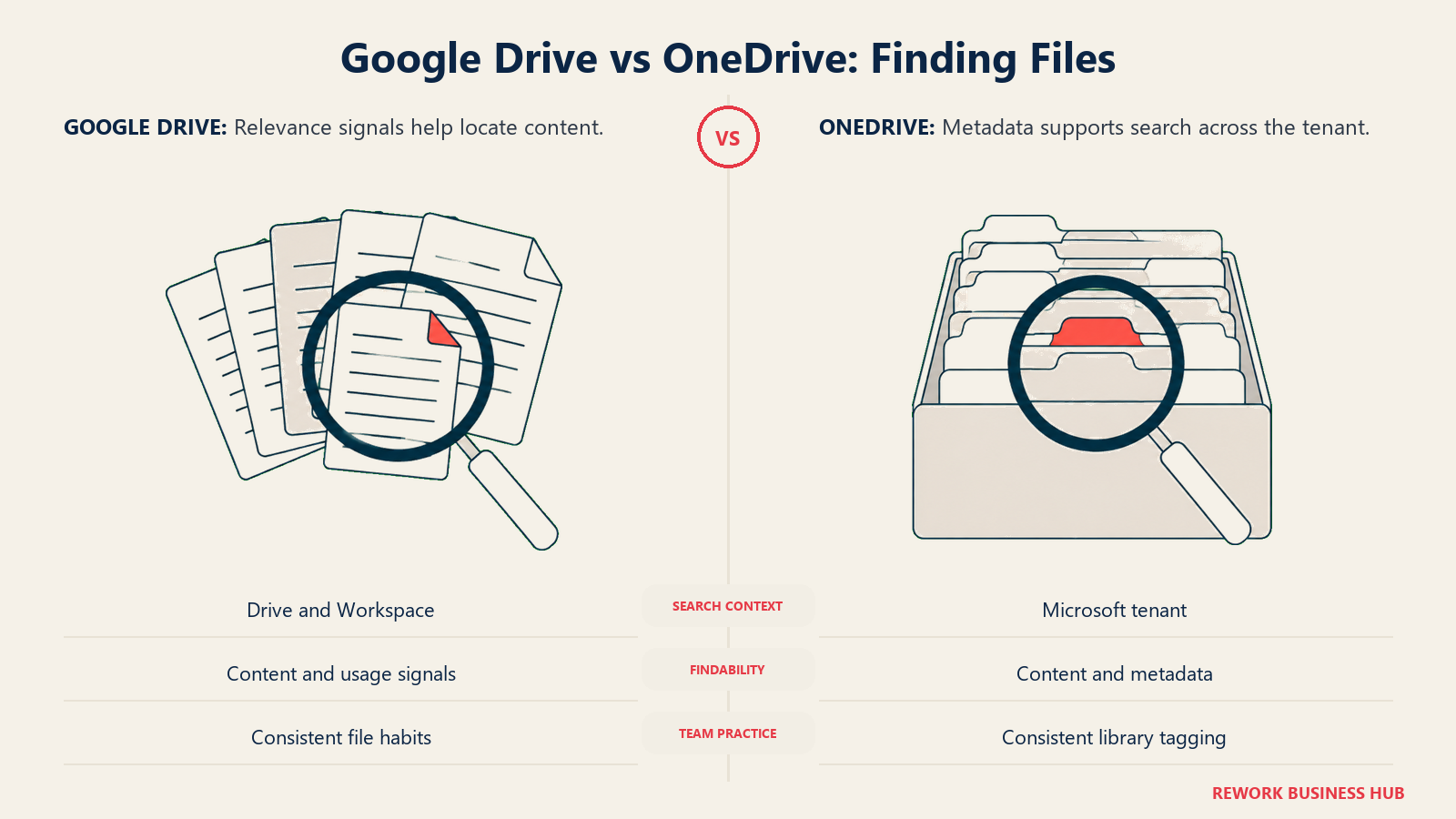
OneDrive and SharePoint search runs through Microsoft Search, which indexes file content and metadata across your tenant and can also surface Teams messages, Outlook mail, and Viva content in a unified results page. Search quality inside a specific library is strong; cross-tenant relevance depends more on how consistently metadata and managed properties were applied when content was uploaded, a variable that matters more on SharePoint's library-and-folder model than on Drive's flatter structure.
| Google Drive | OneDrive / SharePoint | |
|---|---|---|
| Search engine | Google Search infrastructure, relevance-ranked | Microsoft Search, indexes files, mail, Teams, and Viva together |
| OCR on scanned files | Yes, built in, no separate licensing | Yes, via Microsoft Search content indexing |
| Cross-app results | Drive results can surface inside Gmail search | File results can surface alongside Outlook mail and Teams messages |
| Dependence on manual tagging | Low; search relies more on usage signals than manual metadata | Higher on SharePoint libraries; quality tracks how well metadata was applied |
| Best fit | Teams that want search to "just work" without a governance layer | Teams that already invest in consistent metadata and want unified search across Office apps |
Sharing and External Collaboration
Google Drive link sharing offers viewer, commenter, and editor permission levels, with options to restrict a link to people inside your domain, set an expiration date, and, on higher tiers, disable download or printing for sensitive files. External collaborators outside your Workspace domain can be added by email without needing a Google Workspace account of their own.
OneDrive and SharePoint offer a comparable set of controls: anyone-with-the-link, specific-people, and organization-only sharing, plus link expiration and password protection, configurable by a tenant admin. External guests are added through Entra ID B2B, which means their access ties into the same identity and conditional-access policies that govern your own employees, a tighter integration than Drive's simpler email-based guest model.
| Google Drive | OneDrive / SharePoint | |
|---|---|---|
| Link permission levels | Viewer, commenter, editor | View, edit, review, configurable per link |
| Link expiration | Yes, admin and user configurable | Yes, admin and user configurable |
| External guest identity | Added by email; no Workspace account required | Entra ID B2B guest account, tied to your directory |
| Download/print restriction | Yes, on sensitive-content policies | Yes, via sensitivity labels and Purview policies |
| Best fit | Fast, low-friction sharing with people outside your company | Sharing where guest access should inherit the same identity and conditional-access rules as employees |
Security, Compliance, and Admin Controls
Google Workspace's admin console governs Drive sharing policies, 2-step verification, and group-based policy controls from Business Starter up. Data loss prevention, context-aware access, and enterprise endpoint management, the controls a security team actually wants for a regulated environment, are Enterprise-tier features, not available on Starter, Standard, or Plus.
Microsoft 365's identity backbone is Entra ID, the same directory that governs Teams, Outlook, and every other Microsoft 365 app, so OneDrive and SharePoint permissions inherit automatically from group membership. Deeper data-protection tooling, sensitivity labels, DLP policies, and conditional access at scale, runs through Microsoft Purview, which is partially included on Business Premium but reaches its full depth only on Microsoft 365 E5 or as a separate Purview add-on.
| Google Drive (Google Workspace) | OneDrive / SharePoint (Microsoft 365) | |
|---|---|---|
| Identity backbone | Google Workspace directory | Entra ID, shared across all Microsoft 365 apps |
| Basic access controls | 2-step verification, group policy controls, from Business Starter | Conditional access basics, from Business Basic |
| Data loss prevention | Enterprise tier only | Partially on Business Premium; full depth needs E5 or Purview add-on |
| Context-aware / conditional access | Enterprise tier only | Available at deeper levels on Business Premium and above, full depth on E5 |
| Admin console | Google Admin console | Microsoft 365 admin center plus Entra ID admin center |
eDiscovery and Retention
Neither vendor puts its real legal-hold tooling in the cheap seats, which is worth knowing before a compliance conversation assumes it's already covered.
Google Vault, Google Workspace's retention, legal-hold, and eDiscovery tool, is included only on Business Plus and Enterprise. A company on Business Starter or Business Standard, the two tiers most small and mid-size teams actually buy, has no access to Vault at any price without upgrading the whole organization.
Microsoft Purview's advanced eDiscovery, records declaration, and automated retention labeling follow a similar pattern: basic retention policies exist on Business Premium, but the deeper case-management and legal-hold tooling that a real litigation-hold request needs is gated to Microsoft 365 E5 or a standalone Purview add-on, not included in any Business-tier price.
| Google Drive (via Vault) | OneDrive / SharePoint (via Purview) | |
|---|---|---|
| Basic retention | Business Plus and Enterprise only | Included on Business Premium |
| Legal hold / eDiscovery | Business Plus and Enterprise | Requires Microsoft 365 E5 or a Purview add-on |
| Audit reporting | Included with Vault, on Business Plus and Enterprise | Deeper audit logs available on E5 or with Purview |
| Entry-tier coverage | None on Starter or Standard | Basic retention only on Premium; nothing on Basic, Apps for Business, or Standard |
AI Inside the Drive: Copilot vs Gemini
Both companies now ship AI directly into the file layer, and the two approaches differ in how they gate access by tier.
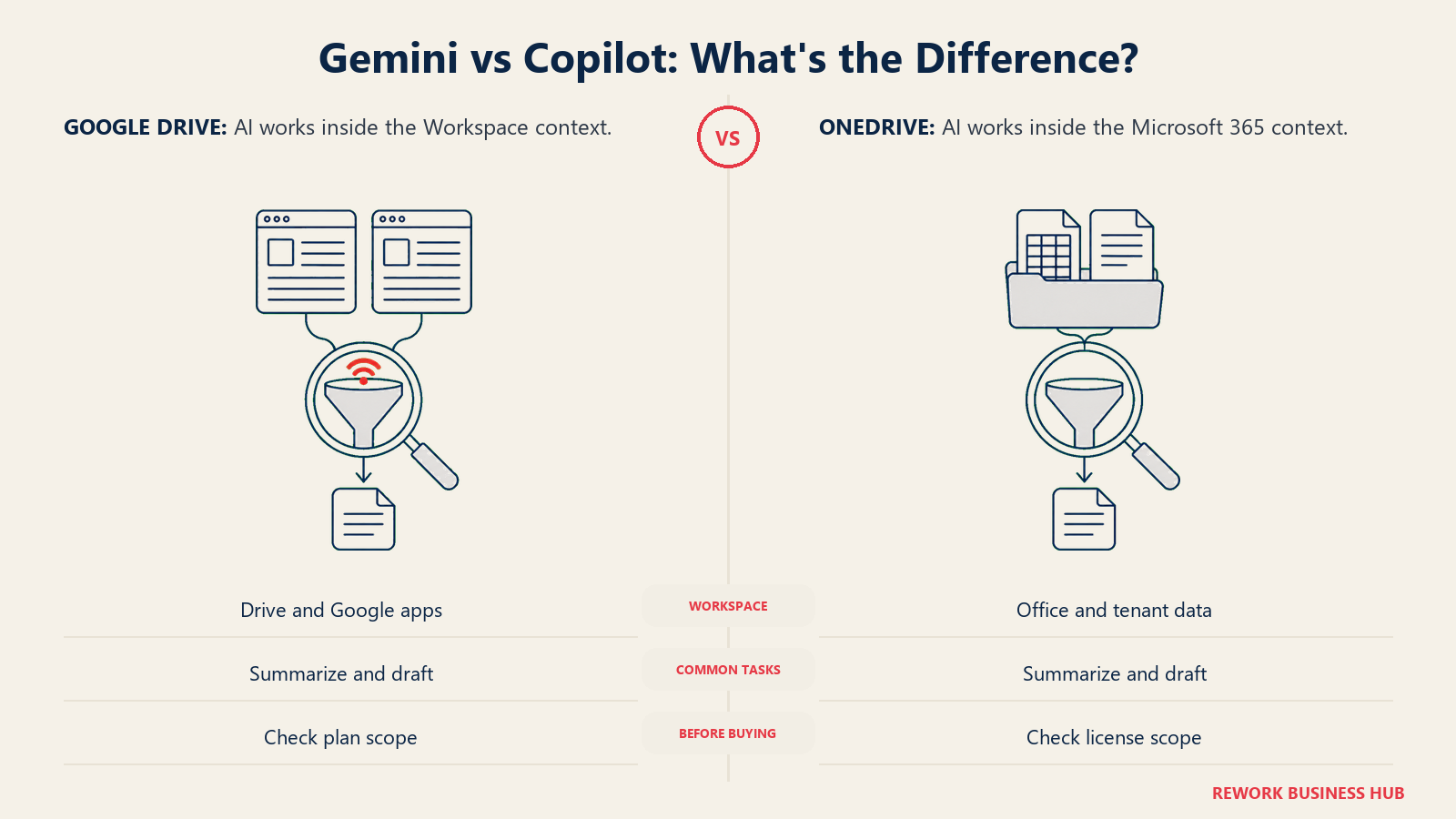
Gemini is available starting on Google Workspace's cheapest plan, though scoped tightly: Business Starter gets Gemini inside Gmail and Vids only, with basic access to the standalone Gemini app. Business Standard and Business Plus expand Gemini across Gmail, Docs, Meet, Sheets, Slides, Chat, and Drive itself, with broader access to the Gemini app and its more capable models. Enterprise adds the fullest access tier.
Microsoft 365 Copilot follows a different pattern: Business Basic includes only "AI chat with web grounding," a lighter feature than full Copilot, and Apps for Business includes no Copilot at all. Business Standard and Business Premium are now sold as named SKUs, "with Copilot," meaning full Microsoft 365 Copilot is bundled directly into the $23.50 and $32.00 per-user prices rather than sold as a separate add-on on top.
| Google Workspace (Gemini) | Microsoft 365 (Copilot) | |
|---|---|---|
| Entry-tier AI | Gemini in Gmail and Vids only, basic app access (Business Starter) | "AI chat with web grounding," not full Copilot (Business Basic) |
| No AI at all | Not applicable; Gemini exists on every paid tier | Apps for Business explicitly excludes Copilot |
| Full AI in Drive/Docs itself | From Business Standard up | Bundled into Business Standard and Business Premium pricing |
| How it's sold | Included in the plan price at every tier | Bundled into two specific SKU names, "with Copilot" |
| Best fit | Teams that want baseline AI everywhere and full Drive-aware AI from a mid tier | Teams already committing to Business Standard or Premium who want Copilot without a separate line item |
Migration and Lock-In
Moving into Google Drive at the individual level is handled by Google Takeout, a free personal export tool; at the organization level, Google Workspace Migrate handles bulk moves from file shares, SharePoint, or another Workspace domain and is included with a Workspace subscription rather than sold separately. The friction point on the way out is format: native Google Docs, Sheets, and Slides aren't real files until you export them, and that export can shift formatting on complex documents.
Moving into OneDrive or SharePoint typically runs through Microsoft's free SharePoint Migration Tool or the Mover service Microsoft acquired, both built for moving file shares, Box, Dropbox, or Google Drive content in. The advantage on the way out is format stability: Word, Excel, and PowerPoint files stay in the same .docx/.xlsx/.pptx format whether they're sitting in OneDrive, SharePoint, or a plain USB drive, so leaving doesn't force a conversion.
| Google Drive | OneDrive / SharePoint | |
|---|---|---|
| Migration tooling in | Google Takeout (individual), Google Workspace Migrate (org-wide, included) | SharePoint Migration Tool, Mover, both free from Microsoft |
| Native format portability | Lower; native Google formats require export and can shift formatting | Higher; files stay in standard Office formats throughout |
| Typical exit friction | Re-formatting exported Docs/Sheets/Slides into Office equivalents | Re-establishing Entra ID-based permissions and sharing links elsewhere |
| Bulk export available | Yes, via Google Workspace Migrate or Takeout at scale | Yes, via SharePoint Migration Tool or standard Office export |
Licensing and Pricing Structure
Both vendors publish real numbers here, which makes this an easier pricing conversation than most document-management comparisons, but the numbers only tell the full story once you read them next to the storage each tier actually includes.
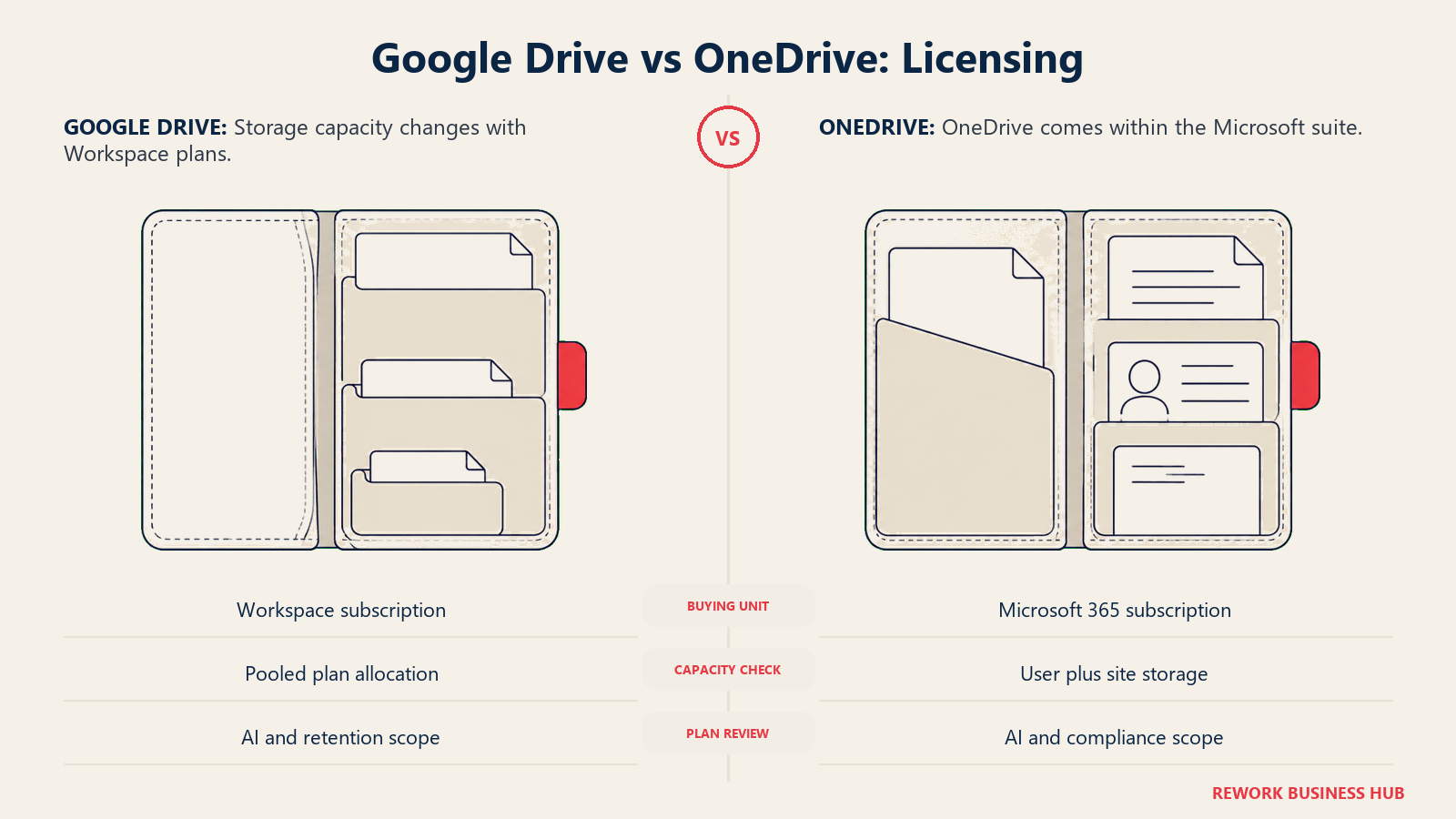
Google Workspace lists Business Starter at $7.00 per user per month with an annual commitment (or $8.40 billed monthly, the only Flexible rate Google confirms directly), Business Standard at $14.00, and Business Plus at $22.00, all annual-commitment rates. Google states an annual commitment saves roughly 16 percent compared to paying monthly, though it only confirms the exact Flexible figure for Business Starter; Standard and Plus should be treated as "somewhat higher than the annual rate" rather than a specific computed number. Enterprise is quote-only.
Microsoft 365 lists Business Basic at $7.00 per user per month, Apps for Business at $10.00, Business Standard with Copilot at $23.50, and Business Premium with Copilot at $32.00, all annual subscriptions. Every tier includes 1 TB of OneDrive per user regardless of price point, which is the detail most likely to get lost next to Google's tiered, pooled storage model. Both vendors cap their Business-tier plans at 300 users; larger organizations move to Enterprise-level agreements that aren't published at a flat per-seat rate.
| Google Workspace | Microsoft 365 | |
|---|---|---|
| Entry price | $7.00/user/month, Business Starter, annual | $7.00/user/month, Business Basic, annual |
| Mid price | $14.00/user/month, Business Standard, annual | $23.50/user/month, Business Standard with Copilot, annual |
| Top published price | $22.00/user/month, Business Plus, annual | $32.00/user/month, Business Premium with Copilot, annual |
| Storage at entry price | 30 GB pooled per person | 1 TB flat per person |
| Storage at mid tier | 2 TB per person, pooled | 1 TB flat per person, plus a separate SharePoint org pool |
| Business-tier user cap | 300 users | 300 users |
| Enterprise pricing | Contact sales | Contact sales (E3/E5) |
Cost at 25, 100, and 500 Seats
Same currency both sides this time, which makes the comparison more direct than most document-management matchups. And the number to watch isn't just the annual total, it's what storage that total actually buys.
| Seats | Google Workspace Business Starter ($7.00/user/mo) | Google Workspace Business Standard ($14.00/user/mo) | Microsoft 365 Business Basic ($7.00/user/mo) | Microsoft 365 Business Standard with Copilot ($23.50/user/mo) |
|---|---|---|---|---|
| 25 | $2,100/year (30 GB/person pooled) | $4,200/year (2 TB/person pooled) | $2,100/year (1 TB/person flat) | $7,050/year (1 TB/person flat, Copilot included) |
| 100 | $8,400/year (30 GB/person pooled) | $16,800/year (2 TB/person pooled) | $8,400/year (1 TB/person flat) | $28,200/year (1 TB/person flat, Copilot included) |
At the identical $7.00 entry price, Microsoft 365 Business Basic includes over 30 times the per-user storage of Google Workspace Business Starter. That's the asymmetry worth budgeting around before assuming the two $7 plans are equivalent.
Neither vendor publishes a flat per-seat rate at 500 seats. Business-tier plans cap at 300 users on both sides, so a 500-seat organization needs Google Workspace Enterprise or Microsoft 365 E3/E5, both quote-only. Multiplying the Business-tier per-seat rate by 500 would describe a plan neither vendor actually sells at that size, so budget for a custom quote instead of a projected number once headcount crosses roughly 300.
When Google Drive Is the Right Call
- Your team already lives in Gmail, Docs, and Meet, and switching the file layer away from that ecosystem would be more disruptive than any storage or pricing difference
- You want AI available on the cheapest plan, even in a limited form, rather than paying extra or committing to a higher tier just to get an assistant inside your documents
- Your per-user storage needs are modest, or you're comfortable stepping up to Business Standard's 2 TB pooled allocation rather than assuming Starter's 30 GB is enough
- You'd rather share files with outside collaborators over a simple email-based link than manage every guest through a formal directory
When OneDrive Is the Right Call
- Your organization is already standardized on Entra ID, Teams, and Outlook, and keeping file identity and permissions inside that same directory matters more than a cheaper entry price
- You need heavy individual storage by default: 1 TB flat per user on every tier beats having to upgrade a whole organization just to raise everyone's personal quota
- Your team works in complex Excel models or heavily formatted PowerPoint decks that need to stay in native Office format through every edit, not round-trip through a browser-native editor
- You're already paying for Microsoft 365 for email and Office apps, since OneDrive can no longer be purchased as a separate, cheaper line item on its own
Decision Framework
Start from Google-native work and sharing. Start from Office fidelity and identity needs.
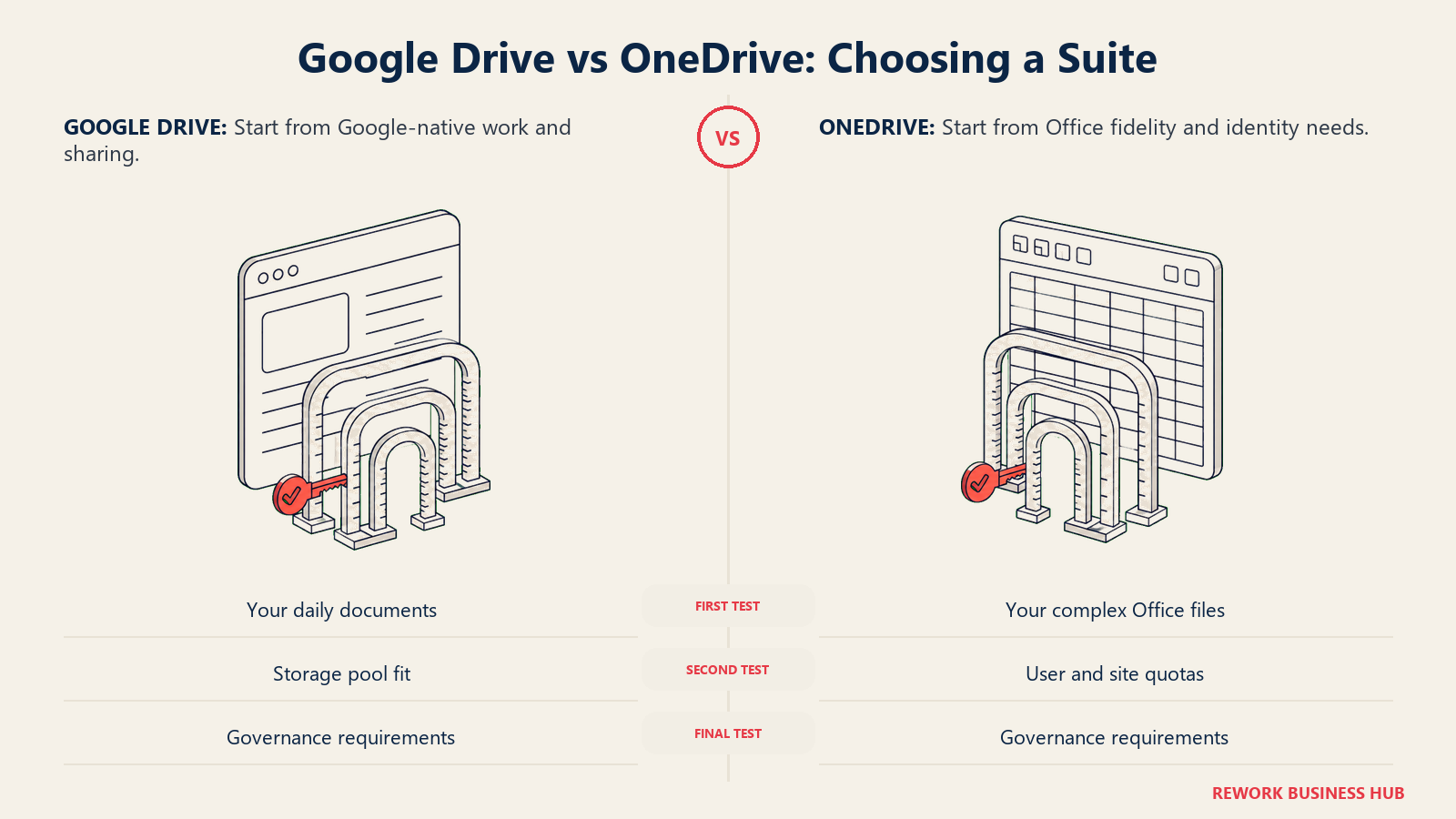
| If you are... | Pick |
|---|---|
| Standardized on Gmail, Docs, and Meet, with modest per-seat storage needs | Google Drive |
| Standardized on Outlook, Teams, and Entra ID identity | OneDrive |
| Trying to give every user 1 TB or more of storage without upgrading the whole org | OneDrive, since the flat 1 TB ships on every tier |
| Comfortable with pooled storage and want AI available even on the cheapest plan | Google Drive |
| Evaluating this because a standalone OneDrive renewal just disappeared | OneDrive, but budget for a full Microsoft 365 seat, not a storage-only line item |
| Wanting the full suite comparison, not just the file layer | See our Microsoft 365 vs Google Workspace comparison |
| More focused on governance and metadata than raw storage | See our SharePoint vs M-Files comparison |
| Wanting a fuller shortlist before narrowing down | See our best OneDrive alternatives and best document management software roundup |
The verdict: if your company already runs on Gmail and Docs, Google Drive's pooled storage and baked-in Gemini access are hard to argue against on price alone, especially once you're on Business Standard. If your company runs on Outlook and Teams, OneDrive's flat 1 TB per user and native Entra ID identity make it the lower-friction choice, and honestly the only one worth seriously evaluating once you're already paying for the rest of Microsoft 365. The one thing not to do is treat this as a standalone storage decision: as of this year, it never really was one on the Microsoft side, and it was rarely one on Google's side either.
What to Do Next
- Check whether your organization is still on a standalone OneDrive or SharePoint SKU. If so, confirm your renewal date against Microsoft's retirement timeline now, since renewals stop entirely after January 2027.
- Run the storage math for your actual headcount, not just the sticker price. A $7 Google Workspace Business Starter seat and a $7 Microsoft 365 Business Basic seat are not the same purchase once you compare 30 GB pooled against 1 TB flat.
- Name your real constraint before you name a platform. "We need more storage per person without a big price jump" points toward OneDrive. "We want AI and collaboration to just work everywhere, even on the cheapest plan" points toward Google Drive.
- If governance, not storage, is the actual problem, this comparison isn't the one you need. See our SharePoint vs M-Files comparison for a metadata-first alternative to folder-based storage.
- If neither the suite nor the price point fits, see our best Google Workspace alternatives and best Microsoft 365 alternatives roundups, or our best Dropbox alternatives if a lighter, suite-independent storage tool is closer to what you actually need.
Frequently Asked Questions about Google Drive vs OneDrive
Can I still buy OneDrive for Business on its own, without a full Microsoft 365 subscription?
No, not for new purchases. Microsoft ended new purchases of standalone OneDrive for Business Plan 1 and Plan 2, and standalone SharePoint Online Plan 1 and Plan 2, after 31 May 2026. Renewals for existing customers continue only through January 2027, with end of service in December 2029. New customers get OneDrive only as part of a Microsoft 365 business plan.
Is Google Drive storage really unlimited?
No. Google Workspace storage is pooled across your organization, not unlimited: the total is built from each user's plan allocation, 30 GB per person on Business Starter up to 5 TB per person on Business Plus, multiplied by headcount. A heavy user can draw more than their own slice from the shared pool, but the pool itself has a real ceiling based on your plan and seat count.
How much more storage does OneDrive include compared to Google Drive at the same price?
At the identical $7.00 per user per month entry price, Microsoft 365 Business Basic includes a flat 1 TB of OneDrive storage per user, while Google Workspace Business Starter includes 30 GB pooled per person. To reach Google's 2 TB per user, you need Business Standard at $14.00 per user per month, twice the entry price.
Do I get AI included at every Google Workspace and Microsoft 365 tier?
Not identically. Gemini is available starting on Google Workspace's cheapest plan, though limited to Gmail and Vids on Business Starter, with full Drive and Docs access from Business Standard up. Microsoft 365 Business Basic includes only a lighter "AI chat" feature, Apps for Business includes no Copilot at all, and full Microsoft 365 Copilot is bundled specifically into the Business Standard and Business Premium SKUs.
Which platform is better for eDiscovery and legal hold?
Neither includes real eDiscovery tooling on its cheapest plans. Google Vault, Google Workspace's legal-hold and eDiscovery tool, requires Business Plus or Enterprise. Microsoft's advanced eDiscovery through Purview requires Microsoft 365 E5 or a separate Purview add-on; Business Premium only includes basic retention policies. If legal hold is a hard requirement, budget for the higher tier on either side, not the entry plan.
Related Resources:
- Best OneDrive Alternatives in 2026
- Best Document Management Software in 2026
- SharePoint vs M-Files: Which Document Management Platform Fits Your Team Better?
- SharePoint vs Box
- Box vs Dropbox Business
- Microsoft 365 vs Google Workspace
- Best Google Workspace Alternatives in 2026
- Best Microsoft 365 Alternatives in 2026
- Best Dropbox Alternatives in 2026
- Best SharePoint Alternatives in 2026

Principal Product Marketing Strategist
On this page
- TL;DR
- Who Each Platform Is Actually Built For
- Key Facts
- The Underlying Storage Model: Flat Quota vs Pooled Allocation
- File Sync and Offline Access
- Real-Time Co-Authoring and File Format Fidelity
- Search and Findability
- Sharing and External Collaboration
- Security, Compliance, and Admin Controls
- eDiscovery and Retention
- AI Inside the Drive: Copilot vs Gemini
- Migration and Lock-In
- Licensing and Pricing Structure
- Cost at 25, 100, and 500 Seats
- When Google Drive Is the Right Call
- When OneDrive Is the Right Call
- Decision Framework
- What to Do Next