Microsoft 365 vs Google Workspace: Which Office Suite Fits Your Company in 2026?
Turn this article into takeaways for your work.


Each assistant summarizes the article only for you and suggests best practices for your work.
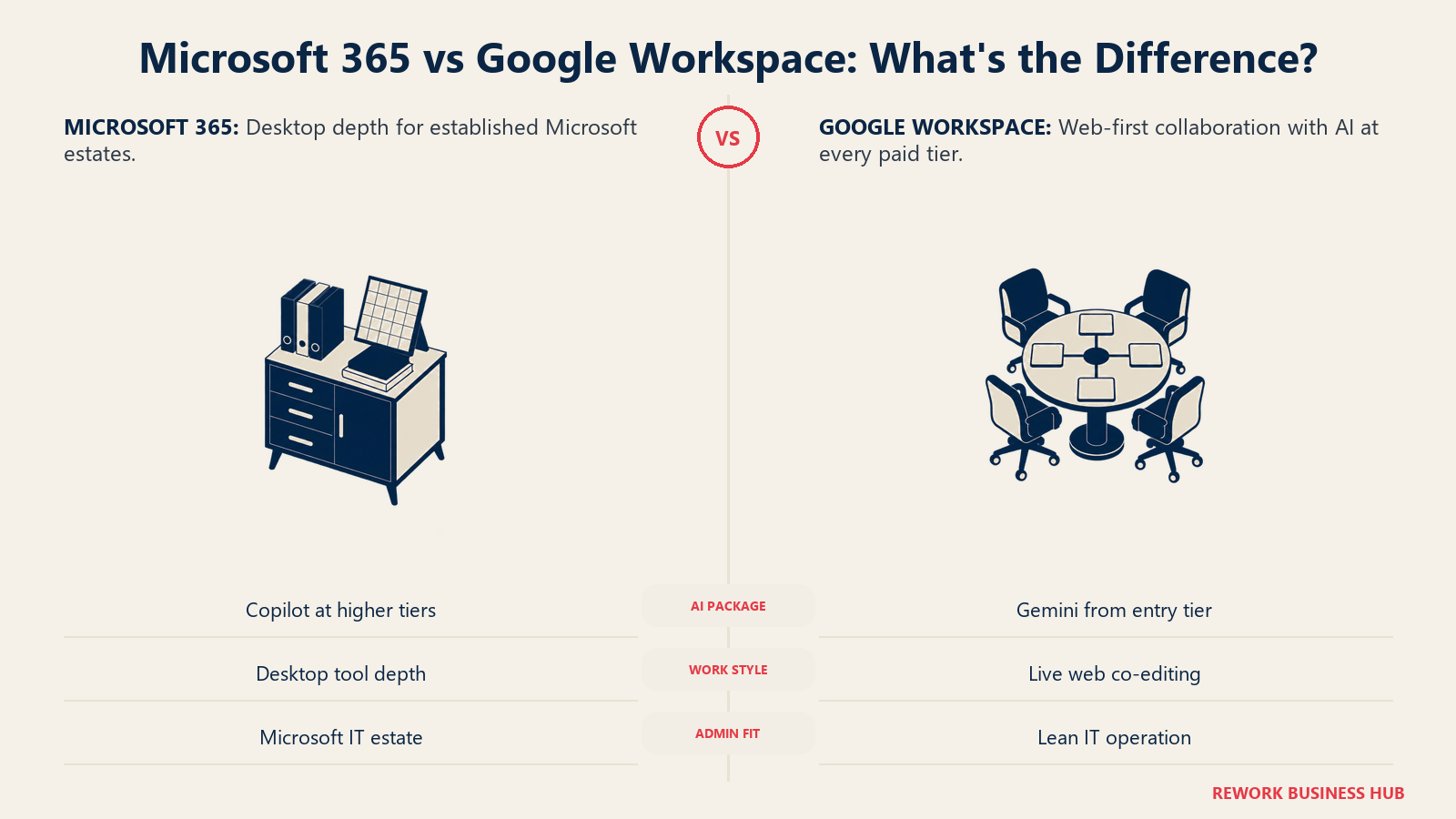
Most comparisons of these two suites still read like it's 2019: Word versus Docs, Excel versus Sheets, a table of checkmarks. That framing missed the actual story of 2026. Both vendors folded generative AI into their core pricing this year, and both did it in opposite ways: Microsoft moved its AI assistant into the middle and top business tiers and raised list prices to pay for it, while Google pushed Gemini down into its cheapest paid plan and left the sticker price where it was. That single decision changes which suite is the better deal for a given company far more than any feature checklist does.
This is written for the person who actually has to make the call: an IT lead, an ops manager, or a founder at a 10 to 500 person company either buying a real office subscription for the first time or deciding whether a switch is worth the disruption. We'll cover email and calendar, real-time document collaboration and file compatibility, storage, meetings and chat, admin and compliance, and migration cost in either direction, but the AI bundling question comes first, because it reframes almost everything after it. If you're not sure a head-to-head is even the right format for where you are in the decision, how to choose an office suite covers the broader evaluation questions first.
TL;DR
| Microsoft 365 | Google Workspace | |
|---|---|---|
| How AI is sold | Bundled into Business Standard ($23.50/user/mo) and up; Business Basic ($7.00) has no Copilot | Gemini included at every paid tier, including the cheapest, Business Starter ($7.00) |
| Cheapest paid seat | Business Basic: $7.00/user/month billed annually | Business Starter: $7.00/user/month billed annually |
| Storage model | 1 TB OneDrive per user (fixed, non-pooled) plus a 100 GB mailbox | 30 GB pooled per person on Starter, 2 TB per user on Standard, 5 TB per user on Plus |
| Document editing | Best-in-class desktop apps (Word, Excel, PowerPoint), web versions are good but secondary | Web-native from the ground up; real-time co-editing has always been the default, not an add-on |
| Meetings and chat | Teams: one app for chat, meetings, and calling, deeply tied to the rest of the suite | Google Meet and Google Chat: separate, lighter tools, each doing one job |
| Admin and compliance | Microsoft Purview and Entra ID extend the same governance already running Exchange and SharePoint | Google Admin console and Vault: generally simpler to configure, especially for smaller IT teams |
| Enterprise pricing transparency | Publishes list prices for E3 ($39), E5 ($60), and E7 ($99) | Enterprise tier is "custom," no public per-seat rate |
| Best for | Companies already standardized on Windows, Active Directory, or a Microsoft-heavy stack | Companies that want AI included by default and prioritize simple, web-first collaboration |
Who Each Suite Is Built For
| Microsoft 365 | Google Workspace | |
|---|---|---|
| Team size sweet spot | 10 to 300 on Business tiers, unlimited on Enterprise (E3/E5/E7) | 10 to 300 on Business tiers, unlimited on Enterprise (custom pricing) |
| Team maturity | Established IT function, often already running Windows devices and Active Directory or Entra ID | Any maturity; especially strong for teams with no dedicated IT admin |
| Primary use case | Deep document work (contracts, financial models, long-form reports) plus chat and meetings in one licence | Fast, web-native collaboration where multiple people are frequently editing the same file at once |
| Ideal buyer | IT director or CFO consolidating around one vendor for identity, devices, and productivity | Founder or ops lead who wants AI, storage, and collaboration included without separate AI shopping |
| Buying trigger | Already on Windows and Exchange, evaluating whether to add Copilot and Teams to the existing bundle | Setting up a new company's stack from scratch, or migrating off a legacy on-premises mail server |
For the wider field beyond these two, see best Microsoft 365 alternatives and best Google Workspace alternatives. If a single unified suite from a third vendor is more your speed, best Lark alternatives covers that adjacent category.
The AI Bundling Question
This is the story that actually decides most 2026 evaluations, and it's not close to the "which AI assistant is smarter" question most articles ask.
Microsoft's public pricing page shows no plain, non-Copilot version of Business Standard or Business Premium any more. Business Basic, at $7.00 per user per month billed annually, still has no Copilot, just web and mobile Office apps. Step up to Business Standard and Copilot comes with it, at $23.50 per user per month, a plan that used to be sold without an AI assistant at a noticeably lower price. Business Premium follows the same pattern at $32.00. If you want Copilot specifically on an Enterprise seat, E3 ($39.00/user/month) and E5 ($60.00/user/month) both need a separate $30.00 per user per month Copilot add-on, unless you go all the way up to the new E7 tier at $99.00, which folds Copilot, Agent 365, and Entra Suite into one seat. Microsoft announced the underlying list-price and packaging update in December 2025, effective July 1, 2026, framing it as a reflection of expanded AI, security, and device management investment. Its own announcement publishes no dollar or percentage figures in readable text. Independent analysis of the published price list by Microsoft partner Red River found the increases ran as high as 43% on some SKUs, concentrated on frontline and enterprise plans rather than the core business tiers.
Google took the opposite approach. Gemini is included across every Google Workspace business tier, starting with Business Starter at $7.00 per user per month, the same headline price as Microsoft's cheapest, non-AI plan. There's no "add Gemini" decision to make and no separate SKU to shop for; it's already in the box at every price point, including the one most likely to be a small team's first paid plan.
That asymmetry is the real headline. On Microsoft's side, getting the AI assistant means committing to at least the $23.50 tier, more than triple the entry price. On Google's side, the entry price already includes it. Whether that's worth paying for is a separate question. In a PYMNTS Intelligence survey of workers who get to pick their own AI assistant rather than use whatever their employer installed, 73% chose ChatGPT and 55% chose Gemini, with Microsoft Copilot coming in third at 47%. That doesn't mean Copilot is a bad product, it's deeply integrated into Word, Excel, and Outlook in ways a standalone chatbot can't match, but it's a useful check against assuming a bundled AI feature gets used just because it's paid for.
| Microsoft 365 | Google Workspace | |
|---|---|---|
| Cheapest tier with AI included | Business Standard, $23.50/user/mo | Business Starter, $7.00/user/mo |
| Cheapest tier overall | Business Basic, $7.00/user/mo, no AI | Business Starter, $7.00/user/mo, AI included |
| Enterprise AI cost | $30.00/user/mo add-on on E3/E5, or bundled into E7 at $99.00 | Included in Enterprise (custom pricing) |
| Price change in 2026 | Global list-price reset, July 1, 2026, up to 43% on some SKUs | No comparable public list-price reset found on the pricing page as of August 2026 |
| Where the AI is deepest | Word, Excel, PowerPoint, Outlook, Teams meeting recaps | Docs, Sheets, Slides, Gmail drafting, Meet notes |
Email and Calendar
Both suites are built around the same core job, email and a shared calendar that scales from a two-person team to a few thousand employees, and both do that job well. The differences show up in habits, not capability gaps.
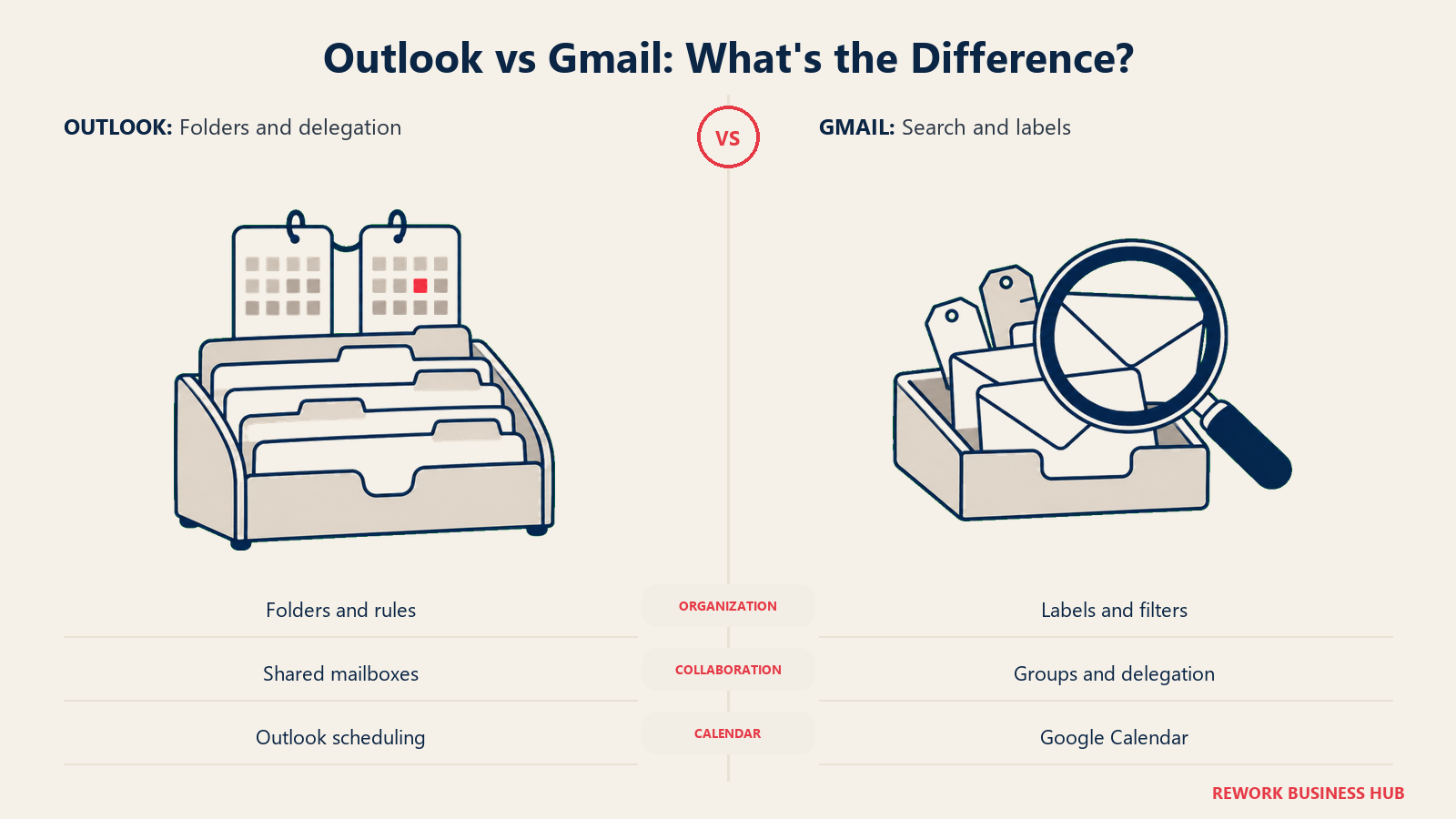
Outlook, whether the desktop app, the web version, or the mobile app, is built around folders, rules, and a dense feature set carried over from decades of enterprise email: delegate access, shared mailboxes, focused inbox, and deep integration with Exchange's calendar and scheduling assistant. Gmail is built around search-first triage, labels instead of folders, and a calendar (Google Calendar) that's historically been faster to set up for cross-company scheduling since most external contacts already have a Google account tied to their email.
Mailbox size is a real, if underrated, difference. Every Microsoft 365 Business tier, Basic, Standard, and Premium alike, includes a 100 GB primary mailbox with 50 GB of archive storage (1.5 TB of archive on Premium). Google Workspace doesn't split out a fixed mailbox allocation the same way; Gmail storage draws from the same pooled or per-user allowance shared with Drive, so a mail-heavy team on Business Starter's 30 GB pool needs to watch storage more closely than the same team on Microsoft's dedicated 100 GB mailbox.
| Microsoft 365 (Outlook/Exchange) | Google Workspace (Gmail/Calendar) | |
|---|---|---|
| Organization model | Folders, rules, categories | Labels, search-first, filters |
| Mailbox storage | 100 GB primary + 50 GB archive (1.5 TB on Business Premium), separate from OneDrive | Shared from the same pooled or per-user storage allowance as Drive |
| Calendar scheduling | Native scheduling assistant, deep Outlook integration | Google Calendar, generally fast external scheduling since most contacts already have a Google identity |
| Shared/delegate mailboxes | Native, mature feature | Available via Google Groups and delegation, less granular than Exchange |
| Offline access | Strong via desktop Outlook | Available but historically a secondary experience versus the web app |
Documents, Real-Time Collaboration and File Compatibility
This is where the two suites' origins still show through most clearly. Word, Excel, and PowerPoint were built as desktop applications first and made collaborative later; Google Docs, Sheets, and Slides were built web-native and collaborative from day one.
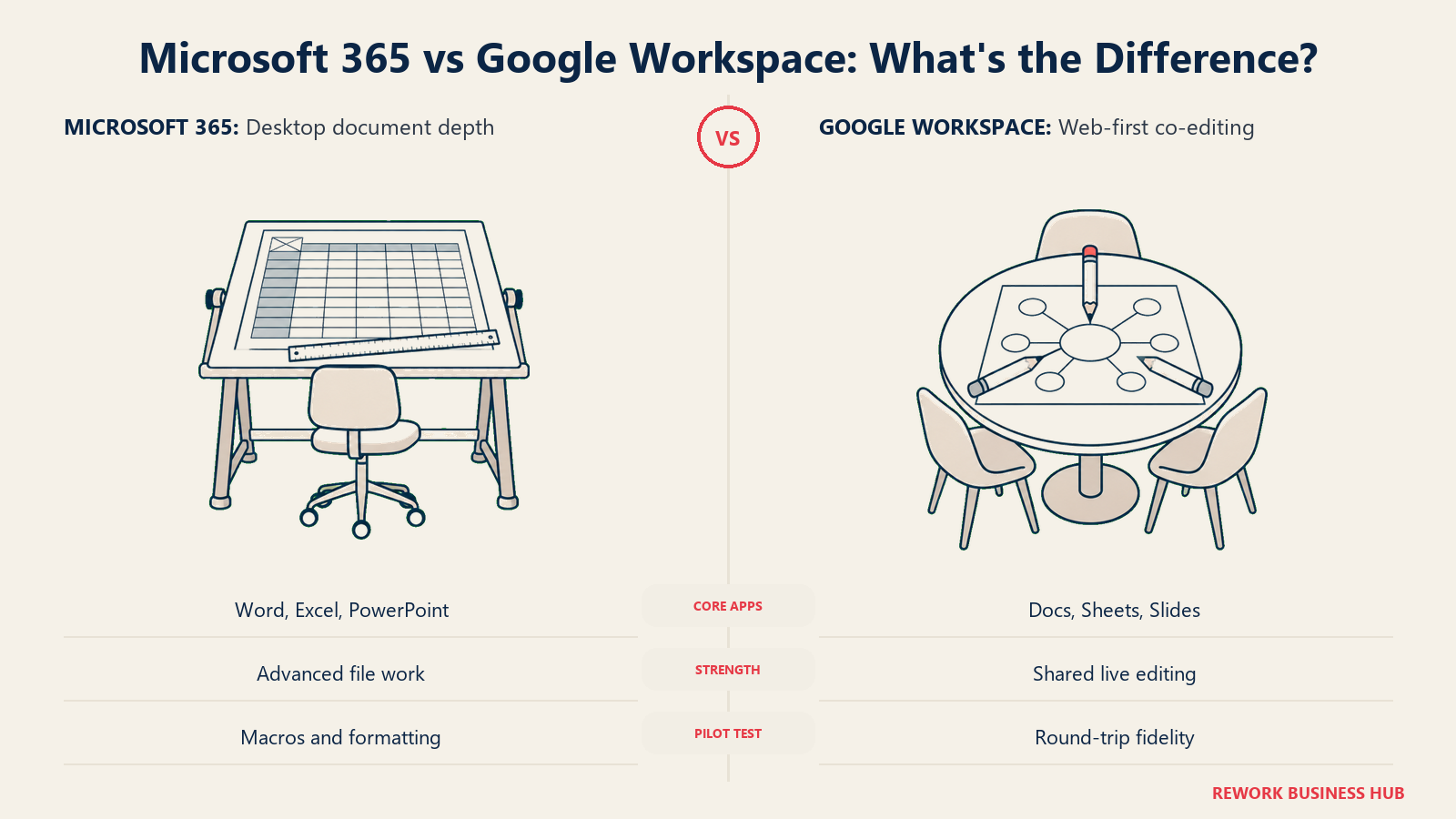
That history still matters. If your work involves complex Excel models, financial modeling with add-ins, VBA macros, or heavy pivot-table and formula chains, Excel's desktop app remains the deeper tool; Sheets has closed a lot of the functional gap but still trails on the most advanced formula and macro use cases. If your work is mostly people editing the same document, spreadsheet, or deck together in real time throughout the day, Google's suite feels native because multiplayer editing has never been a bolt-on feature there the way it was retrofitted into Word and Excel's web versions.
File compatibility has genuinely improved on both sides. Google Workspace can open, edit, and export native .docx, .xlsx, and .pptx files without a mandatory conversion step, and Microsoft's web apps do the same in reverse for basic Google file types via export. Where compatibility still breaks down is in complex formatting: a heavily macro-driven Excel workbook or a PowerPoint deck with advanced animations and embedded objects can lose fidelity when it round-trips through Sheets or Slides, and the same is true in reverse for Google-native files with add-ons that don't have a Microsoft equivalent.
| Microsoft 365 | Google Workspace | |
|---|---|---|
| Core apps | Word, Excel, PowerPoint (desktop + web) | Docs, Sheets, Slides (web-native) |
| Real-time co-authoring | Available in both desktop and web versions, added over time | Default behavior since the products launched |
| Advanced spreadsheet features | Deeper: VBA macros, complex add-ins, advanced pivot tables | Improved significantly, still trails on the most advanced formula/macro cases |
| Native file format | .docx / .xlsx / .pptx | Google's own format, with full .docx/.xlsx/.pptx import and export |
| Offline editing | Strong, especially via desktop apps | Available via Chrome offline mode, generally lighter-weight |
| Best fit | Document-heavy, formatting-precise, or macro-dependent workflows | Fast-moving teams collaborating on the same file throughout the day |
Knowledge that lives in documents eventually needs a home beyond the file itself; if your team's real gap is a searchable internal wiki rather than the documents that feed it, best Confluence alternatives covers that adjacent category.
Storage and File Management
Storage is one of the most commonly misquoted numbers in this comparison, and the two vendors structure it in genuinely different ways.
Microsoft 365's OneDrive allocation is a flat 1 TB per user across Business Basic, Standard, and Premium, non-negotiable and non-pooled. A single user who needs more than 1 TB (a video-heavy marketer, for instance) hits a hard individual ceiling regardless of how little storage the rest of the team uses.
Google Workspace pools storage differently by tier. Business Starter gives each person a 30 GB allowance, but it's pooled across the organization, so the practical ceiling for any one person can flex above 30 GB if the rest of the team is using less than their share. Business Standard moves to a flat 2 TB per user, and Business Plus to 5 TB per user, both non-pooled at that point, similar in structure to OneDrive's per-user model. The upshot: on the cheapest tier of each suite, Google's pooled model is more forgiving of one heavy user, while Microsoft's flat 1 TB per user, even on Business Basic, is already more generous in absolute terms than Google's pooled 30 GB on Business Starter.
| Tier | Microsoft 365 | Google Workspace |
|---|---|---|
| Entry tier | Business Basic: 1 TB OneDrive per user (fixed) | Business Starter: 30 GB pooled per person |
| Mid tier | Business Standard: 1 TB OneDrive per user (fixed) | Business Standard: 2 TB per user (fixed) |
| Top business tier | Business Premium: 1 TB OneDrive per user (fixed) | Business Plus: 5 TB per user (fixed) |
| Mailbox storage | Separate 100 GB mailbox allocation, doesn't draw from OneDrive | Drawn from the same pool/allowance as Drive |
| Pooling behavior | None; each user's 1 TB is theirs alone | Pooled only on Business Starter; Standard and Plus are per-user like OneDrive |
For teams whose real need is a dedicated file-sharing and sync layer rather than a full office suite, best Dropbox alternatives covers that narrower category.
Meetings and Chat
Microsoft Teams and the Google Meet-plus-Chat combination solve the same problem with different shapes, and the shape matters more than any single feature.
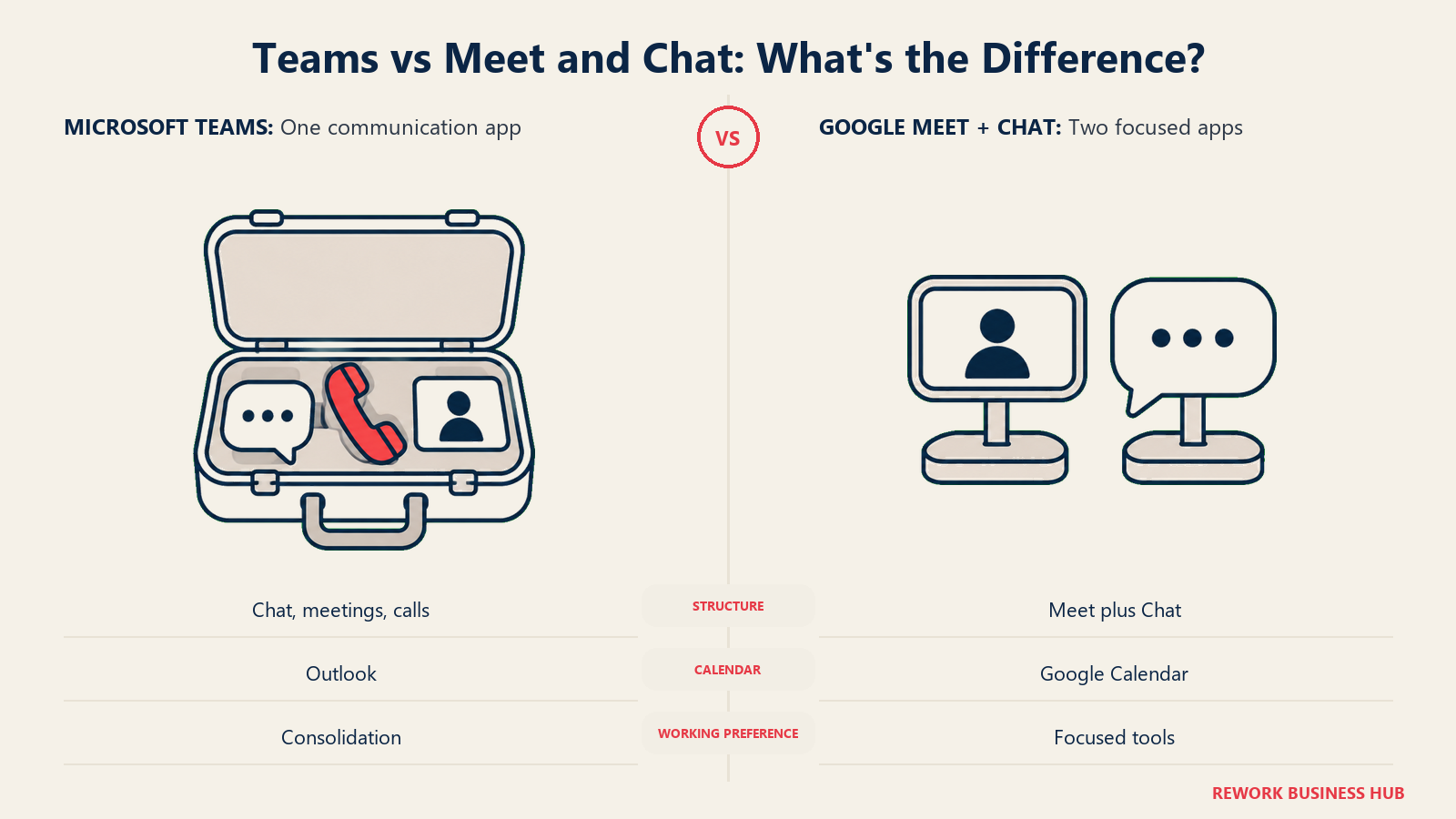
Teams is one application doing three jobs: persistent team chat, scheduled video meetings, and calling, all wired into the same identity and the same Outlook calendar. That consolidation is a genuine strength for a company that wants one app to open instead of three, and it scales up to breakout rooms, live transcription, recording, and large-attendee town halls on the higher tiers.
Google splits the same jobs into two lighter, more focused tools. Google Meet handles video calls and scheduled meetings, tied natively to Google Calendar. Google Chat handles persistent messaging and channels, closer in spirit to a lightweight Slack than to Teams' deeper feature set. Neither tool tries to be everything the other suite's single app is, which some teams experience as simpler and others experience as one more app to manage.
If chat itself, independent of which office suite it's bundled with, is the more important decision for your team, Slack vs Microsoft Teams goes deep on that specific trade-off, and how to choose team chat software covers the wider evaluation. For the broader field of options in each direction, see best Microsoft Teams alternatives and best Google Meet alternatives; if video conferencing specifically, rather than the suite it comes bundled with, is the actual decision, best Zoom alternatives is the more direct comparison set.
| Microsoft Teams | Google Meet + Google Chat | |
|---|---|---|
| Structure | One app for chat, meetings, and calling | Two separate, lighter apps |
| Calendar integration | Native, tied to Outlook | Native, tied to Google Calendar |
| Breakout rooms | Yes | Yes, on paid tiers |
| Live transcription and recording | Yes, native | Yes, on paid tiers |
| Large-attendee events | Yes, scales on higher tiers | Yes, scales on higher tiers |
| Persistent team chat depth | Deep: threads, channels, tabs, app integrations | Lighter: Spaces and direct messages, fewer native integrations |
| Best fit | Teams that want one app for communication and meetings | Teams that prefer focused, single-purpose tools |
Admin, Security and Compliance
Once a company passes a few dozen seats, the evaluation shifts from "can people find files" to "can IT prove who accessed what, and can it be locked down fast if something goes wrong."
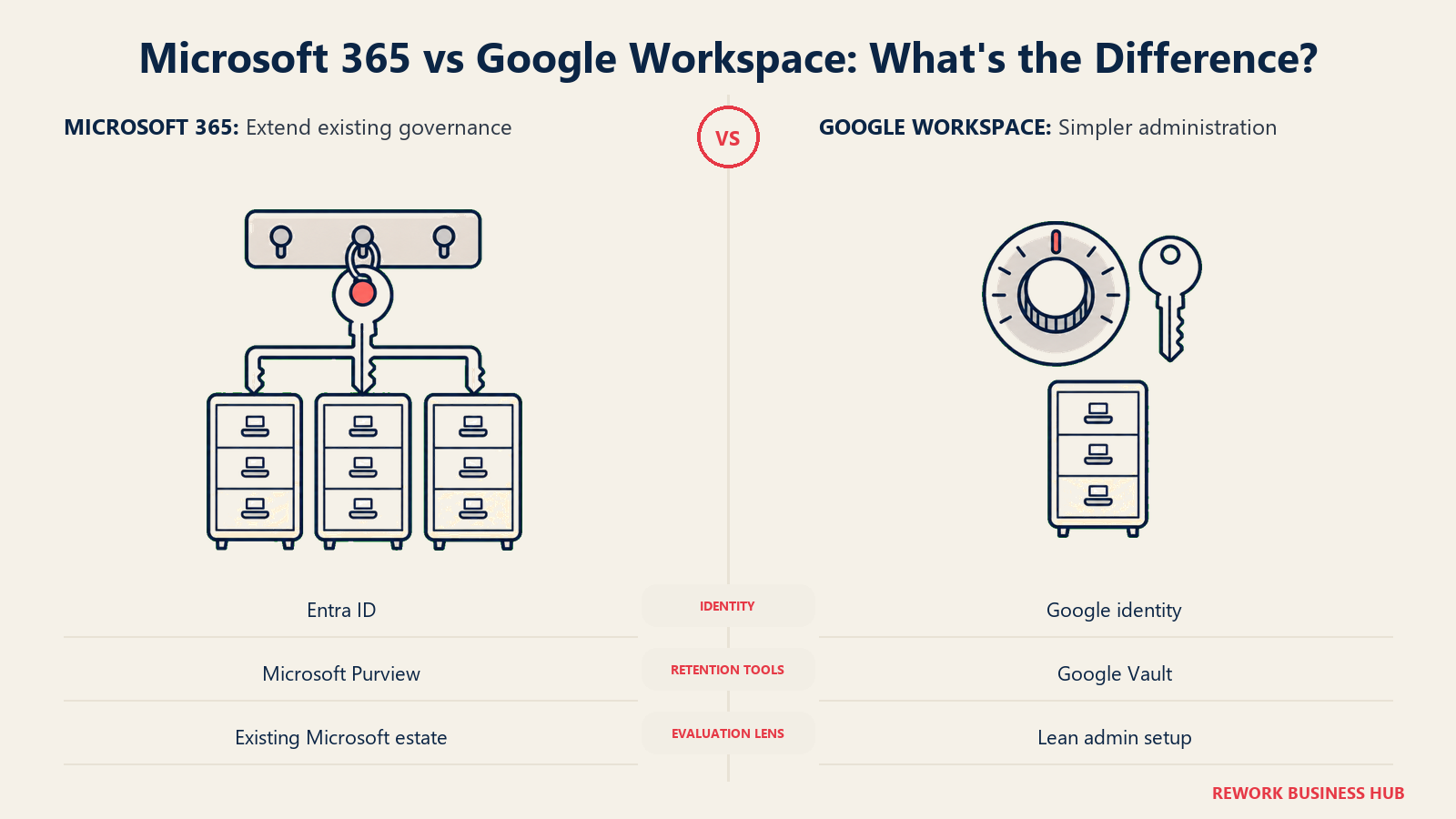
Microsoft's advantage here is inheritance. A company already running Exchange and SharePoint under Microsoft Purview policies extends the same eDiscovery, retention, and data loss prevention rules to Teams and OneDrive as a configuration change, not a new system. Entra ID (formerly Azure AD) is the same identity plane covering devices, single sign-on, and conditional access across the whole Microsoft stack, which matters most to companies already standardized on Windows and Active Directory.
Google's advantage is simplicity of setup. The Google Admin console is generally faster for a small IT team, or no dedicated IT team at all, to configure correctly: fewer settings, clearer defaults, and a security model built around phishing-resistant sign-in that doesn't require deep identity expertise to configure well. Google Vault handles eDiscovery and retention, comparable in function to Purview but with a smaller surface area to learn.
| Microsoft 365 | Google Workspace | |
|---|---|---|
| Identity platform | Microsoft Entra ID | Google identity, native to Workspace |
| eDiscovery and retention | Microsoft Purview, shared across Exchange, SharePoint, and Teams | Google Vault |
| Admin console | Microsoft 365 admin center, deeper but more complex | Google Admin console, generally simpler to configure |
| Device management | Intune (native, tiered by plan) | Endpoint management via Admin console, lighter-weight |
| Best fit | Companies already governed by Active Directory or Entra ID | Companies without a dedicated IT/security function wanting strong defaults out of the box |
Key Facts
- Microsoft's own December 2025 announcement set a global Microsoft 365 price and packaging update effective July 1, 2026, with no figures published in the announcement text; partner analysis of the resulting list put some SKU increases as high as 43%. (Microsoft 365 Blog; breakdown via Red River)
- By 2028, an estimated 70% of software vendors are expected to move away from pure per-seat pricing as AI reshapes how software gets priced and valued, according to IDC. (IDC)
- Migrating 2,500 users between Google Workspace and Microsoft 365 typically takes 18 to 26 weeks and costs $300,000 to $650,000 in licensing, tooling, and consulting, according to enterprise IT consultancy EPC Group. (EPC Group)
- The average mid-market organization's SaaS app count grew 41% in a single year, from 116 to 164 apps, according to BetterCloud's 2026 State of SaaS report, part of why so many companies end up paying for pieces of both suites at once. (BetterCloud)
- Among workers who get to choose their own AI assistant instead of using whatever their employer installed, 73% pick ChatGPT and 55% pick Gemini, with Microsoft Copilot third at 47%, according to PYMNTS Intelligence's April 2026 consumer survey. (PYMNTS Intelligence)
Pricing at 25, 50 and 100 Seats
All figures use each vendor's own published rate, billed annually (monthly-equivalent times seats times 12), as listed on Microsoft's and Google's own pricing pages. Both vendors cap these tiers at 300 seats; above that, you move to Enterprise pricing.
Compare the suites at three roughly matched rungs. Entry tier: Microsoft 365 Business Basic ($7.00/user/month, no AI) against Google Workspace Business Starter ($7.00/user/month, Gemini included), the two prices are identical, but what you get for it isn't. Standard tier: Microsoft 365 Business Standard with Copilot ($23.50/user/month) against Google Workspace Business Standard ($14.00/user/month). Top business tier: Microsoft 365 Business Premium with Copilot ($32.00/user/month) against Google Workspace Business Plus ($22.00/user/month).
| Seats | M365 Business Basic | GWS Business Starter | M365 Business Standard w/Copilot | GWS Business Standard | M365 Business Premium w/Copilot | GWS Business Plus |
|---|---|---|---|---|---|---|
| 25 | $2,100/yr | $2,100/yr | $7,050/yr | $4,200/yr | $9,600/yr | $6,600/yr |
| 50 | $4,200/yr | $4,200/yr | $14,100/yr | $8,400/yr | $19,200/yr | $13,200/yr |
| 100 | $8,400/yr | $8,400/yr | $28,200/yr | $16,800/yr | $38,400/yr | $26,400/yr |
Read that table with the AI bundling question in mind. At the entry tier, the two suites cost exactly the same, and Google's includes Gemini while Microsoft's doesn't include Copilot at all. Once you need the AI assistant on the Microsoft side, you're not comparing $7 to $7 any more, you're comparing $23.50 to $14.00, a gap of $9.50 per user per month, or $2,850 a year for a 25-person team, that Google customers on Business Standard don't pay to get Gemini. That gap narrows in relative terms at the top tier but never closes: Business Premium runs $10.00 per user per month more than Business Plus at every seat count shown here.
Google also publishes a promotional rate, $3.50 for Business Starter and $8.40 for Business Standard, for the first 12 months. That promo is new customers only, capped at the first 20 users, and reverts to list price after a year, worth knowing about but not the number to build a multi-year budget around.
Beyond 300 seats, both vendors move to Enterprise pricing, and the transparency gap flips. Microsoft publishes list prices even at the top of its range; Google does not.
| Microsoft 365 Enterprise | Google Workspace Enterprise | |
|---|---|---|
| E3 | $39.00/user/month ($30.00/user/month Copilot add-on) | Custom, "contact sales" |
| E5 | $60.00/user/month ($30.00/user/month Copilot add-on) | Custom, "contact sales" |
| E7 | $99.00/user/month (Copilot, Agent 365, and Entra Suite bundled) | Not applicable |
| Pricing transparency | List prices published for every tier | No public per-seat rate at Enterprise |
Migration Effort in Either Direction
Neither direction is a weekend project past a couple dozen users, and the vendors' own marketing tends to undersell that.
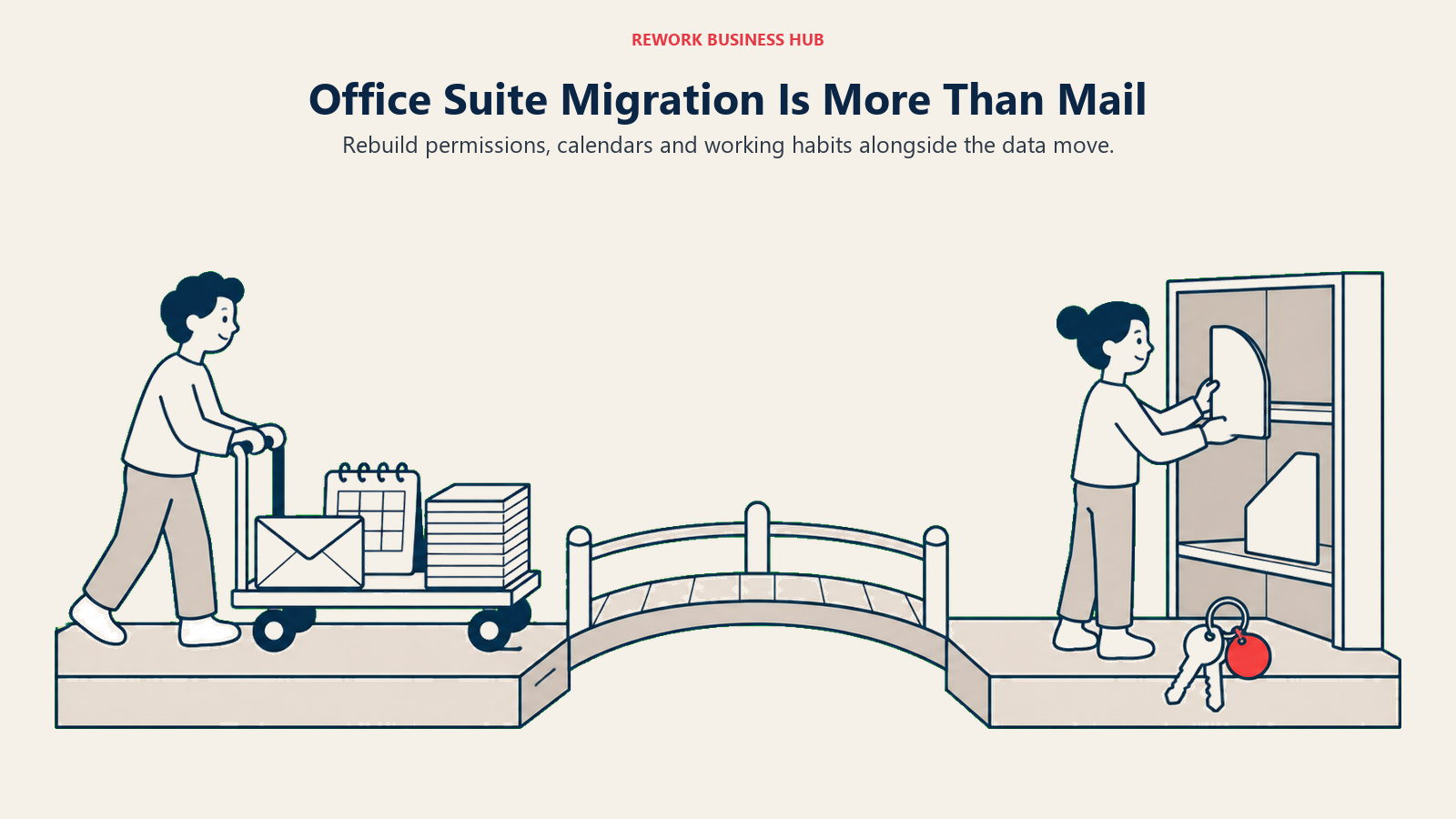
For a mid-size migration, EPC Group's figures for a 2,500-user move between Google Workspace and Microsoft 365 put the timeline at 18 to 26 weeks and the total cost, licensing, tooling, and consulting combined, at $300,000 to $650,000. Smaller moves compress that timeline but rarely eliminate the core work: recreating shared mailboxes and distribution lists, remapping permissions on shared drives and SharePoint sites, retraining users on a different file-organization mental model (folders and labels aren't the same muscle memory), and reconciling calendar invites and recurring meetings that don't always survive a mail-server switch cleanly.
Moving from Google to Microsoft tends to be the more common direction as companies standardize IT around Windows and Active Directory, and Microsoft's own migration tooling (and a deep third-party ecosystem built around it) reflects that. Moving from Microsoft to Google is less common and the tooling is thinner, particularly around anything tied into Active Directory group policies or SharePoint's more granular permission model, both of which need to be redesigned rather than simply copied over.
| Google Workspace → Microsoft 365 | Microsoft 365 → Google Workspace | |
|---|---|---|
| Relative frequency | More common (Windows/AD standardization) | Less common |
| Tooling maturity | Deep, well-worn migration paths | Thinner, less mature tooling |
| Hardest part to replicate | SharePoint permission structures, Group Policy-managed devices | Complex Excel macros, deep Outlook rules and delegate mailbox setups |
| Typical mid-size timeline | 18-26 weeks for 2,500 users (EPC Group) | Comparable in scale, less published benchmark data |
When Microsoft 365 Is the Right Call
- Your company already runs Windows and Active Directory or Entra ID, and extending the same identity and device management to email, chat, and files is a configuration change rather than standing up a second system.
- Your work depends on Excel's deepest features, complex macros, financial modeling add-ins, or pivot-table-heavy reporting that Sheets still doesn't fully replicate.
- You want one app for chat, meetings, and calls, and Teams' consolidation is worth the higher price relative to running two lighter Google tools.
- You're already paying for Copilot's $23.50-and-up tiers for the AI features, and the deep integration into Word, Excel, and Outlook specifically is worth more to your team than a cheaper, more general-purpose assistant would be.
When Google Workspace Is the Right Call
- You want AI included without a separate purchase decision, since Gemini ships even on the cheapest $7.00 Business Starter tier, no upgrade required to get it.
- Your team collaborates on the same documents constantly throughout the day, and real-time, web-native editing matters more than desktop-grade formatting depth.
- You don't have a dedicated IT or security function, and want an admin console that's faster to configure correctly with strong defaults out of the box.
- You're setting up a company's stack from scratch with no existing Windows or Active Directory investment pulling you toward Microsoft's ecosystem.
If Neither Fits Your Stack
Microsoft 365 and Google Workspace are both, at their core, an email provider, a document suite, and a meetings tool bundled into one licence. That's the right shape if email and documents are genuinely the center of how your company works. It's the wrong shape if your actual problem is that the deal a salesperson is working, the task it spins into, and the approval it needs to move through live in three disconnected tools, with email as just one of them.
Rework doesn't replace either suite, and it shouldn't be evaluated as if it does. Its Mail, Drive, and Knowledge modules aren't live yet: no business email, no cloud file-storage drive, no spreadsheet app. What is live is Cowork, its work management suite (Task, Project, Workflow, BPM, Request for approvals, Docs, E-Sign, E-Office, Automation, and Chat), sitting next to a Sales CRM, Lead management, the People app, and a unified multi-channel inbox. The fit is a company whose real gap was never email or documents, it's that CRM and cross-team operations never had a home, and who will keep Microsoft 365 or Google Workspace running alongside it for the parts Rework doesn't touch. That's roughly a 10 to 200 person company, not a solo operation.
Rework's work management is sold in its Work OS as the Process Engine (workflows, BPM, requests) or the Project Engine, each $99/month billed yearly ($1,188/year) or $120 month to month, with 5 work seats included and extra seats in blocks of 5 at $13/month per block on yearly billing. Worked out on yearly billing, that's $1,812/year for 25 seats, $2,592/year for 50, and $5,424/year for 100 (Advanced edition). A 14-day free trial is available. See rework.com/pricing for current details.
Decision Framework
| If you are... | Pick |
|---|---|
| Already standardized on Windows and Active Directory or Entra ID | Microsoft 365 |
| Setting up a new company's stack with no existing Microsoft investment | Google Workspace |
| Dependent on Excel's deepest macro and modeling features | Microsoft 365 |
| Prioritizing AI included at the lowest possible price point | Google Workspace |
| Wanting one app for chat, meetings, and calls instead of two lighter tools | Microsoft 365 (Teams) |
| Running lean without a dedicated IT or security function | Google Workspace |
| Weighing whether a unified alternative suite fits better than either incumbent | See best Lark alternatives |
| Looking for CRM and cross-team operations, not another email or document provider | Rework (see "If Neither Fits Your Stack" above) |
What to Do Next
Price out the tier you'd actually buy, not the cheapest headline number. If AI matters to your team, that means comparing Microsoft 365 Business Standard at $23.50 against Google Workspace Business Starter or Standard, not Microsoft's AI-free $7.00 Business Basic against Google's AI-included $7.00 Business Starter, since only one side of that particular matchup includes the assistant. If you're already standardized on Windows and Active Directory, treat that as the tie-breaker before any feature comparison; the same is true in reverse if you have no existing Microsoft investment at all. Whichever direction you're leaning, run a real migration cost estimate for your actual headcount before committing, since the multi-month timelines and six-figure costs in the Migration Effort section above scale with organization size, not with which suite looks better on a features page. For the fuller evaluation framework first, see how to choose an office suite.
Frequently Asked Questions about Microsoft 365 vs Google Workspace
Is Microsoft 365 or Google Workspace cheaper?
At the entry tier they're identical: both Microsoft 365 Business Basic and Google Workspace Business Starter list at $7.00 per user per month billed annually. The prices diverge once AI is part of the decision, since Business Basic has no Copilot at all while Business Starter includes Gemini. Comparing tiers that both include AI, Google Workspace Business Standard at $14.00 is cheaper than Microsoft 365 Business Standard with Copilot at $23.50.
Does Microsoft 365 or Google Workspace include AI by default?
Google Workspace includes Gemini at every paid tier, starting with the cheapest, Business Starter at $7.00 per user per month. Microsoft 365 only bundles Copilot starting at Business Standard, $23.50 per user per month; the cheaper Business Basic plan has no Copilot, and Enterprise customers on E3 or E5 need a separate $30.00 per user per month Copilot add-on unless they buy the newer E7 tier, which bundles it in at $99.00.
How much storage do I actually get with each suite?
Microsoft 365 gives every Business-tier user a flat, non-pooled 1 TB of OneDrive storage plus a separate 100 GB mailbox. Google Workspace's storage varies more by tier: Business Starter is 30 GB pooled across the whole organization, while Business Standard (2 TB per user) and Business Plus (5 TB per user) switch to a flat, non-pooled model similar to OneDrive's.
How hard is it to migrate between Microsoft 365 and Google Workspace?
Harder than either vendor's marketing suggests, in either direction. For a 2,500-user organization, EPC Group puts a full migration between the two suites at 18 to 26 weeks and $300,000 to $650,000 in licensing, tooling, and consulting. Moving from Google to Microsoft is more common and better supported by tooling; moving from Microsoft to Google is less common, with thinner tooling around Active Directory-dependent setups and SharePoint permissions.
Which suite is better for a small business with no dedicated IT team?
Google Workspace generally has the gentler learning curve for a company without dedicated IT staff, with a simpler admin console and phishing-resistant defaults that don't require deep identity expertise to configure well. Microsoft 365 rewards a company that already has, or plans to hire, someone comfortable managing Active Directory or Entra ID, Intune, and Purview policies.
Can I get Microsoft 365 or Google Workspace without paying for the AI features?
On Microsoft's side, yes: Business Basic ($7.00) and the Apps for business plan ($10.00, no Exchange or Teams) both skip Copilot entirely; you'd need to move to Business Standard ($23.50) or higher to get it. On Google's side, no: Gemini is included in every paid Workspace tier as of August 2026, so there's no AI-free version of the paid product to opt into.

Principal Product Marketing Strategist
On this page
- TL;DR
- Who Each Suite Is Built For
- The AI Bundling Question
- Email and Calendar
- Documents, Real-Time Collaboration and File Compatibility
- Storage and File Management
- Meetings and Chat
- Admin, Security and Compliance
- Key Facts
- Pricing at 25, 50 and 100 Seats
- Migration Effort in Either Direction
- When Microsoft 365 Is the Right Call
- When Google Workspace Is the Right Call
- If Neither Fits Your Stack
- Decision Framework
- What to Do Next