Box vs Dropbox Business: Which Cloud Content Platform Fits Your Team Better in 2026?
Turn this article into takeaways for your work.


Each assistant summarizes the article only for you and suggests best practices for your work.
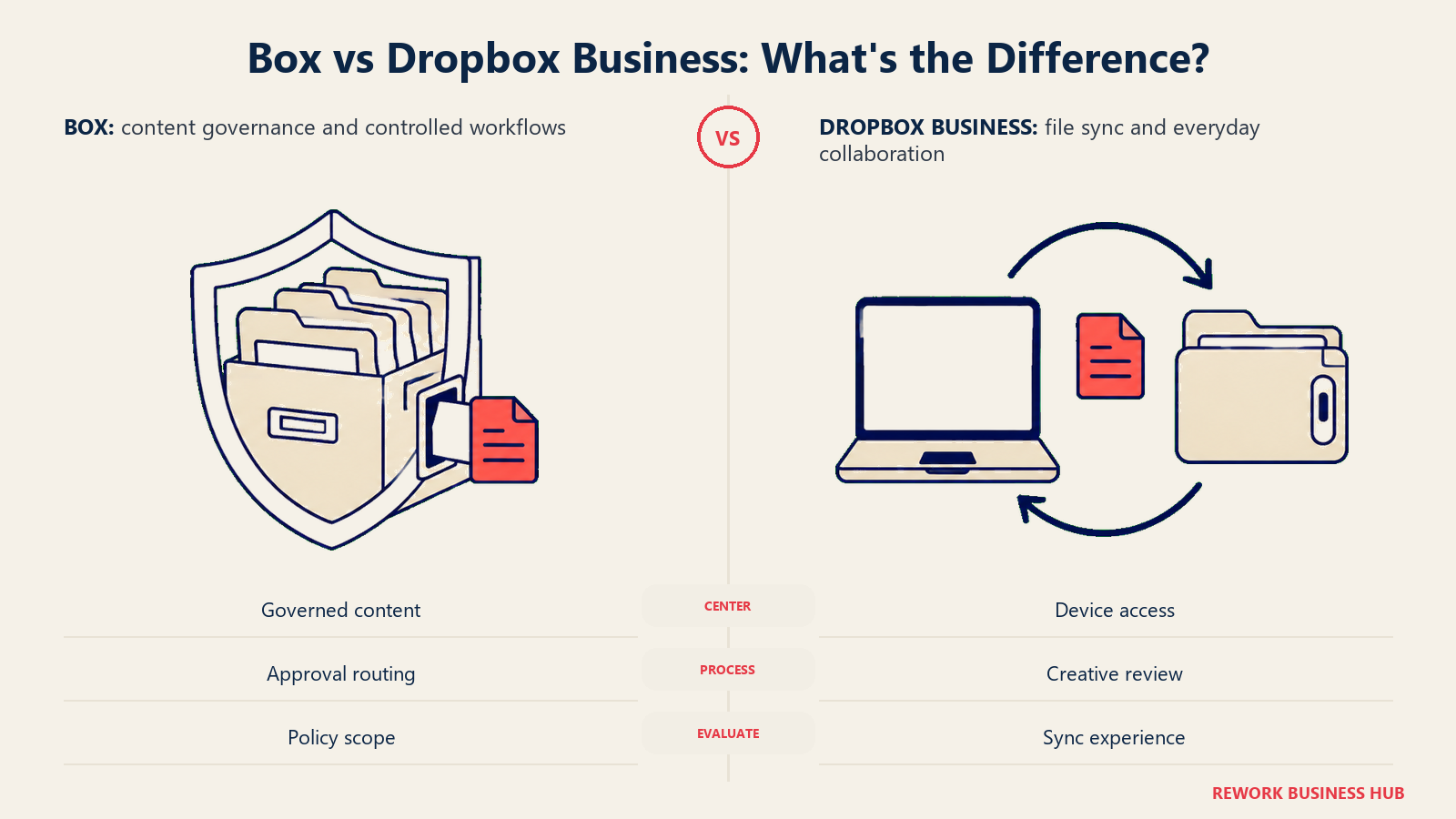
You're an IT director, ops lead, or finance manager sorting through files scattered across local drives, email attachments, and whichever cloud tool a team picked on its own a couple of years ago. Box and Dropbox both promise to be the one place everything lives, but they built that promise around two different jobs. Box grew up as an enterprise content platform: governance, security classification, retention policy, and a workflow engine sit at the center of the product. Dropbox grew up solving a narrower problem extremely well, making files sync instantly and reliably across every device a person owns, then added collaboration, e-signature, and creative review on top of that foundation.
That difference in origin still shows up in 2026 pricing and packaging. Box sells unlimited storage from its Business tier up, a genuinely rare claim in this category, but gates real security and governance depth behind paid add-ons at every tier, including Enterprise. Dropbox never claims unlimited storage on any team plan; its pooled team storage starts at a fixed number of gigabytes and grows with headcount. If you're comparing these two head to head, the honest question isn't which one has more features listed on a pricing page. It's whether your team's real problem is content governance (Box's strength) or getting files onto and off devices without friction (Dropbox's strength).
TL;DR
| Box | Dropbox Business | |
|---|---|---|
| What it actually is | Enterprise content management platform built around governance, security, and workflow | Cloud file sync and collaboration platform built around a best-in-class desktop client |
| Storage model | Unlimited from the Business tier up; Business Starter is capped at 100 GB | Pooled team storage, starts at 3,000 GB (Standard) or 15,000 GB (Advanced), not unlimited |
| How you buy it | Business Starter $7/mo ($5/mo annual) through Enterprise Advanced (contact sales); 3-user minimum on every paid tier | Standard $18/mo ($15/mo annual), Advanced $30/mo ($24/mo annual), Enterprise (contact sales) |
| Strongest at | Content governance, retention, legal holds, e-signature volume, granular admin controls | File sync reliability, desktop client experience, creative review workflows |
| Governance and security add-ons | Box Shield and Box Governance are paid add-ons on every tier, including Enterprise | Deeper legal hold and retention tooling sits behind an Enterprise quote |
| Native workflow | Box Relay, included from Business up | Dropbox Replay for creative review; general approval workflow is thinner |
| Best for | Regulated or content-heavy teams that need retention, classification, and audit trails | Distributed teams moving large files constantly who need sync that just works |
Who Each Platform Is Actually Built For
Box's buyer has usually already been burned by a governance gap: a legal team that couldn't produce a document for a hold, an admin trying to figure out who still has folder access six months after someone left, a compliance officer who needs proof a file was locked down at a specific point in time. Box built its product for that exact person, which is part of why security and retention sit at the center of the pitch even when half of them cost extra.
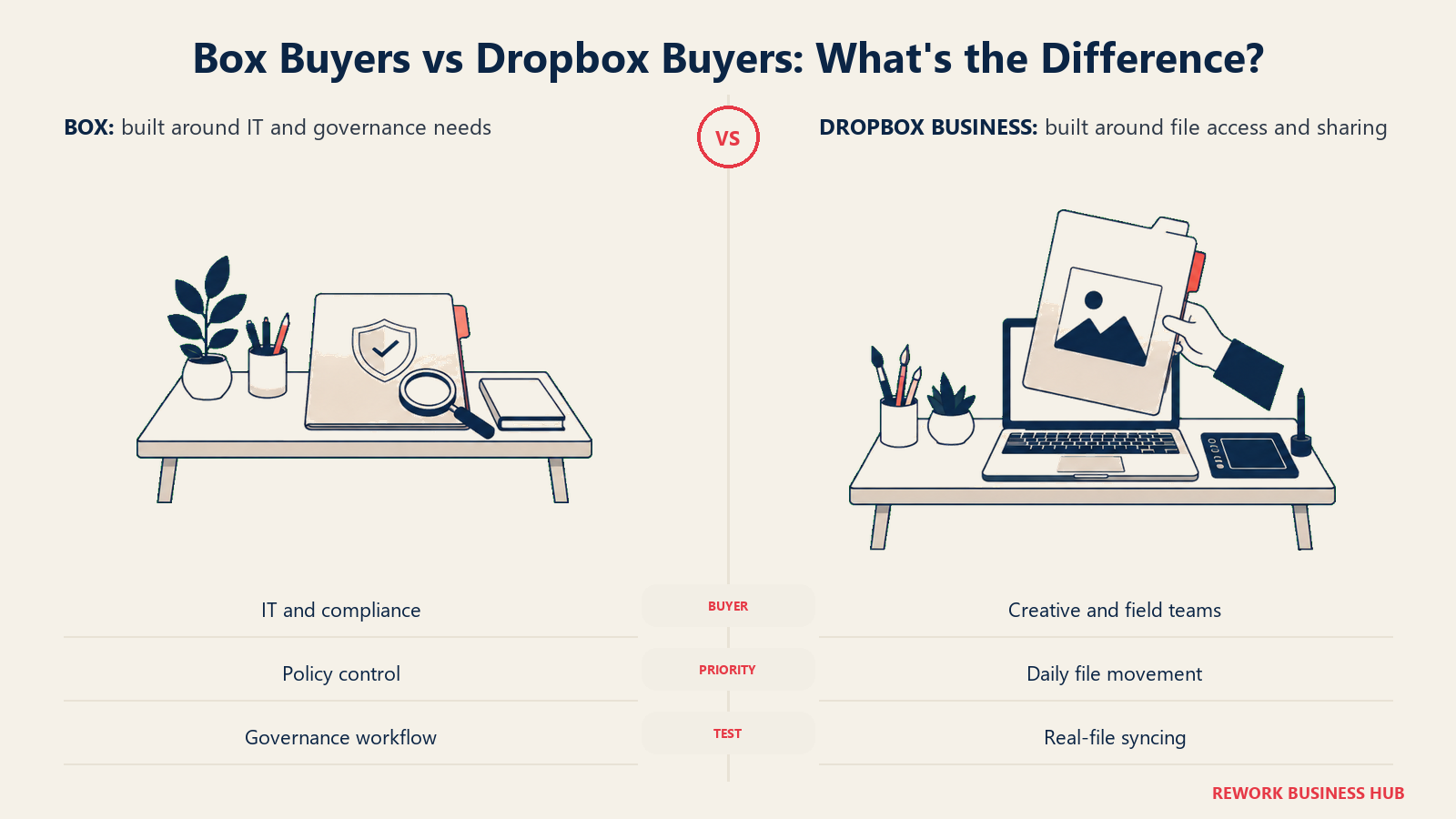
Dropbox's buyer is usually solving a more immediate operational pain: a creative team pushing gigabytes of video and design files back and forth, a distributed sales team that needs files available offline on a laptop between flights, an agency sharing large client assets every day. Dropbox's whole reputation was built on sync being invisible, and that's still the product's center of gravity even as it has added e-signature (Dropbox Sign), video review (Replay), screen recording (Capture), and AI search (Dash) around the edges.
| Box | Dropbox Business | |
|---|---|---|
| Natural buying trigger | A governance, retention, or access-control gap surfaces, often after an audit or legal request | File sync becomes unreliable, large files bottleneck collaboration, or a distributed team needs offline-capable access |
| Team maturity assumed | Comfortable defining retention policy, classification, and admin-managed permissions | Minimal; the product works well with almost no configuration |
| Primary champion | IT director, compliance officer, records manager, legal ops | IT admin, creative ops lead, agency or client-services manager |
| Where it shows up most | Legal, finance, life sciences, financial services, regulated content workflows | Creative agencies, media, sales teams, distributed and remote-first companies |
| Governance starting point | Designed in from the start, though the deepest tools are paid add-ons | Retrofitted; Standard covers the basics, deeper governance needs Enterprise |
Key Facts
- Box's Business plan and every tier above it includes unlimited storage, but Business Starter is capped at 100 GB and every paid Box plan carries a 3-user minimum, according to Box's own pricing page.
- Dropbox's team storage is pooled, not unlimited: Standard "starts at 3,000 GB (3 TB) for the team" and Advanced "starts at 15,000 GB (15 TB) for the team," according to Dropbox's plans comparison page.
- Box counts 68 percent of the Fortune 500 as customers, according to Box's own company page.
- Dropbox reported 18.19 million paying users as of June 30, 2026, its third consecutive quarter of paying-user growth, according to Dropbox's Q2 2026 earnings release.
- Box's integrations page advertises connections across more than 1,500 apps, according to Box's integrations page.
The Storage Model: What "Unlimited" Actually Means on Each Side
This is probably the single most confused fact in this comparison, so it's worth stating plainly before anything else.
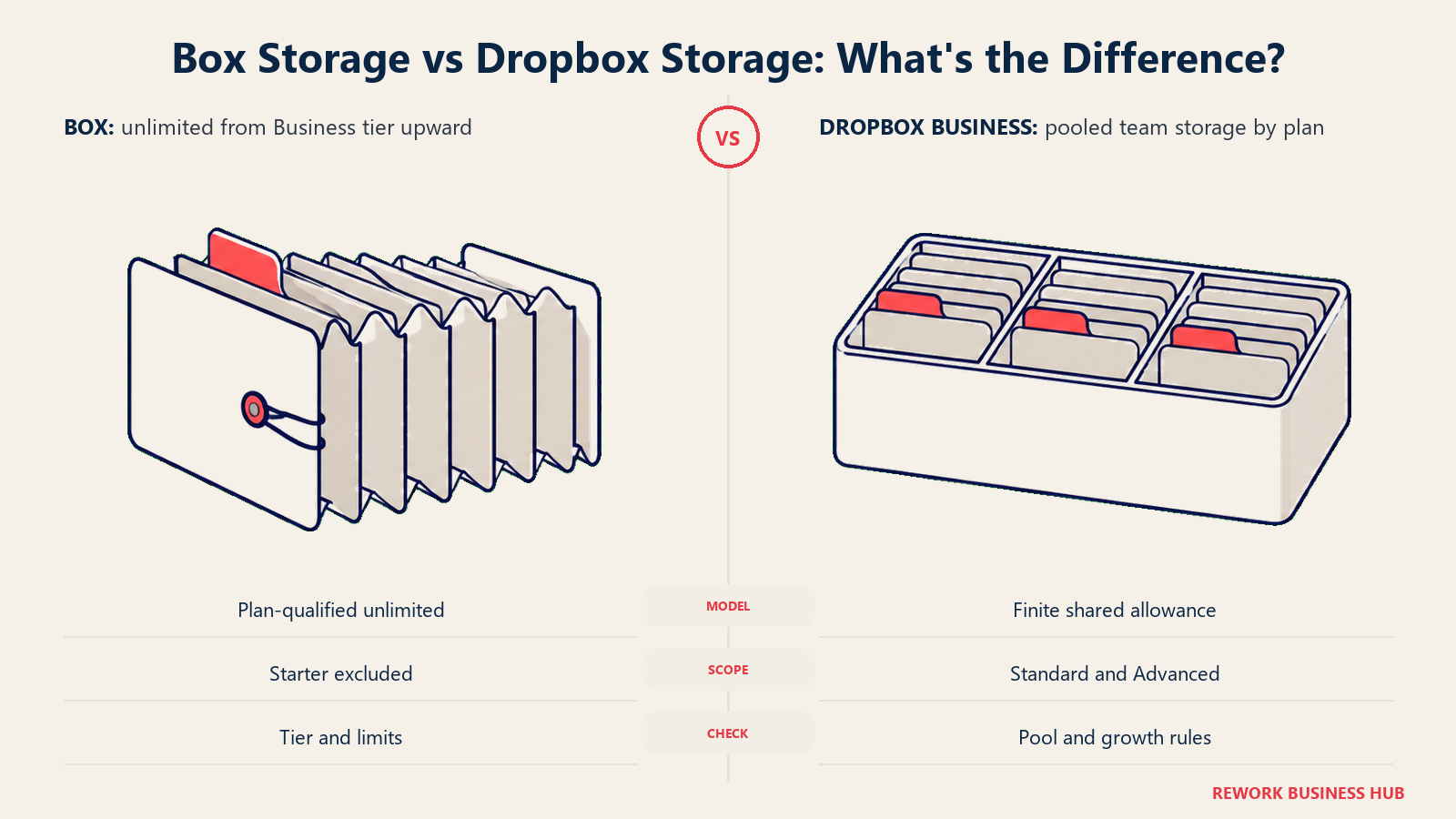
Box's unlimited storage claim is real, but it starts one tier up. Business Starter, the cheapest paid plan, caps out at 100 GB, roughly the same ballpark as a single premium personal cloud account. Storage only becomes unlimited once you move to Business, and every paid Box plan, Business Starter included, requires a minimum of 3 users. So "Box is unlimited" is true for a company of three or more people willing to pay at least $20 per user per month, or $15 annual, for the Business tier. It is not true of the cheapest plan Box sells.
Dropbox has never offered unlimited team storage, worth being direct about since Dropbox's old consumer-era reputation still leads some buyers to assume otherwise. Dropbox retired its unlimited business tier years ago. Standard "starts at 3,000 GB (3 TB) for the team," and Dropbox's own help documentation describes that as 3 TB shared across the team for the first license plus roughly 1 TB of additional storage for each additional actively-used license, with no minimum user requirement. Advanced starts at 15,000 GB (15 TB) for the team and requires at least three people. Either way, storage grows with paid seats, it isn't an open tap.
| Box | Dropbox Business | |
|---|---|---|
| Entry-tier storage | 100 GB (Business Starter) | Starts at 3,000 GB pooled team storage (Standard) |
| Unlimited tier | Business and every tier above it | None; Dropbox has no unlimited team plan |
| How storage grows | Flat unlimited once you're on Business or higher | Base pool plus roughly 1 TB per additional active license (Standard) |
| Minimum users to unlock top storage | 3 (Business tier and up) | No minimum on Standard; 3 people minimum on Advanced |
| Where the confusion usually starts | Buyers assume Business Starter is also unlimited; it isn't | Buyers assume Dropbox is still "unlimited" from its old consumer-era plans |
If the storage math doesn't fit a team under three people either way, it's worth widening the search. Our best Box alternatives and best Dropbox alternatives roundups cover options built for smaller teams too.
Sync and Desktop Experience
Box and Dropbox approach the local-device problem from opposite directions, and this is where most day-to-day user complaints actually start.
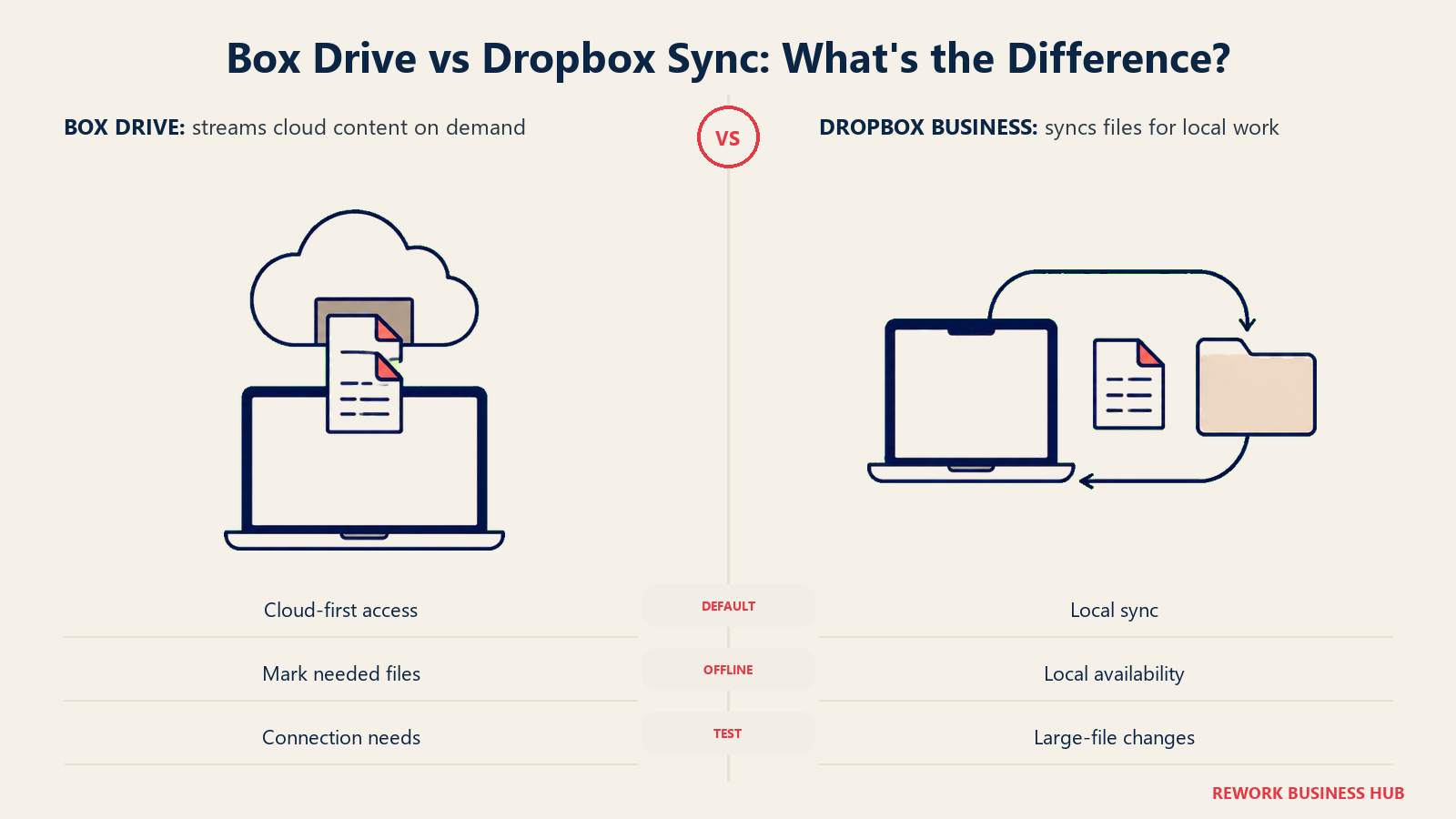
Dropbox's desktop client is the product's original reason for existing, and it still shows. Files sync at the block level, meaning only the changed portion of a file re-uploads rather than the whole thing, which matters a lot for anyone editing large design files, video, or CAD documents repeatedly through a day. Smart Sync lets a user keep the full folder structure visible locally while choosing which files actually download, so a laptop with limited disk space can still browse a multi-terabyte team library without running out of room. Reliability on flaky connections, resuming after a dropped Wi-Fi signal without corrupting a file, has been Dropbox's calling card since before cloud sync was a mainstream category.
Box's approach is Box Drive, a virtual drive that streams content on demand rather than syncing full copies locally by default. That's a deliberate governance choice: files generally stay in the cloud, so admin-set permissions and classification stay authoritative, and a lost or stolen laptop doesn't automatically mean a local cache of sensitive files walked out the door. The tradeoff is that Box Drive leans more on a live connection for a smooth experience than Dropbox's fully local sync model, though offline access to marked files is supported.
| Box (Box Drive) | Dropbox Business | |
|---|---|---|
| Default local model | Streams files on demand; content generally stays cloud-resident | Full local sync by default, with Smart Sync to keep selected files online-only |
| Sync efficiency | Streaming avoids large local sync jobs entirely | Block-level sync uploads only the changed portion of a file |
| Offline access | Supported for marked or favorited files | Full local copies available offline by default unless set online-only |
| Governance implication | Fewer local copies to lose control of | More local copies exist; device controls matter more |
| Reputation | Built for content governance first, sync convenience second | Built for sync reliability first, everything else layered on |
Collaboration and External Sharing
Both platforms let you share a link with someone outside the company, and both let you set an expiration date, a password, and a download permission on that link. Where they diverge is native co-editing depth and how granular external-collaborator roles get.
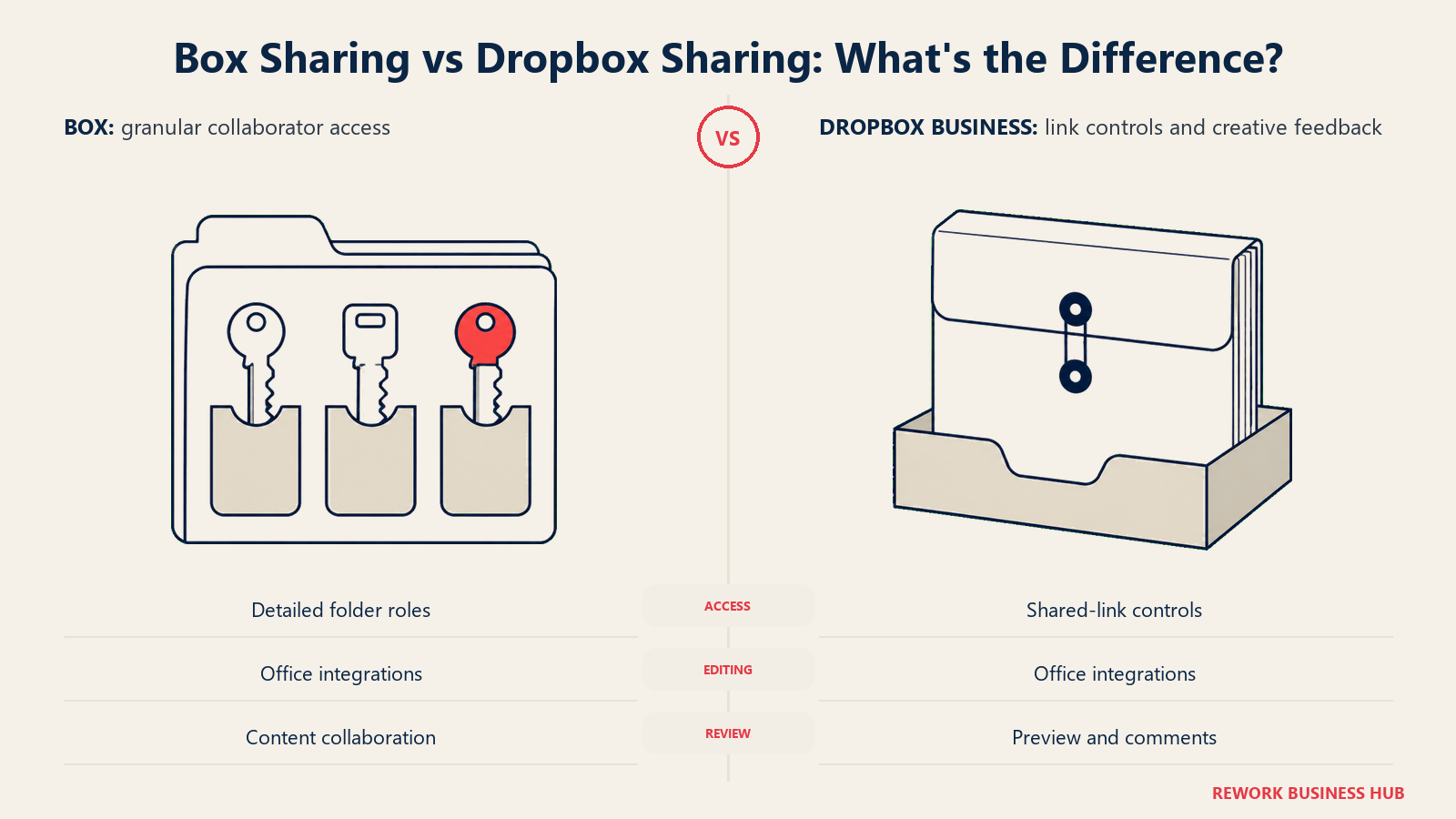
Box integrates directly with Microsoft 365 and Google Workspace for native co-editing, so a Word or Google Doc stored in Box opens and edits in place with no round trip, and Box's collaborator roles, Viewer, Previewer, Uploader, Viewer Uploader, Editor, and Co-owner, are granular enough to hand an external partner exactly the level of access a specific folder needs, not just view or edit.
Dropbox leans on its own lightweight in-browser preview and comment layer plus the same Microsoft 365 and Google Workspace integrations for actual editing. Its shared-link controls, from Standard up, include watermarking and viewer history, useful for tracking who actually opened a sensitive file, and Advanced adds tiered admin roles that make delegating link and sharing policy to a specific team more workable than Box's flatter default role set for non-admins.
| Box | Dropbox Business | |
|---|---|---|
| Native co-editing | Microsoft 365 and Google Workspace, in place | Microsoft 365 and Google Workspace, in place |
| External collaborator roles | Six granular roles per folder, Viewer through Co-owner | Simpler share settings; role depth is thinner than Box's |
| Shared link controls | Expiration, password, download permission | Expiration, password, download permission, plus watermarking and viewer history from Standard |
| Admin delegation | Central admin console | Tiered admin roles on Advanced |
| Best fit | Teams that need fine-grained external-partner permissions | Teams that need to know who viewed a sensitive link and when |
Security and Encryption
Both vendors encrypt data at rest and in transit as table stakes, 256-bit AES and TLS respectively, but the ceiling differs by tier in a way that matters for regulated buyers.
Box offers KeySafe, customer-managed encryption keys, but only as a paid add-on, and it's most relevant at Enterprise tiers where the rest of the compliance stack, Shield and Governance, also lives. Below that, encryption is standard AES and TLS with Box managing the keys.
Dropbox ties encryption depth directly to plan tier rather than a separate add-on. Standard runs on 256-bit AES and TLS/SSL, while Advanced adds end-to-end encryption plus what Dropbox calls Advanced Key Management, a meaningfully stronger security posture built into the plan price rather than sold separately.
| Box | Dropbox Business | |
|---|---|---|
| Encryption at rest and in transit | 256-bit AES / TLS, standard on every tier | 256-bit AES / TLS on Standard |
| Advanced encryption | KeySafe (customer-managed keys), paid add-on | End-to-end encryption plus Advanced Key Management, included on Advanced |
| Where the upgrade lives | A separate add-on purchase | Baked into the Advanced plan price |
| Device-level controls | Device pinning and remote wipe on higher tiers | Device approvals available; watermarking and viewer history from Standard |
Governance, Retention, and Legal Holds
This is Box's home turf, and also where the pricing story gets less flattering the closer you look.
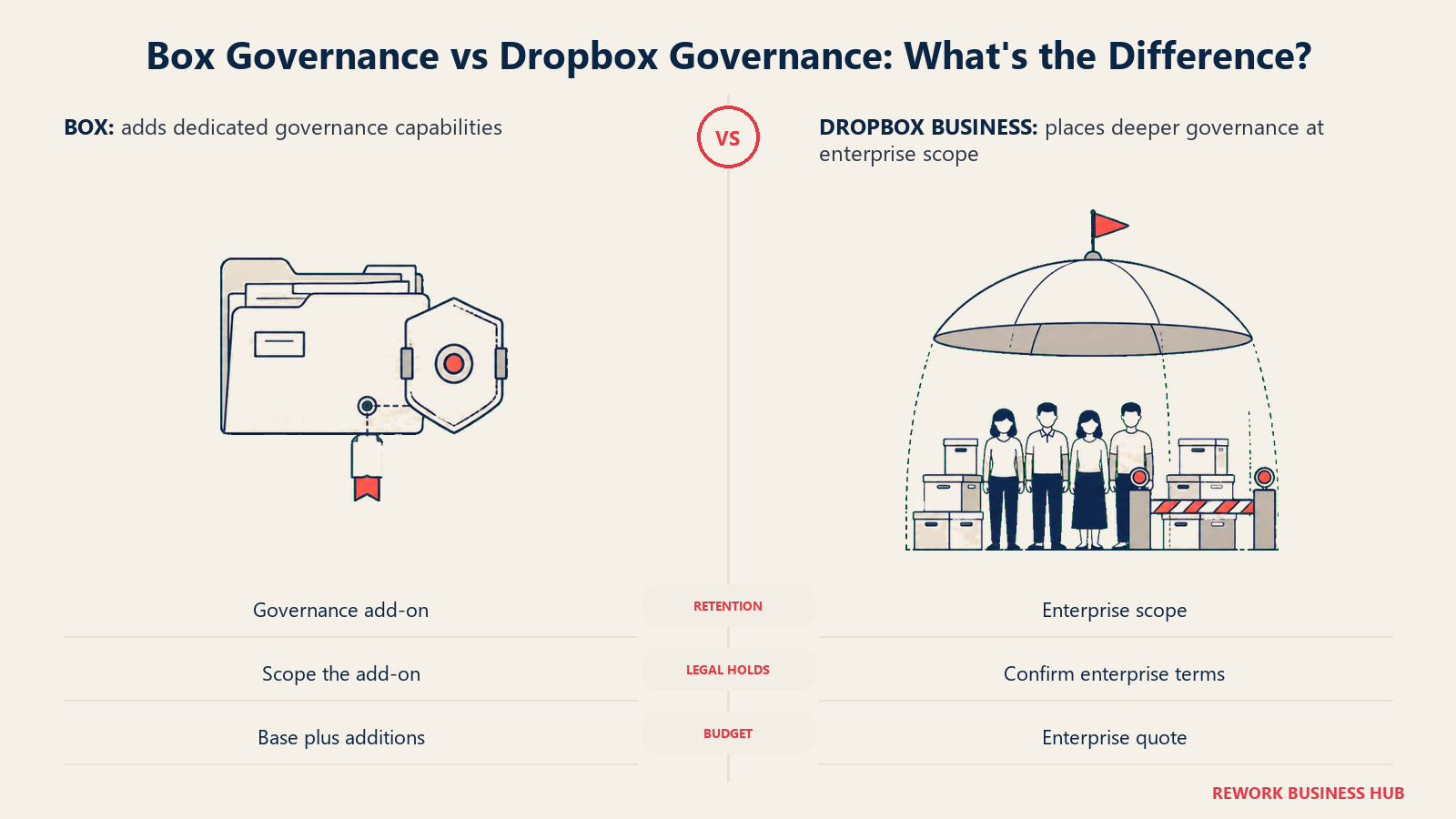
Box Governance covers retention policy, legal holds, and eDiscovery-style search across the content vault, exactly the toolset a compliance or legal team reaches for during an audit or litigation. But per Box's own current pricing page, Governance isn't bundled into any published tier, not even Enterprise or Enterprise Plus. It's an add-on quoted separately no matter which plan you're already on. Box Shield, the security and threat-detection layer, follows the same pattern.
Dropbox ships lighter governance out of the box. Standard and Advanced both include basic admin controls, but true legal-hold and retention tooling sits behind Dropbox's Enterprise tier, which is quote-only, not published. For a team whose whole reason for shopping is regulatory retention or litigation readiness, neither vendor hands you that capability at a clean, published price. It's a negotiated add-on either way, so budget for a real sales conversation rather than assuming the sticker price covers it.
| Box | Dropbox Business | |
|---|---|---|
| Retention policy | Box Governance, paid add-on on every tier | Basic policy on Standard/Advanced; full retention tooling is Enterprise |
| Legal holds | Box Governance, paid add-on | Enterprise tier, quote-only |
| eDiscovery-style search | Box Governance, paid add-on | Enterprise tier, quote-only |
| Published pricing for full governance | No, quote-only regardless of base tier | No, folded into the Enterprise quote |
| Best fit | Teams that expect to budget separately for governance depth, whichever plan they're on | Teams whose governance need can wait for an Enterprise conversation |
Threat Detection and Malware Protection
Both vendors sell their deepest security tooling as an add-on rather than a plan feature, so this section is really about what each add-on covers.
Box Shield adds smart access policies, restricting downloads or access based on device, location, or classification, automated malware detection on uploaded files, and anomaly detection for unusual access patterns, like a user suddenly downloading an unusual volume of files. It's available as an add-on to any Business-tier plan and above, priced separately in every case per Box's current pricing page.
Dropbox's built-in threat controls are thinner by comparison. Virus scanning on shared links and basic anomaly signals exist, but Dropbox doesn't sell a named, standalone threat-detection product with Box Shield's depth of classification-based access policy. For teams whose top requirement is content-aware threat detection specifically, Box Shield is the more purpose-built tool, it's just never free.
| Box (Shield add-on) | Dropbox Business | |
|---|---|---|
| Smart access / classification-based policy | Yes, add-on | Not offered as a named equivalent product |
| Malware detection on uploads | Yes, add-on | Basic link-level scanning |
| Anomaly / unusual-access detection | Yes, add-on | Limited, built into admin console alerts |
| Pricing | Separate add-on on every tier | Included at a basic level; no premium threat-detection SKU |
| Best fit | Teams that specifically need classification-driven access rules | Teams comfortable with baseline protections plus Advanced's stronger encryption |
Workflow Automation
Getting a document through an approval chain looks different on each platform, and it's a real differentiator for anyone comparing these two on process, not just storage.
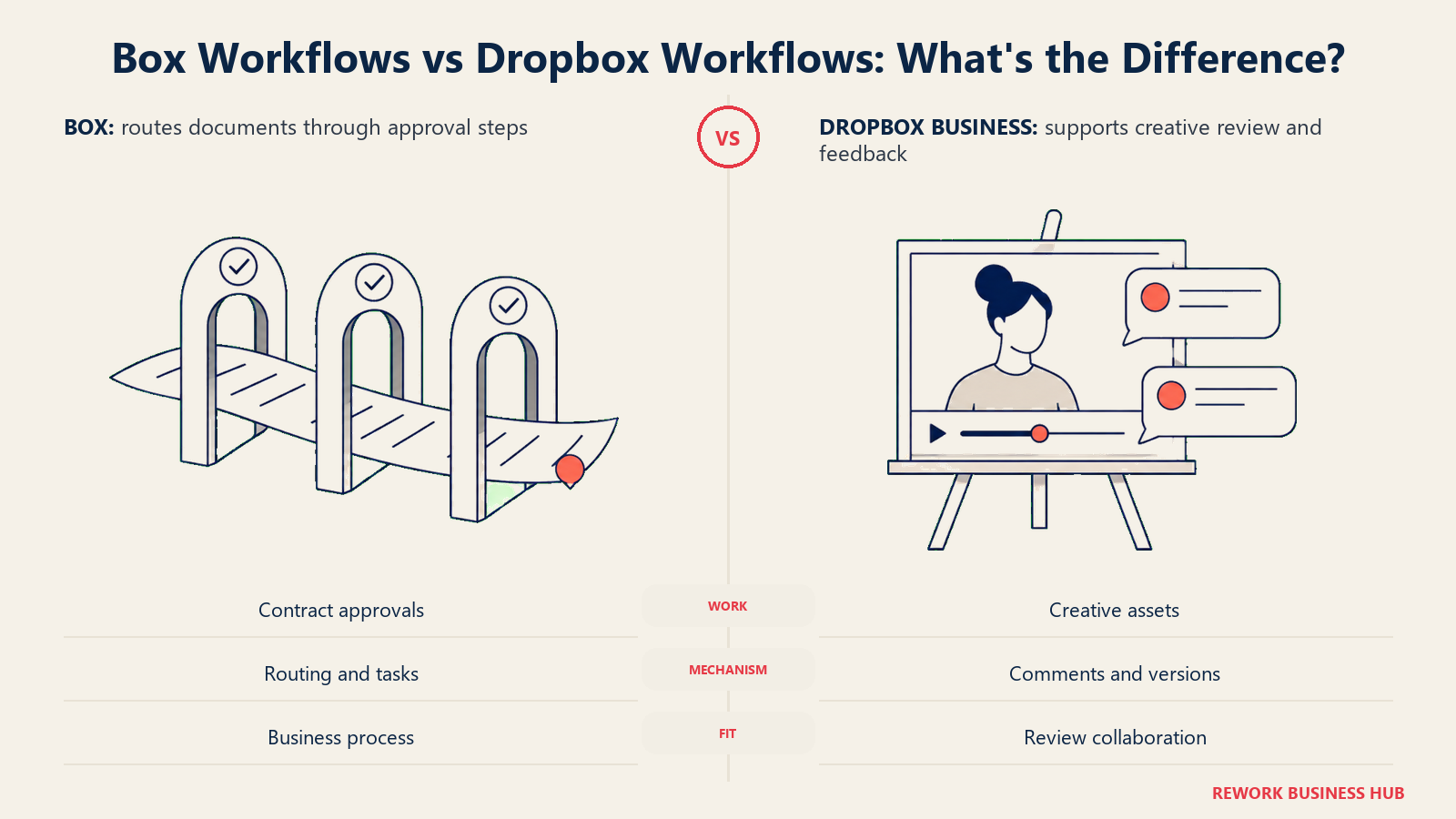
Box Relay is Box's native workflow tool: state-based approval chains, task assignment, and automated routing triggered by an uploaded file or a metadata change. It ships as part of Box's Business plans and above, with more advanced workflow customization on higher tiers, and Box has continued building it out under the newer Box Automate branding for AI-assisted, agentic workflow steps.
Dropbox doesn't have a direct equivalent for general business-process workflow. Its closest tools are creative and communication-focused: Dropbox Replay for structured video and creative-asset review with timestamped comments and version tracking, included at a basic level on both Standard and Advanced, and Dropbox Capture, a free screen and webcam recording tool for async video messages that lives inside the same ecosystem. Neither is a substitute for a general approval-chain workflow builder. If your process is route this contract through legal, then finance, then the VP, Box Relay is built for that job and Dropbox simply isn't.
| Box (Relay / Automate) | Dropbox Business | |
|---|---|---|
| General approval workflows | Yes, Box Relay, included from Business up | No native equivalent |
| Creative or video review workflow | Not a named specialty | Dropbox Replay, included on Standard and Advanced |
| Async video or screen messaging | Not a named specialty | Dropbox Capture, free, ecosystem-wide |
| AI-assisted / agentic workflow steps | Box Automate, built on the Relay foundation | Not offered |
| Best fit | Multi-step approval chains across departments | Creative teams reviewing and annotating video or design assets |
Integration and API Ecosystem
Both platforms are built to sit underneath other tools rather than replace them, and both publish a real developer API, but the breadth of the pre-built catalog differs.
Box advertises connections across more than 1,500 apps on its own integrations page, spanning Microsoft 365, Google Workspace, Salesforce, Slack, DocuSign, and industry-specific tools, plus Box Platform, a full content API for teams building custom applications on top of Box's storage and metadata layer.
Dropbox's integration catalog is smaller but covers the tools most teams actually use daily: Slack, Zoom, Microsoft 365, Google Workspace, and a developer-friendly API of its own. For most mid-size teams the practical gap is narrower than the raw numbers suggest, since the handful of integrations that matter most, email, chat, office suite, e-signature, exist on both. The gap widens for larger organizations building custom, industry-specific integrations, where Box's broader catalog and more mature platform API give it a real edge.
| Box | Dropbox Business | |
|---|---|---|
| Advertised integration count | 1,500+ apps | Not published as a headline number |
| Common daily tools covered | Microsoft 365, Google Workspace, Slack, Salesforce, DocuSign | Microsoft 365, Google Workspace, Slack, Zoom |
| Developer platform | Box Platform, a full content API | Dropbox API, developer-friendly |
| Best fit for custom integration work | Larger orgs building bespoke content workflows | Teams whose integration needs match the standard daily-tool set |
AI Features: Box AI vs Dropbox Dash
Both companies have shipped a named AI product, and both gate real capability behind higher tiers, but they're solving different problems.
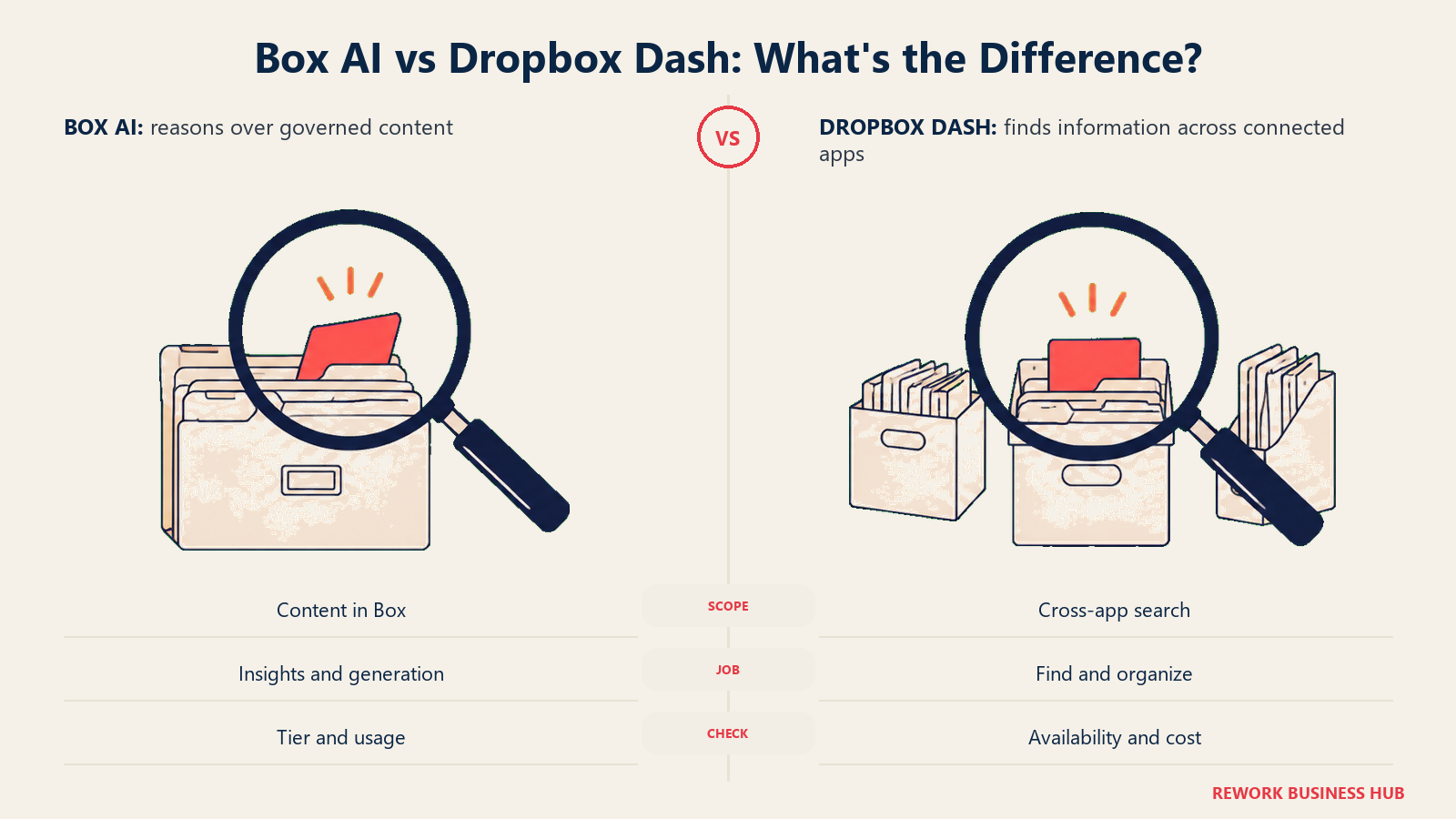
Box AI is included starting at the Business tier for single-file content insights and generation. Enterprise adds a monthly allotment of AI Units, 1,000 per month, with multi-file question-answering across the vault; Enterprise Plus doubles that to 2,000 units with agent capability, and Enterprise Advanced jumps to 20,000 units with custom agents. Business Starter gets none of it. The design intent is clear: Box AI reads and reasons over content that's already governed and classified, so its usefulness scales with how much of Box's governance layer you're also paying for.
Dropbox Dash takes a different shape entirely. It's a universal AI search and organization layer that indexes content across Dropbox and connected third-party apps, including Slack and Google Drive, aimed at finding the thing you need across everywhere you keep things rather than reasoning deeply inside a single governed vault. It launched as a distinct product from the core Dropbox Business plans, so it's worth confirming current availability and any added cost directly with Dropbox rather than assuming it's bundled into Standard or Advanced.
| Box AI | Dropbox Dash | |
|---|---|---|
| Included from | Business tier (basic), scaling with AI Units at Enterprise tiers | Sold as its own product, separate from core plans |
| Core job | Reason over content inside the governed Box vault | Universal search across Dropbox and connected apps |
| Multi-file / cross-document Q&A | Enterprise and above | Search-oriented, not document Q&A in the Box AI sense |
| Agent capability | Enterprise Plus and Enterprise Advanced | Not positioned as an agent product |
| Best fit | Teams already invested in Box's governance layer, wanting AI to reason over it | Teams juggling files across multiple cloud tools who need one search bar |
E-Signature: Box Sign vs Dropbox Sign
Both vendors own an e-signature product outright, worth knowing since a lot of buyers assume this is always a third-party bolt-on.
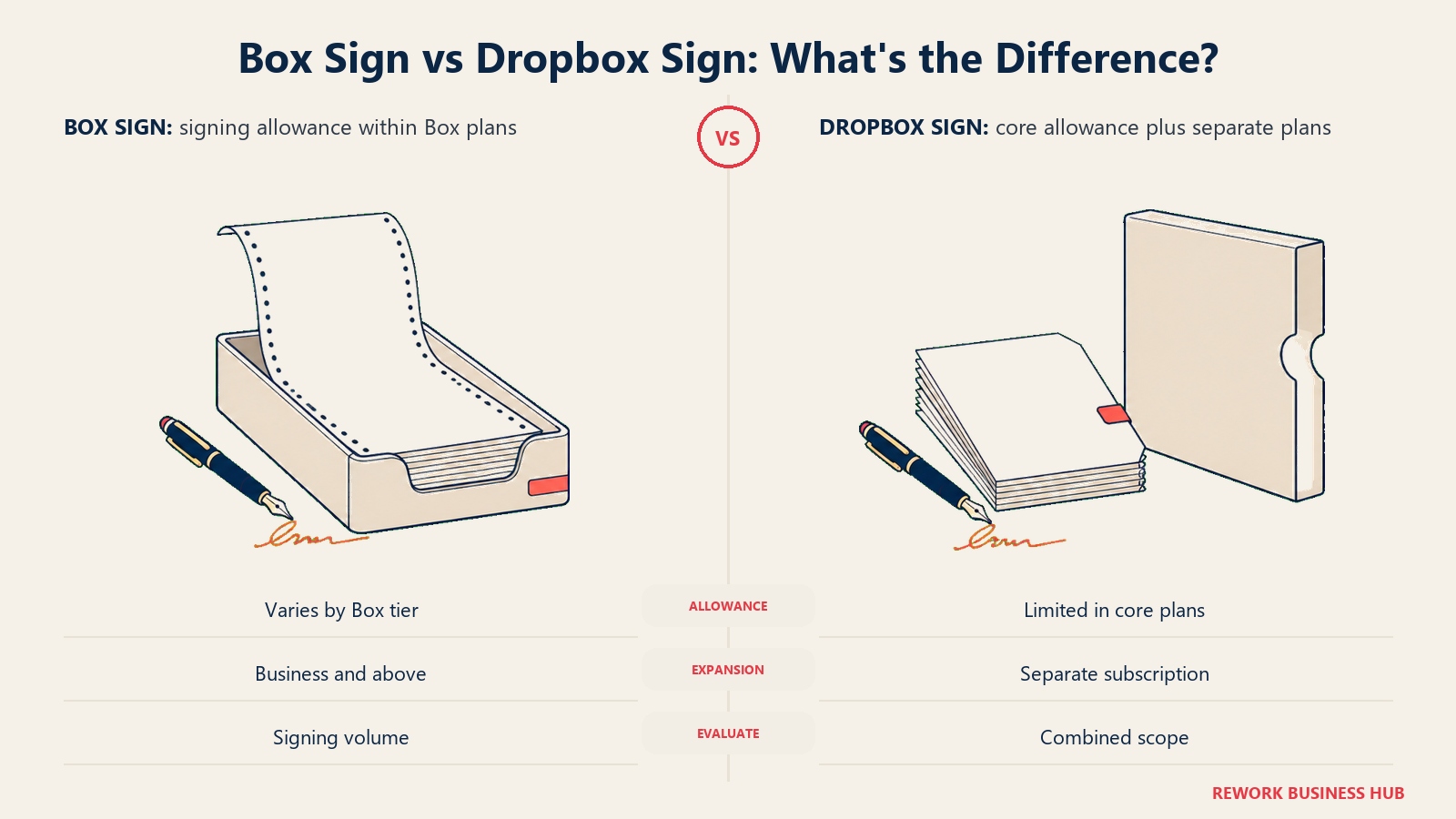
Box Sign is metered by plan: Business Starter includes 10 signature requests per month, while Business and every tier above it includes unlimited e-sign requests, per Box's current pricing page. For a team doing high-volume contract or agreement signing, that unlimited allowance from Business up is a genuine cost saver versus paying for a separate signature tool.
Dropbox Sign, the product formerly known as HelloSign that Dropbox acquired, ships a much thinner allowance inside the core plans. Both Standard and Advanced include just 3 signature requests per month, per Dropbox's own plan comparison page. Anything beyond that requires a separate Dropbox Sign subscription, sold on its own pricing track outside the core Business plans.
| Box Sign | Dropbox Sign | |
|---|---|---|
| Entry-tier allowance | 10 requests/month (Business Starter) | 3 requests/month (Standard) |
| Allowance from the next tier up | Unlimited (Business and above) | Still 3 requests/month (Advanced) |
| Higher-volume option | Included once you're on Business | Requires a separate Dropbox Sign subscription |
| Best fit | Teams that sign contracts regularly and want it bundled | Teams that sign rarely, or are willing to pay for a dedicated Sign plan |
Admin Burden: Who Owns This Day to Day
Every content platform needs an owner, and the skill level that owner needs differs meaningfully here.
Box's admin console is built for depth: granular retention rules once Governance is purchased, classification-based access policy once Shield is purchased, and detailed reporting. That depth is a real asset for a dedicated IT or compliance admin, but it also means Box's fullest value requires someone who understands the platform's layered add-on model well enough to configure it correctly and owns the ongoing cost conversation as add-ons stack up.
Dropbox's admin console is comparatively approachable: device approvals, sharing policy, and the tiered admin roles Advanced adds are enough for most IT generalists to manage without deep platform-specific training. The tradeoff is that Dropbox's console simply doesn't expose the same depth of governance control Box's add-on stack does. There's less to configure because there's less capability sitting behind the console in the first place.
| Box | Dropbox Business | |
|---|---|---|
| Console depth | High; scales with which add-ons are purchased | Moderate; tiered admin roles on Advanced |
| Skill level required | IT or compliance admin comfortable with layered add-on configuration | IT generalist, minimal specialized training |
| Reporting | Detailed, deeper with Shield and Governance | Standard usage and sharing reporting |
| Risk if unowned | Add-ons purchased but under-configured, paying for unused depth | Fewer knobs to misconfigure, but also fewer governance controls available at all |
Migration and Lock-In
Moving away from either platform later is a real cost to plan for now, not an afterthought.
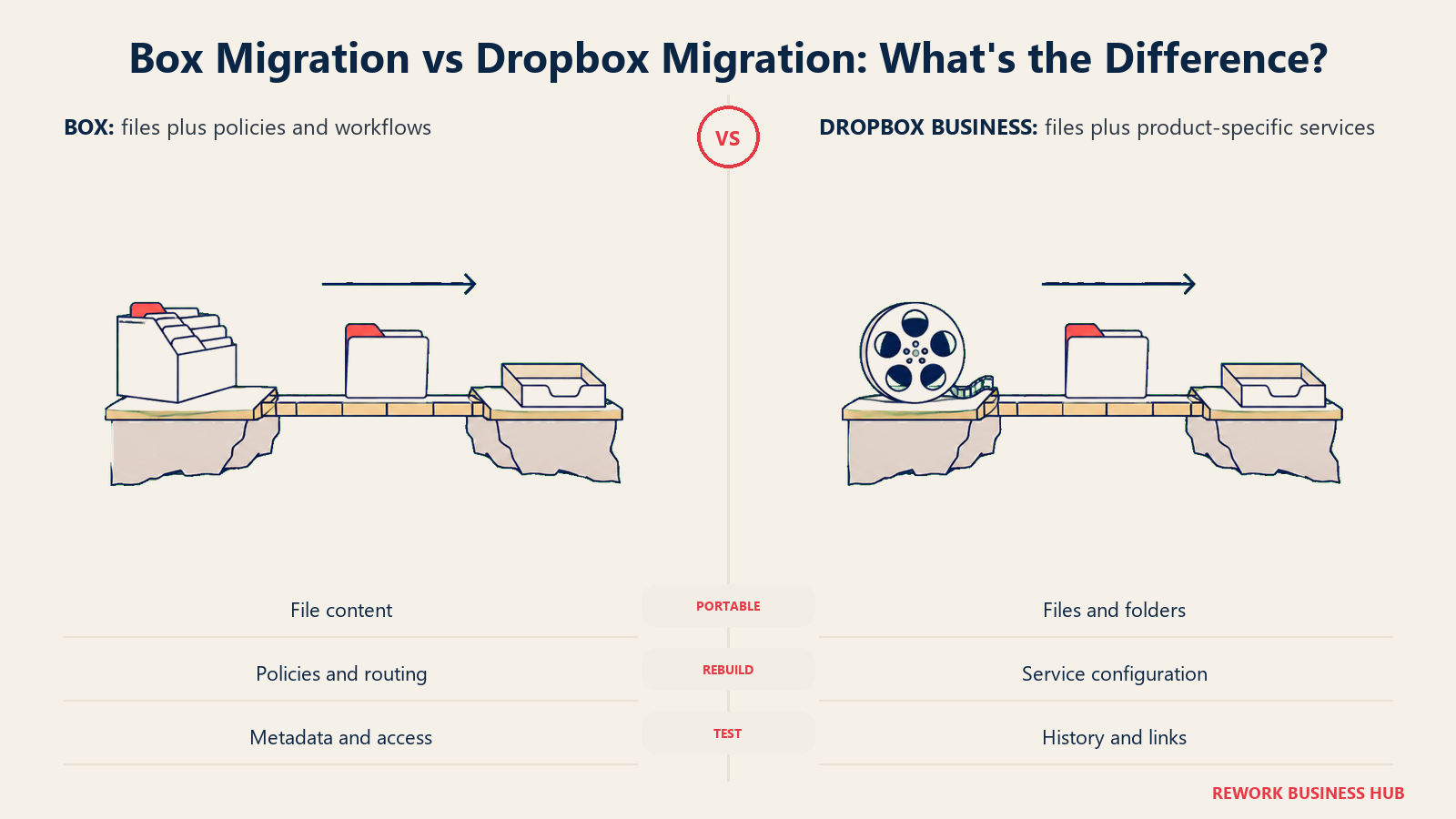
Box's content lives inside a metadata and folder structure that's reasonably portable via its API and standard export tools, but a Box deployment with Governance policies, Shield classification rules, and Relay workflows configured represents real reconfiguration work if you ever migrate off it. That logic doesn't travel with the files.
Dropbox's file-and-folder model is about as portable as cloud storage gets, since it mirrors a standard filesystem more closely than Box's governed vault, but any Dropbox Sign, Replay, or Dash configuration and history is Dropbox-specific and doesn't migrate cleanly to another vendor either.
If your team already lives in the Microsoft 365 ecosystem and is weighing a third contender before committing to either Box or Dropbox, our Box vs SharePoint comparison covers that specific matchup, and our SharePoint vs M-Files comparison is worth a look if governance depth, not sync or storage, turns out to be the actual driver of your search.
| Box | Dropbox Business | |
|---|---|---|
| Raw file portability | Good, via API and export tools | Very good, closest to a standard filesystem |
| What doesn't migrate cleanly | Governance policies, Shield rules, Relay workflows | Sign history, Replay projects, Dash indexing |
| Typical migration trigger | Outgrowing the add-on cost stack, or consolidating onto a different governed platform | Needing governance depth Dropbox doesn't offer without an Enterprise conversation |
Licensing and Pricing Structure
Both vendors publish real numbers at the entry and mid tiers, and both go quote-only at the top, worth reading the fine print on billing term either way.
Box shows a monthly rate and a lower annual rate on every published tier: Business Starter is $7 per user per month or $5 per user per month billed annually, Business is $20 per user per month or $15 per user per month annually, Business Plus is $33 per user per month or $25 per user per month annually, and Enterprise is $47 per user per month or $35 per user per month annually. Enterprise Plus lists at $50 per user per month with no displayed annual rate, and Enterprise Advanced is contact-sales only. Every paid tier requires a minimum of 3 users.
Dropbox follows the same monthly-versus-annual pattern: Standard is $18 per user per month or $15 per user per month billed yearly, and Advanced is $30 per user per month or $24 per user per month billed yearly. Dropbox's pricing page defaults to showing the yearly rate, so $15 and $24 are the numbers most visitors see first. Enterprise is contact-sales, with custom storage and terms.
| Box | Dropbox Business | |
|---|---|---|
| Entry paid tier | Business Starter, $7/mo or $5/mo annual | Standard, $18/mo or $15/mo annual |
| Mid tier | Business, $20/mo or $15/mo annual | Advanced, $30/mo or $24/mo annual |
| Higher tiers | Business Plus $33/$25, Enterprise $47/$35, Enterprise Plus $50 (monthly only shown), Enterprise Advanced quote-only | Enterprise, contact sales |
| User minimum | 3 users on every paid tier | None on Standard; 3 people minimum on Advanced |
| Billing pattern | Monthly rate shown, annual rate is the discount | Monthly rate shown, yearly rate is the default display |
Cost at 25, 100, and 500 Seats
Real seat math using each vendor's annual, lower rate, and the tier that actually delivers the headline feature each vendor is known for: unlimited storage on Box's Business tier, pooled multi-terabyte storage on Dropbox Standard.
| Seats | Box Business ($15/user/mo annual) | Box Business Plus ($25/user/mo annual) | Dropbox Standard ($15/user/mo annual) | Dropbox Advanced ($24/user/mo annual) |
|---|---|---|---|---|
| 25 | $4,500/year | $7,500/year | $4,500/year | $7,200/year |
| 100 | $18,000/year | $30,000/year | $18,000/year | $28,800/year |
| 500 | $90,000/year | $150,000/year | $90,000/year | $144,000/year |
Box and Dropbox's mid tiers land on the same $15-per-user annual rate, so raw seat cost is nearly identical between Box Business and Dropbox Standard at every seat count in this table. The real cost difference shows up in what's not on this table: Box Governance, Box Shield, and Box AI's higher usage tiers are separate line items on top of Business or Business Plus, and Dropbox's own governance and legal-hold tooling sits behind an Enterprise quote rather than a fixed add-on price. Budget for a second conversation with either vendor if governance is the reason you're buying, not just a base seat count. Box's 3-user minimum and Dropbox Advanced's 3-person minimum don't change the math at these seat counts, but they're worth remembering if you're pricing this out for a very small team first.
When Box Is the Right Call
- Your team's real problem is governance: retention policy, legal holds, or audit trails that hold up under a compliance review or litigation request
- You need e-signature at real volume; Box Sign's unlimited allowance from Business up beats paying for a separate signing tool
- You're comfortable treating Box Shield and Box Governance as planned line items rather than assuming they're bundled into whatever tier you buy
- Your workflow needs multi-step approval chains; Box Relay is a genuine differentiator over Dropbox's thinner workflow story
When Dropbox Business Is the Right Call
- Your team moves large files constantly, video, design assets, CAD, and needs sync that survives a bad connection without corrupting a file
- You want stronger encryption included in the plan price; Advanced's end-to-end encryption and Advanced Key Management don't require a separate add-on the way Box's KeySafe does
- Creative review is a daily workflow; Dropbox Replay is purpose-built for that in a way Box doesn't directly compete with
- You'd rather manage a simpler admin console than own Box's fuller, add-on-dependent governance stack
Decision Framework
| If you are... | Pick |
|---|---|
| Fighting a governance, retention, or audit-readiness gap | Box, budgeting for the Governance and Shield add-ons |
| A creative or media team moving large files daily | Dropbox Business, on Standard or Advanced depending on storage need |
| Signing a high volume of contracts or agreements | Box, for unlimited Box Sign from the Business tier up |
| Prioritizing encryption included in the base plan price | Dropbox Business Advanced, for included end-to-end encryption |
| Building custom content workflows or approval chains | Box, for Box Relay and Box Automate |
| Wanting the simplest admin console with adequate baseline security | Dropbox Business |
| Comparing against a Microsoft-native alternative first | See our Box vs SharePoint and Google Drive vs OneDrive comparisons |
| Wanting a fuller shortlist before narrowing down | See our best Box alternatives, best Dropbox alternatives, and best OneDrive alternatives |
What to Do Next
- Name your actual driver before you name a platform. "We need retention policy and legal holds that hold up under audit" is Box-shaped. "We need sync that survives bad Wi-Fi and handles huge files" is Dropbox-shaped.
- Price the add-ons, not just the seat. If governance or threat detection is why you're buying Box, get a real quote for Shield and Governance before comparing totals; if legal hold is why you're buying Dropbox, get the Enterprise conversation started early.
- Test the sync experience with your actual files, not sample documents. Load a real project folder with the file sizes and types your team works with daily and see how each client behaves on a normal office connection.
- Confirm your seat count against each vendor's minimum. Box requires 3 users on every paid tier; Dropbox Advanced requires 3 people. Neither is built around a true solo or two-person account at the business tier.
- If neither platform's core model fits, our best document management software roundup and best Google Workspace alternatives cover the wider field beyond just these two.
Frequently Asked Questions about Box vs Dropbox Business
Does Box really offer unlimited storage?
Yes, but only from the Business tier up. Business Starter, Box's cheapest paid plan, is capped at 100 GB. Storage becomes unlimited starting on Business and stays unlimited through every tier above it, and every paid Box plan requires a minimum of 3 users.
Is Dropbox Business storage unlimited too?
No. Dropbox retired its unlimited team storage tier years ago. Standard starts at 3,000 GB (3 TB) pooled across the team, and Advanced starts at 15,000 GB (15 TB). Storage grows with the number of active licenses rather than being an open-ended allowance.
Which platform has better file sync?
Dropbox is generally considered the stronger sync experience. Its desktop client uses block-level syncing, so only the changed portion of a file re-uploads, and it's built to recover cleanly from unreliable connections. Box Drive takes a different approach, streaming files on demand rather than syncing full local copies by default, which favors content governance over sync convenience.
Is e-signature included in either plan?
Both, at very different volumes. Box Sign includes 10 signature requests per month on Business Starter and unlimited requests from Business up. Dropbox Sign includes just 3 signature requests per month on both Standard and Advanced; higher volume requires a separate Dropbox Sign subscription.
Do I need to buy Box Shield and Box Governance separately?
Yes, on every published Box tier, including Enterprise and Enterprise Plus. Neither is bundled into a plan's base price; both are quoted as add-ons regardless of which tier you're already on.
Which is cheaper at scale?
Box Business and Dropbox Standard land on nearly identical annual per-seat pricing, $15 per user per month billed annually for both, so raw seat cost is close at 25, 100, and 500 seats. The real cost gap shows up in add-ons: Box's governance and security tooling is priced separately at every tier, and Dropbox's deepest governance tools require an Enterprise quote.

Principal Product Marketing Strategist
On this page
- TL;DR
- Who Each Platform Is Actually Built For
- Key Facts
- The Storage Model: What "Unlimited" Actually Means on Each Side
- Sync and Desktop Experience
- Collaboration and External Sharing
- Security and Encryption
- Governance, Retention, and Legal Holds
- Threat Detection and Malware Protection
- Workflow Automation
- Integration and API Ecosystem
- AI Features: Box AI vs Dropbox Dash
- E-Signature: Box Sign vs Dropbox Sign
- Admin Burden: Who Owns This Day to Day
- Migration and Lock-In
- Licensing and Pricing Structure
- Cost at 25, 100, and 500 Seats
- When Box Is the Right Call
- When Dropbox Business Is the Right Call
- Decision Framework
- What to Do Next