Best OneDrive Alternatives in 2026: 13 Cloud Storage Platforms Now That Standalone OneDrive Is Gone
Turn this article into takeaways for your work.


Each assistant summarizes the article only for you and suggests best practices for your work.
The best OneDrive alternatives for 2026 depend on what actually pushed you to look: Google Drive or Dropbox for a straightforward ecosystem swap, Sync.com or Tresorit for zero-knowledge encryption Microsoft doesn't offer, pCloud or MEGA for the most storage per dollar, or Nextcloud when the real requirement is owning the servers outright. For the wider document management category beyond personal cloud storage, see Best Document Management Software.
OneDrive itself changed underneath buyers this year, and it's already happened, not something coming. Microsoft retired the standalone OneDrive for Business Plan 1 and Plan 2 SKUs for new customers on 31 May 2026: a business can no longer buy OneDrive on its own, only bundled inside a Microsoft 365 plan starting at $7/user/month billed annually. Existing standalone subscribers keep renewing until January 2027, with the SKUs fully shut off in December 2029, but for anyone signing up today, the "just buy OneDrive" option is already gone. Combine that with a July 2026 quota-enforcement rollout that puts over-limit accounts into a read-only state, and it's clear why this list leans toward platforms that sell file storage as the whole product, not a bundled afterthought.
Key Facts
- Microsoft retired the standalone OneDrive for Business Plan 1 and Plan 2 SKUs for new customers on 31 May 2026; existing subscribers can renew only until January 2027, with full end of service in December 2029. (Microsoft Partner Center)
- Every current Microsoft 365 Business plan bundles a flat 1 TB of OneDrive storage per user, the same allowance whether someone's on the $7/user/month Basic tier or the $32/user/month Premium tier. (Microsoft)
- Microsoft began strictly enforcing OneDrive for Business storage quotas against license limits in July 2026: accounts over their licensed allowance are placed into a read-only state until storage is reduced or the license is upgraded. (Microsoft 365 Message Center MC1310684)
- The global cloud storage market is projected to reach $197.8 billion in 2026, growing at a 19.3% CAGR through 2034. (Fortune Business Insights)
Quick Comparison Table
| Tool | Best For | Starting Price | Key Strength | Key Limitation |
|---|---|---|---|---|
| Google Workspace | Teams already living in Gmail and Meet | $7/user/mo annual (Business Starter, 30GB pooled) | Real-time co-editing, familiar consumer UX | Thin native retention controls without Vault add-on |
| Box | Enterprise governance without SharePoint-style sprawl | $5/user/mo annual, $7/user/mo monthly (Business Starter, 100GB) | Deep admin controls, broad integration ecosystem | Every business tier carries a 3-user minimum |
| Dropbox Business | Simple file sync with minimal admin | $15/user/mo annual, $18/user/mo monthly (Standard) | Dead-simple sync across every device | Team storage is pooled and capped, not unlimited |
| Sync.com | Zero-knowledge encryption at a low price | $6/user/mo annual, $8/user/mo monthly (Teams 1TB) | End-to-end encrypted by default, Canadian-hosted | Fewer native office-suite integrations |
| Tresorit | Enterprise-grade zero-knowledge encryption | Quote-only (reportedly ~$14.50-18/user/mo) | ISO 27001, GDPR, TISAX, and FINRA compliance built in | No self-serve published price on the vendor's own page |
| Proton Drive | Privacy-first ecosystem beyond just storage | ~$5.99/user/mo (promotional Professional rate) | Swiss-based zero-access encryption across Mail, Drive, VPN | Business tiers price mid-pack, not the cheapest option |
| pCloud | Highest storage-per-dollar plus a lifetime option | $9.99/user/mo billed monthly (Business, 1TB/user) | Optional lifetime personal plans, unlimited storage on Pro | Annual per-user rate isn't published without checkout |
| Egnyte | Hybrid cloud-plus-on-prem governance | $22/user/mo annual (Business, 100GB) | Deployment flexibility for regulated or field industries | Storage capped at 150GB even on the top published tier |
| Zoho WorkDrive | Budget pick inside an existing Zoho stack | ~$2.50/user/mo (Starter, annual) | Lowest cost-per-user, deep tie-in with Zoho CRM/Projects | Fewer enterprise compliance features than ECM specialists |
| Citrix ShareFile | Client portals and e-signature for services firms | $16.50/user/mo annual (Advanced) | Built-in e-signature and secure client portals | Account storage pools at roughly 1TB per license |
| Nextcloud | Full ownership of where data physically lives | Free (self-hosted); from €71.29/user/year (hosted Enterprise, 100+ users) | Complete control over data residency and infrastructure | Self-hosting needs real IT capacity to run well |
| Koofr | EU-hosted budget storage with cloud aggregation | €0.50/mo (Briefcase S, 25GB, billed yearly) | Connects existing Dropbox, Drive, and OneDrive accounts in one view | No true per-seat team or business plan |
| MEGA | Generous free tier plus encryption on every plan | Free (20GB); from €15/mo (Pro Flexi, 3TB) | Zero-knowledge encryption even on the free tier | Business pricing is usage-based, not a fixed per-seat rate |
1. Google Workspace (Google Drive): Documents Where Gmail and Meet Already Live
For a company already running Gmail, Google Meet, and Google Docs, Drive is the path of least resistance: real-time co-editing that predates OneDrive's own version, familiar consumer-grade sharing controls, and file storage that's simply part of the same login instead of a second system to provision and train people on.
Google Workspace publishes clear per-user pricing on its annual-commitment rate: Business Starter at $7/user/month (30GB pooled storage per person), Business Standard at $14/user/month (2TB per user), and Business Plus at $22/user/month (5TB per user). Only Business Starter's Flexible, pay-monthly rate is published separately, at $8.40/user/month; Google states an annual commitment saves roughly 16% versus Flexible on the higher tiers without printing an exact Flexible number for them. An introductory rate applies only to the first 20 users for the first 12 months, so budget against the list rate, not the promo. Enterprise is a custom quote with expandable storage. (Google Workspace)
| What you get | What you don't |
|---|---|
| Real-time collaborative editing across Docs, Sheets, Slides | Formal records-retention controls without the Vault add-on |
| Familiar, consumer-grade sharing UX | OneDrive-style tight lock-in with Office desktop apps |
| Transparent per-user, per-tier annual pricing | Deep workflow or approval routing out of the box |
| Deep Gmail and Meet integration | Zero-knowledge encryption (Google can technically access files) |
Pricing: Business Starter $7/user/month annual ($8.40/user/month Flexible), Business Standard $14/user/month annual, Business Plus $22/user/month annual; Enterprise is custom. Storage pools across the organization rather than hard-capping per person. Best for: Teams already standardized on Gmail and Meet wanting document storage in the same login. See Best Google Workspace Alternatives if Workspace itself isn't the fit, or Google Drive vs. OneDrive for the direct head-to-head. Not ideal for: Teams needing built-in retention schedules and legal holds without adding Google Vault separately.
2. Box: Enterprise Content Management With Governance Built In
Box built its name as the cloud content platform enterprise IT actually trusts: strong admin controls, an optional Shield add-on for threat detection and classification, and a partner ecosystem (Salesforce, Microsoft 365, Google Workspace, DocuSign) deep enough that Box rarely sits alone in a stack. For a team wanting OneDrive's simplicity with more governance underneath it, Box is the closest like-for-like swap.
Box publishes both a monthly and a discounted annual rate: Business Starter at $7/user/month billed monthly or $5/user/month billed annually (100GB), Business at $20/user/month monthly or $15/user/month annually (unlimited storage), and Business Plus at $33/user/month monthly or $25/user/month annually, all with a 3-user minimum. Enterprise, Enterprise Plus, and Enterprise Advanced are custom quotes. (Box)
| What you get | What you don't |
|---|---|
| Unlimited storage from the Business tier up | A generous free tier for teams |
| Deep admin controls and an optional Shield security layer | SharePoint or OneDrive-style native Office co-authoring |
| Broad integration ecosystem (Salesforce, DocuSign, Microsoft 365) | A budget entry point below $5/user/month annual |
| Strong compliance certifications for regulated industries | A published price without a 3-user minimum |
Pricing: Business Starter $5/user/month annual ($7 monthly), Business $15/user/month annual ($20 monthly, unlimited storage), Business Plus $25/user/month annual ($33 monthly); Enterprise tiers are custom quotes. Best for: IT and security teams wanting more governance than OneDrive offers without adopting all of SharePoint's site sprawl. See Best Box Alternatives if Box itself doesn't fit, or SharePoint vs. Box if the real comparison is against Microsoft's other file platform. Not ideal for: Solo users or teams under 3 seats, since every business tier carries a 3-user minimum.
3. Dropbox Business: Simple Sync, Minimal Admin
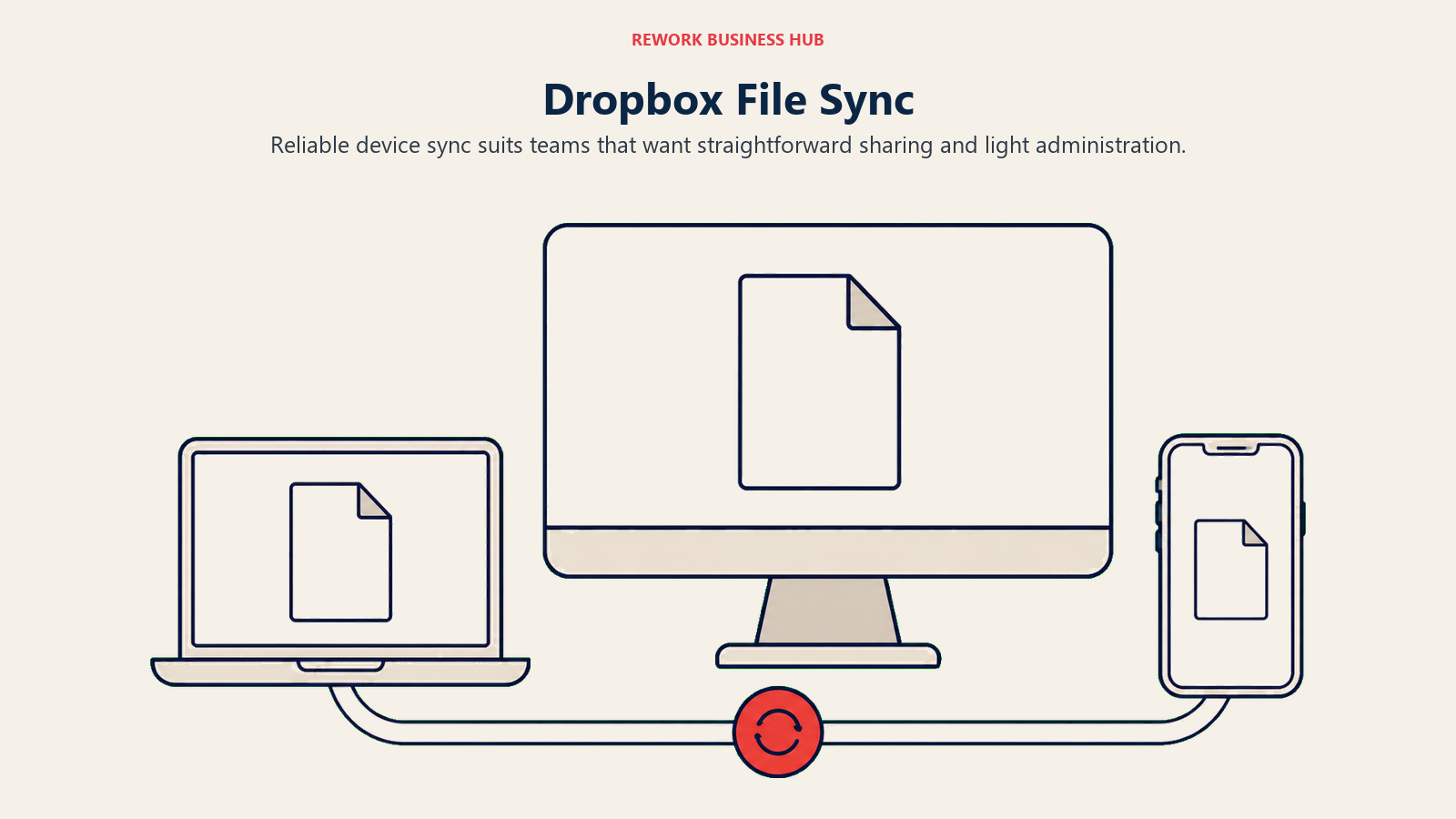
Dropbox's pitch has stayed consistent for over a decade: file sync that just works across every device, with an admin experience that doesn't require a dedicated administrator to run. For a team whose "OneDrive problem" is really "we need files to sync reliably without fighting the Windows-first client," Dropbox is still hard to beat on simplicity.
Dropbox publishes its pricing directly: Standard at $15/user/month billed annually ($18/user/month billed monthly), open to teams of 1 or more, with team storage starting at 3,000GB (3TB); and Advanced at $24/user/month billed annually ($30/user/month billed monthly), for 3 or more people, with team storage starting at 15,000GB (15TB). Dropbox's own help documentation describes Standard as 3TB shared across the team for the first member plus 1TB of extra storage per additional actively-used license, with no minimum user requirement. Team storage is pooled and capped on both tiers, not unlimited. (Dropbox)
| What you get | What you don't |
|---|---|
| Dead-simple file sync across every device | Unlimited storage (Dropbox caps team storage on every tier) |
| An admin experience that doesn't need a dedicated admin | OneDrive-style deep Windows Explorer integration |
| Broad third-party app ecosystem | Native records-retention and legal-hold tooling |
| Standard plan open to teams of 1 or more | The lowest entry price on this list |
Pricing: Standard $15/user/month annual ($18/user/month monthly billing), 3TB team storage to start; Advanced $24/user/month annual ($30/user/month monthly billing, 3-user minimum), 15TB team storage to start. Best for: Teams wanting reliable file sync and sharing without a dedicated document-management project. See Best Dropbox Alternatives for the broader file-sync category, or Box vs. Dropbox Business if Box is the other option on your shortlist. Not ideal for: Teams needing built-in records retention, legal holds, or audit trails beyond basic version history.
4. Sync.com: Zero-Knowledge Encryption at a Dropbox-Level Price
Sync.com's whole pitch is that privacy shouldn't cost extra: the Canadian company encrypts files end-to-end by default on every plan, including the cheapest one, rather than gating zero-knowledge encryption behind an enterprise tier the way several competitors on this list do. For a team that wants OneDrive-simple sync without Microsoft (or Sync.com itself) able to read the contents of a file, that default matters.
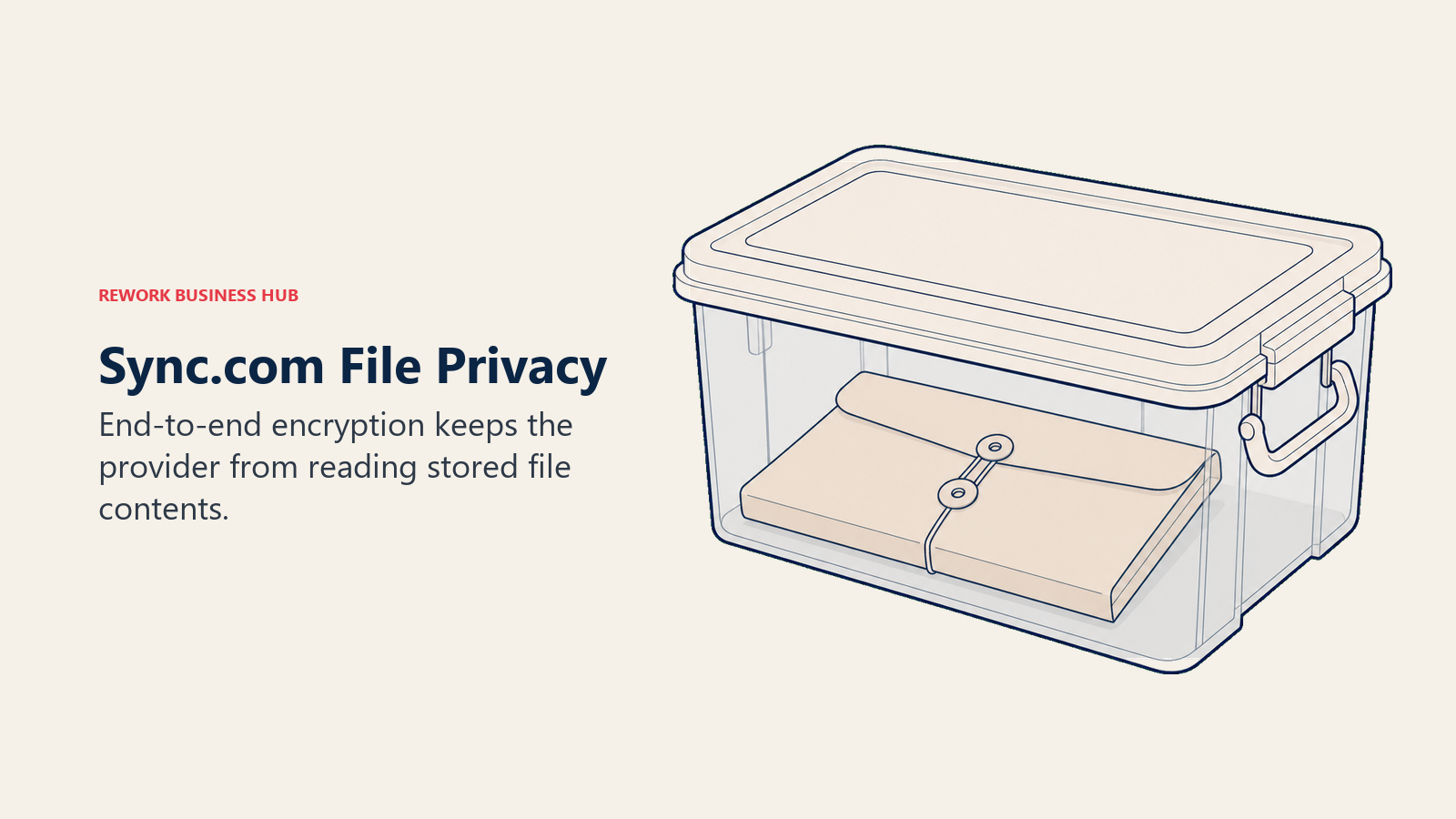
Sync.com publishes tiered pricing directly: Teams 1TB at $6/user/month billed annually ($8/user/month billed monthly), Teams 2TB at $9/user/month annually ($12/user/month monthly), and Teams 10TB at $15/user/month annually ($18/user/month monthly), all requiring a minimum of 3 users. Sync Enterprise is a custom quote starting at 100 users. (Sync.com)
| What you get | What you don't |
|---|---|
| End-to-end, zero-knowledge encryption on every tier, including the cheapest | Deep native Office or Google Workspace co-authoring |
| Advanced sharing controls without an enterprise upcharge | The broadest third-party app ecosystem on this list |
| Custom branding and role-based access from Teams 2TB up | Storage above 10TB/user without an Enterprise quote |
| A 30-day money-back guarantee on every plan | The absolute lowest entry price (Zoho and Koofr undercut it) |
Pricing: Teams 1TB $6/user/month annual ($8 monthly), Teams 2TB $9/user/month annual ($12 monthly), Teams 10TB $15/user/month annual ($18 monthly), all with a 3-user minimum; Enterprise is custom for 100+ users. Best for: Privacy-conscious teams wanting zero-knowledge encryption without paying an enterprise premium for it. Not ideal for: Teams that need Office-native co-authoring or a large third-party integration marketplace.
5. Tresorit: Enterprise-Grade Zero-Knowledge Encryption
Tresorit takes the same zero-knowledge promise as Sync.com and points it at regulated industries: the Swiss-and-Hungarian-based platform carries ISO 27001 certification plus GDPR, TISAX, and FINRA compliance credentials, and adds enterprise features like Active Directory sync, SIEM integration, and dynamic watermarking that Sync.com doesn't offer. It's a common pick for legal, financial services, and healthcare teams that need encryption Microsoft's own admins can't bypass.
Tresorit's pricing page shows the plan structure, a 20% discount for annual versus monthly billing, and storage allocations (Business starts at 3 users with 2TB per user; Business Pro starts at 5 users with 15TB total), but the per-user dollar figure appears only after working through its interactive plan selector. Business reportedly lands somewhere around $14.50 to $18 per user per month depending on region and billing term; treat that as a starting estimate, not a quoted price.
| What you get | What you don't |
|---|---|
| Zero-knowledge encryption plus ISO 27001, GDPR, TISAX, and FINRA compliance | A static published price without using the vendor's plan selector |
| Active Directory sync and SIEM integration for enterprise IT | The lowest entry price among the encryption-first tools here |
| Dynamic watermarking and granular sharing controls | Deep native Office or Google Workspace co-authoring |
| A 14-day free trial on every tier | A published monthly-vs-annual price |
Pricing: Quote-only through Tresorit's own plan selector; Business requires a 3-user minimum (2TB/user), Business Pro a 5-user minimum (15TB total), both billed monthly or annually with a 20% annual discount. Reportedly about $14.50-18/user/month. Best for: Regulated industries (legal, finance, healthcare) needing zero-knowledge encryption with formal compliance certifications attached. Not ideal for: Budget-conscious teams that want a published price before talking to sales.
6. Proton Drive: Privacy-First Storage Inside a Bigger Suite
Proton built its reputation on encrypted email, and Proton Drive extends the same Swiss-based, zero-access encryption to file storage, bundled with Mail, Calendar, VPN, and Pass in its Workspace plans. For a team that already wants encrypted email and is evaluating OneDrive at the same time, consolidating both into Proton is a genuine option most competitors on this list can't offer.
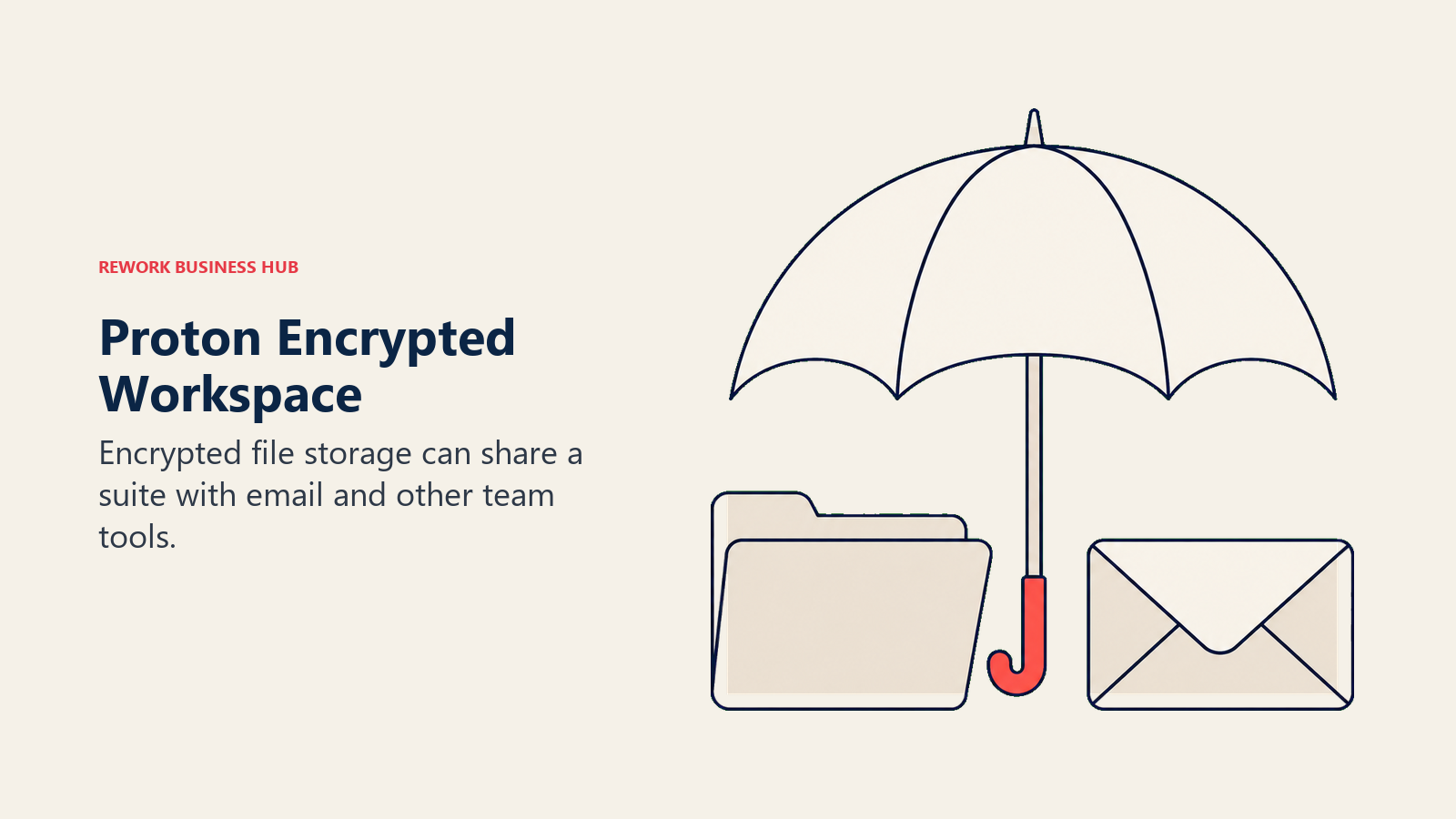
Proton's plans cover Drive Professional at 1TB/user, Workspace Standard at 1TB/user with Mail/Calendar/VPN/Meet bundled, and Workspace Premium at 3TB/user adding more domains and AI features. Pricing runs about $5.99/user/month for Drive Professional on promotion (25% off a $7.99 regular rate), $12.99/user/month annual for Workspace Standard ($14.99/user/month monthly), and $19.99/user/month annual for Workspace Premium ($24.99/user/month monthly).
| What you get | What you don't |
|---|---|
| Swiss-based, zero-access encryption across Drive, Mail, and Calendar | A simple, static price table |
| Bundled Mail, Calendar, VPN, and Meet in the Workspace tiers | The cheapest per-user rate on this list |
| 10-year version history on paid Drive plans | Deep Office-native co-authoring |
| A 30-day money-back guarantee and 14-day free trial | The broadest third-party integration marketplace |
Pricing: Drive Professional about $5.99/user/month promotional ($7.99 regular); Workspace Standard about $12.99/user/month annual ($14.99 monthly); Workspace Premium about $19.99/user/month annual ($24.99 monthly). Enterprise is custom. Best for: Teams wanting encrypted email and encrypted file storage from one Swiss-based vendor instead of two separate tools. Not ideal for: Teams that need the single cheapest storage option or deep Microsoft/Google ecosystem integration.
7. pCloud: High Storage-Per-Dollar, With a Lifetime Option
pCloud's differentiator among business-cloud-storage vendors is that it also sells personal plans as one-time lifetime purchases instead of a forever subscription, a model none of the other tools on this list offer. For a small team or a solo operator evaluating whether to keep paying OneDrive every month indefinitely, that's a meaningfully different value proposition even though the Business tier itself is a standard monthly subscription.
pCloud prices Business at $9.99/user/month and Business Pro at $19.98/user/month, both billed monthly, with Business Pro currently discounted to $14.98/user/month for new accounts (a limited-time new-account offer, not the standing rate); both require a minimum of 3 users. pCloud also offers annual billing at a discount, so check the annual rate at checkout before committing budget to the monthly figure. Business includes 1TB per user; Business Pro is unlimited. (pCloud)
| What you get | What you don't |
|---|---|
| Unlimited storage on Business Pro | A separately published annual per-user rate |
| Optional one-time lifetime plans for individual users | Zero-knowledge encryption by default (it's a paid add-on) |
| A 30-day free trial with no setup fees | The lowest entry price on this list |
| Custom storage quotas across a growing team | Deep native Office co-authoring |
Pricing: Business $9.99/user/month billed monthly (1TB/user); Business Pro $19.98/user/month billed monthly (unlimited storage), discounted to $14.98/user/month for new accounts; both require 3 users minimum. Best for: Small teams or individuals who want the option of a one-time lifetime storage purchase alongside a standard business subscription. Not ideal for: Teams that need encryption on by default rather than as an add-on, or a published annual-billing rate before signing up.
8. Egnyte: Hybrid Cloud and On-Prem Governance
Egnyte's differentiator is deployment flexibility: content can live in the cloud, on a local server, or both, syncing between them, which matters for life sciences, construction, and other industries where some data has to stay on-premises for compliance or latency reasons. Its governance and content-classification tooling ships built in rather than as a paid add-on the way it does with some competitors, and it goes well beyond what OneDrive's own admin console offers.
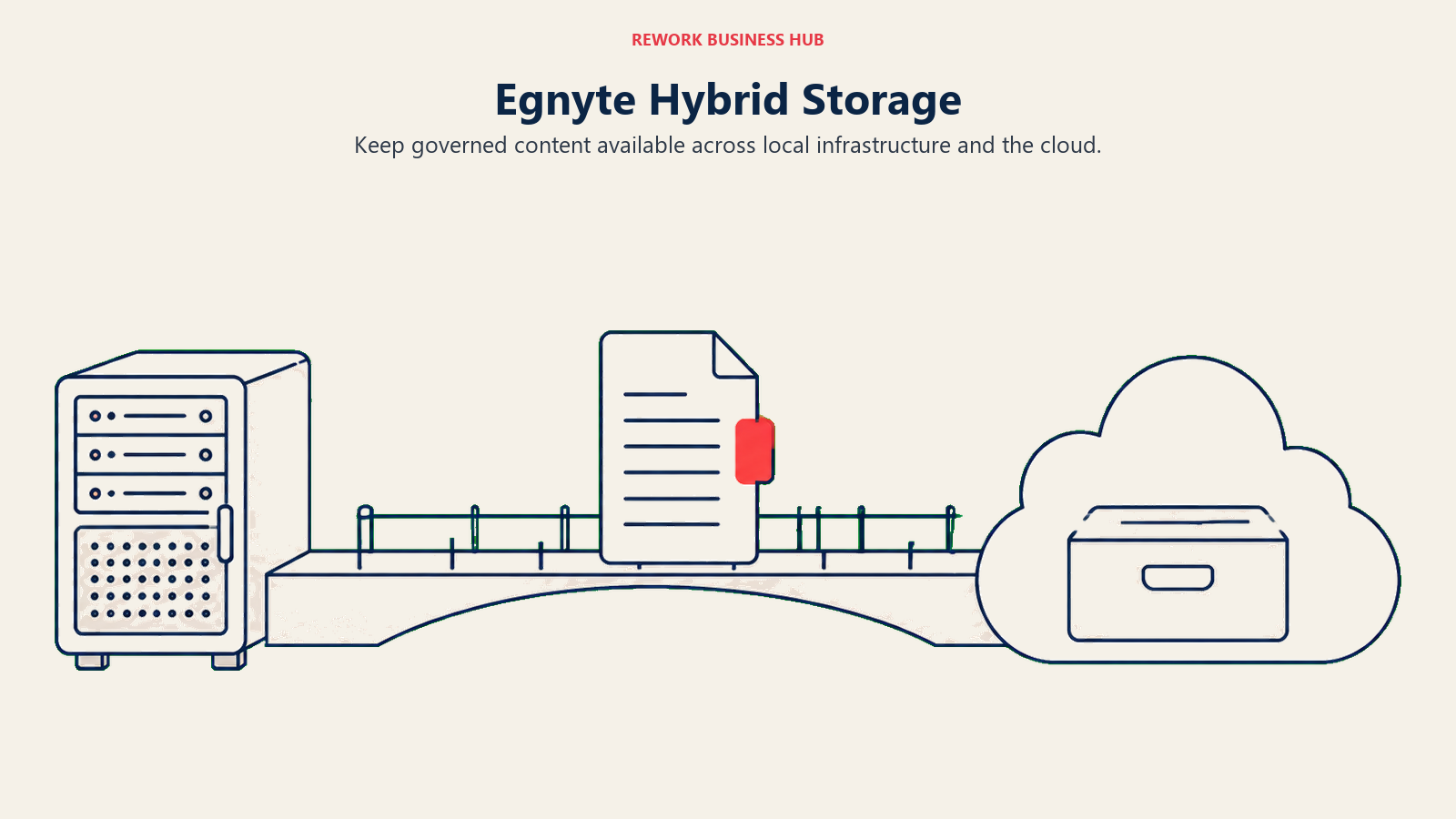
Egnyte publishes its pricing directly: Business at $22/user/month (100GB, up to 100 users), Enterprise Lite at $39/user/month (150GB, unlimited users), and Elite at $48/user/month (150GB, unlimited users), all billed annually with AI features included on every plan. Ultimate is a custom quote. (Egnyte)
| What you get | What you don't |
|---|---|
| Hybrid cloud/on-prem deployment flexibility | Storage above 150GB without a custom Ultimate quote |
| Built-in AI and content governance on every plan | Box-style unlimited storage |
| Strong vertical fit for life sciences and construction | The lowest entry price on this list |
| Transparent, vendor-published pricing | A free tier |
Pricing: Business $22/user/month, Enterprise Lite $39/user/month, Elite $48/user/month, all billed annually; Ultimate is a custom quote. Best for: Regulated or field-based industries needing content to live both on-prem and in the cloud. See Best Egnyte Alternatives or Egnyte vs. Laserfiche vs. OpenText Content Cloud for how it stacks up against deeper ECM platforms. Not ideal for: Teams needing unlimited storage without paying for a custom Ultimate plan.
9. Zoho WorkDrive: The Budget Option Inside the Zoho Ecosystem
Zoho WorkDrive's case is straightforward: it's among the lowest cost-per-user on this list, and it plugs directly into Zoho's much larger suite (CRM, Projects, Books) for a company already standardized there, without adding a separate vendor relationship just for file storage the way switching off OneDrive normally requires.
Zoho's tiers scale by storage (Starter starts at 1TB for 3-10 users, Team at 3TB, Business at 5TB, each scaling with added seats up to a cap, all requiring a 3-user minimum and billed annually). Pricing runs Starter at $2.50/user/month ($3/user/month billed monthly), Team at $4.50/user/month, and Business at $9.00/user/month. Enterprise, for 200+ users, is a custom quote.
| What you get | What you don't |
|---|---|
| Among the lowest cost-per-user of any tool on this list | Enterprise-grade compliance depth of a dedicated ECM |
| Storage that scales automatically with added users | OneDrive-style native Windows Explorer integration |
| Deep integration with Zoho CRM, Projects, and Books | A generous free tier beyond individual use |
| A 15-day free trial with no credit card required | Governance tooling as deep as Box or Egnyte |
Pricing: Starter $2.50/user/month, Team $4.50/user/month, Business $9.00/user/month, all annual with a 3-user minimum; Enterprise custom for 200+ users. Best for: Budget-conscious teams already running Zoho CRM or Zoho Projects. Not ideal for: Teams needing enterprise-grade compliance and governance depth beyond basic sharing controls.
10. Citrix ShareFile: Client Portals and E-Signature for Services Firms
ShareFile (now under Progress Software) targets a specific gap OneDrive doesn't really try to fill: secure, branded client-facing portals for accounting, legal, and financial-services firms exchanging sensitive documents with people outside the company, plus e-signature and workflow automation baked into the same subscription instead of a bolted-on third-party tool.
ShareFile publishes tiered pricing directly: Advanced at $18.15/user/month billed monthly ($16.50/user/month billed annually), Premium at $28.59/user/month monthly ($26.00/user/month annually, adding e-signature, client portals, and workflow automation), and Industry Advantage at $45.83/user/month monthly ($41.66/user/month annually, built for accounting workflows), all with a 3-user minimum. Virtual Data Room is priced separately at $77.00/user/month monthly ($69.30/user/month annually) with a 5-user minimum. Account storage pools at roughly 1TB per license, starting at 3TB total. (ShareFile)
| What you get | What you don't |
|---|---|
| Built-in e-signature and secure client portals from Premium up | A generous storage allowance (pools around 1TB/license) |
| Accounting-specific templates on Industry Advantage | The lowest entry price on this list |
| A dedicated Virtual Data Room tier for M&A and audits | OneDrive-style consumer familiarity |
| Multi-factor authentication and SSO on every plan | A free tier |
Pricing: Advanced $16.50/user/month annual ($18.15 monthly), Premium $26.00/user/month annual ($28.59 monthly), Industry Advantage $41.66/user/month annual ($45.83 monthly), all with a 3-user minimum; Virtual Data Room $69.30/user/month annual ($77.00 monthly, 5-user minimum). Best for: Accounting, legal, and financial-services firms needing branded client portals and e-signature built into the same platform as file storage. Not ideal for: Teams that just need generous internal storage without the client-portal or e-signature features.
11. Nextcloud: Full Data Ownership Through Self-Hosting
Nextcloud is the answer for teams whose actual objection to OneDrive is that Microsoft controls the servers: it's fully open source under an AGPL license, and a team with the IT capacity to run it can self-host the whole platform for free, keeping every file on infrastructure they own and control end to end.
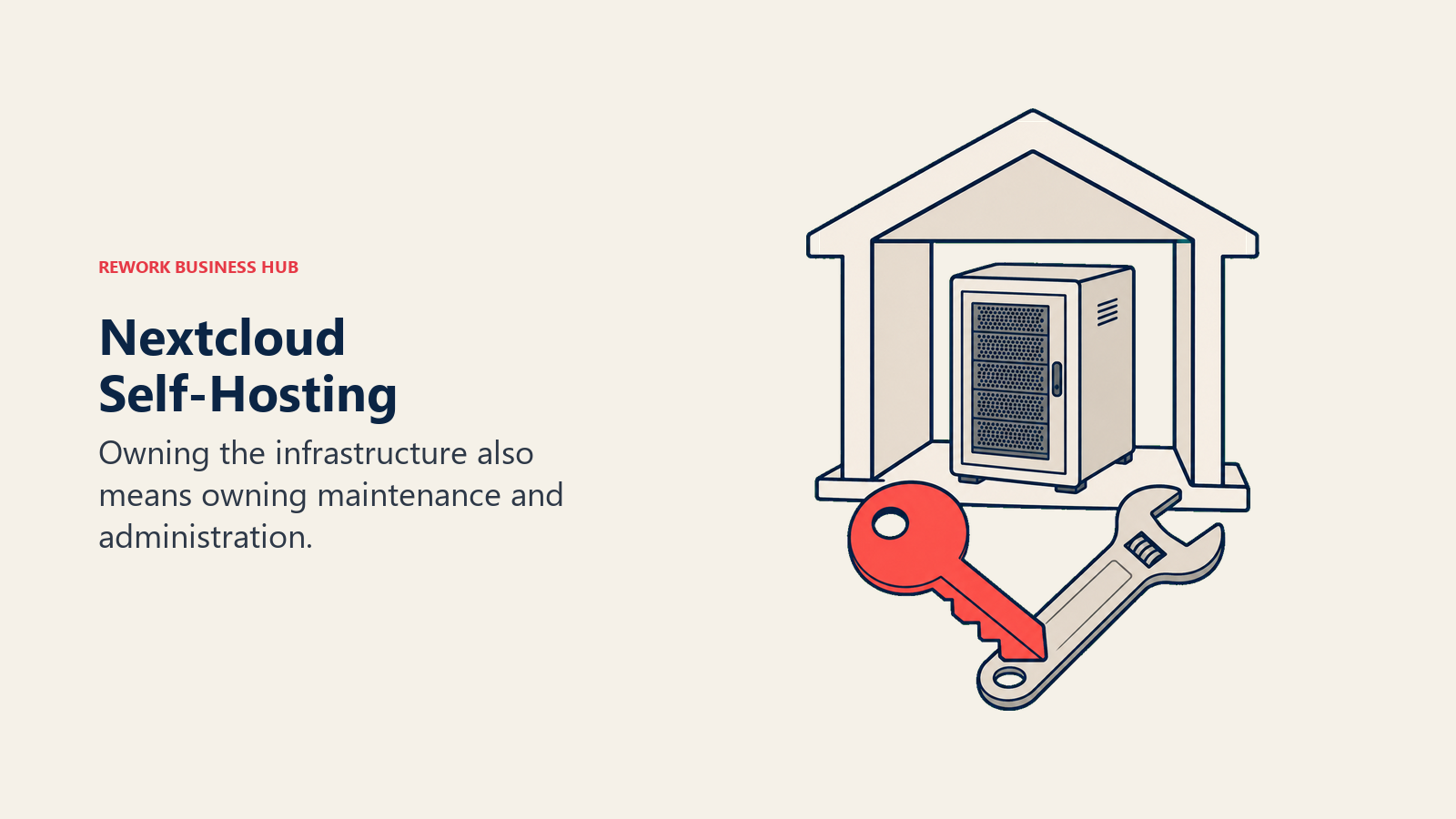
For teams that don't want to run their own servers, Nextcloud sells a hosted Enterprise (Files) tier starting at 100 users: Standard at €71.29/user/year, Premium at €104.99/user/year (adding Nextcloud Assistant and Whiteboard), and Ultimate at €204.75/user/year (adding Flow automation and Microsoft Exchange/Teams integrations), with volume pricing from €53.17 to €183.75/user/year at 200+ users. Smaller teams typically either self-host the free Community edition directly or go through a third-party Nextcloud hosting provider rather than Nextcloud's own Enterprise tier, which doesn't publish pricing below the 100-user threshold. (Nextcloud)
| What you get | What you don't |
|---|---|
| A fully free, open-source, self-hosted option (AGPL license) | A published price below the 100-user Enterprise threshold |
| Complete control over data residency and infrastructure | OneDrive-style zero-maintenance managed service |
| Enterprise tier adds AI Assistant, Flow, and Whiteboard | The lowest total cost once IT time is factored in |
| Deep Microsoft Exchange/Teams integration on Ultimate | A turnkey option for teams without server admin capacity |
Pricing: Self-hosted Community edition is free and open source. Hosted Enterprise (Files): Standard €71.29/user/year, Premium €104.99/user/year, Ultimate €204.75/user/year, starting at 100 users; volume pricing available at 200+ users. Best for: Teams with real IT capacity that want files to live on infrastructure they own, not a vendor's cloud. Not ideal for: Small teams without server-admin resources, or anyone wanting a fully managed, zero-maintenance service.
12. Koofr: EU-Hosted Budget Storage With Cloud Aggregation
Koofr solves a narrower problem than most tools on this list: it's a low-cost, EU-hosted (Slovenia-based) storage option that can also connect existing Dropbox, Google Drive, and OneDrive accounts into one unified view, which makes it a useful consolidation layer for someone juggling several cloud accounts rather than a from-scratch OneDrive replacement for a whole company.
Koofr publishes its pricing directly in tiers rather than a flat per-user rate, billed yearly only: Briefcase S at 25GB for €0.50/month, Briefcase M at 25GB for €1/month, Briefcase L at 100GB for €2/month, Suitcase XL at 250GB for €4/month, Suitcase XL+ at 500GB for €7/month, Suitcase XXL at 1TB for €10/month, and Crate tiers running from €20/month (2.5TB) to €35/month (5TB), with 10TB-plus available on request. All prices include 22% VAT, and a free tier offers 10GB. (Koofr)
| What you get | What you don't |
|---|---|
| One view across existing Dropbox, Drive, and OneDrive accounts | A true per-seat team or business plan |
| Genuinely low entry prices, even at the smallest tier | Monthly billing (Koofr currently sells yearly only) |
| EU-based hosting for data-residency-sensitive users | Deep collaboration or co-authoring features |
| A usable 10GB free tier | Enterprise admin controls or SSO |
Pricing: Plans run from €0.50/month (Briefcase S, 25GB) to €35/month (Crate 5XXL, 5TB), billed yearly only, VAT included; 10TB-plus available on request. Free tier: 10GB. Best for: Individuals or small teams wanting a cheap, EU-hosted way to consolidate several existing cloud accounts, including OneDrive itself, into one interface. Not ideal for: Companies needing a real multi-seat business plan with admin controls and SSO.
13. MEGA: A Generous Free Tier Plus Encryption Everywhere
MEGA's pitch has stayed the same since its 2013 launch: end-to-end, zero-knowledge encryption on every plan, including the free one, at a time when most competitors still gate real encryption behind an enterprise tier. That, plus a free tier that's genuinely usable rather than a crippled trial, makes it a common first stop for anyone leaving OneDrive purely to get more storage without paying for it.
MEGA's free plan includes 20GB of storage on an ongoing basis, and MEGA also runs limited-time signup and achievement bonuses on top of that base allowance. For paid individual or small-team use, Pro Flexi starting from €15/month for a 3TB storage-plus-transfer bundle, with overage billed at €3.50 per additional TB. MEGA Business is priced differently from every other tool here: rather than fixed per-seat tiers, MEGA describes it as usage-based, billed monthly against actual storage and transfer consumed in a given month, commonly landing in a 3TB-to-16TB range for a small-to-mid-size team. (MEGA)
| What you get | What you don't |
|---|---|
| Zero-knowledge encryption on every tier, including free | A fixed per-seat business price like most peers on this list |
| A genuinely usable free tier (20GB base) | Deep Office-native co-authoring |
| Pay-as-you-go Business billing tied to actual usage | Predictable per-user budgeting without a pricing calculator |
| Built-in encrypted chat and video calling | The broadest third-party integration ecosystem |
Pricing: Free plan includes roughly 20GB; Pro Flexi from €15/month for 3TB storage plus 3TB transfer, €3.50/TB overage; Business is usage-based and billed monthly against actual consumption, typically 3-16TB for a small team. Best for: Cost-conscious teams and individuals wanting real end-to-end encryption without paying enterprise prices for it. Not ideal for: Finance or operations teams that need a predictable, fixed per-seat number to budget against.
OneDrive's Real Strengths, and Why Teams Leave Anyway
OneDrive earns its incumbency the same way SharePoint does: if a company already pays for Microsoft 365, OneDrive is effectively free at the margin, and its co-authoring inside Word, Excel, and PowerPoint remains unmatched by any pure-storage competitor on this list. Files On-Demand keeps a full library visible in Windows Explorer without eating local disk space, deep OS-level integration on Windows makes it close to invisible in daily use, and Microsoft's compliance tooling at the E3/E5 tier, through Purview, covers retention, eDiscovery, and sensitivity labeling at a depth few of the tools above try to match on their own. For a team already standardized on Microsoft 365, replacing OneDrive specifically, without leaving the rest of the suite, is rarely the highest-value move; see Best Microsoft 365 Alternatives if the actual question is bigger than just file storage.
But the standalone product changed under buyers in 2026, and the storage story is thinner than the marketing once implied. Microsoft announced in late January 2026 that it was retiring the standalone OneDrive for Business Plan 1 and Plan 2 SKUs (alongside the matching standalone SharePoint Online plans), with end of sale on 31 May 2026, meaning no new tenant or customer can buy either plan on its own anymore. Existing subscribers keep renewing until January 2027, and Microsoft will keep the lights on for those contracts through December 2029, but going forward OneDrive only comes bundled inside a Microsoft 365 Business or Enterprise plan. (Microsoft Partner Center) Every current plan bundles a flat 1TB of OneDrive per user regardless of tier, from the $7/user/month Business Basic plan up through the $32/user/month Business Premium with Copilot plan. (Microsoft)
Storage discipline got stricter, too. Starting in July 2026, Microsoft began enforcing OneDrive for Business storage quotas strictly against each user's license entitlement: an account whose usage exceeds its licensed quota is placed into a read-only state, blocking new writes until storage is reduced or the license is upgraded, closing a gap where admins had previously raised individual quotas above what a SKU actually entitled. (Microsoft 365 Message Center MC1310684) And OneDrive was never designed as a records system in the first place: sync isn't backup, encryption is Microsoft-managed rather than zero-knowledge, and a document library still needs a compliance layer configured on top of it, exactly the gap that pushes teams toward Box, Egnyte, or a dedicated document-management platform once they outgrow simple file sync. See Best SharePoint Alternatives if the sprawling-sites problem, not personal file storage, is the actual trigger behind this search.
None of that makes OneDrive a bad product for the job it was built for. It makes it a product whose standalone version no longer exists for new buyers, and whose real limits, storage quotas enforced strictly, encryption Microsoft itself can access, sync mistaken for backup, are exactly what the tools above are built to answer.
How to Choose: Decision Framework
| If your team needs... | Best pick |
|---|---|
| Zero-knowledge encryption Microsoft doesn't offer, at a low price | Sync.com |
| Enterprise-grade zero-knowledge encryption with formal compliance certifications | Tresorit |
| To stay inside Gmail and Meet, already in daily use | Google Workspace |
| Client-facing portals and e-signature for a services firm | Citrix ShareFile |
| Hybrid cloud-plus-on-prem storage for regulated or field work | Egnyte |
| Full ownership of where data physically lives | Nextcloud (self-hosted) |
| The largest genuinely usable free tier before paying anything | MEGA |
| The lowest published cost-per-user inside an existing Zoho stack | Zoho WorkDrive |
| To find documents by attribute instead of folder path | M-Files |
Frequently Asked Questions about OneDrive Alternatives
Can you still buy standalone OneDrive without Microsoft 365?
Not for new customers. Microsoft retired the standalone OneDrive for Business Plan 1 and Plan 2 SKUs on 31 May 2026, so OneDrive now only comes bundled inside a Microsoft 365 Business or Enterprise plan starting at $7/user/month annual. Existing standalone subscribers can keep renewing until January 2027, with full end of service in December 2029.
How much OneDrive storage do I actually get with Microsoft 365?
A flat 1TB per licensed user, the same allowance on every current Microsoft 365 Business plan whether someone's on the $7/user/month Basic tier or the $32/user/month Premium tier. Since July 2026, Microsoft has enforced that quota strictly: accounts over their licensed limit get placed into a read-only state until storage is reduced or the license upgraded.
What's the cheapest OneDrive alternative with real per-user pricing?
Zoho WorkDrive's Starter tier runs about $2.50/user/month, and Koofr's Briefcase S plan starts at just €0.50/month for 25GB, though neither replaces OneDrive's deep Office integration on its own. MEGA's free tier (roughly 20GB) is the largest no-cost option on this list.
Which OneDrive alternatives offer zero-knowledge encryption?
Sync.com, Tresorit, Proton Drive, and MEGA all encrypt files so the vendor itself can't read them, a level of privacy standard Microsoft, Google, Box, and Dropbox don't offer by default. Sync.com and MEGA include it on every tier without an enterprise upcharge; Tresorit adds formal ISO 27001, GDPR, TISAX, and FINRA compliance on top of it.
Is Nextcloud really free to use instead of OneDrive?
The Community edition is free and open source under an AGPL license if a team has the IT capacity to self-host it. Nextcloud's own hosted Enterprise tier only starts publishing prices at 100 users (from €71.29/user/year), so smaller teams typically either self-host directly or use a third-party Nextcloud hosting provider.
Does sync replace backup, or do I still need something else?
Sync and backup solve different problems. A sync tool like OneDrive, Dropbox, or Google Drive mirrors changes, including accidental deletions or ransomware encryption, across every connected device almost immediately, which is exactly why sync-only storage isn't a substitute for a real backup strategy with version history and offline copies.
When does it make sense to just stay on Microsoft 365 instead of switching?
If a company already pays for Microsoft 365, relies on Office-native co-authoring, and doesn't need zero-knowledge encryption or a records-management layer, OneDrive stays a reasonable, effectively-free-at-the-margin default. Most teams on this list are solving one specific gap, encryption, price, self-hosting, client portals, not replacing Microsoft 365 wholesale.
What to Do Next
Match the actual gap, encryption, price, self-hosting, or client-facing portals, to the framework above, then move a real folder of files into your top two picks instead of a sandbox account: migrate one genuinely messy OneDrive library, including its sharing permissions, and see which tool actually makes that content easier to find and share six months from now. If the underlying question is bigger than OneDrive alone, whether to leave Microsoft 365 entirely, start with Best Microsoft 365 Alternatives before committing to a single-purpose storage swap.

Principal Product Marketing Strategist
On this page
- Key Facts
- Quick Comparison Table
- 1. Google Workspace (Google Drive): Documents Where Gmail and Meet Already Live
- 2. Box: Enterprise Content Management With Governance Built In
- 3. Dropbox Business: Simple Sync, Minimal Admin
- 4. Sync.com: Zero-Knowledge Encryption at a Dropbox-Level Price
- 5. Tresorit: Enterprise-Grade Zero-Knowledge Encryption
- 6. Proton Drive: Privacy-First Storage Inside a Bigger Suite
- 7. pCloud: High Storage-Per-Dollar, With a Lifetime Option
- 8. Egnyte: Hybrid Cloud and On-Prem Governance
- 9. Zoho WorkDrive: The Budget Option Inside the Zoho Ecosystem
- 10. Citrix ShareFile: Client Portals and E-Signature for Services Firms
- 11. Nextcloud: Full Data Ownership Through Self-Hosting
- 12. Koofr: EU-Hosted Budget Storage With Cloud Aggregation
- 13. MEGA: A Generous Free Tier Plus Encryption Everywhere
- OneDrive's Real Strengths, and Why Teams Leave Anyway
- How to Choose: Decision Framework
- What to Do Next