SharePoint vs Box: Which Document Management Platform Fits Your Team Better in 2026?
Turn this article into takeaways for your work.


Each assistant summarizes the article only for you and suggests best practices for your work.
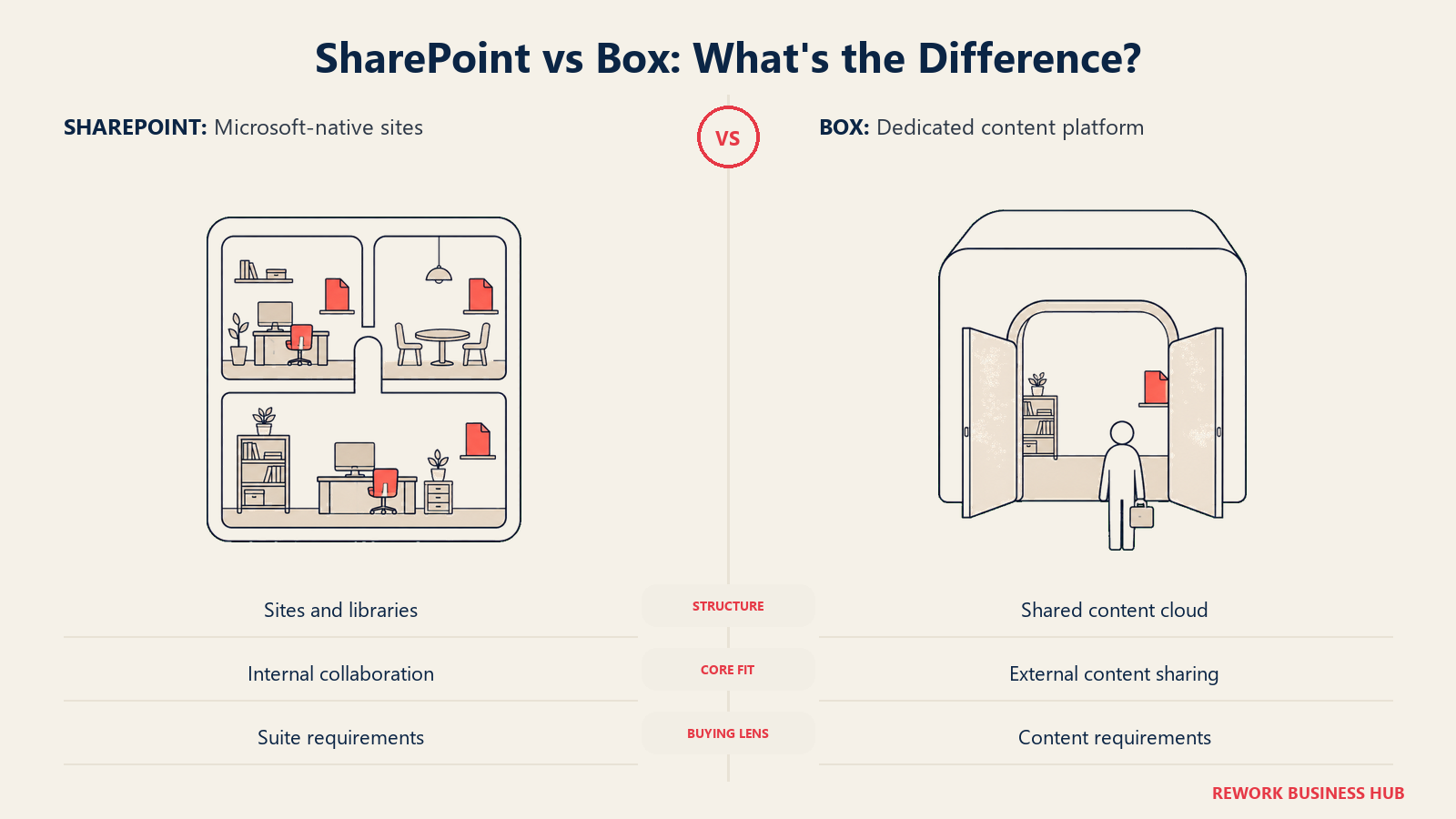
If you manage documents for a mid-size company in 2026, you're probably choosing between two very different kinds of software. SharePoint isn't something you buy on its own anymore. It's a component that arrives bundled inside whichever Microsoft 365 plan your company already pays for email, Teams, and Office apps. Box is the opposite: a standalone product you evaluate, budget for, and roll out on purpose, specifically because file storage, external sharing, and content security are worth their own line item.
That difference matters more this year than it used to. Microsoft retired the standalone SharePoint Online plans in 2026, so the "just SharePoint" option some teams relied on for years is no longer for sale to new buyers. And Box's headline "unlimited storage" claim, the one every competitor gets measured against, only kicks in once you're past the entry tier, a detail the marketing page doesn't lead with. If you're an IT director, records manager, or operations lead trying to decide whether to lean harder on the Microsoft 365 subscription you already have or bring in a dedicated content platform, here's the honest math on both, including what changed on the Microsoft side this year and what Box's own pricing page says once you read past the headline number. For the full category view, see Best Document Management Software in 2026.
TL;DR
| SharePoint (in Microsoft 365) | Box | |
|---|---|---|
| What it actually is | A bundled document library and collaboration layer inside Microsoft 365 | A standalone secure content cloud you buy and roll out on purpose |
| How you buy it | No longer sold standalone; arrives inside a Microsoft 365 business plan | Directly from Box, any paid tier, 3-user minimum |
| Core organizing concept | Sites, document libraries, folders, permission groups | One content cloud: folders, granular collaborator roles, optional metadata templates |
| Storage model | A calculated pool per organization (1TB plus 10GB per user), not unlimited | Capped at 100GB on the entry tier; genuinely unlimited from Business tier up |
| Strongest at | Native Word, Excel, and PowerPoint co-authoring, org-wide Entra ID identity | External-partner sharing controls, dedicated content security add-ons |
| Security depth | Microsoft Purview, with deeper tiers gated to E5 or a paid add-on | Box Shield, an add-on at every tier, not bundled even at Enterprise |
| AI | Microsoft 365 Copilot, bundled into two of the four Business SKUs quoted here | Box AI, included from Business tier up, with usage caps at Enterprise levels |
| Best for | Teams that live in Word, Excel, and Teams and want zero extra login | Teams that need secure, high-volume external sharing and content governance as a dedicated product |
Who Each Platform Is Actually Built For
SharePoint rarely has a single deliberate "buyer." It ships inside the Microsoft 365 subscription an IT admin already renewed for email and Office, and a site gets created the first time a team needs somewhere to put shared files. Almost nobody runs a formal document-platform evaluation before adopting it, because it was never chosen, it was inherited.
Box's buyer looks different. It's usually IT security, legal ops, or a records/content lead who has a concrete reason a generic shared drive won't cover: routinely sending large files to clients or vendors, needing classification-based access controls, or being unwilling to trust "anyone with the link" sharing for regulated content.
| SharePoint | Box | |
|---|---|---|
| Natural buying trigger | Bundled into the Microsoft 365 renewal; adopted by default | External-partner sharing, content security, or a compliance need a generic drive can't cover |
| Team maturity assumed | None required; a site spins up in minutes | Some; an admin sets permission levels, retention, and optionally Shield policies |
| Primary champion | IT admin managing the Microsoft 365 tenant; site owners are often accidental | IT security, legal ops, or a content/records team lead |
| Where it shows up most | Every department, by default, wherever Teams or Outlook is in use | Legal, media and creative, financial services, professional services, healthcare |
| Governance starting point | Usually retrofitted after sprawl, not designed up front | Available from day one as a paid add-on; adoption is still a deliberate choice |
Key Facts
- Microsoft ended new purchases of standalone SharePoint Online Plan 1 and Plan 2, and OneDrive for Business Plan 1 and Plan 2, on May 31, 2026. Renewals for existing customers continue only through January 2027, with end of service in December 2029, according to Microsoft's Partner Center announcement.
- SharePoint's total storage quota per organization is calculated, not unlimited: 1TB plus 10GB for every SharePoint license purchased, with overage priced around $0.20 per gigabyte per month, according to Microsoft's own SharePoint Online limits documentation.
- Box's "Unlimited storage" claim is genuine, but only from the Business tier ($15/user/month, billed annually) up. Business Starter, the $5/user/month entry tier, caps out at 100GB, per Box's own pricing page.
- Every paid Box plan, Business Starter included, carries a 3-user minimum, so a 1- or 2-person team can't buy a Box business plan at any tier, per Box's pricing page.
- Employees spend an average of 1.8 hours a day, 9.3 hours a week, searching for and gathering information, according to McKinsey's research on the social economy, the exact tax a poorly governed document platform adds to.
The Underlying Content Model: Sites and Libraries vs a Single Content Cloud
This structural difference shapes almost everything else in this comparison.
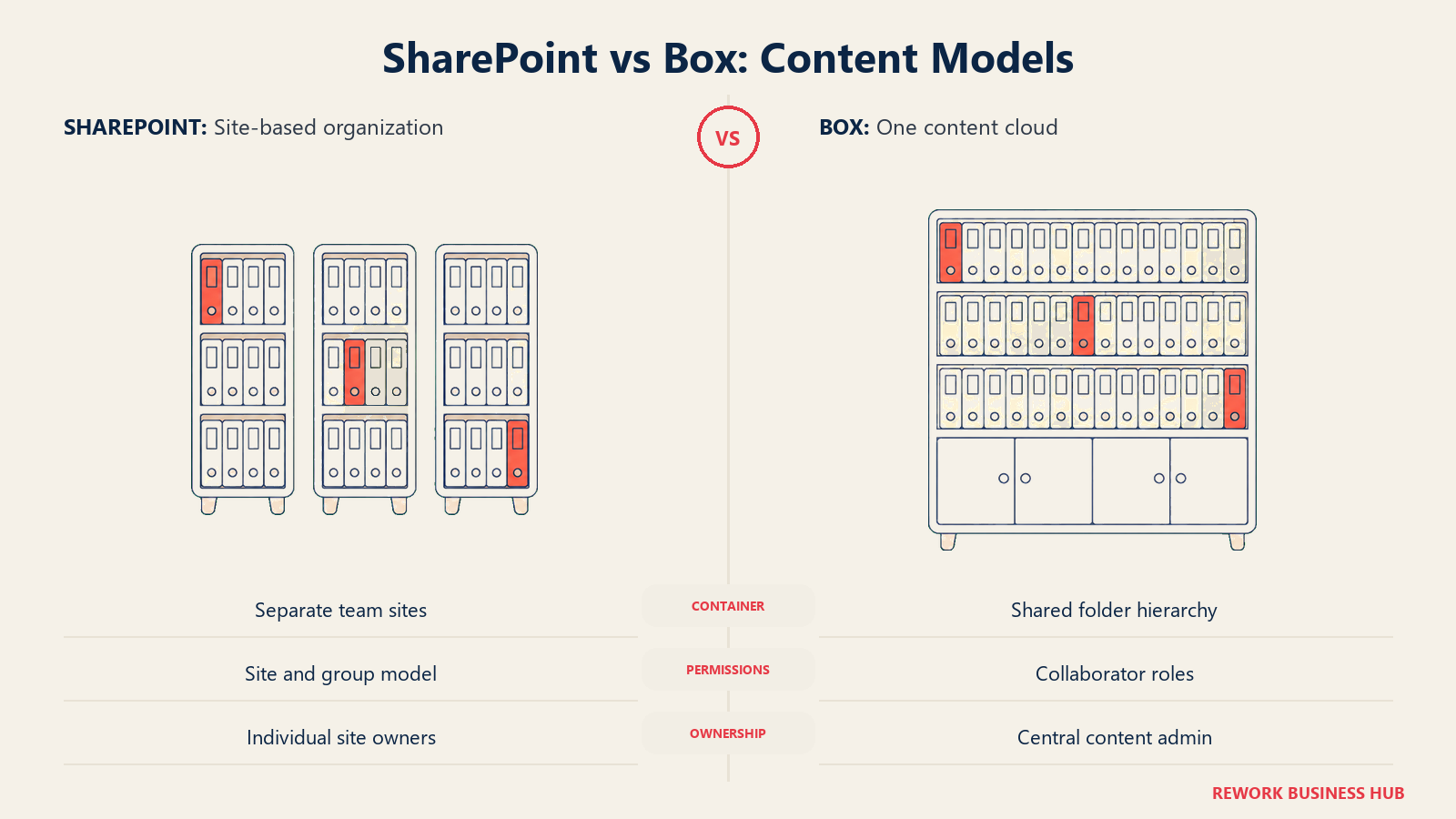
SharePoint organizes content around sites. Each site has its own document libraries, folders, and permission groups, and a mid-size company typically ends up with dozens of sites, one per team or project, each governed by whoever set it up. Content types and managed metadata exist and can be configured, but in practice most sites are run on folder conventions, not metadata discipline, because nothing in the interface forces anyone to fill a metadata field in.
Box treats the whole organization as one content cloud rather than a collection of independent sites. There's still a folder hierarchy, but permissions are set per file or folder through named collaborator roles (Owner, Co-owner, Editor, Viewer, Uploader, Previewer) rather than through a separate permission model for every site. Metadata templates exist for teams that want them, but they're optional, not the mandatory backbone the way they are in a metadata-first system.
| SharePoint | Box | |
|---|---|---|
| Core structure | Many sites, each with its own libraries, folders, and permission groups | One content cloud; a single folder hierarchy shared across the org |
| Where a document lives | In a specific library, inside a specific site | In a folder, with permissions set per file or folder, independent of any "site" boundary |
| Metadata | Content types and managed metadata exist but usage varies by site owner | Metadata templates available and optional, lighter weight than a metadata-mandatory vault |
| Setup mental model | Create a site, create libraries, decide a folder structure, repeat per team | Create folders once, invite collaborators with a permission level per folder |
| Common failure mode | Site sprawl: dozens of sites with inconsistent structure and stale permissions | Broad "anyone with the link" shares that outlive the project they were created for |
Storage Limits and What They Really Cost
This is where both platforms' reputations diverge furthest from what's actually published.
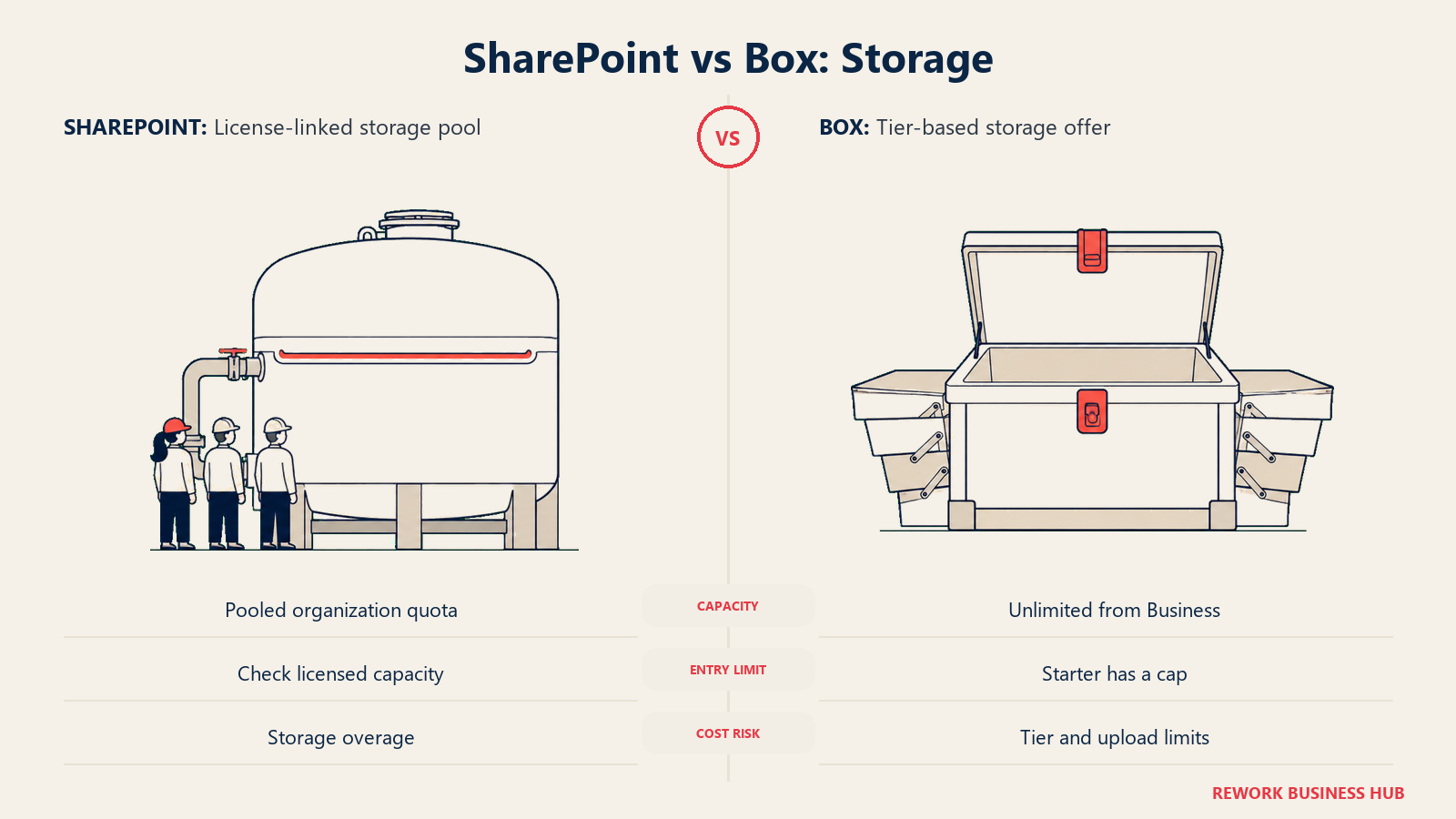
SharePoint's storage is a calculated pool, not a flat number: 1TB per organization plus 10GB for every SharePoint license purchased. At 25 licensed users, that's 1.25TB of pooled site storage. At 100 users, it's about 2TB. That pool sits separate from each user's own 1TB OneDrive allocation, and going over it costs roughly $0.20 per gigabyte per month.
Box's storage story is simpler once you know where the line sits. Business Starter, the $5/user/month annual entry tier, caps out at 100GB total, shared across the whole account, not per user. "Unlimited storage" starts at Business ($15/user/month annual) and holds through every tier above it. Per-file upload limits scale by tier too, from 2GB on Starter up to 500GB on Enterprise Advanced.
| SharePoint | Box | |
|---|---|---|
| Included storage | 1TB per organization plus 10GB per licensed user, pooled | 100GB on Business Starter; unlimited from Business tier up |
| Per-user allocation | A separate 1TB OneDrive per user, outside the SharePoint pool | Not applicable; storage is pooled across the whole account |
| At 25 licensed users | 1.25TB pooled site storage (1TB plus 250GB) | 100GB on Starter, or unlimited on Business and above |
| At 100 licensed users | About 2TB pooled site storage (1TB plus 1TB) | 100GB on Starter, or unlimited on Business and above |
| Overage cost | Roughly $0.20/GB/month above the pool | Not applicable once on an unlimited tier |
| File upload limit | Not part of the storage-pool calculation | 2GB on Starter, scaling up to 500GB on Enterprise Advanced |
External Sharing and Collaboration
Both platforms let you bring outsiders into a file. The mechanics, and the default assumptions, differ.
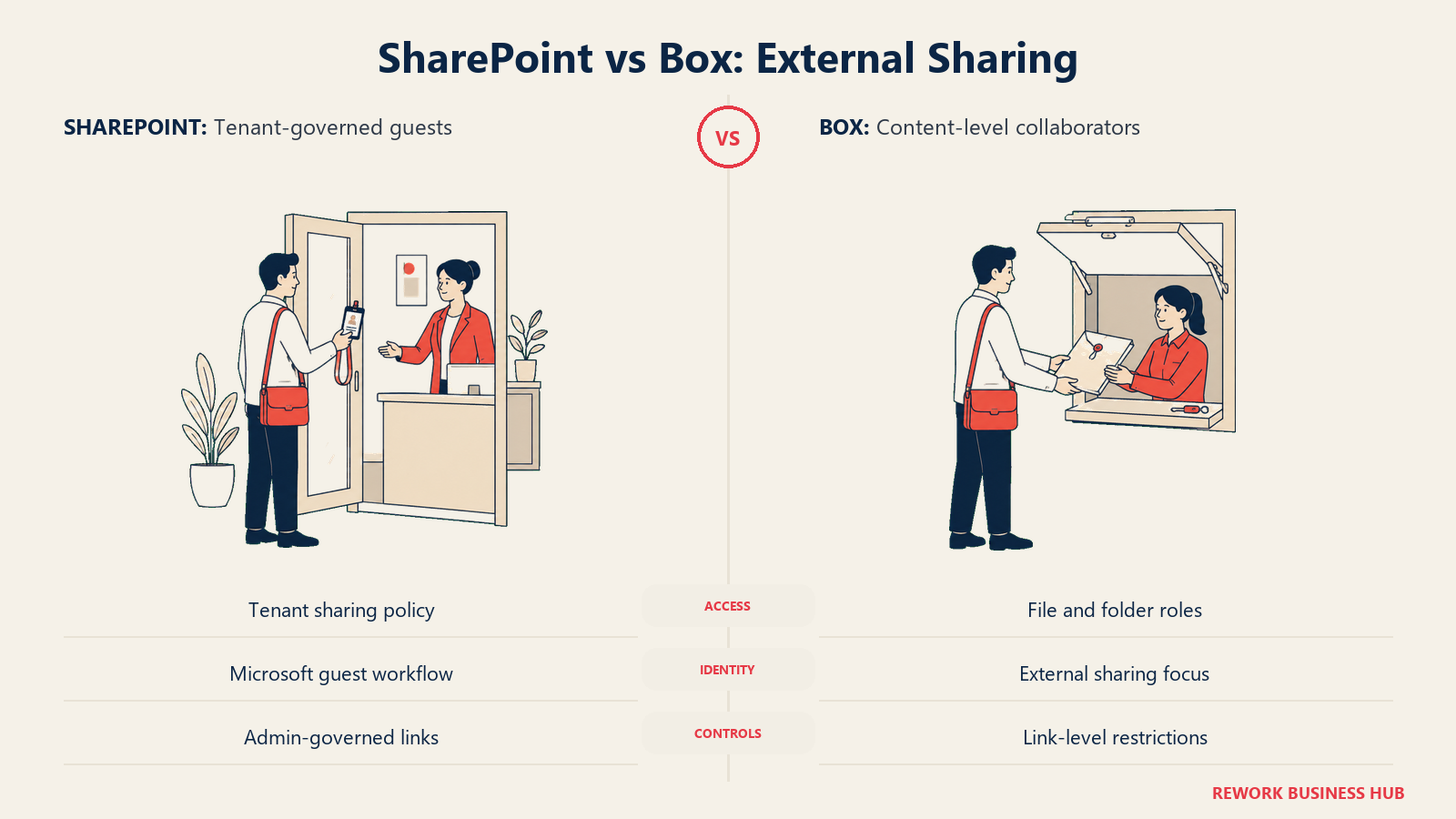
SharePoint's external sharing runs through the Microsoft 365 tenant's sharing settings and Entra ID guest accounts. A link can be scoped to "anyone," "people in your organization," or "specific people," and an admin controls which of those options are even available tenant-wide. It works cleanly when the external party also has a Microsoft identity to authenticate against; it gets clunkier when they don't.
Box was built around exactly this scenario: sharing large files with people who have no relationship to your tenant at all. Every file or folder gets a collaborator role (Owner, Co-owner, Editor, Viewer, Uploader, Previewer), and every shared link can carry a password, an expiration date, and a download restriction, independent of whether the recipient has a Box account.
| SharePoint | Box | |
|---|---|---|
| External access model | Microsoft 365 tenant external-sharing settings plus Entra ID guest accounts | Collaborator roles set per file or folder, no external Box account required |
| Shared link controls | Anyone, organization, or specific-people links, admin-configurable | Password, expiration date, and download restriction on every shared link |
| Typical use case | Sharing a file with a partner who also holds a Microsoft 365 identity | Sharing large files with clients, vendors, or contractors outside your tenant entirely |
| Admin visibility | Microsoft 365 admin center, plus site-level overrides | Central Box admin console, stronger from Business Plus up |
| Where it tends to break down | Item-level permission overrides accumulate and rarely get audited | "Anyone with the link" shares outlive the project without a scheduled sweep |
Security and Threat Detection: Microsoft Purview vs Box Shield
Encryption at rest and in transit is a baseline on both platforms. The gap opens at the layer above that, threat detection and classification-based access.
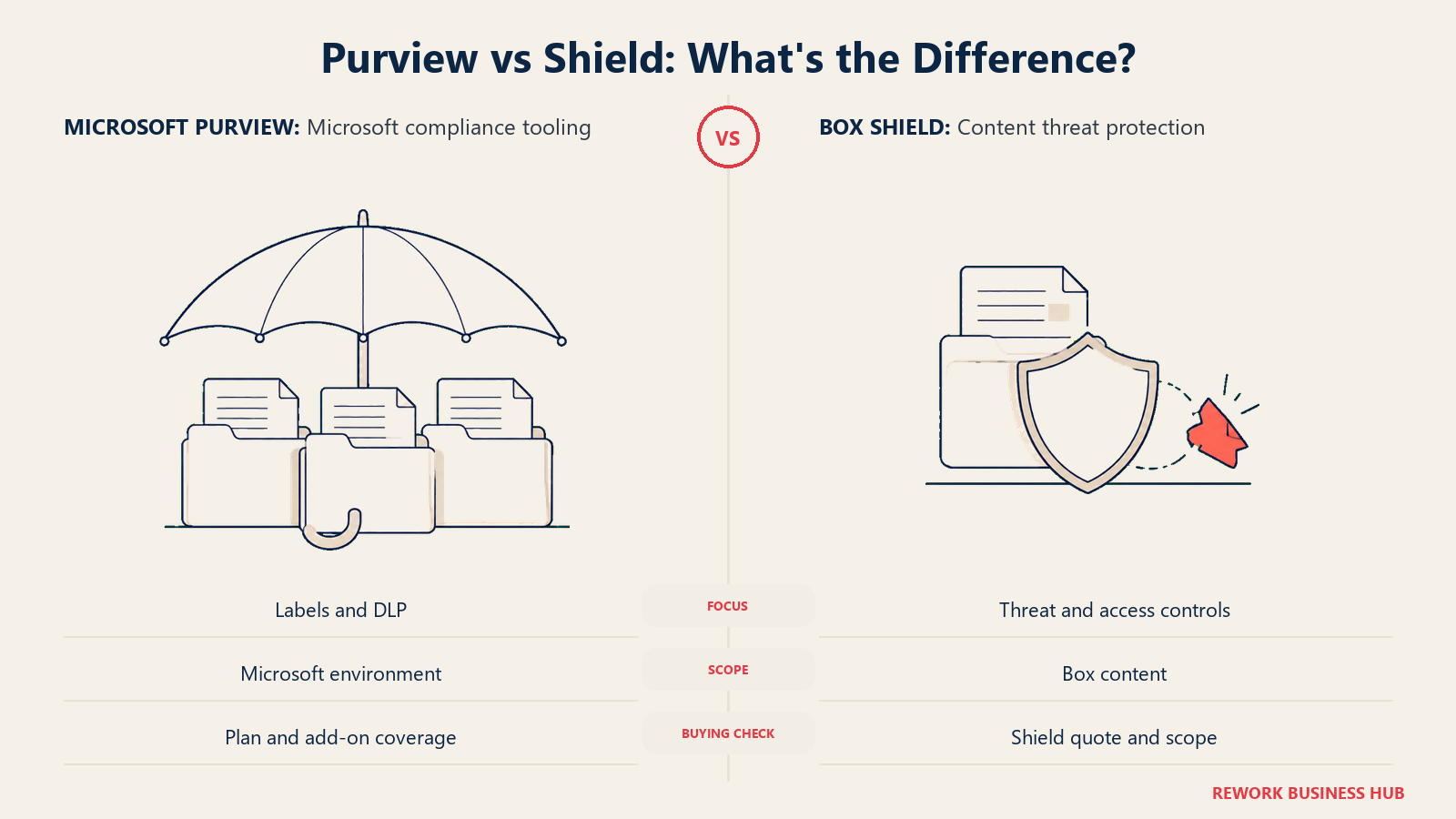
SharePoint's deeper security tooling runs through Microsoft Purview: sensitivity labels, data loss prevention policies, and insider risk signals. A Business Premium tenant gets basic DLP and labeling; the heavier tooling, trainable classifiers, advanced insider risk management, sits behind an E5 license or a standalone Purview add-on most mid-size Business-tier customers don't carry.
Box Shield is a separate purchase at every tier, Business Starter through Enterprise, per Box's own Shield page. It adds deep learning-based malware and ransomware detection, classification-based access controls that restrict downloads or printing on sensitive content, and alerts that integrate with SIEM and CASB tooling. Box Shield Pro layers an AI Classification Agent, an AI Threat Analysis Agent, and Ransomware Activity Detection on top of the base tier.
| SharePoint (Microsoft Purview) | Box (Box Shield) | |
|---|---|---|
| What it does | Sensitivity labels, DLP policies, insider risk signals | Malware and ransomware detection, content classification, classification-based access controls |
| Included or add-on | Basic DLP and labels on Business Premium; deeper tooling gated to E5 or a paid add-on | An add-on at every tier, Business Starter through Enterprise, never bundled by default |
| Premium layer | Microsoft Purview E5 add-on suite | Box Shield Pro: AI Classification Agent, AI Threat Analysis Agent, Ransomware Activity Detection |
| Alerting | Integrates with Microsoft Defender and Sentinel | Context-rich alerts integrating with SIEM and CASB tools |
| Baseline encryption | Included regardless of tier | Included regardless of tier, independent of the Shield add-on |
Governance, Retention, and eDiscovery
"Basic retention" and "the retention tooling a compliance audit actually asks for" are two different price points on both platforms.
SharePoint's basic retention policies come with Business and Enterprise plans. Records declaration and advanced eDiscovery require a Microsoft Purview E5 license or the standalone Purview add-on, not something bundled into the Business Basic, Standard, or Premium plans most mid-size companies buy.
Box Governance, covering retention holds, disposition, and legal holds, is a paid add-on at every tier, including Enterprise, per Box's own pricing page. That mirrors Shield: Box's governance-grade tooling is priced as its own product regardless of which base plan you're on.
| SharePoint | Box | |
|---|---|---|
| Basic retention policies | Included on Business and Enterprise plans | Box Governance covers retention holds, disposition, and legal holds |
| Included or add-on | Advanced records declaration and eDiscovery require a Purview E5 license or add-on | An add-on at every tier, including Enterprise, not bundled by default |
| Records declaration | Part of the Purview add-on suite | Part of Box Governance |
| Audit trail | Available, deeper with Purview | Available, expands when Shield and Governance are both licensed |
| Best fit | Teams already licensing Microsoft 365 E5 for other reasons | Teams that budget governance as its own line item, independent of which content platform they picked |
Workflow Automation: Power Automate vs Box Automate
Getting a document from draft to approved is a genuinely different exercise on each platform.
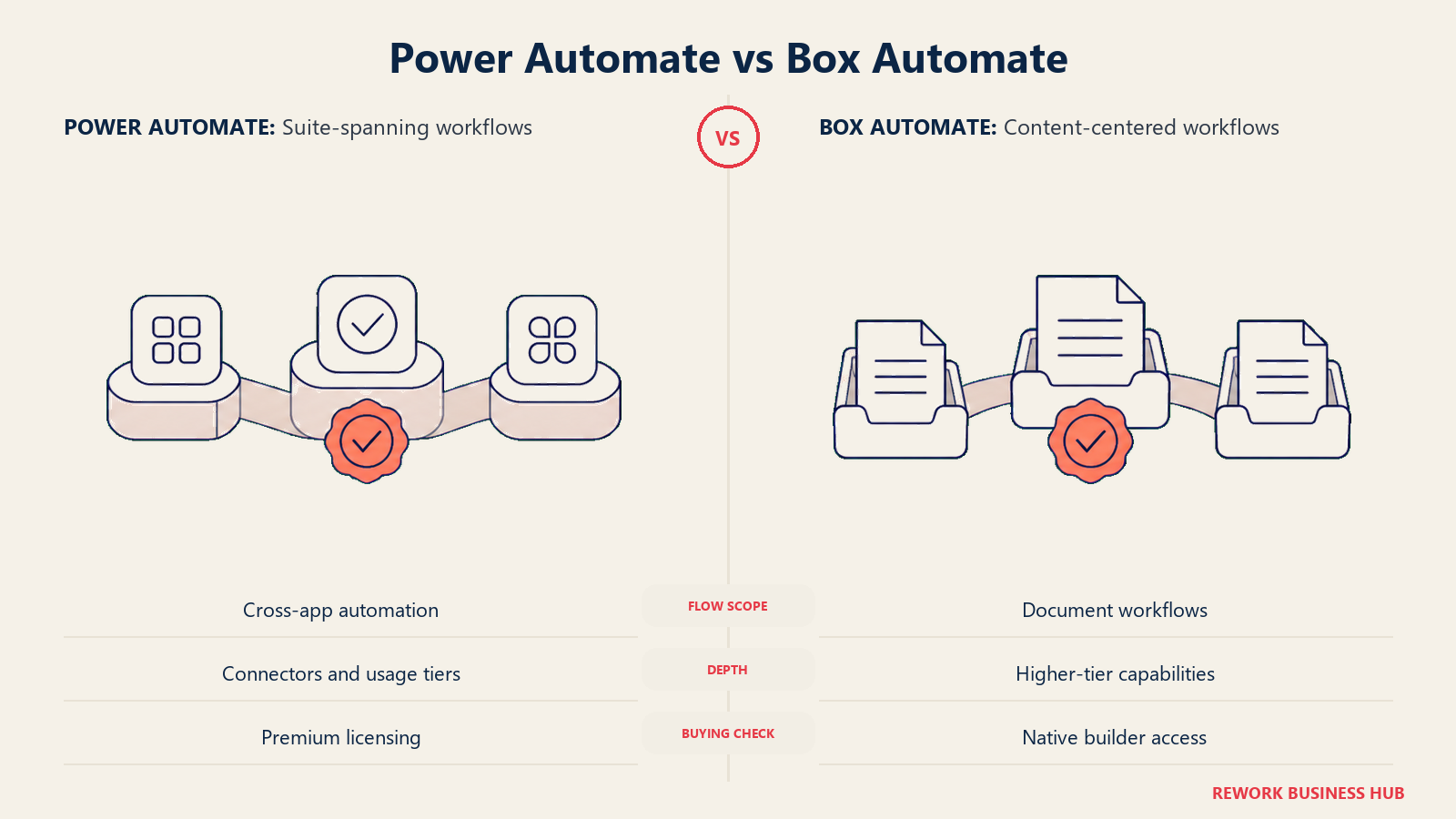
SharePoint's native workflow options are basic approvals built into document libraries and Teams, plus Power Automate for anything more elaborate. Power Automate can build real, sophisticated flows, but premium connectors and higher usage tiers are licensed separately from the base Microsoft 365 plan.
Box's own no-code workflow builder, currently branded Box Automate, is concentrated in the higher tiers. Business and Business Plus get lighter automation through third-party integrations (Zapier, Power Automate connectors); the native builder shows up as "Advanced workflows" on Enterprise Plus, and full agentic workflows with automated document generation arrive only on Enterprise Advanced, a contact-sales tier.
| SharePoint (Power Automate) | Box (Box Automate) | |
|---|---|---|
| Native workflow | Basic approvals built into libraries and Teams | Workflow automation via third-party integrations on Business and Business Plus |
| No-code workflow builder | Power Automate, licensed across the whole Microsoft ecosystem | "Advanced workflows" on Enterprise Plus; full agentic workflows on Enterprise Advanced |
| Who typically builds it | IT or a power user, inside Power Automate | An admin, inside the Box console, once you're on a tier that includes it |
| Premium capability cost | Premium connectors and usage tiers priced separately from the base plan | The native no-code builder is effectively an Enterprise Advanced, contact-sales capability |
| Best fit | Teams already investing in broader workflow automation across Microsoft 365 | Teams that need document-centric approvals and are willing to reach the top Box tier for the native builder |
App and API Ecosystem
The two platforms' integration stories point in different directions: one is deepest inside its own suite, the other is built to sit underneath everyone else's.
SharePoint's ecosystem is Microsoft's own: Teams, the Power Platform, and the Microsoft Graph API, which governs how Copilot and every other Microsoft 365 tool read SharePoint content.
Box's ecosystem leans neutral: Salesforce, Microsoft 365, Google Workspace, Slack, DocuSign, and a broad third-party app marketplace, connected through a REST API with a published monthly call allowance, 50,000 calls/month on Business and Business Plus, 100,000/month on Enterprise and Enterprise Plus.
| SharePoint | Box | |
|---|---|---|
| Core ecosystem | Microsoft 365, Teams, the Power Platform, Graph API | Salesforce, Microsoft 365, Google Workspace, Slack, DocuSign, and a broad third-party marketplace |
| API call allowance | Governed by Microsoft Graph throttling, not a flat monthly cap | 50,000 calls/month on Business and Business Plus; 100,000/month on Enterprise and Enterprise Plus |
| Native integration depth | Deepest inside the Microsoft ecosystem itself | Deepest as a neutral hub connecting non-Microsoft tools together |
| Best fit | Teams standardized on Microsoft's own stack | Teams running a mixed stack (Salesforce plus Google Workspace plus Slack, for example) |
AI Features: Microsoft 365 Copilot vs Box AI
Both vendors gate their AI feature behind specific tiers, and the gating logic isn't identical.
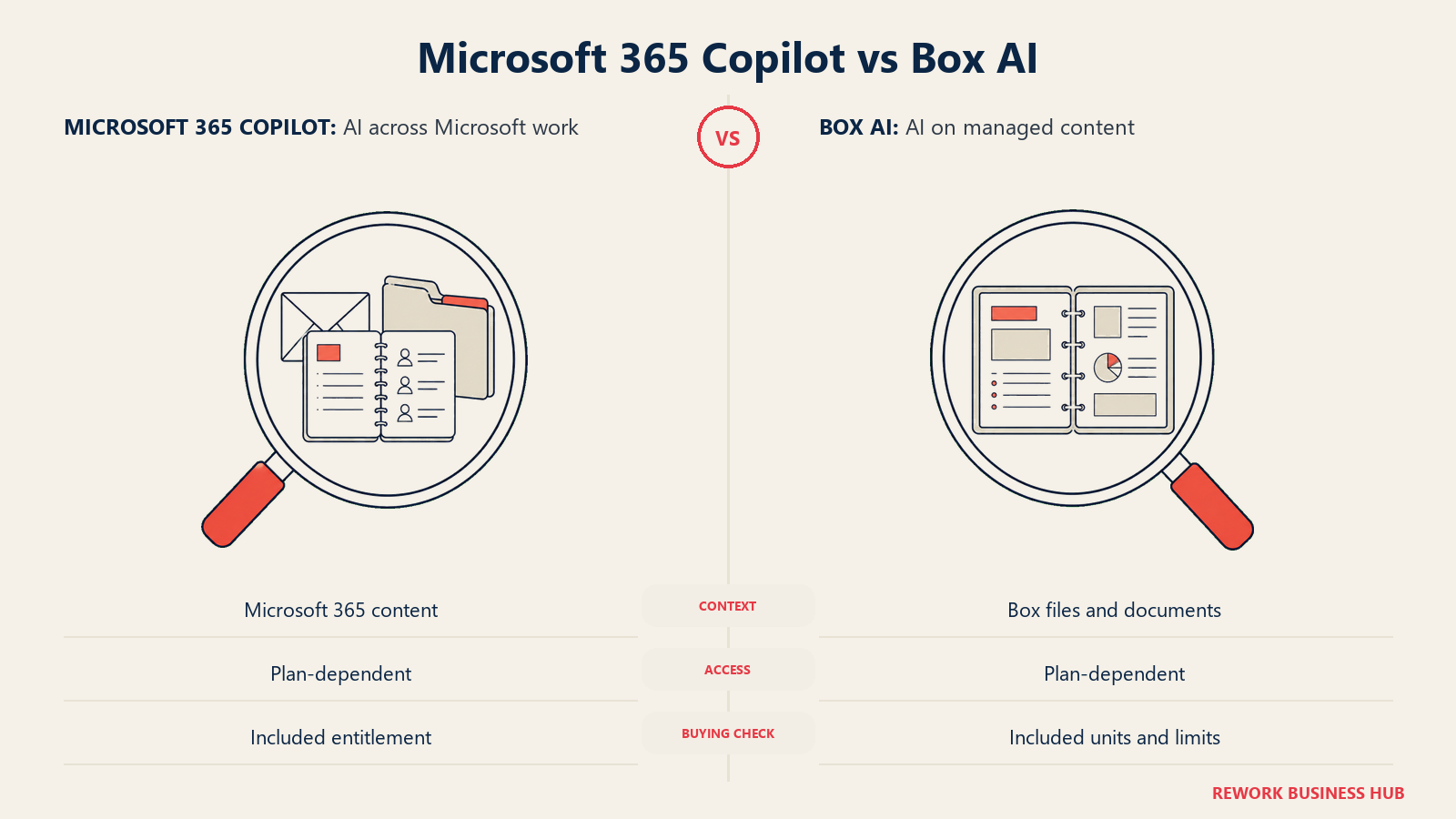
Microsoft 365 Copilot isn't included on Business Basic or Apps for Business. Business Standard and Business Premium, the two SKUs quoted throughout this article at $23.50 and $32.00 per user per month, bundle Copilot directly into that price rather than pricing it as a separate add-on.
Box AI follows a similar shape: not included on Business Starter, bundled as "Integrated Box AI" into Business and Business Plus, with explicit usage unit caps starting at Enterprise, 1,000 AI units per month on Enterprise, 2,000 on Enterprise Plus, and 20,000 on Enterprise Advanced.
| Microsoft 365 Copilot | Box AI | |
|---|---|---|
| Included or add-on | Bundled into the Business Standard ($23.50) and Business Premium ($32.00) SKUs quoted here; not on Business Basic or Apps for Business | Not included on Business Starter; "Integrated Box AI" bundled into Business and Business Plus |
| Usage caps | Not published as a flat unit cap for the Business SKUs | 1,000 AI units/month on Enterprise, 2,000 on Enterprise Plus, 20,000 on Enterprise Advanced |
| What it reads | Whatever Microsoft Graph permissions allow, including SharePoint content | Content inside your Box account, governed by the same collaborator permissions |
| Answer quality depends on | How consistently your SharePoint content is structured and labeled | The same permission and metadata setup you've already configured in Box |
Admin Burden: Who Owns This Day to Day
Somebody has to own each platform, and the two differ in who that is and what breaks if the role goes unfilled.
SharePoint's administration is distributed by design: a global Microsoft 365 admin manages the tenant, but individual site owners, often accidental ones, control day-to-day structure and permissions within their own sites. Nobody centrally enforces a naming or metadata standard unless the organization deliberately builds SharePoint governance policy on top of the platform.
Box concentrates administration in a central console, with "Advanced admin controls" arriving at Business Plus and expanding further at Enterprise. One named admin typically owns permission levels, Shield policy, and Governance retention rules, rather than that ownership being spread across dozens of accidental site owners.
| SharePoint | Box | |
|---|---|---|
| Who owns governance | Distributed across site owners, rarely centrally enforced | A named Box admin, with advanced controls from Business Plus up |
| Risk if unowned | Site and folder sprawl, permission drift | Broad shared links and unmanaged collaborator invites |
| Skill level required | Site owners often self-taught, minimal formal training | Admin console is straightforward; Shield and Governance policy design takes more planning |
| Typical failure mode | "Nobody owns this site anymore" | "Nobody audited who still has a live share link" |
Migration and Lock-In
Getting content in is rarely the hard part on either platform. Getting it out, or reasoning about what leaving would cost, is where the two diverge.
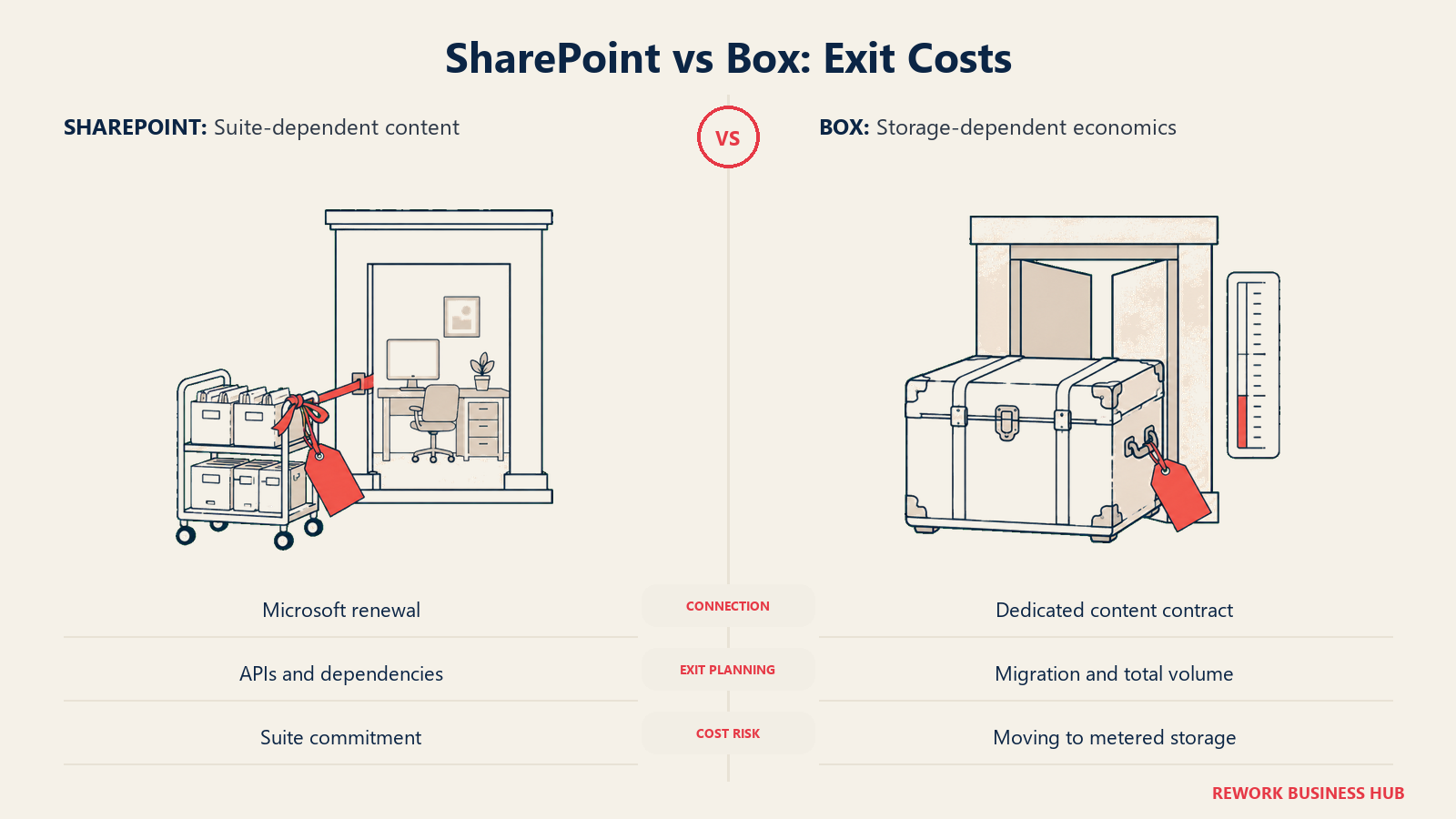
SharePoint content is already inside your tenant if you're on Microsoft 365 for anything else, so there's effectively no migration for a team that just needs a place to put files. Exporting content out is straightforward for a single tenant through the Microsoft Graph and SharePoint APIs, but your document layer stays tied to whatever Microsoft 365 renewal decision your company makes for email and Office.
Box is content-agnostic by design and a common target for document-management migration tools, syncing in through desktop clients, drag-and-drop, or a migration partner. The real lock-in risk isn't technical, it's storage economics: leaving an unlimited-storage Box tier for a metered platform elsewhere can be a real budget shock once you see the actual gigabyte count you'd been storing.
| SharePoint | Box | |
|---|---|---|
| Getting content in | Already there if you're on Microsoft 365; otherwise a real migration project | Drag-and-drop, sync clients, or a migration tool; content-agnostic by design |
| Getting content out | Straightforward for a single tenant via Microsoft Graph and SharePoint APIs | REST API and third-party migration tools are common; Box is a frequent migration target |
| Real lock-in risk | Your document layer is tied to your Microsoft 365 renewal decision | Storage economics: leaving an unlimited tier for a metered one elsewhere can be a shock |
| Best fit | Teams unlikely to leave Microsoft 365 for email and Office anyway | Teams that want their content layer decoupled from any single productivity suite |
Licensing and Pricing Structure
Neither vendor makes this trivial, but for different reasons: one no longer sells the product on its own, the other publishes granular per-tier pricing with a seat floor attached.
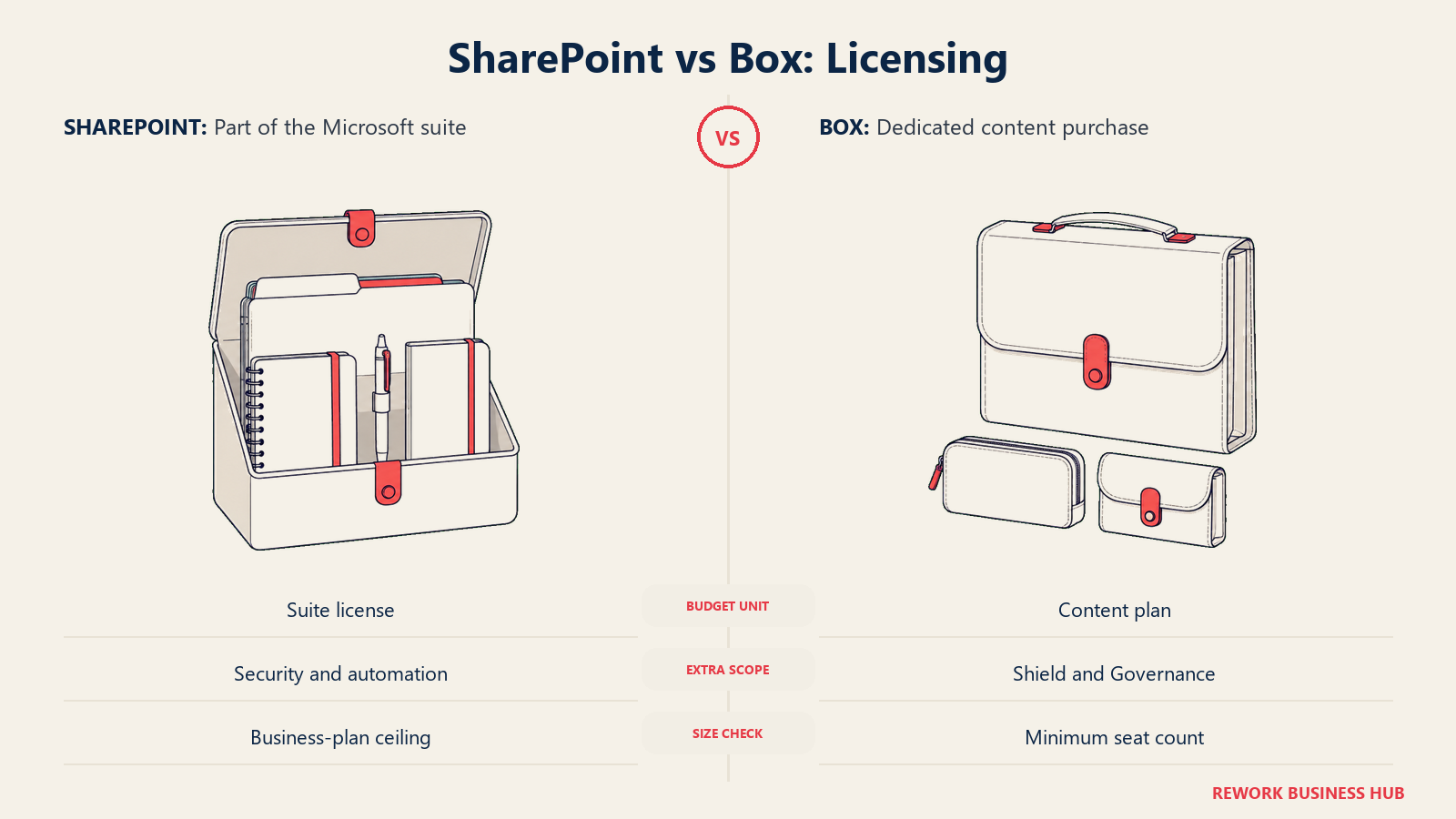
Microsoft ended standalone SharePoint entirely. New purchases of standalone SharePoint Online Plan 1 and Plan 2, and OneDrive for Business Plan 1 and Plan 2, stopped after May 31, 2026; renewals continue only through January 2027, with end of service in December 2029, per Microsoft's Partner Center announcement. New customers get SharePoint only as part of a Microsoft 365 business plan: Business Basic at $7.00/user/month, Apps for Business at $10.00/user/month (no Copilot), Business Standard with Copilot at $23.50/user/month, or Business Premium with Copilot at $32.00/user/month, each on an annual subscription and each including 1TB of OneDrive per user. Those Business plans cap out at 300 users per tenant.
Box has always been standalone, and every plan is published in detail. Business Starter runs $7/user/month monthly or $5/user/month billed annually, 100GB storage, 3-user minimum. Business is $20 monthly or $15 annually with unlimited storage, still a 3-user minimum. Business Plus is $33 monthly or $25 annually; Enterprise is $47 monthly or $35 annually; Enterprise Plus lists at $50/user/month with annual pricing behind an account toggle; Enterprise Advanced is contact-sales only. Box publishes no user cap on any tier.
| SharePoint (via Microsoft 365) | Box | |
|---|---|---|
| Standalone purchase | No longer sold; new purchases ended May 31, 2026 | Always sold standalone; no bundling required |
| Entry price | $7.00/user/month, Business Basic, annual | $5/user/month annual ($7 monthly), Business Starter, 3-user minimum |
| Unlimited-storage tier | Not applicable; SharePoint's pool is always calculated | $15/user/month annual ($20 monthly), Business |
| Top published tier | $32.00/user/month, Business Premium, Copilot included | $35/user/month annual ($47 monthly), Enterprise; Enterprise Plus and Enterprise Advanced go quote-only above that |
| User minimum | None specific to SharePoint licensing | 3 users on every paid tier, including Starter |
| User cap | Business plans (Basic, Standard, Premium) cap at 300 users total | No published cap |
| AI add-on | Bundled into 2 of the 4 Business SKUs quoted here | Not on Starter; bundled into Business and Business Plus, with unit caps starting at Enterprise |
Cost at 25, 100, and 500 Seats
Two currencies would complicate this table if M-Files were the comparison; here both vendors bill in dollars, which makes the math cleaner, but the seat count itself introduces a wrinkle worth stating plainly before the numbers: Microsoft's Business plans cap at 300 users per tenant, so a 500-seat organization can't actually buy Business Basic or Business Standard at any price. Box carries no such cap, only a 3-user floor that doesn't matter once you're past 25 seats.
| Seats | Microsoft 365 Business Basic ($7.00/user/mo) | Microsoft 365 Business Standard w/ Copilot ($23.50/user/mo) | Box Business Starter ($5/user/mo annual) | Box Business ($15/user/mo annual, unlimited storage) |
|---|---|---|---|---|
| 25 | $2,100/year | $7,050/year | $1,500/year | $4,500/year |
| 100 | $8,400/year | $28,200/year | $6,000/year | $18,000/year |
| 500 | Exceeds the 300-user cap; requires a Microsoft 365 E3/E5 enterprise agreement, quote-only | Exceeds the 300-user cap; requires an enterprise agreement, quote-only | $30,000/year, though Starter's 100GB cap makes it an unrealistic fit at this scale | $90,000/year |
Run the same math on Box's higher tiers if security add-ons matter at scale: Business Plus at $25/user/month annual runs $7,500/year at 25 seats, $30,000/year at 100, and $150,000/year at 500. None of that includes Box Shield or Box Governance, which price separately at every tier, so add those quotes before comparing a Box total against a SharePoint total that already has Purview basics baked in on Business Premium.
When SharePoint Is the Right Call
- Your document need really is just shared storage, version history, and Office co-authoring, with no dedicated content-security requirement behind it
- You want zero extra vendor and zero extra login layered on top of the Microsoft 365 subscription you already pay for
- Your external sharing is light, mostly internal collaboration with the occasional guest, not a routine habit of exchanging large files with clients or partners
- You're not budgeting for content-security add-ons like malware and ransomware detection as their own line item this year
When Box Is the Right Call
- You regularly share large files with people outside your organization, clients, vendors, or contractors, and need granular control over what they can do with those files
- Content security and governance (malware and ransomware detection, classification-based access, retention holds) is worth budgeting for as its own product, not an afterthought bolted onto a suite you already own
- You run a mixed software stack, Salesforce plus Google Workspace plus Slack, for example, and want one content layer that isn't tied to any single productivity suite
- You've priced Business tier at $15/user/month annual and confirmed unlimited storage actually solves your real problem, not the 100GB Starter tier's
Decision Framework
Start with the actual operating problem, not the brand you already recognize.
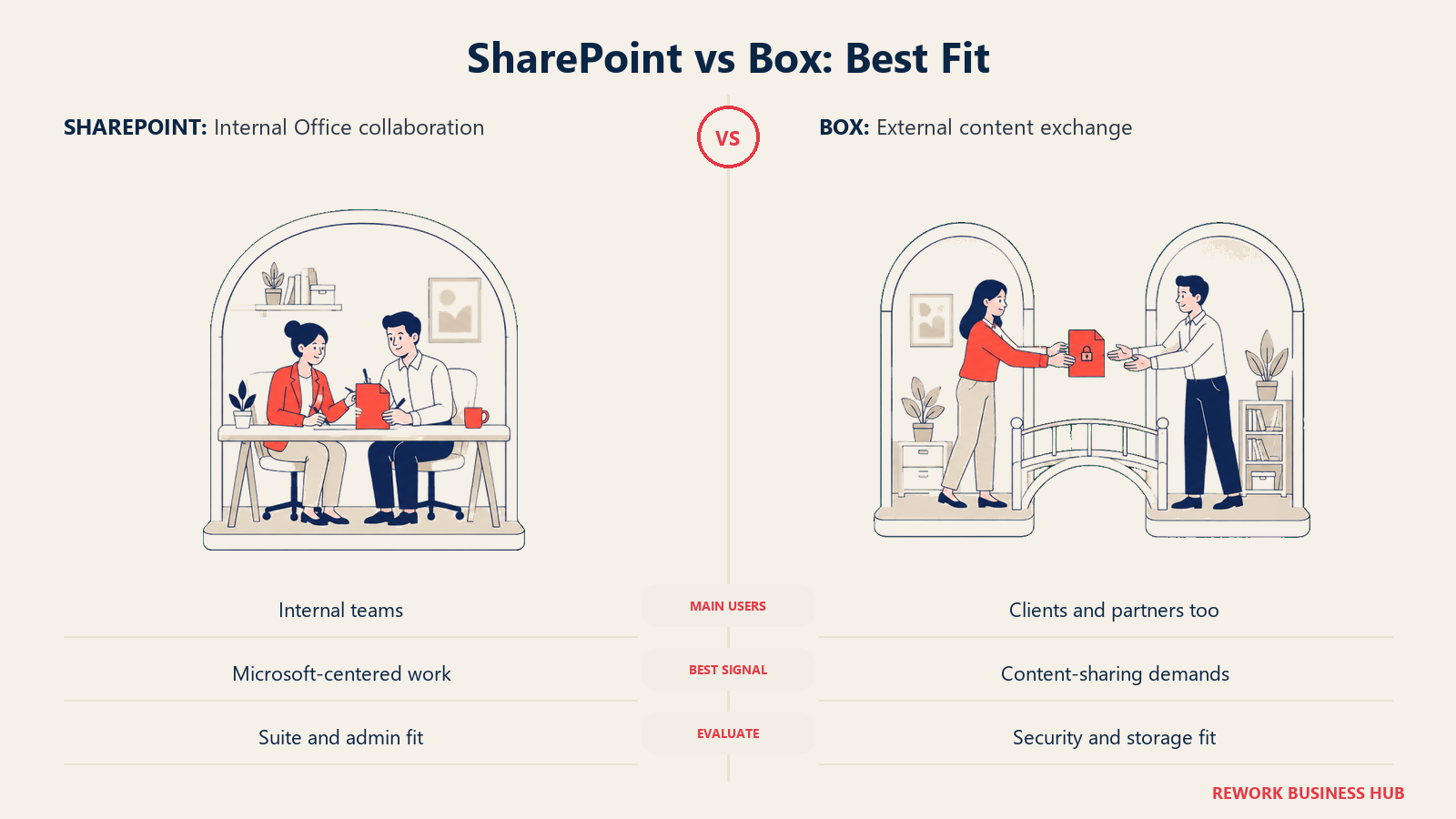
| If you are... | Pick |
|---|---|
| Fine with basic shared storage and Office co-authoring, no dedicated content platform needed | SharePoint (in Microsoft 365) |
| Regularly exchanging large files with clients or partners outside your organization | Box |
| Budgeting content security, malware detection and classification-based access, as its own line item | Box, with the Shield add-on priced in |
| Evaluating this because your Microsoft 365 renewal just changed and standalone SharePoint SKUs disappeared | SharePoint, bundled into a Microsoft 365 plan |
| Wanting a fuller list before narrowing down | See our best SharePoint alternatives and best Box alternatives |
| More focused on sync-and-share simplicity than security-first content governance | See our Box vs Dropbox Business comparison |
| Comparing the individual-plan storage layer underneath either suite | See our Google Drive vs OneDrive comparison |
| Wanting the widest OneDrive-adjacent shortlist | See our best OneDrive alternatives |
The verdict: if your document problem is genuinely just shared storage and Office collaboration, SharePoint's Microsoft-native fit is hard to beat, and it's already paid for. If the real problem is sharing large files securely with people outside your company and proving you can detect a malware upload before it spreads, Box's dedicated security add-ons solve something a bundled suite component was never built to solve on its own.
What to Do Next
- Check which Microsoft 365 plan your organization is actually on before assuming SharePoint's storage is unlimited or still sold standalone. If you're on a legacy standalone SharePoint or OneDrive SKU, confirm your renewal date against Microsoft's retirement timeline now.
- Name your real pain before you name a platform. "We need shared storage with Office co-authoring" is SharePoint-shaped. "We need to share large files securely with people outside our company" is Box-shaped.
- Price Box at the tier that matches your need, not the entry number on the homepage. Confirm in writing whether Shield, Governance, and Box AI's usage caps are included or a separate purchase at the tier you're evaluating.
- Run the storage math for your actual headcount before assuming SharePoint's pool is a non-issue, and don't assume Box's unlimited claim applies below Business tier.
- If you're not sure a dedicated platform is the right category at all, browse our best document management software roundup, or see how SharePoint stacks up against a metadata-first alternative in our SharePoint vs M-Files comparison.
Frequently Asked Questions about SharePoint vs Box
Can I still buy SharePoint on its own, without a Microsoft 365 subscription?
No, not for new purchases. Microsoft ended new purchases of standalone SharePoint Online Plan 1 and Plan 2, and OneDrive for Business Plan 1 and Plan 2, on May 31, 2026. Existing customers can keep renewing only through January 2027, with end of service in December 2029. New customers get SharePoint only as part of a Microsoft 365 business plan.
Is SharePoint storage really unlimited?
No. SharePoint site storage is a calculated pool: 1TB per organization plus 10GB for every licensed user, with overage priced around $0.20 per gigabyte per month. That pool is separate from each user's own 1TB OneDrive allocation, so a 100-user organization gets roughly 2TB of pooled site storage, not an unlimited amount.
Is Box's unlimited storage claim actually true?
Yes, but only from the Business tier up. Business Starter, Box's $5-per-user-per-month annual entry tier, caps out at 100GB. Unlimited storage starts at Business, $15/user/month annual, and continues through every tier above it.
Does Box have a minimum number of users?
Yes. Every paid Box plan, including Business Starter, requires a minimum of 3 users, so a 1- or 2-person team can't buy a Box business plan at any tier.
Is Box Shield included with Box, or a separate purchase?
It's a separate purchase at every tier, including Enterprise. Box Shield adds malware and ransomware detection plus classification-based access controls; Box Shield Pro adds an AI Classification Agent and AI Threat Analysis Agent on top of that base tier.
Does Microsoft 365 Copilot come bundled with SharePoint?
It depends on the plan. Business Basic and Apps for Business don't include Copilot. Business Standard and Business Premium, the two SKUs that bundle Copilot, include it directly in the $23.50 and $32.00 per-user monthly prices rather than pricing it as a separate add-on.
Related Resources:
- Best Document Management Software in 2026
- Best SharePoint Alternatives in 2026
- Best Box Alternatives in 2026
- SharePoint vs M-Files: Which Document Management Platform Fits Your Team Better?
- Best OneDrive Alternatives in 2026
- Box vs Dropbox Business
- Google Drive vs OneDrive
- Best M-Files Alternatives in 2026
- Best Egnyte Alternatives in 2026

Principal Product Marketing Strategist
On this page
- TL;DR
- Who Each Platform Is Actually Built For
- Key Facts
- The Underlying Content Model: Sites and Libraries vs a Single Content Cloud
- Storage Limits and What They Really Cost
- External Sharing and Collaboration
- Security and Threat Detection: Microsoft Purview vs Box Shield
- Governance, Retention, and eDiscovery
- Workflow Automation: Power Automate vs Box Automate
- App and API Ecosystem
- AI Features: Microsoft 365 Copilot vs Box AI
- Admin Burden: Who Owns This Day to Day
- Migration and Lock-In
- Licensing and Pricing Structure
- Cost at 25, 100, and 500 Seats
- When SharePoint Is the Right Call
- When Box Is the Right Call
- Decision Framework
- What to Do Next