Best Vitally Alternatives in 2026: 12 Customer Success Platforms Compared
Turn this article into takeaways for your work.


Each assistant summarizes the article only for you and suggests best practices for your work.
If you are reading this, you are probably one of three people. You run a blended motion where Vitally's three plans, Tech-Touch, Hybrid-Touch and High-Touch, no longer describe how your team actually covers accounts. You watched your seat count creep past the plan you signed and realized unlimited full seats only ship on High-Touch. Or you are simply tired of every customer success platform in this category answering "how much does it cost" with "let's schedule a call." Whichever one you are, the alternatives below are grouped so you can skip to the section that matches your reason for looking.
Vitally earned its place in this category by packaging a data-first CS platform around the accounts-per-CSM ratio instead of a generic feature list. Pipe in product usage, CRM and support data, build health scores on your own logic, then automate from there, with the plan you pick following your CS motion rather than a headcount tier. That is a real improvement over configuring a blank schema from scratch. It is also still a plan structure, and plan structures stop fitting the moment your team's coverage model changes faster than your contract renews. This guide covers 12 alternatives for Heads of CS, CS Ops leads and RevOps leads at B2B SaaS companies roughly between 20 and 500 people, with every price taken from the vendor's own pricing page. Where a vendor publishes nothing, this guide says so instead of quoting a number from somewhere else.
If you have not narrowed the category yet, start with the customer success software roundup. If Planhat is your other finalist, the direct Vitally vs Planhat comparison is the faster read than working through two separate guides.
Key Facts
- Across 913 verified disclosures from 105 public B2B SaaS companies sourced directly from SEC filings, median net revenue retention is 122% and the top decile reaches 155% (Cust, 2026 State of Customer Success).
- Among 155 private B2B SaaS startups tracked from 2020 to 2024, median annual revenue churn rose from 11.34% to 12.50% year over year, the opposite direction from the growth the category's software is sold to prevent (Lighter Capital, 2025 B2B SaaS Startup Benchmarks).
- Acquiring a new customer costs five to 25 times more than retaining an existing one, and Bain's Frederick Reichheld found that raising retention by 5% increases profits by 25% to 95% (Harvard Business Review, "The Value of Keeping the Right Customers").
- The customer success platforms market was valued at roughly $2.77 billion in 2025 and is projected to reach $16.68 billion by 2034, a 22.1% compound annual growth rate that explains why so many vendors are competing for this budget line (Fortune Business Insights, Customer Success Platforms Market).
- Gartner predicts that over 40% of agentic AI projects will be canceled by the end of 2027, worth remembering before you pay extra for any CS platform's AI layer, Vitally's included (Gartner press release, June 2025).
Quick Comparison Table
| Tool | Best For | Starting Price | Key Strength | Key Limitation |
|---|---|---|---|---|
| Planhat | Teams that want to model their own data objects | Quote only, add-ons priced separately | Fully configurable data model, no schema imposed | No published pricing, four add-ons quoted separately |
| Gainsight | Teams that want playbooks and forecasting that arrive built | Quote only, Essentials or Enterprise | Deepest prebuilt CS methodology and adjacent product line | Heaviest platform here, enterprise sales motion |
| ChurnZero | Mid-market teams that need value in weeks | No published price; reported $18,681 to $131,560/yr | Opinionated health scores and journeys out of the box | Vendor publishes nothing, so you negotiate blind |
| Totango (incl. Catalyst) | High-account-count books that need programs running now | Quote only, Enterprise and Premier tiers | SuccessBLOC-style prebuilt programs, account-count packaging | The free tier it was known for is no longer listed |
| Custify | Mid-market SaaS that wants no setup bill | Quote only, no setup fees | Explicit no-setup-fee commitment, fast onboarding | No tiers or figures published at all |
| ClientSuccess | Small CS teams that want caps they can read | Quote only, priced per CSM | Publishes what each package actually includes | Customer caps by tier constrain growth as you scale |
| Velaris | AI-first teams replacing manual CSM admin | Quote only, one license covers 5 users | One license, 5 users, unlimited viewers, add-ons available | Newer vendor with a shorter reference list |
| Akita | Buyers who want a real rate card today | $49/month (Small Teams), 20% off annual | Only platform here publishing full self-serve pricing | 2 full users at entry, lighter analytics depth |
| SmartKarrot | Teams that want a published entry number | $15,000/year (Basic, 5 users) | Entry tier price stated openly on the site | Growth, Pro and Enterprise all revert to contact sales |
| ZapScale | Budget-conscious teams under 100 accounts | Reported around $500/month (Startup) | Lowest reported entry point for a dedicated CS tool | No vendor pricing page |
| EverAfter | Customer-facing portals as the main job | Quote only, customized | Widget-built customer interfaces in the base product | Not a full internal CS command center on its own |
| HubSpot Service Hub | Teams already standardized on HubSpot | $90/seat/month (Professional, annual commit) | CS workspace sits on the CRM you already run | Requires Professional plus a $1,500 onboarding fee |
Why Teams Leave Vitally (and Who Should Stay)
Vitally did not get outcompeted on the idea. Packaging a data-first platform by CS motion, rather than by a generic seat tier, is a genuinely useful shortcut: pick Tech-Touch for one-to-many and product-led coverage, Hybrid-Touch for any blend, or High-Touch for one-to-one enterprise books, and the automations, health-score defaults and integration depth follow from that choice. Compared with piping the same product, CRM and support data into a blank canvas, that is real time saved. Three specific things still send teams shopping.
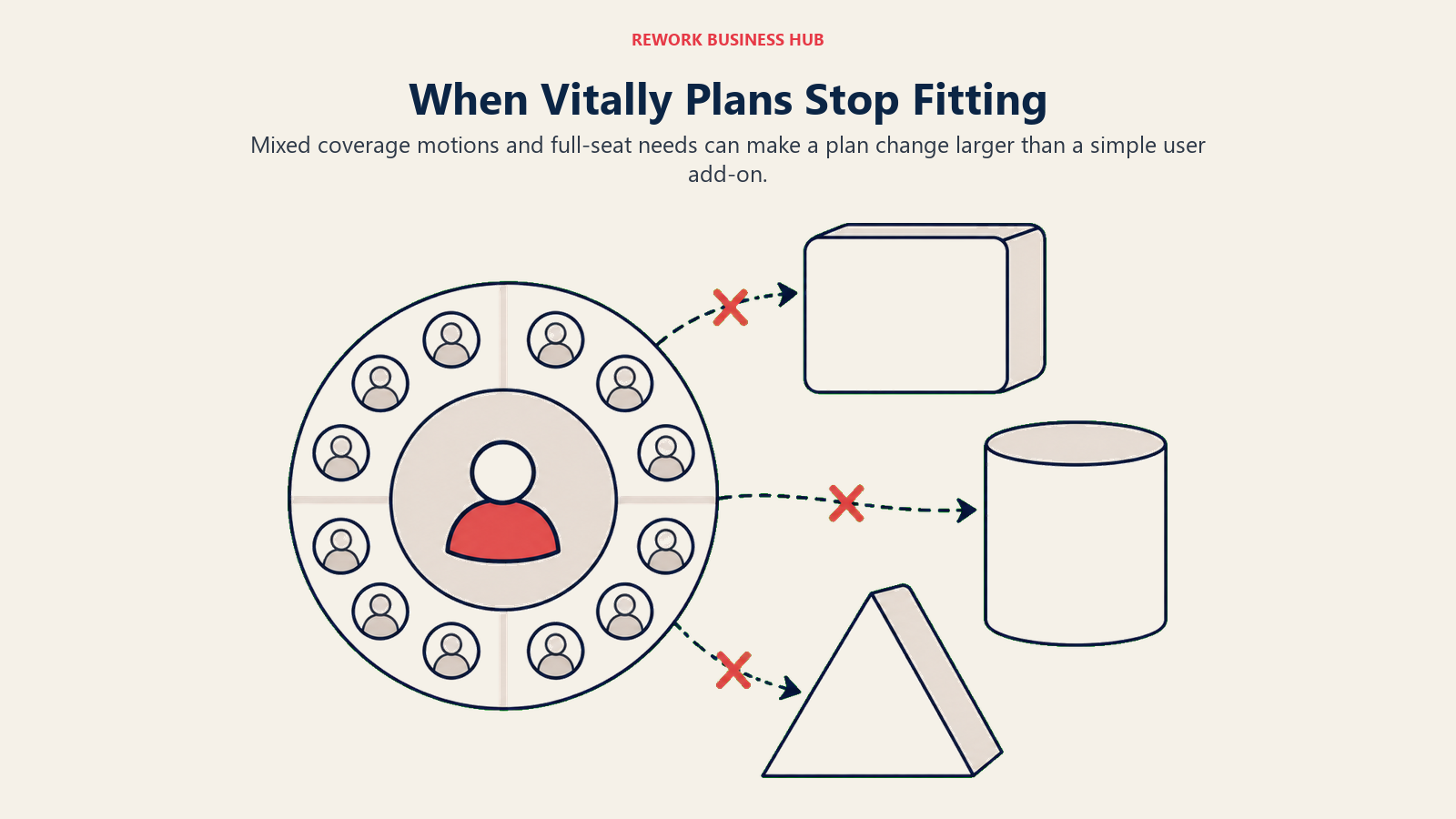
The plan structure asks you to pick one motion, and few CS teams run exactly one. A book that is 80% tech-touch self-serve accounts and 20% high-touch enterprise renewals does not map cleanly onto Tech-Touch, Hybrid-Touch or High-Touch. You end up choosing the closest plan and working around the mismatch, or paying for a higher tier than most of your book needs just to serve the enterprise slice properly. Teams whose motion is genuinely mixed, not just a phase they are passing through, tend to outgrow the three-plan model faster than teams with one clear coverage style.
The seat model gets expensive as you grow past the plan you bought. All three Vitally plans include unlimited automations, unlimited observer seats, unlimited docs, SSO and the full integration library. What they do not all include is unlimited full seats, which Vitally reserves for High-Touch. If your team is on Tech-Touch or Hybrid-Touch and your headcount grows past what the plan comfortably covers, getting to unlimited full seats means moving your entire contract to High-Touch, not adding a line item to your existing one. That is a bigger negotiation than a seat add-on, and it is worth knowing before you are mid-renewal.
Some buyers just want a vendor to publish a price. Vitally is quote only, same as ten of the twelve alternatives below. If a rate card you can price yourself matters more than any feature on this list, Akita, SmartKarrot and HubSpot Service Hub are the only three vendors in this comparison that give you one.
Who should stay on Vitally. If your CS motion genuinely fits one of the three plans, tech-touch, hybrid, or high-touch, and you want configurable health scoring without building a data model from scratch the way Planhat requires, Vitally's trade is still the right one. The same is true if you have already invested in Vitally's automations and integration library and the seat math works at your current size. Switching to save on seats when your motion still fits the plan you are on usually trades a manageable renewal conversation for a real implementation project elsewhere.
What the category actually publishes. Vitally is not unusual in staying quote only. Almost no customer success platform in this comparison publishes a price, and that shapes how you should budget and when you should push for a number.
| Vendor | Publishes a price? | What you can see before a sales call |
|---|---|---|
| Akita | Yes, full rate card | Tiers, seats, account caps, add-on rates, annual discount |
| SmartKarrot | Entry tier only | Basic at $15,000/year for 5 users; the rest is contact sales |
| HubSpot Service Hub | Yes | Per-seat rates plus one-time onboarding fees |
| Vitally | No | Three plans by CS motion; unlimited full seats on High-Touch only |
| Gainsight | No | Two editions with included user and customer counts |
| Planhat | No | Quote-based pricing, four add-ons named, no figures |
| Totango (incl. Catalyst) | No | Seat and account-count packaging per tier |
| ClientSuccess | No | Package caps plus a stated 15% to 20% annual discount |
| Custify | No | One commitment: no setup fees |
| Velaris | No | One license, 5 users, unlimited viewers, add-ons |
| EverAfter | No | Full feature list included at every tier |
| ChurnZero | No | Nothing; the pricing page is not publicly accessible |
| ZapScale | No | Nothing; no vendor pricing page |
One vendor besides Vitally is worth double-checking before you trust a comparison table: if a page tells you Vitally itself has unlimited seats, full stop, that claim is describing High-Touch and applying it to all three plans. Ask which plan any "unlimited" claim actually refers to, for Vitally and for every vendor on this list.
1. Planhat - The Configurable Swap When Motion Packaging Feels Too Rigid
Planhat is where teams land when the problem with Vitally is not the price, it is the plan structure itself. Instead of choosing among three motion-based packages, Planhat hands you a blank data model: custom objects, metrics you define, health formulas you rebuild whenever your product changes, and customer-facing portals shaped to your onboarding flow. If your business genuinely does not look like the tech-touch, hybrid, high-touch split Vitally assumes, usage-based contracts, multi-entity accounts, reseller hierarchies, that flexibility is worth the extra build effort.
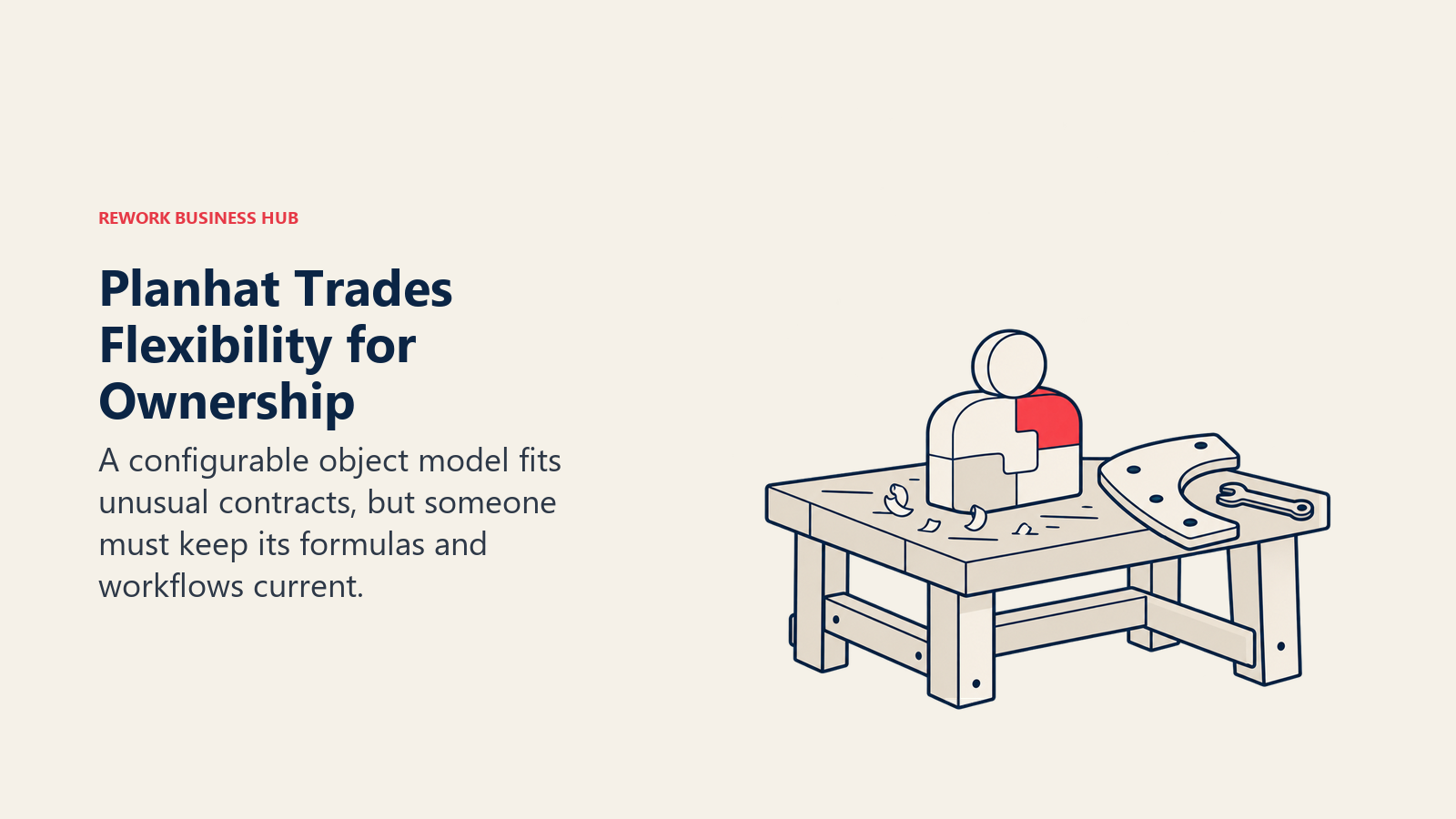
The trade is real, though. A blank canvas needs someone to keep configuring it every time you launch a product or restructure the CS team, which is an ops job, not a CSM job. Pricing is quote-based with four add-ons named but not priced: Upgraded AI Platform, Advanced Service, Email Marketing and Advanced Portals. Planhat's pricing FAQ also asks whether it offers unlimited view users, but the answer is collapsed on the page and never renders, so do not assume a view-user model either way until a rep confirms it.
Target audience. CS Ops-led teams at B2B SaaS companies with an unusual data model or contract structure.
Sizing fit. Strongest from 100 to 800 employees, once a dedicated ops function exists to own the build.
Stage fit. Best from Series B onward, when the account model is unusual enough that an opinionated tool would fight you.
| Pros | Cons |
|---|---|
| Data model bends to your business instead of the reverse | Needs a dedicated owner to build and maintain it |
| No plan-based motion lock-in the way Vitally has | No published pricing, and four add-ons quoted separately |
| View-user question is unanswered on the vendor's own FAQ | Slower time to a working health score than a packaged tool |
Pricing: Quote only, four add-ons priced separately (Upgraded AI Platform, Advanced Service, Email Marketing, Advanced Portals). No published tiers or figures.
Best for: Teams that outgrew Vitally's motion-based plans because their actual business does not sort into one motion. The full Vitally vs Planhat comparison walks through the trade-off in more depth than a listicle entry can.
2. Gainsight - When You Want the Playbooks to Arrive Built
Gainsight sits at the opposite end of the spectrum from both Vitally and Planhat. Where Vitally packages a motion and Planhat hands you a schema, Gainsight hands you a documented methodology: scorecards, success plans, playbooks, timeline logging and renewal forecasting, all arriving with a point of view about how CS is supposed to run. You spend implementation adapting your process to the software rather than building the software around your process, a real upgrade if your current process is more improvised than you would like to admit.

Scope is the other differentiator. Gainsight's pricing page lists the CS product alongside Skilljar for customer education, Product Experience, Customer Communities, Staircase AI and Atlas AI Agents, so a retention problem that is really an onboarding problem can stay inside one vendor relationship. Pricing is quote only across two published editions: Essentials includes 10 full users and 100 customers per user, Enterprise includes 20 full users and 200 customers per user, both with unlimited viewer licenses. Renewal and Expansion Forecasting, Company News, Org Mapping and Sponsor Tracking are Enterprise-only additions, not part of Essentials.
Target audience. CS organizations of 10-plus CSMs at companies past $20M ARR with a formal renewal process.
Sizing fit. Built for 200 employees and up. Under 100, the governance depth outruns what you will use.
Stage fit. Best once renewals are forecast in a board deck and someone owns the number.
| Pros | Cons |
|---|---|
| Prebuilt CS methodology means week-two output, not week-twelve | Heaviest configuration and change management on this list |
| Adjacent modules (education, communities, in-app) from one vendor | Renewal and Expansion Forecasting are Enterprise-only |
| Unlimited viewer licenses on both editions | Enterprise sales motion with no published pricing |
Pricing: Quote only. Essentials (10 included full users, 100 customers per user) and Enterprise (20 included full users, 200 customers per user), both with unlimited viewer licenses.
Best for: Teams that want the opinion, the playbooks and board-ready reporting without building any of it. The Vitally vs Gainsight vs ChurnZero comparison puts all three head to head if this is your actual shortlist, and the dedicated Gainsight alternatives guide covers the path if Gainsight itself becomes the incumbent you outgrow.
3. ChurnZero - Opinionated Mid-Market CS With Fast Time to Value
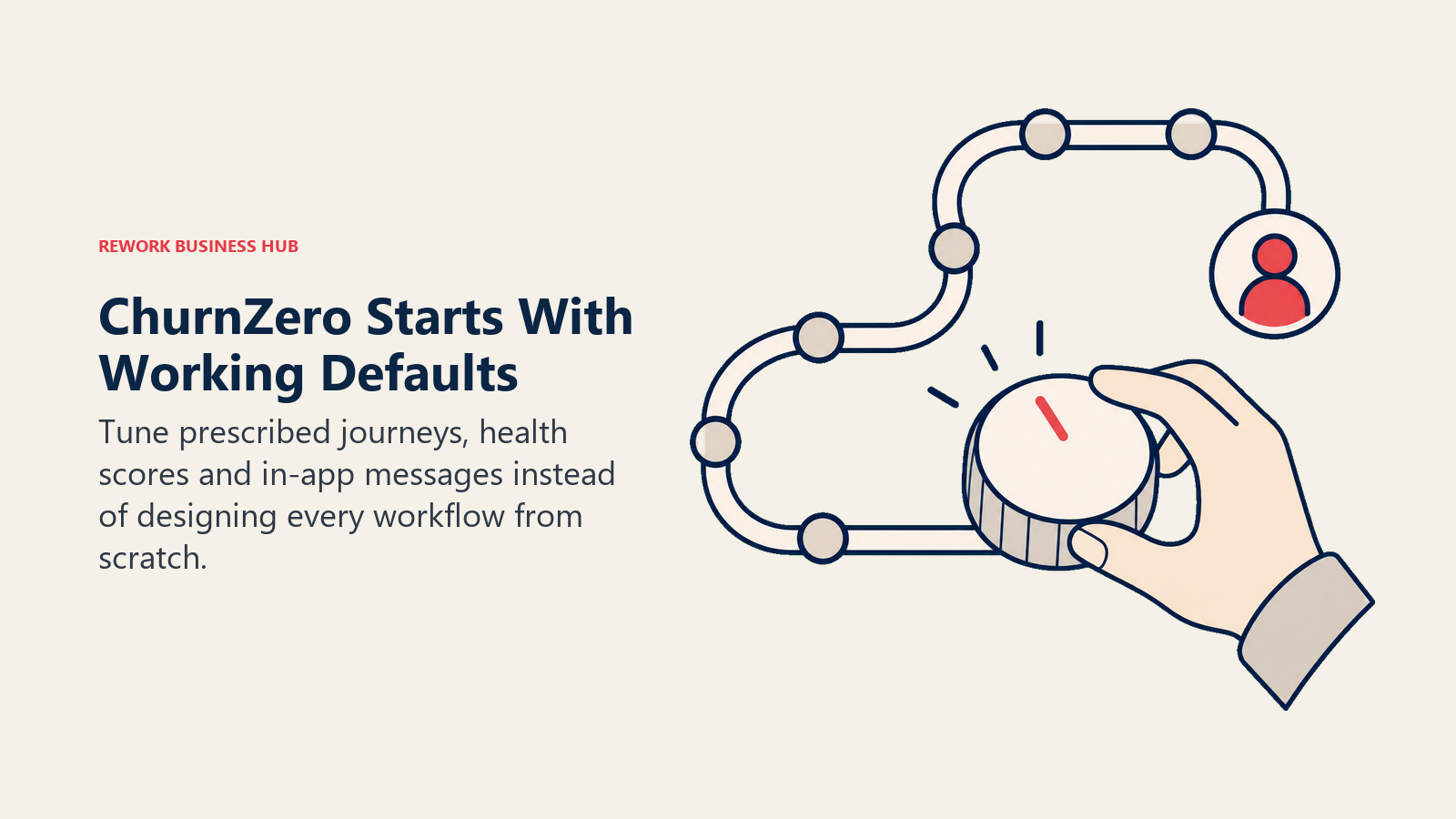
ChurnZero occupies the middle ground between Gainsight's methodology weight and Planhat's blank canvas, closer in spirit to Vitally than either, but built around prescribed journeys and in-app messaging rather than a CS-motion plan structure. It assumes a mid-market CS team has one ops-capable person at most, so health scores, journeys, in-app messaging and renewal alerts ship with working defaults you tune instead of build. Teams routinely report a usable health model live in weeks.
The catch is transparency, and it is worse here than at Vitally. Confirm current ChurnZero pricing with the vendor, since this guide has no list price to model from directly. The most useful reference point comes from Vendr, which aggregates anonymized purchase contracts: deals ranged from $18,681 to $131,560 per year, with a median annual contract of $44,681 (reported by Vendr, not confirmed by the vendor). Treat that as a sanity check on a quote you already have, not a budget you can plan against.
Target audience. B2B SaaS CS teams of 3 to 25 CSMs with a subscription renewal motion and no dedicated platform engineer.
Sizing fit. Sweet spot at 50 to 400 employees.
Stage fit. Best at Series A through C, especially on a first CS platform after outgrowing spreadsheets and CRM tasks.
| Pros | Cons |
|---|---|
| Working health scores and journeys in weeks, not months | Vendor publishes no pricing whatsoever |
| In-app messaging built in, so tech-touch does not need a second tool | No CS-motion plan structure the way Vitally organizes packaging |
| Renewal and risk alerting designed for a small ops footprint | Reported deal range is wide enough to be nearly useless as a budget |
Pricing: No published price. Reported range of $18,681 to $131,560 per year across anonymized ChurnZero transactions, with a median annual contract of $44,681 (source: Vendr marketplace data, reported).
Best for: Mid-market teams that want to stop configuring and start running plays. See ChurnZero alternatives if ChurnZero moves to the top of your list, or the Gainsight vs ChurnZero comparison if those two are your real finalists.
4. Totango (Including Catalyst) - Prebuilt Programs for Big Account Books
Totango solves a different version of the packaging problem than Vitally does. Instead of three plans by CS motion, you switch on a prebuilt program, onboarding, adoption, risk or renewal, and adjust it, with pricing structured around seat and account-count tiers rather than a motion label. For a book where account count badly outpaces headcount, that account-first packaging can fit better than Vitally's per-motion plans. The platform also carries Unison, its customer intelligence engine, offered with standard or custom AI models.
Two facts matter more than any feature list. First, Catalyst is no longer an independent company. It is a Totango product line on Totango's own pricing page, with a Growth tier covering 2,500 customer accounts and up to 5 Salesforce custom objects. Second, the free forever plan Totango was known for is no longer listed on its pricing page. Every tier, Catalyst Growth included, now routes through "Talk to sales."
Target audience. CS teams managing a large account count relative to headcount, including PLG and hybrid books.
Sizing fit. Strong from 100 to 2,000 employees, especially where account counts run into the thousands.
Stage fit. Best when the motion is known but under-resourced, and a prebuilt program beats a custom build.
| Pros | Cons |
|---|---|
| Prebuilt programs shorten time to a working motion | The free tier it was known for is no longer listed |
| Packaging is stated in accounts and seats, so quotes are predictable | Every tier routes through sales, including Catalyst Growth |
| Catalyst absorbed, so one vendor covers two former codebases | Product consolidation means roadmap questions worth asking |
Pricing: Quote only. Totango CS Enterprise (10 practitioner seats, 2,000 customer accounts, 5 teams), Totango CS Premier (20 practitioner seats, 3 viewer seats, 10,000 customer accounts, unlimited teams, 1 development instance), Catalyst Growth (2,500 customer accounts, up to 5 Salesforce custom objects), plus Unison with standard or custom AI models.
Best for: High-account-count books that need programs running now instead of a plan built around motion labels. See Totango alternatives if you are evaluating in the other direction, or the Totango vs Gainsight comparison if those two are your finalists.
5. Custify - Mid-Market SaaS Without the Setup Bill
Custify built its product for mid-market B2B SaaS specifically: health scoring, lifecycle playbooks and CSM task automation aimed at a team with real accounts to manage and no platform engineer to assign. It is narrower than Vitally's data-first approach by design, fewer ways to build custom automation logic, in exchange for a shorter path from contract signature to a health score somebody trusts.
The one hard commitment on Custify's pricing page is worth more than it looks: the page states verbatim, "No, we don't charge any setup fees for our customers." In a category where implementation fees routinely add five figures to year one, a stated zero on that line removes a whole negotiation before it starts. Nothing else is published. No tiers, no seat counts, no figures at all, so the license itself stays a conversation.
Target audience. B2B SaaS CS teams of 2 to 15 CSMs managing recurring subscription accounts.
Sizing fit. Best from 30 to 300 employees. Above that, the account-count packaging elsewhere usually prices better.
Stage fit. Best at Series A and B, on a first or second CS platform.
| Pros | Cons |
|---|---|
| Explicit no-setup-fee commitment on the vendor's own page | No tiers or price figures published at all |
| Purpose-built for mid-market SaaS, so defaults fit the segment | Narrower automation-building depth than Vitally's data-first model |
| Shorter implementation than the enterprise platforms above | Thinner fit for non-SaaS or multi-entity account structures |
Pricing: Quote only. No tiers or figures published. The vendor commits publicly to charging no setup fees.
Best for: Mid-market SaaS teams that want year-one cost to be the license and nothing else. The dedicated Custify alternatives guide is the next stop if Custify itself becomes the tool you are comparing against.
6. ClientSuccess - Priced Per CSM, With Caps You Can Read
ClientSuccess explains its own pricing logic in public, which is rare in this category. The page states plainly that "ClientSuccess pricing is based on the number of customer success managers using the platform and the modules you need," which is the inverse of Vitally's motion-based packaging and of Totango's account-count model. A four-person CS team covering 900 accounts prices very differently here than at a vendor packaging by account volume or by CS motion.
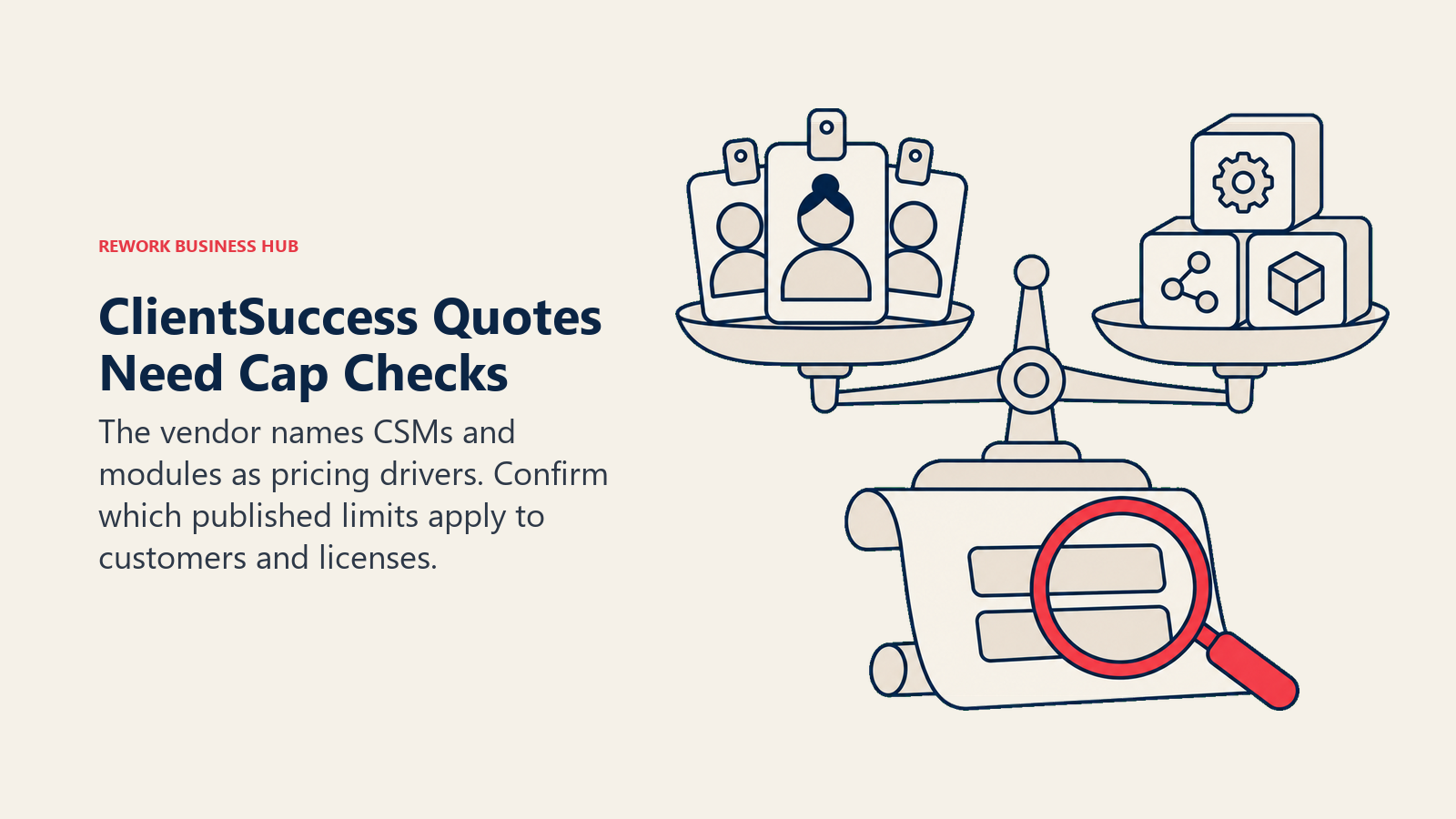
The three packages publish their limits even without prices, and the limits deserve a careful read. Startup lists a maximum of 10 customers and a maximum of 500 full licenses. Growth lists a maximum of 50 customers and a maximum of 5,000 full licenses. Enterprise removes both caps and adds custom dashboards plus the customer portal. Those two capped rows, customers and full licenses, look transposed on the vendor's own comparison table, so quote both exactly as published and confirm which is which on the call rather than assuming the reading that seems more plausible. Annual contracts get 15% to 20% off, and there are no setup or implementation fees.
Target audience. Small to mid-size CS teams that want a clear, CSM-priced contract and a named support relationship.
Sizing fit. Strong from 20 to 250 employees. The Startup tier's 10-customer cap is genuinely small, so most teams start at Growth.
Stage fit. Best at seed through Series B, and at any stage where CSM count is small relative to the book.
| Pros | Cons |
|---|---|
| Publishes what each package includes and where the caps sit | Prices themselves are still quote only |
| Priced per CSM, so a large account book does not inflate the bill | The customer and full-license cap rows look transposed on the vendor page |
| 15% to 20% annual discount and no setup fees, both stated | Customer portal and custom dashboards are Enterprise-only |
Pricing: Quote only, based on CSM count and modules. Startup (max 10 customers, max 500 full licenses), Growth (max 50 customers, max 5,000 full licenses), Enterprise (unlimited customers and licenses, custom dashboards, customer portal). Annual contracts 15% to 20% off; no setup fees. The customer and full-license caps are worth confirming directly, since the two rows appear transposed on the vendor's own table.
Best for: Small CS teams carrying a big book, where per-CSM pricing beats per-account or per-motion pricing. The three-way ClientSuccess vs Akita vs SmartKarrot comparison is the faster read if those are your real finalists.
7. Velaris - AI-First, One License, Five Users
Velaris is the newest platform on this list and the closest in spirit to Vitally's automation-first pitch, just built around AI handling CSM admin rather than around a motion-based plan. Meeting notes, account summaries, follow-up drafting and risk flagging get handled by the platform instead of by a CSM at 7pm. For a team leaving Vitally because even the automations still needed too much manual setup, that framing lands directly.
Packaging is simple even though the price is not published. The vendor states it plainly as "5 users. Unlimited viewers. Add-ons available," with complementary products, a Customer Portal for onboarding and Velaris Support, priced separately. One license means you are not negotiating module by module the way a Vitally plan upgrade can force, though the add-on line raises the same "what is actually included" question. Velaris is also a younger vendor with a shorter public reference list than Gainsight or Totango, so ask for two customers your size and shape before you commit. Apply the same discipline to its AI claims that you would to Vitally's: Gartner expects over 40% of agentic AI projects to be canceled by the end of 2027, so buy the AI layer for a workflow you can name today, not for a demo.
Target audience. CS teams of 3 to 15 CSMs drowning in manual account admin and note-taking.
Sizing fit. Best from 30 to 300 employees, where 5 licensed users covers the whole CS function.
Stage fit. Best at Series A through B, replacing a spreadsheet-plus-CRM stack rather than a mature platform.
| Pros | Cons |
|---|---|
| One license covering 5 users with unlimited viewers | No published price, and add-ons sit outside the base license |
| AI aimed at CSM admin load, the actual daily complaint | Younger vendor with a shorter public reference list |
| Simple packaging avoids Vitally-style plan-tier decisions | Less proven at enterprise governance and audit requirements |
Pricing: Quote only. One license covering 5 users, unlimited viewers, add-ons available (Customer Portal for onboarding, Velaris Support priced separately).
Best for: Small CS teams where CSM time, not plan structure, is the binding constraint. The three-way Planhat vs Custify vs Velaris comparison covers this exact segment in more depth.
8. Akita - The Only Published Rate Card in the Category
Akita is the only vendor in this entire comparison that publishes a full self-serve rate card, and after a Vitally evaluation full of "request pricing" buttons, that alone is worth an afternoon. Small Teams is $49 per month for 2 full-access users, 2 integrations and up to 10,000 accounts and contacts. Growing Teams is $99 per month for 4 users, 4 integrations and up to 100,000 accounts and contacts. Enterprise Teams is $499 per month with custom user counts and unlimited accounts. Annual prepayment takes 20% off, and extra full-access users or extra integrations run $29 per month each.
The product matches the price. Akita covers health scoring, segmentation, alerts, playbooks and task management competently, without attempting Vitally's automation depth or Planhat's data modeling. Two full users at entry is the real constraint: a five-CSM team buys Growing Teams plus extra seats, still a fraction of what a quote-only platform's first call typically produces. For a company under 50 people tracking health in a spreadsheet, this is the cheapest credible way to stop.
Target audience. Small CS, account management and support teams that want structured health tracking without a procurement cycle.
Sizing fit. Best from 10 to 100 employees. Above roughly 8 CSMs, the per-seat additions start pushing you toward a quoted platform anyway.
Stage fit. Best pre-Series A through early Series B, or as a second-system stopgap while a bigger evaluation runs.
| Pros | Cons |
|---|---|
| Full published rate card, seats, caps, add-on rates and all | Analytics and playbook depth trail the enterprise platforms |
| $49 per month entry, with 20% off annual prepayment | 2 full users at entry, so most teams start at $99 |
| Enterprise Teams tier at $499/month still has a stated number | Integration count is capped and metered at $29 each |
Pricing: Small Teams $49/month (2 full-access users, 2 integrations, up to 10,000 accounts and contacts). Growing Teams $99/month (4 users, 4 integrations, up to 100,000 accounts and contacts). Enterprise Teams $499/month (custom users, unlimited accounts). 20% off annual prepayment. Extra full-access user $29/month, extra integration $29/month.
Best for: Small teams that want a real price today and a working health model this week.
9. SmartKarrot - A Published Entry Number and an Account-Level Model
SmartKarrot is the other vendor that puts a number on the page, and it is instructive: Basic starts at $15,000 per year for 5 users and 2 third-party integrations. Growth (10 users, 3 integrations, 1 SaaS product), Pro (25 users, 4 integrations, 3 SaaS products) and Enterprise all revert to "Contact Sales." Seeing $15,000 stated for five seats does more for your budgeting than any quote-only vendor on this list, because it anchors what a mid-market CS platform costs before anyone negotiates.
The platform leans into automation and account intelligence: health scoring, playbooks, touchpoint automation, expansion signals and account-level analytics, with more emphasis on prescriptive next-best-action than Vitally's build-your-own automation logic. That makes it a genuine philosophical alternative rather than a cheaper copy of the same idea, with the usual trade-off of less room to build custom logic around your own product-usage data.
Target audience. Mid-market B2B SaaS CS teams of 5 to 25 CSMs that want prescriptive automation over configuration.
Sizing fit. Best from 100 to 600 employees, where an entry price near $15,000 a year is a normal software line.
Stage fit. Best at Series B and beyond, once retention has a named owner and a target.
| Pros | Cons |
|---|---|
| Publishes a real entry number, rare in this category | Only the entry tier is published; everything else is contact sales |
| Prescriptive automation reduces the amount you must configure | Basic includes only 2 third-party integrations |
| Account intelligence and expansion signals in the core product | Growth, Pro and Enterprise all require a sales conversation |
Pricing: Basic starting at $15,000/year (5 users, 2 third-party integrations). Growth (10 users), Pro (25 users) and Enterprise (custom) are all contact sales.
Best for: Mid-market teams that want an anchor number before they negotiate anything else.
10. ZapScale - The Low-Cost Option With No Rate Card
ZapScale targets the bottom of the market that neither Vitally nor most of this list prices for: small B2B SaaS teams that want health scores, usage-based risk signals and renewal alerts without a five-figure commitment. Connect product usage, CRM, support and billing data, get a health score with visible drivers, act on it.
Pricing needs a caveat before a number. ZapScale does not publish a rate card and has no public pricing page. Third-party figures conflict: a Startup plan around $500 per month for up to 100 customers is the most-cited number, while SelectHub reports $599 per month. Both are reported, not vendor-confirmed, so treat either as directional only and ask for current tiers in writing on the first call.
Set expectations on depth too. This is a lean platform, not a discounted enterprise one. Reporting, permissions and integration breadth are all narrower than Vitally or the platforms above it on this list, a fine trade at this price and a bad one if you need governance.
Target audience. Early-stage B2B SaaS teams with 50 to 500 accounts and one or two people doing CS.
Sizing fit. Best from 10 to 80 employees.
Stage fit. Seed through Series A, on a first CS tool.
| Pros | Cons |
|---|---|
| Lowest reported entry point for a dedicated CS platform | No vendor pricing page |
| Usage-driven health scoring with visible drivers | Pricing evidence comes from directories, not the vendor |
| Simple enough for a one-person CS function to run | Narrower reporting, permissions and integration coverage |
Pricing: No vendor rate card exists. Reported Startup around $500/month (up to 100 customers), with SelectHub citing $599/month; Enterprise custom (sources: third-party directory listings, reported, not confirmed by ZapScale).
Best for: Early-stage teams that need a health score now and cannot justify a five-figure contract.
11. EverAfter - When the Customer-Facing Portal Is the Point
EverAfter solves a different half of the problem than Vitally does, and it belongs here for one reason: the customer-facing layer that a data-first CS platform treats as one module is EverAfter's entire product. You build customer hubs out of widgets, onboarding plans, shared goals, resource libraries, task lists and QBR views, and control what each account sees through visibility and automation rules. The customer logs in to a workspace, not an email thread.
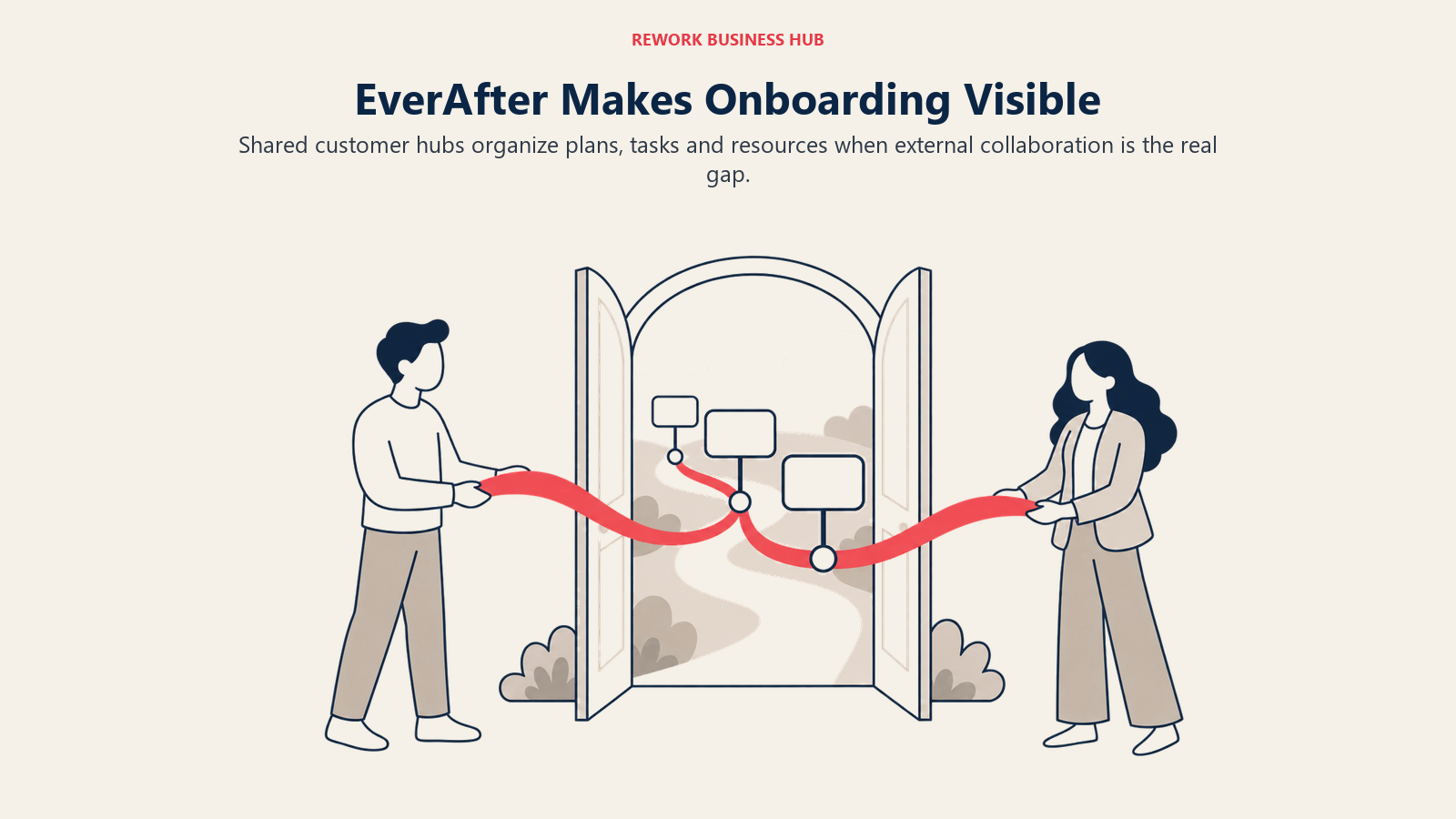
Pricing is quote only and described as customized, but what you get at every tier is unusually well documented even without a price: the widget-based interface builder, automation and visibility rules, integrations, engagement tracking, customer login with SSO, granular roles, task management and a dedicated CSM, all included at the base tier rather than fenced off for a higher one.
Be clear about what this is not. EverAfter is a customer-facing collaboration layer, not a full internal CS command center. Health scoring, renewal forecasting and internal risk workflows are thinner than on Vitally or the platforms above, so many teams run it alongside a CS platform rather than instead of one.
Target audience. CS and onboarding teams whose main friction is customer-side visibility and accountability.
Sizing fit. Works from 20 employees up; scales well because it prices on the relationship, not the seat count.
Stage fit. Best where implementation or onboarding runs long enough that customers lose track of where things stand.
| Pros | Cons |
|---|---|
| Customer-facing portal builder included at every tier | Not a complete internal CS platform on its own |
| Visibility and automation rules per account, no engineering needed | No published pricing or seat structure |
| Full feature list included at every tier, nothing fenced off | Often a second tool alongside a CS platform, not a replacement |
Pricing: Quote only, described as customized. All tiers include the interface builder, automation and visibility rules, integrations, engagement tracking, customer login and SSO, granular roles, task management and a dedicated CSM.
Best for: Teams whose real gap was customer-facing visibility, not internal health scoring.
12. HubSpot Service Hub - CS Inside the CRM You Already Run
If your company already runs HubSpot, check this before anything else, because the cheapest integration is the one you do not have to build. Service Hub's Customer Success Workspace puts account health, renewal dates, usage signals and CSM tasks on top of the CRM records sales already maintains. The problem that eats weeks of a Vitally implementation, getting CRM, product and support data to agree on what an account is, mostly disappears when everything already lives in the same object model.

Pricing is published, which after eleven quote-only or partially quote-only vendors on this list is a relief, but read the requirement first. The Customer Success Workspace requires Professional or Enterprise. Professional is $100 per seat per month billed monthly, or $90 per seat per month billed annually, plus a one-time $1,500 Professional onboarding fee. Enterprise starts at $150 per seat per month with a one-time $3,500 onboarding fee. A free tier exists for up to 2 users but does not include the workspace.
The honest limitation is depth. Health scoring and lifecycle automation are lighter than on a dedicated CS platform, and if your model needs the kind of custom automation logic Vitally supports natively, you will feel the gap. For a 10-seat team, Professional lands at roughly $10,800 a year billed annually plus $1,500 onboarding, which compares reasonably against a mid-market CS quote while also covering support ticketing.
Target audience. Companies already standardized on HubSpot CRM where CS and support share a team.
Sizing fit. Strong from 20 to 400 employees. Per-seat pricing gets expensive past roughly 30 CS seats.
Stage fit. Best when CS is a defined function but not yet a separate org with its own systems budget.
| Pros | Cons |
|---|---|
| Sits on the CRM you already run, so no data integration project | Requires Professional or Enterprise, not the free tier |
| Published per-seat pricing you can model before any call | One-time onboarding fees of $1,500 or $3,500 on top |
| Support ticketing and CS in one license | Health scoring depth trails dedicated CS platforms |
Pricing: Customer Success Workspace requires Professional or Enterprise. Professional $100 per seat per month billed monthly ($90 per seat per month billed annually) plus a one-time $1,500 onboarding fee. Enterprise from $150 per seat per month plus a one-time $3,500 onboarding fee. Free tier for up to 2 users, without the workspace.
Best for: HubSpot-native companies where the CRM already holds the truth. If the CRM itself is also up for review, the CRM software roundup covers that decision separately.
Packaged, Opinionated, or Configurable: What Each Platform Costs You
This is the axis most comparison tables skip because it does not fit in a feature checkbox. Vitally packages a CS motion for you. An opinionated platform hands you someone else's process and expects you to bend to it. A configurable platform hands you a blank data model and expects you to build your own. None of these is objectively better. What matters is whether the shape you are given actually matches how your team covers accounts, and whether you have the ops capacity the shape assumes.
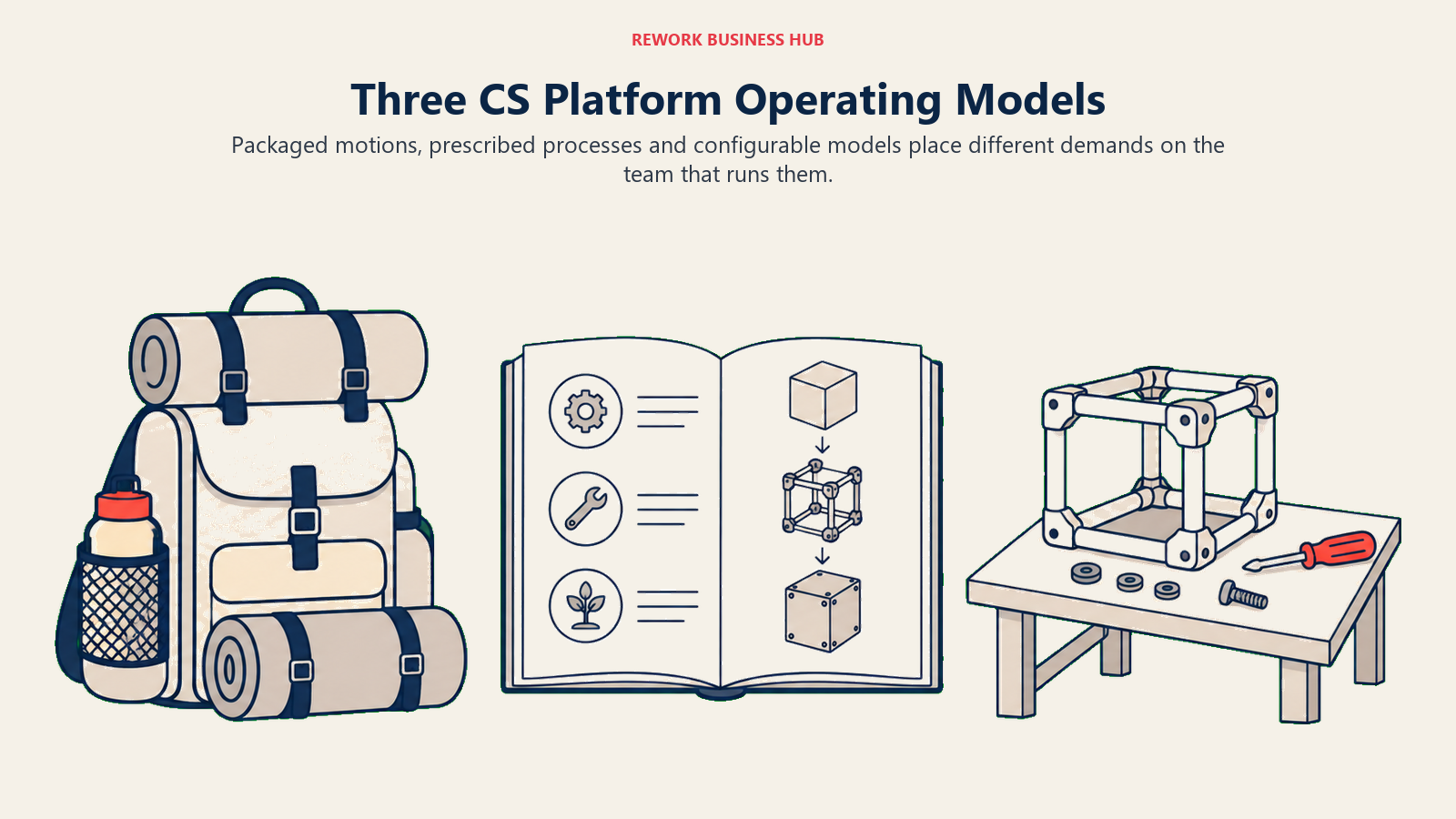
| Platform | What ships working on day one | What you have to build | Setup effort |
|---|---|---|---|
| Vitally | Motion-based defaults, automations, integrations | Health score logic, segment rules, playbooks | Medium |
| Planhat | Data model, integrations, portal framework | Objects, metrics, health formulas, portals, playbooks | High, needs a dedicated owner |
| Gainsight | Scorecards, success plans, playbooks, forecasting | Mapping your process onto the vendor's model | High, change management not schema |
| ChurnZero | Health scores, journeys, alerts, in-app messaging | Threshold tuning and journey content | Low to medium |
| Totango (incl. Catalyst) | Prebuilt onboarding, adoption, risk and renewal programs | Program tailoring and segmentation | Low to medium |
| Custify | Lifecycle playbooks, health scoring, CSM tasks | Threshold tuning and integration mapping | Low to medium |
| ClientSuccess | Goal and KBO framework, dashboards, engagement tracking | Goal definitions and reporting views | Low |
| Velaris | AI summarization, note capture, risk flagging | Which signals you want flagged | Low |
| Akita | Health scoring, segments, alerts, playbooks | Segment rules and score weights | Low, live in days |
| SmartKarrot | Prescriptive playbooks, account intelligence, expansion signals | Integration mapping inside the 2-integration cap | Low to medium |
| ZapScale | Usage-driven health scoring with visible drivers | Score weighting and account grouping | Low |
| EverAfter | Widget-based interface builder, visibility rules | Portal content and per-segment layouts | Low to medium, content-heavy |
| HubSpot Service Hub | CS workspace on existing CRM records, ticketing | Health properties and workflow automation | Low, if HubSpot is your CRM |
The test that cuts through this fastest: name the person who owns platform configuration next quarter, by name, not by role. If that person can only spare a few hours a month, pick from the low-effort rows regardless of how good the feature list looks on the high-effort ones. A half-configured platform produces health scores nobody believes, and those get quoted in QBRs anyway, which is worse than having no health score at all.
Sizing and Persona Fit
Two numbers drive every quote in this category: practitioner seats and customer accounts. They pull in opposite directions. A four-person team covering 3,000 accounts wants per-CSM or account-count pricing; a twenty-person team covering 200 enterprise accounts wants per-seat packaging with room to grow. Work out which shape you are before the first call, because vendors will size you on whichever number is larger.
| Headcount | Best fit | Why | Watch out for |
|---|---|---|---|
| Under 50 | Akita, ZapScale, Velaris | Published or low reported entry points, fast setup | Akita's 2 full users at entry; ZapScale's pricing is reported only |
| 50 to 150 | Custify, ChurnZero, Vitally, ClientSuccess | Real CS platform depth without an enterprise contract | ClientSuccess Startup caps at 10 customers, so most start at Growth |
| 150 to 300 | Vitally, ChurnZero, Custify, SmartKarrot | Automation depth starts paying back the license | SmartKarrot's 2-integration entry cap bites at this scale |
| 300 to 500 | Vitally, Totango, Gainsight, SmartKarrot | Account-count packaging and governance start to matter | Moving to unlimited seats on Vitally means moving to High-Touch |
| 500 to 1,500 | Gainsight, Totango, Planhat | Enterprise governance, forecasting and multi-team structures | Add-on scope, not license rate, is what inflates these deals |
| Already on HubSpot, any size | HubSpot Service Hub | No integration project, one seat covers CS and support | Requires Professional or Enterprise plus a one-time onboarding fee |
| Persona | What they optimize for | Strongest picks |
|---|---|---|
| Head of CS with no ops support | Working defaults, short setup, low admin | ChurnZero, Custify, Akita |
| CS Ops lead who can build | Automation and data model control | Vitally, Planhat, Gainsight |
| RevOps lead owning the whole stack | Clean CRM and product-data alignment | HubSpot Service Hub, Vitally, Gainsight |
| Founder or COO covering CS personally | Cheapest credible health signal | Akita, ZapScale |
| Head of Onboarding or Implementation | Customer-facing visibility and accountability | EverAfter, Totango |
| CFO signing the renewal | A number you can forecast before the call | Akita, SmartKarrot, HubSpot Service Hub |
| CS leader reporting NRR to a board | Forecasting, segmentation and defensible reporting | Gainsight, Totango, Vitally |
Stage Fit
Match the platform to the decisions your customer-success motion must survive at its current stage, not to the longest feature list.
| Company stage | What usually breaks | Best fit |
|---|---|---|
| Seed, under 30 | No health signal at all, churn is a surprise | Akita, ZapScale |
| Series A, 30 to 100 | Spreadsheet health scores nobody updates | Custify, ChurnZero, Akita |
| Series B, 100 to 250 | CS and sales disagree about which accounts are at risk | Vitally, ChurnZero, ClientSuccess |
| Series C, 250 to 600 | The CS motion has split into two, and one plan no longer fits both | Vitally, Totango, SmartKarrot |
| Late stage, 600 to 1,500 | Forecasting and segmentation must survive board scrutiny | Gainsight, Totango, Planhat |
| Any stage, HubSpot-native | Two systems of record disagreeing about the same account | HubSpot Service Hub |
Stage matters more than headcount because the real question is how many decisions the platform has to survive, not how many people you have. A 200-person company running one motion on one product needs far less flexibility than a 90-person company running three motions across two pricing models, which is exactly the shape that makes Vitally's plan structure start to strain.
Migrating Off Vitally: What Travels and What Does Not
Leaving a data-first platform is harder than leaving a fully opinionated one, for a specific reason: the valuable thing you built on Vitally is not the raw product, CRM and support data, it is the health-score logic, segment rules and automations you layered on top of it. Rows export cleanly. Logic does not.
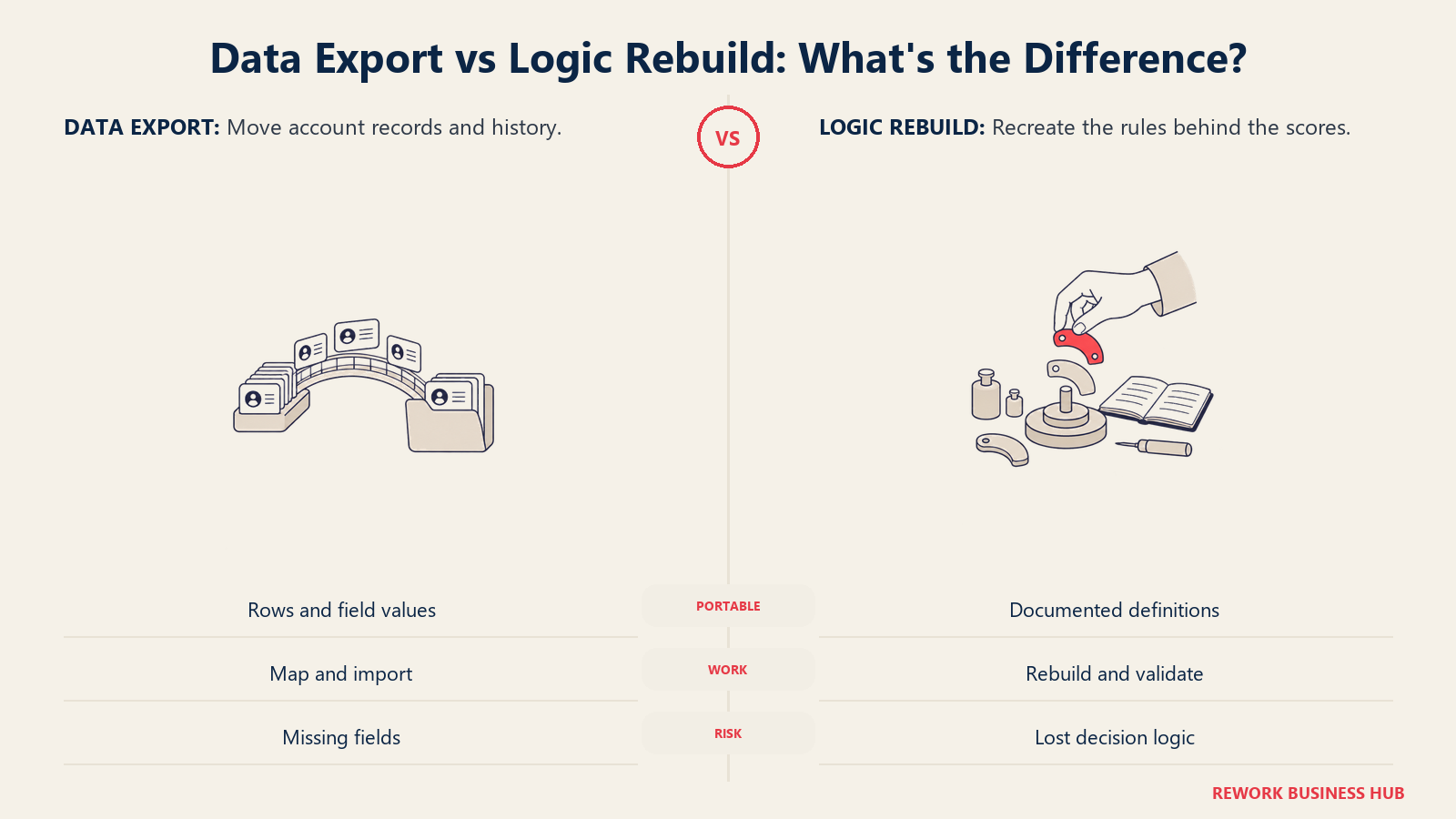
Three things do not travel cleanly. Your health-score formula is the first: export the score and you get a number with no explanation, export the formula, weights and thresholds and you get something the next platform can actually rebuild. Screenshot every scorecard configuration and write down why each weight is what it is, since that reasoning usually lives in one person's head. Your automation and playbook definitions are the second, since the trigger logic and the actions it fires rarely have a one-to-one equivalent on a different vendor's automation engine. Your docs, the unlimited docs every Vitally plan includes, are the third; if your team used them as living playbooks rather than static reference pages, export the content and the structure, not just the text.
| Export before you cancel | Why it matters | Format to insist on |
|---|---|---|
| Account and contact records with all custom fields | The base of every future health model | CSV with field names intact, not display labels |
| Health score formulas, weights and thresholds | Numbers without logic are unusable | Screenshots plus a written definition per scorecard |
| Historic health score values by account and date | Your only trend line across the switch | Row-level CSV with a date column |
| Automation and playbook trigger logic | Sharply shortens rebuild on the next platform | Export or screenshots of each workflow |
| Docs and playbook content built inside Vitally | Institutional knowledge, not just reference text | Export per doc, structure preserved |
| Customer timeline, notes and activity history | Continuity for CSMs mid-relationship | CSV or per-account export |
| Segment and CS-motion definitions | Explains why accounts were grouped the way they were | Written definition per segment |
| Renewal dates, contract values and expansion history | Feeds forecasting from day one on the new platform | CSV joined to account IDs |
One sequencing tip. Run the last full quarter on Vitally, export at quarter close, and start the new platform on a clean period boundary. A mid-quarter switch leaves two half-quarters of health data nobody can compare, and that gap shows up in exactly the QBR where somebody asks whether risk is trending up or down.
How to Choose: Decision Framework
Choose by the customer-success motion your team can actually operate now, not the longest feature list.
| If you need... | Choose |
|---|---|
| Vitally's data-first flexibility with less plan-tier lock-in | Planhat |
| Playbooks, scorecards and forecasting that arrive already built | Gainsight, or Totango if account counts are high |
| A working health model in weeks, with one part-time ops person | ChurnZero or Custify |
| A published price you can budget against today | Akita for small teams, SmartKarrot for mid-market |
| Per-CSM pricing because your account book is large | ClientSuccess |
| Customer-facing portals as the main deliverable | EverAfter |
| The cheapest credible health signal for an early-stage team | Akita, or ZapScale if reported pricing is acceptable |
| CS to sit on the CRM you already run | HubSpot Service Hub, with Velaris if CSM admin load is the real problem |
If two rows point at different tools, the tiebreaker is the setup-effort column in the earlier table, not the feature list. Feature gaps get closed in a roadmap conversation. Missing ops capacity does not.
Frequently Asked Questions about Vitally Alternatives
How much does Vitally cost?
Vitally does not publish a price. It offers three plans by CS motion, Tech-Touch, Hybrid-Touch and High-Touch, all listed as "Request Pricing." All three include unlimited automations, unlimited observer seats, unlimited docs, SSO and the full integration library. Unlimited full seats are included on High-Touch only, not on Tech-Touch or Hybrid-Touch.
Does Vitally give you unlimited seats?
Only on the High-Touch plan. All three Vitally plans include unlimited observer seats, unlimited automations and unlimited docs, but unlimited full seats are specific to High-Touch. If your team is on Tech-Touch or Hybrid-Touch and grows past what the plan covers, reaching unlimited full seats means moving your whole contract to High-Touch rather than adding a line item.
Should I actually leave Vitally?
Not if your CS motion genuinely fits one of the three plans and the seat math works at your current size. Vitally's trade, configurable health scoring without Planhat's full data-model build, is still a good one for teams whose coverage model is stable. Teams that benefit from leaving are the ones running a blended motion that no single plan describes well, or the ones that have simply outgrown the seat structure they signed.
Does Totango still have a free forever plan?
No. Totango was widely known for a free tier, but its own pricing page as of August 2026 lists no free plan. Every option, including the Catalyst Growth product line, routes through "Talk to sales." Comparison pages that still describe a Totango free plan in the present tense are out of date.
Is Catalyst a separate alternative to Vitally?
No. Catalyst is no longer an independent company. It is a Totango product line and appears on Totango's own pricing page, with a Growth tier covering 2,500 customer accounts and up to 5 Salesforce custom objects. Evaluate it as part of a Totango conversation, not as a second vendor.
Which Vitally alternative publishes real pricing?
Akita publishes a full self-serve rate card: Small Teams at $49 per month, Growing Teams at $99 per month, and Enterprise Teams at $499 per month, with 20% off annual prepayment and extra full-access users or integrations at $29 per month each. SmartKarrot publishes one tier, Basic starting at $15,000 per year for 5 users, and routes the rest to sales. HubSpot Service Hub publishes per-seat rates, though its Customer Success Workspace requires Professional at $90 per seat per month on an annual commitment plus a one-time $1,500 onboarding fee.
What is the cheapest Vitally alternative for a small team?
Akita at $49 per month for 2 full-access users, or $99 per month for 4 users, with 20% off annual prepayment. ZapScale is reported at around $500 per month for up to 100 customers, though the vendor publishes no rate card and that figure comes from third-party directory listings, not the vendor. Neither matches Vitally's automation depth, which is the trade-off for the price.
What is the hardest thing to migrate off Vitally?
The logic layered on top of the data, not the data itself. Health-score formulas with their weights and thresholds, automation trigger logic, and docs used as living playbooks have no direct equivalent elsewhere. Export account records as CSV, but also screenshot every scorecard configuration and automation workflow before your account expires.
What to Do Next
Do the cheap diagnostic first. Write down which of Vitally's three plans actually describes your team's coverage today, tech-touch, hybrid, or high-touch, and whether that answer has changed in the last two quarters. If it has not changed and the seat math still works, you are probably not the reader this guide was written for, and a renewal conversation is cheaper than a switch.
If it has changed, or the seat structure is the actual complaint, get two finalist quotes at your real seat and account numbers, with any add-on list in writing. In a category where most vendors publish nothing, the quote is the only comparable artifact you will get. Price the same scenario with each vendor, same seats, same accounts, same integrations, and make each one state what falls outside the base license.
Finish with a bounded pilot rather than a rollout. Pick one segment, load real accounts, rebuild one health score you would defend in a QBR, and watch whether CSMs open the tool without being asked. If a four-week pilot cannot produce a health score your team trusts, the problem is probably your underlying data, not the vendor, and no platform on this list fixes that for you.
Camellia writes about customer success and revenue operations tooling for B2B teams.

Principal Product Marketing Strategist
On this page
- Key Facts
- Quick Comparison Table
- Why Teams Leave Vitally (and Who Should Stay)
- 1. Planhat - The Configurable Swap When Motion Packaging Feels Too Rigid
- 2. Gainsight - When You Want the Playbooks to Arrive Built
- 3. ChurnZero - Opinionated Mid-Market CS With Fast Time to Value
- 4. Totango (Including Catalyst) - Prebuilt Programs for Big Account Books
- 5. Custify - Mid-Market SaaS Without the Setup Bill
- 6. ClientSuccess - Priced Per CSM, With Caps You Can Read
- 7. Velaris - AI-First, One License, Five Users
- 8. Akita - The Only Published Rate Card in the Category
- 9. SmartKarrot - A Published Entry Number and an Account-Level Model
- 10. ZapScale - The Low-Cost Option With No Rate Card
- 11. EverAfter - When the Customer-Facing Portal Is the Point
- 12. HubSpot Service Hub - CS Inside the CRM You Already Run
- Packaged, Opinionated, or Configurable: What Each Platform Costs You
- Sizing and Persona Fit
- Stage Fit
- Migrating Off Vitally: What Travels and What Does Not
- How to Choose: Decision Framework
- What to Do Next