Best Custify Alternatives in 2026: 12 Customer Success Platforms Compared
Turn this article into takeaways for your work.


Each assistant summarizes the article only for you and suggests best practices for your work.
If you're comparing alternatives to Custify, the shortlist splits three ways: Akita, SmartKarrot or HubSpot Service Hub if you want a number on a page before you ever book a call, ChurnZero, Gainsight, Planhat, Vitally or Totango if Custify's clean mid-market scope has stopped covering what your account list now needs, and ClientSuccess, Velaris, ZapScale or EverAfter if you want something lighter and cheaper than Custify rather than more of everything it does. Figuring out which group you're actually in matters more than any feature grid, because it decides which half of this list is worth reading closely.
Custify earned its spot on a lot of shortlists the same way a handful of mid-market tools do. It scores customer health, runs lifecycle stages and playbooks, and gives CSMs a single 360-degree account view instead of five browser tabs, and it does that without dragging a buyer through an enterprise sales cycle first. The one thing its own pricing page states in plain language is that it charges no setup fees. What it does not state, anywhere, is a price. There are no tiers, no seat counts and no dollar figure on custify.com, which is normal for this category and still means every serious evaluation starts with a call instead of a page.
This guide covers 12 alternatives for Heads of CS, CS Ops leads and Chief Customer Officers at B2B SaaS companies roughly between 20 and 500 people. If you haven't narrowed the category yet, start with the customer success software roundup, and if Planhat's data-model flexibility is the actual trade-off you're weighing against Custify, Planhat vs. Custify vs. Velaris puts the three side by side.
Key Facts
- Across 913 verified disclosures from 105 public B2B SaaS companies, median net revenue retention sits at 122%, with the top decile at 155%, which is the spread a CS platform is bought to close (Cust, "2026 State of Customer Success").
- Median annual revenue churn among private B2B SaaS companies rose from 11.34% to 12.50% year over year, based on financials from 155 private B2B SaaS startups covering 2020 to 2024 (Lighter Capital, 2025 B2B SaaS Startup Benchmarks).
- Acquiring a new customer is five to 25 times more expensive than retaining an existing one, and increasing retention rates by 5% increases profits by 25% to 95%, per Frederick Reichheld's research at Bain & Company (Harvard Business Review, "The Value of Keeping the Right Customers").
- 52% of CS teams now build AI into their workflows and 91% expect AI to have a moderate to significant impact on CS strategy, in a vendor benchmark covering more than 250 companies across North America and Europe (Gainsight, Customer Success Index 2025).
- The customer success platforms market was valued at USD 2.77 billion in 2025 and is projected to reach USD 16.68 billion by 2034 at a 22.10% CAGR, which is why this category has so many funded vendors and so few published prices (Fortune Business Insights).
Quick Comparison Table
| Tool | Best For | Starting Price | Key Strength | Key Limitation |
|---|---|---|---|---|
| Akita | Teams that want a published price this week | $49/month (Small Teams), 20% off annual prepayment | Only full self-serve rate card in the category | Entry tier caps users, integrations and accounts hard |
| ChurnZero | Custify-scale teams that outgrew mid-market depth | No published price; $18,681 to $131,560/yr (reported) | Deep journeys, automation and in-app communications | Vendor publishes nothing publicly at all |
| ClientSuccess | A packaged mid-market swap with disclosed caps | Quote only, priced per CSM | Publishes tier limits and what drives the quote | Two cap rows look transposed on the vendor's own page |
| Vitally | Product-led teams with hundreds of accounts per CSM | Quote only, three plans by CS motion | Plans mapped to tech-touch, hybrid and high-touch | Unlimited full seats applies to High-Touch only |
| Planhat | Teams whose CS problem is really a data problem | Quote only, add-ons priced separately | Flexible data model that behaves like a CS warehouse | Named add-ons make the real total hard to forecast |
| Gainsight | Enterprises that outgrew Custify's mid-market ceiling | Quote only (Essentials or Enterprise) | Broadest product footprint plus adjacent modules | Heaviest implementation and admin load here |
| Totango (incl. Catalyst) | Prebuilt CS programs instead of building from scratch | Quote only, Enterprise and Premier tiers | SuccessBLOC-style prebuilt programs, account-count packaging | The free tier it was known for is no longer listed |
| Velaris | Small CS teams that want AI doing the reading | Quote only, one license covers 5 users | Five users plus unlimited viewers in a single license | Younger vendor, smaller integration ecosystem |
| SmartKarrot | Buyers who want a published enterprise floor | $15,000/year (Basic, 5 users) | Publishes an entry price most rivals hide | That floor is steep for a five-person team |
| ZapScale | Cost-sensitive teams under roughly 100 customers | Around $500/month (reported), Startup | Priced by customer count rather than seats | No vendor pricing page exists to verify against |
| EverAfter | Teams whose real job is customer-facing portals | Quote only, customized | Widget-built customer interfaces in the base product | Not a standalone internal CS command center |
| HubSpot Service Hub | Teams already standardized on HubSpot CRM | $90/seat/month (Professional, annual commit) plus onboarding | CS workspace sits on the CRM you already own | Customer Success Workspace needs Professional or above |
Why Teams Leave Custify (and Who Should Stay)
Start with the case for staying, because plenty of Custify customers are reading a switching guide out of habit rather than need. If your CSMs already work out of Custify's 360-degree account view every day and the lifecycle stages match how your business actually renews, ripping that out to save a hypothetical dollar is the wrong trade. If you negotiated your current rate before this list existed, check what you're actually paying before assuming a competitor beats it, since quote-only pricing cuts both ways and an existing customer often holds a better number than a new logo can get. And if "no setup fees" was the reason you picked Custify in the first place, most of the vendors below will charge you one.
Three real pressures still push teams to look elsewhere, and they map onto the three groups from the opening.
The price-transparency group wants what Custify's page won't give them: a number. Custify's pricing page states only that it charges no setup fees. It does not name a tier, a seat count or a dollar figure anywhere, so a buyer who wants to build a budget line before talking to anyone has to look past Custify entirely. Akita, SmartKarrot and HubSpot Service Hub are the three vendors in this comparison that put an actual figure on the page.
The depth group has simply outgrown what a clean mid-market platform is built to do. Custify is purpose-built for roughly 20 to 300 employees running a high-touch or hybrid motion with a handful of CSMs. Once your account count crosses into the thousands, your renewal forecasting needs to roll up into a board deck, or your product line has outgrown a single health formula, you're asking a mid-market tool to do enterprise work. ChurnZero, Gainsight, Planhat, Vitally and Totango are all built for that scale, at the cost of a heavier sales cycle and implementation.
The lighter group has the opposite problem: Custify itself feels like more platform than a five-person CS team needs. ClientSuccess, Velaris, ZapScale and EverAfter each solve a narrower piece of the job, usually with a smaller price tag and a shorter setup, for teams that don't need a full mid-market command center yet.
1. Akita - The Only Vendor That Will Just Tell You the Price
Akita's whole pitch is that a CS platform should be bought like a project tool: read the page, pick a tier, start Tuesday. It's the only vendor in this comparison that publishes a full self-serve rate card, which is exactly what a Custify buyer in the price-transparency group is after. The product pulls in account and product usage data, scores health, segments accounts into working lists, and fires task-based playbooks and alerts when a score moves the wrong way. It isn't trying to be a data warehouse or an AI analyst, and it doesn't pretend otherwise.
The caps are real, not soft. Small Teams gives you 2 full-access users and 2 integrations for $49 a month, covering up to 10,000 accounts. Growing Teams steps up to 4 users and 4 integrations for $99 a month, covering up to 100,000 accounts. Enterprise Teams runs $499 a month with custom user counts and unlimited accounts. Extra full-access users and extra integrations both run $29 a month each, and annual prepayment takes 20% off the base plan.
Target audience. Small and mid-market B2B SaaS CS teams that want working health scores and alerts this quarter, not after a two-month implementation.
Sizing fit. Excellent from 1 to 50 employees, workable to around 200 once you buy extra seats and integrations.
Stage fit. Best for a first or second CS platform, especially where the current process is a spreadsheet and a calendar reminder.
| Pros | Cons |
|---|---|
| Published rate card, no sales call required | Small Teams caps you at 2 full-access users, 2 integrations |
| 20% discount on annual prepayment | Enterprise pricing still requires a custom quote |
| Clear per-user and per-integration add-on rates | Lighter reporting and AI depth than the enterprise platforms |
Pricing: Small Teams $49/month (2 full-access users, 2 integrations, up to 10,000 accounts). Growing Teams $99/month (4 users, 4 integrations, up to 100,000 accounts). Enterprise Teams $499/month (custom users, unlimited accounts). Extra full-access user $29/month, extra integration $29/month. 20% discount on annual prepayment.
Best for: Teams that need a working CS platform and a predictable line item this week, not a sales cycle. Get early warning systems defined before you configure a single alert, because a cheap platform firing bad alerts is worse than the spreadsheet it replaced.
2. ChurnZero - The Closest Depth Upgrade From Custify
ChurnZero is where most Custify evaluations land once the requirement becomes "the same job, at a deeper level." It covers the full lifecycle: health scoring, segmentation, journeys, automated plays, in-app communications delivered inside your own product, a renewal and forecast view, and success plans CSMs actually work from. The in-app messaging is the single feature Custify users most often name as the reason they looked elsewhere, because it reaches users inside the product instead of in a sixth email.
The pricing situation is the worst on this list in one specific way: ChurnZero has no public pricing page: churnzero.com/pricing/ offers only a "Request a Demo" button. The best available signal is third-party contract data. Vendr, working from anonymized ChurnZero transactions, reports a range of $18,681 to $131,560 per year, with a median annual contract of $44,681. Treat that as reported, not vendor-confirmed, useful for a budget floor and useless as a negotiating anchor given the sevenfold spread.
Target audience. B2B SaaS CS teams from roughly 50 to 1,000 employees running a high-touch or hybrid motion with formal renewal forecasting.
Sizing fit. Sweet spot 100 to 800 employees. Below 50, the entry contract is hard to justify against Akita or a lighter tool.
Stage fit. Best once renewals are forecast formally and someone owns the number.
| Pros | Cons |
|---|---|
| Deepest journey and automation engine among the mid-market set | No published pricing anywhere, not even a pricing page |
| In-app communications reach users inside your own product | Reported range spans $18,681 to $131,560, so budget early |
| Renewal and forecast tooling built in, not bolted on | Configuration effort is closer to Gainsight than to Custify |
Pricing: No published price. Reported range of $18,681 to $131,560 per year across anonymized ChurnZero transactions, median annual contract $44,681, per Vendr. Reported, not vendor-confirmed.
Best for: Teams that want Custify-class ease of use scaled up to enterprise depth. The ChurnZero alternatives guide covers what sits either side of it, and Gainsight vs. ChurnZero settles the two-horse race most enterprise shortlists come down to.
3. ClientSuccess - The Packaged Swap That Explains Its Own Quote
ClientSuccess is the closest thing to a lateral move from Custify: a packaged mid-market platform, not an enterprise sales cycle, but with more of the pricing logic disclosed upfront. Its own page states the driver plainly, pricing is based on how many customer success managers use the platform and which modules you need, which is one sentence more honest than Custify's page offers about its own quote.
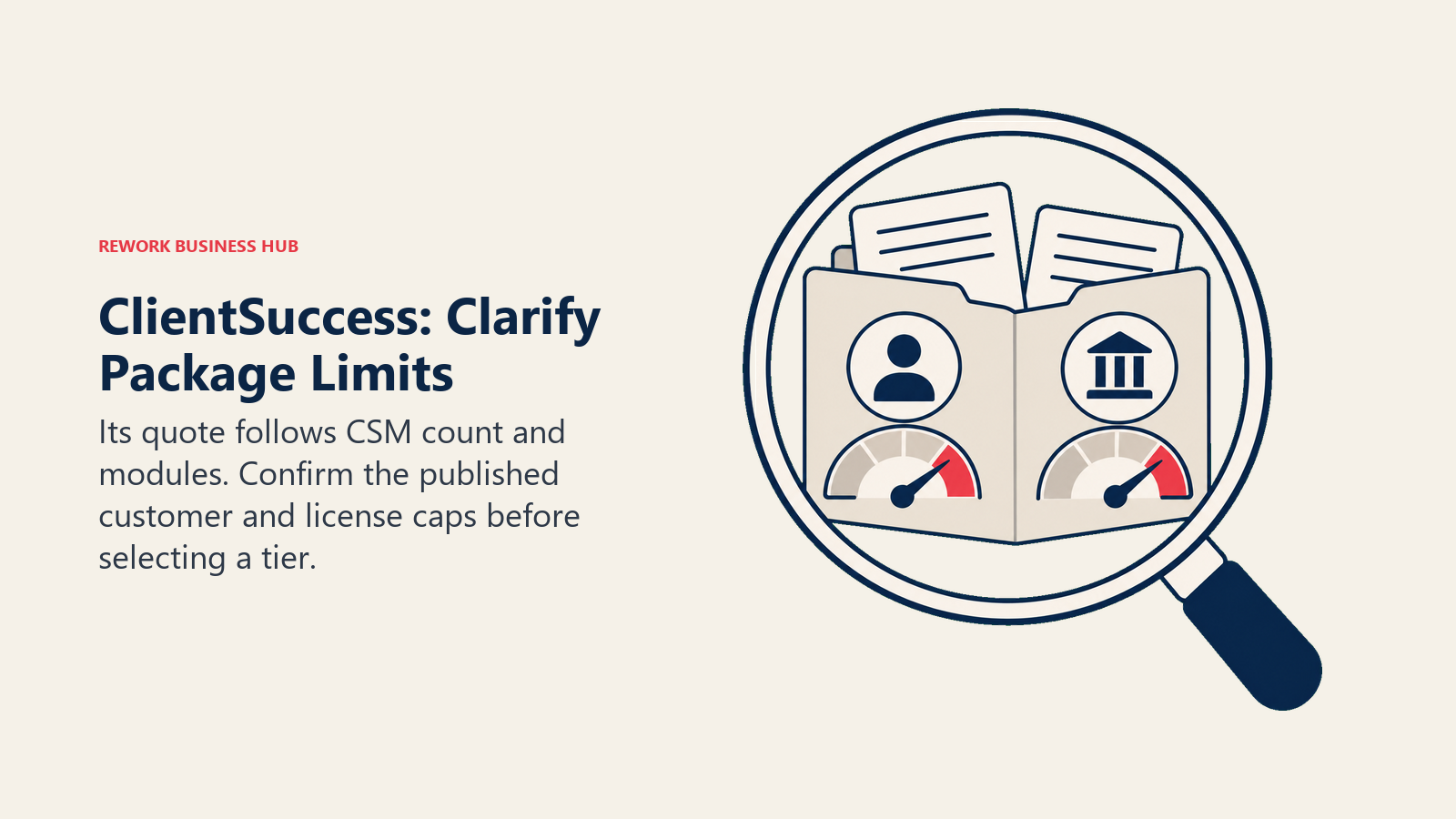
It also publishes what each package contains, which lets you self-select before the call. Startup and Growth carry two capacity rows worth reading carefully: "Max # of Customers" is listed as 10 (Startup), 50 (Growth) and unlimited (Enterprise), and "Max # of Full Licences" is listed as 500 (Startup), 5,000 (Growth) and unlimited (Enterprise). Those two rows read as though they've been transposed on the vendor's own comparison table, a 10-customer cap paired with a 500-license allowance looks backwards for a startup tier, so confirm both numbers on the call rather than assuming either reading is right. ClientSuccess also states plainly that it charges no setup or implementation fees, and that annual contracts get 15% to 20% off.
Target audience. SaaS companies from about 30 to 500 employees running structured CS with defined goals and KBOs per account.
Sizing fit. Startup suits pilots and concentrated account bases. Growth fits most 50 to 200 person companies.
Stage fit. Best where CS is already a named function with an owner, not still shared with support or sales.
| Pros | Cons |
|---|---|
| Publishes the pricing driver and every tier's stated limits | The customer and license cap rows look transposed, confirm both |
| No setup or implementation fees, 15% to 20% off annual | Still a quote-only number until you finish the call |
| Goals and KBOs are first-class objects, not custom fields | Fewer AI features than the newer entrants on this list |
Pricing: Quote only, priced on the number of CSMs plus modules. Startup lists 10 max customers and 500 max full licenses; Growth lists 50 max customers and 5,000 max full licenses; Enterprise is unlimited on both. Those two capacity rows appear transposed on the vendor's page, confirm on the call. No setup fees. Annual contracts save 15% to 20%.
Best for: Buyers who want to walk into the pricing call already knowing which package they qualify for. Count active customer accounts before you book it, since that figure, not headcount, most likely sets the tier once the cap rows are clarified. ClientSuccess vs. Akita vs. SmartKarrot lines the three up directly if a published number still matters to you.
4. Vitally - Built for the Accounts-Per-CSM Ratio That Broke Custify
Vitally is built for the accounts-per-CSM ratio that eventually breaks a mid-market tool like Custify: teams whose CSMs each carry more accounts than they can name individually. Instead of one platform for every motion, Vitally packages by motion, Tech-Touch for one-to-many and product-led coverage, Hybrid-Touch for mixed models, and High-Touch for one-to-one relationship management. That framing forces a useful conversation, because most teams discover mid-demo that they're running two motions and only resourcing one.
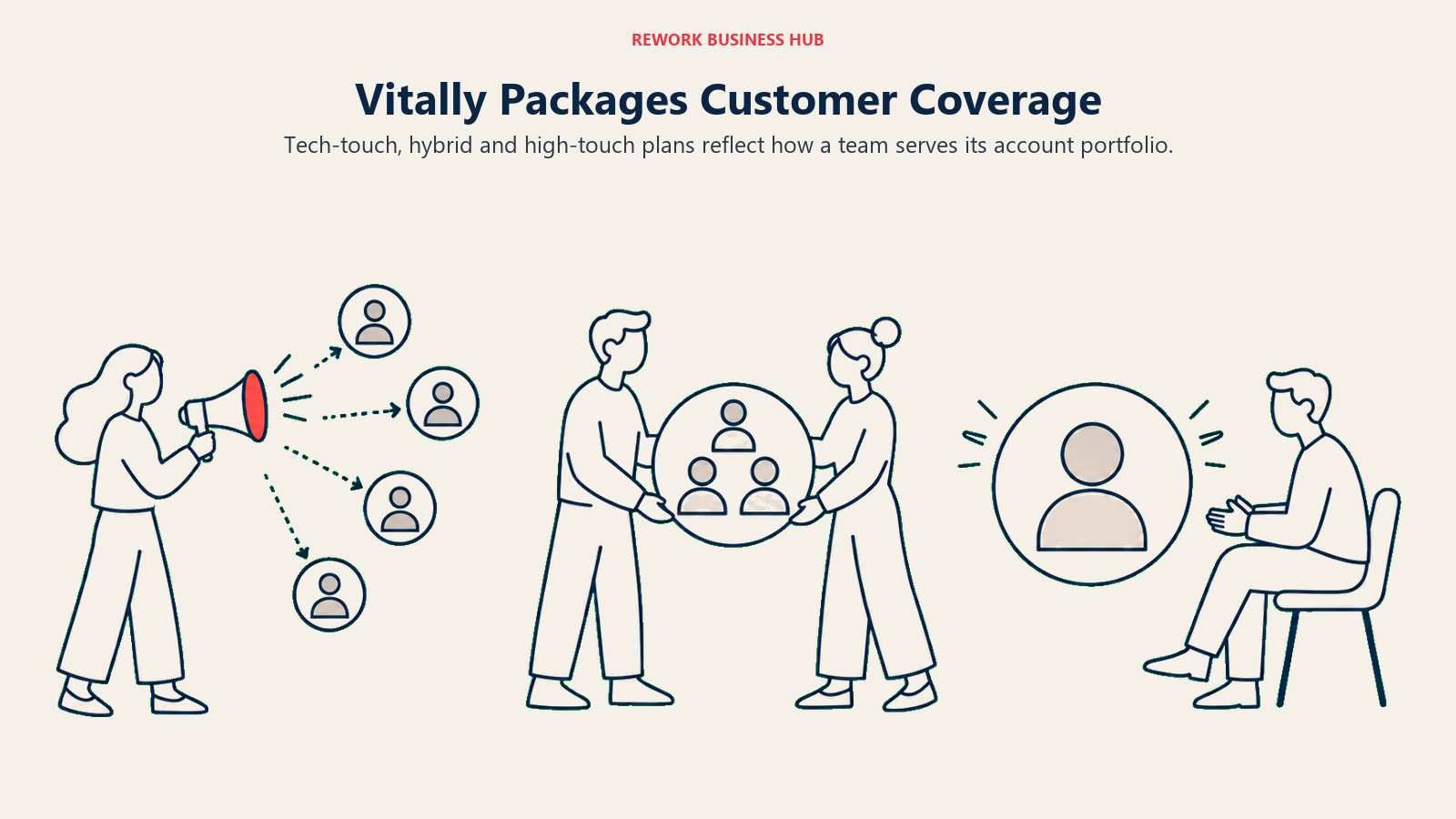
One correction worth carrying into the sales call: the unlimited full seats benefit belongs to the High-Touch plan only, not to all three. It's the single most-repeated error about Vitally in third-party comparisons, and quoting it back at a rep on the Tech-Touch plan won't land well. What all three plans genuinely include is unlimited automations, unlimited observer seats, SSO, the full integration library and unlimited docs, a generous baseline even before the full-seat count is settled. Pricing itself is quote only.
Target audience. Product-led and hybrid B2B SaaS companies from roughly 50 to 1,000 employees with high account-to-CSM ratios.
Sizing fit. Strongest from 100 to 800 employees. Tech-Touch scales down further than most enterprise platforms.
Stage fit. Best at Series B and later, once self-serve and sales-led revenue coexist under one CS team.
| Pros | Cons |
|---|---|
| Plans map to real CS motions instead of arbitrary feature tiers | No published pricing at any tier |
| Unlimited automations, observer seats and docs on every plan | Unlimited full seats is High-Touch only, not universal |
| Strong account notes and docs CSMs actually use day to day | Tech-Touch caps full-seat count, so model your team first |
Pricing: Quote only. Three plans by CS motion: Tech-Touch, Hybrid-Touch and High-Touch. All include unlimited automations, unlimited observer seats, SSO, the full integration library and unlimited docs. Unlimited full seats applies to High-Touch only.
Best for: Product-led teams tracking coverage and growth across a long tail of accounts. If Vitally is the front-runner, Vitally vs. Planhat goes deeper on what sits either side of it.
5. Planhat - When the CS Problem Is Really a Data Problem
Planhat is the platform to look at when your health scores are wrong and everyone already knows it. Its differentiator is a flexible data model, you define objects, metrics and formulas instead of mapping your business into someone else's fixed schema. That makes it the natural next step for companies with unusual account structures, multi-product portfolios, usage-based billing, or a parent-child hierarchy that a mid-market tool like Custify flattens into a single number.
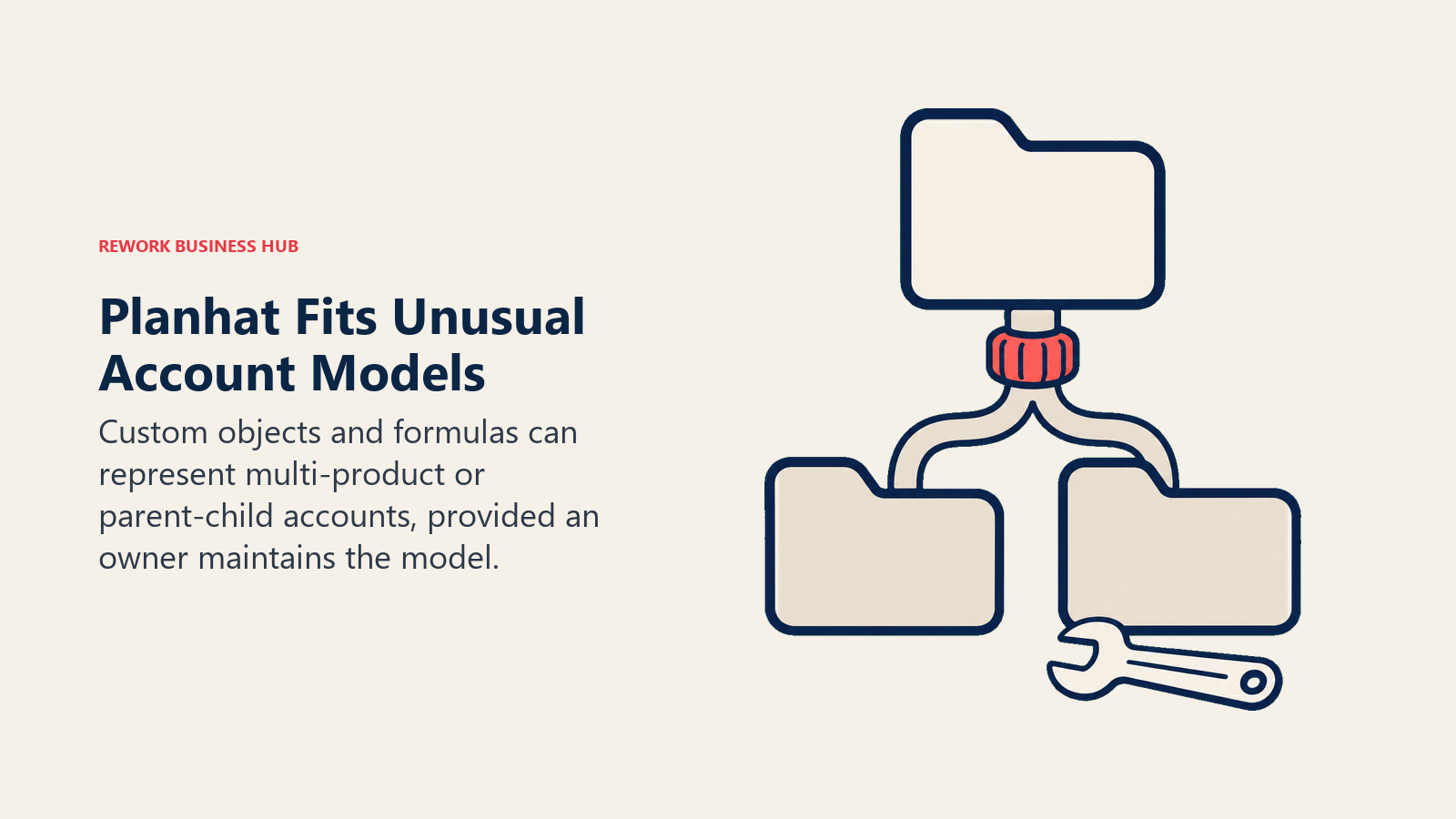
The cost of that flexibility is that Planhat needs someone to own it. A platform you can shape is a platform you have to shape, and the fastest way to fail here is buying it without naming an owner. Pricing is quote-based with named add-ons for the Upgraded AI Platform, Advanced Service, Email Marketing and Advanced Portals, so the first quote is rarely the number you end up paying. One more thing worth knowing before the call: Planhat's own pricing FAQ raises the question of unlimited view users but the answer is collapsed and doesn't render on the page, so don't assume a view-user model going in, ask directly.
Target audience. Data-mature B2B SaaS and services companies from about 100 to 2,000 employees, usually with a CS Ops or RevOps function already in place.
Sizing fit. Strong from 100 employees up. Below 50 it's more platform than most teams can staff.
Stage fit. Best at Series C and beyond, or wherever multi-product revenue makes a single health score meaningless.
| Pros | Cons |
|---|---|
| Data model flexible enough for multi-product and hierarchy setups | Needs a named owner, ideally CS Ops, to configure and maintain |
| Handles portfolios and parent-child accounts other tools flatten | Quote-based with four named add-ons priced separately |
| Strong reporting and API surface for teams with a warehouse | View-user policy isn't published, confirm it directly |
Pricing: Quote based. Add-ons for Upgraded AI Platform, Advanced Service, Email Marketing and Advanced Portals are priced separately. No tiers, seats or minimums published.
Best for: Companies whose health score is only as good as the data behind it. See the Planhat alternatives guide if the add-on model is the part giving you pause.
6. Gainsight - The Enterprise Standard Once Custify Runs Out of Room
Gainsight is the widest product surface in the category and the default answer once a mid-market platform like Custify stops covering enterprise-scale accounts. Two editions sit on the pricing page. Essentials includes 10 full users and covers 100 customers per user. Enterprise includes 20 full users and 200 customers per user. Both include unlimited viewer licenses, which is more generous than it first reads, since execs and AEs can view account health without consuming a paid seat. Do the arithmetic before the call: Essentials tops out around 1,000 customer accounts at its included seat count, Enterprise around 4,000, so your account list, not your team size, is usually what pushes you up a tier. One detail worth naming precisely: Renewal and Expansion Forecasting sits under Enterprise, not Essentials, so confirm which edition you're actually quoted before assuming you get it.
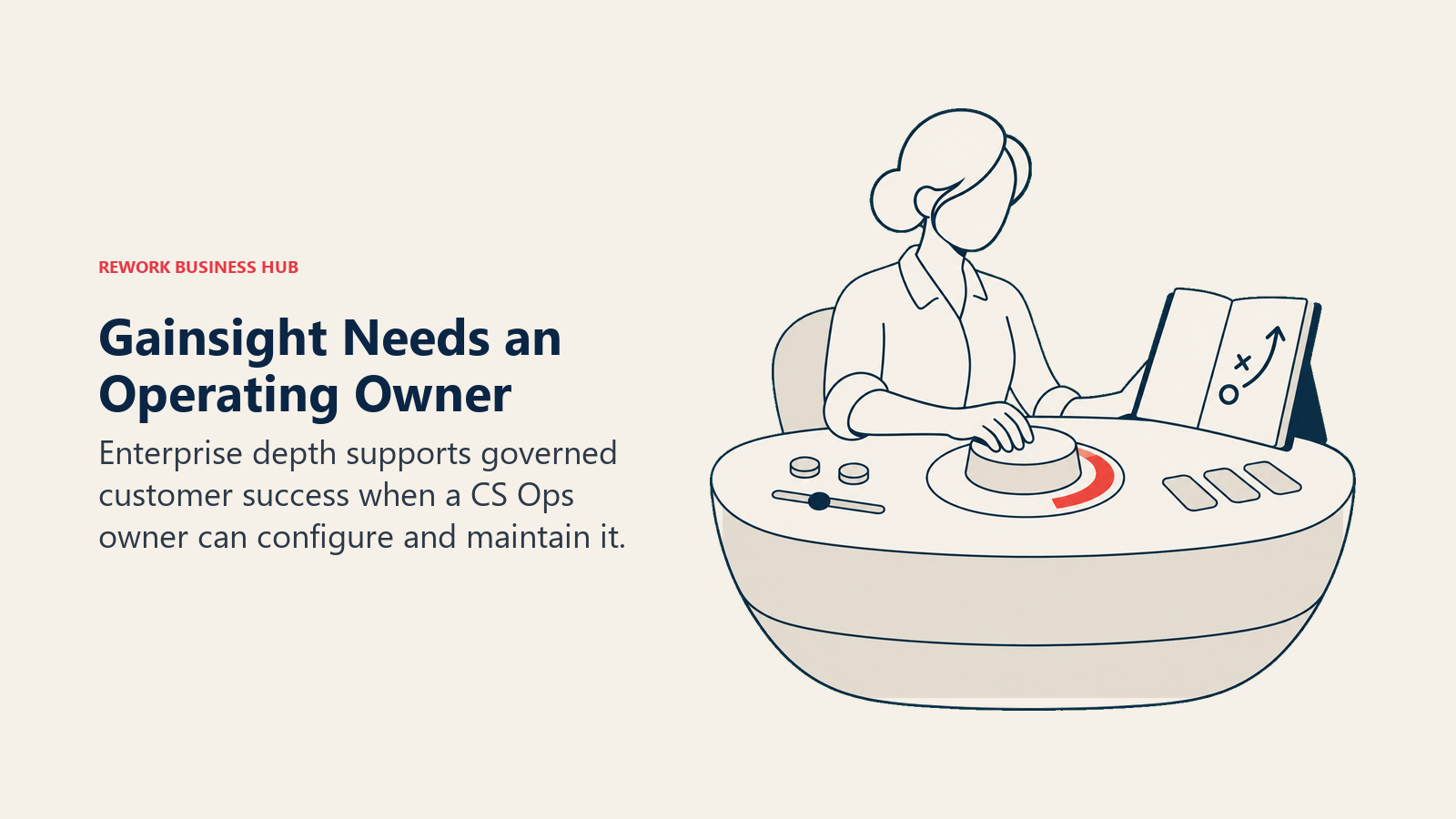
The same page carries adjacent products, Skilljar by Gainsight for customer education, Product Experience, Customer Communities, Staircase AI and Atlas AI Agents, and each is a separate line on the quote. Gainsight's own index reports that 95% of B2B tech companies have an established CS function but only 51% have a dedicated CS Ops team, and this is very much a platform built for the 51%.
Target audience. Enterprise and upper mid-market B2B SaaS, typically 500 employees and up, with a CS Ops owner and an executive sponsor.
Sizing fit. Strong from 500 employees. Under 200 you're paying for depth you won't configure.
Stage fit. Best at late stage and public-company scale, where board-level retention reporting is a standing requirement.
| Pros | Cons |
|---|---|
| Deepest feature set and largest partner ecosystem in the category | Quote only, and adjacent modules each add a line to the quote |
| Unlimited viewer licenses on both editions | Renewal and Expansion Forecasting is Enterprise-only |
| Adjacent products cover education, community and product analytics | Needs a dedicated CS Ops owner to realize the value |
Pricing: Quote only. Essentials includes 10 full users at 100 customers per user. Enterprise includes 20 full users at 200 customers per user, and adds Renewal and Expansion Forecasting, Company News, Org Mapping and Sponsor Tracking. Both include unlimited viewer licenses.
Best for: Enterprises that need one platform to cover retention, education and community once a mid-market tool has run out of room. If the quote lands higher than the problem, the Gainsight alternatives guide covers what to look at instead.
7. Totango (incl. Catalyst) - Prebuilt Programs Instead of a Blank Workspace
Totango is the prebuilt-program answer to Custify's more open-ended workspace. Its SuccessBLOC concept packages a CS motion, onboarding, adoption, renewal, expansion, as a template you configure rather than build from a blank canvas, which suits a team that wants a working program in week two instead of a quarter. Catalyst, which merged with Totango on 28 February 2024, now appears as a product line on Totango's own pricing page rather than as a separate company, so treat it as one vendor with a Salesforce-native option, not two.
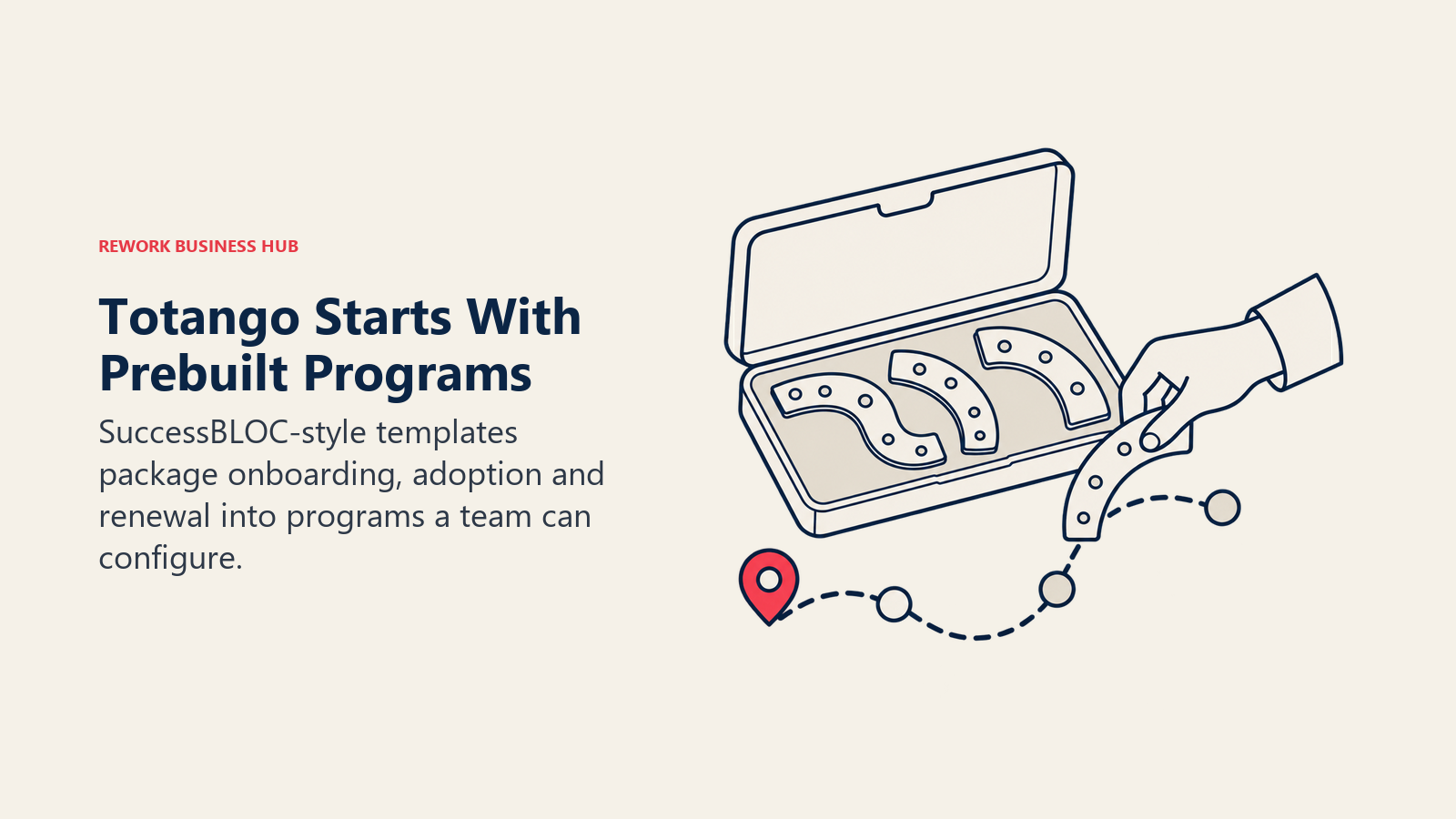
The pricing page lists what each line includes rather than what it costs. Totango CS Enterprise covers 10 practitioner seats, 2,000 customer accounts and 5 teams. Totango CS Premier covers 20 practitioner seats, 3 viewer seats, 10,000 customer accounts, unlimited teams and one development instance. Unison, the customer intelligence engine, comes in Standard and Custom AI Model editions, and Catalyst Growth covers 2,500 customer accounts and up to 5 Salesforce custom objects. Every one of those five lines routes through "Talk to sales," and the free tier Totango was known for is no longer listed on its pricing page, so don't compare it as a free option any more.
Target audience. B2B SaaS CS teams from roughly 50 to 1,000 employees that want prebuilt CS programs rather than a configuration project.
Sizing fit. Sweet spot 100 to 800 employees, more comfortable at the Premier tier once account counts pass a few thousand.
Stage fit. Best once a CS motion is defined well enough to template, not while it's still being invented.
| Pros | Cons |
|---|---|
| SuccessBLOC templates give a working program in weeks, not a quarter | The free tier is genuinely gone, first purchase is now paid |
| Catalyst's Salesforce-native object mapping if your CRM lives there | Catalyst and Totango are one vendor now, don't shortlist both |
| Account-count based packaging is easy to reason about | Every tier routes to a sales call, nothing self-serve |
Pricing: Quote only. Totango CS Enterprise (10 practitioner seats, 2,000 accounts, 5 teams) and Premier (20 practitioner seats, 3 viewer seats, 10,000 accounts, unlimited teams, 1 dev instance). Unison (Standard or Custom AI Models) and Catalyst Growth (2,500 accounts, up to 5 Salesforce objects) also listed. No free tier.
Best for: Teams that want a templated CS program instead of building health scores from scratch. The Totango alternatives guide goes deeper on what replaces it if the paid-only shift is the dealbreaker.
8. Velaris - One License, Five Users, AI Doing the Reading
Velaris is the newest serious entrant here, and it's built around a simple observation: most CSM time goes into reading things, meeting notes, tickets, emails, surveys, and turning them into a summary someone else acts on. Its AI layer does that reading. The platform covers account management, success plans, health scoring, surveys and reporting, with AI summarization and sentiment analysis running underneath rather than sitting in a sidebar chatbot bolted onto an existing workflow.
The packaging is refreshingly plain for a quote-only vendor: one license covers the whole product, 5 users, unlimited viewers, with add-ons available on top. That structure suits a CS team of exactly the size most 30 to 300 person SaaS companies actually have, and the unlimited viewer allowance means the rest of the business can see account health without a seat conversation. What you give up against Gainsight or ChurnZero is ecosystem: fewer native integrations, a shorter reference list, and less community knowledge to lean on at the edge cases.
Target audience. CS teams of roughly 3 to 15 at B2B SaaS companies from 30 to 300 employees, buying their first AI-native platform.
Sizing fit. Best from 30 to 300 employees. The five-user license is the shape of the product, not a limit to negotiate away.
Stage fit. Series A to Series C, where a small CS team covers a growing book without matching headcount.
| Pros | Cons |
|---|---|
| One license covers the whole product, no module puzzle | Quote only, no figures published anywhere |
| Five users plus unlimited viewers suits small CS teams exactly | Younger vendor with a smaller integration ecosystem |
| AI summarization and sentiment built into the core workflow | Less proven at enterprise scale than the incumbents here |
Pricing: Quote only. The vendor states the packaging plainly: 5 users, unlimited viewers, add-ons available. Complementary products, Customer Portal (Onboarding) and Velaris Support, are priced separately. Custom estimate on request.
Best for: Small CS teams that want analysis done for them instead of another dashboard to interpret. Pair it with real churn prediction models, since AI sentiment is a signal, not a forecast on its own.
9. SmartKarrot - A Published Floor, and That Floor Is $15,000
SmartKarrot is one of only two vendors on this list that puts a real number on the page, and the number is instructive. Basic is stated as starting at $15,000 per year for 5 users and 2 third-party integrations, and the page flags even that as a discounted price. Growth (10 users, 3 integrations, 1 SaaS product), Pro (25 users, 4 integrations, 3 SaaS products) and Enterprise are all "Contact Sales." So the published floor for a five-person team works out to $250 per user per month, roughly five times Akita's entry rate for a comparable seat count.
That number is worth staring at, because it tells you what the quote-only vendors in the middle of this list are probably quoting. SmartKarrot's product is a genuine full-stack CS platform with account 360 views, health scoring, playbooks, touchpoint management, surveys and a customer portal, and it leans hard on automation and account intelligence. The value question isn't whether the platform works, it's whether that depth is worth several times the price of a tool covering the same core loop for a team your size.
Target audience. Mid-market and enterprise B2B SaaS with a funded CS budget and a formal vendor evaluation process.
Sizing fit. Justifiable from about 200 employees. Below that, the $15,000 floor dominates the business case.
Stage fit. Series C and later, where retention is a board metric and $15,000 is a rounding error.
| Pros | Cons |
|---|---|
| Publishes an entry price when almost nobody else does | $15,000 per year for five users is a steep floor |
| Full-stack platform with account intelligence and portals | Only Basic is published, everything above is contact sales |
| Two integrations at Basic force you to scope your stack first | Entry tier is described as a discounted price, so it can move |
Pricing: Basic starting at $15,000 per year (5 users, 2 third-party integrations), described on the page as a discounted price. Growth (10 users), Pro (25 users) and Enterprise (custom) are all quote only.
Best for: Buyers who need a published number for a budget submission and can carry a five-figure floor.
10. ZapScale - Priced by Customer Count, Not by Seats
ZapScale takes the one pricing angle that genuinely helps a team leaving a quote-only tool like Custify: it charges by how many customers you have, not by how many CSMs you employ. For a five-person CS team covering 80 accounts, that inverts the usual math, because seat-priced platforms punish you exactly when you add coverage. The product covers health scoring across usage, support, finance and engagement inputs, plus playbooks, alerts and reporting, and it targets SaaS companies too big for a spreadsheet and too small for Gainsight.
Be careful here, because the pricing evidence is the weakest on this list. ZapScale has no working vendor pricing page, so nothing below is confirmable at source. Third-party listings are inconsistent: the most-cited figure puts Startup at around $500 per month for up to 100 customers, while SelectHub reports $599 per month for the same tier. Treat both as reported, not vendor-confirmed, and get every number in writing before you sign. A vendor that doesn't publish a rate card is normal in this category. A vendor with no working pricing page is worth one extra question about roadmap and funding.
Target audience. Cost-conscious B2B SaaS CS teams with concentrated account bases, roughly 20 to 200 employees.
Sizing fit. Best under 100 customers, where the entry band is genuinely cheap per account.
Stage fit. Seed to Series B, first or second paid CS platform.
| Pros | Cons |
|---|---|
| Priced on customer count, so adding CSMs costs nothing extra | No vendor pricing page exists, so nothing verifies at source |
| Entry band is one of the cheapest reported in the category | Third-party figures disagree, $500 versus $599 per month |
| Multi-source health scoring without enterprise setup | Smallest ecosystem and reference base of the vendors here |
Pricing: No vendor pricing page exists. Reported third-party figures show Startup at around $500 to $599 per month for up to 100 customers, Growth and Enterprise unconfirmed. Reported, not vendor-confirmed.
Best for: Teams with many CSMs and relatively few, high-value accounts who want to stop paying per seat, provided they're comfortable getting every figure confirmed in writing first.
11. EverAfter - When the Real Job Is a Customer-Facing Portal
EverAfter solves a narrower problem than the rest of this list, and it's worth including precisely because Custify doesn't do it well: customer-facing portals. Rather than being primarily an internal CSM workspace, EverAfter is built around widgets you assemble into a branded, customer-visible hub covering onboarding checklists, shared roadmaps, training content, support links and account status, the kind of surface a client actually logs into instead of waiting for a CSM email.
Pricing is quote only and customized, with the vendor stating that the full feature list is included at every tier rather than gated behind an upsell. That's a meaningfully different sales conversation than most of this list: you're not negotiating which module you're allowed to have, you're negotiating volume and support level. The trade-off is real, though. EverAfter is not a replacement for internal health scoring, lifecycle automation or a CSM task queue, so most teams run it alongside a core CS platform rather than instead of one.
Target audience. B2B SaaS CS and onboarding teams that want a branded, self-serve customer surface, typically 30 to 500 employees.
Sizing fit. Works at almost any size, since the value scales with how many customers you want to give portal access to rather than headcount.
Stage fit. Best once onboarding has a repeatable shape worth templating into a portal, not while it's still ad hoc.
| Pros | Cons |
|---|---|
| Full feature list included at every tier, not gated by upsell | Not a full internal CS command center on its own |
| Widget-built portals are genuinely customer-facing | Quote only, no published figures to budget against |
| Complements rather than replaces a core health-scoring platform | Adds a second tool and a second bill alongside your CS platform |
Pricing: Quote only, customized. The vendor states the full feature list is included at every tier.
Best for: Teams whose real complaint about Custify is that customers can't see anything themselves. Tie it to a real expansion metric before you launch it, so the portal is driving a number, not just a nicer support inbox.
12. HubSpot Service Hub - The Right Answer If You Already Own the CRM
If your company already runs HubSpot for sales and support, the Customer Success Workspace is worth pricing before you look at anything else, because the integration work is already done. Account health, product usage signals, renewal ownership and CSM task queues sit on the same customer record your AEs and support reps use, which removes the single most annoying failure mode of a standalone CS platform: two systems disagreeing about who owns the account.
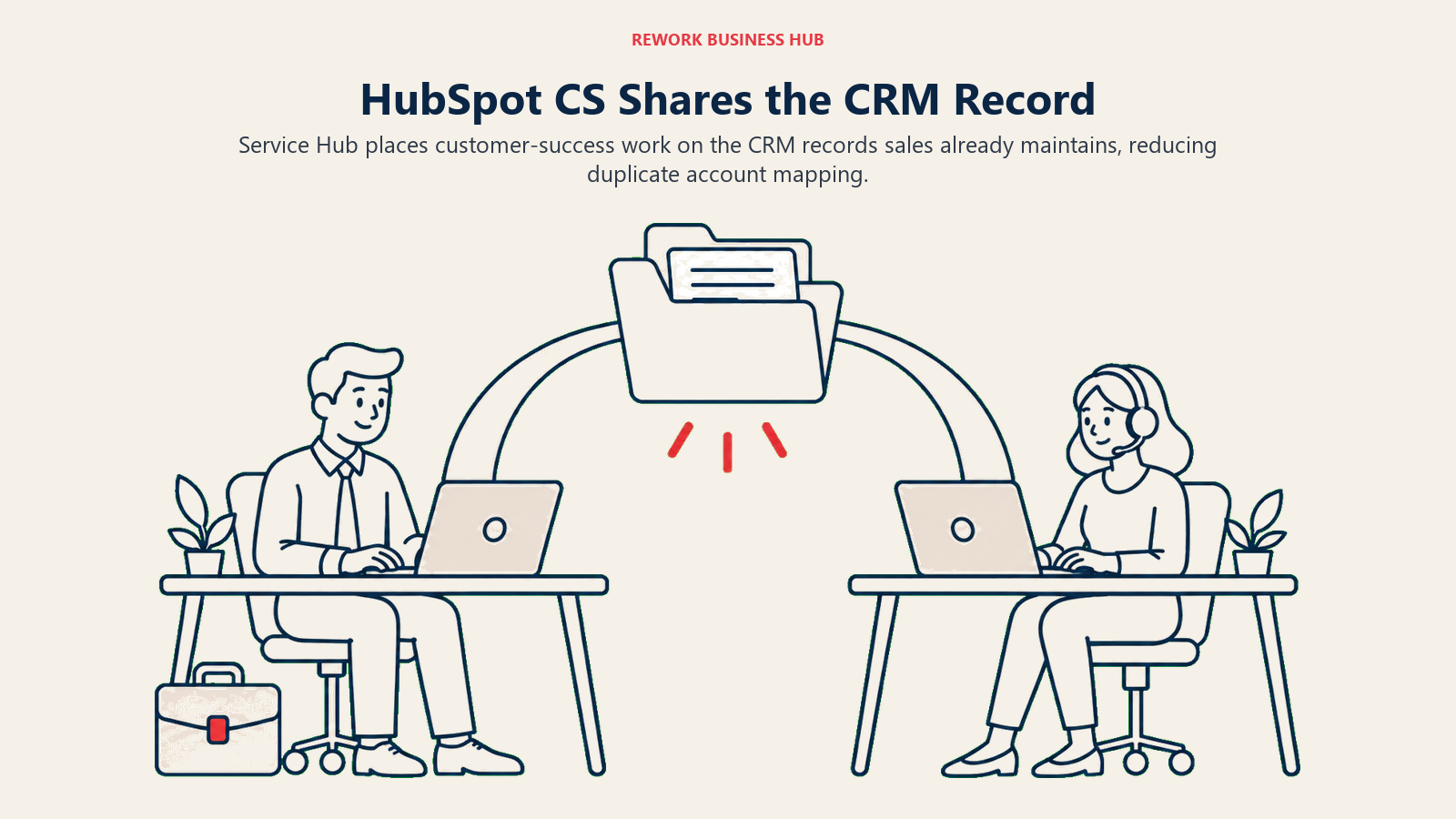
The catch is the tier gate. The Customer Success Workspace requires Professional or Enterprise, so the free and Starter tiers don't get you there. Professional is $90 per seat per month on an annual commitment or $100 per seat per month billed monthly, plus a one-time $1,500 onboarding fee, and includes 3,000 HubSpot Credits. Enterprise starts at $150 per seat per month with a one-time $3,500 onboarding fee and 5,000 HubSpot Credits. A free tier exists for up to 2 users but doesn't include the workspace. For a six-CSM team, Professional lands at $6,480 a year in licenses plus $1,500 once, which is competitive against the quote-only middle of this list, but only if you're already paying for HubSpot elsewhere. Buying HubSpot to get a CS workspace is the wrong order of operations.
Target audience. Companies from 20 to 500 employees already standardized on HubSpot CRM, where CS, sales and support share accounts.
Sizing fit. Strong from 20 to 500 employees. Above that, dedicated CS platforms out-depth it.
Stage fit. Any stage where HubSpot is already the system of record.
| Pros | Cons |
|---|---|
| CS workspace sits directly on the CRM record sales already uses | Requires Professional or Enterprise, not free or Starter |
| Published, seat-based pricing you can forecast without a call | One-time onboarding fees of $1,500 or $3,500 apply |
| No integration project between CRM and CS platform | Shallower health scoring and playbooks than dedicated platforms |
Pricing: Customer Success Workspace requires Professional or Enterprise. Professional is $100 per seat per month on annual commitment, or $90 per seat per month billed monthly, plus a one-time $1,500 onboarding fee. Enterprise starts at $150 per seat per month with a one-time $3,500 onboarding fee. A free tier covers up to 2 users but excludes the workspace.
Best for: HubSpot-native teams that want one record instead of two. Decide whether one system or two is the right architecture for your CS motion before you buy, not after the onboarding fee clears.
Sizing and Persona Fit
Headcount is the wrong first question in this category, same as it was for Custify itself. Most of these vendors price on some combination of CSM seats, customer accounts and modules, so a 60-person company with 4,000 self-serve accounts and a 400-person company with 90 enterprise accounts end up in completely different tiers. Count both numbers before you shortlist.
| Company size | Best fit | Why | Watch out for |
|---|---|---|---|
| Under 20 | Akita, EverAfter | Published or predictable pricing, no procurement process required | Akita's 2-user cap at the entry tier |
| 20 to 50 | Akita, ZapScale, Velaris | Real platforms without an enterprise sales cycle | ZapScale figures are reported, not vendor-confirmed |
| 50 to 200 | ClientSuccess, Velaris, HubSpot Service Hub | Mid-market depth at a price a CS lead can defend | ClientSuccess's cap rows need confirming on the call |
| 200 to 500 | ChurnZero, Vitally, Totango, ClientSuccess | Automation and forecasting start earning their cost | Budget against a reported $44,681 median for the quote-only set |
| 500 to 1,000 | ChurnZero, Planhat, Gainsight, Vitally | Formal renewal forecasting and multi-segment coverage | Implementation timelines, not license cost, become the constraint |
| 1,000-plus | Gainsight, Planhat | Governance, adjacent modules and enterprise support | Adjacent Gainsight modules each add a line to the quote |
| Persona | What they optimize for | Strongest picks |
|---|---|---|
| Head of CS who wants a number before the call | Speed to a quote, defensible cost | Akita, SmartKarrot |
| CS Ops lead scaling past Custify's mid-market ceiling | Depth in health scoring and forecasting | Gainsight, ChurnZero |
| CS Ops lead rebuilding health scores from bad data | Data model control and formula flexibility | Planhat |
| Chief Customer Officer reporting to a board | Retention reporting and forecast credibility | Gainsight, ChurnZero |
| CS lead of a product-led SaaS | Coverage across a long tail of accounts | Vitally, ZapScale |
| Onboarding lead who wants customers self-serving status | A branded customer-facing surface | EverAfter |
| RevOps owner consolidating the stack | One record shared with sales and support | HubSpot Service Hub |
Stage Fit
| Company stage | What usually breaks | Best fit |
|---|---|---|
| Pre-seed to seed | No health signal at all, churn is a surprise | Akita, ZapScale |
| Series A, 20 to 60 | Spreadsheet health scores nobody trusts | Akita, ClientSuccess, Velaris |
| Series B, 60 to 200 | CSMs carry more accounts than they can cover | Velaris, Vitally, ClientSuccess |
| Series C, 200 to 600 | Renewal forecast disagrees with the CRM | ChurnZero, Totango, Planhat |
| Late stage, 600 to 2,000 | Multi-product health scoring collapses into one number | Planhat, Gainsight |
| Enterprise, 2,000-plus | Governance, education and community all need owners | Gainsight |
Who Actually Publishes a Price in This Category
Two things make this category hard to budget. The first is that almost nobody publishes a price, Custify included. The second is that "cheapest" changes meaning depending on whether you count seats, accounts or add-ons. Here's what each vendor actually puts on the page.
| Vendor | Publishes a price? | What's actually on the pricing page |
|---|---|---|
| Akita | Yes, a full rate card | Every tier, seat count, integration cap, account cap and add-on rate |
| HubSpot Service Hub | Yes, seat pricing | Professional and Enterprise seat rates plus one-time onboarding fees |
| SmartKarrot | Entry tier only | Basic starting at $15,000/yr; Growth, Pro and Enterprise are contact sales |
| ClientSuccess | No, but explains the driver | Package limits, per-CSM basis, 15% to 20% annual discount |
| Custify | No | States only that there are no setup fees |
| Gainsight | No | Two editions with included seats and customers per user |
| Vitally | No | Three plans by CS motion with included features listed |
| Velaris | No | One license, five users, unlimited viewers, add-ons available |
| Planhat | No | Quote-based, with four named add-ons |
| Totango (incl. Catalyst) | No | Five product lines, every one routing to "Talk to sales" |
| ChurnZero | No | No public pricing page, nothing publicly accessible |
| EverAfter | No | Quote only, customized, full feature list at every tier |
| ZapScale | No | No public pricing page, only conflicting third-party listings exist |
How to Choose: Decision Framework
Choose by the constraint that actually pushed you off Custify: price transparency, more platform depth, or less platform than you're currently paying for. That constraint should eliminate most of the field before a single demo.
| If you need... | Choose |
|---|---|
| A published price you can act on this week | Akita |
| A published number for a budget submission | SmartKarrot |
| Customer success on the CRM you already own | HubSpot Service Hub |
| The closest packaged swap with disclosed caps | ClientSuccess |
| Enterprise-scale depth and adjacent modules | Gainsight |
| A data model that fits an unusual account structure | Planhat |
| Coverage across hundreds of accounts per CSM | Vitally |
| Prebuilt CS programs instead of a configuration project | Totango |
| Custify-class ease of use at enterprise depth | ChurnZero |
| AI summarization for a CS team of five | Velaris |
| To pay by customer count instead of by seat | ZapScale |
| A branded, customer-facing portal alongside your CS platform | EverAfter |
What to Do Next
Count two numbers before you contact anyone: how many CSMs need a full seat, and how many customer accounts you actually manage. Those two figures determine your tier at nearly every vendor on this list, Custify included, and having them ready turns a discovery call into a pricing call.
Then pick two candidates, one from the price-transparency group and one from whichever of the depth or lighter groups actually matches why you're switching, and price both against your real numbers rather than a vendor's example account. Run the pilot on your worst-covered segment, the 20 accounts you're least confident about, and see whether the health scores surface anything your CSMs didn't already know. If they don't, the problem is your data, not your software, and no platform on this list fixes that for you.
Camellia writes about customer success and revenue tooling for B2B SaaS teams.

Principal Product Marketing Strategist
On this page
- Key Facts
- Quick Comparison Table
- Why Teams Leave Custify (and Who Should Stay)
- 1. Akita - The Only Vendor That Will Just Tell You the Price
- 2. ChurnZero - The Closest Depth Upgrade From Custify
- 3. ClientSuccess - The Packaged Swap That Explains Its Own Quote
- 4. Vitally - Built for the Accounts-Per-CSM Ratio That Broke Custify
- 5. Planhat - When the CS Problem Is Really a Data Problem
- 6. Gainsight - The Enterprise Standard Once Custify Runs Out of Room
- 7. Totango (incl. Catalyst) - Prebuilt Programs Instead of a Blank Workspace
- 8. Velaris - One License, Five Users, AI Doing the Reading
- 9. SmartKarrot - A Published Floor, and That Floor Is $15,000
- 10. ZapScale - Priced by Customer Count, Not by Seats
- 11. EverAfter - When the Real Job Is a Customer-Facing Portal
- 12. HubSpot Service Hub - The Right Answer If You Already Own the CRM
- Sizing and Persona Fit
- Stage Fit
- Who Actually Publishes a Price in This Category
- How to Choose: Decision Framework
- What to Do Next