Best Intercom Alternatives in 2026: 10 Tools for Customer Communication That Won't Break the Budget
Turn this article into takeaways for your work.


Each assistant summarizes the article only for you and suggests best practices for your work.
Intercom is genuinely good software. The product itself is capable, the Fin AI assistant is useful, and the live chat experience is among the most polished in the market. But a lot of teams that started on Intercom a few years ago are now sitting in pricing conversations that don't feel proportional to the value they're getting. The contact-based billing model scales aggressively. Fin AI is an add-on on top of an already expensive base. Feature gating means the plan you started on rarely includes the things you now need.
If your customer communication setup has outgrown Intercom's pricing logic, or if you're a mid-size team that wants a single unified inbox without the enterprise bill, this list is for you. We've included tools across the full spectrum: affordable helpdesk options, a unified CRM + inbox for teams that want comms tied to their customer record, chatbot-first tools, email-focused alternatives, and enterprise-grade platforms. The list is ranked by how well each tool replaces Intercom without the Intercom bill, so the like-for-like budget picks come first and the enterprise-priced options sit at the end. Honest assessments, no fluff.
Quick Comparison Table
| Tool | Best For | Starting Price | Key Strength | Key Limitation |
|---|---|---|---|---|
| Freshdesk | Budget-conscious teams needing helpdesk + chat | Free tier; paid from $15/agent/mo | Affordable, solid feature set, Freshchat included | UI feels cluttered; AI features lag behind Intercom |
| Rework | Mid-size teams needing CRM + multi-channel inbox unified | From $159/mo billed yearly, 5 marketing + 5 sales seats (rework.com/pricing) | WhatsApp, Messenger, IG DM, web chat in one CRM timeline | Not a pure support ticketing platform; CS teams needing deep SLA ticketing may want a specialist |
| Crisp | Startups and SMBs wanting affordable live chat + bot | Free; Pro from $25/mo (2 seats) | Genuine value for small teams; simple multi-channel | Limited at scale; no deep CRM tie-in |
| HubSpot Service Hub | Teams already on HubSpot CRM | $15/seat/mo (Starter) | CRM-native; tickets + conversations in one record | Full functionality requires Pro ($90/seat/mo) |
| Tidio | E-commerce and SMBs wanting AI chatbot + live chat | Free tier; paid from $29/mo | Fast setup, Lyro AI chatbot, Shopify native | Light on the enterprise side; limited advanced routing |
| Zendesk | Enterprise support teams with complex ticketing needs | $55/agent/mo (Suite Team) | Deepest ticketing + SLA + reporting in the market | Heavy to configure; can feel bureaucratic for small teams |
| Help Scout | Email-first support teams scaling without complexity | $50/mo (up to 3 users) | Clean shared inbox; great for async email-heavy teams | No native WhatsApp or social DM channels |
| Respond.io | Teams managing high-volume multi-channel messaging | $79/mo (Team plan) | Best-in-class WhatsApp + social inbox for volume ops | No built-in CRM depth; needs third-party integrations |
| Olark | Teams that just need a simple live chat widget | $29/agent/mo | Zero learning curve; clean, focused feature set | No chatbot, no multi-channel; just live chat |
| Drift | B2B companies running conversational marketing + ABM | ~$2,500/mo (Essentials) | Revenue-focused chat, account targeting, meeting booking | Expensive; overkill if you just need support chat |
Why Teams Leave Intercom
Before the list, it's worth being specific about the leaving reasons. Not every team switching from Intercom is leaving for the same one.
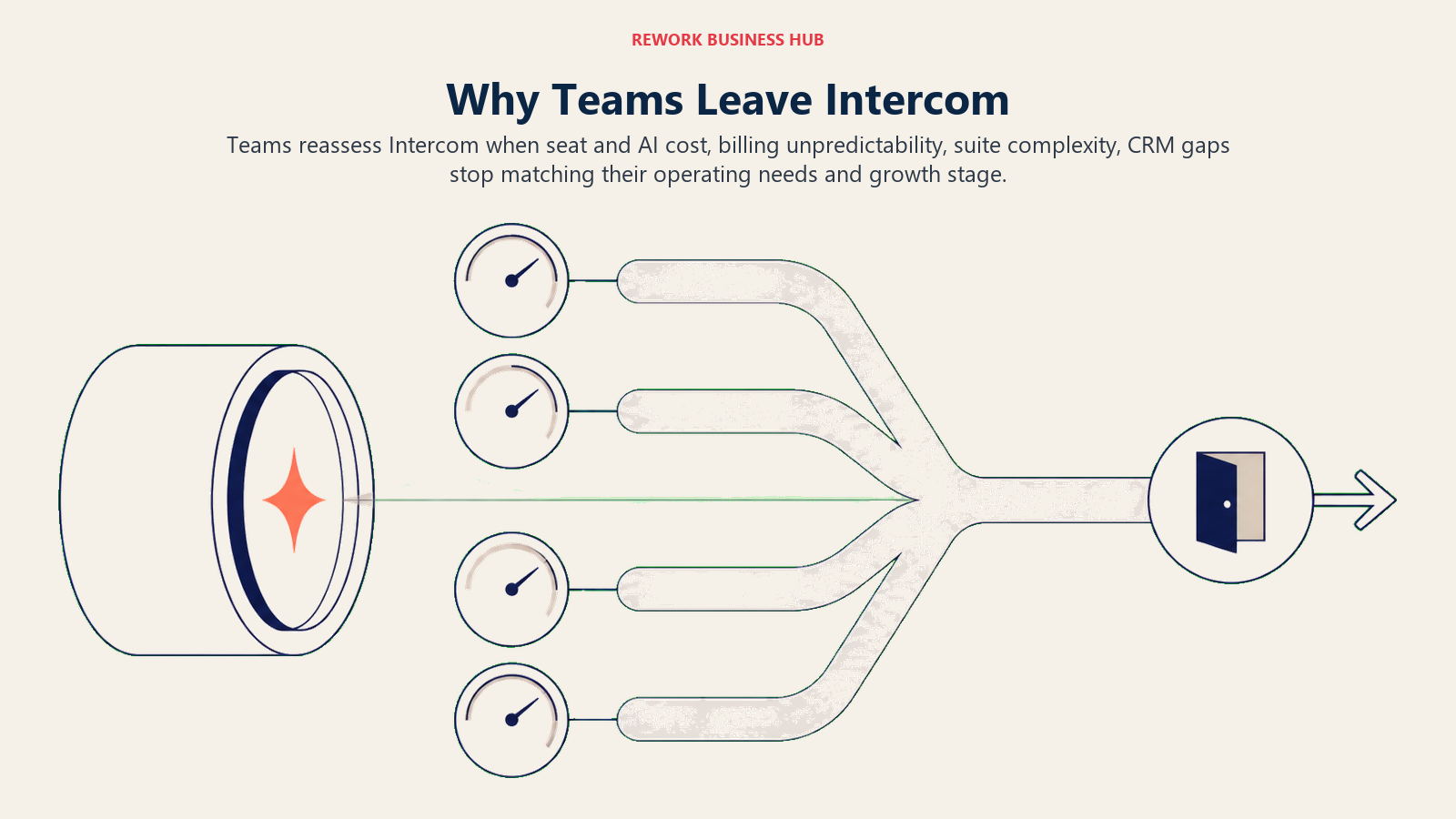
The most common complaints in 2025 and 2026: pricing scales by contact count, so growth punishes you. Fin AI costs extra on top of already tiered plans. Feature gating means you need a higher plan for things that feel basic (custom bots, SLAs, reports). And the pricing structure itself is hard to forecast. Teams routinely report that their actual bill looks different from what they modeled at procurement. This is exactly the dynamic explored in the true cost of software sprawl; the sticker price rarely captures what you actually pay at scale. For a broader look at where SaaS pricing is heading, Seat-Based Pricing Is Dying covers why per-contact models like Intercom's are under pressure.
Some teams leave because Intercom is simply more than they need. They wanted a chat widget; they got a platform priced for enterprise.
The alternatives below cover both situations.
1. Freshdesk: Affordable Helpdesk + Freshchat
Freshdesk is the most common landing spot for teams leaving Intercom on budget. The base helpdesk is solid, the free tier is usable, and the paid plans start low. Freshchat (the live messaging product) is included in Freshworks' suite and handles web chat, WhatsApp, and social channels reasonably well.
The feature set isn't as polished as Intercom at the top end, and the AI capabilities trail. But for a team that needs email-based ticketing, a functional chat widget, and basic automation without a four-figure monthly bill, Freshdesk delivers genuine value. For a deeper look at the Freshworks ecosystem and alternatives to it, best Freshdesk alternatives is a useful companion read.
The UI can feel cluttered as you add modules, and integration with the wider Freshworks suite (Freshsales, Freshservice) works better in theory than in practice unless you're standardizing on the entire Freshworks stack.
| What you get | What you don't |
|---|---|
| Generous free tier for basic ticketing | Intercom-level UX polish |
| Affordable paid plans; good value at 10-25 agents | Seamless CRM integration without Freshsales |
| WhatsApp and social channels via Freshchat | AI features at Fin's capability level |
Pricing: Free (up to 10 agents). Growth $15/agent/mo. Pro $49/agent/mo. Enterprise $79/agent/mo. Annual pricing.
Best for: Budget-conscious teams needing solid helpdesk + chat without committing to Intercom's pricing model.
2. Rework: Unified CRM + Multi-Channel Inbox for Mid-Size Teams
Rework's angle is different from every other tool on this list. It's not a standalone chat platform. It's a unified CRM where WhatsApp, Messenger, Instagram DM, TikTok, Telegram, Zalo, and web chat all land in one contact timeline, the same record your sales and CS teams are working in.
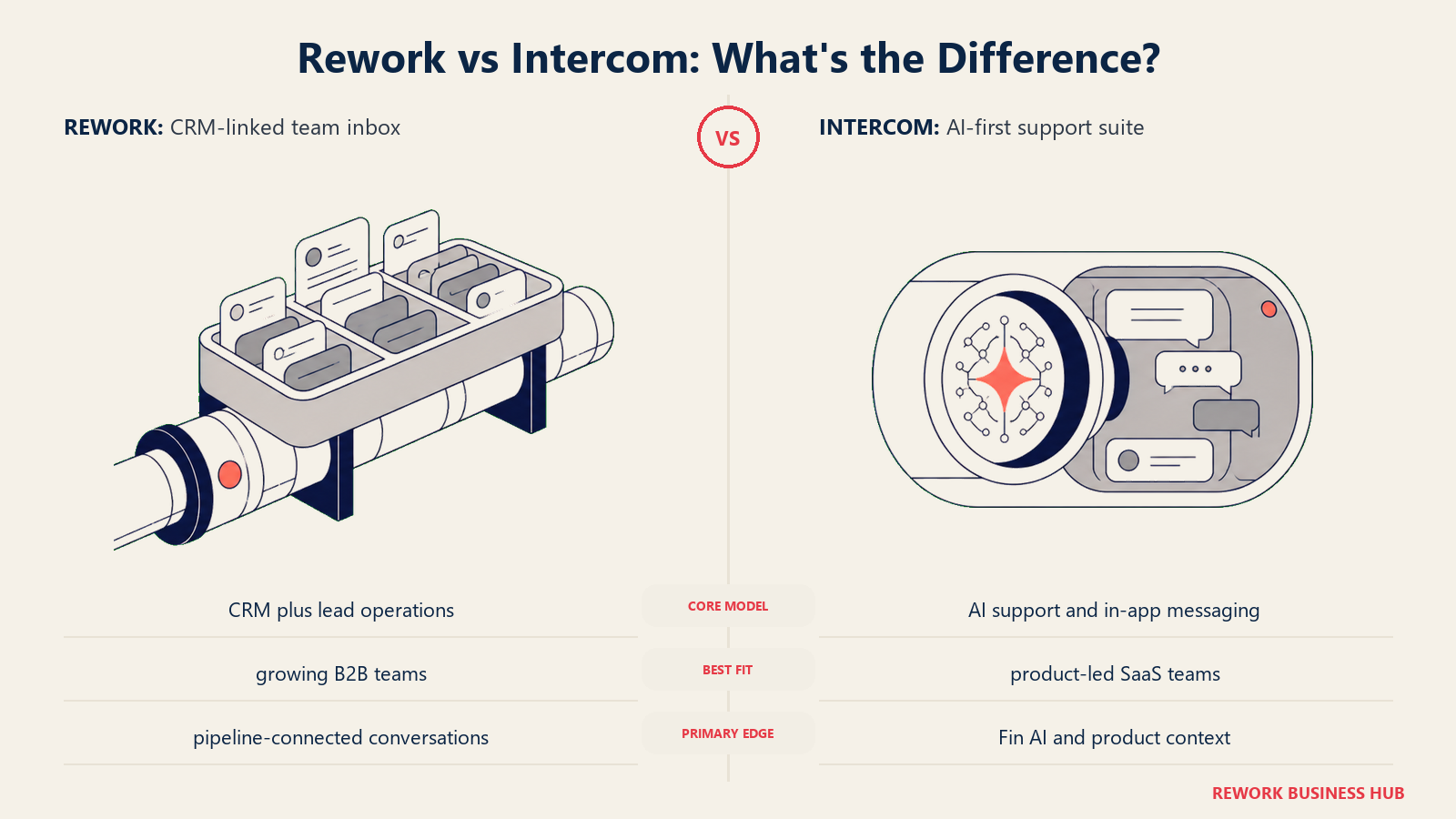
For teams that currently run Intercom for customer communication and a separate CRM for contact management, Rework can replace both, as long as your support is chat-led. There's no help-center product in Rework's lineup, email runs in a separate Mail app rather than the chat inbox, and its AI agents are still in beta, so support-led teams that lean on Fin and a help center will find Zendesk or Freshdesk a closer swap. Every conversation is tied to the lead or customer record. You can see what the sales rep said in the pipeline, what the CS rep replied via WhatsApp, and what came in through the website chat, all in one place, no stitching. The lead response time article covers why that unified view directly affects conversion rates.
The strongest use cases: B2B teams with active sales and CS running simultaneously on the same accounts, e-commerce and D2C brands with WhatsApp and Messenger as primary support channels, and mid-size service businesses that need structured lead routing alongside customer comms. If multi-channel inbox setup is new territory for your team, the Multi-Channel Inbox Configuration guide walks through what good configuration looks like.
| What you get | What you don't |
|---|---|
| WhatsApp, Messenger, IG DM, Telegram, Zalo, web chat in one CRM timeline | Deep SLA-level ticketing (not Zendesk-grade) |
| Routers that hand conversations to teams, with SLA timers | Pure support-desk reporting (CSAT surveys, ticket resolution SLAs at enterprise depth) |
| Lead lifecycle from capture through post-sale support chats in one product | Best fit for very small teams under 10 people |
| Cross-team workflows connecting sales, marketing, and CS | A help center or email ticketing; AI agents still in beta |
Pricing: Revenue Engine (CRM, omnichannel inbox and lead capture) is $159/month billed yearly ($1,908/year) or $190 month to month, with 5 marketing and 5 sales seats included. The inbox alone is the Marketing Engine, from $99/month billed yearly. 14-day free trial. See rework.com/pricing.
Best for: Mid-size companies (20-500 employees) running sales and CS on the same customer records, especially if WhatsApp or social DMs are active support channels.
3. Crisp: Affordable Live Chat + Chatbot for SMBs
Crisp is what Intercom would look like if it stayed focused on small teams and honest pricing. The free plan is legitimately functional for one or two agents. The Pro plan at $25/month covers two seats with live chat, email integration, a chatbot builder, a knowledge base, and basic CRM features. The Unlimited plan runs $95/month.
For startups, bootstrapped SaaS companies, and small teams under 15 people, Crisp delivers an Intercom-adjacent experience at a fraction of the cost. The multi-channel story covers Messenger, Telegram, Twitter DM, and email in addition to web chat. Teams comparing Crisp with other small-team chat tools should also look at best Crisp alternatives for options in the same price range.
The limitations show at scale. The CRM functionality is lightweight. The AI features aren't in the same league as Fin. And if you're running a support operation with more than a handful of agents, you'll start hitting the edges of the product.
| What you get | What you don't |
|---|---|
| Excellent value for small teams | CRM depth for mid-size or larger orgs |
| Clean multi-channel inbox (Messenger, Telegram, email) | Fin-level AI assistant capability |
| Simple knowledge base + chatbot builder | Scalable pricing model for growing headcount |
Pricing: Free (2 seats). Pro $25/mo (2 seats). Unlimited $95/mo. Per-workspace pricing, not per-seat.
Best for: Startups and SMBs with small support teams that want multi-channel chat without enterprise pricing.
4. HubSpot Service Hub: CRM-Native Support
If your team already runs HubSpot for marketing and sales, Service Hub is the most logical support layer. Everything sits on the same CRM contact record. Tickets, conversations, emails, and deal history all share the same object. Your CS team sees what marketing sent and what the sales rep promised in the pipeline.
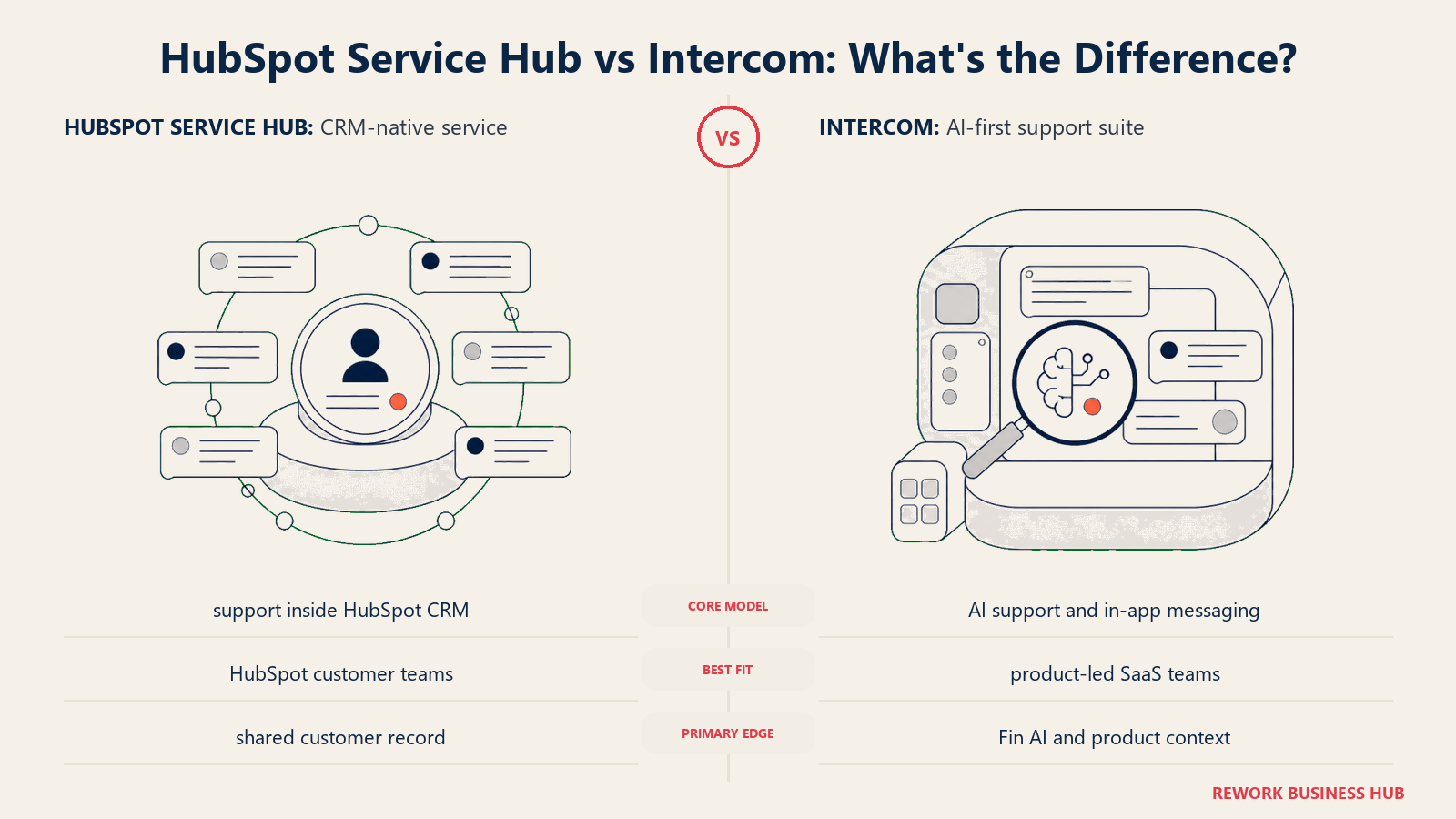
The Starter tier is genuinely affordable. But the functionality that competes with Intercom's core (custom bots, SLA management, deep automation) sits on the Pro plan at $90/seat/month. For teams that need to add more than a handful of CS seats, the cost adds up quickly.
If you're not already in HubSpot, the value calculation shifts. The CRM-native advantage matters less if you're also migrating your CRM, and Intercom is usually still the better pure messaging experience.
| What you get | What you don't |
|---|---|
| Unified contact record across marketing, sales, and CS | Full CS functionality without jumping to Pro tier |
| Native HubSpot CRM tie-in; no integration required | Chat experience as polished as Intercom's |
| Starter tier is affordable for small CS teams | Cost efficiency at 20+ seats on Pro |
Pricing: Starter $15/seat/mo. Professional $90/seat/mo. Enterprise $130/seat/mo. Annual pricing.
Best for: Companies already invested in HubSpot's marketing and sales stack who want support on the same platform.
5. Tidio: AI Chatbot + Live Chat for E-commerce
Tidio's differentiation is Lyro, its AI chatbot, and its native Shopify and WooCommerce integrations. For e-commerce brands managing high inquiry volumes around orders, returns, and product questions, Tidio's chatbot can handle a meaningful chunk of tickets without human intervention.
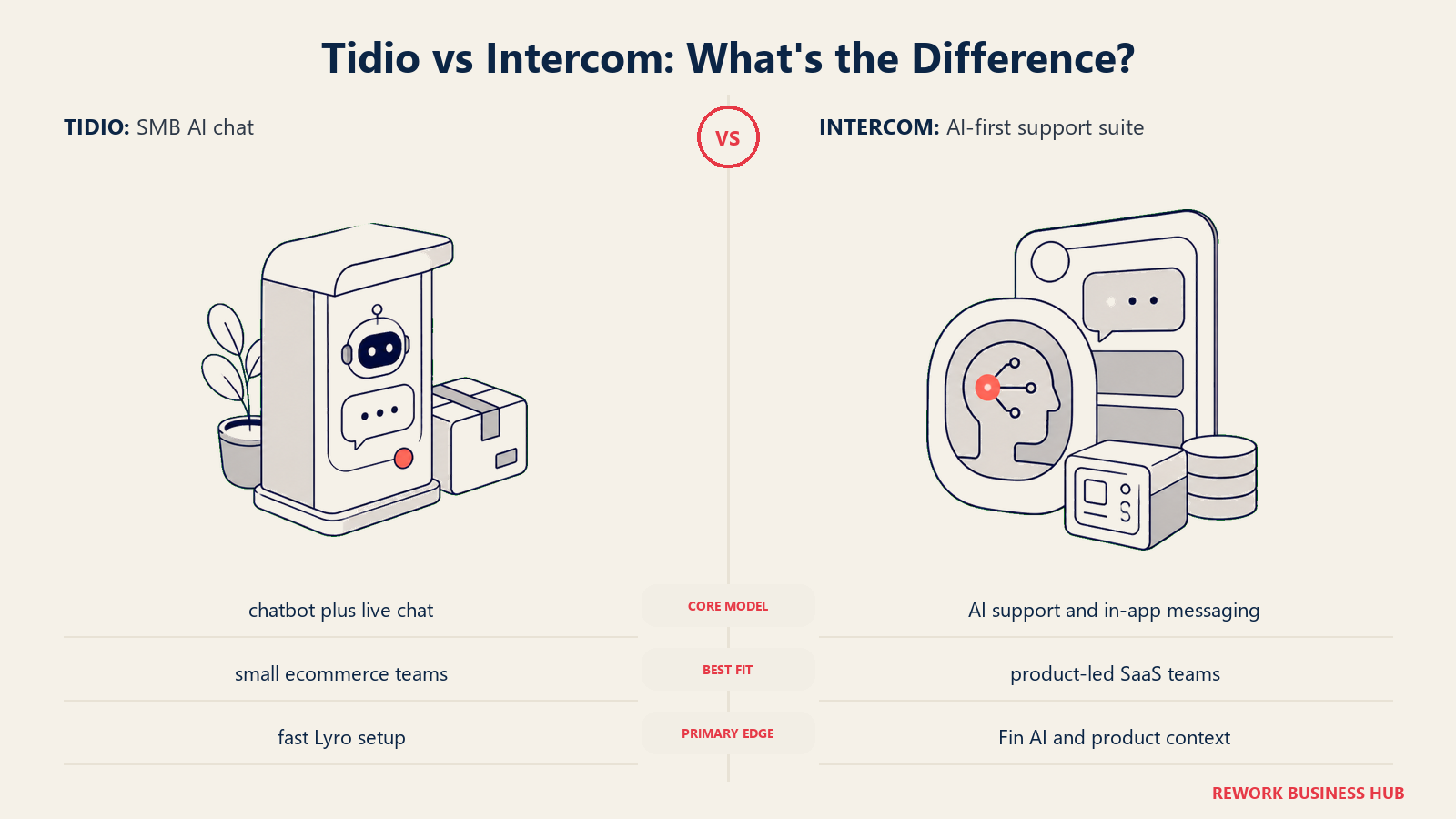
The product is fast to set up: a live Shopify integration can be running in under an hour. The live chat interface is clean, and the free tier is usable for very small stores. The paid plans layer in more Lyro conversations, email marketing, and additional channels. If Tidio doesn't quite fit your needs, best Tidio alternatives covers what else is worth evaluating in the e-commerce chat space.
The limitations show outside e-commerce. The CRM depth is light, routing logic is basic, and enterprise support teams will outgrow the platform quickly. But for D2C brands and small e-commerce businesses, it's one of the most purpose-built options on this list.
| What you get | What you don't |
|---|---|
| Fast Shopify/WooCommerce integration | Deep routing or complex agent workflow support |
| Lyro AI chatbot for order/product FAQ deflection | CRM functionality beyond basic contact info |
| Clean UI; low configuration overhead | Good fit for B2B or non-commerce use cases |
Pricing: Free tier available. Starter $29/mo. Growth $59/mo. Tidio+ from $749/mo for Lyro at scale.
Best for: E-commerce brands on Shopify or WooCommerce that want AI chatbot deflection + live chat in one.
6. Zendesk: Enterprise Support + Messaging
Zendesk is the category leader in enterprise customer support. Its ticketing engine, SLA management, reporting, and agent workflow tooling are more developed than any other platform on this list. If you run a support operation with hundreds of agents, complex escalation trees, CSAT tracking, and compliance requirements, Zendesk is likely the safest enterprise choice.
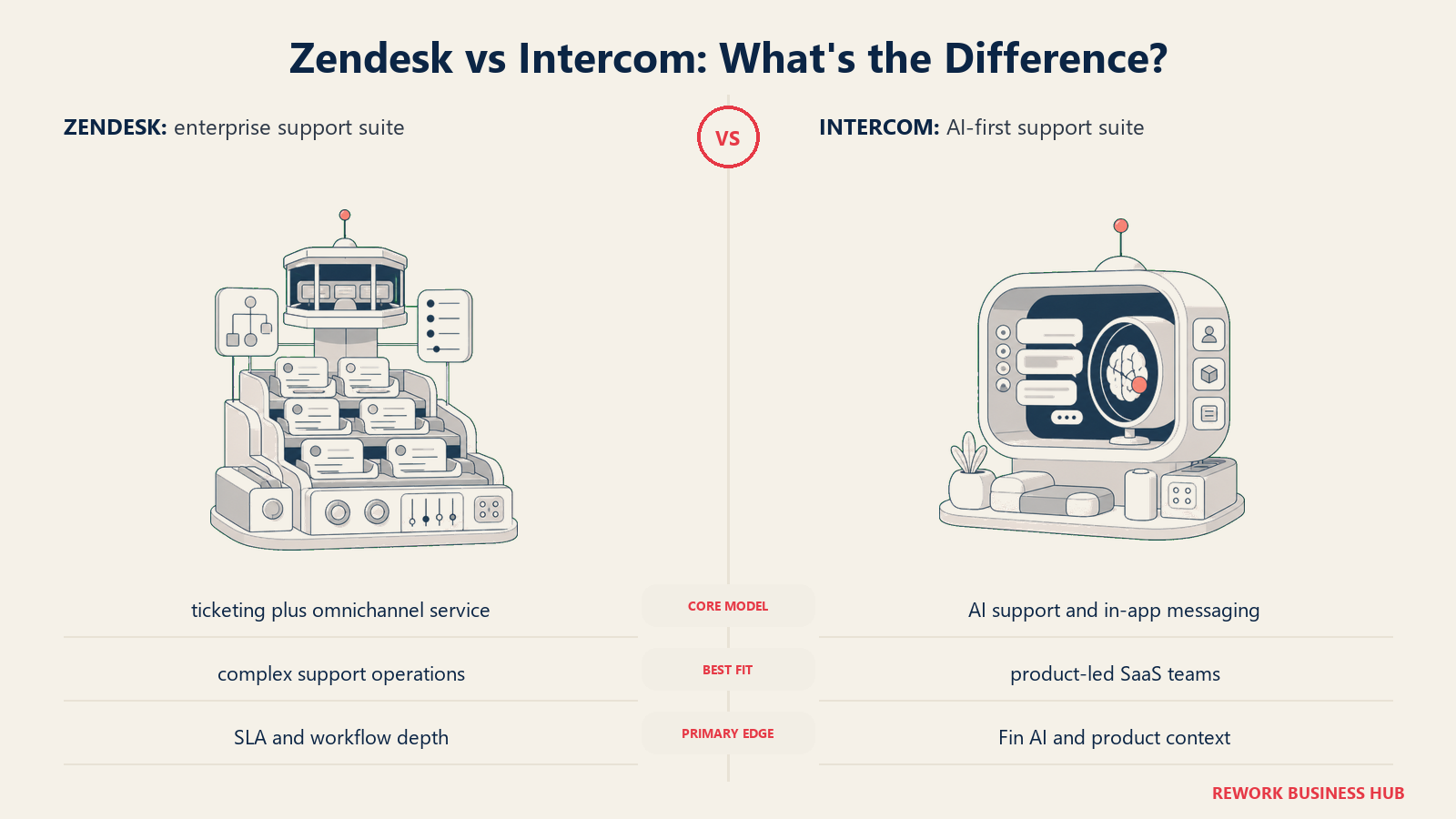
The messaging product has improved significantly. Zendesk now handles live chat, social messaging, and bot automation alongside its traditional email ticketing. It's not as slick as Intercom's messenger experience, but it's functional and deeply integrated with the ticket system.
The tradeoff is configuration complexity. Zendesk can do almost anything, but getting it to do what you need requires real setup time. Small and mid-size teams often find it heavier than their problem requires. If Zendesk feels like overkill, best Zendesk alternatives covers lighter-weight options worth considering.
| What you get | What you don't |
|---|---|
| Best-in-class SLA management and ticketing depth | Quick setup or low configuration burden |
| 1,000+ integrations; broad partner ecosystem | Affordable per-agent pricing at scale |
| Mature CSAT, QA, and compliance tooling | CRM depth (Zendesk Sell is separate) |
Pricing: Suite Team $55/agent/mo. Suite Growth $89/agent/mo. Suite Professional $115/agent/mo. All annual.
Best for: Enterprise support operations with 50+ agents, complex escalation requirements, or regulated industries.
7. Help Scout: Email-First Support for Growing Teams
Help Scout is built around shared email inboxes, and it does that better than almost anyone. If your support operation runs primarily through email (not live chat, not WhatsApp, not social DMs), Help Scout's clean interface, collision detection, internal notes, and team workflow tooling make email support significantly less painful.
The Docs knowledge base is included and works well. Beacon adds a live chat widget that can surface knowledge base articles before a conversation starts. The product is deliberately simple, and teams consistently report faster agent onboarding than on more complex platforms. If you're evaluating shared-inbox tools more broadly, best Help Scout alternatives covers the full landscape of email-first support options.
The limitation is channel breadth. There's no native WhatsApp, Instagram DM, or SMS. If your customers expect chat-first or social-first support, Help Scout will leave gaps.
| What you get | What you don't |
|---|---|
| Best-in-class shared email inbox experience | WhatsApp, social DMs, or SMS natively |
| Included knowledge base (Docs) | Live chat at Intercom's depth |
| Simple pricing; flat per-seat model | AI capabilities beyond basic suggestions |
Pricing: $50/mo (up to 3 users). Standard $20/user/mo. Plus $40/user/mo. Pro $65/user/mo.
Best for: Email-heavy support teams that don't need multi-channel chat and want clean, simple tooling.
8. Respond.io: Multi-Channel Messaging Platform
Respond.io's niche is high-volume messaging operations, specifically WhatsApp Business API, Messenger, Instagram DM, Telegram, and Line at scale. For teams in Southeast Asia, the Middle East, or Latin America where WhatsApp is the dominant customer channel, Respond.io is purpose-built in a way that Western support platforms often aren't.
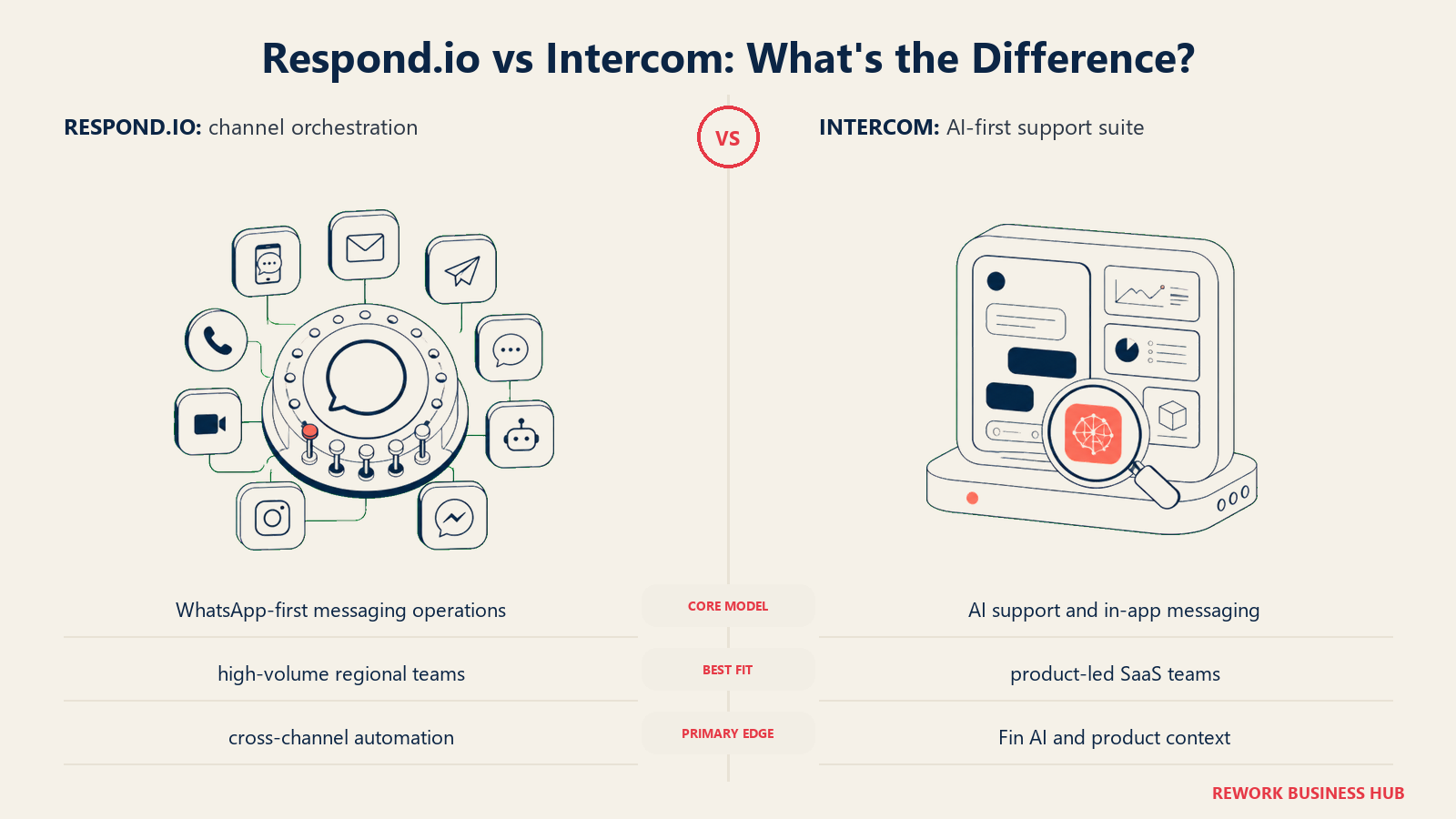
The inbox handles multiple channels cleanly, the assignment automation is solid, and the API access allows custom integrations at depth. The platform has grown to include a basic CRM layer and broadcasting tools.
The limitation is CRM depth. Respond.io is a messaging operations platform, not a full customer record system. Teams that need rich contact history, deal tracking, or cross-team workflow automation will need to integrate it with a separate CRM. Getting handoffs right between bots and human reps is also worth thinking through early; the Chatbot-to-Rep Handoff Playbook covers the key failure points.
| What you get | What you don't |
|---|---|
| Best-in-class WhatsApp Business API + social inbox | Built-in CRM or deal pipeline |
| Broadcasting + bulk messaging capability | Deep sales workflow automation |
| Designed for high-volume messaging markets | Strong fit for primarily email-driven support |
Pricing: Team $79/mo (5 users). Business $249/mo (10 users). Enterprise on request.
Best for: Teams in messaging-heavy markets running high volume across WhatsApp, Messenger, Instagram DM, and Telegram.
9. Olark: Simple Live Chat, Nothing More
Olark is the most focused product on this list. It does live chat. That's it. No ticketing system, no chatbot platform, no AI assistant, no CRM overlay. Just a well-built live chat widget that integrates with your existing tools via Salesforce, HubSpot, or Zapier.
For teams that tried Intercom and decided the platform was overkill (they just needed a way for website visitors to reach a human), Olark is a reasonable answer. Setup is fast. Per-agent pricing is straightforward. The reporting covers the basics. For context on why so many teams are moving away from form-based contact toward live chat, Death of the Contact Form is worth a read.
But if you need automation, chatbots, multi-channel, or anything beyond a human answering chat conversations, Olark won't get you there. It's a focused tool for a focused job.
| What you get | What you don't |
|---|---|
| Zero learning curve; live in 30 minutes | Chatbot or automation capability |
| Simple per-agent pricing with no surprises | Multi-channel (WhatsApp, social, email) |
| Integrates with major CRMs via native connectors | AI features of any kind |
Pricing: $29/agent/mo. Olark Pro with advanced features is available; pricing on request.
Best for: Small teams that need a clean live chat widget with no extra complexity.
10. Drift: Conversational Marketing + Sales
Drift built its brand as the "revenue acceleration" chat platform, and it earns that label. The core product is designed for B2B marketing and sales teams that want to convert website visitors into pipeline, specifically account-based teams that can identify a company visiting their site and route that conversation to the right rep. The CRM workflow automation guide is worth reading if routing conversations into a sales pipeline is part of what you're trying to solve. And if you're comparing Drift and Intercom head-to-head for B2B, Drift vs Intercom for B2B breaks down the key differences in detail.
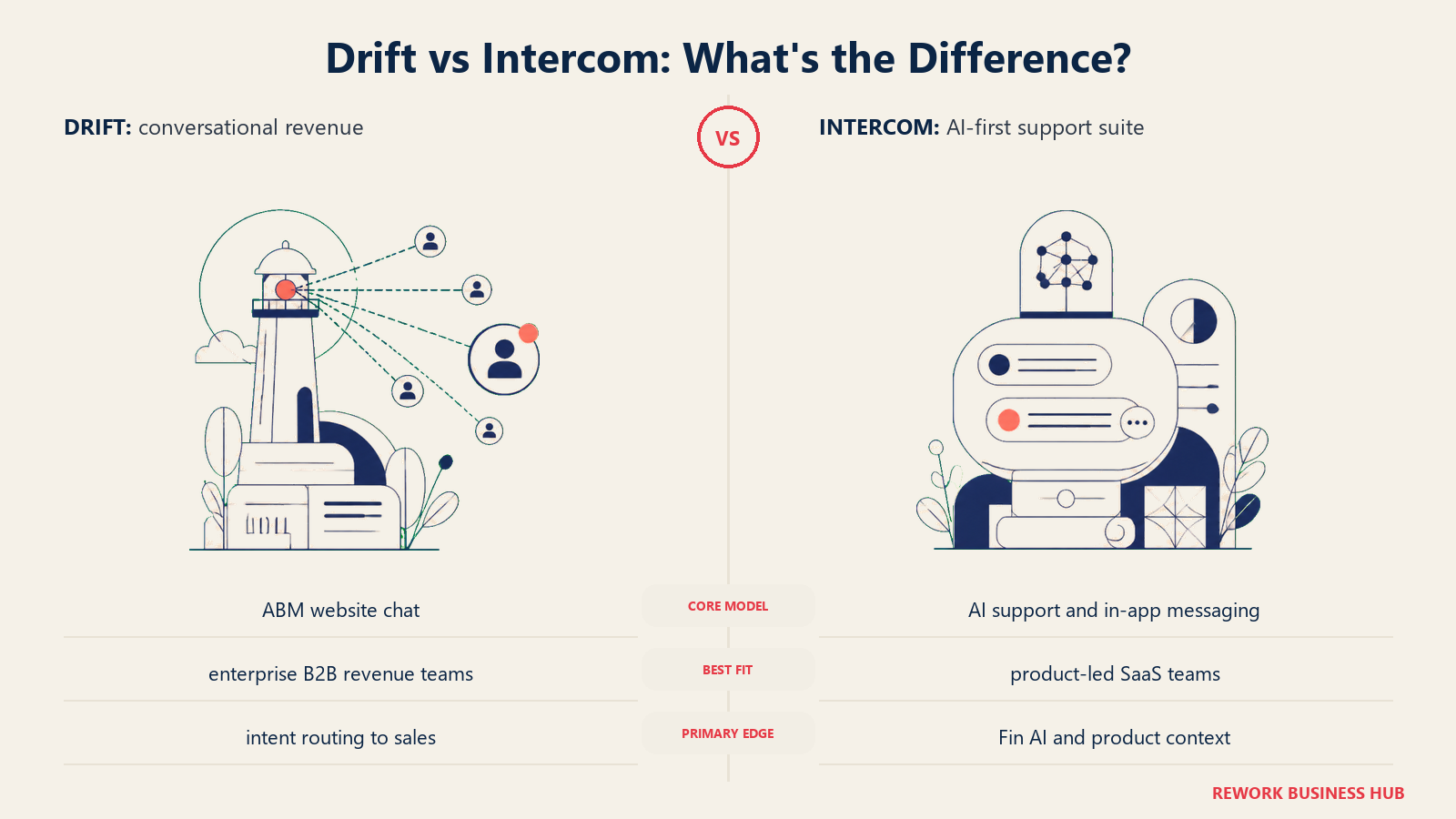
The meeting booking integration is tight. The account targeting logic is solid. And for enterprise B2B companies where every high-intent website visit matters, Drift's playbook approach can meaningfully move pipeline velocity.
But it's expensive. The Essentials plan starts around $2,500/month, and the full ABM functionality sits on premium tiers. If your team doesn't have an ABM motion, or if you're primarily looking for reactive customer support (not proactive sales chat), Drift is more tool than you need. Teams evaluating Drift alongside other options may also want to review best Drift alternatives for a fuller picture of what's in the same category.
| What you get | What you don't |
|---|---|
| Playbook-based proactive chat tied to account data | Affordable entry pricing |
| Built-in meeting booking without leaving the chat | Deep customer support / ticketing |
| Revenue team-focused routing and handoffs | Simplicity: the product is complex to configure |
Pricing: Essentials ~$2,500/mo. Premium and Enterprise above that. No public self-serve tier at meaningful scale.
Best for: Mid-market and enterprise B2B companies with ABM motions and dedicated demand gen + sales teams.
How to Choose: Decision Framework
| If you need this... | Pick this |
|---|---|
| Enterprise ticketing, deep SLAs, 50+ agents, compliance requirements | Zendesk |
| CRM + multi-channel inbox in one system, with WhatsApp and social DMs tied to the customer record | Rework |
| Solid helpdesk at the lowest price point | Freshdesk |
| CRM-native support and you're already in HubSpot | HubSpot Service Hub |
| B2B conversational marketing and ABM with proactive sales chat | Drift |
| Simple live chat for a small team without complexity | Crisp or Olark |
| AI chatbot-first support for a Shopify or WooCommerce store | Tidio |
| Email-first shared inbox without multi-channel overhead | Help Scout |
| High-volume WhatsApp and social messaging in emerging markets | Respond.io |
| Just a live chat widget with no platform overhead | Olark |
What to Do Next
Run a two-week pilot with your top two picks. The shortcut: identify which channels your customers actually use (email, WhatsApp, website chat) and which teams need access (support only, or sales + CS together). That single filter eliminates most of the list. For most teams leaving Intercom on budget, start with Freshdesk's free tier and upgrade only when you hit its ceiling. If WhatsApp and a CRM record need to live together in one product, Rework handles both natively. If you're a small team that wants the closest Intercom-style messenger for the least money, try Crisp. If you just need ticketing at scale and the budget allows it, go Zendesk.
Before you finalize your shortlist, it's also worth reviewing Chat Funnel Metrics; knowing which numbers to track before you go live saves a lot of re-configuration later. And if shared inbox tools like best Front alternatives or best LiveChat alternatives are also in your evaluation, those guides cover overlapping territory with honest comparisons. If Freshsales is already part of your evaluation, the best Freshsales alternatives guide covers the full Freshworks comparison landscape.

Senior Implementation Consultant
On this page
- Quick Comparison Table
- Why Teams Leave Intercom
- 1. Freshdesk: Affordable Helpdesk + Freshchat
- 2. Rework: Unified CRM + Multi-Channel Inbox for Mid-Size Teams
- 3. Crisp: Affordable Live Chat + Chatbot for SMBs
- 4. HubSpot Service Hub: CRM-Native Support
- 5. Tidio: AI Chatbot + Live Chat for E-commerce
- 6. Zendesk: Enterprise Support + Messaging
- 7. Help Scout: Email-First Support for Growing Teams
- 8. Respond.io: Multi-Channel Messaging Platform
- 9. Olark: Simple Live Chat, Nothing More
- 10. Drift: Conversational Marketing + Sales
- How to Choose: Decision Framework
- What to Do Next