Best LiveChat Alternatives in 2026: 10 Customer Chat Tools for Sales and Support
Turn this article into takeaways for your work.


Each assistant summarizes the article only for you and suggests best practices for your work.
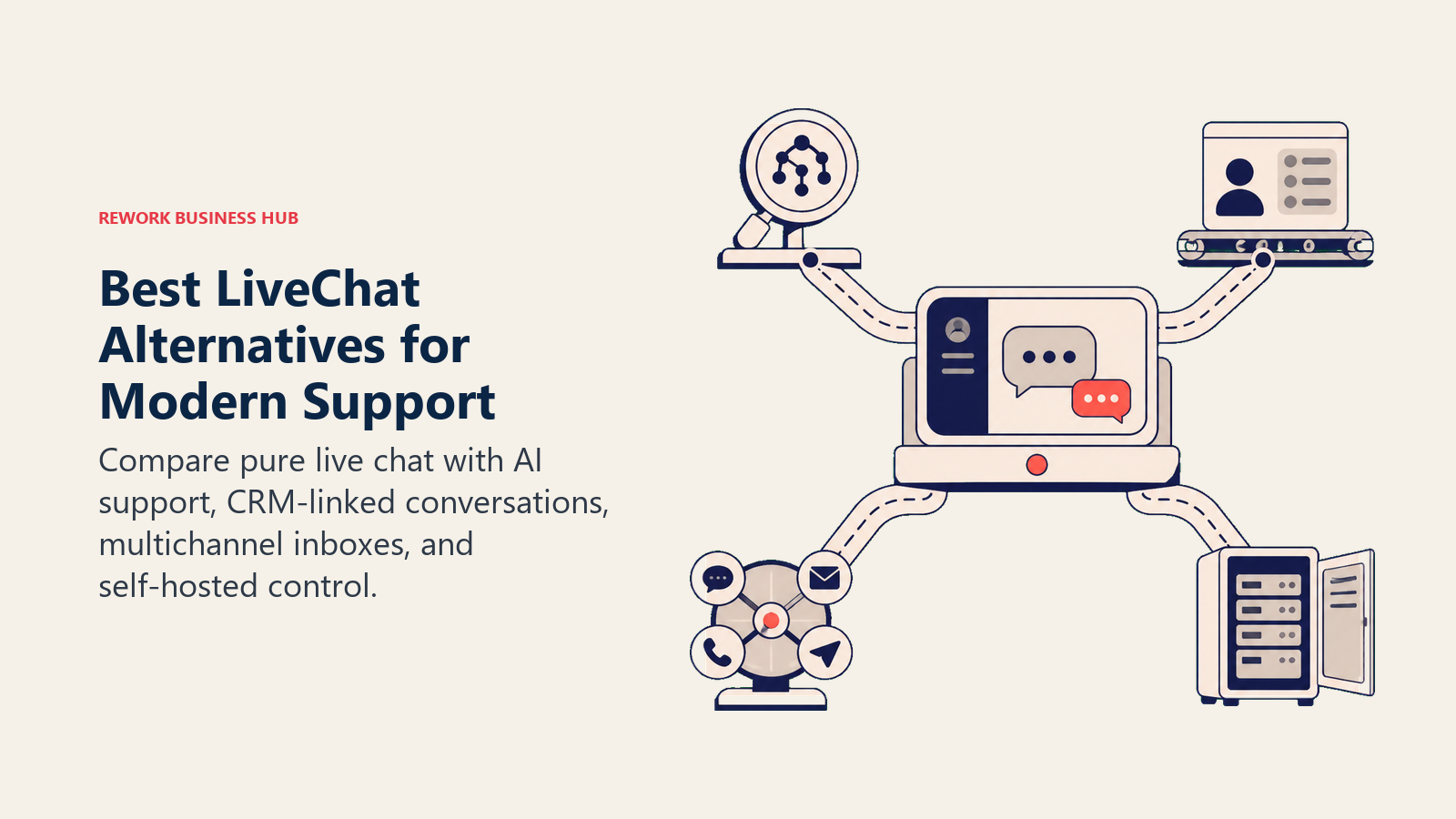
The best LiveChat alternatives in 2026 are Rework for combined chat and CRM, Intercom for AI-first support at scale, and Tidio or Crisp for budget-conscious small teams. The right choice depends on whether you're solving a sales problem, a support problem, or both, and how much of your stack you want to consolidate around one platform.
LiveChat is a solid product. It's been around since 2002, it's reliable, and a lot of teams built their support workflows around it. But "reliable" isn't enough anymore when your competitors are using AI-assisted routing, built-in CRM pipelines, and unified inboxes that handle email, WhatsApp, and in-app chat from one screen.
The common breaking points we hear from teams switching away from LiveChat: per-agent pricing that adds up fast ($20–$59 per agent per month), the AI chatbot being a separate product from ChatBot.com with its own subscription, no native CRM to tie conversations to deals, and analytics that don't go deep enough for teams optimizing response times or rep performance. If any of those feel familiar, this list is for you.
We're ranking 10 tools for B2B sales and support teams, from startups to mid-market, that cover the ground LiveChat misses.
Live chat rarely operates alone. Teams evaluating this category often need to address the full inbound communication stack alongside it. For programmatic SMS and multi-channel messaging (outbound notifications, WhatsApp, follow-up sequences), see the best Twilio alternatives. And if you're also handling lead capture via forms and surveys, the best Typeform alternatives covers that adjacent piece.
Quick Comparison Table
| Tool | Best For | Starting Price | Key Strength | Key Limitation |
|---|---|---|---|---|
| Rework | Mid-size B2B teams needing chat + CRM in one | From $159/mo billed yearly, 5 marketing + 5 sales seats (rework.com/pricing) | Unified inbox + native CRM + lead management | Not ideal for large enterprise deployments |
| Intercom | Growth-stage SaaS with product + support use cases | $39/seat/mo (Starter) | AI-first, deep product integrations, Fin AI agent | Expensive at scale; complex to configure |
| Tidio | Small businesses wanting AI chat fast | Free plan; paid from $29/mo | Fast setup, Lyro AI, strong ecommerce integrations | Limited for complex B2B multi-team setups |
| Crisp | Startups and small teams on a budget | Free plan; $25/mo (Pro) | Multi-channel, generous free tier, CRM lite | Dated UI; advanced features need higher tiers |
| Freshchat | Teams already using Freshworks suite | $19/agent/mo (Growth) | AI-powered, omnichannel, deep Freshworks integration | Best value only if you're in the Freshworks ecosystem |
| Drift | Enterprise revenue teams doing conversational sales | Custom pricing (contact sales) | Conversational ABM, Bionic Chatbot, Salesforce-native | Priced out of reach for most SMBs |
| HubSpot Chat | Teams already using HubSpot CRM | Free (with HubSpot) | Free, CRM-native, easy to start | Chat is thin without paid HubSpot plan |
| Olark | Support-focused teams wanting simplicity | $29/agent/mo | Clean, reliable, easy reporting | No AI; limited omnichannel |
| Tawk.to | Solo operators and very small teams | Completely free | 100% free forever | No serious AI; monetizes via paid agents |
| Chatwoot | Self-hosting teams who want full data control | Free (self-hosted) | Open-source, omnichannel, API-first | Requires technical setup and maintenance |
Stage Fit Matrix
| Tool | Startup (1–10) | Growth (10–50) | Mid-Market (50–200) | Enterprise (200+) |
|---|---|---|---|---|
| Rework | Good | Strong | Strong | Limited |
| Intercom | Good | Strong | Strong | Strong |
| Tidio | Strong | Good | Limited | No |
| Crisp | Strong | Good | Limited | No |
| Freshchat | Good | Good | Strong | Strong |
| Drift | No | Limited | Good | Strong |
| HubSpot Chat | Good | Good | Good | Limited |
| Olark | Good | Good | Limited | No |
| Tawk.to | Strong | Limited | No | No |
| Chatwoot | Good | Good | Good | Limited |
Team Size and Buyer Persona Table
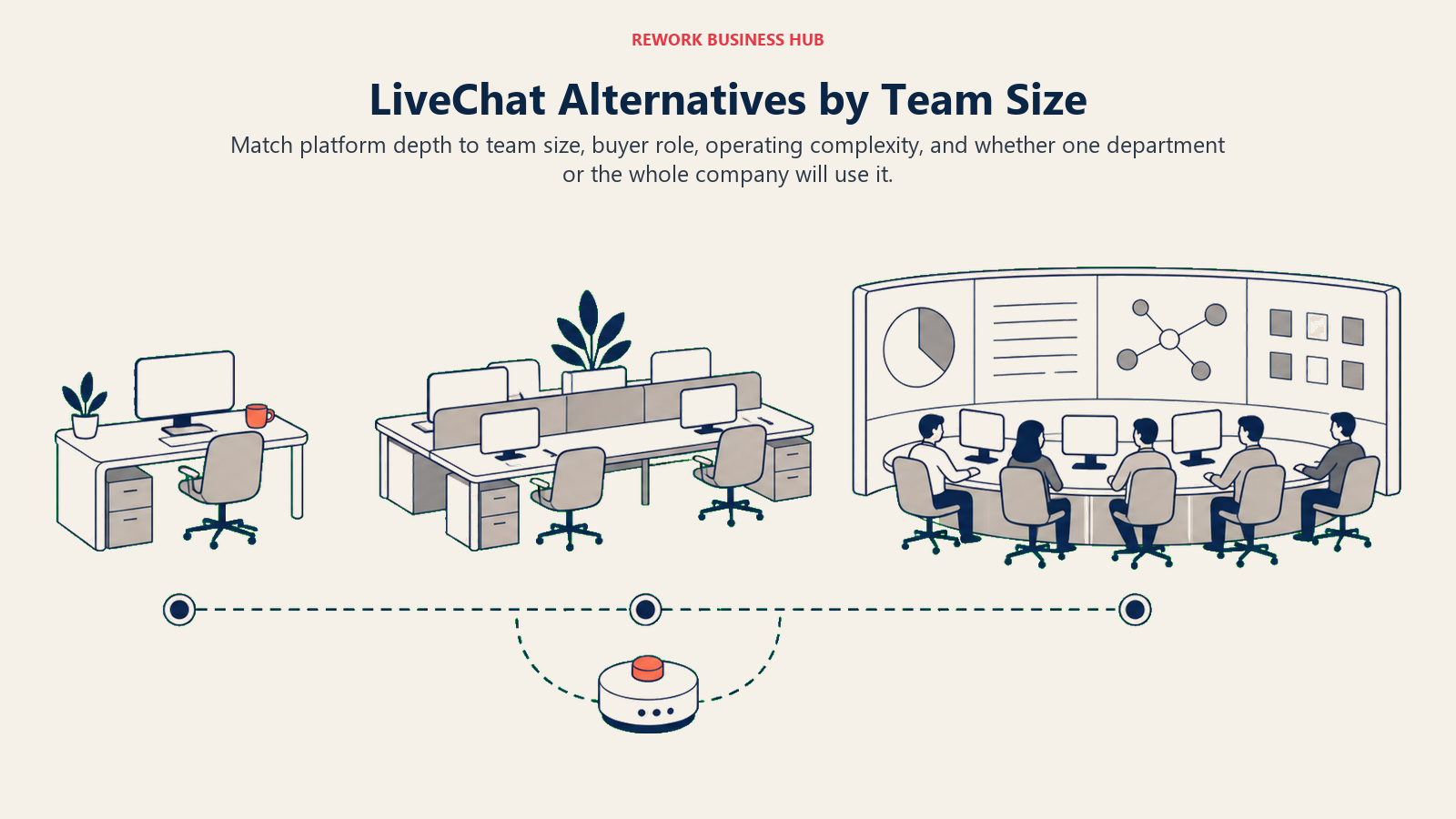
The table below maps the strongest alternatives to the team sizes and buyer profiles they serve best.
| Tool | Ideal Team Size | Primary Buyer | Use Case Fit |
|---|---|---|---|
| Rework | 10–200 agents | Sales Ops, RevOps, COO | Sales + support in one platform |
| Intercom | 5–500 agents | Head of Support, CPO, CTO | Product-led growth + support |
| Tidio | 1–20 agents | Founder, Ecommerce owner | Fast AI chat for small teams |
| Crisp | 1–30 agents | Founder, Head of Support | Budget-conscious multi-channel |
| Freshchat | 10–500 agents | IT Manager, Support Director | Freshworks suite consolidation |
| Drift | 10–200 agents | VP Sales, CMO, RevOps | Conversational ABM, pipeline |
| HubSpot Chat | 5–100 agents | Marketing Ops, Sales Manager | HubSpot CRM-centric teams |
| Olark | 2–50 agents | Support Manager, Founder | Simple, reliable chat |
| Tawk.to | 1–10 agents | Solo operator, Founder | Free widget for early-stage |
| Chatwoot | 5–200 agents | CTO, Head of Engineering | Self-hosted, data-sovereign teams |
1. Rework: Unified CRM, inbox, and lead management for B2B sales and support teams
Rework is built around a core idea that most chat tools ignore: conversations and CRM pipelines should live in the same product. LiveChat requires you to sync data to a CRM separately (usually via Zapier or a native integration), which means delays, duplicate records, and context that gets lost between tools.
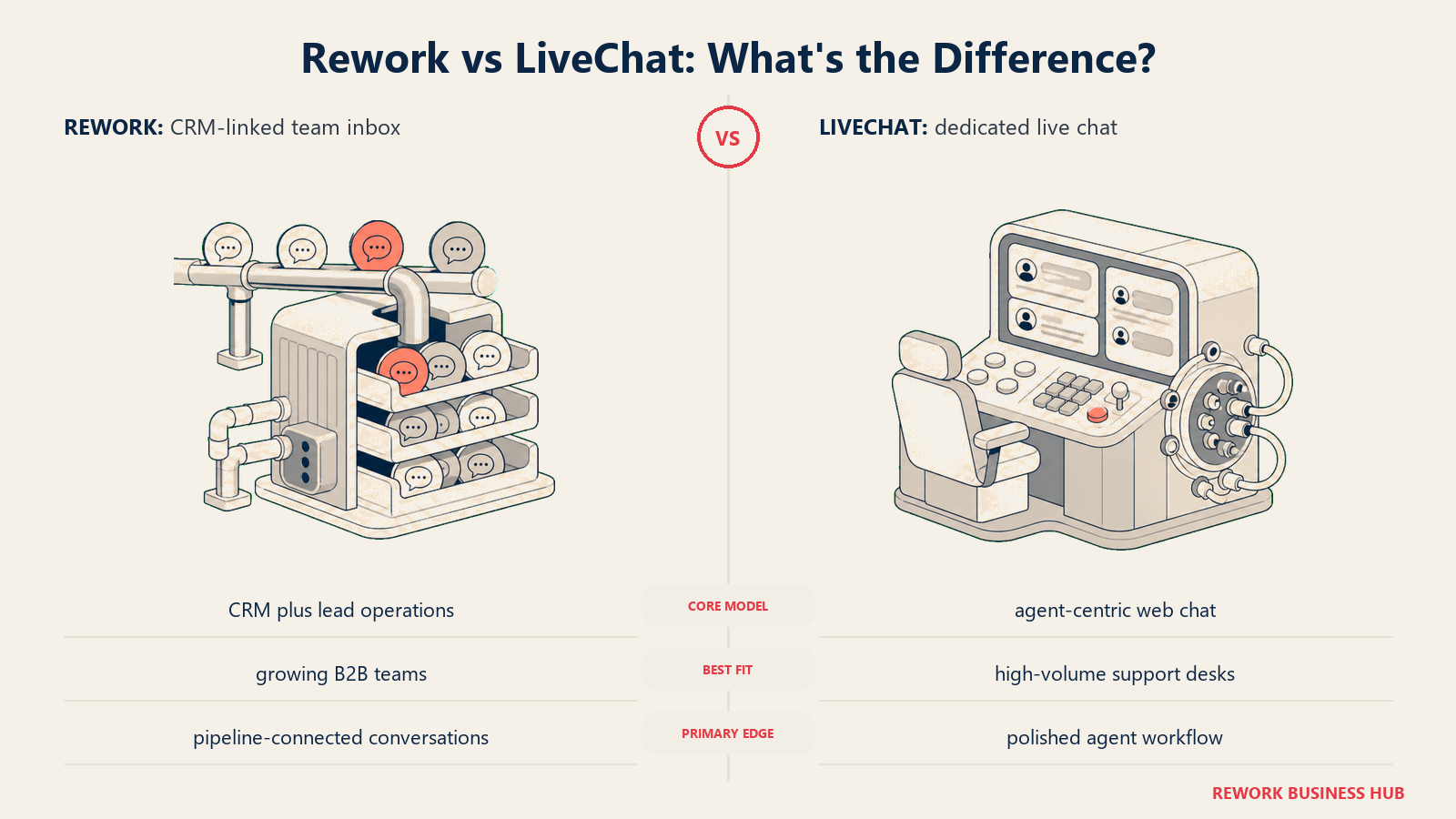
With Rework, every chat conversation is automatically tied to a contact record and a deal pipeline. Support reps and sales reps see the same conversation history, lead status, and deal stage. You can build routing rules that send incoming chats to the right team based on fields like industry or company size, without writing code.
The inbox handles website chat, WhatsApp, Messenger, Instagram, TikTok, Telegram, LINE and Zalo from one queue; email lives in Rework's separate Mail app. AI agents (still in beta) answer routine questions from your own knowledge base and hand off to a person, and lead scoring flags high-intent leads for follow-up. It's not a bolt-on; it's how the product was designed from the ground up.
Rework fits mid-size B2B teams (roughly 10 to 200 people) where sales and support have started to overlap. If your SDRs are answering product questions and your support team is qualifying upsell opportunities, that's the exact gap Rework is designed to close. For teams also juggling WhatsApp and social inboxes, it's worth reading about WhatsApp in B2B sales to see where that channel fits into the broader motion.
| What you get | What you don't |
|---|---|
| Native CRM with deal pipelines and lead scoring | Deep enterprise compliance controls (SSO needs the Advanced edition) |
| Unified inbox: web chat, WhatsApp, social DMs | Complex workflow automation for 500+ agent teams |
| AI agents (beta) and lead scoring | A free plan for very early stage teams |
| Multi-team routing and SLA tracking | Out-of-the-box Salesforce bi-directional sync |
| Built-in analytics for rep and team performance | Email, SMS or voice in the chat inbox |
Pricing: Revenue Engine (CRM, omnichannel inbox and lead capture) is $159/month billed yearly ($1,908/year) or $190 month to month, with 5 marketing and 5 sales seats included. The inbox alone is the Marketing Engine, from $99/month billed yearly. 14-day free trial. See rework.com/pricing.
Best for: B2B companies with 10–200 agents where sales and support teams share customer conversations. Not ideal for: Large enterprise deployments requiring deep Salesforce integration or complex compliance needs.
2. Intercom: AI-first customer messaging for product-led growth companies
Intercom's product philosophy has shifted significantly over the last few years: they're now an AI-first platform built around Fin, their AI support agent, and a "Copilot" that assists human agents in real time. If you believe the future of support is AI handling 40–60% of volume while humans handle the rest, Intercom is building for exactly that future.
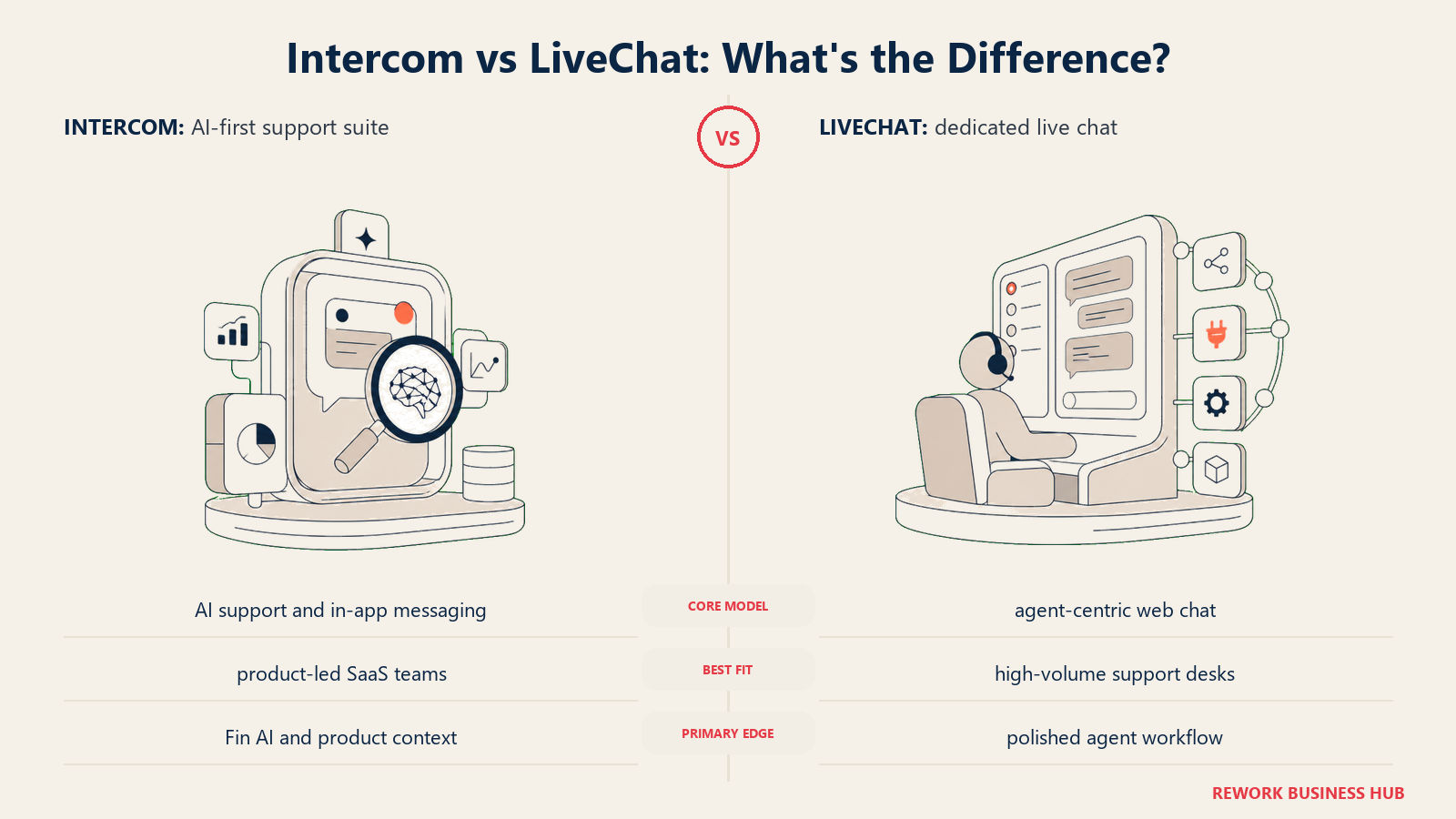
Their target audience is product-led growth companies: SaaS businesses where the product itself drives acquisition and the support team is also doing onboarding, activation, and expansion. It's built for teams that need the product team and support team to share context: which features a user has tried, where they dropped off, what plan they're on.
For growth-stage companies, Intercom's suite is hard to beat on depth: proactive messaging, in-app product tours, help center with AI search, and a conversation routing engine that's genuinely sophisticated. At scale, it handles omnichannel: chat, email, SMS, WhatsApp. You can see how Intercom stacks up specifically in the B2B context in the Drift vs Intercom comparison.
The challenge is cost. Intercom's Starter plan ($39/seat/month) is reasonable for small teams, but once you add feature bundles (proactive support, product tours, Fin AI), the monthly bill climbs fast. Mid-size teams frequently report $2,000–$5,000/month bills before they've unlocked everything they need.
| What you get | What you don't |
|---|---|
| Fin AI agent handling common queries autonomously | Predictable pricing at scale |
| In-app messaging and product tours | Simple setup for non-technical teams |
| Proactive campaigns and onboarding sequences | A native CRM or deal pipeline |
| Deep integrations: Salesforce, HubSpot, Stripe | Affordable pricing for SMBs |
| Omnichannel: chat, email, SMS, WhatsApp | Built-in sales pipeline management |
Pricing: Starter at $39/seat/month. Advanced features add cost. Fin AI priced per resolution. See Intercom's pricing page for current tiers.
Best for: Growth-stage SaaS companies (20–500 people) with product-led acquisition and a combined support and success function. Not ideal for: Teams on a tight budget or those who don't need in-app messaging depth.
3. Tidio: Fast AI chat for small businesses and ecommerce
Tidio's pitch is speed: you can have an AI chatbot live on your site in under 15 minutes. Their product is built for founders and small business owners who don't have a dedicated support ops team but still want to automate first responses and capture leads 24/7.
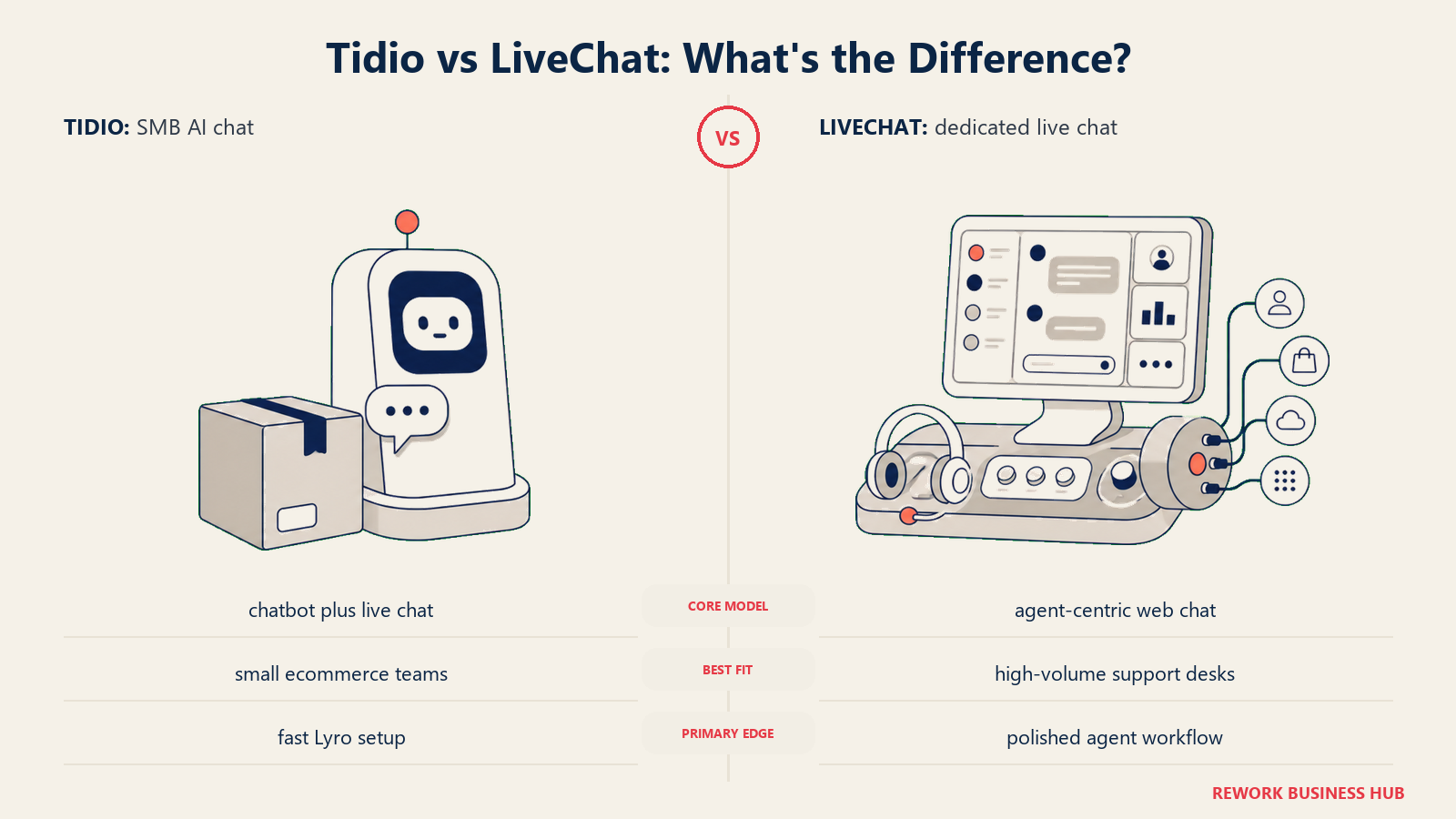
Their AI chatbot, Lyro, uses conversational AI to handle support questions without pre-built decision trees. You feed it your help docs and FAQs, and it answers questions with proper language rather than rigid keyword matching. For a team of 1–5 people, it genuinely reduces the volume of tickets that need a human.
Where Tidio shines most is ecommerce: native integrations with Shopify, WooCommerce, and PrestaShop let it pull order details, shipping status, and product info into conversations. A customer asking "where's my order?" gets a real answer, not a canned redirect to a tracking link.
The limitation is B2B complexity. If you have multiple teams (sales, support, customer success), complex routing rules, or need the chat platform to work alongside a CRM pipeline, Tidio starts to feel thin. It's a great first chat tool; it's not a growth-stage revenue platform. If you're evaluating Tidio seriously, the best Tidio alternatives guide covers the next tier of options for when you outgrow it.
| What you get | What you don't |
|---|---|
| Lyro AI chatbot with conversational answers | Multi-team routing and complex SLA management |
| Shopify / WooCommerce native integrations | Native CRM or deal pipeline |
| Free plan with decent functionality | Deep analytics for team performance |
| Email and Instagram DM inbox alongside chat | Enterprise-grade security controls |
| Fast no-code setup | Scalable for 50+ agent teams |
Pricing: Free plan available. Lyro AI from $29/month. Full omnichannel from $59/month. See Tidio's pricing page for the latest.
Best for: Ecommerce brands and small businesses (1–20 people) wanting AI chat without setup complexity. Not ideal for: B2B SaaS companies needing multi-team workflows or sales pipeline integration.
4. Crisp: Budget-friendly multi-channel messaging for early-stage teams
Crisp has carved out a niche by being genuinely generous on its free tier: two agents, a live chat widget, shared inbox, and a basic CRM. For early-stage startups, it's hard to argue against free multi-channel chat that covers the basics.
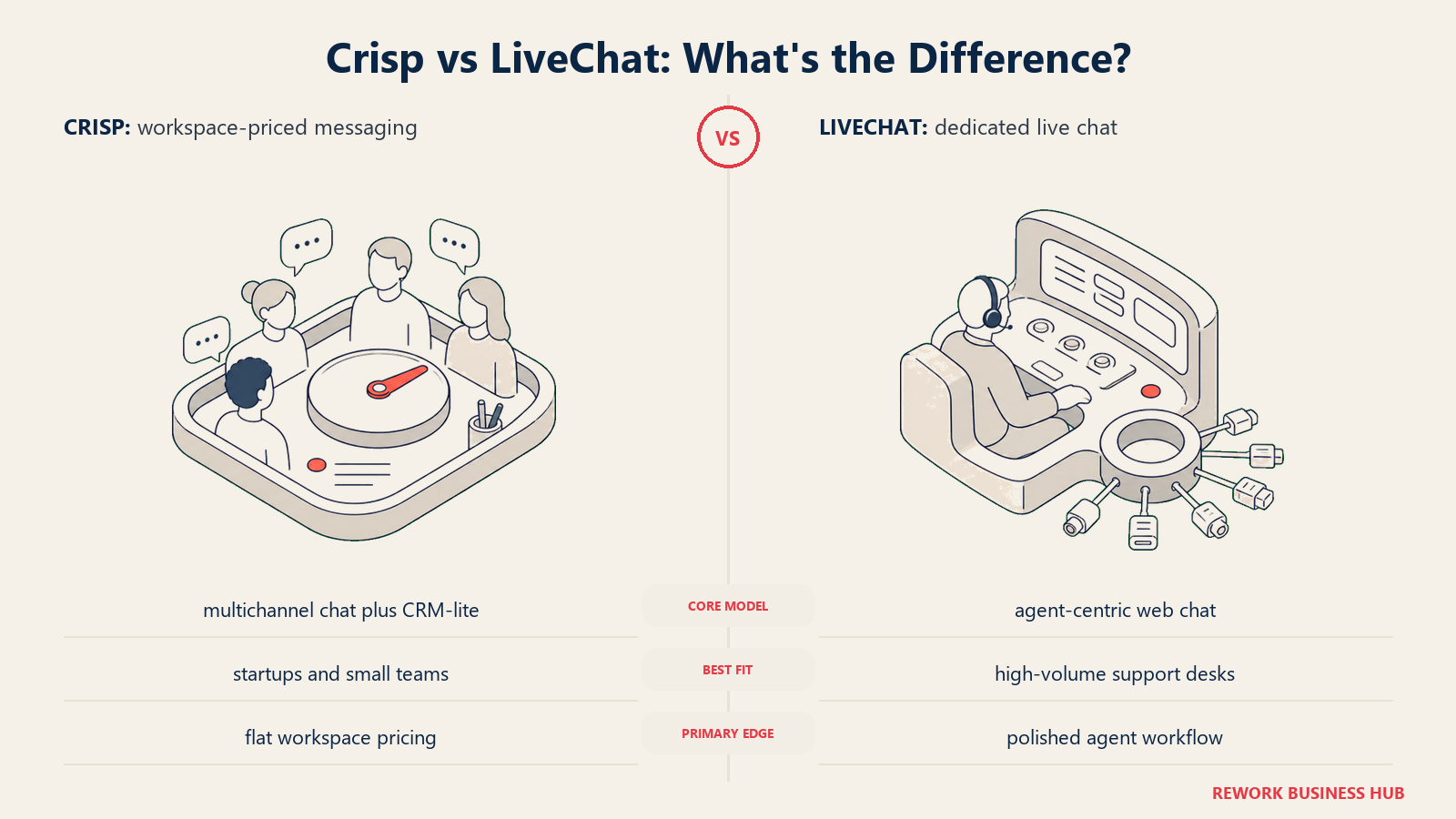
Their product philosophy is breadth over depth: they'd rather cover chat, email, WhatsApp, Instagram, and Facebook Messenger than go extremely deep on any one channel. The result is a product that's easy to get started with and works well for teams doing customer communication across multiple touchpoints before they've figured out which channels matter most.
Crisp also includes a lightweight CRM that logs conversation history per contact, tags, and basic segmentation. It's not a deal pipeline (it won't replace HubSpot or Rework for sales tracking), but it's enough for a 5-person team to stay organized. Teams looking for what comes after Crisp should check the best Crisp alternatives guide.
The tradeoffs: the UI feels dated compared to Intercom and newer entrants, and the advanced automation and analytics features require higher-tier plans that make it less of a budget win. Teams that outgrow the free tier often find the Pro plan's limitations push them toward competitors anyway.
| What you get | What you don't |
|---|---|
| Generous free tier: 2 agents, most core features | Modern, polished UI |
| Multi-channel: chat, email, WhatsApp, Instagram | Deep AI features on lower tiers |
| Lightweight CRM for contact history | Strong analytics or rep performance reporting |
| Chatbot builder on Pro and higher | Scalable for 30+ agent enterprise teams |
| Live visitor tracking and co-browsing (Pro) | Reliable uptime SLAs for enterprise |
Pricing: Free for 2 agents. Pro at $25/month (4 agents). Unlimited at $95/month. See Crisp's pricing page for details.
Best for: Startups and small teams (1–20 people) who want multi-channel messaging on a tight budget. Not ideal for: Teams that need serious AI, deep analytics, or are scaling past 30 agents.
5. Freshchat: AI-powered omnichannel messaging inside the Freshworks ecosystem
Freshchat is the messaging layer of the Freshworks platform, the same company behind Freshdesk (ticketing), Freshsales (CRM), and Freshservice (IT service management). If you're already using any of those products, Freshchat becomes very attractive: conversations, tickets, deals, and service requests can all flow through a single data layer without integrations.
Their product philosophy centers on AI operations: the Freddy AI engine handles intent detection, auto-routing, and agent assist across all channels. The omnichannel suite is genuinely wide: web chat, mobile SDK, WhatsApp Business, Facebook Messenger, Apple Messages for Business, and email, all managed from one inbox.
The sizing fit is broad: Freshchat scales from 5-person support teams up to 500-person enterprise deployments. Freshworks has a long track record with mid-market and enterprise buyers in financial services, retail, and technology. They've invested heavily in HIPAA and SOC 2 compliance, which matters for regulated industries.
The honest caveat: if you're not in the Freshworks ecosystem, the value proposition weakens. As a standalone chat tool, it's more complex and no cheaper than alternatives like Tidio or Crisp. It's best evaluated as part of a broader Freshworks consolidation.
| What you get | What you don't |
|---|---|
| Deep Freshworks suite integration | A strong value proposition outside Freshworks ecosystem |
| Freddy AI: routing, intent, agent assist | Simple UI for non-technical teams |
| Wide omnichannel: WhatsApp, Apple Messages, SMS | Best-in-class AI compared to Intercom's Fin |
| Enterprise compliance: HIPAA, SOC 2 | Transparent, simple pricing |
| Scalable from SMB to enterprise | Fast onboarding for small teams |
Pricing: Growth at $19/agent/month. Pro at $49/agent/month. Enterprise at $79/agent/month.
Best for: Companies already invested in Freshworks, or mid-market teams (50–500) needing broad omnichannel with compliance requirements. Not ideal for: Teams evaluating Freshchat as a standalone product outside the Freshworks stack.
6. Drift: Conversational ABM and pipeline acceleration for enterprise sales teams
Drift pioneered "conversational marketing" and still owns that positioning in enterprise B2B. Their core product vision: instead of making a prospect fill out a form and wait 48 hours for a sales rep, Drift qualifies them in real time via chat, routes them to the right rep instantly, and books the meeting before they leave your site.
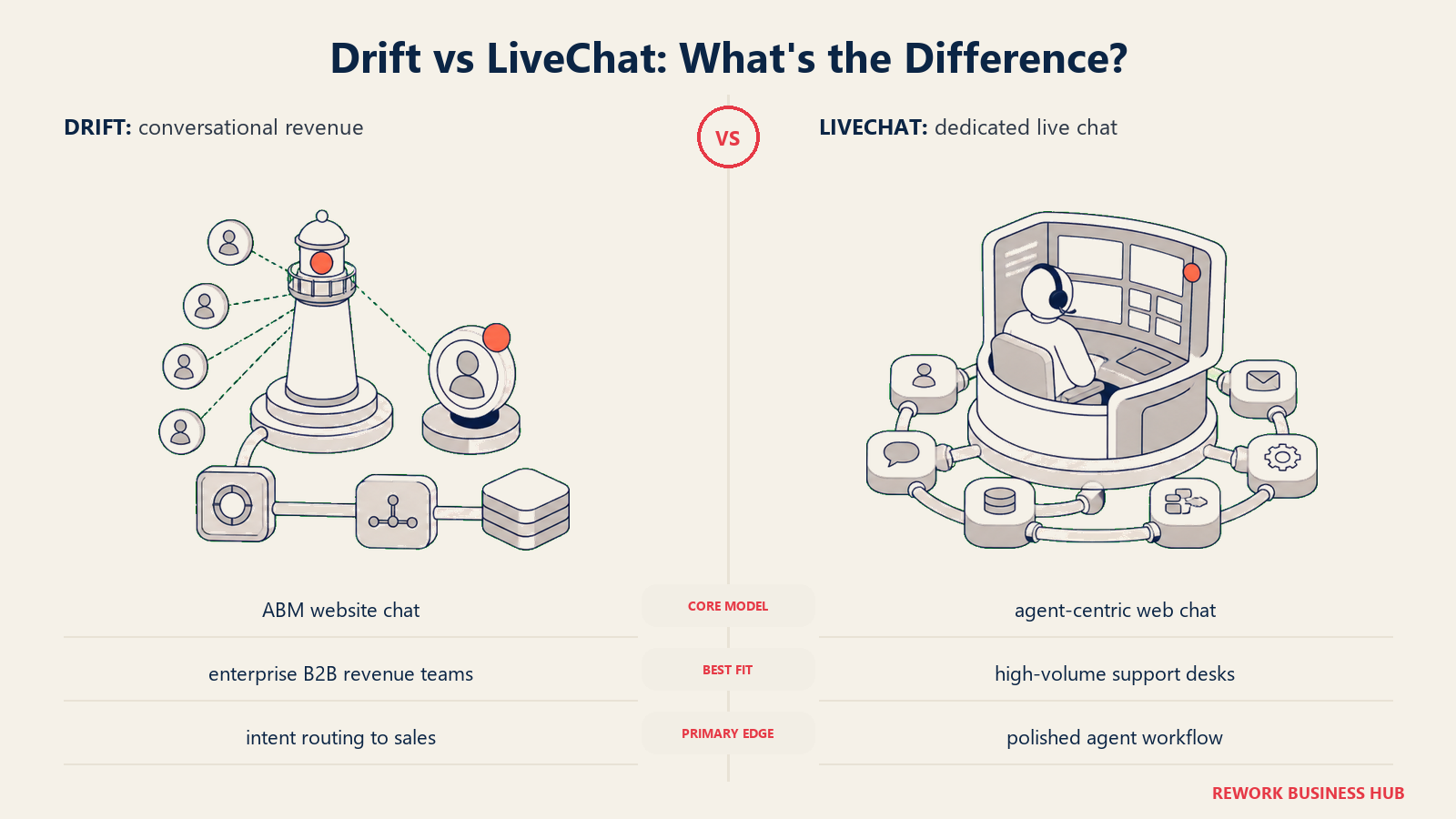
The Bionic Chatbot product combines AI and human handoffs in a way that feels less robotic than most chatbots. It handles qualification, objection handling, and scheduling while escalating to a human at exactly the right moment. The Salesforce integration is genuinely deep: Drift reads intent signals from your CRM, routes by territory and account ownership, and logs every interaction back to Opportunity records automatically.
Drift's sweet spot is enterprise revenue teams doing account-based marketing: a 50-to-200 person sales org with defined territories, named accounts, and a RevOps function that owns the tech stack. At that scale, the ROI math from converting form-fills to real-time conversations is significant. The Death of the Contact Form piece covers exactly why this shift from forms to chat is real.
The barrier is access: Drift's pricing is enterprise and contact-sales-only. There's no self-serve plan. Small and mid-size teams are effectively priced out, and the setup complexity requires a dedicated RevOps resource to configure properly. Teams evaluating Drift against other enterprise options should read the best Drift alternatives guide.
| What you get | What you don't |
|---|---|
| Conversational ABM with account-based routing | Self-serve or SMB-accessible pricing |
| Bionic Chatbot: AI + human handoff at scale | Simple out-of-the-box setup |
| Deep Salesforce and HubSpot bi-directional sync | A support use case: it's built for sales, not support |
| Prospector: AI-generated outbound chat | Transparent, published pricing |
| Meeting booking and pipeline acceleration | Omnichannel for non-sales channels |
Pricing: Contact sales. Enterprise-only; not published.
Best for: Enterprise sales teams (50–500 people) running ABM programs with Salesforce as the system of record. Not ideal for: SMBs, support teams, or anyone wanting self-serve access without enterprise procurement.
7. HubSpot Chat: CRM-native live chat for teams already inside HubSpot
HubSpot's live chat is the simplest entry on this list to explain: it's free, it's built into HubSpot CRM, and it logs every conversation automatically to the contact timeline. If your sales team already lives in HubSpot, adding chat takes about 20 minutes and costs nothing.
The product vision here isn't to be the best chat tool in isolation. It's to be the easiest chat tool for teams already using HubSpot, so there's no integration gap between marketing, sales, and support data. A lead who chats on your site, gets a demo follow-up email, and later opens a support ticket is one contact record with a complete timeline, not three disconnected systems.
HubSpot Chat includes a basic chatbot builder (free), live chat with routing, and a conversations inbox that handles chat and email. For a 5–30 person team using HubSpot's free or Starter CRM, it genuinely covers the basics without added cost. Teams that need a deeper HubSpot replacement should look at the best HubSpot alternatives.
The ceiling is low. HubSpot's chat lacks deep AI features, advanced routing logic, and multi-team SLA management. Teams with high chat volume or complex support workflows consistently outgrow it and look at Intercom or Freshchat for the step up.
| What you get | What you don't |
|---|---|
| Free chat widget with HubSpot CRM | Advanced AI or bot intelligence |
| Automatic contact creation and timeline logging | Complex routing or SLA management |
| Basic chatbot builder (no code) | High-volume support at scale |
| Conversations inbox: chat + email | Omnichannel beyond chat and email |
| Native reporting in HubSpot dashboards | Standalone value outside HubSpot ecosystem |
Pricing: Free with HubSpot CRM free tier. Advanced features unlock with HubSpot Sales Hub (from $15–$90/seat/month).
Best for: Teams using HubSpot who want to add chat without adding another tool to manage. Not ideal for: High-volume support teams or anyone not already in the HubSpot ecosystem.
8. Olark: Simple, reliable live chat for support-focused teams
Olark does one thing and does it well: live chat for support teams that want a clean interface, reliable uptime, and no AI complexity to manage. There's no AI chatbot, no omnichannel ambitions, no deal pipeline. It's chat, canned responses, team routing, and reports.
The philosophy is simplicity as a feature. Olark's average customer is a small to mid-size business (2–50 support agents) that wants chat on their website, useful transcripts, and a clean way to see who's on their site right now. Setup takes an hour. The admin UI is one of the cleaner ones on this list.
Where Olark holds its own: real-time visitor monitoring shows you who's on your site, which page they're on, and their history with your company. Proactive chat rules let you trigger a greeting when a visitor has been on a pricing page for 60 seconds. For teams doing conversion optimization at the bottom of the funnel, these basics still work well.
The limitation is its relative age: Olark hasn't kept pace with AI features, and the product hasn't significantly evolved in several years. Teams that want AI-assisted responses, multi-channel messaging, or deep analytics will hit the ceiling quickly.
| What you get | What you don't |
|---|---|
| Clean, reliable live chat UI | AI chatbot or assistant |
| Real-time visitor monitoring and proactive triggers | Multi-channel (email, social, SMS) |
| Team routing with departments | CRM or deal pipeline |
| Transcripts, tagging, and basic reporting | Advanced analytics or rep scorecards |
| Integrations: Salesforce, Zendesk, HubSpot | Modern AI features |
Pricing: $29/agent/month. Team plans with discounts available. See Olark's pricing page for current plans.
Best for: Support teams of 2–30 agents who want simple, reliable chat without AI complexity. Not ideal for: Teams needing AI automation, multi-channel, or active sales use cases.
9. Tawk.to: Completely free chat for solo operators and early-stage founders
Tawk.to's business model is unusual: the chat widget is 100% free forever, with no agent limits and no feature paywalls. They monetize by offering paid agents (real humans from their team) who can staff your chat for you. The software itself is a loss leader.
That model has a natural consequence: the product improves slowly, since it doesn't need to compete on features to drive revenue. The core chat widget is functional, the iOS and Android apps are usable, and the inbox handles basic conversation routing. That's mostly where the story ends.
For a solo founder, a freelancer, or a very early-stage company that wants a chat widget on their site for zero dollars, Tawk.to is hard to argue against. It works. It's free. And when you're pre-revenue or in the first 10 customers, that matters.
But the ceiling is low and the floor on AI is basically zero. There's a basic custom bot builder, but nothing close to modern AI conversation handling. Teams with more than a handful of agents and any complexity in their support workflow will outgrow it within months.
| What you get | What you don't |
|---|---|
| Completely free, forever, unlimited agents | Meaningful AI or bot intelligence |
| Basic multi-agent inbox | Advanced routing or SLA management |
| iOS and Android mobile apps | Omnichannel beyond web chat |
| Canned responses and basic tagging | CRM or pipeline integration |
| 100+ language support | Analytics beyond basic volume reports |
Pricing: Free. Paid agent staffing from $1/hour if you want Tawk.to's team to staff chat for you.
Best for: Solo operators, very early-stage startups (1–5 people) who need a chat widget at zero cost. Not ideal for: Any team with more than 10 agents or any meaningful complexity in support or sales workflows.
10. Chatwoot: Open-source, self-hosted omnichannel for data-sovereign teams
Chatwoot is the only fully open-source tool on this list. The code is on GitHub, you can self-host it on your own infrastructure, and you own 100% of your data. For companies in regulated industries, for teams in regions with strict data residency requirements, or for engineering-led organizations that distrust SaaS vendors with customer conversation data, this is a serious option.
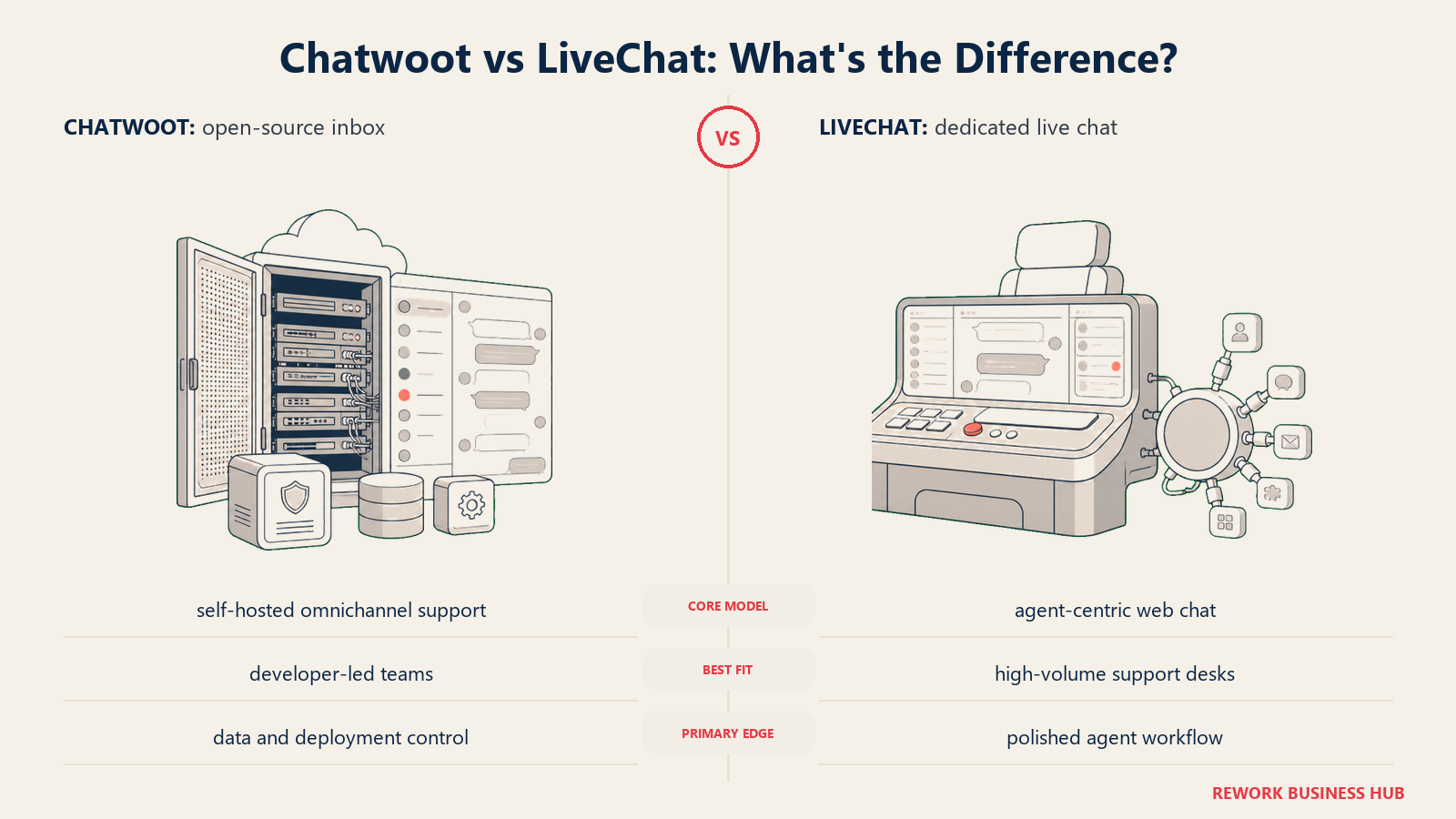
The product covers genuine omnichannel: website chat, email, Twitter/X DMs, Facebook Messenger, WhatsApp, Instagram, and API channels. The inbox UI is modern and clean. It doesn't feel like self-hosted software from 2015. Labels, canned responses, team routing, and CSAT surveys are all included.
Chatwoot also offers a cloud-hosted version starting at $19/agent/month if you want the software without the infrastructure burden. But the real differentiation is self-hosting: no per-seat fees, no vendor lock-in, full API access to build custom integrations.
The honest cost: self-hosting requires a technical team. You'll need someone who can handle server setup, updates, backup, and occasional debugging. For a team without DevOps capacity, the "free" option isn't really free when you factor in engineering time.
| What you get | What you don't |
|---|---|
| Full open-source codebase, self-hostable | Easy setup without a technical team |
| Omnichannel: chat, email, social, WhatsApp | Enterprise support SLAs (unless you buy cloud plan) |
| No per-seat fees for self-hosted version | AI features comparable to Intercom or Freshchat |
| API-first architecture for custom integrations | Polished onboarding for non-technical buyers |
| Full data sovereignty and residency control | A native CRM or sales pipeline |
Pricing: Self-hosted: free. Cloud hosted: $19/agent/month (Starter) to $99/agent/month (Business). See Chatwoot's pricing page for details.
Best for: Engineering-led companies (5–200 people) with data residency requirements or teams that want open-source flexibility and full data control. Not ideal for: Teams without technical resources to manage infrastructure, or those who need strong AI features out of the box.
How to Choose: Decision Framework
| If you need... | Pick this |
|---|---|
| Chat + CRM + lead management in one platform for a B2B team | Rework |
| AI-first support at scale for a SaaS product | Intercom |
| Fast AI chat setup for ecommerce or small business | Tidio |
| Multi-channel messaging on a tight budget | Crisp |
| Chat that works inside your Freshworks stack | Freshchat |
| Conversational ABM for enterprise sales with Salesforce | Drift |
| Chat without leaving HubSpot | HubSpot Chat |
| Simple, reliable support chat with no AI complexity | Olark |
| A working chat widget at zero cost for early-stage | Tawk.to |
| Full open-source and data control for regulated industries | Chatwoot |
Feature Comparison: Key Capabilities
| Feature | Rework | Intercom | Tidio | Crisp | Freshchat | Drift | HubSpot Chat | Olark | Tawk.to | Chatwoot |
|---|---|---|---|---|---|---|---|---|---|---|
| Native CRM / deal pipeline | Yes | No | No | Lite | Via Freshsales | No | Via HubSpot | No | No | No |
| AI chatbot | Beta (AI agents) | Yes (Fin) | Yes (Lyro) | Basic | Yes (Freddy) | Yes (Bionic) | Basic | No | Basic | Limited |
| Omnichannel inbox | Yes | Yes | Partial | Yes | Yes | No | Partial | No | No | Yes |
| WhatsApp support | Yes | Yes | Paid | Paid | Yes | No | No | No | No | Yes |
| Open-source | No | No | No | No | No | No | No | No | No | Yes |
| Self-hosted option | No | No | No | No | No | No | No | No | No | Yes |
| Free plan | No | No | Yes | Yes | No | No | Yes | No | Yes | Yes (self-host) |
Pricing Comparison at 10 Agents
| Tool | Monthly Cost (10 agents, est.) | Pricing Model | Notes |
|---|---|---|---|
| Rework | ~$180 (billed yearly) | Engine + seat blocks of 5 | Revenue Engine ($159) plus one block of 5 marketing seats for the inbox; includes CRM + chat |
| Intercom | ~$390–$600+ | Per seat + feature bundles | Fin AI billed per resolution |
| Tidio | ~$290–$590 | Per seat / flat | Depends on plan and AI usage |
| Crisp | ~$95–$300 | Flat / per plan | Not strictly per agent |
| Freshchat | ~$190–$490 | Per agent | Suite discounts available |
| Drift | Custom | Enterprise only | Not available for SMBs |
| HubSpot Chat | ~$0–$900 | Per seat (HubSpot plan) | Depends on HubSpot tier |
| Olark | ~$290 | Per agent | Straightforward per-agent |
| Tawk.to | $0 | Free | Revenue via staffing services |
| Chatwoot | $0–$190 | Self-hosted free / cloud per agent | Self-hosted has no seat cost |
What to Do Next
Don't evaluate 10 tools. Pick your top two based on the decision framework above and run a two-week pilot with real customer conversations.
If Rework is on your shortlist: bring two or three support or sales reps into the trial. The CRM integration is the differentiator. Run it alongside your current process for one week, then compare how many conversations turned into pipeline. Reading about ad-to-chat funnels beforehand gives you a good frame for how inbound conversations should connect to your pipeline.
If you're evaluating Intercom or Freshchat at scale: get a demo with your actual volume numbers and ask specifically about the AI resolution rate on your support category. The gap between "we can automate 60% of tickets" and your actual use case is where the real decision gets made.
If you need help thinking through how chat conversations become CRM contacts and pipeline stages automatically, multi-channel inbox configuration walks through the setup process in detail. And if lead routing is your specific headache, lead routing for chat covers the logic behind how incoming chats should get assigned.
The tools on this list are meaningfully different. The right pick depends on whether you're solving a support problem, a sales problem, or both, and how much of your stack you want to consolidate around one platform. Teams that consolidate their chat tool often reconsider survey and feedback tooling at the same time. The best SurveyMonkey alternatives is worth reviewing if post-conversation CSAT or NPS is part of your support workflow.
According to G2's live chat software category, Intercom and Freshchat consistently rank highest for mid-market, while Tidio leads for SMB satisfaction scores, a useful sanity check when narrowing your shortlist.
Frequently Asked Questions
What is the best LiveChat alternative in 2026? For B2B teams that want chat and CRM in one tool, Rework is the strongest pick because every conversation ties to a contact record and deal pipeline automatically. For AI-first support at scale, Intercom leads, and for fast, low-cost setup, Tidio and Crisp are the common choices.
Why do teams switch away from LiveChat? The most common reasons are per-agent pricing that adds up fast, the AI chatbot being a separate paid product (ChatBot.com), no native CRM to tie conversations to deals, and analytics that aren't deep enough for teams optimizing response times or rep performance.
Is there a free alternative to LiveChat? Yes. Tawk.to is completely free for unlimited agents, Chatwoot is free when self-hosted, and Crisp, Tidio, and HubSpot Chat all offer free plans. HubSpot Chat is free with HubSpot CRM, which suits teams already in that ecosystem.
Which LiveChat alternative is best for sales teams? Rework and Drift are the most sales-focused. Rework unifies chat, CRM, and lead management for mid-size B2B teams, while Drift specializes in conversational ABM and pipeline acceleration for enterprise sales orgs running Salesforce.
What is the cheapest LiveChat alternative for a small team? Tawk.to (free) and Crisp (free for 2 agents, then $25/month) are the most budget-friendly. Tidio's free plan also covers basic AI chat, making it a strong starting point for ecommerce and small businesses before they scale up.

Senior Implementation Consultant
On this page
- Quick Comparison Table
- Stage Fit Matrix
- Team Size and Buyer Persona Table
- 1. Rework: Unified CRM, inbox, and lead management for B2B sales and support teams
- 2. Intercom: AI-first customer messaging for product-led growth companies
- 3. Tidio: Fast AI chat for small businesses and ecommerce
- 4. Crisp: Budget-friendly multi-channel messaging for early-stage teams
- 5. Freshchat: AI-powered omnichannel messaging inside the Freshworks ecosystem
- 6. Drift: Conversational ABM and pipeline acceleration for enterprise sales teams
- 7. HubSpot Chat: CRM-native live chat for teams already inside HubSpot
- 8. Olark: Simple, reliable live chat for support-focused teams
- 9. Tawk.to: Completely free chat for solo operators and early-stage founders
- 10. Chatwoot: Open-source, self-hosted omnichannel for data-sovereign teams
- How to Choose: Decision Framework
- Feature Comparison: Key Capabilities
- Pricing Comparison at 10 Agents
- What to Do Next
- Frequently Asked Questions